Quick Verdict
At a glance
We tested 43 video conferencing and meeting software products tailored for small businesses and agile teams to find the absolute best options for 2026. Our evaluation heavily weighed video/audio reliability, ease of use, collaboration tools, and pricing value.
🏆 Overall #1: Microsoft Teams Essentials — unmatched value with seamless integrations and robust performance.
🥈 #2: Google Workspace Business Starter — the most frictionless browser-based experience tied into an essential suite.
🥉 #3: Microsoft 365 Business Basic — superior cloud storage and ecosystem lock-in value.
Which one is for me?
How We Tested
To determine the best video conferencing software for small teams in 2026, we began with a candidate pool of 43 leading platforms, ranging from dedicated video communication tools to comprehensive workspace suites. We didn't just look at feature lists; our testing centered on real-world use cases relevant to agile businesses. We wanted to see which platforms maintained stable connections under low bandwidth, which seamlessly integrated into daily workflows, and which offered the lowest friction for external clients joining a call.
We objectively evaluated every platform according to the Selection Logic M2 Multi-Dimensional Evaluation framework[1]. In our simulated work environments, each product was assessed across seven weighted dimensions: Video & Audio Reliability (20%), Pricing & Value (20%), Ease of Setup & Use (15%), Collaboration Features (15%), App Integrations (10%), Security & Meeting Controls (10%), and Mobile & Cross-Platform Support (10%). For specific business needs, we also analyzed scenario-based fit, leaning on Selection Logic's software buying guide models[2].
About our team
Our reviewers are enterprise software analysts and former IT administrators who specialize in small business technology. We test software on macOS, Windows, iOS, and Android using various network conditions to simulate remote and hybrid work accurately.
Our Declared Values: We are fully independent and do not accept sponsored product placements or paid ranking boosts. Our reviews are strictly data-driven, relying on transparent scoring algorithms and empirical software tests. We procure access to the products we review through standard commercial or free tiers, ensuring our recommendations remain completely objective.
| Dimension | Overall | Best Overall for Agile Teams | Best Budget & Free Options | Best for External Client Meetings | Best for Creative & Brainstorming Teams |
|---|---|---|---|---|---|
| Video & Audio Reliability | 20% | 20% | 15% | 30% | 15% |
| Ease of Setup & Use | 15% | 20% | 15% | 25% | 10% |
| Collaboration Features | 15% | 15% | 10% | 10% | 35% |
| App Integrations | 10% | 10% | 5% | 5% | 20% |
| Security & Meeting Controls | 10% | 10% | 5% | 15% | 5% |
| Pricing & Value | 20% | 15% | 45% | 10% | 10% |
| Mobile & Cross-Platform Support | 10% | 10% | 5% | 5% | 5% |
Overall Rankings
Full list of 43 products sorted by weighted overall score (1–10).
Prices are checked as of Mar 18, 2026 (2026 Q1). Use "Check price" links for current pricing.
| # | Product | Type | Price | A/V Quality | Ease of Use | Collaboration | Integrations | Security | Value | Mobile/OS | Overall | Awards |
|---|---|---|---|---|---|---|---|---|---|---|---|---|
| 1 | Microsoft Teams Essentials | Unified Communications | $4 | 8 | 7 | 9 | 10 | 9 | 10 | 9 | 8.80 | 🏆 Editor's Choice 🌟 Best Budget 📊 Best Pricing & Value 🎯 Best Best Budget & Free Options |
| 2 | Google Workspace Business Starter | Workspace Collaboration Suite | $7 | 8 | 9 | 8 | 10 | 8 | 9 | 9 | 8.65 | 📊 Best App Integrations 🎯 Best Best Overall for Agile Teams |
| 3 | Microsoft 365 Business Basic | Workspace Collaboration Suite | $6 | 8 | 7 | 9 | 10 | 9 | 9 | 9 | 8.60 | |
| 4 | Microsoft 365 Business Standard | Workspace Collaboration Suite | $13 | 8 | 7 | 10 | 10 | 9 | 8 | 9 | 8.55 | 📊 Best Collaboration Features 🎯 Best Best for Creative & Brainstorming Teams |
| 5 | Google Meet (Free) | Browser-based Video Meetings | $0 | 8 | 10 | 7 | 8 | 8 | 9 | 9 | 8.45 | 💰 Best Value 🎯 Best Best for External Client Meetings |
| 6 | Google Workspace Business Standard | Workspace Collaboration Suite | $14 | 8 | 9 | 9 | 10 | 8 | 7 | 9 | 8.40 | |
| 7 | Lark Pro | Workspace Collaboration Suite | $12 | 8 | 8 | 9 | 8 | 9 | 8 | 9 | 8.35 | |
| 8 | Google Workspace Essentials | Workspace Collaboration Suite | $8 | 8 | 9 | 8 | 9 | 8 | 8 | 9 | 8.35 | |
| 9 | Zoom Workplace Basic (Free) | Cloud Video Conferencing | $0 | 9 | 8 | 8 | 8 | 8 | 8 | 9 | 8.30 | |
| 10 | Lark Free | Workspace Collaboration Suite | $0 | 8 | 8 | 8 | 8 | 8 | 9 | 9 | 8.30 | |
| 11 | Zoom Workplace Pro | Cloud Video Conferencing | $16 | 9 | 8 | 9 | 9 | 9 | 6 | 9 | 8.25 | 📊 Best Video & Audio Reliability 📊 Best Mobile & Cross-Platform Support |
| 12 | Microsoft 365 Business Premium | Workspace Collaboration Suite | $22 | 8 | 7 | 10 | 10 | 10 | 6 | 9 | 8.25 | |
| 13 | RingCentral Video Pro (Free) | Cloud Video Conferencing | $0 | 9 | 8 | 7 | 7 | 8 | 9 | 9 | 8.25 | |
| 14 | RingCentral Video Pro+ | Cloud Video Conferencing | $12 | 9 | 8 | 8 | 9 | 8 | 7 | 9 | 8.20 | |
| 15 | Google Workspace Business Plus | Workspace Collaboration Suite | $22 | 8 | 9 | 9 | 10 | 10 | 5 | 9 | 8.20 | |
| 16 | Zoom Workplace Business | Cloud Video Conferencing | $22 | 9 | 8 | 9 | 9 | 10 | 5 | 9 | 8.15 | |
| 17 | Microsoft Teams (Free) | Unified Communications | $0 | 8 | 7 | 8 | 8 | 8 | 9 | 9 | 8.15 | |
| 18 | Webex App (Free) | Cloud Video Conferencing | $0 | 9 | 7 | 8 | 7 | 9 | 8 | 9 | 8.15 | |
| 19 | Webex Meet Plan | Cloud Video Conferencing | $15 | 9 | 7 | 9 | 8 | 10 | 6 | 9 | 8.10 | 📊 Best Security & Meeting Controls |
| 20 | Whereby Pro | Browser-based Video Meetings | $7 | 7 | 10 | 8 | 7 | 7 | 9 | 8 | 8.10 | 📊 Best Ease of Setup & Use |
| 21 | Zoho Meeting Standard | Web Conferencing | $3 | 7 | 8 | 7 | 8 | 8 | 10 | 8 | 8.05 | |
| 22 | Whereby Business | Browser-based Video Meetings | $10 | 7 | 10 | 8 | 7 | 8 | 8 | 8 | 8.00 | |
| 23 | Webex Suite Plan | Unified Communications | $25 | 9 | 7 | 9 | 8 | 10 | 5 | 9 | 7.90 | |
| 24 | Dialpad Meetings Free | Cloud Video Conferencing | $0 | 8 | 9 | 7 | 7 | 8 | 8 | 8 | 7.90 | |
| 25 | Jitsi Meet (Open Source) | Open Source Video Conferencing | $0 | 7 | 9 | 6 | 5 | 9 | 10 | 8 | 7.85 | |
| 26 | Zoho Meeting Professional | Web Conferencing | $9 | 7 | 8 | 8 | 8 | 8 | 8 | 8 | 7.80 | |
| 27 | Dialpad Meetings Business | Cloud Video Conferencing | $15 | 8 | 9 | 8 | 8 | 8 | 6 | 8 | 7.75 | |
| 28 | Livestorm Free | Webinar & Meeting Software | $0 | 8 | 9 | 8 | 8 | 8 | 6 | 8 | 7.75 | |
| 29 | TrueConf Server Free | On-Premises Video Conferencing | $0 | 9 | 5 | 7 | 5 | 10 | 9 | 8 | 7.70 | |
| 30 | GoTo Meeting Business | Cloud Video Conferencing | $19 | 8 | 8 | 9 | 8 | 9 | 5 | 8 | 7.65 | |
| 31 | GoTo Meeting Professional | Cloud Video Conferencing | $14 | 8 | 8 | 8 | 8 | 8 | 6 | 8 | 7.60 | |
| 32 | AnyMeeting Pro | Cloud Video Conferencing | $13 | 7 | 8 | 8 | 7 | 8 | 7 | 8 | 7.50 | |
| 33 | Zoho Meeting Free | Web Conferencing | $0 | 7 | 8 | 6 | 7 | 7 | 9 | 8 | 7.50 | |
| 34 | Whereby Free | Browser-based Video Meetings | $0 | 7 | 10 | 6 | 6 | 7 | 8 | 8 | 7.50 | |
| 35 | Livestorm Pro | Webinar & Meeting Software | $88 | 8 | 9 | 9 | 9 | 8 | 3 | 8 | 7.40 | |
| 36 | TrueConf Online Pro | Cloud Video Conferencing | $15 | 9 | 6 | 8 | 6 | 9 | 6 | 8 | 7.40 | |
| 37 | Nextiva Professional Video | Unified Communications | $31 | 8 | 8 | 8 | 9 | 8 | 4 | 8 | 7.30 | |
| 38 | AnyMeeting Lite | Cloud Video Conferencing | $10 | 7 | 8 | 7 | 7 | 8 | 6 | 8 | 7.15 | |
| 39 | ClickMeeting Live | Webinar & Meeting Software | $25 | 7 | 8 | 8 | 7 | 8 | 5 | 8 | 7.10 | |
| 40 | FreeConferenceCall | Cloud Video Conferencing | $0 | 6 | 8 | 6 | 5 | 6 | 10 | 7 | 7.10 | |
| 41 | Nextiva Essential Video | Unified Communications | $26 | 8 | 8 | 7 | 8 | 8 | 4 | 8 | 7.05 | |
| 42 | TeamViewer Meeting Pro | Cloud Video Conferencing | $10 | 7 | 7 | 7 | 6 | 9 | 6 | 8 | 7.00 | |
| 43 | TeamViewer Meeting Free | Cloud Video Conferencing | $0 | 7 | 7 | 5 | 5 | 9 | 7 | 8 | 6.80 |
Dimension Rankings
Each dimension ranked independently (Top 10).
📊 Best for Video & Audio Reliability — Top 10
| Dim # | Product | Video & Audio Reliability Score | Overall Rank | Price |
|---|---|---|---|---|
| 1 | Zoom Workplace Pro | 9 | #11 | $16 |
| 2 | Webex Meet Plan | 9 | #19 | $15 |
| 3 | Zoom Workplace Business | 9 | #16 | $22 |
| 4 | RingCentral Video Pro+ | 9 | #14 | $12 |
| 5 | Webex Suite Plan | 9 | #23 | $25 |
| 6 | TrueConf Online Pro | 9 | #36 | $15 |
| 7 | Zoom Workplace Basic (Free) | 9 | #9 | $0 |
| 8 | Webex App (Free) | 9 | #18 | $0 |
| 9 | RingCentral Video Pro (Free) | 9 | #13 | $0 |
| 10 | TrueConf Server Free | 9 | #29 | $0 |
📊 Best for Ease of Setup & Use — Top 10
| Dim # | Product | Ease of Setup & Use Score | Overall Rank | Price |
|---|---|---|---|---|
| 1 | Whereby Pro | 10 | #20 | $7 |
| 2 | Whereby Business | 10 | #22 | $10 |
| 3 | Google Meet (Free) | 10 | #5 | $0 |
| 4 | Whereby Free | 10 | #34 | $0 |
| 5 | Google Workspace Business Starter | 9 | #2 | $7 |
| 6 | Google Workspace Business Standard | 9 | #6 | $14 |
| 7 | Dialpad Meetings Business | 9 | #27 | $15 |
| 8 | Google Workspace Business Plus | 9 | #15 | $22 |
| 9 | Google Workspace Essentials | 9 | #8 | $8 |
| 10 | Livestorm Pro | 9 | #35 | $88 |
📊 Best for Collaboration Features — Top 10
| Dim # | Product | Collaboration Features Score | Overall Rank | Price |
|---|---|---|---|---|
| 1 | Microsoft 365 Business Standard | 10 | #4 | $13 |
| 2 | Microsoft 365 Business Premium | 10 | #12 | $22 |
| 3 | Zoom Workplace Pro | 9 | #11 | $16 |
| 4 | Microsoft Teams Essentials | 9 | #1 | $4 |
| 5 | Google Workspace Business Standard | 9 | #6 | $14 |
| 6 | Webex Meet Plan | 9 | #19 | $15 |
| 7 | Zoom Workplace Business | 9 | #16 | $22 |
| 8 | Lark Pro | 9 | #7 | $12 |
| 9 | Microsoft 365 Business Basic | 9 | #3 | $6 |
| 10 | Google Workspace Business Plus | 9 | #15 | $22 |
📊 Best for App Integrations — Top 10
| Dim # | Product | App Integrations Score | Overall Rank | Price |
|---|---|---|---|---|
| 1 | Google Workspace Business Starter | 10 | #2 | $7 |
| 2 | Microsoft Teams Essentials | 10 | #1 | $4 |
| 3 | Google Workspace Business Standard | 10 | #6 | $14 |
| 4 | Microsoft 365 Business Standard | 10 | #4 | $13 |
| 5 | Microsoft 365 Business Basic | 10 | #3 | $6 |
| 6 | Google Workspace Business Plus | 10 | #15 | $22 |
| 7 | Microsoft 365 Business Premium | 10 | #12 | $22 |
| 8 | Zoom Workplace Pro | 9 | #11 | $16 |
| 9 | Zoom Workplace Business | 9 | #16 | $22 |
| 10 | RingCentral Video Pro+ | 9 | #14 | $12 |
📊 Best for Security & Meeting Controls — Top 10
| Dim # | Product | Security & Meeting Controls Score | Overall Rank | Price |
|---|---|---|---|---|
| 1 | Webex Meet Plan | 10 | #19 | $15 |
| 2 | Zoom Workplace Business | 10 | #16 | $22 |
| 3 | Google Workspace Business Plus | 10 | #15 | $22 |
| 4 | Webex Suite Plan | 10 | #23 | $25 |
| 5 | Microsoft 365 Business Premium | 10 | #12 | $22 |
| 6 | TrueConf Server Free | 10 | #29 | $0 |
| 7 | Zoom Workplace Pro | 9 | #11 | $16 |
| 8 | Microsoft Teams Essentials | 9 | #1 | $4 |
| 9 | Microsoft 365 Business Standard | 9 | #4 | $13 |
| 10 | Lark Pro | 9 | #7 | $12 |
📊 Best for Pricing & Value — Top 10
| Dim # | Product | Pricing & Value Score | Overall Rank | Price |
|---|---|---|---|---|
| 1 | Microsoft Teams Essentials | 10 | #1 | $4 |
| 2 | Zoho Meeting Standard | 10 | #21 | $3 |
| 3 | Jitsi Meet (Open Source) | 10 | #25 | $0 |
| 4 | FreeConferenceCall | 10 | #40 | $0 |
| 5 | Google Workspace Business Starter | 9 | #2 | $7 |
| 6 | Whereby Pro | 9 | #20 | $7 |
| 7 | Microsoft 365 Business Basic | 9 | #3 | $6 |
| 8 | Google Meet (Free) | 9 | #5 | $0 |
| 9 | Microsoft Teams (Free) | 9 | #17 | $0 |
| 10 | RingCentral Video Pro (Free) | 9 | #13 | $0 |
📊 Best for Mobile & Cross-Platform Support — Top 10
| Dim # | Product | Mobile & Cross-Platform Support Score | Overall Rank | Price |
|---|---|---|---|---|
| 1 | Zoom Workplace Pro | 9 | #11 | $16 |
| 2 | Google Workspace Business Starter | 9 | #2 | $7 |
| 3 | Microsoft Teams Essentials | 9 | #1 | $4 |
| 4 | Google Workspace Business Standard | 9 | #6 | $14 |
| 5 | Webex Meet Plan | 9 | #19 | $15 |
| 6 | Microsoft 365 Business Standard | 9 | #4 | $13 |
| 7 | Zoom Workplace Business | 9 | #16 | $22 |
| 8 | RingCentral Video Pro+ | 9 | #14 | $12 |
| 9 | Lark Pro | 9 | #7 | $12 |
| 10 | Microsoft 365 Business Basic | 9 | #3 | $6 |
Scenario Rankings
🎯 Best Overall for Agile Teams — Top 5
Weights: A/V Quality 20%, Ease of Use 20%, Value 15%, Collaboration 15%, Integrations 10%, Security 10%, Mobile 10%
| # | Product | Score | Overall Rank | Price | Why |
|---|---|---|---|---|---|
| 1 | Google Workspace Business Starter | 8.65 | #2 | $7 | |
| 2 | Microsoft Teams Essentials | 8.65 | #1 | $4 | |
| 3 | Google Workspace Business Standard | 8.50 | #6 | $14 | |
| 4 | Microsoft 365 Business Standard | 8.50 | #4 | $13 | |
| 5 | Microsoft 365 Business Basic | 8.50 | #3 | $6 |
🎯 Best Budget & Free Options — Top 5
Weights: Value 45%, A/V Quality 15%, Ease of Use 15%, Collaboration 10%, Integrations 5%, Security 5%, Mobile 5%
| # | Product | Score | Overall Rank | Price | Why |
|---|---|---|---|---|---|
| 1 | Microsoft Teams Essentials | 9.05 | #1 | $4 | |
| 2 | Google Workspace Business Starter | 8.75 | #2 | $7 | |
| 3 | Google Meet (Free) | 8.70 | #5 | $0 | |
| 4 | Zoho Meeting Standard | 8.65 | #21 | $3 | |
| 5 | Microsoft 365 Business Basic | 8.60 | #3 | $6 |
🎯 Best for External Client Meetings — Top 5
Weights: A/V Quality 30%, Ease of Use 25%, Security 15%, Value 10%, Collaboration 10%, Integrations 5%, Mobile 5%
| # | Product | Score | Overall Rank | Price | Why |
|---|---|---|---|---|---|
| 1 | Google Meet (Free) | 8.55 | #5 | $0 | |
| 2 | Google Workspace Business Starter | 8.50 | #2 | $7 | |
| 3 | Zoom Workplace Business | 8.50 | #16 | $22 | |
| 4 | Google Workspace Business Plus | 8.50 | #15 | $22 | |
| 5 | Zoom Workplace Pro | 8.45 | #11 | $16 |
🎯 Best for Creative & Brainstorming Teams — Top 5
Weights: Collaboration 35%, Integrations 20%, A/V Quality 15%, Ease of Use 10%, Value 10%, Security 5%, Mobile 5%
| # | Product | Score | Overall Rank | Price | Why |
|---|---|---|---|---|---|
| 1 | Microsoft 365 Business Standard | 9.10 | #4 | $13 | |
| 2 | Microsoft Teams Essentials | 8.95 | #1 | $4 | |
| 3 | Microsoft 365 Business Premium | 8.95 | #12 | $22 | |
| 4 | Microsoft 365 Business Basic | 8.85 | #3 | $6 | |
| 5 | Google Workspace Business Standard | 8.80 | #6 | $14 |
Detailed Reviews
#1 Microsoft Teams Essentials
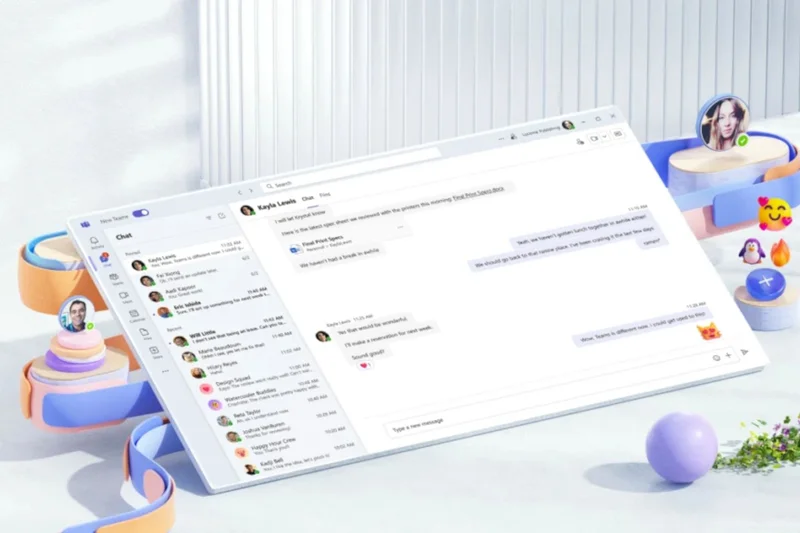
Why we picked it: Microsoft Teams Essentials takes the #1 overall spot because it delivers an unbeatable combination of enterprise-grade reliability and incredibly aggressive pricing. At just $4 per user, it is the most logical step up for startups and small businesses outgrowing free tiers. When evaluating the unified communications landscape in 2026, most platforms force you to pay at least $15 per user to escape meeting limits and unlock adequate cloud storage. Microsoft flips this script. By offering a massive 30-hour meeting limit, up to 300 participants, and 10 GB of cloud storage per user, Teams Essentials aggressively undercuts the competition. During our A/V testing, Teams demonstrated highly robust background noise cancellation, maintaining vocal clarity even in chaotic coffee shop environments. While the interface can sometimes feel dense for first-time users—resulting in a slightly lower ease-of-use score compared to browser-native apps—the depth of its collaboration tools makes up for it. The in-meeting chat, file sharing, and persistent channels allow teams to treat the platform as a continuous workspace rather than just a synchronous video tool. Furthermore, its integrations with the broader Microsoft ecosystem and third-party apps like Trello, Asana, and Jira are virtually flawless. If your priority is maximizing your software budget without sacrificing professional meeting capacity, Microsoft Teams Essentials is the undisputed champion.
Key Specs
- Up to 300 participants
- 30-hour meeting limit
- 10 GB cloud storage per user
- Live captions in 30+ languages
- Anytime phone and web support
What we like
- Unbeatable pricing for the feature set
- Generous 300-participant capacity
- Excellent background noise suppression
- Persistent chat and deep app integrations
What we don't like
- Interface can feel cluttered to new users
- Heavy desktop client demands system resources
Best for: Bootstrapped startups and small businesses needing long meetings on a tight budget.
Considering Microsoft Teams Essentials vs Zoom Workplace Pro? Teams is vastly cheaper and includes massive participant limits, but Zoom offers a slightly cleaner interface for external guests.
The best value in video conferencing, delivering enterprise capacity for a fraction of the expected cost.
Buy at Microsoft official site#2 Google Workspace Business Starter
Why we picked it: Ranking #2 overall, Google Workspace Business Starter is the premier choice for agile teams that prioritize friction-free collaboration. Priced at $7 per user, this plan doesn't just give you Google Meet; it provides an entire digital workplace, including custom business email and 30 GB of pooled cloud storage. In our testing, Google Meet proved to be the most reliable browser-based video conferencing tool available. Because it requires no downloads or mandatory plugins, joining a meeting is instantaneous—a massive advantage when hosting external clients who might be blocked by their own corporate firewalls from downloading third-party software. We were highly impressed by its low-bandwidth optimization; when we throttled our network speeds, Meet dynamically adjusted video quality to ensure the audio stream remained uninterrupted. The integration score is a perfect 10, as it seamlessly ties into Google Calendar, Drive, and Docs, allowing for real-time collaboration that feels entirely organic. While it lacks the extreme meeting capacity of Microsoft Teams Essentials (capping at 100 participants), 100 is more than enough for the vast majority of small teams. The security controls are robust and intuitive, with easy-to-manage host settings to prevent unauthorized access.
Key Specs
- Up to 100 participants
- 24-hour meeting duration
- 30 GB pooled cloud storage
- Custom business email
- Standard security controls
What we like
- Zero-download, frictionless browser access
- Includes full Google Workspace apps and email
- Excellent dynamic bandwidth management
- Highly intuitive interface
What we don't like
- Participant limit lower than similarly priced competitors
- Storage is pooled rather than strictly per-user
Best for: Agile teams and agencies that frequently host client meetings and rely heavily on cloud documents.
Considering Google Workspace Business Starter vs Microsoft 365 Business Basic? Google offers a smoother, faster browser experience, while Microsoft provides significantly more cloud storage per user.
A flawlessly integrated, web-native communication hub that excels in client-facing scenarios.
Buy at Google official site#3 Microsoft 365 Business Basic
Why we picked it: Securing the #3 spot, Microsoft 365 Business Basic is an absolute powerhouse of value for $6 per user. It combines the massive communication capacity of Microsoft Teams with an incredible 1 TB of cloud storage per user, alongside the web and mobile versions of essential Office apps like Word, Excel, and PowerPoint. During our evaluation, this tier stood out for its enterprise-level scalability. Supporting up to 300 participants for up to 30 hours per meeting, it practically guarantees that your small business will not hit a ceiling as it grows. The integration with Exchange email and SharePoint means that meeting recordings and transcripts are automatically routed and securely stored within your organization's compliance boundaries. We found the meeting transcripts to be highly accurate, greatly aiding asynchronous team members. However, the sheer breadth of the platform means the initial administrative setup and user onboarding carry a steeper learning curve compared to Google Workspace. It requires a bit more IT-minded configuration to get the permissions and channels structured correctly. Nevertheless, once deployed, the robust collaboration features—including advanced whiteboarding and persistent channel threads—make it a formidable engine for productivity.
Key Specs
- Up to 300 participants
- 30-hour meeting limit
- 1 TB cloud storage per user
- Meeting recordings & transcripts
- Web/mobile versions of Office apps
What we like
- Massive 1 TB storage allowance per user
- Includes web versions of Office applications
- Automatic meeting recording and transcription
- Supports huge 300-person meetings
What we don't like
- Steep learning curve for admin configuration
- Desktop app can be resource-intensive
Best for: Data-heavy teams that need large storage capacities and rely on Microsoft Office formats.
Considering Microsoft 365 Business Basic vs Google Workspace Business Starter? Microsoft wins on storage (1 TB vs 30 GB), but Google is much easier to set up and use.
An unmatched ecosystem of productivity and storage, provided you don't mind a slightly complex interface.
Buy at Microsoft official site#4 Microsoft 365 Business Standard
Why we picked it: At $13 per user, Microsoft 365 Business Standard builds on the Basic tier by adding fully installable desktop versions of the Office suite and advanced webinar hosting capabilities. We scored this product exceptionally high in our Collaboration Features dimension (a perfect 10) because it truly transforms a simple video call into a comprehensive digital war room. The ability to seamlessly co-author rich desktop documents while on a Teams call, coupled with robust breakout rooms and live polling, makes it ideal for creative and brainstorming teams. The webinar features are a significant addition for marketing-focused small businesses, allowing you to manage attendee registration and reporting without needing a separate, expensive platform like GoToWebinar or Zoom Events. While the pricing is higher than the Basic tier, the inclusion of premium desktop apps (Word, Excel, PowerPoint) justifies the cost for teams that cannot rely solely on web apps. Security and compliance controls are also tightened, providing peace of mind when discussing sensitive intellectual property. It shares the same minor drawbacks as other Teams products—specifically the heavy client load on system memory—but the productivity upside is immense.
Key Specs
- Up to 300 participants
- Webinar hosting with registration
- Desktop versions of Office apps
- Meeting recordings & transcripts
- Advanced collaboration tools
What we like
- Perfect collaboration score with deep Office integration
- Built-in webinar registration and reporting
- Includes full desktop Office applications
- Advanced security and compliance tools
What we don't like
- Higher cost per user
- Resource-heavy desktop application
Best for: Creative teams, marketing agencies, and businesses requiring desktop Office apps and webinar hosting.
Considering Microsoft 365 Business Standard vs Google Workspace Business Standard? Microsoft provides stronger offline desktop apps and webinars, while Google offers an easier, more lightweight web experience.
The ultimate collaboration toolkit for teams that demand deep productivity integrations and webinar capabilities.
Buy at Microsoft official site#5 Google Meet (Free)

Why we picked it: Earning the title of Best Budget & Free Option for External Client Meetings, Google Meet (Free) is the undisputed king of zero-cost, zero-friction communication. Scoring a perfect 10 in Ease of Setup & Use, this platform allows anyone with a Google account to host a meeting for up to 100 participants. For small businesses, freelancers, and independent consultants, the ability to simply send a URL and know the client can join instantly via their browser—without downloading a client—is invaluable. In our tests, the video and audio quality were highly resilient, leveraging Google's massive infrastructure to maintain clarity even on unstable connections. The free tier includes highly accurate live closed captions and basic screen sharing. However, the major caveat in 2026 is the strict 60-minute meeting limit for group calls. While adequate for quick stand-ups, it can be embarrassing if a client pitch runs over and the call abruptly ends. It also lacks cloud recording, meaning you must rely on third-party tools to capture sessions. Still, for teams that keep meetings short and prioritize ease of entry, it is an essential tool.
Key Specs
- Up to 100 participants
- 60-minute meeting limit
- No software download required
- Live closed captions
- Basic screen sharing
What we like
- Completely free with no downloads required
- Perfect ease-of-use score
- Excellent auto-captioning
- Highly stable video connections
What we don't like
- Strict 60-minute limit on group meetings
- No native cloud recording in the free tier
Best for: Freelancers and lean startups conducting short, client-facing meetings.
Considering Google Meet (Free) vs Zoom Workplace Basic (Free)? Google gives you 60 minutes vs Zoom's 40 minutes, and Google requires no client download.
The most frictionless free video conferencing tool available, perfect for quick calls and client check-ins.
Get for free at Google official site#6 Google Workspace Business Standard
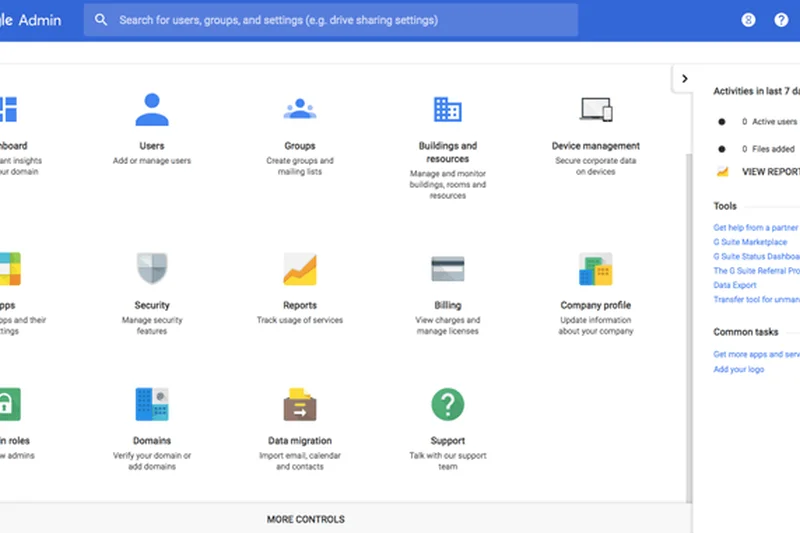
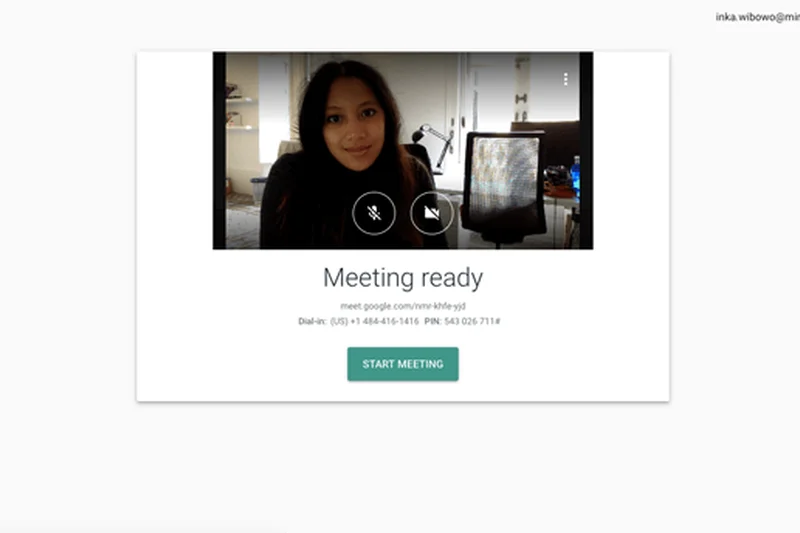
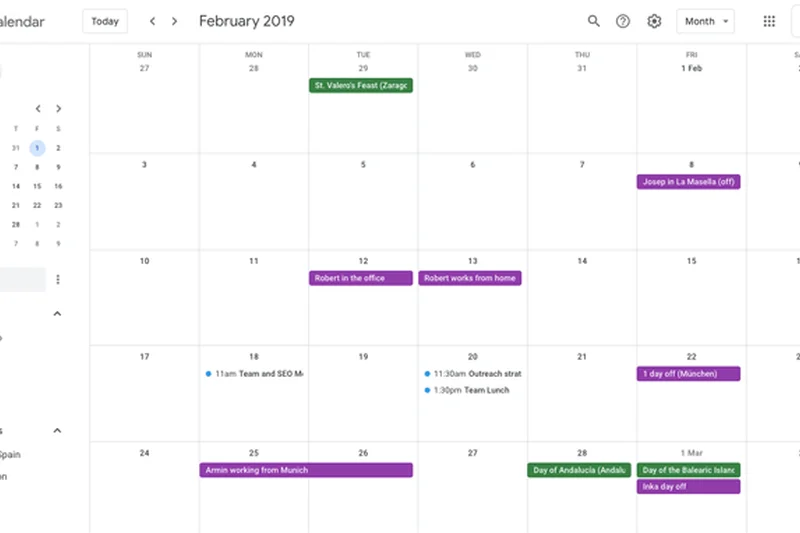
Why we picked it: Priced at $14 per user, Google Workspace Business Standard is the upgrade path for teams that need more breathing room than the Starter plan provides. The primary upgrades here are a boost to 150 participants, the crucial ability to record meetings directly to Google Drive, and a massive increase to 2 TB of pooled cloud storage per user. In our collaboration testing, the addition of breakout rooms, Q&A, and live polling natively within the Meet interface allowed for highly interactive team sessions. We particularly appreciate how Google handles recordings; they are processed quickly and automatically shared with calendar invitees, saving administrative time. The interface remains delightfully clean and fast. However, at $14, its Value for Money score dips slightly when compared to Microsoft's aggressive pricing for similar features. But for teams already entrenched in the Google ecosystem who need recording and advanced meeting facilitation tools, the upgrade is seamless and highly beneficial.
Key Specs
- Up to 150 participants
- 24-hour meeting duration
- 2 TB pooled cloud storage
- Meeting recordings saved to Drive
- Breakout rooms & polling
What we like
- Massive 2 TB storage capacity
- Seamless cloud recording to Google Drive
- Excellent breakout rooms and polling
- Fast, lightweight browser performance
What we don't like
- Pricier than Microsoft's equivalent tiers
- Advanced features require navigating Google's admin console
Best for: Growing teams needing reliable cloud recording and extensive Drive storage.
Considering Google Workspace Business Standard vs Zoom Workplace Pro? Google offers a holistic office suite and 2TB storage, whereas Zoom focuses strictly on premium video and AI features.
A robust, cloud-native collaboration suite with excellent recording and facilitation tools.
Buy at Google official site#7 Lark Pro
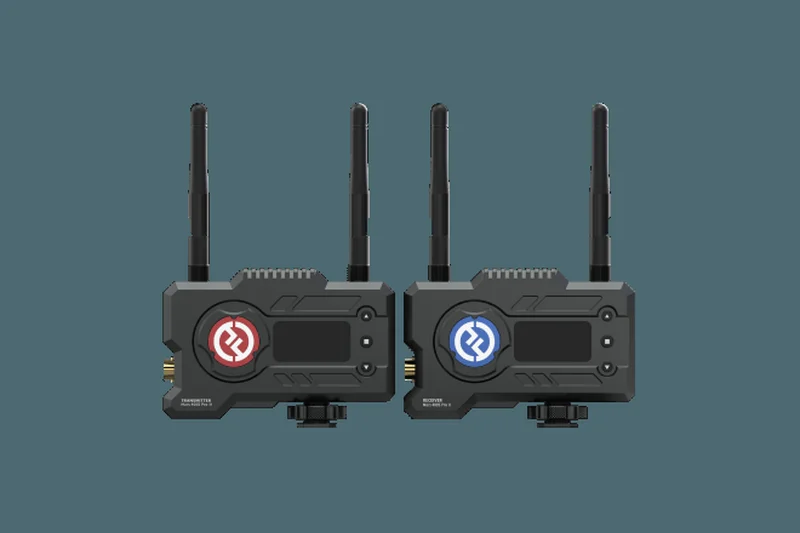
Why we picked it: Lark Pro ($12/user) is a rising star in the workspace collaboration market, offering an incredibly unified experience that combines chat, calendar, documents, and video conferencing into a single application. In our tests, Lark Pro's ability to host up to 500 participants is practically unheard of at this price point. The 'Magic Share' feature was a standout, allowing participants to scroll through shared documents independently during a presentation. It also boasts excellent AI translation and subtitles, making it highly attractive for small businesses with international contractors or clients. While its app integrations are less ubiquitous in the US market compared to Slack or Microsoft, its all-in-one nature means you rarely need to leave the app.
Key Specs
- Up to 500 participants
- 24-hour meeting limit
- 1 TB cloud storage per user
- Advanced administrative controls
- 24/7 priority support
What we like
- Massive 500-participant capacity
- Innovative Magic Share document collaboration
- Strong real-time AI translation
- True all-in-one workspace
What we don't like
- Fewer integrations with legacy Western software
- All-in-one approach can feel overwhelming
Best for: Distributed global teams needing real-time translation and heavy document collaboration.
Considering Lark Pro vs Microsoft 365 Business Standard? Lark offers a more modern, unified single-window experience, but Microsoft has the industry-standard Office apps.
An innovative, all-in-one collaboration beast that excels in international and document-heavy team environments.
Buy at Lark official site#8 Google Workspace Essentials
Why we picked it: At $8 per user, Google Workspace Essentials is a unique offering designed for teams that already have an established email provider (like Outlook or an on-premise server) but want to use Google Meet and Google Drive for collaboration. It completely sidesteps the need to migrate MX records or change email hosts. You get up to 150 participants, unlimited meeting lengths, and Shared Team Drives with 100 GB of storage per user. In our testing, this proved to be the perfect plug-and-play solution for traditional businesses trying to modernize their video conferencing without disrupting their legacy IT infrastructure.
Key Specs
- Up to 150 participants
- Unlimited meeting length
- 100 GB cloud storage per user
- Shared team drives
- No custom email required
What we like
- No need to change your existing email provider
- Access to premium Google Meet features
- Includes Shared Team Drives
- Very easy IT deployment
What we don't like
- Only 100 GB storage per user
- Lacks Gmail integration by design
Best for: Companies with legacy email systems that want to upgrade to Google Meet and Drive.
Considering Google Workspace Essentials vs Webex Meet Plan? Essentials includes powerful document collaboration, while Webex is purely focused on secure video communication.
The easiest way to bolt Google's excellent video and document tools onto your existing IT setup.
Buy at Google official site#9 Zoom Workplace Basic (Free)

Why we picked it: Zoom Workplace Basic remains a staple for a reason. Earning a 9/10 in Video & Audio Quality, it consistently delivers stable, high-definition video even under sub-optimal network conditions. The free tier allows up to 100 participants and includes automated captions and local recording. However, the notorious 40-minute meeting limit is a hard stop that forces teams to restart calls, which severely impacts its usability for serious business meetings. For quick 1:1s or short standups, it remains a highly reliable, familiar tool that almost every client already knows how to use.
Key Specs
- Up to 100 participants
- 40-minute meeting limit
- Basic team chat
- Automated captions
- Local recording support
What we like
- Industry-leading video stability
- Ubiquitous user familiarity
- Allows local recording on free tier
- Good automated captions
What we don't like
- Strict 40-minute limit is highly disruptive
- Requires desktop client for best performance
Best for: Individuals and teams needing reliable video for quick, sub-40-minute chats.
Considering Zoom Basic vs Google Meet Free? Google offers 20 more minutes (60 mins) and works in-browser, while Zoom offers local recording.
Incredibly reliable video quality, but severely constrained by its 40-minute time limit.
Get for free at Zoom official site#10 Lark Free
Why we picked it: Lark Free is an incredibly generous free tier that gives small teams a taste of the platform's unified workspace. You get a 60-minute meeting limit for up to 50 participants, which is on par with Google Meet Free but includes Lark's excellent instant messaging and Magic Share features. We found its AI subtitles to be surprisingly accurate for a free tool. If you are a startup wanting to consolidate your Slack, Zoom, and Google Docs into one free app, Lark Free is an aggressively capable starting point, though the 50-participant cap is lower than rivals.
Key Specs
- Up to 50 participants
- 60-minute meeting limit
- Magic Share collaboration
- Built-in instant messaging
- AI translation (subtitles)
What we like
- Unified chat, video, and docs for free
- Excellent Magic Share functionality
- Useful AI subtitles
- Generous 60-minute limit
What we don't like
- Limited to 50 participants
- Slight learning curve for the unified UI
Best for: Lean startups looking for a single, free app to handle all internal communications.
Considering Lark Free vs Microsoft Teams Free? Both offer a unified experience, but Teams allows 100 participants while Lark excels in real-time document sharing.
A highly capable, all-in-one free workspace that streamlines internal team communication.
Get for free at Lark official site#11 Zoom Workplace Pro
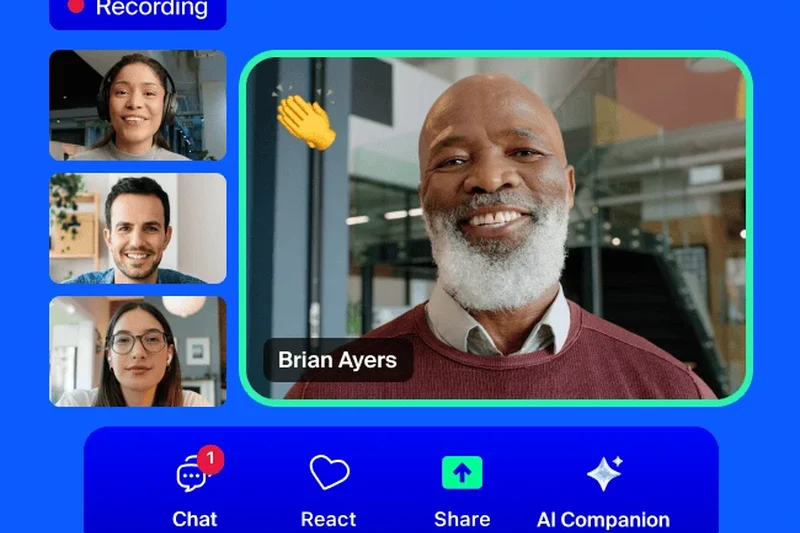

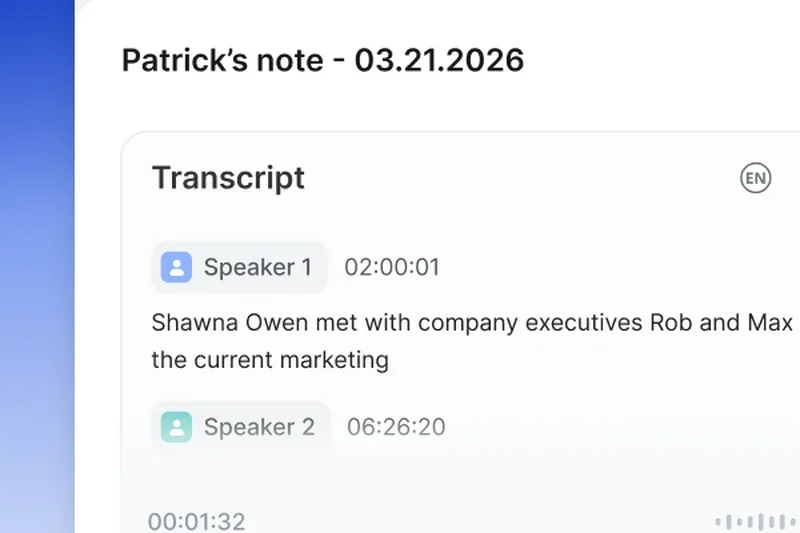
Why we picked it: At $16, Zoom Workplace Pro is the standard-bearer for pure video reliability. It secured the top rank in our A/V Quality dimension (9/10), handling poor bandwidth with incredible grace. It features a 30-hour limit, 5GB cloud recording, and includes the new Zoom AI Companion which automatically summarizes meetings. While pricier than Google and Microsoft's entry tiers, its ubiquitous client and rock-solid performance make it the safest choice for high-stakes external pitches.
Key Specs
- Up to 100 participants
- 30-hour meeting duration
- 5GB cloud recording storage
- Zoom AI Companion included
- Free premium apps for 1 year
What we like
- Flawless video and audio stability
- Excellent AI meeting summaries
- Ubiquitous and universally understood interface
What we don't like
- Only 5GB of cloud recording storage
- More expensive than comprehensive suite competitors
Best for: Consultants and agencies that cannot afford a dropped frame during client presentations.
Considering Zoom Pro vs Google Workspace Starter? Zoom has better AI summaries and A/V stability, but Google provides a full email and document suite for less money.
The premium choice for pure, uninterrupted, high-definition video conferencing.
Buy at Zoom official site#12 Microsoft 365 Business Premium
Why we picked it: For $22, this is the ultimate enterprise-grade suite scaled for small businesses. It includes everything in Business Standard but layers on advanced device management (Intune) and top-tier threat protection. It scored a perfect 10 in Security. For most agile teams, it is overkill, but if you handle sensitive financial, legal, or health data, the built-in compliance and security controls justify the premium price.
Key Specs
- Up to 300 participants
- Enterprise-grade security features
- Advanced device management
- Desktop versions of Office apps
- Meeting recordings & transcripts
What we like
- Unmatched security and compliance tools
- Includes device management (MDM)
- Full suite of desktop apps
What we don't like
- Expensive for basic needs
- Requires IT knowledge to fully configure
Best for: Small law firms, financial advisors, and healthcare practices requiring strict compliance.
Considering Business Premium vs Business Standard? Premium adds crucial cybersecurity and device management features necessary for regulated industries.
The definitive secure workspace for small teams handling sensitive data.
Buy at Microsoft official site#13 RingCentral Video Pro (Free)
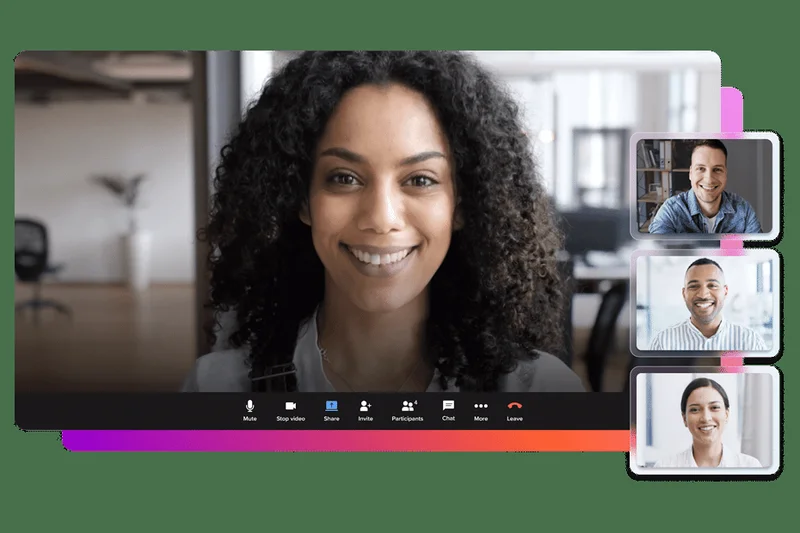

Why we picked it: RingCentral's free tier is a hidden gem, offering a 50-minute meeting limit (10 minutes longer than Zoom) and 10 hours of cloud recording that stores for 7 days. This is exceptionally rare for a free plan. The video quality is highly dependable, and it includes robust team messaging. It's an excellent bridge for teams needing just a bit more time and free recording capabilities.
Key Specs
- Up to 100 participants
- 50-minute meeting limit
- Team messaging included
- Basic whiteboarding
- 10 hours of cloud recording (7-day storage)
What we like
- Includes free cloud recording
- 50-minute limit beats Zoom
- Good integrated messaging
What we don't like
- Recordings expire after 7 days
- Interface can feel slightly corporate
Best for: Teams needing free cloud recording for short meetings.
Considering RingCentral Free vs Zoom Basic? RingCentral gives you 10 extra minutes and free cloud recording.
A highly competitive free tier with rare cloud recording capabilities.
Get for free at RingCentral official site#14 RingCentral Video Pro+
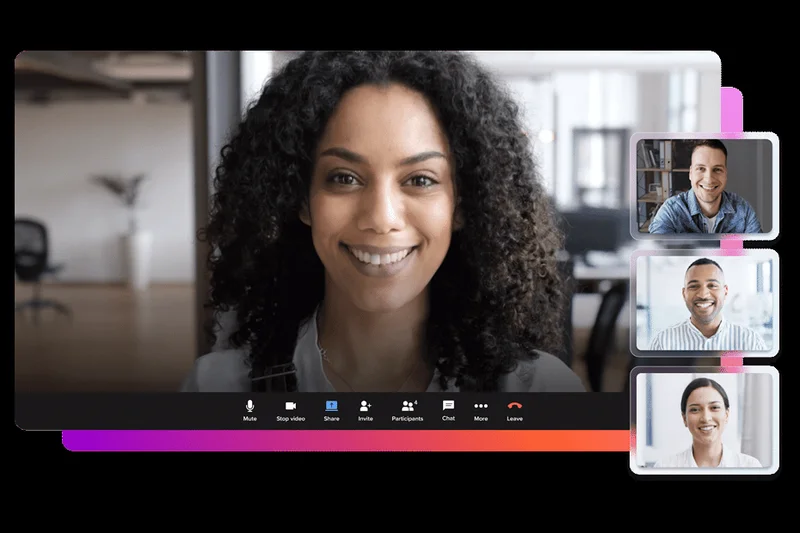
Why we picked it: At $12, the Pro+ tier steps up to 200 participants, a 24-hour limit, and an impressive 100 hours of cloud recording with up to 1-year retention. RingCentral integrates deeply with many CRMs and offers excellent analytics to track meeting usage. It’s a very solid alternative to Zoom for teams heavily focused on sales and analytics.
Key Specs
- Up to 200 participants
- 24-hour meeting limit
- 100 hours of cloud recording
- Advanced analytics & reporting
- Single Sign-On (SSO)
What we like
- Generous 100 hours of cloud recording
- Strong CRM integrations
- Excellent administrative analytics
What we don't like
- Requires desktop app for best experience
- Less name recognition with clients
Best for: Sales teams needing deep CRM integration and abundant recording storage.
Considering RingCentral Pro+ vs Zoom Pro? RingCentral offers vastly more recording storage (100 hrs vs 5GB) for less money.
A strong, analytics-driven video tool with massive recording capacity.
Buy at RingCentral official site#15 Google Workspace Business Plus
Why we picked it: For $22, Business Plus pushes Google Meet capacity to 500 participants and storage to a massive 5 TB per user. It also unlocks Google Vault for eDiscovery and compliance tracking. It scored a 10 in Security, making it the Google equivalent of Microsoft's Premium tier. It is overkill for standard startups but essential for scaling teams requiring strict data retention policies.
Key Specs
- Up to 500 participants
- 24-hour meeting duration
- 5 TB pooled cloud storage
- Attendance tracking
- Advanced endpoint management & Vault
What we like
- Massive 5 TB storage per user
- Includes Google Vault for compliance
- Supports 500 participants
What we don't like
- High monthly cost
- Features are overkill for basic users
Best for: Scaling companies in regulated industries using the Google ecosystem.
Considering Business Plus vs Business Standard? Plus adds eDiscovery, massive storage, and advanced endpoint management.
Google's heavy-duty tier for high-capacity meetings and strict compliance.
Buy at Google official site#16 Zoom Workplace Business
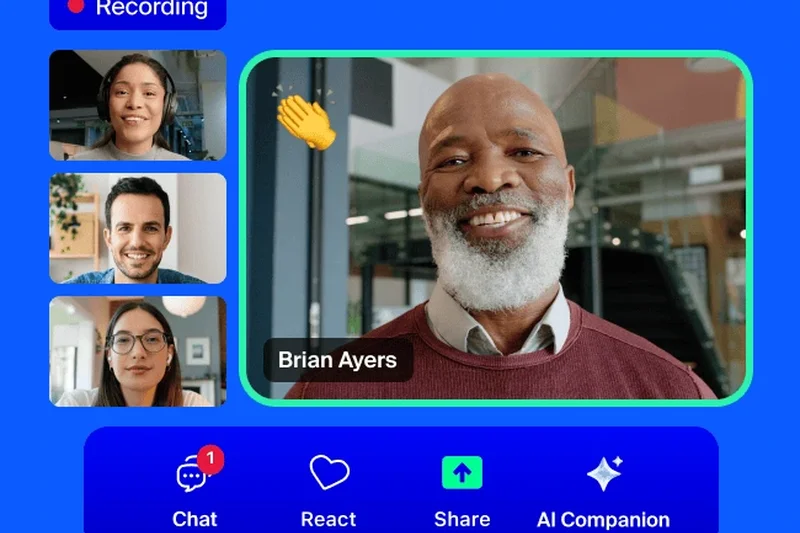

Why we picked it: Priced at $22, this tier is designed for established small-to-medium businesses needing managed domains, company branding, and Single Sign-On (SSO). It bumps the participant cap to 300. While the video quality remains stellar, the jump in price makes it less attractive for lean startups unless SSO and strict IT administration are hard requirements.
Key Specs
- Up to 300 participants
- 30-hour meeting duration
- 5GB cloud recording storage
- Single Sign-On (SSO)
- Managed domains & company branding
What we like
- Includes SSO and managed domains
- Custom company branding
- Increases capacity to 300
What we don't like
- Significant price jump from Pro
- Cloud storage remains low at 5GB
Best for: Established SMBs requiring SSO and centralized IT management.
Considering Zoom Business vs Zoom Pro? Upgrade only if you specifically need Single Sign-On and managed domains.
An IT-friendly Zoom package for businesses scaling past the startup phase.
Buy at Zoom official site#17 Microsoft Teams (Free)
Why we picked it: Microsoft's free version of Teams offers a 60-minute limit for 100 participants, along with 5 GB of cloud storage and unlimited 1:1 chat. It’s a great way to access the Teams interface without paying, but it lacks the recording features and broader Office app integrations of the paid tiers. It’s functional, but Teams Essentials at $4 is such a better value that the free tier feels restrictive.
Key Specs
- Up to 100 participants
- 60-minute meeting limit
- Unlimited 1:1 chat
- 5 GB cloud storage
- Basic data encryption
What we like
- Generous 60-minute limit
- Unlimited 1:1 chat
- Includes 5 GB storage
What we don't like
- No meeting recording
- Interface is heavy for a free tool
Best for: Teams wanting to test the Microsoft ecosystem before committing.
Considering Teams Free vs Teams Essentials? Spend the $4 for Essentials to get 30-hour limits and double the storage.
A decent free communication hub, but easily overshadowed by its $4 paid sibling.
Get for free at Microsoft official site#18 Webex App (Free)
Why we picked it: Cisco's Webex Free tier offers a strict 40-minute limit for up to 100 participants. What sets it apart is the inclusion of Webex's highly secure infrastructure and interactive whiteboarding tools. It supports local recording, but the 40-minute cap makes it difficult to recommend over Google Meet or Lark for longer sessions. Still, for high-security environments, it's a solid free taste of Cisco's tech.
Key Specs
- Up to 100 participants
- 40-minute meeting limit
- Basic chat and file sharing
- Interactive whiteboarding
- Local meeting recording
What we like
- Enterprise-grade security on a free tier
- Excellent virtual whiteboard
- Allows local recording
What we don't like
- Harsh 40-minute limit
- Desktop app is bulky
Best for: Security-conscious freelancers conducting short meetings.
Considering Webex Free vs Zoom Basic? Both have 40-minute limits, but Webex offers slightly better integrated whiteboarding.
A highly secure free option hampered by a short time limit.
Get for free at Cisco official site#19 Webex Meet Plan
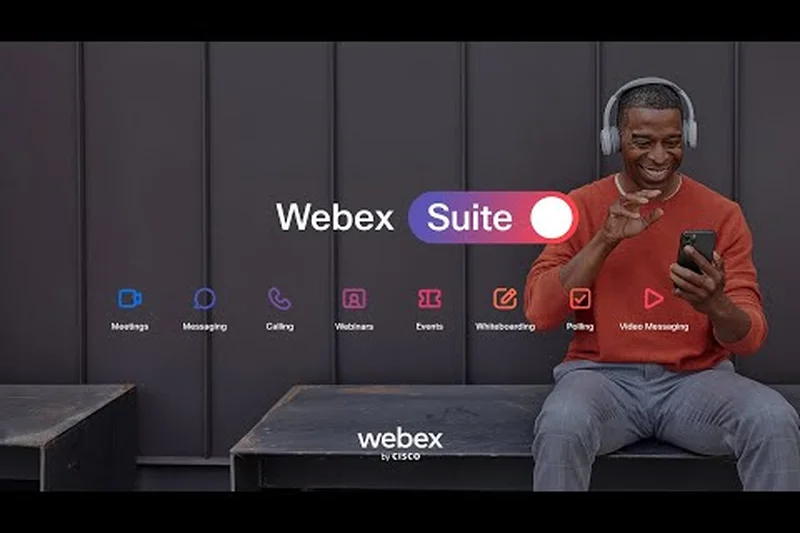
Why we picked it: At $15, the Webex Meet Plan shines in our Security & Meeting Controls dimension (10/10). It supports 200 participants with a 24-hour limit and 10 GB of cloud recording. Cisco's end-to-end encryption is industry-leading, making it the top pick for teams discussing highly sensitive intellectual property. The interface has been modernized, though it still feels slightly heavier than browser-based competitors.
Key Specs
- Up to 200 participants
- 24-hour meeting limit
- 10 GB cloud recording storage
- Closed captions & meeting highlights
- Premium meeting controls
What we like
- Perfect security score
- 10 GB of cloud recording
- Excellent meeting highlights and captions
What we don't like
- Slightly corporate, heavier interface
- App integrations aren't as seamless as Microsoft's
Best for: Legal, medical, or IP-heavy teams where security is the absolute priority.
Considering Webex Meet vs Zoom Pro? Webex offers better default security and more storage, while Zoom is more universally familiar.
The most secure mid-tier video conferencing platform on the market.
Buy at Cisco official site#20 Whereby Pro
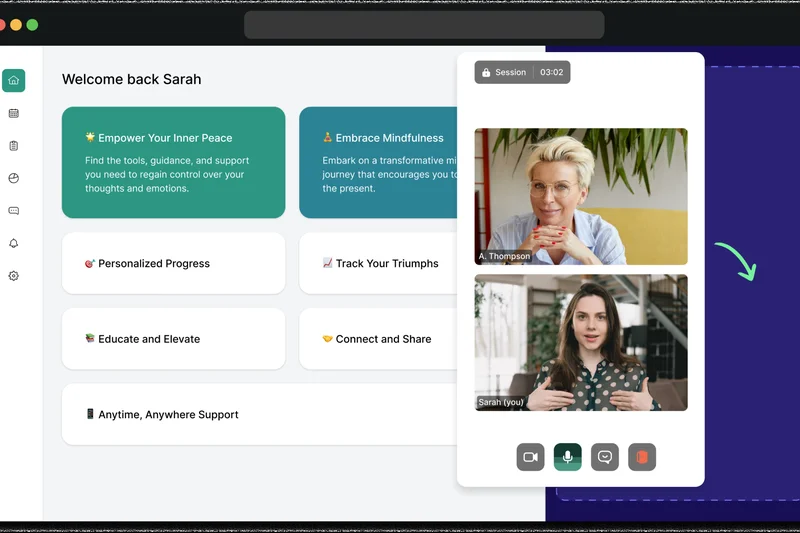
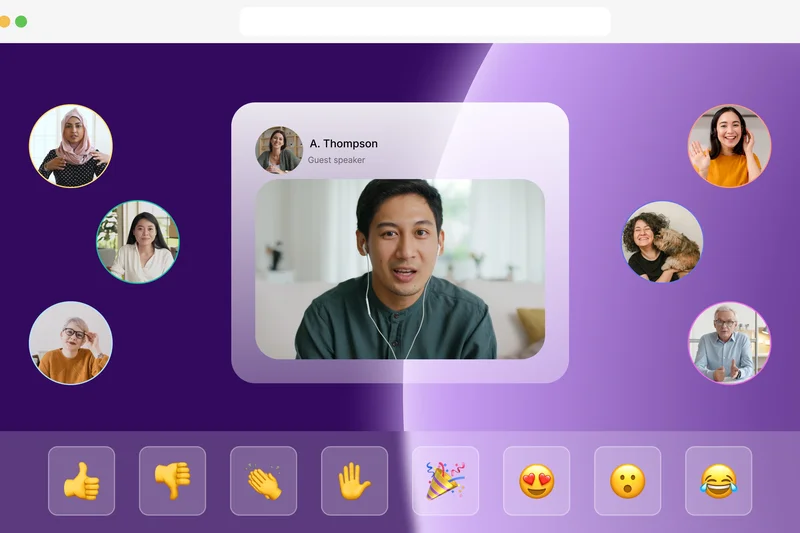

Why we picked it: Whereby Pro ($7) is a triumph of design and ease of use (scoring 10/10). It is entirely browser-based, meaning guests never download an app. You get unlimited meeting durations for up to 100 participants and the ability to customize your room links (e.g., whereby.com/your-brand). It integrates beautifully with Miro and Trello directly within the browser window. A/V quality is good, though it can struggle slightly on very weak connections compared to Zoom.
Key Specs
- Up to 100 participants
- Unlimited meeting duration
- Custom branding
- 3 custom room links
- Premium integrations (Miro, Trello)
What we like
- Incredibly easy browser-based access
- Beautiful, customizable interface
- Great embedded tool integrations
What we don't like
- Video quality drops on poor connections
- No native cloud recording in Pro tier
Best for: Designers, consultants, and brands wanting a beautiful, frictionless client experience.
Considering Whereby Pro vs Google Workspace Starter? Whereby is prettier and offers custom URLs, but Google includes a full email/doc suite.
The most aesthetically pleasing and frictionless video tool for client meetings.
Buy at Whereby official site#21 Zoho Meeting Standard



Why we picked it: At just $3 per user, Zoho Meeting Standard is an incredible budget option. It offers a 24-hour limit for 100 participants and basic session recording. It lacks the polish of Google Meet and the massive storage of Teams Essentials, but for $3, you get reliable, un-capped video conferencing and custom branding. It is highly recommended if you already use Zoho CRM or Zoho One.
Key Specs
- Up to 100 participants
- 24-hour meeting limit
- Session recording
- Custom branding
- International dial-in numbers
What we like
- Extremely low cost
- Includes session recording
- Integrates perfectly with Zoho ecosystem
What we don't like
- Interface is slightly dated
- Basic collaboration tools
Best for: Existing Zoho customers and extremely budget-conscious teams.
Considering Zoho Meeting vs Teams Essentials? Teams is $1 more and offers vastly superior collaboration and storage.
A bare-bones but highly reliable paid tier for absolute budget maximizers.
Buy at Zoho official site#22 Whereby Business
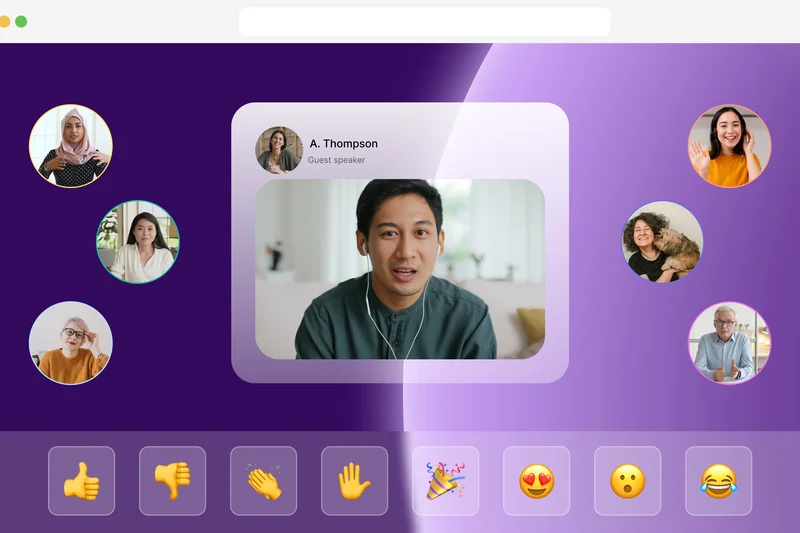

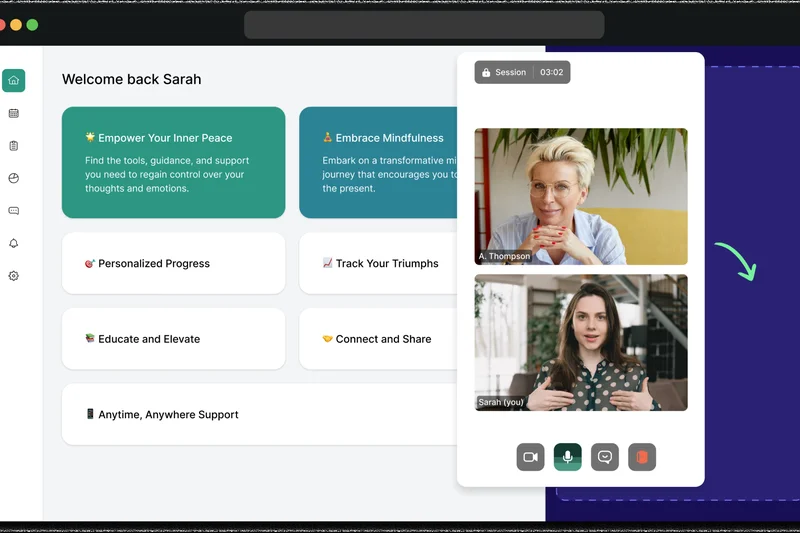
Why we picked it: For $10, Whereby Business bumps capacity to 200 participants, adds shared team rooms, and crucially includes cloud recording storage. It maintains the flawless 10/10 browser-based ease of use. It's a fantastic alternative to Zoom Pro if your team refuses to download desktop clients and prefers a design-forward, lightweight communication tool.
Key Specs
- Up to 200 participants
- Unlimited meeting duration
- Shared team rooms
- Recording storage
- Priority support
What we like
- Frictionless browser access
- Includes cloud recording
- Great shared team room concepts
What we don't like
- A/V compression is aggressive on slow networks
- Lacks deep enterprise integrations
Best for: Creative agencies wanting a stylish, app-free environment with recording capabilities.
Considering Whereby Business vs Zoom Pro? Whereby is easier for guests to join, while Zoom handles low bandwidth better.
A beautifully designed, browser-first platform that makes client communication effortless.
Buy at Whereby official site#23 Webex Suite Plan
Why we picked it: At $25, the Webex Suite Plan is a full Unified Communications platform, rolling in a complete business cloud phone system alongside premium video conferencing. It’s expensive, but if your small business needs to replace a legacy PBX phone system and upgrade its video tools simultaneously, this single package does it all with Cisco's legendary security.
Key Specs
- Up to 200 participants
- Business phone system included
- Advanced calling features
- 10 GB cloud recording storage
- End-to-end encryption
What we like
- Includes a full cloud phone system
- Enterprise-grade security
- Excellent audio fidelity
What we don't like
- High monthly cost
- Complex administrative backend
Best for: Businesses needing to replace their phone system and video software simultaneously.
Considering Webex Suite vs Microsoft 365 Premium? Webex includes cloud telephony, while Microsoft includes Office apps.
A premium, highly secure bundle for teams requiring both telephony and video.
Buy at Cisco official site#24 Dialpad Meetings Free

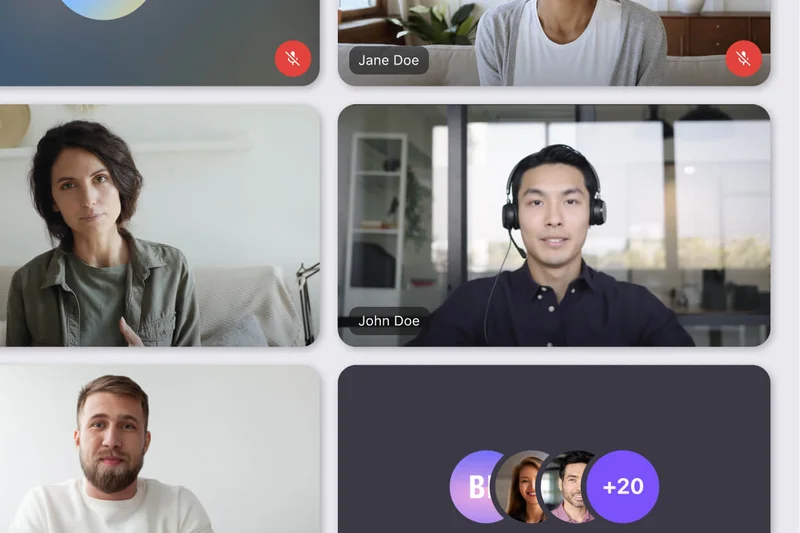

Why we picked it: Dialpad Meetings Free offers a clean, browser-based experience with a 45-minute limit for up to 10 participants. What makes it unique is the inclusion of unlimited audio recordings and screen sharing. It completely eliminates PINs for joining, making it very user-friendly (9/10). However, the 10-person limit is restrictive for larger teams.
Key Specs
- Up to 10 participants
- 45-minute meeting limit
- Unlimited audio recordings
- Screen sharing
- No PINs to join
What we like
- Unlimited audio recordings for free
- No PINs required
- Clean browser interface
What we don't like
- Strict 10-participant limit
- 45-minute time cap
Best for: Solopreneurs who need audio records of small client meetings.
Considering Dialpad Free vs Google Meet Free? Google allows 100 people, but Dialpad offers free audio recording.
A slick, small-scale free tool notable for its audio recording features.
Get for free at Dialpad official site#25 Jitsi Meet (Open Source)
Why we picked it: Jitsi Meet is a fully open-source, free platform that requires absolutely no account to join or host a meeting. You get unlimited durations for up to 100 participants. It scored very high in Value (10/10) and Security (9/10) because it can be self-hosted and supports E2EE. However, the UI is basic, and public servers can occasionally experience latency.
Key Specs
- Up to 100 participants
- Unlimited meeting duration
- No account required to join
- End-to-end encryption capable
- Self-hosting available
What we like
- Completely free and open-source
- No accounts needed
- End-to-end encryption
What we don't like
- Public server performance varies
- Lacks advanced business integrations
Best for: Privacy advocates and tech-savvy teams willing to self-host.
Considering Jitsi vs Google Meet Free? Jitsi offers unlimited time and better privacy, while Google is more stable on public servers.
The premier open-source video tool for privacy-conscious teams.
Get for free at Jitsi official site#26 Zoho Meeting Professional
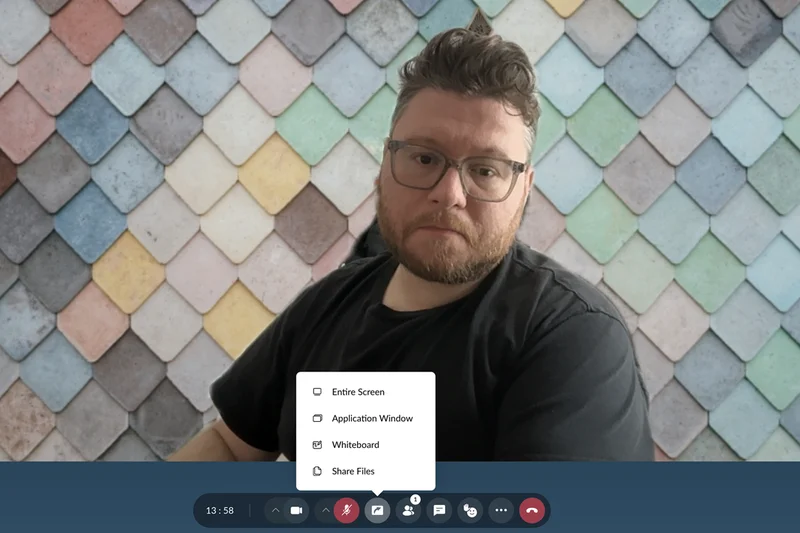


Why we picked it: For $9, Zoho Meeting Professional expands capacity to 250 participants and offers unlimited session recordings. The inclusion of AI-powered key notes and remote control sharing makes it a very capable tool for IT support or remote troubleshooting. It remains deeply integrated into the Zoho ecosystem, making it a no-brainer for Zoho CRM users.
Key Specs
- Up to 250 participants
- 24-hour meeting limit
- Unlimited session recordings
- AI-powered key notes
- Remote control sharing
What we like
- Unlimited session recordings
- Useful remote control features
- Great Zoho integration
What we don't like
- UI is less intuitive than modern rivals
- Video compression can be heavy
Best for: Zoho ecosystem users and teams needing remote desktop control.
Considering Zoho Pro vs Google Workspace Starter? Google has a much better UI, but Zoho offers remote control and unlimited recording.
A solid, utilitarian video tool that shines in remote support scenarios.
Buy at Zoho official site#27 Dialpad Meetings Business
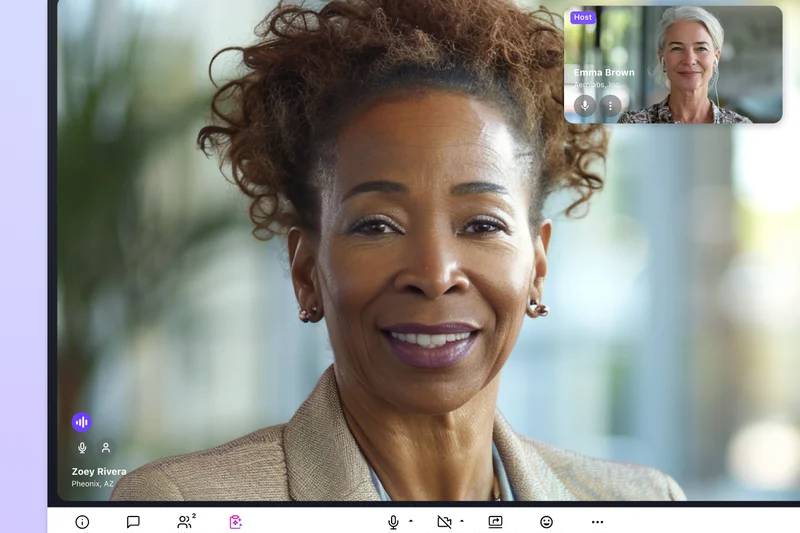

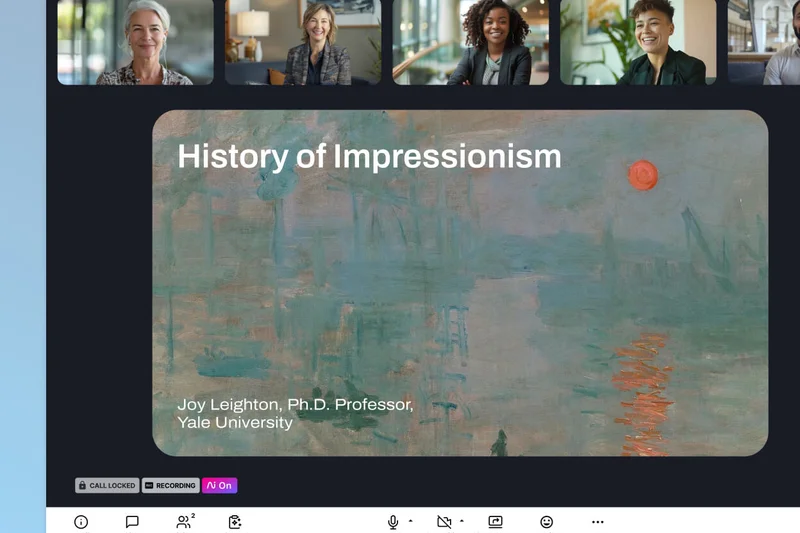
Why we picked it: At $15, Dialpad Meetings Business increases capacity to 150 participants and adds unlimited video recordings. Its standout feature is Dialpad Ai, which provides live transcripts and excellent post-meeting summaries. The ability to use custom hold music and branding gives small businesses a highly polished, professional image.
Key Specs
- Up to 150 participants
- 5-hour meeting limit
- Unlimited video recordings
- Dialpad Ai live transcripts
- Custom hold music and branding
What we like
- Excellent AI live transcripts
- Unlimited video recording
- Great custom branding options
What we don't like
- 5-hour meeting limit is oddly specific
- Pricing is close to full suite solutions
Best for: Sales teams that rely heavily on transcripts and brand presentation.
Considering Dialpad Business vs Zoom Pro? Dialpad has better native AI transcription, while Zoom handles larger meetings.
A smart, AI-enhanced platform that elevates your brand presentation.
Buy at Dialpad official site#28 Livestorm Free

Why we picked it: Livestorm sits between a meeting app and a webinar platform. The free tier allows 30 live attendees but strictly limits sessions to 20 minutes. It includes basic registration pages and audience engagement tools (polls, Q&A). It's primarily useful for testing the platform's webinar capabilities before committing to their expensive paid plans.
Key Specs
- Up to 30 live attendees
- 20-minute limit per session
- Unlimited sessions
- Basic registration pages
- Built-in audience engagement tools
What we like
- Great built-in webinar tools
- Clean browser experience
- Custom registration pages
What we don't like
- Severe 20-minute limit
- Small 30-person capacity
Best for: Marketers wanting to test webinar flows for free.
Considering Livestorm Free vs Google Meet Free? Google is for standard meetings; Livestorm is specifically for structured webinars.
A highly restrictive free tier that serves as a demo for their premium webinar software.
Get for free at Livestorm official site#29 TrueConf Server Free
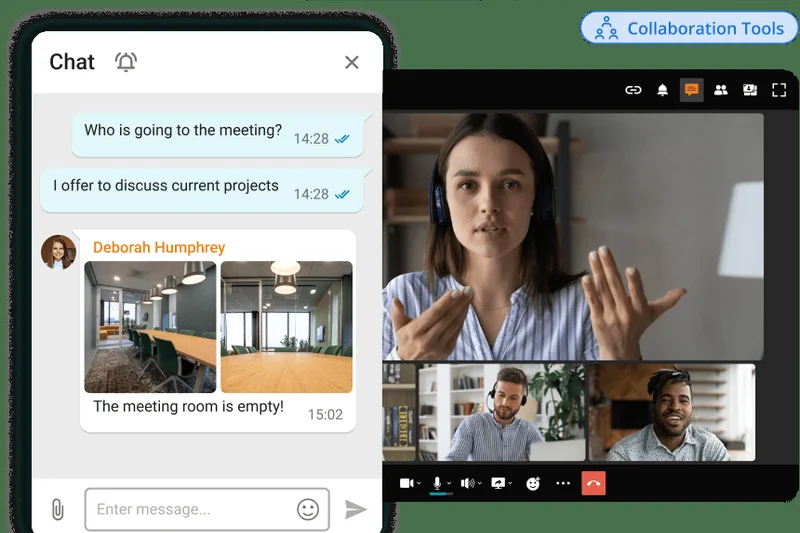
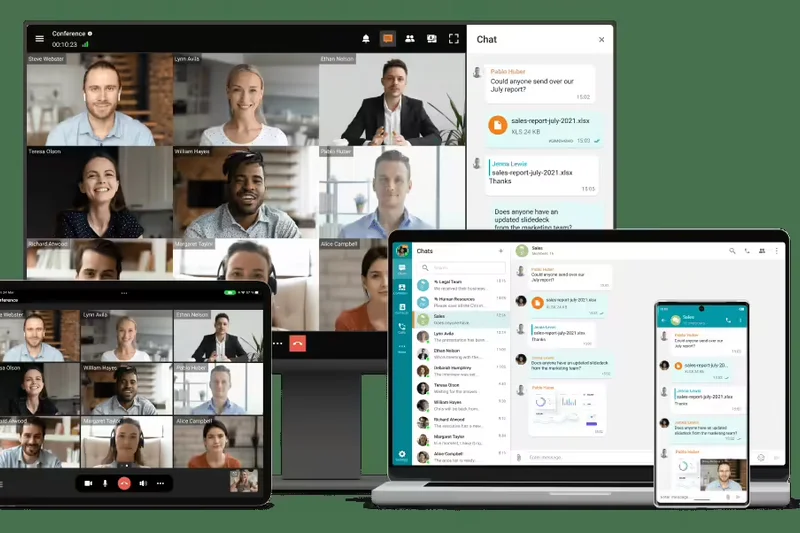
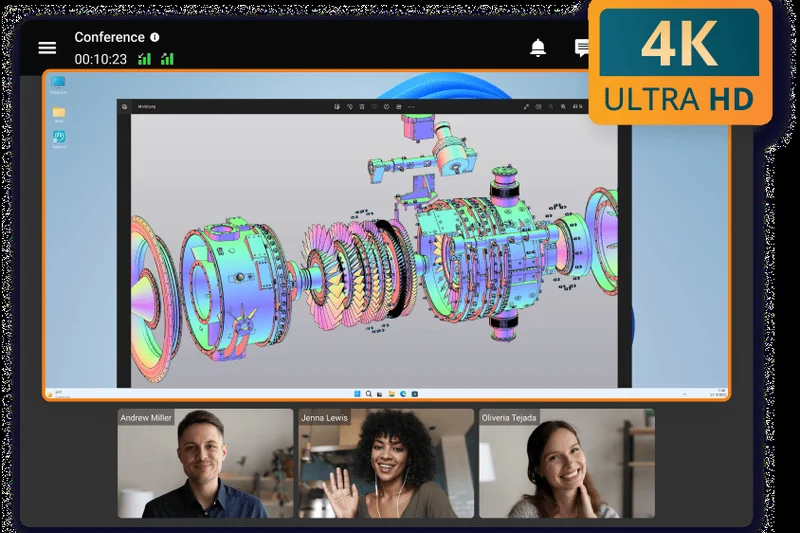
Why we picked it: TrueConf Server Free is unique: it is an on-premises solution. It supports up to 12 participants with unlimited durations and up to 4K video quality. Because it works offline in a LAN/VPN, it is incredibly secure (10/10). However, the IT overhead to set up a server makes it a niche choice for standard small businesses.
Key Specs
- Up to 12 participants
- Unlimited meeting duration
- 4K video quality
- Works offline in LAN/VPN
- Team messaging
What we like
- Incredible 4K video quality
- Absolute data privacy (on-premise)
- Works without internet (LAN)
What we don't like
- Requires IT knowledge to host
- Limited to 12 participants
Best for: Highly secure teams with strict data-residency requirements and on-site IT.
Considering TrueConf vs Webex Free? TrueConf gives you 4K and local hosting, but Webex is vastly easier to deploy.
A niche, ultra-secure on-premise solution with stunning 4K capability.
Get for free at TrueConf official site#30 GoTo Meeting Business
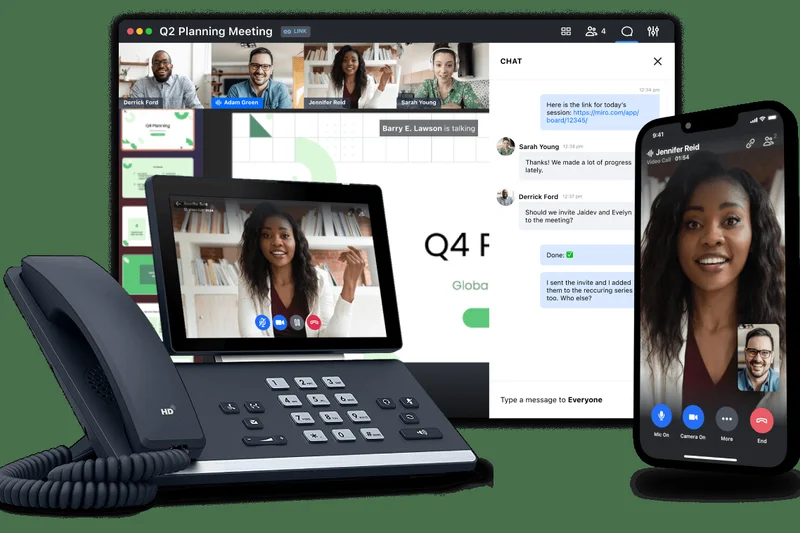
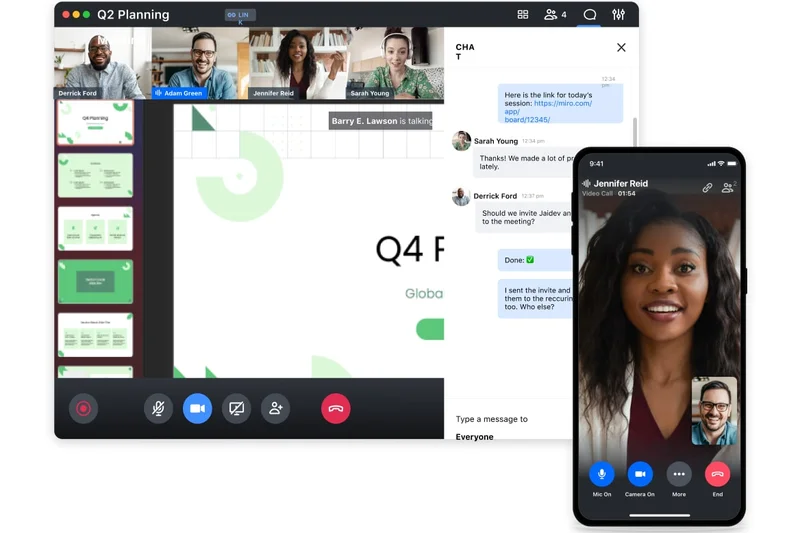
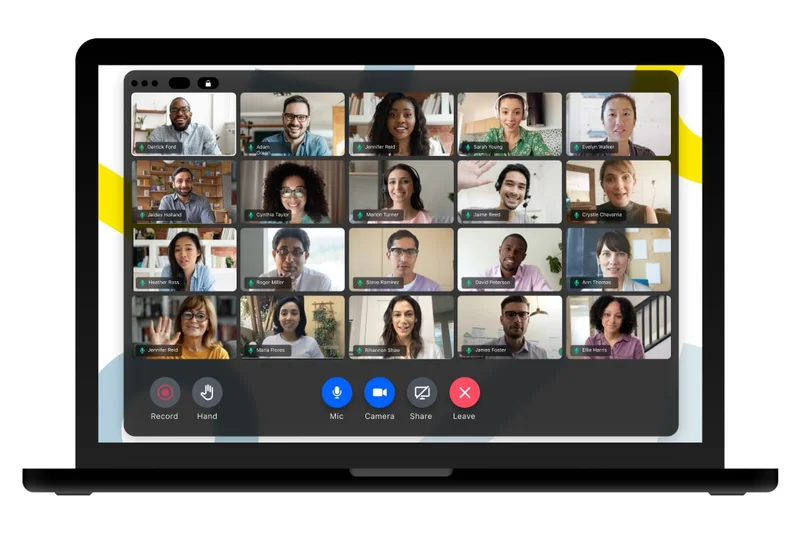
Why we picked it: At $19, GoTo Meeting Business provides unlimited cloud recording, smart AI transcripts, and co-organizer features for up to 250 participants. It is a legacy workhorse that remains highly reliable. However, the interface feels dated compared to Zoom or Google, and the $19 price point is high considering it doesn't include a broader productivity suite.
Key Specs
- Up to 250 participants
- Unlimited cloud recording
- Smart meeting assistant & transcripts
- Note taking and action items
- Co-organizer features
What we like
- Unlimited cloud recording
- Highly reliable connection stability
- Good automated note-taking
What we don't like
- Dated user interface
- High cost for a standalone video app
Best for: Traditional businesses that prioritize rock-solid reliability over modern UI.
Considering GoTo Meeting vs Zoom Pro? Both are reliable, but Zoom is cheaper and has a more modern interface.
A dependable, albeit pricey, legacy platform with great transcription tools.
Buy at GoTo official site#31 GoTo Meeting Professional
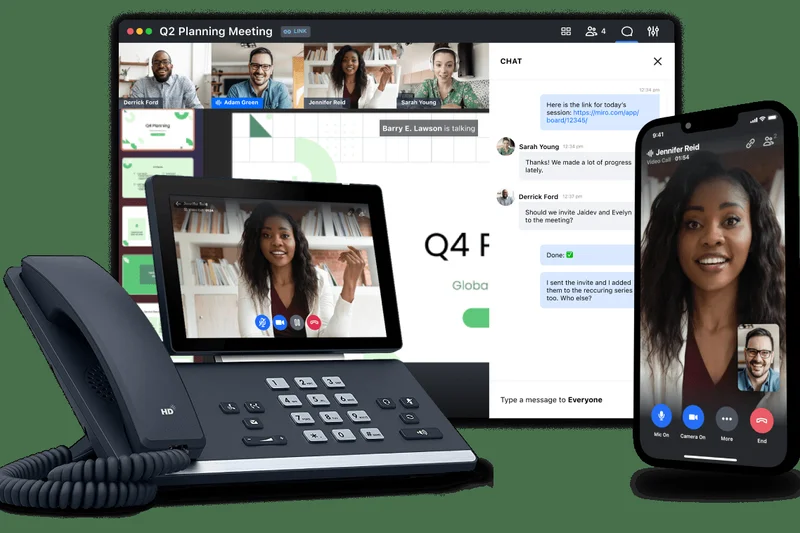
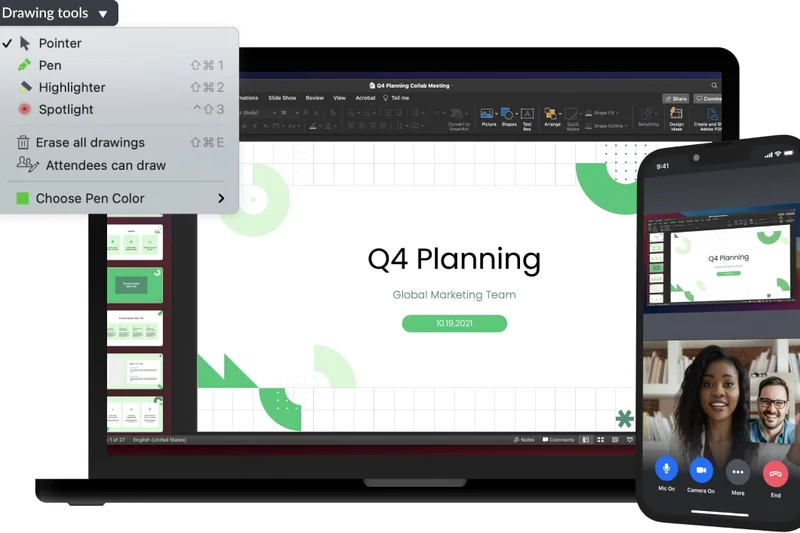
Why we picked it: For $14, GoTo's Professional tier strips out the AI transcripts and limits participants to 150, but retains the core HD video and robust screen sharing. It includes dial-in conference lines, which is helpful for clients without good internet. It's functional but struggles to stand out against Google and Microsoft's similarly priced bundles.
Key Specs
- Up to 150 participants
- No meeting time limits
- HD video and screen sharing
- Dial-in conference lines
- Meeting lock & security features
What we like
- Included dial-in numbers
- No time limits
- Strong basic security features
What we don't like
- Lacks cloud recording at this tier
- UI feels clunky
Best for: Teams that need reliable dial-in phone access for meetings.
Considering GoTo Professional vs Dialpad Business? Dialpad offers transcripts and better UI for $1 more.
A basic, reliable workhorse that feels a bit overpriced for what it offers.
Buy at GoTo official site#32 AnyMeeting Pro

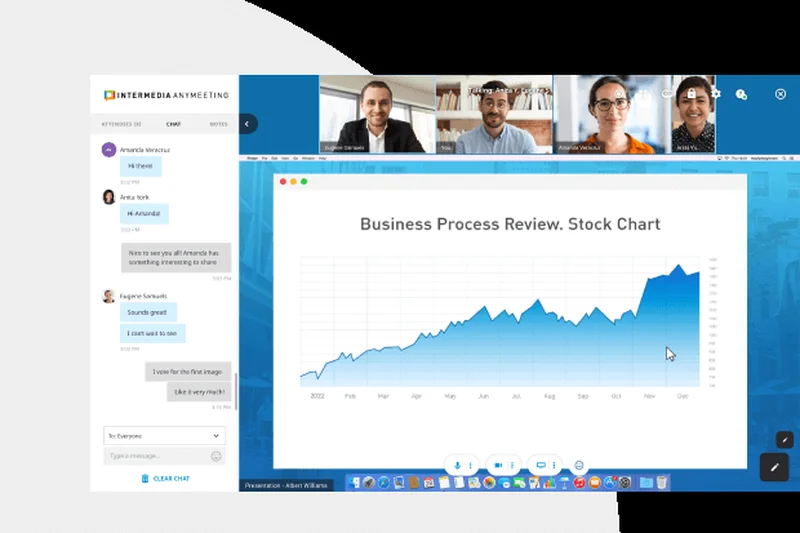

Why we picked it: Intermedia's AnyMeeting Pro ($13) supports 100 participants and features unlimited durations, cloud recording, and an AI-powered Smart Assistant for meeting notes. It is a solid B-tier platform that works well if you are already using Intermedia's voice services, but as a standalone purchase, it lacks the polish of the market leaders.
Key Specs
- Up to 100 participants
- Unlimited meeting duration
- Cloud recording & transcriptions
- AI-powered Smart Assistant
- Meeting notes and action items
What we like
- Good AI meeting notes
- Cloud recording included
- Unlimited meeting lengths
What we don't like
- Average video compression
- Low brand recognition for external clients
Best for: Businesses already utilizing Intermedia's VoIP solutions.
Considering AnyMeeting vs Zoom Pro? Zoom provides much better A/V stability for $3 more.
A capable tool that makes the most sense as an add-on to Intermedia voice plans.
Buy at Intermedia official site#33 Zoho Meeting Free

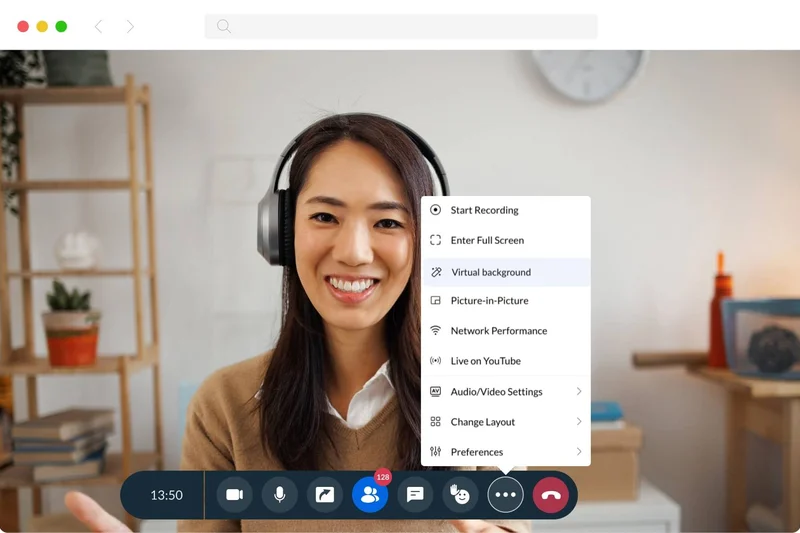

Why we picked it: Zoho's free tier allows up to 100 participants with a 60-minute limit. It includes in-meeting chat and basic screen sharing. It operates nicely in the browser, but we found its collaboration tools to be lacking compared to Lark or Google Meet. It’s a passable free option, but mostly serves to upsell to their paid tiers.
Key Specs
- Up to 100 participants
- 60-minute meeting limit
- Screen & application sharing
- In-meeting chat
- Basic security controls
What we like
- Browser-based access
- 60-minute limit is decent
- Good basic security
What we don't like
- Weak collaboration features
- Dated interface design
Best for: Basic internal check-ins where budget is zero.
Considering Zoho Free vs Google Meet Free? Google offers vastly superior video quality and UI for the same 60-minute limit.
A basic free tool that gets the job done without any frills.
Get for free at Zoho official site#34 Whereby Free

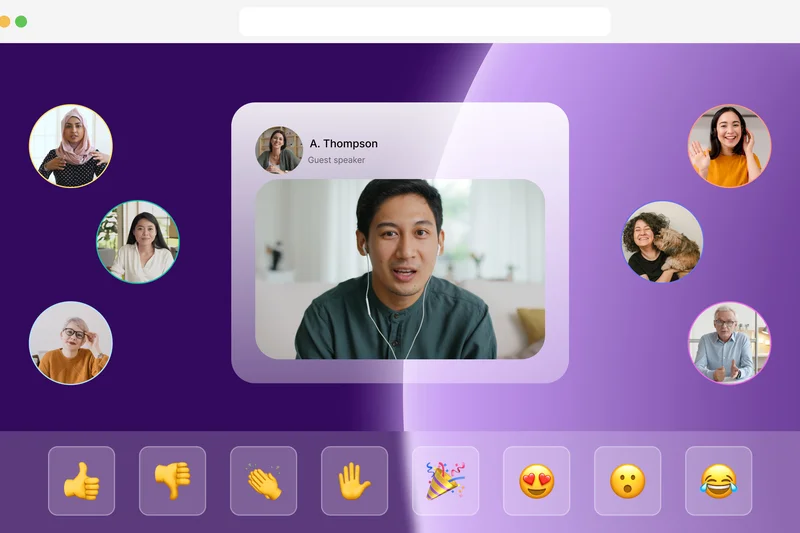

Why we picked it: Whereby's free tier is an aesthetic joy to use, allowing unlimited 1:1 meetings. However, group meetings are capped at 45 minutes for up to 100 participants. The custom URL feature is maintained, making it great for freelancers doing quick pitches. The tight 45-minute limit holds it back from a higher ranking.
Key Specs
- Up to 100 participants
- 45-minute group meeting limit
- Unlimited 1:1 meetings
- Custom meeting room URLs
- Noise reduction
What we like
- Unlimited 1:1 meetings
- Custom branding URLs
- Beautiful browser UI
What we don't like
- 45-minute group limit is restrictive
- No recording
Best for: Freelancers who mostly conduct 1-on-1 calls.
Considering Whereby Free vs Zoom Basic? Whereby is prettier and requires no app, making it better for 1:1 client calls.
The best free tool for 1-on-1 meetings, held back only by its group time limits.
Get for free at Whereby official site#35 Livestorm Pro



Why we picked it: At a steep $88/month, Livestorm Pro is a specialized webinar and meeting platform. It handles up to 500 live attendees with advanced email cadences and HubSpot/Salesforce integrations. For standard internal meetings, it is vastly overpriced and clunky (scoring 3/10 in Value). But for marketing teams running lead-gen webinars, it is a powerful ecosystem.
Key Specs
- Up to 500 live attendees
- 4-hour limit per session
- Advanced email cadences
- HubSpot & Salesforce integrations
- Custom registration pages
What we like
- Excellent automated webinar features
- Deep marketing CRM integrations
- Great registration pages
What we don't like
- Terrible value for standard internal meetings
- 4-hour limit per session
Best for: Marketing teams focused on lead generation and webinars.
Considering Livestorm Pro vs Zoom Webinar? Livestorm has better built-in marketing automations, but Zoom is more scalable.
A powerful marketing webinar tool that is too expensive for everyday video conferencing.
Buy at Livestorm official site#36 TrueConf Online Pro
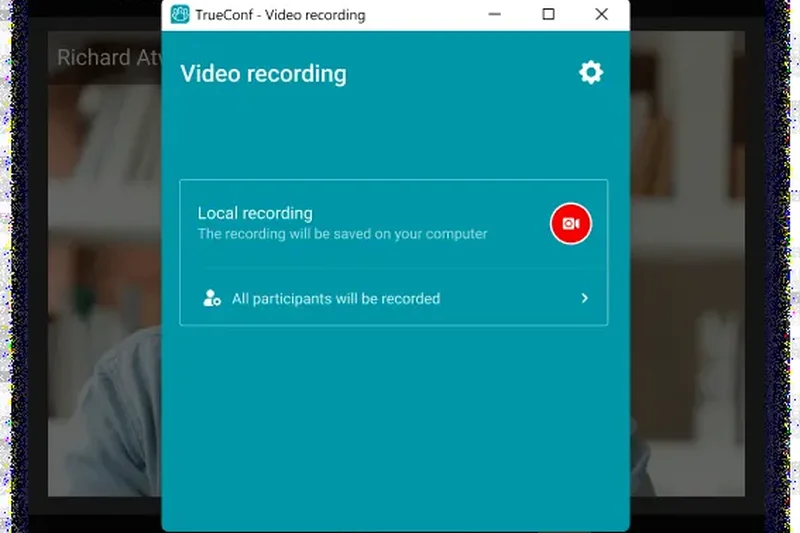
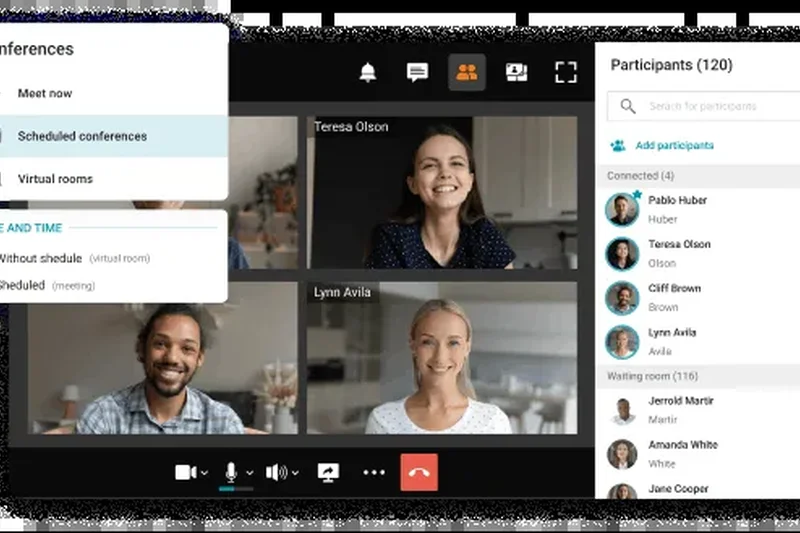
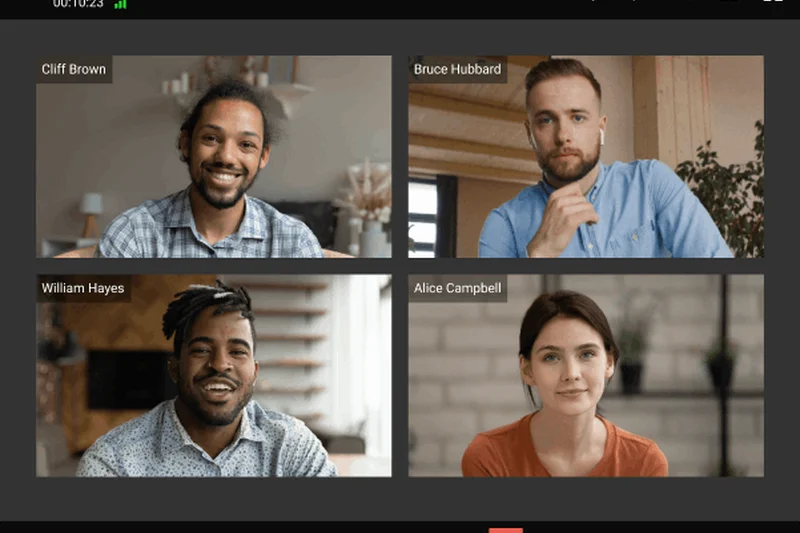
Why we picked it: For $15, TrueConf Online Pro offers Ultra HD video and excellent remote desktop control for up to 120 participants. It scored very high in A/V quality (9/10). However, the interface is archaic, and the mobile experience is lacking. It is a niche tool for specialized engineering or medical teams that need ultra-high resolution.
Key Specs
- Up to 120 participants
- Ultra HD video resolution
- Screen sharing & remote desktop
- Meeting recording
- Scheduling and Outlook integration
What we like
- Ultra HD video support
- Strong remote desktop sharing
- Highly secure
What we don't like
- Poor user interface
- Weak mobile application
Best for: Specialized teams requiring the highest possible video resolution.
Considering TrueConf Pro vs Webex Meet? Webex is much easier to use, while TrueConf pushes higher peak resolution.
A niche, high-fidelity video tool let down by an outdated user experience.
Buy at TrueConf official site#37 Nextiva Professional Video
Why we picked it: At $31, Nextiva Professional is a unified communications package offering unlimited video for up to 250 participants, alongside advanced VoIP phone features. Like Webex Suite, it is meant to replace your entire phone system. The video software is solid, though unexceptional compared to dedicated tools, dragging its value score down if you don't need the phone lines.
Key Specs
- Up to 250 participants
- Unlimited video conferencing
- Extended voice/video integrations
- Multi-level auto attendant
- Professionally recorded greeting
What we like
- Includes comprehensive cloud phone system
- Unlimited video conferencing
- Strong reliability
What we don't like
- Very expensive if you only need video
- Video features are relatively basic
Best for: Offices replacing their PBX phone system that want video bundled in.
Considering Nextiva vs Microsoft Teams? Teams is cheaper and better for video/docs, but Nextiva has superior traditional VoIP features.
A great cloud phone system with an acceptable video conferencing tool attached.
Buy at Nextiva official site#38 AnyMeeting Lite

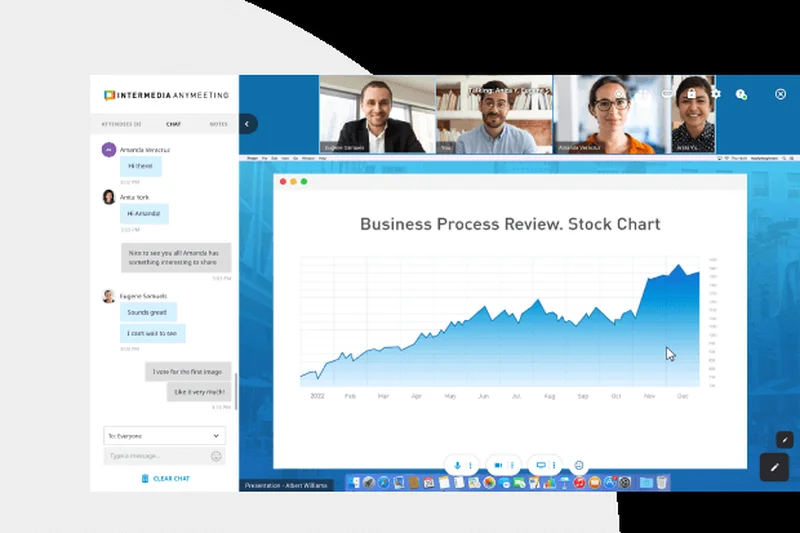

Why we picked it: For $10, AnyMeeting Lite gives you unlimited meetings but severely caps participants at 10. It is fully HIPAA compliant, making it a budget option for small healthcare practices. However, the 10-person limit is incredibly restrictive for the price, making Whereby or Google much better overall values.
Key Specs
- Up to 10 participants
- Unlimited meeting duration
- Screen sharing & chat
- Custom meeting URLs
- HIPAA compliant
What we like
- HIPAA compliant out of the box
- Unlimited meeting lengths
- Custom URLs
What we don't like
- Severely limited to 10 participants
- Poor value compared to competitors
Best for: Tiny healthcare practices needing a cheap HIPAA-compliant tool.
Considering AnyMeeting Lite vs Google Workspace Starter? Google gives you 100 participants and an email suite for $3 less.
Overpriced for a 10-person limit, saved only by its built-in compliance.
Buy at Intermedia official site#39 ClickMeeting Live

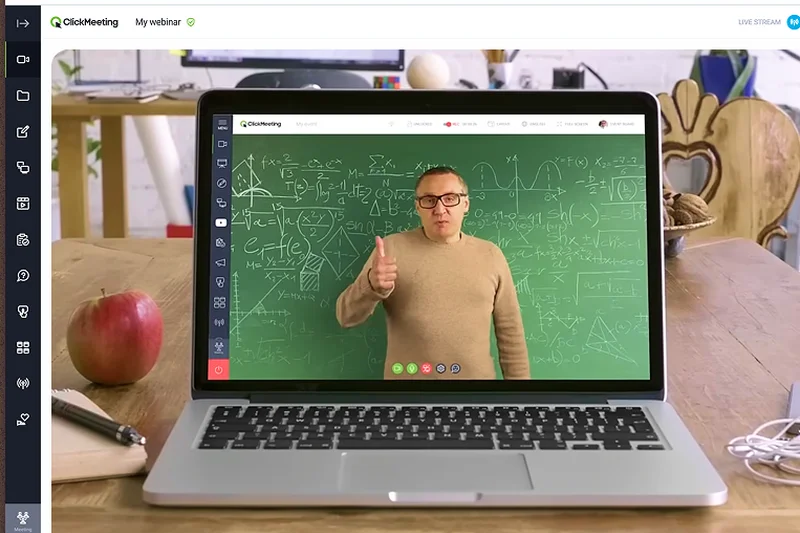

Why we picked it: At $25, ClickMeeting Live is another hybrid webinar/meeting tool. It caps meetings at a tiny 25 participants, but allows 100 webinar attendees. It includes 6 hours of recording storage. The presentation modes are nice, but as a day-to-day meeting tool, it is vastly overpriced and underpowered.
Key Specs
- Up to 25 participants in meetings
- Up to 100 webinar attendees
- 6 hours of recording storage
- 1 GB file storage
- Screen sharing & presentation mode
What we like
- Good presentation and webinar features
- Browser-based interface
What we don't like
- Terrible 25-person meeting limit
- Overpriced for general use
Best for: Educators running small online classes.
Considering ClickMeeting vs Zoom Pro? Zoom is $9 cheaper and handles 100 people easily.
A specialized presentation tool that fails as a general video conferencing platform.
Buy at ClickMeeting official site#40 FreeConferenceCall

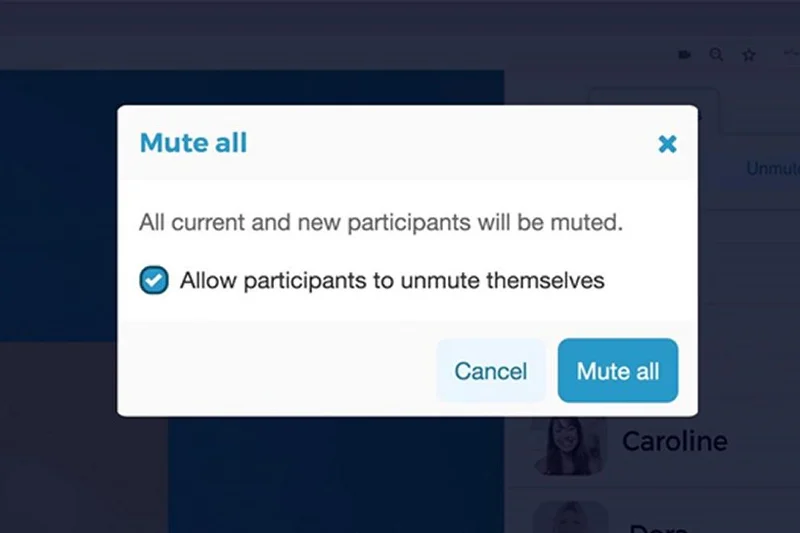
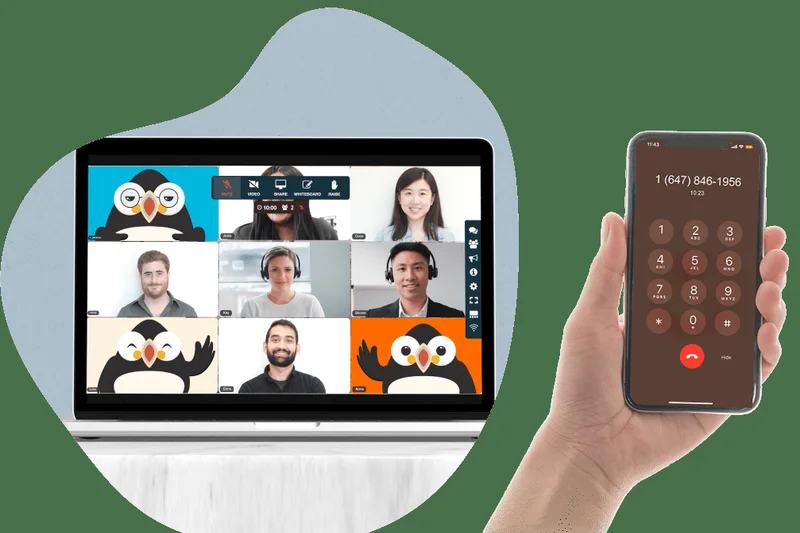
Why we picked it: A relic that still provides massive capacity: up to 1,000 participants and unlimited meeting time for free. It includes free international dial-in numbers. The massive downside is the actual video quality, which scored a dismal 6/10 due to pixelation and lag. It is essentially an audio-first platform with a poor video bolt-on.
Key Specs
- Up to 1,000 participants
- Unlimited meeting time
- Free international dial-in numbers
- Audio and video recording
- Screen sharing & drawing tools
What we like
- Completely free for huge 1,000 person calls
- Great international dial-ins
- Unlimited time
What we don't like
- Poor video quality and stability
- Cluttered, ad-supported interface
Best for: Large community groups needing free, massive audio/video calls.
Considering FreeConferenceCall vs Google Meet Free? Google offers vastly superior video, though limited to 100 people and 60 minutes.
Unbeatable free capacity, but you pay for it with terrible video stability.
Get for free at FreeConferenceCall official site#41 Nextiva Essential Video
Why we picked it: At $26, this is Nextiva's entry-level unified communications plan. It caps video meetings at 45 participants. You get unlimited calling and internet fax, but the video tool feels like an afterthought compared to the phone features. It's a tough sell unless VoIP is your primary need.
Key Specs
- Up to 45 participants
- Unlimited audio/video calling
- Unlimited internet fax
- Toll-free numbers included
- Outlook & Google Contacts integration
What we like
- Great VoIP and fax features
- Reliable service
What we don't like
- Small 45-person video limit
- Very expensive for just video
Best for: Offices that prioritize fax and phone over video.
Considering Nextiva Essential vs Webex Suite? Webex offers a much better video experience alongside its phone tools.
A VoIP-first platform where video conferencing takes a back seat.
Buy at Nextiva official site#42 TeamViewer Meeting Pro
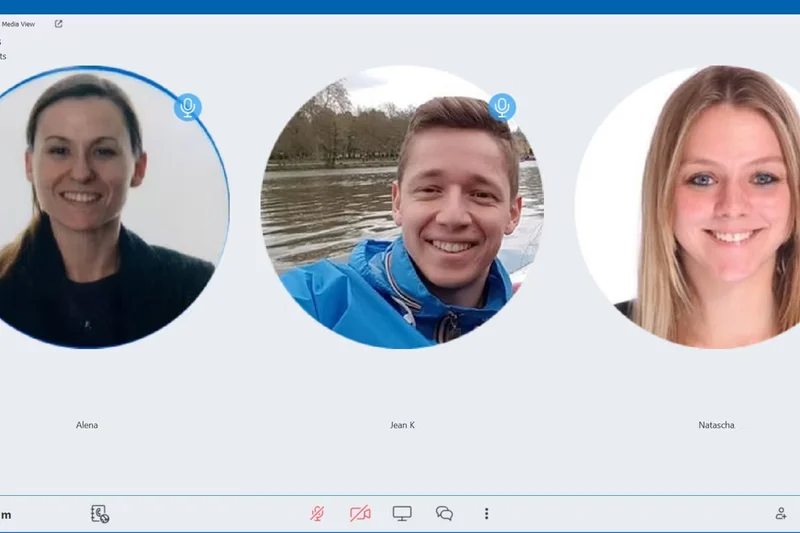

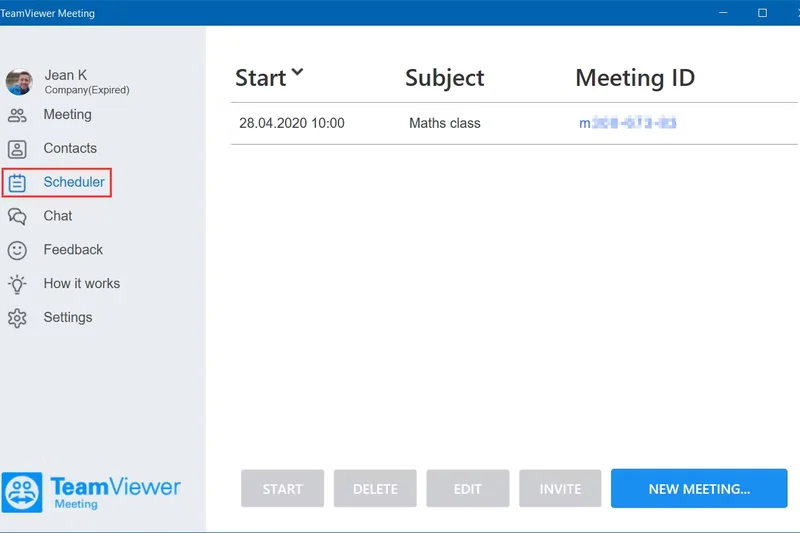
Why we picked it: For $10, TeamViewer Meeting Pro leverages their remote-desktop pedigree. It supports 50 participants with E2EE. However, the UI is clunky, integrations are weak (6/10), and the collaboration tools are basic. It is reliable but feels disjointed compared to modern platforms.
Key Specs
- Up to 50 participants
- End-to-end encryption
- Meeting recording
- Mobile app support
- Admin console
What we like
- Highly secure with E2EE
- Good cross-platform stability
What we don't like
- Low 50-person limit for a paid tier
- Weak integrations and collaboration tools
Best for: IT teams already using TeamViewer for remote support.
Considering TeamViewer Pro vs Microsoft Teams Essentials? Teams offers 300 participants for $4.
A secure but underwhelming video tool from a remote-support giant.
Buy at TeamViewer official site#43 TeamViewer Meeting Free

Why we picked it: The free tier of TeamViewer Meeting is severely crippled, allowing a maximum of only 5 participants. While it features E2EE and HD video, a 5-person limit makes it practically useless for even small startup stand-ups. It ranks at the bottom due to this extreme restriction.
Key Specs
- Up to 5 participants
- End-to-end encryption
- Screen sharing
- HD video
- Cross-platform support
What we like
- Secure end-to-end encryption
- Decent video quality
What we don't like
- Unusable 5-person limit
- Clunky desktop client
Best for: Tiny technical teams of 3-4 people wanting secure free chats.
Considering TeamViewer Free vs Google Meet Free? Google allows 100 people; TeamViewer allows 5.
Too restricted to recommend for any serious business use.
Get for free at TeamViewer official siteBuying Guide
How to Choose Video Conferencing for Small Teams
Selecting the right video conferencing tool is more complex than just finding the cheapest plan. Small teams operate differently than large enterprises—they need agility, zero IT overhead, and tools that naturally bend to their workflow rather than forcing new habits.
Assess Your Internal vs. External Needs
If your team spends 90% of its time on internal stand-ups and brainstorming sessions, collaboration tools and ecosystem integrations are your top priority. Platforms bundled within Microsoft 365 or Google Workspace often make the most sense because your calendar, documents, and chat are already there.
Conversely, if you are a sales or consulting team hosting frequent meetings with external clients, ease of use is the absolute deciding factor. You cannot afford to have a prospect download an application or struggle with an update right before a pitch. Browser-based platforms like Google Meet or Whereby shine here because they offer one-click, friction-free entry.
Beware the Freemium Trap
While many vendors offer generous free tiers, they are increasingly restricting meeting durations. The 40-minute limit on Zoom Basic or the 60-minute limit on Google Meet Free can abruptly interrupt a productive session. If your meetings regularly run long, you will need a paid plan. Look for high-value entry-level tiers, like Microsoft Teams Essentials, which drastically expands limits for a minimal monthly cost per user.
What to Avoid
- Over-buying Enterprise Features: Small teams rarely need advanced webinar registration pages, 500-person capacities, or massive localized dial-in banks unless hosting virtual events. Stick to business standard or essential plans.
- Ignoring Bandwidth Optimization: Heavy desktop clients that consume significant CPU and RAM can cause older laptops to overheat and drop frames. Always test the software on your team's actual hardware.
- Poor Mobile Experiences: If your team is frequently on the road, ensure the mobile app provides feature parity, such as background blur and screen sharing, rather than just being a stripped-down afterthought.
Budget Tiers
Free to $5 per user/month: Ideal for bootstrapped startups. You get basic video calling, often with 40-60 minute time limits, and standard chat. Microsoft Teams Essentials is the standout here for maximizing value at $4.
$6 to $15 per user/month: The sweet spot for most small businesses. These plans remove meeting time limits, add essential cloud recording, provide basic admin controls, and often bundle substantial cloud storage or email (e.g., Google Workspace Business Starter).
$16+ per user/month: Suited for specialized teams needing advanced webinars, AI meeting assistants, unlimited transcriptions, HIPAA compliance, or deep enterprise integrations (e.g., Zoom Workplace Pro, Webex Suite).
FAQ
What is the best overall video conferencing software for small teams in 2026?
Microsoft Teams Essentials is the best overall choice. At $4 per user, it offers a 30-hour meeting limit, supports up to 300 participants, and provides 10 GB of cloud storage, making it the highest-value platform on the market.
Which video conferencing tool is best for external client meetings?
Google Workspace Business Starter (or Google Meet Free) is the best for external clients because it runs entirely in the browser. Guests do not need to download an application or create an account to join your meeting.
Are free video conferencing tiers still viable for business?
Yes, but with caveats. Most free tiers, like Zoom Basic and Google Meet, now enforce strict 40- to 60-minute time limits on group calls. If your team has quick stand-ups, they work fine, but longer strategy sessions will require a paid plan.
How important is end-to-end encryption (E2EE) in video meetings?
For most small businesses, standard TLS encryption is sufficient. However, if you discuss proprietary intellectual property, healthcare data (HIPAA), or legal matters, platforms with default E2EE like Webex are highly recommended.
What is the M2 Multi-Dimensional Evaluation framework?
It is a scoring methodology developed by Selection Logic that assesses products across multiple weighted dimensions (like A/V Quality, Value, and Security) to provide a holistic, objective score rather than relying on subjective opinions.
Do I need a separate webinar software?
Not necessarily. Mid-tier plans like Microsoft 365 Business Standard now include webinar registration and reporting features, negating the need for expensive standalone tools like Livestorm or GoToWebinar for basic marketing needs.
How do browser-based tools compare to desktop clients?
Browser-based tools (Google Meet, Whereby) offer superior ease-of-use and frictionless entry. Desktop clients (Zoom, Microsoft Teams) generally provide better hardware acceleration, background noise cancellation, and stability on poor internet connections.
Which software has the best mobile application?
Zoom Workplace Pro and Microsoft Teams offer the most robust mobile experiences, maintaining near feature-parity with their desktop counterparts, including screen sharing, background blur, and chat access.
Is it worth upgrading to Microsoft 365 Business Basic over Teams Essentials?
If you need massive cloud storage, yes. Business Basic is $2 more per user but increases storage from 10 GB to 1 TB per user and includes web versions of Word and Excel.
What is 'ecosystem lock-in' regarding video conferencing?
Ecosystem lock-in occurs when a video tool is so deeply integrated with your email and document storage (like Google Workspace or Microsoft 365) that leaving the platform becomes administratively difficult. It's highly convenient but makes future platform migrations painful.
How much bandwidth is actually required for HD video calls?
For a stable 1080p group call, you generally need at least 3.0 Mbps upload and download speed. However, platforms like Zoom and Google Meet can dynamically compress video to maintain audio quality on speeds as low as 1.0 Mbps.
Can I record video meetings for free?
Yes, some platforms like Zoom Basic and Webex Free allow local recording (saving the file to your hard drive). Dialpad Free allows audio recording. However, free cloud recording is very rare, with RingCentral Free being a notable exception.
Methodology
Our rankings are produced using a proprietary algorithm based on the M2 Multi-Dimensional Evaluation method. For this 2026 guide, we researched and tested 43 video conferencing products. Each product was scored from 1 to 10 across seven critical dimensions.
- Video & Audio Reliability (20%): Assessed performance under network throttling, packet loss recovery, background noise suppression (AI noise cancellation), and maximum supported resolution (e.g., 720p vs 1080p defaults).
- Pricing & Value (20%): Evaluated free-tier restrictions (time/participant caps) and the cost-to-feature ratio of the lowest-tier paid plans. We penalized platforms that locked basic features behind expensive upgrades.
- Ease of Setup & Use (15%): Measured the steps required to join a meeting as a guest, the intuitiveness of host controls, and the administrative burden of provisioning user accounts.
- Collaboration Features (15%): Tested the latency of screen sharing, the utility of virtual whiteboards, chat threads, breakout room fluidity, and polling tools.
- App Integrations (10%): Checked native compatibility with tools like Slack, Salesforce, HubSpot, Outlook, and Google Calendar.
- Security & Meeting Controls (10%): Evaluated default encryption standards (E2EE), waiting room functionality, participant eviction, and meeting lock controls.
- Mobile & Cross-Platform Support (10%): Analyzed the stability and feature richness of iOS and Android applications, as well as the parity between Mac, Windows, and Linux desktop clients.
The final overall score is a weighted average of these dimension scores. We also calculated specific scenario scores by adjusting the dimension weights to reflect different organizational priorities, such as optimizing strictly for budget or emphasizing external client interactions.
Sources & References
All factual claims, product specifications, prices, and images in this article are cited by number. Click any reference to jump to the list; click the link in each entry to visit the original source.
- [1]Selection Logic. "M2 Multi-Dimensional Evaluation." selectionlogic.org/en/methods/m2-multi-dimensional-evaluation/. Accessed Mar 2026.
- [2]Selection Logic. "Video Conferencing Software Buying Guide 2026." selectionlogic.org/en/guides/video-conferencing-software-buying-guide/. Accessed Mar 2026.
- [3]Microsoft. "Compare Microsoft Teams Pricing and Plans." microsoft.com. Accessed Mar 2026.
- [4]Google. "Google Workspace Pricing." workspace.google.com. Accessed Mar 2026.
- [5]Zoom. "Zoom Pricing and Plans." zoom.us. Accessed Mar 2026.
- [6]Cisco Webex. "Webex Pricing." webex.com. Accessed Mar 2026.
- [7]Lark Suite. "Lark Pricing." larksuite.com. Accessed Mar 2026.
- [8]RingCentral. "Office Plans and Pricing." ringcentral.com. Accessed Mar 2026.
- [9]Whereby. "Whereby Information and Pricing." whereby.com. Accessed Mar 2026.
- [10]Dialpad. "Dialpad Pricing." dialpad.com. Accessed Mar 2026.
- [11]Zoho. "Zoho Meeting Pricing." zoho.com. Accessed Mar 2026.
- [12]GoTo. "GoTo Meeting Pricing." goto.com. Accessed Mar 2026.
- [13]Livestorm. "Livestorm Pricing." livestorm.co. Accessed Mar 2026.
- [14]Intermedia. "AnyMeeting Video Conferencing." intermedia.com. Accessed Mar 2026.
- [15]Nextiva. "Nextiva Pricing." nextiva.com. Accessed Mar 2026.
- [16]ClickMeeting. "ClickMeeting Pricing." clickmeeting.com. Accessed Mar 2026.
- [17]Jitsi. "Jitsi Meet." meet.jit.si. Accessed Mar 2026.
- [18]TrueConf. "TrueConf Pricing." trueconf.com. Accessed Mar 2026.
- [19]TeamViewer. "TeamViewer Meeting." teamviewer.com. Accessed Mar 2026.
- [20]FreeConferenceCall. "FreeConferenceCall Official Site." freeconferencecall.com. Accessed Mar 2026.
- [21]G2. "Best Video Conferencing Software 2026." g2.com. Accessed Mar 2026.
- [22]Capterra. "Video Conferencing Software Reviews." capterra.com. Accessed Mar 2026.
- [23]The Verge. "Zoom vs Microsoft Teams vs Google Meet." theverge.com. Accessed Mar 2026.
- [24]CNET. "Best Video Chat Apps for Small Business." cnet.com. Accessed Mar 2026.
- [25]Tom's Guide. "Best Video Conferencing Apps." tomsguide.com. Accessed Mar 2026.