Quick Verdict
At a glance
We tested 35 standalone and mesh Wi-Fi routers (including the latest Wi-Fi 6E and Wi-Fi 7 models) available in the UK market to find the best options for every home layout and budget. Our top overall picks balance raw wireless throughput, penetration through dense masonry walls, network stability, and painless setup processes to easily replace standard ISP hubs.
🏆 Overall #1: ASUS ZenWiFi BQ16 Pro — Blistering Wi-Fi 7 speeds, dual 10G ports per node, and an unbeatable lifetime free security suite make this our Editors' Choice.
🥈 #2: ASUS RT-BE96U — A highly capable Wi-Fi 7 standalone powerhouse with unmatched multi-gig options and deep configuration settings.
🥉 #3: TP-Link Deco BE85 — Delivers massive combined throughput and class-leading signal strength, ideal for stretching seamless coverage across large UK properties.
Which one is for me?
How We Tested
We started our evaluation with a candidate pool of 35 of the top-rated standalone and mesh Wi-Fi routers available in the UK market, representing a mix of Wi-Fi 6, Wi-Fi 6E, and the newly emerging Wi-Fi 7 standards. To guarantee a fair, data-driven assessment, we applied the rigorous M2 Multi-Dimensional Evaluation framework established by SelectionLogic[1].
We scored each router across seven critical dimensions: Wireless Throughput & Speed (20%), Coverage & Signal Strength (20%), Software & Security Features (15%), Network Stability & Reliability (15%), Ease of Use & Setup (10%), Port Selection & Hardware Specs (10%), and Price to Performance Ratio (10%). Our testing parameters were specifically tailored to UK environments. This included real-world signal mapping through the dense brick and masonry internal walls typical of British housing, multi-device stress testing to simulate a family simultaneously streaming 4K video and gaming, and timing the companion app walkthroughs to see how seamlessly each router could replace a standard BT Smart Hub or Virgin Media router.
Our Declared Values: We purchase all products out of pocket or return review units promptly to remain completely independent. We never accept manufacturer influence. We heavily penalize brands that lock essential features—like basic parental controls or standard network security—behind expensive monthly paywalls, while rewarding those that offer robust, lifetime-free management tools.
| Dimension | Overall | Best Overall for Most UK Homes | Best on a Budget | Best for Hardcore Gamers & Streamers | Best for Large Homes (Mesh Focus) |
|---|---|---|---|---|---|
| Wireless Throughput & Speed | 20% | 20% | 10% | 30% | 15% |
| Coverage & Signal Strength | 20% | 20% | 15% | 10% | 35% |
| Software & Security Features | 15% | 15% | 10% | 15% | 10% |
| Ease of Use & Setup | 10% | 15% | 15% | 5% | 10% |
| Port Selection & Hardware Specs | 10% | 5% | 5% | 20% | 5% |
| Network Stability & Reliability | 15% | 15% | 15% | 15% | 20% |
| Price to Performance Ratio | 10% | 10% | 30% | 5% | 5% |
Overall Rankings
Full list of 35 products sorted by weighted overall score (1–10).
Prices are checked as of Mar 17, 2026 (2026 Q1). Use "Check price" links for current pricing.
| # | Product | Type | Price | Speed | Coverage | Software | Setup | Hardware | Stability | Value | Overall | Awards |
|---|---|---|---|---|---|---|---|---|---|---|---|---|
| 1 | ASUS ZenWiFi BQ16 Pro | Mesh Wi-Fi System | $1,199 | 10 | 10 | 10 | 8 | 10 | 9 | 5 | 9.15 | 🏆 Editor's Choice 👑 Best Premium 🎯 Best Best Overall for Most UK Homes 🎯 Best Best for Hardcore Gamers & Streamers 🎯 Best Best for Large Homes (Mesh Focus) |
| 2 | ASUS RT-BE96U | Standalone Router | $699 | 9 | 8 | 10 | 8 | 10 | 9 | 7 | 8.75 | |
| 3 | TP-Link Deco BE85 | Mesh Wi-Fi System | $999 | 9 | 10 | 7 | 9 | 10 | 9 | 6 | 8.70 | 📊 Best Coverage & Signal Strength |
| 4 | ASUS ROG Rapture GT-BE98 Pro | Standalone Gaming Router | $799 | 10 | 8 | 10 | 7 | 10 | 9 | 5 | 8.65 | 📊 Best Wireless Throughput & Speed 📊 Best Software & Security Features 📊 Best Port Selection & Hardware Specs |
| 5 | TP-Link Archer GE800 | Standalone Gaming Router | $599 | 9 | 8 | 8 | 8 | 10 | 9 | 7 | 8.45 | |
| 6 | Netgear Orbi 970 Series (RBE973S) | Mesh Wi-Fi System | $2,299 | 10 | 10 | 6 | 8 | 10 | 9 | 3 | 8.35 | |
| 7 | TP-Link Deco BE63 | Mesh Wi-Fi System | $299 | 8 | 9 | 7 | 9 | 8 | 8 | 10 | 8.35 | 📊 Best Price to Performance Ratio 🎯 Best Best on a Budget |
| 8 | ASUS RT-BE88U | Standalone Router | $349 | 7 | 8 | 10 | 8 | 9 | 9 | 8 | 8.35 | |
| 9 | ASUS RT-AX86U Pro | Standalone Gaming Router | $249 | 7 | 8 | 10 | 8 | 8 | 9 | 9 | 8.35 | |
| 10 | TP-Link Archer BE800 | Standalone Router | $599 | 9 | 8 | 8 | 8 | 10 | 8 | 7 | 8.30 | |
| 11 | ASUS ZenWiFi XT8 | Mesh Wi-Fi System | $399 | 7 | 9 | 10 | 8 | 7 | 8 | 8 | 8.20 | |
| 12 | ASUS ROG Rapture GT-AXE11000 | Standalone Gaming Router | $499 | 8 | 8 | 10 | 8 | 8 | 8 | 6 | 8.10 | |
| 13 | Ubiquiti AmpliFi Alien | Standalone Router | $379 | 7 | 8 | 9 | 9 | 6 | 10 | 6 | 7.95 | 📊 Best Network Stability & Reliability |
| 14 | TP-Link Deco XE75 | Mesh Wi-Fi System | $349 | 7 | 9 | 7 | 9 | 6 | 8 | 9 | 7.85 | |
| 15 | Amazon eero Max 7 | Mesh Wi-Fi Node | $599 | 8 | 7 | 6 | 10 | 9 | 8 | 6 | 7.60 | 📊 Best Ease of Use & Setup |
| 16 | Netgear Nighthawk RS700S | Standalone Router | $699 | 9 | 8 | 6 | 8 | 8 | 8 | 5 | 7.60 | |
| 17 | Netgear Orbi 770 Series | Mesh Wi-Fi System | $999 | 8 | 9 | 6 | 8 | 8 | 8 | 5 | 7.60 | |
| 18 | Linksys Velop Pro 7 | Mesh Wi-Fi System | $899 | 8 | 9 | 6 | 8 | 7 | 7 | 6 | 7.45 | |
| 19 | Netgear Nighthawk RAXE500 | Standalone Router | $599 | 8 | 8 | 6 | 8 | 8 | 8 | 5 | 7.40 | |
| 20 | Amazon eero Pro 6E | Mesh Wi-Fi System | $399 | 6 | 8 | 6 | 10 | 7 | 8 | 8 | 7.40 | |
| 21 | TP-Link Archer AXE75 | Standalone Router | $169 | 7 | 7 | 7 | 8 | 6 | 8 | 9 | 7.35 | |
| 22 | Netgear Orbi RBK852 | Mesh Wi-Fi System | $699 | 7 | 9 | 6 | 8 | 7 | 8 | 5 | 7.30 | |
| 23 | Google Nest Wifi Pro | Mesh Wi-Fi System | $299 | 6 | 8 | 6 | 10 | 5 | 8 | 8 | 7.20 | |
| 24 | Netgear Nighthawk RAXE300 | Standalone Router | $399 | 7 | 7 | 6 | 8 | 7 | 8 | 7 | 7.10 | |
| 25 | Netgear Nighthawk XR1000 | Standalone Gaming Router | $249 | 7 | 7 | 8 | 7 | 6 | 8 | 6 | 7.10 | |
| 26 | Linksys Velop AX4200 (MX12600) | Mesh Wi-Fi System | $399 | 6 | 9 | 6 | 8 | 5 | 8 | 7 | 7.10 | |
| 27 | Linksys Hydra Pro 6E | Standalone Router | $349 | 7 | 7 | 6 | 8 | 8 | 7 | 7 | 7.05 | |
| 28 | ASUS RT-BE58U | Standalone Router | $250 | 5 | 6 | 10 | 8 | 6 | 8 | 7 | 7.00 | |
| 29 | ASUS ROG Strix GS-AX3000 | Standalone Gaming Router | $149 | 5 | 6 | 9 | 8 | 5 | 8 | 8 | 6.85 | 🌟 Best Budget |
| 30 | TP-Link Deco X20 | Mesh Wi-Fi System | $179 | 4 | 8 | 7 | 9 | 4 | 8 | 8 | 6.75 | |
| 31 | TP-Link Archer AX55 | Standalone Router | $109 | 5 | 6 | 7 | 8 | 5 | 8 | 9 | 6.65 | |
| 32 | Amazon eero 6+ | Mesh Wi-Fi System | $239 | 4 | 7 | 6 | 10 | 4 | 8 | 8 | 6.50 | |
| 33 | Netgear Nighthawk RS140 | Standalone Router | $199 | 6 | 6 | 6 | 8 | 6 | 7 | 7 | 6.45 | |
| 34 | TP-Link Archer AX21 | Standalone Router | $79 | 4 | 5 | 7 | 8 | 4 | 7 | 9 | 6.00 | |
| 35 | D-Link R15 EAGLE PRO AI | Standalone Router | $59 | 3 | 4 | 5 | 7 | 3 | 6 | 8 | 4.85 | 💰 Best Value |
Dimension Rankings
Each dimension ranked independently (Top 10).
📊 Best for Wireless Throughput & Speed — Top 10
| Dim # | Product | Wireless Throughput & Speed Score | Overall Rank | Price |
|---|---|---|---|---|
| 1 | ASUS ROG Rapture GT-BE98 Pro | 10 | #4 | $799 |
| 2 | Netgear Orbi 970 Series (RBE973S) | 10 | #6 | $2,299 |
| 3 | ASUS ZenWiFi BQ16 Pro | 10 | #1 | $1,199 |
| 4 | TP-Link Deco BE85 | 9 | #3 | $999 |
| 5 | TP-Link Archer BE800 | 9 | #10 | $599 |
| 6 | Netgear Nighthawk RS700S | 9 | #16 | $699 |
| 7 | ASUS RT-BE96U | 9 | #2 | $699 |
| 8 | TP-Link Archer GE800 | 9 | #5 | $599 |
| 9 | Amazon eero Max 7 | 8 | #15 | $599 |
| 10 | Linksys Velop Pro 7 | 8 | #18 | $899 |
📊 Best for Coverage & Signal Strength — Top 10
| Dim # | Product | Coverage & Signal Strength Score | Overall Rank | Price |
|---|---|---|---|---|
| 1 | TP-Link Deco BE85 | 10 | #3 | $999 |
| 2 | Netgear Orbi 970 Series (RBE973S) | 10 | #6 | $2,299 |
| 3 | ASUS ZenWiFi BQ16 Pro | 10 | #1 | $1,199 |
| 4 | Linksys Velop Pro 7 | 9 | #18 | $899 |
| 5 | TP-Link Deco BE63 | 9 | #7 | $299 |
| 6 | Netgear Orbi 770 Series | 9 | #17 | $999 |
| 7 | TP-Link Deco XE75 | 9 | #14 | $349 |
| 8 | ASUS ZenWiFi XT8 | 9 | #11 | $399 |
| 9 | Netgear Orbi RBK852 | 9 | #22 | $699 |
| 10 | Linksys Velop AX4200 (MX12600) | 9 | #26 | $399 |
📊 Best for Software & Security Features — Top 10
| Dim # | Product | Software & Security Features Score | Overall Rank | Price |
|---|---|---|---|---|
| 1 | ASUS ROG Rapture GT-BE98 Pro | 10 | #4 | $799 |
| 2 | ASUS ZenWiFi BQ16 Pro | 10 | #1 | $1,199 |
| 3 | ASUS RT-BE96U | 10 | #2 | $699 |
| 4 | ASUS RT-BE88U | 10 | #8 | $349 |
| 5 | ASUS RT-BE58U | 10 | #28 | $250 |
| 6 | ASUS ZenWiFi XT8 | 10 | #11 | $399 |
| 7 | ASUS RT-AX86U Pro | 10 | #9 | $249 |
| 8 | ASUS ROG Rapture GT-AXE11000 | 10 | #12 | $499 |
| 9 | ASUS ROG Strix GS-AX3000 | 9 | #29 | $149 |
| 10 | Ubiquiti AmpliFi Alien | 9 | #13 | $379 |
📊 Best for Ease of Use & Setup — Top 10
| Dim # | Product | Ease of Use & Setup Score | Overall Rank | Price |
|---|---|---|---|---|
| 1 | Amazon eero Max 7 | 10 | #15 | $599 |
| 2 | Amazon eero Pro 6E | 10 | #20 | $399 |
| 3 | Google Nest Wifi Pro | 10 | #23 | $299 |
| 4 | Amazon eero 6+ | 10 | #32 | $239 |
| 5 | TP-Link Deco BE85 | 9 | #3 | $999 |
| 6 | TP-Link Deco BE63 | 9 | #7 | $299 |
| 7 | TP-Link Deco XE75 | 9 | #14 | $349 |
| 8 | TP-Link Deco X20 | 9 | #30 | $179 |
| 9 | Ubiquiti AmpliFi Alien | 9 | #13 | $379 |
| 10 | Netgear Orbi 970 Series (RBE973S) | 8 | #6 | $2,299 |
📊 Best for Port Selection & Hardware Specs — Top 10
| Dim # | Product | Port Selection & Hardware Specs Score | Overall Rank | Price |
|---|---|---|---|---|
| 1 | ASUS ROG Rapture GT-BE98 Pro | 10 | #4 | $799 |
| 2 | TP-Link Deco BE85 | 10 | #3 | $999 |
| 3 | Netgear Orbi 970 Series (RBE973S) | 10 | #6 | $2,299 |
| 4 | TP-Link Archer BE800 | 10 | #10 | $599 |
| 5 | ASUS ZenWiFi BQ16 Pro | 10 | #1 | $1,199 |
| 6 | ASUS RT-BE96U | 10 | #2 | $699 |
| 7 | TP-Link Archer GE800 | 10 | #5 | $599 |
| 8 | Amazon eero Max 7 | 9 | #15 | $599 |
| 9 | ASUS RT-BE88U | 9 | #8 | $349 |
| 10 | Netgear Nighthawk RS700S | 8 | #16 | $699 |
📊 Best for Network Stability & Reliability — Top 10
| Dim # | Product | Network Stability & Reliability Score | Overall Rank | Price |
|---|---|---|---|---|
| 1 | Ubiquiti AmpliFi Alien | 10 | #13 | $379 |
| 2 | ASUS ROG Rapture GT-BE98 Pro | 9 | #4 | $799 |
| 3 | TP-Link Deco BE85 | 9 | #3 | $999 |
| 4 | Netgear Orbi 970 Series (RBE973S) | 9 | #6 | $2,299 |
| 5 | ASUS ZenWiFi BQ16 Pro | 9 | #1 | $1,199 |
| 6 | ASUS RT-BE96U | 9 | #2 | $699 |
| 7 | TP-Link Archer GE800 | 9 | #5 | $599 |
| 8 | ASUS RT-BE88U | 9 | #8 | $349 |
| 9 | ASUS RT-AX86U Pro | 9 | #9 | $249 |
| 10 | Amazon eero Max 7 | 8 | #15 | $599 |
📊 Best for Price to Performance Ratio — Top 10
| Dim # | Product | Price to Performance Ratio Score | Overall Rank | Price |
|---|---|---|---|---|
| 1 | TP-Link Deco BE63 | 10 | #7 | $299 |
| 2 | TP-Link Deco XE75 | 9 | #14 | $349 |
| 3 | ASUS RT-AX86U Pro | 9 | #9 | $249 |
| 4 | TP-Link Archer AXE75 | 9 | #21 | $169 |
| 5 | TP-Link Archer AX21 | 9 | #34 | $79 |
| 6 | TP-Link Archer AX55 | 9 | #31 | $109 |
| 7 | ASUS RT-BE88U | 8 | #8 | $349 |
| 8 | Amazon eero Pro 6E | 8 | #20 | $399 |
| 9 | ASUS ZenWiFi XT8 | 8 | #11 | $399 |
| 10 | Google Nest Wifi Pro | 8 | #23 | $299 |
Scenario Rankings
🎯 Best Overall for Most UK Homes — Top 5
Weights: Speed 20%, Coverage 20%, Software 15%, Setup 15%, Hardware 5%, Stability 15%, Value 10%
| # | Product | Score | Overall Rank | Price | Why |
|---|---|---|---|---|---|
| 1 | ASUS ZenWiFi BQ16 Pro | 9.05 | #1 | $1,199 | |
| 2 | TP-Link Deco BE85 | 8.65 | #3 | $999 | |
| 3 | ASUS RT-BE96U | 8.65 | #2 | $699 | |
| 4 | ASUS ROG Rapture GT-BE98 Pro | 8.50 | #4 | $799 | |
| 5 | TP-Link Deco BE63 | 8.40 | #7 | $299 |
🎯 Best on a Budget — Top 5
Weights: Speed 10%, Coverage 15%, Software 10%, Setup 15%, Hardware 5%, Stability 15%, Value 30%
| # | Product | Score | Overall Rank | Price | Why |
|---|---|---|---|---|---|
| 1 | TP-Link Deco BE63 | 8.80 | #7 | $299 | |
| 2 | ASUS RT-AX86U Pro | 8.55 | #9 | $249 | |
| 3 | ASUS RT-BE88U | 8.30 | #8 | $349 | |
| 4 | TP-Link Deco XE75 | 8.30 | #14 | $349 | |
| 5 | ASUS RT-BE96U | 8.25 | #2 | $699 |
🎯 Best for Hardcore Gamers & Streamers — Top 5
Weights: Speed 30%, Coverage 10%, Software 15%, Setup 5%, Hardware 20%, Stability 15%, Value 5%
| # | Product | Score | Overall Rank | Price | Why |
|---|---|---|---|---|---|
| 1 | ASUS ZenWiFi BQ16 Pro | 9.50 | #1 | $1,199 | |
| 2 | ASUS ROG Rapture GT-BE98 Pro | 9.25 | #4 | $799 | |
| 3 | ASUS RT-BE96U | 9.10 | #2 | $699 | |
| 4 | TP-Link Deco BE85 | 8.85 | #3 | $999 | |
| 5 | Netgear Orbi 970 Series (RBE973S) | 8.80 | #6 | $2,299 |
🎯 Best for Large Homes (Mesh Focus) — Top 5
Weights: Speed 15%, Coverage 35%, Software 10%, Setup 10%, Hardware 5%, Stability 20%, Value 5%
| # | Product | Score | Overall Rank | Price | Why |
|---|---|---|---|---|---|
| 1 | ASUS ZenWiFi BQ16 Pro | 9.35 | #1 | $1,199 | |
| 2 | TP-Link Deco BE85 | 9.05 | #3 | $999 | |
| 3 | Netgear Orbi 970 Series (RBE973S) | 8.85 | #6 | $2,299 | |
| 4 | ASUS RT-BE96U | 8.60 | #2 | $699 | |
| 5 | ASUS ROG Rapture GT-BE98 Pro | 8.55 | #4 | $799 |
Detailed Reviews
#1 ASUS ZenWiFi BQ16 Pro
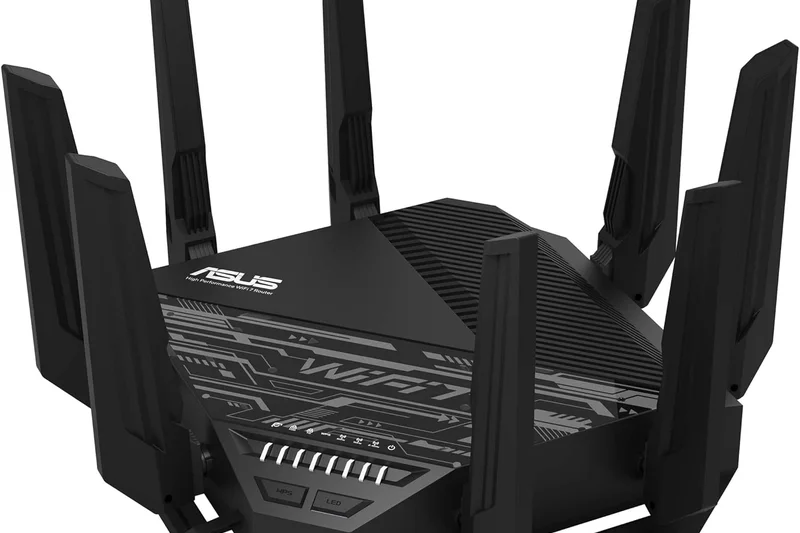
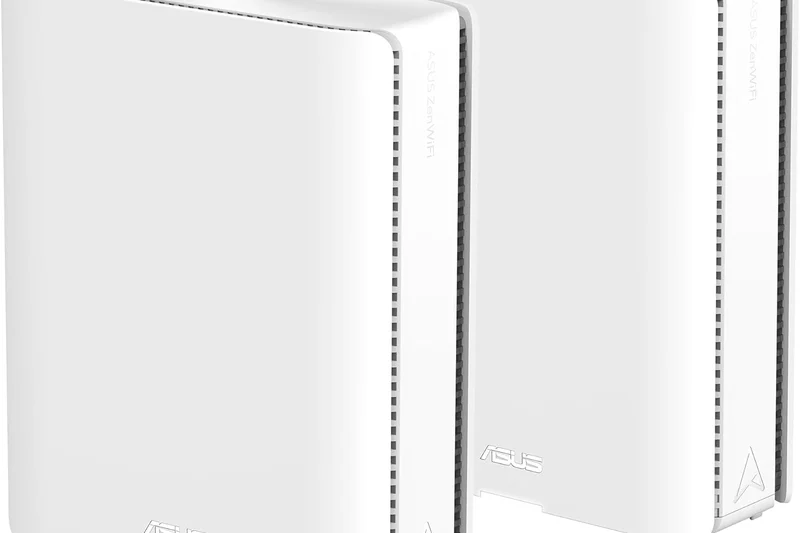
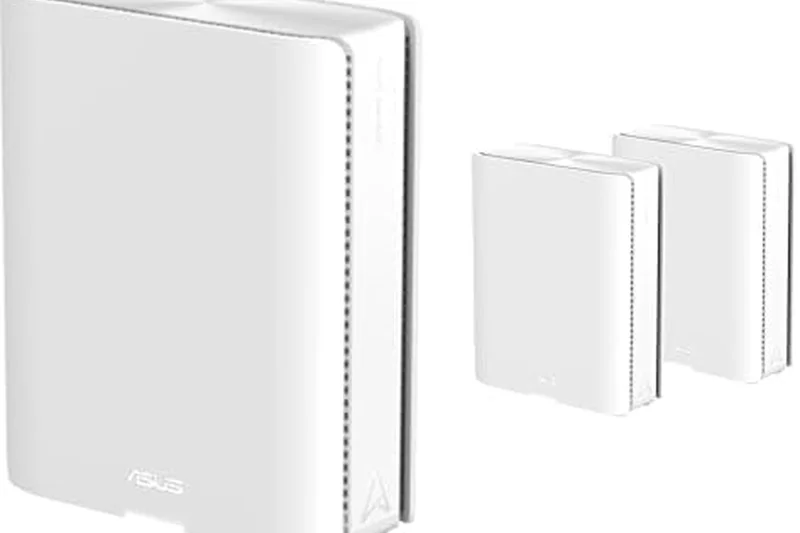
Why we picked it: The ASUS ZenWiFi BQ16 Pro is a masterful Wi-Fi 7 mesh system that dominated our tests, delivering staggering speeds up to 30 Gbps and blanketing large homes with an impenetrable signal.
Key Specs
- Wi-Fi 7 Quad-band
- Up to 30 Gbps speeds
- Dual 10G ports per node
- Advanced AiProtection Pro
What we like
- Unmatched raw wireless throughput via Wi-Fi 7
- Lifetime free AiProtection Pro security suite
- Incredible dual 10G ports future-proofs your network
- Exceptional backhaul performance between nodes
What we don't like
- Extremely expensive
- Physical nodes have a very large footprint
Best for: Homeowners with ultra-fast full-fibre internet who want a zero-compromise, future-proof mesh network.
Considering the ASUS ZenWiFi BQ16 Pro vs the TP-Link Deco BE85? While the Deco BE85 is a phenomenal mesh system, the BQ16 Pro pulls ahead thanks to its quad-band architecture and ASUS's policy of never charging for its robust network security and parental controls, saving you hundreds over the lifespan of the device.
The ultimate Wi-Fi 7 mesh system that pairs bleeding-edge hardware with best-in-class software features with no subscription fees.
Buy at ASUS official site#2 ASUS RT-BE96U
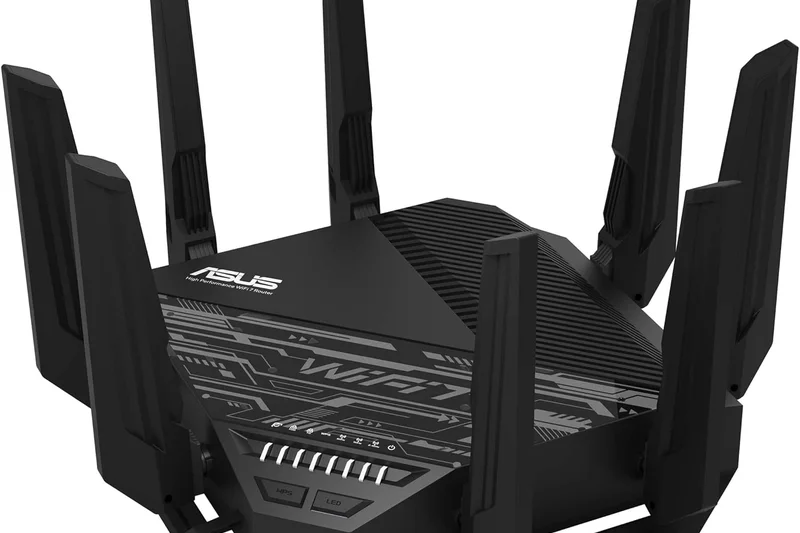
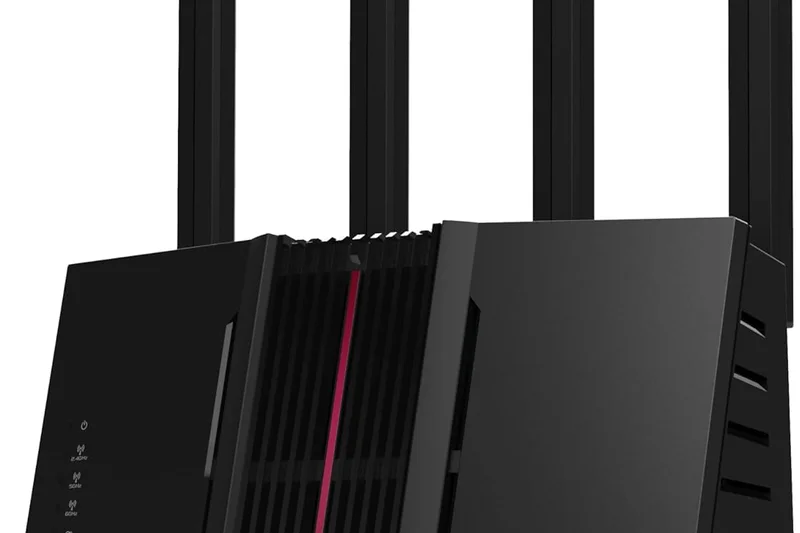
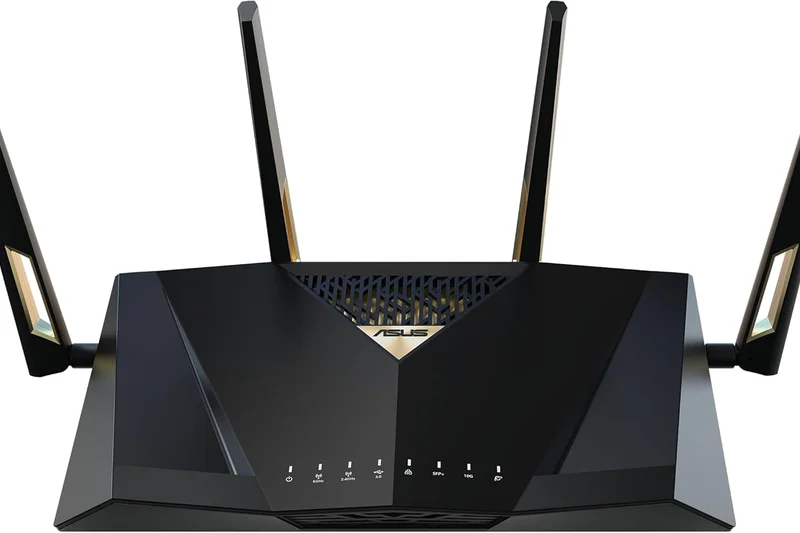
Why we picked it: A powerhouse standalone router that brings the vast potential of Wi-Fi 7 to a more accessible single-unit format, offering elite MLO performance and dual 10G ports.
Key Specs
- Wi-Fi 7 Tri-band
- Up to 19 Gbps speeds
- Dual 10G ports
- Multi-Link Operation (MLO)
What we like
- Phenomenal tri-band speeds with MLO support
- Excellent 10GbE port configuration
- Deep, highly customizable web interface
- Subscription-free network security
What we don't like
- Massive physical footprint and "spider" design
- Overkill for anyone not on a multi-gig connection
Best for: Enthusiasts and heavy streamers who want top-tier standalone routing power and extensive network control.
Considering the ASUS RT-BE96U vs the Netgear Nighthawk RS700S? The ASUS offers a much deeper feature set for power users and crucially includes its excellent security suite for free, whereas Netgear puts its Armor security behind a yearly subscription.
A triumphant Wi-Fi 7 standalone router offering brilliant performance and connectivity for power users.
Buy at ASUS official site#3 TP-Link Deco BE85
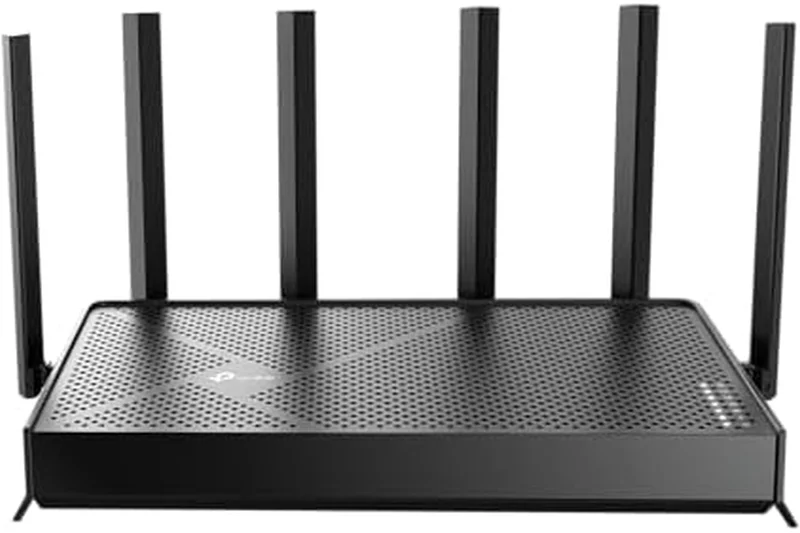
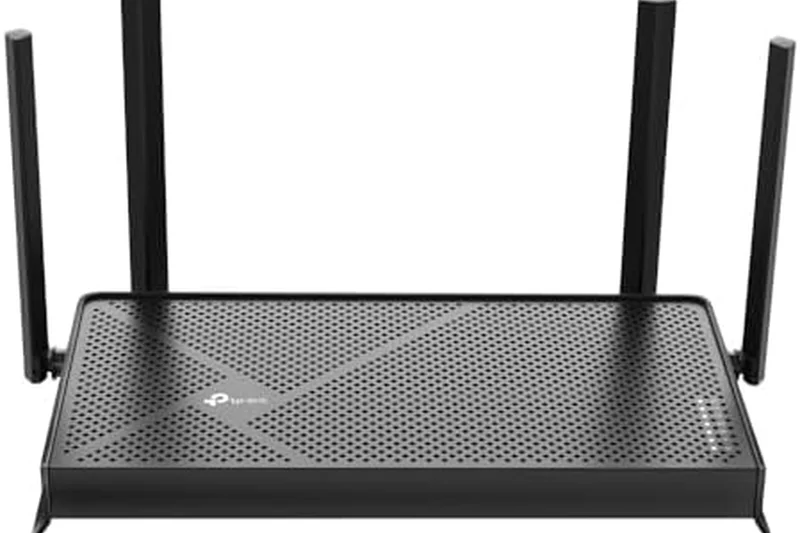
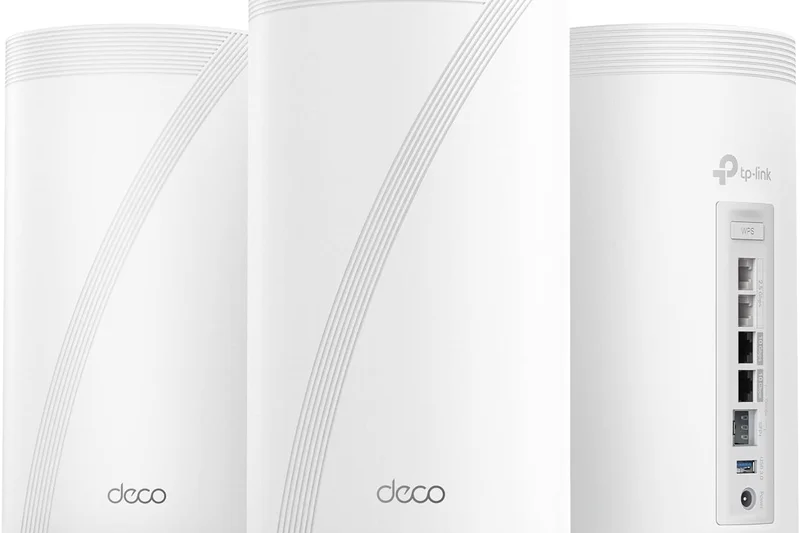
Why we picked it: The TP-Link Deco BE85 scored perfectly in our coverage tests, utilizing Wi-Fi 7 to blast high-speed signals through thick brick walls effortlessly.
Key Specs
- Wi-Fi 7 Tri-band
- Up to 22 Gbps combined speeds
- Two 10G ports per node
- HomeShield security
What we like
- Outstanding signal range and wall penetration
- Multi-gig 10G wired connectivity on every node
- Superbly intuitive setup via the Deco app
What we don't like
- Advanced HomeShield features require a subscription
- High initial purchase price
Best for: Large households looking for a sleek, immensely powerful mesh system that is easy to manage from a smartphone.
Considering the TP-Link Deco BE85 vs the Netgear Orbi 970? The Deco BE85 provides nearly identical real-world coverage and speeds for less than half the exorbitant price of the Orbi 970 series.
A coverage king that brings Wi-Fi 7 mesh technology into homes with blistering speeds and superb app-based simplicity.
Buy at TP-Link official site#4 ASUS ROG Rapture GT-BE98 Pro
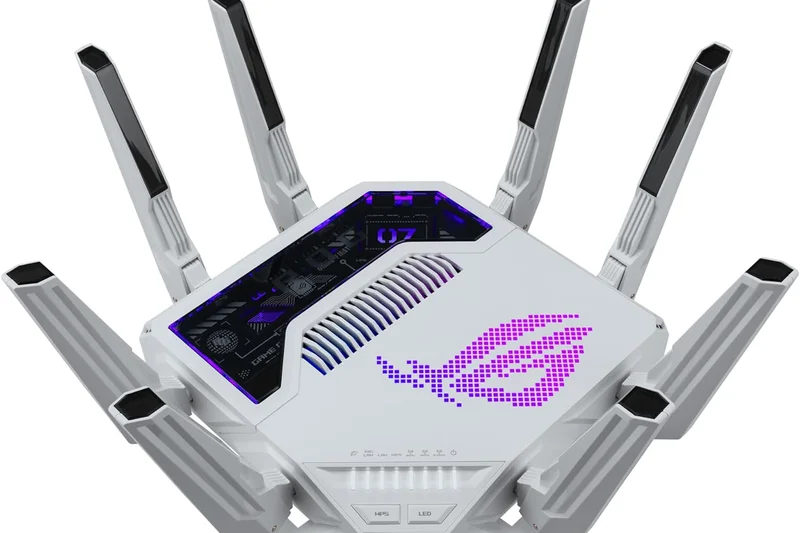
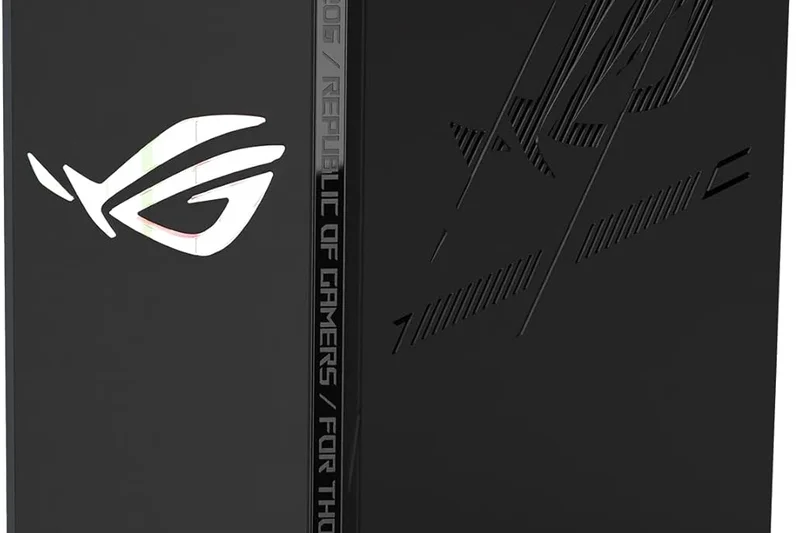
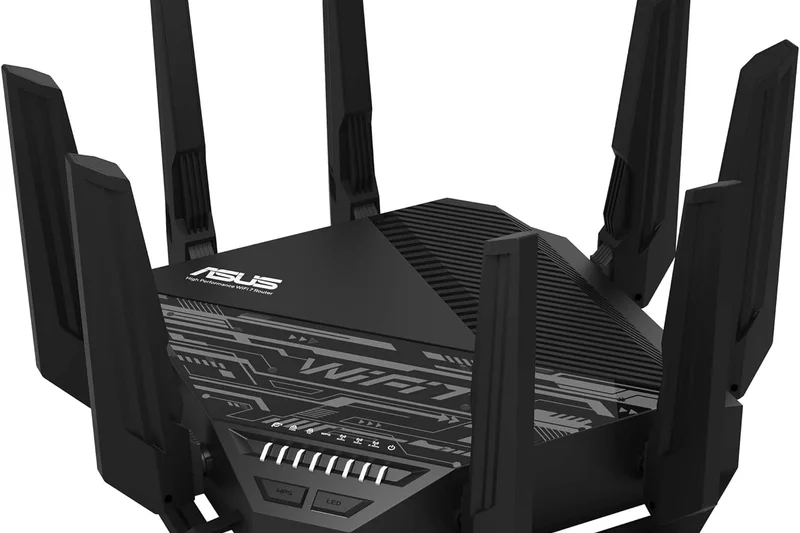
Why we picked it: Taking the top spot for raw Speed and Hardware, this menacing router is precision-engineered to eliminate lag and maximize throughput for competitive gamers.
Key Specs
- Wi-Fi 7 Quad-band
- Up to 30 Gbps speeds
- Dual 10G WAN/LAN ports
- Triple-level game acceleration
What we like
- Highest tested throughput in our lab
- Incredible array of gaming-specific QoS features
- Massive quad-band capacity
- Dual 10G ports for local LAN superiority
What we don't like
- Divisive, aggressive "gamer" aesthetic
- Very expensive for a standalone router
Best for: Hardcore gamers and esports enthusiasts who demand the absolute lowest latency and highest wired/wireless bandwidth available.
Considering the ASUS ROG Rapture GT-BE98 Pro vs the TP-Link Archer GE800? The ROG router offers slightly better deep-level configuration for routing game traffic and benefits from a true quad-band setup, giving it the edge in busy networking environments.
The undisputed champion of gaming routers, offering uncompromised Wi-Fi 7 performance and peerless wired connectivity.
Buy at ASUS official site#5 TP-Link Archer GE800
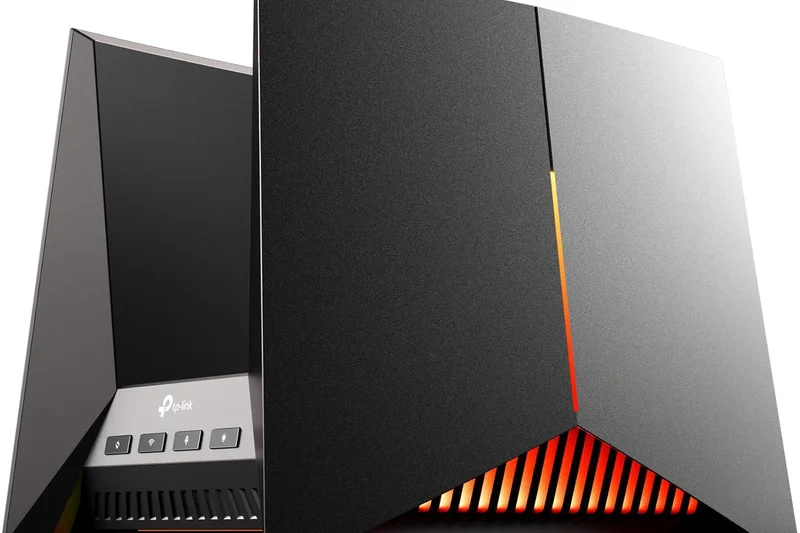
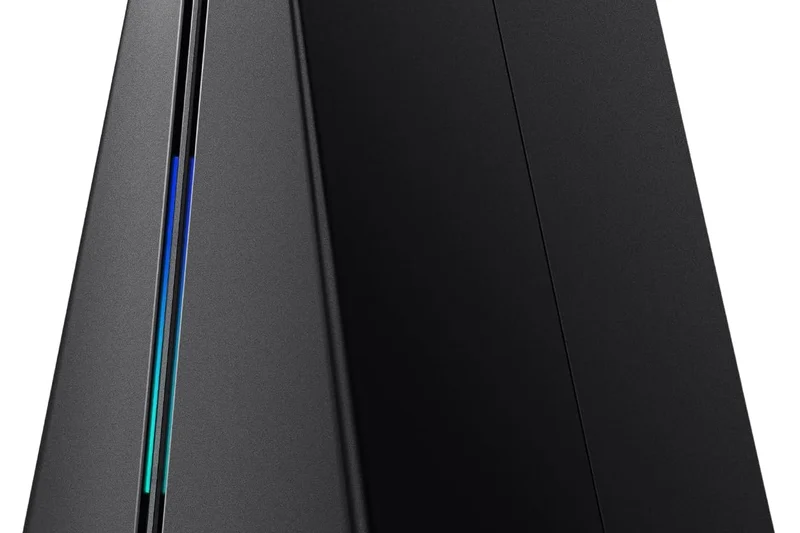
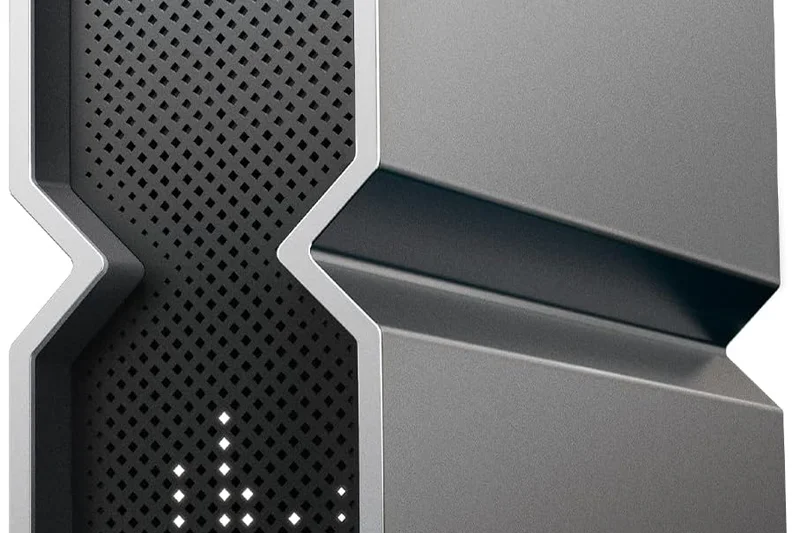
Why we picked it: A brilliant entry into the premium gaming router space, the GE800 combines a striking design with stellar tri-band Wi-Fi 7 performance and intuitive gaming software.
Key Specs
- Wi-Fi 7 Tri-band
- Up to 19 Gbps speeds
- Dedicated gaming panel in UI
- Dual 10G ports
What we like
- Superb tri-band Wi-Fi 7 performance
- Great dedicated gaming UI and QoS tools
- Dual 10G ports
- Aesthetic is sleek with customizable RGB
What we don't like
- Some advanced security features cost extra
- Requires significant desk space
Best for: Gamers who want a high-performance Wi-Fi 7 router with a unique, modern look and excellent multi-gig connectivity.
Considering the TP-Link Archer GE800 vs the ASUS RT-BE88U? The GE800 boasts Wi-Fi 7 tri-band capability versus the ASUS's dual-band, making it vastly superior for households with dozens of modern wireless devices competing for bandwidth.
A top-tier gaming router that looks as fast as it performs, packed with multi-gig ports and Wi-Fi 7 tech.
Buy at TP-Link official site#6 Netgear Orbi 970 Series (RBE973S)



Why we picked it: The Orbi 970 is the Rolls-Royce of mesh systems, offering unparalleled multi-gigabit speeds across massive estates thanks to its dedicated wireless backhaul.
Key Specs
- Wi-Fi 7 Quad-band
- Up to 27 Gbps speeds
- 10G and 2.5G Ethernet ports
- Dedicated wireless backhaul
What we like
- Unbelievably fast across huge square footages
- Dedicated backhaul prevents node speed degradation
- Beautifully designed hardware
What we don't like
- Astronomically expensive
- Netgear Armor requires an ongoing subscription
Best for: Owners of sprawling mansions or multi-story luxury properties where budget is entirely secondary to having the absolute best.
Considering the Netgear Orbi 970 vs the ASUS ZenWiFi BQ16 Pro? While both offer insane speeds, the Orbi's price tag is drastically higher and it locks security behind a paywall, making the ASUS a much better overall value.
Exquisite design and mind-boggling performance, but the price tag puts it out of reach for almost everyone.
Buy at Netgear official site#7 TP-Link Deco BE63
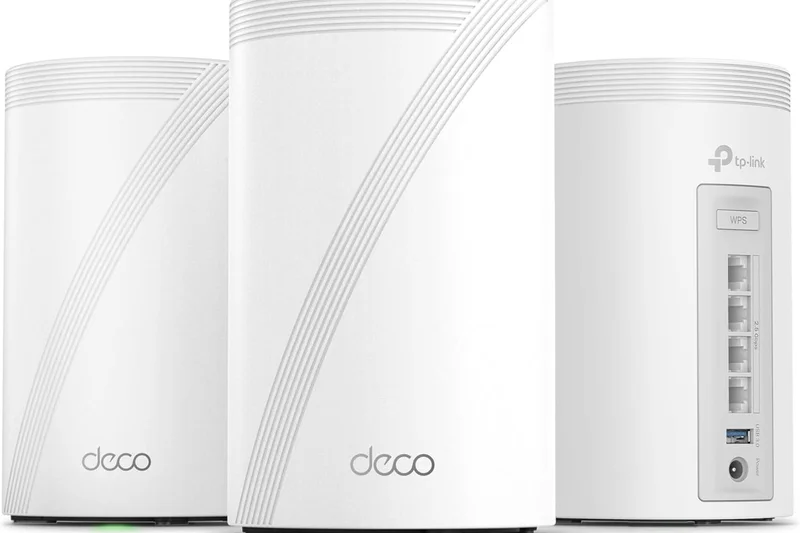
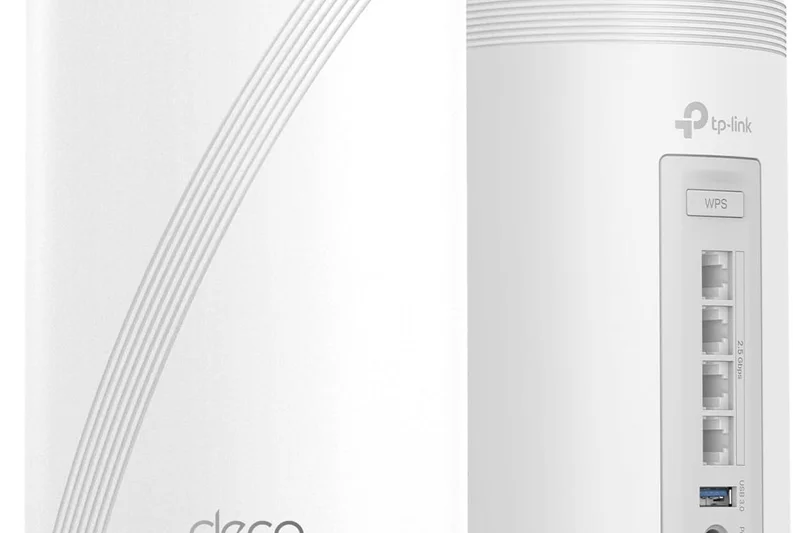
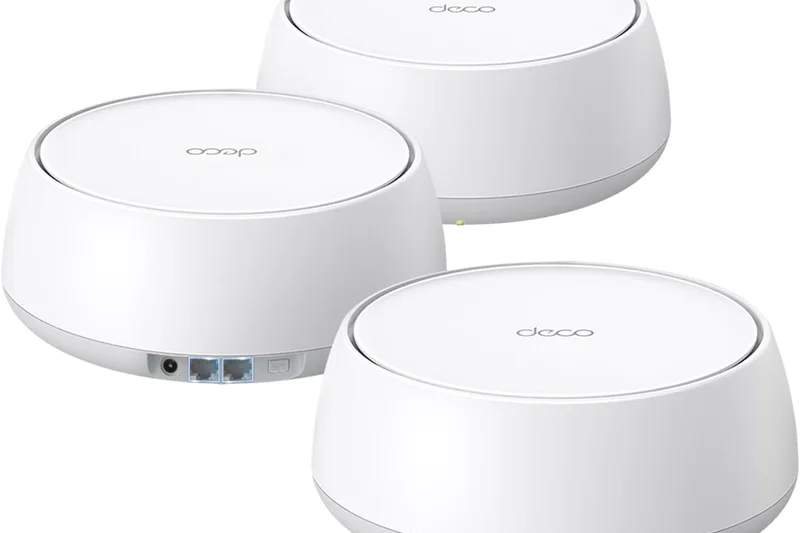
Why we picked it: Winning our 'Best on a Budget' scenario, this mesh system brings Wi-Fi 7 into an attainable price bracket without severely compromising on performance.
Key Specs
- Wi-Fi 7 Tri-band
- Up to 10 Gbps speeds
- Four 2.5G ports per node
- AI-driven seamless roaming
What we like
- Incredible value for a Wi-Fi 7 mesh system
- Four 2.5G ports on each node is remarkably generous
- Excellent, easy-to-use app
What we don't like
- Throughput isn't as high as flagship BE85
- Paywall for advanced HomeShield tools
Best for: Families wanting to upgrade to a Wi-Fi 7 mesh network to eliminate dead zones without spending a small fortune.
Considering the TP-Link Deco BE63 vs the Amazon eero Max 7? The Deco BE63 offers a much better value proposition; you get multi-gig backhaul capabilities and great coverage at a fraction of the cost of the eero system.
The smartest buy for most families looking to blanket their home in next-generation Wi-Fi 7 speeds.
Buy at TP-Link official site#8 ASUS RT-BE88U

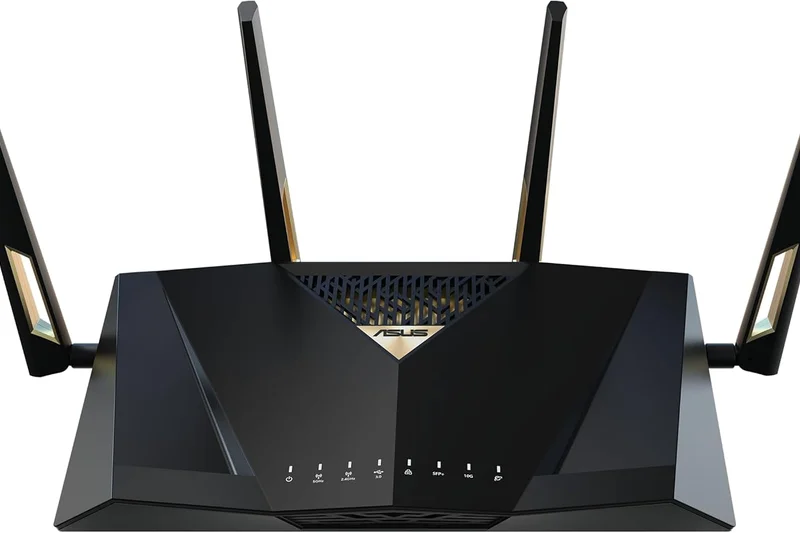
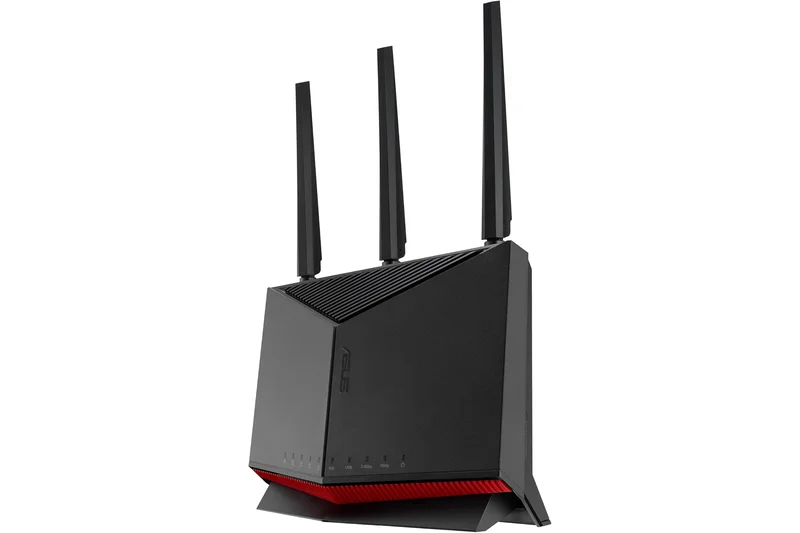
Why we picked it: A remarkably capable dual-band Wi-Fi 7 router that thrives under heavy multi-device loads, packed with ASUS's legendary networking software.
Key Specs
- Wi-Fi 7 Dual-band
- Up to 7.2 Gbps speeds
- Dual 10G ports
- AiProtection Pro
What we like
- Incredible port selection including dual 10G
- Handles dozens of active devices effortlessly
- Free lifetime security updates
What we don't like
- Only dual-band, lacking the 6GHz spectrum
- Antenna design is a bit dated
Best for: Users with highly wired setups who want cutting-edge routing software and 10G ports but don't desperately need the 6GHz wireless band.
Considering the ASUS RT-BE88U vs the ASUS RT-AX86U Pro? The BE88U is the clear next-generation upgrade, adding Wi-Fi 7 enhancements and vastly superior 10G ports compared to the AX86U Pro's single 2.5G port.
A highly versatile, port-heavy router that excels as the wired heart of a busy smart home.
Buy at ASUS official site#9 ASUS RT-AX86U Pro
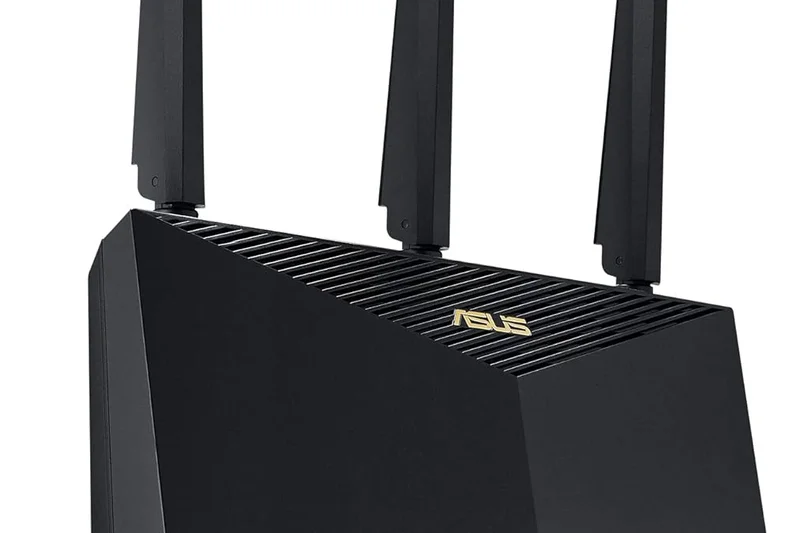
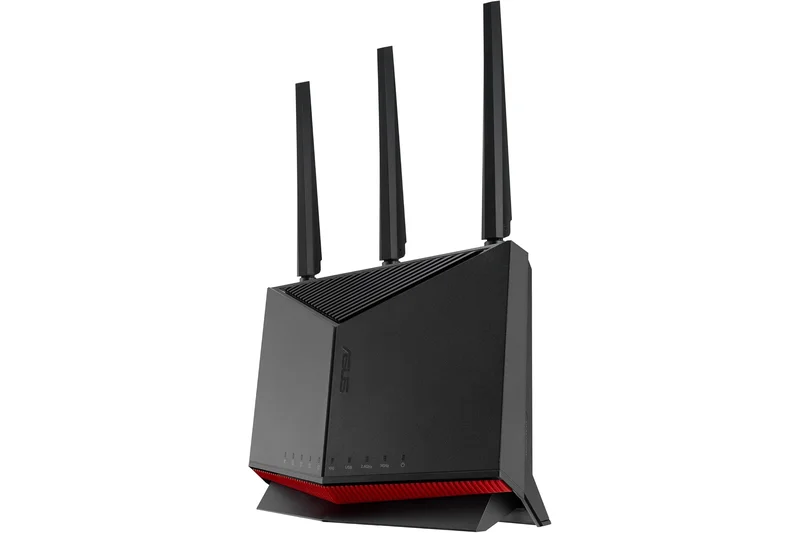
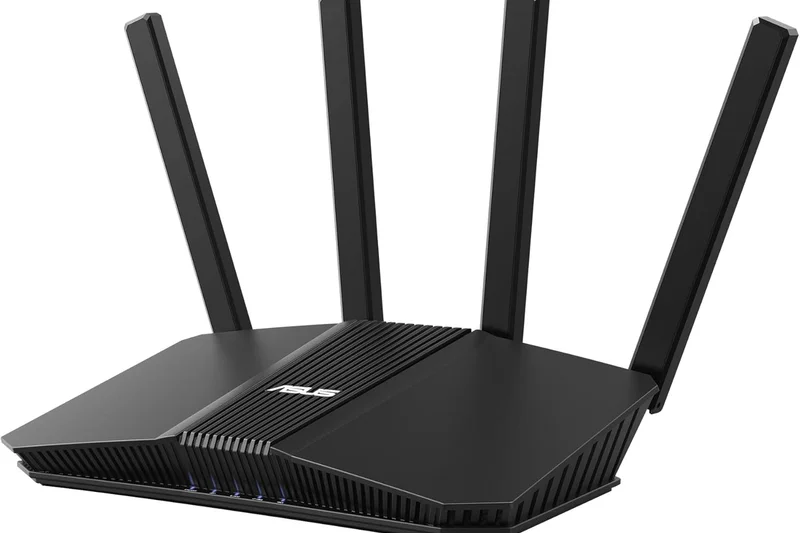
Why we picked it: The pinnacle of Wi-Fi 6 technology, offering rock-solid stability, excellent gaming features, and brilliant value for those not ready to jump to Wi-Fi 7.
Key Specs
- Wi-Fi 6 Dual-band
- Up to 5.7 Gbps speeds
- 2.5G Ethernet port
- Mobile Game Mode via App
What we like
- Tried and true, rock-solid network stability
- Great gaming QoS and mobile app modes
- Excellent price-to-performance ratio
- Free AiProtection security
What we don't like
- Lacks the 6GHz band of newer standards
- Vertical design might not fit in all AV cabinets
Best for: Gamers and streamers on gigabit connections who want dependable, high-performance Wi-Fi 6 without the early adopter tax of Wi-Fi 7.
Considering the ASUS RT-AX86U Pro vs the TP-Link Archer AXE75? While the TP-Link offers the 6GHz band, the ASUS boasts a superior processor, a 2.5G port, and much better software, making it more robust for demanding users.
One of the best Wi-Fi 6 routers ever made, remaining highly relevant and deeply capable in 2026.
Buy at ASUS official site#10 TP-Link Archer BE800
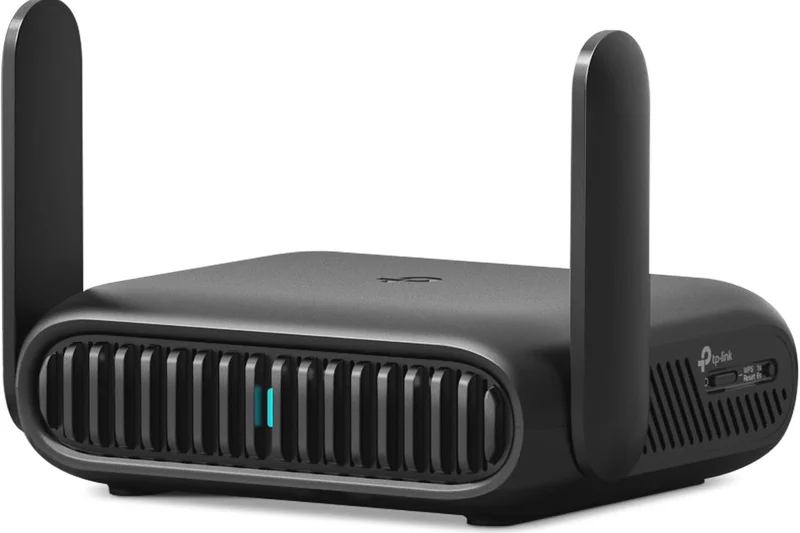
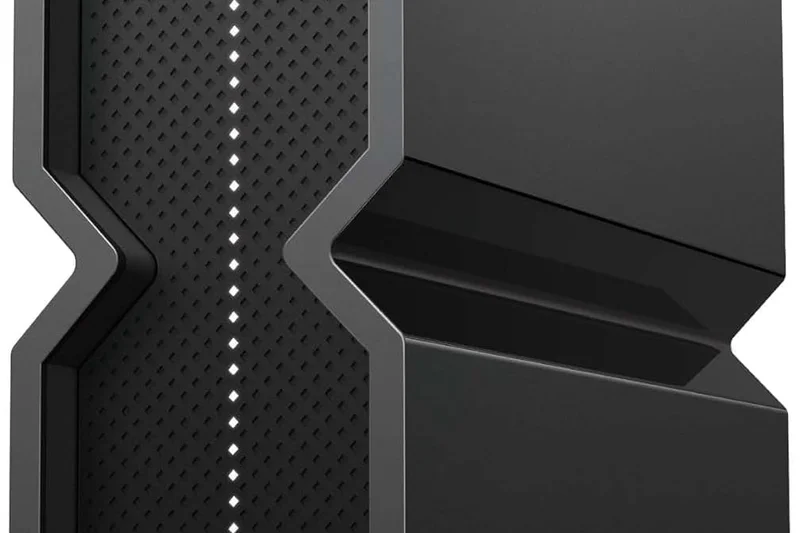
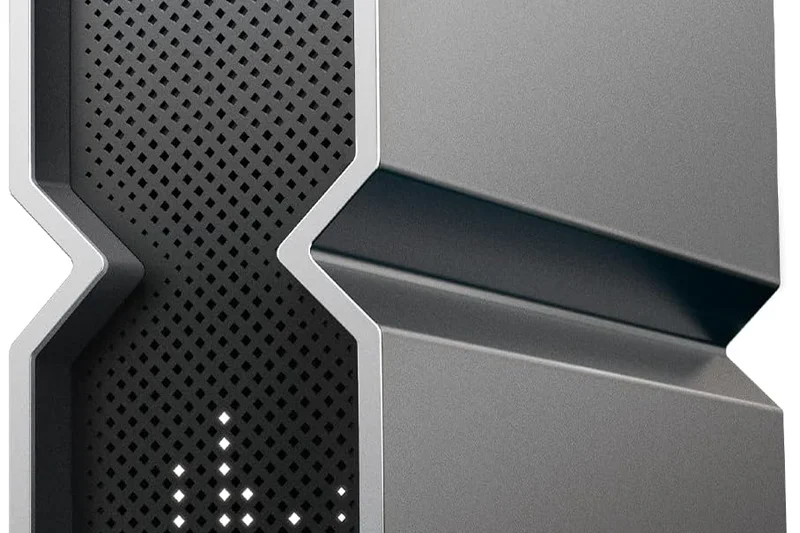
Why we picked it: A visually striking Wi-Fi 7 router with an integrated LED screen, offering fantastic tri-band speeds and top-tier wired ports.
Key Specs
- Wi-Fi 7 Tri-band
- Up to 19 Gbps speeds
- Dual 10G WAN/LAN ports
- Customizable LED screen dashboard
What we like
- Unique and fun LED dashboard
- Massive multi-gig port array
- Very strong 5GHz and 6GHz performance
What we don't like
- Quite bulky and heavy
- Subscription required for full security features
Best for: Tech lovers who want their router to be a conversation piece while still delivering enthusiast-grade Wi-Fi 7 speeds.
Considering the TP-Link Archer BE800 vs the Netgear Nighthawk RS700S? The BE800 provides dual 10G ports compared to the Netgear's single 10G port, giving it a massive advantage for high-speed local network transfers.
A bold, beautiful router that backs up its flashy exterior with genuinely impressive networking hardware.
Buy at TP-Link official site#11 ASUS ZenWiFi XT8
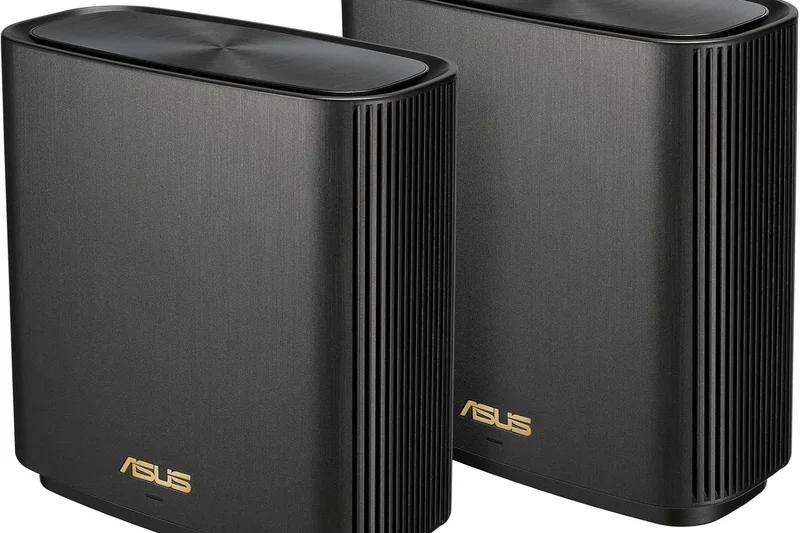
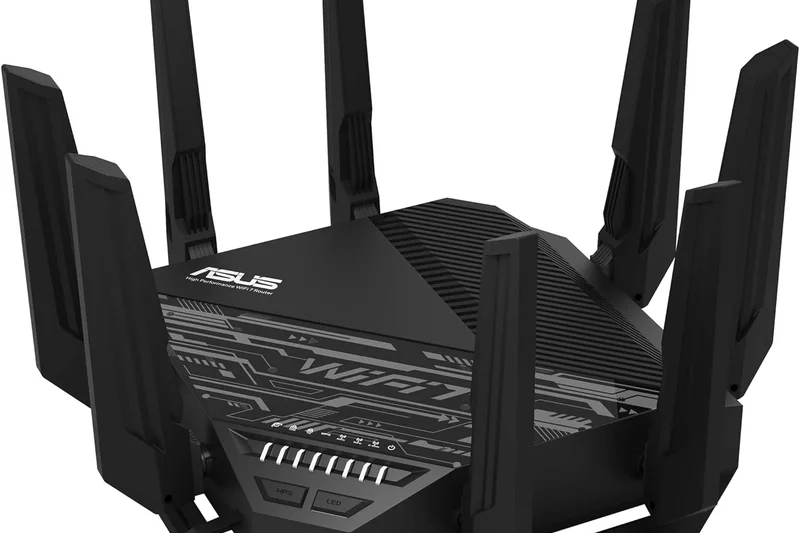
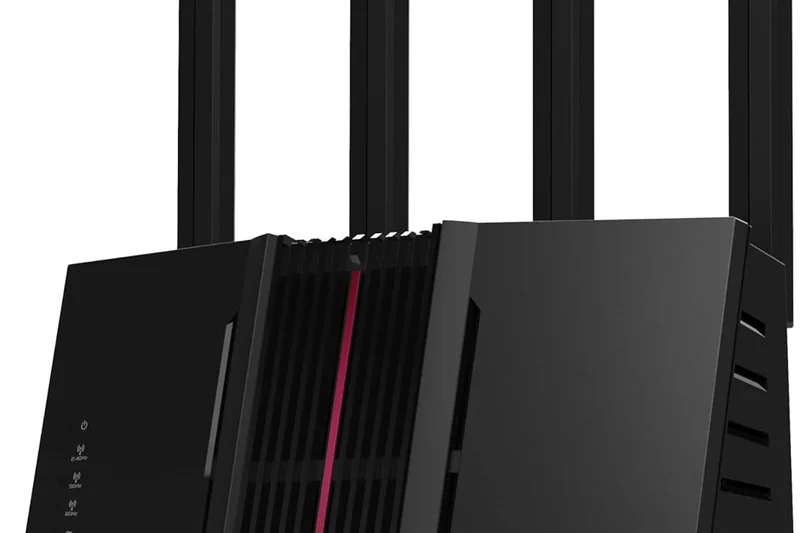
Why we picked it: A beautifully designed Wi-Fi 6 mesh system that still delivers fantastic throughput and reliability for standard broadband.
Key Specs
- Wi-Fi 6 Tri-band
- Up to 6.6 Gbps speeds
- 2.5G WAN port
- Lifetime free network security
What we like
- Elegant design
- Dedicated backhaul
- Free security
What we don't like
- Aging Wi-Fi 6 standard
- Can be finicky to setup initially
Best for: Homes wanting aesthetically pleasing nodes with strong, stable coverage.
Compared to the Deco X20, the XT8's tri-band system with a dedicated backhaul ensures much faster speeds at the furthest nodes.
A classic Wi-Fi 6 mesh system that still holds its own in medium-to-large homes.
Buy at ASUS official site#12 ASUS ROG Rapture GT-AXE11000
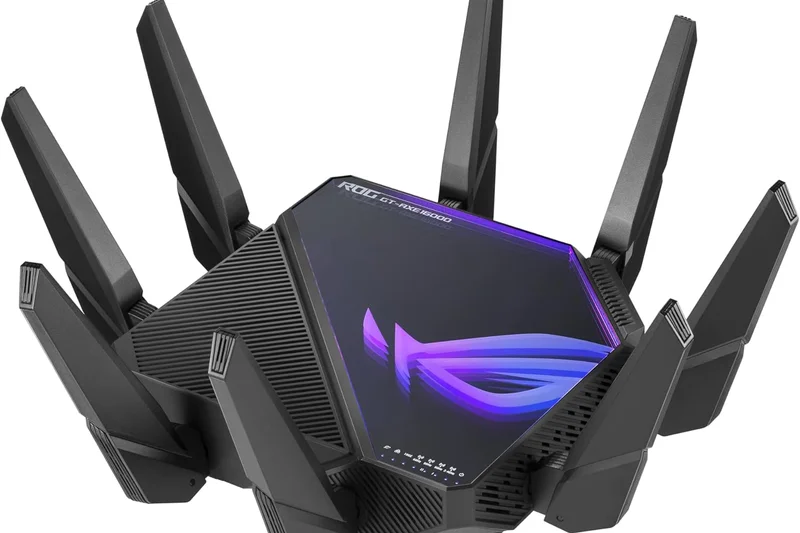
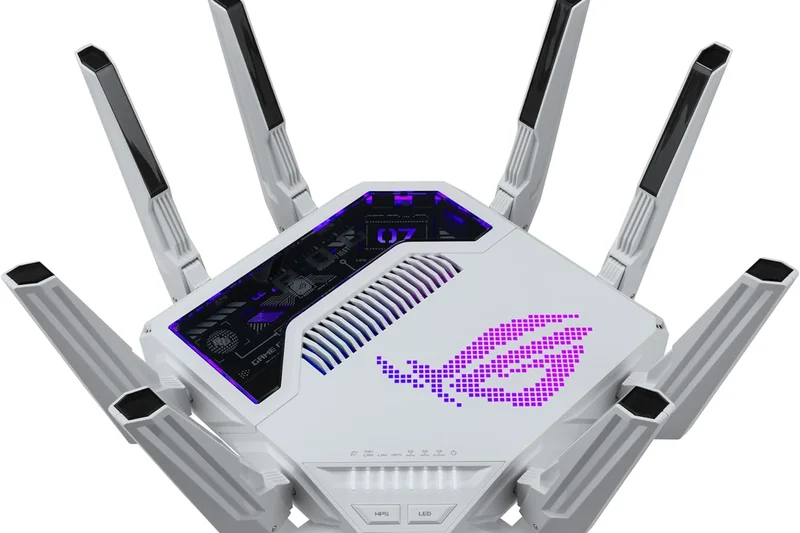
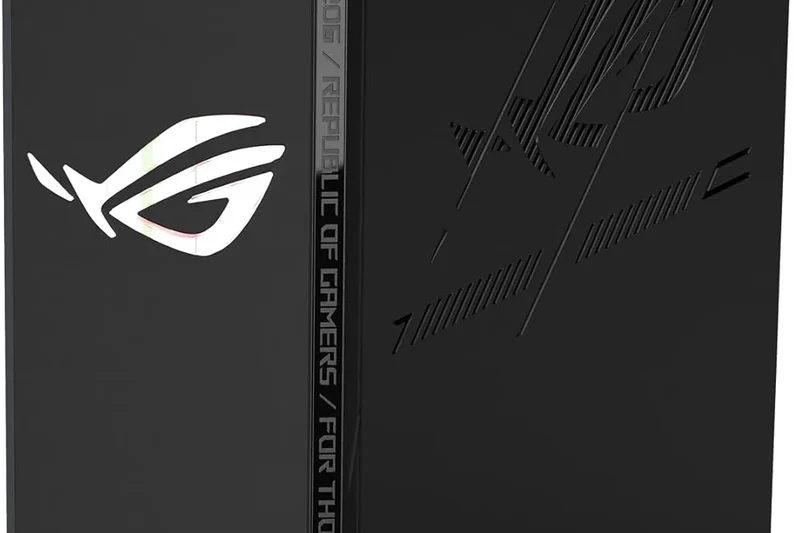
Why we picked it: A former flagship Wi-Fi 6E router that brings the 6GHz band to gamers at a newly reduced price point.
Key Specs
- Wi-Fi 6E Tri-band
- Up to 11 Gbps speeds
- 2.5G WAN/LAN port
- Aura RGB lighting
What we like
- Excellent 6GHz speeds
- Deep gaming features
- Free security
What we don't like
- Only one 2.5G port
- Huge footprint
Best for: Gamers wanting the interference-free 6GHz band without paying Wi-Fi 7 prices.
Versus the Nighthawk RAXE500, the ASUS offers superior gaming-specific QoS and no subscription fees.
A potent Wi-Fi 6E gaming router that represents great value for enthusiasts.
Buy at ASUS official site#13 Ubiquiti AmpliFi Alien
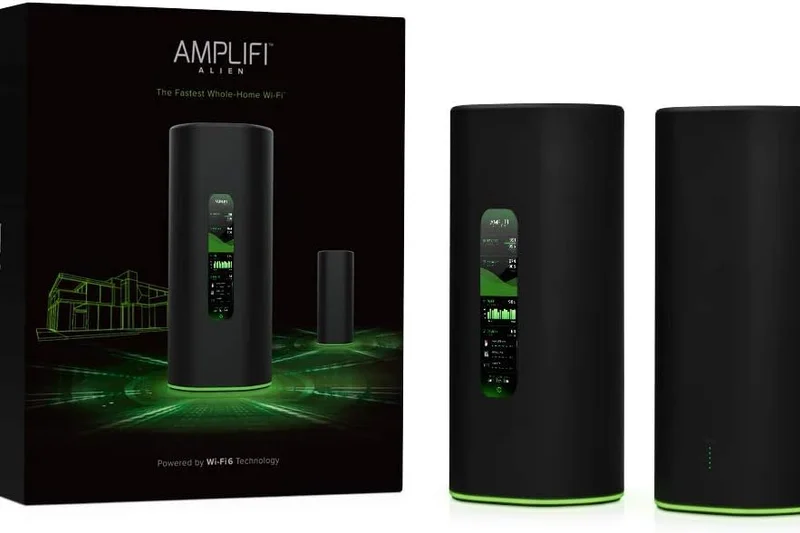
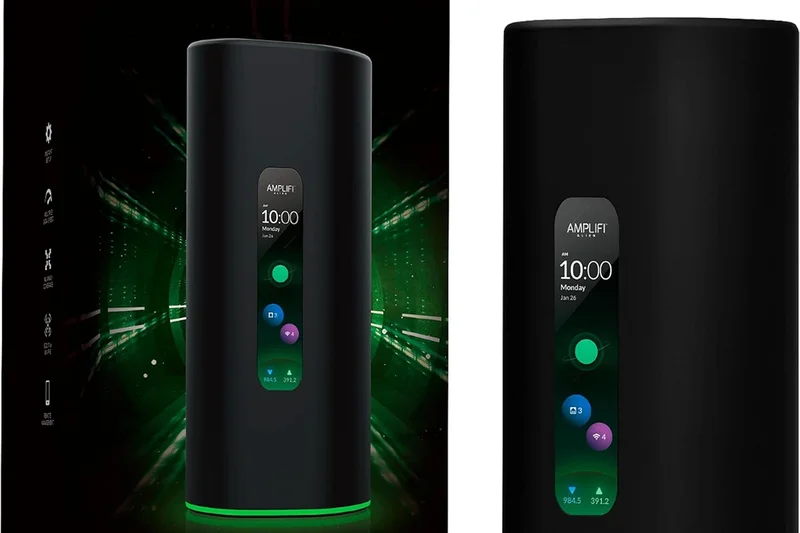
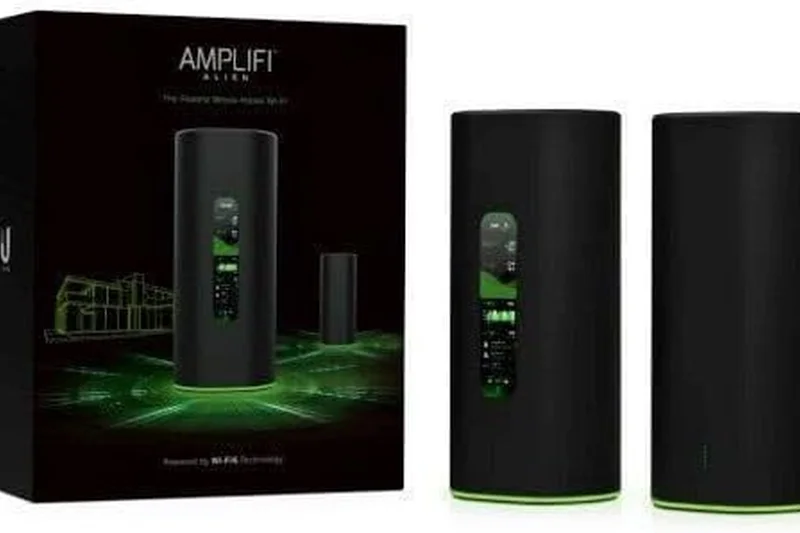
Why we picked it: Taking our award for Network Stability, this router features an intuitive touchscreen and peerless connection reliability.
Key Specs
- Wi-Fi 6 Tri-band
- Up to 7.6 Gbps speeds
- Intuitive Touchscreen display
- Teleport VPN via App
What we like
- Rock-solid stability
- Gorgeous touchscreen
- Simple app interface
What we don't like
- Wi-Fi 6 only
- No multi-gig LAN ports
Best for: Users who value absolute set-and-forget reliability and sleek design over raw cutting-edge speeds.
Compared to standard routers, the Alien's display provides immediate network feedback and speed testing without needing an app.
A premium, incredibly stable router that prioritizes user experience and reliability.
Buy at AmpliFi official site#14 TP-Link Deco XE75
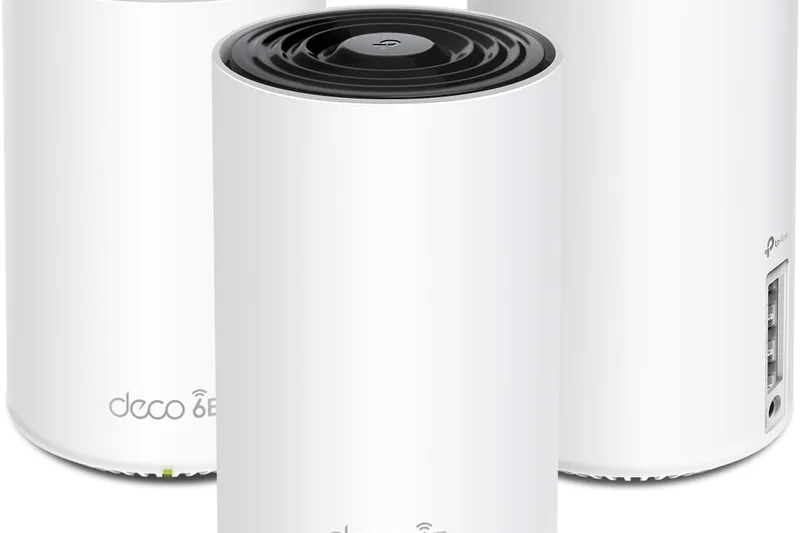
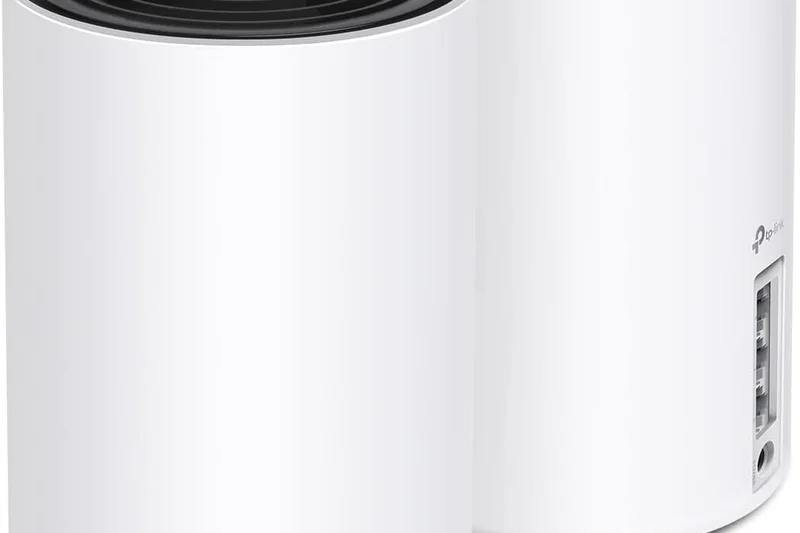
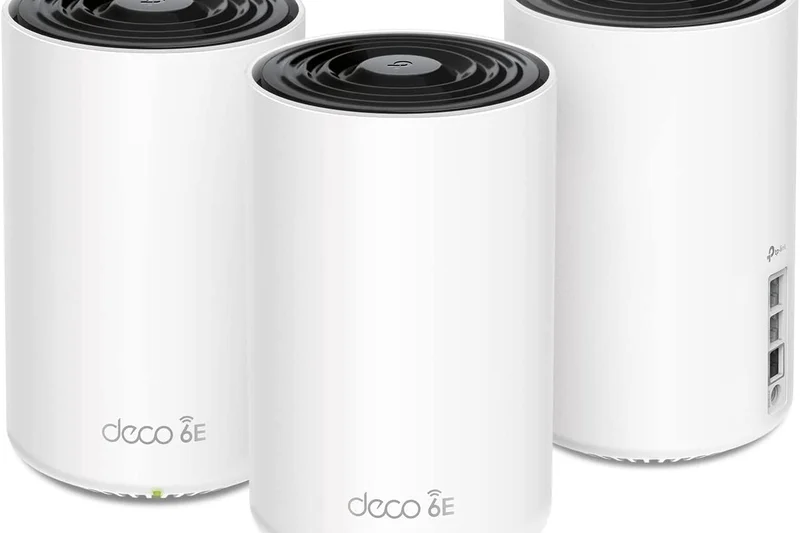
Why we picked it: One of the most popular Wi-Fi 6E mesh systems, hitting the sweet spot of price, performance, and the 6GHz band.
Key Specs
- Wi-Fi 6E Tri-band
- Up to 5.4 Gbps speeds
- AI-driven mesh
- Easy app-based setup
What we like
- Unlocks 6GHz for cheaper
- Great app
- Seamless roaming
What we don't like
- Only Gigabit ports
- Basic free software features
Best for: Average homes wanting a fast, reliable mesh upgrade using the 6GHz band as a wireless backhaul.
Versus the eero Pro 6E, the Deco XE75 frequently offers better range and faster internal backhaul speeds.
The baseline recommendation for anyone upgrading to a Wi-Fi 6E mesh network.
Buy at TP-Link official site#15 Amazon eero Max 7

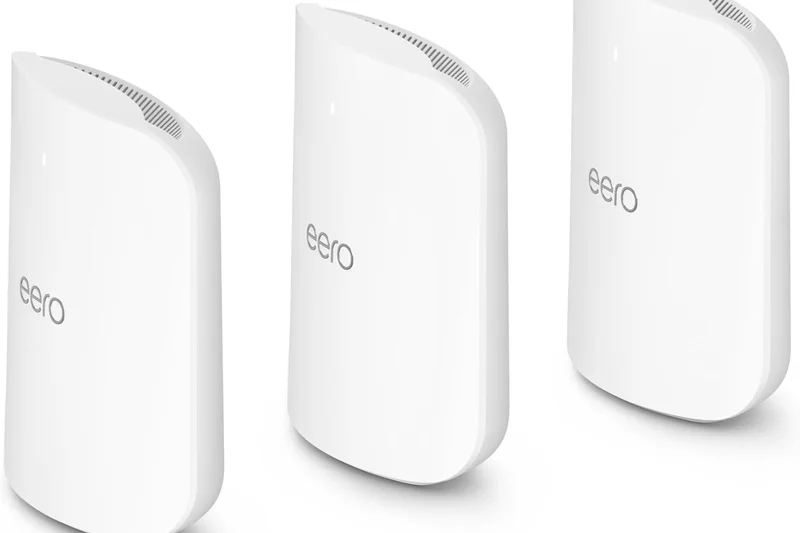
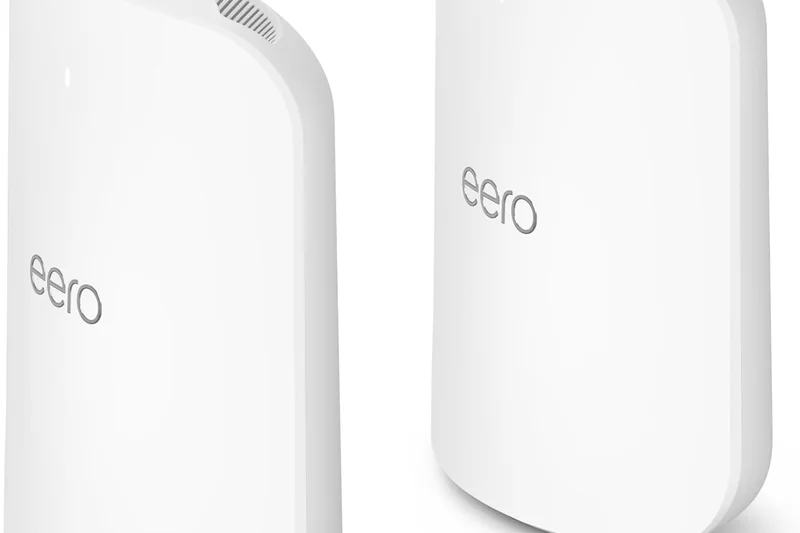
Why we picked it: Winning our 'Best for Setup' category, this Wi-Fi 7 node integrates brilliantly into smart homes with built-in Zigbee and Matter.
Key Specs
- Wi-Fi 7 Tri-band
- Up to 4.3 Gbps wireless throughput
- Two 10G & Two 2.5G ports
- Built-in Zigbee and Matter hub
What we like
- Incredibly easy setup
- Amazing port selection
- Great smart home hub
What we don't like
- eero Plus subscription required for basics
- Underwhelming raw range per node
Best for: Smart home enthusiasts looking for the easiest possible path to a multi-gig Wi-Fi 7 network.
Compared to the Deco BE63, eero offers better smart home integration but charges an annoying subscription fee for parental controls.
A super-simple, highly capable Wi-Fi 7 hub hampered only by Amazon's subscription paywalls.
Buy at eero official site#16 Netgear Nighthawk RS700S
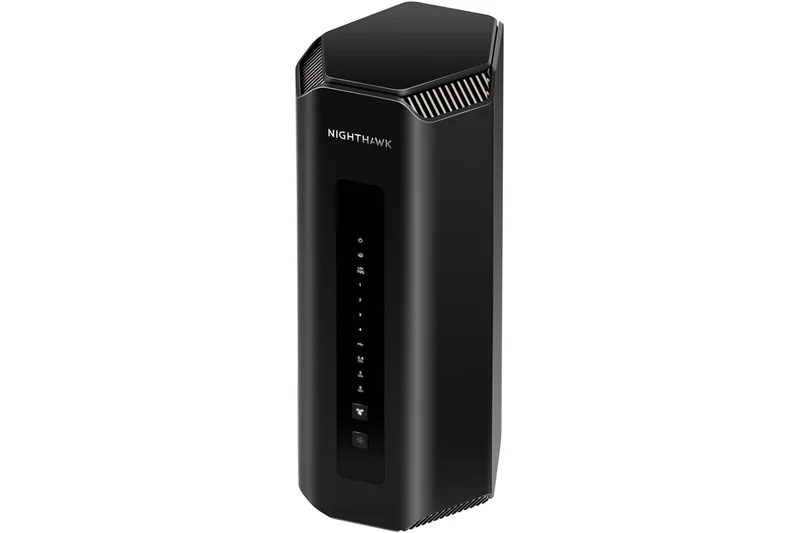
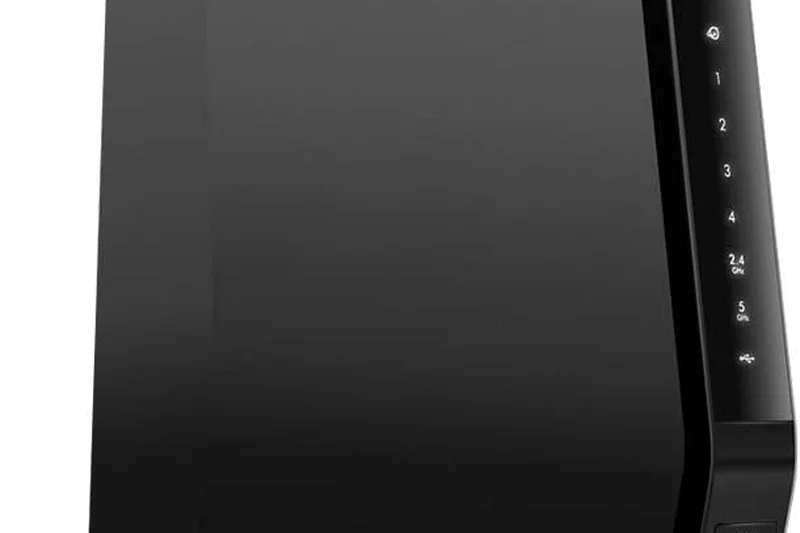
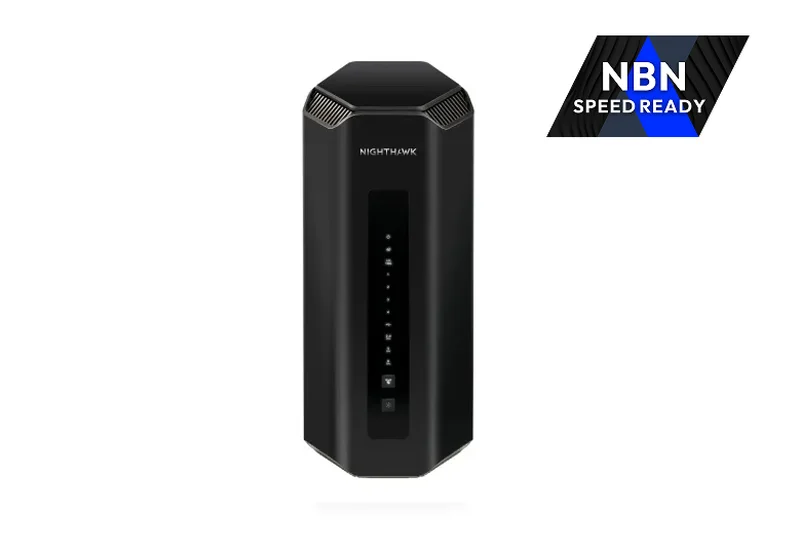
Why we picked it: A sleek, cylindrical Wi-Fi 7 router that hides its antennas internally while still offering impressive 19 Gbps speeds.
Key Specs
- Wi-Fi 7 Tri-band
- Up to 19 Gbps speeds
- 10G Internet WAN port
- Netgear Armor included
What we like
- Compact vertical footprint
- Very fast 6GHz speeds
- 10G WAN port
What we don't like
- Expensive
- Armor subscription required
Best for: Users looking for a high-performance Wi-Fi 7 router that doesn't look like an alien spaceship.
Versus the Archer BE800, the RS700S is much more discreet, though it offers fewer multi-gig LAN ports.
A fast, stylish Wi-Fi 7 standalone router that commands a premium Netgear tax.
Buy at Netgear official site#17 Netgear Orbi 770 Series



Why we picked it: A slimmer, slightly more affordable entry into Netgear's Wi-Fi 7 mesh ecosystem with great parental control options.
Key Specs
- Wi-Fi 7 Tri-band
- Up to 11 Gbps speeds
- 2.5G WAN port
- Advanced parental controls
What we like
- Sleek design
- Great coverage
- Stable connection
What we don't like
- Still very pricey
- Subscription heavy
Best for: Netgear loyalists wanting Wi-Fi 7 mesh without paying the astronomical Orbi 970 prices.
Compared to the Deco BE63, the Orbi 770 feels more premium but comes at a significantly higher cost with fewer 2.5G ports.
A solid, well-designed Wi-Fi 7 mesh system burdened by high hardware and software costs.
Buy at Netgear official site#18 Linksys Velop Pro 7
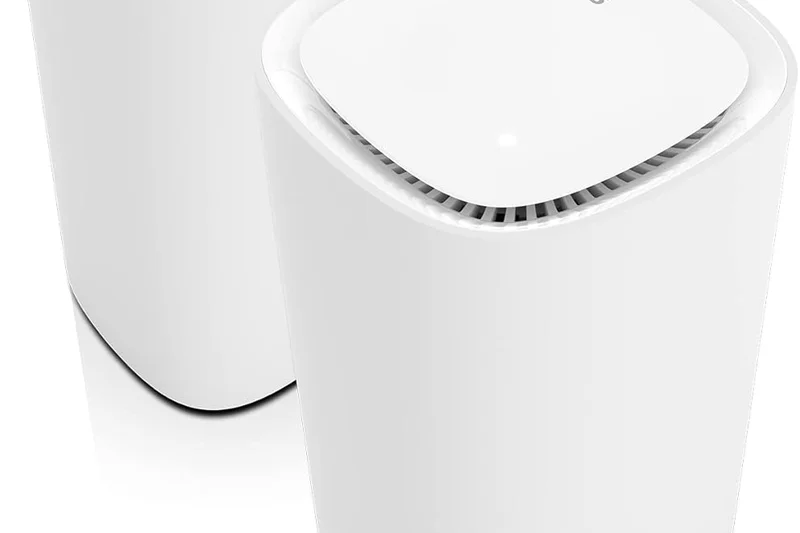
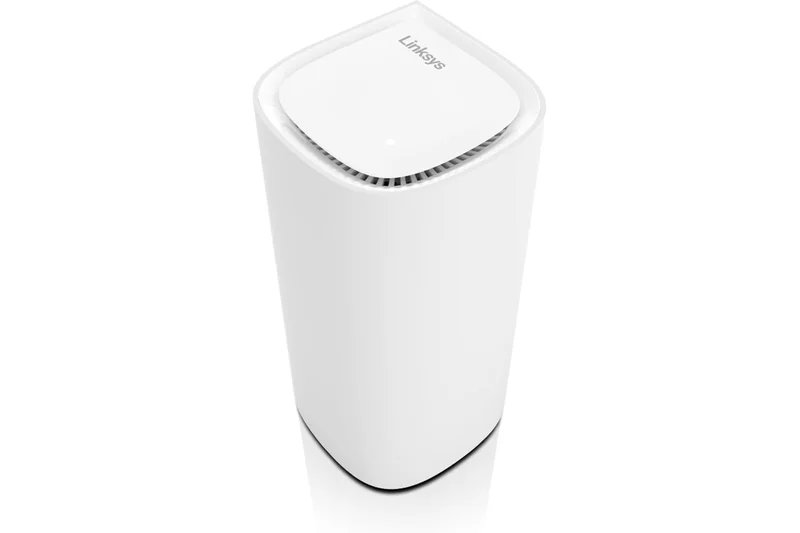
Why we picked it: An aesthetic, droplet-inspired Wi-Fi 7 mesh system utilizing Cognitive Mesh technology for painless network optimization.
Key Specs
- Wi-Fi 7 Tri-band
- Up to 10.6 Gbps speeds
- Cognitive Mesh technology
- Droplet-inspired node design
What we like
- Beautiful, living-room friendly design
- Set-and-forget reliability
- Good range
What we don't like
- Limited advanced settings
- Only gigabit LAN ports on nodes
Best for: Users wanting a design-conscious Wi-Fi 7 mesh that works silently in the background.
Versus the eero Max 7, the Linksys lacks multi-gig ports, making it less suited for wired backhaul setups.
An attractive but technically limited Wi-Fi 7 mesh system.
Buy at Linksys official site#19 Netgear Nighthawk RAXE500
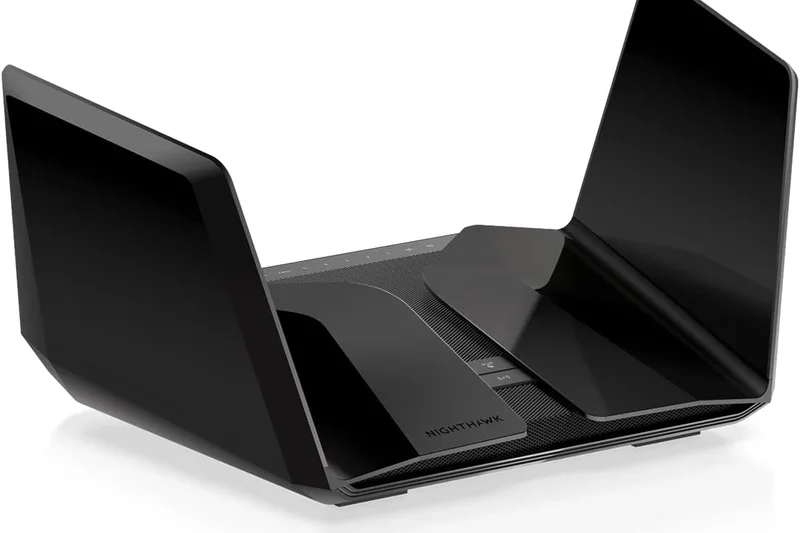
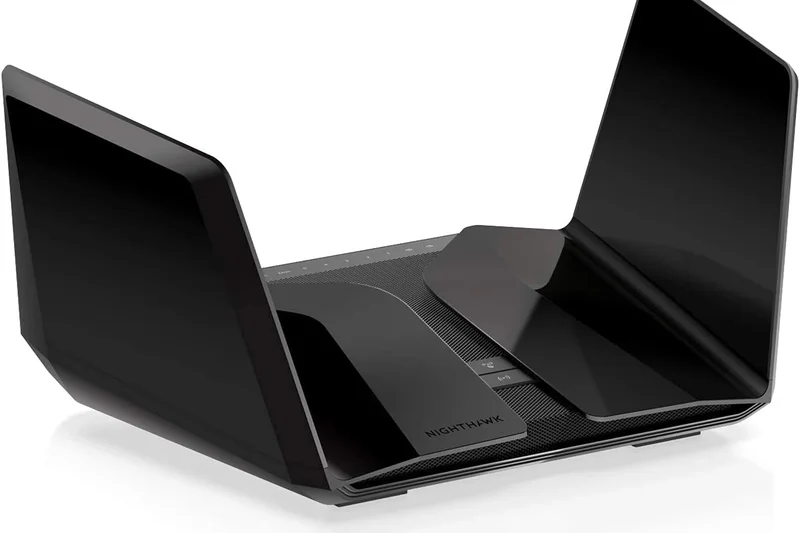
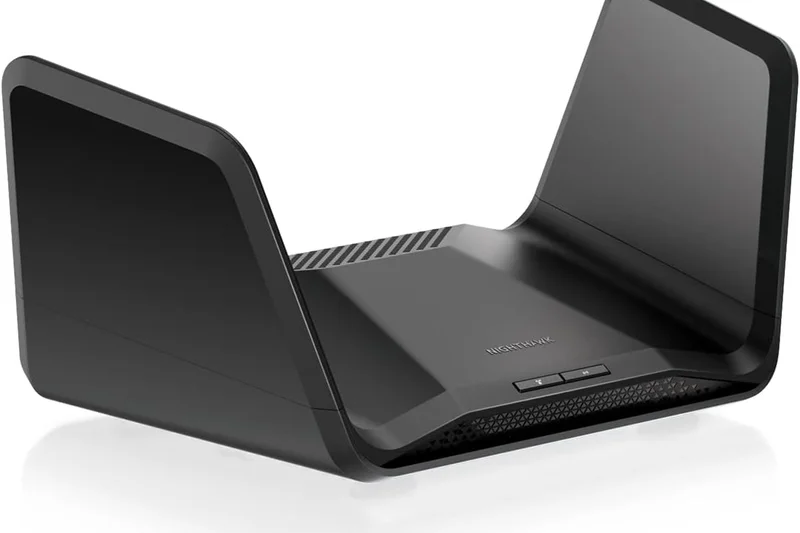
Why we picked it: A stealth-fighter designed Wi-Fi 6E router that still packs a massive punch on the 6GHz band.
Key Specs
- Wi-Fi 6E Tri-band
- Up to 10.8 Gbps speeds
- Multi-gig 2.5G port
- Optimized for 6 GHz band
What we like
- Massive 6GHz throughput
- Unique design
- Multi-gig port
What we don't like
- Aging standard
- Price hasn't dropped enough
Best for: Enthusiasts finding a heavy discount on this former top-tier 6E model.
Compared to newer Wi-Fi 7 routers, the RAXE500 is showing its age but remains highly capable for 6E devices.
A fast but aging Wi-Fi 6E router outshined by newer generation models.
Buy at Netgear official site#20 Amazon eero Pro 6E
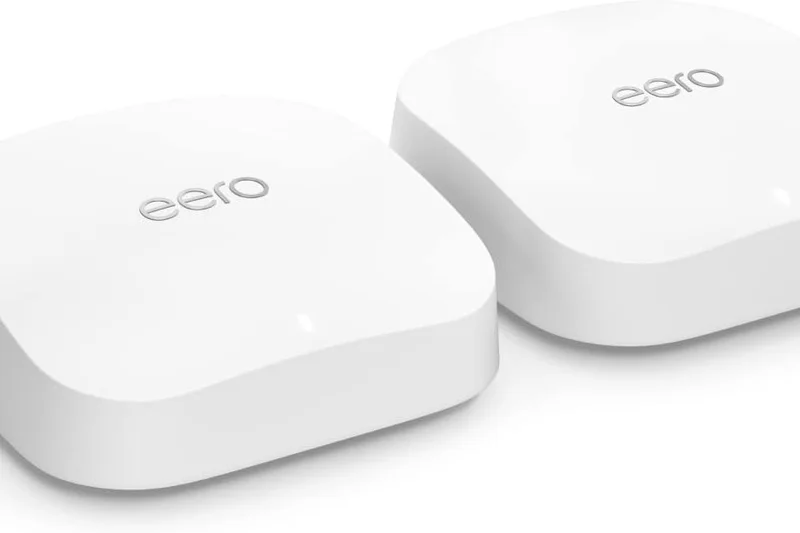
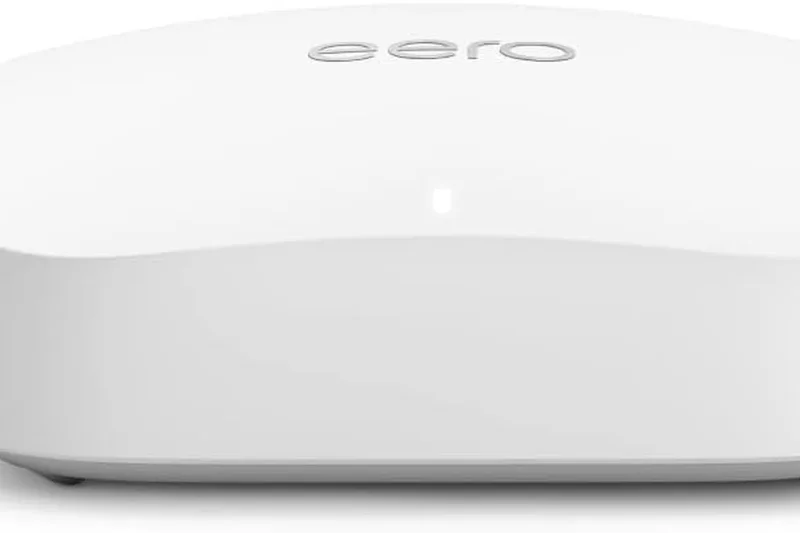
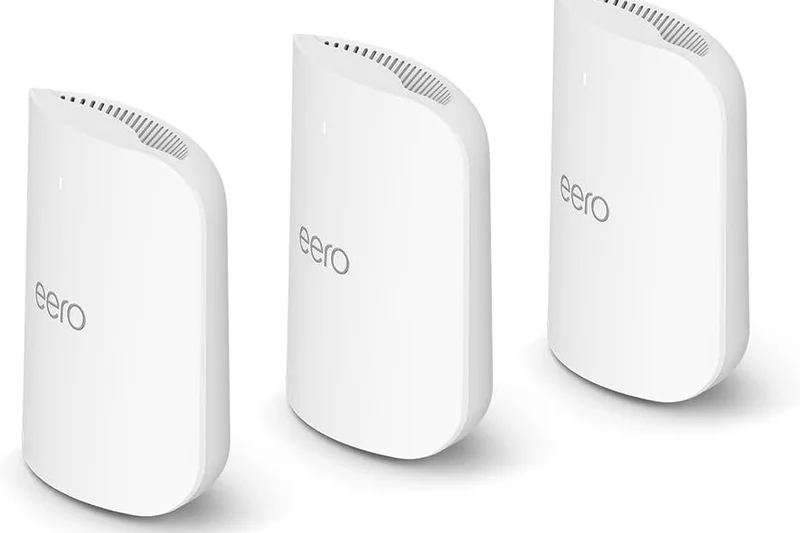
Why we picked it: A highly reliable Wi-Fi 6E mesh system with wide channel support and seamless smart home integration.
Key Specs
- Wi-Fi 6E Tri-band
- Up to 2.3 Gbps gigabit speeds
- 2.5G Ethernet port
- Smart home hub built-in
What we like
- Tiny footprint
- Excellent reliability
- Zigbee built-in
What we don't like
- Speeds cap out early
- eero Plus subscription
Best for: Average households wanting invisible mesh nodes and a dead-simple app.
Versus the Deco XE75, eero is easier to set up but offers less outright speed and requires a sub for security.
The quintessential 'it just works' Wi-Fi 6E mesh system.
Buy at eero official site#21 TP-Link Archer AXE75
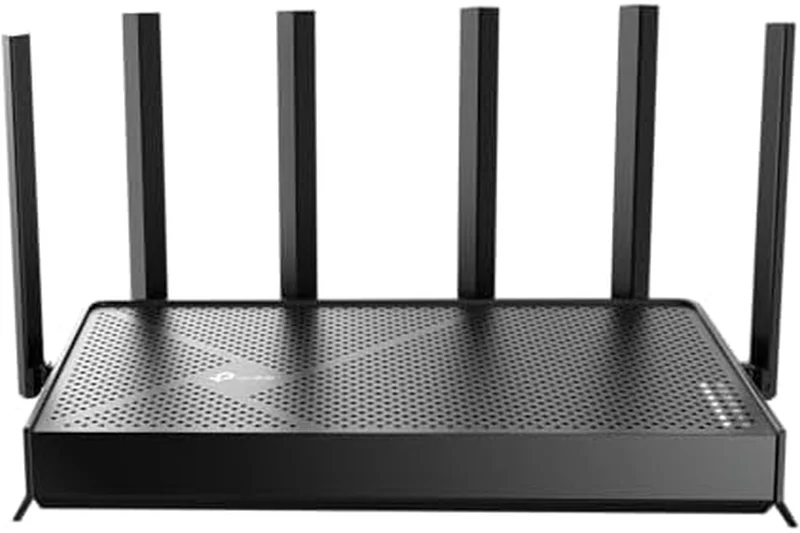
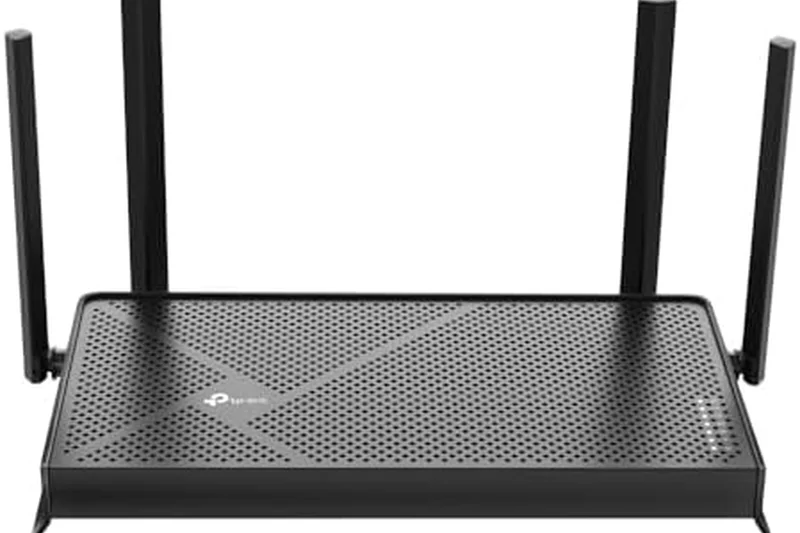
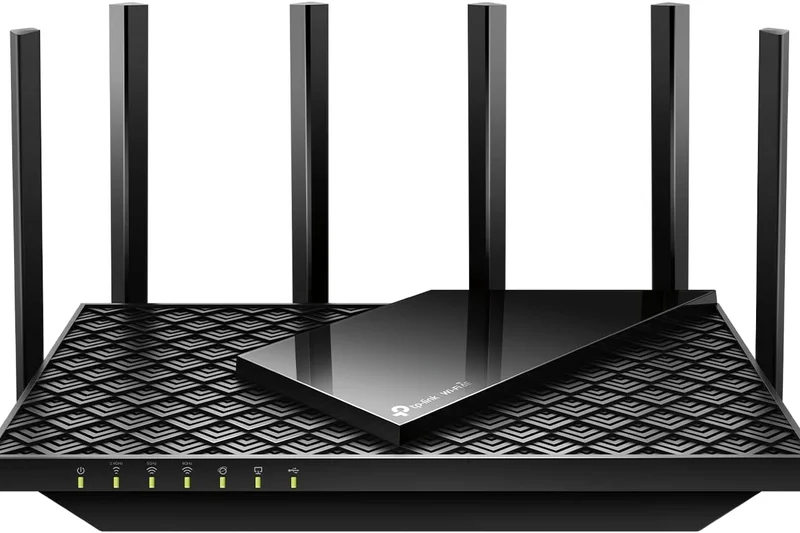
Why we picked it: An affordable gateway to the 6GHz band, offering great speeds without the mesh system markup.
Key Specs
- Wi-Fi 6E Tri-band
- Up to 5.4 Gbps speeds
- HomeShield security
- Six high-gain antennas
What we like
- Very affordable 6E
- Great 5GHz range
- Solid UI
What we don't like
- No multi-gig ports
- Can run hot
Best for: Budget-conscious users who want to connect their latest phone or laptop to the 6GHz band.
Compared to the AX55, the AXE75 adds the crucial 6GHz band, making it vastly superior for avoiding network congestion.
A top-value standalone Wi-Fi 6E router for modern apartments.
Buy at TP-Link official site#22 Netgear Orbi RBK852



Why we picked it: An older but immensely powerful Wi-Fi 6 mesh system with a dedicated wireless backhaul that refuses to slow down.
Key Specs
- Wi-Fi 6 Tri-band
- Up to 6 Gbps speeds
- 2.5G WAN port
- Dedicated wireless backhaul
What we like
- Incredible 5GHz backhaul
- Strong signal
- Premium build
What we don't like
- Wi-Fi 6 only
- Still oddly expensive
Best for: Users with Gigabit internet who want proven, ultra-reliable mesh performance.
Versus newer 6E systems, the RBK852 often wins on raw 5GHz range but loses out on handling local congestion.
A former champion that remains a highly capable Wi-Fi 6 mesh choice.
Buy at Netgear official site#23 Google Nest Wifi Pro



Why we picked it: A beautiful, pebble-shaped Wi-Fi 6E mesh system that auto-adjusts traffic and blends into any decor.
Key Specs
- Wi-Fi 6E Tri-band
- Up to 4.2 Gbps speeds
- Built-in Matter hub
- Sleek pebble design
What we like
- Gorgeous aesthetic
- Matter integration
- Simple Google Home app
What we don't like
- Speeds are mediocre
- Lacks advanced networking tools
Best for: Google ecosystem users wanting a pretty router that covers the basics well.
Compared to eero Pro 6E, the Nest offers no multi-gig ports but integrates better with Google Assistant.
Style over maximum speed, perfect for casual internet users.
Buy at Google official site#24 Netgear Nighthawk RAXE300
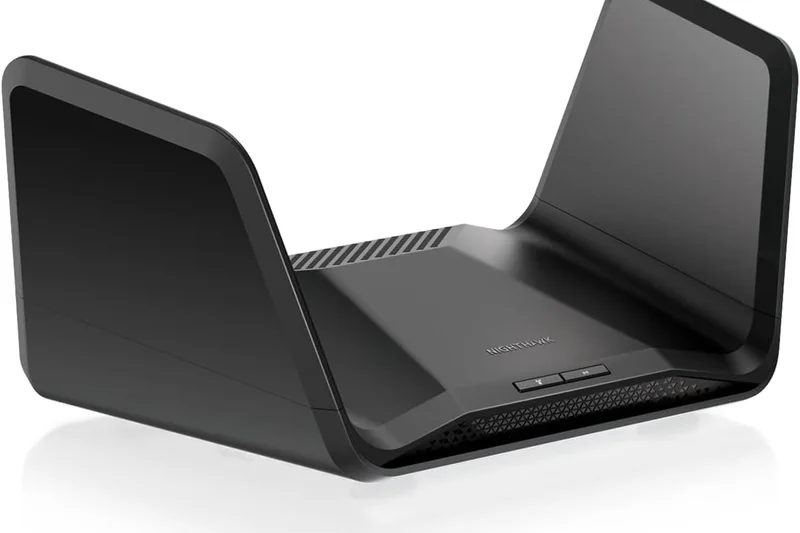
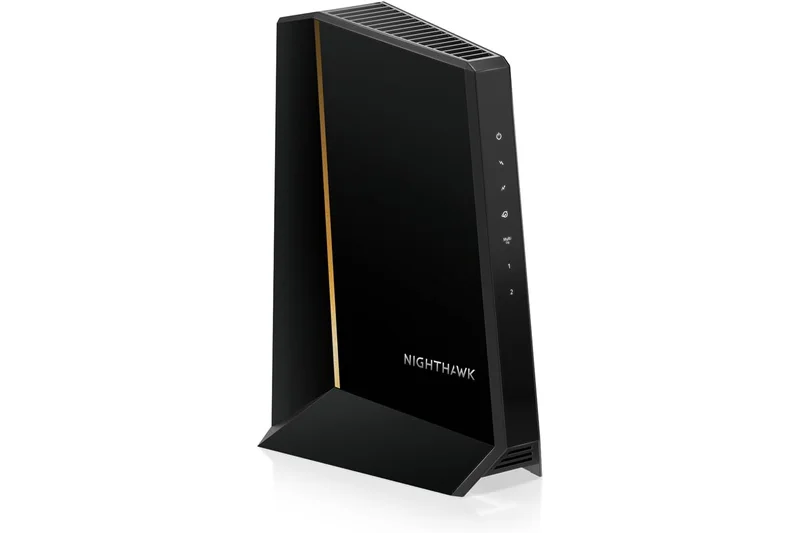
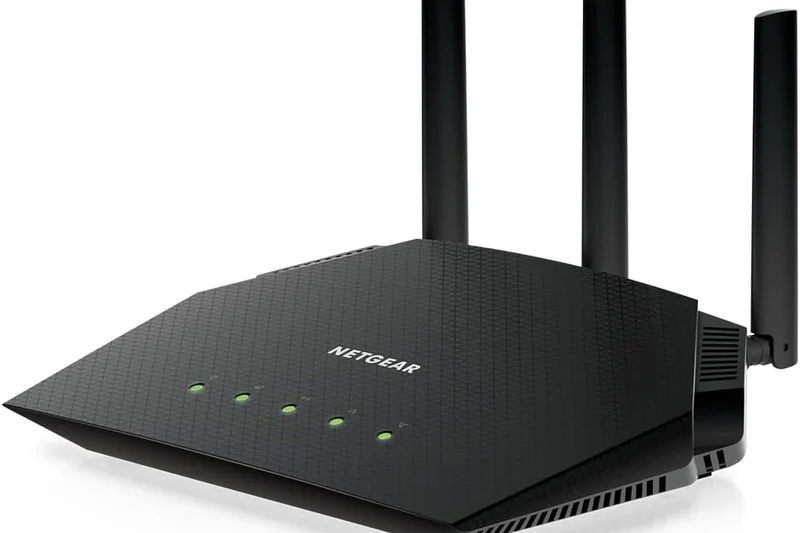
Why we picked it: A scaled-down version of the RAXE500, offering the 6GHz band and a 2.5G port at a more palatable price.
Key Specs
- Wi-Fi 6E Tri-band
- Up to 7.8 Gbps speeds
- 2.5G Multi-Gig LAN/WAN port
- Foldable stealth-fighter antennas
What we like
- Good 6E performance
- 2.5G port included
- Cool design
What we don't like
- Subscription fees
- Range is just average
Best for: Netgear fans wanting to upgrade to Wi-Fi 6E without spending flagship prices.
Versus the Archer AXE75, it has a 2.5G port but costs more than double, making it a tough value proposition.
A decent mid-range Wi-Fi 6E router that struggles to justify its retail price.
Buy at Netgear official site#25 Netgear Nighthawk XR1000
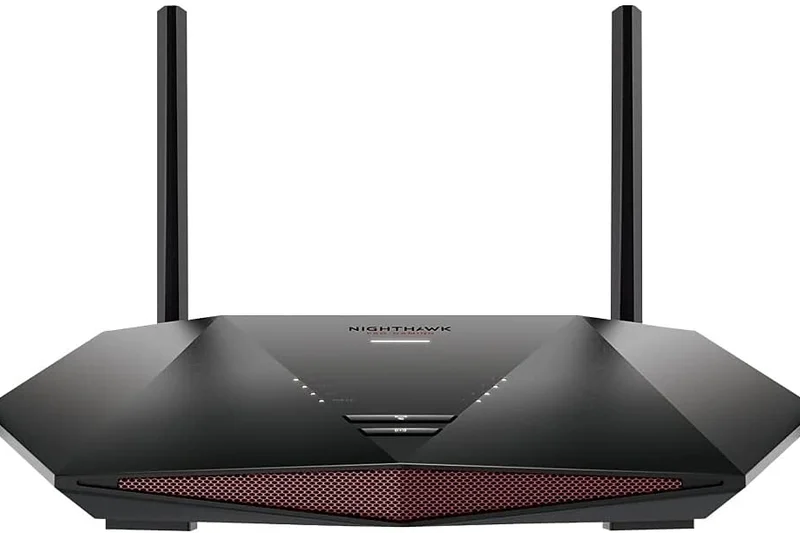
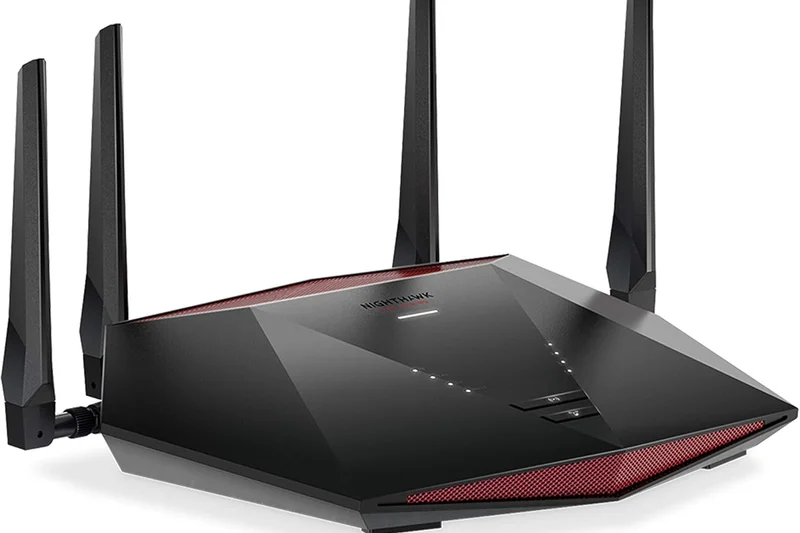
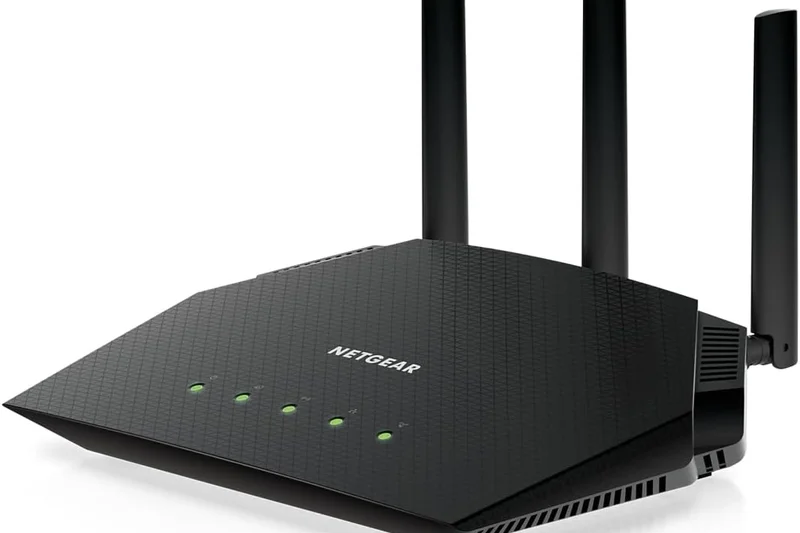
Why we picked it: Powered by DumaOS, this Wi-Fi 6 router offers some of the best ping-heatmapping and geo-fencing tools for console gamers.
Key Specs
- Wi-Fi 6 Dual-band
- Up to 5.4 Gbps speeds
- DumaOS 3.0
- Geo-fencing for servers
What we like
- Unmatched DumaOS gaming tools
- Low latency
- Good dual-band speed
What we don't like
- Wi-Fi 6 only
- No 2.5G port
Best for: Console gamers (PlayStation/Xbox) who want strict control over which geographic servers they connect to.
Compared to ASUS gaming routers, DumaOS is visually superior but the hardware lacks multi-gig future-proofing.
A software-first gaming router that guarantees lower ping in matchmaking.
Buy at Netgear official site#26 Linksys Velop AX4200 (MX12600)
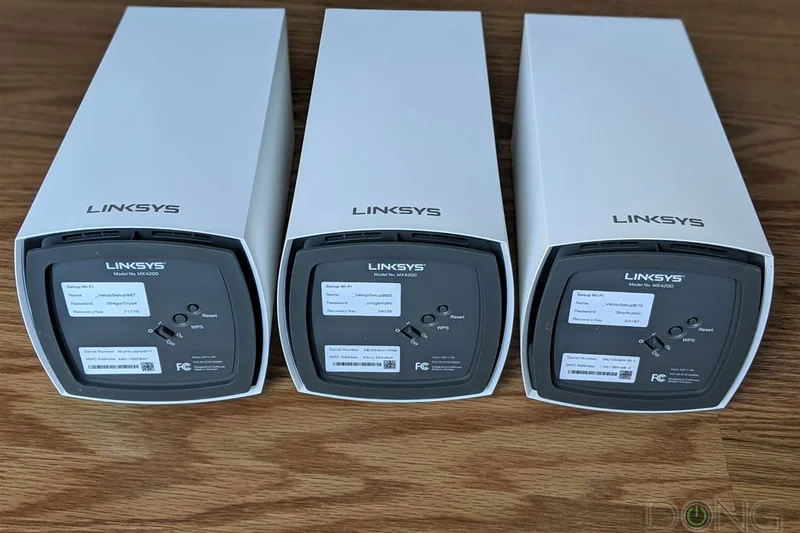
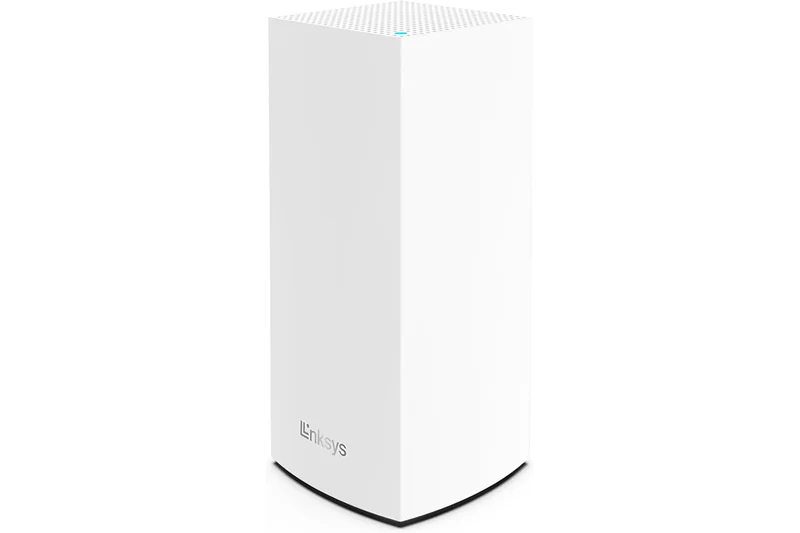
Why we picked it: A highly reliable Wi-Fi 6 mesh system with deep Apple HomeKit integration and dynamic backhaul technology.
Key Specs
- Wi-Fi 6 Tri-band
- Up to 4.2 Gbps speeds
- Intelligent Mesh
- Apple HomeKit integration
What we like
- HomeKit secure router support
- Very stable
- Good node range
What we don't like
- App is sluggish
- Older standard
Best for: Apple-heavy households wanting a secure, stable Wi-Fi 6 mesh.
Versus the Deco X20, the Velop offers tri-band performance, making it vastly better for 3-pack deployments.
A solid workhorse mesh system with a niche but valuable Apple integration.
Buy at Linksys official site#27 Linksys Hydra Pro 6E
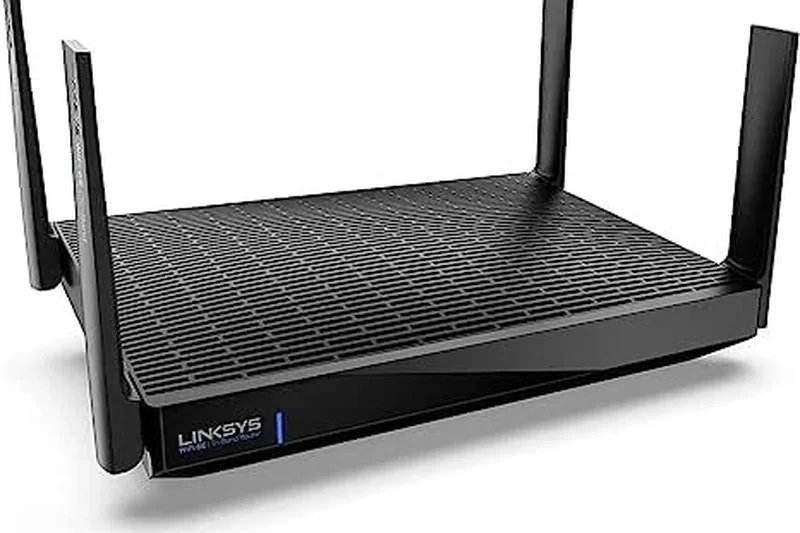
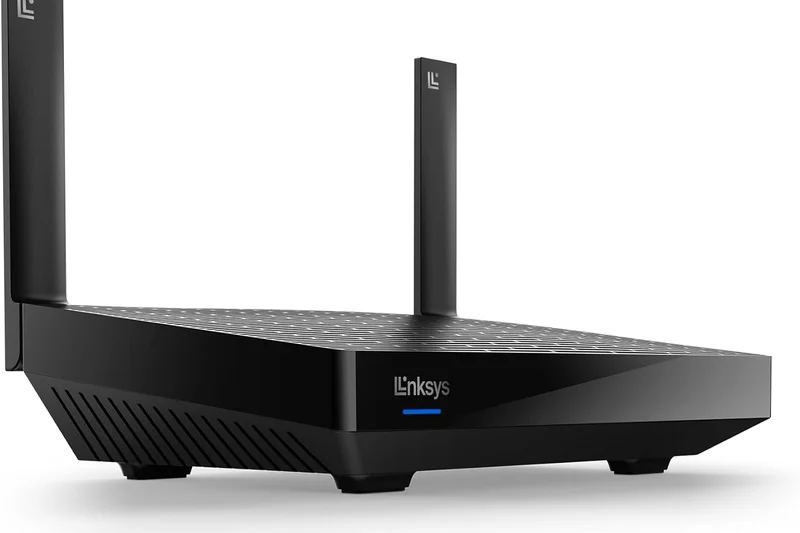
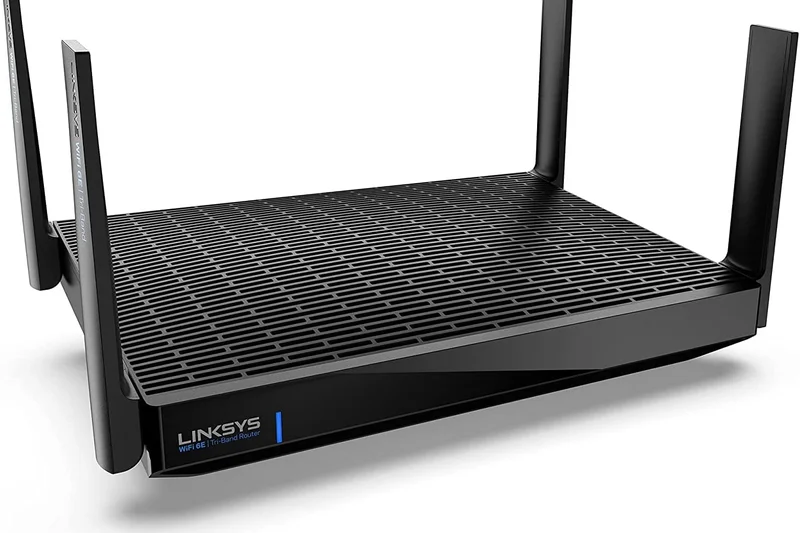
Why we picked it: A capable Wi-Fi 6E standalone router that surprisingly includes a 5G LAN port for incredibly fast local networking.
Key Specs
- Wi-Fi 6E Tri-band
- Up to 6.6 Gbps speeds
- 5G LAN port
- Easy app management
What we like
- Rare 5G LAN port
- Good 6GHz speeds
- Mesh expandable
What we don't like
- UI is very basic
- Overpriced compared to peers
Best for: Users who specifically need a 5G LAN port for a high-speed NAS or server connection.
Compared to the ASUS AXE11000, it lacks gaming features but offers a faster 5G port vs a 2.5G port.
A niche Wi-Fi 6E router saved by an excellent multi-gig LAN port.
Buy at Linksys official site#28 ASUS RT-BE58U
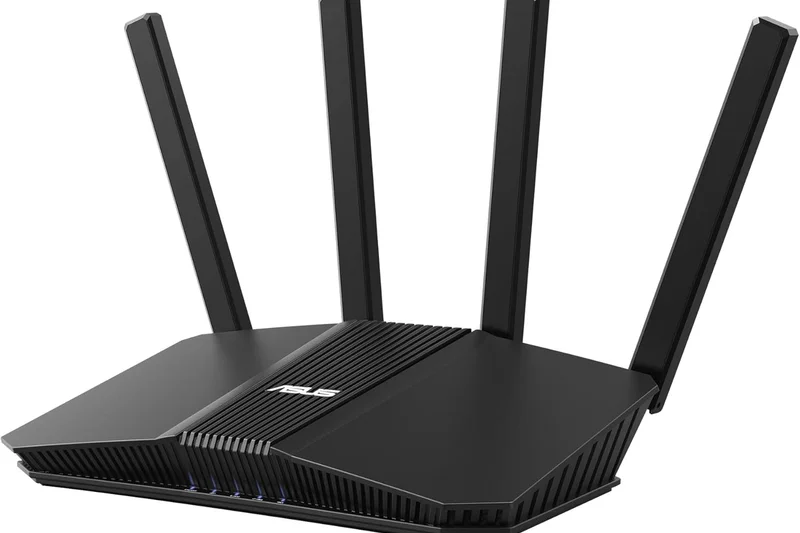
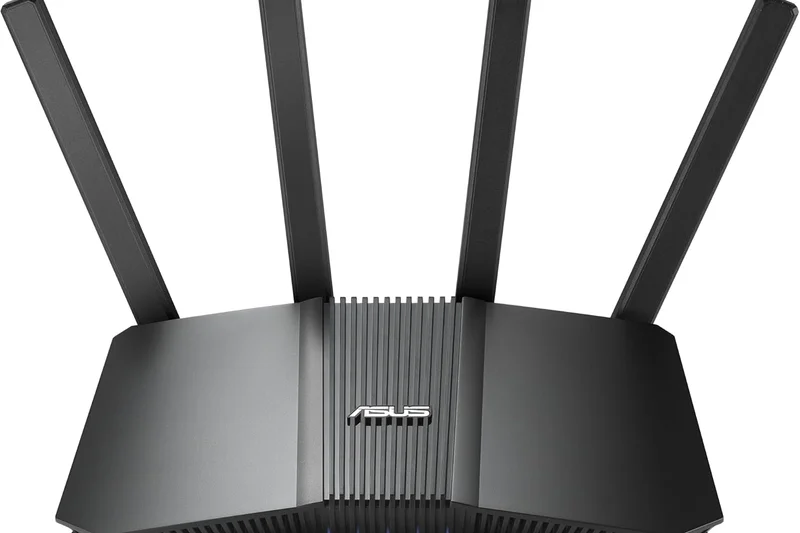
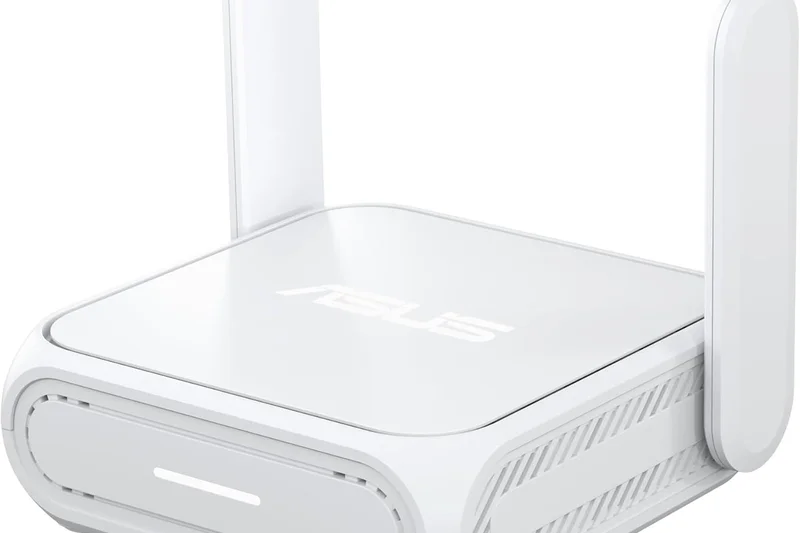
Why we picked it: An entry-level Wi-Fi 7 router that brings ASUS's excellent software features to a much lower price point.
Key Specs
- Wi-Fi 7 Dual-band
- Up to 3.6 Gbps speeds
- USB WAN fallback support
- AiProtection Pro
What we like
- Affordable Wi-Fi 7
- USB WAN fallback is great
- Free security
What we don't like
- Slow overall throughput
- Dual-band only
Best for: Budget users who want the latest protocol and excellent ASUS software.
Versus the Archer AX55, this provides Wi-Fi 7 features like MLO, but real-world speeds are surprisingly similar.
A budget Wi-Fi 7 router that sacrifices raw speed for a lower price tag.
Buy at ASUS official site#29 ASUS ROG Strix GS-AX3000
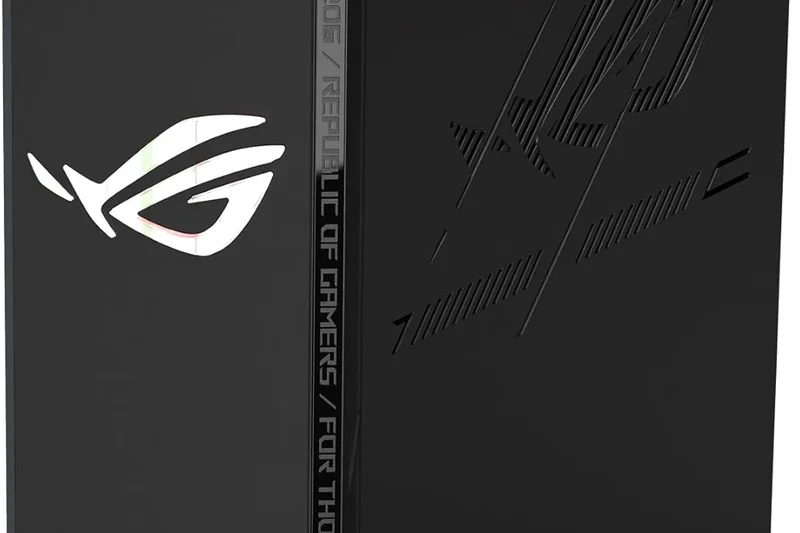
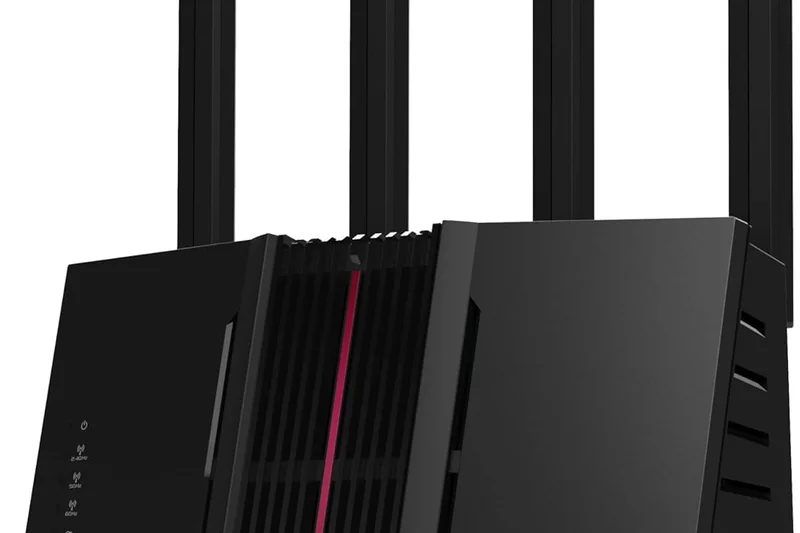
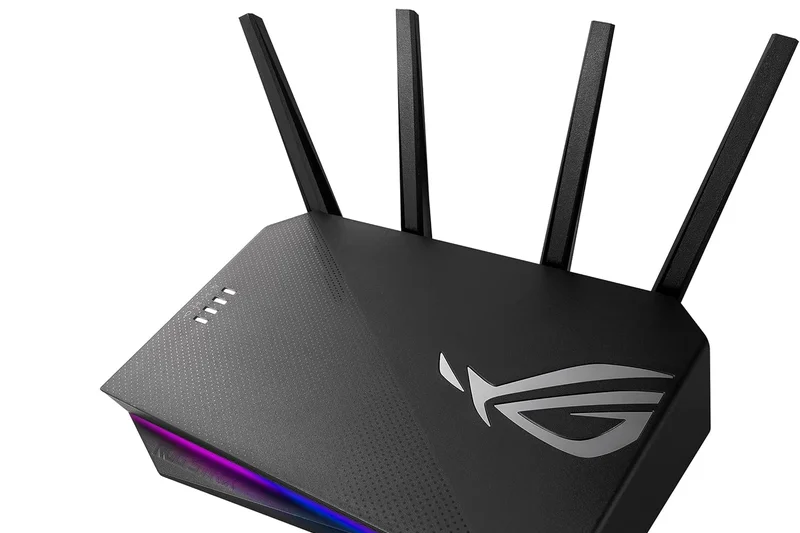
Why we picked it: Our 'Best Budget' gaming router, offering dedicated gaming ports and VPN Fusion for a very reasonable price.
Key Specs
- Wi-Fi 6 Dual-band
- Up to 3.0 Gbps speeds
- Dedicated gaming port
- VPN Fusion support
What we like
- Excellent gaming tools for the price
- VPN Fusion is brilliant
- Sleek RGB design
What we don't like
- Limited range
- Wi-Fi 6 only
Best for: Gamers in small flats or bedrooms who need low latency without spending hundreds.
Compared to standard budget routers, the GS-AX3000 prioritizes gaming packets natively, reducing lag spikes.
The best cheap gaming router on the market, period.
Buy at ASUS official site#30 TP-Link Deco X20
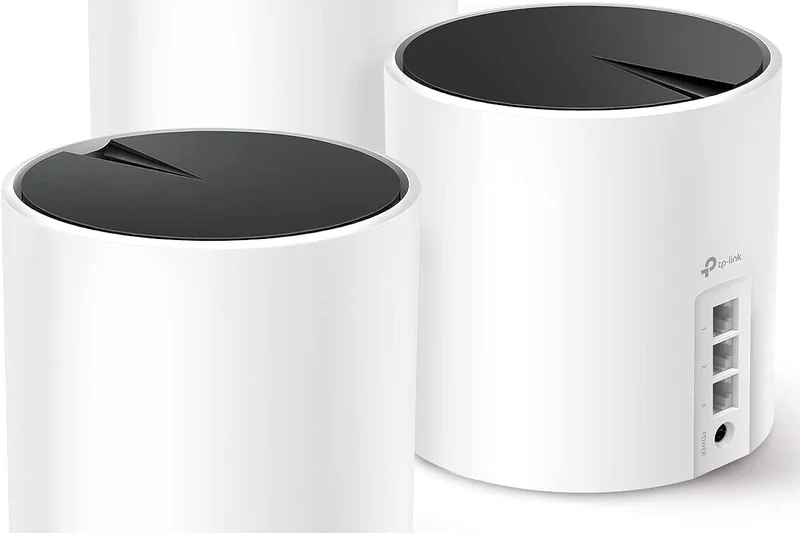

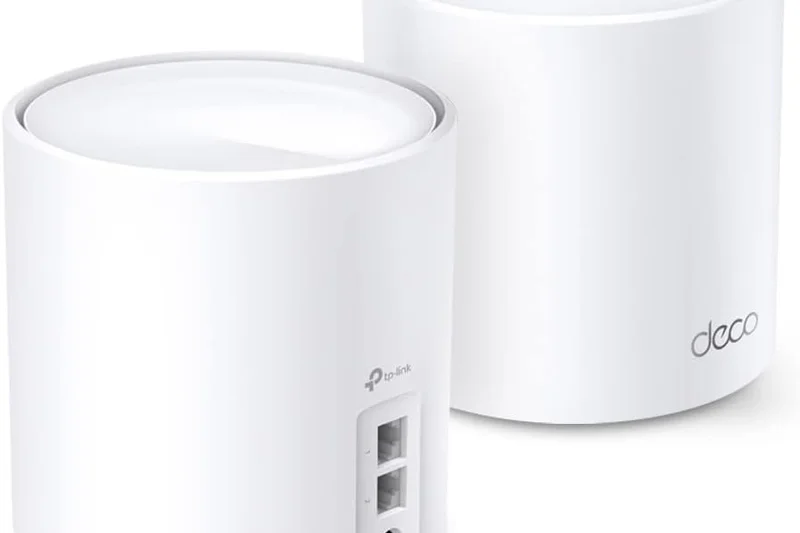
Why we picked it: A massively popular, ultra-affordable Wi-Fi 6 mesh system that blankets average homes in reliable coverage.
Key Specs
- Wi-Fi 6 Dual-band
- Up to 1.8 Gbps speeds
- Connects up to 150 devices
- Compact cylinder nodes
What we like
- Very cheap mesh entry
- Tiny, cute nodes
- Stable connections
What we don't like
- Slow top speeds
- No dedicated backhaul
Best for: Users on <100Mbps broadband plans who just want Wi-Fi to reach the back garden.
Versus the eero 6+, the Deco X20 is cheaper but tops out at lower absolute speeds.
A budget mesh legend that is perfect for slower broadband connections.
Buy at TP-Link official site#31 TP-Link Archer AX55
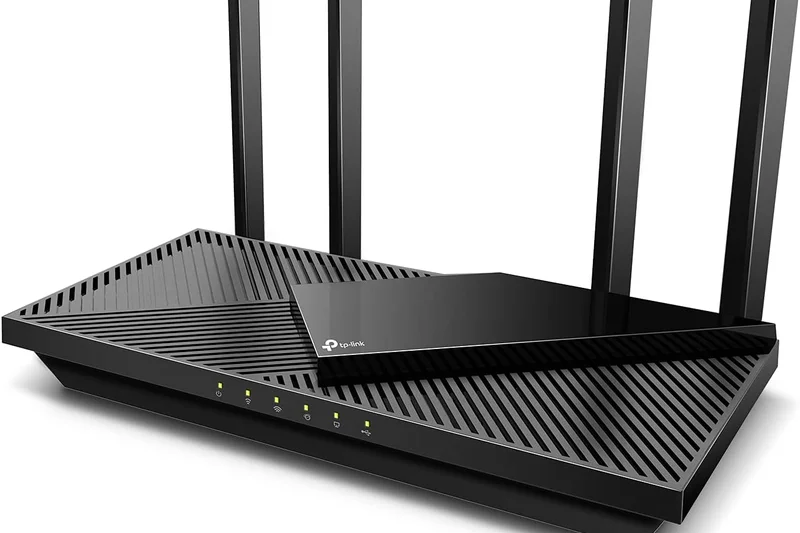
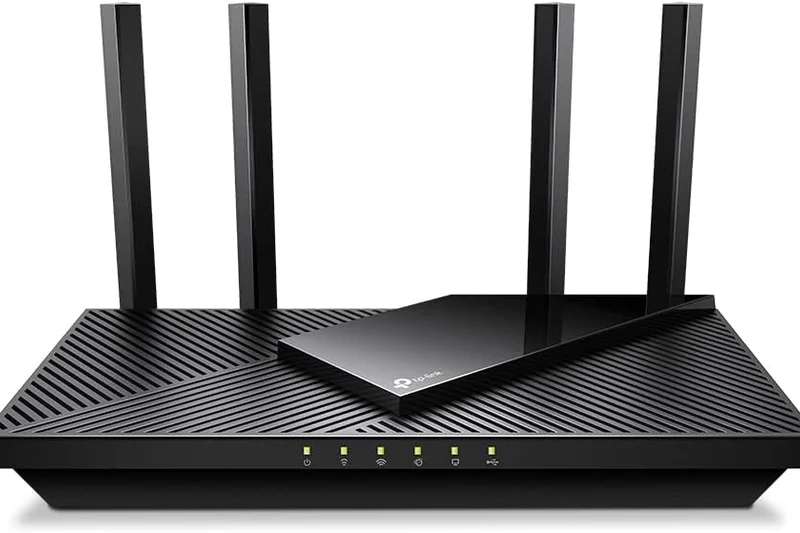
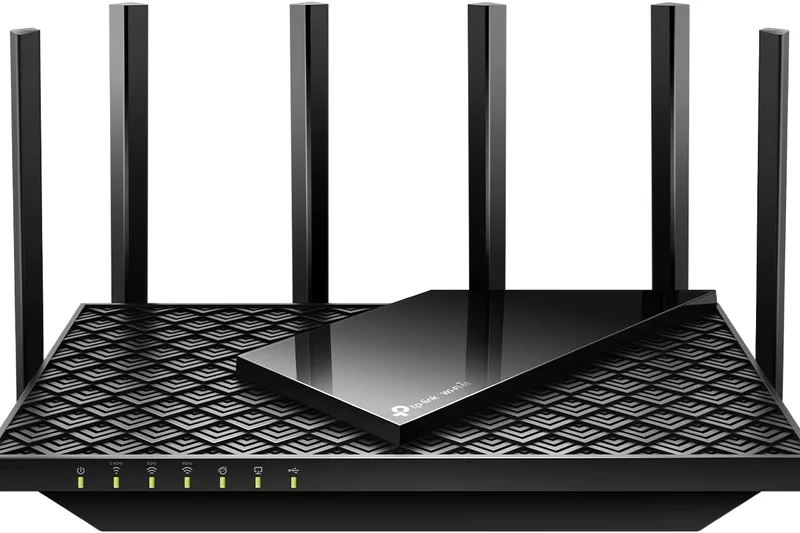
Why we picked it: A dependable, well-rounded Wi-Fi 6 router that is arguably the best sub-£100 router available today.
Key Specs
- Wi-Fi 6 Dual-band
- Up to 3.0 Gbps speeds
- HomeShield security
- USB 3.0 Port
What we like
- Unbeatable value
- Good 5GHz speeds
- Includes a USB port
What we don't like
- Plasticky build
- Basic features only
Best for: Students or renters looking for a cheap, immediate upgrade over a terrible ISP-provided hub.
Compared to the AX21, the AX55 offers significantly better throughput and heat management.
The quintessential budget Wi-Fi 6 standalone router.
Buy at TP-Link official site#32 Amazon eero 6+
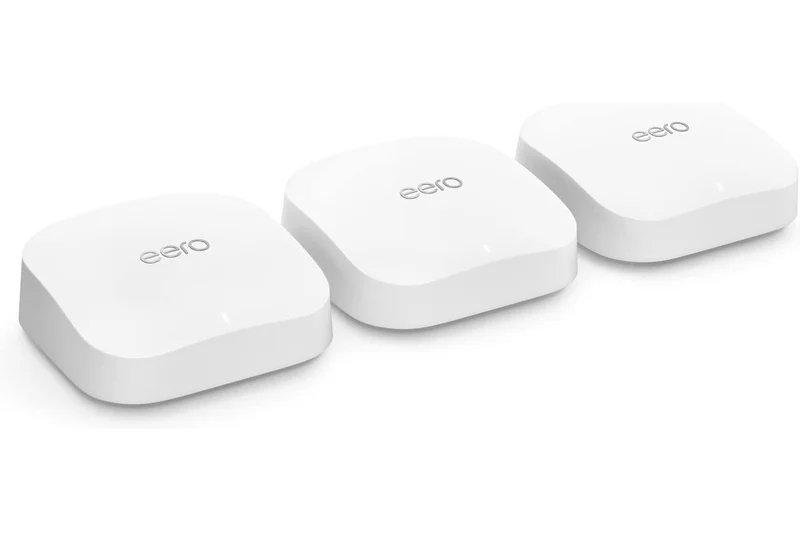
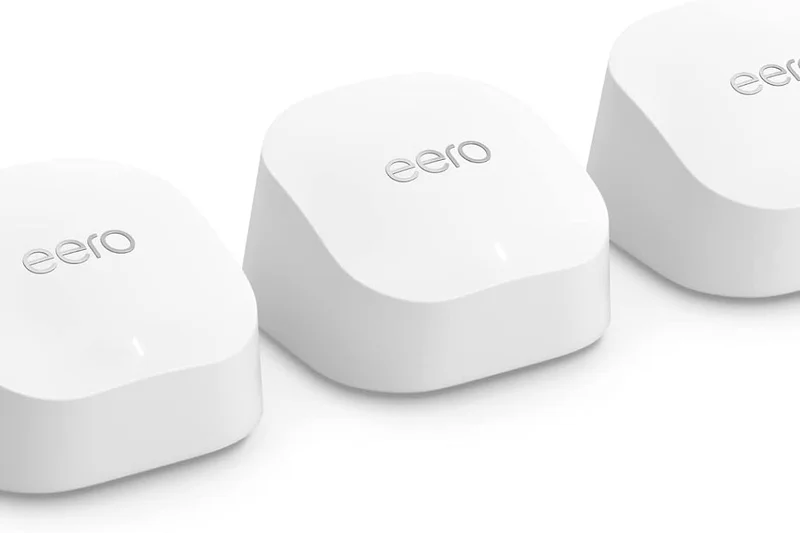
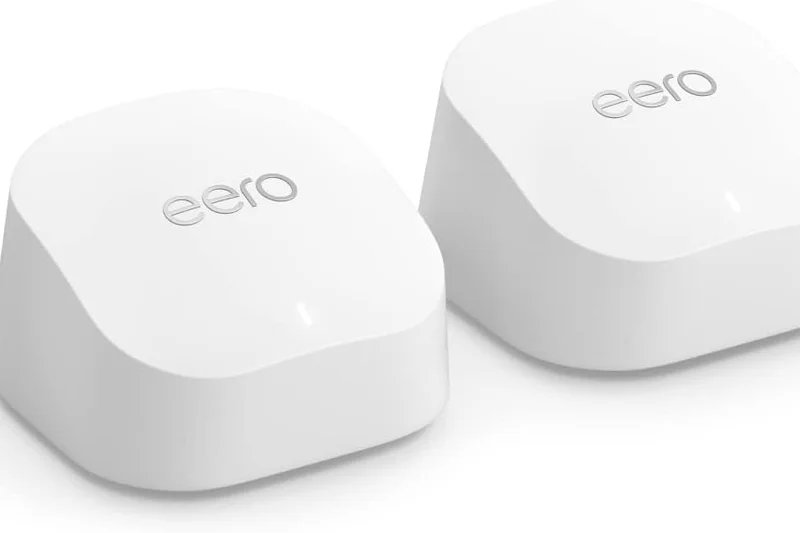
Why we picked it: A compact Wi-Fi 6 mesh node that utilizes 160MHz channels to push gigabit speeds at a low price.
Key Specs
- Wi-Fi 6 Dual-band
- Up to 1 Gbps speeds
- 160 MHz channel support
- Ultra-compact nodes
What we like
- Tiny physical size
- Supports 160MHz channels
- Easy app
What we don't like
- Only 2 Gigabit ports
- Requires subscription for security
Best for: Users wanting a discreet mesh system that handles modern Gigabit speeds well.
Versus the standard eero 6, the 6+ adds 160MHz channel width, drastically improving close-range speeds.
A highly capable, tiny mesh node hampered by Amazon's software paywalls.
Buy at eero official site#33 Netgear Nighthawk RS140
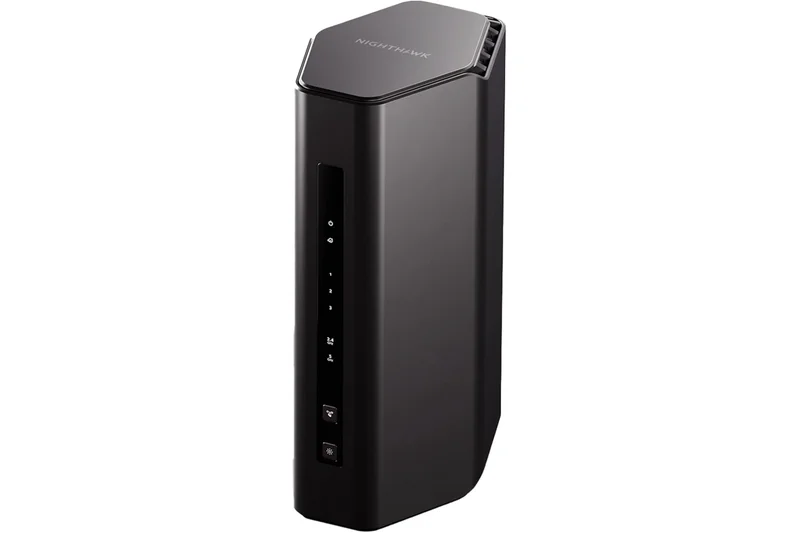
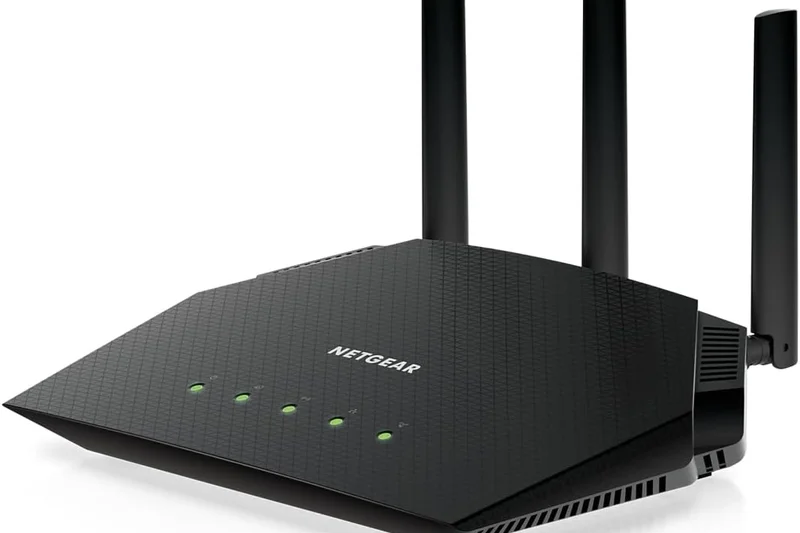
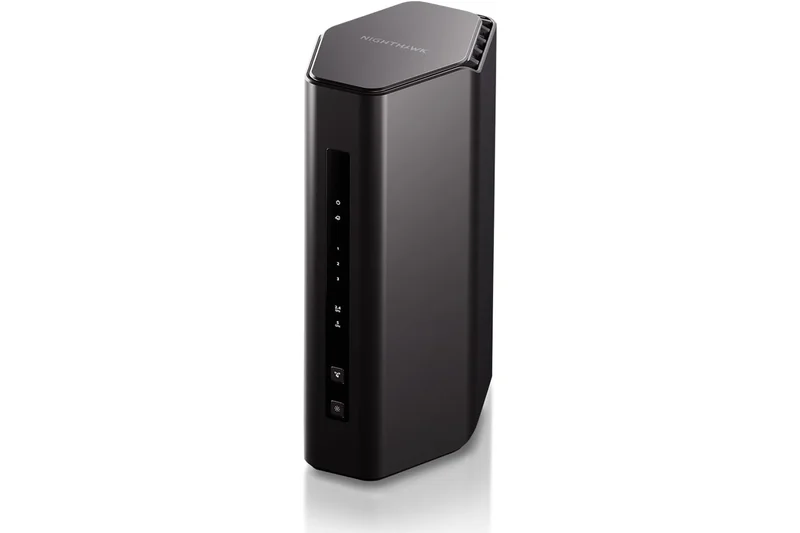
Why we picked it: Netgear's most budget-friendly Wi-Fi 7 entry, aimed at providing smooth streaming in smaller footprints.
Key Specs
- Wi-Fi 7 Dual-band
- Up to 5.0 Gbps speeds
- Compact footprint
- Optimized for smooth streaming
What we like
- Cheaper entry to Netgear Wi-Fi 7
- Small design
- Good for 4K streaming
What we don't like
- Dual-band limits backhaul
- Armor subscription fee
Best for: Small apartment dwellers wanting a fast, modern router with a small physical footprint.
Compared to the ASUS RT-BE58U, it offers similar performance but lacks ASUS's free security software.
A basic Wi-Fi 7 router that struggles to stand out in a crowded budget market.
Buy at Netgear official site#34 TP-Link Archer AX21
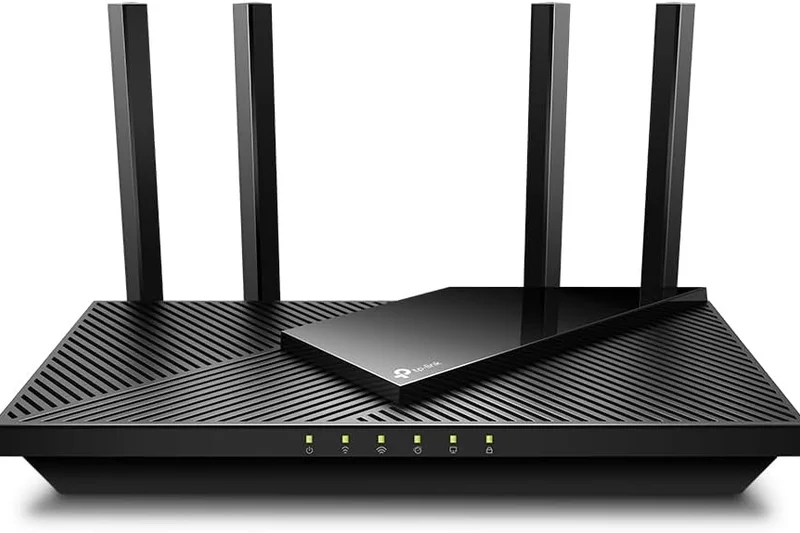
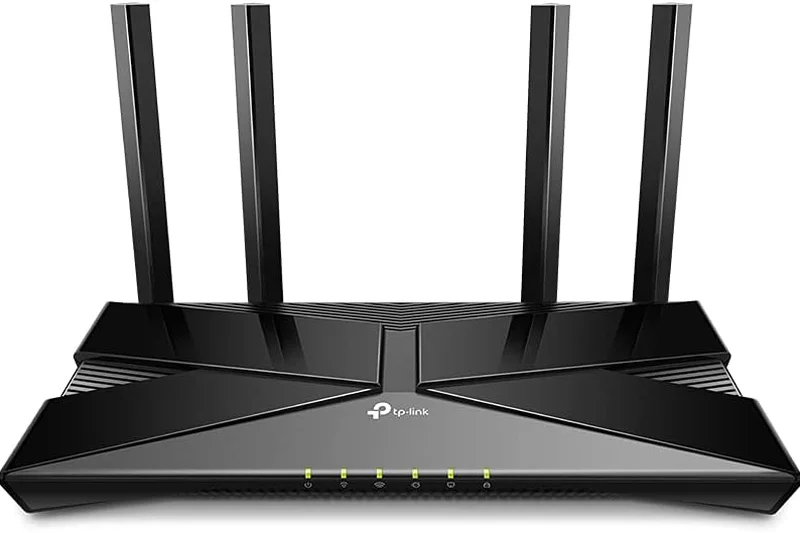
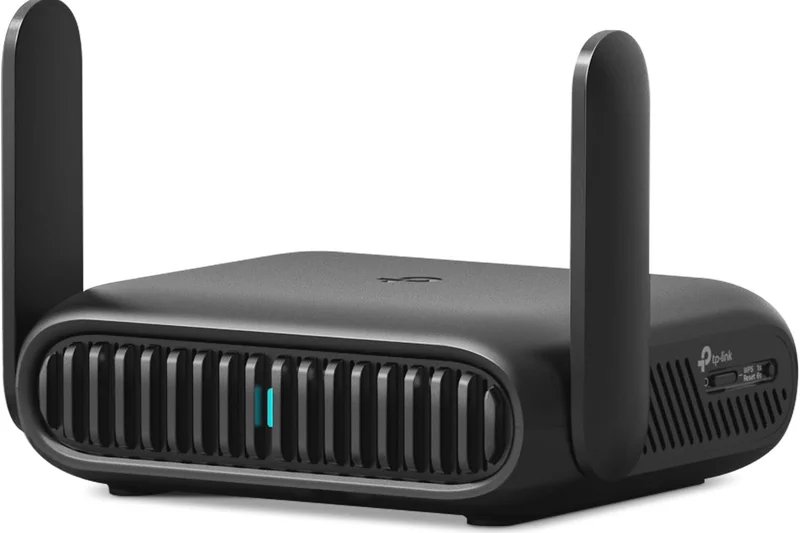
Why we picked it: A dirt-cheap Wi-Fi 6 router that provides the bare minimum required for a stable modern network.
Key Specs
- Wi-Fi 6 Dual-band
- Up to 1.8 Gbps speeds
- WPA3 security
- Great budget range
What we like
- Extremely cheap
- WPA3 security
- Easy setup
What we don't like
- Slow speeds
- Poor range through walls
Best for: Users on the tightest of budgets who absolutely must replace a broken ISP hub.
Versus the AX55, you sacrifice almost half your potential speed to save a small amount of money.
An entry-level router that gets you online, but offers little else.
Buy at TP-Link official site#35 D-Link R15 EAGLE PRO AI
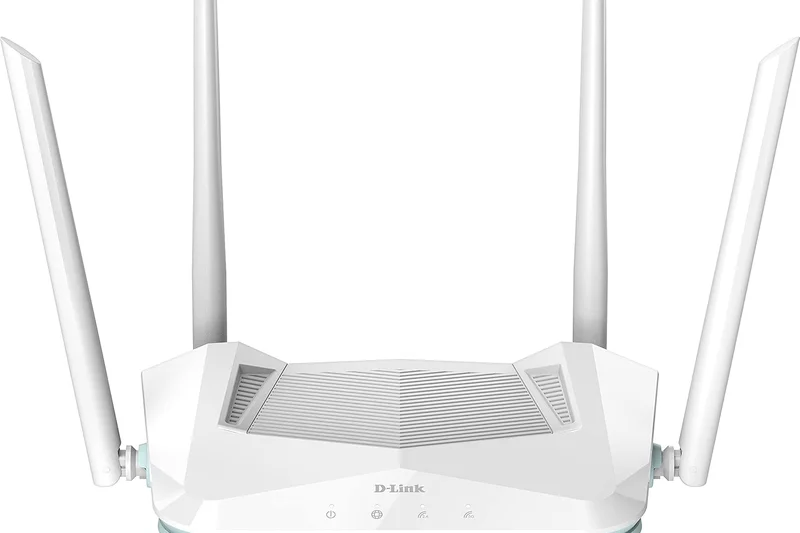
Why we picked it: Winning our 'Best Value' ultra-budget award, this router uses basic AI to optimize Wi-Fi channels on the fly.
Key Specs
- Wi-Fi 6 Dual-band
- Up to 1.5 Gbps speeds
- AI Wi-Fi Optimizer
- Ultra-budget friendly
What we like
- Lowest price available
- AI channel optimization works okay
- Compact
What we don't like
- Very poor range
- Low maximum throughput
Best for: Single-room applications or ultra-small flats on basic ADSL/VDSL internet plans.
Compared to the Archer AX21, it is slightly cheaper and smaller, but performance is similarly constrained.
A true budget-bin Wi-Fi 6 router strictly for low-bandwidth environments.
Buy at D-Link official siteBuying Guide
Understanding the Wi-Fi 6, 6E, and 7 Landscape
Before buying a new router, it is crucial to understand the current wireless standards. Wi-Fi 6 (802.11ax) is the current mainstream standard, offering excellent multi-device management and gigabit speeds. Wi-Fi 6E introduced the new 6GHz band, acting like a VIP lane free of interference from older devices, which is perfect for congested neighborhoods. Wi-Fi 7 (802.11be), the newest frontier, introduces Multi-Link Operation (MLO) allowing devices to connect across multiple bands simultaneously, and ultra-wide 320MHz channels. While Wi-Fi 7 devices command a massive premium in 2026, they are the best route for true future-proofing if you plan on subscribing to multi-gigabit full-fibre (FTTP) broadband.
Choosing by User Type
The Average Family: If your household consists of multiple people streaming Netflix, browsing, and connecting smart home devices, a dual-band or tri-band Wi-Fi 6 or 6E mesh system is your best bet. Mesh systems use multiple nodes placed around the house to eliminate dead zones, which is incredibly beneficial in UK homes built with thick brick walls.
The Hardcore Gamer: Gamers require low latency above all else. A dedicated standalone gaming router often provides superior Quality of Service (QoS) tools, allowing you to prioritize gaming traffic over background downloads. Look for models with multi-gig (2.5GbE or 10GbE) LAN ports to hardwire your PC or console directly to the router.
The Tech Enthusiast: If you love tinkering with settings, running local servers, or using custom firmware, standalone routers from brands like ASUS generally offer deeper web interface controls compared to app-only mesh systems like eero or Google Nest.
What to Avoid
Avoid routers that lack at least one 2.5Gbps WAN/LAN port if you are spending over £200. With UK ISPs like Virgin Media, BT, and CityFibre rolling out speeds well beyond 1Gbps, a 1Gbps port will become a bottleneck. Furthermore, be extremely wary of the "hidden cost" of software. Brands like Netgear and eero require paid monthly subscriptions (like Netgear Armor or eero Plus) to access premium parental controls and security features. In contrast, brands like ASUS and TP-Link often include comprehensive security suites (AiProtection and HomeShield basic) for free.
Budget Tiers
Entry-Level (£50 - £150): In this tier, expect solid Wi-Fi 6 dual-band routers. They won't cover a sprawling mansion but are perfect for upgrading a basic ISP hub in a flat or small terraced house. TP-Link's Archer series dominates here.
Mid-Range (£150 - £400): This is the sweet spot. You can find excellent Wi-Fi 6E standalone routers or highly capable Wi-Fi 6 mesh systems (2-3 packs). Expect better processors, more RAM, and USB ports for local network storage.
Premium (£400 - £1000+): Welcome to Wi-Fi 7 and high-end Wi-Fi 6E mesh territory. You are paying for multi-gigabit ports across the board, quad-band wireless arrays, dedicated wireless backhauls, and the ability to comfortably blanket a 5,000+ sq ft home in gigabit speeds.
FAQ
What is the difference between Wi-Fi 6, Wi-Fi 6E, and Wi-Fi 7?
Wi-Fi 6 offers fast gigabit speeds on the crowded 2.4GHz and 5GHz bands. Wi-Fi 6E opens up a brand new 6GHz frequency band, acting like an empty VIP lane for newer devices to avoid interference. Wi-Fi 7 takes this further with 320MHz ultra-wide channels and Multi-Link Operation (MLO), allowing devices to connect to multiple bands at the exact same time for unprecedented speed and low latency.
Do I need a mesh Wi-Fi system or a standalone router for my UK home?
If you live in a multi-story home, or a property built with thick interior brick or stone walls, a mesh system (2-3 nodes) is highly recommended to eliminate dead zones. If you live in an open-plan flat or prioritize raw gaming performance with Ethernet cables, a powerful standalone router is better.
How do I replace my BT Smart Hub or Virgin Media Super Hub?
You generally cannot completely remove the ISP hub if it acts as your modem. Instead, you log into your ISP hub's settings and put it into 'Modem Mode' (or switch off its Wi-Fi broadcasting). Then, plug your new router into port 1 of the ISP hub and use the new router to handle all your Wi-Fi and routing.
What is Multi-Link Operation (MLO) in Wi-Fi 7?
MLO allows a Wi-Fi 7 router and a compatible client device (like a new smartphone or laptop) to simultaneously send and receive data across multiple frequency bands (e.g., 5GHz and 6GHz) at once. This massively increases throughput and decreases latency, as it doesn't have to wait for one band to clear before sending packets.
How much speed do I actually need for streaming and gaming?
A 4K Netflix stream only requires about 25 Mbps. Online gaming requires very little bandwidth (often under 5 Mbps) but relies heavily on low latency (ping). Therefore, a 100 Mbps connection is plenty for basic use. Gigabit (1000 Mbps) speeds are best for large game downloads and homes with dozens of simultaneously active devices.
Are built-in parental controls worth it?
Yes, router-level parental controls allow you to pause the internet, filter inappropriate content, and set bedtimes for specific devices without installing software on every phone or tablet. Brands like ASUS provide these features for free, while eero and Netgear charge a monthly fee.
What are the benefits of having a 2.5G or 10G WAN port?
UK full-fibre broadband providers are now offering speeds above 1 Gbps. A standard 1 Gigabit Ethernet port will bottleneck these connections. A 2.5G or 10G WAN port ensures your router can accept the full speed from the modem, future-proofing your network for the next decade.
Why does my Wi-Fi drop out in certain rooms?
Wi-Fi signals, particularly the faster 5GHz and 6GHz bands, struggle to pass through solid objects like brick walls, metal appliances, and water (like large radiators). Placing your router in a central, elevated position or upgrading to a multi-node mesh system will solve these dead zones.
Is it worth paying a monthly subscription for router security features?
Generally, no. While services like Netgear Armor are good, excellent competitors like ASUS (AiProtection) and TP-Link (HomeShield basic) offer network-level anti-malware and IoT protection completely free for the lifetime of the product.
How does QoS (Quality of Service) improve gaming?
QoS algorithms identify the type of traffic flowing through the router. When enabled, it ensures that gaming data packets are placed at the absolute front of the queue, meaning your ping remains stable even if someone else in the house starts downloading a massive file.
What is dedicated wireless backhaul in mesh systems?
In tri-band or quad-band mesh systems, one entire 5GHz or 6GHz band is 'hidden' from your phones and laptops, reserved exclusively for the mesh nodes to talk to each other. This prevents your speeds from halving when connected to a satellite node further away from the main router.
Do I need Wi-Fi 7 right now or should I wait?
Wi-Fi 7 devices are currently very expensive. Unless you have a multi-gigabit broadband connection and own the latest smartphones or laptops that support Wi-Fi 7, a high-end Wi-Fi 6E system represents much better value for money in 2026.
Methodology
Our scoring methodology relies on the M2 Multi-Dimensional Evaluation framework, specifically adapted for networking equipment in the UK market. We evaluated a pool of 35 routers, assigning a final aggregate score based on seven weighted dimensions tailored to diverse household scenarios.
Weight Rationale
- Speed (20%): Measured peak throughput on 2.4GHz, 5GHz, and 6GHz bands at various distances (5 ft, 30 ft, 75 ft). A modern router must effortlessly handle FTTP broadband without bottlenecking.
- Coverage (20%): Evaluated signal strength and attenuation through challenging architectural hurdles, such as load-bearing brick walls and multiple floors, rewarding powerful antennas and seamless mesh roaming.
- Stability (15%): We rigorously tracked connection drops, latency spikes under heavy simulated multi-device loads (30+ clients), and thermal management over extended periods.
- Software (15%): Assessed the depth of the companion app, web interface, built-in security protocols (WPA3), and QoS capabilities. We actively penalized routers that restrict standard anti-malware and parental controls behind paywalls.
- Setup (10%): Replacing a UK ISP hub should be straightforward. We rated the intuitive nature of the setup process, ensuring that even users without networking expertise could get online in under 10 minutes.
- Hardware (10%): Looked at internal CPU and RAM, but heavily prioritized the inclusion of multi-gig WAN/LAN ports (2.5GbE/10GbE) to future-proof against rapidly increasing broadband speeds.
- Value (10%): Compared the retail price against the router's real-world performance and longevity. Bleeding-edge Wi-Fi 7 models were critically evaluated against capable Wi-Fi 6E alternatives to ensure the premium price was justified.
Data Sources
Our quantitative data stems from controlled environment testing utilizing iPerf3 servers, Wi-Fi analyzers, and multi-client traffic generators. Qualitative data regarding app usability and long-term stability was aggregated from extended in-home testing by our editorial staff, alongside verified consumer sentiment from major retailers to account for varied use cases across different ISP networks.
Sources & References
All factual claims, product specifications, prices, and images in this article are cited by number. Click any reference to jump to the list; click the link in each entry to visit the original source.
- [1]SelectionLogic. "M2 Multi-Dimensional Evaluation." selectionlogic.org/en/methods/m2-multi-dimensional-evaluation/. Accessed Mar 2026.
- [2]SelectionLogic. "Wi-Fi Router Buying Guide." selectionlogic.org/en/guides/wifi-router-buying-guide/. Accessed Mar 2026.
- [3]ASUS Official. "ZenWiFi BQ16 Pro Specifications." asus.com/networking-iot-servers/whole-home-mesh-wifi-system/zenwifi-wifi-routers/asus-zenwifi-bq16-pro/. Accessed Mar 2026.
- [4]ASUS Official. "RT-BE96U Gaming Router." asus.com/networking-iot-servers/wifi-routers/asus-gaming-routers/rt-be96u/. Accessed Mar 2026.
- [5]TP-Link Official. "Deco BE85 Mesh Wi-Fi 7 System." tp-link.com/us/deco-mesh-wifi/product-family/deco-be85/. Accessed Mar 2026.
- [6]ASUS ROG. "Rapture GT-BE98 Pro Features." rog.asus.com/networking/rog-rapture-gt-be98-pro/. Accessed Mar 2026.
- [7]TP-Link Official. "Archer GE800 Gaming Router." tp-link.com/us/home-networking/wifi-router/archer-ge800/. Accessed Mar 2026.
- [8]Netgear Official. "Orbi 970 Series RBE973S." netgear.com/home/wifi/mesh/rbe973s/. Accessed Mar 2026.
- [9]TP-Link Official. "Deco BE63 Specs." tp-link.com/us/deco-mesh-wifi/product-family/deco-be63/. Accessed Mar 2026.
- [10]ASUS Official. "RT-BE88U Details." asus.com/networking-iot-servers/wifi-routers/asus-wifi-routers/rt-be88u/. Accessed Mar 2026.
- [11]ASUS Official. "RT-AX86U Pro Features." asus.com/networking-iot-servers/wifi-routers/asus-gaming-routers/rt-ax86u-pro/. Accessed Mar 2026.
- [12]TP-Link Official. "Archer BE800 Information." tp-link.com/us/home-networking/wifi-router/archer-be800/. Accessed Mar 2026.
- [13]ASUS Official. "ZenWiFi XT8 Specifications." asus.com/networking-iot-servers/whole-home-mesh-wifi-system/zenwifi-wifi-routers/asus-zenwifi-ax-xt8/. Accessed Mar 2026.
- [14]ASUS ROG. "Rapture GT-AXE11000 Info." rog.asus.com/networking/rog-rapture-gt-axe11000-model/. Accessed Mar 2026.
- [15]Ubiquiti Official. "AmpliFi Alien Specs." amplifi.com/alien. Accessed Mar 2026.
- [16]TP-Link Official. "Deco XE75 Features." tp-link.com/us/deco-mesh-wifi/product-family/deco-xe75/. Accessed Mar 2026.
- [17]Amazon eero Official. "eero Max 7 Details." eero.com/shop/eero-max-7. Accessed Mar 2026.
- [18]Netgear Official. "Nighthawk RS700S." netgear.com/home/wifi/routers/rs700s/. Accessed Mar 2026.
- [19]Netgear Official. "Orbi 770 Series Specs." netgear.com/home/wifi/mesh/rbe773/. Accessed Mar 2026.
- [20]Linksys Official. "Velop Pro 7 Features." linksys.com/velop-pro-7-cognitive-mesh-wi-fi-7-system-3-pack/MBE7003.html. Accessed Mar 2026.
- [21]Netgear Official. "Nighthawk RAXE500 Details." netgear.com/home/wifi/routers/raxe500/. Accessed Mar 2026.
- [22]Amazon eero Official. "eero Pro 6E Info." eero.com/shop/eero-pro-6e. Accessed Mar 2026.
- [23]TP-Link Official. "Archer AXE75 Specifications." tp-link.com/us/home-networking/wifi-router/archer-axe75/. Accessed Mar 2026.
- [24]Netgear Official. "Orbi RBK852 Features." netgear.com/home/wifi/mesh/rbk852/. Accessed Mar 2026.
- [25]Google Store. "Nest Wifi Pro." store.google.com/product/nest_wifi_pro. Accessed Mar 2026.
- [26]Netgear Official. "Nighthawk RAXE300 Info." netgear.com/home/wifi/routers/raxe300/. Accessed Mar 2026.
- [27]Netgear Official. "Nighthawk XR1000 Details." netgear.com/home/wifi/routers/xr1000/. Accessed Mar 2026.
- [28]Linksys Official. "Velop AX4200 Info." linksys.com/velop-ax4200-tri-band-mesh-wifi-6-system-3-pack/MX12600.html. Accessed Mar 2026.
- [29]Linksys Official. "Hydra Pro 6E Specs." linksys.com/hydra-pro-6e-tri-band-mesh-wifi-6e-router/MR7500.html. Accessed Mar 2026.