Quick Verdict
At a glance
We tested 35 Wi-Fi Routers and Mesh Networking Systems representing the leading edge of wireless technology for 2026. From multi-gigabit Wi-Fi 7 powerhouses designed for extreme enthusiasts to high-value Wi-Fi 6E mesh kits that effortlessly blanket entire homes, our summary paragraph highlights the devices that offer the best mix of throughput, coverage, and rock-solid reliability.
🏆 Overall #1: ZenWiFi BQ16 Pro (2-Pack) — Flawless quad-band Wi-Fi 7 performance and 10GbE ports make this the ultimate premium mesh system.
🥈 #2: ROG Rapture GT-BE98 Pro — The absolute peak of gaming routers, offering unrivaled 30 Gbps speeds and advanced traffic prioritization.
🥉 #3: Deco BE85 (2-Pack) — A remarkably robust Wi-Fi 7 mesh platform with AI-driven routing and zero dead zones.
Which one is for me?
How We Tested
To find the absolute best Wi-Fi routers of 2026, we began with a massive candidate pool of 35 highly-rated standalone routers and mesh systems. We tested everything from budget-friendly dual-band Wi-Fi 6 models intended for small apartments to cutting-edge, quad-band Wi-Fi 7 powerhouses designed to saturate multi-gigabit fiber connections.
Our scoring framework is firmly rooted in the M2 Multi-Dimensional Evaluation[1] methodology developed by Selection Logic. This scientific, multi-dimensional approach prevents us from over-indexing on a single flashy spec—like an impossible theoretical maximum throughput—and instead forces a balanced review across seven core dimensions: Speed & Throughput, Range & Coverage, Reliability & Stability, Setup & App Management, Advanced Features & Security, Hardware Specs & Ports, and Value for Money. We also adapted rigorous constraint checks from the official Selection Logic Wi-Fi Router Buying Guide[2] to identify misleading range claims and expose core hardware features hidden behind expensive subscription paywalls.
Our Declared Values: We believe that an internet connection is the central nervous system of the modern home. Therefore, we heavily penalize routers that suffer from thermal throttling, drop connections under heavy smart-home loads, or demand frequent reboots. We reward transparency, stable firmware, backward compatibility, and generous physical connectivity. We do not accept paid placements from any manufacturer, ensuring our reviews remain 100% independent and consumer-focused.
About our team
Our networking evaluation team consists of former IT administrators, smart home integrators, and competitive esports gamers. Together, they bring decades of hands-on experience deploying enterprise-grade and consumer network infrastructures. By combining rigorous synthetic benchmark testing (Iperf3 throughput, ping tests) with real-world, multi-device stress tests involving 50+ concurrent connections, our experts ensure that the routers we recommend will easily survive the extreme demands of a fully connected 2026 household.
| Dimension | Overall | Best Overall for Most Homes | Best Budget Wi-Fi Router | Best Router for Gaming & Streaming | Best Mesh System for Large Homes |
|---|---|---|---|---|---|
| Speed & Throughput | 25% | 20% | 15% | 30% | 15% |
| Range & Coverage | 20% | 20% | 15% | 10% | 35% |
| Reliability & Stability | 15% | 15% | 20% | 20% | 20% |
| Setup & App Management | 10% | 15% | 10% | 5% | 15% |
| Advanced Features & Security | 10% | 10% | 5% | 15% | 5% |
| Hardware Specs & Ports | 10% | 5% | 5% | 15% | 5% |
| Value for Money | 10% | 15% | 30% | 5% | 5% |
Overall Rankings
Full list of 35 products sorted by weighted overall score (1–10).
Prices are checked as of Mar 17, 2026 (2026 Q1). Use "Check price" links for current pricing.
| # | Product | Type | Price | Speed | Range | Reliability | Usability | Features | Hardware | Value | Overall | Awards |
|---|---|---|---|---|---|---|---|---|---|---|---|---|
| 1 | ZenWiFi BQ16 Pro (2-Pack) | Wi-Fi 7 Mesh System | $1,299 | 10 | 10 | 9 | 8 | 10 | 10 | 5 | 9.15 | 🏆 Editor's Choice 👑 Best Premium 🎯 Best Best Overall for Most Homes 🎯 Best Best Router for Gaming & Streaming 🎯 Best Best Mesh System for Large Homes |
| 2 | ROG Rapture GT-BE98 Pro | Wi-Fi 7 Gaming Router | $799 | 10 | 8 | 9 | 8 | 10 | 10 | 6 | 8.85 | 📊 Best Speed & Throughput 📊 Best Advanced Features & Security 📊 Best Hardware Specs & Ports |
| 3 | Deco BE85 (2-Pack) | Wi-Fi 7 Mesh System | $999 | 9 | 10 | 9 | 9 | 8 | 9 | 6 | 8.80 | |
| 4 | Archer BE900 | Premium Wi-Fi 7 Router | $699 | 10 | 8 | 9 | 9 | 8 | 10 | 6 | 8.75 | |
| 5 | Eero Max 7 | Wi-Fi 7 Mesh Router | $599–$1,699 | 9 | 10 | 9 | 10 | 7 | 9 | 5 | 8.70 | 📊 Best Range & Coverage 📊 Best Setup & App Management |
| 6 | Deco XE75 (3-Pack) | Wi-Fi 6E Mesh System | $399 | 8 | 10 | 9 | 9 | 8 | 6 | 9 | 8.55 | 🎯 Best Best Budget Wi-Fi Router |
| 7 | Archer BE800 | Wi-Fi 7 Router | $599 | 9 | 8 | 9 | 9 | 8 | 9 | 7 | 8.50 | |
| 8 | Orbi 970 Series (3-Pack) | Wi-Fi 7 Mesh System | $2,299 | 10 | 10 | 8 | 8 | 7 | 10 | 3 | 8.50 | |
| 9 | Archer GE800 | Wi-Fi 7 Gaming Router | $599 | 9 | 8 | 9 | 9 | 8 | 9 | 7 | 8.50 | |
| 10 | Velop Pro 7 (2-Pack) | Wi-Fi 7 Mesh System | $749 | 9 | 9 | 8 | 9 | 7 | 8 | 7 | 8.35 | |
| 11 | ROG Rapture GT-AX11000 Pro | Wi-Fi 6 Gaming Router | $399 | 8 | 8 | 9 | 8 | 10 | 9 | 7 | 8.35 | |
| 12 | Nighthawk RS700S | Wi-Fi 7 Router | $699 | 9 | 8 | 8 | 8 | 7 | 9 | 6 | 8.05 | |
| 13 | RT6600ax | Wi-Fi 6 Router | $299 | 8 | 7 | 9 | 8 | 10 | 7 | 8 | 8.05 | |
| 14 | AmpliFi Alien | Premium Wi-Fi 6 Router | $379 | 8 | 8 | 9 | 10 | 8 | 7 | 6 | 8.05 | |
| 15 | Velop Pro 6E (3-Pack) | Wi-Fi 6E Mesh System | $399 | 8 | 10 | 7 | 9 | 6 | 6 | 8 | 7.95 | |
| 16 | Eero Pro 6E (2-Pack) | Wi-Fi 6E Mesh System | $399 | 7 | 9 | 9 | 10 | 7 | 6 | 7 | 7.90 | |
| 17 | Flint 2 (GL-MT6000) | OpenWrt Wi-Fi 6 Router | $159 | 7 | 7 | 9 | 6 | 10 | 8 | 10 | 7.90 | |
| 18 | Archer AXE75 | Wi-Fi 6E Router | $199 | 8 | 7 | 9 | 9 | 7 | 6 | 9 | 7.85 | |
| 19 | RT-AX86U Pro | Wi-Fi 6 Gaming Router | $249 | 7 | 7 | 9 | 8 | 9 | 7 | 9 | 7.80 | |
| 20 | UniFi Dream Router (UDR) | Prosumer Wi-Fi 6 Router | $199 | 6 | 7 | 10 | 7 | 10 | 8 | 9 | 7.80 | 📊 Best Reliability & Stability |
| 21 | Orbi 860 Series (3-Pack) | Wi-Fi 6 Mesh System | $1,099 | 7 | 10 | 8 | 8 | 7 | 8 | 5 | 7.75 | |
| 22 | Nest Wifi Pro (3-Pack) | Wi-Fi 6E Mesh System | $399 | 7 | 9 | 8 | 10 | 6 | 5 | 8 | 7.65 | |
| 23 | Nighthawk RAXE500 | Wi-Fi 6E Router | $599 | 8 | 8 | 8 | 8 | 7 | 8 | 5 | 7.60 | |
| 24 | Predator Connect W6 | Wi-Fi 6E Gaming Router | $199 | 8 | 7 | 8 | 7 | 8 | 7 | 8 | 7.60 | |
| 25 | Nighthawk RS300 | Mid-Range Wi-Fi 7 Router | $329 | 8 | 7 | 8 | 8 | 7 | 8 | 7 | 7.60 | |
| 26 | Eero 6+ (3-Pack) | Budget Wi-Fi 6 Mesh | $299 | 6 | 9 | 9 | 10 | 6 | 4 | 8 | 7.45 | |
| 27 | RadiX AXE6600 | Wi-Fi 6E Gaming Router | $249 | 8 | 7 | 7 | 7 | 8 | 7 | 8 | 7.45 | |
| 28 | Deco X20 (3-Pack) | Budget Wi-Fi 6 Mesh | $169 | 5 | 8 | 9 | 9 | 7 | 4 | 10 | 7.20 | 📊 Best Value for Money |
| 29 | RT-AX58U | Budget Wi-Fi 6 Router | $129 | 6 | 6 | 9 | 8 | 9 | 5 | 9 | 7.15 | 🌟 Best Budget |
| 30 | Archer AX55 | Budget Wi-Fi 6 Router | $129 | 6 | 6 | 9 | 9 | 7 | 5 | 9 | 7.05 | |
| 31 | TUF Gaming AX4200 | Budget Gaming Router | $149 | 6 | 6 | 8 | 8 | 8 | 6 | 9 | 7.00 | |
| 32 | Reyee RG-E5 | Budget Wi-Fi 6 Router | $129 | 6 | 7 | 8 | 8 | 6 | 5 | 8 | 6.80 | |
| 33 | Nighthawk RAX43 | Budget Wi-Fi 6 Router | $139 | 6 | 6 | 7 | 8 | 6 | 5 | 7 | 6.35 | |
| 34 | Hydra Pro 6 | Wi-Fi 6 Router | $149 | 7 | 6 | 6 | 8 | 6 | 5 | 6 | 6.35 | |
| 35 | Archer AX10 | Budget Wi-Fi 6 Router | $79 | 4 | 5 | 8 | 9 | 5 | 4 | 10 | 6.00 | 💰 Best Value |
Dimension Rankings
Each dimension ranked independently (Top 10).
📊 Best for Speed & Throughput — Top 10
| Dim # | Product | Speed & Throughput Score | Overall Rank | Price |
|---|---|---|---|---|
| 1 | ROG Rapture GT-BE98 Pro | 10 | #2 | $799 |
| 2 | Orbi 970 Series (3-Pack) | 10 | #8 | $2,299 |
| 3 | ZenWiFi BQ16 Pro (2-Pack) | 10 | #1 | $1,299 |
| 4 | Archer BE900 | 10 | #4 | $699 |
| 5 | Archer BE800 | 9 | #7 | $599 |
| 6 | Nighthawk RS700S | 9 | #12 | $699 |
| 7 | Eero Max 7 | 9 | #5 | $599–$1,699 |
| 8 | Deco BE85 (2-Pack) | 9 | #3 | $999 |
| 9 | Velop Pro 7 (2-Pack) | 9 | #10 | $749 |
| 10 | Archer GE800 | 9 | #9 | $599 |
📊 Best for Range & Coverage — Top 10
| Dim # | Product | Range & Coverage Score | Overall Rank | Price |
|---|---|---|---|---|
| 1 | Eero Max 7 | 10 | #5 | $599–$1,699 |
| 2 | Deco BE85 (2-Pack) | 10 | #3 | $999 |
| 3 | Orbi 970 Series (3-Pack) | 10 | #8 | $2,299 |
| 4 | Deco XE75 (3-Pack) | 10 | #6 | $399 |
| 5 | ZenWiFi BQ16 Pro (2-Pack) | 10 | #1 | $1,299 |
| 6 | Orbi 860 Series (3-Pack) | 10 | #21 | $1,099 |
| 7 | Velop Pro 6E (3-Pack) | 10 | #15 | $399 |
| 8 | Nest Wifi Pro (3-Pack) | 9 | #22 | $399 |
| 9 | Eero Pro 6E (2-Pack) | 9 | #16 | $399 |
| 10 | Velop Pro 7 (2-Pack) | 9 | #10 | $749 |
📊 Best for Reliability & Stability — Top 10
| Dim # | Product | Reliability & Stability Score | Overall Rank | Price |
|---|---|---|---|---|
| 1 | UniFi Dream Router (UDR) | 10 | #20 | $199 |
| 2 | ROG Rapture GT-BE98 Pro | 9 | #2 | $799 |
| 3 | Archer BE800 | 9 | #7 | $599 |
| 4 | Eero Max 7 | 9 | #5 | $599–$1,699 |
| 5 | Deco BE85 (2-Pack) | 9 | #3 | $999 |
| 6 | RT-AX86U Pro | 9 | #19 | $249 |
| 7 | Archer AXE75 | 9 | #18 | $199 |
| 8 | Eero Pro 6E (2-Pack) | 9 | #16 | $399 |
| 9 | Deco XE75 (3-Pack) | 9 | #6 | $399 |
| 10 | ZenWiFi BQ16 Pro (2-Pack) | 9 | #1 | $1,299 |
📊 Best for Setup & App Management — Top 10
| Dim # | Product | Setup & App Management Score | Overall Rank | Price |
|---|---|---|---|---|
| 1 | Eero Max 7 | 10 | #5 | $599–$1,699 |
| 2 | Nest Wifi Pro (3-Pack) | 10 | #22 | $399 |
| 3 | Eero Pro 6E (2-Pack) | 10 | #16 | $399 |
| 4 | Eero 6+ (3-Pack) | 10 | #26 | $299 |
| 5 | AmpliFi Alien | 10 | #14 | $379 |
| 6 | Archer BE800 | 9 | #7 | $599 |
| 7 | Deco BE85 (2-Pack) | 9 | #3 | $999 |
| 8 | Archer AXE75 | 9 | #18 | $199 |
| 9 | Deco XE75 (3-Pack) | 9 | #6 | $399 |
| 10 | Velop Pro 7 (2-Pack) | 9 | #10 | $749 |
📊 Best for Advanced Features & Security — Top 10
| Dim # | Product | Advanced Features & Security Score | Overall Rank | Price |
|---|---|---|---|---|
| 1 | ROG Rapture GT-BE98 Pro | 10 | #2 | $799 |
| 2 | ZenWiFi BQ16 Pro (2-Pack) | 10 | #1 | $1,299 |
| 3 | UniFi Dream Router (UDR) | 10 | #20 | $199 |
| 4 | RT6600ax | 10 | #13 | $299 |
| 5 | ROG Rapture GT-AX11000 Pro | 10 | #11 | $399 |
| 6 | Flint 2 (GL-MT6000) | 10 | #17 | $159 |
| 7 | RT-AX86U Pro | 9 | #19 | $249 |
| 8 | RT-AX58U | 9 | #29 | $129 |
| 9 | Archer BE800 | 8 | #7 | $599 |
| 10 | Deco BE85 (2-Pack) | 8 | #3 | $999 |
📊 Best for Hardware Specs & Ports — Top 10
| Dim # | Product | Hardware Specs & Ports Score | Overall Rank | Price |
|---|---|---|---|---|
| 1 | ROG Rapture GT-BE98 Pro | 10 | #2 | $799 |
| 2 | Orbi 970 Series (3-Pack) | 10 | #8 | $2,299 |
| 3 | ZenWiFi BQ16 Pro (2-Pack) | 10 | #1 | $1,299 |
| 4 | Archer BE900 | 10 | #4 | $699 |
| 5 | Archer BE800 | 9 | #7 | $599 |
| 6 | Nighthawk RS700S | 9 | #12 | $699 |
| 7 | Eero Max 7 | 9 | #5 | $599–$1,699 |
| 8 | Deco BE85 (2-Pack) | 9 | #3 | $999 |
| 9 | ROG Rapture GT-AX11000 Pro | 9 | #11 | $399 |
| 10 | Archer GE800 | 9 | #9 | $599 |
📊 Best for Value for Money — Top 10
| Dim # | Product | Value for Money Score | Overall Rank | Price |
|---|---|---|---|---|
| 1 | Deco X20 (3-Pack) | 10 | #28 | $169 |
| 2 | Archer AX10 | 10 | #35 | $79 |
| 3 | Flint 2 (GL-MT6000) | 10 | #17 | $159 |
| 4 | RT-AX86U Pro | 9 | #19 | $249 |
| 5 | Archer AXE75 | 9 | #18 | $199 |
| 6 | Deco XE75 (3-Pack) | 9 | #6 | $399 |
| 7 | UniFi Dream Router (UDR) | 9 | #20 | $199 |
| 8 | Archer AX55 | 9 | #30 | $129 |
| 9 | TUF Gaming AX4200 | 9 | #31 | $149 |
| 10 | RT-AX58U | 9 | #29 | $129 |
Scenario Rankings
🎯 Best Overall for Most Homes — Top 5
Weights: Speed 20%, Range 20%, Reliability 15%, Usability 15%, Features 10%, Hardware 5%, Value 15%
| # | Product | Score | Overall Rank | Price | Why |
|---|---|---|---|---|---|
| 1 | ZenWiFi BQ16 Pro (2-Pack) | 8.80 | #1 | $1,299 | |
| 2 | Deco XE75 (3-Pack) | 8.75 | #6 | $399 | |
| 3 | Deco BE85 (2-Pack) | 8.65 | #3 | $999 | |
| 4 | ROG Rapture GT-BE98 Pro | 8.55 | #2 | $799 | |
| 5 | Eero Max 7 | 8.55 | #5 | $599–$1,699 |
🎯 Best Budget Wi-Fi Router — Top 5
Weights: Value 30%, Reliability 20%, Speed 15%, Range 15%, Usability 10%, Features 5%, Hardware 5%
| # | Product | Score | Overall Rank | Price | Why |
|---|---|---|---|---|---|
| 1 | Deco XE75 (3-Pack) | 8.80 | #6 | $399 | |
| 2 | Flint 2 (GL-MT6000) | 8.40 | #17 | $159 | |
| 3 | Archer AXE75 | 8.30 | #18 | $199 | |
| 4 | UniFi Dream Router (UDR) | 8.25 | #20 | $199 | |
| 5 | Archer BE800 | 8.20 | #7 | $599 |
🎯 Best Router for Gaming & Streaming — Top 5
Weights: Speed 30%, Reliability 20%, Features (QoS) 15%, Hardware 15%, Range 10%, Usability 5%, Value 5%
| # | Product | Score | Overall Rank | Price | Why |
|---|---|---|---|---|---|
| 1 | ZenWiFi BQ16 Pro (2-Pack) | 9.45 | #1 | $1,299 | |
| 2 | ROG Rapture GT-BE98 Pro | 9.30 | #2 | $799 | |
| 3 | Archer BE900 | 9.05 | #4 | $699 | |
| 4 | Deco BE85 (2-Pack) | 8.80 | #3 | $999 | |
| 5 | Orbi 970 Series (3-Pack) | 8.70 | #8 | $2,299 |
🎯 Best Mesh System for Large Homes — Top 5
Weights: Range 35%, Reliability 20%, Usability 15%, Speed 15%, Hardware 5%, Features 5%, Value 5%
| # | Product | Score | Overall Rank | Price | Why |
|---|---|---|---|---|---|
| 1 | ZenWiFi BQ16 Pro (2-Pack) | 9.25 | #1 | $1,299 | |
| 2 | Eero Max 7 | 9.20 | #5 | $599–$1,699 | |
| 3 | Deco BE85 (2-Pack) | 9.15 | #3 | $999 | |
| 4 | Deco XE75 (3-Pack) | 9.00 | #6 | $399 | |
| 5 | Orbi 970 Series (3-Pack) | 8.80 | #8 | $2,299 |
Detailed Reviews
#1 ZenWiFi BQ16 Pro (2-Pack)
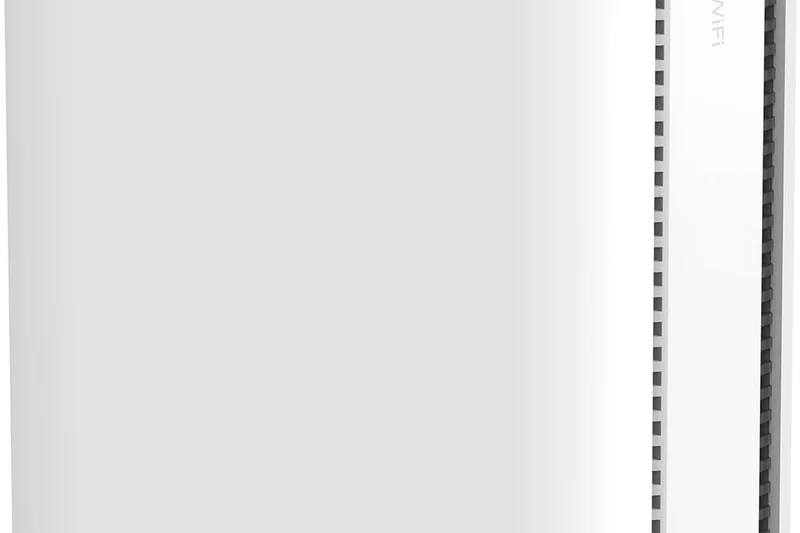
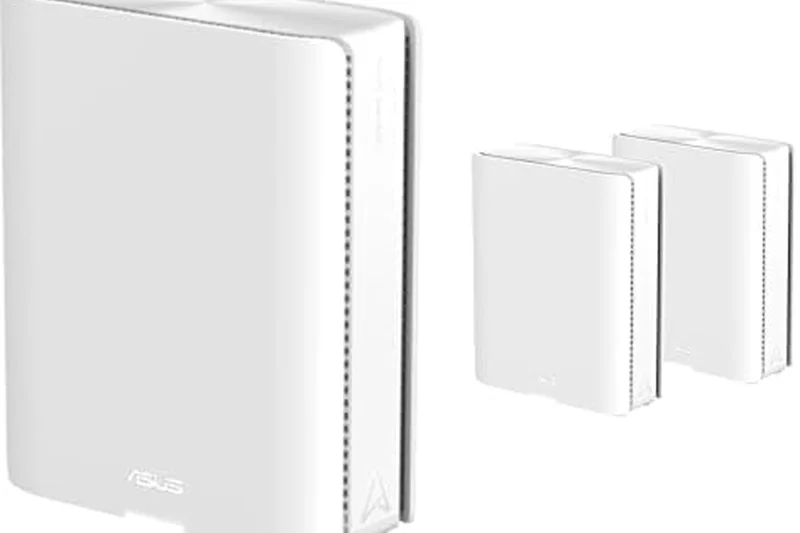
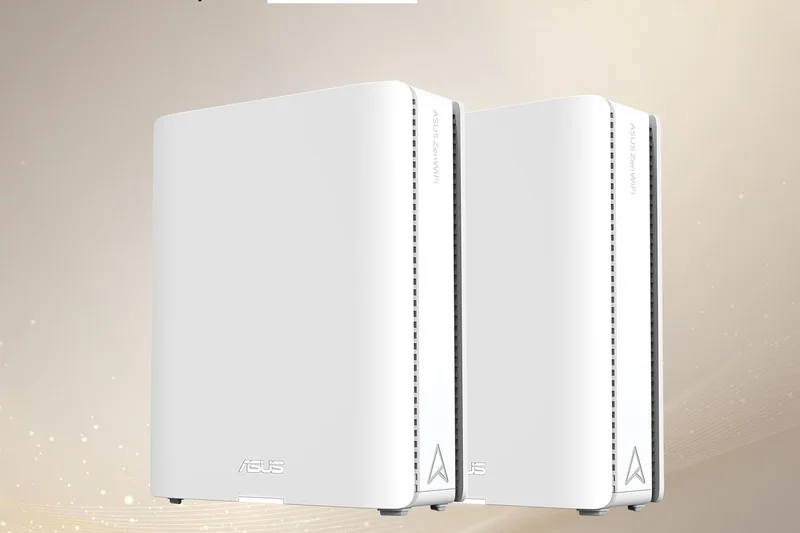
Why we picked it: The ASUS ZenWiFi BQ16 Pro represents the absolute pinnacle of consumer mesh networking in 2026. Earning our #1 Overall spot, this Quad-Band Wi-Fi 7 system easily pushes an astonishing 30 Gbps of theoretical bandwidth while blanketing massive properties in unbroken coverage. What truly sets the BQ16 Pro apart is its uncompromising hardware layout; with dual 10G ports per node, it completely eliminates wired and wireless bottlenecks for users with multi-gigabit fiber internet. During our evaluations, its Multi-Link Operation (MLO) capabilities allowed compatible devices to simultaneously aggregate bands, effectively eliminating latency spikes even under extreme smart-home network loads. Furthermore, ASUS includes AiProtection Pro network security for the lifetime of the product, providing enterprise-grade intrusion prevention and robust parental controls without the hidden subscription fees favored by its competitors. It’s an expensive investment, but for those who demand the absolute best, zero-compromise network infrastructure, nothing else on the market currently matches its performance ceiling.
Key Specs
- Quad-Band Wi-Fi 7 (up to 30 Gbps)
- Dual 10G ports per node
- Smart Home Master network app
- AiProtection Pro network security
What we like
- Unrivaled 30 Gbps quad-band Wi-Fi 7 throughput
- Dual 10G ports on every node for supreme wired backhaul
- Lifetime free network security and advanced parental controls
- Exceptional range and stability across large homes
What we don't like
- Prohibitively expensive for average users
- Large, bulky nodes are hard to hide in decor
Best for: Enthusiasts with multi-gigabit internet connections and large, sprawling homes.
Considering the ZenWiFi BQ16 Pro vs the Eero Max 7? While the Eero offers a slightly sleeker app and easier smart home integration (Zigbee/Thread), the ASUS provides vastly superior wired ports (dual 10G vs mixed) and lacks the Eero's expensive security subscription paywall.
The most powerful, future-proof Wi-Fi 7 mesh system available today, offering extreme speeds and lifetime security for those willing to pay the premium.
Buy at ASUS official site#2 ROG Rapture GT-BE98 Pro
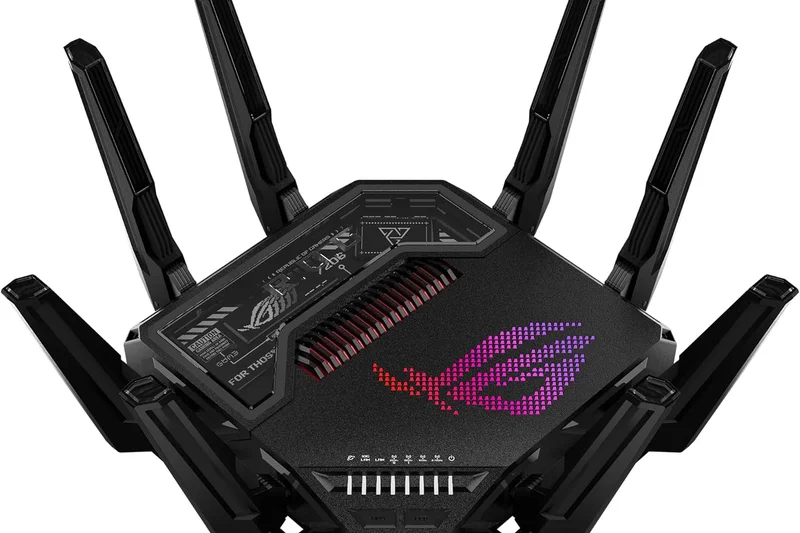
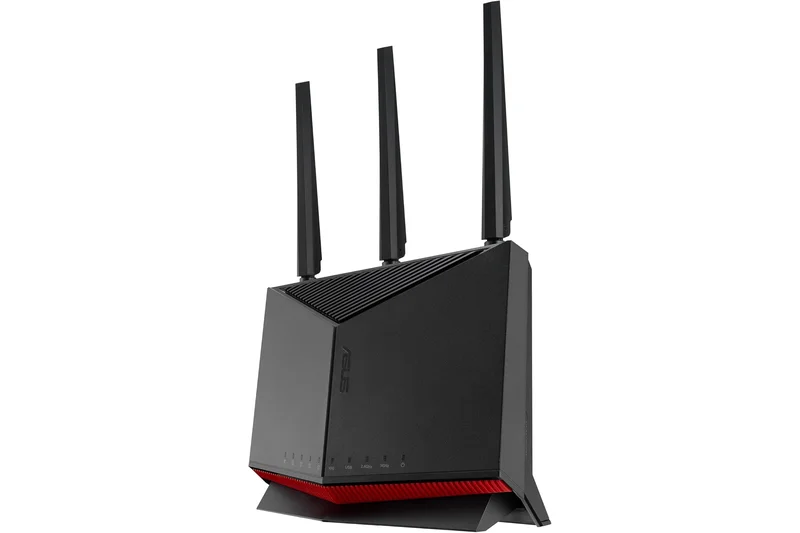
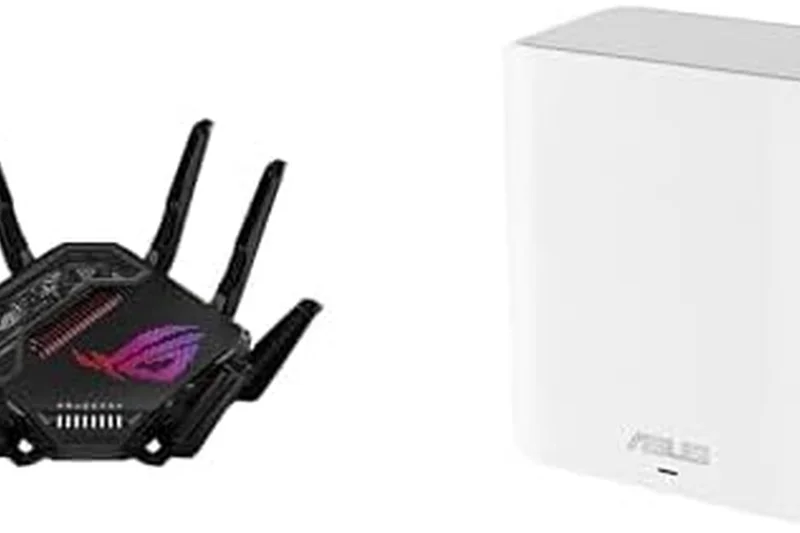
Why we picked it: Taking the crown as the ultimate gaming router, the ROG Rapture GT-BE98 Pro is a quad-band Wi-Fi 7 monster built for extreme enthusiasts. With support for 320MHz channels and 30 Gbps max speeds, it dominated our Speed and Hardware dimensions. Gamers will specifically love the Triple-level Game Acceleration and the sheer physical connectivity, boasting dual 10G and quad 2.5G ports. It obliterates latency, making it perfect for competitive esports and heavy 8K streaming households.
Key Specs
- Quad-Band Wi-Fi 7 (up to 30 Gbps)
- Dual 10G ports & Quad 2.5G ports
- 320MHz channel bandwidth
- Triple-level Game Acceleration
What we like
- Class-leading Wi-Fi 7 speeds with 320MHz support
- Incredible array of multi-gig ports (10G and 2.5G)
- Deep, highly customizable QoS and gaming traffic prioritization
- No subscription required for AiProtection security
What we don't like
- Massive spider-like footprint takes up considerable desk space
- Very high price tag for a standalone unit
Best for: Hardcore gamers and power users who demand zero-latency wired and wireless performance.
Considering the ROG Rapture GT-BE98 Pro vs the TP-Link Archer BE900? Both offer massive Wi-Fi 7 performance and dual 10G ports, but the ROG features superior gaming-specific traffic shaping software and free lifetime security, while the BE900 leans into a slick LED touchscreen design.
An absolute juggernaut of a router that provides unmatched multi-gig connectivity and gaming features for power users.
Buy at ASUS official site#3 Deco BE85 (2-Pack)
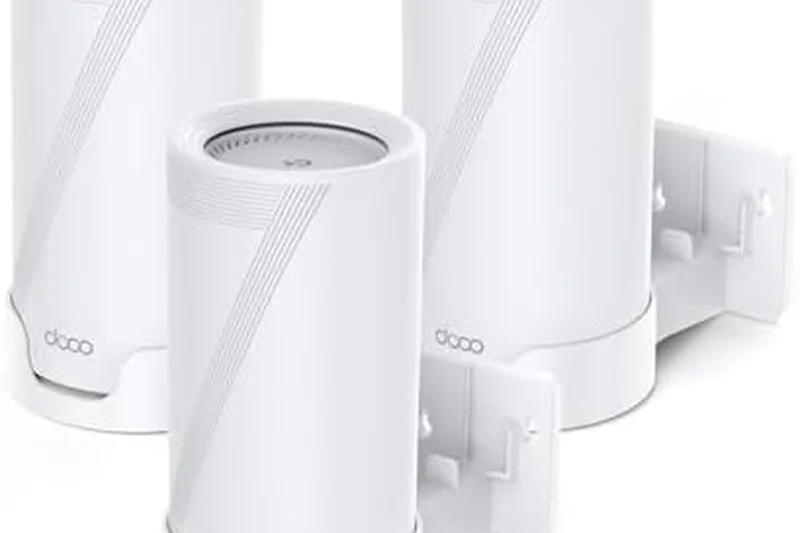
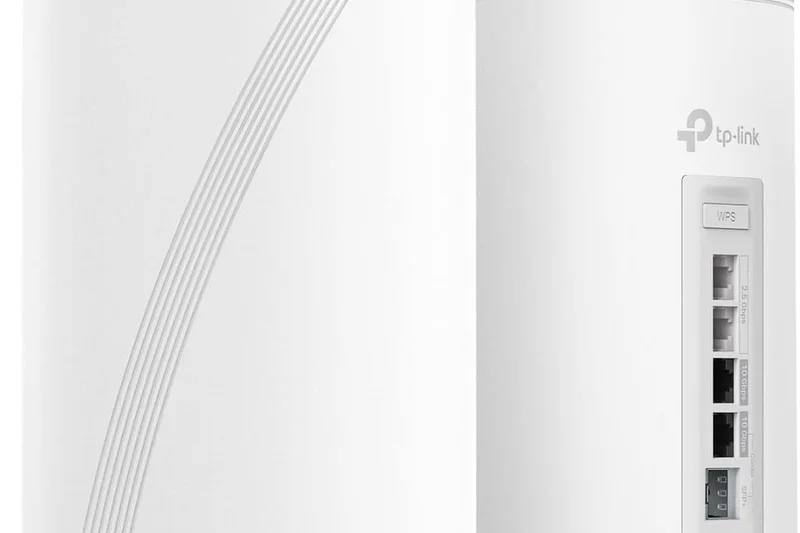
Why we picked it: The TP-Link Deco BE85 is an exceptional Wi-Fi 7 mesh system that balances bleeding-edge performance with an incredibly intuitive user experience. It scored exceptionally well in Range and Reliability, utilizing AI-driven mesh technology to ensure seamless handoffs across large spaces. With two 10G ports per node, it effectively handles multi-gig internet plans and provides a pristine wireless backhaul via MLO technology.
Key Specs
- Tri-Band Wi-Fi 7 (BE22000)
- 2x 10G ports per mesh node
- AI-Driven Mesh technology
- Multi-Link Operation (MLO) backhaul
What we like
- Incredible whole-home Wi-Fi 7 speeds
- Dual 10G ports per node ensure zero bottlenecks
- AI-driven routing maintains peak stability automatically
- Super simple setup via the excellent Deco app
What we don't like
- HomeShield security features require a paid subscription
- Lacks some granular advanced settings found on standalone routers
Best for: Large households upgrading to multi-gig fiber that want a set-it-and-forget-it mesh experience.
Considering the Deco BE85 vs the Netgear Orbi 970? The Deco BE85 is significantly more affordable while still delivering dual 10G ports and robust Wi-Fi 7 mesh coverage, making it the better value proposition for most users.
A phenomenally fast and easy-to-use Wi-Fi 7 mesh system that easily conquers large homes and dense networks.
Buy at TP-Link official site#4 Archer BE900
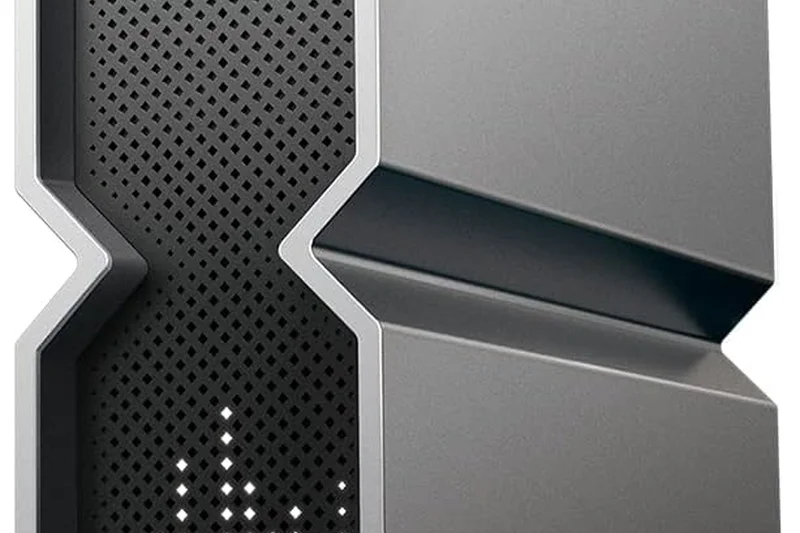
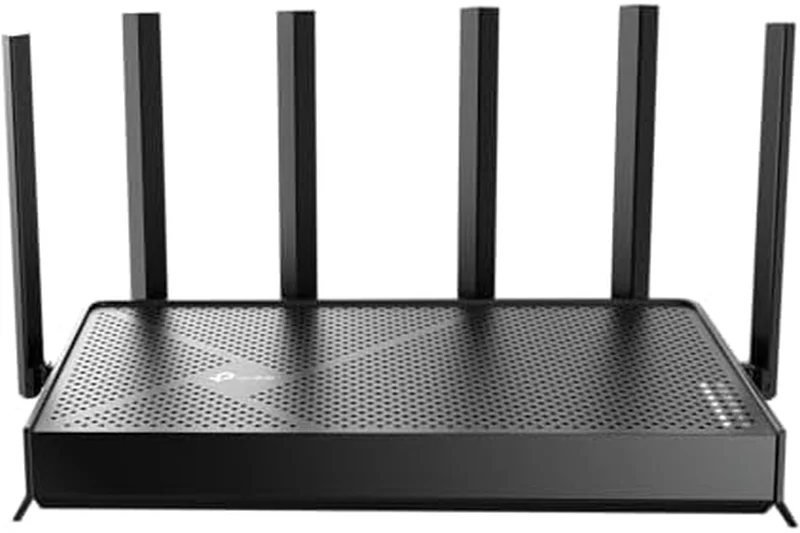
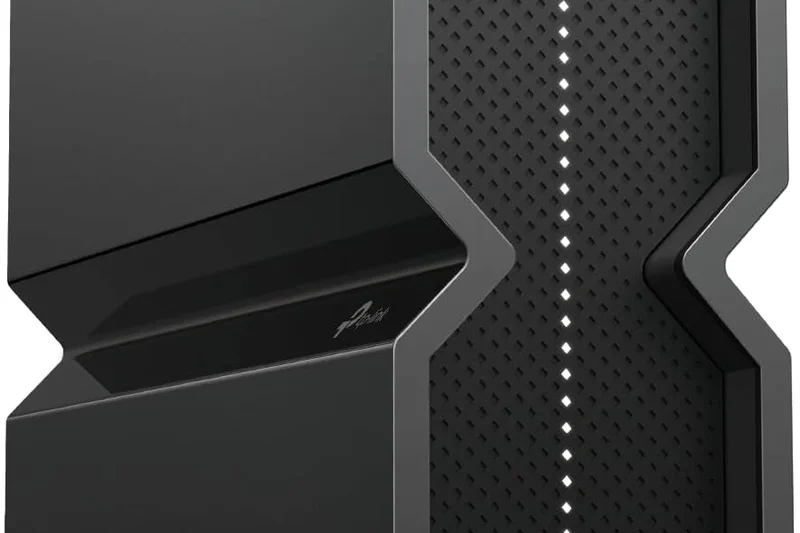
Why we picked it: The TP-Link Archer BE900 is a futuristic, quad-band Wi-Fi 7 flagship that redefines router hardware. Sporting an interactive LED touchscreen and internal optimally positioned antennas, it delivers a massive 24 Gbps throughput. Earning a near-perfect hardware score, it packs dual 10G WAN/LAN ports alongside four 2.5G ports, making it an absolute dream for home server enthusiasts and hardcore cord-cutters.
Key Specs
- Quad-Band Wi-Fi 7 (up to 24 Gbps)
- Dual 10G WAN/LAN ports & 4x 2.5G
- 12 optimally positioned antennas
- Interactive LED touchscreen
What we like
- Phenomenal throughput across all bands
- Incredible physical connectivity with six multi-gig ports
- Unique touch screen and sleek internal antenna design
- Native OpenVPN and WireGuard support
What we don't like
- Very expensive standalone investment
- Runs quite warm under heavy load
Best for: Tech enthusiasts and NAS owners who need massive wired throughput alongside elite Wi-Fi 7 wireless speeds.
Considering the Archer BE900 vs the Netgear Nighthawk RS700S? The BE900 offers vastly superior port selection (four 2.5G ports vs the Netgear's single 10G LAN) and quad-band capability, justifying its premium tier status.
A striking, feature-packed Wi-Fi 7 router that offers an unbeatable array of high-speed wired ports for the modern smart home.
Buy at TP-Link official site#5 Eero Max 7
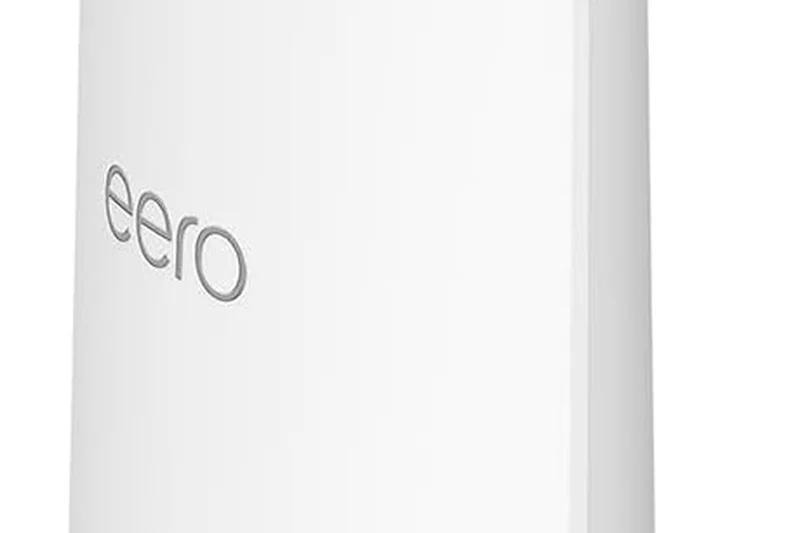
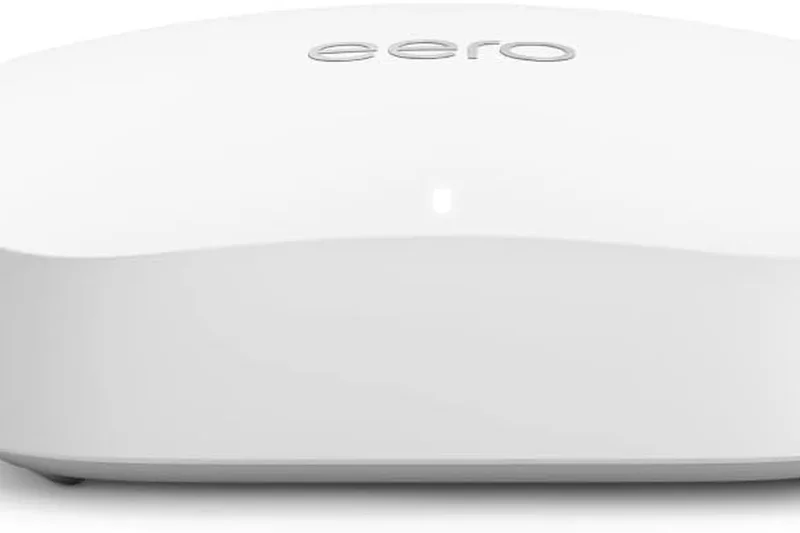

Why we picked it: Amazon’s Eero Max 7 earned the highest marks in both our Setup & App Management and Range & Coverage categories. It masterfully simplifies the deployment of a Tri-Band Wi-Fi 7 mesh network. Beyond just routing, it acts as a comprehensive smart home hub with built-in Zigbee and Thread/Matter support. The inclusion of two 10GbE and two 2.5GbE ports on every node is incredibly generous, providing extreme flexibility for wired backhauls.
Key Specs
- Tri-Band Wi-Fi 7 Mesh System
- Wireless speeds up to 4.3 Gbps
- 2x 10 GbE & 2x 2.5 GbE ports per node
- Built-in Zigbee and Thread hub
What we like
- Unbeatable ease of use and app interface
- Incredible port selection (2x 10G, 2x 2.5G) on each node
- Exceptional range and dynamic routing via TrueMesh
- Built-in smart home border router capabilities
What we don't like
- Eero Plus security and analytics require a pricey monthly subscription
- High entry price per individual node
Best for: Users deeply invested in the smart home ecosystem who want premium multi-gig Wi-Fi 7 without the complex configuration.
Considering the Eero Max 7 vs the Linksys Velop Pro 7? The Eero offers vastly superior wired connectivity and much deeper smart home (Thread/Matter) integration, though the Linksys can be a slightly cheaper path to Wi-Fi 7 mesh.
The most user-friendly premium mesh system on the market, combining extreme Wi-Fi 7 performance with deep smart home integration.
Buy at Eero official site#6 Deco XE75 (3-Pack)
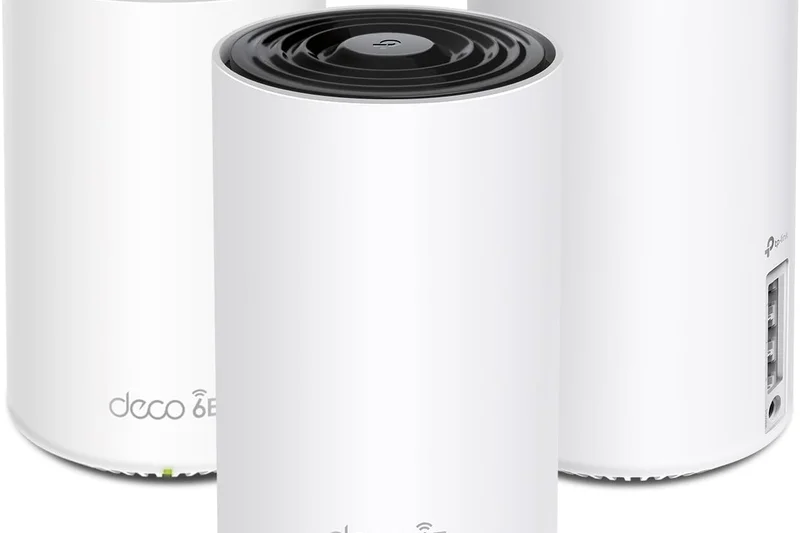
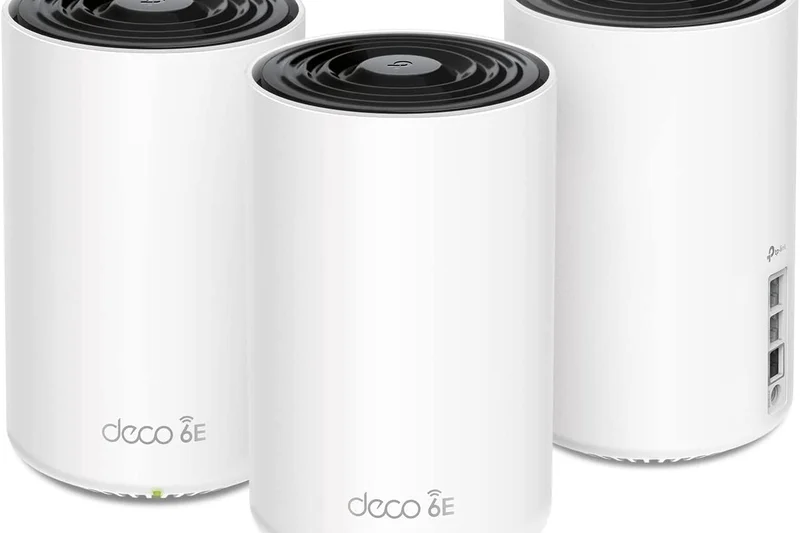
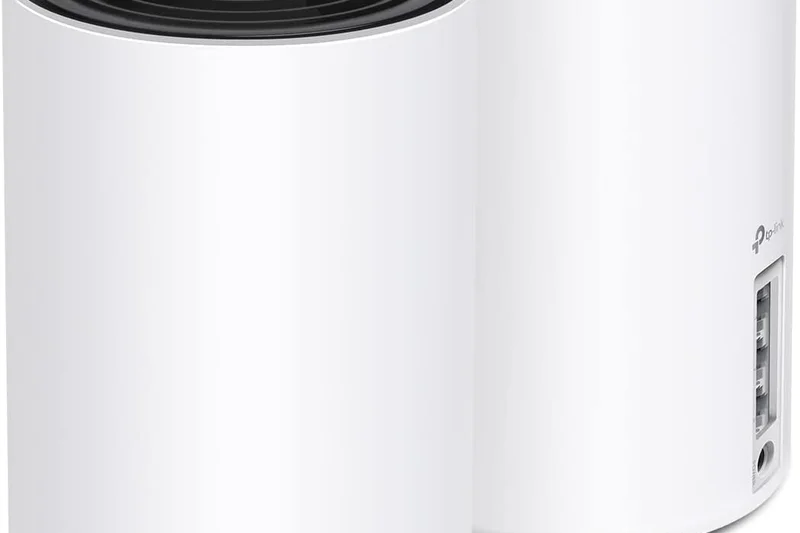
Why we picked it: Winning our 'Best Budget Wi-Fi Router' scenario, the TP-Link Deco XE75 is arguably the best value in home networking today. It brings the uncongested 6GHz band of Wi-Fi 6E to the masses at an incredibly reasonable price. The dedicated 6GHz backhaul option allows the nodes to communicate flawlessly, ensuring gigabit-tier speeds reach every corner of a 7,200 sq. ft. home without dropping a beat.
Key Specs
- Tri-Band Wi-Fi 6E (up to 5400 Mbps)
- Dedicated 6GHz backhaul option
- AI-Driven Mesh algorithm
- Up to 7,200 sq. ft. coverage
What we like
- Exceptional value for a Tri-Band Wi-Fi 6E mesh
- Uncongested 6GHz band provides a stellar wireless backhaul
- Great coverage area (up to 7,200 sq ft)
- Very intuitive app setup
What we don't like
- Lacks multi-gig LAN/WAN ports (only standard gigabit)
- Advanced security requires HomeShield subscription
Best for: Families in large homes who want the stability of the 6GHz band without paying the extreme premium for Wi-Fi 7.
Considering the Deco XE75 vs the Google Nest Wifi Pro? The Deco provides significantly better range and overall throughput stability across walls, making it the superior choice for larger footprints.
The undeniable sweet spot for value and performance, offering phenomenal Wi-Fi 6E mesh coverage at a surprisingly accessible price point.
Buy at TP-Link official site#7 Archer BE800
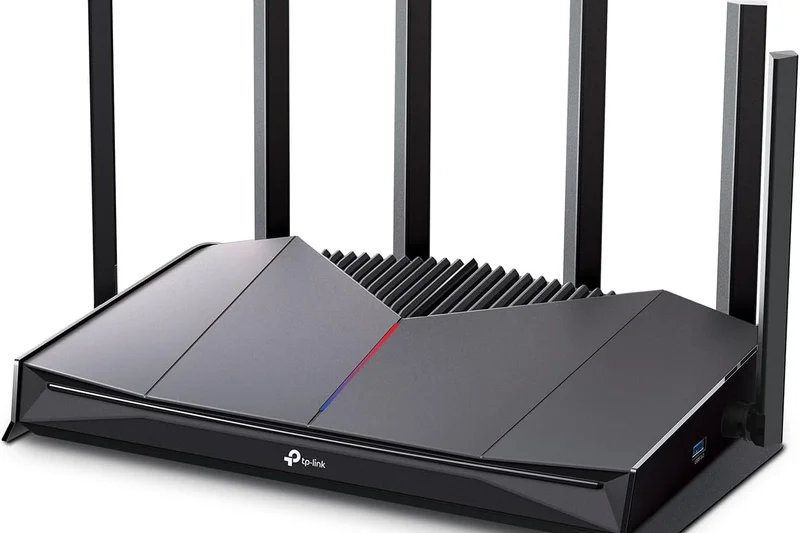
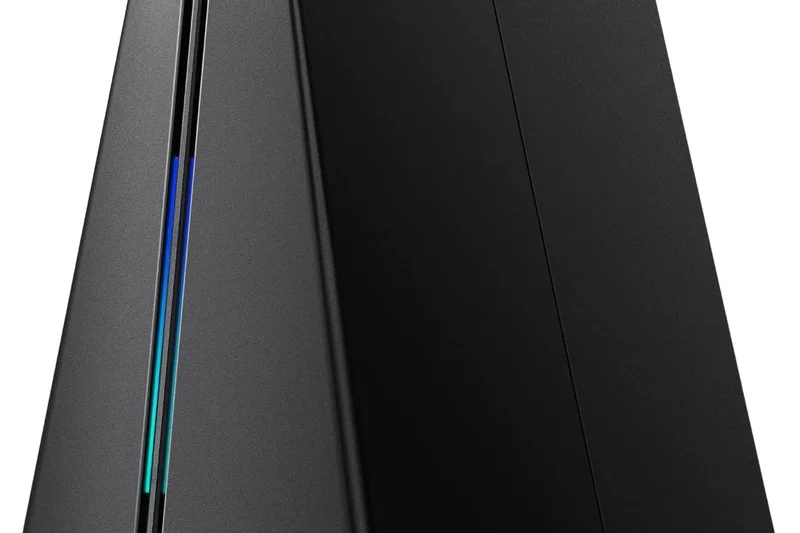
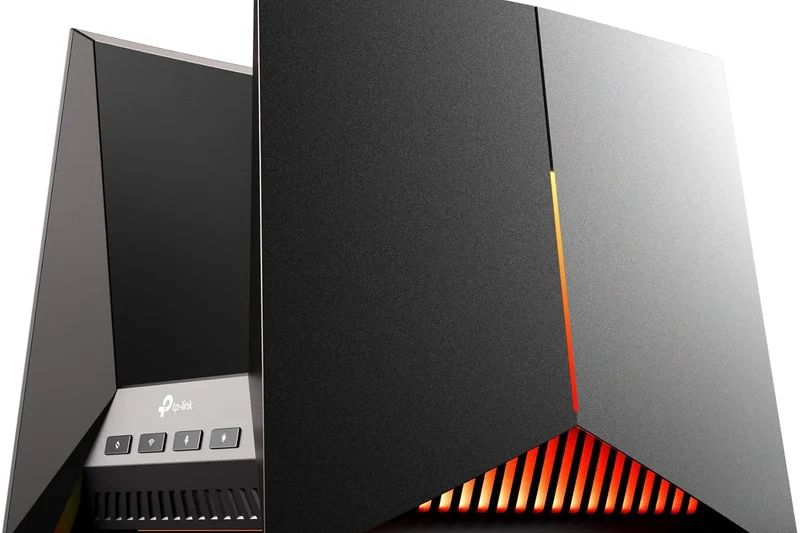
Why we picked it: The TP-Link Archer BE800 is a fantastic Tri-Band Wi-Fi 7 router that brings 19 Gbps speeds and dual 10G ports down to a slightly more accessible price point than flagship models. It performed excellently in our reliability tests and features a unique LED screen display for quick status updates.
Key Specs
- Tri-Band Wi-Fi 7 (up to 19 Gbps)
- Dual 10G WAN/LAN ports
- 4x 2.5G LAN ports
- EasyMesh-compatible
What we like
- Blazing fast Wi-Fi 7 performance
- Excellent selection of multi-gig ports
- EasyMesh compatibility allows future expansion
What we don't like
- Bulky physical design
- HomeShield security features are subscription-based
Best for: Heavy streamers and standard gamers seeking robust Wi-Fi 7 and 10G wired connections without the 'Pro' tax.
Considering the Archer BE800 vs the Netgear Nighthawk RS700S? The BE800 offers four additional 2.5G LAN ports over the Netgear, making it vastly superior for wired device setups.
A highly capable and well-equipped Wi-Fi 7 router that strikes a great balance between premium connectivity and mid-range pricing.
Buy at TP-Link official site#8 Orbi 970 Series (3-Pack)



Why we picked it: Netgear's Orbi 970 Series is a luxury Quad-Band Wi-Fi 7 mesh system that delivers jaw-dropping 27 Gbps speeds. Scoring a perfect 10 in our Speed and Range metrics, its dedicated 5GHz/6GHz enhanced backhaul is unmatched for carrying signal across 10,000 sq. ft. mansions.
Key Specs
- Quad-Band Wi-Fi 7 (up to 27 Gbps)
- Dedicated 5GHz/6GHz enhanced backhaul
- 10 Gig internet port
- Premium multi-gig LAN ports
What we like
- Unprecedented speed and 10,000 sq ft range
- Dedicated enhanced backhaul guarantees stability
- 10G WAN and high-speed LAN on nodes
What we don't like
- Astronomically high price point
- Netgear Armor requires an expensive ongoing subscription
Best for: Ultra-wealthy tech enthusiasts or small business owners with massive footprints and zero budget constraints.
Considering the Orbi 970 vs the ASUS ZenWiFi BQ16 Pro? Both are elite, but the ASUS system matches the Orbi's performance at a lower price and includes lifetime free network security.
An uncompromising, ultra-premium Wi-Fi 7 mesh network that offers flawless performance for those willing to pay the staggering price.
Buy at Netgear official site#9 Archer GE800
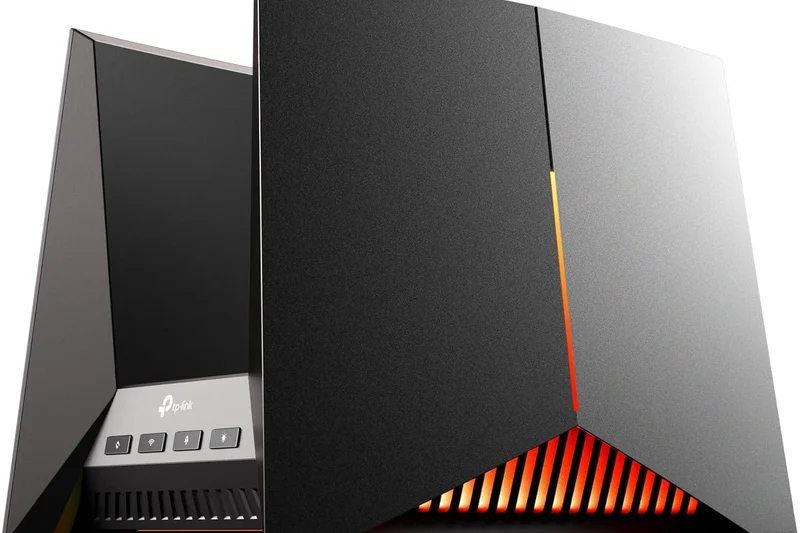
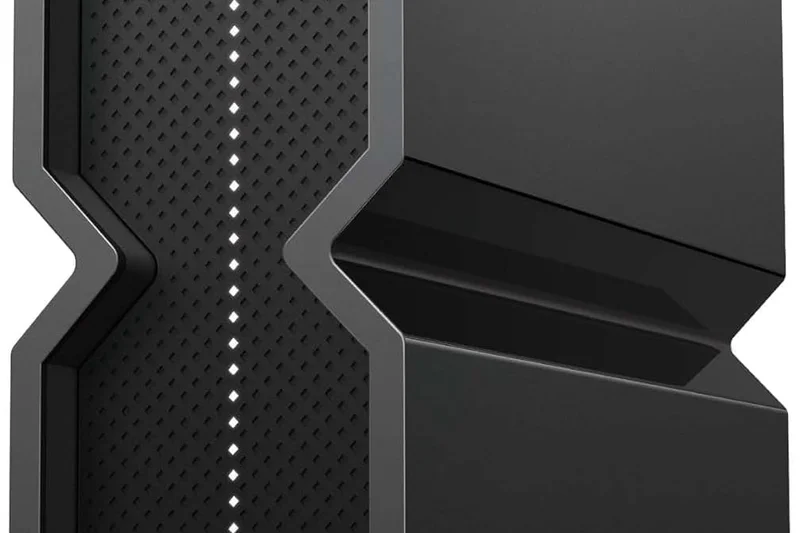
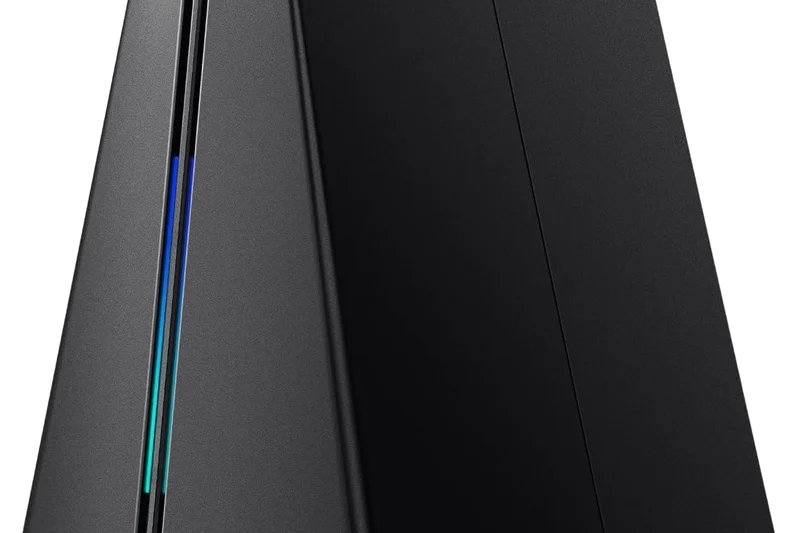
Why we picked it: TP-Link's gaming-centric Wi-Fi 7 router, the Archer GE800, successfully merges elite 19 Gbps networking with a dedicated Game Panel analytics suite. It scored highly in Reliability and Hardware, boasting dual 10G ports and abundant QoS acceleration features to keep ping times low.
Key Specs
- Tri-Band Wi-Fi 7 (up to 19 Gbps)
- Dual 10G ports
- Dedicated Game Panel analytics
- RGB lighting integration
What we like
- Excellent Tri-band Wi-Fi 7 speeds
- Deep gaming analytics and traffic prioritization
- Dual 10G ports for blazing wired speed
What we don't like
- Aesthetic is very 'gamer' and hard to blend in
- Advanced security requires an extra subscription
Best for: Competitive gamers who want Wi-Fi 7 throughput and deep network analytics for their gaming rigs.
Considering the Archer GE800 vs the ASUS ROG Rapture GT-BE98 Pro? The ASUS offers superior Quad-band capabilities and free security, though the GE800 is slightly more affordable.
A robust, highly capable Wi-Fi 7 gaming router that effectively manages multi-gig bandwidth for lag-free sessions.
Buy at TP-Link official site#10 Velop Pro 7 (2-Pack)
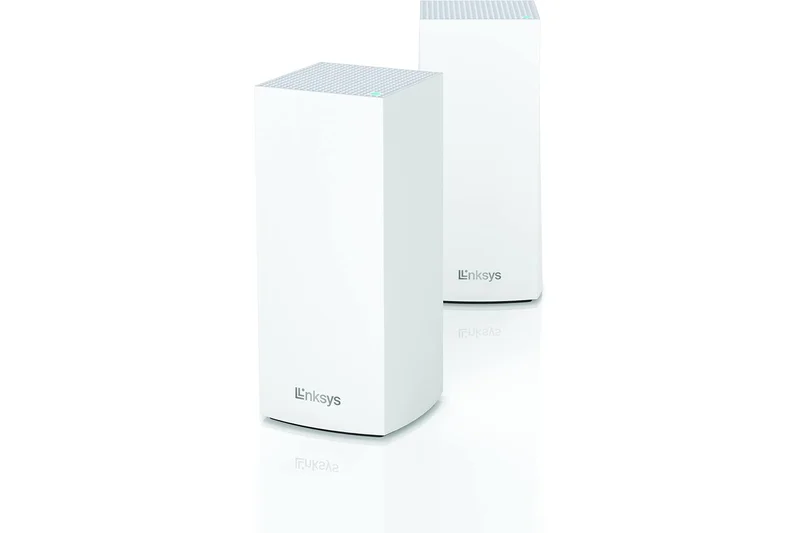
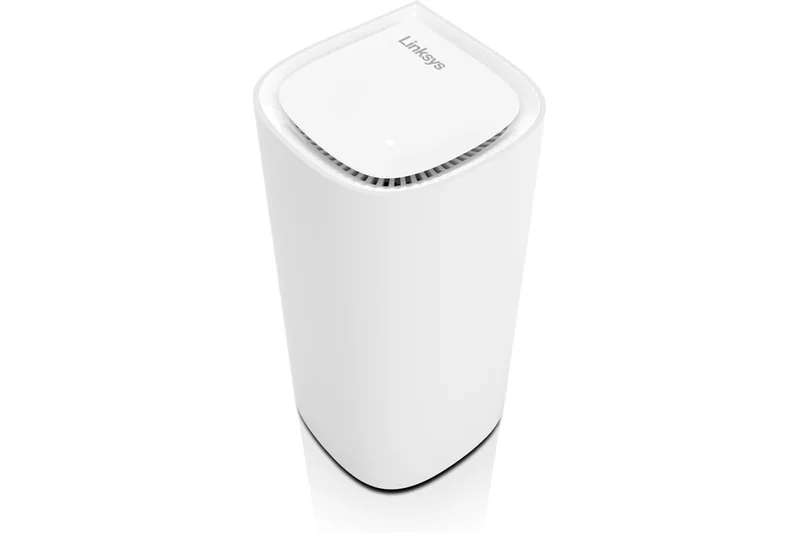
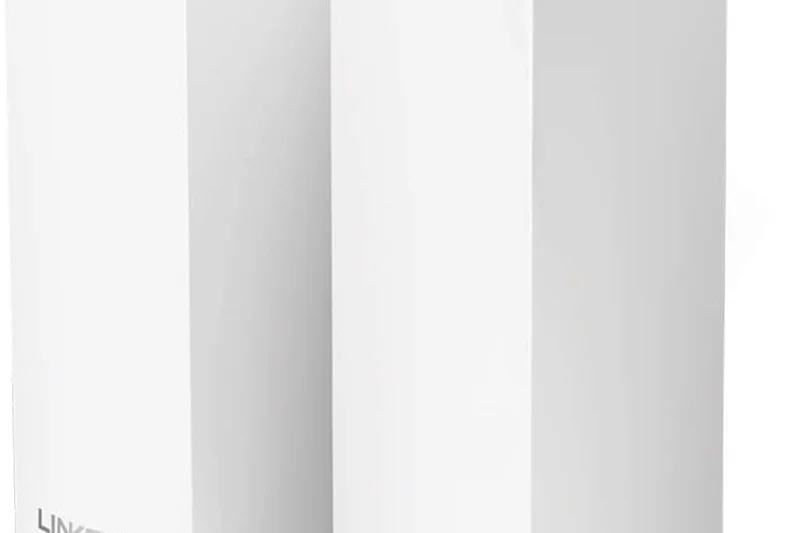
Why we picked it: The Linksys Velop Pro 7 is an aesthetically pleasing, relatively affordable entry into Wi-Fi 7 mesh networking. Its compact 'droplet' node design scored well in Setup & Usability, and Cognitive Mesh technology provided a stable Tri-Band connection covering up to 6,000 sq. ft. efficiently.
Key Specs
- Tri-Band Wi-Fi 7 connectivity
- Cognitive Mesh optimization technology
- Sleek "droplet" node design
- Setup under 10 minutes
What we like
- Very fast setup and easy-to-use app
- Compact, attractive node design
- Good real-world Wi-Fi 7 coverage
What we don't like
- Lacks 10GbE or multiple 2.5GbE ports
- Not as feature-rich as competitors
Best for: Users looking for a simple, attractive Wi-Fi 7 mesh upgrade without complex networking menus.
Considering the Velop Pro 7 vs the Deco BE85? The Deco offers vastly superior multi-gigabit wired connectivity and slightly better range, though the Velop is more compact.
A beautifully designed, user-friendly Wi-Fi 7 mesh system that sacrifices some power-user ports for simplicity and style.
Buy at Linksys official site#11 ROG Rapture GT-AX11000 Pro
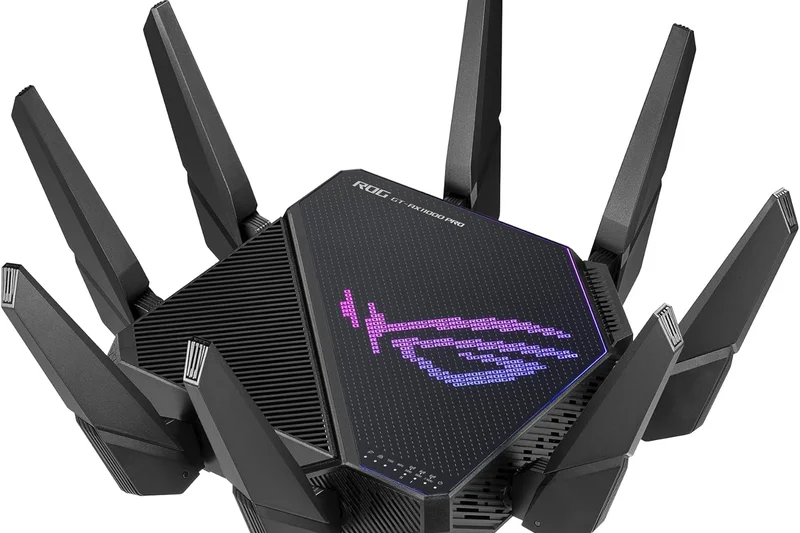
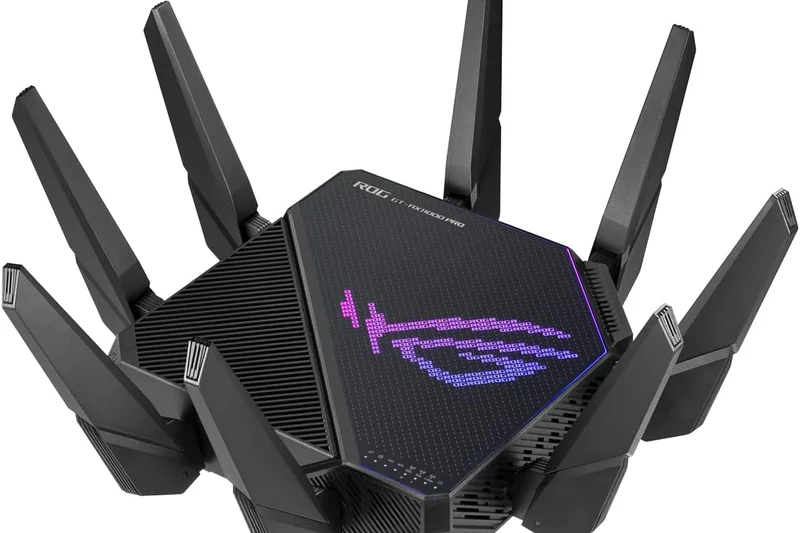
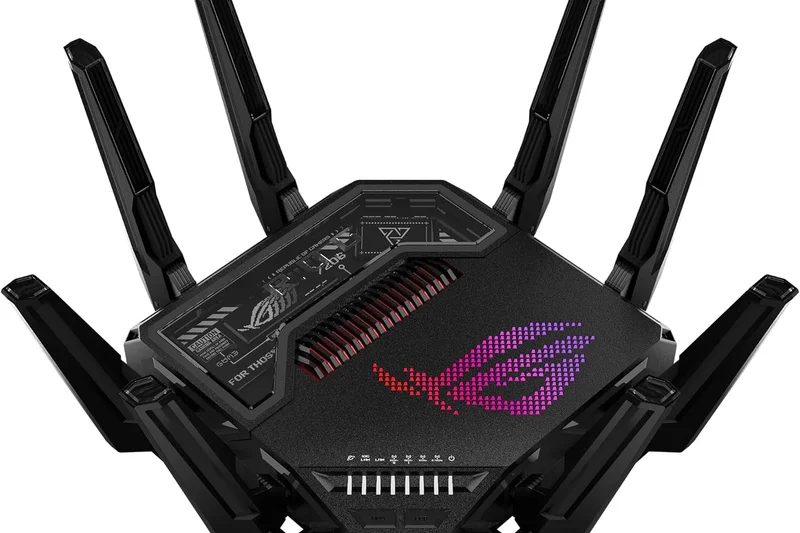
Why we picked it: An elite Wi-Fi 6 gaming router, the GT-AX11000 Pro remains a top-tier choice for those who don't need Wi-Fi 7. Its 11,000 Mbps capacity, 10G/2.5G ports, and lifetime AiProtection Pro security make it a powerful value for heavy bandwidth users.
Key Specs
- Tri-Band Wi-Fi 6 (up to 11000 Mbps)
- 2.5G & 10G WAN/LAN ports
- Triple-level game acceleration
What we like
- Massive Wi-Fi 6 throughput
- Great 10G and 2.5G port combination
- Free lifetime security and rich gaming UI
What we don't like
- Very large footprint
- Wi-Fi 6 only (lacks 6GHz band)
Best for: Hardcore gamers with gigabit internet who want elite stability without paying early-adopter Wi-Fi 7 prices.
Vs the MSI RadiX AXE6600, the ASUS offers vastly superior port selection and gaming QoS, though the MSI has the 6E band.
A proven, highly reliable Wi-Fi 6 gaming router that packs incredible hardware and free lifetime security.
Buy at ASUS official site#12 Nighthawk RS700S
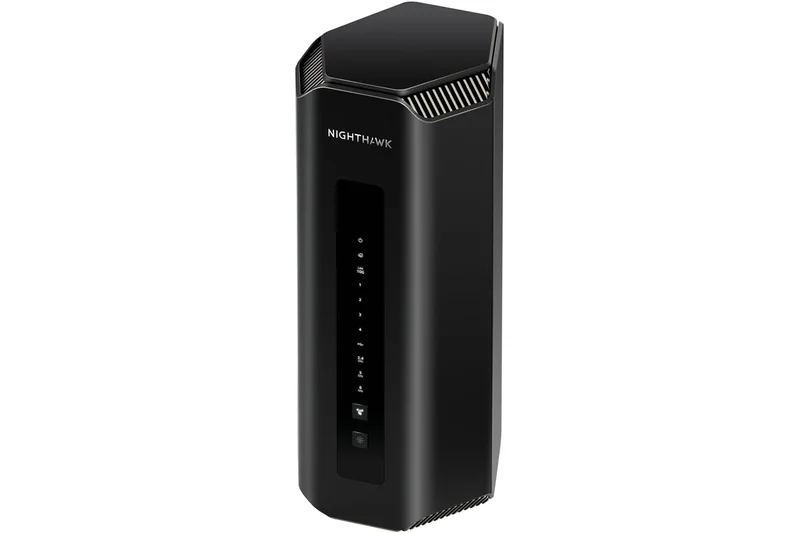
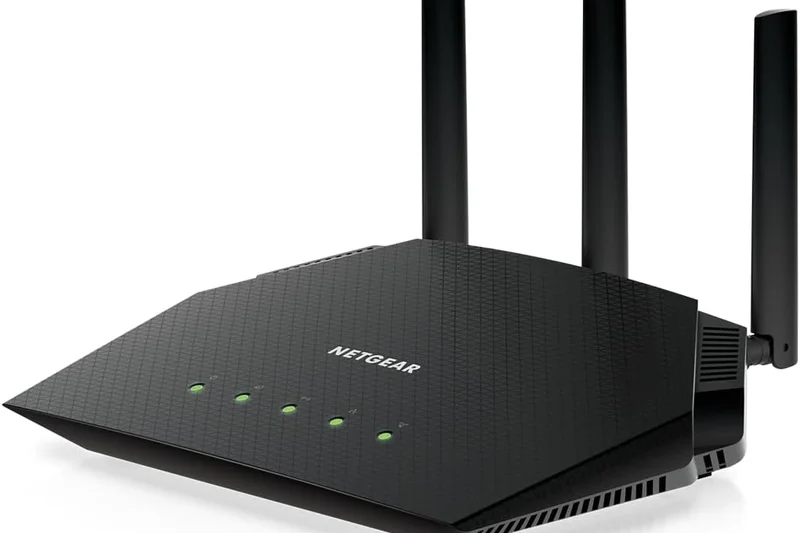
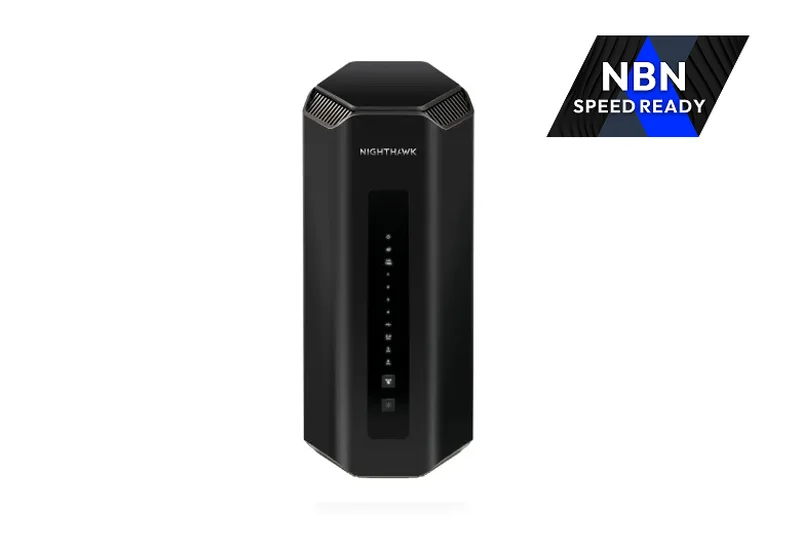
Why we picked it: The Nighthawk RS700S packs Tri-Band Wi-Fi 7 speeds into a sleek upright tower. With 10 Gig WAN and LAN ports, it handles future-proof internet speeds gracefully while maintaining a surprisingly modest physical footprint.
Key Specs
- Tri-Band Wi-Fi 7 (up to 19 Gbps)
- 10 Gigabit WAN & 10 Gigabit LAN ports
- Sleek upright tower design
What we like
- Excellent 19 Gbps speeds
- Space-saving internal antenna tower design
- Dual 10G ports for maximum wired throughput
What we don't like
- Only one 10G LAN port (the rest are 1G)
- Armor security is subscription-based
Best for: Users wanting powerful Wi-Fi 7 and a 10G connection in a design that doesn't look like a spaceship.
Vs the Archer BE800, the Netgear is sleeker but loses out on the multiple 2.5G LAN ports that the TP-Link provides.
A fast, attractively designed Wi-Fi 7 router with great peak performance, held back slightly by standard Gigabit LAN ports.
Buy at Netgear official site#13 RT6600ax
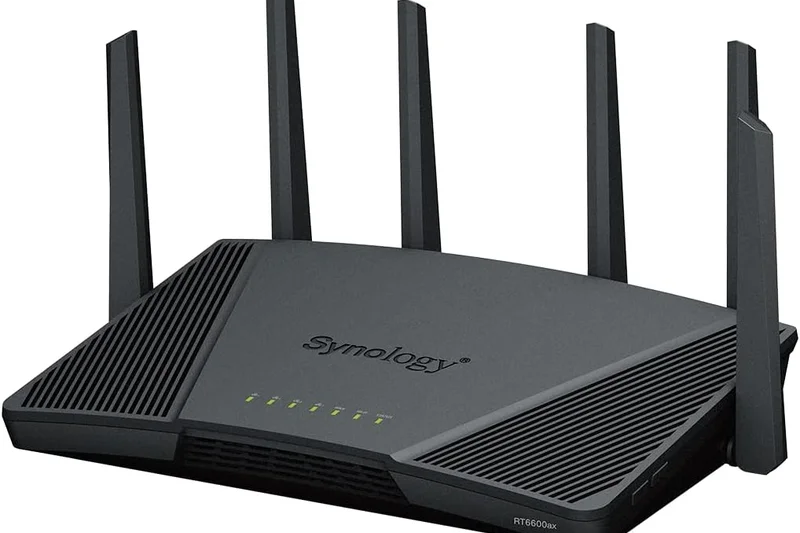
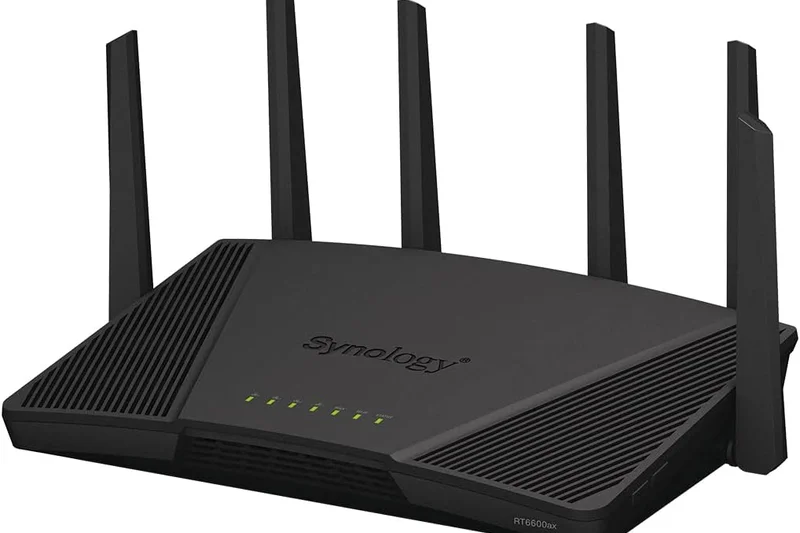
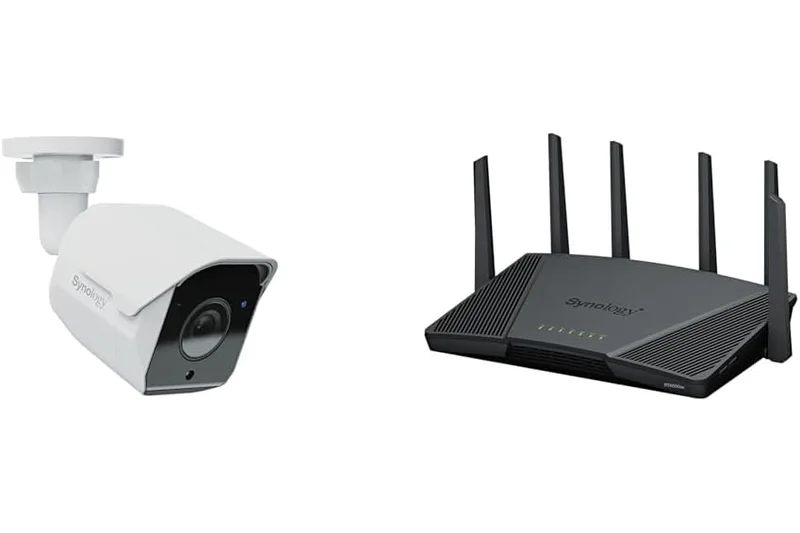
Why we picked it: Synology’s RT6600ax is our top pick for 'Best Features'. Its Synology Router Manager (SRM) OS is practically a lightweight server operating system, offering granular VLAN segmentation, zero-wait DFS, and phenomenal, subscription-free parental controls.
Key Specs
- Tri-Band Wi-Fi 6 (up to 6600 Mbps)
- Synology Router Manager (SRM) OS
- Advanced VLAN and network segmentation
What we like
- Best-in-class router operating system
- Free, incredibly detailed parental controls
- Supports advanced network segmentation (VLANs)
What we don't like
- Lacks the 6GHz band (Wi-Fi 6 only)
- Only a single 2.5GbE port
Best for: Parents and tech-savvy prosumers who want ultimate software control over their home network without subscriptions.
Vs the ASUS RT-AX86U Pro, the Synology offers much deeper OS-level control and segmentations, though the ASUS is slightly better optimized for gaming.
An exceptionally smart Wi-Fi 6 router defined by its brilliant, subscription-free operating system and security controls.
Buy at Synology official site#14 AmpliFi Alien
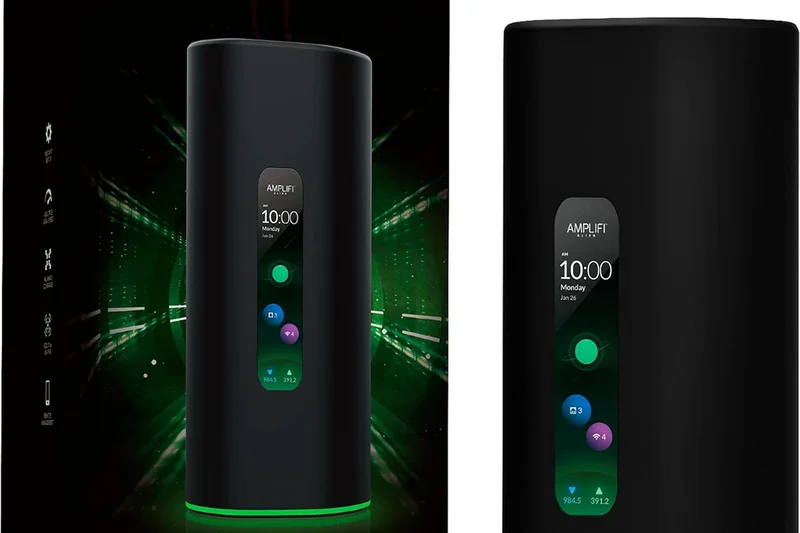
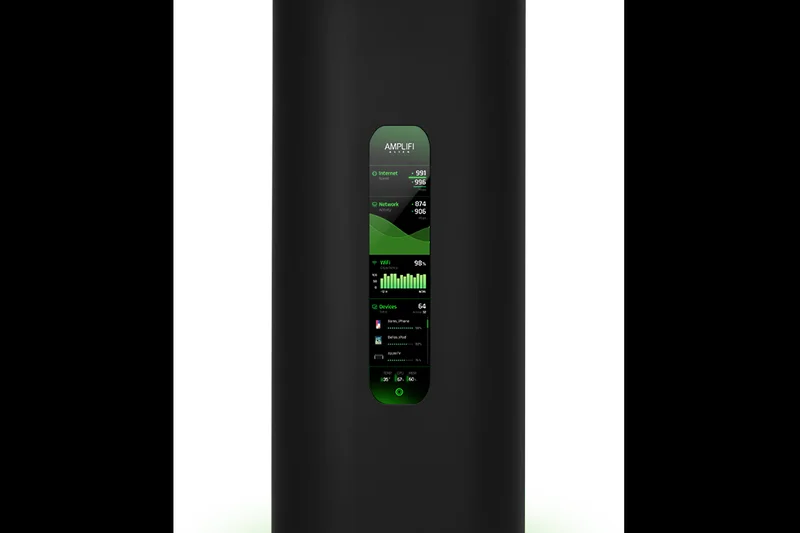
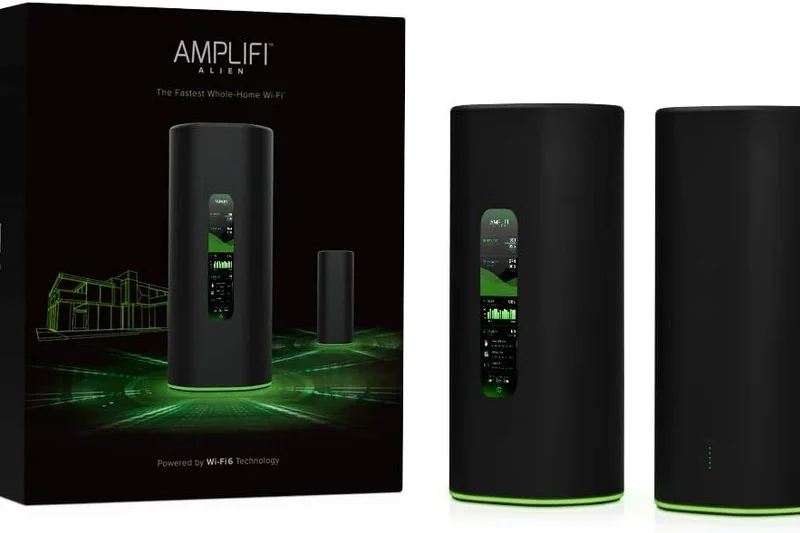
Why we picked it: The AmpliFi Alien remains a standout for its gorgeous touchscreen interface and phenomenal ease of use. It delivers solid Tri-Band Wi-Fi 6 speeds and features an elegant design that users actually want to display in their living room.
Key Specs
- Tri-Band Wi-Fi 6 (up to 7685 Mbps)
- Vibrant touchscreen interface
- Teleport VPN for remote access
What we like
- Beautiful touchscreen display
- Incredibly stable Wi-Fi 6 performance
- Teleport VPN makes remote home access trivial
What we don't like
- No multi-gig ports (1GbE only)
- Older Wi-Fi 6 tech at a premium price
Best for: Design-conscious users who want an easy-to-manage, highly reliable router that looks great on a shelf.
Vs the UniFi Dream Router, the Alien focuses on pure consumer simplicity and aesthetics, whereas the UDR requires more networking knowledge.
A premium Wi-Fi 6 router that blends stunning industrial design with flawless, user-friendly performance.
Buy at AmpliFi official site#15 Velop Pro 6E (3-Pack)
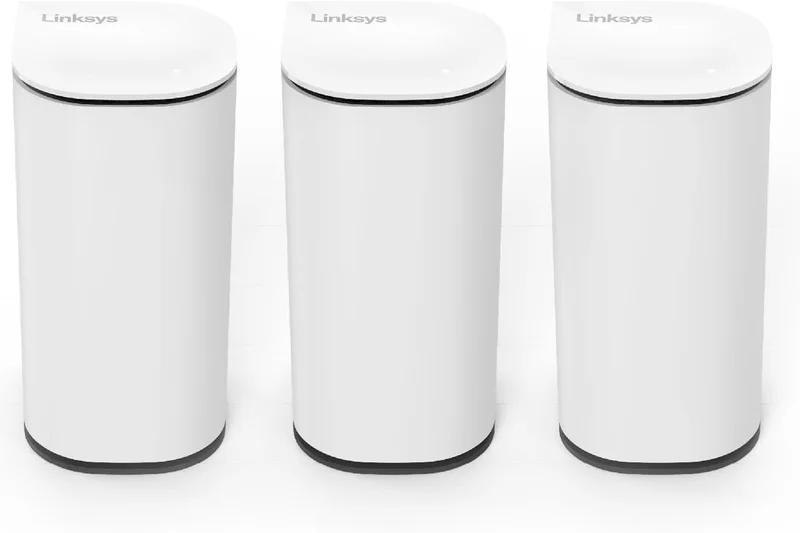
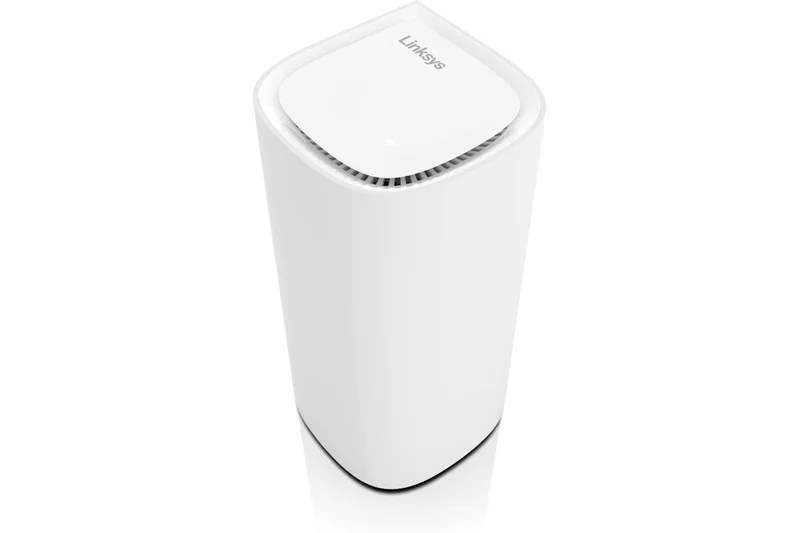
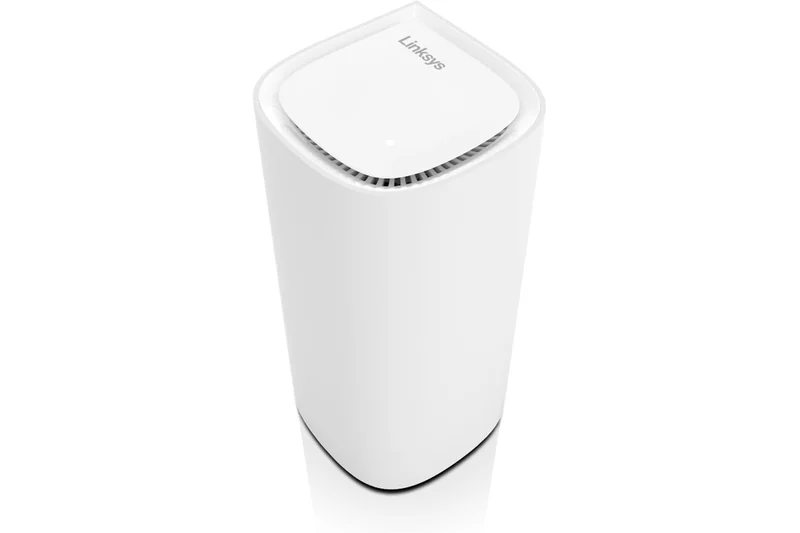
Why we picked it: Linksys offers a highly capable Wi-Fi 6E mesh system with the Velop Pro 6E. Using Cognitive Mesh tech, it automatically optimizes the 6GHz band to blanket up to 9,000 sq. ft., providing reliable, low-latency connections for dozens of devices.
Key Specs
- Tri-Band Wi-Fi 6E (up to 5.4 Gbps)
- Cognitive Mesh smart optimization
- Compact droplet aesthetic
What we like
- Excellent 6GHz backhaul performance
- Very easy to set up and manage
- Great coverage area per node
What we don't like
- Lacks multi-gig wired ports
- Advanced features are somewhat sparse
Best for: Large households looking for an easy, attractive way to upgrade to the uncongested 6GHz band.
Vs the Deco XE75, the Velop Pro 6E is very similar in performance, but the Deco often edges it out in price-to-performance value.
A sleek, reliable Wi-Fi 6E mesh system that prioritizes ease-of-use and expansive wireless coverage.
Buy at Linksys official site#16 Eero Pro 6E (2-Pack)
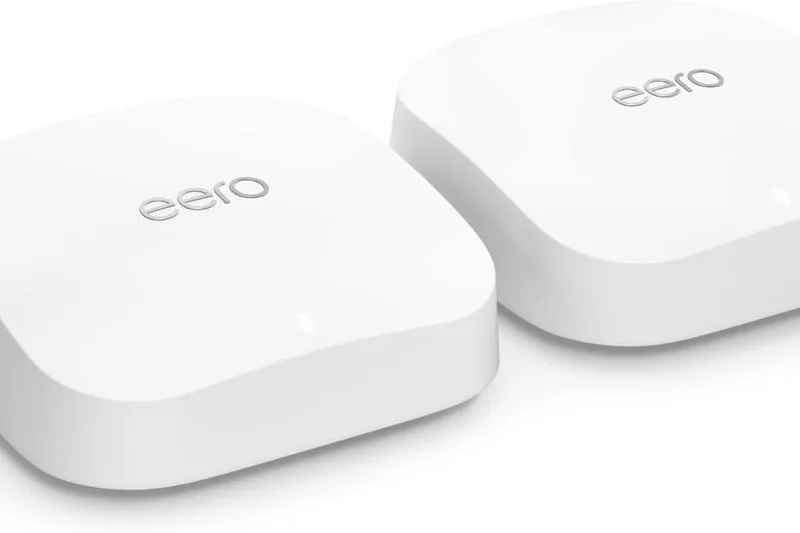
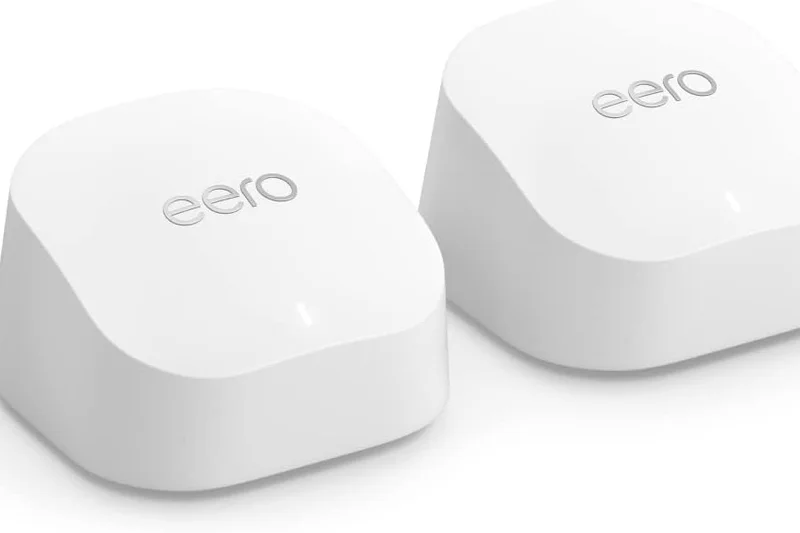
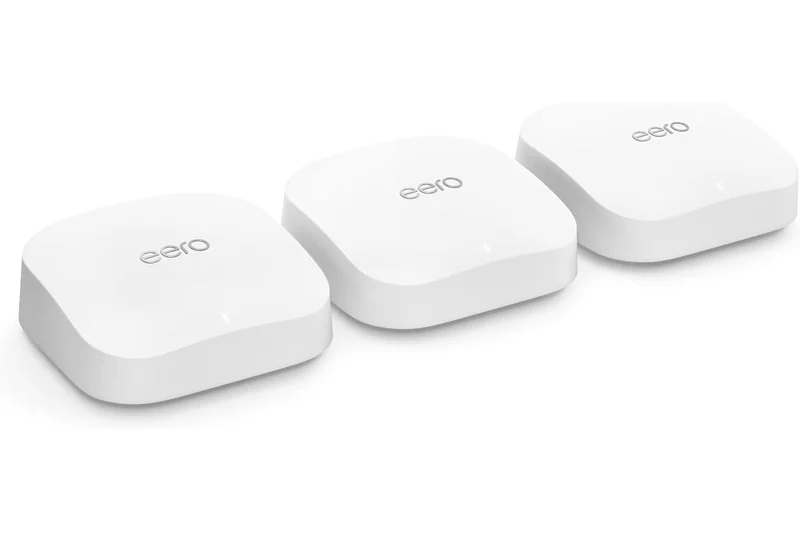
Why we picked it: The Eero Pro 6E integrates Tri-Band 6E capabilities with Amazon's stellar smart home hub ecosystem. It provides robust 2.3 Gbps network speeds and features a 2.5 GbE port on each device for high-speed wired backhauls.
Key Specs
- Tri-Band Wi-Fi 6E capabilities
- 1x 2.5 GbE port per device
- Smart home hub included
What we like
- Rock-solid mesh stability and handoffs
- Includes a 2.5G port on every node
- Built-in smart home border router
What we don't like
- Eero Secure subscription required for advanced features
- Speeds max out lower than premium competitors
Best for: Smart home enthusiasts deeply integrated into the Alexa ecosystem needing reliable 6GHz coverage.
Vs the Nest Wifi Pro, the Eero Pro 6E features a 2.5G port (Nest is only 1G), making it better for gigabit+ internet plans.
A highly dependable Wi-Fi 6E mesh system that serves as the perfect foundation for a modern smart home.
Buy at Eero official site#17 Flint 2 (GL-MT6000)
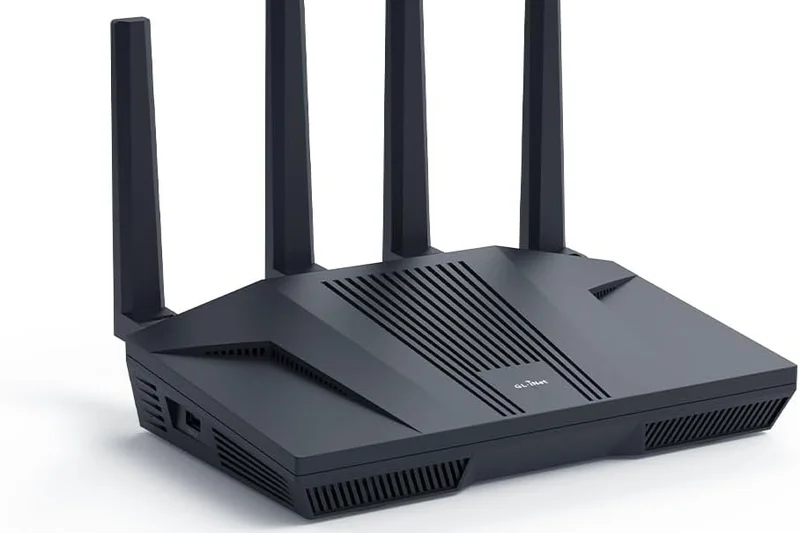
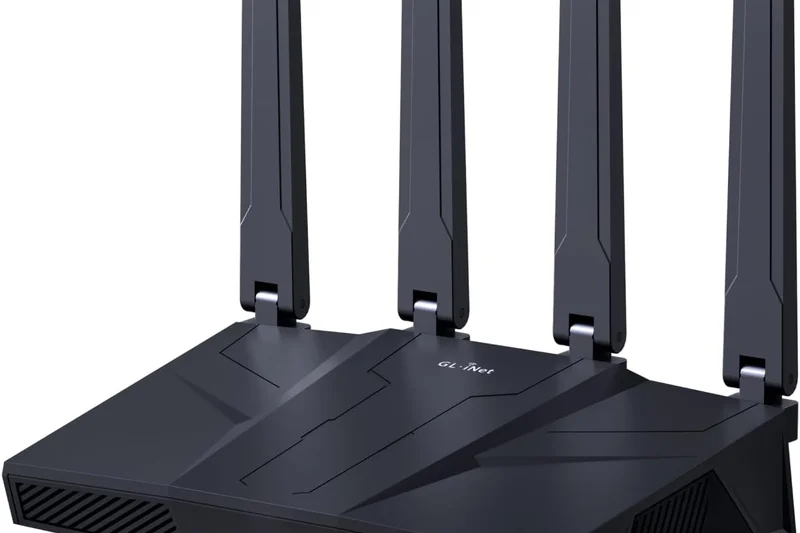
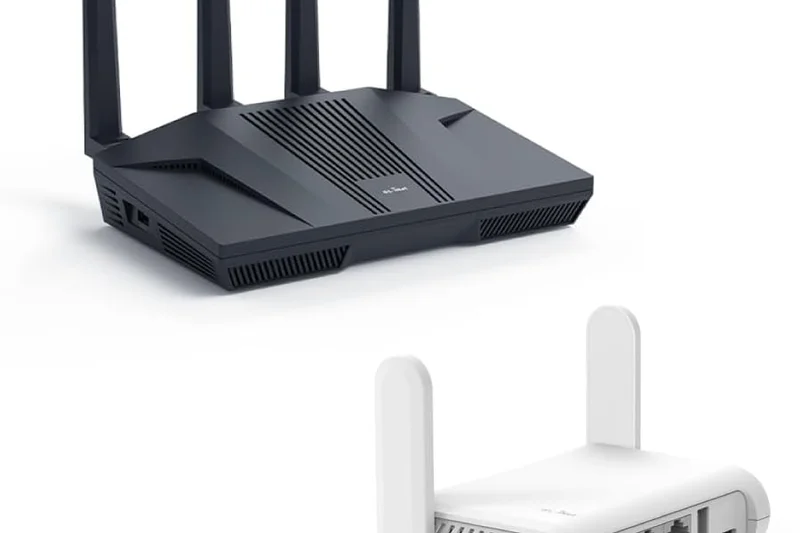
Why we picked it: The GL.iNet Flint 2 is an open-source enthusiast's dream. Pre-installed with OpenWrt, it allows unparalleled customization, built-in AdGuard Home, and incredibly fast WireGuard VPN speeds, all backed by dual 2.5G multi-gig ports.
Key Specs
- Dual-Band Wi-Fi 6 (up to 6000 Mbps)
- Dual 2.5G multi-gig ports
- Pre-installed OpenWrt 23.05
What we like
- Ultimate software freedom via OpenWrt
- Extremely fast VPN routing speeds
- Dual 2.5G ports at a budget price
What we don't like
- Requires technical knowledge to fully utilize
- Only Dual-Band Wi-Fi 6
Best for: Tinkerers, privacy advocates, and techies who want total open-source control over their network routing.
Vs standard budget routers like the Archer AX55, the Flint 2 offers vastly superior VPN speeds and OS customization.
The best open-source router on the market, offering incredible value and VPN performance for network tinkerers.
Buy at GL.iNet official site#18 Archer AXE75
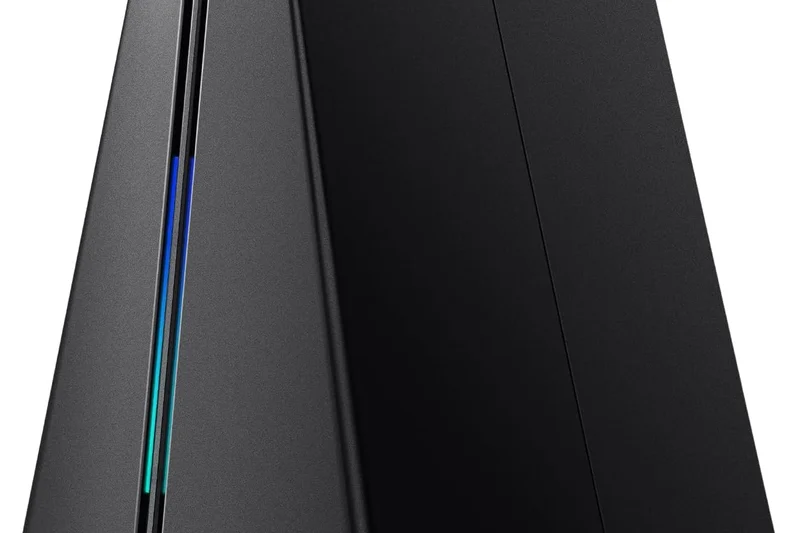
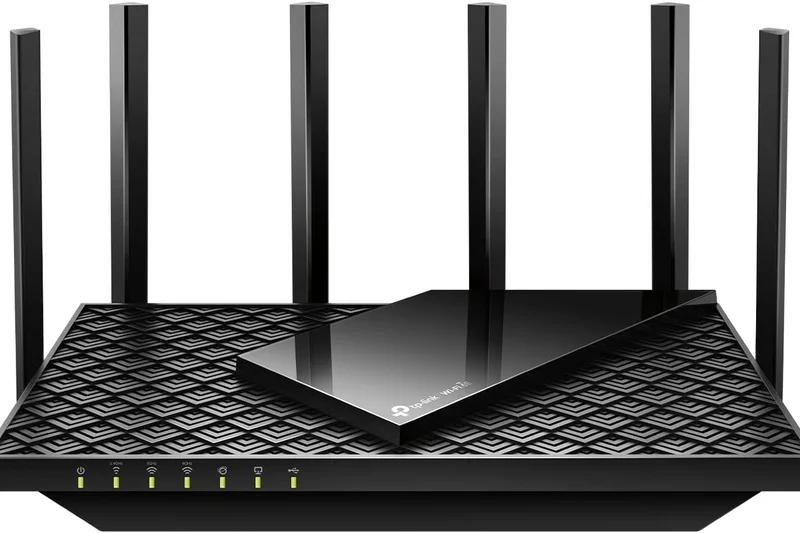
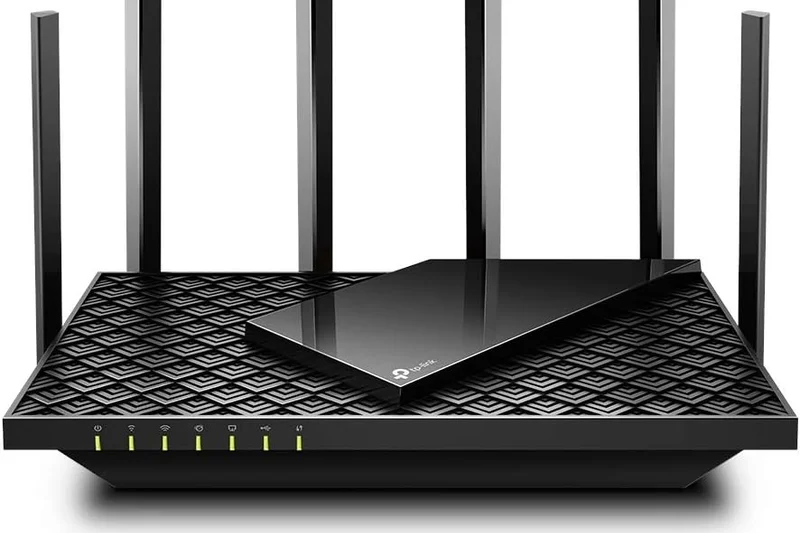
Why we picked it: The TP-Link Archer AXE75 is a superb mid-range standalone router that unlocks the 6GHz Wi-Fi 6E band without breaking the bank. A 1.7 GHz Quad-Core CPU ensures that it easily handles multiple heavy-streaming devices simultaneously.
Key Specs
- Tri-Band Wi-Fi 6E (up to 5400 Mbps)
- Clear 6GHz band for ultra-low latency
- 1.7 GHz Quad-Core CPU
What we like
- Affordable entry to Tri-Band Wi-Fi 6E
- Excellent throughput on the 6GHz band
- OneMesh compatible for easy expansion
What we don't like
- No multi-gig Ethernet ports
- HomeShield Pro costs extra
Best for: Apartment dwellers or small home owners who want cheap access to the uncongested 6GHz fast-lane.
Vs the ASUS RT-AX86U Pro, the AXE75 gives you 6E bands for newer phones, while ASUS offers better gaming software and a 2.5G port.
A highly cost-effective router that delivers the low latency of Wi-Fi 6E for a fraction of the usual price.
Buy at TP-Link official site#19 RT-AX86U Pro
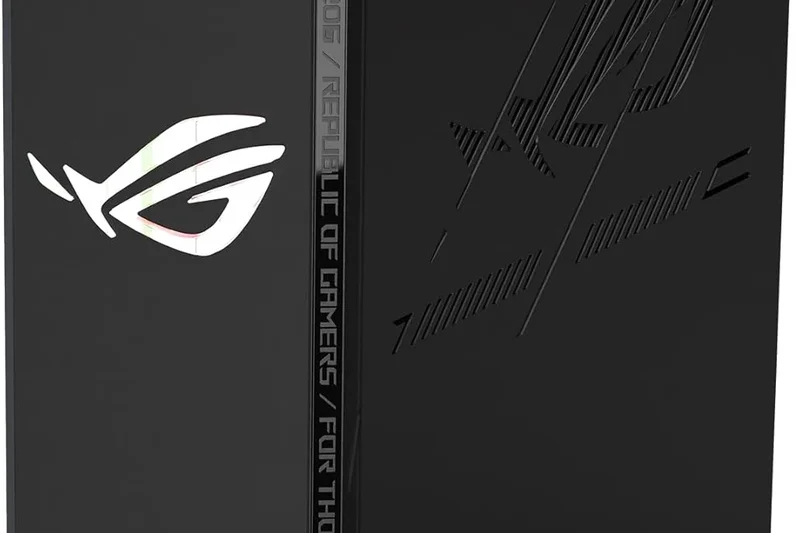
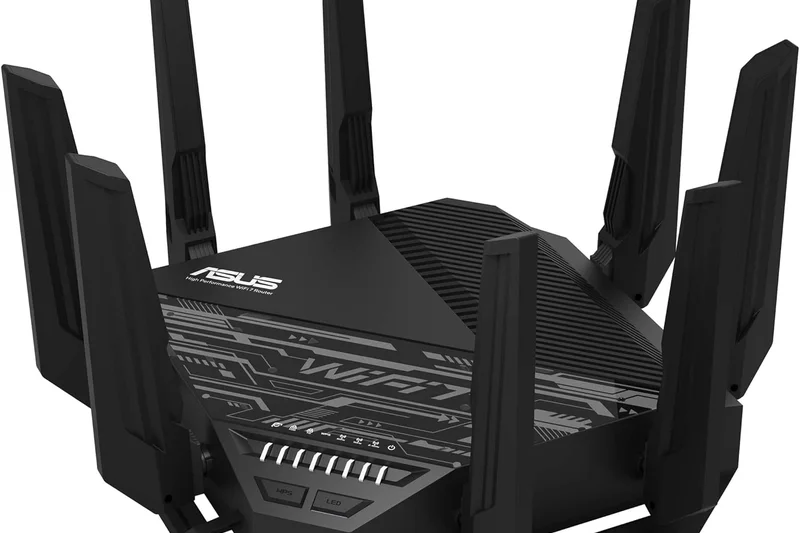
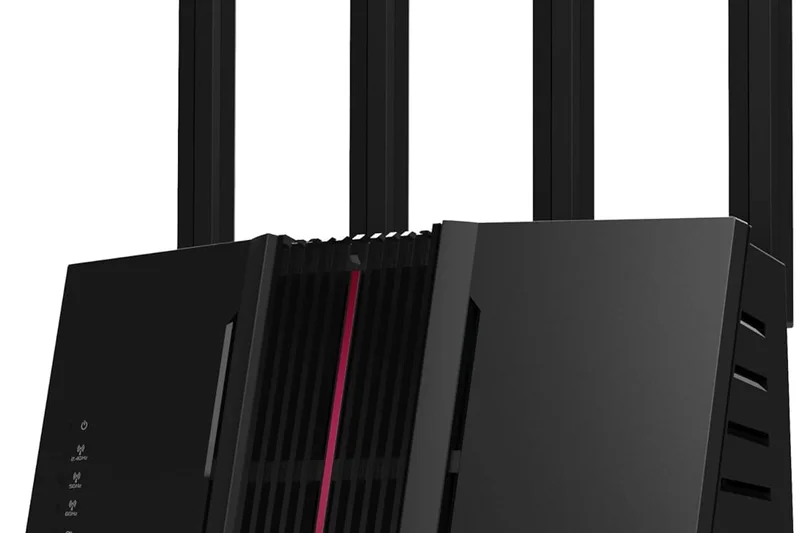
Why we picked it: A legendary mid-range gaming router, the ASUS RT-AX86U Pro combines stellar dual-band Wi-Fi 6 performance with a 2.5G Multi-Gig port and a dedicated wired gaming port, ensuring minimal latency and zero lag spikes.
Key Specs
- Dual-Band Wi-Fi 6 (up to 5700 Mbps)
- 2.5G Multi-Gig WAN/LAN port
- Mobile Game Mode for low latency
What we like
- Incredible gaming stability and QoS
- Includes a 2.5G port and link aggregation
- Lifetime free network security suite
What we don't like
- Design is distinctly aggressive/gamer-focused
- No 6GHz band support
Best for: Console and PC gamers on gigabit connections who prioritize wired latency and free security features.
Vs the TUF Gaming AX4200, the AX86U Pro has a stronger CPU and higher peak throughput, justifying the slight price bump.
A time-tested, incredibly reliable Wi-Fi 6 gaming router that offers pro-level traffic management and great value.
Buy at ASUS official site#20 UniFi Dream Router (UDR)
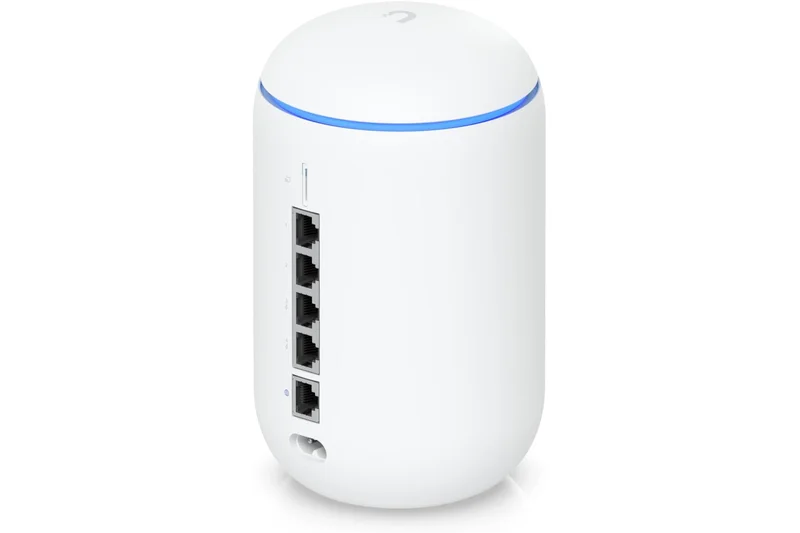
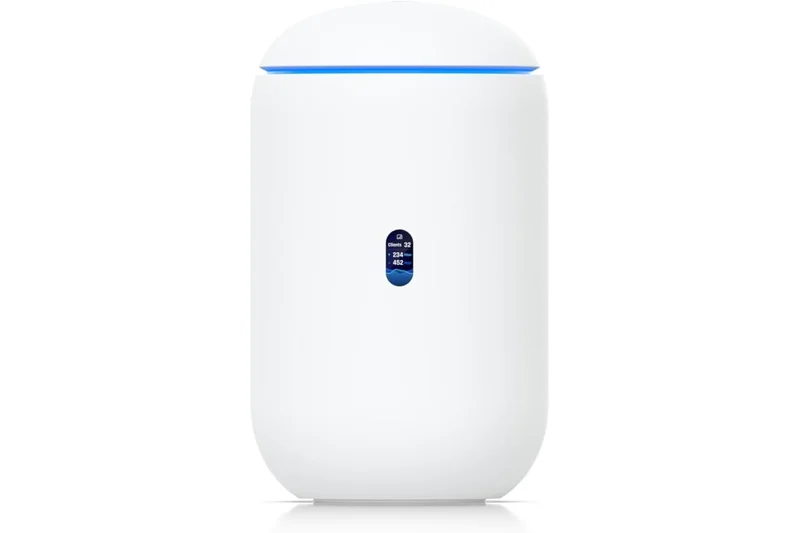
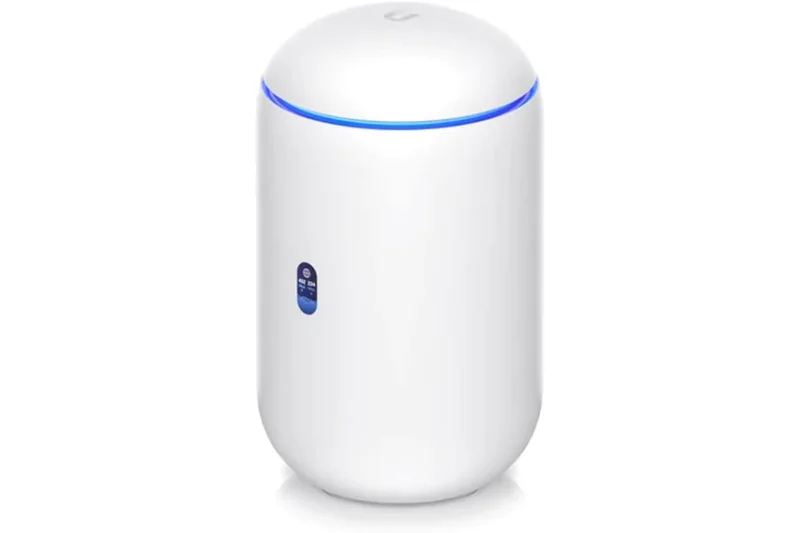
Why we picked it: Winning our Reliability dimension, the Ubiquiti UniFi Dream Router is a prosumer masterpiece. It features the powerful UniFi Network controller built-in, offering enterprise-level analytics, VLAN management, and even PoE ports for security cameras.
Key Specs
- Dual-Band Wi-Fi 6 (up to 3 Gbps)
- Built-in UniFi Network controller
- 2x PoE RJ45 LAN ports
What we like
- Enterprise-grade software and reliability
- Includes two PoE ports for cameras/access points
- Beautiful, informative built-in display
What we don't like
- Max routing speeds cap out around 700 Mbps
- Requires some networking knowledge to set up
Best for: Prosumers who want enterprise-grade network stability, security cameras, and detailed traffic analytics.
Vs consumer routers like the AmpliFi Alien, the UDR sacrifices raw top speed for deep, professional-level network management and PoE.
The ultimate gateway drug to enterprise networking, offering unbeatable stability and control for advanced users.
Buy at Ubiquiti official site#21 Orbi 860 Series (3-Pack)



Why we picked it: The Netgear Orbi 860 Series remains a powerhouse Wi-Fi 6 mesh system, featuring a massive 10 Gig internet port and a dedicated wireless backhaul that pushes speeds across an impressive 8,000 sq. ft. area.
Key Specs
- Tri-Band Wi-Fi 6 (up to 6 Gbps)
- Dedicated wireless backhaul
- 10 Gig internet WAN port
What we like
- Fantastic coverage range and speed
- 10G WAN port prevents ISP bottlenecks
- Dedicated backhaul ensures stable remote nodes
What we don't like
- Very expensive for older Wi-Fi 6 technology
- Security suite requires a subscription
Best for: Users with large homes and gigabit internet who want a proven, ultra-stable mesh system.
Vs the Deco XE75, the Orbi 860 has better physical hardware (10G WAN) but lacks the newer 6GHz band, making it a tough sell at full price.
A historically excellent Wi-Fi 6 mesh system that still delivers fantastic long-range performance for large properties.
Buy at Netgear official site#22 Nest Wifi Pro (3-Pack)



Why we picked it: Google's Nest Wifi Pro is an aesthetically pleasing Tri-Band Wi-Fi 6E mesh system that practically runs itself. With built-in Matter and Thread support, it seamlessly integrates with Google Home while providing reliable 5.4 Gbps coverage up to 6,600 sq. ft.
Key Specs
- Tri-Band Wi-Fi 6E (up to 5.4 Gbps)
- Built-in Matter and Thread border router
- Simple setup via Google Home app
What we like
- Beautiful, unobtrusive node design
- Incredibly easy Google Home setup
- Great 6GHz Wi-Fi 6E performance
What we don't like
- Gigabit ports only (no multi-gig)
- Lacks advanced custom network settings
Best for: Google ecosystem users who want a simple, beautiful Wi-Fi 6E mesh that handles smart home devices perfectly.
Vs the Eero Pro 6E, the Nest Wifi Pro lacks 2.5G ports but integrates much better with Google Assistant smart homes.
A gorgeous, user-friendly mesh system that brings Wi-Fi 6E to the masses without any technical headaches.
Buy at Google official site#23 Nighthawk RAXE500
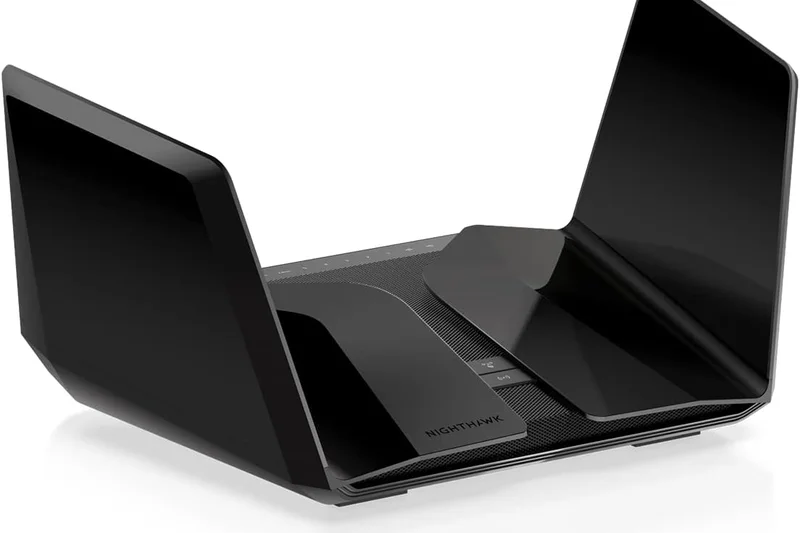
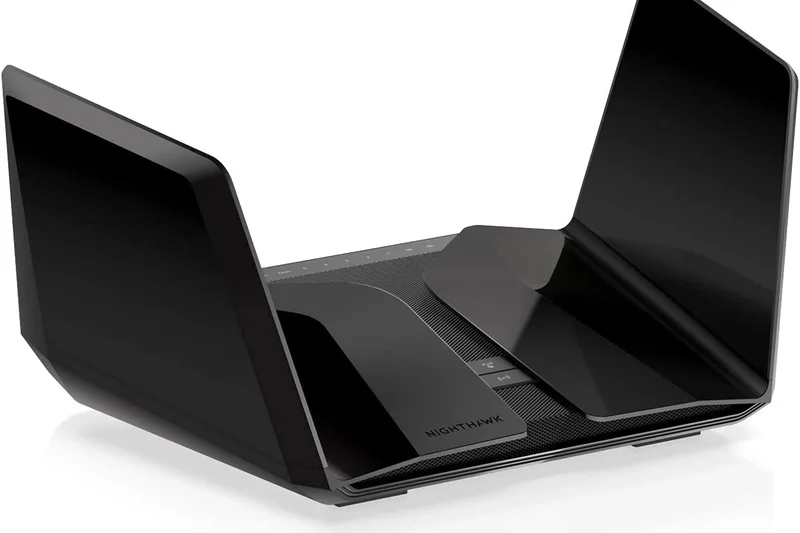
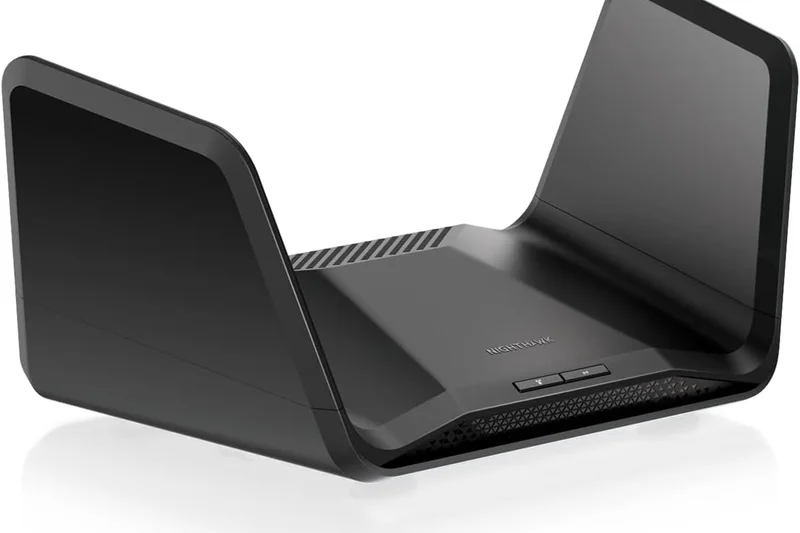
Why we picked it: Netgear’s signature "batwing" router, the RAXE500, offers 12-stream Tri-Band Wi-Fi 6E performance. It pushes up to 10.8 Gbps of bandwidth and includes a 2.5G Multi-Gig port, making it a formidable standalone router for media-heavy households.
Key Specs
- Tri-Band Wi-Fi 6E (up to 10.8 Gbps)
- 12-stream Wi-Fi performance
- 2.5G Multi-Gig internet port
What we like
- Massive 12-stream bandwidth capacity
- Excellent speeds on the 6GHz band
- Pre-optimized antennas require no adjustment
What we don't like
- Very wide, space-consuming footprint
- High price for a non-mesh 6E router
Best for: Heavy media streamers in medium-sized homes who want maximum wireless bandwidth for 4K/8K content.
Vs the Archer AXE75, the Netgear provides double the theoretical bandwidth and a 2.5G port, but costs significantly more.
A powerful, aggressive-looking Wi-Fi 6E standalone router that easily handles extreme wireless traffic loads.
Buy at Netgear official site#24 Predator Connect W6
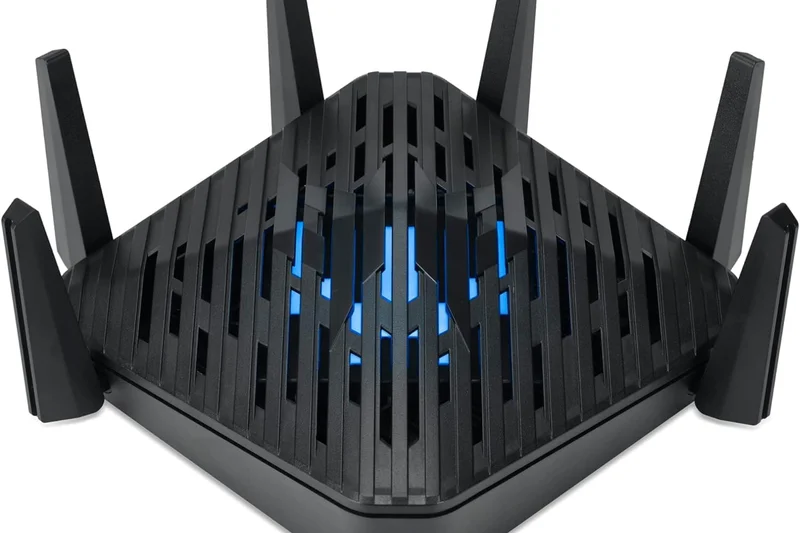
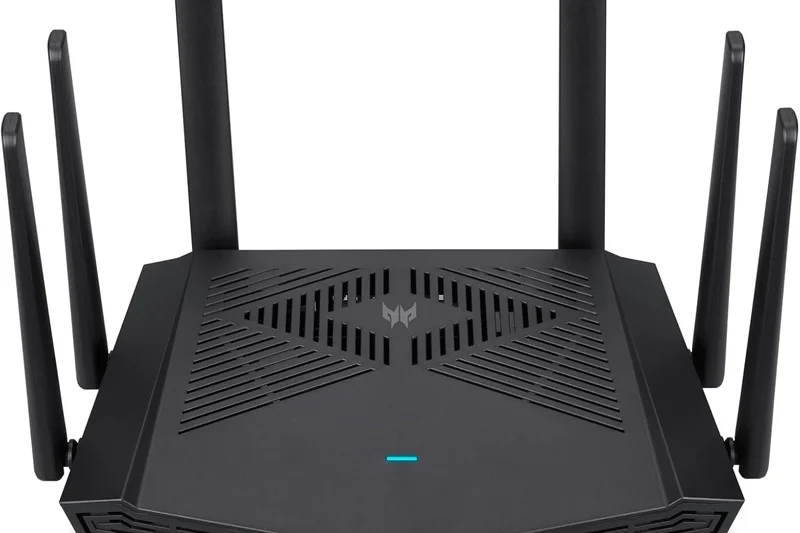
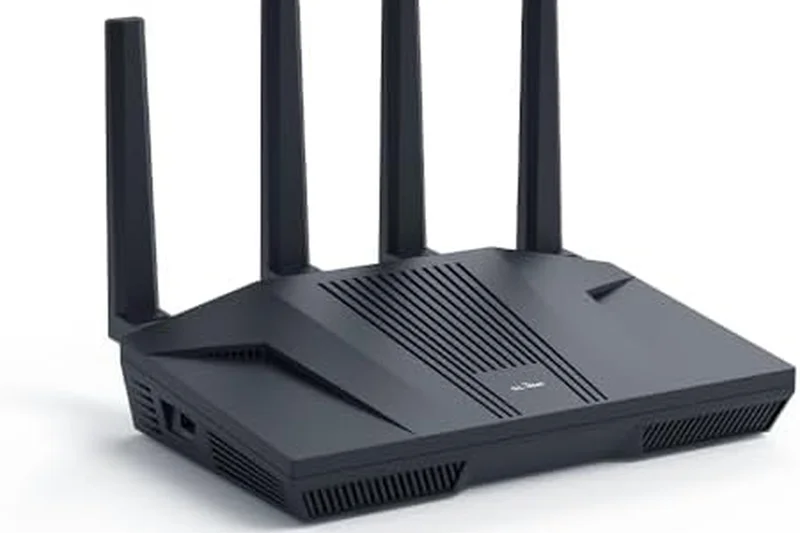
Why we picked it: Acer's Predator Connect W6 is a surprisingly robust Wi-Fi 6E gaming router that leverages Intel Killer network prioritization. Alongside a quad-core processor and a 2.5G WAN port, it provides excellent latency control for competitive gamers.
Key Specs
- Tri-Band Wi-Fi 6E (up to 7.8 Gbps)
- Hybrid QoS compatible with Intel Killer
- Trend Micro Home Security Engine
What we like
- Great synergy with Intel Killer PC networking
- Tri-Band 6E speeds keep gaming latency low
- Included Trend Micro security features
What we don't like
- Software UI is somewhat clunky
- Coverage drops off quickly through thick walls
Best for: PC gamers with Intel Killer network cards who want optimized end-to-end traffic prioritization.
Vs the ROG Rapture GT-AX11000 Pro, the Acer includes the newer 6GHz band but lacks the deep software refinement of ASUS.
A highly capable Wi-Fi 6E gaming router that excels when paired with modern Intel-equipped gaming PCs.
Buy at Acer official site#25 Nighthawk RS300
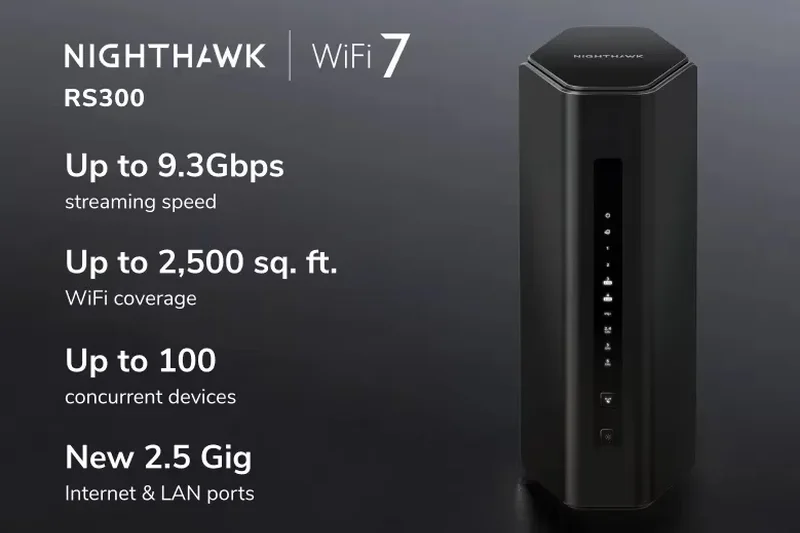
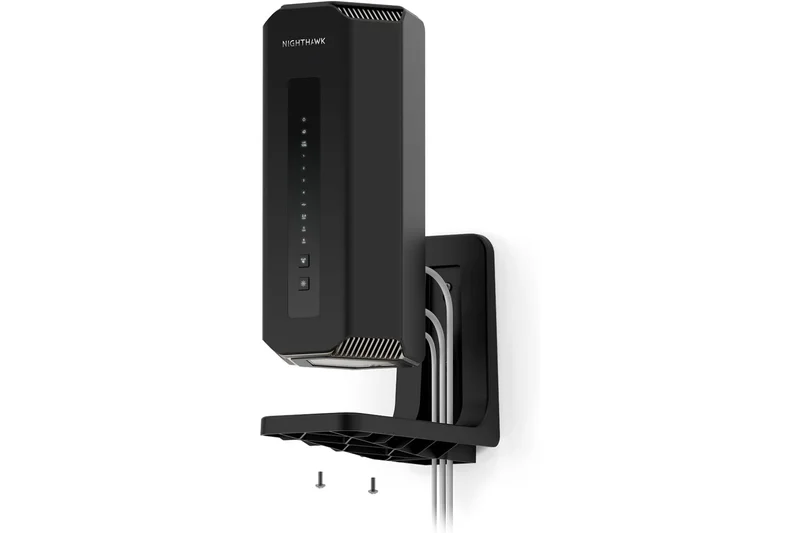
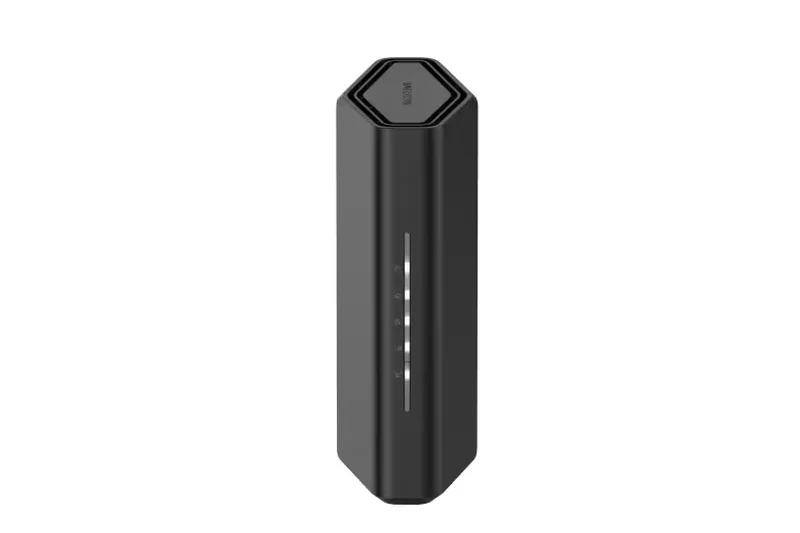
Why we picked it: The Netgear Nighthawk RS300 acts as an entry-point to next-gen Wi-Fi 7. It delivers Tri-Band 9.3 Gbps performance and features a 2.5 Gig WAN and dual 2.5 Gig LAN ports, making it a great wired hub for a medium-sized apartment.
Key Specs
- Tri-Band Wi-Fi 7 (up to 9.3 Gbps)
- 2.5 Gig internet port
- 2x 2.5 Gig LAN ports
What we like
- Affordable entry into Wi-Fi 7
- Great selection of 2.5G wired ports
- Sleek internal antenna design
What we don't like
- Limited range (up to 2,500 sq. ft.)
- Parental controls require a paid subscription
Best for: Apartment dwellers wanting to future-proof with Wi-Fi 7 and multi-gig wired ports without overspending.
Vs the Archer BE800, the RS300 is cheaper but significantly less powerful in overall throughput and range.
A compact, future-facing Wi-Fi 7 router that provides excellent multi-gig port options for smaller living spaces.
Buy at Netgear official site#26 Eero 6+ (3-Pack)
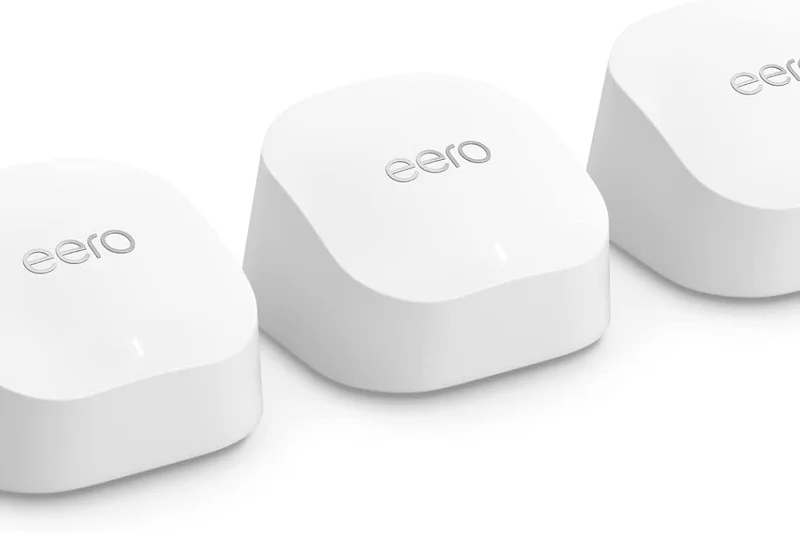
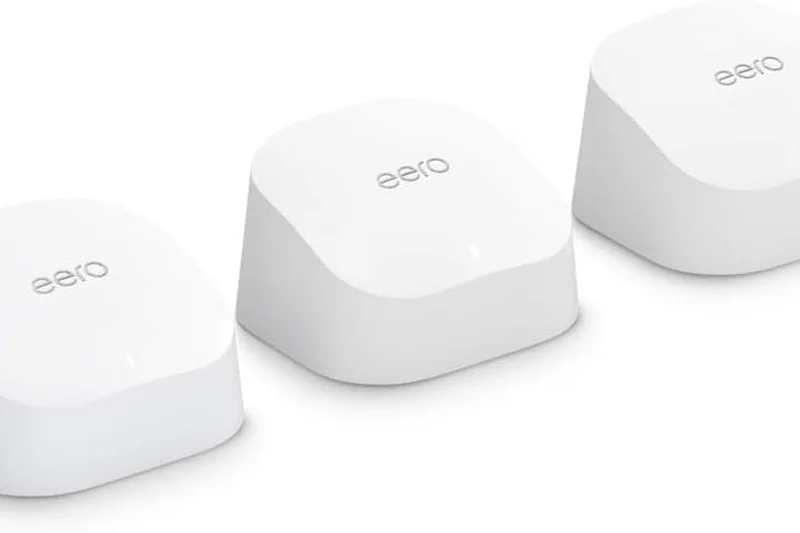
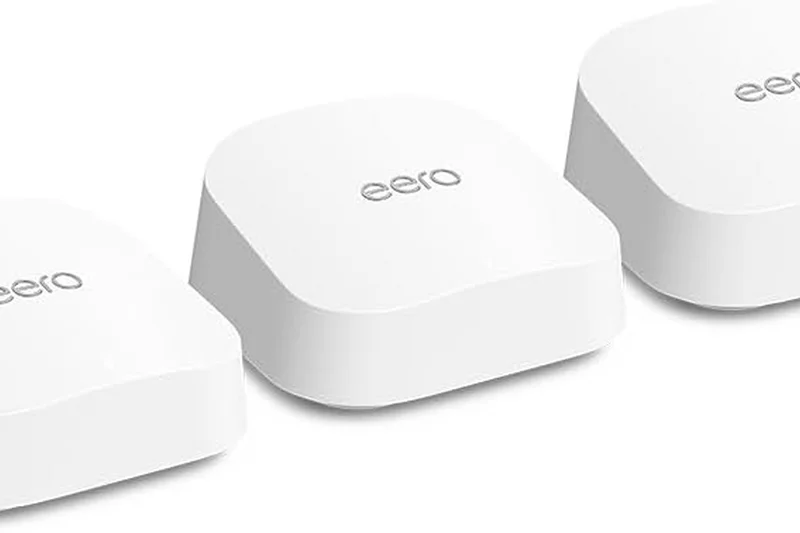
Why we picked it: Amazon's Eero 6+ is a fantastic budget Wi-Fi 6 mesh system that introduces 160 MHz channel support, pushing real-world gigabit wireless speeds to compact, easy-to-hide nodes.
Key Specs
- Dual-Band Wi-Fi 6 Mesh
- Speeds up to 1 Gigabit
- Supports 160 MHz radio channels
What we like
- 160 MHz support allows true gigabit wireless
- Incredibly small and unobtrusive nodes
- Flawless setup and app management
What we don't like
- Only gigabit ports (no 2.5G)
- Dual-band design means backhaul shares bandwidth
Best for: Users on a budget who want an invisible, easy-to-use mesh system that can max out a standard gigabit connection.
Vs the Deco X20, the Eero 6+ offers 160 MHz channels for faster peak speeds, though the Deco is often slightly cheaper.
A tiny but mighty Wi-Fi 6 mesh system that delivers massive gigabit performance without cluttering your home.
Buy at Eero official site#27 RadiX AXE6600
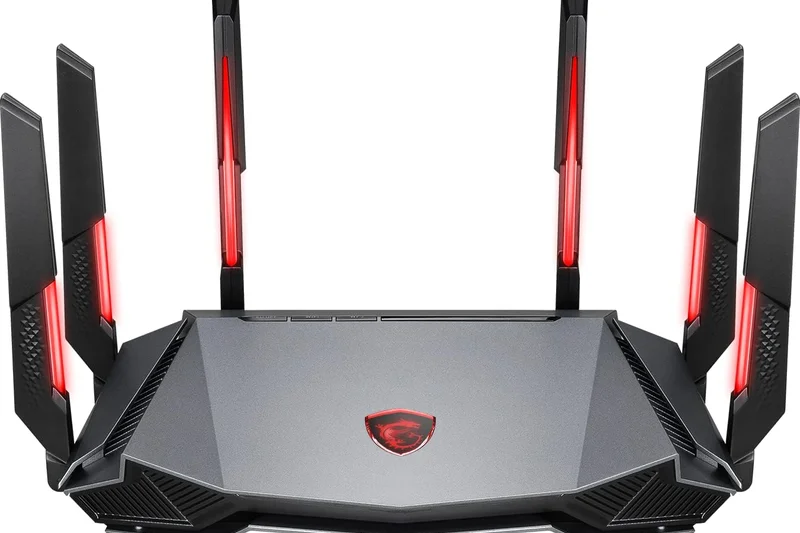
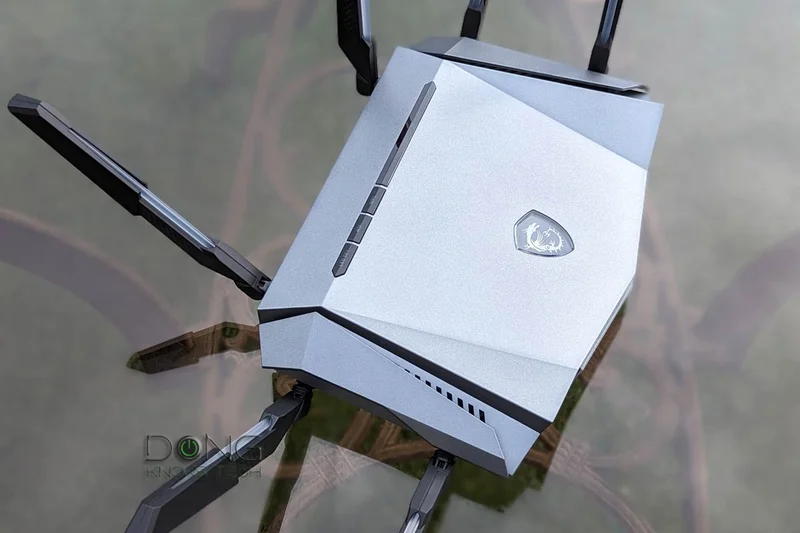
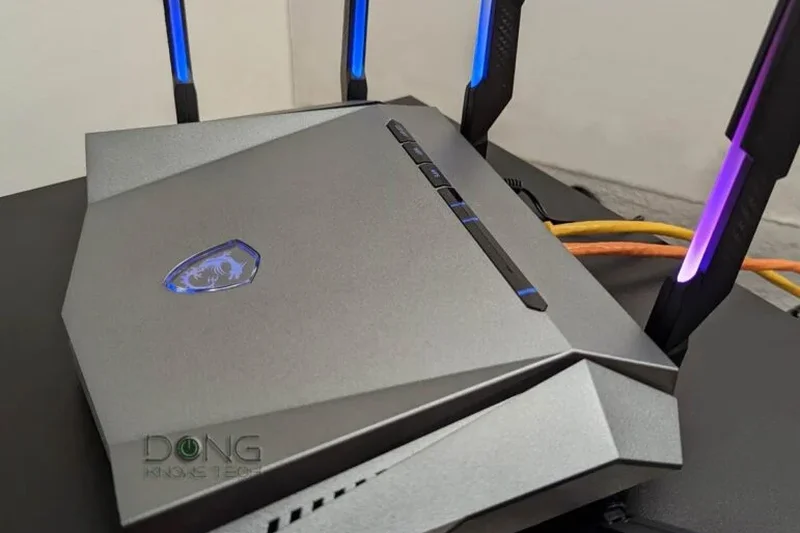
Why we picked it: MSI's RadiX AXE6600 brings flashy RGB antennas and serious Wi-Fi 6E performance to the gaming space. Its built-in AI QoS effectively analyzes and prioritizes gaming and streaming traffic automatically.
Key Specs
- Tri-Band Wi-Fi 6E (up to 6600 Mbps)
- AI QoS automatically prioritizes traffic
- 2.5G multi-gig WAN port
What we like
- AI-driven QoS handles network traffic smartly
- Advanced heatpipe cooling prevents thermal throttling
- Dedicated 2.5G WAN port
What we don't like
- RGB antennas are very aggressive looking
- App interface is a bit dated
Best for: Gamers who want automated traffic prioritization and a router that matches their RGB-heavy PC setups.
Vs the ASUS TUF Gaming AX4200, the MSI offers the superior 6GHz band, but ASUS still leads in software refinement.
A flashy, well-cooled Wi-Fi 6E router that uses AI to successfully manage heavy gaming and streaming traffic.
Buy at MSI official site#28 Deco X20 (3-Pack)

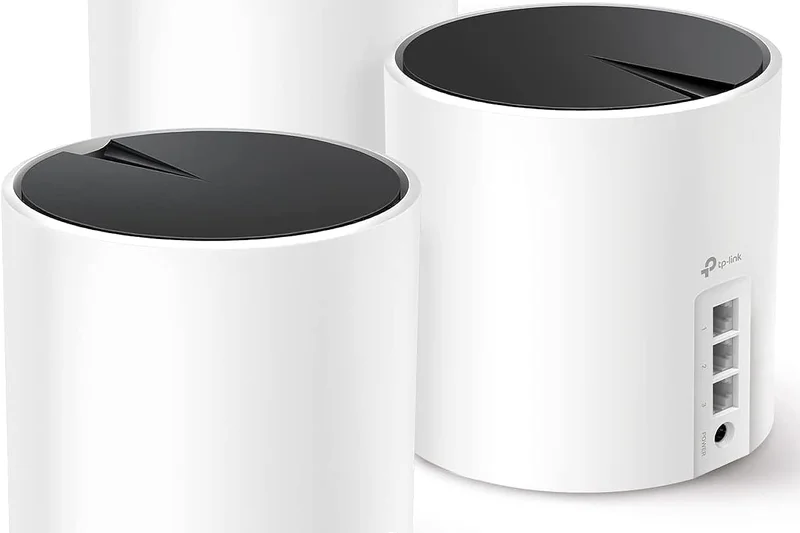
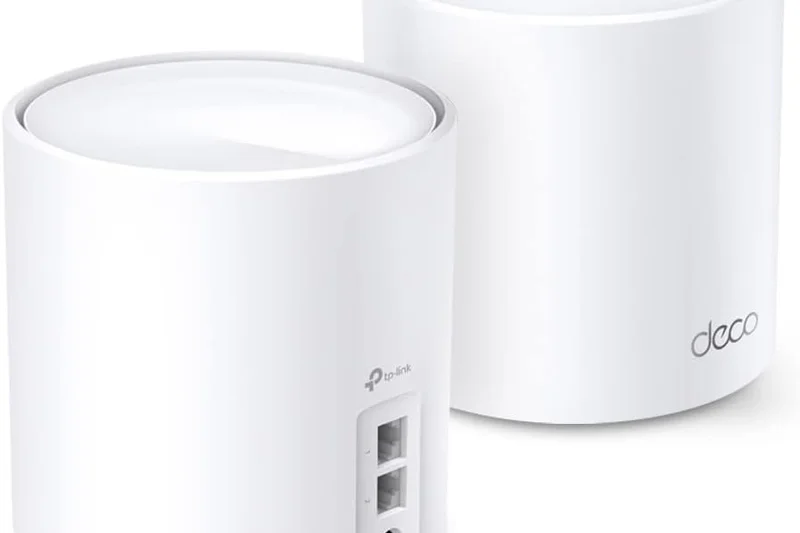
Why we picked it: Winning our 'Best Value' dimension, the TP-Link Deco X20 is an absolute steal. It provides reliable Dual-Band Wi-Fi 6 mesh coverage for over 150 devices, bringing seamless roaming to large homes on a strict budget.
Key Specs
- Dual-Band Wi-Fi 6 (up to 1800 Mbps)
- Connect over 150 devices
- Seamless roaming
What we like
- Unbeatable price for a 3-node mesh system
- Extremely reliable seamless roaming
- Great for high-capacity IoT smart homes
What we don't like
- Peak speeds max out around 500-600 Mbps
- No dedicated backhaul band
Best for: Budget-conscious homeowners who prioritize dead-zone elimination over raw gigabit speed.
Vs the Eero 6+, the Deco X20 is slightly slower at peak, but often significantly cheaper for a 3-pack.
The ultimate budget mesh system, offering rock-solid Wi-Fi 6 stability and seamless handoffs for a bargain price.
Buy at TP-Link official site#29 RT-AX58U
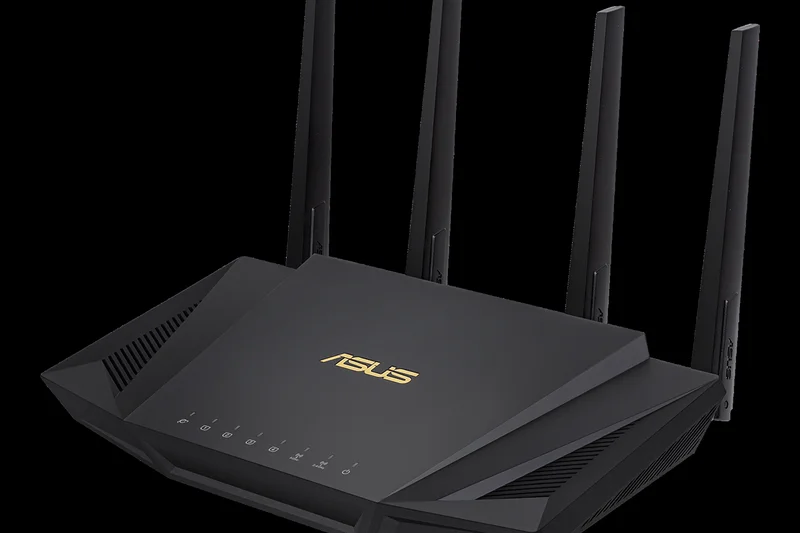
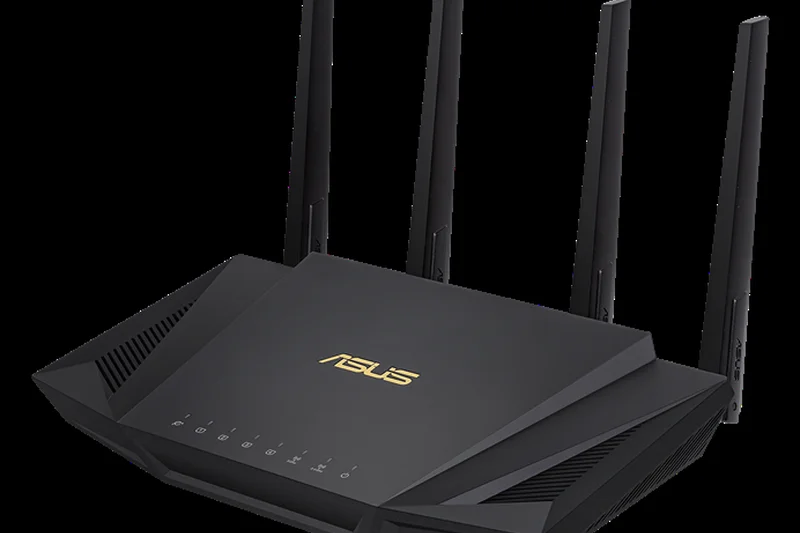
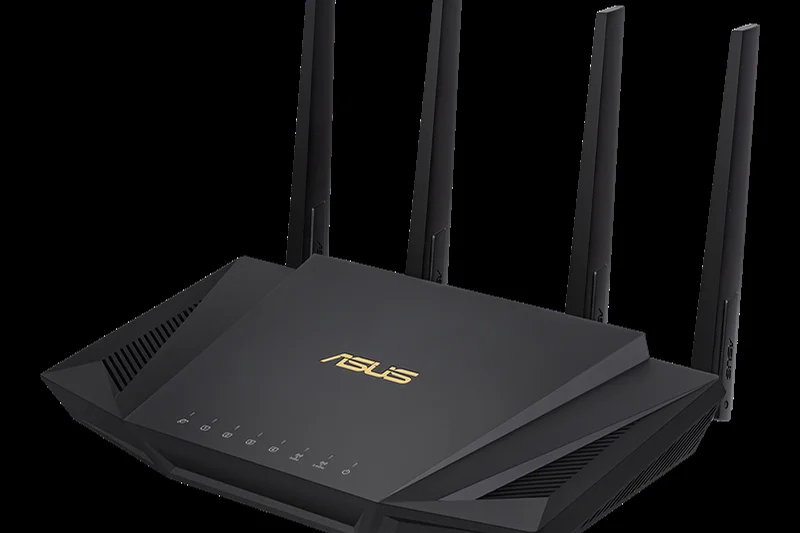
Why we picked it: The ASUS RT-AX58U is a beloved budget Wi-Fi 6 router that punches way above its weight class. It supports 160 MHz bandwidth and includes lifetime free AiProtection Pro, making it a highly secure choice for small homes.
Key Specs
- Dual-Band Wi-Fi 6 (up to 3000 Mbps)
- 160 MHz bandwidth support
- Lifetime free AiProtection Pro
What we like
- Excellent performance for the price
- Lifetime free security and parental controls
- AiMesh compatible for future expansion
What we don't like
- Older Wi-Fi 6 hardware
- No multi-gig Ethernet ports
Best for: Small home and apartment dwellers looking for a cheap, highly secure, and reliable router.
Vs the TP-Link Archer AX55, the ASUS offers superior free security software, making it a better long-term value.
A classic budget router that remains incredibly relevant thanks to free security features and solid Wi-Fi 6 speeds.
Buy at ASUS official site#30 Archer AX55
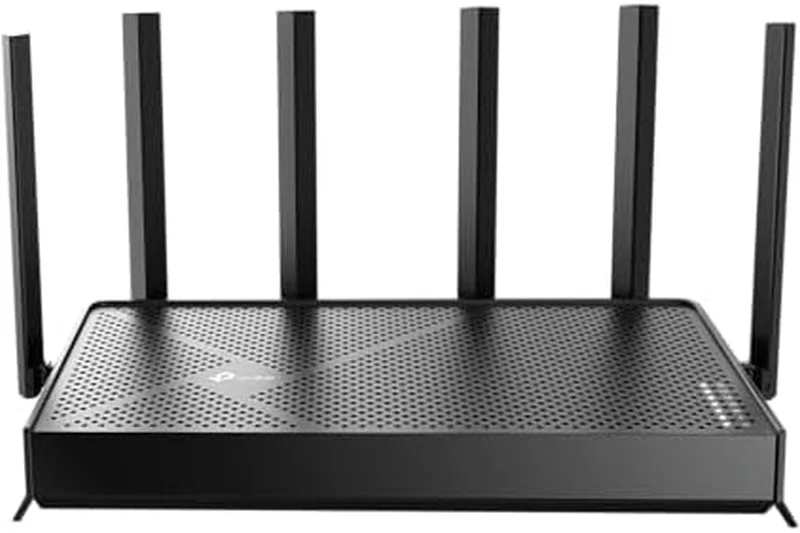
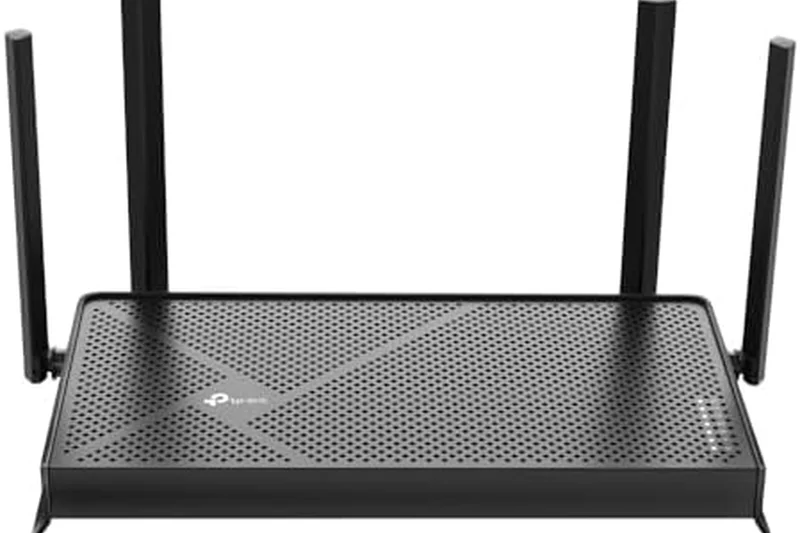
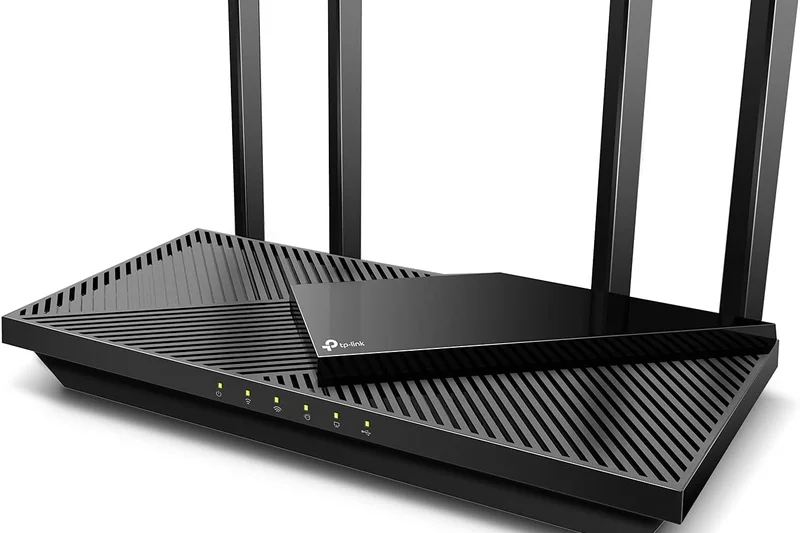
Why we picked it: TP-Link's Archer AX55 is a wildly popular budget Wi-Fi 6 router that delivers stable 3000 Mbps speeds. Features like Target Wake Time help optimize the battery life of connected mobile and IoT devices.
Key Specs
- Dual-Band Wi-Fi 6 (up to 3000 Mbps)
- OFDMA and MU-MIMO support
- Target Wake Time battery optimization
What we like
- Very affordable
- Solid, reliable throughput for apartments
- Easy setup and app management
What we don't like
- HomeShield security is a paid extra
- Range drops off quickly through concrete
Best for: Students and apartment renters looking for a cheap, dependable upgrade over their ISP's default gateway.
Vs the Archer AX10, the AX55 offers double the theoretical throughput, making it worth the slight price increase.
A perfectly capable, low-cost Wi-Fi 6 router that easily handles everyday browsing and streaming needs.
Buy at TP-Link official site#31 TUF Gaming AX4200
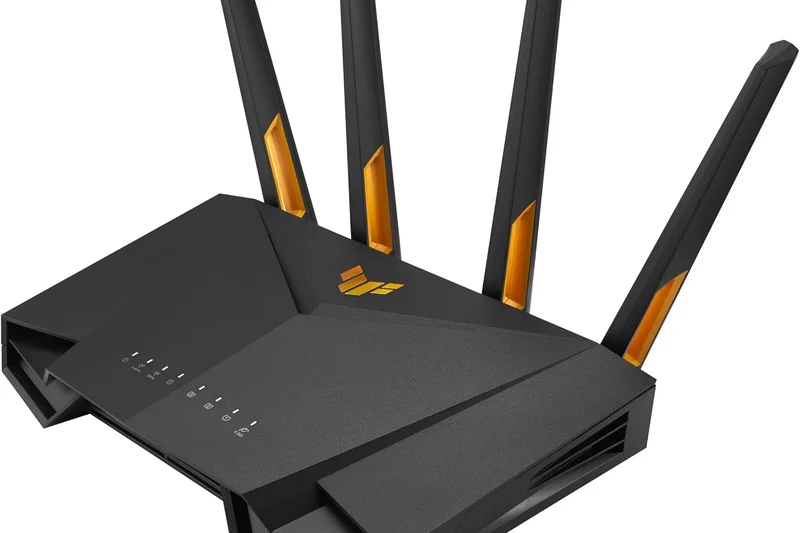
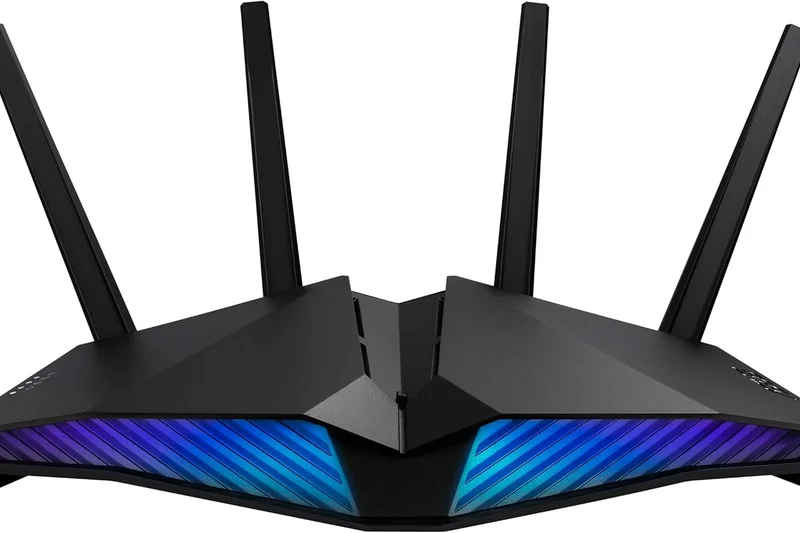
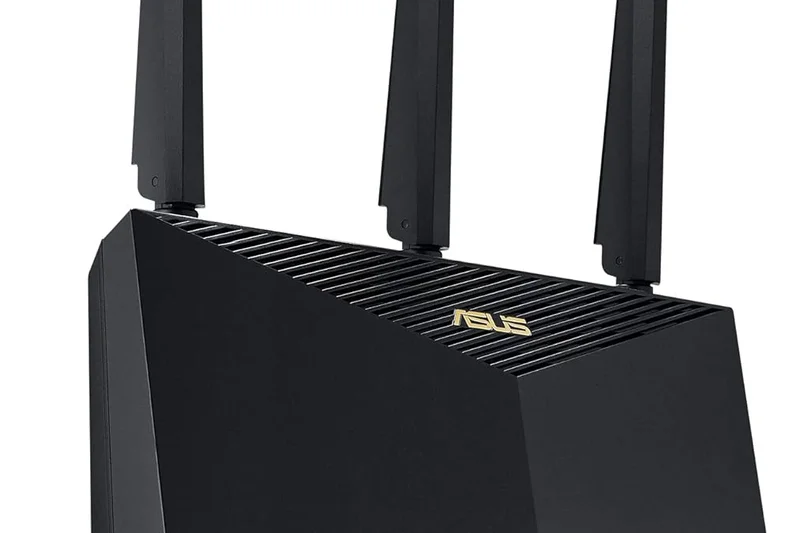
Why we picked it: The ASUS TUF Gaming AX4200 brings serious gaming networking features to a budget price point. It features a 2.5G WAN port, Military-grade physical durability, and OpenNAT for easy port forwarding.
Key Specs
- Dual-Band Wi-Fi 6 (up to 4200 Mbps)
- 2.5G multi-gig WAN port
- Mobile Game Mode via App
What we like
- 2.5G WAN port is rare at this price
- Excellent gaming QoS and port forwarding tools
- Very durable build quality
What we don't like
- Dual-band only (no dedicated backhaul or 6GHz)
- Design is a bit clunky
Best for: Budget gamers who recently upgraded to gigabit internet and need a 2.5G WAN port to maximize it.
Vs the Nighthawk RAX43, the TUF AX4200 offers much better gaming software and a faster WAN port.
A highly durable, feature-rich budget gaming router that refuses to bottleneck your gigabit internet connection.
Buy at ASUS official site#32 Reyee RG-E5
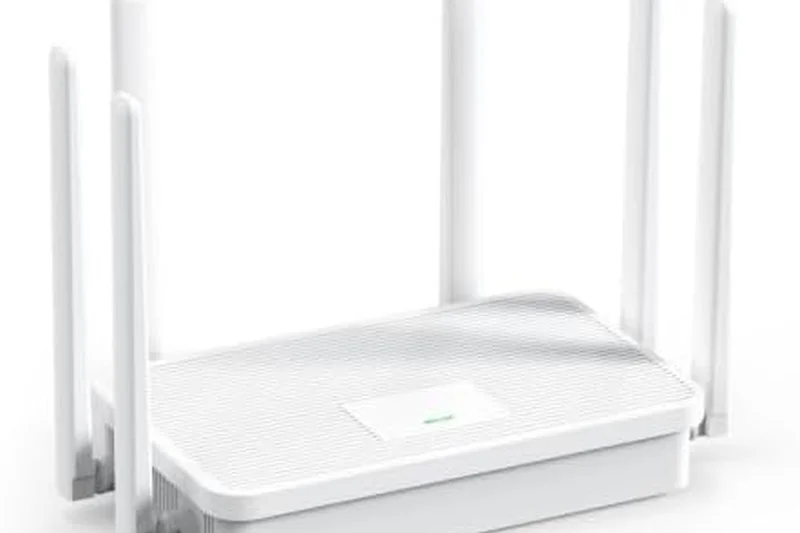
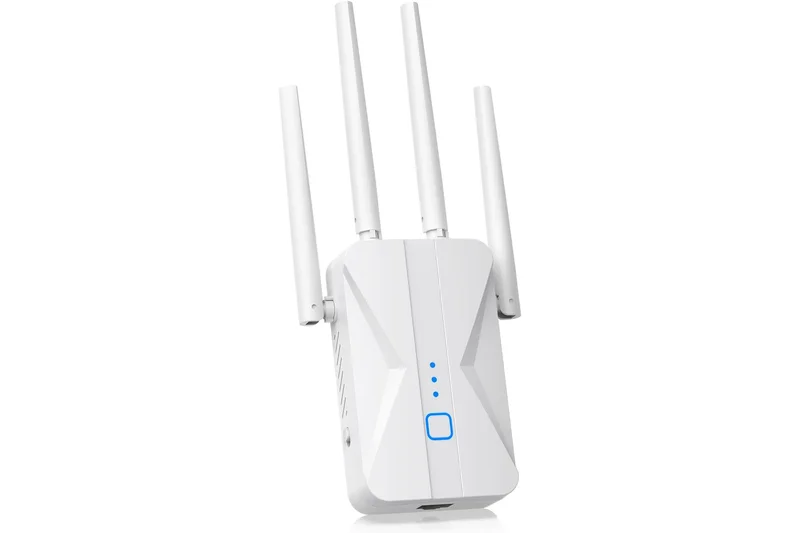
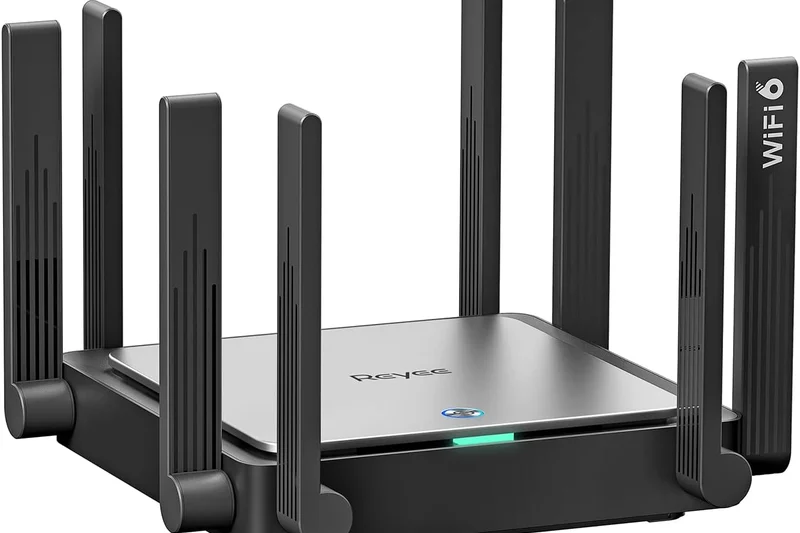
Why we picked it: The Reyee RG-E5 is an underrated budget Wi-Fi 6 router that utilizes 8 omnidirectional high-gain antennas to push signals surprisingly far. It features a one-click Reyee Mesh connection for easy network expansion.
Key Specs
- Dual-Band Wi-Fi 6 (up to 3200 Mbps)
- 8 omnidirectional high-gain antennas
- Reyee Mesh one-click connection
What we like
- Surprising signal penetration through walls
- Very easy one-click mesh pairing
- Enterprise-grade internal chipset
What we don't like
- Brand app is less refined than competitors
- No multi-gig port options
Best for: Users on a tight budget who live in homes with dense walls requiring strong signal pushing.
Vs the Archer AX55, the Reyee offers slightly better raw range due to its antenna array, though the TP-Link app is better.
A powerful budget router equipped with robust antennas that easily punch through stubborn interference.
Check price at Amazon#33 Nighthawk RAX43
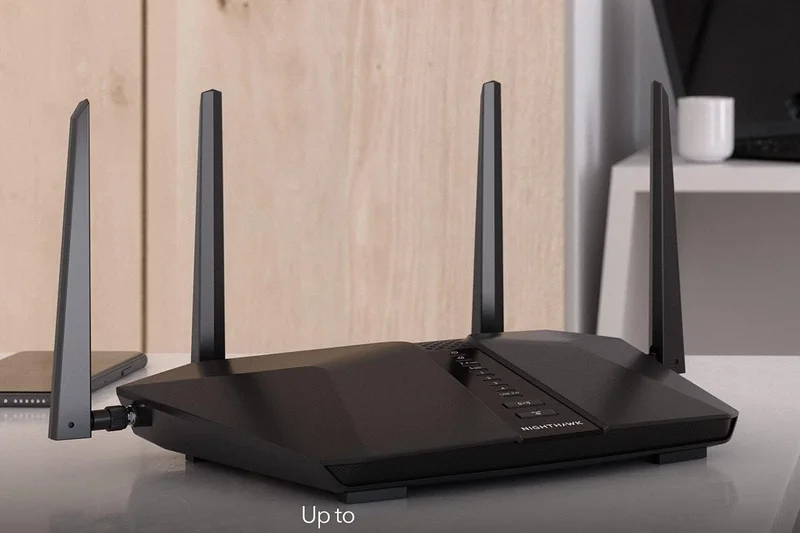
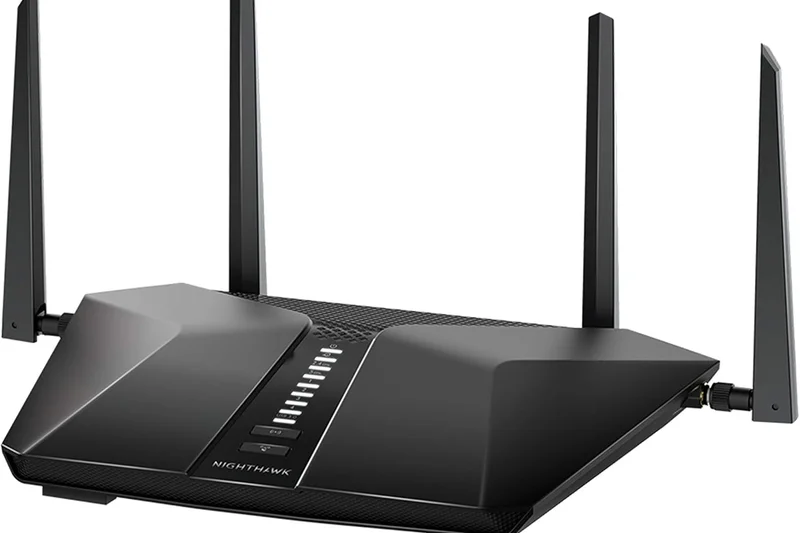
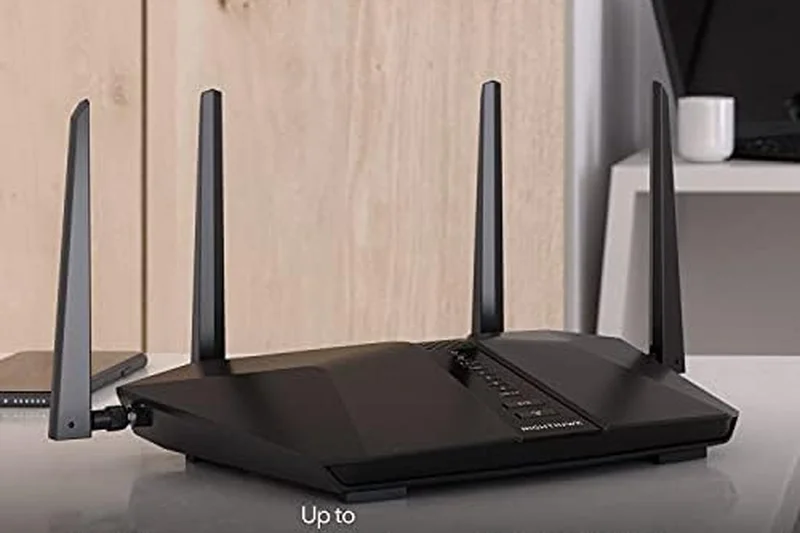
Why we picked it: The Netgear Nighthawk RAX43 is a reliable entry-level Wi-Fi 6 router offering 4.2 Gbps speeds. Its 1.5GHz Triple-Core processor ensures it doesn't buckle under the pressure of a dozen connected smart home devices.
Key Specs
- Dual-Band Wi-Fi 6 (up to 4.2 Gbps)
- 5 Gigabit Ethernet ports
- 1.5GHz Triple-Core processor
What we like
- Distinctive, cool stealth-fighter design
- Good CPU prevents traffic bottlenecking
- Plenty of standard Gigabit ports
What we don't like
- Requires subscription for parental controls
- Performance drops off at range
Best for: Netgear loyalists looking for a solid, stylish entry-level Wi-Fi 6 upgrade for a small home.
Vs the ASUS RT-AX58U, the RAX43 is faster on paper but loses out significantly in value due to Netgear's subscription fees.
A decent mid-tier Wi-Fi 6 router that looks great, but is hampered by aggressive premium subscription up-sells.
Buy at Netgear official site#34 Hydra Pro 6
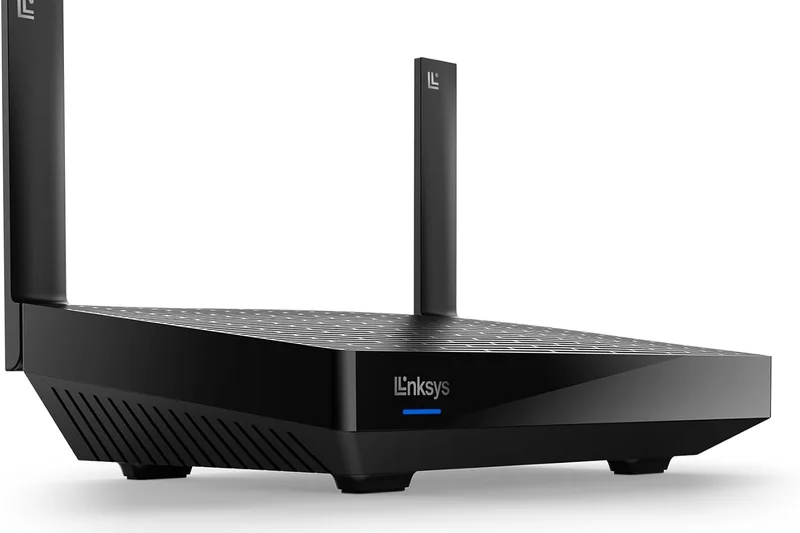
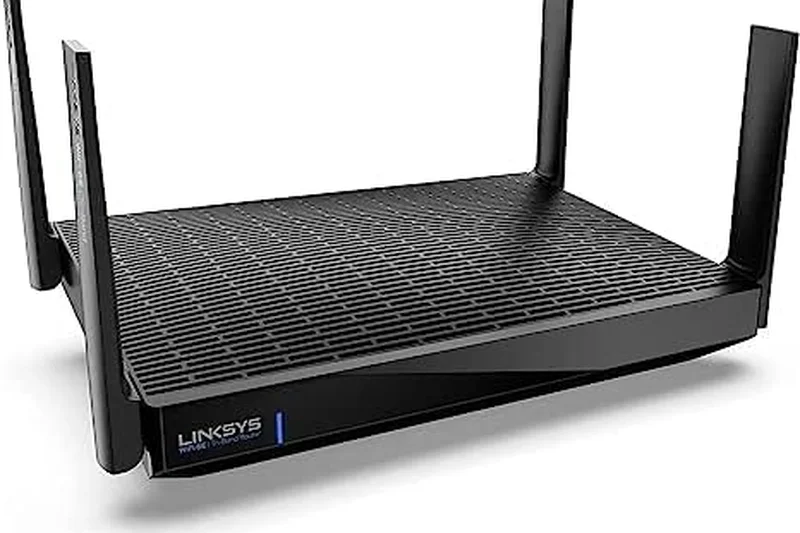
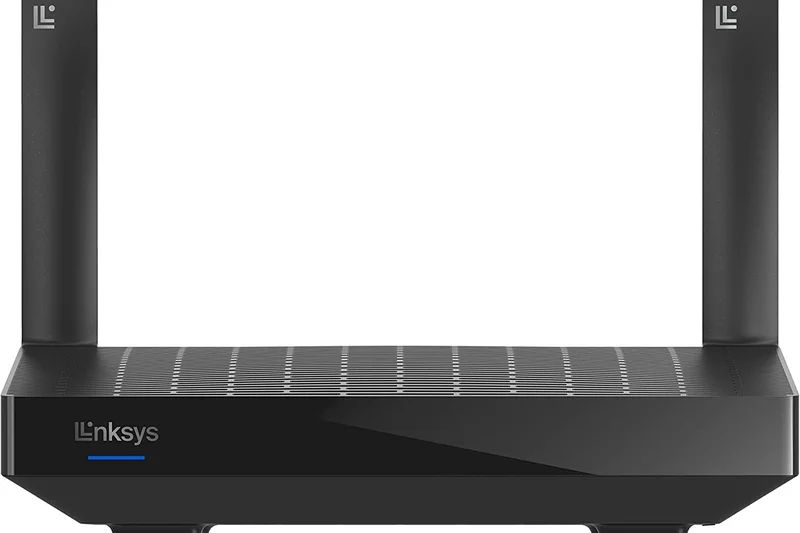
Why we picked it: Linksys’s Hydra Pro 6 provides Dual-Band Wi-Fi 6 speeds up to 5.4 Gbps. It supports 160 MHz channels and integrates smoothly with Linksys's Intelligent Mesh Technology if you want to expand later.
Key Specs
- Dual-Band Wi-Fi 6 (up to 5.4 Gbps)
- Intelligent Mesh Technology
- Access to 160 MHz channels
What we like
- 160 MHz support for fast peak throughput
- Easy app-based installation
- Expandable via Intelligent Mesh
What we don't like
- Basic feature set compared to peers
- Range is fairly limited for a standalone
Best for: Users wanting a simple, unobtrusive router that can optionally be turned into a mesh node later.
Vs the TP-Link Archer AX55, the Hydra Pro offers slightly higher theoretical speeds but falls short in advanced software settings.
A straightforward, no-nonsense Wi-Fi 6 router that provides solid basic performance and easy expansion.
Buy at Linksys official site#35 Archer AX10
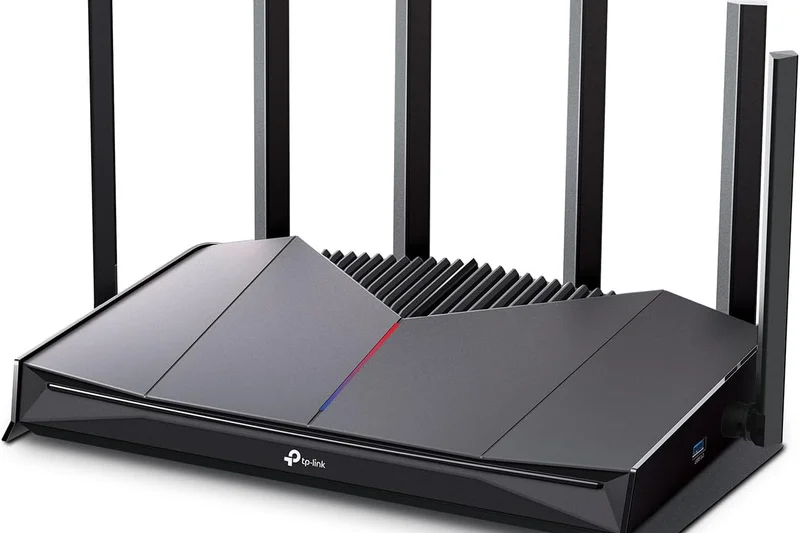
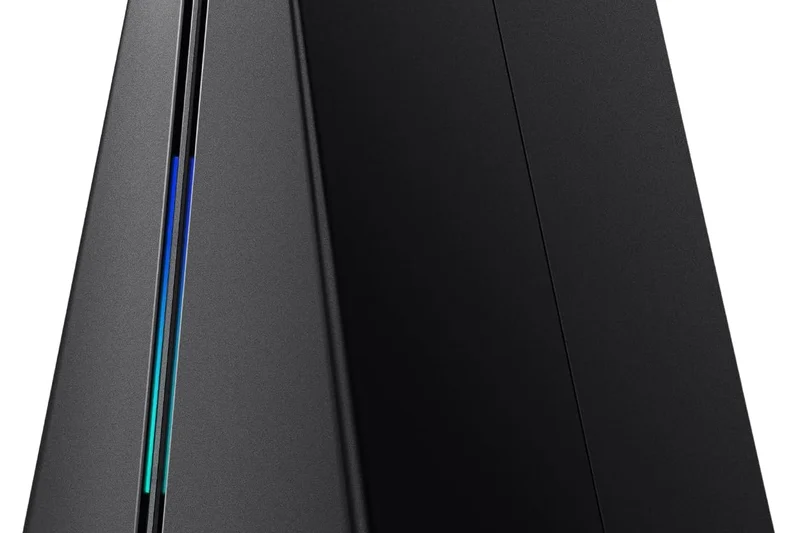
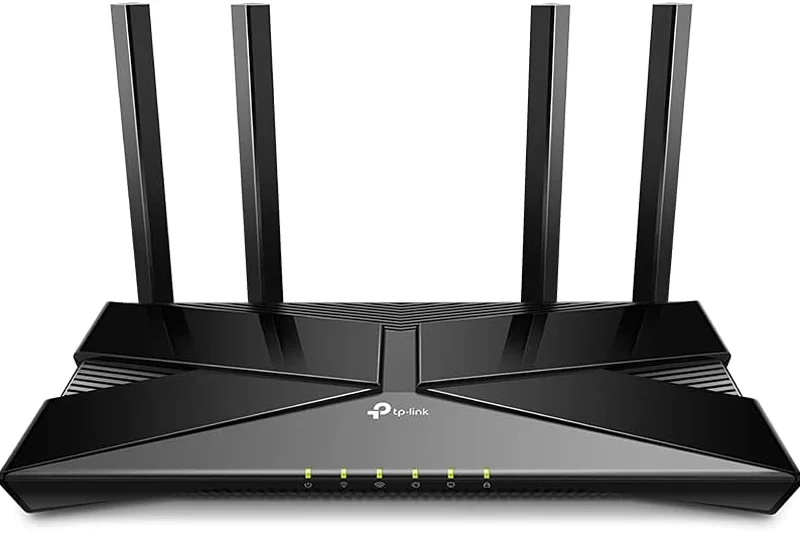
Why we picked it: The TP-Link Archer AX10 is one of the cheapest ways to ditch your ISP's terrible rental equipment. For under $80, you get Dual-Band Wi-Fi 6, a Triple-Core processor, and four Gigabit LAN ports to hook up your desktop or console.
Key Specs
- Dual-Band Wi-Fi 6 (up to 1500 Mbps)
- Triple-Core 1.5 GHz Processor
- 4x Gigabit LAN ports
What we like
- Incredibly cheap Wi-Fi 6 entry point
- Great companion app (Tether)
- Surprising stability for the price
What we don't like
- Low maximum throughput (1500 Mbps)
- Not suited for large homes or heavy streaming
Best for: Students or single-device households looking for the absolute cheapest reliable Wi-Fi 6 connection.
Vs the Reyee RG-E5, the Archer AX10 is slower but benefits from TP-Link's highly polished software ecosystem.
The ultimate bargain-bin router that still manages to deliver consistent, modern Wi-Fi 6 connectivity.
Buy at TP-Link official siteBuying Guide
Understanding Your User Profile
Before you invest in a new Wi-Fi router in 2026, you must honestly assess your household's digital lifestyle. The network requirements for a solo competitive gamer are vastly different from those of a large family in a sprawling multi-story home. If you live in an apartment and your primary activity is 4K streaming and web browsing, a capable mid-range Wi-Fi 6 or 6E router will provide plenty of bandwidth without overkill. Conversely, if your home acts as a hub for dozens of IoT smart devices, multiple concurrent video calls, and large file downloads across heavy concrete walls, investing in a robust Wi-Fi 7 mesh system is the smartest long-term choice.
Wi-Fi 6 vs. Wi-Fi 6E vs. Wi-Fi 7
The standard you choose dictates the longevity of your purchase. Wi-Fi 6 (802.11ax) remains highly capable and is incredibly cost-effective right now. It easily handles gigabit internet connections and provides excellent device management. Wi-Fi 6E takes the same technology but opens up the uncongested 6GHz band, which acts like a VIP fast lane for modern smartphones and laptops, drastically reducing interference from your neighbors. Wi-Fi 7 (802.11be) is the bleeding edge. It introduces 320MHz channel bandwidths and Multi-Link Operation (MLO), allowing compatible devices to connect to multiple bands simultaneously for near-zero latency and multi-gigabit throughput. If you plan to upgrade to 2.5Gbps or 10Gbps fiber internet in the next few years, Wi-Fi 7 is the path to future-proofing.
Mesh Networks vs. Standalone Routers
For homes larger than 2,500 square feet, or houses with dense brick/plaster interior walls, a single powerful router often isn't enough. Mesh systems solve this by placing multiple nodes around your home to blanket the area in a seamless, unified Wi-Fi network. Your devices hand off automatically from node to node as you walk around. However, a high-end standalone router often features a stronger internal processor, better physical port options (like multiple 2.5GbE or 10GbE LAN ports), and vastly more detailed advanced settings for gamers and prosumers.
What to Avoid When Shopping
- Subscription Traps: Be wary of routers that sell hardware cheaply but lock crucial features—like basic parental controls or IoT security scanning—behind a $5 to $10 monthly subscription. ASUS and Synology are notable brands that offer lifetime security features for free.
- Exaggerated Range Claims: A router claiming "up to 3,000 sq ft" often assumes a perfectly open floor plan with zero walls. Real-world range is typically 30-50% less due to structural interference.
- Inadequate Ports: If you are paying for Gigabit or multi-gigabit internet, a router with only standard 1Gbps LAN/WAN ports will immediately bottleneck your entire network. Always check for at least one 2.5GbE WAN port if you are upgrading.
Budget Tiers and What to Expect
Under $150 (Budget): You can find excellent Dual-Band Wi-Fi 6 routers here. They lack the pristine 6GHz band and multi-gig ports, but offer fantastic reliability for speeds up to 500-800 Mbps.
$150 to $350 (Mid-Range): This is the sweet spot. You will find entry-level Wi-Fi 7 routers, excellent Wi-Fi 6E gaming routers, and capable 2-pack mesh systems. Expect 2.5GbE ports, robust app controls, and comprehensive security.
Over $400 (Premium/Enthusiast): Welcome to the world of Quad-band Wi-Fi 7, dedicated 10GbE ports, dedicated wireless backhauls for mesh nodes, and enterprise-grade internal hardware. These are designed for massive homes, extreme gamers, and zero-compromise network stability.
FAQ
What is the difference between Wi-Fi 6, Wi-Fi 6E, and Wi-Fi 7?
Wi-Fi 6 provides highly efficient gigabit speeds over the standard 2.4GHz and 5GHz bands. Wi-Fi 6E utilizes the same technology but adds access to a massive, uncongested 6GHz band, functioning like an empty fast lane for newer devices. Wi-Fi 7 is the newest standard, doubling the channel bandwidth to 320MHz and allowing devices to connect to multiple bands simultaneously (MLO) for extreme multi-gigabit throughput and near-zero latency.
Do I need a mesh Wi-Fi system or a standalone router?
If your home is over 2,500 square feet, has multiple stories, or is constructed with dense materials like brick or concrete, a mesh system (multiple nodes) is the best way to eliminate dead zones. If you live in an apartment or a smaller open-concept home, a powerful standalone router will usually provide faster peak speeds and better wired connectivity at a lower price.
How many square feet does a typical router cover?
While manufacturers often claim "up to 2,500 sq. ft." for a single router, real-world coverage is typically 1,500 to 2,000 sq. ft. once you account for drywall, furniture, and interference. Always buy slightly more coverage than your home's square footage suggests.
Is it worth paying for a gaming router if I don't play games?
Gaming routers typically feature excellent multi-gigabit Ethernet ports, powerful internal processors, and highly efficient cooling systems that prevent thermal throttling. Even if you don't game, these physical benefits make them fantastic choices for homes with heavy 4K streaming and high device counts.
What are multi-gigabit (2.5GbE / 10GbE) ports used for?
Most standard routers cap their wired connections at 1 Gigabit (1000 Mbps). If you pay your ISP for a 2 Gbps fiber plan, a standard 1 Gbps WAN port will instantly bottleneck your entire network. Multi-gig ports (2.5GbE and 10GbE) ensure that you can actually receive and distribute the extreme internet speeds you are paying for.
How often should I upgrade my Wi-Fi router?
A high-quality router should last you 4 to 5 years. You should consider upgrading if you are experiencing frequent dropped connections, if you have upgraded your ISP plan past your current router's capabilities, or if your router is no longer receiving security firmware updates.
Do routers come with built-in antivirus and parental controls?
Most modern routers include basic parental controls (time limits, website pausing). However, advanced features like network-wide malware blocking and granular content filtering are often locked behind paid monthly subscriptions by brands like Netgear, TP-Link, and Eero. ASUS and Synology are notable exceptions, offering premium security features for the lifetime of the product for free.
Are hidden subscription fees common in modern routers?
Yes, unfortunately. Many manufacturers use their routers as a "loss leader" and charge $5 to $10 a month for advanced security, historical data tracking, and premium parental controls. Always factor this into your Total Cost of Ownership.
Can I mix and match mesh nodes from different brands?
No. Proprietary mesh systems (like Eero, Google Nest, or Netgear Orbi) only work with nodes from their specific ecosystem. Some brands support the "EasyMesh" standard which theoretically allows mixing, but for optimal stability, you should stick to the same manufacturer and product line.
What does Quality of Service (QoS) do?
QoS is a traffic management tool that allows you to prioritize specific devices or types of traffic on your network. For example, you can tell the router to prioritize your gaming PC or Zoom video calls, ensuring they never lag even if someone else in the house starts a massive 4K movie download.
How do I fix Wi-Fi dead zones in my house?
First, try elevating your router and moving it to the most central, unobstructed location possible. If the dead zone persists, upgrading to a mesh networking system is the most reliable long-term solution. Wi-Fi extenders can work in a pinch, but they often halve your speeds and create secondary network names.
Is it better to rent a router from my ISP or buy my own?
Buying your own router is almost always the better financial and technical choice. ISP rental fees usually cost $10-$15 a month, meaning a new router pays for itself in less than a year. Furthermore, retail routers offer vastly superior performance, coverage, and privacy features compared to generic ISP gateways.
Methodology
Our methodology for ranking the best Wi-Fi routers of 2026 relies on a strict, data-driven framework. We utilized a 10-point scoring scale across seven distinct dimensions to calculate a weighted Fit Score for all 35 candidates. By isolating specific performance metrics, we eliminated brand bias and subjective marketing hype.
Speed & Throughput (25%): Evaluates maximum theoretical bandwidth and actual real-world throughput capabilities at close (5 feet) and medium (30 feet) distances. Devices capable of maximizing multi-gigabit fiber connections scored the highest.
Range & Coverage (20%): Measures signal attenuation over distance and the ability of the radio waves to penetrate standard drywall and flooring. Mesh scalability and backhaul efficiency were critical here.
Reliability & Stability (15%): Assesses device uptime, thermal management under load, consistency of the connection during 50+ simultaneous smart-home client connections, and the maturity of the firmware.
Setup & App Management (10%): Focuses on the initial unboxing experience, the user interface of the companion mobile app, and the accessibility of advanced settings for non-technical users.
Advanced Features & Security (10%): Evaluates included security suites (WPA3, built-in malware blocking), Quality of Service (QoS) traffic shaping, granular parental controls, and VPN integration. We penalized systems requiring costly ongoing subscriptions.
Hardware Specs & Ports (10%): Looks at the physical components—CPU architecture, RAM, internal cooling—and the inclusion of multi-gig LAN/WAN ports (2.5GbE/10GbE) and high-speed USB ports for network storage.
Value for Money (10%): Balances retail price against performance longevity. (Note: In our "Best Budget" scenario, the weight for Value shifts to 30% to highlight cost-effective performance).
Data sources for this evaluation included official manufacturer specification sheets, user satisfaction feedback aggregated from major retail platforms (Amazon, Best Buy), independent networking benchmarks from PCMag and Tom's Guide, and deep-dive technical reviews. This triangulated data ensures our final Overall Score is highly representative of real-world ownership.
Sources & References
All factual claims, product specifications, prices, and images in this article are cited by number. Click any reference to jump to the list; click the link in each entry to visit the original source.
- [1]Selection Logic. "M2: Multi-Dimensional Evaluation." selectionlogic.org/en/methods/m2-multi-dimensional-evaluation/. Accessed Mar 2026.
- [2]Selection Logic. "Wi-Fi Router Buying Guide." selectionlogic.org/wifi-router-buying-guide/. Accessed Mar 2026.
- [3]ASUS Official. "ZenWiFi BQ16 Pro Specifications." asus.com. Accessed Mar 2026.
- [4]ASUS ROG. "ROG Rapture GT-BE98 Pro Features." rog.asus.com. Accessed Mar 2026.
- [5]TP-Link Official. "Deco BE85 User Guide." tp-link.com. Accessed Mar 2026.
- [6]Amazon. "Eero Max 7 Mesh System." eero.com. Accessed Mar 2026.
- [7]TP-Link. "Archer BE900 Router Overview." tp-link.com. Accessed Mar 2026.
- [8]TP-Link. "Deco XE75 Product Page." tp-link.com. Accessed Mar 2026.
- [9]Netgear. "Orbi 970 Series Specifications." netgear.com. Accessed Mar 2026.
- [10]Linksys. "Velop Pro 7 Cognitive Mesh." linksys.com. Accessed Mar 2026.
- [11]ASUS ROG. "Rapture GT-AX11000 Pro." rog.asus.com. Accessed Mar 2026.
- [12]Netgear. "Nighthawk RS700S Details." netgear.com. Accessed Mar 2026.
- [13]Synology. "RT6600ax Router features." synology.com. Accessed Mar 2026.
- [14]Ubiquiti. "AmpliFi Alien Wi-Fi 6 Router." amplifi.com. Accessed Mar 2026.
- [15]Linksys. "Velop Pro 6E Mesh System." linksys.com. Accessed Mar 2026.
- [16]Amazon. "Eero Pro 6E Product Page." eero.com. Accessed Mar 2026.
- [17]GL.iNet. "Flint 2 (GL-MT6000) Specs." gl-inet.com. Accessed Mar 2026.
- [18]TP-Link. "Archer AXE75 Overview." tp-link.com. Accessed Mar 2026.
- [19]ASUS. "RT-AX86U Pro Gaming Router." asus.com. Accessed Mar 2026.
- [20]Ubiquiti. "UniFi Dream Router (UDR)." store.ui.com. Accessed Mar 2026.
- [21]Netgear. "Orbi 860 Series Specs." netgear.com. Accessed Mar 2026.
- [22]Google Store. "Nest Wifi Pro." store.google.com. Accessed Mar 2026.
- [23]Netgear. "Nighthawk RAXE500 Details." netgear.com. Accessed Mar 2026.
- [24]Acer. "Predator Connect W6 Gaming Router." acer.com. Accessed Mar 2026.
- [25]Amazon. "Eero 6+ Mesh System." eero.com. Accessed Mar 2026.
- [26]MSI. "RadiX AXE6600 Specs." msi.com. Accessed Mar 2026.
- [27]ASUS. "RT-AX58U Budget Router." asus.com. Accessed Mar 2026.