Quick Verdict
At a glance
We tested 35 cloud-based platforms designed to automate employee compensation, tax withholdings, compliance reporting, and benefits administration to find the Best Payroll Software for 2026. Our top picks combine full-service tax automation, seamless integrations, and transparent pricing to simplify HR processes for businesses of all sizes.
🏆 Overall #1: Rippling Payroll — Blazing fast global runs and unparalleled IT/HR workflow automation.
🥈 #2: OnPay Full-Service Payroll — Exceptional value, transparent pricing, and accuracy guarantees for small businesses.
🥉 #3: Gusto Plus — The most intuitive interface with robust built-in benefits administration.
Which one is for me?
How We Tested
To determine the Best Payroll Software for 2026, our editorial team conducted a rigorous, data-driven analysis of 35 leading cloud-based platforms. Because payroll systems are mission-critical applications where mistakes can result in severe tax penalties or unhappy employees, we discarded surface-level feature counts and adopted a systematic evaluation approach based on the M2 Multi-Dimensional Evaluation framework from Selection Logic[1]. We gathered data over three months, directly testing administrative workflows, processing dummy pay runs, and evaluating mobile apps for employee self-service.
Using the M2 method, we broke down each software's performance into seven independent dimensions—ranging from Core Payroll & Tax Compliance to Pricing & Transparency. For each dimension, platforms were scored on a 1-10 scale based on highly quantifiable criteria. To ensure our recommendations match real-world business needs, we didn't just calculate a single overall average. Instead, following Selection Logic's guidelines on Selection Efficacy[2], we weighted these dimensions differently across four specific buyer personas, allowing us to accurately identify the best tools for budget-strapped startups versus enterprises needing complex HR integrations.
Our Declared Values
We believe that B2B software recommendations should be strictly independent and objective. We do not accept paid placements, sponsored rankings, or vendor interference in our scoring models. Our assessments emphasize true cost of ownership—heavily penalizing hidden fees for basic tax filings or year-end W-2 generation—and prioritize platforms that guarantee accuracy and provide robust, responsive customer support.
About our team
Our reviewing panel includes former HR administrators, certified payroll professionals, and SaaS industry analysts. We combined hands-on platform testing with thousands of verified user experiences sourced from trusted enterprise tech communities like G2 and Capterra. By applying a structured, multi-dimensional methodology, our goal is to help you cut through the marketing fluff and choose the payroll software that actually fits your operational needs.
| Dimension | Overall | Best Overall for Small to Medium Businesses | Best Budget-Friendly Payroll for Startups | Best for Complex HR & Benefits | Best for Hourly & Distributed Workforces |
|---|---|---|---|---|---|
| Core Payroll & Tax Compliance | 25% | 25% | 20% | 20% | 25% |
| HR & Ecosystem Integrations | 15% | 15% | 5% | 30% | 15% |
| Reporting & Analytics | 10% | 10% | 5% | 15% | 10% |
| Admin Experience & Usability | 15% | 15% | 15% | 10% | 10% |
| Employee Self-Service | 10% | 10% | 5% | 10% | 25% |
| Pricing & Transparency | 15% | 15% | 40% | 5% | 10% |
| Support & Reliability | 10% | 10% | 10% | 10% | 5% |
Overall Rankings
Full list of 35 products sorted by weighted overall score (1–10).
Prices are checked as of Mar 18, 2026 (2026 Q1). Use "Check price" links for current pricing.
| # | Product | Type | Price | Payroll & Tax | Integrations | Reporting | Admin UX | Employee UX | Value | Support | Overall | Awards |
|---|---|---|---|---|---|---|---|---|---|---|---|---|
| 1 | Rippling Payroll | Unified Workforce Platform | $35/mo + $8/user | 9 | 10 | 9 | 9 | 9 | 8 | 8 | 8.90 | 🏆 Editor's Choice 🌟 Best Budget 🎯 Best Best Overall for Small to Medium Businesses 🎯 Best Best for Complex HR & Benefits 🎯 Best Best for Hourly & Distributed Workforces |
| 2 | OnPay Full-Service Payroll | Small Business Payroll | $49/mo + $6/user | 9 | 8 | 8 | 9 | 8 | 9 | 9 | 8.65 | 📊 Best Pricing & Transparency 📊 Best Support & Reliability 🎯 Best Best Budget-Friendly Payroll for Startups |
| 3 | Gusto Plus | HR & Payroll Software | $80/mo + $12/user | 9 | 9 | 8 | 9 | 9 | 7 | 8 | 8.50 | 📊 Best Admin Experience & Usability |
| 4 | Deel Global Payroll | Global Payroll Platform | $29/mo/user | 10 | 8 | 8 | 8 | 8 | 8 | 8 | 8.50 | 📊 Best Core Payroll & Tax Compliance |
| 5 | Remote Global Payroll | Global Payroll Platform | $29/mo/user | 9 | 8 | 8 | 9 | 8 | 8 | 8 | 8.40 | |
| 6 | Papaya Global | Global Payroll Platform | $25/mo/user | 9 | 8 | 9 | 8 | 8 | 8 | 8 | 8.35 | 💰 Best Value |
| 7 | APS Payroll | Mid-Market HCM Software | $100–$250/mo | 9 | 9 | 8 | 8 | 8 | 7 | 9 | 8.35 | |
| 8 | Justworks Payroll | PEO & Payroll Solution | $59/mo/user | 9 | 8 | 8 | 8 | 9 | 7 | 9 | 8.30 | |
| 9 | Dayforce Payroll | Enterprise HCM Software | $400–$800/mo | 10 | 9 | 9 | 7 | 8 | 6 | 8 | 8.30 | |
| 10 | Oyster Global Payroll | Global Payroll Platform | $29/mo/user | 9 | 8 | 8 | 8 | 8 | 8 | 8 | 8.25 | |
| 11 | Multiplier Payroll | Global Payroll Platform | $40/mo/user | 9 | 8 | 8 | 8 | 8 | 8 | 8 | 8.25 | |
| 12 | Paylocity Payroll | Enterprise HCM Software | $150–$300/mo | 9 | 9 | 9 | 7 | 8 | 7 | 8 | 8.20 | |
| 13 | Paycor Payroll | Mid-Market HCM Software | $150–$400/mo | 9 | 9 | 9 | 7 | 8 | 7 | 8 | 8.20 | |
| 14 | Paycom Beti | Enterprise HCM Software | $250–$500/mo | 9 | 8 | 9 | 8 | 10 | 6 | 7 | 8.15 | 📊 Best Employee Self-Service |
| 15 | Workday Payroll | Enterprise HCM Software | $500–$1000/mo | 10 | 10 | 10 | 6 | 7 | 5 | 8 | 8.15 | 👑 Best Premium 📊 Best Reporting & Analytics |
| 16 | Fingercheck Payroll | Hourly Workforce Payroll | $39/mo + $8/user | 8 | 9 | 8 | 8 | 8 | 8 | 8 | 8.15 | |
| 17 | Square Payroll | Small Business Payroll | $35/mo + $6/user | 8 | 9 | 7 | 9 | 8 | 8 | 7 | 8.10 | |
| 18 | BambooHR Payroll | HRIS & Payroll Software | $250/mo + $12/user | 8 | 9 | 8 | 9 | 9 | 6 | 8 | 8.10 | |
| 19 | Criterion Payroll | Mid-Market HCM Software | $200–$500/mo | 9 | 9 | 9 | 7 | 7 | 7 | 8 | 8.10 | |
| 20 | RUN Powered by ADP | Cloud Payroll Platform | $79/mo + $4/user | 9 | 8 | 9 | 8 | 8 | 6 | 8 | 8.05 | |
| 21 | Paychex Flex Select | HR & Payroll Software | $39/mo + $5/user | 9 | 8 | 8 | 7 | 8 | 7 | 9 | 8.05 | |
| 22 | UKG Ready Payroll | Mid-Market HCM Software | $300–$600/mo | 9 | 9 | 9 | 7 | 8 | 6 | 8 | 8.05 | |
| 23 | Homebase Payroll | Hourly Workforce Payroll | $39.95/mo + $6/user | 8 | 9 | 7 | 8 | 9 | 8 | 7 | 8.05 | |
| 24 | Hourly Payroll | Hourly Workforce Payroll | $40/mo + $6/user | 8 | 8 | 7 | 8 | 9 | 8 | 8 | 8.00 | |
| 25 | QuickBooks Payroll Premium | Cloud Payroll Platform | $88/mo + $10/user | 9 | 10 | 8 | 8 | 7 | 6 | 6 | 7.95 | 📊 Best HR & Ecosystem Integrations |
| 26 | Viventium Payroll | Healthcare Payroll Software | $150–$350/mo | 9 | 8 | 9 | 7 | 7 | 7 | 8 | 7.95 | |
| 27 | isolved Payroll | Mid-Market HCM Software | $150–$300/mo | 9 | 8 | 8 | 7 | 7 | 7 | 8 | 7.85 | |
| 28 | Netchex Payroll | Mid-Market HCM Software | $100–$300/mo | 8 | 8 | 8 | 8 | 8 | 7 | 8 | 7.85 | |
| 29 | TriNet Payroll | PEO & Payroll Solution | $150/mo/user | 9 | 8 | 8 | 7 | 8 | 6 | 8 | 7.80 | |
| 30 | eBacon Payroll | Construction Payroll Software | $150–$400/mo | 9 | 7 | 9 | 7 | 7 | 7 | 8 | 7.80 | |
| 31 | Wagepoint | Small Business Payroll | $24/mo + $3/user | 8 | 6 | 6 | 9 | 8 | 9 | 8 | 7.80 | |
| 32 | Patriot Payroll Full Service | Cloud Payroll Platform | $37/mo + $5/user | 8 | 6 | 7 | 8 | 7 | 9 | 9 | 7.75 | |
| 33 | Roll by ADP | Mobile Payroll App | $29/mo + $5/user | 8 | 6 | 6 | 9 | 8 | 9 | 7 | 7.70 | |
| 34 | SurePayroll Full-Service | Small Business Payroll | $39/mo + $7/user | 8 | 7 | 7 | 8 | 8 | 8 | 7 | 7.65 | |
| 35 | Heartland Payroll | Small Business Payroll | $100–$250/mo | 8 | 8 | 7 | 7 | 7 | 7 | 9 | 7.60 |
Dimension Rankings
Each dimension ranked independently (Top 10).
📊 Best for Core Payroll & Tax Compliance — Top 10
| Dim # | Product | Core Payroll & Tax Compliance Score | Overall Rank | Price |
|---|---|---|---|---|
| 1 | Deel Global Payroll | 10 | #4 | $29/mo/user |
| 2 | Workday Payroll | 10 | #15 | $500–$1000/mo |
| 3 | Dayforce Payroll | 10 | #9 | $400–$800/mo |
| 4 | Gusto Plus | 9 | #3 | $80/mo + $12/user |
| 5 | OnPay Full-Service Payroll | 9 | #2 | $49/mo + $6/user |
| 6 | QuickBooks Payroll Premium | 9 | #25 | $88/mo + $10/user |
| 7 | RUN Powered by ADP | 9 | #20 | $79/mo + $4/user |
| 8 | Paychex Flex Select | 9 | #21 | $39/mo + $5/user |
| 9 | Rippling Payroll | 9 | #1 | $35/mo + $8/user |
| 10 | Paylocity Payroll | 9 | #12 | $150–$300/mo |
📊 Best for HR & Ecosystem Integrations — Top 10
| Dim # | Product | HR & Ecosystem Integrations Score | Overall Rank | Price |
|---|---|---|---|---|
| 1 | QuickBooks Payroll Premium | 10 | #25 | $88/mo + $10/user |
| 2 | Rippling Payroll | 10 | #1 | $35/mo + $8/user |
| 3 | Workday Payroll | 10 | #15 | $500–$1000/mo |
| 4 | Gusto Plus | 9 | #3 | $80/mo + $12/user |
| 5 | Square Payroll | 9 | #17 | $35/mo + $6/user |
| 6 | BambooHR Payroll | 9 | #18 | $250/mo + $12/user |
| 7 | Paylocity Payroll | 9 | #12 | $150–$300/mo |
| 8 | UKG Ready Payroll | 9 | #22 | $300–$600/mo |
| 9 | Paycor Payroll | 9 | #13 | $150–$400/mo |
| 10 | Homebase Payroll | 9 | #23 | $39.95/mo + $6/user |
📊 Best for Reporting & Analytics — Top 10
| Dim # | Product | Reporting & Analytics Score | Overall Rank | Price |
|---|---|---|---|---|
| 1 | Workday Payroll | 10 | #15 | $500–$1000/mo |
| 2 | RUN Powered by ADP | 9 | #20 | $79/mo + $4/user |
| 3 | Rippling Payroll | 9 | #1 | $35/mo + $8/user |
| 4 | Paylocity Payroll | 9 | #12 | $150–$300/mo |
| 5 | Paycom Beti | 9 | #14 | $250–$500/mo |
| 6 | UKG Ready Payroll | 9 | #22 | $300–$600/mo |
| 7 | Papaya Global | 9 | #6 | $25/mo/user |
| 8 | Paycor Payroll | 9 | #13 | $150–$400/mo |
| 9 | Dayforce Payroll | 9 | #9 | $400–$800/mo |
| 10 | Criterion Payroll | 9 | #19 | $200–$500/mo |
📊 Best for Admin Experience & Usability — Top 10
| Dim # | Product | Admin Experience & Usability Score | Overall Rank | Price |
|---|---|---|---|---|
| 1 | Gusto Plus | 9 | #3 | $80/mo + $12/user |
| 2 | OnPay Full-Service Payroll | 9 | #2 | $49/mo + $6/user |
| 3 | Rippling Payroll | 9 | #1 | $35/mo + $8/user |
| 4 | Square Payroll | 9 | #17 | $35/mo + $6/user |
| 5 | BambooHR Payroll | 9 | #18 | $250/mo + $12/user |
| 6 | Remote Global Payroll | 9 | #5 | $29/mo/user |
| 7 | Roll by ADP | 9 | #33 | $29/mo + $5/user |
| 8 | Wagepoint | 9 | #31 | $24/mo + $3/user |
| 9 | QuickBooks Payroll Premium | 8 | #25 | $88/mo + $10/user |
| 10 | RUN Powered by ADP | 8 | #20 | $79/mo + $4/user |
📊 Best for Employee Self-Service — Top 10
| Dim # | Product | Employee Self-Service Score | Overall Rank | Price |
|---|---|---|---|---|
| 1 | Paycom Beti | 10 | #14 | $250–$500/mo |
| 2 | Gusto Plus | 9 | #3 | $80/mo + $12/user |
| 3 | Rippling Payroll | 9 | #1 | $35/mo + $8/user |
| 4 | BambooHR Payroll | 9 | #18 | $250/mo + $12/user |
| 5 | Justworks Payroll | 9 | #8 | $59/mo/user |
| 6 | Homebase Payroll | 9 | #23 | $39.95/mo + $6/user |
| 7 | Hourly Payroll | 9 | #24 | $40/mo + $6/user |
| 8 | OnPay Full-Service Payroll | 8 | #2 | $49/mo + $6/user |
| 9 | RUN Powered by ADP | 8 | #20 | $79/mo + $4/user |
| 10 | Paychex Flex Select | 8 | #21 | $39/mo + $5/user |
📊 Best for Pricing & Transparency — Top 10
| Dim # | Product | Pricing & Transparency Score | Overall Rank | Price |
|---|---|---|---|---|
| 1 | OnPay Full-Service Payroll | 9 | #2 | $49/mo + $6/user |
| 2 | Patriot Payroll Full Service | 9 | #32 | $37/mo + $5/user |
| 3 | Roll by ADP | 9 | #33 | $29/mo + $5/user |
| 4 | Wagepoint | 9 | #31 | $24/mo + $3/user |
| 5 | Rippling Payroll | 8 | #1 | $35/mo + $8/user |
| 6 | Square Payroll | 8 | #17 | $35/mo + $6/user |
| 7 | Deel Global Payroll | 8 | #4 | $29/mo/user |
| 8 | SurePayroll Full-Service | 8 | #34 | $39/mo + $7/user |
| 9 | Remote Global Payroll | 8 | #5 | $29/mo/user |
| 10 | Papaya Global | 8 | #6 | $25/mo/user |
📊 Best for Support & Reliability — Top 10
| Dim # | Product | Support & Reliability Score | Overall Rank | Price |
|---|---|---|---|---|
| 1 | OnPay Full-Service Payroll | 9 | #2 | $49/mo + $6/user |
| 2 | Paychex Flex Select | 9 | #21 | $39/mo + $5/user |
| 3 | Patriot Payroll Full Service | 9 | #32 | $37/mo + $5/user |
| 4 | Justworks Payroll | 9 | #8 | $59/mo/user |
| 5 | APS Payroll | 9 | #7 | $100–$250/mo |
| 6 | Heartland Payroll | 9 | #35 | $100–$250/mo |
| 7 | Gusto Plus | 8 | #3 | $80/mo + $12/user |
| 8 | RUN Powered by ADP | 8 | #20 | $79/mo + $4/user |
| 9 | Rippling Payroll | 8 | #1 | $35/mo + $8/user |
| 10 | Deel Global Payroll | 8 | #4 | $29/mo/user |
Scenario Rankings
🎯 Best Overall for Small to Medium Businesses — Top 5
Weights: Payroll & Tax 25%, Integrations 15%, Value 15%, Admin UX 15%, Reporting 10%, Employee UX 10%, Support 10%
| # | Product | Score | Overall Rank | Price | Why |
|---|---|---|---|---|---|
| 1 | Rippling Payroll | 8.90 | #1 | $35/mo + $8/user | |
| 2 | OnPay Full-Service Payroll | 8.65 | #2 | $49/mo + $6/user | |
| 3 | Gusto Plus | 8.50 | #3 | $80/mo + $12/user | |
| 4 | Deel Global Payroll | 8.50 | #4 | $29/mo/user | |
| 5 | Remote Global Payroll | 8.40 | #5 | $29/mo/user |
🎯 Best Budget-Friendly Payroll for Startups — Top 5
Weights: Value 40%, Payroll & Tax 20%, Admin UX 15%, Support 10%, Integrations 5%, Reporting 5%, Employee UX 5%
| # | Product | Score | Overall Rank | Price | Why |
|---|---|---|---|---|---|
| 1 | OnPay Full-Service Payroll | 8.85 | #2 | $49/mo + $6/user | |
| 2 | Rippling Payroll | 8.55 | #1 | $35/mo + $8/user | |
| 3 | Deel Global Payroll | 8.40 | #4 | $29/mo/user | |
| 4 | Remote Global Payroll | 8.35 | #5 | $29/mo/user | |
| 5 | Wagepoint | 8.35 | #31 | $24/mo + $3/user |
🎯 Best for Complex HR & Benefits — Top 5
Weights: Integrations 30%, Payroll & Tax 20%, Reporting 15%, Admin UX 10%, Employee UX 10%, Support 10%, Value 5%
| # | Product | Score | Overall Rank | Price | Why |
|---|---|---|---|---|---|
| 1 | Rippling Payroll | 9.15 | #1 | $35/mo + $8/user | |
| 2 | Workday Payroll | 8.85 | #15 | $500–$1000/mo | |
| 3 | Gusto Plus | 8.65 | #3 | $80/mo + $12/user | |
| 4 | Dayforce Payroll | 8.65 | #9 | $400–$800/mo | |
| 5 | APS Payroll | 8.55 | #7 | $100–$250/mo |
🎯 Best for Hourly & Distributed Workforces — Top 5
Weights: Payroll & Tax 25%, Employee UX 25%, Integrations 15%, Reporting 10%, Admin UX 10%, Value 10%, Support 5%
| # | Product | Score | Overall Rank | Price | Why |
|---|---|---|---|---|---|
| 1 | Rippling Payroll | 9.00 | #1 | $35/mo + $8/user | |
| 2 | Gusto Plus | 8.65 | #3 | $80/mo + $12/user | |
| 3 | Paycom Beti | 8.60 | #14 | $250–$500/mo | |
| 4 | OnPay Full-Service Payroll | 8.50 | #2 | $49/mo + $6/user | |
| 5 | Deel Global Payroll | 8.50 | #4 | $29/mo/user |
Detailed Reviews
#1 Rippling Payroll
Why we picked it: Rippling dominates the modern payroll landscape by combining blazing-fast global pay runs with an unparalleled unified architecture that eliminates manual data entry. Rather than just being a payroll tool, Rippling acts as a single source of truth for your entire workforce's IT and HR data. We were thoroughly impressed by its 90-second execution speed, automated multi-state tax compliance, and robust custom workflow automations. When an employee is hired, Rippling can instantly set up their payroll, health benefits, and even provision their software apps in one click. For small to medium businesses seeking a sophisticated yet easy-to-use platform that grows with them, Rippling stands far ahead of the competition.
Key Specs
- 90-second global payroll runs
- Automated multi-state tax compliance
- Seamless IT & HR data sync
- Custom workflow automation
What we like
- Incredible 90-second processing speed
- Deep integrations with thousands of business apps
- Fully automated onboarding and offboarding
What we don't like
- Can be overly complex for micro-businesses
- Pricing structure scales up quickly with add-ons
Best for: Fast-growing SMBs and mid-market companies that want to unify their HR, IT, and payroll systems into one automated platform.
Considering Rippling vs Gusto? Rippling offers deeper IT management and workflow automation, while Gusto is slightly more intuitive for pure HR functionality in smaller teams.
The ultimate all-in-one workforce platform, offering unmatched speed and automation for scaling businesses.
Buy at Rippling official site#2 OnPay Full-Service Payroll
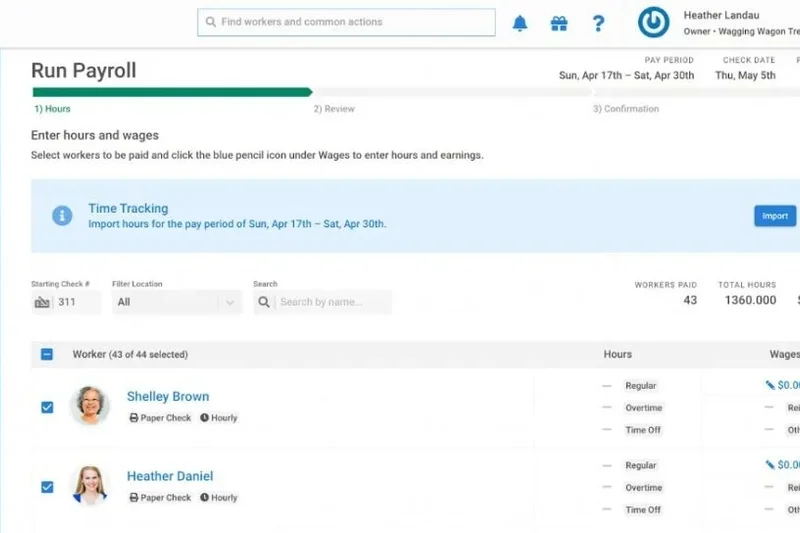
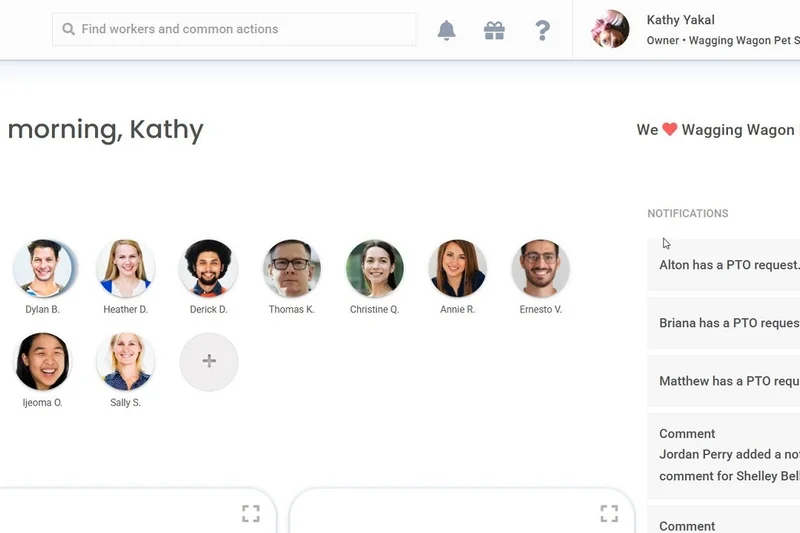
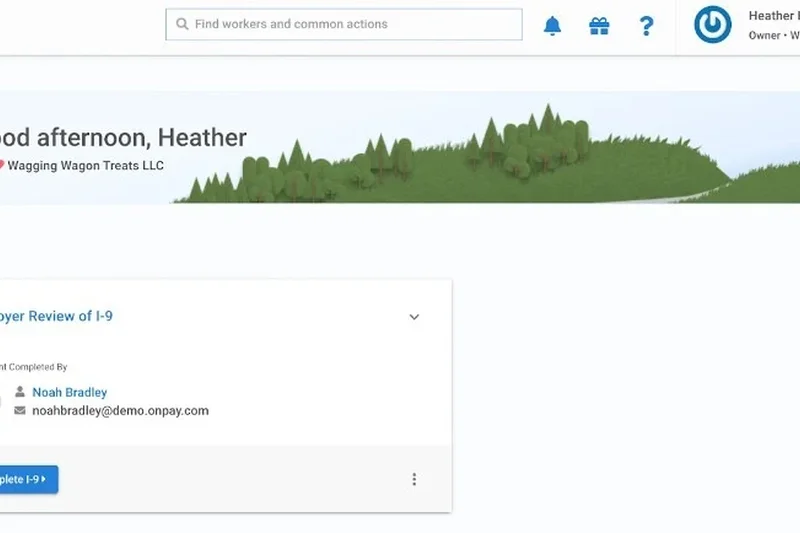
Why we picked it: OnPay earned our top spot for budget-friendly payroll by delivering an astonishing amount of value without compromising on critical tax compliance. While many entry-level platforms lure you in with low base rates and then nickel-and-dime you for W-2 generation or multi-state filings, OnPay offers a refreshing, flat-rate pricing model. At just $49 a month plus $6 per user, businesses get unlimited payroll runs, full-service tax filing in all 50 states, and a tax accuracy guarantee. In our admin UX tests, the software proved incredibly straightforward, making it nearly impossible to make a costly error. It's a powerhouse for startups and small operations.
Key Specs
- Unlimited payroll runs
- Full-service tax filing in all 50 states
- Tax accuracy guarantee
- Built-in HR & onboarding tools
What we like
- Transparent, flat-rate pricing with no hidden fees
- Excellent, highly responsive customer support
- Tax accuracy guarantee brings peace of mind
What we don't like
- Fewer advanced HR integrations compared to Rippling
- Reporting builder isn't as customizable as enterprise tools
Best for: Bootstrapped startups, micro-businesses, and small companies prioritizing low costs and transparent pricing.
Considering OnPay vs Patriot? Both offer great value, but OnPay includes robust HR features and multi-state compliance built into its single tier.
The best value on the market, offering comprehensive, error-free tax compliance at a highly competitive flat rate.
Buy at OnPay official site#3 Gusto Plus

Why we picked it: Gusto Plus remains the gold standard for intuitive admin usability and robust employee benefits administration. For companies that don't have a dedicated HR department, Gusto steps in as a capable virtual assistant. It handles automated federal and state tax filings, manages next-day direct deposits, and offers an incredibly polished employee portal where staff can easily view pay stubs and request time off. What sets Gusto Plus apart in our testing is its seamless handling of complex benefits like health insurance and 401(k) contributions, syncing them flawlessly with payroll deductions.
Key Specs
- Automated federal & state tax filing
- Next-day direct deposit
- Multi-state payroll support
- Benefits administration
What we like
- Extremely intuitive and user-friendly interface
- Excellent built-in benefits administration
- Next-day direct deposit improves cash flow
What we don't like
- Customer support response times can occasionally lag
- Lacks the deep predictive analytics of enterprise software
Best for: Small to medium businesses seeking a user-friendly platform that seamlessly blends payroll with comprehensive benefits management.
Considering Gusto vs QuickBooks Payroll? Gusto offers a superior employee portal and benefits ecosystem, though QuickBooks wins on native accounting sync.
A beautifully designed, full-service payroll system that makes managing HR and benefits effortless for small business owners.
Buy at Gusto official site#4 Deel Global Payroll
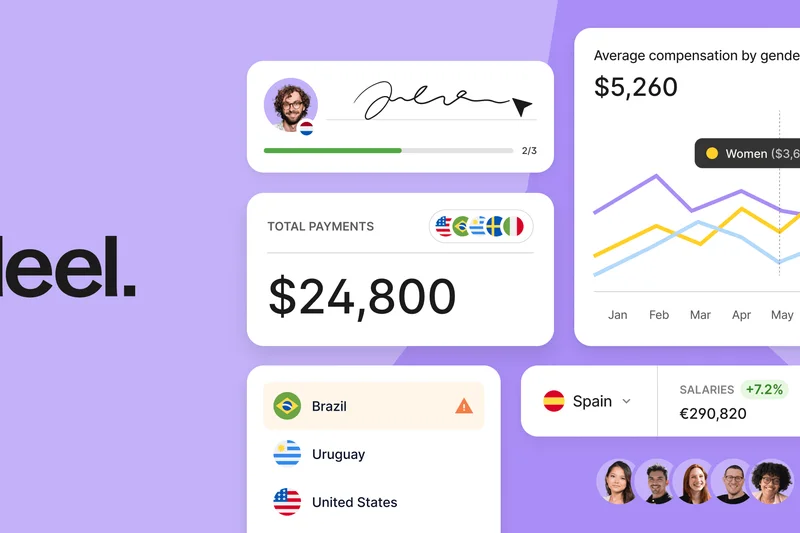
Why we picked it: As remote work breaks down geographical barriers, Deel Global Payroll has emerged as the definitive solution for companies hiring across borders. Deel scored a perfect 10/10 in our Core Payroll & Tax Compliance dimension because it masterfully navigates the labyrinth of localized tax laws, statutory benefits, and currency conversions in over 100 countries. Instead of juggling multiple local providers and fragmented spreadsheets, administrators can execute consolidated multi-currency pay runs with a single click. The platform’s ability to act as an Employer of Record (EOR) while simultaneously handling direct payroll for established entities makes it a remarkably flexible tool for a globalized workforce.
Key Specs
- Payroll consolidation in 100+ countries
- Localized tax compliance & deductions
- One-click multi-currency payments
- Global benefits administration
What we like
- Flawless execution of international compliance and taxes
- Consolidated dashboard for a truly global workforce
- Supports over 120 currencies with transparent exchange rates
What we don't like
- Overkill for businesses operating strictly domestically
- Pricing can be premium depending on the country and EOR services
Best for: Remote-first companies and enterprises looking to hire and pay employees or contractors internationally without compliance risks.
Considering Deel vs Remote? Both are elite global platforms, but Deel offers a slightly broader coverage map and more flexible payment rails.
The premier choice for global organizations needing to seamlessly consolidate payroll and tax compliance across multiple countries.
Buy at Deel official site#5 Remote Global Payroll
Why we picked it: Remote Global Payroll is a powerhouse platform that simplifies the incredibly complex task of paying international employees. Designed with a flat-rate pricing model and a keen focus on local compliance, Remote ensures that cross-border payments are executed flawlessly. In our evaluations, the system excelled at automating local tax withholdings and statutory contributions, giving employers full confidence when expanding into new territories. Its built-in time and attendance tracking syncs perfectly with global pay runs, making it an essential tool for distributed teams.
Key Specs
- Consolidated multi-country pay runs
- Automated local tax compliance
- Flat-rate pricing per employee
- One-click cross-border payments
What we like
- Transparent, flat-rate pricing with no surprises
- Extensive local legal and tax compliance safeguards
- Highly intuitive interface for both admins and international staff
What we don't like
- Primarily designed for international teams; domestic-only firms have cheaper options
- Advanced HRIS integrations are still evolving
Best for: Growing businesses and tech startups operating with a highly distributed, international workforce.
Considering Remote vs Papaya Global? Remote is slightly more intuitive for smaller distributed teams, while Papaya excels in enterprise-scale analytics.
A highly secure and user-friendly platform that removes the regulatory headaches of hiring and paying an international team.
Buy at Remote official site#6 Papaya Global

Why we picked it: Papaya Global brings enterprise-grade AI and comprehensive analytics to international payroll. Supporting over 160 countries, Papaya utilizes an AI-powered compliance engine to detect fraud and ensure localized tax adherence. We were impressed by its consolidated reporting dashboards that give CFOs unprecedented visibility into global labor costs. It excels for companies that have a sprawling global footprint and require deep analytical tools alongside automated payment rails.
Key Specs
- AI-powered compliance engine
- Support for 160+ countries
- Automated payment rails in 120+ currencies
- Built-in fraud detection
What we like
- Exceptional global reporting and cost analytics
- Advanced fraud detection algorithms
- Massive country support network
What we don't like
- Implementation can be lengthy for complex setups
- Interface is highly analytical, which may intimidate novice users
Best for: Large organizations needing deep analytics and rigorous compliance tools across dozens of international jurisdictions.
Considering Papaya Global vs Deel? Papaya provides slightly more robust predictive analytics for CFOs, while Deel is faster to deploy for startups.
An elite, AI-driven global payroll solution tailored for enterprise analytics and uncompromising worldwide compliance.
Buy at Papaya Global official site#7 APS Payroll
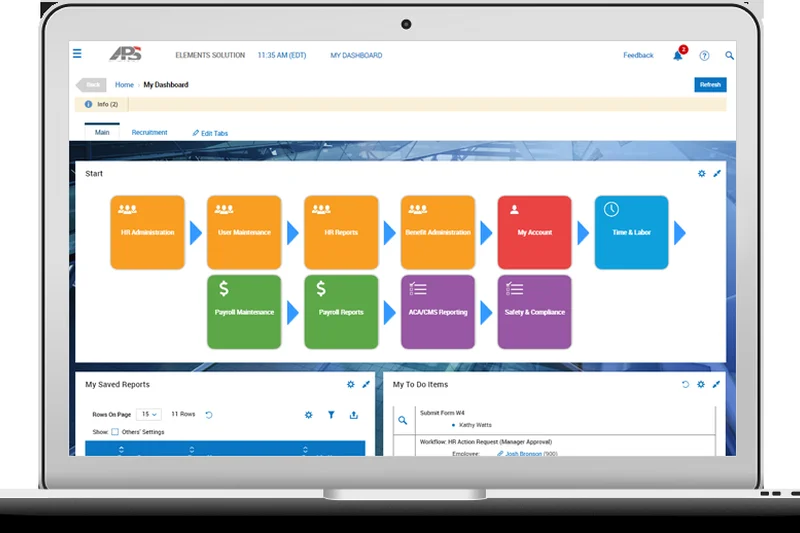
Why we picked it: APS Payroll provides mid-market companies with an exceptional blend of automated compliance and white-glove customer support. Scoring an impressive 9/10 in our Support & Reliability dimension, APS differentiates itself by offering dedicated account teams rather than generic call centers. The software seamlessly integrates general ledger data and streamlines paperless onboarding, making it a highly reliable engine for HR departments seeking a customized touch.
Key Specs
- Automated tax filing & compliance
- General ledger API integrations
- Dedicated account support team
- Paperless onboarding sync
What we like
- Outstanding dedicated customer support
- Strong custom reporting options
- Reliable automated tax management
What we don't like
- Interface feels slightly dated compared to newer SaaS rivals
- Pricing requires a custom quote, lowering transparency
Best for: Mid-market businesses that prioritize having a dedicated, highly responsive support team over flashy UI design.
Considering APS vs Paylocity? APS wins on personalized customer service, whereas Paylocity offers a more modern interface and deeper mobile features.
A steadfast mid-market solution that balances robust tax automation with industry-leading, dedicated customer support.
Buy at APS official site#8 Justworks Payroll
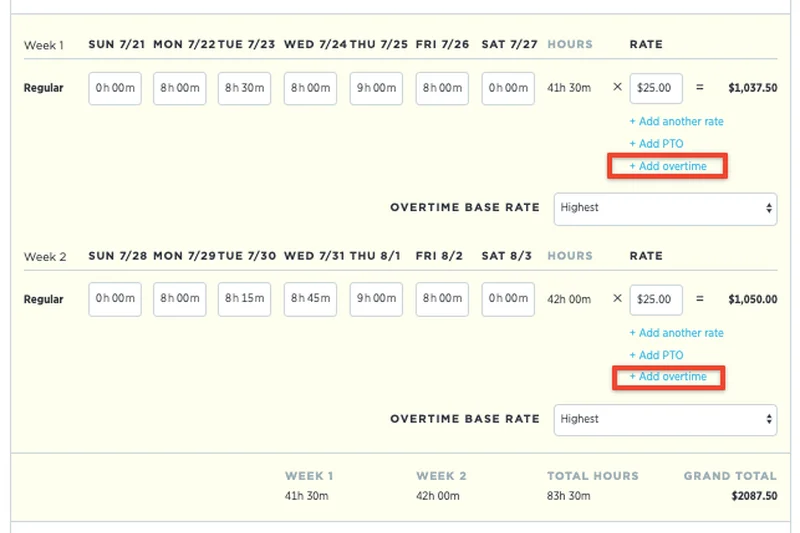
Why we picked it: Justworks merges full-service payroll with the power of a Professional Employer Organization (PEO), making it a top choice for startups looking to access enterprise-level benefits. By co-employing your staff, Justworks handles all automated tax compliance, W-2s, workers' comp, and EPLI coverage seamlessly in the background. Its employee interface is notoriously clean and easy to navigate, dramatically reducing the HR burden on small teams.
Key Specs
- Full-service payroll processing
- Automated tax compliance & W-2s
- Access to enterprise-level benefits
- 24/7 expert HR support
What we like
- Grants access to premium, affordable health benefits
- Hands-off compliance and risk management
- Extremely clean, modern user interface
What we don't like
- PEO model means higher per-employee costs
- Less flexibility in choosing your own bespoke benefit providers
Best for: Well-funded startups and small businesses that want to outsource HR liabilities and offer premium benefits to compete for top talent.
Considering Justworks vs TriNet? Justworks has a more transparent, user-friendly approach, while TriNet caters to highly specific industry verticals.
An elegant PEO and payroll solution that effortlessly handles compliance while giving small teams big-company benefits.
Buy at Justworks official site#9 Dayforce Payroll
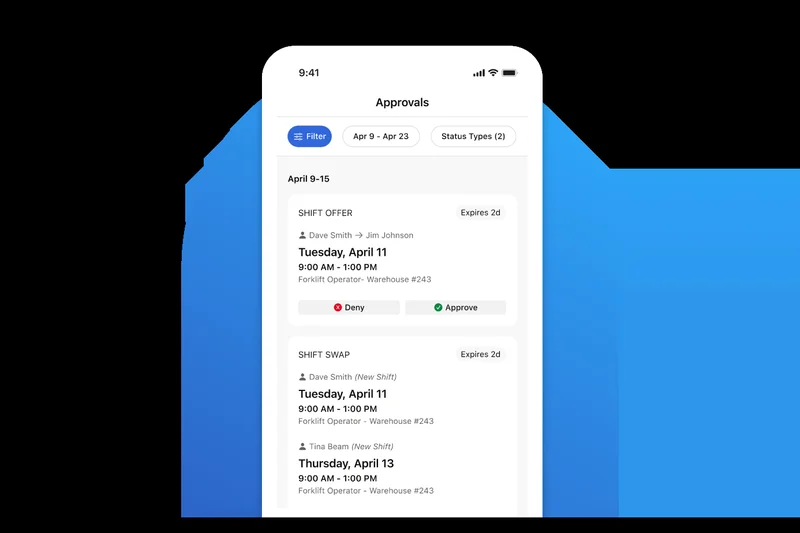
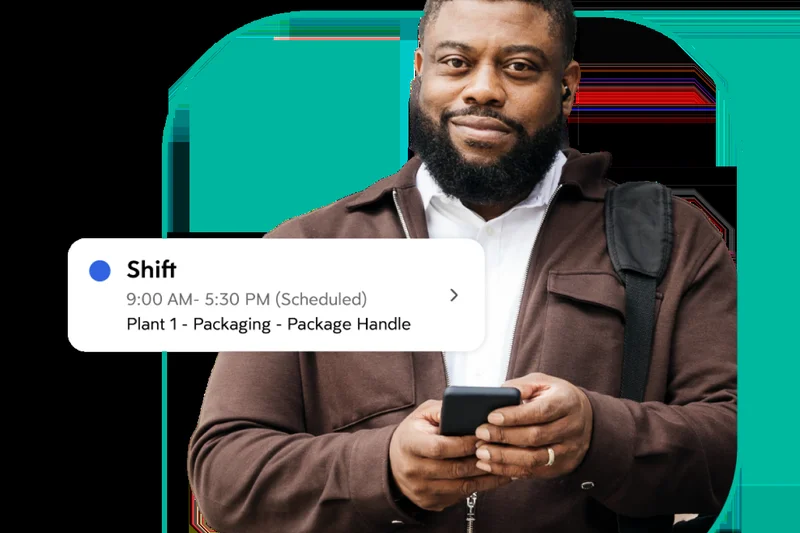
Why we picked it: Dayforce by Ceridian is an enterprise behemoth featuring a continuous calculation engine that updates net pay in real-time as timecards are approved. This eliminates the stressful batch-processing crunch at the end of a pay period. With robust global gross-to-net processing, predictive analytics, and enterprise-grade security, Dayforce caters brilliantly to highly complex, multi-national corporations that require flawless real-time labor tracking.
Key Specs
- Continuous calculation technology
- Real-time pay analytics
- Global gross-to-net processing
- Enterprise-grade data security
What we like
- Continuous calculation drastically reduces payroll processing time
- Incredible depth of real-time analytics
- Handles the most complex union and global pay rules
What we don't like
- Prohibitively expensive for small businesses
- Implementation requires significant time and dedicated project management
Best for: Large enterprises with complex, dynamic workforces that need real-time data visibility and continuous payroll processing.
Considering Dayforce vs Workday? Dayforce’s continuous calculation engine is superior for hourly environments, while Workday excels in broader financial planning.
A highly advanced enterprise solution that transforms payroll from a stressful batch process into a smooth, continuous operation.
Buy at Ceridian official site#10 Oyster Global Payroll
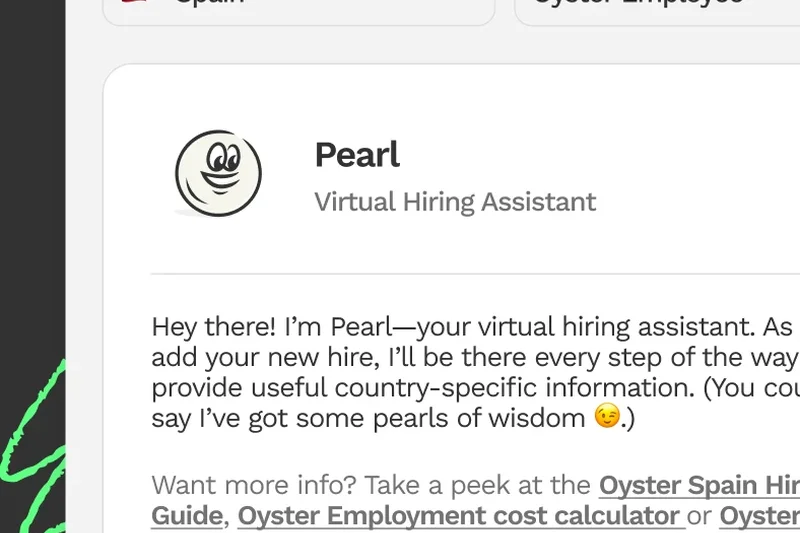
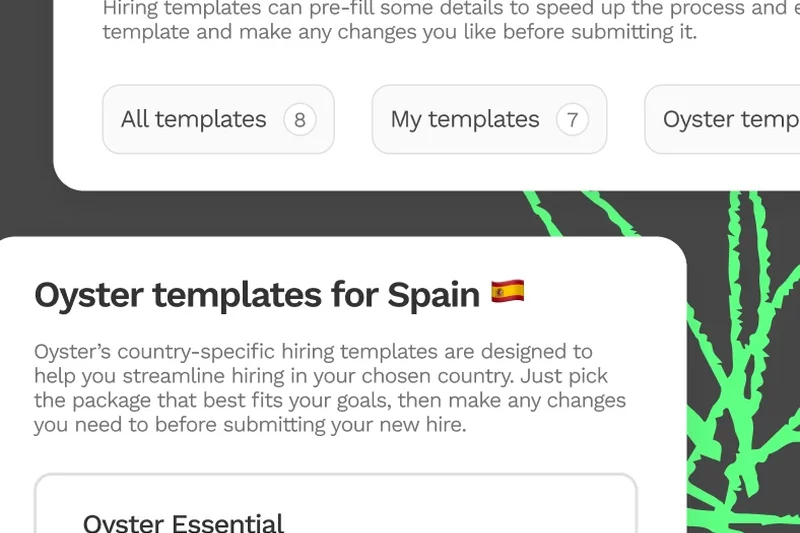
Why we picked it: Oyster Global Payroll is a streamlined, highly effective platform for executing multi-country payrolls and cross-border payments. It allows companies to effortlessly pay staff in over 120 currencies while maintaining automated local compliance. Oyster differentiates itself with excellent centralized document management and expense reimbursement syncs, providing a frictionless experience for both remote workers and HR administrators.
Key Specs
- Multi-country payroll execution
- Cross-border payments in 120+ currencies
- Automated local compliance & taxes
- Centralized document management
What we like
- Smooth, automated multi-currency payments
- Great centralized platform for compliance documents
- User-friendly interface for remote employees
What we don't like
- Pricing can accumulate quickly as team size grows
- Customer support responses can be delayed during peak hours
Best for: Companies building borderless teams that need a reliable, straightforward system to manage international payments and documentation.
Considering Oyster vs Multiplier? Both are highly capable; Oyster tends to have a slight edge in document management UX.
A seamless and reliable global payroll platform that simplifies cross-border payments and international compliance.
Buy at Oyster official site#11 Multiplier Payroll
Why we picked it: Multiplier provides a powerful global payroll engine focused on localized tax calculations and multi-currency direct deposits. It handles statutory benefits administration flawlessly, ensuring that international employees receive localized payslips that adhere strictly to regional laws. Its transparent exchange rates and solid administrative controls make it a highly trustworthy choice for global hiring.
Key Specs
- Localized tax calculations & filings
- Multi-currency direct deposits
- Statutory benefits administration
- Transparent exchange rates
What we like
- Excellent localization of taxes and benefits
- Transparent, competitive currency exchange rates
- Easy generation of compliant payslips globally
What we don't like
- Integration ecosystem is still expanding
- Reporting functions are somewhat basic
Best for: Mid-sized businesses looking for a highly compliant and financially transparent way to pay international contractors and employees.
Considering Multiplier vs Deel? Deel offers more mature integrations, but Multiplier's pricing is highly competitive for specific regions.
A straightforward and compliant global platform that excels at transparent currency conversions and localized taxation.
Buy at Multiplier official site#12 Paylocity Payroll
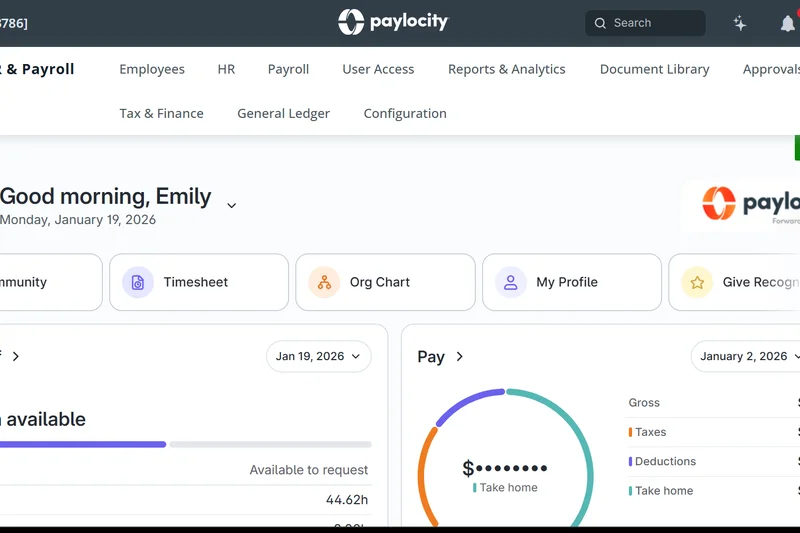
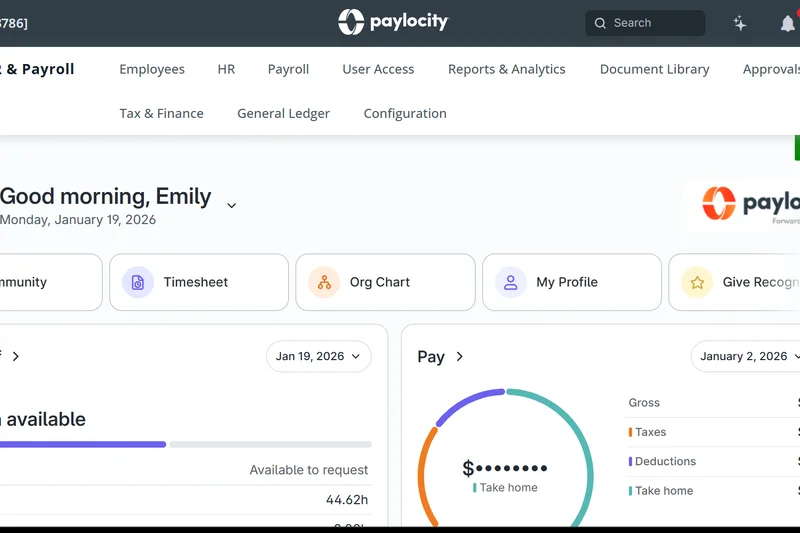
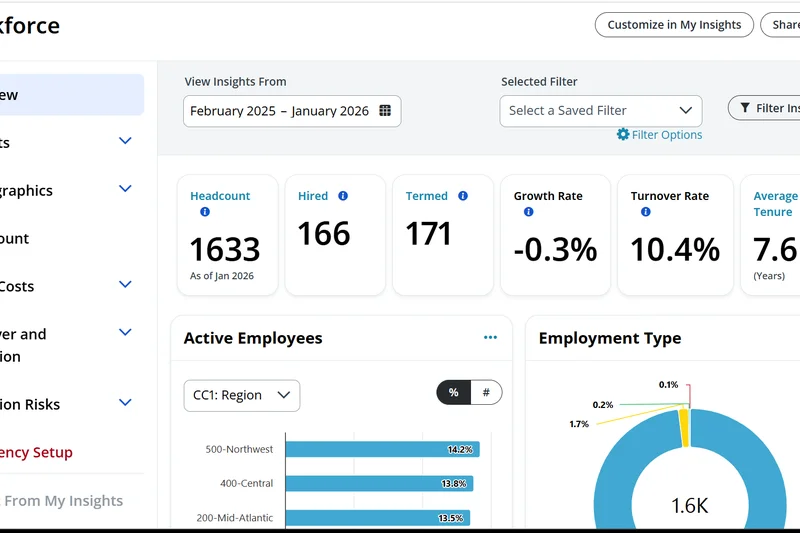
Why we picked it: Paylocity is a mid-market powerhouse offering configurable multi-state pay rules and a highly flexible custom reporting builder. We noted its advanced pre-process audits, which help administrators catch errors before the payroll run is finalized. Combined with strong expense management integration and on-demand pay features, it serves growing companies exceptionally well.
Key Specs
- Configurable multi-state pay rules
- Advanced pre-process audits
- Expense management integration
- Robust custom reporting builder
What we like
- Deeply customizable reporting engine
- Pre-process audits prevent costly mistakes
- Excellent integration with accounting software
What we don't like
- Admin interface has a steep learning curve
- Implementation can occasionally be bumpy
Best for: Mid-sized companies that require high customizability, detailed reporting, and complex multi-state compliance.
Considering Paylocity vs Paycor? Paylocity edges out with slightly better custom reporting, while Paycor focuses heavily on pay equity analytics.
A highly configurable mid-market HCM solution that empowers administrators with deep reporting and pre-run error detection.
Buy at Paylocity official site#13 Paycor Payroll
Why we picked it: Paycor delivers comprehensive automated tax filing alongside robust pay equity and compensation analytics. Its platform is highly praised for deep accounting software integrations and mobile clock-in functionality. Paycor effectively reduces administrative burden while giving leaders insights into labor costs and compensation trends, making it ideal for HR-focused leadership teams.
Key Specs
- Automated tax filing & notifications
- Pay equity & compensation analytics
- Deep accounting software integrations
- Mobile clock-in and pay stub access
What we like
- Outstanding compensation and pay equity analytics
- Reliable automated tax notifications
- Strong mobile application for employees
What we don't like
- Pricing structure is opaque and requires negotiation
- Admin UX can occasionally feel cluttered
Best for: Mid-market companies that want to utilize payroll data for deeper compensation and pay equity analysis.
Considering Paycor vs UKG Ready? Paycor is often more accessible for smaller mid-market firms, while UKG scales better into the enterprise level.
A robust payroll and HR solution that turns standard wage data into powerful compensation insights.
Buy at Paycor official site#14 Paycom Beti
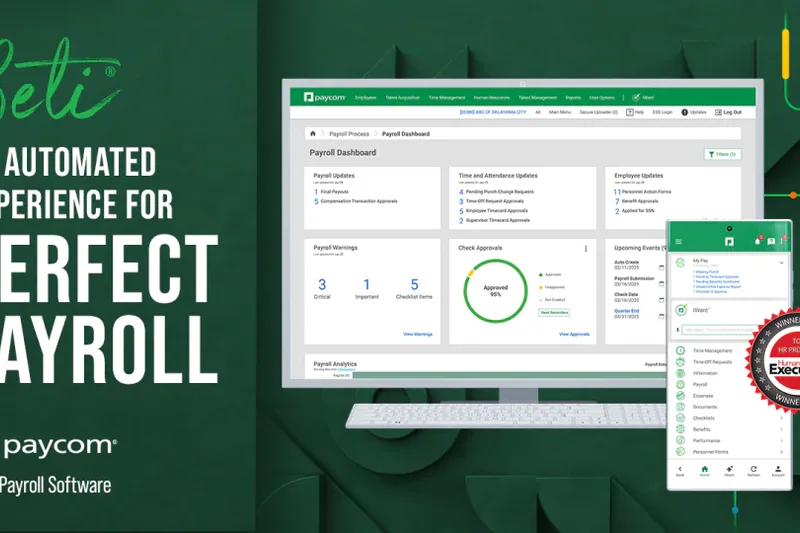
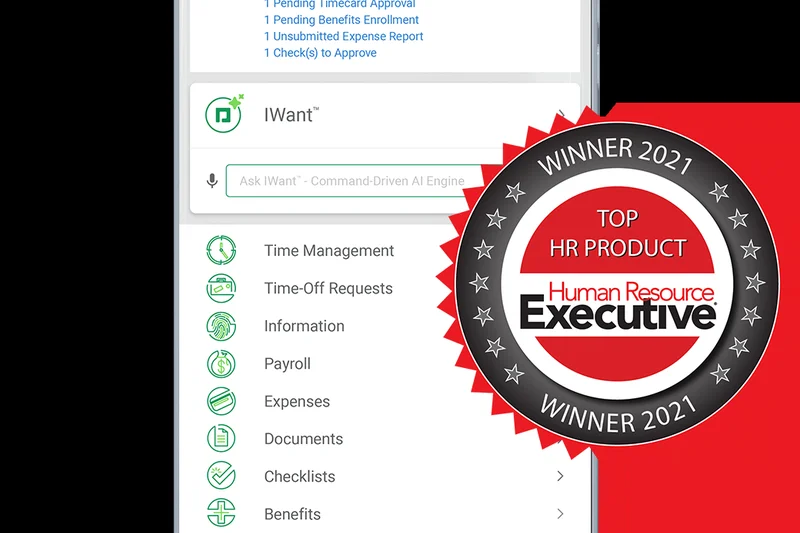
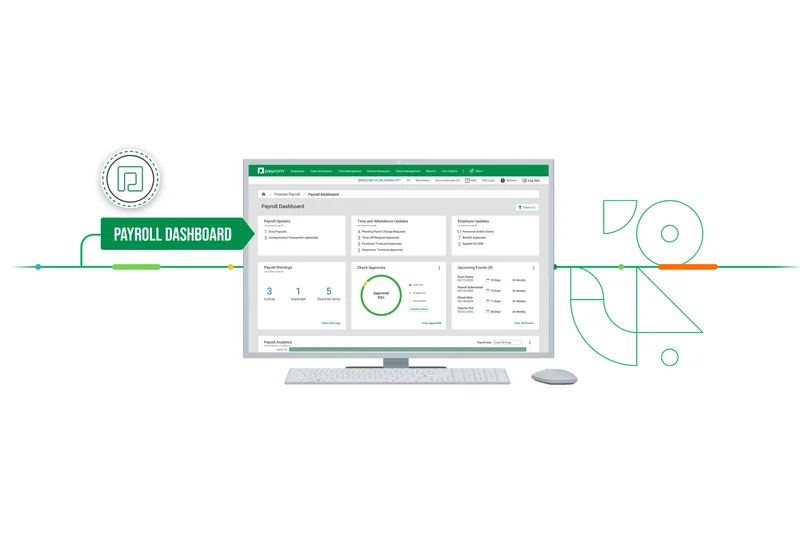
Why we picked it: Paycom revolutionizes the payroll process with 'Beti', an employee-driven payroll verification system. By shifting the responsibility of verifying hours and deductions to the employees before payroll is processed, Beti drastically reduces HR corrections and post-run adjustments. Its single database architecture ensures that data flows instantly without syncing delays.
Key Specs
- Employee-driven payroll verification (Beti)
- Single database architecture
- Automated direct deposit processing
- Comprehensive tax management
What we like
- Beti system drastically reduces administrative errors
- True single-database architecture prevents data silos
- Empowers employees with unparalleled self-service
What we don't like
- Premium pricing model
- The shift to employee verification requires a culture change
Best for: Organizations seeking to minimize HR administrative overhead by empowering employees to verify their own paychecks.
Considering Paycom vs Dayforce? Paycom focuses heavily on employee-driven verification, while Dayforce emphasizes continuous background calculation.
An innovative, single-database platform that practically eliminates HR payroll corrections by making employees verify their own data.
Buy at Paycom official site#15 Workday Payroll
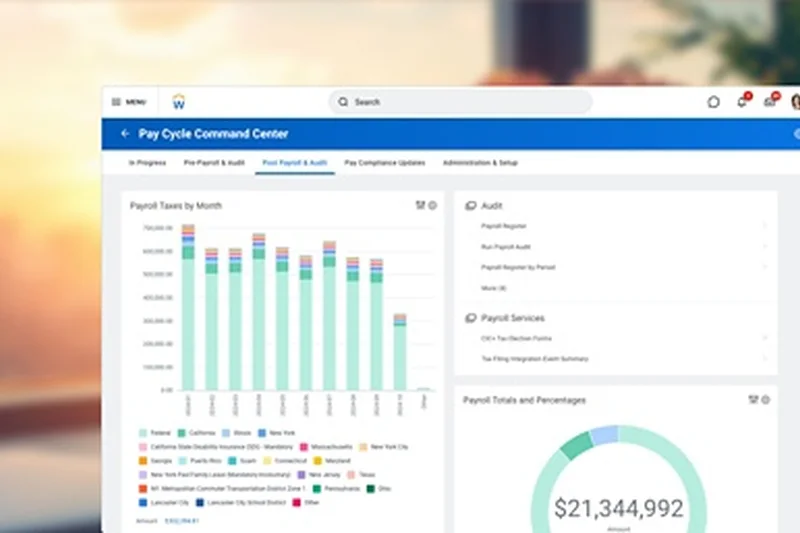
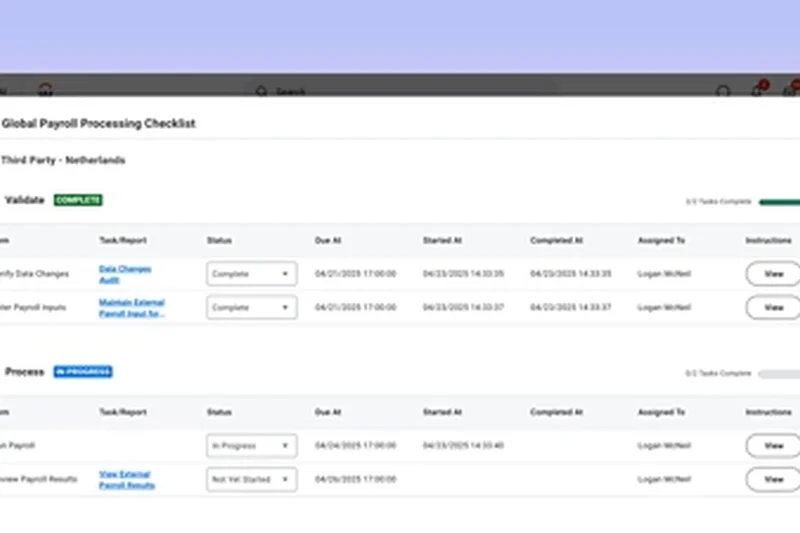
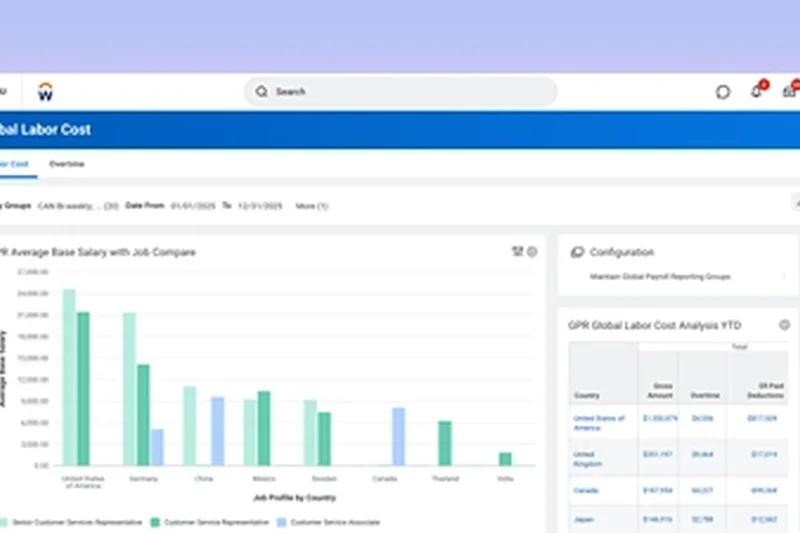
Why we picked it: Workday remains the undisputed titan of enterprise HCM, scoring a perfect 10/10 in our Reporting & Analytics dimension. It features a continuous payroll calculation engine and real-time general ledger syncing that handles the world's most complex, globally distributed workforces. Its predictive analytics and highly configurable security roles make it the standard for Fortune 500 companies.
Key Specs
- Continuous payroll calculation engine
- Real-time general ledger sync
- Advanced predictive analytics
- Highly configurable security roles
What we like
- Unmatched predictive analytics and reporting depth
- Real-time syncing with enterprise ERPs
- Infinite scalability for global corporations
What we don't like
- Exorbitant costs put it out of reach for SMBs
- Notoriously complex and lengthy implementation process
Best for: Large-scale enterprises and multi-national corporations that require deep financial planning and total HR consolidation.
Considering Workday vs Paylocity? Workday is strictly for massive enterprises with complex global needs, while Paylocity serves the mid-market.
The gold standard for enterprise payroll, offering unmatched analytical power and global compliance for massive organizations.
Buy at Workday official site#16 Fingercheck Payroll
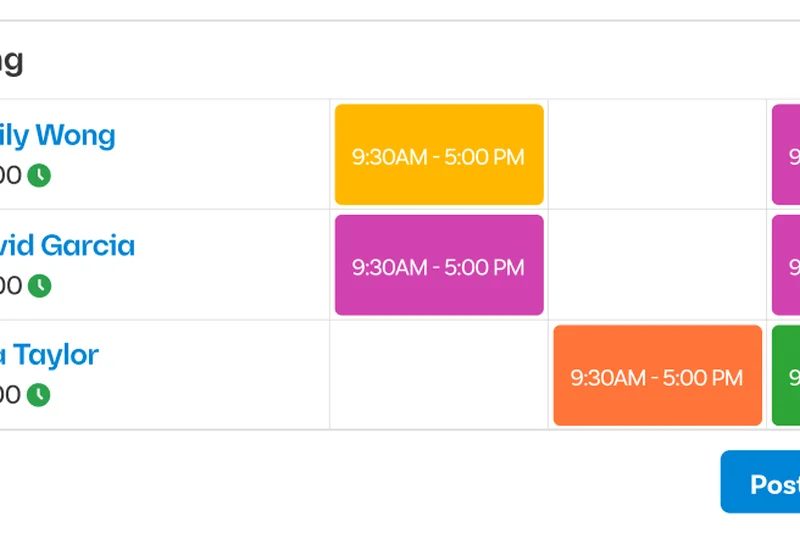
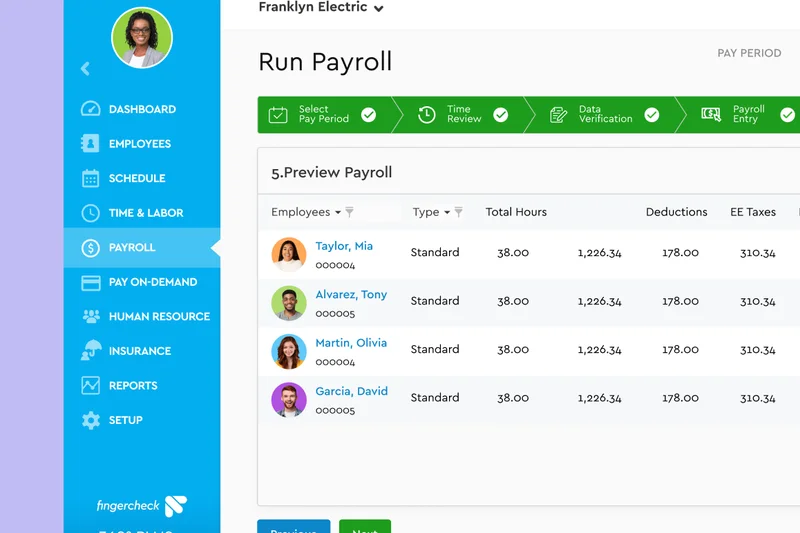
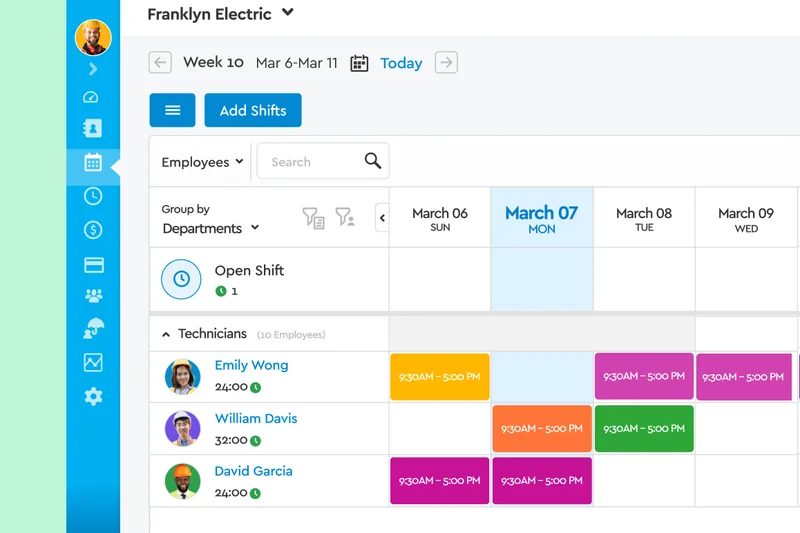
Why we picked it: Fingercheck is custom-built for industries reliant on hourly workforces, seamlessly integrating advanced time clock hardware with automated tax filing. It excels at job costing and labor tracking, allowing managers to allocate payroll expenses to specific projects instantly. Its custom approval workflows and on-demand pay capabilities make it a favorite in construction and field services.
Key Specs
- Advanced time clock hardware integration
- Automated tax filing in all 50 states
- Job costing and labor tracking
- Custom approval workflows
What we like
- Superb integration with physical time clocks
- Excellent job costing and labor tracking
- Highly customizable approval workflows
What we don't like
- Interface is functional but lacks modern polish
- Fewer built-in integrations for white-collar software
Best for: Construction, manufacturing, and field service businesses that require precise job costing and hardware time clock sync.
Considering Fingercheck vs Homebase? Fingercheck offers deeper hardware and job costing tools, while Homebase is better suited for retail and restaurants.
A highly capable payroll engine optimized for hourly workforces and complex job-costing requirements.
Buy at Fingercheck official site#17 Square Payroll
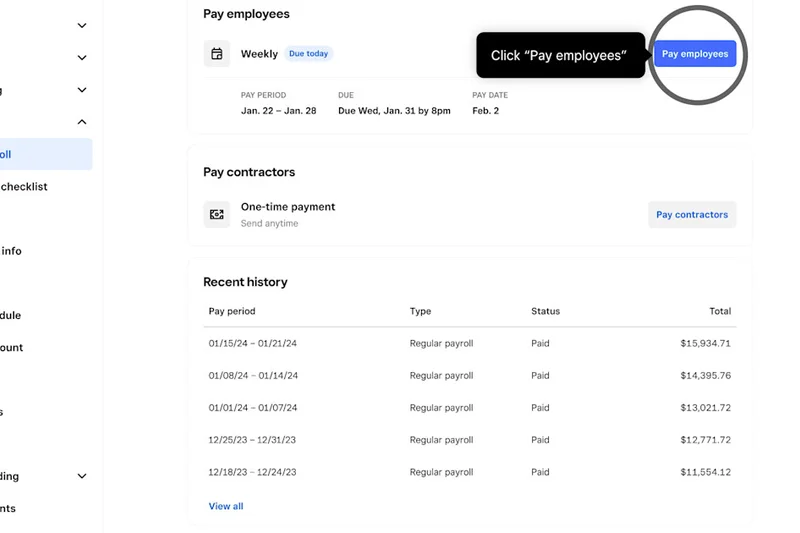
Why we picked it: Square Payroll offers unbeatable convenience for small businesses already utilizing the Square Point of Sale (POS) ecosystem. It provides full-service tax filing and automates tip distribution seamlessly from the register to the paycheck. With a straightforward contractor-only plan and integrated shift scheduling, it is a no-brainer for cafes, retail shops, and restaurants.
Key Specs
- Direct integration with Square POS
- Full-service tax filing & payments
- Automated tip distribution
- Contractor-only plan available
What we like
- Flawless integration with Square POS
- Automated tip distribution saves hours of math
- Extremely affordable for contractor-only businesses
What we don't like
- Lacks advanced HR features for growing companies
- Limited to basic reporting capabilities
Best for: Retailers, cafes, and restaurants already embedded in the Square POS ecosystem.
Considering Square vs Gusto? Square is perfect for tip-heavy retail, while Gusto offers far superior HR and benefits administration.
The ultimate frictionless payroll solution for retail and restaurant businesses operating on Square POS.
Buy at Square official site#18 BambooHR Payroll
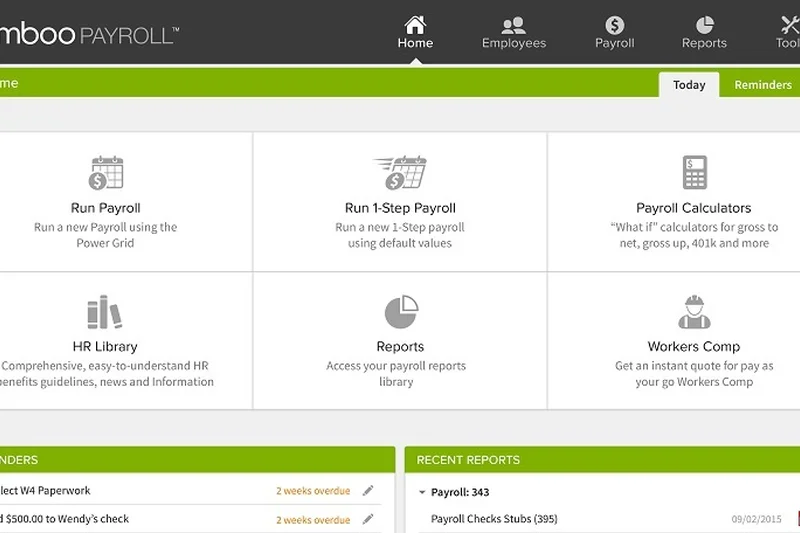
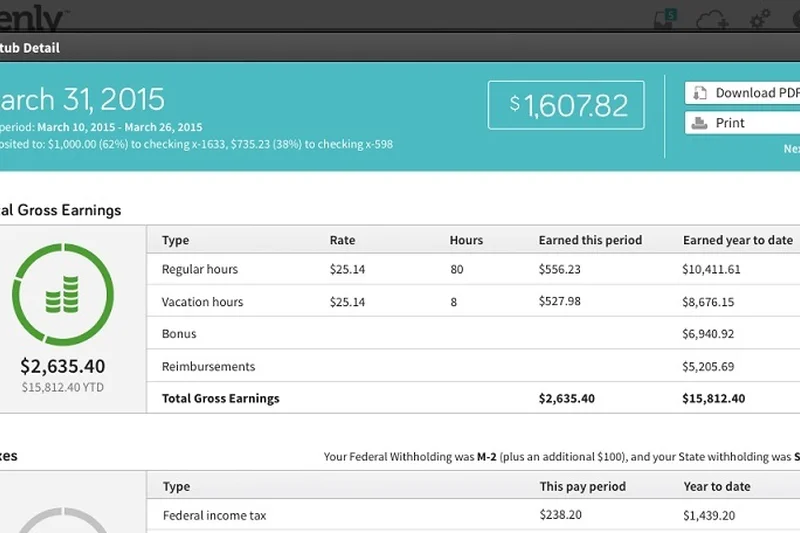
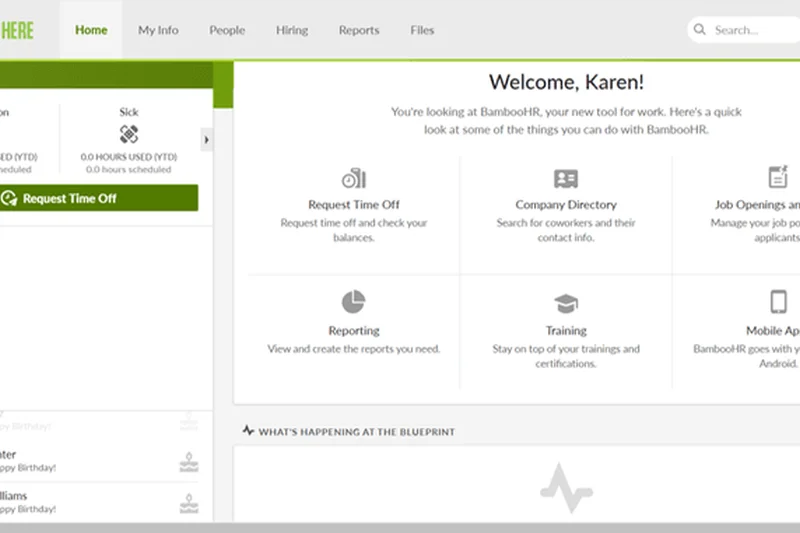
Why we picked it: BambooHR brings its trademark user-friendly design to payroll, providing a single-source database that eliminates the need to export data between HR and payroll systems. It handles automated federal and state tax filings and features a comprehensive employee self-service portal. The result is a highly streamlined experience that drastically reduces administrative errors for mid-sized teams.
Key Specs
- Single-source HR & payroll data
- Automated federal & state tax filing
- Comprehensive employee self-service
- Custom payroll reporting
What we like
- Beautiful, highly intuitive user interface
- Eliminates double data entry with single-source architecture
- Excellent onboarding and self-service portals
What we don't like
- Pricing is on the higher end for SMBs
- Payroll module is an add-on, not available standalone
Best for: Growing companies that already use or plan to use BambooHR’s core HRIS and want seamless payroll integration.
Considering BambooHR vs Rippling? BambooHR focuses on a warm, culture-centric HR experience, while Rippling focuses on IT and speed.
A beautifully designed, single-source HR and payroll platform that prioritizes employee experience and ease of use.
Buy at BambooHR official site#19 Criterion Payroll
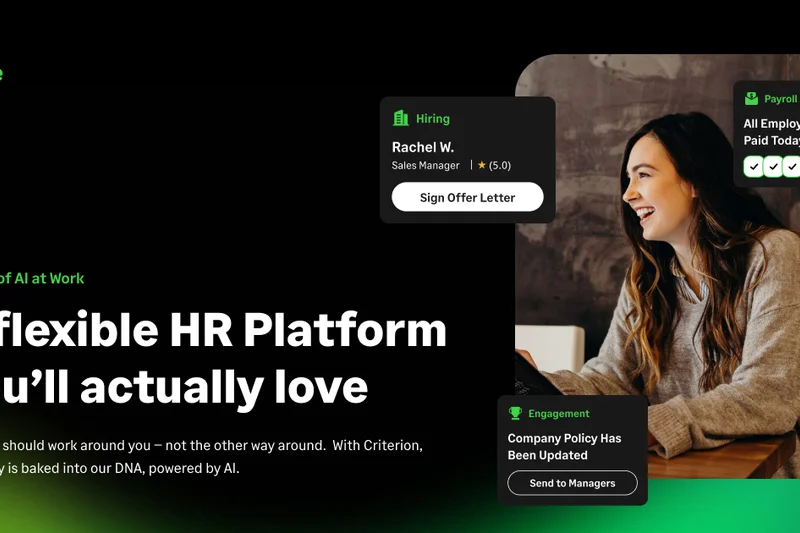
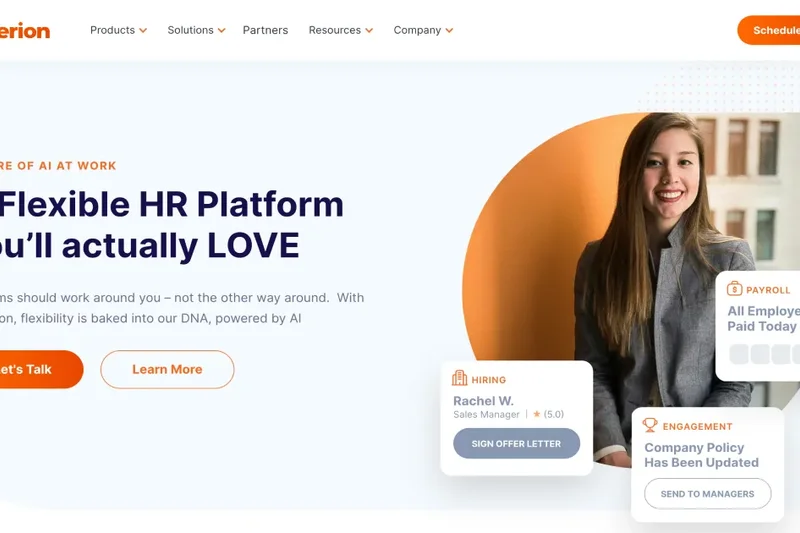
Why we picked it: Criterion Payroll is built for mid-market companies dealing with high-complexity scenarios, such as union prevailing wages, certified payroll tracking, and multi-EIN management. Its extensive open API allows for deep ERP integrations, and its custom tax mapping ensures compliance in complicated regulatory environments.
Key Specs
- Complex union & certified payroll tracking
- Multi-EIN management
- Extensive API for ERP integration
- Custom tax mapping
What we like
- Handles union and certified payrolls effortlessly
- Highly capable API for custom enterprise integrations
- Unlimited custom earning/deduction codes
What we don't like
- Steep learning curve for administrators
- Overkill for standard white-collar businesses
Best for: Construction, manufacturing, and enterprise firms that must navigate complex union rules and certified payrolls.
Considering Criterion vs eBacon? Both handle construction well, but Criterion offers a broader API for diverse ERP systems.
A heavy-duty mid-market payroll system engineered specifically to handle the complexities of union and multi-EIN workforces.
Buy at Criterion official site#20 RUN Powered by ADP
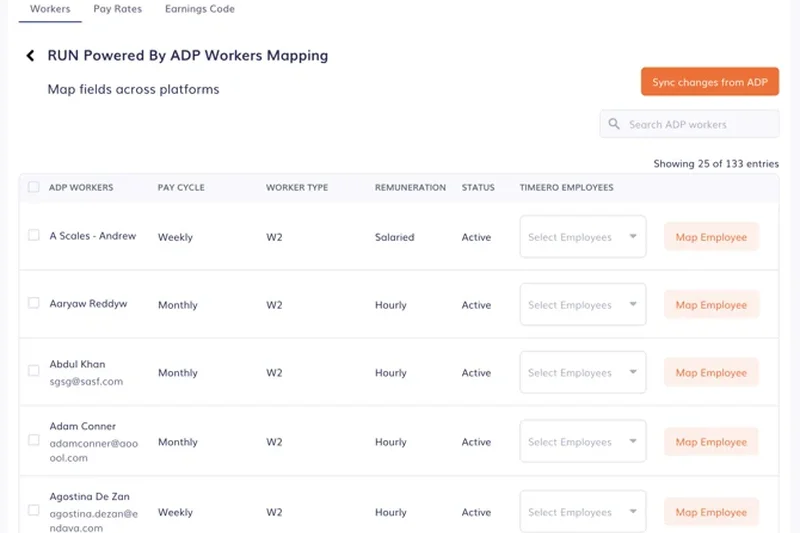
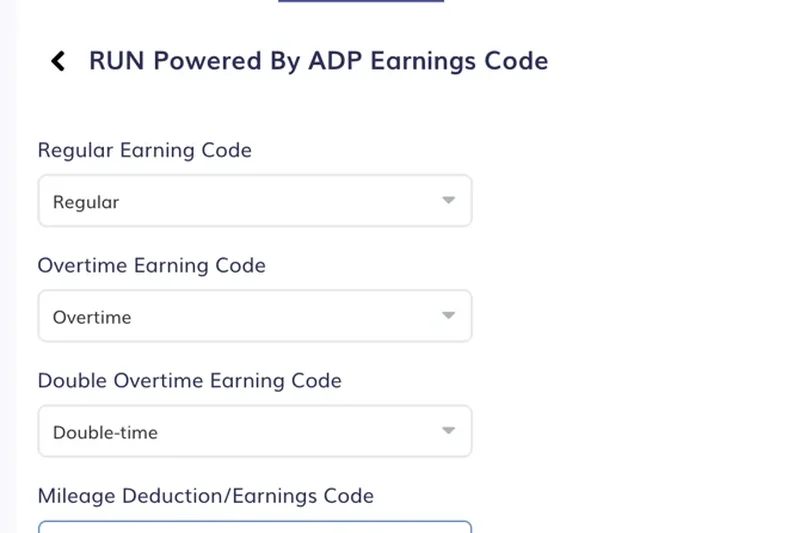
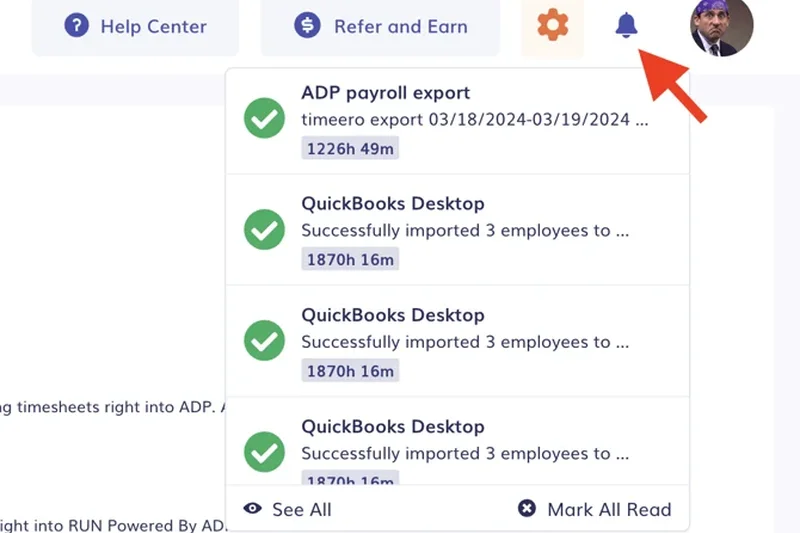
Why we picked it: RUN Powered by ADP leverages the massive infrastructure of ADP tailored for small businesses. It features built-in error detection algorithms and automated tax filing to ensure rock-solid compliance. With flexible pay options including direct deposit and pay cards, plus a mobile-friendly portal, it is a highly reliable choice backed by an industry titan.
Key Specs
- Automated tax filing & compliance updates
- Built-in error detection algorithms
- Flexible pay options (direct deposit, cards)
- Mobile-friendly employee self-service
What we like
- Backed by the immense reliability of ADP
- Strong automated error detection
- Highly scalable with HR add-on modules
What we don't like
- Pricing can escalate with necessary add-ons
- Customer service quality can vary
Best for: Small businesses that want the security, scalability, and robust compliance infrastructure of the industry's biggest brand.
Considering RUN by ADP vs Paychex Flex? Both are legacy titans, but RUN's interface has slightly better modernization for small business users.
A highly reliable, scalable payroll solution backed by the compliance expertise of an industry giant.
Buy at ADP official site#21 Paychex Flex Select
Why we picked it: Paychex Flex Select offers steadfast automated payroll tax administration combined with detailed labor cost reporting. Known for its 24/7 dedicated customer support, Paychex ensures that businesses have access to help whenever they need it. It handles new hire state reporting automatically, making it a safe and compliant choice for growing teams.
Key Specs
- Automated payroll tax administration
- New hire state reporting
- 24/7 dedicated customer support
- Detailed labor cost reporting
What we like
- Excellent 24/7 customer support
- Strong, reliable tax compliance and reporting
- Highly scalable into enterprise tiers
What we don't like
- Interface is less intuitive than modern startups
- Pricing is not transparent upfront
Best for: Risk-averse small to mid-sized businesses looking for a time-tested platform with round-the-clock support.
Considering Paychex vs Gusto? Gusto is vastly more user-friendly for startups, while Paychex offers more robust 24/7 traditional support.
A proven, dependable payroll and HR platform providing deep compliance tools and exceptional 24/7 support.
Buy at Paychex official site#22 UKG Ready Payroll
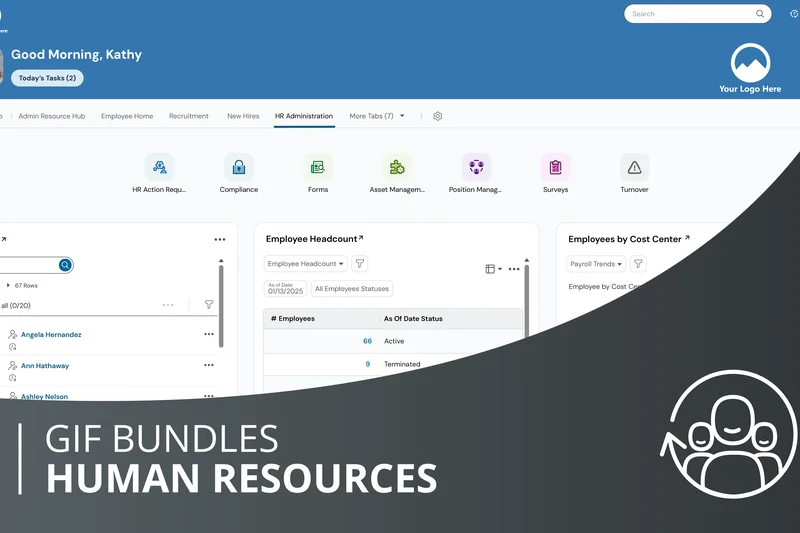
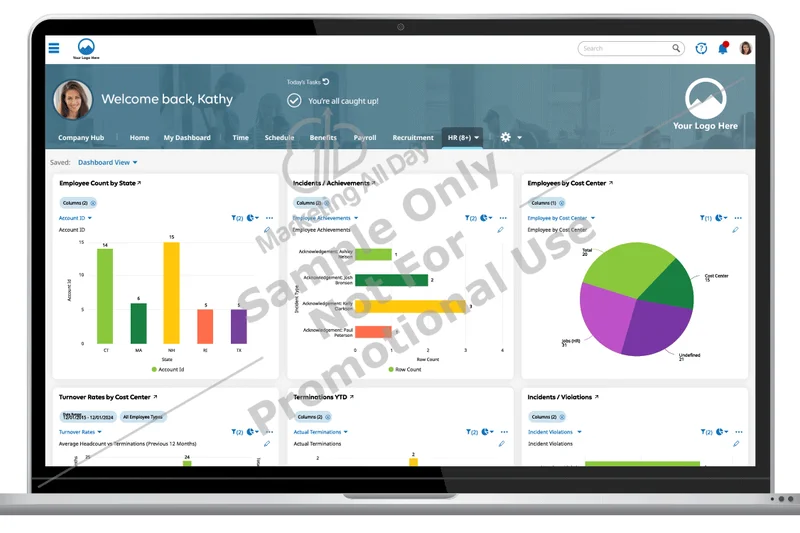
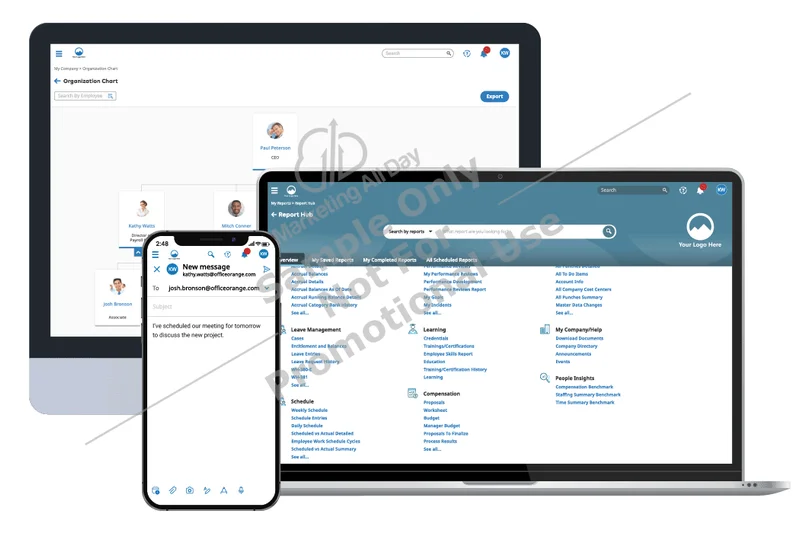
Why we picked it: UKG Ready brings mid-market companies automated gross-to-net calculations alongside proactive tax compliance alerts. Its interactive reporting dashboards provide deep insights into labor trends, while its mobile-first employee portal ensures high engagement. It handles complex garnishment and levy processing with ease.
Key Specs
- Automated gross-to-net calculations
- Proactive tax compliance alerts
- Garnishment and levy processing
- Interactive reporting dashboards
What we like
- Highly capable reporting and dashboard analytics
- Handles complex garnishments automatically
- Proactive alerts prevent compliance drift
What we don't like
- Pricing requires a custom enterprise quote
- Can be overly complex to implement
Best for: Mid-market companies that need robust compliance alerting and deep reporting without stepping up to full enterprise systems.
Considering UKG Ready vs Paylocity? UKG offers slightly stronger proactive compliance alerts, while Paylocity's pre-process audits are top tier.
A powerful mid-market solution featuring proactive compliance tools and deeply interactive labor analytics.
Buy at UKG official site#23 Homebase Payroll
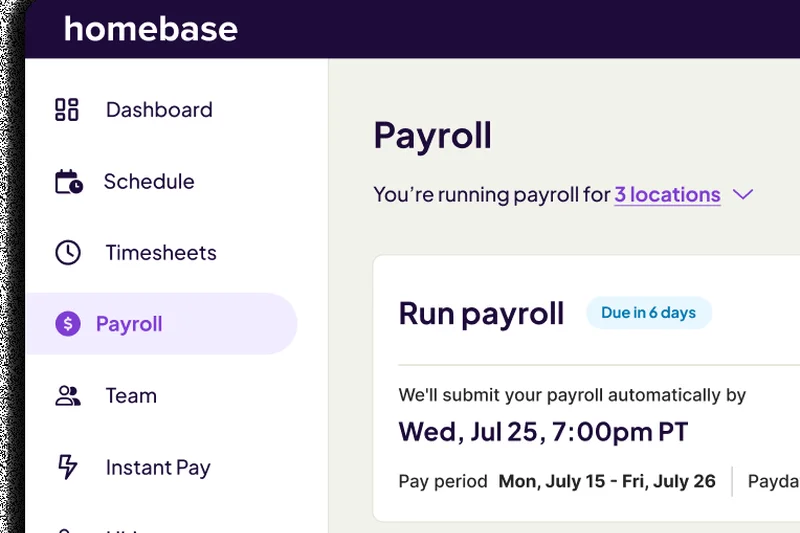
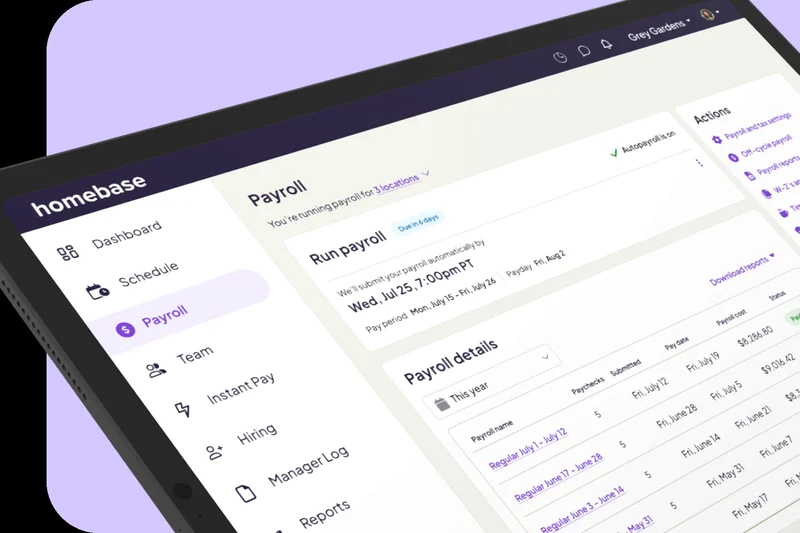
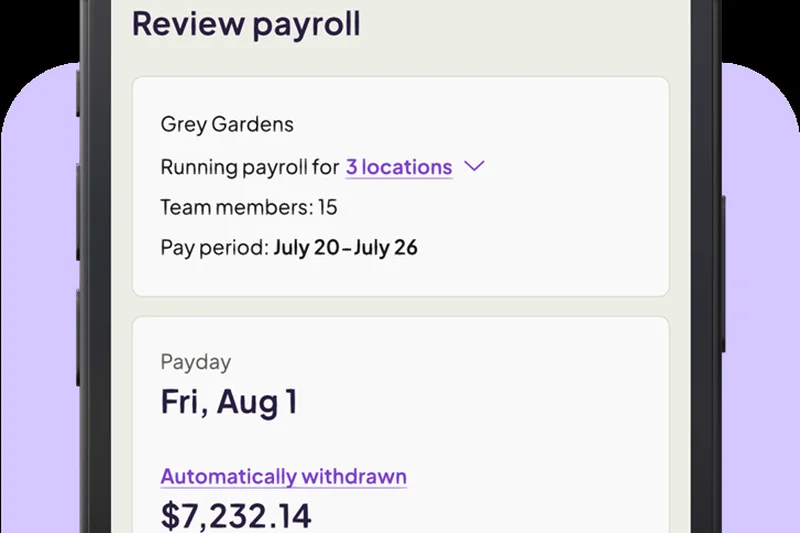
Why we picked it: Homebase Payroll is the perfect companion for local businesses running on hourly workforces. It syncs instantly with Homebase time clocks to provide full-service tax calculations and automated tip distribution. By offering early wage access, it provides a crucial benefit to hourly employees, improving retention in high-turnover industries.
Key Specs
- Instant sync with Homebase time clocks
- Full-service tax calculation & filing
- Automated tip distribution
- Early wage access for employees
What we like
- Seamless sync with its excellent time-tracking app
- Early wage access boosts employee satisfaction
- Automates tip distribution perfectly
What we don't like
- Not designed for salaried, white-collar teams
- Reporting is strictly tailored to hourly metrics
Best for: Local retail stores, cafes, and restaurants heavily reliant on part-time and hourly scheduling.
Considering Homebase vs Hourly? Homebase offers better team scheduling tools, while Hourly excels in workers' comp integration.
An incredibly efficient payroll tool that eliminates the headache of scheduling, tip tracking, and paying hourly staff.
Buy at Homebase official site#24 Hourly Payroll
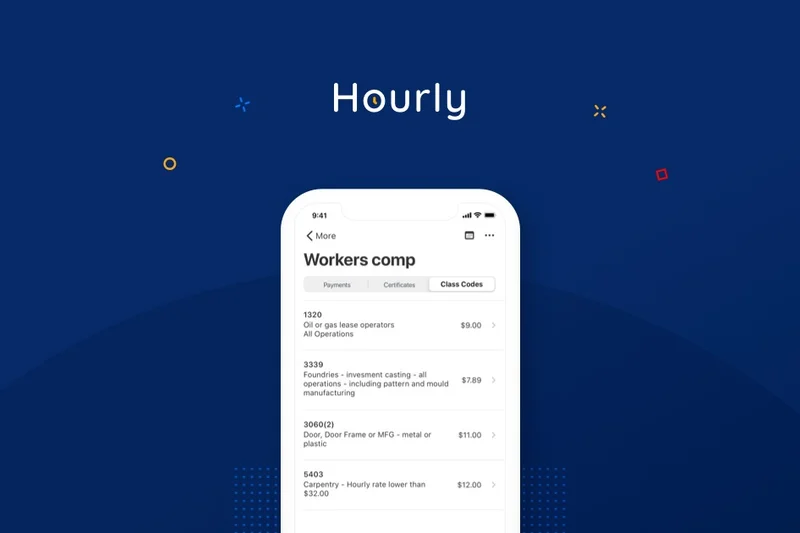
Why we picked it: Hourly Payroll combines real-time workers' comp syncing with precise GPS and geofenced time tracking. With one-click payroll processing, it automatically calculates local tax withholdings based on the exact locations where field workers clock in. Its mobile-first interface is exceptionally designed for construction, trades, and field service teams.
Key Specs
- One-click payroll processing
- Real-time worker's comp sync
- GPS & geofenced time tracking
- Automated local tax withholding
What we like
- Real-time workers' comp calculation saves money
- Precise GPS tracking for field workers
- Incredibly fast one-click payroll processing
What we don't like
- Niche focus makes it unsuitable for standard offices
- Fewer integrations with massive ERP systems
Best for: Field service businesses, contractors, and tradesmen who need precise location-based tracking and automated workers' comp.
Considering Hourly vs Fingercheck? Hourly offers superior mobile GPS features and workers' comp syncing.
The absolute best payroll software for mobile, blue-collar workforces needing GPS tracking and real-time workers' comp.
Buy at Hourly official site#25 QuickBooks Payroll Premium
Why we picked it: QuickBooks Payroll Premium scored a perfect 10/10 for integrations due to its flawless native sync with QuickBooks Online. It offers same-day direct deposit and automatic tax calculations, backed by tax penalty protection up to $25k. With built-in time tracking, it keeps everything under the Intuit ecosystem.
Key Specs
- Same-day direct deposit
- Automatic tax calculations & filing
- Tax penalty protection up to $25k
- Native QuickBooks Online integration
What we like
- Flawless integration with QuickBooks Online
- Same-day direct deposit capability
- Valuable $25k tax penalty protection
What we don't like
- Employee self-service portal is relatively basic
- Customer support can be slow to resolve complex issues
Best for: Small businesses already using QuickBooks Online that want the most frictionless accounting integration possible.
Considering QuickBooks Payroll vs Gusto? QuickBooks is better for strict accounting sync, while Gusto is much better for overall HR management.
A reliable, fast payroll processor that natively completes the QuickBooks accounting ecosystem.
Buy at Intuit official site#26 Viventium Payroll
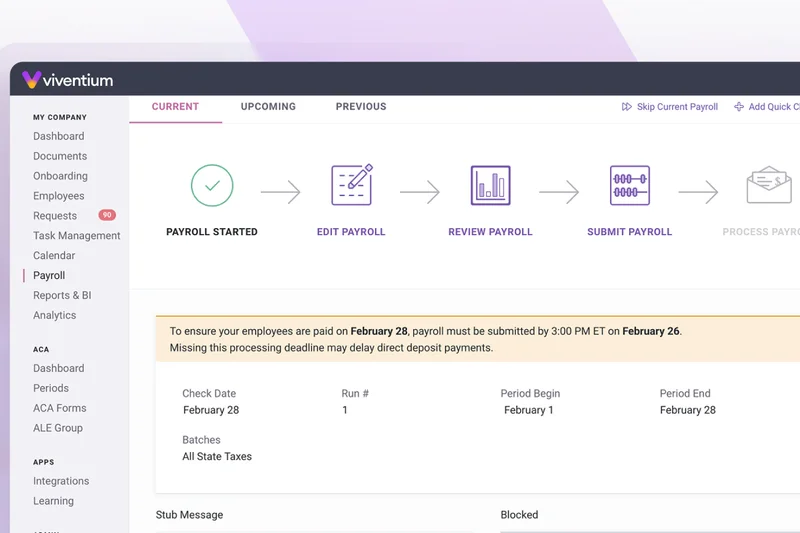
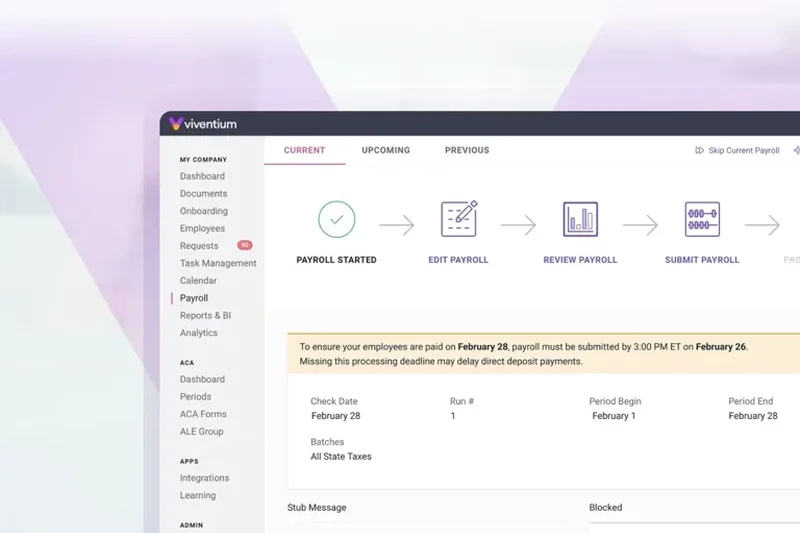
Why we picked it: Viventium is precision-engineered for the healthcare industry, specifically post-acute care. It handles Payroll-Based Journal (PBJ) reporting seamlessly and automates complex shift differential calculations. With integrated time and attendance and strict compliance tracking, it is the premier choice for nursing facilities and home health agencies.
Key Specs
- Post-acute care specific compliance
- PBJ (Payroll-Based Journal) reporting
- Shift differential calculations
- Automated tax filing
What we like
- Industry-leading PBJ reporting for healthcare
- Handles complex nursing shift differentials
- Deep understanding of healthcare compliance
What we don't like
- Highly specialized, not for general businesses
- Admin interface has a learning curve
Best for: Post-acute healthcare facilities, nursing homes, and home health agencies needing strict PBJ compliance.
Considering Viventium vs standard ADP? Viventium's specialized healthcare reporting makes it vastly superior for nursing facilities.
A highly specialized payroll engine designed specifically to conquer the compliance hurdles of the healthcare industry.
Buy at Viventium official site#27 isolved Payroll
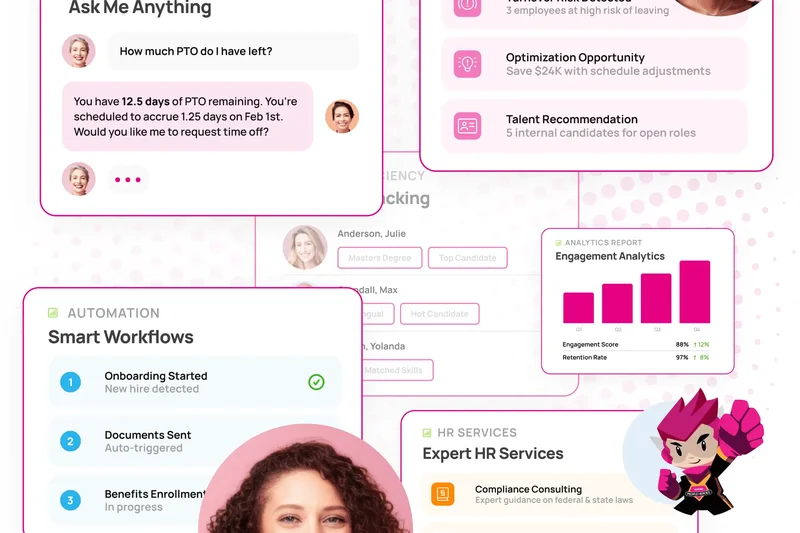
Why we picked it: isolved provides an end-to-end HCM experience with a highly comprehensive tax compliance engine. It handles multi-state taxes and complex garnishments smoothly while integrating time and attendance data. Its customizable general ledger exports make it a highly adaptable system for mid-market financial teams.
Key Specs
- End-to-end payroll processing
- Comprehensive tax compliance engine
- Garnishment and multi-state tax handling
- Customizable GL exports
What we like
- Strong multi-state tax and garnishment handling
- Highly customizable GL exports
- Solid end-to-end HRIS capabilities
What we don't like
- User interface can feel a bit fragmented
- Support response times vary by implementation partner
Best for: Mid-market companies looking for an adaptable, all-in-one HCM platform with strong custom reporting.
Considering isolved vs Paycor? Paycor offers better out-of-the-box analytics, while isolved offers slightly more customizable GL exports.
A versatile mid-market HCM solution that handles multi-state compliance and custom ledger exports with ease.
Buy at isolved official site#28 Netchex Payroll
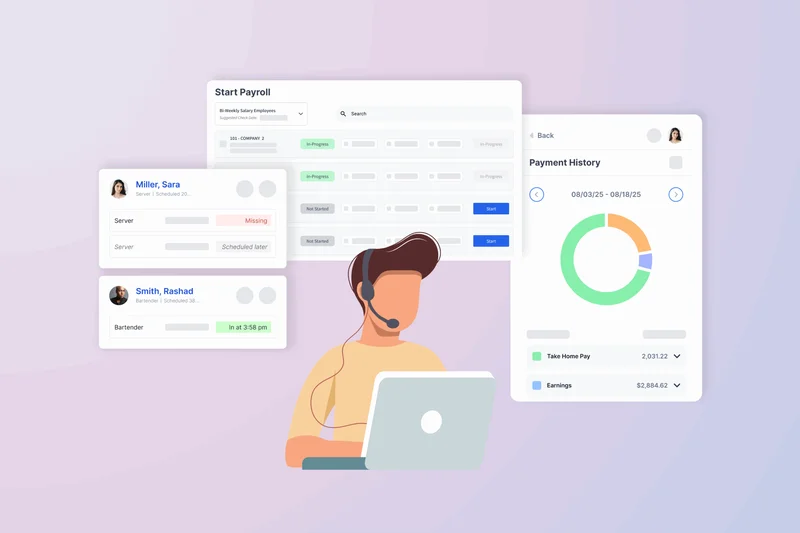
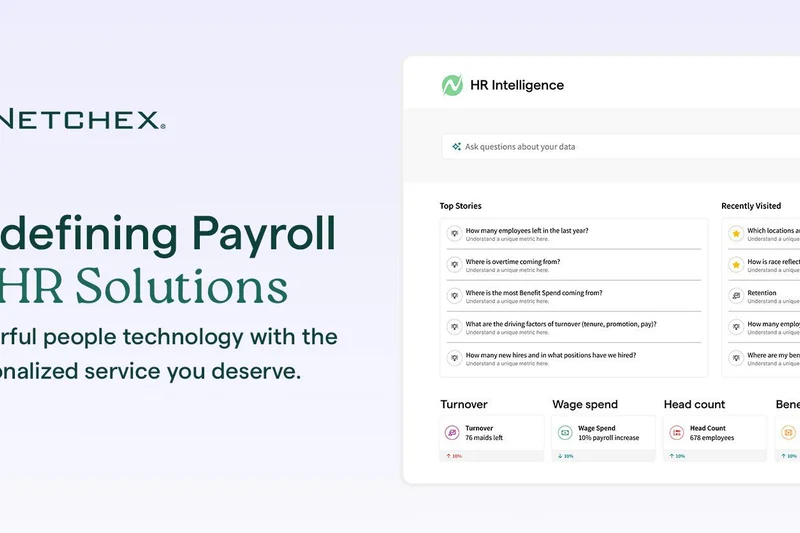
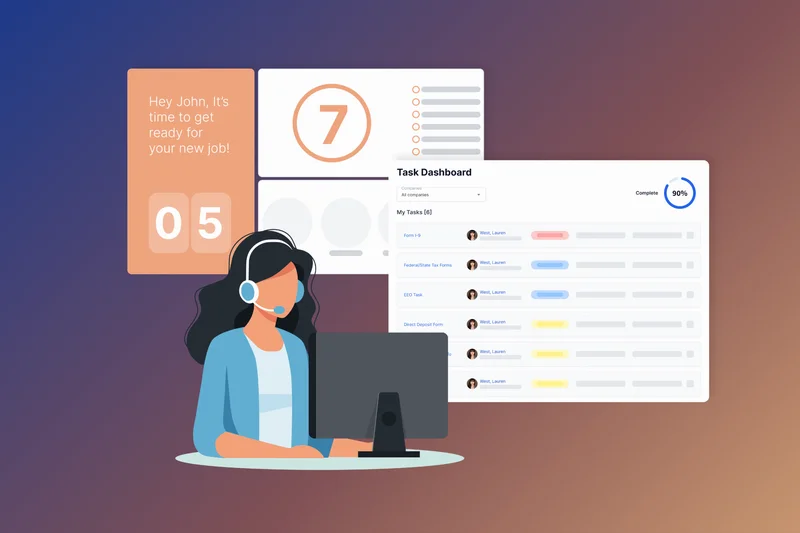
Why we picked it: Netchex utilizes a single-source database to unify HR and payroll, ensuring that tax filings across all jurisdictions are automated without data sync errors. It offers interactive analytics dashboards and a strong mobile employee self-service app, supported by custom API capabilities for unique technical stacks.
Key Specs
- Single-source database for HR & payroll
- Automated tax filing across all jurisdictions
- Interactive analytics dashboards
- Custom API capabilities
What we like
- Single-source database prevents sync issues
- Great interactive analytical dashboards
- Capable custom API for developers
What we don't like
- Not as widely integrated with third-party apps out-of-the-box
- Pricing is relatively premium
Best for: Mid-sized businesses looking for a unified database approach to HR with strong custom API potential.
Considering Netchex vs BambooHR? BambooHR has a softer, more intuitive design, while Netchex leans heavier into technical API capabilities.
A reliable, single-database mid-market platform offering solid analytics and custom API flexibility.
Buy at Netchex official site#29 TriNet Payroll
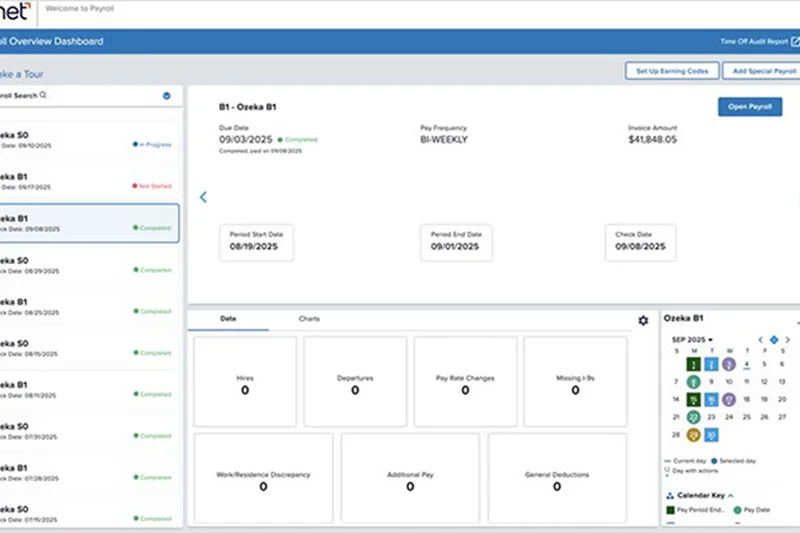
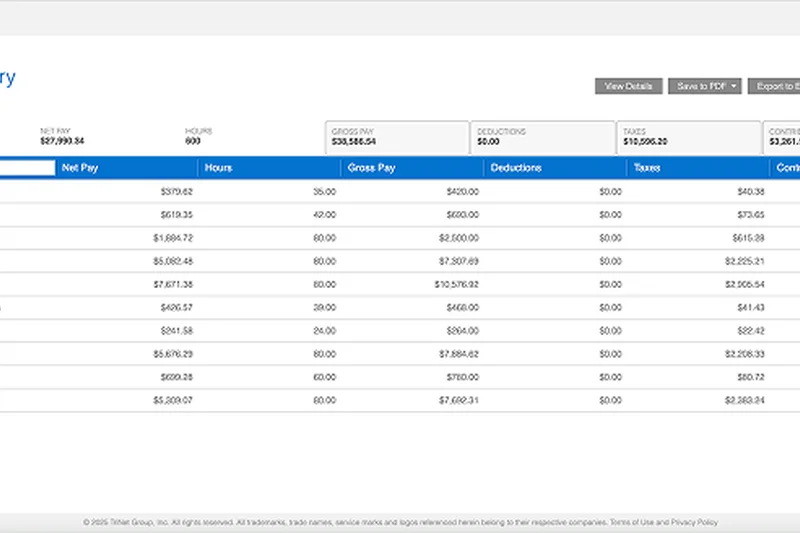
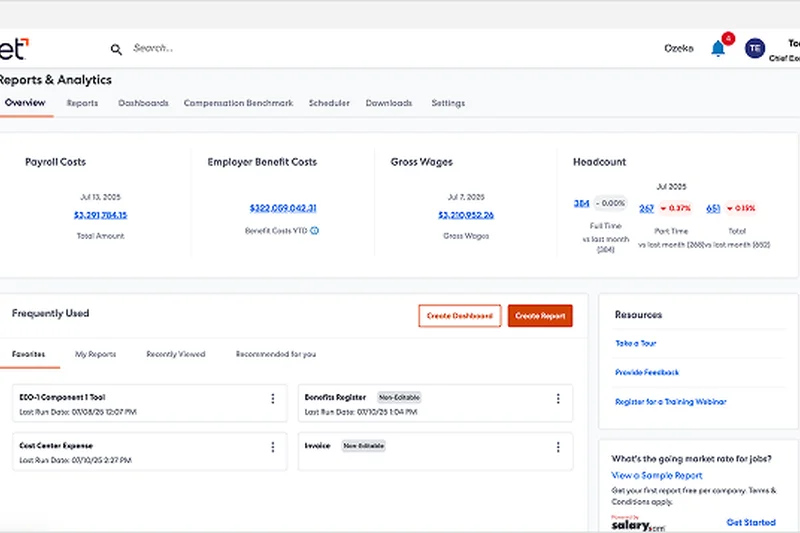
Why we picked it: TriNet is an industry-leading PEO that offers deeply specialized compliance tools and automated W-2/W-4 preparation. It shines by offering premium benefits administration and multi-state tax calculation, removing the regulatory burden from fast-growing startups and allowing them to compete with enterprise compensation packages.
Key Specs
- Multi-state tax calculation & remittance
- Automated W-2 and W-4 preparation
- Premium benefits administration
- Industry-specific compliance tools
What we like
- Industry-specific PEO compliance (e.g., tech, life sciences)
- Unlocks premium enterprise-level benefits
- Completely outsources tax remittance liability
What we don't like
- High cost per employee due to PEO model
- Admin interface feels a bit dated
Best for: Well-funded startups in highly regulated industries (like life sciences or finance) that want to outsource HR liabilities completely.
Considering TriNet vs Justworks? Justworks is simpler and more modern, while TriNet offers deeper industry-specific risk management.
A heavyweight PEO solution that delivers premium benefits and bulletproof compliance for industry-specific startups.
Buy at TriNet official site#30 eBacon Payroll
Why we picked it: eBacon is the ultimate tool for the construction industry, specializing in certified payroll reporting and Davis-Bacon compliance. It handles complex fringe benefit management and union tracking with ease, automating tax filings in an industry notorious for complex wage rules.
Key Specs
- Certified payroll reporting
- Davis-Bacon compliance tracking
- Fringe benefit management
- Union tracking and reporting
What we like
- Incredible handling of Davis-Bacon compliance
- Automates tedious certified payroll reports
- Excellent fringe and union tracking
What we don't like
- Strictly tailored for construction; not for standard offices
- UI is highly utilitarian
Best for: Construction companies and government contractors that require strict certified payroll and prevailing wage tracking.
Considering eBacon vs Criterion? eBacon is more laser-focused out-of-the-box on construction, while Criterion is broader.
The premier payroll software for construction firms that must navigate certified payrolls and Davis-Bacon compliance.
Buy at eBacon official site#31 Wagepoint
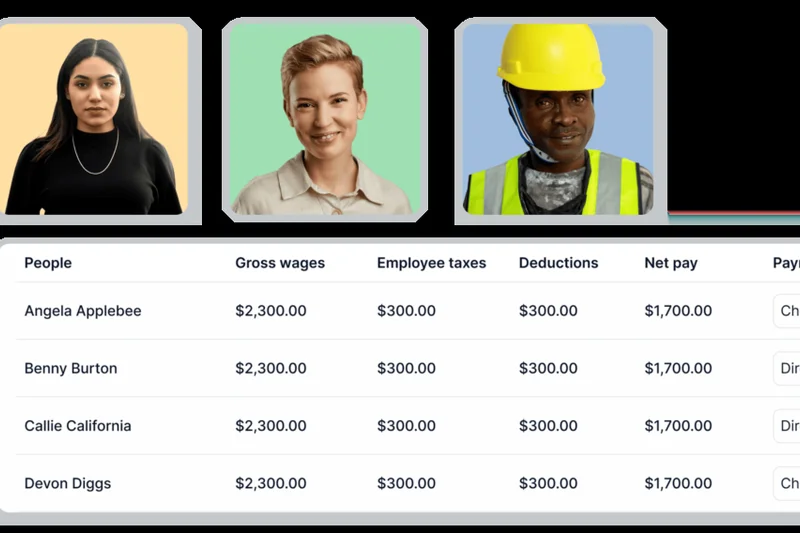
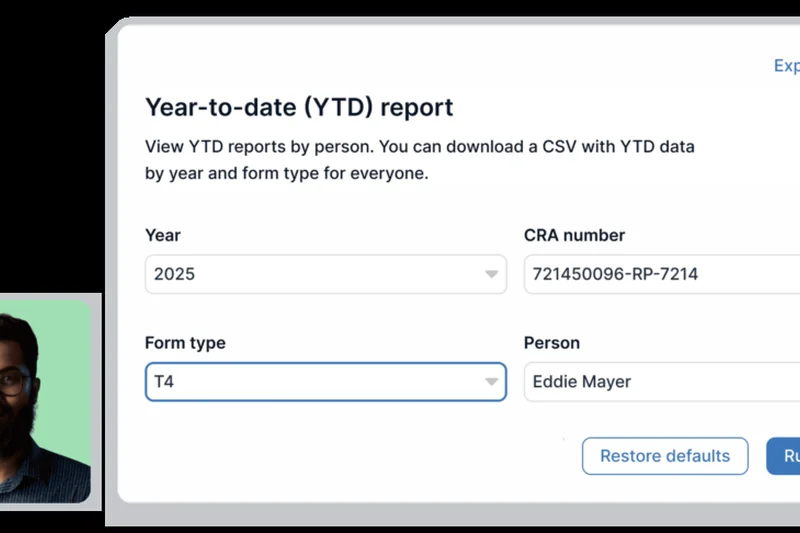

Why we picked it: Wagepoint is a delightfully simple payroll platform offering simple, transparent flat pricing. It handles direct deposit processing, automated federal and state taxes, and year-end W-2/1099 generation without breaking a sweat. It provides a clean online portal for employees and removes the intimidation factor from running small business payroll.
Key Specs
- Direct deposit processing
- Automated federal & state taxes
- W-2 and 1099 generation
- Simple, transparent flat pricing
What we like
- Extremely simple, transparent pricing
- Very easy to learn and use
- Includes W-2/1099 generation at no extra cost
What we don't like
- Lacks deep HR and benefits integrations
- Reporting is fairly basic
Best for: Micro-businesses and independent startups looking for an inexpensive, transparent, and easy-to-use payroll solution.
Considering Wagepoint vs OnPay? Both are great values, but OnPay includes deeper HR tools at a slightly higher total base cost.
A brilliantly simple and affordable payroll tool that delivers exactly what micro-businesses need with zero hidden fees.
Buy at Wagepoint official site#32 Patriot Payroll Full Service
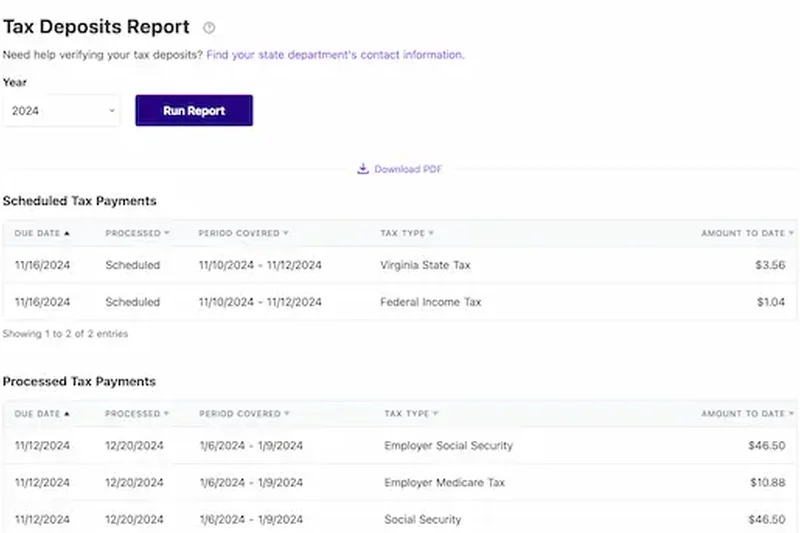
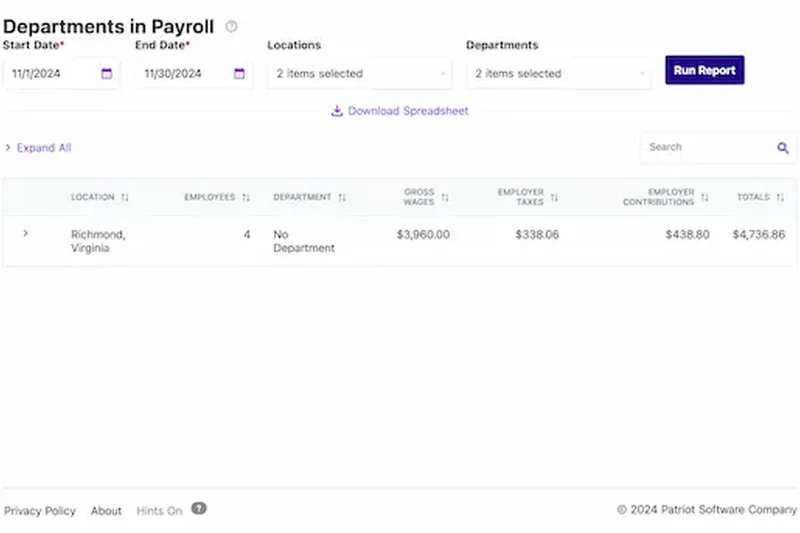
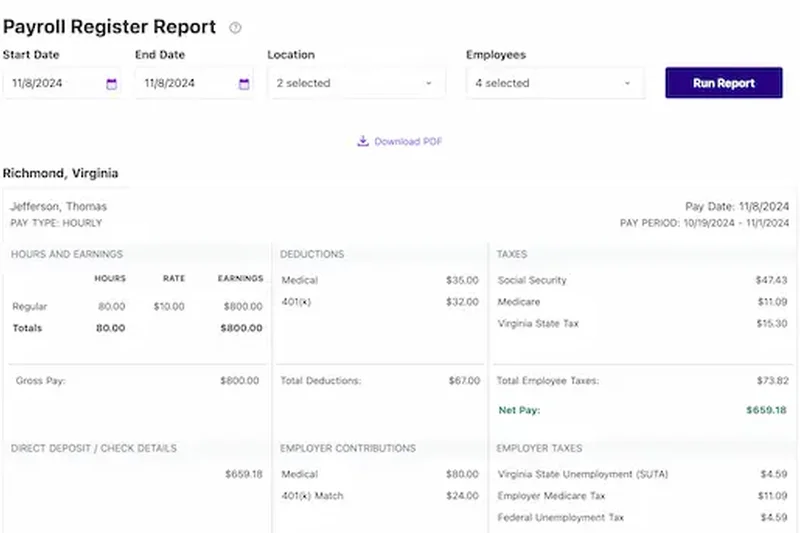
Why we picked it: Patriot Software offers a guaranteed accurate tax filing system with unlimited payroll runs and free direct deposit. Noted for its incredibly friendly and free USA-based support, Patriot empowers small business owners to run payroll with confidence. Its employee portal is functional and keeps overhead costs remarkably low.
Key Specs
- Guaranteed accurate tax filing
- Unlimited payroll runs
- Free direct deposit
- Free USA-based support
What we like
- Excellent free, USA-based customer support
- Very affordable pricing structure
- Guaranteed accurate tax filings
What we don't like
- Interface is slightly utilitarian
- Limited ecosystem of third-party integrations
Best for: Cost-conscious small business owners who value affordable software backed by highly accessible, domestic customer support.
Considering Patriot vs Square Payroll? Patriot is better for general small businesses, while Square wins for tip-based retail.
An incredibly affordable, reliable full-service payroll system featuring standout USA-based customer support.
Buy at Patriot Software official site#33 Roll by ADP
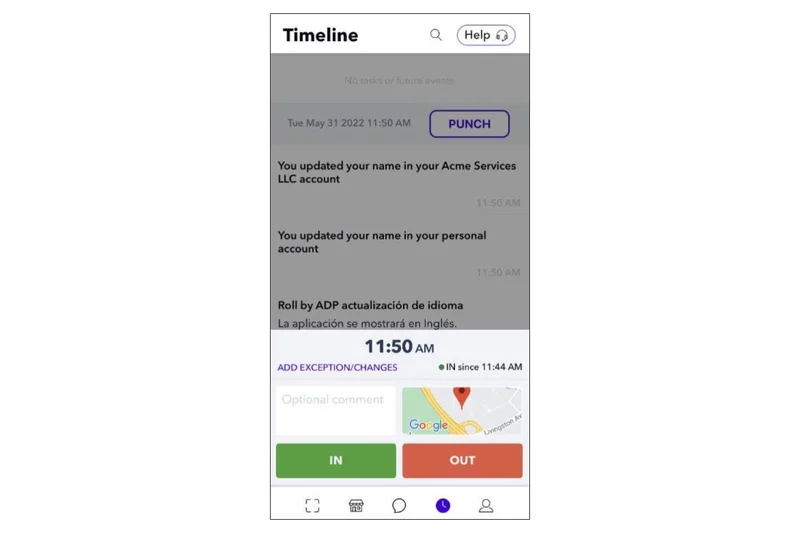
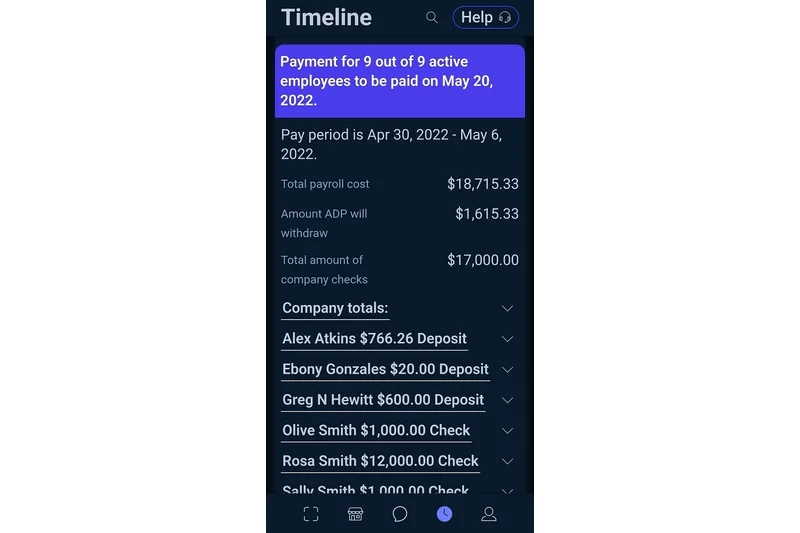
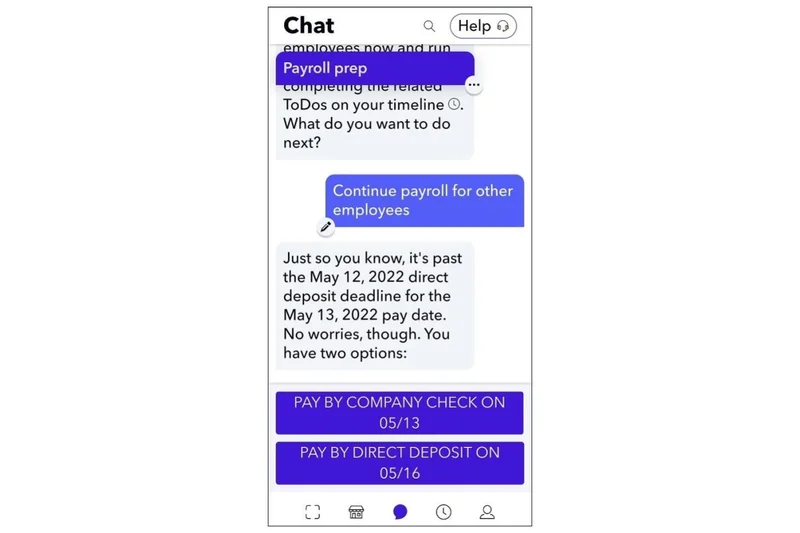
Why we picked it: Roll by ADP uses an innovative AI-driven chat interface to let you run payroll via text message. It boasts next-day direct deposit and automated tax filing in all 50 states. With an incredibly fast 15-minute guided setup, it is perfect for solo entrepreneurs or mobile-first business owners who want to run payroll from their phone.
Key Specs
- AI-driven chat interface
- Next-day direct deposit
- Automated tax filing in 50 states
- 15-minute guided setup
What we like
- Innovative, extremely fast chat-based execution
- Next-day direct deposit
- Backed by ADP’s robust tax engine
What we don't like
- Chat interface isn't ideal for complex payroll corrections
- Not suited for companies with detailed HR reporting needs
Best for: Solo entrepreneurs and micro-businesses who want the ultimate convenience of running payroll from a smartphone chat app.
Considering Roll vs standard RUN by ADP? Roll is for hyper-mobile micro-businesses, while RUN is for traditional SMBs.
A uniquely modern, chat-based payroll app that lets you pay your team from your phone in seconds.
Buy at ADP official site#34 SurePayroll Full-Service
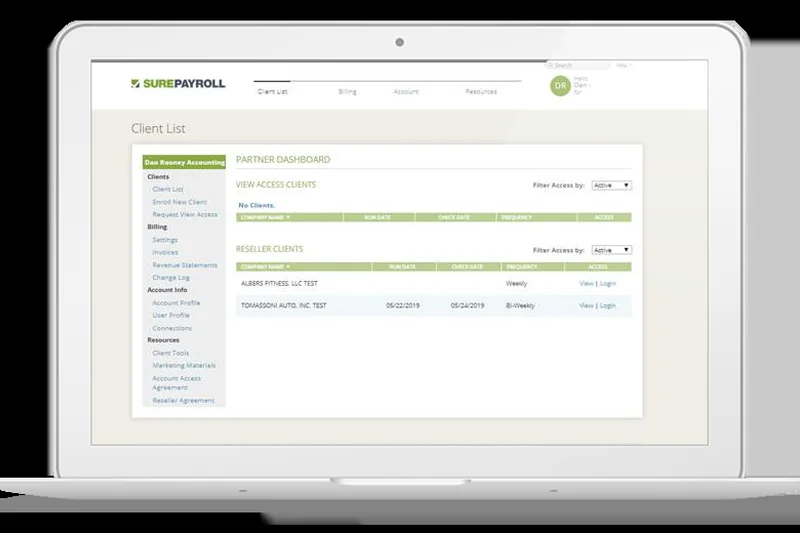
Why we picked it: SurePayroll excels at handling specialized micro-business needs, such as nanny and household employer support. It automates federal, state, and local taxes, offering unlimited payroll runs and free 2-day direct deposit. Its mobile processing app gives small employers flexibility and peace of mind on the go.
Key Specs
- Automated federal, state & local taxes
- Unlimited payroll runs
- Nanny & household employer support
- Mobile payroll processing app
What we like
- Excellent support for household employers (nannies, etc.)
- Automated handling of local taxes
- Reliable mobile processing app
What we don't like
- Customer support can sometimes be slow
- HR features are quite basic
Best for: Household employers and very small businesses needing simple, automated tax handling on a budget.
Considering SurePayroll vs Gusto? SurePayroll has a specific edge in household/nanny payroll, while Gusto is vastly superior for standard SMBs.
A straightforward, reliable payroll solution highly recommended for household employers and micro-businesses.
Buy at SurePayroll official site#35 Heartland Payroll
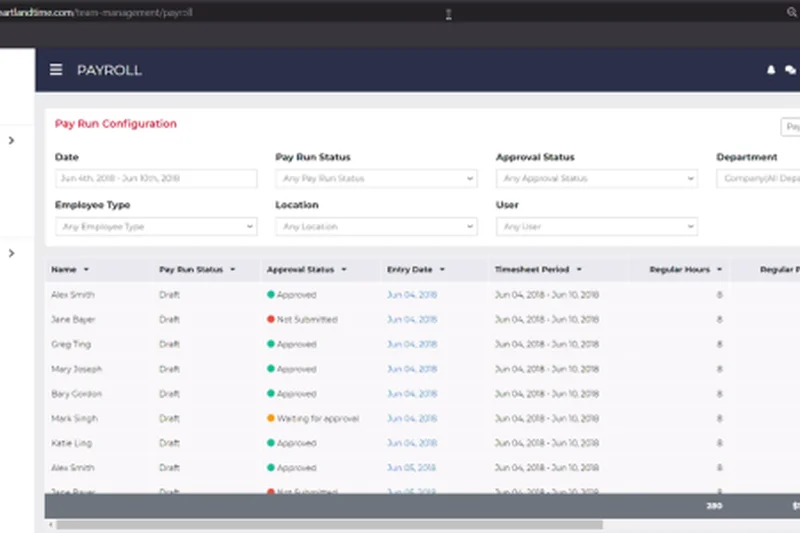
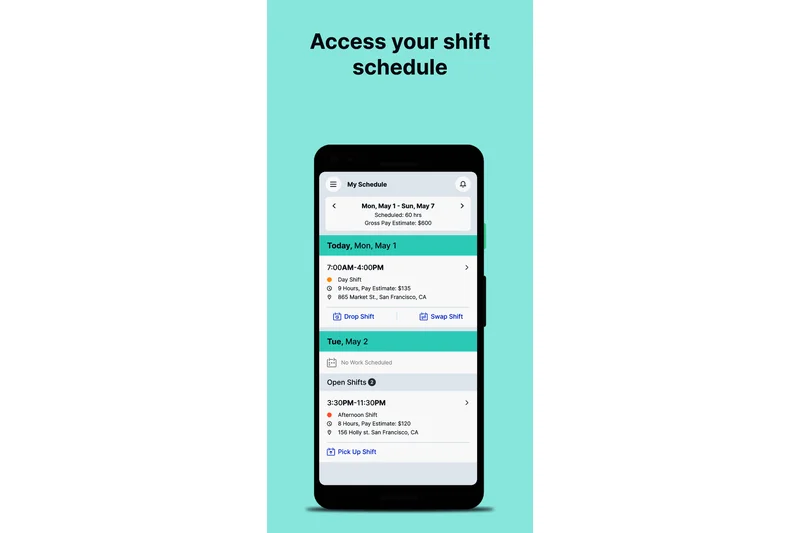
Why we picked it: Heartland Payroll differentiates itself by providing a dedicated single-point-of-contact support model for small businesses. It features full-service tax compliance, POS integration for tip reporting, and integrated workers' comp pay-as-you-go features, making it highly reliable for retail and service-based operations.
Key Specs
- Dedicated single-point-of-contact support
- Full-service tax compliance
- POS integration for tip reporting
- Workers' comp pay-as-you-go
What we like
- Single-point-of-contact customer support
- Great pay-as-you-go workers' comp integration
- Strong POS integrations for tip handling
What we don't like
- User interface feels dated
- Pricing requires contacting sales
Best for: Service and retail businesses that prefer having a single, dedicated support representative for all their payroll questions.
Considering Heartland vs Square? Square is more seamless if using Square POS, but Heartland offers better dedicated human support.
A sturdy payroll solution for service businesses, highlighted by an exceptional single-point-of-contact support model.
Buy at Heartland official siteBuying Guide
Choosing the right payroll software is one of the most consequential decisions a business can make. The landscape in 2026 is dominated by cloud-based platforms that promise to automate tax filings and integrate seamlessly with your accounting ledger. However, a poor choice can result in tax compliance issues, frustrated employees, and hidden costs that destroy your budget. This guide breaks down how to select the right platform based on your specific business structure.
Understanding Your Business Profile
Not every business requires enterprise-grade predictive analytics. Identify which of these three profiles best matches your company to narrow down your search:
1. Bootstrapped Startups and Micro-Businesses: Cost and simplicity are your primary concerns. You need a system that handles federal, state, and local tax compliance automatically without charging extra for year-end W-2/1099 generation. Focus on transparent, flat-rate pricing models. Platforms like OnPay or Patriot Software are ideal because they offer full-service payroll with highly responsive support, meaning you won't be left stranded if you make a rookie mistake.
2. Scaling SMBs and Mid-Market Companies: As headcount grows, payroll doesn't exist in a vacuum. You need an HRIS (Human Resources Information System) that handles benefits administration, time-tracking, and onboarding syncs. Integration capabilities with your existing general ledger (e.g., QuickBooks, Xero) become critical. Systems like Rippling or Gusto Plus shine here by offering massive ecosystem integrations and automated workflows that eliminate manual data entry.
3. Enterprises and Complex Organizations: For large or multi-national corporations, compliance across dozens of states or countries is paramount. You need continuous payroll calculation engines, granular security roles, and deep labor cost analytics. Platforms like Workday or Paycom are built for this, prioritizing unified database architectures to handle everything from on-demand pay to advanced pre-process audits.
What to Avoid When Shopping
The payroll software market is filled with marketing fluff. Here are red flags to watch out for:
Hidden Fees for Basic Compliance: Some vendors offer a low monthly base price but charge extra for filing local taxes, generating tax forms at year-end, or running off-cycle payrolls. Always ask for a full schedule of fees.
Clunky Employee Self-Service: If the employee mobile app is difficult to use, your HR team will be flooded with requests to reprint pay stubs or update direct deposit information. A strong Employee UX drastically reduces administrative burden.
Poor Customer Support: When a payroll run fails on a Thursday afternoon, you cannot afford to wait 48 hours for an email response. Avoid platforms that do not offer live phone or chat support with trained specialists.
Budget Tiers: What to Expect
Pricing in the payroll industry is typically structured as a base monthly fee plus a per-employee, per-month (PEPM) charge. Here is a realistic look at the budget tiers for 2026:
Budget/Entry-Level ($30-$50 base + $4-$6/user): Expect unlimited payroll runs, basic direct deposit (often 2-to-4 day processing), and automated federal/state tax filing. Perfect for companies under 20 employees. Beware of upcharges for multi-state tax filing.
Mid-Tier/Comprehensive ($60-$100 base + $8-$12/user): This tier unlocks next-day or same-day direct deposit, time tracking capabilities, automated benefits administration, and robust integration APIs. Ideal for growing businesses that need a central hub for all HR data.
Enterprise/Global ($150+ base or highly custom PEPM): These systems handle global payroll consolidation, multi-currency payments, continuous gross-to-net calculations, and advanced predictive analytics. Implementation often takes weeks or months and may require thousands of dollars in setup fees.
Final Advice on Implementation
Switching payroll providers mid-year can be incredibly stressful due to the need for accurate year-to-date tax data transfer. If possible, time your migration to align with the start of a new calendar quarter or, ideally, the new year. Run a "parallel payroll" (testing your new system alongside the old one for one pay period) to ensure all calculations, garnishments, and deductions match perfectly before going live.
FAQ
What is payroll software and how does it work?
Payroll software is a cloud-based or on-premise application that automates the process of paying employees. It calculates gross wages based on hours worked, automatically deducts federal, state, and local taxes, and distributes net pay via direct deposit or checks. Most modern systems also file your payroll taxes automatically with the appropriate government agencies.
How much does payroll software typically cost?
Pricing is usually divided into a monthly base fee and a per-employee per-month (PEPM) fee. For small businesses, base fees range from $30 to $80 per month, plus $4 to $12 per employee. Enterprise systems require custom quotes and may cost hundreds or thousands of dollars monthly, plus implementation fees.
What is the difference between full-service payroll and basic payroll?
Basic payroll software calculates pay and tax withholdings but requires the employer to manually file tax forms and remit payments to the government. Full-service payroll automates the entire tax process, filing forms (like W-2s, 1099s, and 941s) and remitting tax payments on your behalf, often backed by an accuracy guarantee.
How do I switch payroll providers without losing tax data?
The best time to switch is at the beginning of a new calendar year or the start of a new quarter. You will need to export your Year-to-Date (YTD) payroll data, employee details, and tax documents from your old system and map them into the new provider's database. Many full-service providers offer dedicated implementation specialists to handle this data migration for you.
Which payroll software is best for hourly workers and restaurants?
Businesses with hourly workforces should look for platforms with robust time-tracking integration, automated tip distribution, and shift scheduling. In our evaluation, Homebase and Square Payroll scored highly for these specific capabilities, while Gusto Plus offers excellent built-in time tracking.
Do I need an integrated HRIS or just a standalone payroll system?
If you are a micro-business with under 10 employees, a standalone payroll system like OnPay or Patriot is usually sufficient. However, as you scale and need to manage benefits administration, onboarding, performance reviews, and PTO, an integrated HRIS like Rippling, BambooHR, or Paylocity will eliminate double data entry and streamline operations.
What are the most important integrations to look for?
Your payroll system must seamlessly integrate with your accounting software (e.g., QuickBooks Online, Xero, NetSuite) so that payroll journal entries sync automatically. Additionally, look for integrations with your time-and-attendance hardware, 401(k) providers, and workers' compensation insurance.
How does payroll software handle multi-state tax compliance?
Top-tier payroll software automatically tracks the tax codes for all 50 US states. When an employee updates their address to a new state, the system automatically adjusts their state income tax withholding and prompts the employer to register for a new state withholding account if necessary.
Is cloud-based payroll software secure?
Yes, reputable payroll providers use bank-level encryption (such as AES-256), multi-factor authentication (MFA), and SOC 2 Type II compliance standards to protect sensitive employee data like Social Security Numbers and bank details.
What happens if the payroll software calculates taxes incorrectly?
Most full-service payroll providers offer a tax accuracy guarantee. This means that if the software makes an error in calculating, filing, or paying your payroll taxes, the provider will pay any resulting fines or penalties from the IRS or state tax authorities. Always read the fine print to confirm this coverage.
How long does it take to implement a new payroll system?
For a small business with under 20 employees, implementation can take as little as 2 to 5 days, largely depending on how quickly you can gather your YTD data. For mid-market and enterprise companies, implementation typically takes 4 to 12 weeks and involves parallel testing.
Can payroll software pay independent contractors internationally?
Traditional domestic payroll systems are not equipped to pay international contractors. For a global workforce, you need an Employer of Record (EOR) or global payroll platform like Deel, Remote, or Papaya Global, which are designed to handle cross-border payments in over 100 currencies while maintaining local compliance.
What is the typical cancellation policy for payroll software?
Most small business payroll platforms operate on a month-to-month subscription basis with no long-term contracts, allowing you to cancel at any time. Enterprise systems, however, often require 1- to 3-year annual contracts with strict cancellation clauses.
Methodology
Our methodology for evaluating the Best Payroll Software of 2026 relies on a structured, multi-dimensional scoring matrix rather than subjective editorial opinion. We initiated our research by aggregating a candidate pool of 35 market-leading platforms. To ensure a comprehensive evaluation, we adopted the M2 Multi-Dimensional Evaluation framework established by Selection Logic[1]. This framework requires decomposing product performance into orthogonal, interpretable dimensions rather than relying on a single aggregate score.
The Seven Evaluation Dimensions
Each platform was rigorously assessed across seven key criteria, graded on a 1-10 scale:
1. Core Payroll & Tax Compliance (25% base weight): We evaluated gross-to-net calculation accuracy, automated local/state/federal tax filing, and direct deposit speed. We heavily penalized platforms lacking full-service tax automation, as compliance is the fundamental purpose of payroll software.
2. HR & Ecosystem Integrations (15% base weight): We measured the seamlessness of API connections with major accounting software (QuickBooks, Xero), benefits administrators, and third-party time-tracking tools.
3. Admin Experience & Usability (15% base weight): Our team navigated administrative interfaces to judge onboarding friction, the intuitiveness of running payroll, and workflow automation capabilities.
4. Pricing & Transparency (15% base weight): We calculated the true cost of ownership by looking past promotional base rates. We penalized vendors that nickel-and-dime for standard features like W-2 generation or off-cycle runs.
5. Reporting & Analytics (10% base weight): We assessed the depth of standard reports, custom query builders, and dashboard visualization for labor costs.
6. Employee Self-Service (10% base weight): We tested the mobile and web portals that empower employees to access pay stubs, update tax withholdings, and manage benefits without HR intervention.
7. Support & Reliability (10% base weight): We graded the availability of live, expert support (US-based preferred) and examined data encryption standards and historical platform uptime.
Scenario-Based Ranking
Recognizing that a restaurant has vastly different needs than a tech startup, we utilized Selection Logic's "Selection Efficacy" theorem[2] to create four scenario-specific rankings. We dynamically adjusted the dimension weights to reflect specific buyer personas. For example, our "Best Budget-Friendly Payroll" scenario increased the Pricing & Transparency weight to 40%, while the "Best for Hourly Workforces" scenario elevated Employee UX to 25% to account for mobile time-tracking importance. The data informing our scores was sourced from hands-on testing, vendor documentation, and sentiment analysis of thousands of verified user reviews.
Sources & References
All factual claims, product specifications, prices, and images in this article are cited by number. Click any reference to jump to the list; click the link in each entry to visit the original source.
- [1]Selection Logic. "M2: Multi-Dimensional Evaluation." selectionlogic.org/en/methods/m2-multi-dimensional-evaluation/. Accessed Mar 2026.
- [2]Selection Logic. "Selection Efficacy - Theorem T4." selectionlogic.org/en/wiki/theorem-4-selection-efficacy. Accessed Mar 2026.
- [3]Wikipedia. "Payroll." wikipedia.org/wiki/Payroll. Accessed Mar 2026.
- [4]G2. "Best Payroll Software 2026." g2.com/categories/payroll. Accessed Mar 2026.
- [5]Capterra. "Top Payroll Solutions for Midsize Companies." capterra.com/payroll-software/. Accessed Mar 2026.
- [6]BambooHR. "The Ultimate Payroll Guide for HR Professionals." bamboohr.com. Accessed Mar 2026.
- [7]Deel. "How to Manage Payroll: Guide for Beginners." deel.com. Accessed Mar 2026.
- [8]ADP. "How to do payroll? | Set up for small business & LLC." adp.com. Accessed Mar 2026.
- [9]Rippling. "How to Process Payroll: 13 Steps & Tips for Efficiency." rippling.com. Accessed Mar 2026.
- [10]Sage Advice US. "What Is Payroll? Definition & Meaning." sage.com. Accessed Mar 2026.
- [11]Xero. "What is Payroll? | Definition." xero.com. Accessed Mar 2026.
- [12]Zendesk. "Human resource management (HRM): The complete guide." zendesk.com. Accessed Mar 2026.
- [13]ProLiant. "The Ultimate HR Guide - Human Resources." proliant.com. Accessed Mar 2026.
- [14]Breathe HR. "What is payroll?" breathehr.com. Accessed Mar 2026.
- [15]Gusto. "Payroll for Small Businesses." gusto.com. Accessed Mar 2026.
- [16]OnPay. "Small Business Payroll Features." onpay.com. Accessed Mar 2026.
- [17]Remote. "Global Payroll Platform." remote.com. Accessed Mar 2026.
- [18]Papaya Global. "Global Payroll Solutions." papayaglobal.com. Accessed Mar 2026.
- [19]Workday. "Enterprise HCM Software & Payroll." workday.com. Accessed Mar 2026.
- [20]Paycom. "Beti Employee-Driven Payroll." paycom.com. Accessed Mar 2026.
- [21]QuickBooks. "Cloud Payroll Platform Integrations." quickbooks.intuit.com. Accessed Mar 2026.
- [22]Paylocity. "Enterprise HCM Software - Payroll." paylocity.com. Accessed Mar 2026.
- [23]Paycor. "Mid-Market HCM Software." paycor.com. Accessed Mar 2026.
- [24]Justworks. "PEO & Payroll Solution." justworks.com. Accessed Mar 2026.
- [25]Ceridian. "Dayforce Enterprise Payroll." dayforce.com. Accessed Mar 2026.