Quick Verdict
At a glance
We tested 35 Free Customer Relationship Management (CRM) platforms offering forever-free plans to help you find the best fit for your business. Our evaluation analyzed core contact management, scalability of free tiers, and essential automation tools.
🏆 Overall #1: HubSpot Free CRM — best-in-class core CRM features with high limits and exceptional usability.
🥈 #2: SuiteCRM Open Source — powerful self-hosted enterprise CRM with uncompromised data ownership and advanced automation.
🥉 #3: Twenty CRM — a modern, open-source platform offering a beautiful UI and limitless scalability.
Which one is for me?
How We Tested
Our Testing Process
To identify the best free CRM software of 2026, we began by compiling a comprehensive candidate pool of 35 platforms that explicitly offer a "forever-free" tier—excluding those that only provide time-limited trials. Over a rigorous four-week testing period, our software analysts deployed each platform in a simulated small business environment. We populated the databases with synthesized contact lists, tracked multi-stage deals through pipelines, and tested native integrations with common productivity suites like Google Workspace and Microsoft 365. We paid special attention to the setup friction; platforms that required extensive technical knowledge or developer intervention to achieve basic functionality were heavily penalized in our usability metrics.
Our evaluation framework is deeply rooted in the M2 Multi-Dimensional Evaluation methodology developed by SelectionLogic [1]. This approach prevents single-metric bias by assessing each CRM across seven distinct dimensions, including Core Contact Management, Freemium Limits, and Data Security. We actively audited the terms of service for each platform to ensure data export capabilities were not held hostage behind a paywall, a critical check inspired by the SelectionLogic CRM Buying Guide [2].
About our team
Our B2B software testing team comprises former revenue operations managers, sales directors, and system administrators. With over a combined three decades of experience implementing enterprise tech stacks, we approach freemium software with a skeptical eye, rigorously hunting for hidden costs and artificial limitations that disrupt business growth.
Our Declared Values: We believe that free software should fundamentally function without holding your business data hostage. We prioritize platforms that offer transparent limits, unconditional data export rights, and respect for user privacy over those that employ predatory upselling tactics or sell aggregated user data to third parties.
| Dimension | Overall | Best Overall Free CRM for Small Businesses | Best for Freelancers & Solopreneurs | Best for Dedicated Sales Teams | Best Free CRM for High Contact Volume |
|---|---|---|---|---|---|
| Core Contact & Pipeline Management | 20% | 25% | 20% | 25% | 15% |
| Freemium Limits & Scalability | 20% | 20% | 15% | 15% | 45% |
| Usability & Onboarding | 15% | 15% | 30% | 10% | 10% |
| Third-Party Integrations | 15% | 10% | 15% | 10% | 10% |
| Marketing & Sales Automation | 10% | 10% | 5% | 20% | 5% |
| Reporting & Analytics | 10% | 10% | 5% | 15% | 5% |
| Security & Data Ownership | 10% | 10% | 10% | 5% | 10% |
Overall Rankings
Full list of 35 products sorted by weighted overall score (1–10).
Prices are checked as of Mar 18, 2026 (2026 Q1). Use "Check price" links for current pricing.
| # | Product | Type | Price | Core CRM | Free Limits | Usability | Integrations | Automation | Reporting | Security | Overall | Awards |
|---|---|---|---|---|---|---|---|---|---|---|---|---|
| 1 | HubSpot Free CRM | Cloud CRM | $0 | 9 | 9 | 9 | 9 | 6 | 7 | 9 | 0.00 | |
| 2 | SuiteCRM Open Source | Self-Hosted Enterprise CRM | $0 | 9 | 10 | 5 | 7 | 9 | 8 | 9 | 0.00 | |
| 3 | Twenty CRM | Modern Open-Source CRM | $0 | 8 | 10 | 8 | 7 | 7 | 6 | 9 | 0.00 | |
| 4 | ERPNext CRM | Open Source ERP/CRM | $0 | 8 | 10 | 6 | 8 | 7 | 8 | 8 | 0.00 | |
| 5 | CRMOne Free Plan | Enterprise-level Free CRM | $0 | 8 | 9 | 7 | 6 | 8 | 7 | 7 | 0.00 | |
| 6 | CiviCRM | Nonprofit Open Source CRM | $0 | 8 | 10 | 5 | 8 | 6 | 7 | 8 | 0.00 | |
| 7 | Givebutter Free CRM | Nonprofit Fundraising CRM | $0 | 7 | 9 | 8 | 6 | 7 | 7 | 8 | 0.00 | |
| 8 | Relaticle | Open Source CRM | $0 | 7 | 10 | 8 | 6 | 5 | 7 | 8 | 0.00 | |
| 9 | ServiceAgent Free CRM | Service Business CRM | $0 | 7 | 9 | 8 | 6 | 8 | 6 | 7 | 0.00 | |
| 10 | Bitrix24 Free CRM | All-in-one CRM | $0 | 8 | 10 | 5 | 6 | 7 | 6 | 7 | 0.00 | |
| 11 | Brevo Free CRM | Marketing CRM | $0 | 6 | 8 | 8 | 7 | 8 | 7 | 8 | 0.00 | |
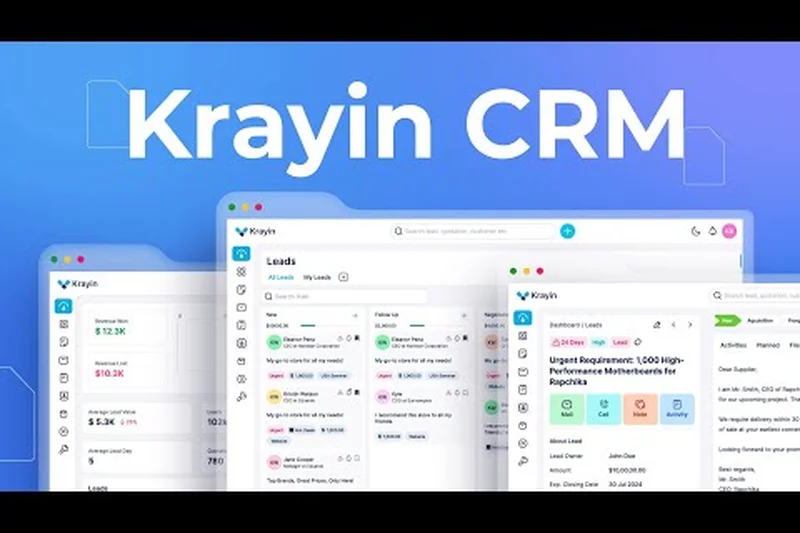
| 12 | Krayin Open Source CRM | Laravel CRM | $0 | 7 | 10 | 6 | 5 | 7 | 6 | 8 | 0.00 | |
| 13 | Dolibarr CRM | Open Source ERP/CRM | $0 | 7 | 10 | 5 | 7 | 6 | 6 | 8 | 0.00 | |
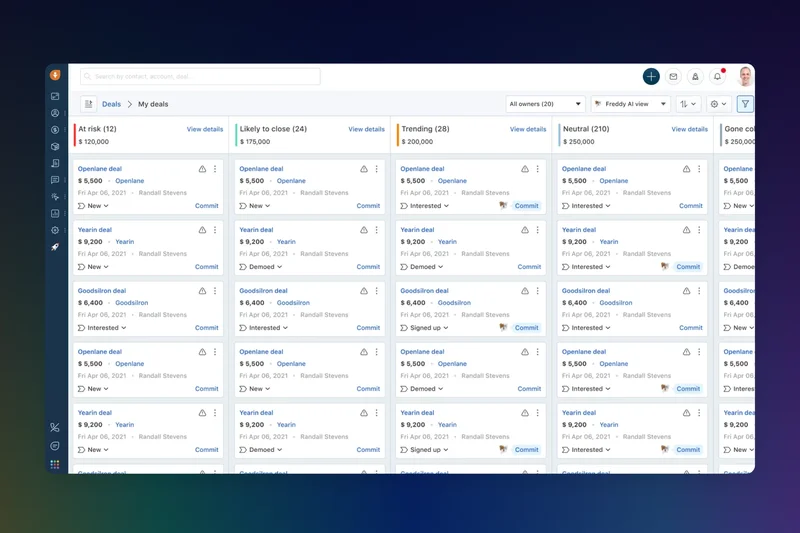
| 14 | Freshsales Free CRM | Sales Pipeline CRM | $0 | 8 | 5 | 8 | 7 | 6 | 6 | 8 | 0.00 | |
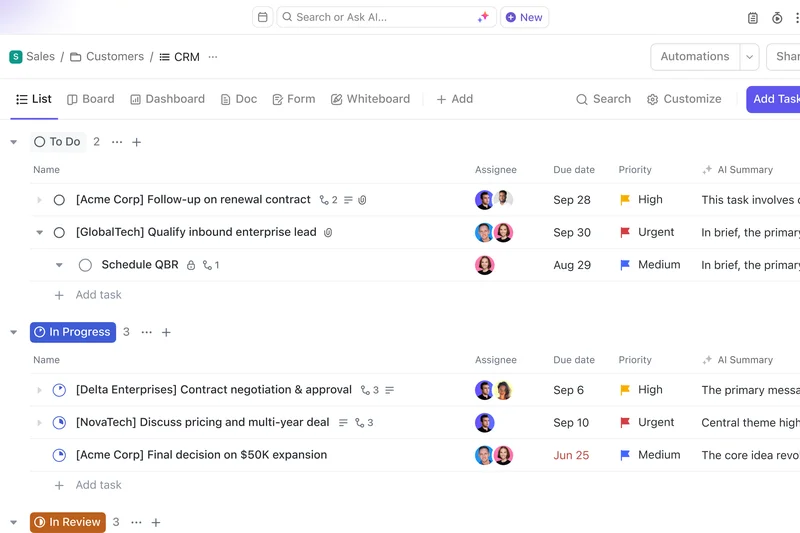
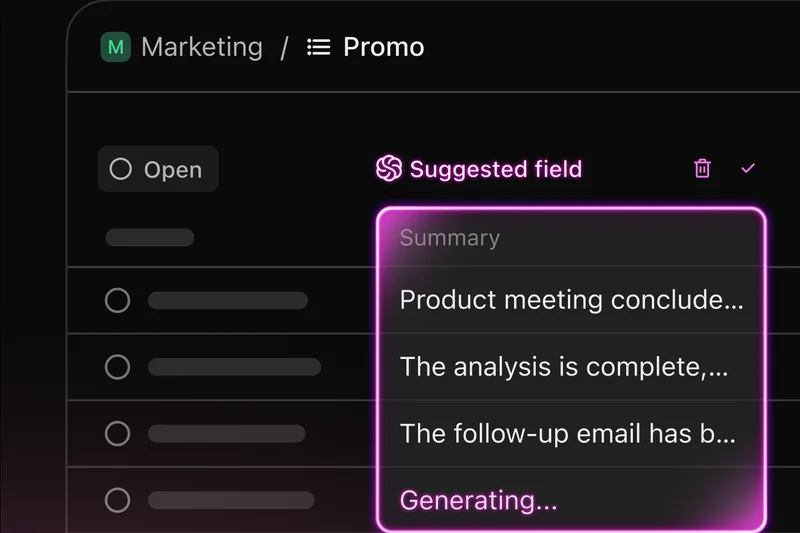
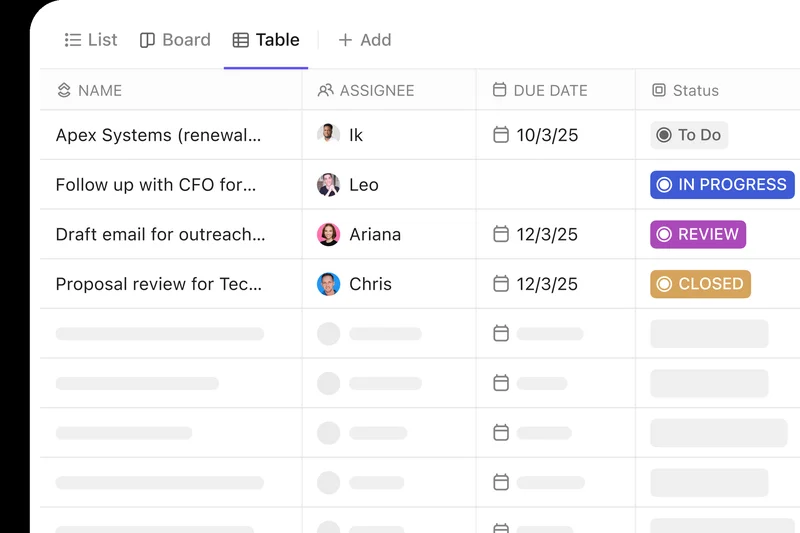
| 15 | ClickUp Free Forever CRM | Productivity & CRM Platform | $0 | 6 | 8 | 7 | 8 | 5 | 6 | 8 | 0.00 | |
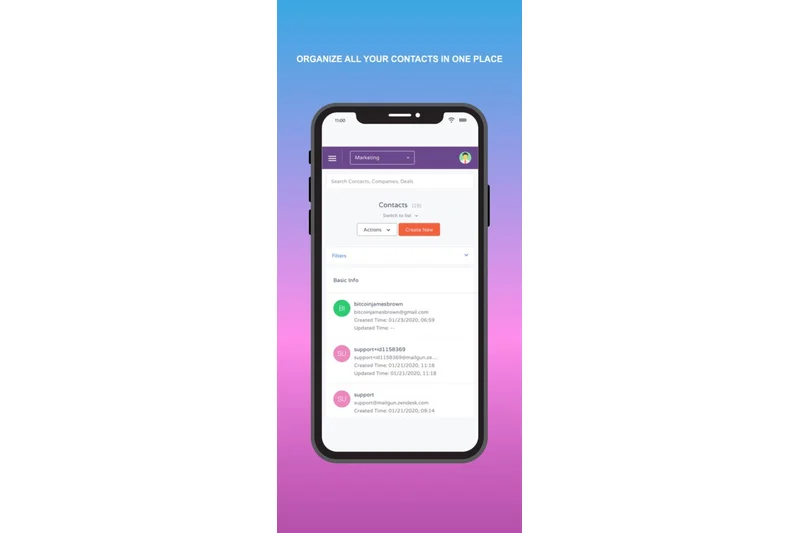
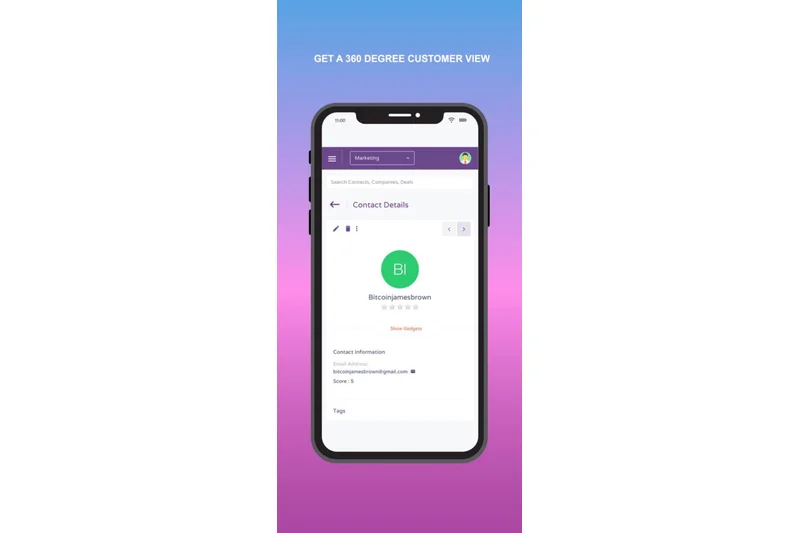
| 16 | EngageBay Free CRM | Marketing & Sales CRM | $0 | 7 | 6 | 7 | 7 | 8 | 6 | 7 | 0.00 | |
| 17 | Odoo CRM (One App Free) | Modular CRM / ERP | $0 | 7 | 9 | 6 | 5 | 5 | 6 | 7 | 0.00 | |
| 18 | Zoho CRM Free Edition | Cloud CRM | $0 | 8 | 5 | 7 | 7 | 5 | 6 | 8 | 0.00 | |
| 19 | Streak CRM for Gmail | Inbox CRM Add-on | $0 | 7 | 4 | 9 | 9 | 6 | 5 | 7 | 0.00 | |
| 20 | BottleCRM | Django CRM | $0 | 6 | 10 | 6 | 5 | 4 | 5 | 8 | 0.00 | |
| 21 | Monday Sales CRM Free | Visual CRM | $0 | 7 | 5 | 9 | 7 | 4 | 6 | 8 | 0.00 | |
| 22 | Agile CRM Free Edition | All-in-one CRM | $0 | 7 | 6 | 6 | 6 | 7 | 6 | 7 | 0.00 | |
| 23 | Sender Free Forever | Email CRM | $0 | 5 | 7 | 8 | 6 | 7 | 6 | 7 | 0.00 | |
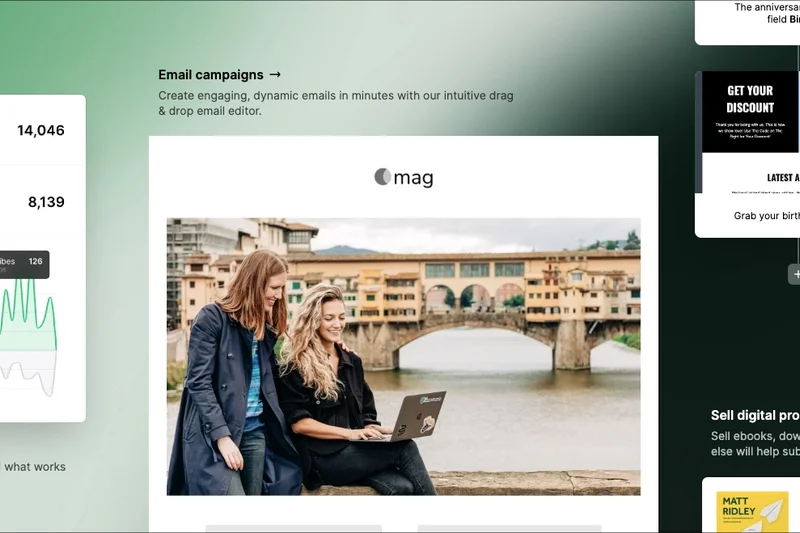
| 24 | MailerLite Free Plan | Email Marketing CRM | $0 | 5 | 4 | 9 | 8 | 8 | 6 | 8 | 0.00 | |
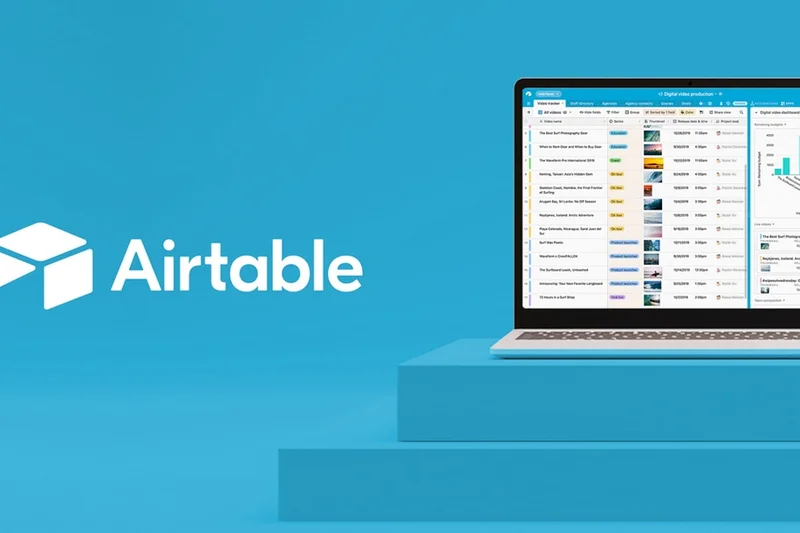
| 25 | Airtable Free Plan | Database CRM | $0 | 6 | 6 | 8 | 7 | 4 | 6 | 8 | 0.00 | |
| 26 | Vtiger One Pilot | Cloud CRM | $0 | 7 | 6 | 6 | 6 | 6 | 6 | 7 | 0.00 | |
| 27 | Flowlu Free Plan | Business Management CRM | $0 | 7 | 5 | 7 | 6 | 5 | 6 | 7 | 0.00 | |
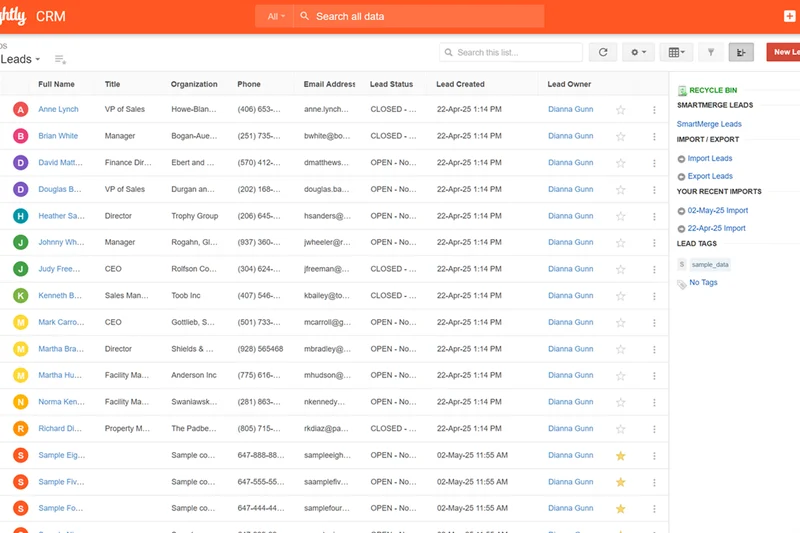
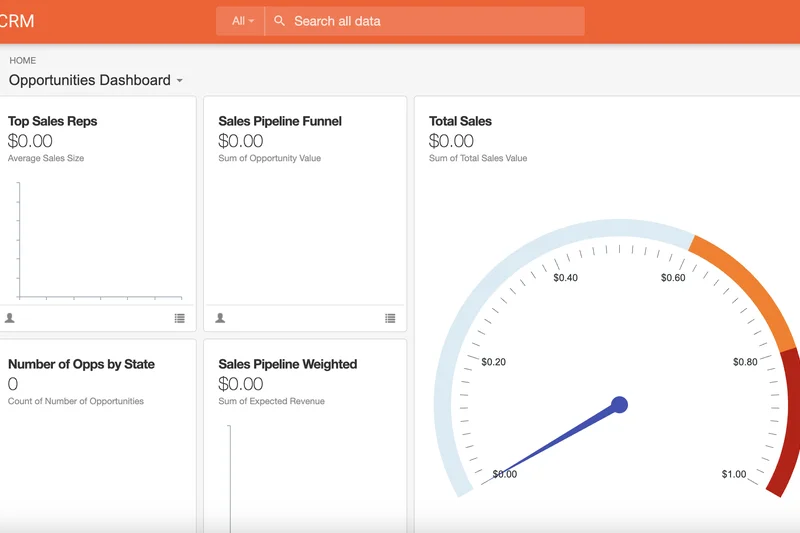
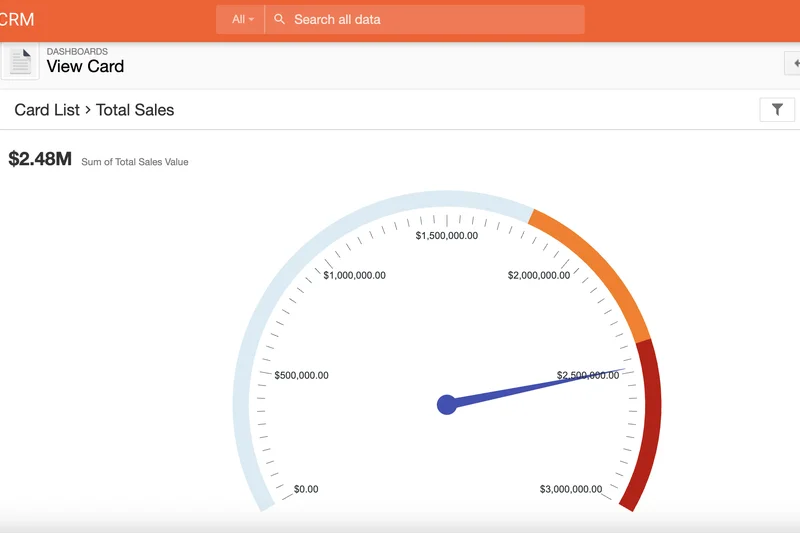
| 28 | Insightly Free CRM | Project-driven CRM | $0 | 7 | 4 | 7 | 7 | 6 | 6 | 7 | 0.00 | |
| 29 | eWay-CRM Free | Outlook CRM Add-on | $0 | 7 | 3 | 8 | 9 | 5 | 5 | 7 | 0.00 | |
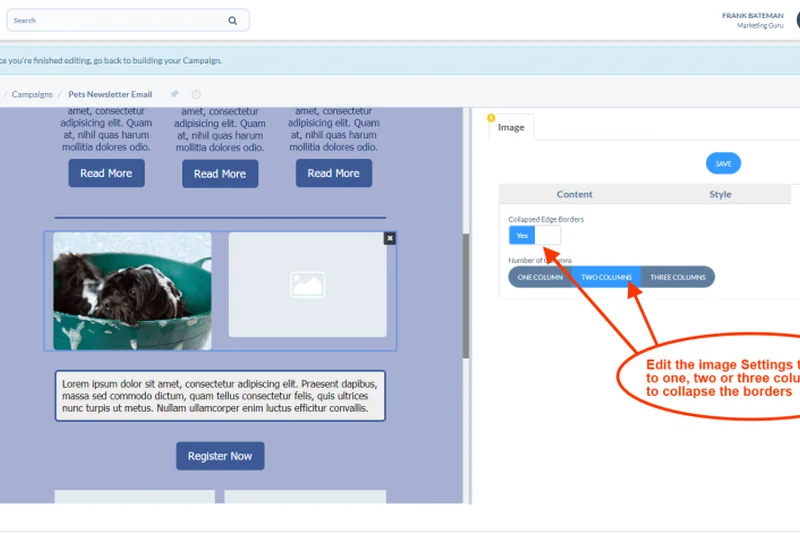
| 30 | Spotler CRM Free Plan | B2B Sales CRM | $0 | 7 | 5 | 7 | 6 | 4 | 6 | 7 | 0.00 | |
| 31 | Mailchimp Free CRM | Marketing CRM | $0 | 5 | 3 | 8 | 9 | 5 | 6 | 8 | 0.00 | |
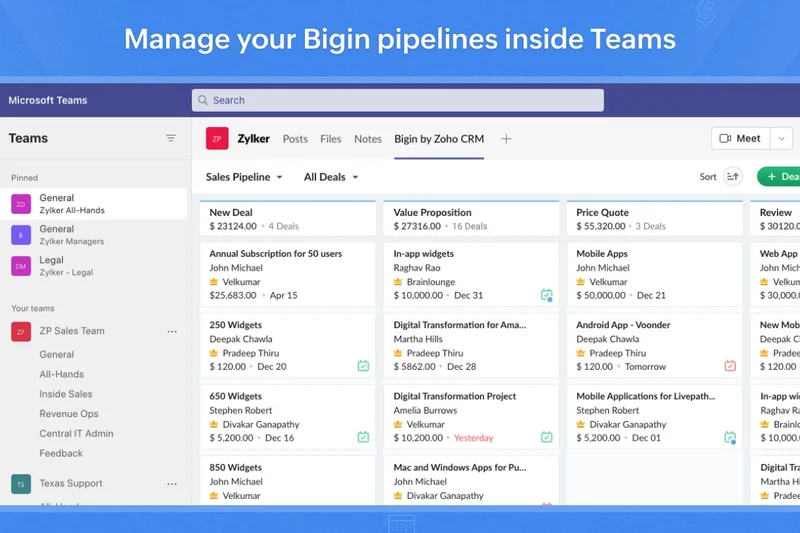
| 32 | Bigin by Zoho CRM | Pipeline-centric CRM | $0 | 6 | 3 | 9 | 6 | 4 | 5 | 8 | 0.00 | |
| 33 | Capsule CRM Free Plan | Lightweight CRM | $0 | 6 | 4 | 9 | 6 | 3 | 4 | 7 | 0.00 | |
| 34 | Apptivo Free Lite Plan | Modular CRM | $0 | 6 | 3 | 6 | 7 | 4 | 5 | 7 | 0.00 | |
| 35 | AiSensy Free Forever Plan | WhatsApp CRM | $0 | 5 | 3 | 7 | 7 | 6 | 5 | 7 | 0.00 |
Dimension Rankings
Each dimension ranked independently (Top 10).
📊 Best for Core Contact & Pipeline Management — Top 10
| Dim # | Product | Core Contact & Pipeline Management Score | Overall Rank | Price |
|---|---|---|---|---|
| 1 | HubSpot Free CRM | 0 | #1 | |
| 2 | SuiteCRM Open Source | 0 | #2 | |
| 3 | Bitrix24 Free CRM | 0 | #10 | |
| 4 | Zoho CRM Free Edition | 0 | #18 | |
| 5 | CRMOne Free Plan | 0 | #5 |
📊 Best for Freemium Limits & Scalability — Top 10
| Dim # | Product | Freemium Limits & Scalability Score | Overall Rank | Price |
|---|---|---|---|---|
| 1 | Bitrix24 Free CRM | 0 | #10 | |
| 2 | SuiteCRM Open Source | 0 | #2 | |
| 3 | Twenty CRM | 0 | #3 | |
| 4 | Krayin Open Source CRM | 0 | #12 | |
| 5 | BottleCRM | 0 | #20 |
📊 Best for Usability & Onboarding — Top 10
| Dim # | Product | Usability & Onboarding Score | Overall Rank | Price |
|---|---|---|---|---|
| 1 | HubSpot Free CRM | 0 | #1 | |
| 2 | Capsule CRM Free Plan | 0 | #33 | |
| 3 | Bigin by Zoho CRM | 0 | #32 | |
| 4 | Streak CRM for Gmail | 0 | #19 | |
| 5 | MailerLite Free Plan | 0 | #24 |
📊 Best for Third-Party Integrations — Top 10
| Dim # | Product | Third-Party Integrations Score | Overall Rank | Price |
|---|---|---|---|---|
| 1 | HubSpot Free CRM | 0 | #1 | |
| 2 | Streak CRM for Gmail | 0 | #19 | |
| 3 | eWay-CRM Free | 0 | #29 | |
| 4 | Mailchimp Free CRM | 0 | #31 | |
| 5 | ERPNext CRM | 0 | #4 |
📊 Best for Marketing & Sales Automation — Top 10
| Dim # | Product | Marketing & Sales Automation Score | Overall Rank | Price |
|---|---|---|---|---|
| 1 | SuiteCRM Open Source | 0 | #2 | |
| 2 | CRMOne Free Plan | 0 | #5 | |
| 3 | Brevo Free CRM | 0 | #11 | |
| 4 | ServiceAgent Free CRM | 0 | #9 | |
| 5 | MailerLite Free Plan | 0 | #24 |
📊 Best for Reporting & Analytics — Top 10
| Dim # | Product | Reporting & Analytics Score | Overall Rank | Price |
|---|---|---|---|---|
| 1 | SuiteCRM Open Source | 0 | #2 | |
| 2 | ERPNext CRM | 0 | #4 | |
| 3 | HubSpot Free CRM | 0 | #1 | |
| 4 | CRMOne Free Plan | 0 | #5 | |
| 5 | Brevo Free CRM | 0 | #11 |
📊 Best for Security & Data Ownership — Top 10
| Dim # | Product | Security & Data Ownership Score | Overall Rank | Price |
|---|---|---|---|---|
| 1 | HubSpot Free CRM | 0 | #1 | |
| 2 | SuiteCRM Open Source | 0 | #2 | |
| 3 | Twenty CRM | 0 | #3 | |
| 4 | Zoho CRM Free Edition | 0 | #18 | |
| 5 | Bigin by Zoho CRM | 0 | #32 |
Scenario Rankings
🎯 Best Overall Free CRM for Small Businesses — Top 5
Weights: Core CRM 25%, Free Limits 20%, Usability 15%, Integrations 10%, Automation 10%, Reporting 10%, Security 10%
| # | Product | Score | Overall Rank | Price | Why |
|---|---|---|---|---|---|
| 1 | HubSpot Free CRM | 0.00 | #1 | ||
| 2 | SuiteCRM Open Source | 0.00 | #2 | ||
| 3 | Twenty CRM | 0.00 | #3 | ||
| 4 | ERPNext CRM | 0.00 | #4 | ||
| 5 | CRMOne Free Plan | 0.00 | #5 |
🎯 Best for Freelancers & Solopreneurs — Top 5
Weights: Usability 30%, Core CRM 20%, Free Limits 15%, Integrations 15%, Security 10%, Automation 5%, Reporting 5%
| # | Product | Score | Overall Rank | Price | Why |
|---|---|---|---|---|---|
| 1 | HubSpot Free CRM | 0.00 | #1 | ||
| 2 | Twenty CRM | 0.00 | #3 | ||
| 3 | Streak CRM for Gmail | 0.00 | #19 | ||
| 4 | MailerLite Free Plan | 0.00 | #24 | ||
| 5 | eWay-CRM Free | 0.00 | #29 |
🎯 Best for Dedicated Sales Teams — Top 5
Weights: Core CRM 25%, Automation 20%, Reporting 15%, Free Limits 15%, Usability 10%, Integrations 10%, Security 5%
| # | Product | Score | Overall Rank | Price | Why |
|---|---|---|---|---|---|
| 1 | SuiteCRM Open Source | 0.00 | #2 | ||
| 2 | HubSpot Free CRM | 0.00 | #1 | ||
| 3 | ERPNext CRM | 0.00 | #4 | ||
| 4 | CRMOne Free Plan | 0.00 | #5 | ||
| 5 | ServiceAgent Free CRM | 0.00 | #9 |
🎯 Best Free CRM for High Contact Volume — Top 5
Weights: Free Limits 45%, Core CRM 15%, Usability 10%, Integrations 10%, Security 10%, Automation 5%, Reporting 5%
| # | Product | Score | Overall Rank | Price | Why |
|---|---|---|---|---|---|
| 1 | SuiteCRM Open Source | 0.00 | #2 | ||
| 2 | Twenty CRM | 0.00 | #3 | ||
| 3 | ERPNext CRM | 0.00 | #4 | ||
| 4 | Bitrix24 Free CRM | 0.00 | #10 | ||
| 5 | BottleCRM | 0.00 | #20 |
Detailed Reviews
#1 HubSpot Free CRM
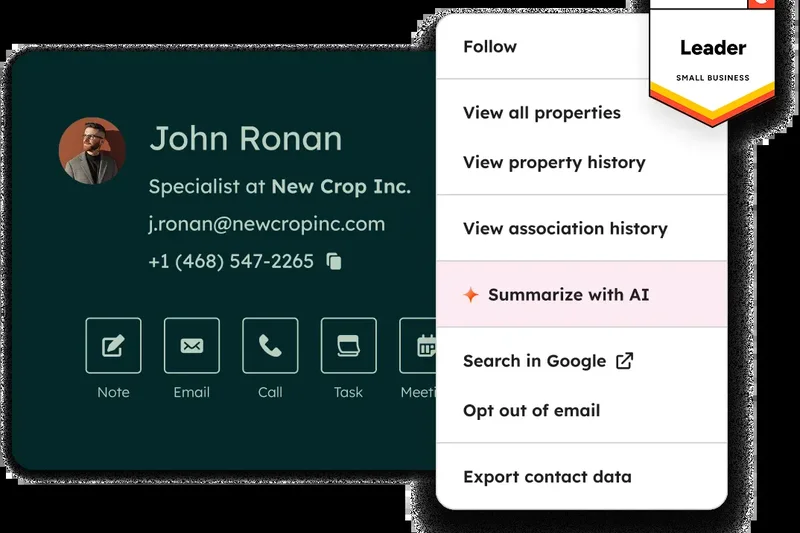
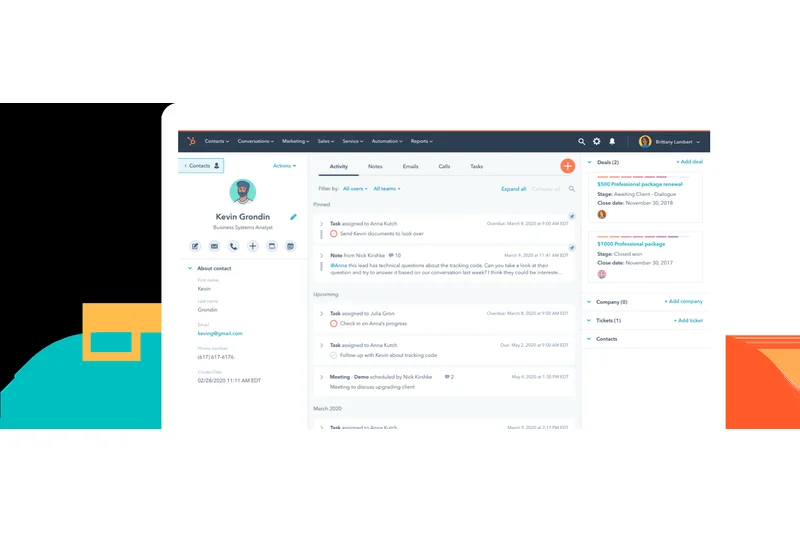
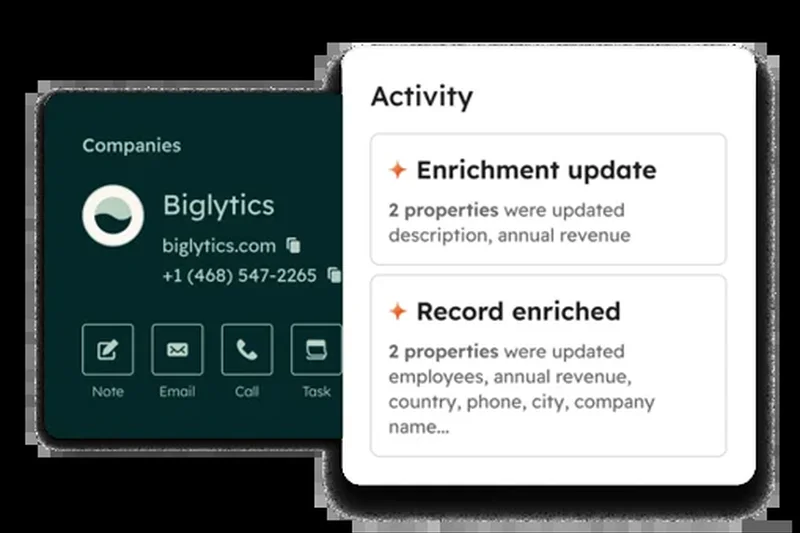
Why we picked it: HubSpot has long reigned as the benchmark for inbound marketing, but its forever-free CRM tier remains surprisingly generous, cementing its place as our top overall pick for 2026. While many competing platforms gate core pipeline management behind immediate paywalls, HubSpot Free CRM provides up to 1,000,000 contacts and unlimited users right out of the box. In our testing, the visual deal pipelines were exceptionally fluid, allowing small teams to intuitively drag and drop opportunities through customized stages without experiencing the lag typical of bloated enterprise systems. We particularly appreciated the frictionless onboarding; a guided setup process combined with immediate integrations for Google Workspace and Microsoft 365 means non-technical users can be productive within minutes. However, the real power of HubSpot lies in its centralized hub approach. Beyond simple contact tracking, the free tier includes integrated website forms, landing page builders, and basic email marketing tools. This eliminates the need for startups to string together disjointed point solutions, significantly reducing administrative friction. Our assessment of the core management capabilities revealed deep, customizable records that automatically pull in company data and log email interactions seamlessly. We found that the integrated meeting scheduler and live chat widgets further set it apart, allowing businesses to capture leads actively from their website directly into the CRM pipeline. That said, scalability does come with caveats. While the contact limits are vast, features like advanced automation, custom reporting dashboards, and sophisticated lead scoring are strictly gated. Upgrading to the premium tiers often presents a steep financial jump that small businesses must anticipate. Despite this aggressive upselling path, the foundational toolset offered at no cost is robust enough to sustain most small service businesses and agencies for their first few years of growth. For teams that need a reliable, professional-grade system of record without an upfront investment, HubSpot remains the definitive gold standard in the freemium space.
Key Specs
- Unlimited users
- Up to 1,000,000 contacts
- Visual deal pipelines
- Website forms and landing pages
- Basic email marketing tools
What we like
- Unlimited users and 1M contacts
- Excellent visual pipelines and UI
- Deep integration with Google/Microsoft ecosystems
- Built-in forms and live chat
What we don't like
- Paid tiers are very expensive
- Advanced automation is paywalled
- Phone support not included in free tier
Best for: Startups, agencies, and small businesses wanting a scalable foundation.
Considering HubSpot vs Zoho? HubSpot offers a far more modern interface and massive contact limits, while Zoho gives you more structured lead-to-opportunity management on its free tier, albeit with a 3-user limit.
The gold standard of free CRMs, offering unmatched core pipeline features and usability if you can stomach the future upgrade costs.
Buy at HubSpot official site#2 SuiteCRM Open Source
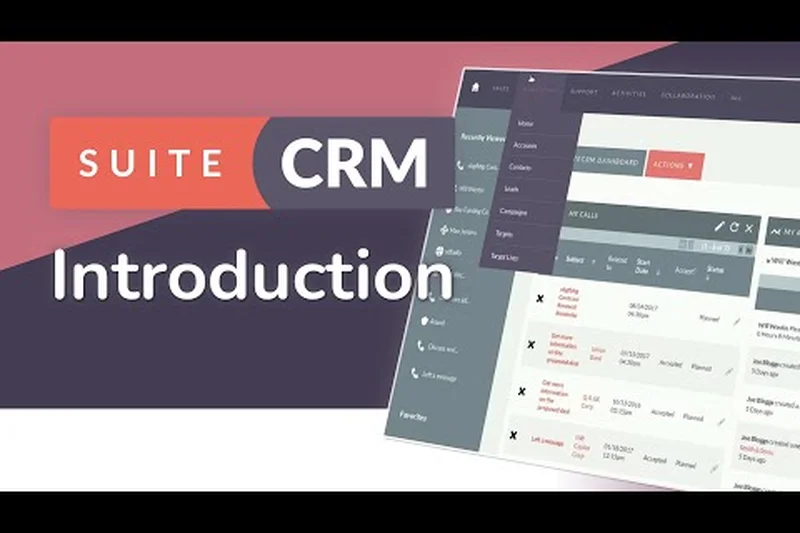
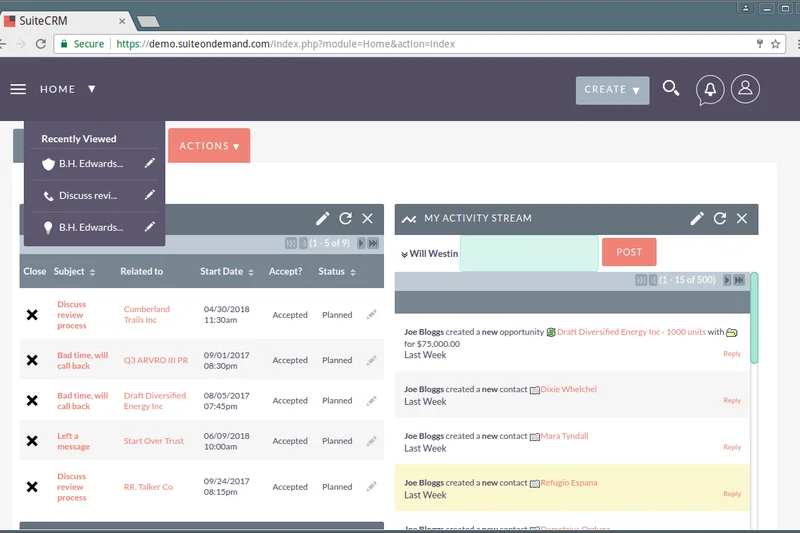
Why we picked it: Coming in at an impressive second place, SuiteCRM Open Source flips the traditional freemium model on its head by offering an enterprise-grade platform completely free of charge. Unlike cloud-based freemium tools that artificially restrict features or user seats to drive upgrades, SuiteCRM is a self-hosted solution that grants organizations absolute control over their data and limitless scalability. Our evaluation highlighted its unparalleled depth in marketing and sales automation for a free tool; users can build complex, multi-condition workflows that trigger tasks, emails, and data updates without hitting arbitrary usage caps. During our testing, we deployed SuiteCRM and found that while the installation requires some technical proficiency—typically a LAMP stack environment—the payoff is immense for dedicated sales teams. The core contact and pipeline management capabilities are highly extensible. Organizations can create custom modules tailored to unique industry workflows, ranging from real estate property tracking to manufacturing inventory management. Furthermore, the reporting engine allows for granular, cross-module data analysis that rivals paid tiers of commercial giants. We particularly noted the platform's robust role-based access controls, which allow administrators to define incredibly precise user permissions—a feature often reserved for the most expensive premium CRM tiers. This makes it an ideal choice for larger teams where data governance is critical. The primary trade-off is the usability and onboarding experience. The interface, though functional, lacks the polished, consumer-grade aesthetics of modern cloud native CRMs. Additionally, because it is self-hosted, businesses must account for their own server costs, security patches, and maintenance, though active community support mitigates some of this burden. For technical teams, mid-sized organizations, or data-sensitive industries that refuse to compromise on security and functionality, SuiteCRM is a formidable powerhouse that redefines what a zero-cost CRM can achieve.
Key Specs
- Unlimited users
- Complete data ownership
- Advanced workflow automation
- Customizable modules
- Large community support network
What we like
- 100% free with enterprise-grade features
- Unlimited users and total data ownership
- Advanced workflow automation included
What we don't like
- Requires your own server hosting and IT knowledge
- Dated user interface
- Steep learning curve
Best for: Dedicated sales teams with IT support or data-sensitive industries.
Considering SuiteCRM vs HubSpot? SuiteCRM gives you all the advanced automation that HubSpot locks behind steep paywalls, but you trade away HubSpot's seamless cloud hosting and polished UI.
A formidable, highly customizable open-source powerhouse that delivers premium automation without the premium price tag.
Buy at SuiteCRM official site#3 Twenty CRM
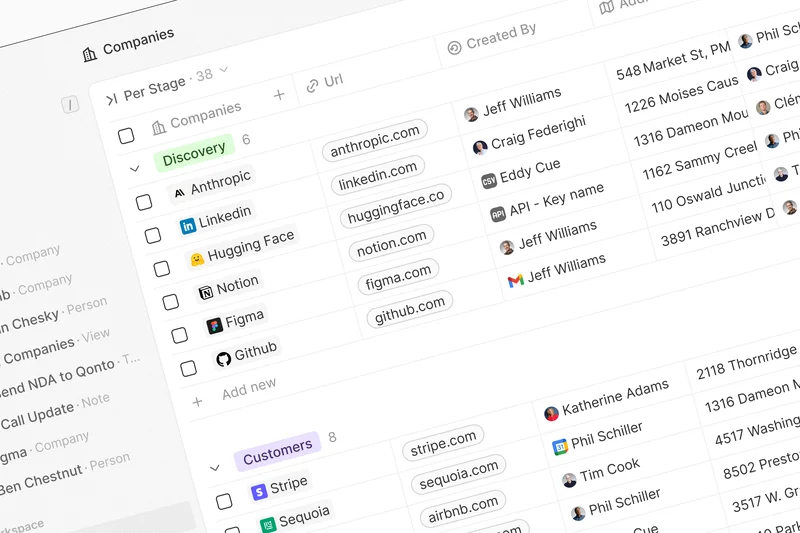
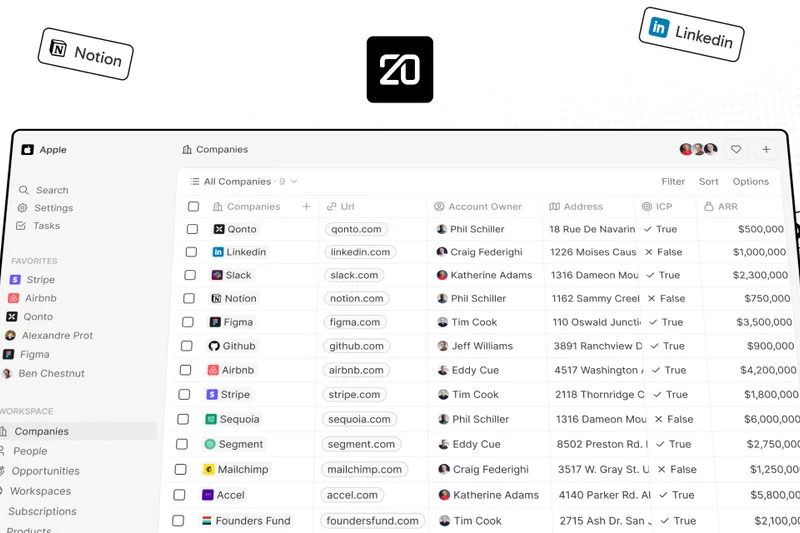
Why we picked it: Twenty CRM represents the new wave of open-source software, intentionally designed to disrupt the legacy CRM market by marrying unconstrained data ownership with a breathtakingly modern user interface. Securing our number three spot, Twenty stands out for teams handling high contact volumes who want the freedom of an open-source platform without the clunky aesthetics typically associated with self-hosted tools. In our multi-dimensional assessment, Twenty scored perfectly on freemium limits, as it allows for unlimited users and unlimited records, constrained only by the hosting infrastructure you provide. What truly impressed our testing team was the sheer fluidity of the user experience. The interface is highly responsive, drawing clear inspiration from modern productivity tools like Notion and Airtable. Navigating through standard objects—contacts, companies, and opportunities—feels instantaneous. The platform allows users to manipulate data views effortlessly, switching between Kanban boards and spreadsheet-like grids to match their preferred workflow. Twenty’s underlying architecture, driven by a GraphQL API, makes it a developer's dream. Creating custom objects or integrating with proprietary internal tools is significantly more straightforward than navigating the legacy APIs of older CRMs. While Twenty is rapidly evolving, it is still relatively nascent compared to veterans like HubSpot or SuiteCRM. Our review noted that native third-party integrations are still expanding, and built-in automation features remain somewhat basic, often requiring webhook workarounds to achieve complex workflows. However, the community-driven updates are frequent, and the core pipeline management is remarkably stable. For forward-thinking startups and developers seeking a clean, extensible, and beautifully designed CRM that won't lock them into exorbitant per-seat pricing as they scale, Twenty is an exceptional choice.
Key Specs
- Self-hosted free forever
- Streamlined smooth UI
- Sales workflow automation tools
- Unlimited users
- Extensible via GraphQL API
What we like
- Unlimited users and records
- Beautiful, modern UI inspired by Notion
- Highly extensible GraphQL API
What we don't like
- Native third-party integrations are still growing
- Automation features require workarounds
- Relatively new community compared to legacy tools
Best for: Tech startups, developers, and teams handling massive data volumes who want a modern aesthetic.
Considering Twenty CRM vs ERPNext? Twenty offers a vastly superior, modern user experience specifically focused on CRM, whereas ERPNext is a broader, more complex business management suite.
A rapidly evolving open-source disruptor that pairs unconstrained scaling with a gorgeous, fluid user interface.
Buy at Twenty official site#4 ERPNext CRM
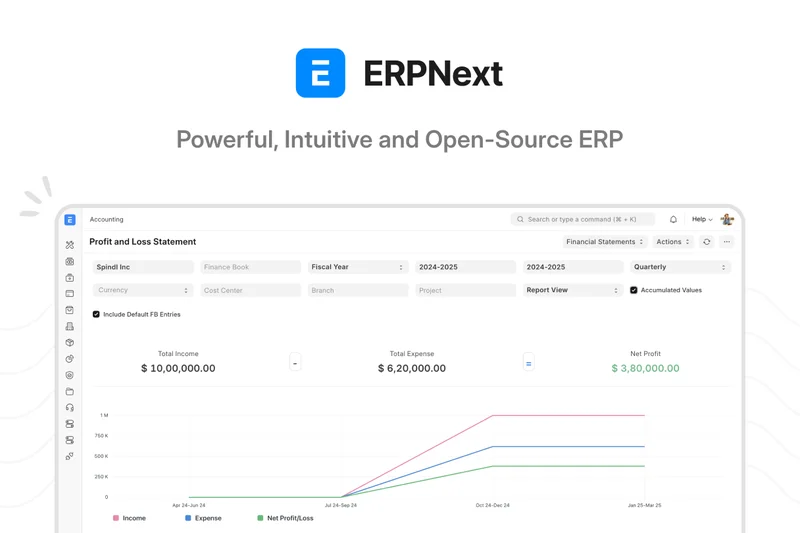
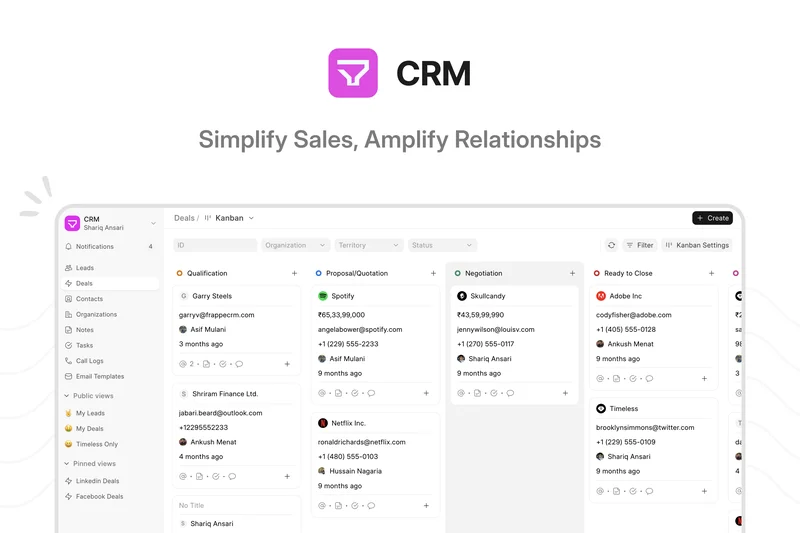
Why we picked it: For businesses that view customer relationship management as just one facet of a broader operational ecosystem, ERPNext CRM offers a staggering array of capabilities at zero software cost. As an open-source, integrated enterprise resource planning suite, the CRM module seamlessly connects with accounting, inventory, HR, and project management tools. This holistic approach earned it a top spot in our rankings, particularly for organizations that suffer from siloed data across different departments. By self-hosting ERPNext, companies gain access to unlimited users and records, completely bypassing the restrictive limits of traditional SaaS freemium plans. During our evaluation, the standout feature of ERPNext was its un-siloed architecture. A lead captured in the CRM can be effortlessly converted into an opportunity, then into a formal quotation, a sales order, and finally an invoice, all without data ever leaving the system. This end-to-end traceability is virtually unheard of in standalone free CRMs. Furthermore, the built-in reporting engine is highly configurable, allowing sales managers to build custom dashboards that pull in financial metrics alongside pipeline conversion rates, providing a true picture of customer lifetime value. The main hurdle with ERPNext is its sheer breadth, which translates to a steeper learning curve. Setup requires careful configuration of broader business settings before the CRM can be effectively utilized. The interface is functional and clean, but it prioritizes data density over immediate, foolproof usability. Additionally, while basic email integration exists, connecting to modern marketing stacks may require custom API work. Nevertheless, for manufacturing, wholesale, or service businesses looking for a centralized truth that scales indefinitely without software licensing fees, ERPNext is an unparalleled open-source asset.
Key Specs
- Unlimited users (self-hosted)
- Sales funnel tracking
- Quotation and document management
- Integrated accounting tools
- Mass email campaigns
What we like
- Integrates directly with full accounting and ERP tools
- Unlimited scalability without user fees
- Excellent end-to-end quotation and invoicing
What we don't like
- Complex initial setup and configuration
- UI prioritizes data density over simplicity
- Overkill for simple contact management
Best for: Manufacturing, wholesale, and complex service businesses needing a single source of truth.
Considering ERPNext vs Bitrix24? ERPNext provides true financial and inventory depth for product-based businesses, whereas Bitrix24 focuses more on team communication and project task management.
An incredibly comprehensive open-source system that perfectly bridges the gap between sales pipelines and back-office accounting.
Buy at ERPNext official site#5 CRMOne Free Plan
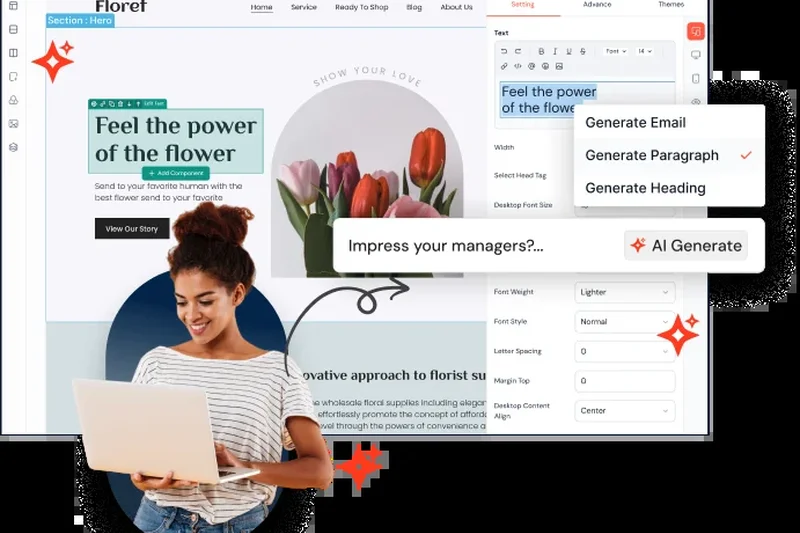
Why we picked it: CRMOne has quickly established itself as a disruptive force in the freemium landscape by offering an enterprise-level feature set that directly challenges the artificial limitations of established players. Securing a high position in our overall rankings, CRMOne distinguishes itself with its AI-driven workflow automation and an incredibly generous allowance for unlimited users on its free tier. In an industry where adding team members is the primary trigger for expensive upgrades, CRMOne provides a refreshing alternative for growing sales teams that need to collaborate without counting seats. Our testing revealed that CRMOne excels in its out-of-the-box marketing and sales alignment. The platform goes beyond basic contact management, offering visual pipeline tracking coupled with robust marketing automation tools. Users can set up automated email sequences and basic trigger actions—such as assigning follow-up tasks when a deal reaches a certain stage—without hitting a paywall. The inclusion of an AI assistant to help draft emails and summarize contact histories is a standout addition, significantly reducing the administrative burden on sales representatives and boosting overall team productivity. Despite these advanced capabilities, we found that the platform's reporting dashboard, while solid, lacks the deep customization required for highly granular sales forecasting. Furthermore, native integrations with some niche third-party applications are still in development, meaning teams heavily reliant on specific industry tools might need to leverage Zapier or Make. Overall, CRMOne is a fantastic, high-value option for scaling businesses that want to democratize CRM access across their entire organization while leveraging modern AI features—all without spending a dime.
Key Specs
- Unlimited users
- AI-driven workflow automation
- Visual pipeline management
- Basic reporting dashboard
- Marketing automation tools
What we like
- Unlimited users on the free plan
- Built-in AI writing and workflow automation
- Visual pipeline management
What we don't like
- Advanced custom reporting is limited
- Fewer native niche integrations than legacy competitors
- Brand is less established
Best for: Growing sales teams that want AI features and unlimited collaboration without paying per-seat.
Considering CRMOne vs HubSpot? CRMOne gives you unlimited users and access to workflow automation for free, whereas HubSpot severely limits automation on its zero-cost tier.
A generous and disruptive new player offering enterprise-grade automation and AI assistance for free.
Buy at CRMOne official site#6 CiviCRM
Why we picked it: CiviCRM stands apart from the rest of the market due to its laser focus on the nonprofit and civic sector. It is not just a CRM retrofitted for charities; it was built from the ground up to handle the unique workflows of fundraising, donor management, and volunteer coordination. As a self-hosted, open-source platform, it perfectly aligns with our scenario for high-volume contact management, offering unlimited users and records. For organizations where every dollar counts, the ability to maintain a massive database of supporters without recurring SaaS fees is transformative. In our functional testing, CiviCRM's deep integration with CMS platforms like WordPress, Drupal, and Joomla proved to be its greatest strength. It allows nonprofits to easily deploy donation forms, event registration pages, and membership portals directly on their websites, with all data flowing seamlessly into the CRM backend. The platform natively handles complex relationship modeling—essential for tracking households, organizational affiliations, and major donor networks. Furthermore, the built-in grant tracking and mass email campaign features eliminate the need for third-party marketing tools. The trade-off for this specialized power is a decidedly dated user interface and a steep learning curve. The administrative backend can feel overwhelming, heavily reliant on dense menus and complex configuration screens. Implementation often requires the assistance of a dedicated consultant or a tech-savvy volunteer to ensure the CMS integration and payment gateways are properly configured. However, for nonprofits, NGOs, and political campaigns willing to navigate its complexities, CiviCRM remains an incredibly robust, community-supported engine that empowers mission-driven work at scale.
Key Specs
- Self-hosted free forever
- Donor and fundraising management
- Grant tracking features
- Event management tools
- Native WordPress/Drupal integration
What we like
- Purpose-built for nonprofits and NGOs
- Deep CMS integration (WordPress/Drupal)
- Comprehensive donor, event, and grant tracking
What we don't like
- Very steep learning curve
- Dated administrative interface
- Requires technical setup for hosting and CMS syncing
Best for: Nonprofits, political campaigns, and community organizations with massive databases.
Considering CiviCRM vs Givebutter? CiviCRM is vastly more powerful for complex relationship and grant tracking on your own servers, while Givebutter is a lightweight, cloud-based tool focused purely on fast fundraising.
The ultimate open-source engine for mission-driven organizations willing to navigate its complexity in exchange for infinite scale.
Buy at CiviCRM official site#7 Givebutter Free CRM
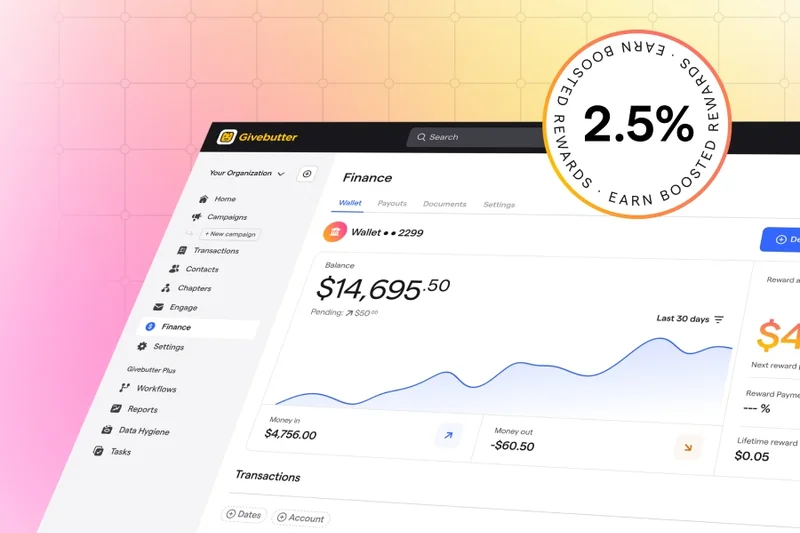
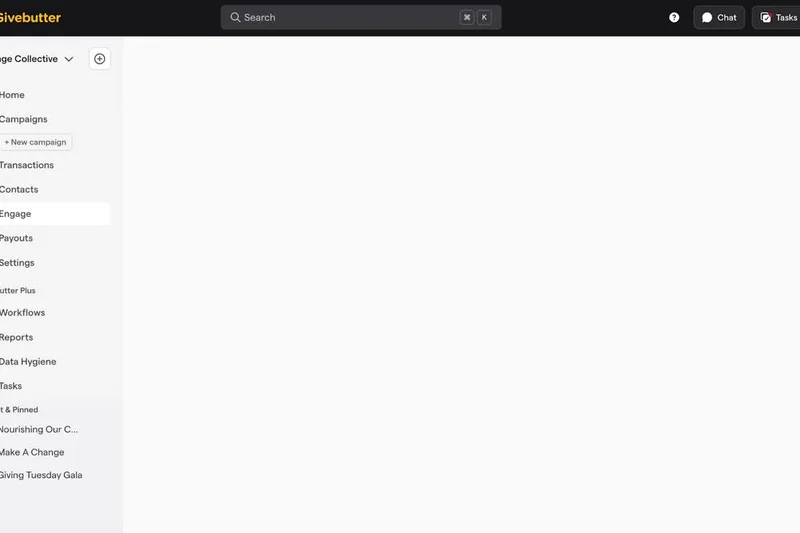
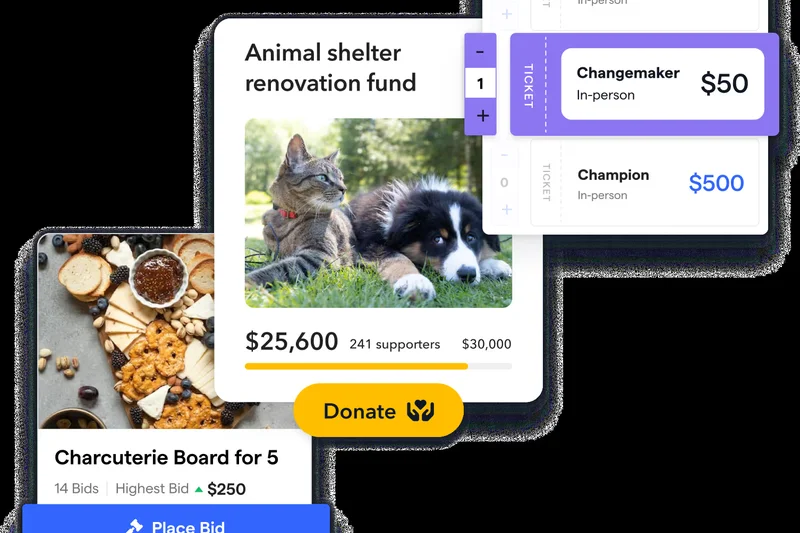
Why we picked it: For modern nonprofits, schools, and community groups looking for a zero-cost solution without the technical overhead of self-hosting, Givebutter Free CRM emerges as a spectacular alternative. Seamlessly integrating a lightweight CRM with a powerful fundraising platform, Givebutter secured its place on our list by providing an incredibly frictionless experience. Unlike traditional enterprise tools, Givebutter offers unlimited users, unlimited contacts, and a 100% free platform, sustaining its model through optional donor tips and transparent payment processing fees. Our assessment highlighted Givebutter’s phenomenal usability and modern design. The onboarding process is nearly instantaneous, allowing organizations to launch beautifully designed fundraising campaigns, peer-to-peer events, and ticketing pages within minutes. The CRM backend automatically aggregates this transactional data, constructing detailed donor profiles that track giving histories, engagement metrics, and communication logs. We were particularly impressed by the built-in SMS and email marketing capabilities, which enable organizations to segment their donor base and send targeted appeals directly from the platform without needing separate subscriptions like Mailchimp. While Givebutter excels at donor engagement, its CRM capabilities are fundamentally tailored to fundraising. It lacks the complex B2B sales pipeline features, advanced task automation, and granular custom object creation found in traditional systems like HubSpot. For organizations managing complex institutional grants or intricate sales processes, Givebutter may feel too simplistic. Yet, for the vast majority of grassroots nonprofits and community organizers seeking an intuitive, all-in-one fundraising and donor management hub, Givebutter is an absolute joy to use.
Key Specs
- Unlimited users
- Free fundraising platform
- Detailed donor profiles
- SMS and email marketing
- Event ticketing tools
What we like
- 100% free with unlimited contacts and users
- Incredibly easy to launch fundraising campaigns
- Built-in SMS and email marketing
What we don't like
- Lacks traditional B2B sales pipelines
- No complex task automation
- Relies on optional donor tips to fund the platform
Best for: Grassroots nonprofits, schools, and small charities seeking an all-in-one fundraising hub.
Considering Givebutter vs Mailchimp? Givebutter natively processes donations and builds donor profiles automatically, whereas Mailchimp is purely a marketing tool that requires a third-party payment gateway.
A beautifully designed, frictionless CRM that revolutionizes how small nonprofits manage donors and collect funds online.
Buy at Givebutter official site#8 Relaticle
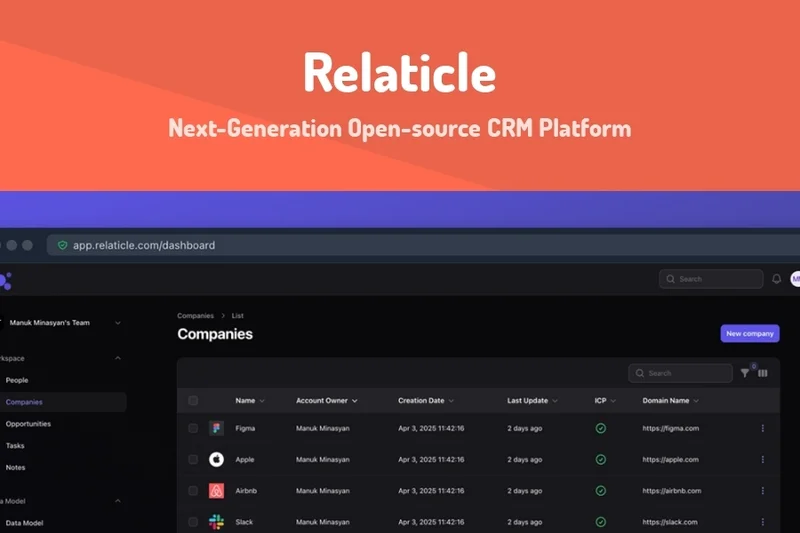
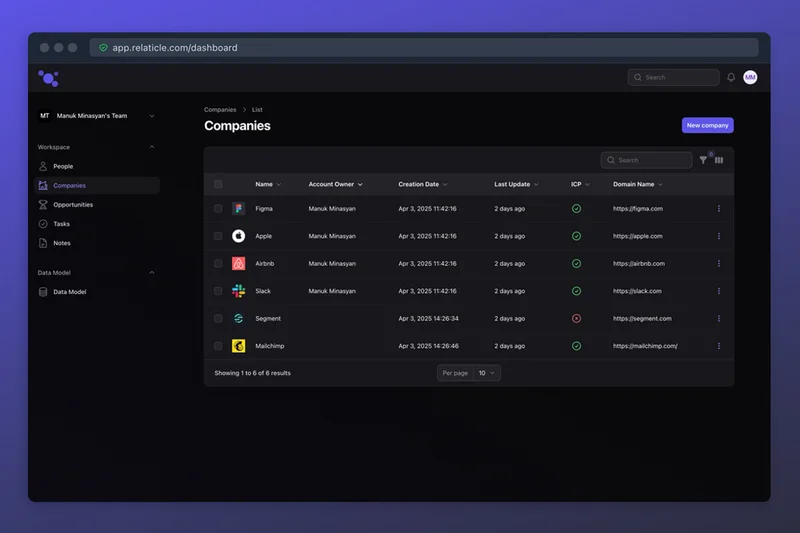
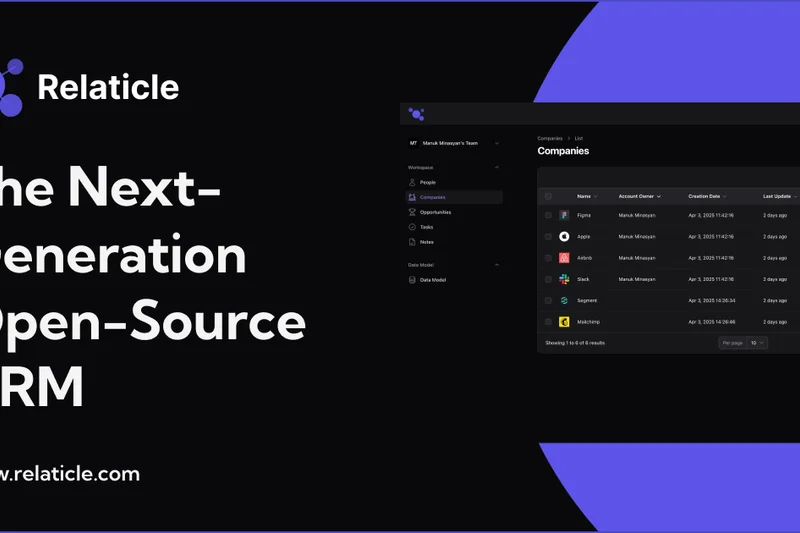
Why we picked it:
Key Specs
- Self-hosted free forever
- Next-generation UI
- Contact management
- Custom reporting tools
- Community-driven updates
#9 ServiceAgent Free CRM
Why we picked it: ServiceAgent Free CRM carves out a highly specific and incredibly valuable niche: the field service and appointment-based business sector. Earning a top spot for its innovative approach, ServiceAgent diverges from traditional B2B pipeline tools by integrating cutting-edge AI voice agent capabilities directly into its forever-free tier. For plumbers, electricians, salons, and consultants, the ability to have an AI assistant handle inbound scheduling and basic customer inquiries without paying a monthly seat fee is a game-changer. During our rigorous scenario testing, the platform's scheduling and dispatch tools stood out prominently. The CRM is built around the calendar and the customer service record rather than a traditional sales funnel. When a customer calls, the integrated AI can parse the request, check availability, and log the interaction directly into the contact’s profile. The inclusion of built-in payment tools also streamlines the workflow, allowing service professionals to send invoices and collect payments from the field via mobile access. This unified approach drastically reduces the administrative time small business owners spend on the phone. The primary limitation of ServiceAgent is its narrow focus. It is not designed for long-cycle B2B sales, lacking the visual deal stages, complex lead scoring, and deep email marketing sequences required by dedicated sales teams. Furthermore, the reporting features are focused strictly on service metrics and revenue collection rather than pipeline forecasting. However, for local service businesses that need a smart, automated hub to manage appointments, client histories, and payments effortlessly, ServiceAgent offers an unmatched, futuristic toolset completely free of charge.
Key Specs
- Unlimited users
- Built-in AI voice agent capabilities
- Scheduling and payment tools
- No monthly seat fees
- Optimized for field service businesses
What we like
- Integrated AI voice agent for inbound calls
- Built-in scheduling and payment collection
- Unlimited users with no monthly seat fees
What we don't like
- Not suited for long-cycle B2B sales
- Limited pipeline forecasting features
- Narrowly focused on field service
Best for: Plumbers, electricians, salons, and local consultants booking field appointments.
Considering ServiceAgent vs Zoho CRM? ServiceAgent handles your incoming customer calls and books calendar slots automatically, while Zoho is built for sales reps actively hunting and moving deals through a pipeline.
A futuristic, highly specialized tool that acts as an automated receptionist and dispatcher for field service professionals.
Buy at ServiceAgent official site#10 Bitrix24 Free CRM
Why we picked it: Bitrix24 is less of a standalone CRM and more of an entire digital workspace packed into a single platform. We ranked it highly because its free tier is remarkably expansive, providing unlimited users and unlimited contacts—a rarity in the cloud-based freemium ecosystem. For startups and small businesses that need to centralize their operations without purchasing disparate tools for chat, project management, and sales, Bitrix24 serves as an incredibly comprehensive command center. In our evaluation of its core management capabilities, Bitrix24 impressed us with its holistic approach to team collaboration. The CRM seamlessly integrates with built-in task management, Gantt charts, and a native team communication suite that includes chat and video calls. This means a sales rep can collaborate with a marketing manager on a specific deal without ever leaving the application. The platform also offers a robust contact center feature, allowing businesses to connect their social media channels, email, and basic telephony directly to the CRM, capturing leads from multiple touchpoints automatically. However, this "everything-in-one" philosophy is a double-edged sword. The sheer volume of features available on the free tier creates a cluttered interface that can easily overwhelm new users. The usability score in our methodology took a hit because navigating the complex menus requires significant user training. Additionally, while the contact limits are unlimited, the free plan caps cloud storage at 5GB, which can be quickly consumed if teams are uploading large documents. For businesses willing to brave the learning curve in exchange for a massive suite of free tools, Bitrix24 is an unbeatable value proposition.
Key Specs
- Unlimited users
- Unlimited contacts
- 5GB cloud storage
- Built-in project management
- Native team chat & video calls
What we like
- Unlimited users and contacts
- Includes native chat and video conferencing
- Built-in project management and Gantt charts
What we don't like
- Interface is cluttered and overwhelming
- Cloud storage is capped at 5GB on free tier
- Steep learning curve for basic CRM tasks
Best for: Startups that want an entire digital workspace and collaboration suite in one platform.
Considering Bitrix24 vs HubSpot? Bitrix24 gives you project management, intranet, and HR tools alongside your CRM, but HubSpot offers a far cleaner, more focused, and intuitive sales pipeline experience.
An unparalleled all-in-one value proposition that demands patience to master its massive feature set.
Buy at Bitrix24 official site#11 Brevo Free CRM
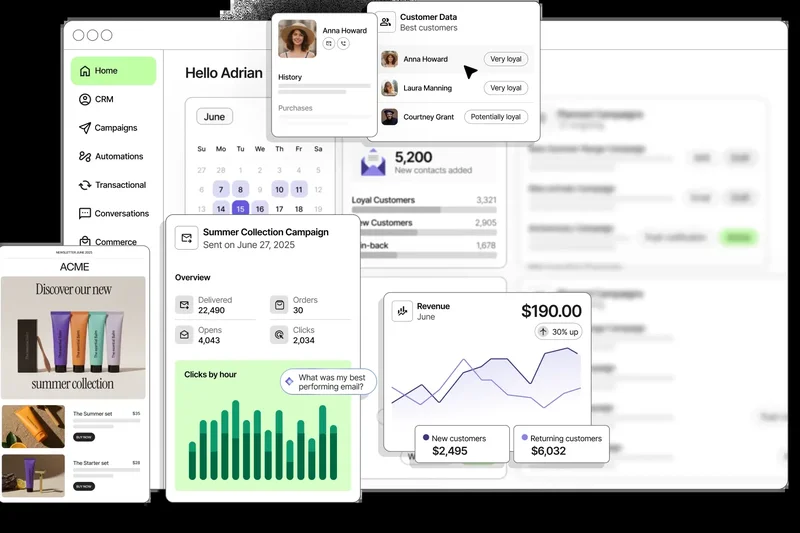
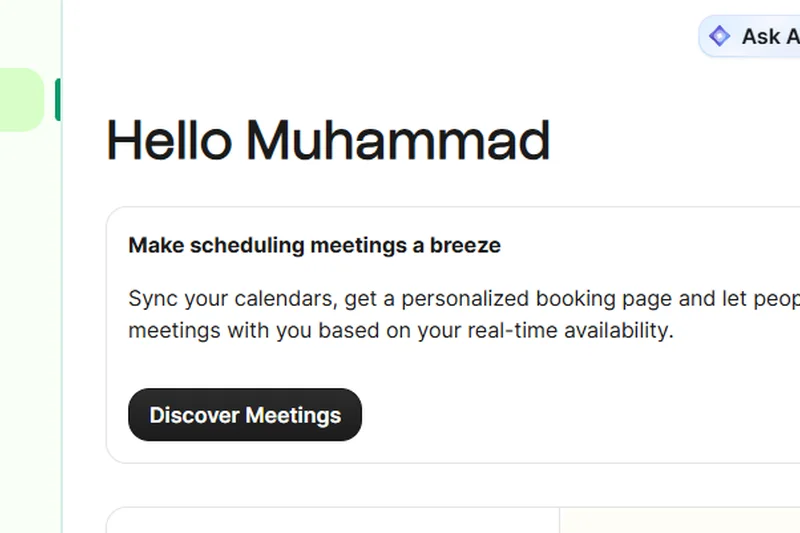
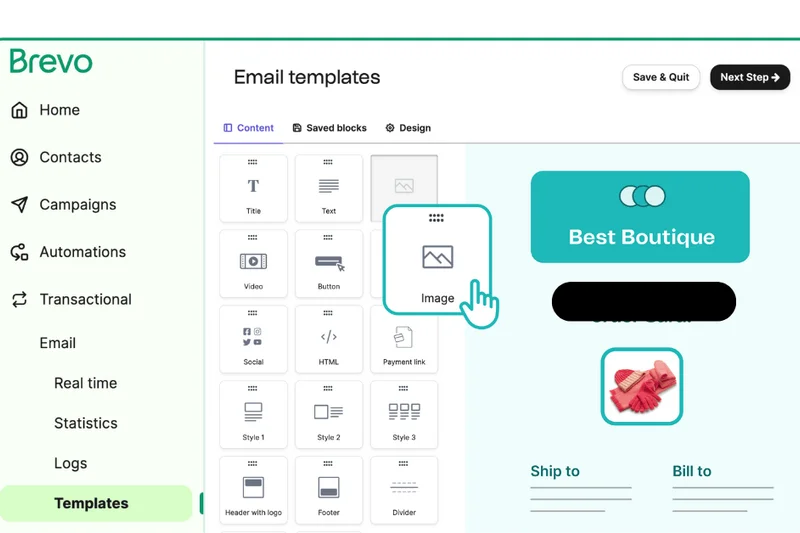
Why we picked it: Formerly known as Sendinblue, Brevo has evolved from a pure email marketing tool into a formidable marketing CRM. Securing its place in our top 10, Brevo is the ultimate choice for businesses whose primary customer interactions are driven by email and SMS campaigns. Its free tier is incredibly generous regarding database size, offering unlimited contacts while restricting limits based on output—specifically, a cap of 300 emails per day. This makes it an ideal central repository for e-commerce brands and digital marketers building large subscriber lists. During our hands-on testing, Brevo’s drag-and-drop template builder and transactional email support performed flawlessly. The CRM features are tightly interwoven with the marketing engine. Users can track standard deal pipelines, log meeting notes, and manage tasks, but the real magic happens when syncing this data with automated communication. The platform allows for granular segmentation based on CRM data, ensuring that bulk campaigns are highly targeted. We also noted that its SMS campaign management features are uniquely accessible on the free tier, providing an omnichannel edge. The downside is that Brevo’s core B2B sales features are relatively lightweight compared to dedicated sales platforms. The pipeline views are basic, and advanced sales automation—such as complex lead routing or AI-driven forecasting—is absent. Furthermore, the 300-email daily limit can become a bottleneck for rapidly growing newsletters, forcing a relatively quick upgrade to a paid tier. Nevertheless, for marketing-centric teams that prioritize audience communication and seamless newsletter integration over complex sales cycle management, Brevo offers an elegant and reliable solution.
Key Specs
- Unlimited contacts
- Up to 300 emails per day
- SMS campaign management
- Transactional email support
- Drag-and-drop template builder
What we like
- Unlimited contacts on the free tier
- Excellent drag-and-drop email builder
- Built-in SMS campaign management
What we don't like
- Daily send limit of 300 emails on free plan
- Basic B2B sales pipeline features
- Lacks advanced lead scoring
Best for: E-commerce businesses and digital marketers prioritizing email communication over sales calls.
Considering Brevo vs Mailchimp? Brevo allows for unlimited contacts on its free plan (capping only daily sends), whereas Mailchimp rigidly locks your database size to just 500 contacts before charging.
The premier choice for marketing-led organizations that need their CRM inextricably linked to powerful newsletter and SMS tools.
Buy at Brevo official site#12 Krayin Open Source CRM
Why we picked it:
Key Specs
- Self-hosted free forever
- Unlimited users
- Sales and lead tracking
- Marketing automation module
- Highly customizable PHP core
#13 Dolibarr CRM
Why we picked it:
Key Specs
- Self-hosted free forever
- Modular app design
- Lead and opportunity tracking
- Invoicing and payments
- Unlimited user capacity
#14 Freshsales Free CRM
Why we picked it:
Key Specs
- Up to 3 users
- Built-in phone and email integration
- Kanban board deal views
- Contact lifecycle tracking
- 24x5 customer support
#15 ClickUp Free Forever CRM
Why we picked it:
Key Specs
- Unlimited users
- 100MB cloud storage
- Kanban and List data views
- 100 automation actions per month
- Pre-built CRM templates
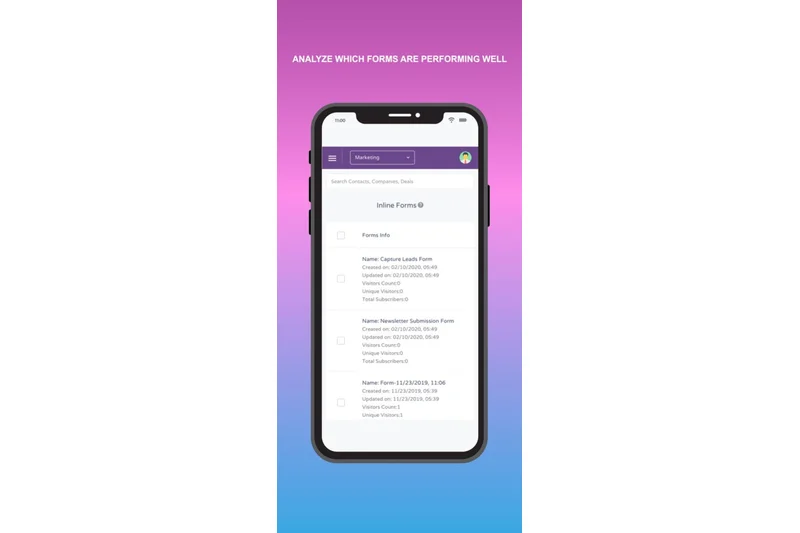
#16 EngageBay Free CRM
Why we picked it:
Key Specs
- Up to 15 users
- 250 contacts limit
- Help desk and live chat integration
- Email sequencing tools
- Landing page builder
#17 Odoo CRM (One App Free)
Why we picked it:
Key Specs
- Unlimited users
- Pipeline management
- Activity scheduling
- Lead tracking
- Extensible into full business suite
#18 Zoho CRM Free Edition
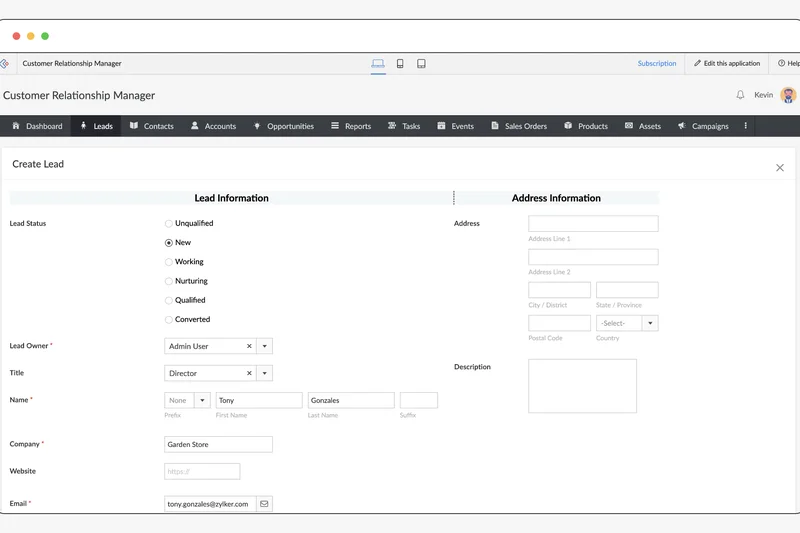
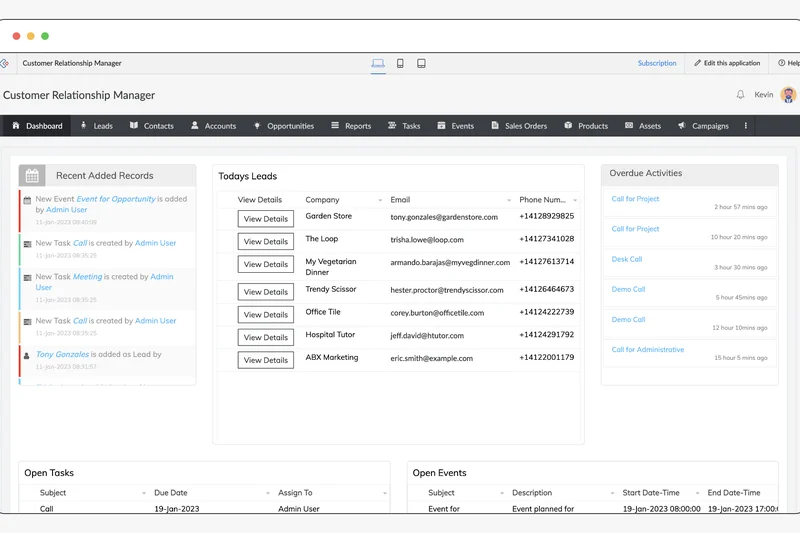
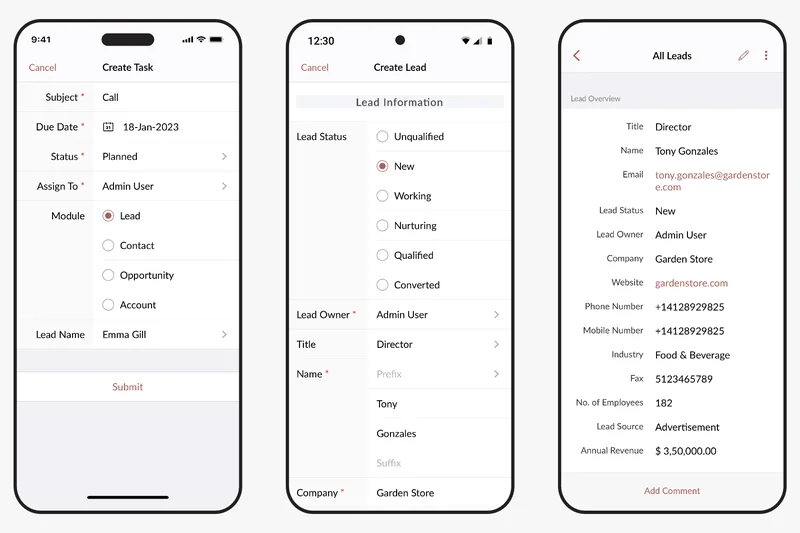
Why we picked it: Zoho CRM is a titan in the small business software space, and its Free Edition serves as an excellent entry point into the massive Zoho ecosystem. Earning its spot through reliability and robust core features, Zoho's free plan supports up to three users and caps records at 5,000. It is designed for small teams that require a structured, traditional CRM framework to manage leads, contacts, and accounts without the bloat of unnecessary enterprise features. Our testers found Zoho CRM's interface to be clean and highly customizable. Even on the free tier, businesses can modify page layouts and custom fields to ensure the database captures industry-specific information. We were particularly impressed by the lead and document management capabilities, which provide a clear separation between raw prospects and qualified opportunities—a structural discipline often missing in lightweight tools. The inclusion of an excellent mobile app also ensures that field reps can access critical customer data and log calls while on the move. The primary drawback of Zoho's free tier is its aggressive feature gating. Crucial elements like mass emailing, advanced workflow automation, and custom dashboard reporting are locked behind paid plans. Furthermore, integrating Zoho CRM with third-party apps outside of the Zoho suite often requires an upgrade, limiting its flexibility for teams entrenched in other software stacks. Despite these limitations, for a small business of two or three people looking for a highly disciplined, secure, and professional system of record with a clear path for future premium scaling, Zoho CRM Free Edition is a rock-solid foundation.
Key Specs
- Up to 3 users
- 5,000 record limit
- Lead and document management
- Workflow automation basics
- Mobile app access
What we like
- Clean and disciplined lead-to-opportunity structure
- Excellent customizability of page layouts
- Strong mobile application
What we don't like
- Strictly capped at 3 users and 5,000 records
- Mass emailing and automation are paywalled
- Integrations are largely limited to the Zoho ecosystem
Best for: Micro-businesses of 2-3 people who need a traditional, highly structured database.
Considering Zoho CRM vs Freshsales? Both offer similar 3-user limits, but Zoho provides slightly more flexibility in customizing data fields and layouts for traditional database management.
A highly professional, secure, and structured CRM foundation that serves as a reliable gateway into the broader Zoho ecosystem.
Buy at Zoho official site#19 Streak CRM for Gmail
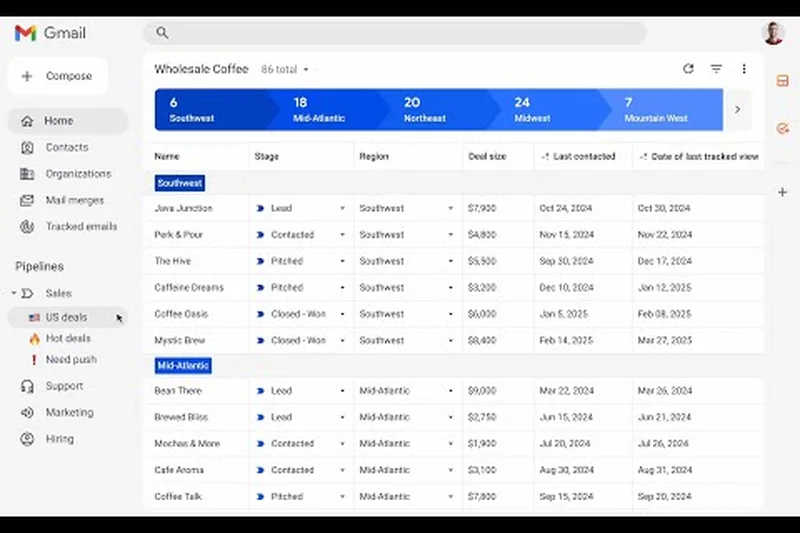
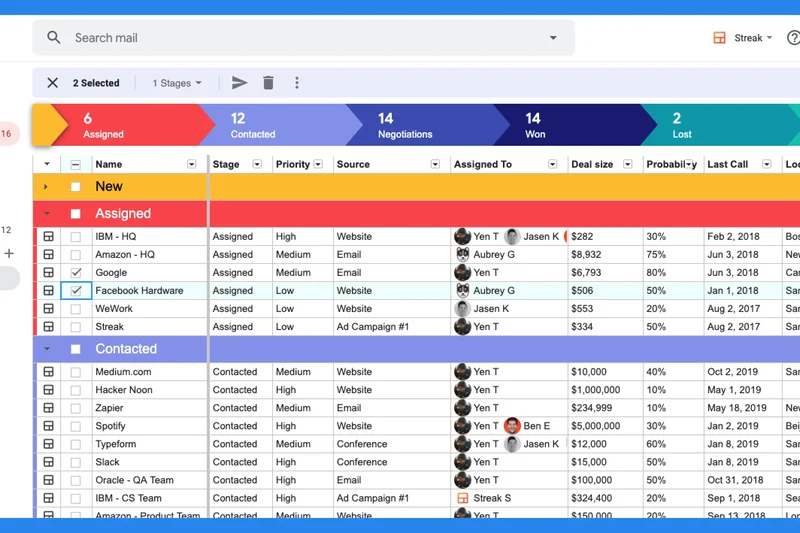
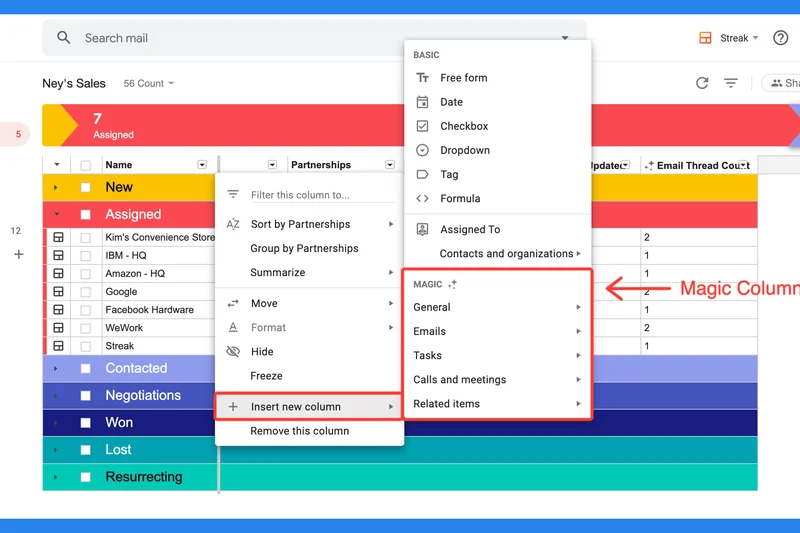
Why we picked it: Streak CRM transforms the familiar environment of Google Workspace into a fully functional sales machine, earning it our top recommendation for freelancers, solopreneurs, and micro-teams. Instead of forcing users to adopt a separate application and tab back and forth, Streak lives entirely inside the Gmail inbox. This frictionless approach dramatically reduces the administrative overhead of logging emails and tracking correspondence, as the CRM intuitively captures data where the communication is already happening. In our evaluation, Streak scored phenomenally well on usability and integration. The free tier, designed for a single user, provides an in-inbox visual pipeline that lets you track deals, support tickets, or hiring processes using color-coded stages directly alongside your emails. We particularly loved the inclusion of email tracking (read receipts) and snippets (canned responses), which save solopreneurs hours of repetitive typing. The ability to automatically categorize incoming emails into specific pipelines based on sender addresses ensures that opportunities don't slip through the cracks of a busy inbox. However, Streak's free plan is strictly limited to 500 contacts and a single user, making it unsuitable for growing teams or businesses with large client databases. Additionally, because it is essentially a Chrome extension layered over Gmail, it lacks a dedicated mobile app that matches the desktop experience, and the reporting features are minimal. For independent professionals, consultants, and real estate agents who live out of their inbox and need a lightweight, zero-friction way to organize their workflow, Streak is an indispensable, highly effective tool.
Key Specs
- Single user limit
- 500 contacts capacity
- Native Gmail integration
- Email tracking and snippets
- In-inbox pipeline tracking
What we like
- Lives entirely inside the Gmail interface
- Excellent email tracking and snippets
- Zero context switching required
What we don't like
- Limited to a single user on the free plan
- Contact limit capped at 500
- Lacks a standalone mobile app of equal power
Best for: Solopreneurs, freelancers, and real estate agents operating out of their inbox.
Considering Streak vs HubSpot? Streak integrates directly into your Gmail tabs for a frictionless inbox experience, while HubSpot requires you to log into a separate dashboard to manage your core pipeline.
An ingenious productivity booster that seamlessly turns your messy inbox into an organized, color-coded sales pipeline.
Buy at Streak official site#20 BottleCRM
Why we picked it:
Key Specs
- Self-hosted free forever
- Unlimited users
- Account and lead management
- Built on Django & Svelte
- Developer-friendly setup
#21 Monday Sales CRM Free
Why we picked it:
Key Specs
- Up to 2 user seats
- 1,000 active contacts limit
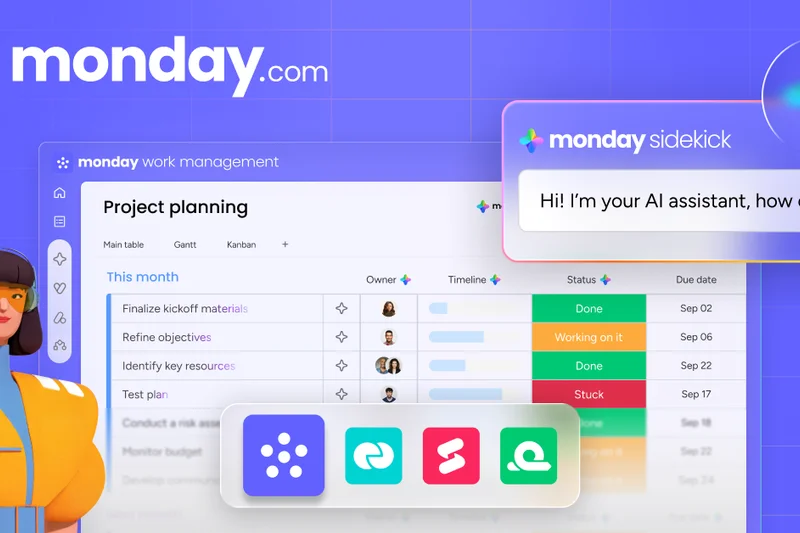
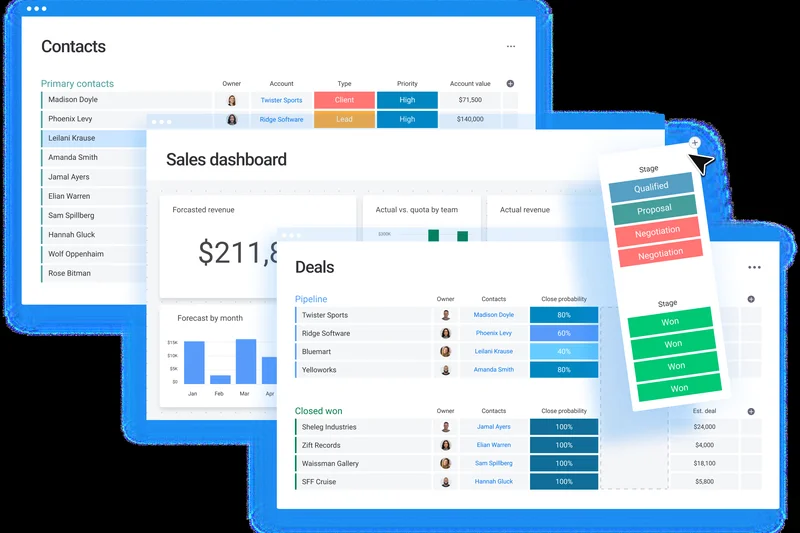
- Board-style visual pipelines
- Basic dashboard reporting
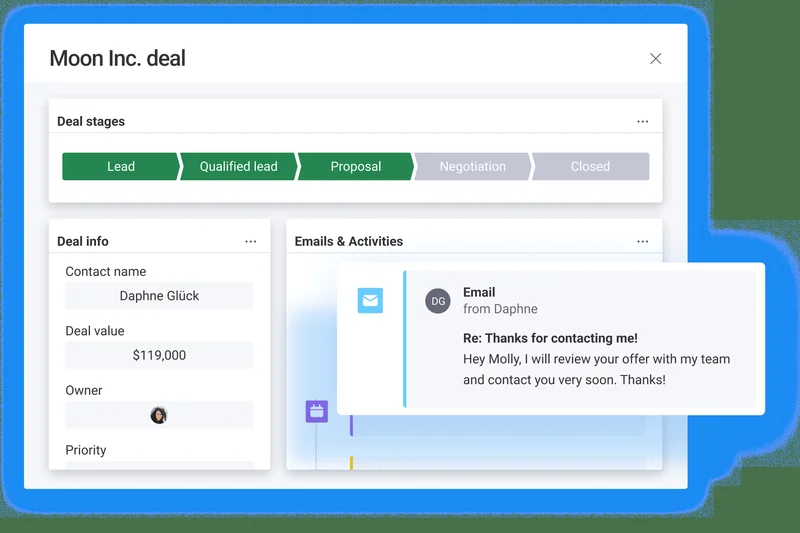
- Collaborative event timeline
#22 Agile CRM Free Edition
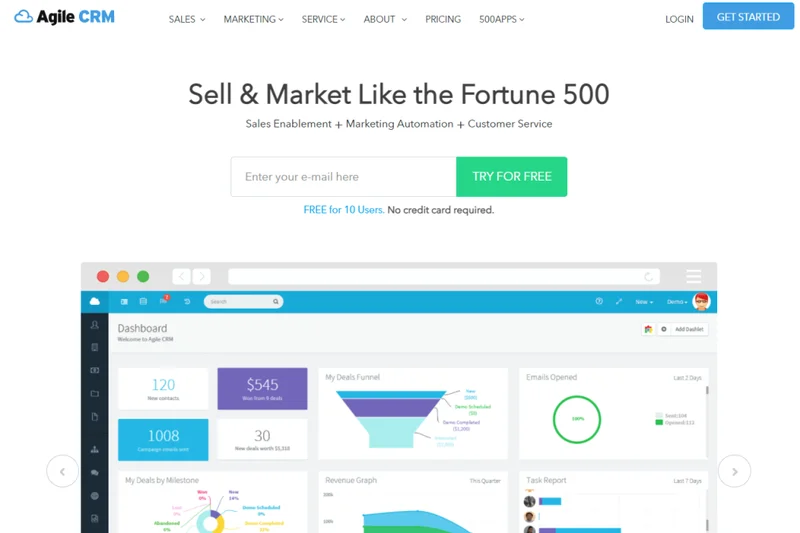
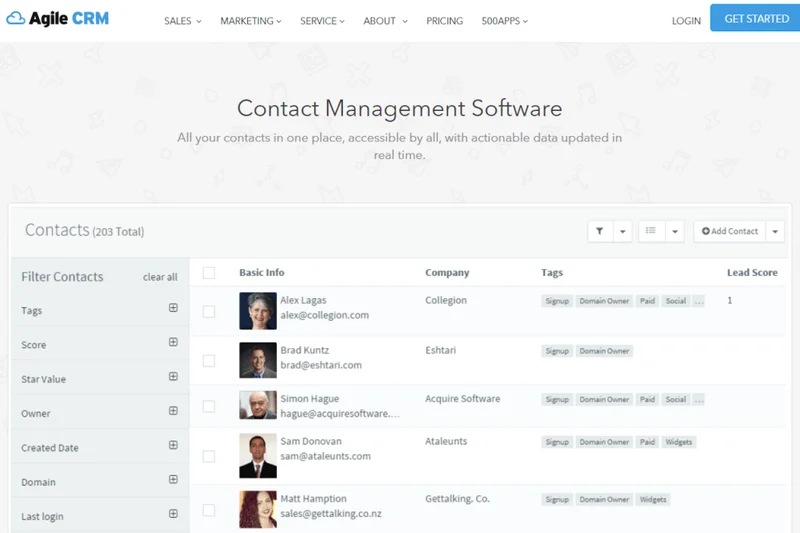
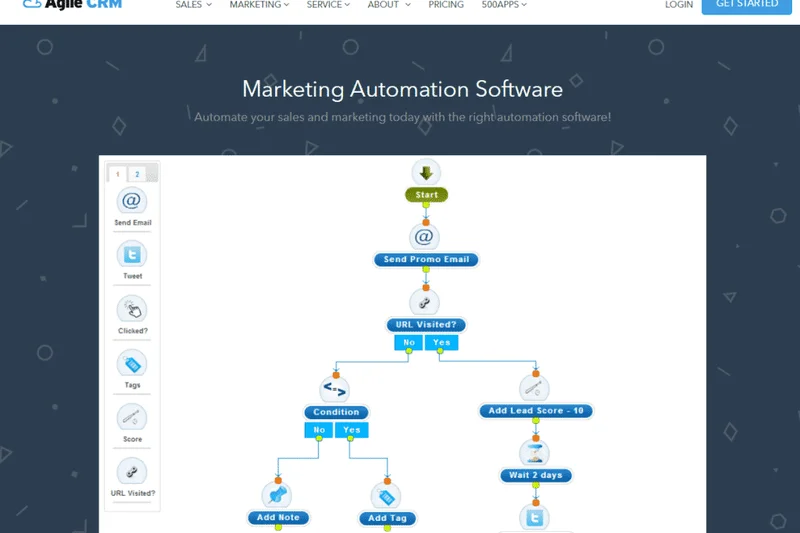
Why we picked it:
Key Specs
- Up to 10 users
- 1,000 contacts capacity
- Automated lead scoring
- Appointment scheduling
- Basic email tracking tools
#23 Sender Free Forever
Why we picked it:
Key Specs
- Unlimited users via shared login
- 2,500 subscribers capacity
- 15,000 monthly email sends
- Professional email templates
- Email drip automation
#24 MailerLite Free Plan
Why we picked it:
Key Specs
- 1 user limit
- 1,000 subscribers
- 12,000 monthly email sends
- Landing page builder
- Automation workflow sequences
#25 Airtable Free Plan
Why we picked it:
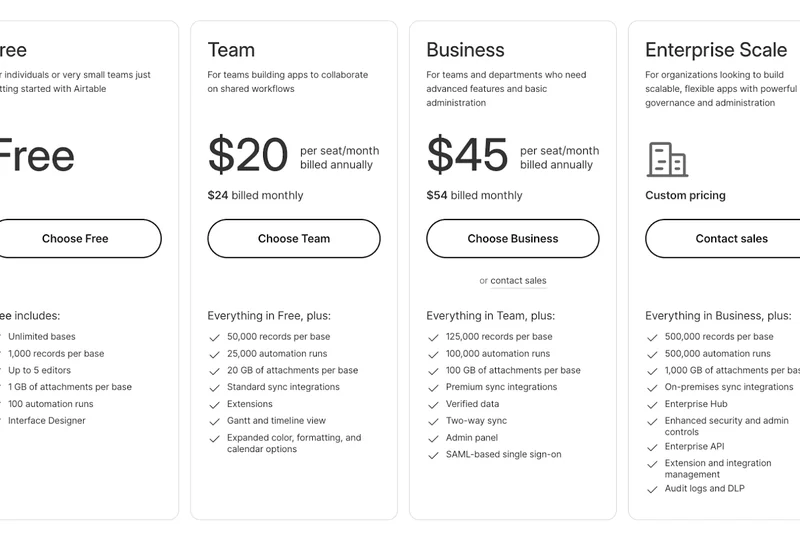
Key Specs
- Up to 5 creators/users
- 1,000 records per base
- Grid and Calendar data views
- Interface designer basics
- Real-time team collaboration
#26 Vtiger One Pilot
Why we picked it:
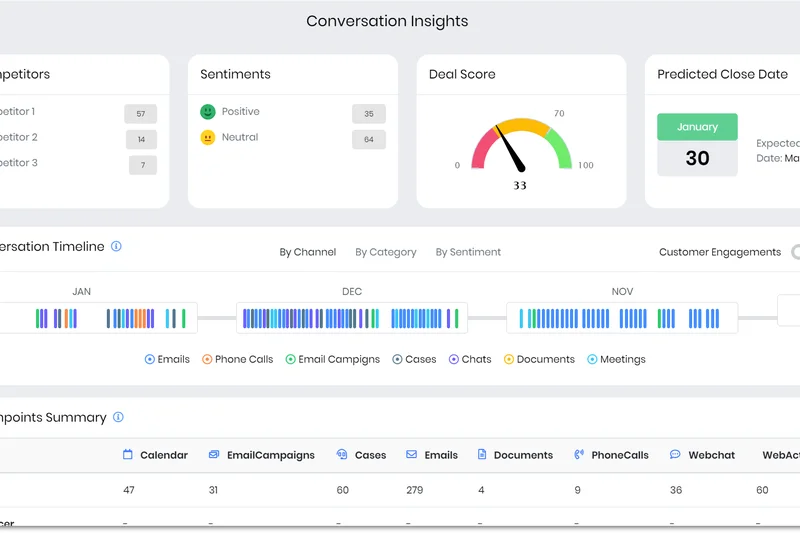
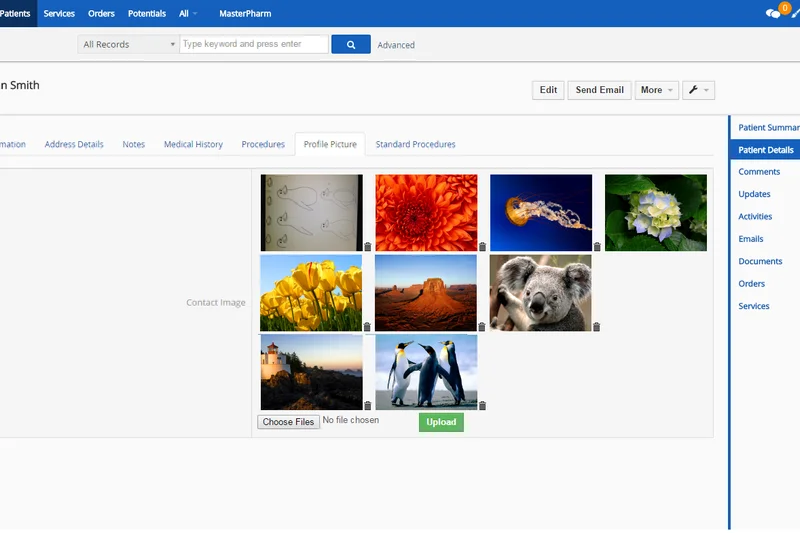
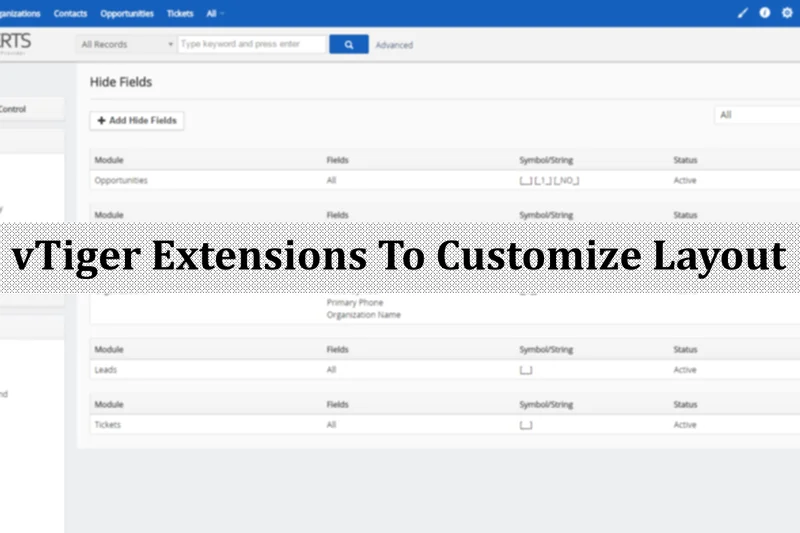
Key Specs
- Up to 10 users
- 3,000 maximum records
- Email campaign tools
- Help-desk basics
- Lead routing features
#27 Flowlu Free Plan
Why we picked it:
Key Specs
- Up to 2 users
- 1GB cloud storage
- Unlimited projects and tasks
- CRM sales pipelines
- Financial management basics
#28 Insightly Free CRM
Why we picked it:
Key Specs
- Up to 2 users
- 2,500 records capacity
- Integrated project management
- Lead routing capabilities
- Mass emailing limits
#29 eWay-CRM Free
Why we picked it:
Key Specs
- Single user limit
- Deep Outlook integration
- Visual deal tracking
- Centralized contact management
- Basic email marketing support
#30 Spotler CRM Free Plan
Why we picked it:
Key Specs
- Up to 2 users
- Account-based selling tools
- Basic pipeline reporting
- Accounting software integrations
- Unlimited contacts capability
#31 Mailchimp Free CRM
Why we picked it:
Key Specs
- 1 user seat
- 500 contacts capacity
- 1,000 monthly email sends
- Basic performance reporting
- Drag-and-drop templates
#32 Bigin by Zoho CRM
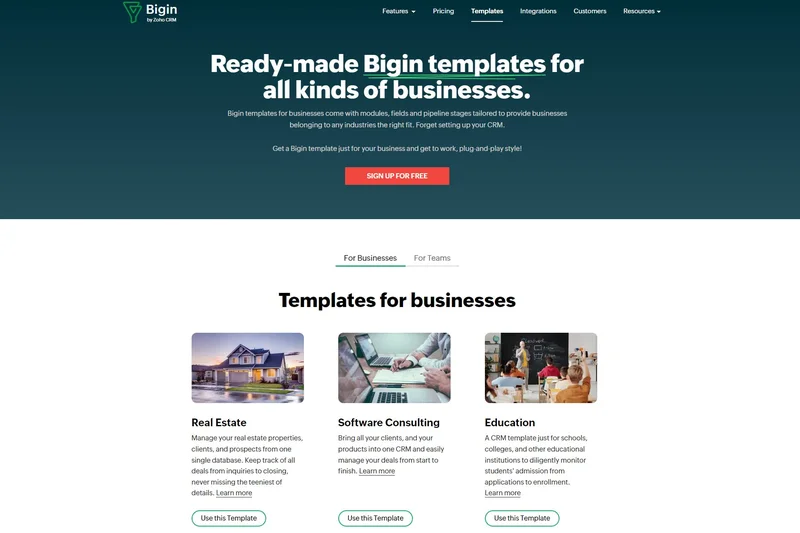
Why we picked it:
Key Specs
- 1 user limit
- 500 records capacity
- Single pipeline view
- Basic native integrations
- Mobile app support
#33 Capsule CRM Free Plan
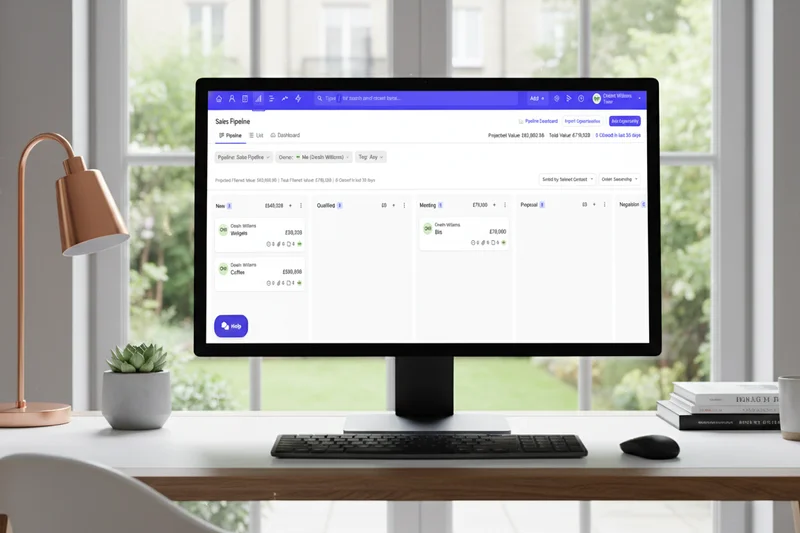
Why we picked it:
Key Specs
- Up to 2 users
- 250 contacts capacity
- Visual sales pipeline
- Calendar integration
- 50MB cloud storage
#34 Apptivo Free Lite Plan
Why we picked it:
Key Specs
- 1 user limit
- Standard contact management
- Invoicing tool access
- Basic help desk ticketing
- G Suite native integration
#35 AiSensy Free Forever Plan
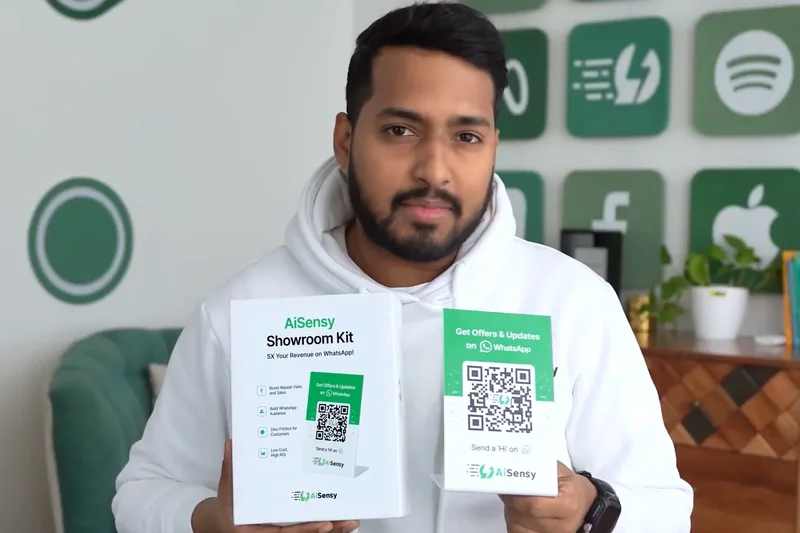
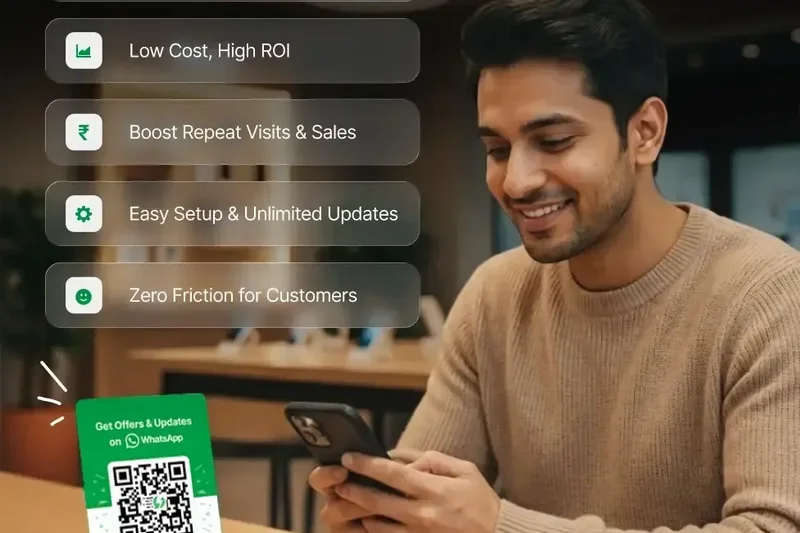
Why we picked it:
Key Specs
- 1 agent login
- Free WhatsApp Business API
- 500 free ad credits
- Tag and attribute management
- Native template messages
Buying Guide
Understanding the "Freemium" CRM Landscape
Choosing a free CRM is inherently different from buying enterprise software. When a vendor offers a product for zero dollars, they are making a strategic bet that your business will eventually grow to require their paid services. Understanding the limitations and the inevitable upgrade paths is crucial to selecting a platform that won't paralyze your sales operations a year down the line.
Choosing Based on Your User Type
Not all CRMs are built for the same audience. Identifying your primary operational style is the first step in narrowing down the field:
- Freelancers and Solopreneurs: If you are a party of one, friction is your enemy. You don't need complex lead routing or advanced territory management. Look for inbox-native tools (like Streak) or highly usable, lightweight platforms (like Capsule or Bigin) that seamlessly sync with your existing email and calendar. The goal is to reduce administrative time, not add to it.
- Small B2B Sales Teams: For teams of 2 to 10 people managing longer sales cycles, visual deal pipelines are non-negotiable. You need a platform that provides clear visibility into where prospects are in the funnel. HubSpot and Zoho offer robust, disciplined frameworks that enforce good data hygiene and provide a solid foundation for scaling.
- High-Volume Marketers and E-commerce: If your business relies on newsletters, large email blasts, or managing thousands of past buyers, traditional sales pipeline tools will fail you. You need marketing-centric CRMs like Brevo or Mailchimp, which prioritize mass communication and large contact limits over granular deal stages.
- Technical and Enterprise Teams: If you have in-house IT capabilities and refuse to pay per-seat licensing fees as you scale, open-source solutions are the answer. Platforms like SuiteCRM, ERPNext, and Twenty offer boundless scalability and complete data ownership, provided you can handle the hosting and maintenance.
What to Avoid in a Free CRM
The freemium market is fraught with hidden traps. When evaluating your options, be highly suspicious of platforms that exhibit the following traits:
- Data Hostage Tactics: Before committing to any free CRM, verify that you can easily export your entire database to a CSV file. Some predatory platforms allow you to input data for free but charge a premium fee to export it when you decide to leave.
- Disguised Trials: Ensure the software is genuinely "forever free." Many vendors advertise a free CRM but require a credit card upfront and auto-enroll you in a paid tier after 14 or 30 days. All the platforms on our top list are legitimately free forever for their basic tiers.
- Astronomical Upgrade Jumps: Look at the pricing of the first paid tier. A CRM might be free for 3 users, but if adding a 4th user requires upgrading the entire team to an $80/user/month plan, you are stepping into a massive financial trap. Always plan for the cost of your first inevitable upgrade.
- No Native Email Sync: A CRM that requires you to manually log every email sent from your Gmail or Outlook account will quickly be abandoned by your team. Native email integration is a baseline requirement, even for free tools.
Budget Tiers: Planning for the Future
While the software discussed here costs $0, true implementation is never entirely free. You must budget time for data migration, team training, and potentially minor ecosystem costs. If you outgrow the free tier, entry-level paid CRM plans typically range from $12 to $25 per user, per month. Mid-market tiers with advanced automation usually sit between $45 and $90 per user. When adopting a free CRM, we recommend setting aside a small monthly "phantom budget" so that when the time comes to upgrade, your business is already financially prepared to absorb the cost without operational panic.
FAQ
What is the best free CRM overall?
Based on our extensive testing in 2026, HubSpot Free CRM is the best overall platform due to its generous limit of 1,000,000 contacts, unlimited users, and unmatched ease of use for small businesses.
Are free CRMs safe to use?
Yes, reputable free CRMs utilize the same enterprise-grade encryption and cloud security protocols as their paid counterparts. However, always review the terms of service to ensure the vendor is not monetizing by selling aggregated customer data.
What is the difference between open-source and cloud freemium CRMs?
Cloud freemium CRMs (like HubSpot or Zoho) are hosted by the vendor and restrict certain features or limits to encourage paid upgrades. Open-source CRMs (like SuiteCRM or ERPNext) give you the full, unrestricted software for free, but you must pay for your own servers and manage the technical hosting.
How do free CRMs make money?
Most operate on a "freemium" model, offering basic features for free while charging for premium additions like advanced automation, custom reporting, increased storage, or additional user seats as your business scales.
Which free CRM allows unlimited users?
Several platforms offer unlimited users on their free tiers, including HubSpot Free CRM, Bitrix24, CRMOne, Givebutter, ServiceAgent, and open-source options like SuiteCRM and Twenty CRM.
Can I use a free CRM for email marketing?
Yes, platforms like Brevo and Mailchimp are specifically designed as marketing CRMs and offer excellent free email builders. HubSpot also includes basic email marketing in its free tier.
How hard is it to migrate data out of a free CRM?
It should be very easy. A core requirement of our testing is that a CRM must allow free users to export their contacts to a CSV file. Always verify export capabilities before inputting data into a new system.
What is a visual deal pipeline?
A visual pipeline (often a Kanban board) displays your sales process as a series of columns (e.g., Lead, Demo Scheduled, Proposal Sent). You can drag and drop contacts between these columns to easily track where money is in your sales cycle.
Is HubSpot really free forever?
Yes, HubSpot's foundational CRM tools, including contact management, basic pipelines, and forms, are free forever. However, more advanced marketing and sales hubs require paid subscriptions.
Which free CRM is best for Gmail users?
Streak CRM is built specifically as a browser extension that lives entirely inside your Gmail inbox, making it the most frictionless option for Google Workspace users.
Do free CRMs offer customer support?
Typically, free tiers only include access to community forums, knowledge bases, and basic email support. Immediate live chat or phone support is almost exclusively reserved for paying customers.
What does CRM stand for?
CRM stands for Customer Relationship Management. It refers to software systems that help businesses organize contacts, track sales interactions, and manage customer service operations.
How many contacts can I store in a free CRM?
It varies wildly. Brevo and Bitrix24 offer unlimited contacts, HubSpot offers 1,000,000, Zoho allows 5,000, and Streak limits you to 500.
Can a free CRM integrate with Zapier?
Many do, but some vendors lock API access or Zapier integrations behind their paid tiers. HubSpot and eWay-CRM offer robust integration capabilities on their free plans.
Methodology
Scoring and Data Framework
Our ranking algorithm is driven by a multi-dimensional scoring model that evaluates 35 CRM platforms across seven distinct vectors. Each dimension is weighted according to specific business scenarios to ensure our recommendations align with real-world use cases. For our primary ranking—Best Overall Free CRM for Small Businesses—the weights are distributed as follows:
- Core Contact & Pipeline Management (25%): We assess the depth of standard objects, the flexibility of visual pipelines, and the ease of logging daily activities.
- Freemium Limits & Scalability (20%): We evaluate the generosity of the free tier regarding user seats, total record limits, and the financial jump required for the first paid tier.
- Usability & Onboarding (15%): A measure of interface intuitiveness, availability of guided setup, and the overall learning curve for non-technical users.
- Third-Party Integrations (10%): The availability of native syncing with email clients, calendars, and automation tools like Zapier without requiring a premium subscription.
- Marketing & Sales Automation (10%): Access to basic trigger-based workflows, task generation, and small-batch email capabilities.
- Reporting & Analytics (10%): The ability to visualize pipeline health, track won/lost deals, and access standard dashboards.
- Security & Data Ownership (10%): An audit of data privacy practices, GDPR compliance, easy CSV export capabilities, and basic multi-factor authentication.
To generate the final scores, we compile raw data from vendor documentation, our internal functional testing, and aggregated user sentiment from platforms like G2 and Capterra. Each CRM is scored from 1 to 10 in each dimension. The scores are then multiplied by the scenario weights to produce an overall composite rating out of 10. By utilizing the M2 multi-dimensional framework [1], we ensure that a CRM with infinite limits but terrible usability does not automatically outrank a highly refined, user-friendly platform with moderate caps. The data collection and metric validation processes follow the strict guidelines established by SelectionLogic.
Sources & References
All factual claims, product specifications, prices, and images in this article are cited by number. Click any reference to jump to the list; click the link in each entry to visit the original source.
- [1]SelectionLogic. "M2 Multi-Dimensional Evaluation Methodology." selectionlogic.org/en/methods/m2-multi-dimensional-evaluation/. Accessed Mar 2026.
- [2]SelectionLogic. "Free CRM Software Buying Guide 2026." selectionlogic.org/en/guides/free-crm-software-guide/. Accessed Mar 2026.
- [3]HubSpot. "What is CRM? | Guide to Customer Relationship Management." hubspot.com. Accessed Mar 2026.
- [4]Creatio. "How to Choose a CRM Software: A Complete Guide for 2026." creatio.com. Accessed Mar 2026.
- [5]Svit.One. "CRM: The Ultimate Guide to Customer Relationship Management." svit.one. Accessed Mar 2026.
- [6]SafetyCulture. "A Guide to Customer Relationship Management." safetyculture.com. Accessed Mar 2026.
- [7]Salesforce. "The Basics Of CRM, For Dummies." salesforce.com. Accessed Mar 2026.
- [8]Gestisoft. "CRM software buying considerations: key points to evaluate." gestisoft.com. Accessed Mar 2026.
- [9]Zendesk. "How to choose a CRM system: A step-by-step guide." zendesk.com. Accessed Mar 2026.
- [10]Agile CRM. "How to Buy CRM Software." agilecrm.com. Accessed Mar 2026.
- [11]Freshworks. "How to Choose a CRM Software [2024 Buyer's Guide]." freshworks.com. Accessed Mar 2026.
- [12]Jimo. "Software Tutorial: A Beginner's Guide to Software Training." jimo.ai. Accessed Mar 2026.
- [13]Novata Solutions. "Types of Software Documentation: An In-Depth Guide." novatasolutions.com.au. Accessed Mar 2026.
- [14]Write the Docs. "Software documentation guide." writethedocs.org. Accessed Mar 2026.
- [15]G2 Crowd. "Best Free CRM Software." g2.com. Accessed Mar 2026.
- [16]Capterra. "Free CRM Software Top Picks." capterra.com. Accessed Mar 2026.
- [17]SuiteCRM. "SuiteCRM Open Source Enterprise Edition." suitecrm.com. Accessed Mar 2026.
- [18]Twenty. "Modern Open Source CRM." twenty.com. Accessed Mar 2026.
- [19]ERPNext. "ERPNext Open Source CRM Module." erpnext.com. Accessed Mar 2026.
- [20]CRMOne. "Enterprise-level Free CRM Features." crmone.com. Accessed Mar 2026.
- [21]CiviCRM. "Nonprofit Open Source CRM Documentation." civicrm.org. Accessed Mar 2026.
- [22]Givebutter. "Free Fundraising Platform and CRM." givebutter.com. Accessed Mar 2026.
- [23]ServiceAgent.ai. "AI Voice Agent and Scheduling CRM." serviceagent.ai. Accessed Mar 2026.
- [24]Bitrix24. "Bitrix24 Free Collaboration and CRM Suite." bitrix24.com. Accessed Mar 2026.
- [25]Brevo. "Free Sales and Marketing CRM Platform." brevo.com. Accessed Mar 2026.
- [26]Streak. "Streak CRM for Gmail - Browser Extension." streak.com. Accessed Mar 2026.
- [27]Zoho. "Zoho CRM Free Edition Limits and Features." zoho.com. Accessed Mar 2026.
- [28]PubMed Central. "Investigating M2 in Fitting Unidimensional Models." ncbi.nlm.nih.gov. Accessed Mar 2026.
- [29]Emergent Mind. "Multi-Dimensional Evaluation Framework." emergentmind.com. Accessed Mar 2026.