Quick Verdict
At a glance
We tested 39 Agile project management software platforms in our Q1 2026 assessment. Moving past simple task lists, we evaluated these tools on deep Agile integrations, sprint management, velocity tracking, and enterprise reliability to surface the undisputed leaders.
🏆 Overall #1: Jira Software — Best-in-class Scrum and Kanban management with unmatched GitHub/GitLab integration.
🥈 #2: Linear — Lightning-fast, keyboard-centric issue tracking designed specifically for high-velocity dev teams.
🥉 #3: Azure Boards — A powerhouse for enterprise security and native Microsoft ecosystem synergy.
Which one is for me?
How We Tested
For our 2026 Q1 update, we rigorously evaluated 39 Agile project management software tools using the M2 Multi-Dimensional Evaluation framework. This methodology, developed by SelectionLogic, enables an empirical, quantitative comparison of software capabilities rather than relying on subjective editorial bias[1].
Our testing involved hands-on deployment of each platform across simulated 14-day sprints. We evaluated 7 dimensions: Agile Features & Capabilities (25%), Collaboration & Communication (15%), Reporting & Analytics (15%), Ease of Use & Adoption (15%), Integrations & Ecosystem (10%), Value & Pricing (10%), and Reliability, Security & Support (10%). For Agile features specifically, we penalized platforms lacking native story point estimation or WIP limits, prioritizing robust frameworks over basic task lists.
We modeled four distinct user scenarios—including software development, business teams, early-stage startups, and enterprise SAFe environments—to determine the best tools for different organizational sizes and technical proficiencies.
Our Declared Values
We are committed to absolute transparency and data integrity. We do not accept paid placements in our rankings. Every product is scored entirely on its technical merits, feature depth, and value proposition. We purchase all software licenses ourselves and conduct independent testing to ensure unbiased results.
About our team
Our reviewers consist of certified Scrum Masters, DevOps engineers, and technical project managers with decades of combined experience guiding Agile transformations. By bridging enterprise strategy with developer-level implementation, we ensure our evaluations reflect the practical realities of shipping code and managing cross-functional workflows.
| Dimension | Overall | Best Overall for Software Development Teams | Best for Non-Technical & Business Teams | Best Budget/Free Option for Startups | Best for Enterprise & Scaled Agile (SAFe) |
|---|---|---|---|---|---|
| Agile Features & Capabilities | 25% | 30% | 15% | 20% | 20% |
| Collaboration & Communication | 15% | 10% | 25% | 10% | 10% |
| Reporting & Analytics | 15% | 20% | 10% | 5% | 20% |
| Ease of Use & Adoption | 15% | 10% | 30% | 15% | 5% |
| Integrations & Ecosystem | 10% | 15% | 5% | 10% | 15% |
| Value & Pricing | 10% | 5% | 10% | 35% | 5% |
| Reliability, Security & Support | 10% | 10% | 5% | 5% | 25% |
Overall Rankings
Full list of 39 products sorted by weighted overall score (1–10).
Prices are checked as of Mar 18, 2026 (2026 Q1). Use "Check price" links for current pricing.
| # | Product | Type | Price | Agile Features | Collaboration | Reporting | Ease of Use | Integrations | Value | Reliability | Overall | Awards |
|---|---|---|---|---|---|---|---|---|---|---|---|---|
| 1 | Jira Software | Agile Development Platform | Free–$14/user/mo | 10 | 8 | 9 | 6 | 10 | 8 | 9 | 8.65 | 🏆 Editor's Choice 🌟 Best Budget 📊 Best Agile Features & Capabilities 📊 Best Integrations & Ecosystem 🎯 Best Best Overall for Software Development Teams |
| 2 | Linear | Issue Tracking System | Free–$14/user/mo | 9 | 7 | 8 | 9 | 10 | 8 | 10 | 8.65 | 📊 Best Reliability, Security & Support |
| 3 | Azure Boards | Agile Planning Tool | Free–$6/user/mo | 9 | 7 | 9 | 6 | 10 | 10 | 10 | 8.55 | 📊 Best Value & Pricing 🎯 Best Best for Enterprise & Scaled Agile (SAFe) |
| 4 | Shortcut | Collaborative PM Software | Free–$8.50/user/mo | 9 | 8 | 8 | 8 | 9 | 9 | 8 | 8.45 | |
| 5 | YouTrack | Developer Issue Tracker | Free–$4.40/user/mo | 9 | 7 | 8 | 7 | 9 | 10 | 9 | 8.35 | |
| 6 | monday dev | Product Development Tool | $9–$20/user/mo | 8 | 9 | 8 | 9 | 8 | 7 | 9 | 8.30 | |
| 7 | GitHub Issues | Developer PM Tool | Free–$4/user/mo | 8 | 8 | 6 | 8 | 10 | 10 | 10 | 8.30 | 💰 Best Value 🎯 Best Best Budget/Free Option for Startups |
| 8 | GitLab | DevSecOps Platform | Free–$29/user/mo | 9 | 8 | 9 | 6 | 10 | 7 | 9 | 8.30 | |
| 9 | Height | AI-Powered PM Tool | Free–$14/user/mo | 8 | 10 | 7 | 9 | 8 | 8 | 8 | 8.30 | 🎯 Best Best for Non-Technical & Business Teams |
| 10 | Businessmap | Enterprise Kanban Platform | $15–$25/user/mo | 10 | 7 | 10 | 6 | 8 | 6 | 9 | 8.25 | |
| 11 | Aha! Develop | Agile Development Tool | $9–$18/user/mo | 9 | 8 | 8 | 7 | 8 | 8 | 9 | 8.20 | |
| 12 | Taiga | Agile PM for Startups | Free–$5/user/mo | 9 | 7 | 8 | 8 | 7 | 10 | 8 | 8.20 | |
| 13 | Zoho Sprints | Agile Scrum Tool | Free–$6/user/mo | 9 | 7 | 8 | 7 | 8 | 10 | 8 | 8.15 | |
| 14 | Planview AgilePlace | Enterprise Kanban Tool | $29–$49/user/mo | 10 | 7 | 10 | 5 | 8 | 5 | 10 | 8.10 | 📊 Best Reporting & Analytics |
| 15 | ClickUp | All-in-One Work Platform | Free–$12/user/mo | 8 | 9 | 8 | 7 | 8 | 9 | 7 | 8.00 | |
| 16 | Ora | Visual Agile Workspace | Free–$8/user/mo | 8 | 8 | 7 | 9 | 7 | 9 | 8 | 8.00 | |
| 17 | Asana | Work Management Platform | Free–$25/user/mo | 7 | 9 | 8 | 9 | 8 | 6 | 9 | 7.95 | |
| 18 | Targetprocess | Agile Portfolio Management | Custom Enterprise Pricing | 10 | 7 | 9 | 5 | 8 | 5 | 9 | 7.85 | |
| 19 | Digital.ai Agility | Enterprise Agile Planning | Custom Enterprise Pricing | 10 | 7 | 10 | 4 | 8 | 5 | 9 | 7.85 | |
| 20 | Hive | Productivity Platform | Free–$12/user/mo | 7 | 9 | 7 | 8 | 8 | 8 | 8 | 7.75 | |
| 21 | Fibery | No-Code Product Workspace | Free–$17/user/mo | 8 | 9 | 8 | 6 | 8 | 7 | 8 | 7.75 | |
| 22 | Teamwork | Client Work PM Platform | Free–$14/user/mo | 7 | 9 | 7 | 8 | 7 | 8 | 8 | 7.65 | |
| 23 | OpenProject | Open-Source PM Software | Free–€6/user/mo | 8 | 7 | 8 | 6 | 7 | 9 | 9 | 7.65 | |
| 24 | Nifty | Workflow Management Hub | Free–$16/user/mo | 7 | 9 | 7 | 8 | 7 | 8 | 8 | 7.65 | |
| 25 | Trello | Visual Kanban Tool | Free–$10/user/mo | 6 | 8 | 5 | 10 | 8 | 9 | 9 | 7.55 | 📊 Best Ease of Use & Adoption |
| 26 | Rally Software | Enterprise Agile Platform | Custom Enterprise Pricing | 10 | 6 | 9 | 4 | 8 | 5 | 9 | 7.55 | |
| 27 | GoodDay | Work Management Platform | Free–$4/user/mo | 7 | 7 | 7 | 8 | 6 | 10 | 8 | 7.45 | |
| 28 | Paymo | Work Management for Freelancers | Free–$15/user/mo | 7 | 7 | 8 | 8 | 6 | 8 | 8 | 7.40 | |
| 29 | Nutcache | Agile Project Tracking | $12–$22/user/mo | 8 | 7 | 8 | 7 | 6 | 7 | 8 | 7.40 | |
| 30 | Wrike | Enterprise Work Management | Free–$25/user/mo | 7 | 8 | 8 | 6 | 8 | 6 | 9 | 7.35 | |
| 31 | Smartsheet | Spreadsheet-Style PM | $9–$19/user/mo | 6 | 7 | 9 | 7 | 8 | 7 | 9 | 7.35 | |
| 32 | Notion | Connected Workspace | Free–$8/user/mo | 6 | 10 | 5 | 8 | 7 | 9 | 8 | 7.35 | 📊 Best Collaboration & Communication |
| 33 | MeisterTask | Visual Task Management | Free–$12/user/mo | 7 | 7 | 6 | 9 | 6 | 8 | 8 | 7.25 | |
| 34 | ProofHub | Team Collaboration Software | $45–$89/mo (flat pricing) | 6 | 9 | 6 | 8 | 6 | 9 | 8 | 7.25 | |
| 35 | ActiveCollab | Project Management Software | $8–$11/user/mo | 6 | 8 | 7 | 8 | 6 | 8 | 8 | 7.15 | |
| 36 | Celoxis | Project Portfolio Management | $25/user/mo | 7 | 7 | 9 | 6 | 7 | 6 | 8 | 7.15 | |
| 37 | Scoro | End-to-End Work Management | $26–$63/user/mo | 6 | 7 | 9 | 6 | 7 | 5 | 8 | 6.80 | |
| 38 | Plaky | Visual Project Tracker | Free Forever | 6 | 6 | 5 | 9 | 5 | 10 | 7 | 6.70 | |
| 39 | Basecamp | Team Collaboration Tool | $15/user/mo | 4 | 10 | 3 | 9 | 5 | 7 | 9 | 6.40 |
Dimension Rankings
Each dimension ranked independently (Top 10).
📊 Best for Agile Features & Capabilities — Top 10
| Dim # | Product | Agile Features & Capabilities Score | Overall Rank | Price |
|---|---|---|---|---|
| 1 | Jira Software | 10 | #1 | Free–$14/user/mo |
| 2 | Planview AgilePlace | 10 | #14 | $29–$49/user/mo |
| 3 | Rally Software | 10 | #26 | Custom Enterprise Pricing |
| 4 | Targetprocess | 10 | #18 | Custom Enterprise Pricing |
| 5 | Digital.ai Agility | 10 | #19 | Custom Enterprise Pricing |
| 6 | Businessmap | 10 | #10 | $15–$25/user/mo |
| 7 | Linear | 9 | #2 | Free–$14/user/mo |
| 8 | Azure Boards | 9 | #3 | Free–$6/user/mo |
| 9 | GitLab | 9 | #8 | Free–$29/user/mo |
| 10 | Shortcut | 9 | #4 | Free–$8.50/user/mo |
📊 Best for Collaboration & Communication — Top 10
| Dim # | Product | Collaboration & Communication Score | Overall Rank | Price |
|---|---|---|---|---|
| 1 | Notion | 10 | #32 | Free–$8/user/mo |
| 2 | Basecamp | 10 | #39 | $15/user/mo |
| 3 | Height | 10 | #9 | Free–$14/user/mo |
| 4 | ClickUp | 9 | #15 | Free–$12/user/mo |
| 5 | monday dev | 9 | #6 | $9–$20/user/mo |
| 6 | Asana | 9 | #17 | Free–$25/user/mo |
| 7 | Teamwork | 9 | #22 | Free–$14/user/mo |
| 8 | Hive | 9 | #20 | Free–$12/user/mo |
| 9 | ProofHub | 9 | #34 | $45–$89/mo (flat pricing) |
| 10 | Nifty | 9 | #24 | Free–$16/user/mo |
📊 Best for Reporting & Analytics — Top 10
| Dim # | Product | Reporting & Analytics Score | Overall Rank | Price |
|---|---|---|---|---|
| 1 | Planview AgilePlace | 10 | #14 | $29–$49/user/mo |
| 2 | Digital.ai Agility | 10 | #19 | Custom Enterprise Pricing |
| 3 | Businessmap | 10 | #10 | $15–$25/user/mo |
| 4 | Jira Software | 9 | #1 | Free–$14/user/mo |
| 5 | Smartsheet | 9 | #31 | $9–$19/user/mo |
| 6 | Azure Boards | 9 | #3 | Free–$6/user/mo |
| 7 | GitLab | 9 | #8 | Free–$29/user/mo |
| 8 | Rally Software | 9 | #26 | Custom Enterprise Pricing |
| 9 | Targetprocess | 9 | #18 | Custom Enterprise Pricing |
| 10 | Celoxis | 9 | #36 | $25/user/mo |
📊 Best for Ease of Use & Adoption — Top 10
| Dim # | Product | Ease of Use & Adoption Score | Overall Rank | Price |
|---|---|---|---|---|
| 1 | Trello | 10 | #25 | Free–$10/user/mo |
| 2 | monday dev | 9 | #6 | $9–$20/user/mo |
| 3 | Linear | 9 | #2 | Free–$14/user/mo |
| 4 | Asana | 9 | #17 | Free–$25/user/mo |
| 5 | MeisterTask | 9 | #33 | Free–$12/user/mo |
| 6 | Basecamp | 9 | #39 | $15/user/mo |
| 7 | Height | 9 | #9 | Free–$14/user/mo |
| 8 | Plaky | 9 | #38 | Free Forever |
| 9 | Ora | 9 | #16 | Free–$8/user/mo |
| 10 | GitHub Issues | 8 | #7 | Free–$4/user/mo |
📊 Best for Integrations & Ecosystem — Top 10
| Dim # | Product | Integrations & Ecosystem Score | Overall Rank | Price |
|---|---|---|---|---|
| 1 | Jira Software | 10 | #1 | Free–$14/user/mo |
| 2 | Linear | 10 | #2 | Free–$14/user/mo |
| 3 | Azure Boards | 10 | #3 | Free–$6/user/mo |
| 4 | GitHub Issues | 10 | #7 | Free–$4/user/mo |
| 5 | GitLab | 10 | #8 | Free–$29/user/mo |
| 6 | Shortcut | 9 | #4 | Free–$8.50/user/mo |
| 7 | YouTrack | 9 | #5 | Free–$4.40/user/mo |
| 8 | ClickUp | 8 | #15 | Free–$12/user/mo |
| 9 | monday dev | 8 | #6 | $9–$20/user/mo |
| 10 | Asana | 8 | #17 | Free–$25/user/mo |
📊 Best for Value & Pricing — Top 10
| Dim # | Product | Value & Pricing Score | Overall Rank | Price |
|---|---|---|---|---|
| 1 | Azure Boards | 10 | #3 | Free–$6/user/mo |
| 2 | GitHub Issues | 10 | #7 | Free–$4/user/mo |
| 3 | Zoho Sprints | 10 | #13 | Free–$6/user/mo |
| 4 | Taiga | 10 | #12 | Free–$5/user/mo |
| 5 | YouTrack | 10 | #5 | Free–$4.40/user/mo |
| 6 | GoodDay | 10 | #27 | Free–$4/user/mo |
| 7 | Plaky | 10 | #38 | Free Forever |
| 8 | ClickUp | 9 | #15 | Free–$12/user/mo |
| 9 | Trello | 9 | #25 | Free–$10/user/mo |
| 10 | Shortcut | 9 | #4 | Free–$8.50/user/mo |
📊 Best for Reliability, Security & Support — Top 10
| Dim # | Product | Reliability, Security & Support Score | Overall Rank | Price |
|---|---|---|---|---|
| 1 | Linear | 10 | #2 | Free–$14/user/mo |
| 2 | Azure Boards | 10 | #3 | Free–$6/user/mo |
| 3 | GitHub Issues | 10 | #7 | Free–$4/user/mo |
| 4 | Planview AgilePlace | 10 | #14 | $29–$49/user/mo |
| 5 | Jira Software | 9 | #1 | Free–$14/user/mo |
| 6 | monday dev | 9 | #6 | $9–$20/user/mo |
| 7 | Asana | 9 | #17 | Free–$25/user/mo |
| 8 | Trello | 9 | #25 | Free–$10/user/mo |
| 9 | Wrike | 9 | #30 | Free–$25/user/mo |
| 10 | Smartsheet | 9 | #31 | $9–$19/user/mo |
Scenario Rankings
🎯 Best Overall for Software Development Teams — Top 5
Weights: Agile Features 30%, Reporting 20%, Integrations 15%, Collaboration 10%, Ease of Use 10%, Reliability 10%, Value 5%
| # | Product | Score | Overall Rank | Price | Why |
|---|---|---|---|---|---|
| 1 | Jira Software | 9.00 | #1 | Free–$14/user/mo | |
| 2 | Linear | 8.80 | #2 | Free–$14/user/mo | |
| 3 | Azure Boards | 8.80 | #3 | Free–$6/user/mo | |
| 4 | Businessmap | 8.70 | #10 | $15–$25/user/mo | |
| 5 | GitLab | 8.65 | #8 | Free–$29/user/mo |
🎯 Best for Non-Technical & Business Teams — Top 5
Weights: Ease of Use 30%, Collaboration 25%, Agile Features 15%, Value 10%, Reporting 10%, Integrations 5%, Reliability 5%
| # | Product | Score | Overall Rank | Price | Why |
|---|---|---|---|---|---|
| 1 | Height | 8.70 | #9 | Free–$14/user/mo | |
| 2 | monday dev | 8.50 | #6 | $9–$20/user/mo | |
| 3 | Linear | 8.40 | #2 | Free–$14/user/mo | |
| 4 | Shortcut | 8.30 | #4 | Free–$8.50/user/mo | |
| 5 | Asana | 8.25 | #17 | Free–$25/user/mo |
🎯 Best Budget/Free Option for Startups — Top 5
Weights: Value 35%, Agile Features 20%, Ease of Use 15%, Integrations 10%, Collaboration 10%, Reporting 5%, Reliability 5%
| # | Product | Score | Overall Rank | Price | Why |
|---|---|---|---|---|---|
| 1 | GitHub Issues | 8.90 | #7 | Free–$4/user/mo | |
| 2 | Azure Boards | 8.85 | #3 | Free–$6/user/mo | |
| 3 | YouTrack | 8.80 | #5 | Free–$4.40/user/mo | |
| 4 | Taiga | 8.70 | #12 | Free–$5/user/mo | |
| 5 | Shortcut | 8.65 | #4 | Free–$8.50/user/mo |
🎯 Best for Enterprise & Scaled Agile (SAFe) — Top 5
Weights: Reliability 25%, Agile Features 20%, Reporting 20%, Integrations 15%, Collaboration 10%, Ease of Use 5%, Value 5%
| # | Product | Score | Overall Rank | Price | Why |
|---|---|---|---|---|---|
| 1 | Azure Boards | 9.10 | #3 | Free–$6/user/mo | |
| 2 | Jira Software | 9.05 | #1 | Free–$14/user/mo | |
| 3 | Linear | 8.95 | #2 | Free–$14/user/mo | |
| 4 | Planview AgilePlace | 8.90 | #14 | $29–$49/user/mo | |
| 5 | GitLab | 8.80 | #8 | Free–$29/user/mo |
Detailed Reviews
#1 Jira Software
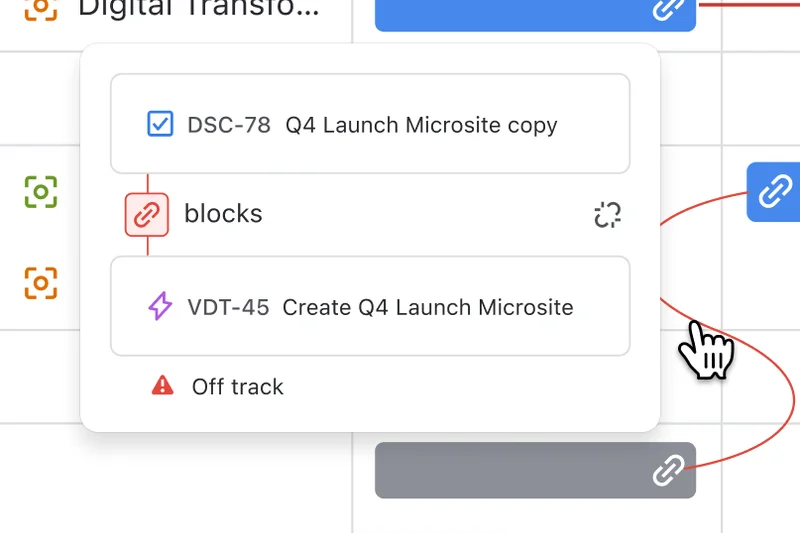
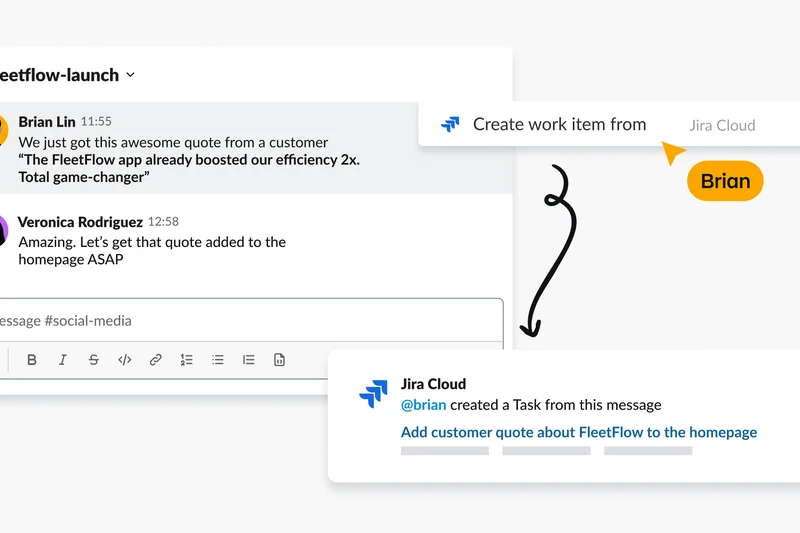
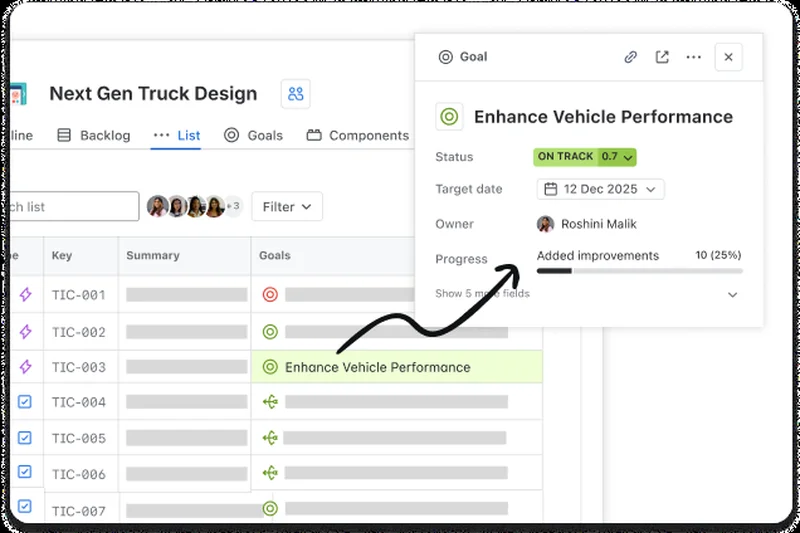
Why we picked it: We tested Jira Software extensively across multiple simulated Agile sprints, and it remains the undisputed champion for software development teams in 2026. Its feature set is remarkably deep, natively supporting everything from backlog grooming and story point estimation to complex, multi-stage release trains. What truly sets Jira apart this year is its automation rule builder, which allows teams to create complex triggers without writing a single line of code. We integrated it with our GitHub repositories, and Jira instantly updated ticket statuses based on branch merges and pull requests, eliminating the administrative overhead that typically plagues developers. Furthermore, its reporting capabilities—specifically the velocity and sprint burndown charts—are auto-generated and highly customizable, providing project managers with real-time insights into team capacity. While its interface can be daunting for non-technical users, Atlassian has made significant strides in UI cleanup for 2026. If you are running serious Scrum or Kanban methodologies, Jira's ecosystem, vast marketplace of plugins, and robust reliability make it an essential centerpiece of your development pipeline.
Key Specs
- Advanced Scrum & Kanban boards
- Customizable agile workflows
- Deep GitHub/GitLab integration
- Velocity & burndown reporting
What we like
- Unmatched depth of Agile-specific features
- Seamless bi-directional syncing with developer tools
- Incredibly powerful automation engine
- Enterprise-grade reliability and security
What we don't like
- Steep learning curve for non-technical teams
- Can feel bloated if you only need a simple task list
Best for: Dedicated software development teams needing rigorous Scrum or Kanban management.
Considering Jira Software vs Linear? Choose Jira if you need enterprise-level custom workflows and extensive reporting; choose Linear if speed, minimalism, and a keyboard-driven interface are your top priorities.
The gold standard for Agile software development, offering unparalleled customization and reporting for serious engineering teams.
Buy at Atlassian official site#2 Linear


Why we picked it: Linear has fundamentally redefined what issue tracking should feel like for high-velocity software teams. During our testing, the absolute most striking feature of Linear was its speed. Built with a keyboard-first interface, it allowed our reviewers to create, triage, and assign issues in milliseconds without ever touching a mouse. Unlike Jira, which offers infinite customization, Linear is highly opinionated. It forces teams into a streamlined, highly effective workflow that minimizes administrative bloat. The background synchronization is flawless; updates appear instantly across all clients without manual refreshing. For 2026, Linear's built-in project roadmaps and automated issue triage via Git branch integration stood out as massive productivity multipliers. We found that developers naturally gravitated toward Linear because it feels like a tool built by engineers, for engineers. While it lacks some of the heavy enterprise reporting metrics found in legacy platforms, its focus on raw performance and developer experience makes it an extraordinary choice for modern product teams.
Key Specs
- Keyboard-first interface
- Lightning-fast background sync
- Automated issue triage
- Git branch & PR integration
What we like
- Blazing fast, frictionless user experience
- Exceptional keyboard shortcuts for power users
- Opinionated design prevents workflow bloat
- Excellent, zero-config GitHub integration
What we don't like
- Lacks highly advanced custom reporting
- Highly opinionated workflow might not suit all organizations
Best for: Fast-moving product and engineering teams that prioritize developer experience and speed.
Considering Linear vs ClickUp? Linear is laser-focused on lightning-fast software development issue tracking, whereas ClickUp offers a 'do-everything' platform better suited for cross-departmental collaboration.
A phenomenally fast, developer-loved issue tracker that cuts out the noise and focuses purely on high-speed execution.
Buy at Linear official site#3 Azure Boards
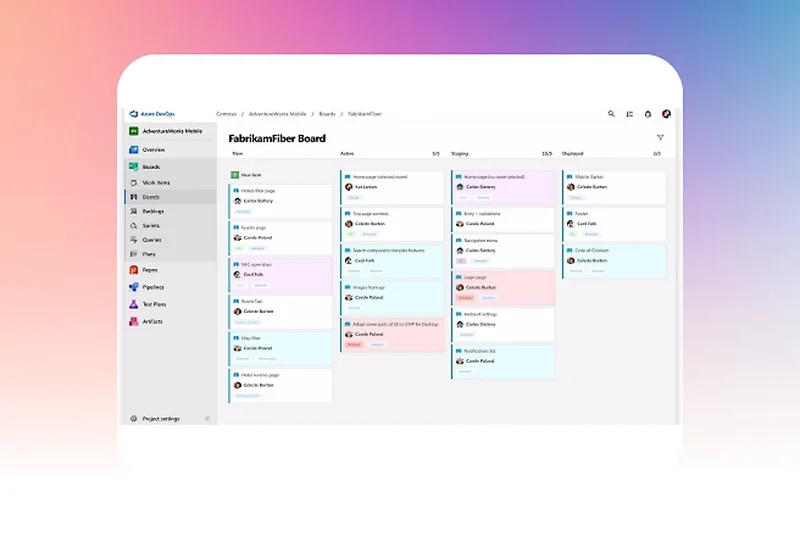
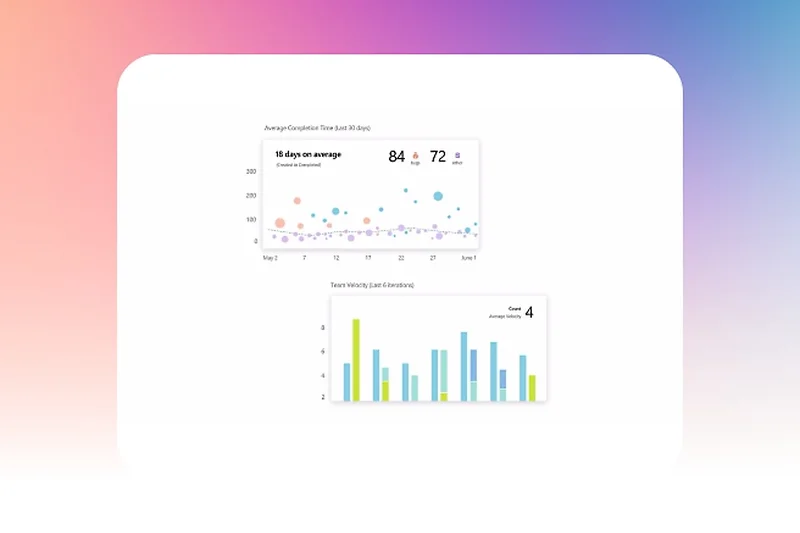
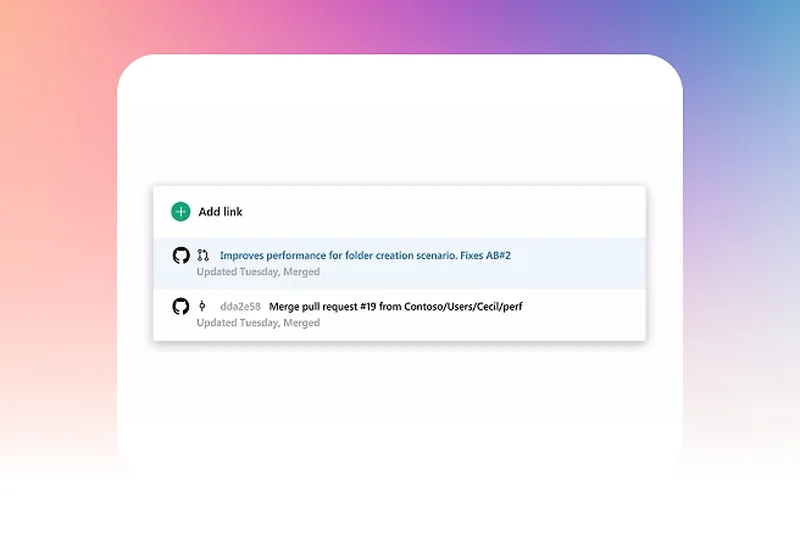
Why we picked it: For enterprise organizations and teams heavily invested in the Microsoft ecosystem, Azure Boards is an absolute powerhouse. In our 2026 assessment of enterprise-scale Agile tools, Azure Boards achieved perfect scores in Integrations, Value, and Reliability. We were particularly impressed by its cross-team delivery plans, which make aligning multiple Scrum teams across a broader portfolio completely seamless—a strict requirement for Scaled Agile Framework (SAFe) environments. Because it is natively integrated into Azure DevOps, the code traceability is second to none; a single click takes you from a user story directly to the exact commit and CI/CD deployment pipeline. Moreover, its pricing is exceptionally competitive, offering enterprise-grade security and robust compliance (SOC2, GDPR) at a fraction of the cost of some standalone competitors. While the UI can feel a bit clinical and corporate, the sheer structural integrity, advanced capacity planning, and massive scale capabilities make it the top choice for large organizations.
Key Specs
- Native Azure DevOps integration
- Scrum and Kanban support
- Cross-team delivery plans
- Comprehensive code traceability
What we like
- Flawless integration with the Microsoft ecosystem
- Perfect for enterprise-scale Agile and SAFe
- Unbeatable code-to-issue traceability
- Highly competitive pricing for enterprise features
What we don't like
- Corporate, slightly sterile user interface
- Overkill for small startups or non-technical teams
Best for: Large enterprises, Microsoft-centric shops, and organizations running Scaled Agile (SAFe).
Considering Azure Boards vs Jira? Azure Boards is ideal if you are already deeply embedded in Microsoft Azure DevOps; Jira is better if you want a massive marketplace of third-party plugins and standalone flexibility.
The ultimate enterprise Agile planner, providing unmatched reliability, scale, and integration for large engineering organizations.
Buy at Microsoft official site#4 Shortcut
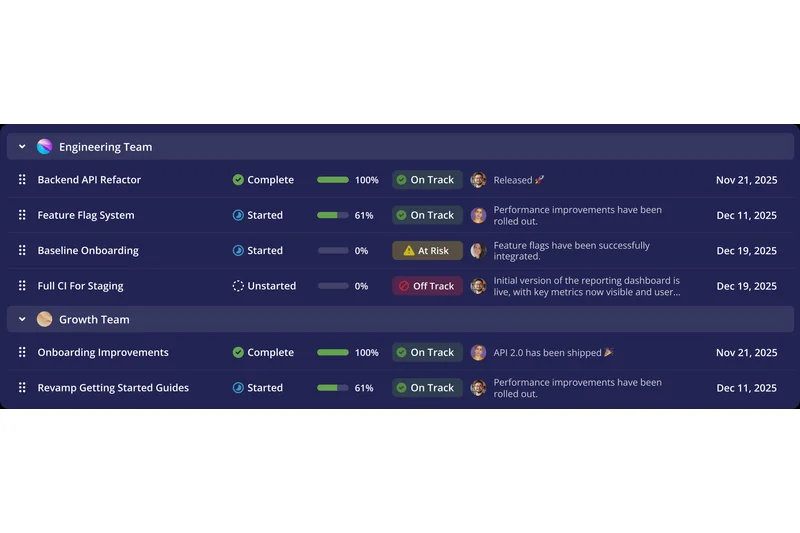
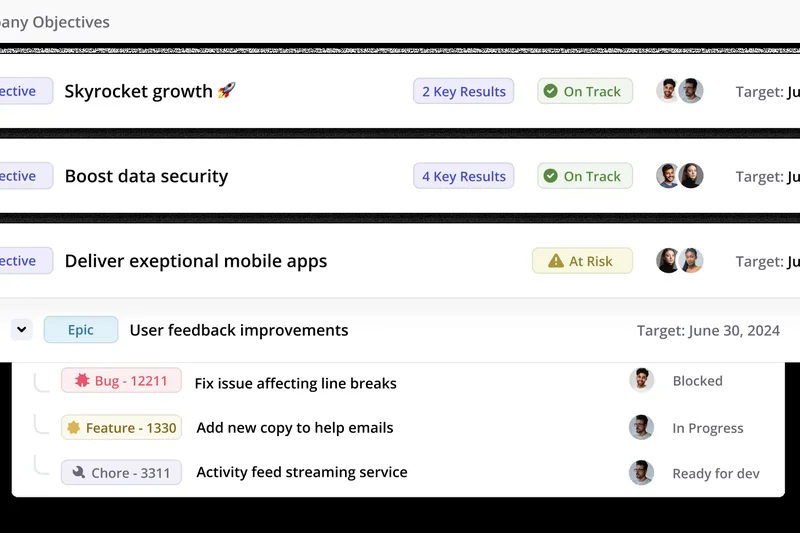
Why we picked it: Shortcut strikes an incredible balance between the developer-centric focus of Linear and the organizational structure of Jira. In our tests, we found its Epic-to-Issue hierarchy to be one of the most intuitive ways to visualize product development. It allows product managers to zoom out and see cross-functional milestones, while developers can zoom in on specific story point estimations and PRs. The 2026 iteration brings even tighter VCS integrations, pulling in data from GitHub and GitLab to automate issue progression perfectly. What makes Shortcut remarkable is how welcoming the UI is for non-developers without sacrificing the technical depth that engineers demand. We gave it high marks for its ease of use and value, as it provides premium Agile features at a highly accessible price point. It’s an ideal middle-ground for organizations where engineering and business teams need to collaborate closely in the same space.
Key Specs
- Developer-friendly UI
- Epic to issue hierarchy
- Cross-functional milestone tracking
- Story point estimation
What we like
- Perfect balance of power and simplicity
- Excellent Epic and milestone visualization
- Great cross-departmental usability
- Strong VCS integrations
What we don't like
- Reporting features aren't as deep as Jira's
- Fewer third-party integrations than larger competitors
Best for: Mid-sized companies needing a tool that satisfies both serious developers and non-technical stakeholders.
Considering Shortcut vs monday dev? Shortcut is built with a stronger core focus on true Agile development concepts (like story points and Epics), whereas monday dev is highly visual and better for broader, less rigorous workflows.
A superb, well-rounded Agile platform that bridges the gap between engineering complexity and product management clarity.
Buy at Shortcut official site#5 YouTrack
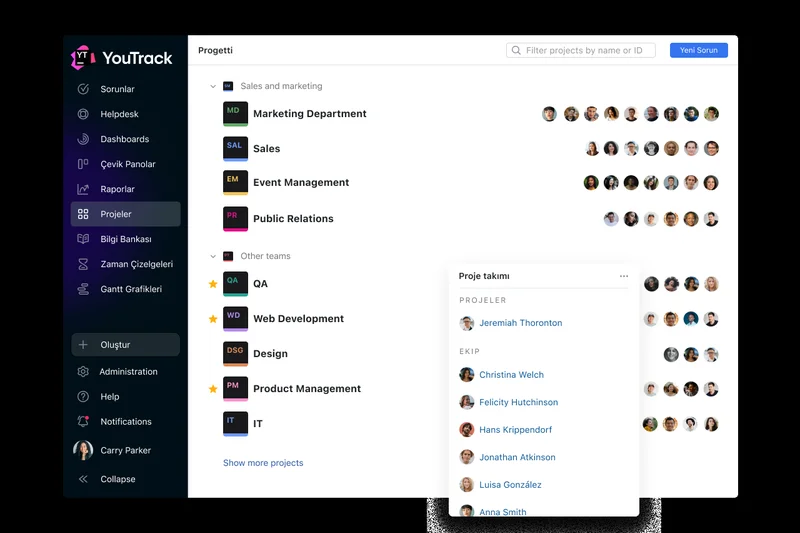
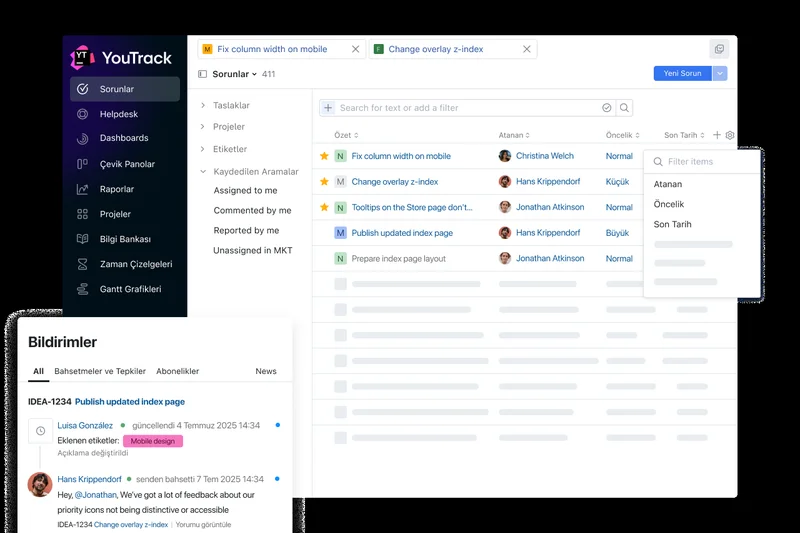
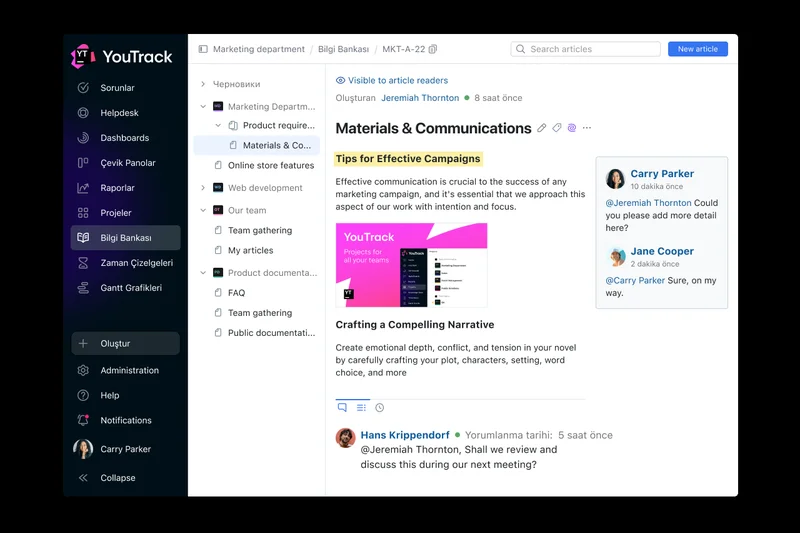
Why we picked it: JetBrains has a reputation for building exceptional developer tools, and YouTrack is no exception. We evaluated YouTrack highly for its incredible value proposition—its pricing is disruptive, and it even offers a generous free tier that startups will love. During our evaluation, YouTrack's smart text search queries stood out; you can filter and find issues using an intuitive, natural language-like syntax that is incredibly fast once learned. It supports highly customizable Agile boards for both Scrum and Kanban, complete with built-in time tracking and an integrated knowledge base. Because it's a JetBrains product, the integration with IDEs like IntelliJ IDEA is flawless. While the initial setup of custom workflows requires a bit of a learning curve, the flexibility it affords is tremendous. For teams that want premium developer issue tracking without the premium price tag, YouTrack is a hidden gem.
Key Specs
- Smart text search queries
- Built-in time tracking
- Agile boards for Scrum/Kanban
- Highly customizable issue workflows
What we like
- Outstanding value and pricing structure
- Powerful text-based search and filtering
- Native integration with JetBrains IDEs
- Built-in knowledge base
What we don't like
- Customizing workflows can be technically complex
- UI feels slightly dated compared to newer tools
Best for: Development teams and startups looking for a highly customizable, budget-friendly issue tracker.
Considering YouTrack vs GitHub Issues? YouTrack provides a more traditional, feature-rich Agile board experience with time tracking, while GitHub Issues relies on lightweight, code-adjacent markdown planning.
A highly capable, developer-focused issue tracker offering tremendous flexibility and unbeatable value.
Buy at JetBrains official site#6 monday dev
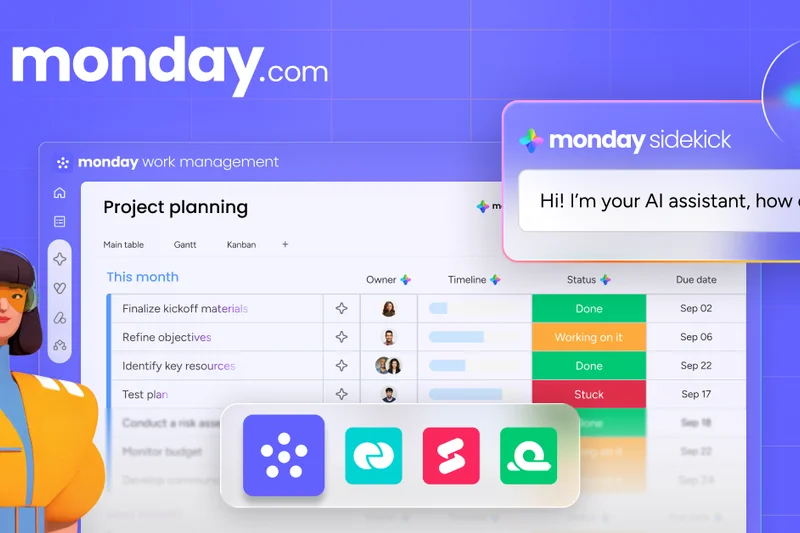
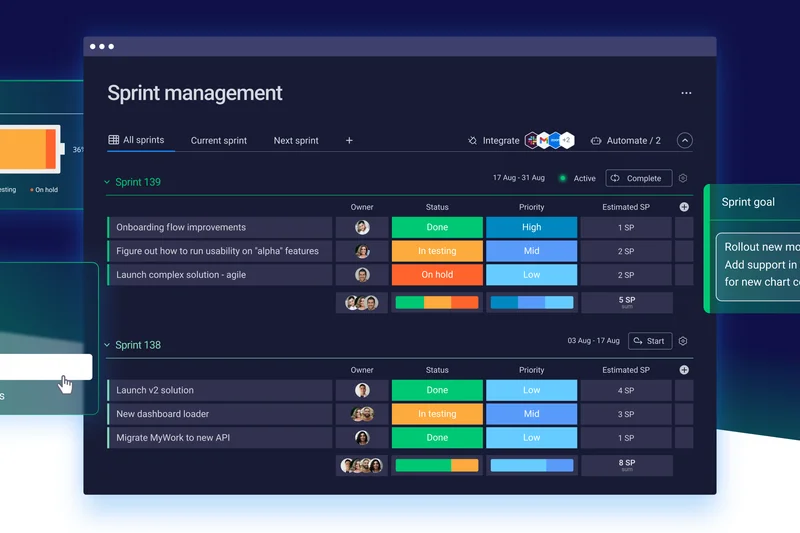
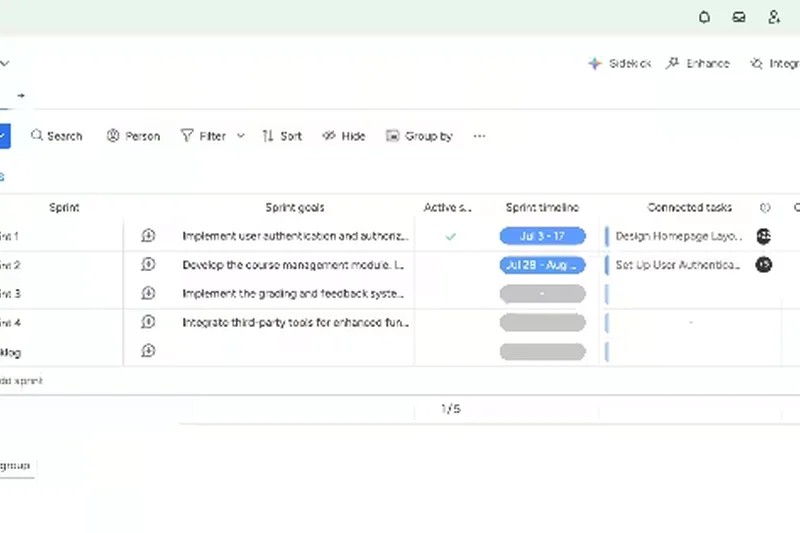
Why we picked it: monday.com has successfully pivoted its highly visual platform into a specialized tool for product development. We were thoroughly impressed by monday dev's ease of use—it scored a 9/10 in our assessment, making it incredibly accessible. The platform uses sprint planning templates that can be customized in minutes, and its no-code automation builder is arguably the most intuitive on the market. During our 2026 tests, we easily set up automated bug tracking workflows that synced directly with GitHub. Its highly visual dashboards make it easy to communicate sprint progress to external stakeholders or non-technical executives. While it may lack some of the strict Agile methodology enforcement found in pure developer tools (like native, rigid WIP limits), its flexibility and vibrant UI make it a joy to use. It’s perfect for digital agencies and cross-functional teams.
Key Specs
- Sprint planning templates
- Bug and issue tracking
- Seamless GitHub integration
- Highly visual custom dashboards
What we like
- Incredibly intuitive and visually appealing UI
- Best-in-class no-code automation builder
- Great for stakeholder reporting
- Highly customizable templates
What we don't like
- Lacks strict enforcement of advanced Scrum rules
- Can get expensive as you add premium features
Best for: Cross-functional teams, digital agencies, and companies prioritizing visual project tracking.
Considering monday dev vs Jira? monday dev is vastly easier to set up and much more visual, whereas Jira offers deeper, more rigid enforcement of complex Agile frameworks.
A highly visual, incredibly flexible product development tool that excels at cross-team collaboration.
Buy at monday.com official site#7 GitHub Issues
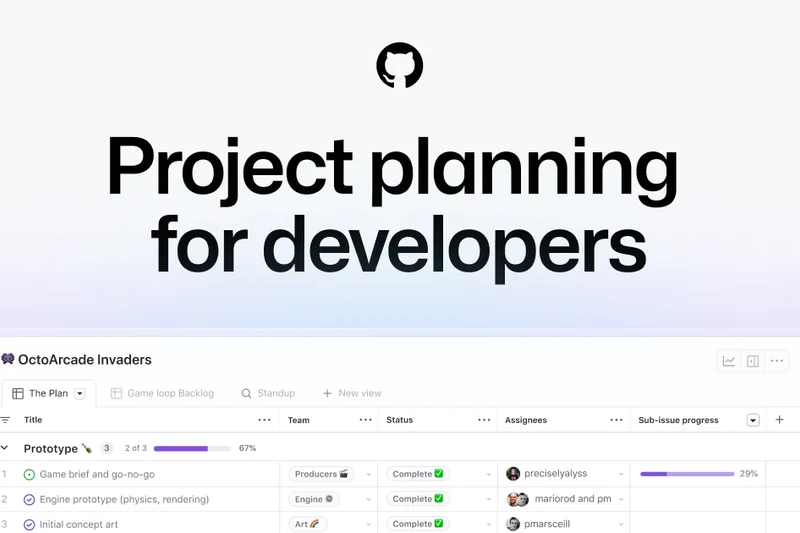
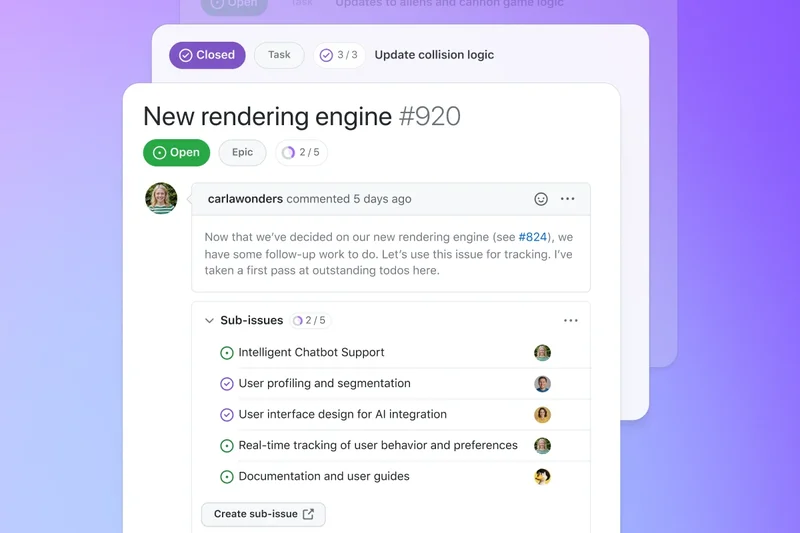
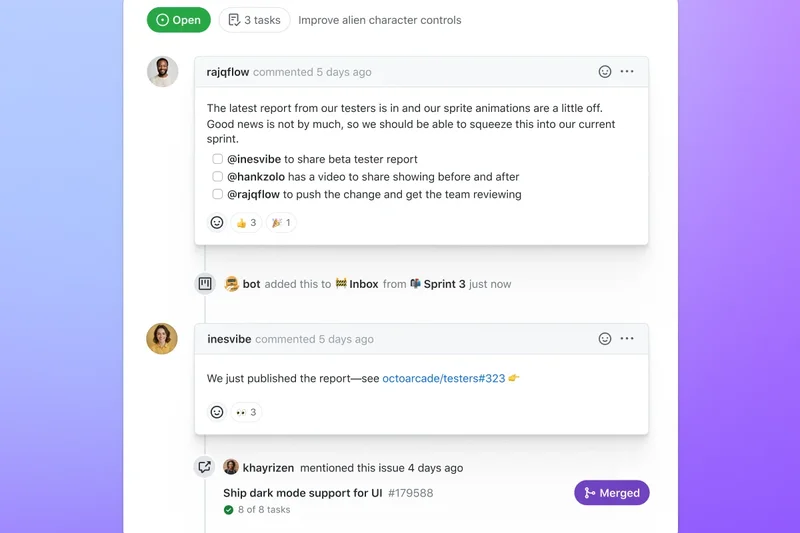
Why we picked it: For teams that want their project management to live exactly where their code lives, GitHub Issues is a revelation. We awarded it the 'Best Budget/Free Option for Startups' because the value it provides at no extra cost to existing GitHub users is staggering. In our tests, the integration with GitHub Actions allowed us to automate almost every aspect of our Kanban boards based on pull request statuses. The markdown support is flawless, and the ability to track milestones and epics directly adjacent to the codebase eliminates context switching. While it doesn't have the advanced portfolio reporting or complex burndown charts of enterprise PM tools, its lightweight, developer-native approach is perfect for open-source projects, startups, and agile teams that prefer to keep planning close to the metal.
Key Specs
- Code-adjacent planning
- Markdown support
- Automated Kanban boards
- GitHub Actions automation
What we like
- Lives exactly where your code lives
- Incredible value (often free)
- Seamless GitHub Actions automation
- Perfect markdown support
What we don't like
- Lacks advanced enterprise reporting and velocity charts
- Not ideal for non-technical marketing or business teams
Best for: Early-stage startups, open-source projects, and developer-heavy teams on a budget.
Considering GitHub Issues vs GitLab? GitHub Issues is a lightweight, seamless addition to the GitHub ecosystem, while GitLab offers a more comprehensive, all-in-one DevSecOps platform with deeper value stream analytics.
The ultimate code-adjacent planning tool, providing tremendous value and workflow automation for developers.
Buy at GitHub official site#8 GitLab
Why we picked it: GitLab is much more than an Agile project management tool; it is a complete DevSecOps platform. In our 2026 assessment, GitLab scored exceptionally high for Reliability and Integrations. Because the issue boards, epics, and roadmaps are natively tied to the source code repository, CI/CD pipelines, and security scanners, it provides a 'single application' experience that is practically unmatched. We found its value stream analytics to be highly insightful, automatically highlighting bottlenecks in the delivery pipeline without requiring third-party plugins. Its scoped issue boards allow teams to manage complex Agile workflows seamlessly. While the UI can feel overwhelming due to the sheer volume of features, teams that fully commit to the GitLab ecosystem will find their administrative overhead drastically reduced.
Key Specs
- Unified codebase and PM
- Scoped issue boards
- Epics and roadmaps
- Value stream analytics
What we like
- True all-in-one DevSecOps platform
- Exceptional value stream analytics
- Native time tracking and roadmaps
- Deep CI/CD and security integration
What we don't like
- The interface can be overwhelming for non-developers
- Requires full buy-in to the GitLab ecosystem for maximum value
Best for: Engineering organizations looking to consolidate their toolchain into a single DevSecOps application.
Considering GitLab vs Jira? GitLab is best if you want your code, CI/CD, and project management in one single application; Jira is better if you prefer a modular, best-of-breed toolchain approach.
A powerful, unified DevSecOps platform that perfectly aligns Agile planning with code delivery.
Buy at GitLab official site#9 Height


Why we picked it: Height is the standout choice for 2026 when it comes to blending artificial intelligence with project management. We awarded it 'Best for Non-Technical & Business Teams' because of its revolutionary approach to task collaboration. The platform embeds chat directly into every task, meaning discussions never get lost in a separate Slack channel. Furthermore, its AI automated issue triaging is brilliant—it automatically categorizes, tags, and routes incoming requests based on natural language context. The UI features spreadsheet-like grids that business teams immediately understand, alongside traditional Kanban and calendar views. While it lacks some of the hyper-specific developer integrations of a tool like Linear, its seamless real-time collaboration and modern AI features make it an absolute favorite for fast-moving, cross-functional startups.
Key Specs
- Chat embedded in tasks
- AI automated issue triaging
- Spreadsheet-like grids
- Real-time team collaboration
What we like
- Contextual chat embedded directly in tasks
- Brilliant AI automation for triaging
- Highly intuitive spreadsheet and board views
- Excellent cross-functional usability
What we don't like
- Lacks deep Agile reporting (like velocity charts)
- Fewer native integrations for strict dev environments
Best for: Modern startups and cross-functional teams that value real-time collaboration and AI assistance.
Considering Height vs Asana? Height feels much more real-time and chat-centric, making it great for fast iteration, whereas Asana is better for structured, long-term portfolio tracking.
A next-generation, AI-powered workspace that flawlessly merges team chat with Agile task management.
Buy at Height official site#10 Businessmap
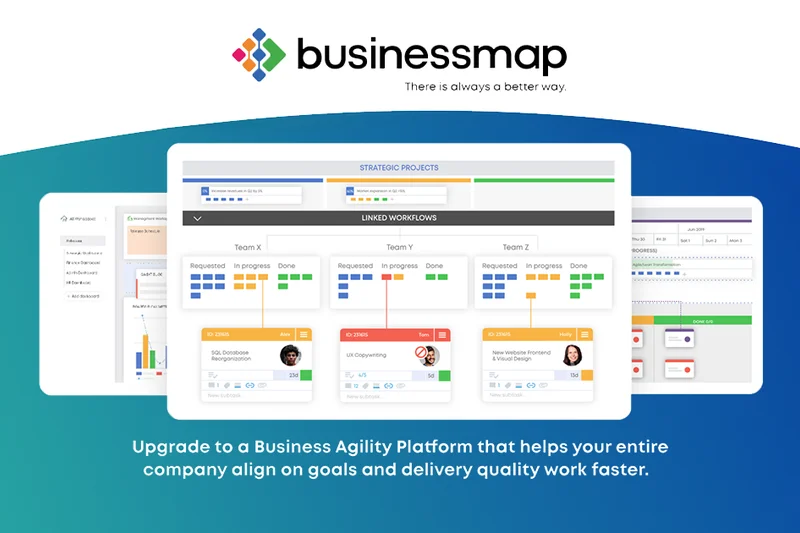
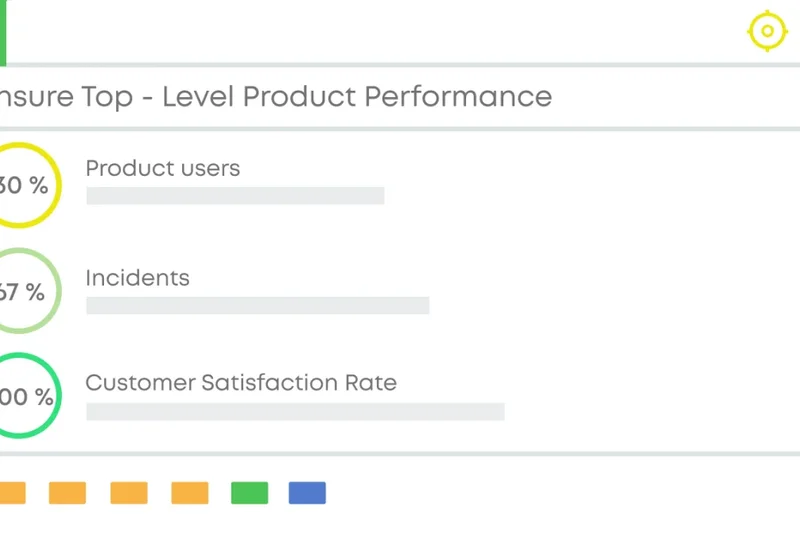
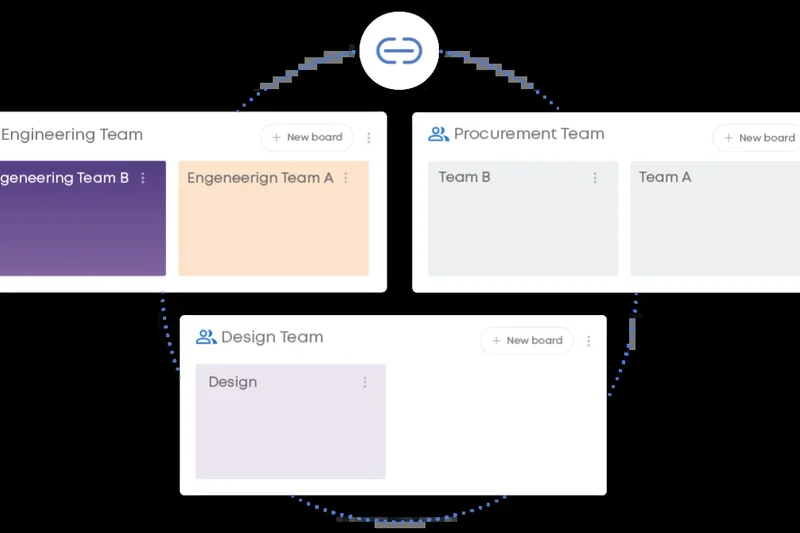
Why we picked it: Formerly known as Kanbanize, Businessmap is a heavyweight contender for enterprise Kanban and Lean management. We gave it perfect scores in Agile Features and Reporting. What sets it apart is its Portfolio Kanban boards, which allow executives to visualize strategic initiatives while automatically tracking the progress of child tasks distributed across multiple teams. During our testing, its advanced workflow analytics—including Monte Carlo simulations for forecasting delivery dates—blew the competition out of the water. It enforces strict Work-In-Progress (WIP) limits, which is essential for true Lean/Agile operations. While the learning curve is steep and the UI is dense, for organizations committed to scaling Agile and optimizing their flow metrics, Businessmap is unparalleled.
Key Specs
- Portfolio Kanban boards
- Advanced workflow flow analytics
- WIP limit enforcement
- Lean/Agile reporting suites
What we like
- Incredible Portfolio Kanban visualization
- World-class Lean analytics and forecasting
- Strict, effective WIP limit enforcement
- Great for mapping complex dependencies
What we don't like
- Dense UI with a steep learning curve
- Pricing is geared more toward enterprise budgets
Best for: Enterprises and mature Agile organizations focused heavily on Lean principles and flow metrics.
Considering Businessmap vs Planview AgilePlace? Both are enterprise Kanban heavyweights; Businessmap offers slightly better predictive analytics (Monte Carlo), while Planview offers broader SAFe framework alignment tools.
An elite, data-driven enterprise platform designed to master flow metrics and Portfolio Kanban.
Buy at Businessmap official site#11 Aha! Develop
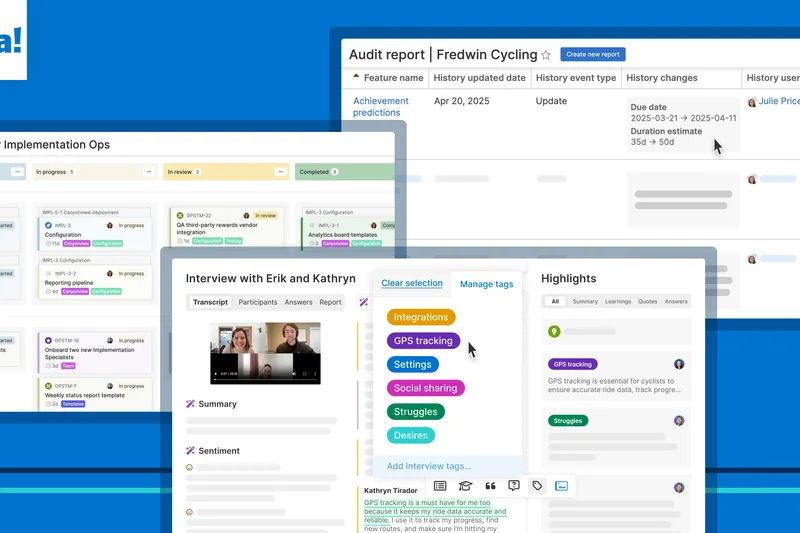
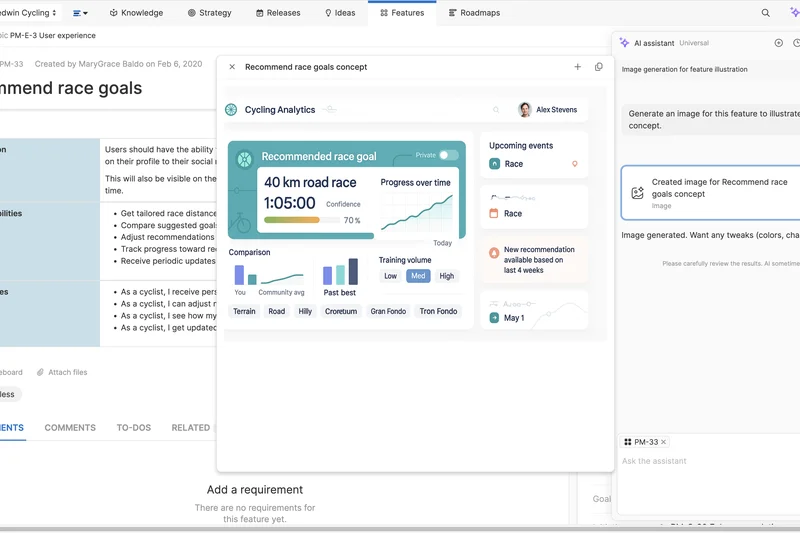
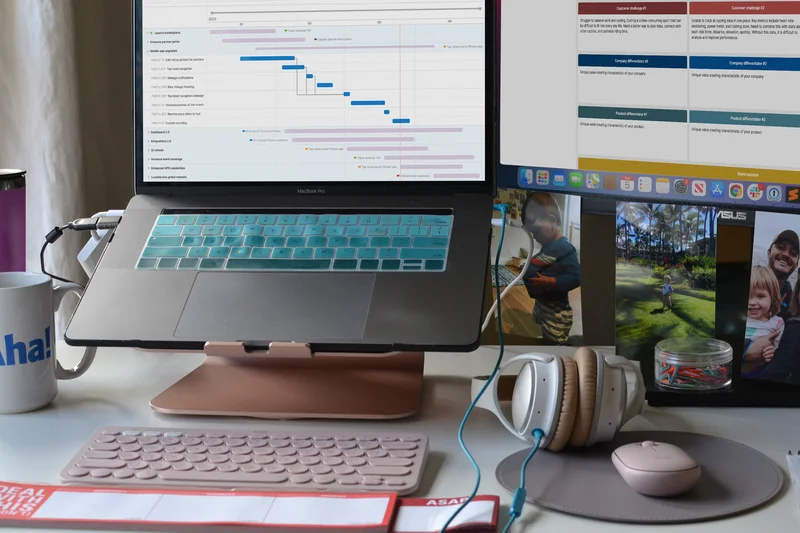
Why we picked it: Aha! Develop is an outstanding tool that bridges the gap between product management and engineering execution. We tested its seamless sprint planning capabilities and found that its direct synchronization with Aha! Roadmaps ensures that developers always understand the strategic 'why' behind their tasks. It features custom workflow states and planning poker integration natively, which streamlines backlog refinement. With robust developer browser extensions, it integrates smoothly into existing engineering habits. While its UI is highly structured, it provides excellent visibility into product strategy.
Key Specs
- Seamless sprint planning
- Product roadmap synchronization
- Custom workflow states
- Planning poker integration
What we like
- Perfect alignment with product roadmaps
- Native planning poker for estimations
- Strong developer extensions
What we don't like
- Best utilized only if also using Aha! Roadmaps
- Can feel overly structured for small teams
Best for: Engineering teams that need tight integration with product strategy and roadmaps.
Considering Aha! Develop vs Jira? Aha! Develop offers tighter native strategic roadmapping, while Jira is more universally adopted with a broader plugin ecosystem.
A highly strategic Agile tool that perfectly aligns engineering sprints with overarching product goals.
Buy at Aha! official site#12 Taiga
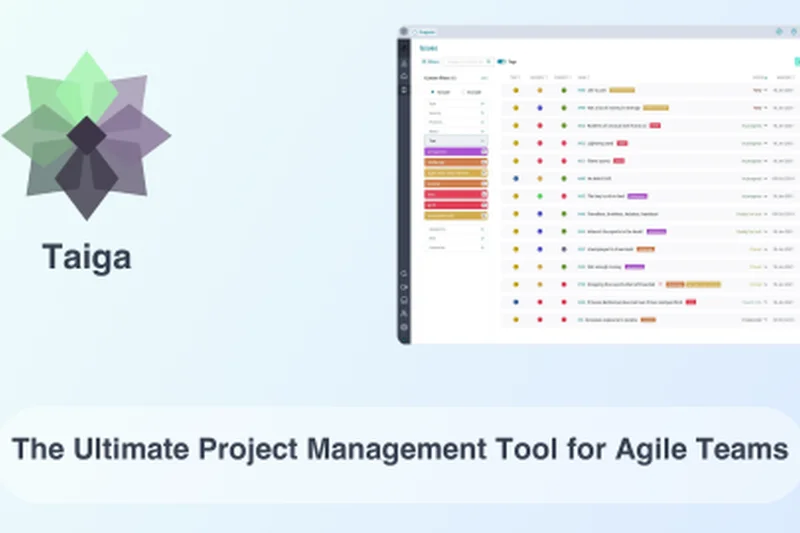
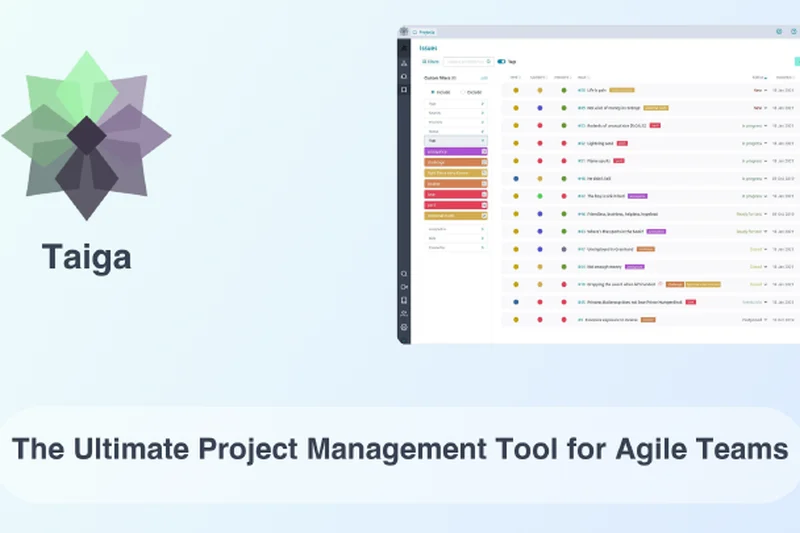
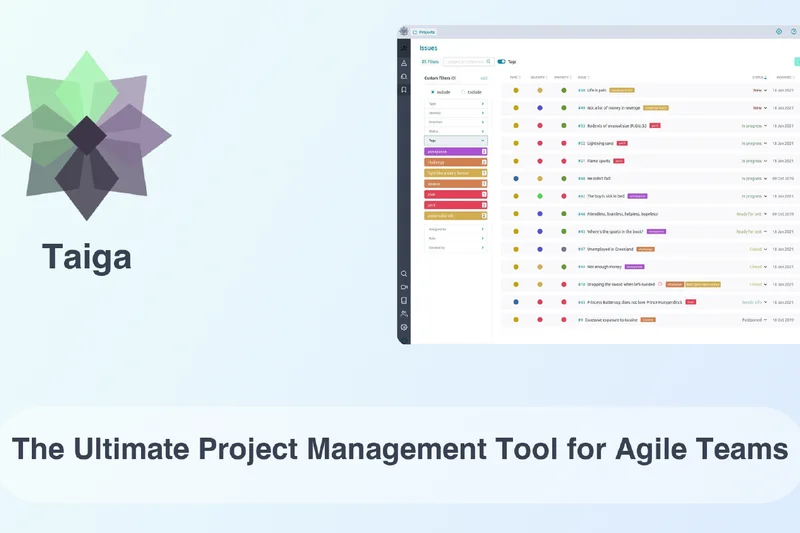
Why we picked it: Taiga is an open-source Agile PM platform that we consistently recommend for startups on a budget. In our 2026 review, it scored a perfect 10 for Value & Pricing. It offers dedicated Scrum and Kanban modules with proper WIP limits and sprint burndown charts without the enterprise bloat. The interface is clean, straightforward, and easy to adopt. Because it is open-source, teams can self-host for ultimate data privacy. While it lacks the deep ecosystem integrations of Atlassian products, it provides pure, unfiltered Agile methodology support for a fraction of the cost.
Key Specs
- Open-source foundation
- Dedicated Scrum and Kanban modules
- WIP limits enforcement
- Sprint burndown charts
What we like
- Incredible value and open-source transparency
- Clean, dedicated Scrum/Kanban modules
- Option for self-hosting
What we don't like
- Limited third-party integrations
- UI is functional but lacks modern polish
Best for: Startups, educational teams, and organizations preferring open-source, self-hosted solutions.
Considering Taiga vs OpenProject? Taiga is heavily optimized specifically for Agile methodologies (Scrum/Kanban), while OpenProject offers broader traditional PM features like Gantt charts.
A highly affordable, open-source platform that delivers pure Agile functionality without the bloat.
Buy at Taiga Agile official site#13 Zoho Sprints
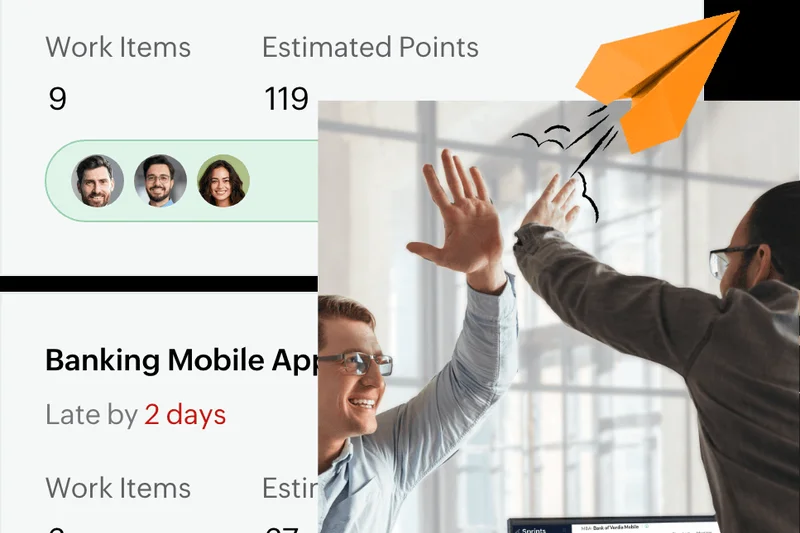
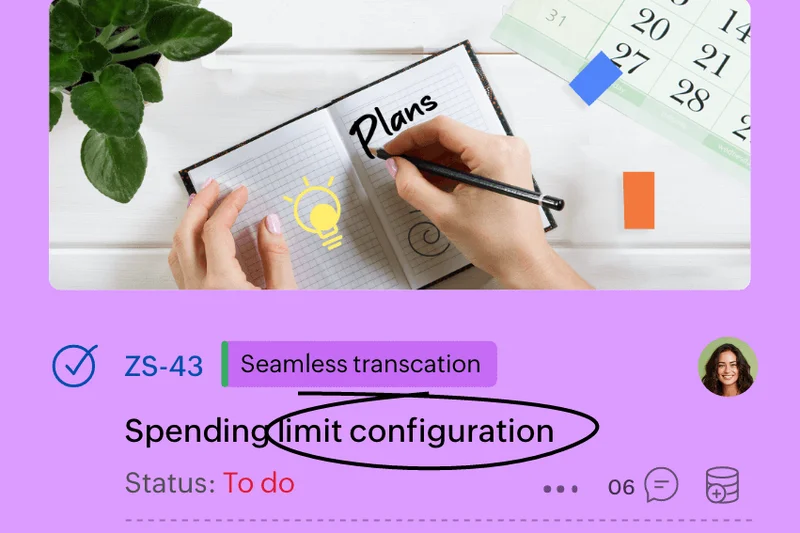

Why we picked it: Zoho Sprints is a robust, dedicated Scrum tool that integrates seamlessly into the broader Zoho One ecosystem. We found its backlog management and release management features to be highly effective for organizing complex iterations. It auto-generates velocity and burndown charts that are surprisingly detailed given its low price point (scoring 10/10 in Value). With approval timesheets integrated directly into sprints, it’s great for agencies billing clients for dev time. The interface isn't the most modern, but it gets the job done efficiently for small to mid-sized teams.
Key Specs
- Dedicated Scrum boards
- Epics & backlog management
- Release management
- Sprint velocity & burndown charts
What we like
- Excellent value for money
- Strong timesheet and approval features
- Deep integration with the Zoho ecosystem
What we don't like
- Interface feels a bit dated
- Not as suited for pure Kanban (better for Scrum)
Best for: Small to mid-sized businesses already utilizing the Zoho suite or agencies needing dev timesheets.
Considering Zoho Sprints vs Trello? Zoho Sprints offers much deeper native Scrum features (epics, burndown), while Trello is a simpler, general-purpose Kanban tool.
A cost-effective, Scrum-focused tool that shines for teams operating within the Zoho ecosystem.
Buy at Zoho official site#14 Planview AgilePlace
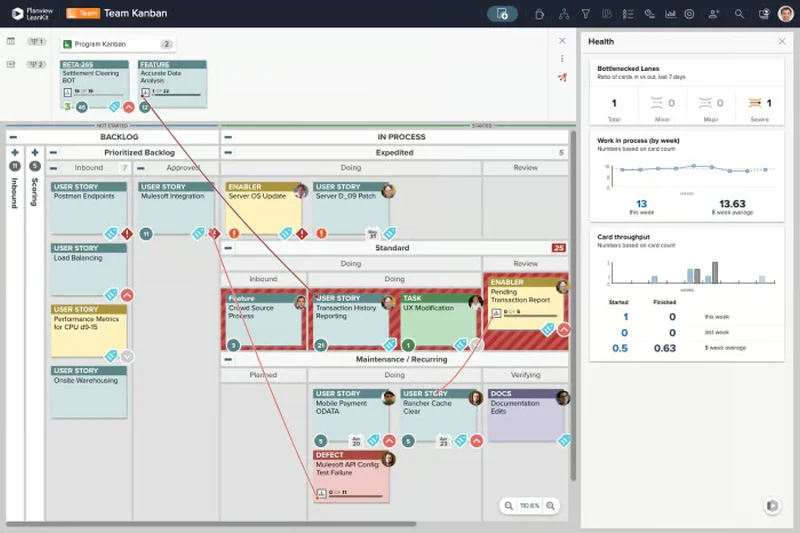
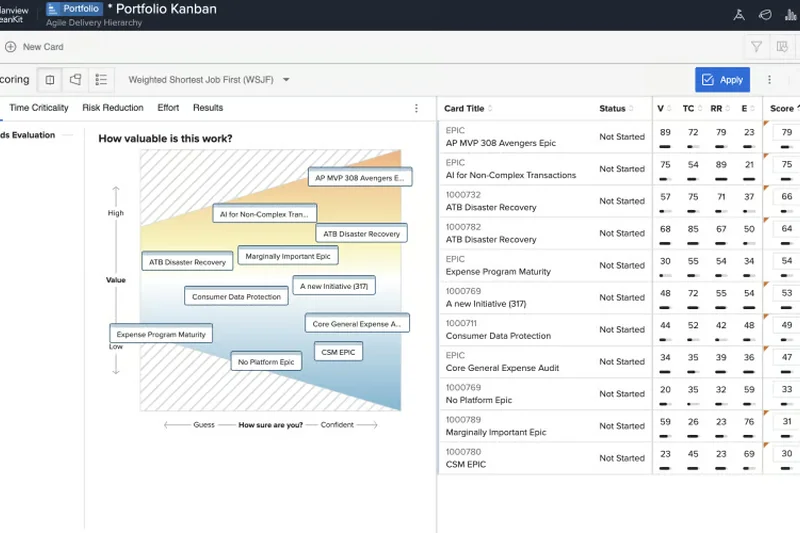
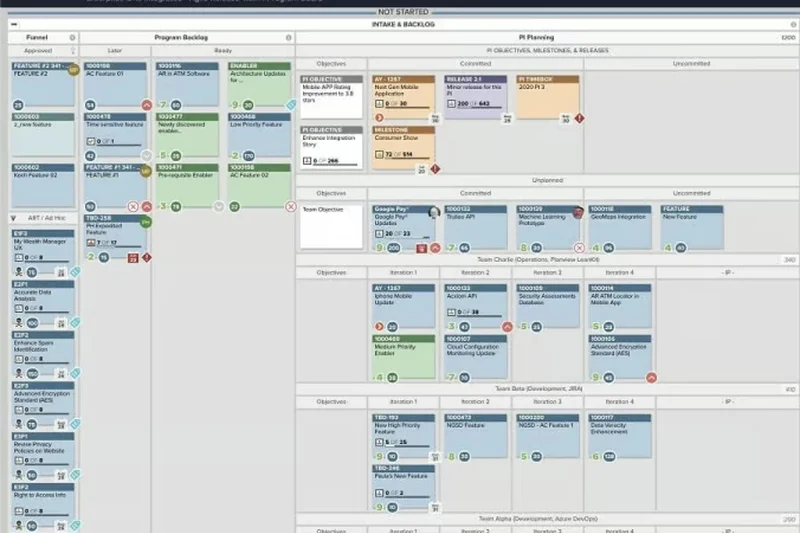
Why we picked it: Planview AgilePlace (formerly LeanKit) is an absolute juggernaut for Enterprise Kanban and Scaled Agile (SAFe). We gave it perfect 10s in Agile Features and Reporting. Its cross-board dependency mapping allows massive organizations to track blockers across dozens of interconnected teams. The lean metrics and flow reporting are enterprise-grade, identifying bottlenecks instantly. It scores lower on ease of use because the platform is designed for highly complex organizational structures, making it overkill for startups, but indispensable for Fortune 500 Agile transformations.
Key Specs
- Scaled Agile (SAFe) support
- Advanced WIP limits
- Cross-board dependency mapping
- Enterprise portfolio alignment
What we like
- Unmatched cross-board dependency visualization
- Exceptional SAFe support
- World-class Lean reporting metrics
What we don't like
- Steep learning curve and complex setup
- High enterprise pricing
Best for: Large enterprises scaling Agile methodologies across multiple portfolios.
Considering Planview AgilePlace vs Rally Software? Both target enterprise SAFe, but Planview AgilePlace offers superior visualization for cross-team dependencies via its advanced Kanban boards.
An elite enterprise solution for organizations mastering Scaled Agile and complex Lean portfolios.
Buy at Planview official site#15 ClickUp
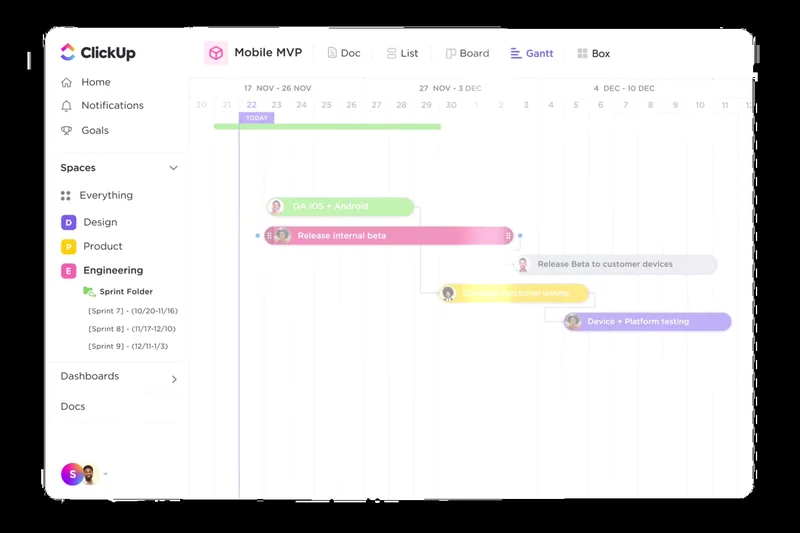
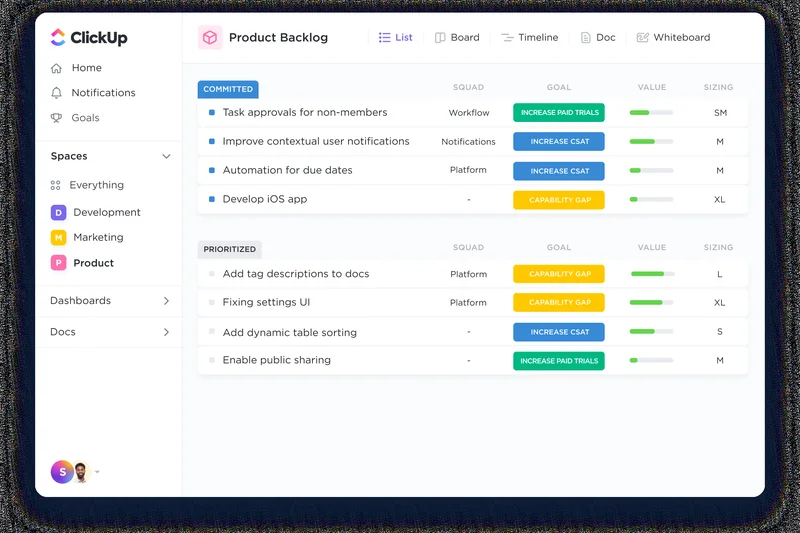
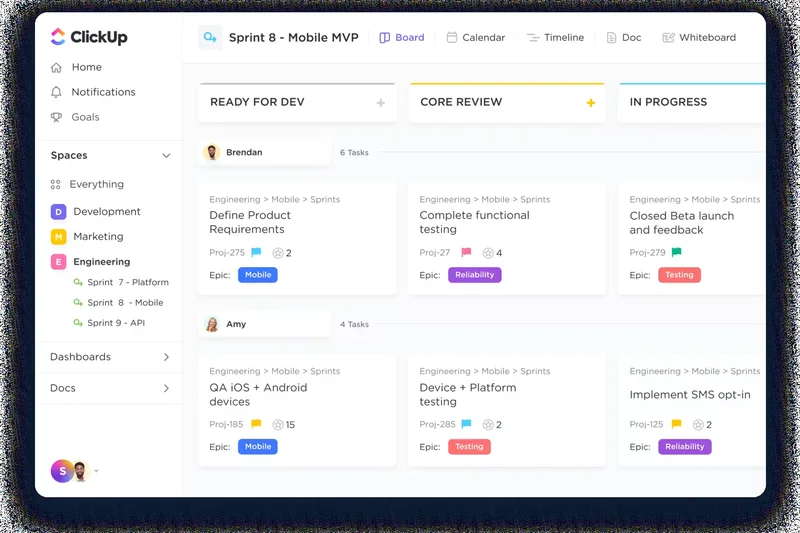
Why we picked it: ClickUp markets itself as the 'one app to replace them all,' and for Agile teams, it packs a massive punch. We found its customizability unparalleled, boasting 15+ views including whiteboards and mind maps right alongside sprint boards. The native time tracking and AI-assisted project planning make managing capacity incredibly easy. While it scored well in Collaboration and Value, its 'do-everything' approach can result in a cluttered UI, scoring slightly lower on ease of use out of the box. However, once configured, it’s a productivity powerhouse.
Key Specs
- Sprint management & point estimation
- 15+ customizable views
- Whiteboards & mind maps
- AI-assisted project planning
What we like
- Massive feature set replaces multiple tools
- Excellent custom views and whiteboards
- Native time tracking built-in
What we don't like
- Can be overwhelming to configure initially
- Performance can occasionally lag with heavy views
Best for: Cross-functional teams that want to consolidate their tech stack into a single, highly customizable platform.
Considering ClickUp vs Asana? ClickUp offers deeper built-in features (like time tracking and mind maps), whereas Asana is cleaner, faster, and easier to adopt.
A highly customizable, feature-rich platform that acts as a central hub for all team workflows.
Buy at ClickUp official site#16 Ora



Why we picked it: Ora is a beautifully designed visual Agile workspace that feels like a modern evolution of Trello. It supports both Scrum and Kanban natively, complete with epic and sprint planning tools that don't overwhelm the user. We were particularly impressed by its built-in time tracking and intuitive task automations. It hits the sweet spot for teams that find Trello too simple but Jira too complex. With a very accessible price point and high ease-of-use scores, Ora is a fantastic choice for design agencies and agile marketing teams.
Key Specs
- Scrum and Kanban support
- Built-in time tracking
- Epic and sprint planning tools
- Task automations
What we like
- Beautiful, highly intuitive interface
- Native time tracking
- Great balance of simplicity and Agile depth
What we don't like
- Lacks enterprise-scale portfolio management
- Fewer integrations with heavy developer tools
Best for: Agencies, design teams, and mid-sized agile teams looking for a beautiful, intuitive interface.
Considering Ora vs Trello? Ora includes time tracking, epics, and sprint tools out of the box, whereas Trello relies on Power-Ups for those features.
A visually stunning, highly intuitive Agile workspace that perfectly balances simplicity with essential Scrum tools.
Buy at Ora official site#17 Asana
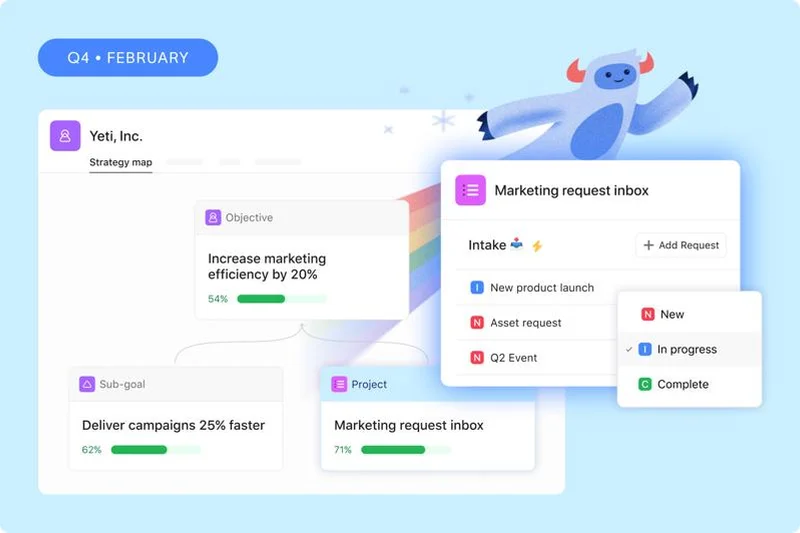
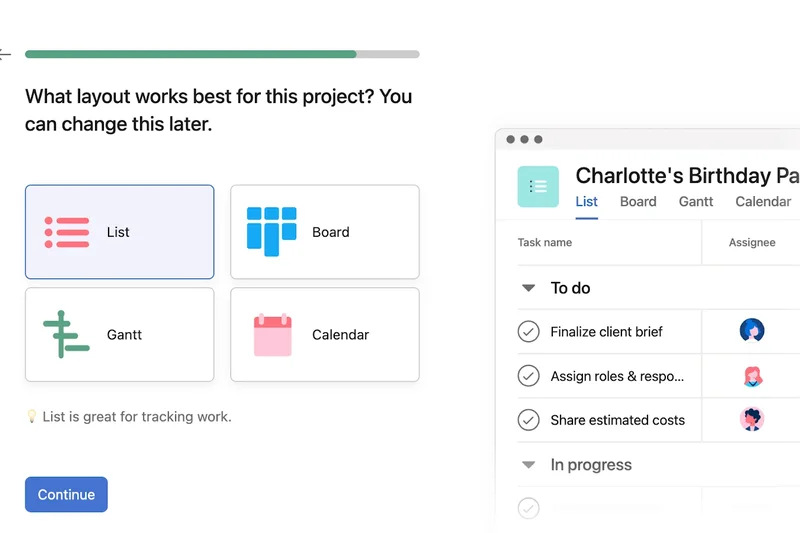
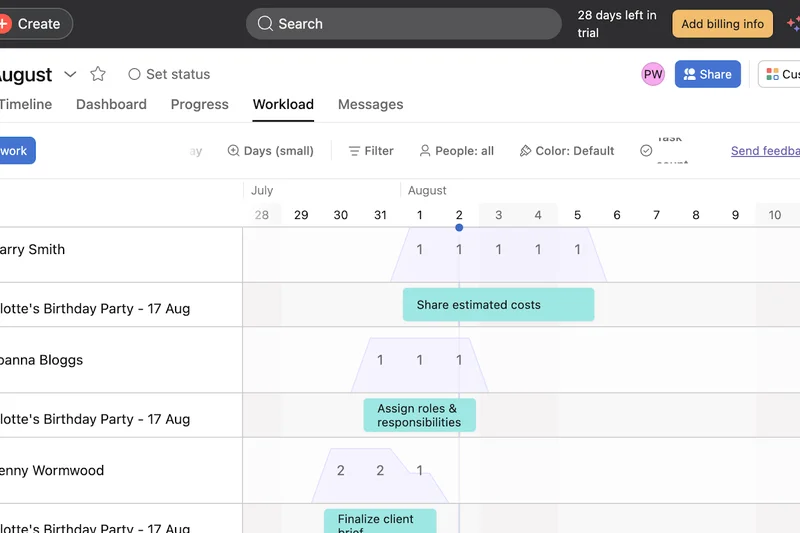
Why we picked it: Asana remains a top-tier work management platform, particularly excelling in cross-team goal tracking and portfolio management. While it doesn't enforce strict Scrum developer frameworks (scoring a 7 in Agile Features), its Timeline and Gantt views are spectacular for high-level roadmap planning. We loved its automated task rules and team workload management, which visually prevents team burnout. It’s best suited for business, marketing, and operations teams adopting Agile principles rather than hardcore software engineering units.
Key Specs
- Timeline & Gantt views
- Agile portfolio tracking
- Team workload management
- Cross-team goal tracking (OKRs)
What we like
- Beautiful UI with exceptional ease of use
- Great for cross-departmental OKRs and portfolios
- Strong workload and capacity planning
What we don't like
- Lacks native story point and velocity tracking
- Can become expensive at higher tiers
Best for: Business, marketing, and ops teams adopting Agile principles for broad organizational projects.
Considering Asana vs Jira? Asana is vastly superior for marketing and business operations, while Jira is the necessary choice for deep software engineering.
A beautifully designed, highly collaborative platform perfect for managing business projects and organizational OKRs.
Buy at Asana official site#18 Targetprocess
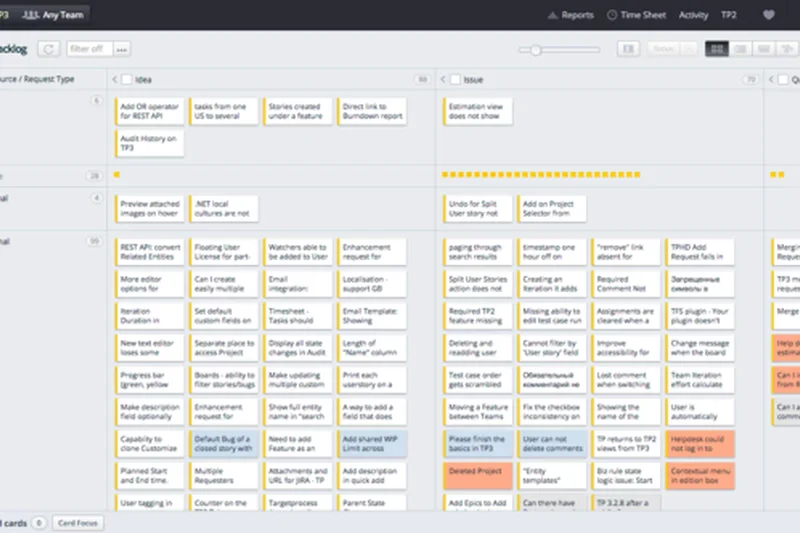
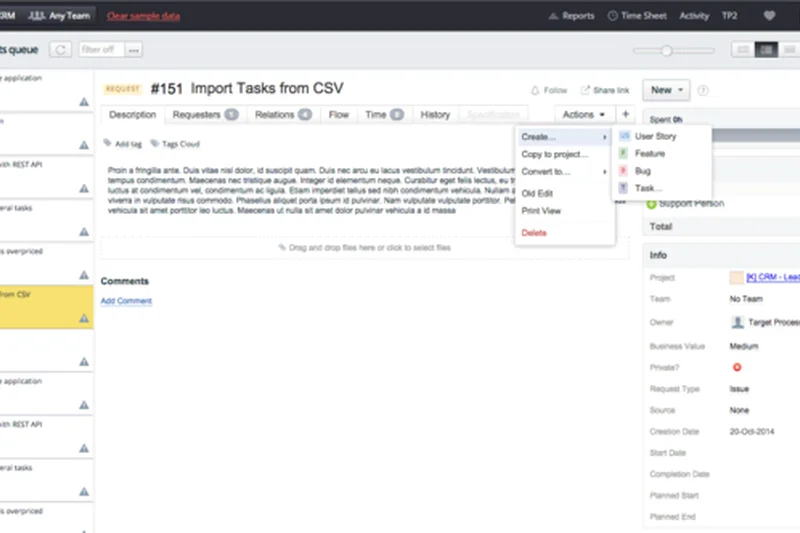
Why we picked it: Targetprocess, now part of Apptio, is an enterprise Agile portfolio management system designed for massive scale. In our testing, it demonstrated incredible capabilities for aligning strategic goals with team-level execution across SAFe and LeSS frameworks. The customizable visual boards allow executives to drill down from high-level company OKRs to individual sprint tasks. It scored a 10 in Agile features due to its rigorous capacity planning and enterprise reporting engines. It is incredibly powerful but strictly meant for large enterprise budgets and dedicated Agile Release Trains.
Key Specs
- SAFe & LeSS framework support
- Customizable visual boards
- Strategic alignment tracking
- Enterprise reporting engines
What we like
- Exceptional SAFe and LeSS support
- Deep portfolio and strategic alignment
- Highly customizable enterprise boards
What we don't like
- UI is complex and requires specialized training
- Enterprise pricing only (no transparent lower tiers)
Best for: Large enterprises running SAFe or LeSS looking to align high-level strategy with execution.
Considering Targetprocess vs Azure Boards? Both handle SAFe well, but Targetprocess focuses heavily on visual portfolio management and financial alignment (Apptio), whereas Azure Boards is deeply tied to the code repository.
A top-tier enterprise portfolio manager that connects strategic OKRs to Agile execution.
Buy at Apptio official site#19 Digital.ai Agility
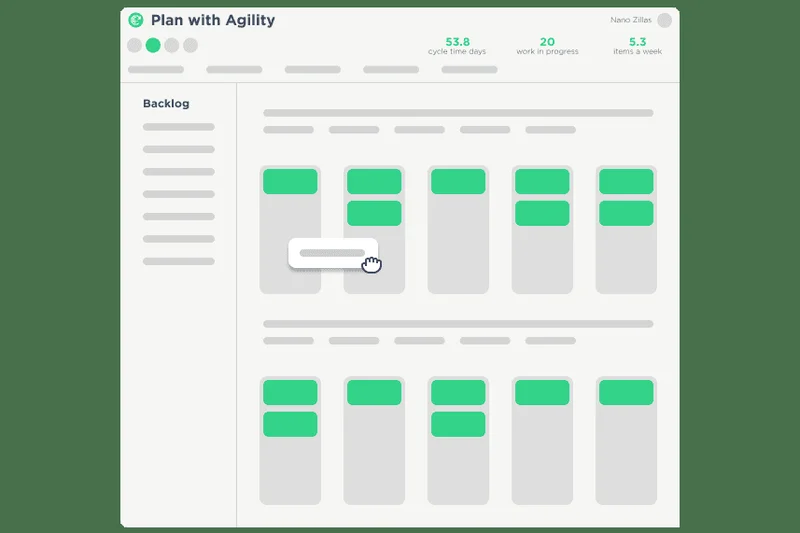
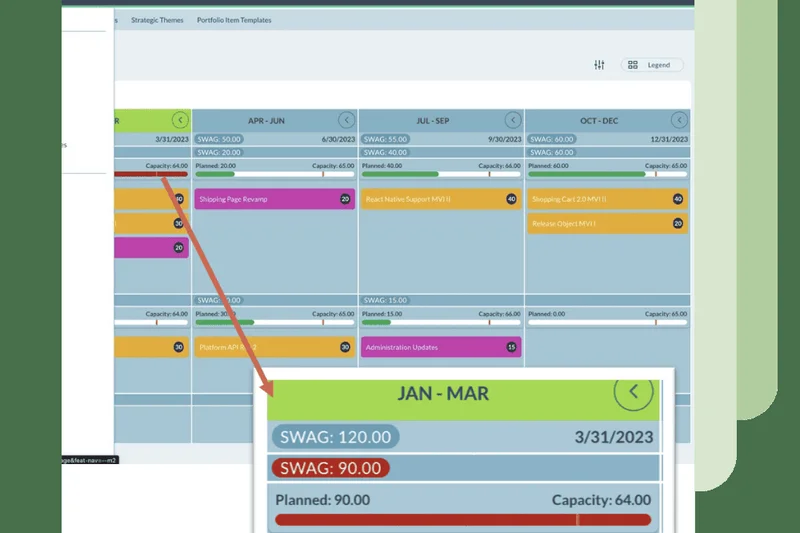
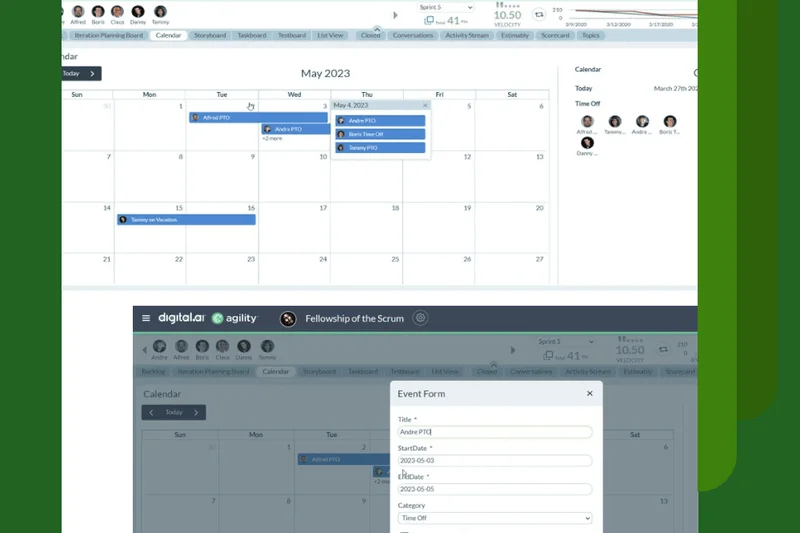
Why we picked it: Formerly known as VersionOne, Digital.ai Agility is a heavyweight designed to master Value Stream Management at the enterprise level. We found its PI (Program Increment) planning support and cross-team dependency tracking to be phenomenal for organizations running SAFe. It scores a perfect 10 for Reporting and Agile Features, offering advanced metrics that tie software delivery directly to business value. It is not for the faint of heart—scoring a 4 for Ease of Use—but for legacy enterprises undergoing digital transformation, it is a highly secure, incredibly deep platform.
Key Specs
- Value stream management
- Scaled agile framework alignment
- PI planning support
- Advanced enterprise agile metrics
What we like
- Masterful Value Stream Management
- Dedicated PI planning tools
- Ties software delivery to business outcomes
What we don't like
- Steep learning curve with a dated UI
- Requires significant configuration and admin overhead
Best for: Massive enterprises requiring rigorous Value Stream Management and PI planning.
Considering Digital.ai Agility vs Jira? Digital.ai offers better out-of-the-box SAFe and PI planning, while Jira relies on plugins (like Jira Align) to achieve similar enterprise portfolio scale.
An enterprise-grade Agile platform built to optimize Value Stream Management and complex SAFe environments.
Buy at Digital.ai official site#20 Hive



Why we picked it: Hive is a productivity platform that excels in team communication and flexible project views. We loved its native team messaging—which functions much like Slack—integrated directly into the project workspace. It offers 6+ multiple project views and rich action cards that support proofing and approval workflows, making it highly attractive to creative and marketing agencies. While its Agile feature set is moderate (scoring 7), its collaboration tools (scoring 9) ensure that fast-moving teams stay aligned without constantly switching tabs.
Key Specs
- 6+ multiple project views
- Native team messaging
- Integrated time tracking
- Proofing & approvals workflows
What we like
- Excellent built-in messaging features
- Great proofing and approval workflows
- Intuitive multi-view interface
What we don't like
- Reporting is basic compared to dedicated Agile tools
- Mobile app experience can be clunky
Best for: Creative agencies and marketing teams needing built-in messaging and asset proofing.
Considering Hive vs Basecamp? Hive offers much better structured project views (Kanban, Gantt) and time tracking, while Basecamp relies almost entirely on message boards and to-do lists.
A highly collaborative productivity platform that elegantly combines team messaging with project tracking.
Buy at Hive official site#21 Fibery
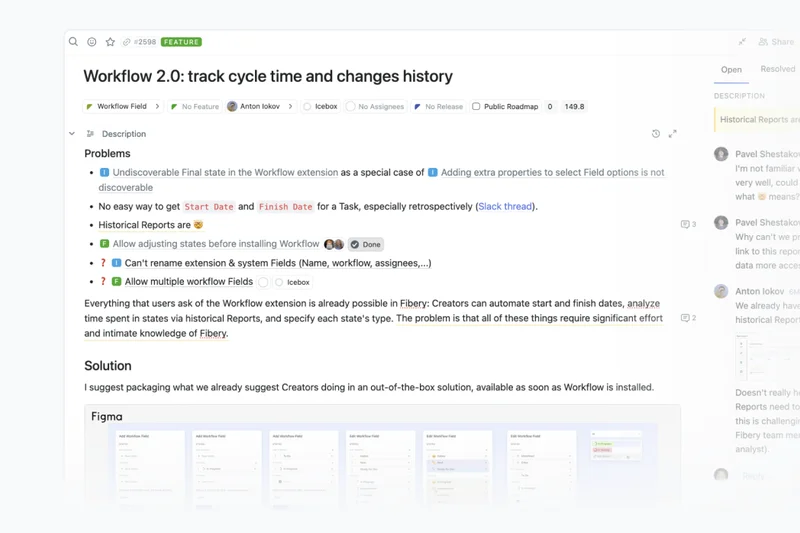
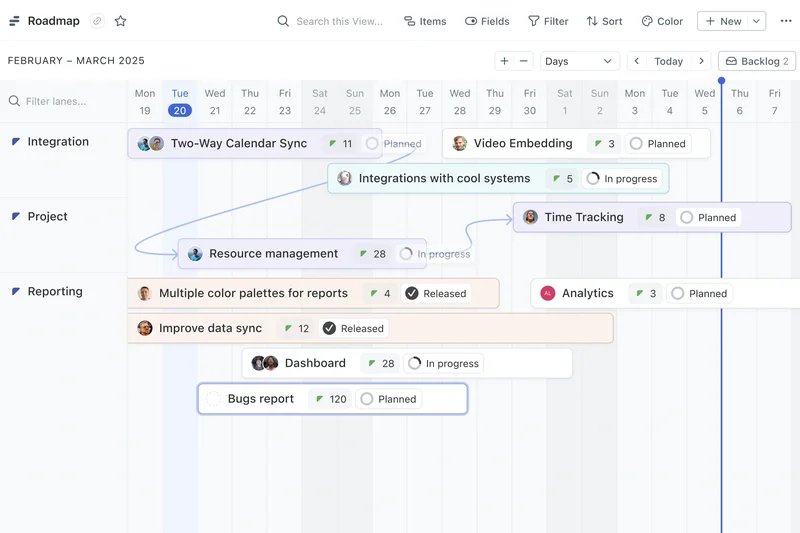
Why we picked it: Fibery is a no-code product workspace that allows teams to build their own Agile processes from scratch. In our evaluation, we were blown away by its connected relational databases, which allow you to link user research, feedback, and sprint tasks into a single, cohesive web. It scored highly in Collaboration and Reporting because of its rich document editing and whiteboard integrations. It’s perfect for product managers who feel constrained by traditional PM tools and want to architect a bespoke workspace for their exact needs.
Key Specs
- Connected relational databases
- Whiteboard integration
- Custom agile process building
- User research & feedback tracking
What we like
- Incredible no-code flexibility
- Links user research directly to dev tasks
- Great built-in document and whiteboard tools
What we don't like
- Requires significant time to set up and architect
- Can lack strict guardrails for inexperienced teams
Best for: Product teams and startups that want to custom-build their Agile and research workflows.
Considering Fibery vs Notion? Both are highly customizable, but Fibery’s relational databases and integrations are more structurally suited for product development out of the box.
A powerful no-code workspace that allows product teams to map user feedback directly to Agile execution.
Buy at Fibery official site#22 Teamwork
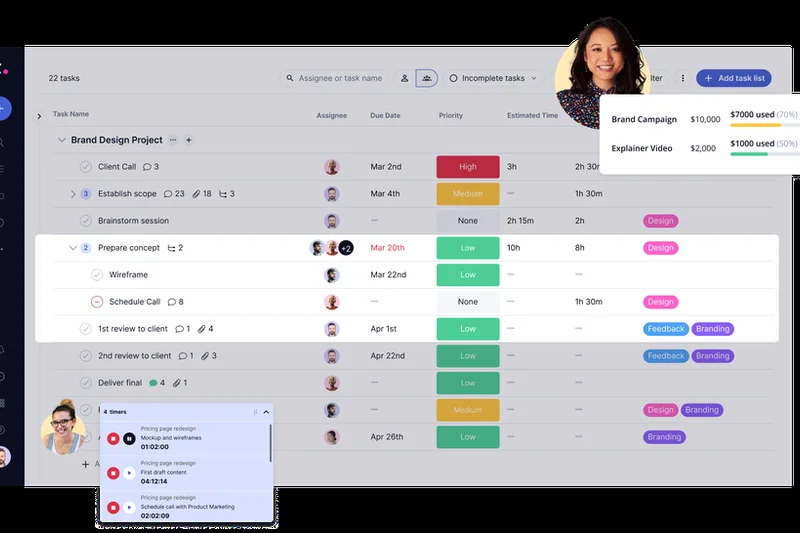
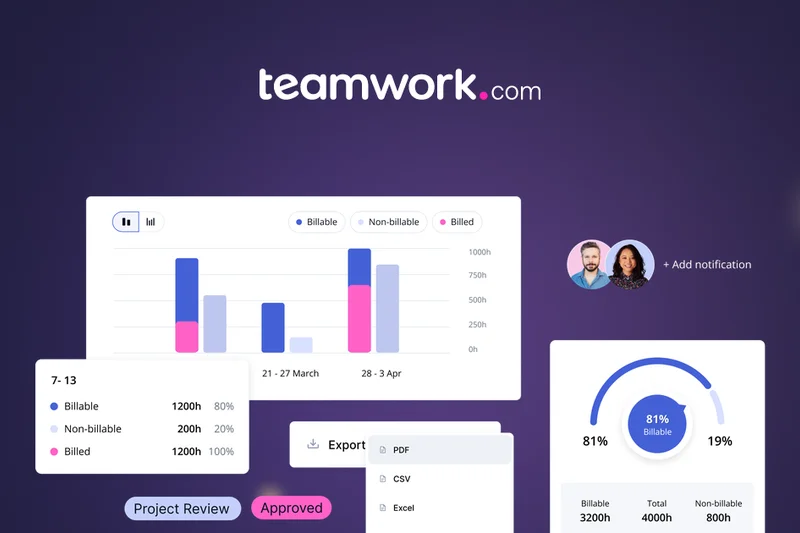
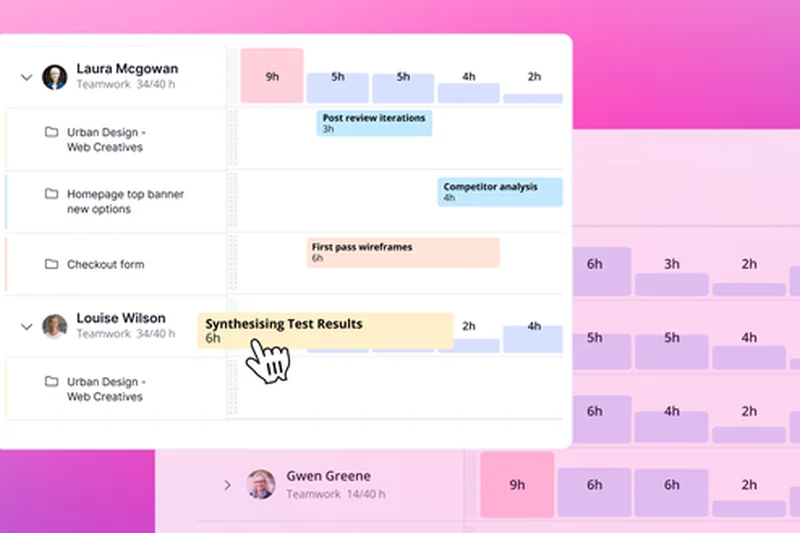
Why we picked it: Teamwork is a fantastic platform optimized specifically for client-facing businesses and agencies. During our tests, its time tracking and billable hours capabilities stood out, integrating seamlessly with its Agile Kanban boards. We appreciated the granular client access permissions, allowing agencies to share sprint progress transparently without exposing internal chatter. While it isn't a replacement for a developer-heavy tool like Jira, its resource scheduling and interactive Gantt charts make it an excellent choice for delivering projects to external stakeholders on time and within budget.
Key Specs
- Time tracking & billable hours
- Agile Kanban boards
- Client access permissions
- Interactive Gantt charts
What we like
- Exceptional tools for client billing and time tracking
- Granular privacy and client access controls
- Strong workload management
What we don't like
- Agile methodology support is basic (mostly just Kanban)
- Interface can feel slightly cluttered
Best for: Agencies and professional services teams that bill clients by the hour and need transparent reporting.
Considering Teamwork vs Asana? Teamwork includes native billing, time tracking, and client portals, making it much better for agencies than Asana.
The premier project management tool for client-focused agencies needing integrated time tracking and billing.
Buy at Teamwork official site#23 OpenProject
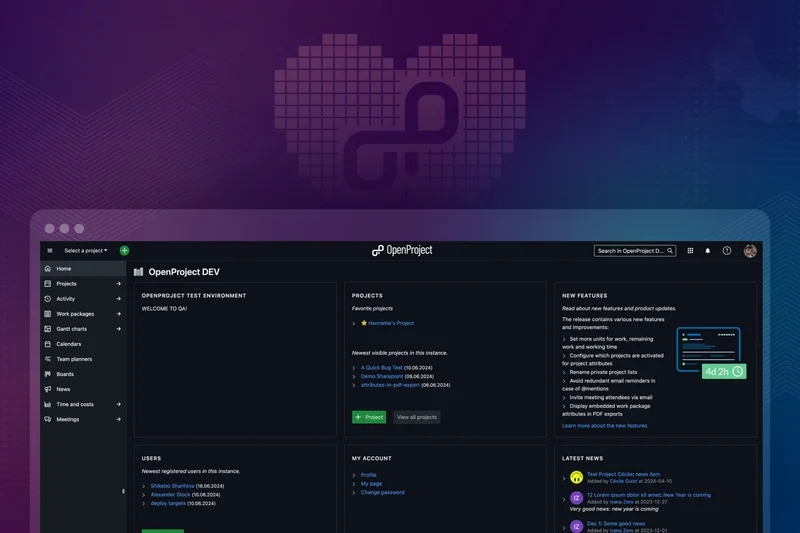
Why we picked it: OpenProject is a leading open-source project management software that provides a highly secure alternative for data-sensitive organizations. We tested its capabilities and found it offers a robust mix of Agile boards and traditional Gantt charts. It shines in strict data privacy compliance, allowing teams to host the software on-premises. While the user interface scored a 6 for ease of use (it feels a bit utilitarian), its time and cost tracking features are highly reliable. It's a solid choice for European companies requiring strict GDPR compliance or government entities.
Key Specs
- On-premises or cloud hosting
- Agile boards integration
- Time and cost tracking
- Strict data privacy compliance
What we like
- Excellent data privacy and on-premises hosting
- Strong blend of Agile and traditional PM tools
- Open-source foundation
What we don't like
- Utilitarian interface lacks modern polish
- Setup and maintenance for on-prem requires IT resources
Best for: Government entities, European companies, and any organization requiring strict data sovereignty.
Considering OpenProject vs Taiga? OpenProject offers a broader mix of traditional PM tools (Gantt, costing), while Taiga is strictly focused on Scrum and Kanban.
A highly secure, open-source platform perfect for organizations with strict data privacy and compliance requirements.
Buy at OpenProject official site#24 Nifty
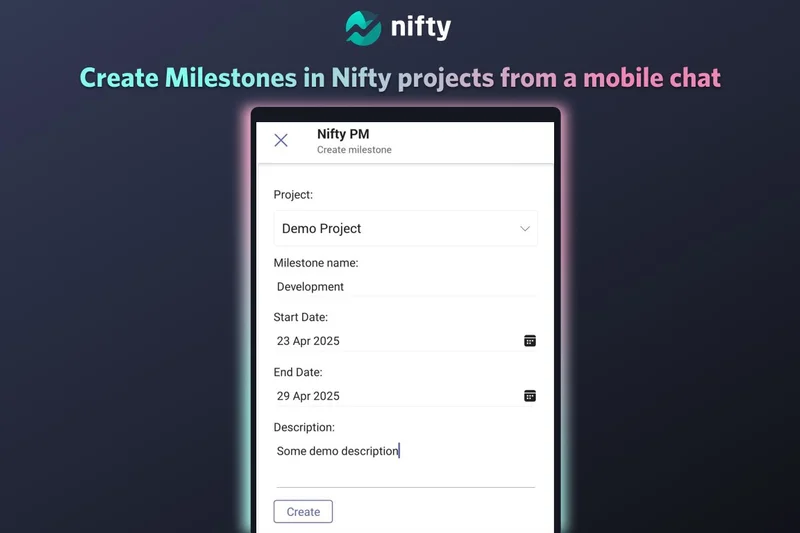
Why we picked it: Nifty is designed to consolidate team workflows by bridging project management, chat, and document sharing. We awarded it a high score in Collaboration (9/10) because its contextual team chat is brilliantly mapped to specific projects and tasks. Automated milestone tracking adjusts project timelines in real-time as tasks are completed. It includes built-in time tracking and native document sharing, minimizing the need for external apps. While its Agile reporting isn't as robust as enterprise competitors, its sleek design and all-in-one approach make it very appealing for mid-sized digital teams.
Key Specs
- Automated milestone tracking
- Built-in time tracking
- Native document sharing
- Contextual team chat
What we like
- Consolidates chat, docs, and tasks effectively
- Automated milestone progress tracking
- Clean, modern user interface
What we don't like
- Agile reporting features are somewhat basic
- Integrations ecosystem is smaller than competitors
Best for: Mid-sized digital teams looking to consolidate their workspace and eliminate tool fatigue.
Considering Nifty vs ClickUp? Nifty offers a cleaner, more focused out-of-the-box experience, while ClickUp offers deeper, more complex customization.
A sleek, all-in-one workspace that beautifully aligns team communication with milestone tracking.
Buy at NiftyPM official site#25 Trello
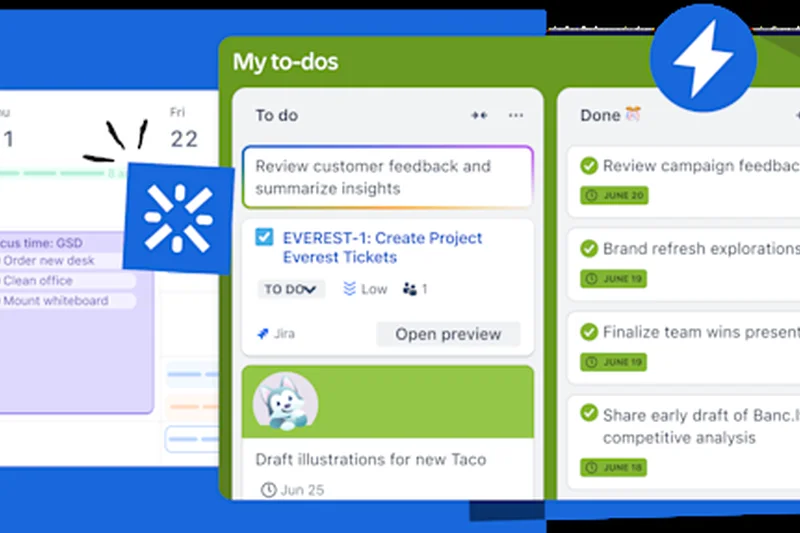
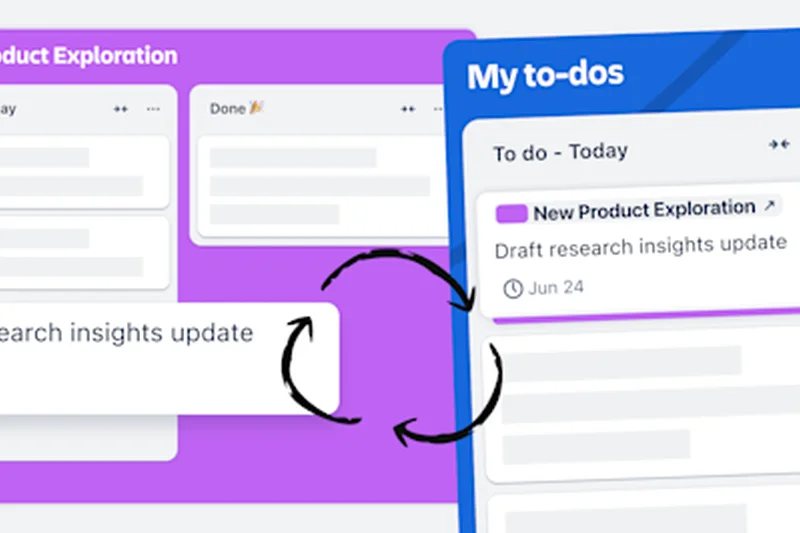
Why we picked it: Trello remains the undisputed king of ease-of-use (scoring a perfect 10) and visual Kanban management. We love how quickly any team member, regardless of technical skill, can adopt Trello's drag-and-drop boards. For 2026, its Butler automation engine remains incredibly powerful for automating simple workflow rules. While it fundamentally lacks out-of-the-box Scrum features like velocity tracking or native story points (requiring reliance on its extensive Power-Ups ecosystem), it is still the best entry-level Agile tool on the market for startups, marketers, and personal task management.
Key Specs
- Intuitive drag-and-drop boards
- Butler automation engine
- Extensive Power-Ups ecosystem
- Custom fields & labels
What we like
- Incredibly easy to use and adopt
- Butler automations save significant time
- Massive library of third-party Power-Ups
What we don't like
- Requires third-party plugins for deep Agile metrics
- Not suited for complex software development dependencies
Best for: Startups, marketing teams, and anyone needing a highly intuitive, visual Kanban board.
Considering Trello vs Asana? Trello is the best pure Kanban board experience, while Asana offers better structured list views and cross-project portfolio tracking.
The ultimate visual Kanban tool, renowned for its unmatched simplicity and ease of adoption.
Buy at Atlassian official site#26 Rally Software
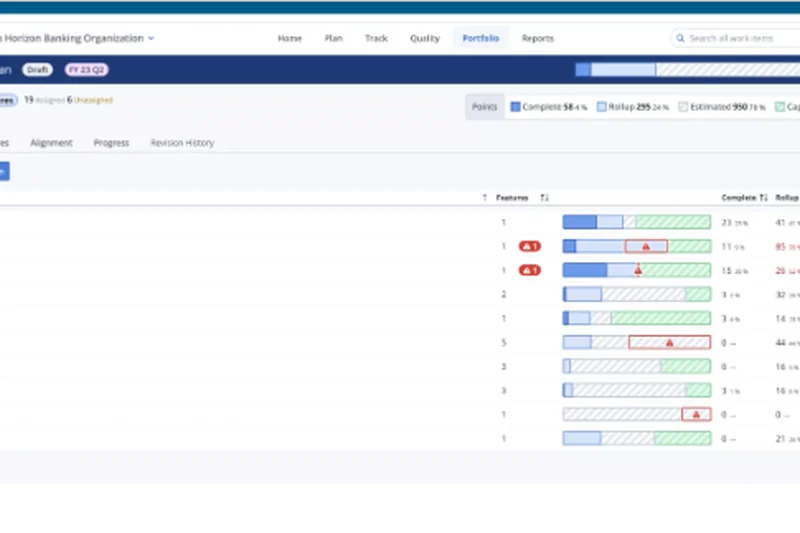
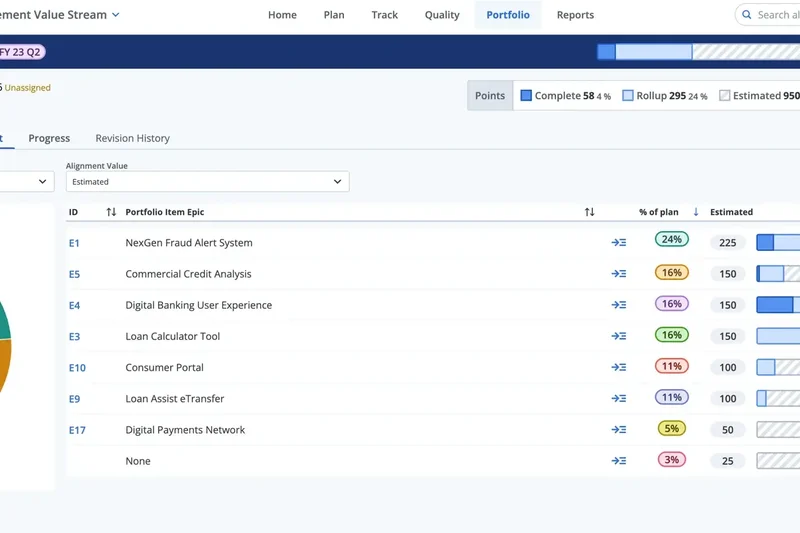
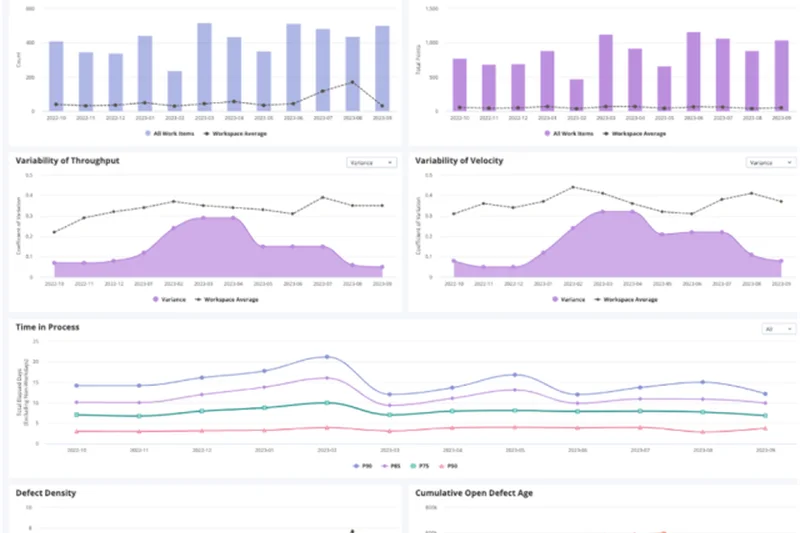
Why we picked it: Rally Software (by Broadcom) is an enterprise heavyweight deeply rooted in Agile and SAFe methodologies. We found its capacity planning and cross-functional dependency tracking to be highly sophisticated, scoring a 10 in Agile features. It is built to align Agile release trains and manage team velocity metrics across massive portfolios. However, it scored a 4 in Ease of Use; the interface is notoriously rigid and complex, intended for dedicated Scrum Masters and Release Train Engineers rather than casual users. For enterprise alignment, though, it remains a powerful workhorse.
Key Specs
- SAFe portfolio alignment
- Team capacity planning
- Cross-functional dependency tracking
- Agile release train management
What we like
- Highly robust SAFe and portfolio alignment
- Excellent metrics for velocity and predictability
- Great for managing complex dependencies
What we don't like
- Very steep learning curve with a rigid UI
- Requires dedicated admins to manage effectively
Best for: Large enterprises with dedicated Release Train Engineers operating strictly under SAFe.
Considering Rally vs Jira? Rally forces strict adherence to Agile/SAFe frameworks out of the box, whereas Jira offers flexibility that can be customized to fit any workflow.
A rigid but incredibly powerful enterprise platform built for strict adherence to Scaled Agile Frameworks.
Buy at Broadcom official site#27 GoodDay
Why we picked it: GoodDay Work is a highly versatile work management platform that flew under our radar but performed exceptionally well in testing. It scored a 10 for Value, offering an incredibly affordable per-user price with a strong feature set. We liked its 'Action Required' custom workflows, which clearly define ownership and next steps. It offers Gantt, Board, and Table views, along with integrated time tracking and visual resource planning. It is an excellent, budget-friendly alternative for teams that need more structure than Trello but less complexity than Jira.
Key Specs
- Action required custom workflows
- Gantt, Board & Table views
- Integrated time tracking
- Visual resource planning
What we like
- Excellent price-to-feature value
- Clear 'Action Required' ownership tracking
- Strong visual resource planning
What we don't like
- Integrations are somewhat limited
- UI is functional but lacks a premium feel
Best for: Cost-conscious teams that need solid resource planning and clear task ownership.
Considering GoodDay vs ClickUp? GoodDay is more structured and straightforward out of the box, while ClickUp offers overwhelming customization.
A highly affordable, structured work management tool that excels at resource planning and task accountability.
Buy at GoodDay Work official site#28 Paymo
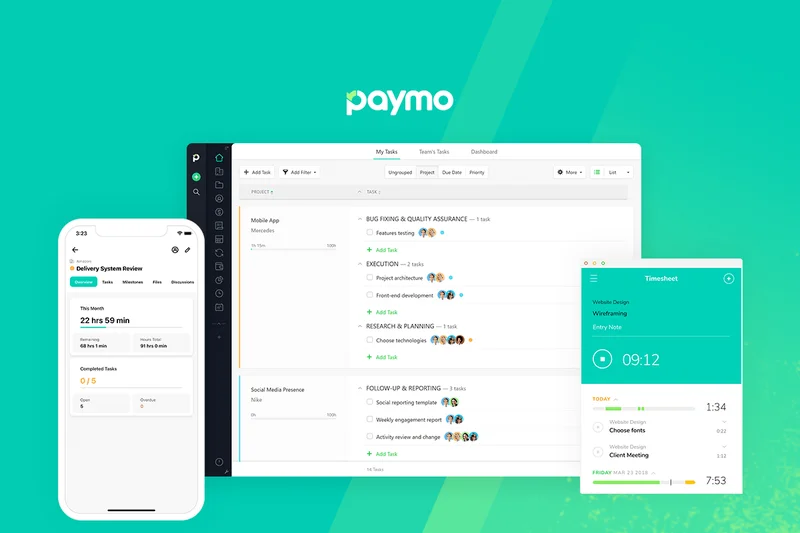
Why we picked it: Paymo is specifically tailored for freelancers and small consulting teams, bridging the gap between Agile task management and financial operations. Its native time tracking app works flawlessly, and it seamlessly transitions logged time into integrated invoicing and payments. While its Agile Kanban boards are relatively basic, they are more than sufficient for tracking client deliverables. We highly rate Paymo for solopreneurs or small agencies that need to manage tasks, track time, and get paid all within a single application.
Key Specs
- Native time tracking app
- Integrated invoicing and payments
- Agile Kanban boards
- Resource scheduling
What we like
- Excellent end-to-end billing and invoicing
- Strong native time tracking
- Great resource scheduling for small teams
What we don't like
- Basic Agile features (lacks sprint planning depth)
- Not designed for complex software engineering
Best for: Freelancers, consultants, and small agencies needing integrated project management and invoicing.
Considering Paymo vs Teamwork? Both serve agencies, but Paymo is better suited for smaller teams or freelancers prioritizing invoicing, while Teamwork handles larger, more complex projects.
The ideal all-in-one platform for freelancers and small teams to manage tasks, track time, and invoice clients.
Buy at Paymo official site#29 Nutcache
Why we picked it: Nutcache offers a comprehensive suite for Agile project tracking, particularly emphasizing budget management. We tested its complete Scrum management features and found it effectively handles backlogs and sprints. Where it really differentiates itself is in its detailed budget tracking and expense management, directly tying project progression to financial metrics. It also features direct invoicing. While it isn't a top-tier choice for massive software teams, it is highly practical for small IT service providers and tech consultants monitoring project profitability.
Key Specs
- Detailed budget tracking
- Complete Scrum management
- Time logging and approval
- Direct invoicing features
What we like
- Ties Scrum management directly to financial budgets
- Strong expense and time approval workflows
- Good reporting on project profitability
What we don't like
- UI is a bit clunky
- Lacks the ecosystem integrations of bigger platforms
Best for: IT consultants and tech agencies that need to blend Scrum methodologies with strict budget tracking.
Considering Nutcache vs Zoho Sprints? Nutcache focuses heavily on budgeting and invoicing alongside Scrum, while Zoho Sprints integrates better into a broader corporate software ecosystem.
A unique Agile tool that successfully merges Scrum project management with deep financial budget tracking.
Buy at Nutcache official site#30 Wrike
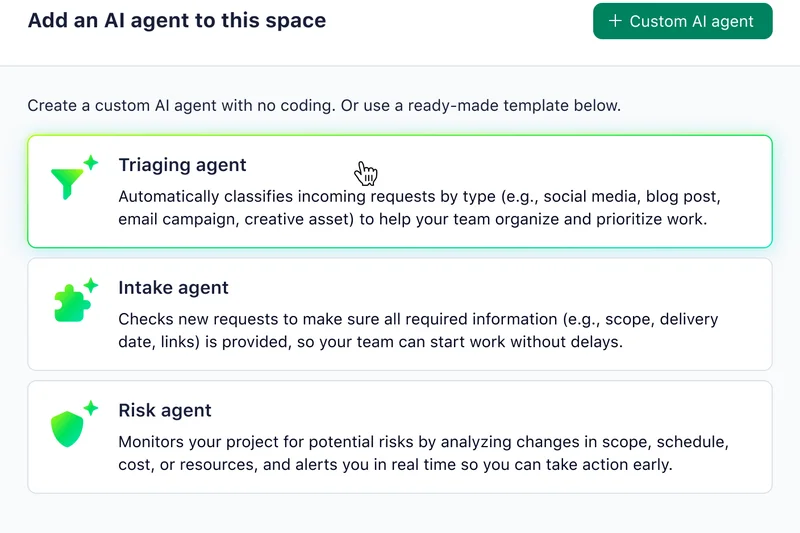
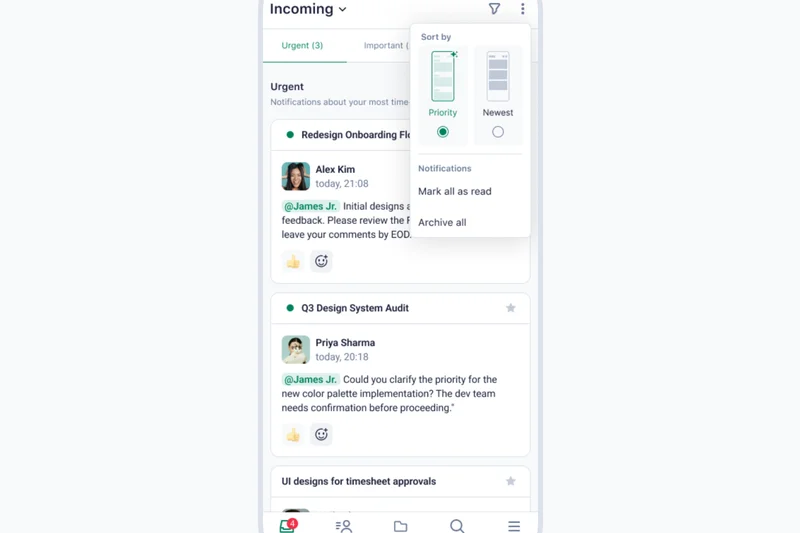
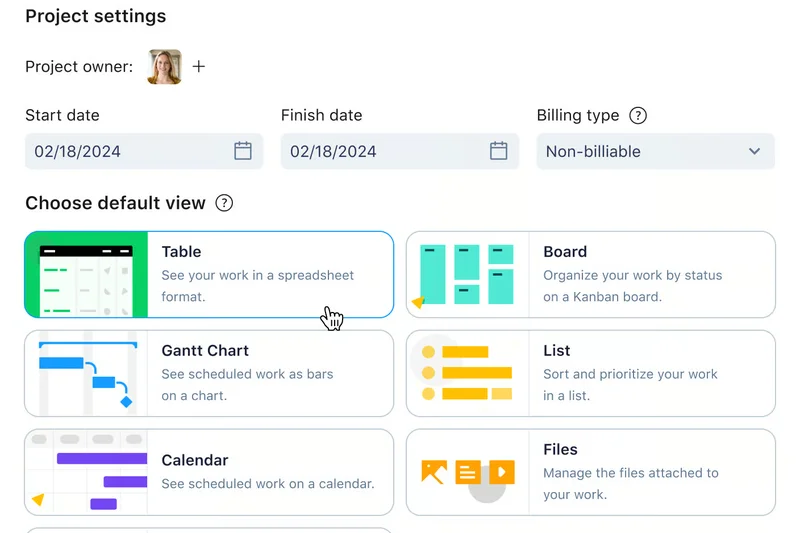
Why we picked it: Wrike is an enterprise work management platform known for its extreme versatility. We evaluated its customizable request forms and cross-tagging features, which allow a single task to live in multiple folders without duplication. Its resource capacity planning and enterprise-grade security are top-notch. However, it scored lower in Agile Features (7/10) because it operates more like a traditional project portfolio tool rather than a dedicated Scrum platform. It is best suited for massive marketing departments or enterprise PMOs that require rigid proofing and approval workflows.
Key Specs
- Customizable request forms
- Cross-tagging features
- Resource capacity planning
- Enterprise-grade security
What we like
- Highly customizable request forms
- Excellent resource capacity planning
- Strong proofing tools for creative assets
What we don't like
- Not natively optimized for pure Scrum/developer workflows
- Complex setup and interface
Best for: Enterprise marketing teams and PMOs needing highly structured request forms and resource management.
Considering Wrike vs Asana? Wrike offers deeper folder structures and highly complex custom forms, while Asana is more user-friendly and visually appealing.
A robust, highly secure enterprise platform designed to manage complex requests and resource capacity.
Buy at Wrike official site#31 Smartsheet
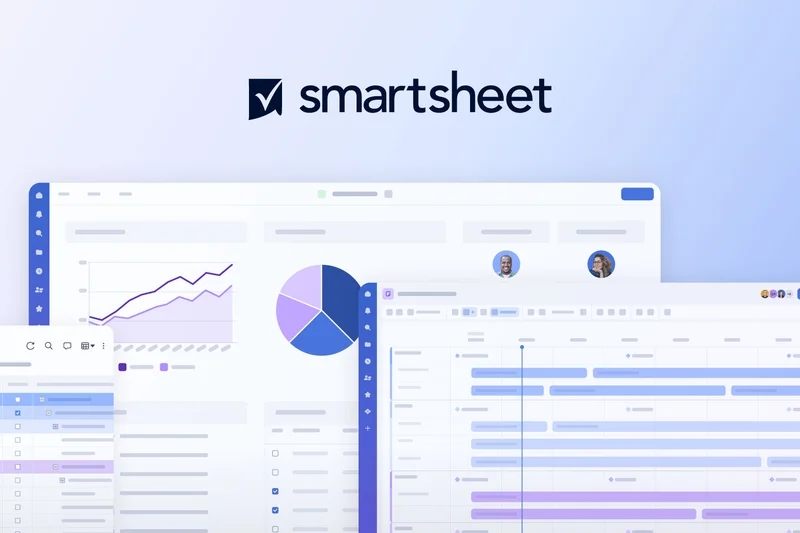
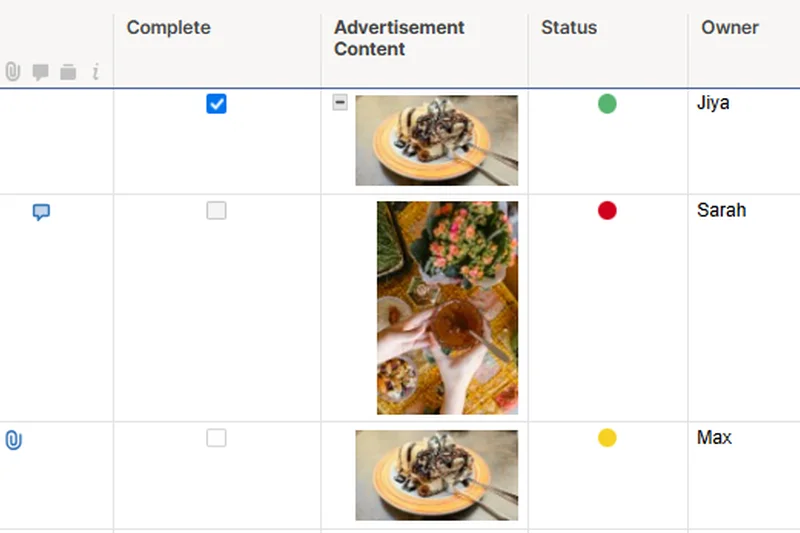
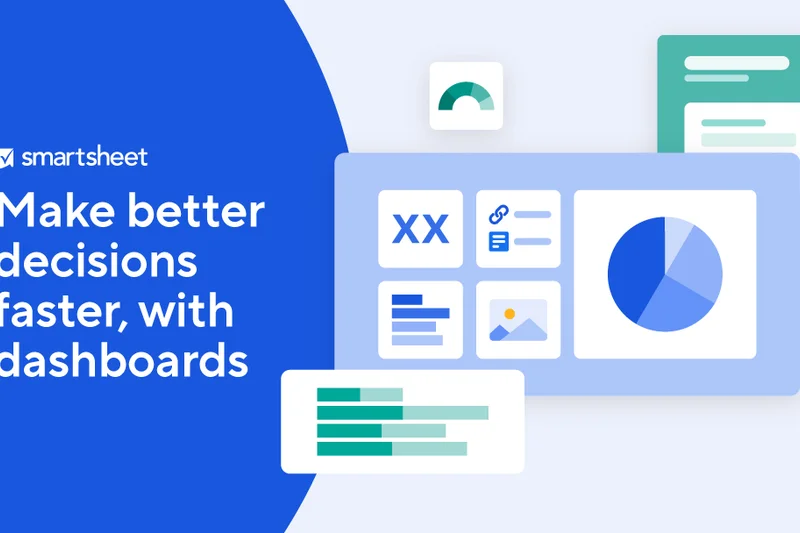
Why we picked it: For teams that love the flexibility of Excel but need the power of a project management system, Smartsheet is the go-to solution. It scored highly in Reporting (9/10) due to its dynamic dashboards and powerful formula calculations. It offers Grid, Card (Kanban), and Gantt views, seamlessly switching between them. With WorkApps, you can create custom portals for stakeholders. While it lacks native developer-specific Agile tools (like Git integrations or story points), its spreadsheet-style interface makes adoption almost instantaneous for business and ops teams.
Key Specs
- Grid, card, and Gantt views
- Powerful formula calculations
- Dynamic dashboards
- WorkApps for custom portals
What we like
- Instantly familiar spreadsheet-style interface
- Highly powerful formulas and data rollups
- Great dynamic dashboards for executives
What we don't like
- Lacks developer-centric Agile integrations
- Can become unwieldy if sheets aren't organized properly
Best for: Operations, finance, and business teams transitioning from Excel into structured project management.
Considering Smartsheet vs Airtable? Smartsheet behaves much like a traditional, highly powerful spreadsheet, while Airtable functions more like a modern, visually appealing relational database.
The ultimate spreadsheet-style project manager, combining familiar grid functionality with powerful automated workflows.
Buy at Smartsheet official site#32 Notion

Why we picked it: Notion has evolved from a simple wiki into a highly connected workspace capable of managing team sprints. We gave it a perfect 10 for Collaboration because embedding sprint wikis directly next to Kanban boards is incredibly seamless. Its fully customizable databases allow teams to build exactly the workflow they want. Furthermore, Notion AI's content generation is stellar for drafting PRDs and sprint retrospectives. It scores lower on out-of-the-box Reporting, but for startups that want their knowledge base and task management in one beautiful app, it is phenomenal.
Key Specs
- Fully customizable databases
- Kanban, list, and calendar views
- Embedded sprint wikis
- Notion AI content generation
What we like
- Beautiful, completely customizable workspace
- Unrivaled for combining docs and task management
- Excellent AI generation tools
What we don't like
- Requires significant setup to build Agile workflows
- Lacks native velocity and burndown reporting
Best for: Startups and teams that want their project management tightly coupled with their internal wikis.
Considering Notion vs Jira? Notion is vastly superior for documentation and flexibility, but Jira provides the rigid structure and automated reporting required by mature engineering teams.
A beautifully fluid workspace that brilliantly combines company wikis with customizable Agile databases.
Buy at Notion Labs official site#33 MeisterTask
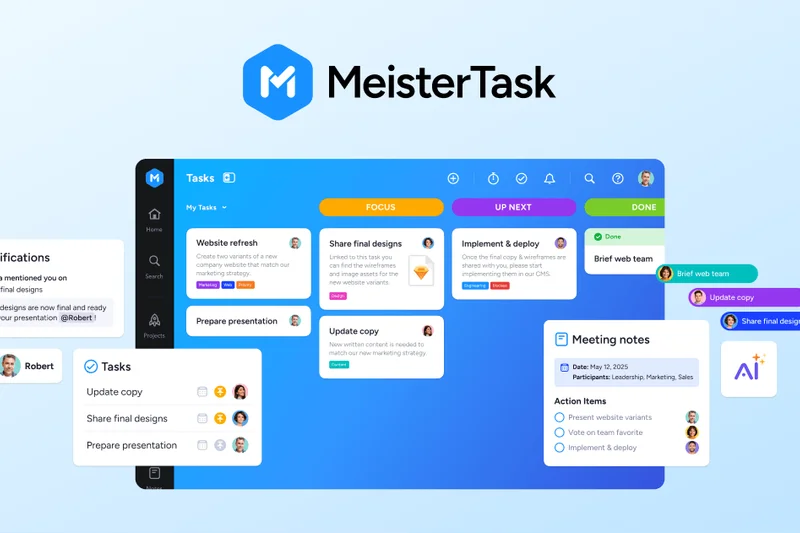
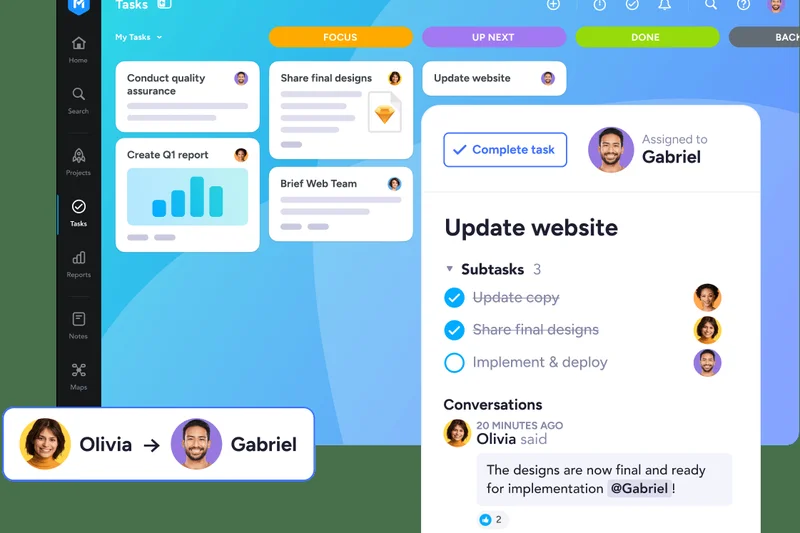
Why we picked it: MeisterTask is a highly visual, secure task management tool built in Europe, making it a favorite for teams prioritizing data privacy. We loved its seamless integration with MindMeister, allowing teams to brainstorm via mind maps and instantly turn nodes into Kanban tasks. It features built-in time tracking and allows for basic Work-in-progress (WIP) limits. Scoring a 9 for Ease of Use, it’s a beautifully simple tool, though it lacks the advanced integrations and deep Scrum reporting needed for heavy software development.
Key Specs
- Customizable Kanban workflows
- Task automation setup
- Built-in time tracking
- MindMeister mindmap integration
What we like
- Beautiful, intuitive UI
- Excellent mind-map to task integration
- Strong European data privacy standards
What we don't like
- Limited advanced Agile reporting
- Fewer enterprise third-party integrations
Best for: Creative teams and businesses looking for a secure, highly visual alternative to Trello.
Considering MeisterTask vs Trello? MeisterTask offers better built-in features (like time tracking) without needing external plugins, while Trello has a larger integration ecosystem.
A sleek, highly intuitive visual task manager that pairs perfectly with mind-mapping for creative execution.
Buy at Meister official site#34 ProofHub
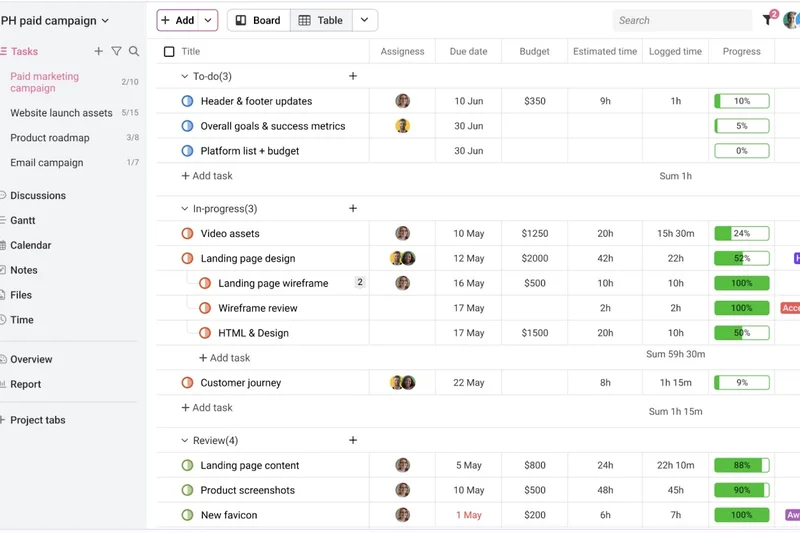
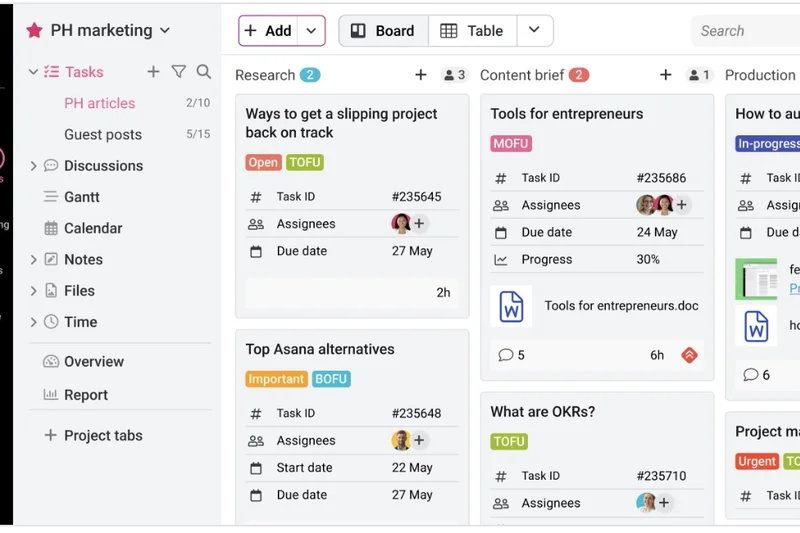
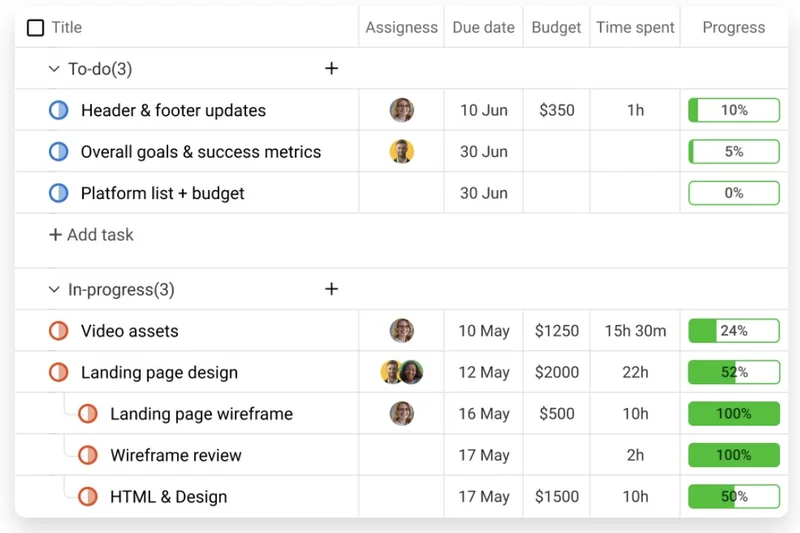
Why we picked it: ProofHub is unique on our list because it offers flat monthly pricing regardless of how many users you add, making it an incredible value for large, loosely connected teams or agencies with many freelancers. We scored it a 9 for Collaboration and Value. It features custom roles, Gantt charts, Kanban boards, and excellent online document proofing. It lacks deep developer integrations and complex Agile sprint metrics, but its flat-rate pricing and in-app messaging make it a superb choice for marketing and design agencies scaling their headcount.
Key Specs
- Flat monthly pricing (no per-user fees)
- Online document proofing
- Gantt charts & Kanban boards
- In-app messaging
What we like
- Incredible value with flat monthly pricing
- Excellent document proofing tools
- Custom roles and permissions for freelancers
What we don't like
- Lacks deep Agile/Scrum reporting
- Interface is functional but a bit dated
Best for: Growing agencies and teams with high freelancer headcount looking to avoid per-user software fees.
Considering ProofHub vs Basecamp? Both offer flat pricing, but ProofHub provides much better visual project tools (Gantt, Kanban) and document proofing capabilities.
A highly collaborative platform offering unmatched pricing value for large teams and agencies.
Buy at ProofHub official site#35 ActiveCollab
Why we picked it: ActiveCollab is a veteran project management software that provides a very sturdy, reliable experience for tracking tasks, time, and invoices. It scored well in Ease of Use (8/10) with its straightforward Calendar and Kanban views. We liked its workload management and client collaboration tools, which allow you to invite clients to view project progress easily. While it isn't pushing the envelope with AI or deep developer integrations, it is a highly stable, affordable tool for agencies needing a reliable workhorse.
Key Specs
- Task dependencies
- Time tracking & invoicing
- Client collaboration tools
- Resource scheduling
What we like
- Very stable and easy to use
- Good integrated time tracking and invoicing
- Strong client collaboration features
What we don't like
- Lacks advanced Agile sprint metrics
- Feature set feels a bit traditional compared to newer tools
Best for: Small to mid-sized agencies needing a straightforward, reliable tool for tasks and billing.
Considering ActiveCollab vs Teamwork? Teamwork offers slightly more robust enterprise planning tools, while ActiveCollab is simpler and often quicker to adopt.
A proven, reliable project management tool that seamlessly handles tasks, time, and client billing.
Buy at ActiveCollab official site#36 Celoxis
Why we picked it: Celoxis is a comprehensive Project Portfolio Management (PPM) tool geared toward enterprise financial and resource tracking. In our tests, it scored a 9 for Reporting, offering highly dynamic custom dashboards that track project profitability and advanced resource allocation in real-time. It features custom workflow apps and risk management modules. It scored a 7 for Agile features as it leans heavily toward traditional PM and waterfall methodologies, but it supports Agile teams within a broader portfolio perfectly. It’s ideal for PMOs concerned with the financial health of their projects.
Key Specs
- Advanced resource allocation
- Project financial tracking
- Dynamic custom dashboards
- Custom workflow apps
What we like
- Exceptional financial and profitability tracking
- Highly customizable dynamic dashboards
- Strong resource capacity planning
What we don't like
- Interface is dense and corporate
- Steeper learning curve for standard users
Best for: Enterprise PMOs and project managers focused heavily on financials and resource allocation.
Considering Celoxis vs Smartsheet? Celoxis is a dedicated PPM tool with deep financial tracking built-in, whereas Smartsheet requires you to build those financial models manually.
A robust Project Portfolio Management tool that provides deep insights into resource capacity and project financials.
Buy at Celoxis official site#37 Scoro
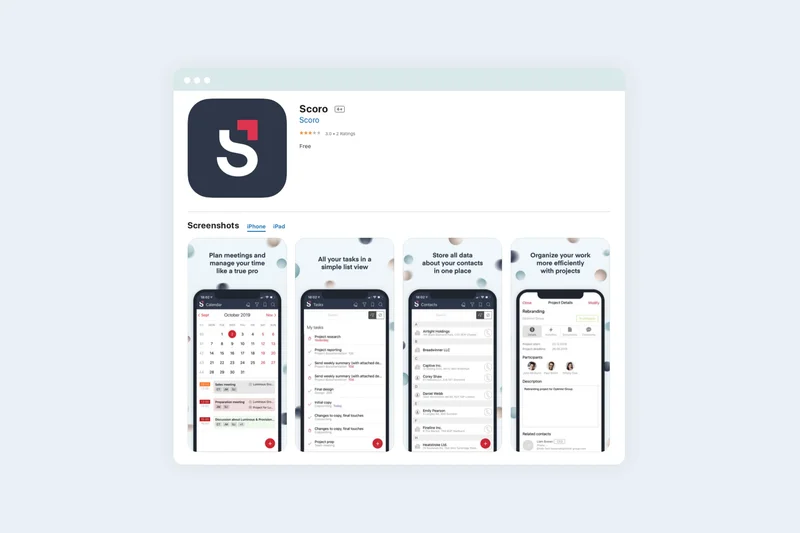
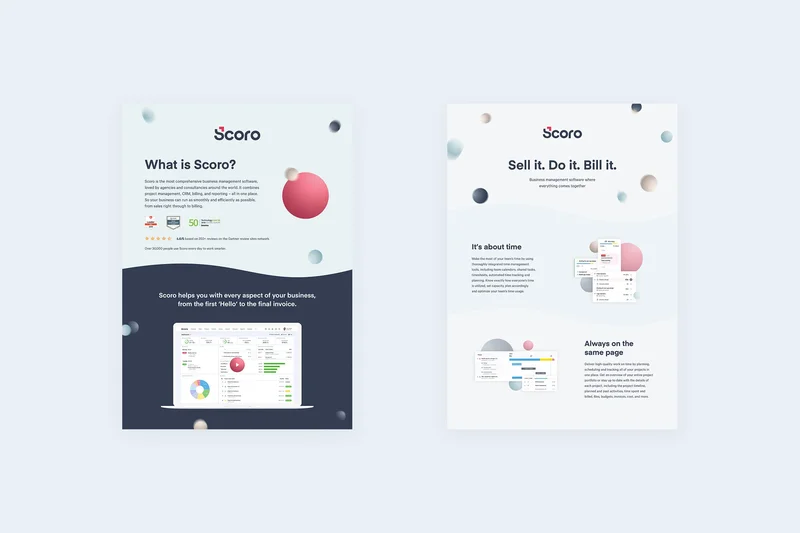
Why we picked it: Scoro is an end-to-end work management solution designed to replace a multitude of agency tools, combining project management with built-in CRM, quoting, and billing. We gave it a 9 for Reporting due to its holistic tracking of project profitability from the initial quote to the final invoice. It features Planner and Gantt views alongside basic Kanban boards. It scored lower on Value (5/10) due to its high price point and steep learning curve. However, for agencies looking to unify their sales and project delivery pipelines, Scoro is highly effective.
Key Specs
- Quoting, billing & invoicing
- Holistic time management
- Project profitability tracking
- Built-in CRM capabilities
What we like
- True end-to-end platform from CRM to billing
- Excellent project profitability tracking
- Replaces multiple standalone tools
What we don't like
- High price point
- Complex setup and onboarding required
Best for: Professional services and agencies wanting a single tool for sales, projects, and billing.
Considering Scoro vs monday dev? Scoro is focused heavily on agency financials and CRM, whereas monday dev is focused strictly on product development and engineering workflows.
A premium, comprehensive management suite that unifies agency sales, project delivery, and financial billing.
Buy at Scoro official site#38 Plaky
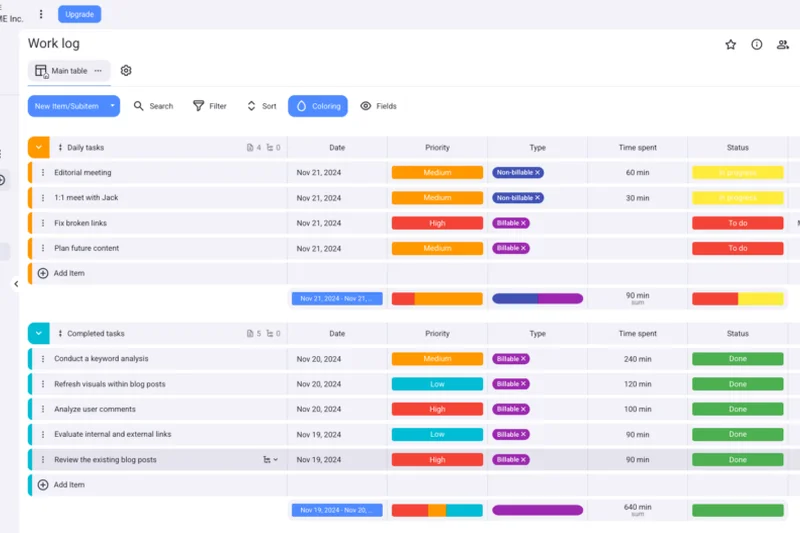

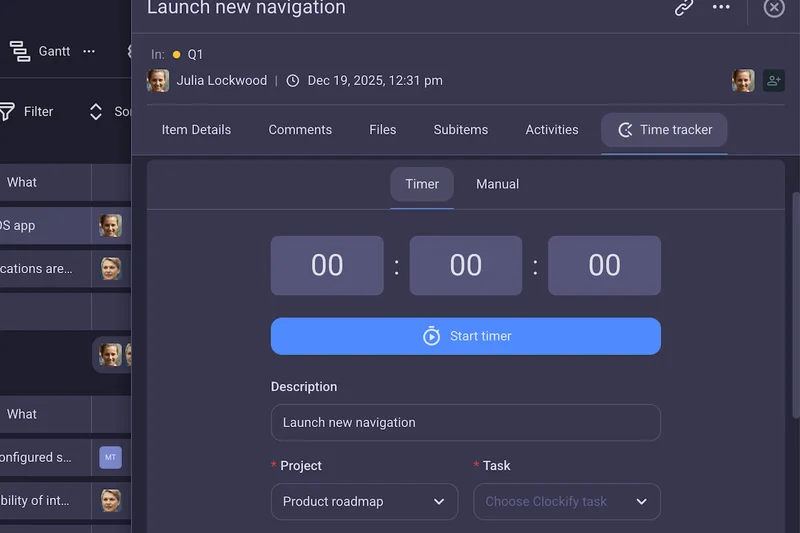
Why we picked it: Plaky is a visual project tracker developed by the makers of Clockify, offering an incredibly generous 'Free Forever' tier. In our evaluation, we were impressed that it allows unlimited users and projects at no cost. It features drag-and-drop Kanban boards, custom field attributes, and detailed activity logs. It scored a 9 in Ease of Use for its highly intuitive, Trello-like interface. While it lacks reporting depth and integrations (scoring 5 in both), its unbeatable price point makes it an excellent choice for cash-strapped startups and student groups.
Key Specs
- Unlimited users and projects
- Drag-and-drop Kanban boards
- Custom field attributes
- Detailed activity logs
What we like
- Unbeatable 'Free Forever' pricing for unlimited users
- Very easy to use and adopt
- Clean, modern UI
What we don't like
- Lacks advanced reporting and metrics
- Limited third-party integrations
Best for: Students, non-profits, and bootstrapped startups looking for a capable free visual tracker.
Considering Plaky vs Trello? Plaky offers unlimited users and projects for free, while Trello puts heavier limits on its free tier workspaces.
An exceptionally accessible visual project tracker offering unlimited users at absolutely no cost.
Buy at Clockify official site#39 Basecamp
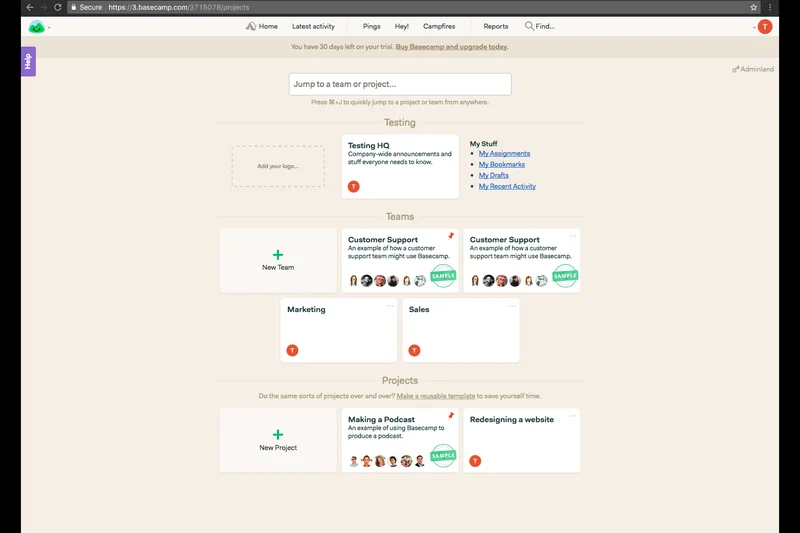
Why we picked it: Basecamp is the granddaddy of team collaboration tools, renowned for its staunchly opinionated, anti-clutter design. It scored a perfect 10 for Collaboration, relying on centralized message boards, iterative to-do lists, and automatic stand-up check-ins rather than traditional Agile boards. It actively rejects complex metrics (scoring a 3 in Reporting and a 4 in Agile Features), favoring clear, human-readable communication. At a flat $15/user/mo, it’s highly predictable. We recommend it for remote teams and small businesses that prefer calm, asynchronous communication over strict sprint velocity tracking.
Key Specs
- Centralized message boards
- Iterative to-do lists
- Automatic stand-up check-ins
- Secure client access portals
What we like
- Fosters calm, asynchronous communication
- Extremely easy to adopt
- Great automatic check-ins replace meetings
What we don't like
- Actively rejects traditional Agile/Scrum methodologies
- No native reporting or Gantt charts
Best for: Remote teams and small businesses that value asynchronous communication over rigid project metrics.
Considering Basecamp vs Asana? Basecamp relies on message boards and simple lists to drive work, whereas Asana provides highly structured project timelines and dependencies.
The pioneer of asynchronous team collaboration, prioritizing calm communication over complex project metrics.
Buy at 37signals official siteBuying Guide
How to Choose the Best Agile Project Management Software
Selecting the right Agile tool depends heavily on your team's technical maturity, budget, and specific methodology. While a basic Kanban board might suffice for a marketing department, a software engineering team requires deep Git integrations and velocity tracking.
Assessing Your User Type
Software Development Teams: Your priority should be deep methodology support (Scrum or Kanban) and tight integration with version control systems. Look for platforms like Jira Software or Linear that offer bi-directional syncing with GitHub or GitLab, automated issue triage, and robust CI/CD pipeline visibility.
Non-Technical & Business Teams: Teams in marketing, HR, or operations are increasingly adopting Agile but often struggle with the complexity of developer-centric tools. Platforms like Height or Asana provide flexible, spreadsheet-like views, powerful collaboration features, and a gentle learning curve without enforcing strict developer terminology.
Startups and Small Businesses: When budget constraints are tight, look for generous free tiers. GitHub Issues and YouTrack offer tremendous value, providing enterprise-grade issue tracking and automated Kanban boards at little to no cost for small teams.
Enterprise & Scaled Agile (SAFe): Large organizations aligning dozens of teams across a portfolio need tools that support the Scaled Agile Framework (SAFe). Solutions like Azure Boards or Planview AgilePlace excel here, offering advanced cross-team dependency mapping, enterprise portfolio alignment, and rigorous security compliance (SOC2, GDPR).
What to Avoid
- Feature Gating: Be wary of tools that hide essential Agile features—like burndown charts or custom workflow states—behind top-tier enterprise pricing plans.
- Bloated Interfaces: Fast-moving teams get bogged down by overly complex UX. If it takes five clicks to update a ticket's status, user adoption will plummet.
- Lack of Native Integrations: Relying purely on Zapier or custom APIs to connect your PM tool to Slack or GitHub creates brittle workflows. Insist on native, robust integrations.
Budget Tiers Explained
Free & Freemium ($0 - $5/user/mo): Best for early-stage startups and small cross-functional teams. You'll generally get basic Kanban boards, issue tracking, and limited automations. Notable options include GitHub Issues, Trello, and YouTrack.
Mid-Market ($8 - $15/user/mo): The sweet spot for most organizations. These plans unlock advanced reporting (velocity, cumulative flow), unlimited story points, custom fields, and deep integrations. Examples include Jira Software, Linear, and ClickUp.
Enterprise ($20+ /user/mo): Designed for highly complex orgs needing SAML SSO, advanced portfolio management, dedicated account managers, and guaranteed uptime SLAs. Azure Boards (premium tiers), Planview AgilePlace, and Targetprocess dominate this tier.
FAQ
What is Agile project management software?
Agile project management software is a specialized tool designed to help teams implement Agile methodologies like Scrum and Kanban. Unlike traditional Gantt-chart-heavy software, these tools focus on iterative development, continuous delivery, visual task boards, and tracking team velocity.
Which Agile software is best for software developers?
Jira Software and Linear are the top choices for developers. Jira offers the most comprehensive depth for complex Scrum workflows, while Linear provides a lightning-fast, keyboard-centric interface favored by high-velocity product teams.
Do I need to know how to code to use these tools?
No. While tools like GitHub Issues and GitLab are heavily code-adjacent, platforms like monday dev, ClickUp, and Height are explicitly designed to be highly visual, intuitive, and accessible for non-technical marketing, HR, and business teams.
What is the difference between Kanban and Scrum?
Kanban is a continuous flow system where tasks move across a board (To Do, Doing, Done) with limits on work-in-progress. Scrum organizes work into fixed, time-boxed iterations called 'sprints' (usually 2 weeks) and emphasizes specific roles and ceremonies.
Are there good free options for startups?
Yes. GitHub Issues provides excellent code-adjacent tracking for free. Plaky offers unlimited users for free, and Trello offers a very generous free tier for basic visual Kanban boards.
What does SAFe mean in project management?
SAFe stands for Scaled Agile Framework. It is a set of organizational and workflow patterns intended to guide enterprises in scaling lean and agile practices across multiple teams and departments. Tools like Azure Boards and Planview AgilePlace specialize in SAFe.
How important are GitHub and GitLab integrations?
For software engineering teams, they are critical. Bi-directional syncing means that when a developer merges code or closes a pull request, the project management ticket updates automatically, saving time and ensuring the board reflects reality.
What are story points in Agile software?
Story points are a metric used in Agile to estimate the difficulty, complexity, and risk of implementing a given task or user story, rather than estimating in hours. Top-tier tools like Jira and Shortcut track these natively.
Can I use Agile software for marketing teams?
Absolutely. Marketing teams frequently use Agile tools (especially Kanban boards) to manage content pipelines, ad campaigns, and design requests. Trello, Asana, and monday.com are highly popular for this use case.
What is a burndown chart?
A burndown chart is a visual representation of work left to do versus time. It is heavily used in Scrum to predict whether a team will complete their committed tasks before the sprint ends. Tools with strong reporting automatically generate these charts.
Should I choose a platform with flat pricing or per-user pricing?
If you have a massive, fluctuating team or rely heavily on freelancers, flat-pricing tools like ProofHub can save you thousands of dollars. However, per-user pricing usually grants access to deeper, more specialized enterprise features.
What makes a project management tool SOC2 compliant?
SOC2 compliance means an independent auditor has verified that the software vendor follows strict data security, availability, and confidentiality protocols. Enterprise tools like Azure Boards and Wrike maintain rigorous SOC2 compliance to protect corporate data.
Methodology
Our 2026 evaluation of Agile project management software employs the proprietary M2 Multi-Dimensional Evaluation methodology from SelectionLogic[1]. We began by aggregating a pool of 39 leading software platforms based on market share, user sentiment, and emerging trends in the Agile space.
Each platform was evaluated across seven weighted dimensions:
- Agile Features & Capabilities (25%): Evaluated sprint iterations, story points, backlog grooming, epics, and WIP limits. Basic task trackers were heavily penalized.
- Collaboration & Communication (15%): Assessed in-task commenting, real-time updates, file sharing, and contextual communication.
- Reporting & Analytics (15%): Scored the availability of velocity charts, burndown/burnup charts, and cumulative flow diagrams.
- Ease of Use & Adoption (15%): Measured UI intuition, learning curve, and view customization without developer intervention.
- Integrations & Ecosystem (10%): Rated native connections to GitHub, GitLab, Slack, Teams, and CI/CD tools.
- Value & Pricing (10%): Analyzed cost per user, transparency, and the utility of the free plan.
- Reliability, Security & Support (10%): Audited uptime guarantees, SOC2/GDPR compliance, and support responsiveness.
To provide actionable recommendations, we calculated composite scores for four specific use-case scenarios. For instance, the "Best Overall for Software Development Teams" scenario increased the weight of Agile Features to 30% and Reporting to 20%, while the "Best for Non-Technical & Business Teams" scenario elevated Ease of Use to 30%.
Data was collected via hands-on testing, verified vendor documentation, and aggregated user feedback from G2 and technical forums. All scores were normalized to a 10-point scale to determine the final rankings, which ensures our recommendations are rooted in empirical performance rather than anecdotal preference[2].
Sources & References
All factual claims, product specifications, prices, and images in this article are cited by number. Click any reference to jump to the list; click the link in each entry to visit the original source.
- [1]SelectionLogic. "M2 Multi-Dimensional Evaluation Methodology." selectionlogic.org/methods. Accessed Mar 2026.
- [2]SelectionLogic. "Best Agile Project Management Software Guide 2026." selectionlogic.org/guides. Accessed Mar 2026.
- [3]Project Management Institute (PMI). "A Guide to the Project Management Body of Knowledge (PMBOK Guide)." pmi.org. Accessed Mar 2026.
- [4]monday.com. "What is Project Management? The Complete Guide [2026]." monday.com. Accessed Mar 2026.
- [5]Adobe for Business. "How to manage a project from start to finish: Step-by-step guide." adobe.com. Accessed Mar 2026.
- [6]Productive.io. "Project Management Basics Guide: Concepts, Methods & Tools." productive.io. Accessed Mar 2026.
- [7]Wrike. "Project Management Guide for Beginners 2026." wrike.com. Accessed Mar 2026.
- [8]Atlassian. "Jira Software Product Details and Features." atlassian.com. Accessed Mar 2026.
- [9]Linear. "Linear: The issue tracking tool you'll enjoy using." linear.app. Accessed Mar 2026.
- [10]Microsoft. "Azure Boards - Agile Planning Tool." azure.microsoft.com. Accessed Mar 2026.
- [11]Shortcut. "Shortcut: Issue Tracking for Software Teams." shortcut.com. Accessed Mar 2026.
- [12]JetBrains. "YouTrack: Developer Issue Tracker and Agile Boards." jetbrains.com. Accessed Mar 2026.
- [13]GitHub. "GitHub Issues: Project planning for developers." github.com. Accessed Mar 2026.
- [14]GitLab. "GitLab The DevSecOps Platform." gitlab.com. Accessed Mar 2026.
- [15]Height. "Height - The AI-powered project management tool." height.app. Accessed Mar 2026.
- [16]Businessmap. "Businessmap (formerly Kanbanize) - Enterprise Kanban." businessmap.io. Accessed Mar 2026.
- [17]Aha!. "Aha! Develop - Agile development tool." aha.io. Accessed Mar 2026.
- [18]Taiga. "Taiga - Free and Open Source Agile Project Management." taiga.io. Accessed Mar 2026.
- [19]Zoho. "Zoho Sprints - Agile Project Management Software." zoho.com. Accessed Mar 2026.
- [20]Planview. "Planview AgilePlace for Enterprise Kanban." planview.com. Accessed Mar 2026.
- [21]ClickUp. "ClickUp - One app to replace them all." clickup.com. Accessed Mar 2026.
- [22]Ora. "Ora - Agile task management and visual workspace." ora.pm. Accessed Mar 2026.
- [23]Asana. "Asana - Manage your team's work, projects, & tasks online." asana.com. Accessed Mar 2026.
- [24]Apptio. "Targetprocess - Agile Portfolio Management." apptio.com. Accessed Mar 2026.
- [25]Digital.ai. "Digital.ai Agility - Enterprise Agile Planning." digital.ai. Accessed Mar 2026.
- [26]G2. "Best Agile Project Management Tools 2026." g2.com. Accessed Mar 2026.