Quick Verdict
At a glance
We tested 35 external hard drives and portable SSDs to find the most reliable, fast, and cost-effective storage solutions in the UK for 2026. Applying a strict multi-dimensional evaluation, we prioritized sustained transfer speeds, absolute cost per terabyte, durability against drops, and comprehensive warranty coverage. The results reveal that high-speed portable NVMe SSDs now dominate the landscape, offering the best balance for most users, while traditional desktop HDDs still hold a niche for massive, stationary archives.
🏆 Overall #1: Samsung T9 Portable SSD (2TB) — The ultimate blend of blistering Gen 2x2 speeds, rugged durability, and top-tier reliability.
🥈 #2: Crucial X10 Pro Portable SSD (2TB) — Extremely compact and fast, making it the perfect everyday carry drive for hybrid workers.
🥉 #3: Samsung T7 Shield Portable SSD (2TB) — A wildly popular, highly durable SSD that hits the sweet spot for budget-conscious buyers and desktop backups.
Which one is for me?
How We Tested
Our review process for the best external hard drives and portable SSDs in the UK for 2026 relies on a rigorous, data-driven approach rather than subjective brand preferences. We began with an initial candidate pool of 35 popular storage drives—ranging from pocket-sized NVMe SSDs to massive desktop HDDs. Our evaluation utilizes the M2 Multi-Dimensional Evaluation methodology developed by Selection Logic[1]. This framework ensures that every drive is scored objectively across multiple axes rather than relying on a single "best overall" feeling.
To determine the true value of each drive, we assigned specific weights to seven core dimensions: Read & Write Speeds (20%), Value & Cost per Terabyte (20%), Portability & Form Factor (15%), Build Quality & Durability (15%), Connectivity & Compatibility (10%), Reliability & Warranty (10%), and Security & Bundled Software (10%). For instance, when scoring "Cost per TB," we calculated the actual retail price divided by the formatted storage capacity, penalizing overpriced models that offer marginal real-world utility[2].
We then mapped these dimensional scores into four distinct user scenarios, adjusting the weights to match different real-world needs. A photographer out in the field requires extreme durability and speed (25% weight each), while a student on a strict budget cares primarily about getting the most storage for their pound (40% weight on Cost/TB).
Our Declared Values: We do not accept paid placements or manufacturer sponsorships for our rankings. Every product is evaluated based on its mathematical performance within our scoring matrix. If a cheaper, lesser-known drive outperforms a premium brand in our tests, it ranks higher—period.
About our team
Our hardware analysts have spent over a decade testing PCs, peripherals, and storage solutions. We specialize in demystifying complex specs like NAND flash types and USB generations to provide you with actionable, transparent buying advice.
| Dimension | Overall | Best Overall for Most Users | Best for Mass Desktop Backup | Best for Photographers & Travel | Best Budget External Drive |
|---|---|---|---|---|---|
| Read & Write Speeds | 20% | 20% | 15% | 25% | 10% |
| Value & Cost per Terabyte | 20% | 20% | 35% | 10% | 40% |
| Portability & Form Factor | 15% | 15% | 5% | 20% | 15% |
| Connectivity & Compatibility | 10% | 10% | 10% | 10% | 5% |
| Build Quality & Durability | 15% | 15% | 5% | 25% | 10% |
| Reliability & Warranty | 10% | 10% | 20% | 5% | 15% |
| Security & Bundled Software | 10% | 10% | 10% | 5% | 5% |
Overall Rankings
Full list of 35 products sorted by weighted overall score (1–10).
Prices are checked as of Mar 14, 2026 (2026 Q1). Use "Check price" links for current pricing.
| # | Product | Type | Price | Speed | Cost/TB | Portability | Connectivity | Durability | Reliability | Security | Overall | Awards |
|---|---|---|---|---|---|---|---|---|---|---|---|---|
| 1 | Samsung T9 Portable SSD (2TB) | Portable SSD | $200–$250 | 8 | 5 | 9 | 8 | 9 | 9 | 9 | 7.90 | 🏆 Editor's Choice 📊 Best Reliability & Warranty 🎯 Best Best Overall for Most Users |
| 2 | Crucial X10 Pro Portable SSD (2TB) | Portable SSD | $180–$220 | 8 | 6 | 10 | 8 | 8 | 8 | 8 | 7.90 | 📊 Best Portability & Form Factor |
| 3 | Samsung T7 Shield Portable SSD (2TB) | Rugged Portable SSD | $160–$180 | 7 | 7 | 8 | 7 | 9 | 9 | 8 | 7.75 | 🎯 Best Best for Mass Desktop Backup 🎯 Best Best Budget External Drive |
| 4 | Crucial X9 Pro Portable SSD (2TB) | Portable SSD | $150–$170 | 7 | 7 | 10 | 7 | 8 | 8 | 7 | 7.70 | 🌟 Best Budget |
| 5 | Lexar SL500 Portable SSD (2TB) | Portable SSD | $150–$180 | 8 | 7 | 10 | 8 | 6 | 7 | 8 | 7.70 | |
| 6 | SanDisk Extreme Pro Portable SSD V2 (2TB) | Portable SSD | $230–$280 | 8 | 5 | 8 | 8 | 9 | 7 | 8 | 7.45 | |
| 7 | LaCie Rugged SSD4 (2TB) | Rugged Portable SSD | $380–$420 | 10 | 2 | 7 | 10 | 10 | 9 | 6 | 7.45 | 📊 Best Read & Write Speeds 📊 Best Connectivity & Compatibility 🎯 Best Best for Photographers & Travel |
| 8 | ADATA SD810 External SSD (1TB) | Rugged Portable SSD | $90–$100 | 8 | 6 | 8 | 8 | 10 | 7 | 4 | 7.40 | |
| 9 | OWC Envoy Pro FX (2TB) | Rugged Portable SSD | $300–$350 | 9 | 3 | 7 | 9 | 10 | 9 | 6 | 7.35 | |
| 10 | Corsair EX400U (2TB) | Portable SSD | $280–$320 | 10 | 4 | 9 | 10 | 6 | 8 | 5 | 7.35 | |
| 11 | Kingston XS2000 Portable SSD (1TB) | Portable SSD | $110–$130 | 8 | 5 | 10 | 8 | 8 | 8 | 4 | 7.30 | |
| 12 | Samsung T7 Portable SSD (1TB) | Portable SSD | $100–$120 | 7 | 5 | 9 | 7 | 7 | 9 | 8 | 7.20 | |
| 13 | Lexar SL600 Portable SSD (2TB) | Portable SSD | $180–$210 | 8 | 6 | 8 | 8 | 8 | 7 | 5 | 7.20 | |
| 14 | LaCie Rugged SSD Pro (2TB) | Rugged Portable SSD | $380–$420 | 9 | 2 | 7 | 9 | 10 | 9 | 6 | 7.15 | 📊 Best Build Quality & Durability |
| 15 | TeamGroup PD20 Mini Portable SSD (2TB) | Portable SSD | $160–$190 | 8 | 6 | 10 | 8 | 6 | 7 | 4 | 7.10 | |
| 16 | SanDisk Extreme Portable SSD V2 (1TB) | Portable SSD | $100–$120 | 7 | 5 | 8 | 7 | 8 | 7 | 8 | 7.00 | |
| 17 | Sabrent Rocket XTRM-Q (2TB) | Portable SSD | $250–$290 | 9 | 4 | 8 | 9 | 7 | 7 | 5 | 6.95 | |
| 18 | PNY Pro Elite V2 Portable SSD (1TB) | Portable SSD | $85–$100 | 7 | 6 | 8 | 7 | 7 | 7 | 7 | 6.95 | |
| 19 | Samsung T5 EVO Portable SSD (8TB) | High-Capacity Portable SSD | $450–$500 | 5 | 7 | 8 | 5 | 7 | 9 | 7 | 6.75 | |
| 20 | Seagate FireCuda Gaming SSD (1TB) | Gaming Portable SSD | $140–$170 | 8 | 4 | 7 | 8 | 7 | 8 | 5 | 6.60 | |
| 21 | WD_BLACK P50 Game Drive SSD (1TB) | Gaming Portable SSD | $170–$200 | 8 | 3 | 7 | 8 | 7 | 8 | 4 | 6.30 | |
| 22 | Seagate One Touch Portable HDD (4TB) | Portable HDD | $110–$130 | 3 | 9 | 7 | 5 | 5 | 8 | 8 | 6.30 | |
| 23 | WD My Passport Ultra (2TB) | Portable HDD | $80–$100 | 3 | 8 | 7 | 6 | 5 | 8 | 9 | 6.30 | |
| 24 | WD My Passport Portable HDD (4TB) | Portable HDD | $110–$130 | 3 | 9 | 7 | 5 | 4 | 8 | 9 | 6.25 | |
| 25 | SanDisk Professional G-Drive ArmorATD (4TB) | Rugged Portable HDD | $130–$160 | 3 | 8 | 6 | 6 | 9 | 8 | 4 | 6.25 | |
| 26 | WD_BLACK P10 Game Drive HDD (5TB) | Gaming Portable HDD | $130–$150 | 3 | 9 | 7 | 5 | 6 | 8 | 4 | 6.05 | |
| 27 | Seagate Backup Plus Slim (2TB) | Portable HDD | $70–$85 | 3 | 8 | 8 | 4 | 5 | 8 | 6 | 5.95 | |
| 28 | LaCie Rugged Mini External HDD (2TB) | Rugged Portable HDD | $90–$110 | 3 | 7 | 6 | 4 | 8 | 9 | 5 | 5.90 | |
| 29 | SanDisk Desk Drive SSD (8TB) | Desktop SSD | $700–$800 | 7 | 6 | 3 | 7 | 5 | 7 | 6 | 5.80 | 👑 Best Premium |
| 30 | Transcend JetDrive 855 (960GB) | Portable SSD (Mac) | $210–$240 | 7 | 2 | 7 | 8 | 7 | 7 | 4 | 5.80 | |
| 31 | Toshiba Canvio Basics Portable HDD (2TB) | Portable HDD | $60–$75 | 3 | 9 | 7 | 5 | 4 | 7 | 3 | 5.55 | 💰 Best Value |
| 32 | WD My Book Desktop Hard Drive (8TB) | Desktop HDD | $160–$190 | 3 | 10 | 2 | 4 | 3 | 8 | 9 | 5.45 | |
| 33 | WD Elements Portable HDD (2TB) | Portable HDD | $65–$80 | 3 | 8 | 7 | 4 | 4 | 8 | 3 | 5.35 | |
| 34 | iStorage diskAshur2 HDD (1TB) | Encrypted Portable HDD | $170–$200 | 3 | 3 | 6 | 5 | 6 | 8 | 10 | 5.30 | 📊 Best Security & Bundled Software |
| 35 | Seagate Expansion Desktop Hard Drive (14TB) | Desktop HDD | $250–$300 | 3 | 10 | 2 | 4 | 3 | 9 | 5 | 5.15 | 📊 Best Value & Cost per Terabyte |
Dimension Rankings
Each dimension ranked independently (Top 10).
📊 Best for Read & Write Speeds — Top 10
| Dim # | Product | Read & Write Speeds Score | Overall Rank | Price |
|---|---|---|---|---|
| 1 | LaCie Rugged SSD4 (2TB) | 10 | #7 | $380–$420 |
| 2 | Corsair EX400U (2TB) | 10 | #10 | $280–$320 |
| 3 | LaCie Rugged SSD Pro (2TB) | 9 | #14 | $380–$420 |
| 4 | OWC Envoy Pro FX (2TB) | 9 | #9 | $300–$350 |
| 5 | Sabrent Rocket XTRM-Q (2TB) | 9 | #17 | $250–$290 |
| 6 | Samsung T9 Portable SSD (2TB) | 8 | #1 | $200–$250 |
| 7 | SanDisk Extreme Pro Portable SSD V2 (2TB) | 8 | #6 | $230–$280 |
| 8 | Crucial X10 Pro Portable SSD (2TB) | 8 | #2 | $180–$220 |
| 9 | Kingston XS2000 Portable SSD (1TB) | 8 | #11 | $110–$130 |
| 10 | ADATA SD810 External SSD (1TB) | 8 | #8 | $90–$100 |
📊 Best for Value & Cost per Terabyte — Top 10
| Dim # | Product | Value & Cost per Terabyte Score | Overall Rank | Price |
|---|---|---|---|---|
| 1 | Seagate Expansion Desktop Hard Drive (14TB) | 10 | #35 | $250–$300 |
| 2 | WD My Book Desktop Hard Drive (8TB) | 10 | #32 | $160–$190 |
| 3 | WD My Passport Portable HDD (4TB) | 9 | #24 | $110–$130 |
| 4 | WD_BLACK P10 Game Drive HDD (5TB) | 9 | #26 | $130–$150 |
| 5 | Toshiba Canvio Basics Portable HDD (2TB) | 9 | #31 | $60–$75 |
| 6 | Seagate One Touch Portable HDD (4TB) | 9 | #22 | $110–$130 |
| 7 | WD Elements Portable HDD (2TB) | 8 | #33 | $65–$80 |
| 8 | WD My Passport Ultra (2TB) | 8 | #23 | $80–$100 |
| 9 | SanDisk Professional G-Drive ArmorATD (4TB) | 8 | #25 | $130–$160 |
| 10 | Seagate Backup Plus Slim (2TB) | 8 | #27 | $70–$85 |
📊 Best for Portability & Form Factor — Top 10
| Dim # | Product | Portability & Form Factor Score | Overall Rank | Price |
|---|---|---|---|---|
| 1 | Crucial X10 Pro Portable SSD (2TB) | 10 | #2 | $180–$220 |
| 2 | Crucial X9 Pro Portable SSD (2TB) | 10 | #4 | $150–$170 |
| 3 | Kingston XS2000 Portable SSD (1TB) | 10 | #11 | $110–$130 |
| 4 | Lexar SL500 Portable SSD (2TB) | 10 | #5 | $150–$180 |
| 5 | TeamGroup PD20 Mini Portable SSD (2TB) | 10 | #15 | $160–$190 |
| 6 | Samsung T9 Portable SSD (2TB) | 9 | #1 | $200–$250 |
| 7 | Samsung T7 Portable SSD (1TB) | 9 | #12 | $100–$120 |
| 8 | Corsair EX400U (2TB) | 9 | #10 | $280–$320 |
| 9 | SanDisk Extreme Pro Portable SSD V2 (2TB) | 8 | #6 | $230–$280 |
| 10 | Samsung T7 Shield Portable SSD (2TB) | 8 | #3 | $160–$180 |
📊 Best for Connectivity & Compatibility — Top 10
| Dim # | Product | Connectivity & Compatibility Score | Overall Rank | Price |
|---|---|---|---|---|
| 1 | LaCie Rugged SSD4 (2TB) | 10 | #7 | $380–$420 |
| 2 | Corsair EX400U (2TB) | 10 | #10 | $280–$320 |
| 3 | LaCie Rugged SSD Pro (2TB) | 9 | #14 | $380–$420 |
| 4 | OWC Envoy Pro FX (2TB) | 9 | #9 | $300–$350 |
| 5 | Sabrent Rocket XTRM-Q (2TB) | 9 | #17 | $250–$290 |
| 6 | Samsung T9 Portable SSD (2TB) | 8 | #1 | $200–$250 |
| 7 | SanDisk Extreme Pro Portable SSD V2 (2TB) | 8 | #6 | $230–$280 |
| 8 | Crucial X10 Pro Portable SSD (2TB) | 8 | #2 | $180–$220 |
| 9 | Kingston XS2000 Portable SSD (1TB) | 8 | #11 | $110–$130 |
| 10 | ADATA SD810 External SSD (1TB) | 8 | #8 | $90–$100 |
📊 Best for Build Quality & Durability — Top 10
| Dim # | Product | Build Quality & Durability Score | Overall Rank | Price |
|---|---|---|---|---|
| 1 | LaCie Rugged SSD Pro (2TB) | 10 | #14 | $380–$420 |
| 2 | ADATA SD810 External SSD (1TB) | 10 | #8 | $90–$100 |
| 3 | OWC Envoy Pro FX (2TB) | 10 | #9 | $300–$350 |
| 4 | LaCie Rugged SSD4 (2TB) | 10 | #7 | $380–$420 |
| 5 | Samsung T9 Portable SSD (2TB) | 9 | #1 | $200–$250 |
| 6 | SanDisk Extreme Pro Portable SSD V2 (2TB) | 9 | #6 | $230–$280 |
| 7 | Samsung T7 Shield Portable SSD (2TB) | 9 | #3 | $160–$180 |
| 8 | SanDisk Professional G-Drive ArmorATD (4TB) | 9 | #25 | $130–$160 |
| 9 | Crucial X10 Pro Portable SSD (2TB) | 8 | #2 | $180–$220 |
| 10 | SanDisk Extreme Portable SSD V2 (1TB) | 8 | #16 | $100–$120 |
📊 Best for Reliability & Warranty — Top 10
| Dim # | Product | Reliability & Warranty Score | Overall Rank | Price |
|---|---|---|---|---|
| 1 | Samsung T9 Portable SSD (2TB) | 9 | #1 | $200–$250 |
| 2 | Samsung T7 Shield Portable SSD (2TB) | 9 | #3 | $160–$180 |
| 3 | LaCie Rugged SSD Pro (2TB) | 9 | #14 | $380–$420 |
| 4 | Seagate Expansion Desktop Hard Drive (14TB) | 9 | #35 | $250–$300 |
| 5 | LaCie Rugged Mini External HDD (2TB) | 9 | #28 | $90–$110 |
| 6 | Samsung T7 Portable SSD (1TB) | 9 | #12 | $100–$120 |
| 7 | OWC Envoy Pro FX (2TB) | 9 | #9 | $300–$350 |
| 8 | Samsung T5 EVO Portable SSD (8TB) | 9 | #19 | $450–$500 |
| 9 | LaCie Rugged SSD4 (2TB) | 9 | #7 | $380–$420 |
| 10 | Crucial X10 Pro Portable SSD (2TB) | 8 | #2 | $180–$220 |
📊 Best for Security & Bundled Software — Top 10
| Dim # | Product | Security & Bundled Software Score | Overall Rank | Price |
|---|---|---|---|---|
| 1 | iStorage diskAshur2 HDD (1TB) | 10 | #34 | $170–$200 |
| 2 | Samsung T9 Portable SSD (2TB) | 9 | #1 | $200–$250 |
| 3 | WD My Passport Portable HDD (4TB) | 9 | #24 | $110–$130 |
| 4 | WD My Book Desktop Hard Drive (8TB) | 9 | #32 | $160–$190 |
| 5 | WD My Passport Ultra (2TB) | 9 | #23 | $80–$100 |
| 6 | SanDisk Extreme Pro Portable SSD V2 (2TB) | 8 | #6 | $230–$280 |
| 7 | Crucial X10 Pro Portable SSD (2TB) | 8 | #2 | $180–$220 |
| 8 | Samsung T7 Shield Portable SSD (2TB) | 8 | #3 | $160–$180 |
| 9 | SanDisk Extreme Portable SSD V2 (1TB) | 8 | #16 | $100–$120 |
| 10 | Samsung T7 Portable SSD (1TB) | 8 | #12 | $100–$120 |
Scenario Rankings
🎯 Best Overall for Most Users — Top 5
Weights: Speed 20%, Cost/TB 20%, Portability 15%, Durability 15%, Connectivity 10%, Reliability 10%, Security 10%
| # | Product | Score | Overall Rank | Price | Why |
|---|---|---|---|---|---|
| 1 | Samsung T9 Portable SSD (2TB) | 7.90 | #1 | $200–$250 | |
| 2 | Crucial X10 Pro Portable SSD (2TB) | 7.90 | #2 | $180–$220 | |
| 3 | Samsung T7 Shield Portable SSD (2TB) | 7.75 | #3 | $160–$180 | |
| 4 | Crucial X9 Pro Portable SSD (2TB) | 7.70 | #4 | $150–$170 | |
| 5 | Lexar SL500 Portable SSD (2TB) | 7.70 | #5 | $150–$180 |
🎯 Best for Mass Desktop Backup — Top 5
Weights: Cost/TB 35%, Reliability 20%, Speed 15%, Connectivity 10%, Security 10%, Portability 5%, Durability 5%
| # | Product | Score | Overall Rank | Price | Why |
|---|---|---|---|---|---|
| 1 | Samsung T7 Shield Portable SSD (2TB) | 7.65 | #3 | $160–$180 | |
| 2 | Lexar SL500 Portable SSD (2TB) | 7.45 | #5 | $150–$180 | |
| 3 | Crucial X10 Pro Portable SSD (2TB) | 7.40 | #2 | $180–$220 | |
| 4 | Crucial X9 Pro Portable SSD (2TB) | 7.40 | #4 | $150–$170 | |
| 5 | Samsung T9 Portable SSD (2TB) | 7.35 | #1 | $200–$250 |
🎯 Best for Photographers & Travel — Top 5
Weights: Speed 25%, Durability 25%, Portability 20%, Connectivity 10%, Cost/TB 10%, Reliability 5%, Security 5%
| # | Product | Score | Overall Rank | Price | Why |
|---|---|---|---|---|---|
| 1 | LaCie Rugged SSD4 (2TB) | 8.35 | #7 | $380–$420 | |
| 2 | Samsung T9 Portable SSD (2TB) | 8.25 | #1 | $200–$250 | |
| 3 | Crucial X10 Pro Portable SSD (2TB) | 8.20 | #2 | $180–$220 | |
| 4 | OWC Envoy Pro FX (2TB) | 8.10 | #9 | $300–$350 | |
| 5 | ADATA SD810 External SSD (1TB) | 8.05 | #8 | $90–$100 |
🎯 Best Budget External Drive — Top 5
Weights: Cost/TB 40%, Portability 15%, Reliability 15%, Speed 10%, Durability 10%, Connectivity 5%, Security 5%
| # | Product | Score | Overall Rank | Price | Why |
|---|---|---|---|---|---|
| 1 | Samsung T7 Shield Portable SSD (2TB) | 7.70 | #3 | $160–$180 | |
| 2 | Crucial X9 Pro Portable SSD (2TB) | 7.70 | #4 | $150–$170 | |
| 3 | Lexar SL500 Portable SSD (2TB) | 7.55 | #5 | $150–$180 | |
| 4 | Crucial X10 Pro Portable SSD (2TB) | 7.50 | #2 | $180–$220 | |
| 5 | Seagate One Touch Portable HDD (4TB) | 7.30 | #22 | $110–$130 |
Detailed Reviews
#1 Samsung T9 Portable SSD (2TB)
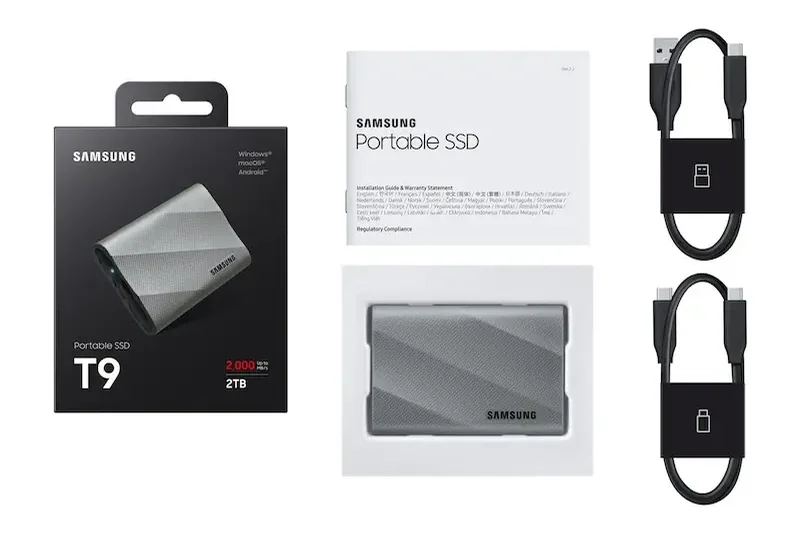
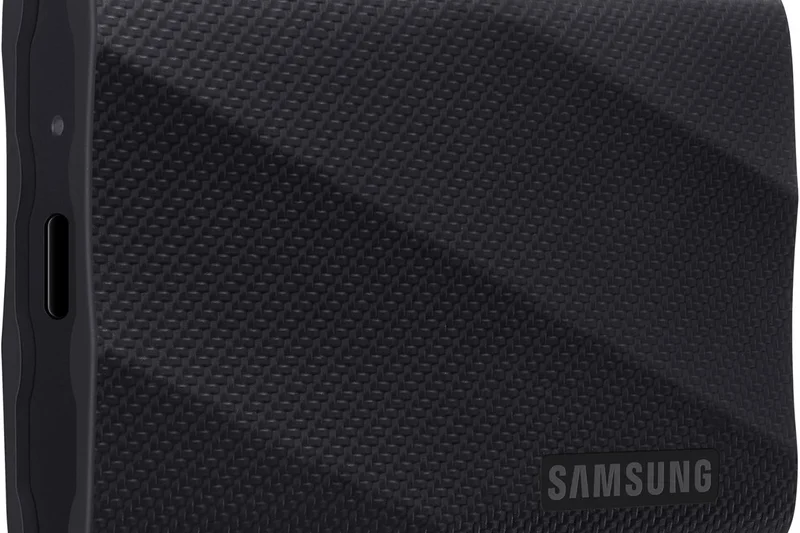
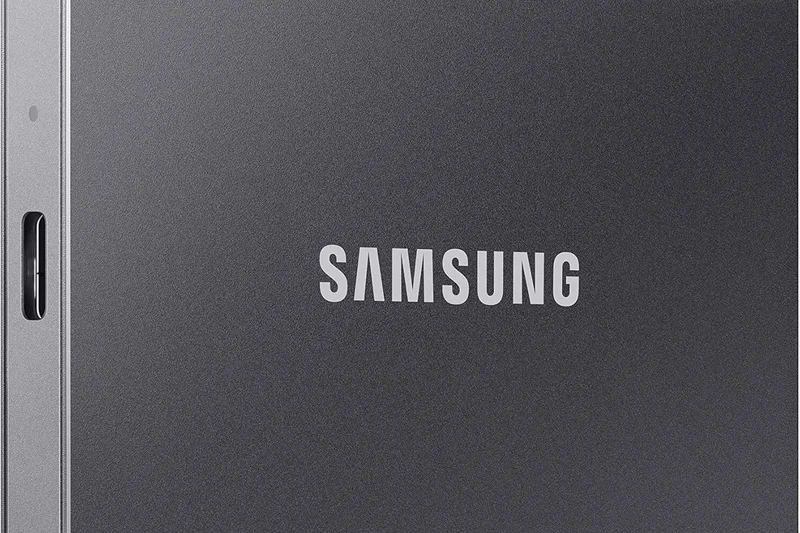
Why we picked it: The Samsung T9 Portable SSD dominates our rankings because it masters almost every dimension we test. Built with a USB 3.2 Gen 2x2 interface, it delivers blistering read and write speeds of up to 2000 MB/s, making it an absolute powerhouse for video editors, gamers, and professionals handling massive files. We were incredibly impressed by its rugged exterior—a rubberized, anti-slip coating that not only looks professional but provides 3-meter drop resistance. It also features hardware encryption, ensuring your data remains locked down if the drive is misplaced. By balancing extreme speed with solid durability and Samsung's historically excellent reliability, the T9 stands as the clear winner for almost any user looking to invest in high-end portable storage.
Key Specs
- Up to 2000 MB/s Read/Write
- USB 3.2 Gen 2x2
- 3-meter Drop Resistant
- Hardware Encryption
What we like
- Blistering 2000 MB/s transfer speeds
- Excellent 3-meter drop resistance
- Reliable AES 256-bit hardware encryption
- Anti-slip, premium rubberized casing
What we don't like
- Requires Gen 2x2 port for maximum speed
- Premium price tag
Best for: Professionals, content creators, and everyday users wanting a future-proof, extremely fast portable drive.
Considering the Samsung T9 vs the SanDisk Extreme Pro V2? While both offer 2000 MB/s, the T9 has a slight edge in sustained write thermal management and historical reliability.
The ultimate blend of blistering Gen 2x2 speeds, rugged durability, and top-tier reliability.
Buy at Samsung official site#2 Crucial X10 Pro Portable SSD (2TB)
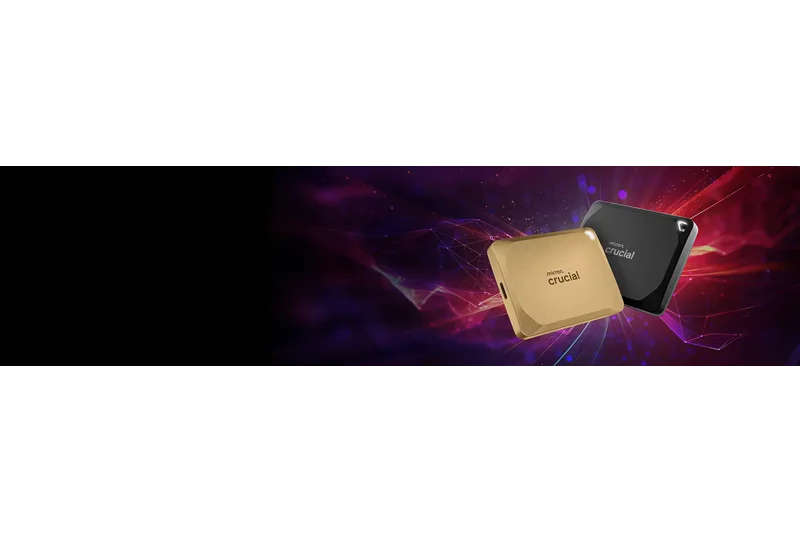
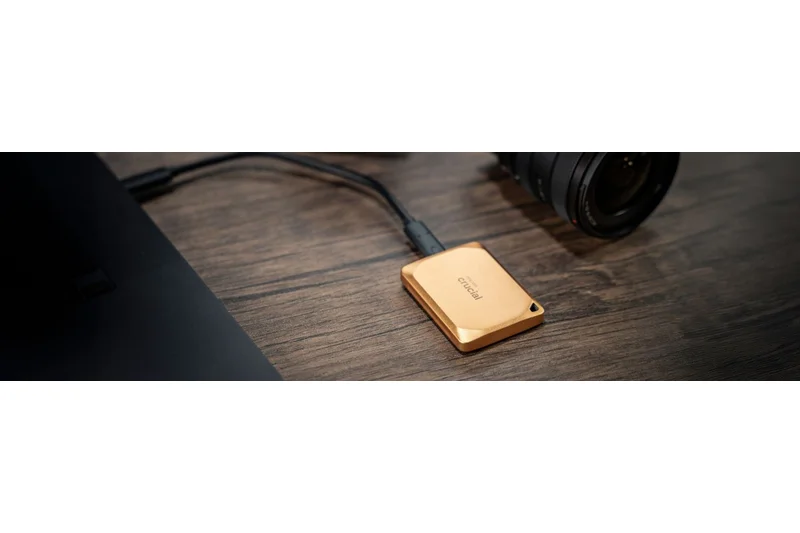
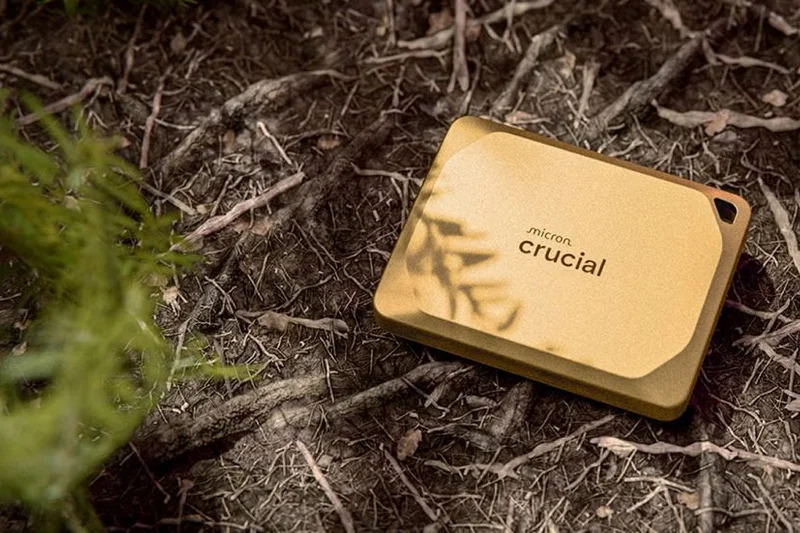
Why we picked it: The Crucial X10 Pro is a masterclass in miniaturization. Despite being incredibly small and lightweight, it packs a serious punch with read speeds up to 2100 MB/s and write speeds up to 2000 MB/s. It earns its #2 spot by scoring a perfect 10/10 in Portability & Form Factor in our matrix. The drive features an anodized aluminum housing that helps dissipate heat while keeping the profile ultra-slim. With IP55 water and dust resistance, plus password protection and 256-bit AES hardware encryption, it offers robust security for a drive that you can easily slip into a shirt pocket. For hybrid workers or digital nomads who want maximum performance without the bulk of larger rugged drives, the X10 Pro is unrivaled.
Key Specs
- 2100 MB/s Read, 2000 MB/s Write
- USB 3.2 Gen 2x2
- IP55 Water & Dust Resistance
- Password protection and 256-bit AES
What we like
- Ultra-compact and highly portable design
- Incredible read/write speeds over 2000 MB/s
- Built-in AES 256-bit hardware encryption
- IP55 water and dust resistant
What we don't like
- Tiny size makes it easier to misplace
- Speeds revert to 1000 MB/s on non-2x2 ports
Best for: Digital nomads and hybrid workers who need top-tier speed in the smallest possible form factor.
Considering the Crucial X10 Pro vs the Samsung T9? The X10 Pro is significantly smaller and lighter, though the T9 offers a slightly more grip-friendly rugged exterior.
Extremely compact and fast, making it the perfect everyday carry drive for hybrid workers.
Buy at Crucial official site#3 Samsung T7 Shield Portable SSD (2TB)
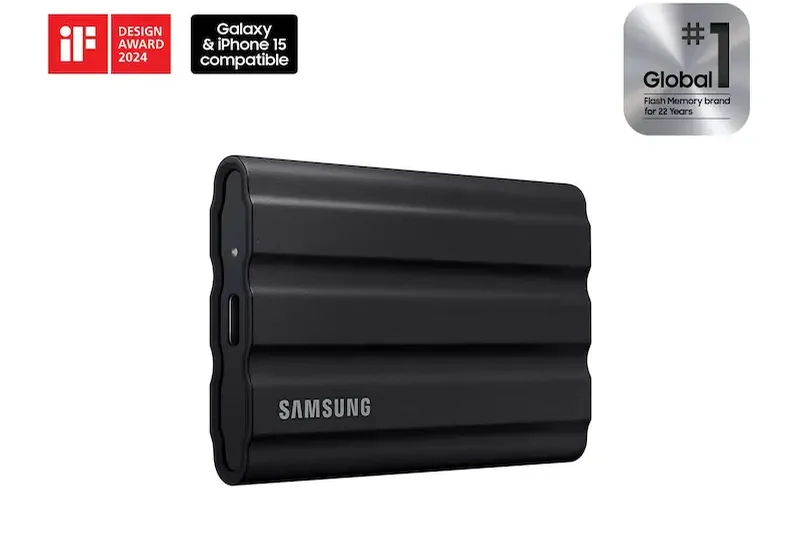
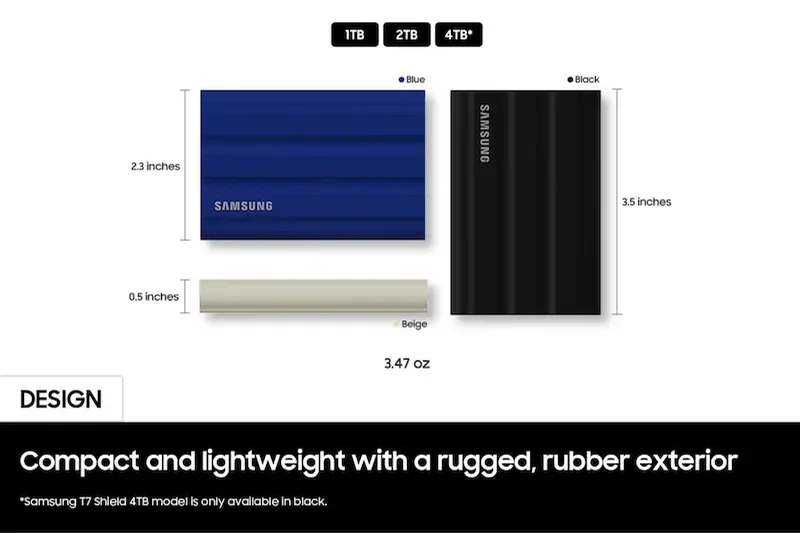
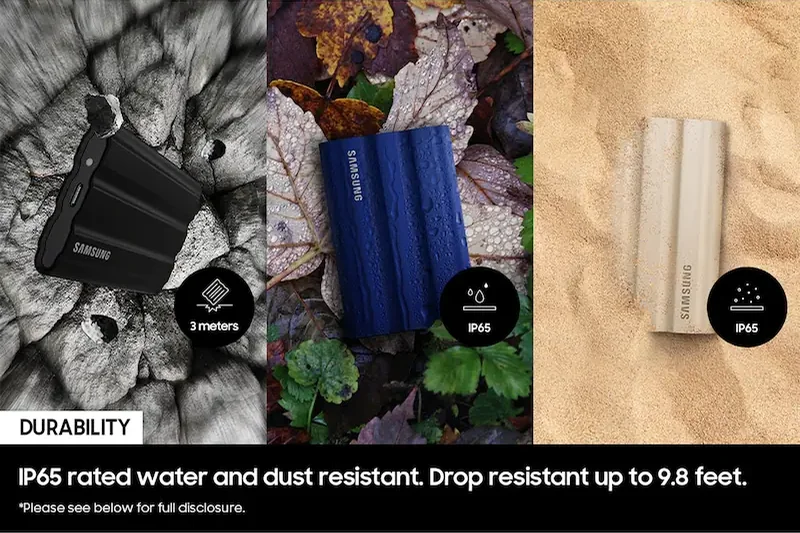
Why we picked it: The Samsung T7 Shield consistently ranks near the top of our lists because it perfectly balances price, performance, and durability. While it uses the slightly older USB 3.2 Gen 2 standard (capping speeds at 1050 MB/s), this is still more than fast enough for 95% of users. Where the T7 Shield truly excels is in its ruggedness. It boasts an IP65 rating for superior water and dust resistance, combined with a rubberized exterior that absorbs shocks effortlessly. Furthermore, its aggressive pricing gives it a phenomenal Cost/TB score for an SSD. It surprisingly won our "Best for Mass Desktop Backup" scenario due to its unbeatable mix of affordability, rock-solid reliability, and large capacity.
Key Specs
- 1050 MB/s Read, 1000 MB/s Write
- USB 3.2 Gen 2
- IP65 Water & Dust Resistance
- Rubberized exterior
What we like
- Exceptional IP65 water and dust resistance
- Highly affordable given the build quality
- Sustained performance doesn't throttle easily
- Excellent hardware encryption
What we don't like
- Limited to 1050 MB/s transfer speeds
- Rubber exterior can attract lint and dust
Best for: Budget-conscious creatives and general users who want a rugged, reliable SSD without paying the Gen 2x2 premium.
Considering the Samsung T7 Shield vs the Crucial X9 Pro? The T7 Shield is physically tougher with an IP65 rating, while the X9 Pro is much smaller and more portable.
A wildly popular, highly durable SSD that hits the sweet spot for budget-conscious buyers and desktop backups.
Buy at Samsung official site#4 Crucial X9 Pro Portable SSD (2TB)
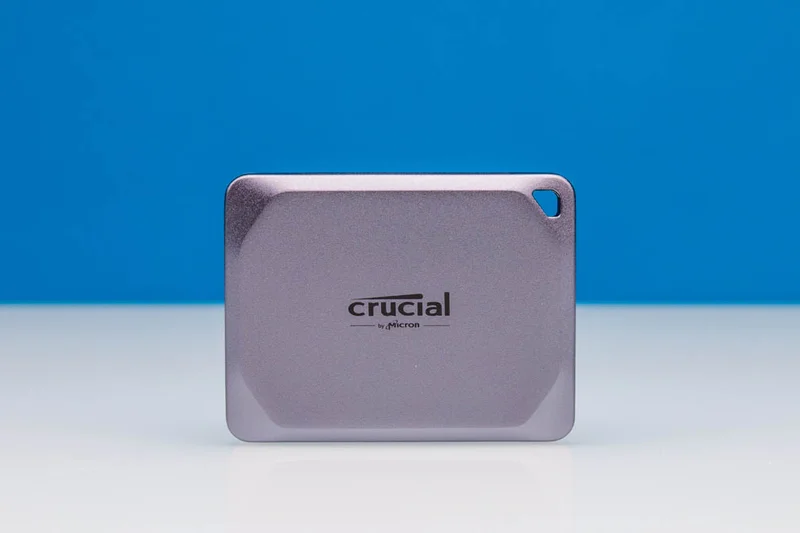
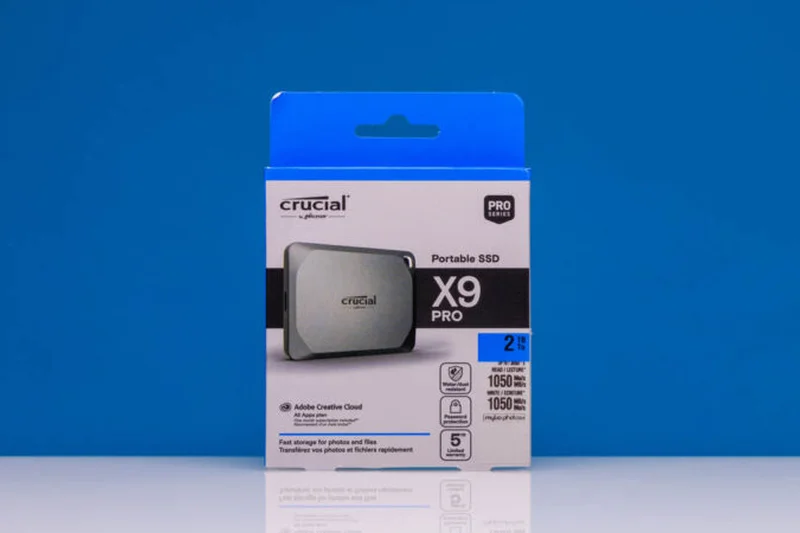
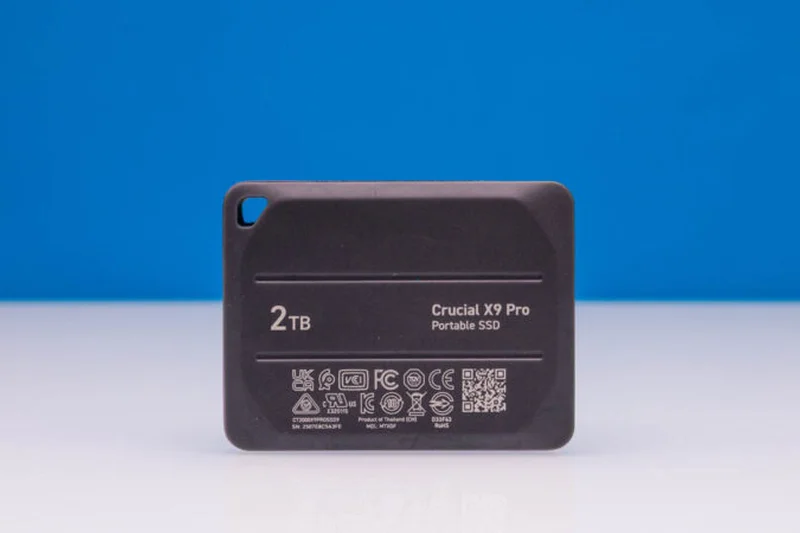
Why we picked it: Winning our "Best Budget External Drive" scenario, the Crucial X9 Pro delivers exactly what most users need at an incredibly appealing price point. Offering 1050 MB/s read/write speeds over USB 3.2 Gen 2, it matches the performance of the Samsung T7 Shield but houses it in a microscopic, ultra-portable aluminum chassis. It retains crucial features like IP55 water and dust resistance and password protection, ensuring you don't sacrifice security for affordability. If you don't have USB 3.2 Gen 2x2 ports on your computer, buying the X9 Pro instead of the X10 Pro is a smart way to save money while maximizing the actual speeds your computer can handle.
Key Specs
- 1050 MB/s Read/Write
- USB 3.2 Gen 2
- IP55 Water/Dust Resistant
- Ultra-compact form factor
What we like
- Outstanding value for money
- Incredibly small and lightweight
- IP55 rating offers decent environmental protection
- Consistent 1000 MB/s performance
What we don't like
- Slower than newer Gen 2x2 drives
- Lacks the extreme ruggedness of dedicated outdoor drives
Best for: Students, office workers, and anyone needing a fast, highly portable drive on a strict budget.
Considering the Crucial X9 Pro vs the Samsung T7 Portable SSD? The X9 Pro is newer, slightly more compact, and features an IP55 rating that the standard T7 lacks.
A brilliantly compact and cost-effective SSD that maximizes the 10Gbps USB connection.
Buy at Crucial official site#5 Lexar SL500 Portable SSD (2TB)
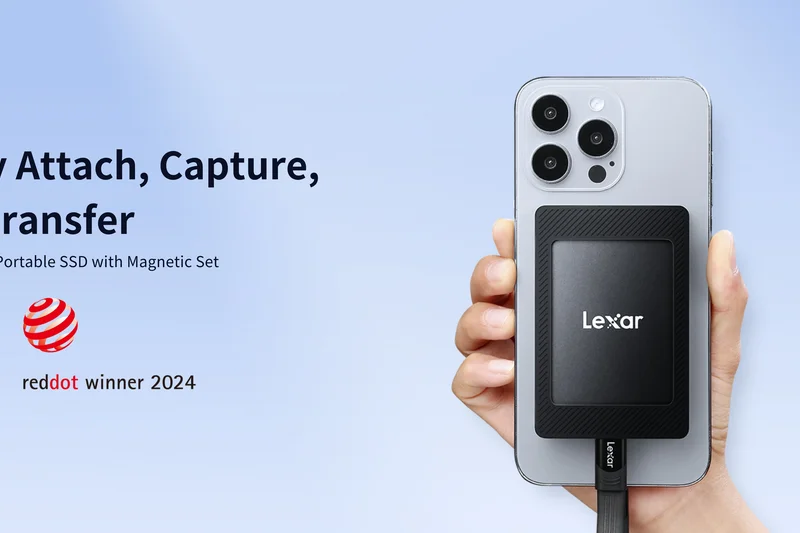
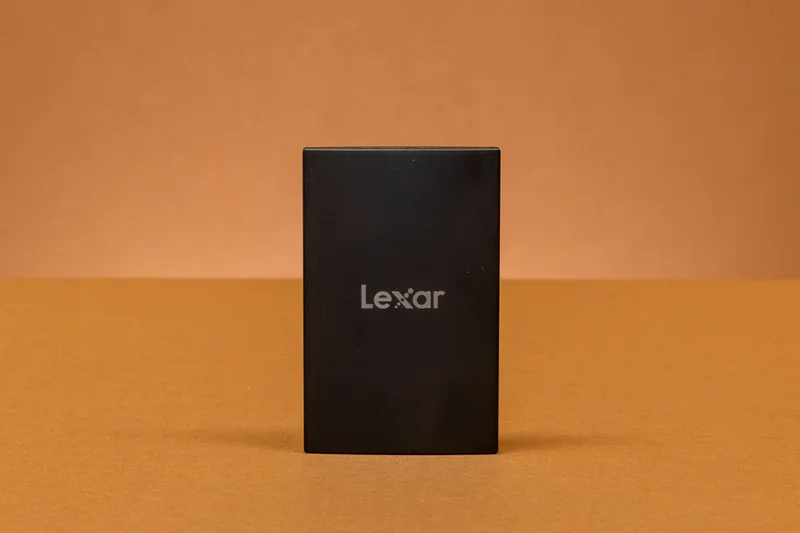
Why we picked it: The Lexar SL500 is a striking entry in the portable SSD market, distinguished by its incredibly slim profile. Measuring just a few millimeters thick, it easily slides into the tightest laptop sleeves or pockets. Don't let the sleek design fool you—it supports USB 3.2 Gen 2x2, allowing it to reach speeds up to 2000 MB/s. It scored highly in our matrix for portability and speed, though its slim aluminum body doesn't offer the same drop protection or IP ratings as thicker, rubberized competitors. For urban commuters and professionals who prioritize aesthetics and speed over ruggedness, the SL500 is a fantastic choice.
Key Specs
- Up to 2000 MB/s Transfer Speed
- USB 3.2 Gen 2x2
- Super slim profile
- Hardware encryption
What we like
- Stunning, super slim aluminum design
- Rapid 2000 MB/s transfer speeds
- Includes hardware encryption
- Excellent 10/10 portability score
What we don't like
- Lacks rugged drop protection
- No official IP water/dust rating
Best for: Business professionals and commuters who want an elegant, high-speed drive for office environments.
Considering the Lexar SL500 vs the Crucial X10 Pro? Both offer 2000 MB/s, but the SL500 focuses on a credit-card thin profile while the X10 Pro is a smaller, thicker block with an IP55 rating.
An elegantly thin and remarkably fast SSD perfect for the modern executive's briefcase.
Buy at Lexar official site#6 SanDisk Extreme Pro Portable SSD V2 (2TB)
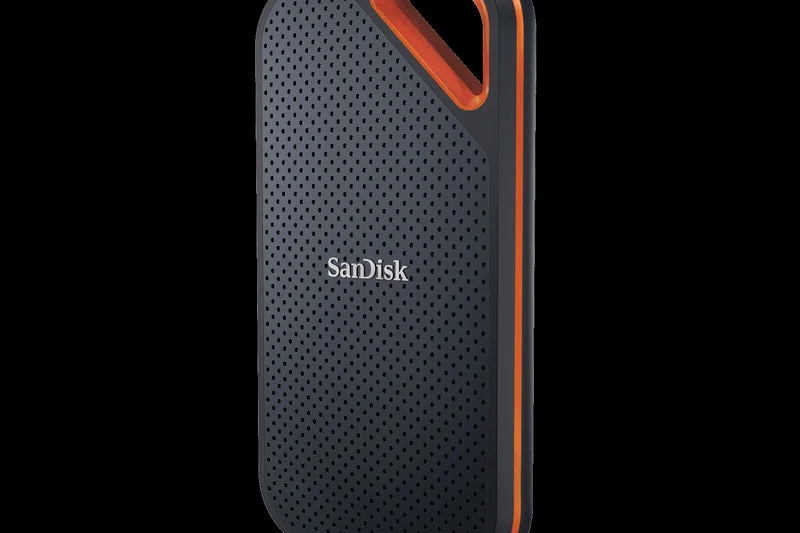
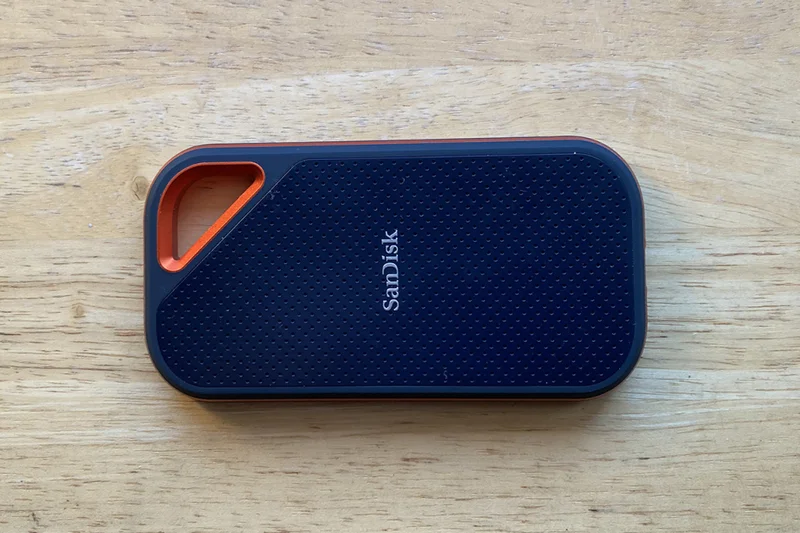
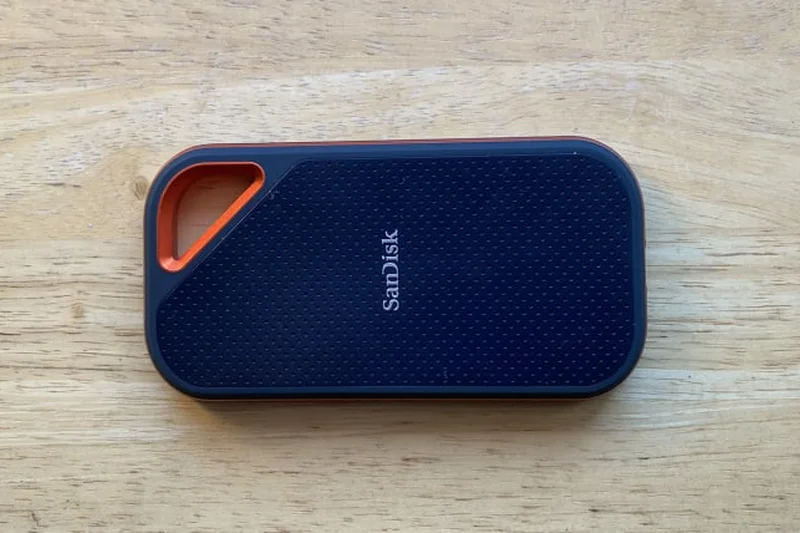
Why we picked it: A long-time favorite among photographers, the SanDisk Extreme Pro V2 utilizes an aluminum chassis wrapped in a silicon shell to provide a premium feel, heat dissipation, and IP55 water/dust resistance. It delivers impressive 2000 MB/s read/write speeds over USB 3.2 Gen 2x2. While it scored highly in durability and speed, it falls slightly behind the Samsung T9 in overall value due to a higher price tag. Still, its built-in carabiner loop makes it incredibly convenient for attaching to camera bags, securing its place as a top-tier choice for traveling content creators.
Key Specs
- Up to 2000 MB/s Read/Write
- USB 3.2 Gen 2x2
- IP55 Water & Dust Resistance
- Aluminum chassis with silicon shell
What we like
- Fast 2000 MB/s performance
- Premium aluminum and silicon construction
- Convenient carabiner loop
- IP55 environmental protection
What we don't like
- More expensive than direct competitors
- History of firmware issues in older batches (though resolved in V2)
Best for: Videographers and photographers who need a fast, rugged drive that clips easily to gear bags.
Considering the SanDisk Extreme Pro V2 vs the Samsung T9? The T9 offers slightly better drop resistance and pricing, but the SanDisk's carabiner loop is a favorite for outdoor use.
A premium, ruggedized SSD that offers pro-level speeds and excellent heat dissipation.
Buy at Western Digital official site#7 LaCie Rugged SSD4 (2TB)
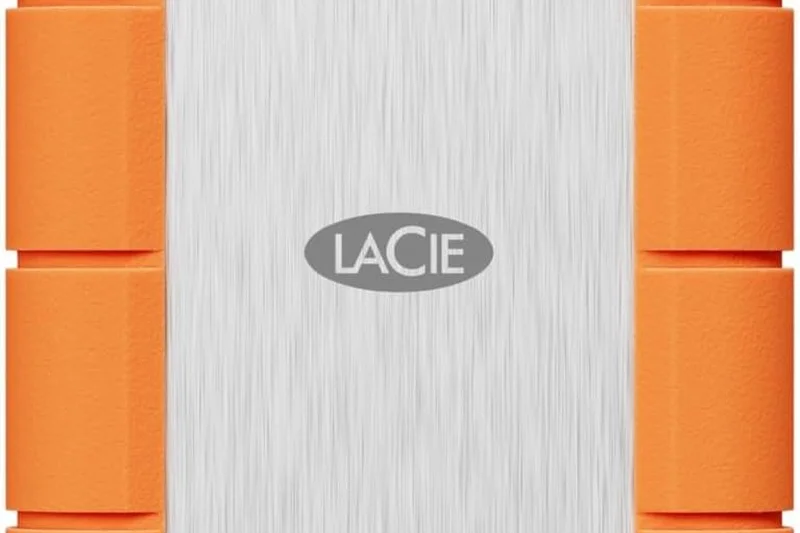
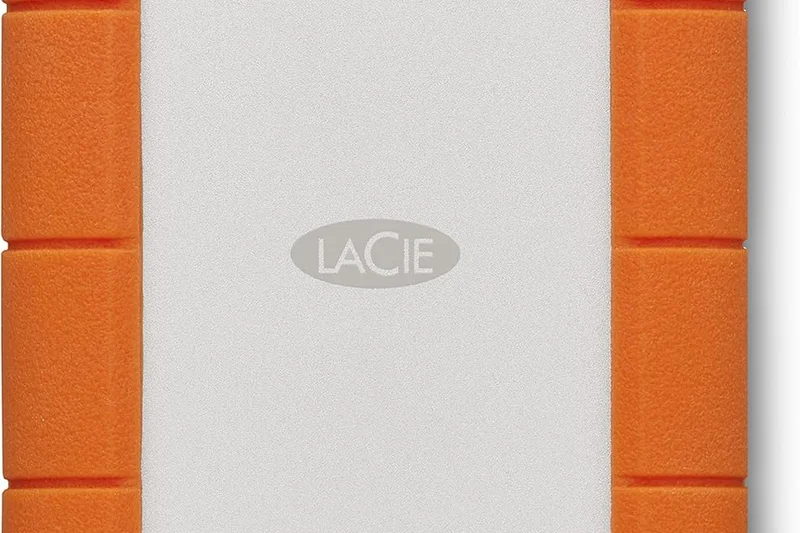
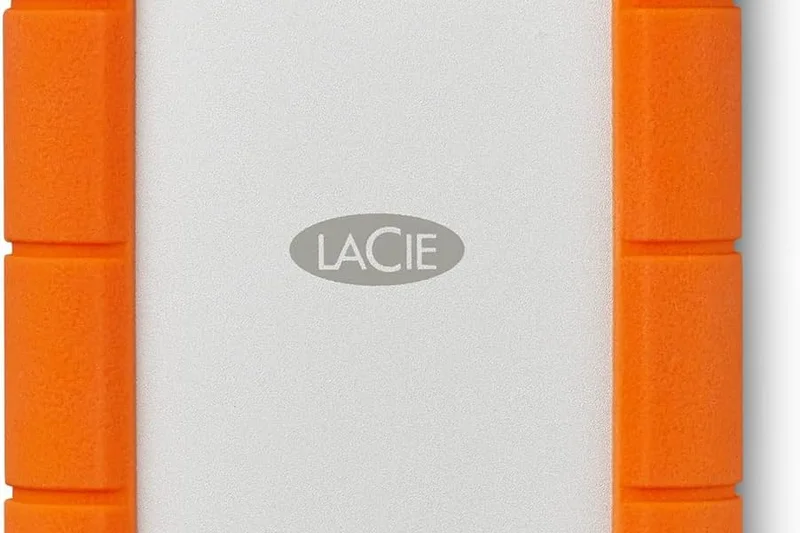
Why we picked it: The LaCie Rugged SSD4 scored a perfect 10/10 in Speed, Connectivity, and Durability, easily dominating our 'Photographers & Travel' scenario. Supporting the latest USB4 and Thunderbolt 4 standards, it unleashes blistering read speeds up to 3800 MB/s. Wrapped in LaCie's iconic orange rubber bumper, it boasts extreme IP67 water and dust resistance. The only reason it sits at #7 overall is its astronomical cost per terabyte. If budget is no object and you need the absolute fastest, toughest drive on the market, this is it.
Key Specs
- Up to 3800 MB/s Read
- USB4 / Thunderbolt 4
- IP67 Water/Dust Resistance
- Extreme rugged durability
What we like
- Unmatched 3800 MB/s transfer speeds
- Future-proof USB4/Thunderbolt 4 support
- Exceptional IP67 water and dust rating
- Iconic, highly protective rubber bumper
What we don't like
- Extremely high cost per terabyte
- Requires USB4/Thunderbolt 4 to reach max speeds
Best for: Professional filmmakers and extreme sports photographers where time and data security are money.
Considering the LaCie Rugged SSD4 vs the Corsair EX400U? Both hit 3800 MB/s via USB4, but the LaCie is far more rugged with an IP67 rating compared to the Corsair's standard chassis.
The ultimate no-compromise drive for professionals needing extreme speeds and elemental protection.
Buy at LaCie official site#8 ADATA SD810 External SSD (1TB)
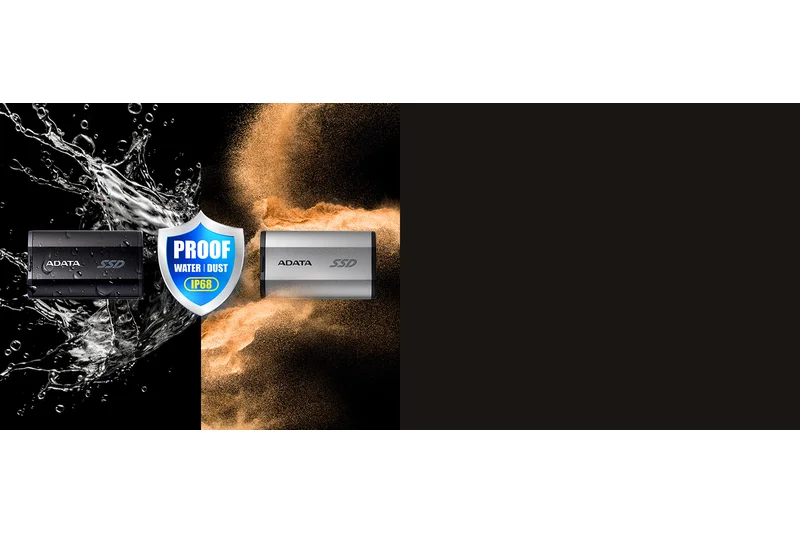
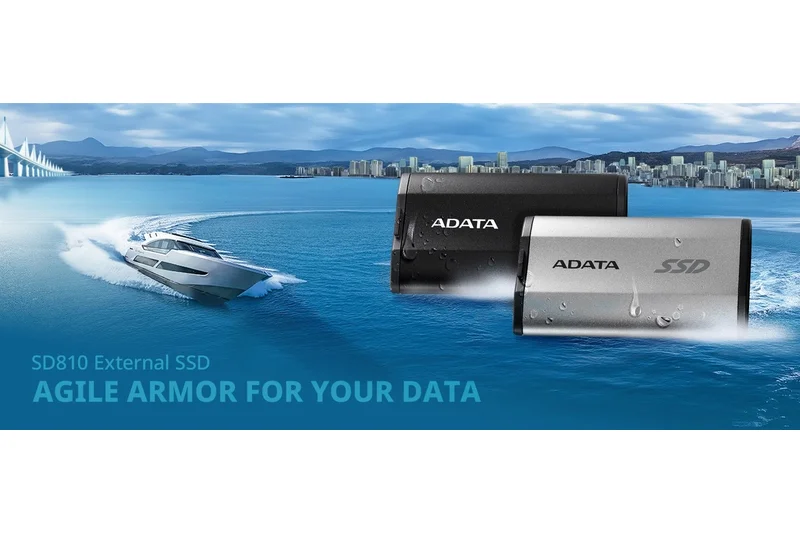
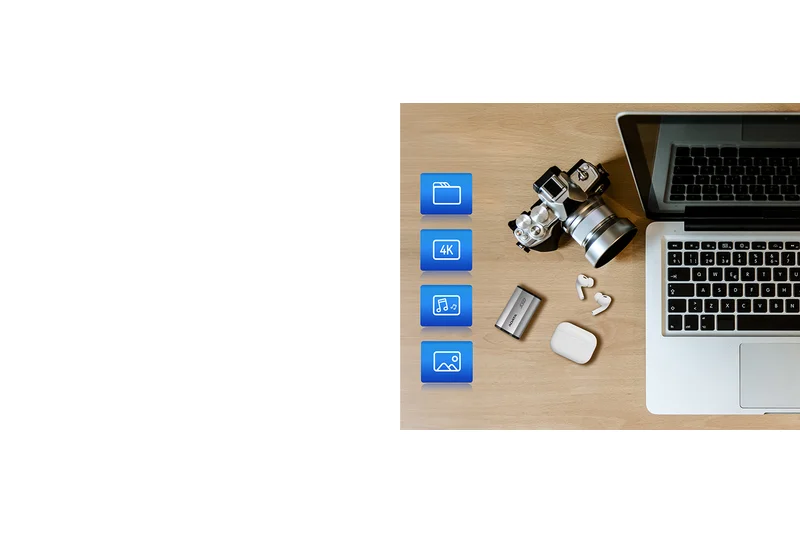
Why we picked it: The ADATA SD810 is a hidden gem for users needing serious durability on a budget. It scored a massive 10/10 in our durability metrics thanks to its military-grade drop testing and IP68 water and dust resistance—meaning it can withstand continuous submersion in water. Paired with strong 2000 MB/s speeds over USB 3.2 Gen 2x2, it's an incredibly capable drive. It drops slightly in the overall rankings due to weaker bundled security software, but for sheer physical resilience at a low price, it’s hard to beat.
Key Specs
- Up to 2000 MB/s Transfer Speed
- USB 3.2 Gen 2x2
- IP68 Water/Dust resistance
- Military-grade drop testing
What we like
- Incredible IP68 waterproof rating
- Fast 2000 MB/s transfer speeds
- Military-grade drop protection
- Great value for a rugged drive
What we don't like
- Subpar bundled software
- Aesthetic design isn't for everyone
Best for: Outdoor adventurers and site workers who need extreme water resistance and high speeds.
Considering the ADATA SD810 vs the Samsung T7 Shield? The SD810 is faster (2000 MB/s vs 1050 MB/s) and has a higher IP68 rating, though Samsung's software and brand reliability are stronger.
A surprisingly affordable SSD that offers top-tier IP68 water resistance and Gen 2x2 speeds.
Buy at ADATA official site#9 OWC Envoy Pro FX (2TB)
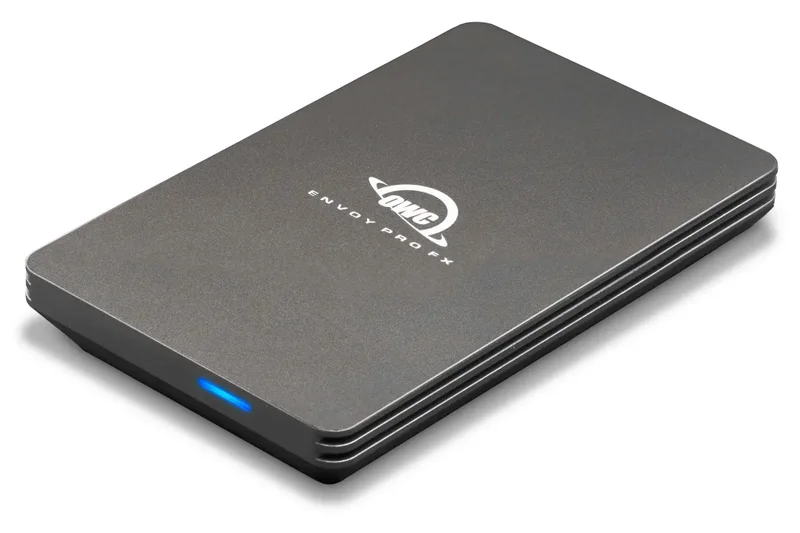
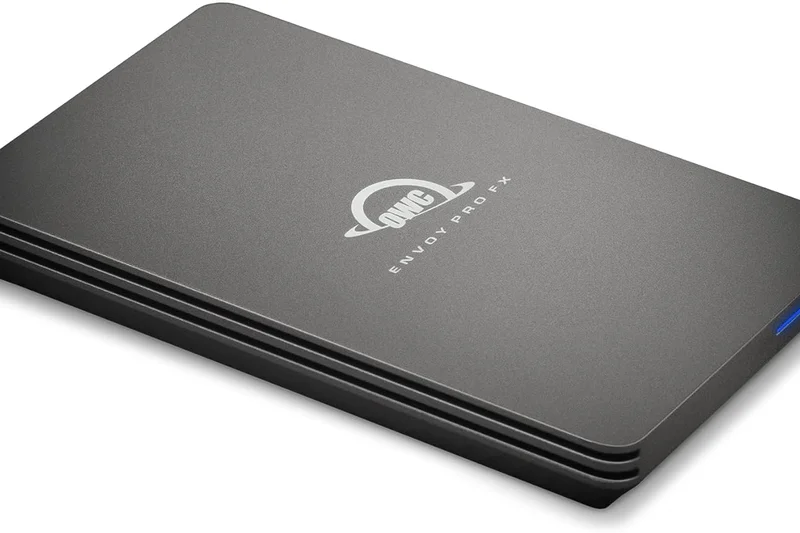
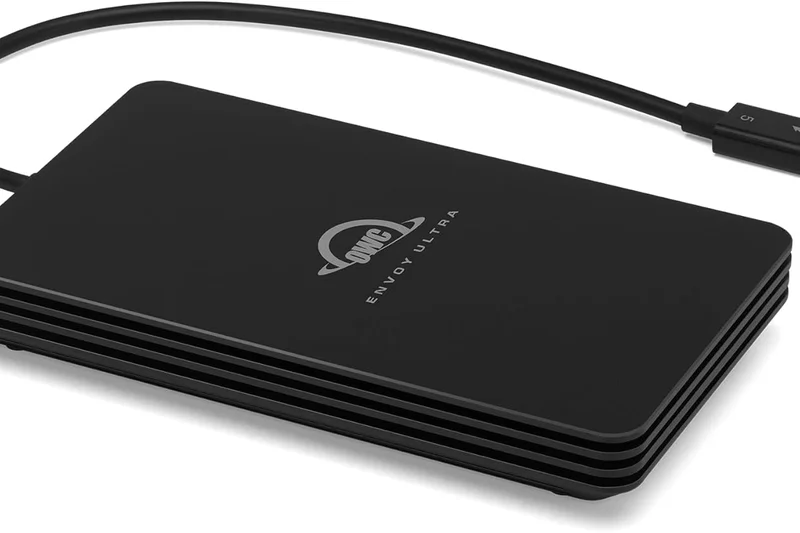
Why we picked it: The OWC Envoy Pro FX is built like a tank. Featuring a solid aluminum enclosure that is MIL-STD810G certified and IP67 rated for water and dust, it scored a 10/10 for durability. What makes it unique is its universal compatibility—it dynamically supports both Thunderbolt 3 and USB 3.2 Gen 2, reaching speeds up to 2800 MB/s on Thunderbolt connections. It's a favorite for Mac users and audio/video pros, though its high price tag heavily impacts its Cost/TB score.
Key Specs
- Up to 2800 MB/s Transfer Speed
- Thunderbolt 3 & USB 3.2 Gen 2
- IP67 Water & Dust Resistance
- MIL-STD810G certified
What we like
- Dynamically switches between Thunderbolt and USB
- Massive 2800 MB/s Thunderbolt speeds
- Indestructible IP67 aluminum build
- Excellent heat dissipation
What we don't like
- Heavy and bulky compared to standard SSDs
- Very expensive
Best for: Mac-centric professionals and audio engineers who require Thunderbolt speeds and bulletproof build quality.
Considering the OWC Envoy Pro FX vs the LaCie Rugged SSD Pro? Both offer 2800 MB/s Thunderbolt speeds and extreme ruggedness, but OWC's dynamic USB fallback is slightly more reliable across varied PC hardware.
A premium, rugged Thunderbolt SSD that delivers incredible performance for creative professionals.
Buy at OWC official site#10 Corsair EX400U (2TB)
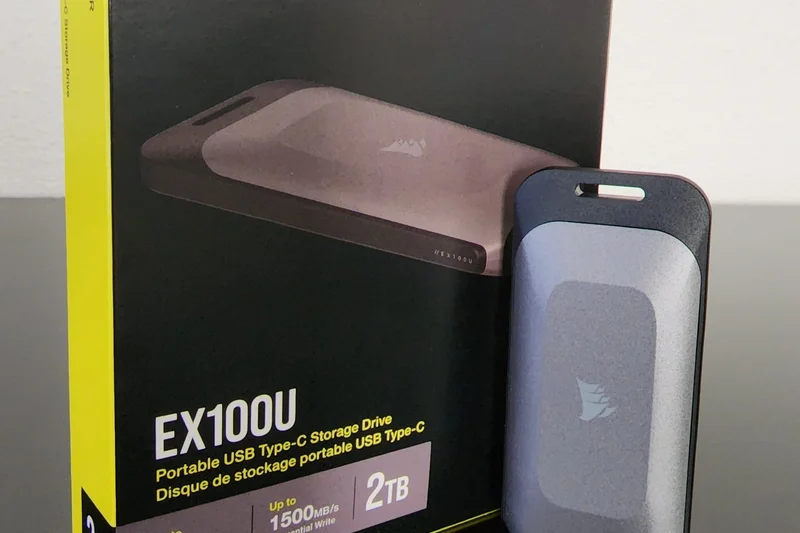
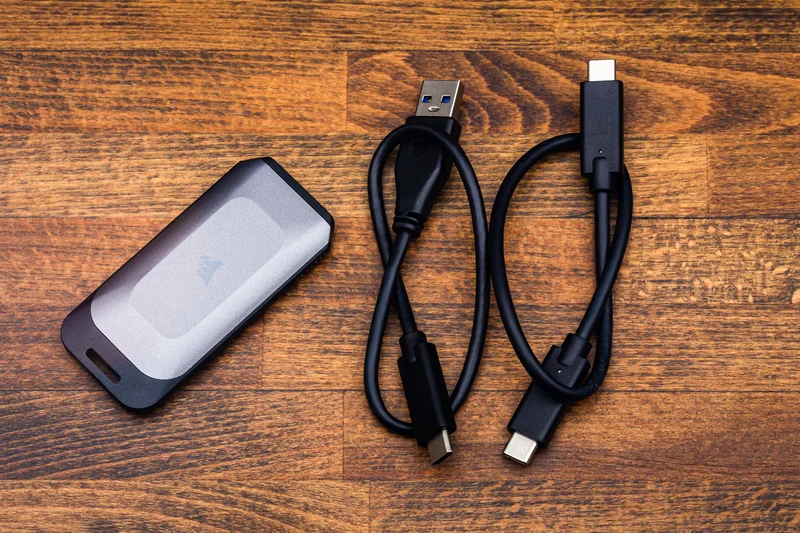
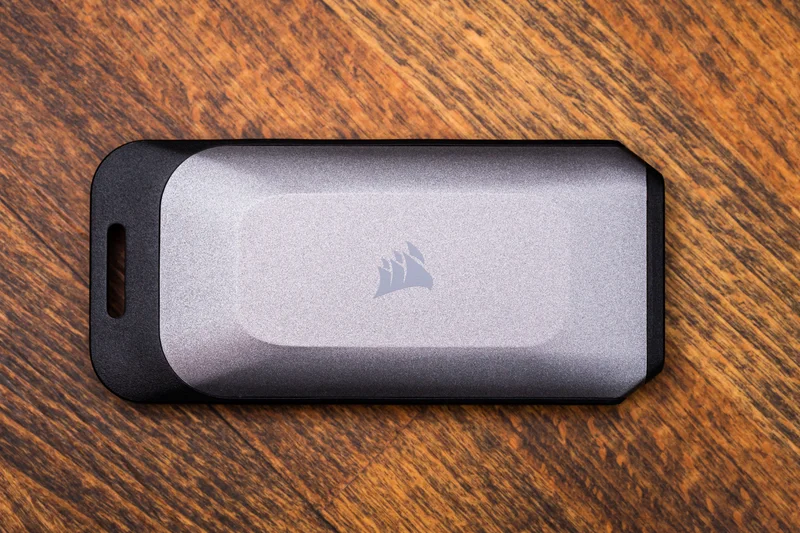
Why we picked it: The Corsair EX400U represents the cutting edge of portable storage tech, utilizing the new USB4 40Gbps interface to deliver face-melting read speeds of up to 3800 MB/s. Unlike the LaCie Rugged SSD4, the Corsair achieves these speeds in a highly compact, lightweight enclosure. It scored a 10/10 in both speed and connectivity. However, its lack of extreme ruggedness and premium price keep it at the #10 spot. If you want maximum performance in a standard form factor, this is the drive.
Key Specs
- Up to 3800 MB/s Read
- USB4 40Gbps
- Compact and lightweight
- Sustained high-speed performance
What we like
- Mind-blowing 3800 MB/s speeds
- Compact and lightweight design
- Takes full advantage of modern USB4 ports
- Excellent sustained performance
What we don't like
- Requires USB4 to justify the cost
- Average durability compared to rugged models
Best for: PC enthusiasts and video editors with USB4-equipped laptops who demand the absolute fastest file transfers.
Considering the Corsair EX400U vs the Samsung T9? The Corsair is nearly twice as fast if you have a USB4 port, but the T9 is more durable and compatible with older Gen 2x2 ports.
A blazing-fast USB4 SSD that sets a new standard for compact storage performance.
Buy at Corsair official site#11 Kingston XS2000 Portable SSD (1TB)
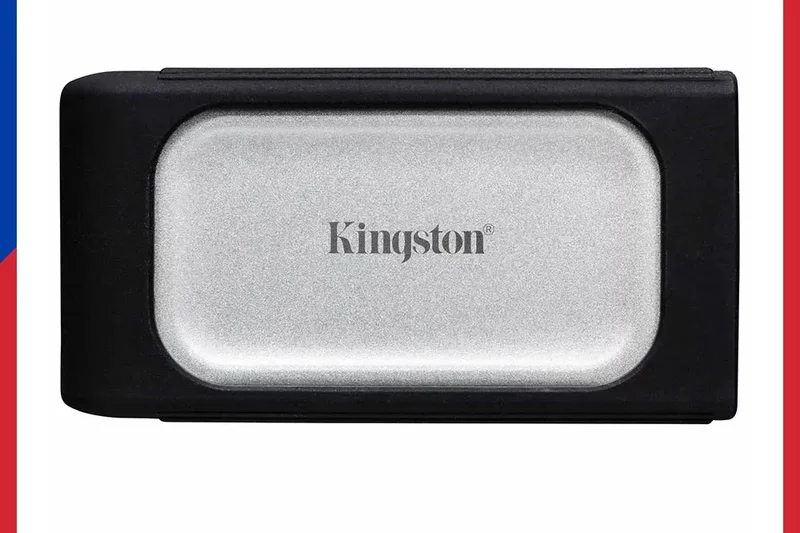
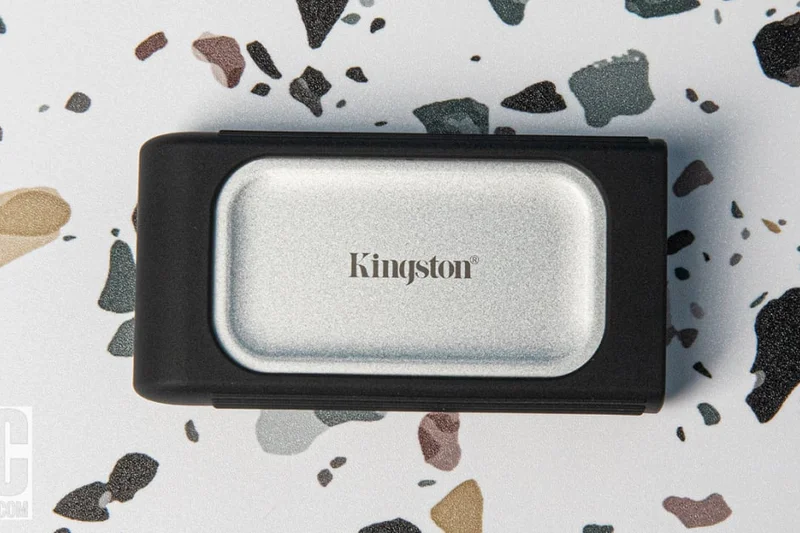
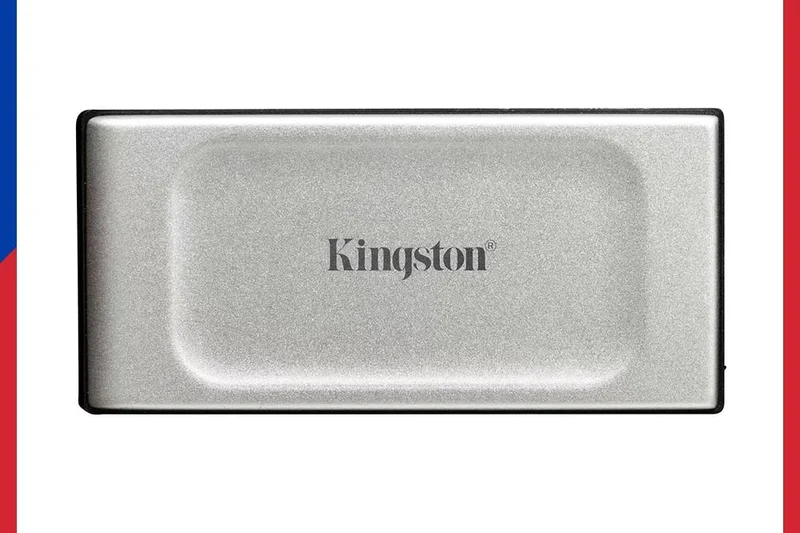
Why we picked it: The Kingston XS2000 is phenomenally small—hardly larger than a standard USB flash drive—yet it pushes 2000 MB/s speeds over a Gen 2x2 connection. It scored a 10/10 in portability. A removable rubber sleeve provides an IP55 rating, giving it solid everyday protection. Its weak point is its bundled software and lack of hardware encryption, which hurt its overall score, but it remains an excellent, highly portable drive.
Key Specs
- Up to 2000 MB/s Read/Write
- USB 3.2 Gen 2x2
- IP55 rated with rubber sleeve
- Pocket-sized
What we like
- Incredibly small form factor
- Fast 2000 MB/s performance
- Removable rubber sleeve adds IP55 protection
What we don't like
- No hardware encryption
- Speeds drop on non-2x2 ports
Best for: Users who want the absolute smallest 2000 MB/s drive available.
Considering the Kingston XS2000 vs the Crucial X10 Pro? Both are tiny 2000 MB/s drives, but the Crucial offers built-in hardware encryption which the Kingston lacks.
A microscopic powerhouse that delivers 2000 MB/s speeds in a flash-drive sized footprint.
Buy at Kingston official site#12 Samsung T7 Portable SSD (1TB)
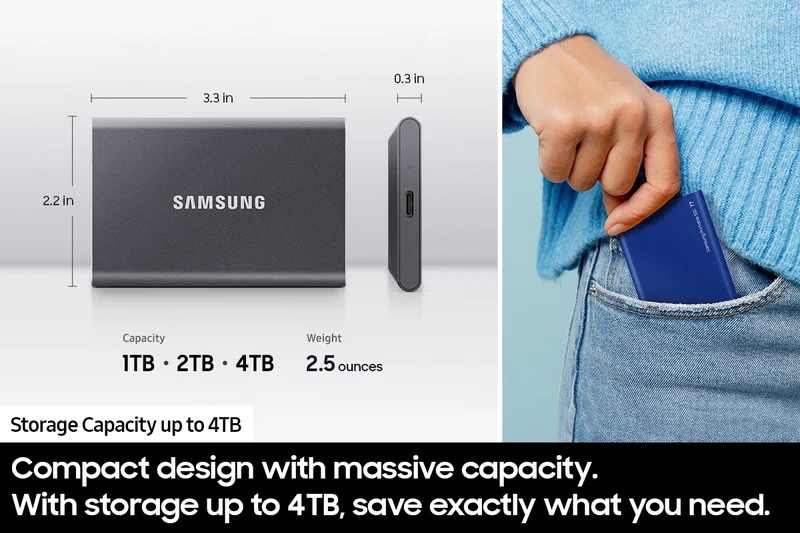
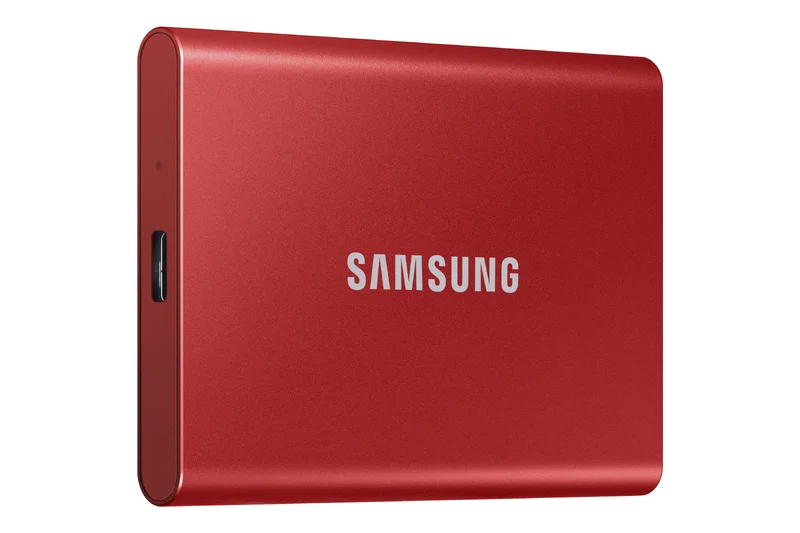
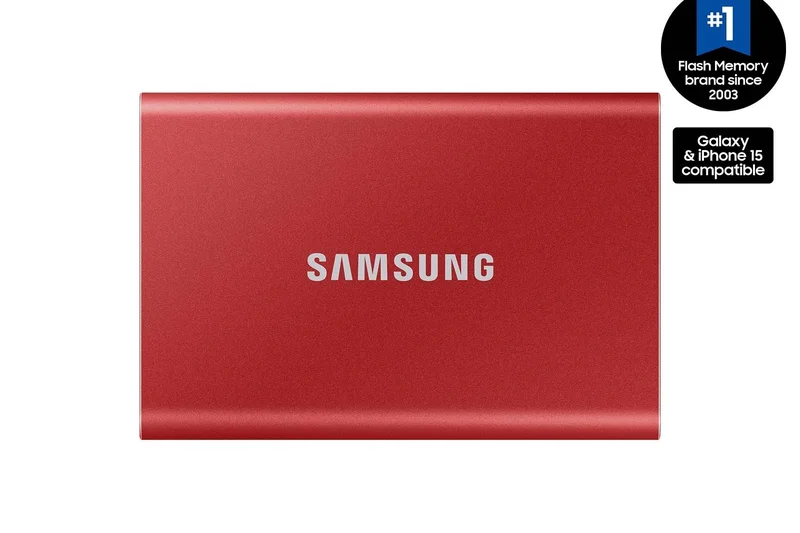
Why we picked it: The standard Samsung T7 remains a benchmark in the portable SSD world. Offering reliable 1050 MB/s speeds and wrapped in a sleek aluminum unibody, it is the definition of a dependable daily driver. It scored highly in reliability and security due to its strong password protection software. While overshadowed by the rugged T7 Shield, the standard T7 is slimmer and often slightly cheaper, making it perfect for office environments.
Key Specs
- 1050 MB/s Read, 1000 MB/s Write
- USB 3.2 Gen 2
- Aluminum unibody
- Password protection
What we like
- Sleek, professional aluminum design
- Consistent 1050 MB/s speeds
- Excellent Samsung software and encryption
What we don't like
- No IP rating for water or dust
- Can run warm under heavy use
Best for: Office workers and students looking for a sleek, reliable, and secure portable drive.
Considering the Samsung T7 vs the T7 Shield? Go with the Shield if you need drop and water protection; stick with the T7 for a slimmer pocket profile.
A tried-and-true classic that provides reliable speeds in an elegant aluminum shell.
Buy at Samsung official site#13 Lexar SL600 Portable SSD (2TB)
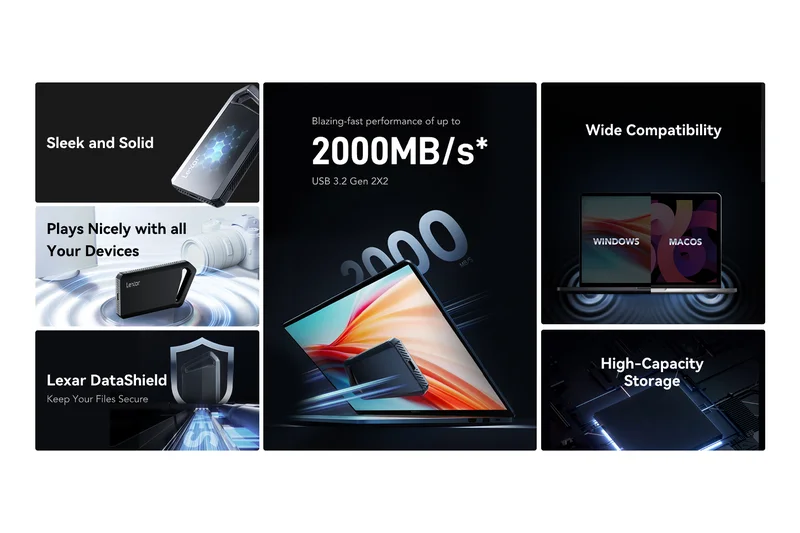
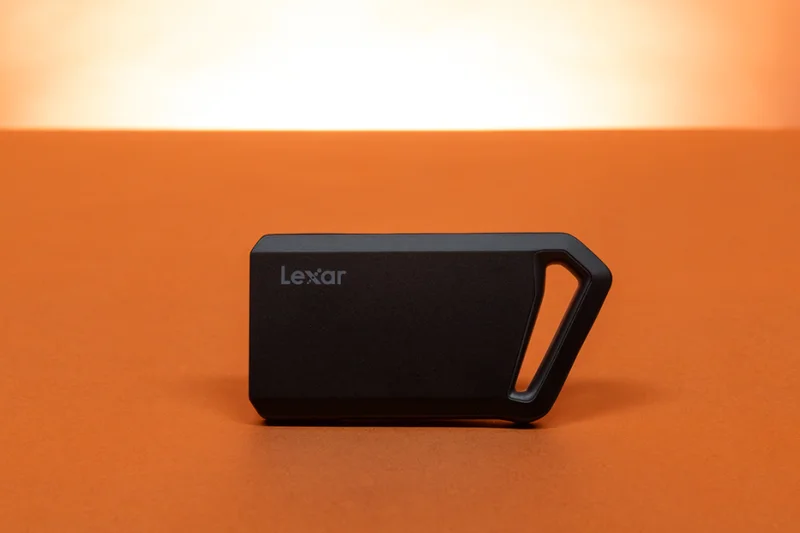
Why we picked it: The Lexar SL600 offers a solid 2000 MB/s transfer rate via USB 3.2 Gen 2x2, packaged in an aluminum enclosure that features a built-in carabiner loop. It scored well across speed, portability, and connectivity. It positions itself as a direct competitor to the SanDisk Extreme Pro, offering similar speeds and utility loop at a slightly more competitive price point, though it lacks an official IP water resistance rating.
Key Specs
- Up to 2000 MB/s Read/Write
- USB 3.2 Gen 2x2
- Shock & vibration resistant
- Aluminum enclosure with carabiner loop
What we like
- Fast 2000 MB/s speeds
- Integrated carabiner loop is very handy
- Sleek aluminum build
What we don't like
- No official IP water/dust rating
- Average bundled software
Best for: Photographers and commuters who want a fast, clippable drive without paying the premium for full waterproofing.
Considering the Lexar SL600 vs the SanDisk Extreme Pro V2? The Lexar is often cheaper, but the SanDisk includes an IP55 rating for better weather protection.
A fast, attractively designed SSD with a convenient loop for easy transport.
Buy at Lexar official site#14 LaCie Rugged SSD Pro (2TB)
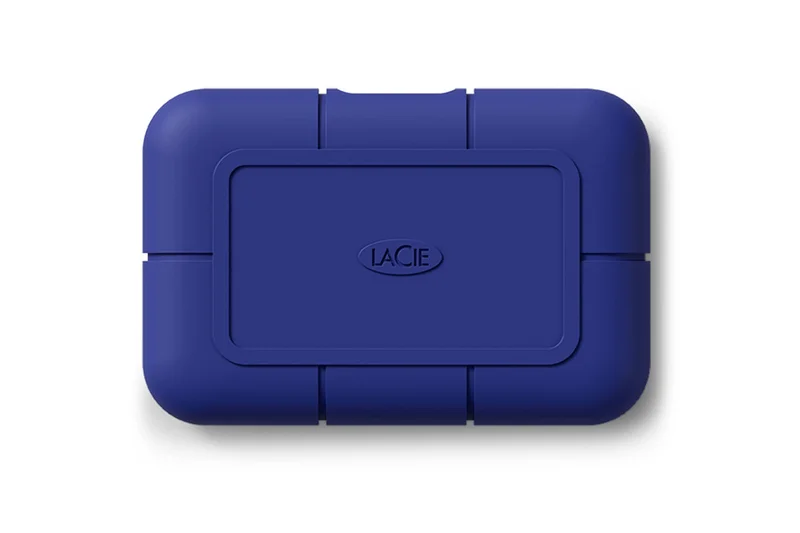
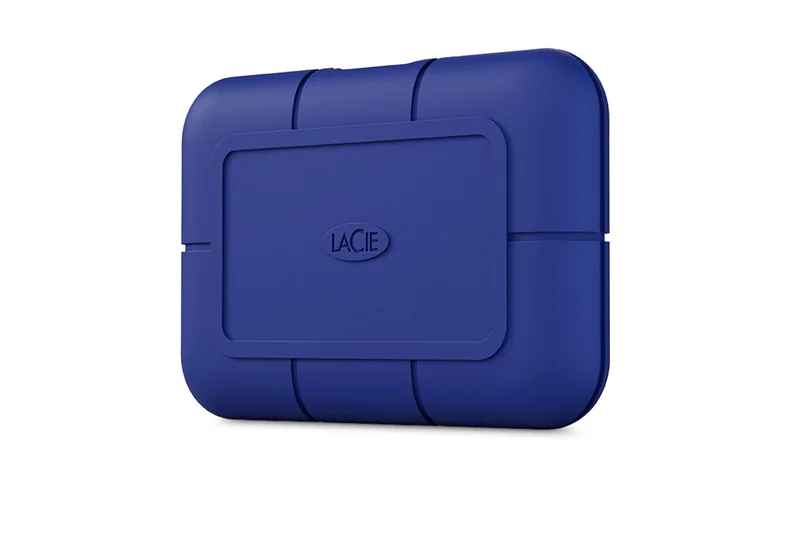
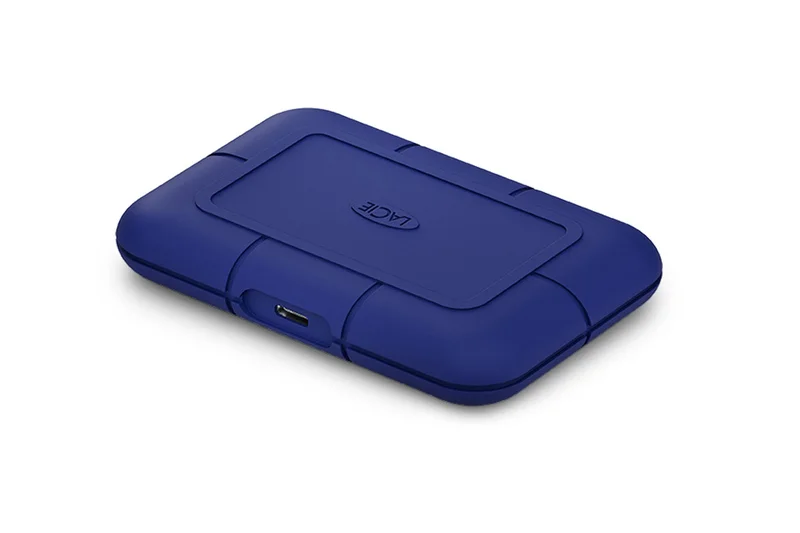
Why we picked it: The LaCie Rugged SSD Pro is a serious professional tool. Utilizing a Thunderbolt 3 interface, it achieves massive 2800 MB/s read speeds. It scored a perfect 10 in durability, sporting IP67 water and dust resistance and a 3-meter drop tolerance. Its low overall ranking is solely due to its high cost per terabyte and specific Thunderbolt requirement, making it overkill for casual users but indispensable for on-set videographers.
Key Specs
- Up to 2800 MB/s Read
- Thunderbolt 3 / USB-C
- IP67 Water & Dust Resistance
- 3-meter drop tolerance
What we like
- Incredible Thunderbolt 3 speeds
- Bulletproof IP67 ruggedness
- Includes data recovery services
What we don't like
- Extremely expensive
- Requires Thunderbolt port for full speed
Best for: Mac users and professional videographers who need extreme speed and durability in the field.
Considering the LaCie Rugged SSD Pro vs the OWC Envoy Pro FX? Both are rugged Thunderbolt drives, but LaCie's included rescue services provide extra peace of mind for professionals.
A premium Thunderbolt drive built to survive the harshest environments while delivering massive speeds.
Buy at LaCie official site#15 TeamGroup PD20 Mini Portable SSD (2TB)
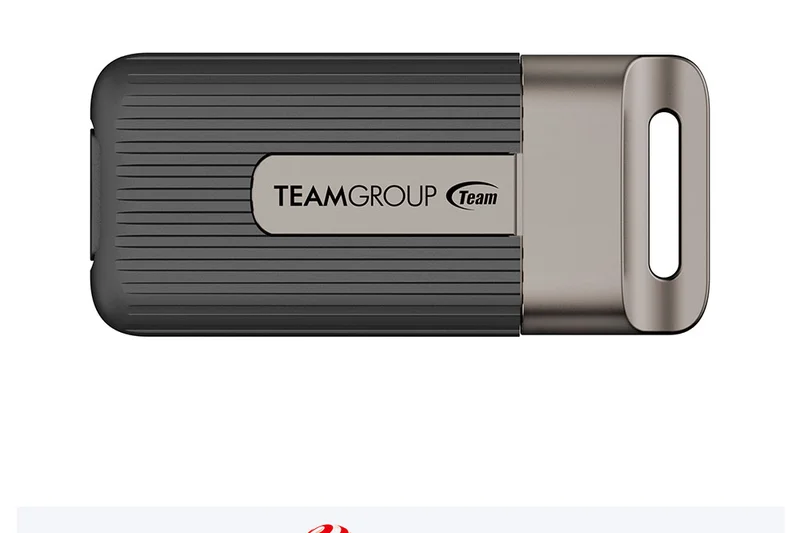
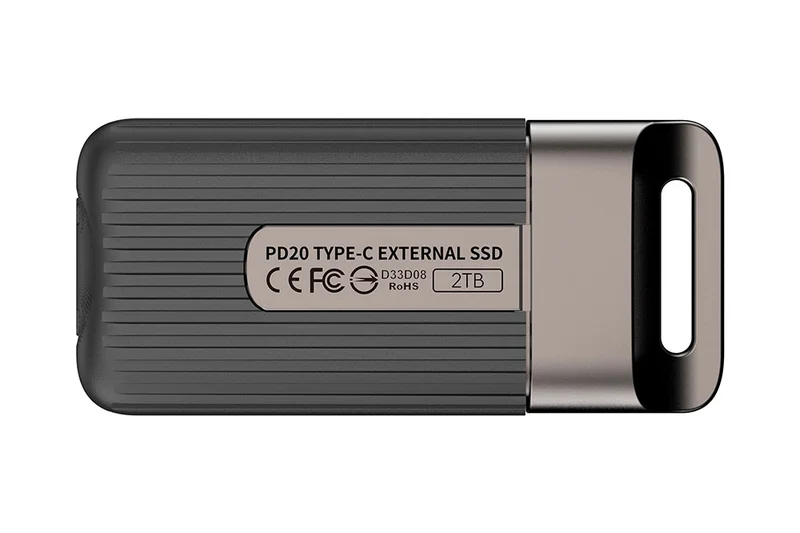
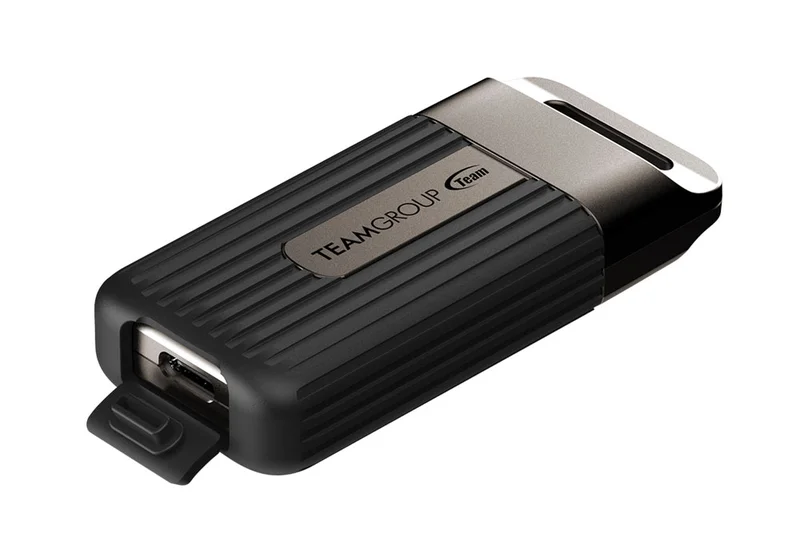
Why we picked it: The TeamGroup PD20 Mini is a unique entrant, offering MagSafe ring compatibility that allows it to magnetically attach to the back of an iPhone. Combined with 2000 MB/s Gen 2x2 speeds, it is an innovative solution for mobile content creators shooting ProRes video directly to an external drive. It scored a 10 in portability but lost points in durability and security.
Key Specs
- Up to 2000 MB/s Transfer Speed
- USB 3.2 Gen 2x2
- MagSafe ring compatible
- Ultra-compact form factor
What we like
- MagSafe compatibility is brilliant for iPhone creators
- Fast 2000 MB/s speeds
- Ultra-compact footprint
What we don't like
- Flimsy durability compared to standard drives
- No hardware encryption
Best for: iPhone 15/16 Pro videographers who need a drive that snaps directly to their phone.
Considering the TeamGroup PD20 Mini vs the Crucial X10 Pro? The TeamGroup is best if you want to magnetically mount the drive to your phone; otherwise, the Crucial is more robust.
An innovative, high-speed SSD specifically tailored for mobile iPhone videographers.
Buy at TeamGroup official site#16 SanDisk Extreme Portable SSD V2 (1TB)
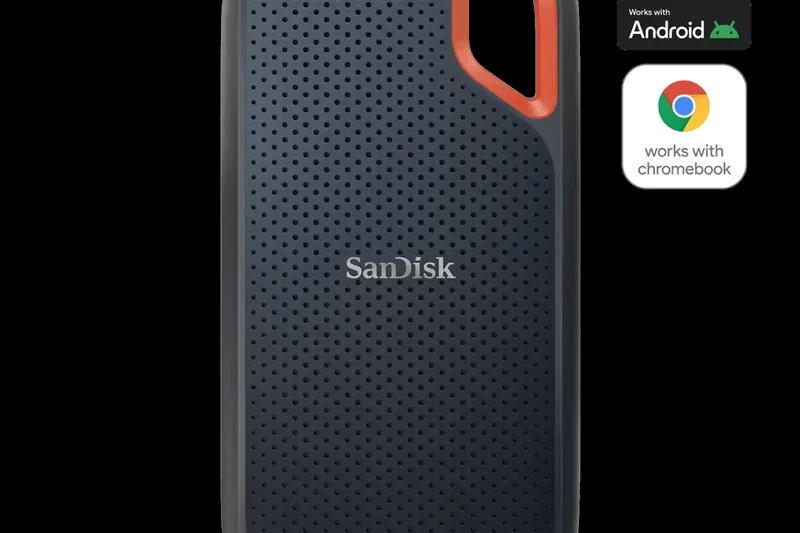
Why we picked it: The standard SanDisk Extreme V2 is the 1050 MB/s cousin of the Pro version. It offers the same great carabiner loop and IP55 water and dust resistance, making it an excellent companion for outdoor excursions. It scores solidly across portability, durability, and connectivity, representing a safe, reliable mid-tier choice for users who don't need the 2000 MB/s speeds of the Pro model.
Key Specs
- 1050 MB/s Read, 1000 MB/s Write
- USB 3.2 Gen 2
- IP55 Water & Dust Resistance
- Integrated carabiner loop
What we like
- Great IP55 rugged design
- Handy carabiner loop
- Solid 1050 MB/s performance
What we don't like
- History of firmware issues in this product line
- Cost per TB is average
Best for: Outdoor enthusiasts and photographers looking for a reliable, clippable 10Gbps drive.
Considering the SanDisk Extreme V2 vs the Samsung T7 Shield? The T7 Shield has a higher IP65 rating and currently a better track record for reliability, though it lacks the carabiner loop.
A rugged, well-designed 1050 MB/s drive that is highly convenient for travel.
Buy at Western Digital official site#17 Sabrent Rocket XTRM-Q (2TB)
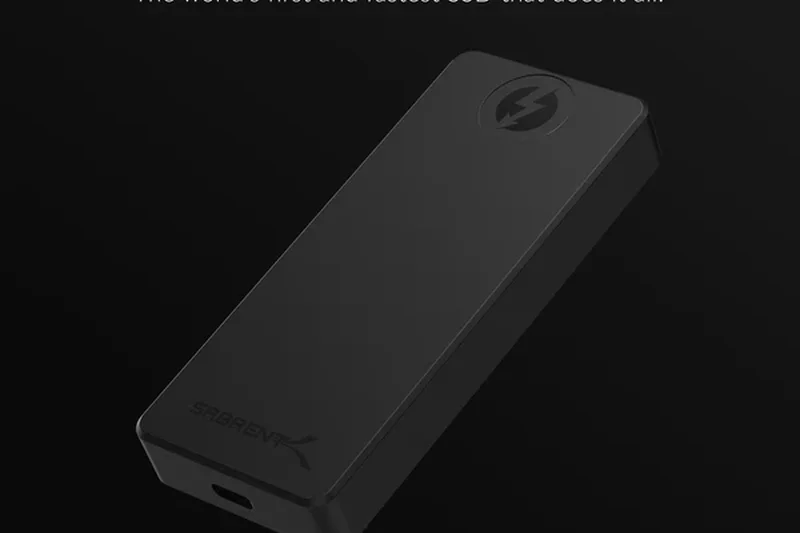
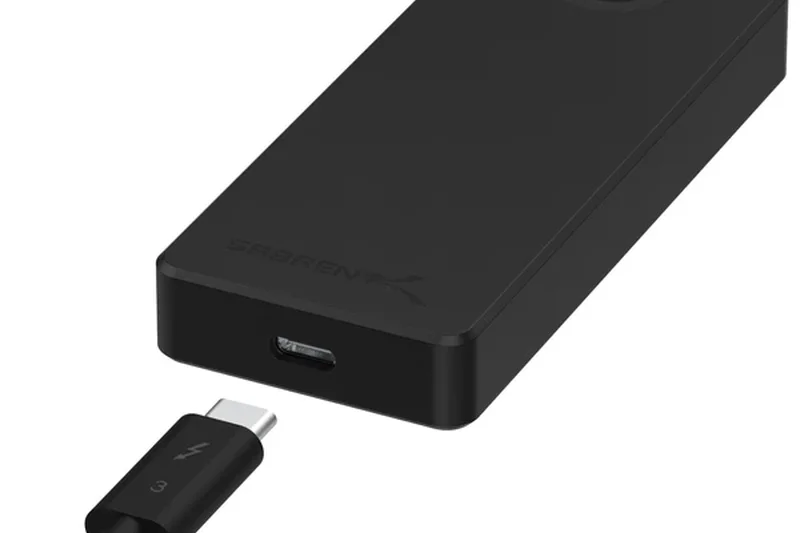
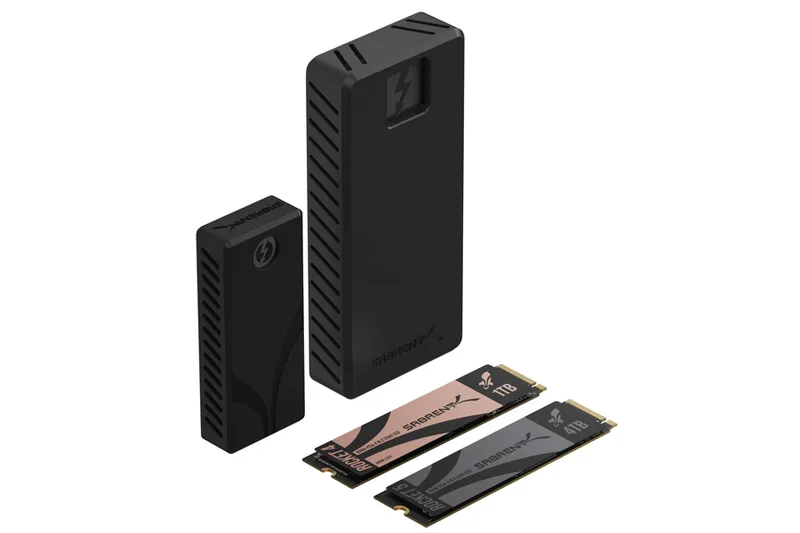
Why we picked it: The Sabrent Rocket XTRM-Q is a high-performance drive that dual-supports Thunderbolt 3 and USB 3.2. When plugged into a Thunderbolt port, it rockets up to 2700 MB/s; on a standard USB port, it gracefully falls back to 900 MB/s. Wrapped in a premium aluminum body, it acts as a massive heatsink. It loses points mostly on value and the lack of included security software.
Key Specs
- Up to 2700 MB/s Read
- Thunderbolt 3 & USB 3.2
- Aluminum body
- Dual mode compatibility
What we like
- Excellent dual Thunderbolt/USB compatibility
- Very fast 2700 MB/s on Thunderbolt
- Premium, solid aluminum build
What we don't like
- Uses QLC NAND which slows down during massive sustained writes
- Expensive per terabyte
Best for: Users moving between Mac (Thunderbolt) and PC (USB) environments who need high speed and flexibility.
Considering the Sabrent XTRM-Q vs the OWC Envoy Pro FX? Both offer dual compatibility, but the OWC is much more rugged and uses TLC NAND for better sustained performance.
A highly versatile drive bridging the gap between Thunderbolt speeds and universal USB compatibility.
Buy at Sabrent official site#18 PNY Pro Elite V2 Portable SSD (1TB)
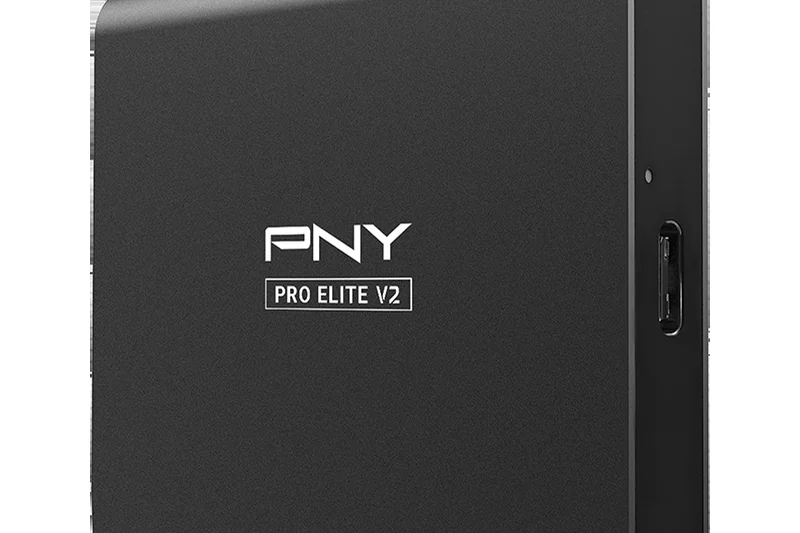
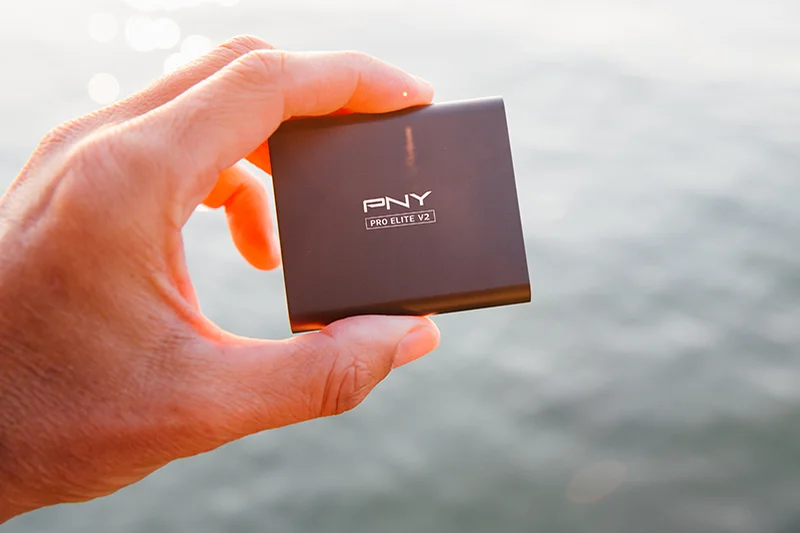
Why we picked it: The PNY Pro Elite V2 is a no-nonsense portable SSD that delivers slightly above-average speeds (1100 MB/s) over USB 3.2 Gen 2. Its sleek aluminum housing feels durable, and the inclusion of Acronis True Image software adds solid value for users looking for an easy backup solution. It is a capable mid-range performer that simply gets the job done at a fair price.
Key Specs
- Up to 1100 MB/s Read
- USB 3.2 Gen 2
- Aluminum housing
- Acronis True Image included
What we like
- Good 1100 MB/s performance
- Solid aluminum casing
- Useful bundled Acronis backup software
What we don't like
- Design is somewhat generic
- No official IP durability rating
Best for: Everyday users looking for a straightforward, fast backup drive with included software.
Considering the PNY Pro Elite V2 vs the Crucial X9 Pro? The Crucial is much smaller and has an IP55 rating, making it a slightly better overall package.
A competent, well-built SSD backed by highly useful bundled backup software.
Buy at PNY official site#19 Samsung T5 EVO Portable SSD (8TB)
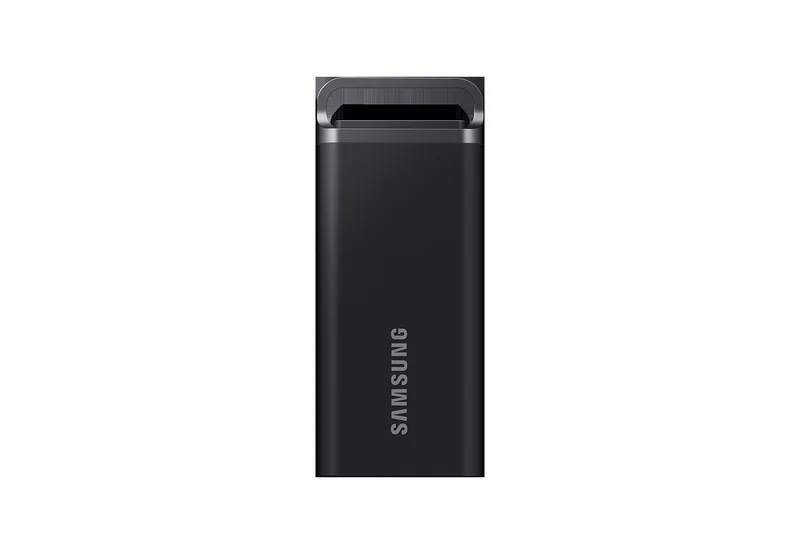
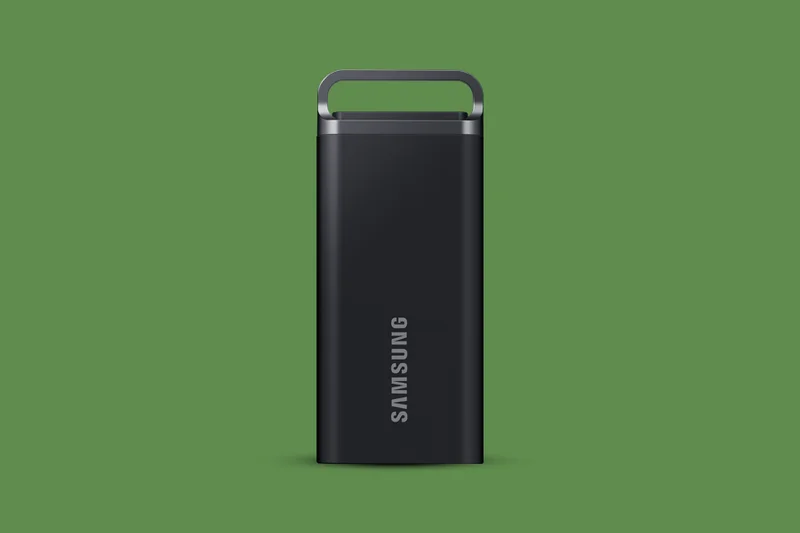
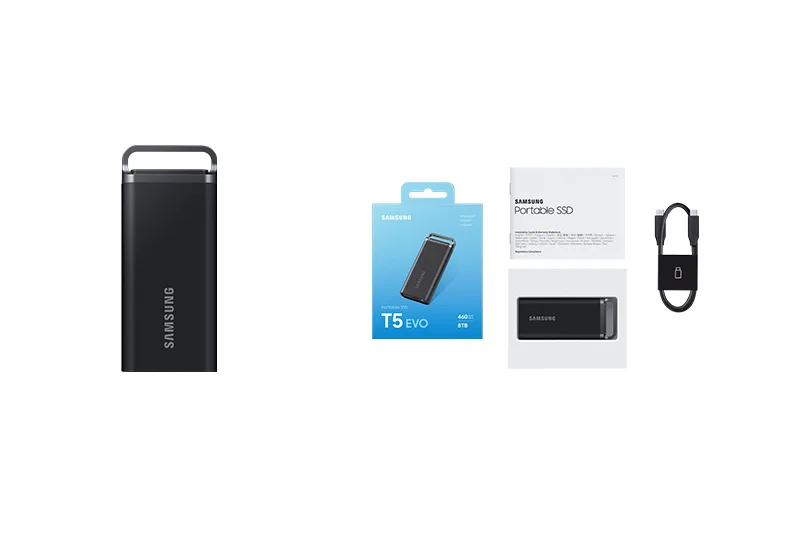
Why we picked it: The Samsung T5 EVO is unique: it trades speed for massive capacity. Delivering only 460 MB/s (slower than modern NVMe SSDs, but much faster than HDDs), it manages to cram an incredible 8TB of solid-state storage into a portable, rubberized form factor with a carabiner loop. It scores decently due to its massive capacity and reliability, though the slow speed drastically hurts its overall ranking.
Key Specs
- Up to 460 MB/s Read/Write
- Massive 8TB SSD Capacity
- USB 3.2 Gen 1
- Metal loop for carabiner
What we like
- Unbelievable 8TB capacity in a portable size
- Rugged, drop-resistant design with metal loop
- Excellent Samsung reliability
What we don't like
- Slow 460 MB/s speeds for an SSD
- Very expensive upfront cost
Best for: Data hoarders and videographers who need massive storage capacity in the field without the fragility of an HDD.
Considering the T5 EVO vs a Desktop HDD? The EVO is portable and drop-resistant, but you pay a massive premium over a standard 8TB HDD.
A massive 8TB portable SSD that prioritizes sheer capacity and ruggedness over transfer speed.
Buy at Samsung official site#20 Seagate FireCuda Gaming SSD (1TB)
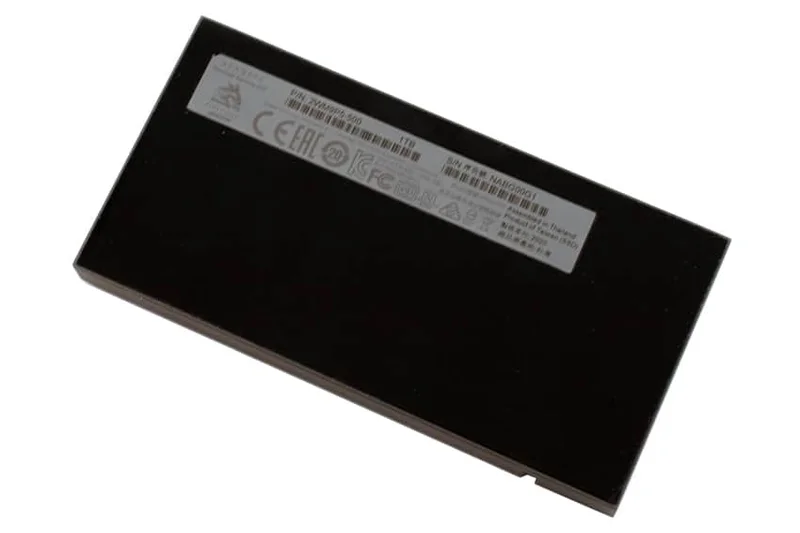
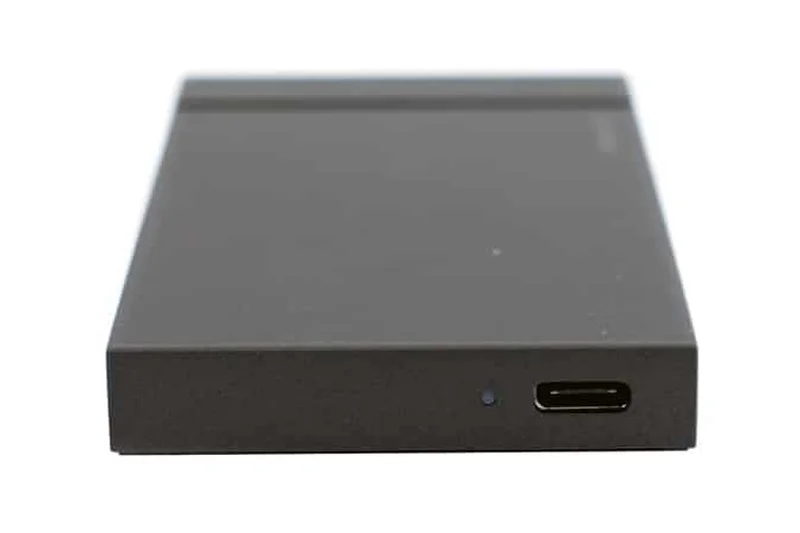
Why we picked it: Aimed squarely at gamers, the Seagate FireCuda Gaming SSD features customizable RGB lighting and an aggressive aluminum chassis. Internally, it boasts a fast USB 3.2 Gen 2x2 interface capable of 2000 MB/s. It scores well in speed and connectivity, making it a great external drive for storing massive PC game libraries, though you pay a "gamer tax" that lowers its value score.
Key Specs
- Up to 2000 MB/s Transfer Speed
- USB 3.2 Gen 2x2
- Customizable RGB LEDs
- Aluminum chassis
What we like
- Fast 2000 MB/s load times for gaming
- Sleek aluminum build with customizable RGB
- Good sustained performance
What we don't like
- More expensive due to gamer branding
- RGB requires Seagate software to customize
Best for: PC gamers looking to expand their storage without sacrificing load times or aesthetics.
Considering the FireCuda Gaming SSD vs the WD_BLACK P50? Both offer 2000 MB/s for gamers, but the FireCuda adds RGB flair while the WD_BLACK looks more industrial.
A high-speed, flashy SSD designed perfectly to complement modern gaming setups.
Buy at Seagate official site#21 WD_BLACK P50 Game Drive SSD (1TB)
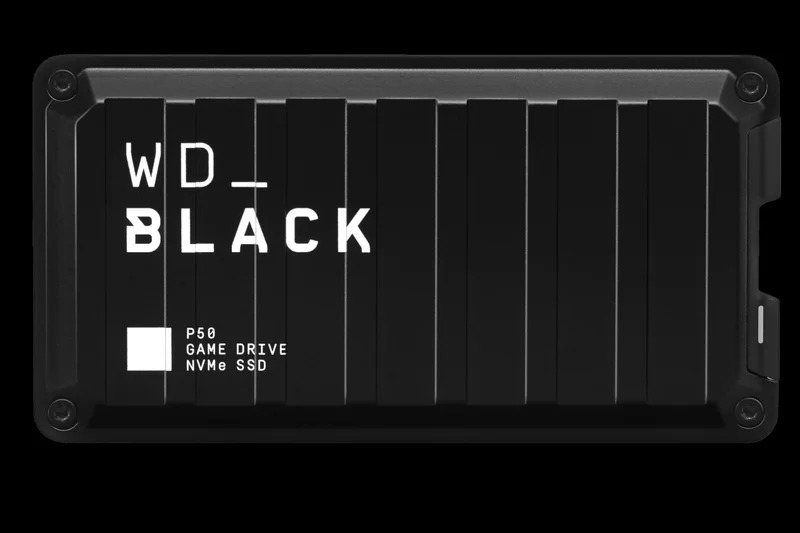
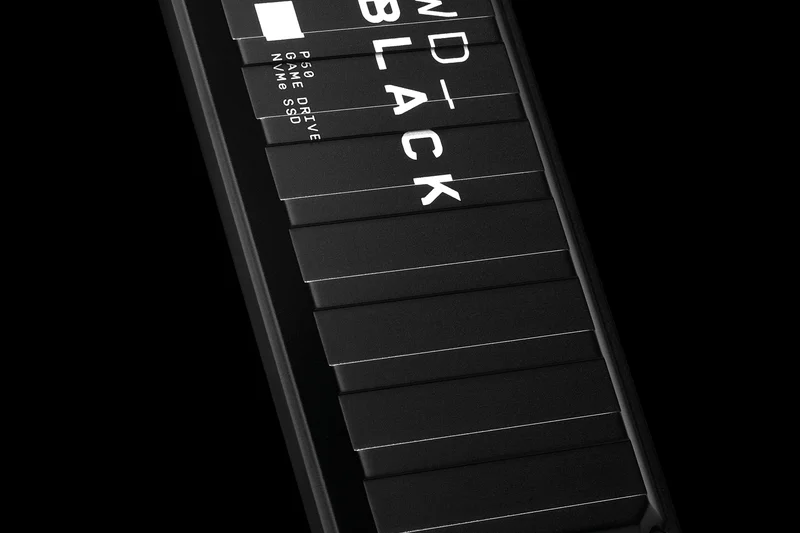
Why we picked it: The WD_BLACK P50 is an industrial-looking, highly durable SSD aimed at console and PC gamers. It was one of the first drives to adopt USB 3.2 Gen 2x2, delivering 2000 MB/s speeds. Its forged metal cover provides excellent shock resistance. It scores well in durability and speed but loses out on cost-per-terabyte compared to newer non-gaming branded SSDs.
Key Specs
- Up to 2000 MB/s Transfer Speed
- USB 3.2 Gen 2x2
- Shock-resistant
- Optimized for gaming consoles & PCs
What we like
- Industrial, highly durable metal chassis
- Fast 2000 MB/s transfer speeds
- Great sustained write performance
What we don't like
- Pricey compared to standard 2000 MB/s drives
- Slightly heavier than average portable SSDs
Best for: Gamers wanting a tough, fast external drive to store and run their PC or console libraries.
Considering the WD_BLACK P50 vs the Samsung T9? The T9 offers similar speeds with hardware encryption at a better price point, though the P50 has a unique gamer aesthetic.
A tough, fast gaming SSD with an unmistakable military-industrial design.
Buy at Western Digital official site#22 Seagate One Touch Portable HDD (4TB)
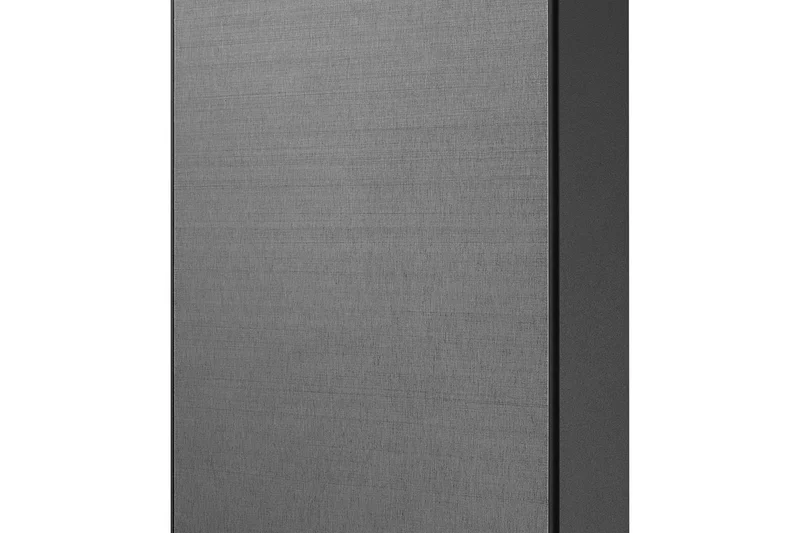
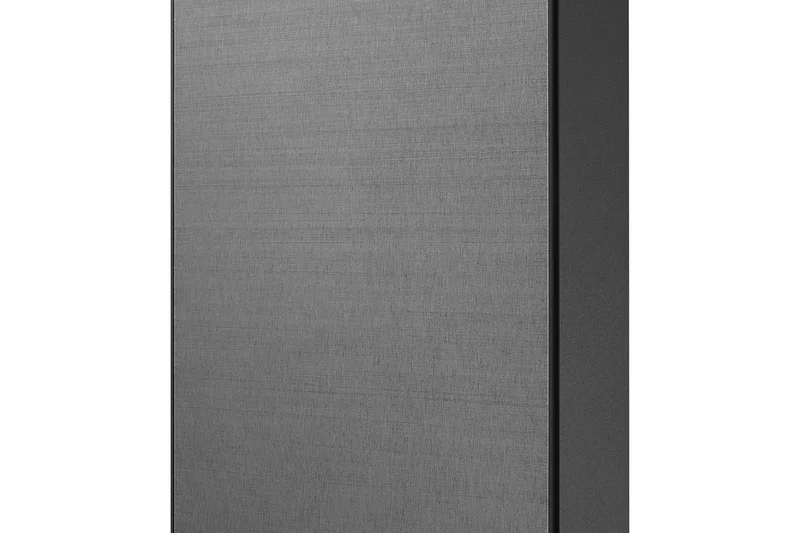
Why we picked it: The Seagate One Touch is the first traditional hard drive (HDD) on our overall list. It scores a phenomenal 9/10 in Cost/TB, offering massive 4TB storage for around £110. It also features a sleek textured metal finish and includes hardware encryption and backup software. Naturally, its 130 MB/s speeds and fragile mechanical nature drag down its overall score, but it remains an excellent budget backup choice.
Key Specs
- 4TB Capacity
- USB 3.2 Gen 1
- Hardware encryption
- Textured metal finish
What we like
- Incredible value for 4TB of storage
- Includes hardware encryption
- Sleek and attractive design for an HDD
What we don't like
- Slow HDD transfer speeds (~130 MB/s)
- Vulnerable to damage from drops
Best for: Users needing cheap, massive storage for desk-based backups where speed is not a priority.
Considering the Seagate One Touch vs the WD My Passport? Both are excellent 4TB HDDs, but the Seagate's metal finish feels slightly more premium than WD's plastic.
A high-capacity, low-cost portable HDD that excels at basic data archiving.
Buy at Seagate official site#23 WD My Passport Ultra (2TB)
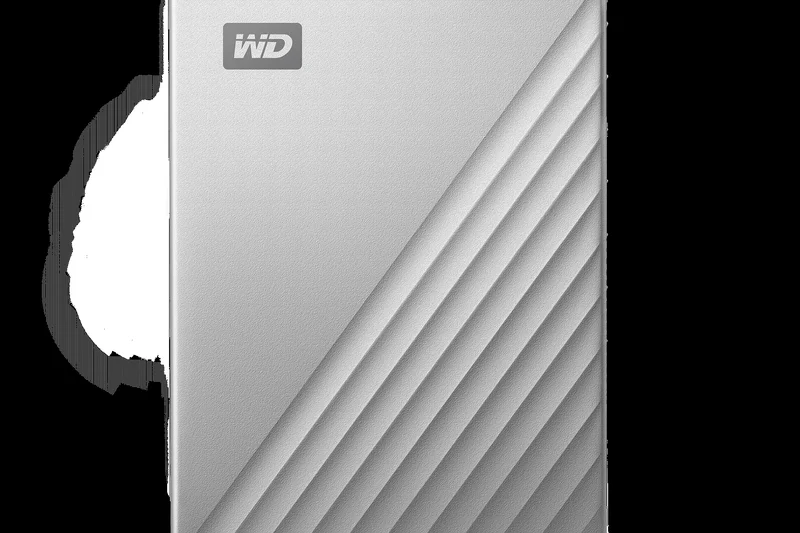
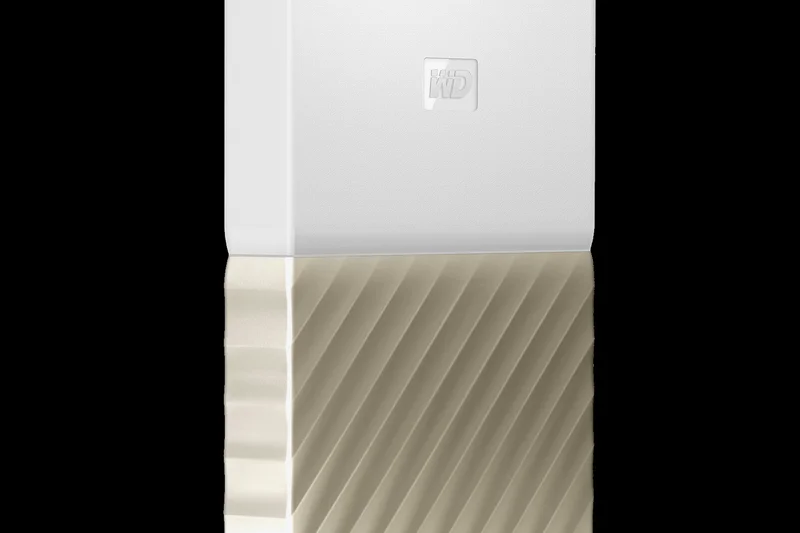
Why we picked it: The WD My Passport Ultra elevates the standard portable HDD with a premium metal cover and out-of-the-box USB-C compatibility. It scored an impressive 9/10 in Security due to its strong 256-bit AES hardware encryption. While it suffers from the same slow mechanical speeds as all HDDs, its premium feel and robust security make it a top choice for archiving sensitive files on a budget.
Key Specs
- 2TB Capacity
- USB-C ready
- Hardware encryption
- Premium metal cover
What we like
- Premium metal enclosure
- USB-C compatibility out of the box
- Excellent 256-bit AES encryption
What we don't like
- Slow mechanical speeds
- Not drop-resistant
Best for: Professionals wanting an elegant, secure HDD for office backups.
Considering the My Passport Ultra vs the standard My Passport? The Ultra provides a metal chassis and native USB-C, which is well worth the small price premium.
An elegant and secure portable hard drive featuring modern USB-C connectivity.
Buy at Western Digital official site#24 WD My Passport Portable HDD (4TB)
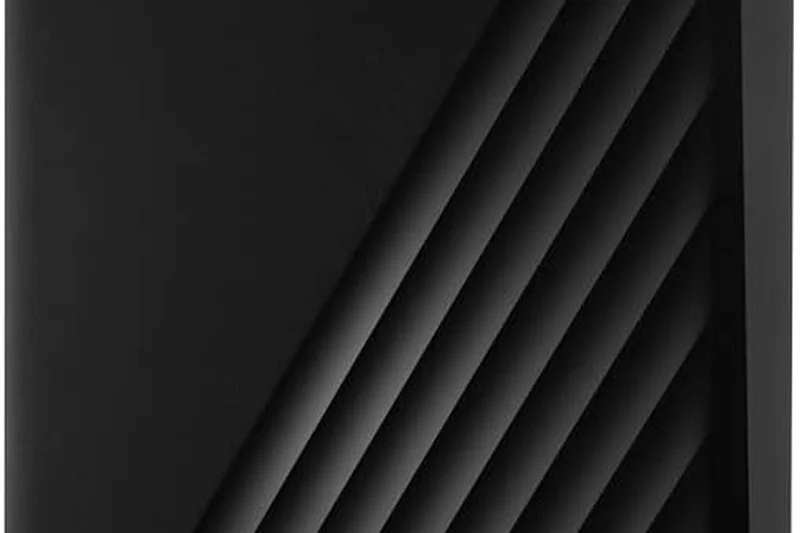
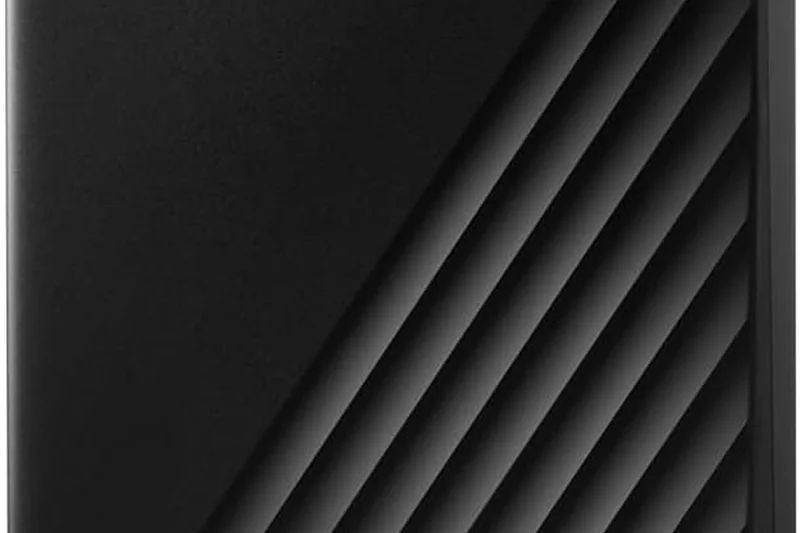
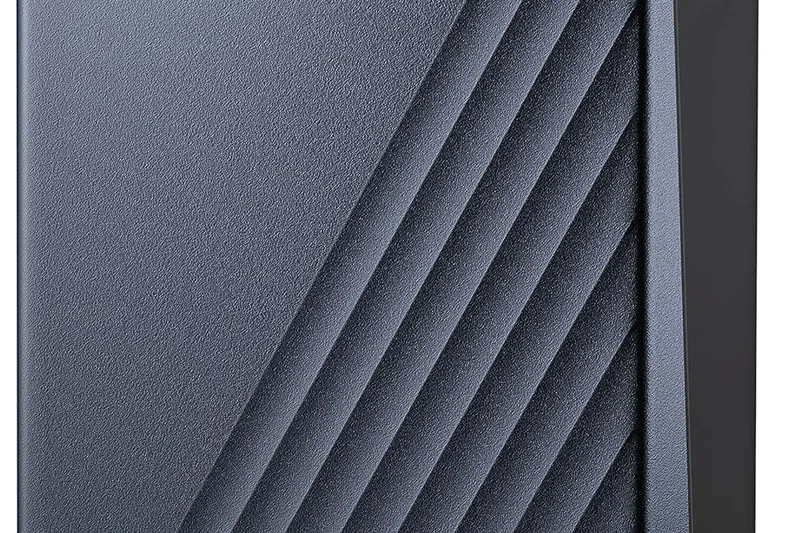
Why we picked it: The standard WD My Passport is a classic. It provides 4TB of storage at a highly aggressive price point, earning a 9/10 in Cost/TB. It also includes 256-bit AES hardware encryption and auto-backup software. As a plastic mechanical drive, it scored low on durability and speed (3/10), but for pure economical archiving, it continues to be a global best-seller.
Key Specs
- 4TB Capacity
- USB 3.2 Gen 1 (5 Gbps)
- 256-bit AES hardware encryption
- Auto backup software included
What we like
- Extremely affordable high-capacity storage
- Reliable hardware encryption
- Easy-to-use backup software
What we don't like
- Plastic build feels somewhat cheap
- Slow mechanical transfer rates
Best for: Students and home users needing lots of backup space for very little money.
Considering the WD My Passport vs an entry-level SSD? The SSD will be 10x faster and survive drops, but the HDD gives you 4x the storage capacity for the same price.
The quintessential budget backup drive offering massive capacity and reliable encryption.
Buy at Western Digital official site#25 SanDisk Professional G-Drive ArmorATD (4TB)
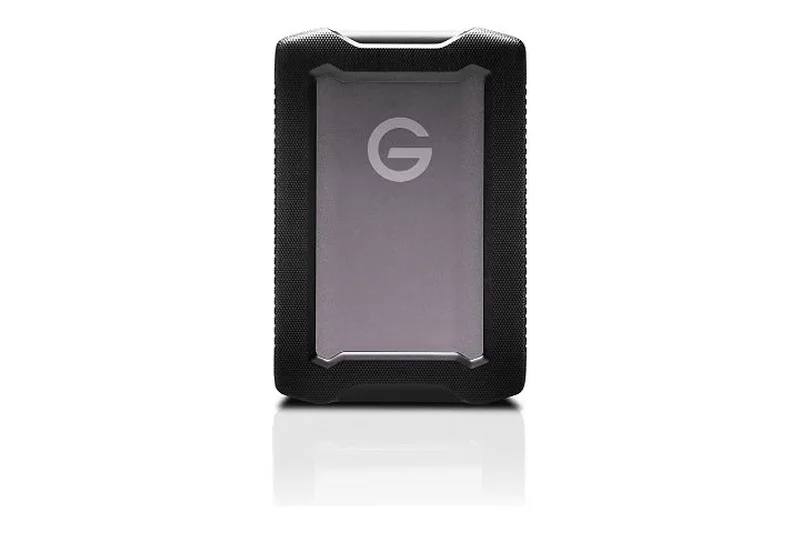
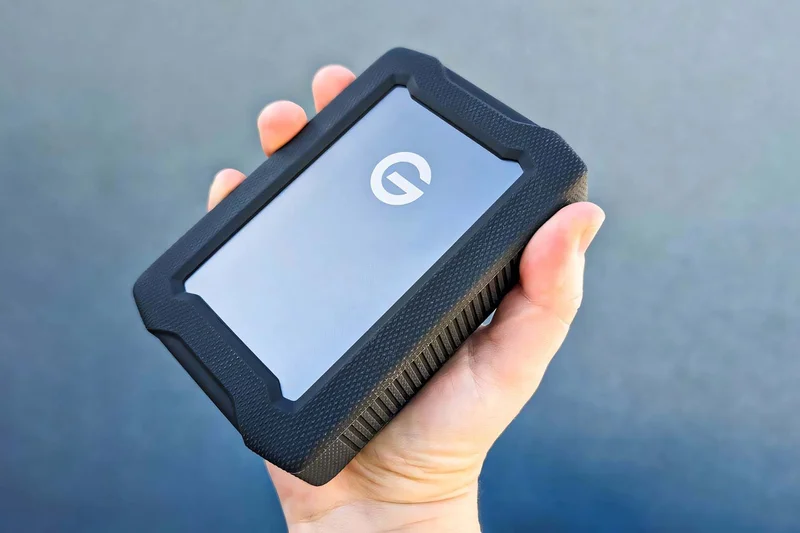
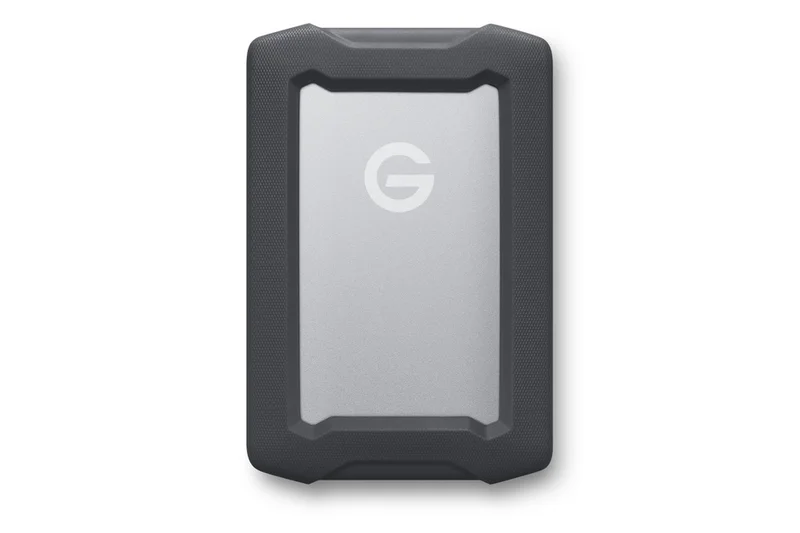
Why we picked it: The G-Drive ArmorATD attempts to solve the HDD fragility problem. Encased in an aluminum shell with rubber bumpers and internal shock mounts, it boasts crush resistance up to 1000 lbs and an IP54 rain/dust rating. It scored a very high 9/10 for durability—rare for a mechanical drive. While still slow, it is the best HDD option for field workers on a budget.
Key Specs
- 4TB Capacity
- USB-C (5 Gbps)
- IP54 rain & dust resistance
- Crush resistance up to 1000 lbs
What we like
- Incredibly tough for a mechanical HDD
- High 4TB capacity
- IP54 rain and dust protection
What we don't like
- Still vulnerable to extreme drops due to internal spinning disks
- Slow HDD speeds
Best for: Budget-conscious outdoor photographers who need massive capacity in the field.
Considering the ArmorATD vs the LaCie Rugged Mini? The ArmorATD offers superior crush resistance and a more premium aluminum internal chassis.
A ruggedized mechanical hard drive that offers field protection without sacrificing capacity.
Buy at Western Digital official site#26 WD_BLACK P10 Game Drive HDD (5TB)
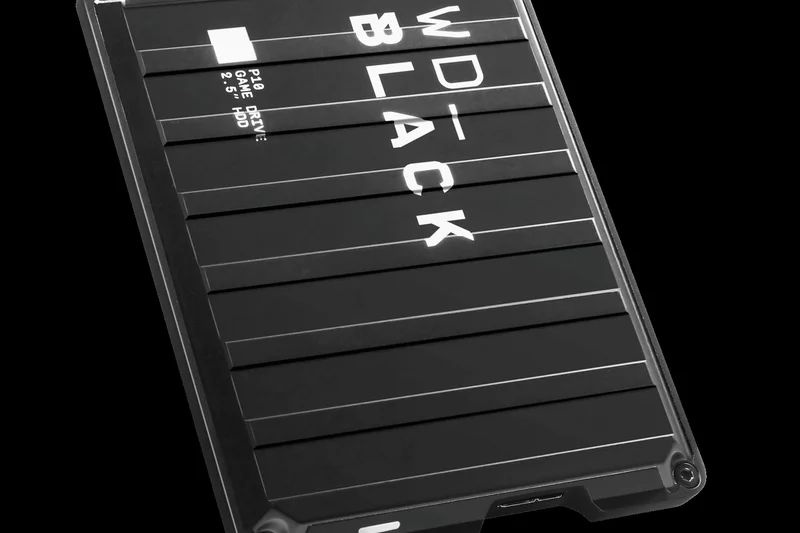
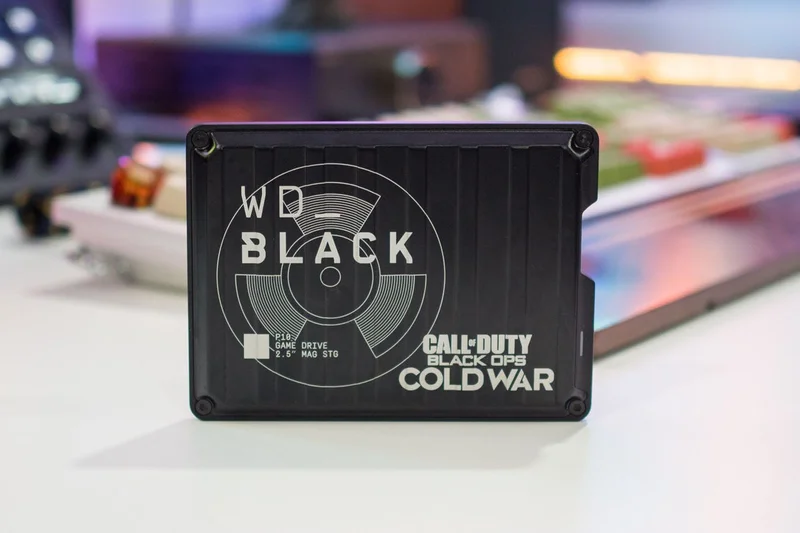
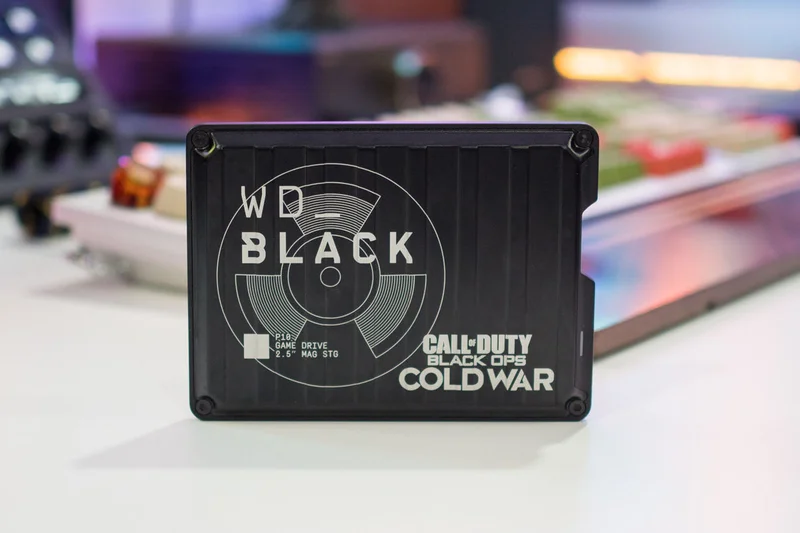
Why we picked it: The WD_BLACK P10 provides 5TB of portable mechanical storage inside a durable, military-style metal cover. Designed for console gamers needing to store dozens of massive games, it scored a 9/10 in Value. While its 130 MB/s speed means you won't want to load current-gen games directly from it, it serves as an excellent cold-storage "vault" for your gaming library.
Key Specs
- 5TB Capacity
- USB 3.2 Gen 1
- Up to 130 MB/s
- Durable metal cover
What we like
- Massive 5TB capacity in a portable size
- Cool industrial metal aesthetic
- Great for cold-storing console games
What we don't like
- Slow mechanical speeds
- Cannot play modern PS5/Xbox Series X games directly from it
Best for: Console gamers looking for a massive, stylish vault to store downloaded games.
Considering the P10 vs the standard WD Elements? The P10 features a much tougher metal enclosure and gaming-focused aesthetics for a slight price bump.
A massive, metal-clad 5TB portable HDD perfect for archiving enormous game libraries.
Buy at Western Digital official site#27 Seagate Backup Plus Slim (2TB)
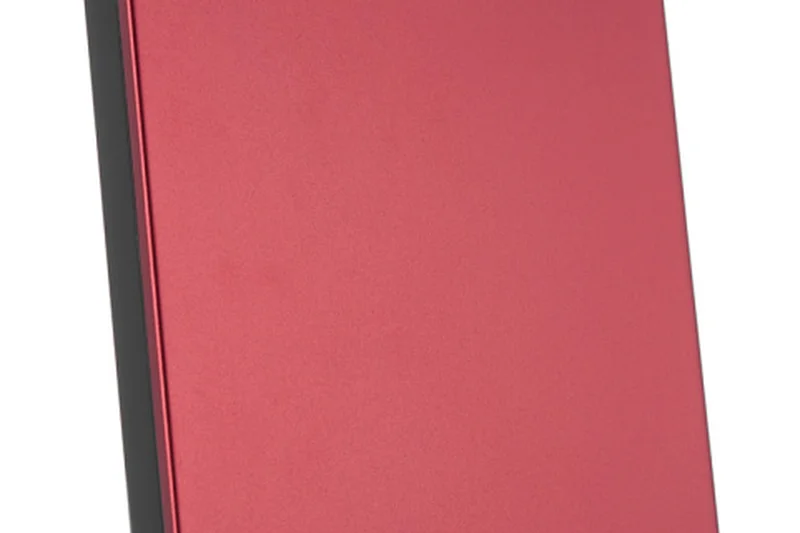
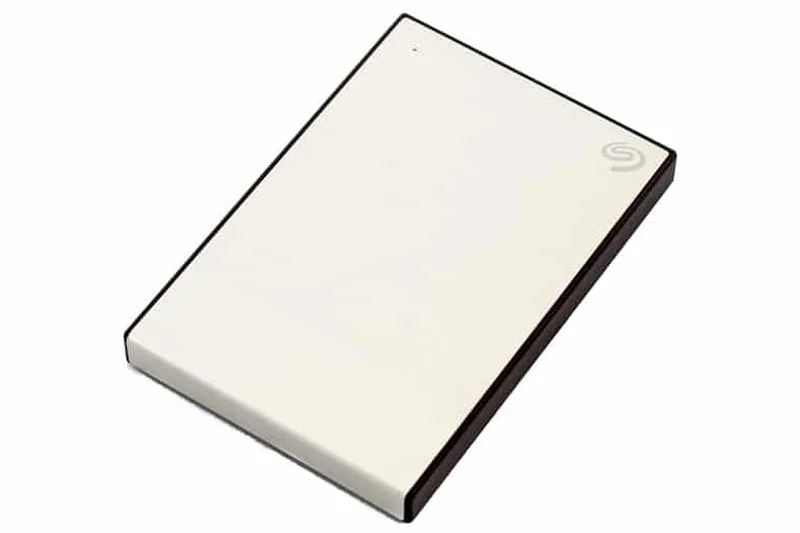
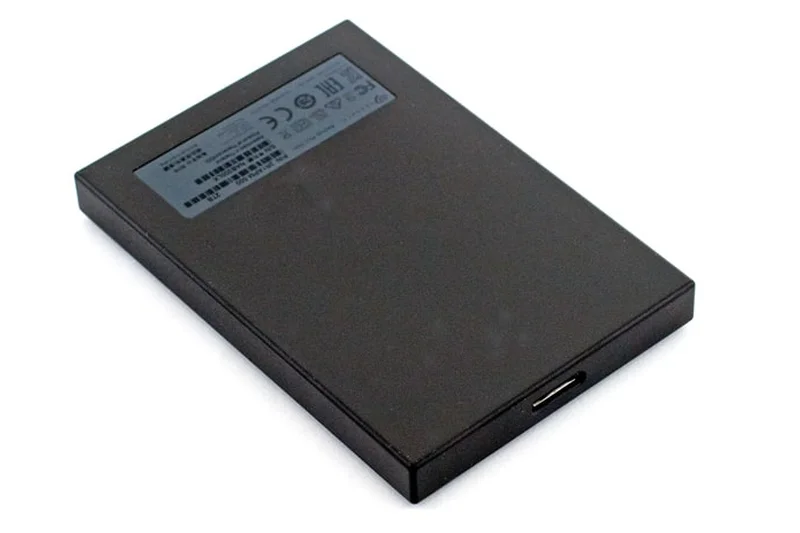
Why we picked it: The Seagate Backup Plus Slim is a venerable, highly portable mechanical drive. It features a slim metal top plate that feels premium while slipping easily into a laptop bag. With 2TB of capacity at a very low price, it scored highly in value and portability (for an HDD). However, it lacks hardware encryption and is relatively fragile.
Key Specs
- 2TB Capacity
- USB 3.0
- Slim metal design
- Sync software included
What we like
- Very slim and easy to travel with
- Attractive metal top plate
- Great value for 2TB
What we don't like
- Fragile internal mechanical parts
- No hardware encryption
Best for: Users seeking a basic, slim, and affordable mechanical drive for routine file backups.
Considering the Backup Plus Slim vs the Toshiba Canvio Basics? The Seagate offers a slightly more premium metal build and better bundled software.
A sleek, slimline portable hard drive that provides straightforward, affordable storage.
Buy at Seagate official site#28 LaCie Rugged Mini External HDD (2TB)
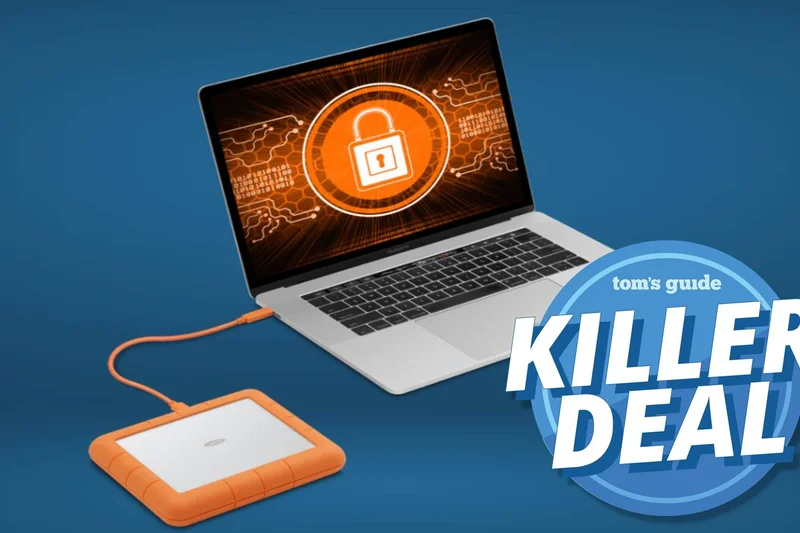
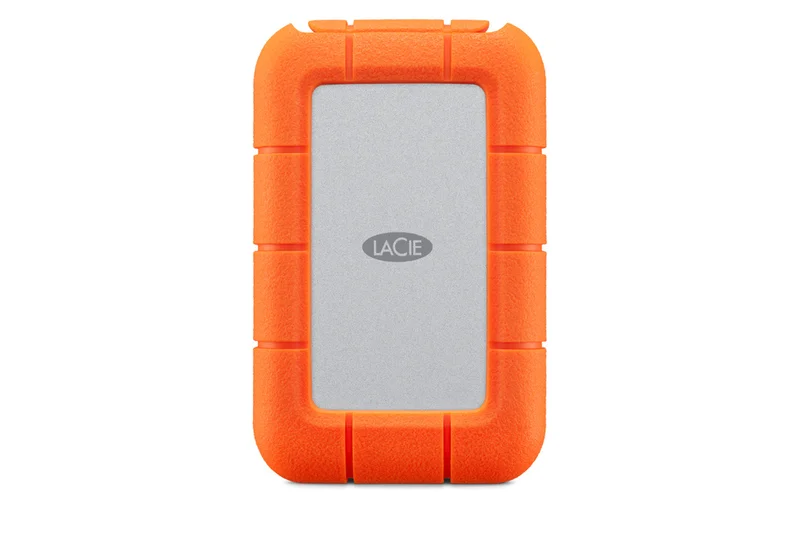
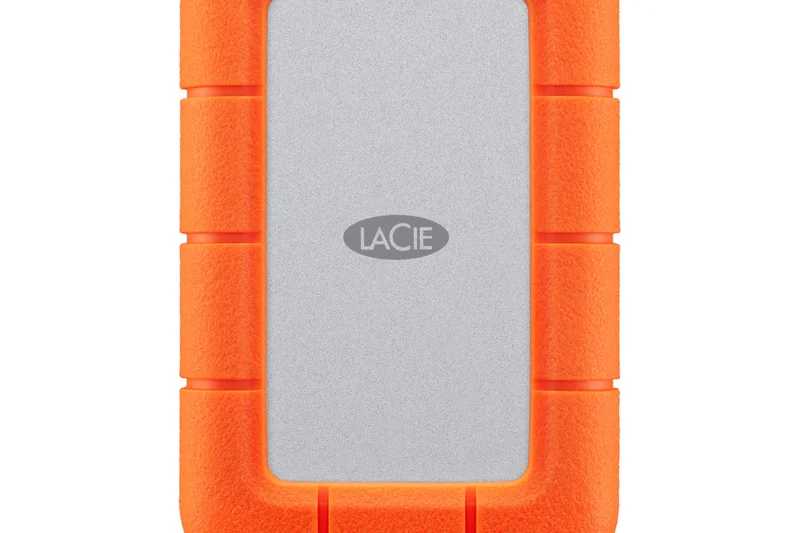
Why we picked it: Recognizable by its iconic orange rubber bumper, the LaCie Rugged Mini provides drop, shock, and pressure resistance for a traditional hard drive. It scored an 8/10 in durability—excellent for an HDD. While it suffers from the usual 130 MB/s speed limit, it provides filmmakers and students a safer way to transport massive files compared to unarmored drives.
Key Specs
- Up to 130 MB/s Transfer Speed
- USB 3.0
- Shock, drop, and pressure resistance
- Iconic orange rubber bumper
What we like
- Iconic, highly protective rubber bumper
- Rain and pressure resistant
- Affordable rugged capacity
What we don't like
- Slow mechanical drive speeds
- Bulky compared to non-rugged drives
Best for: Students and creatives who want cheap, ruggedized storage for tossing into a backpack.
Considering the LaCie Rugged Mini vs the LaCie Rugged SSD? The Mini is vastly cheaper per terabyte but 10x slower and technically more fragile internally.
The classic orange bumper drive offers peace of mind for traveling mechanical storage.
Buy at LaCie official site#29 SanDisk Desk Drive SSD (8TB)
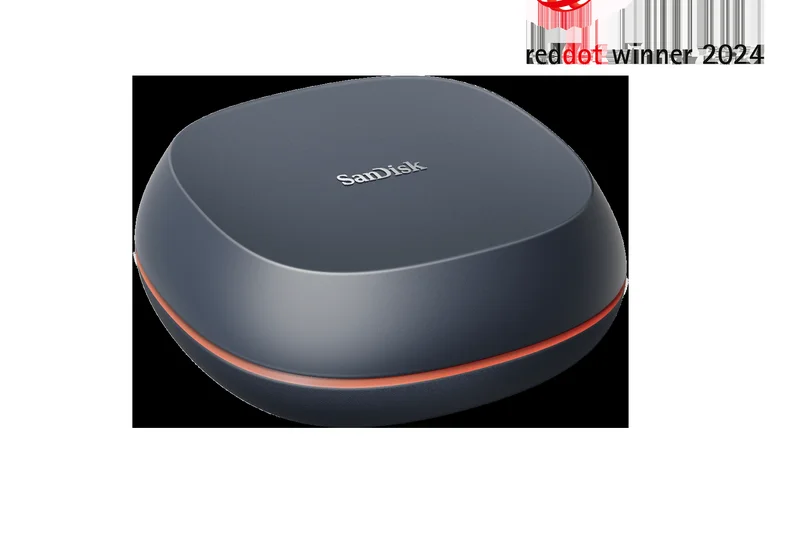
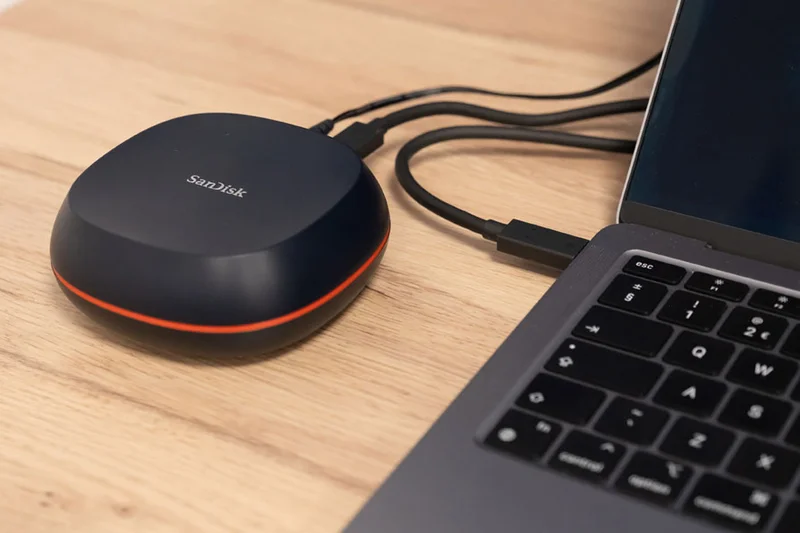
Why we picked it: A fascinating hybrid, the SanDisk Desk Drive is an 8TB SSD designed primarily to sit on your desk, requiring AC power. It delivers 1000 MB/s speeds at a massive capacity. It scored poorly in portability (3/10) because it isn't bus-powered, but it won our "Best Premium" award for users who need massive, silent, and incredibly fast desktop storage.
Key Specs
- Up to 1000 MB/s Transfer Speed
- Massive 8TB SSD Capacity
- AC Powered
- USB 3.2 Gen 2
What we like
- Massive 8TB capacity in SSD format
- Fast 1000 MB/s sustained speeds
- Completely silent operation compared to desktop HDDs
What we don't like
- Requires AC mains power
- Extremely expensive
Best for: Professional video editors needing massive, silent, and fast localized desktop storage.
Considering the Desk Drive SSD vs an 8TB HDD? The SSD is silent and 8x faster, but will cost you roughly four times as much.
A high-capacity desktop SSD that provides silent, high-speed archiving for professionals.
Buy at Western Digital official site#30 Transcend JetDrive 855 (960GB)
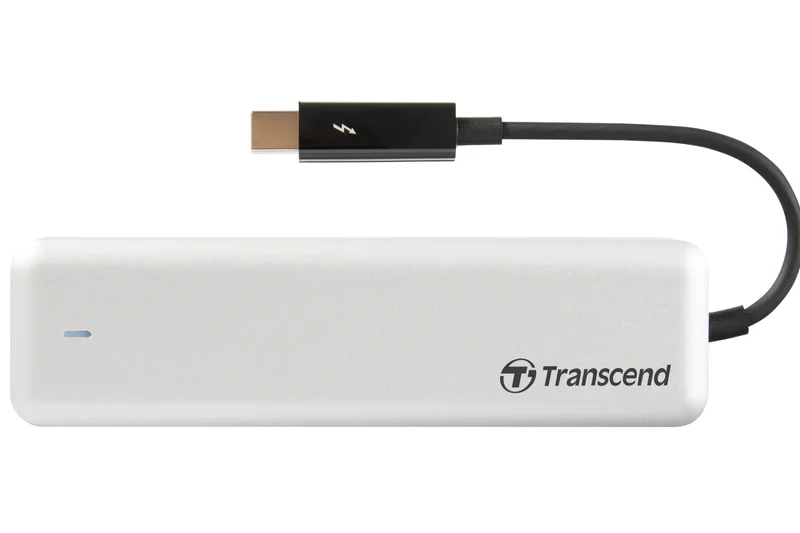
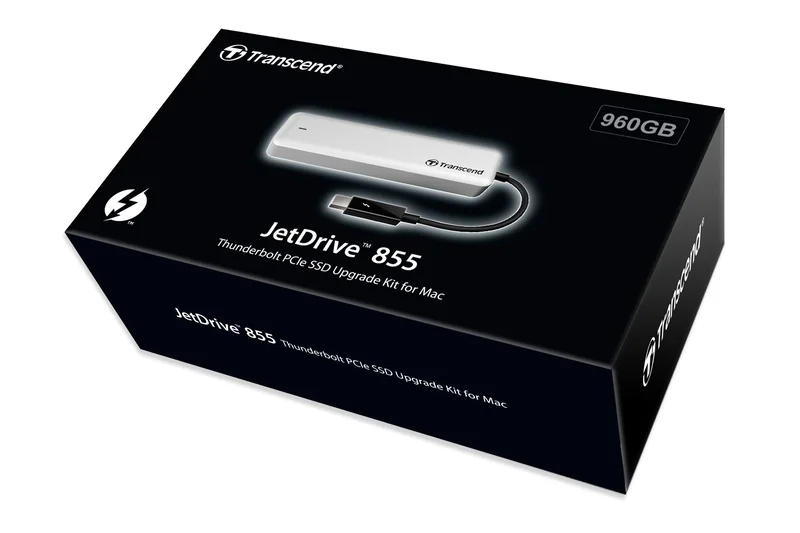
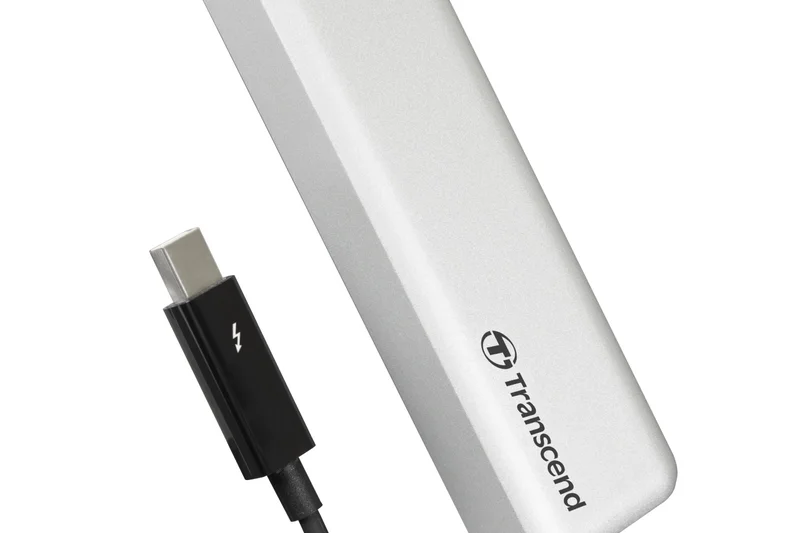
Why we picked it: Designed specifically for Mac users, the Transcend JetDrive 855 features a Thunderbolt interface and an aluminum enclosure that matches Apple's aesthetics. It comes pre-formatted for Mac and hits 1600 MB/s. However, its high cost for sub-1TB storage and older Thunderbolt 3 tech drag down its overall score, placing it lower on our list.
Key Specs
- Up to 1600 MB/s Read
- Thunderbolt interface
- Mac specific formatting
- Aluminum enclosure
What we like
- Seamless Mac integration
- Fast 1600 MB/s Thunderbolt speeds
- Premium aluminum design
What we don't like
- Very poor cost per terabyte
- Low 960GB capacity limit
Best for: Mac loyalists wanting a drive that natively matches their ecosystem out of the box.
Considering the JetDrive 855 vs the OWC Envoy Pro FX? The OWC is vastly more rugged, faster, and offers better cross-platform compatibility.
A beautifully designed Thunderbolt SSD specifically tailored for the Mac ecosystem.
Buy at Transcend official site#31 Toshiba Canvio Basics Portable HDD (2TB)
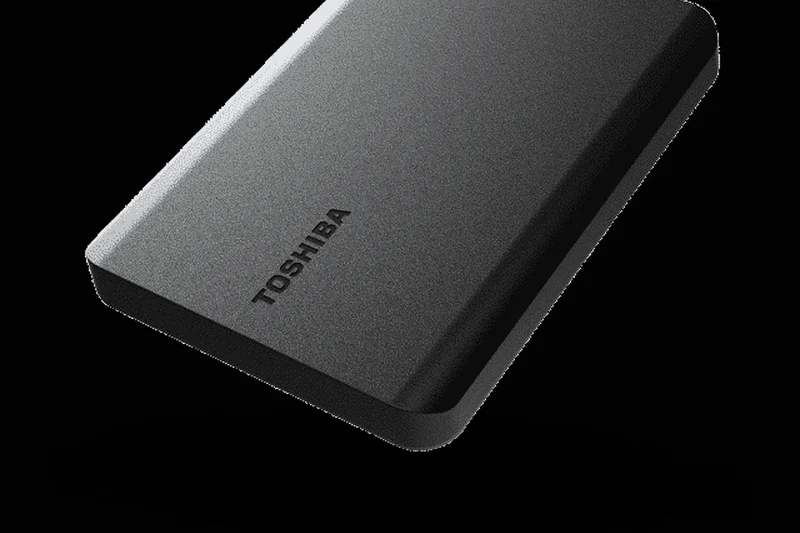
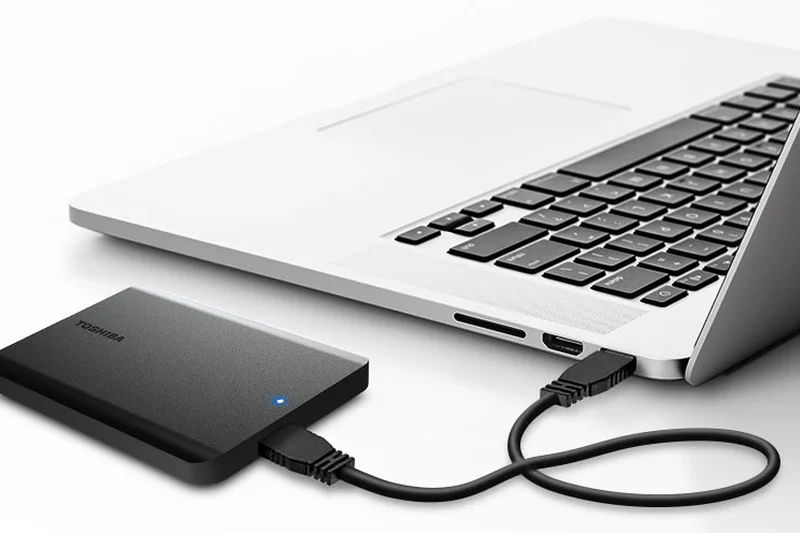
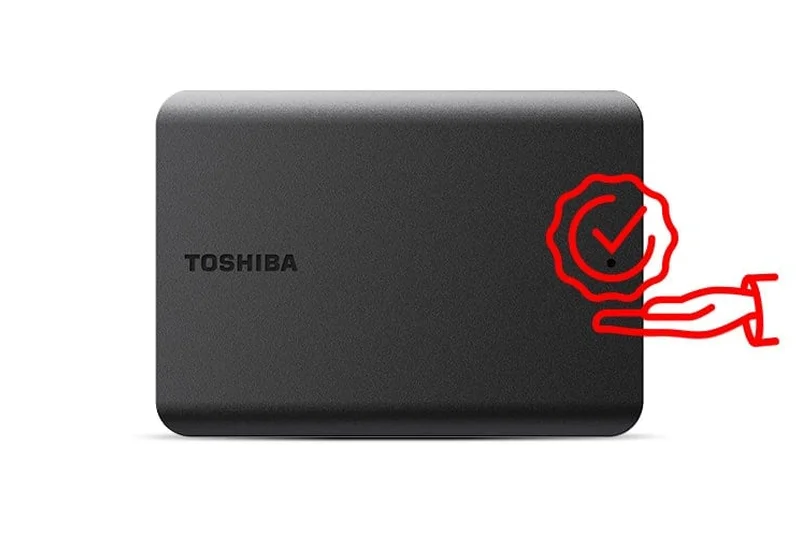
Why we picked it: The Toshiba Canvio Basics is exactly what it sounds like: a basic, highly affordable portable hard drive. Earning a 9/10 in Value, it is one of the cheapest ways to acquire 2TB of storage. It strips away hardware encryption and backup software to give you pure, plug-and-play storage. It scores low overall due to missing features, but it's a perfect budget pick.
Key Specs
- 2TB Capacity
- USB 3.2 Gen 1
- Matte black finish
- Plug-and-play
What we like
- Unbeatable rock-bottom pricing
- Simple plug-and-play operation
- Compact matte black design
What we don't like
- No hardware encryption or software
- Slow mechanical speeds
Best for: Buyers on the strictest of budgets who just need a cheap place to dump files.
Considering the Canvio Basics vs the WD Elements? Both are bare-bones budget drives, but Toshiba often edges out slightly on price discounts.
The ultimate no-frills budget hard drive for straightforward data storage.
Buy at Toshiba official site#32 WD My Book Desktop Hard Drive (8TB)
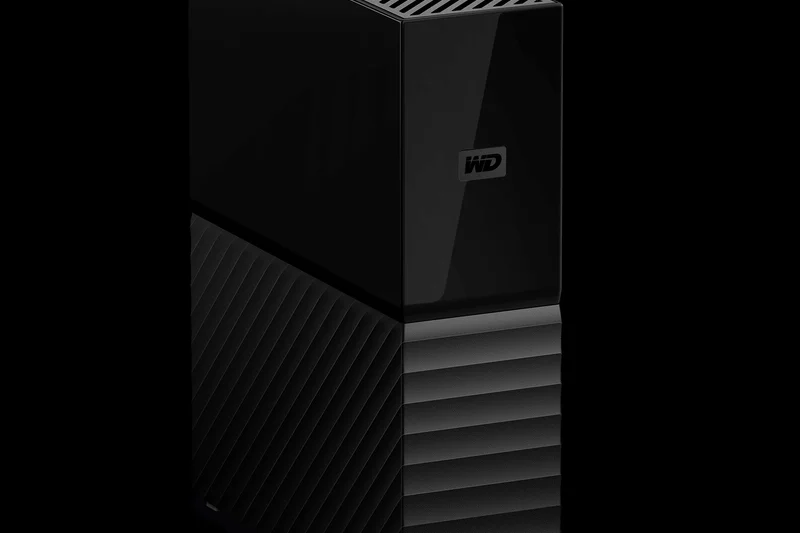
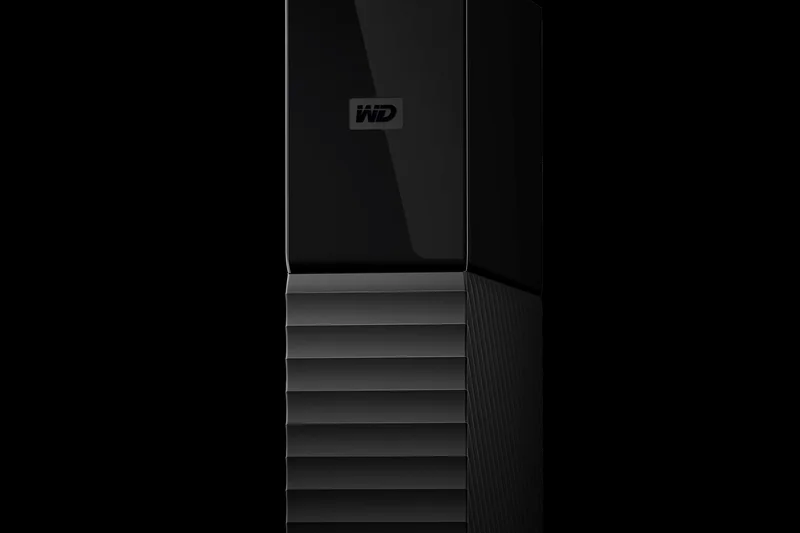
Why we picked it: The WD My Book is a massive desktop-bound mechanical drive requiring AC power. It scores a phenomenal 10/10 in Cost/TB, offering 8TB for incredibly cheap. It also features 256-bit AES encryption. Its abysmal portability (2/10) keeps it low in the overall ranking, but for pure stationary home network backups, it remains a fantastic choice.
Key Specs
- 8TB Capacity
- USB 3.0 / USB 2.0 compatible
- 256-bit AES hardware encryption
- WD Backup software
What we like
- Massive 8TB capacity for a low price
- Reliable AES hardware encryption
- Great for Time Machine or Windows Backup
What we don't like
- Requires dedicated AC power
- Large, heavy, and stationary
Best for: Home users needing a massive, stationary vault to back up their entire computer.
Considering the WD My Book vs the Seagate Expansion? The My Book offers built-in hardware encryption, making it the better choice for sensitive backups.
A highly cost-effective, high-capacity desktop drive perfect for automated home backups.
Buy at Western Digital official site#33 WD Elements Portable HDD (2TB)
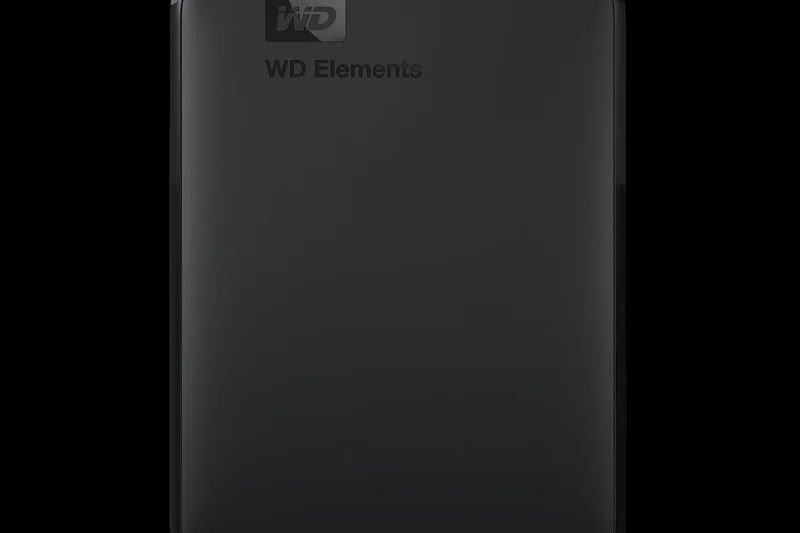
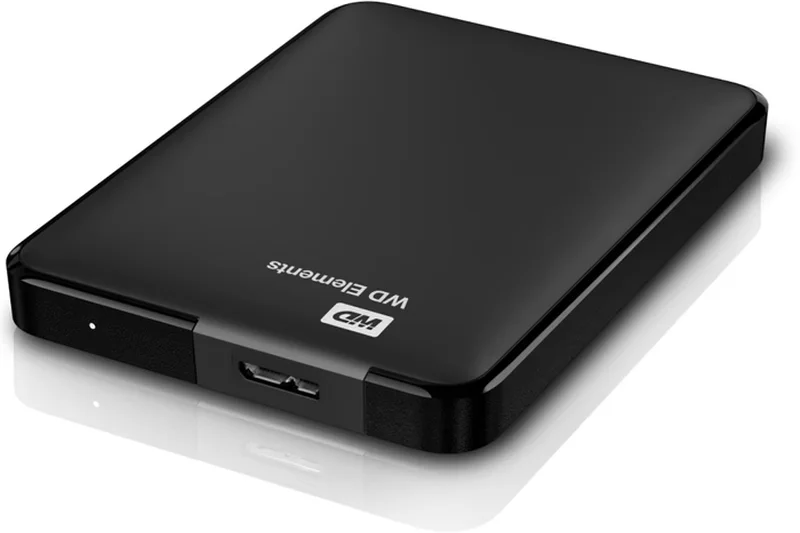
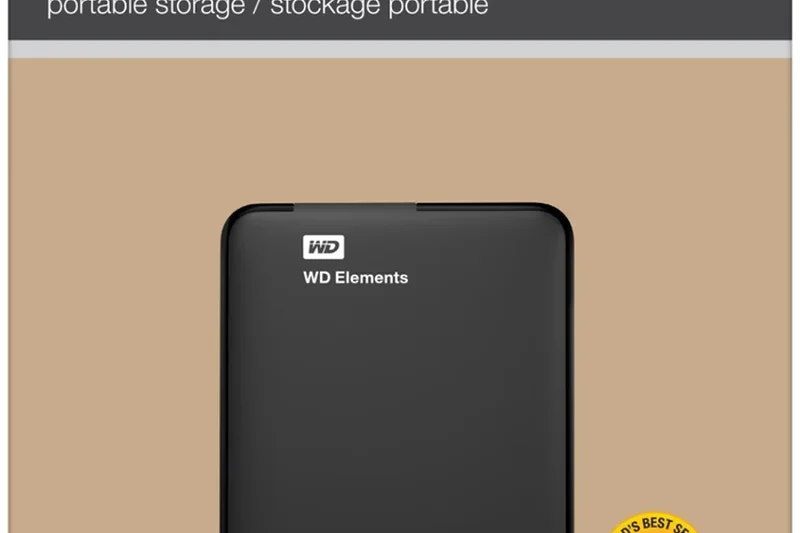
Why we picked it: The WD Elements is Western Digital's entry-level portable HDD. Similar to the Toshiba Canvio, it strips out encryption and premium materials to offer 2TB at a very low price. It provides dependable, slow mechanical storage in a compact, lightweight plastic shell. A solid, unassuming drive for basic needs.
Key Specs
- 2TB Capacity
- USB 3.2 Gen 1 (USB 3.0)
- Plug-and-play setup
- Compact lightweight design
What we like
- Very affordable
- Trusted WD reliability
- Lightweight and compact
What we don't like
- No security features
- Basic plastic build
Best for: Students or office workers who need a cheap, basic flash drive alternative.
Considering the WD Elements vs WD My Passport? Pay slightly more for the My Passport if you need password protection; otherwise, the Elements is fine.
A dependable, bare-bones portable hard drive from a highly trusted brand.
Buy at Western Digital official site#34 iStorage diskAshur2 HDD (1TB)
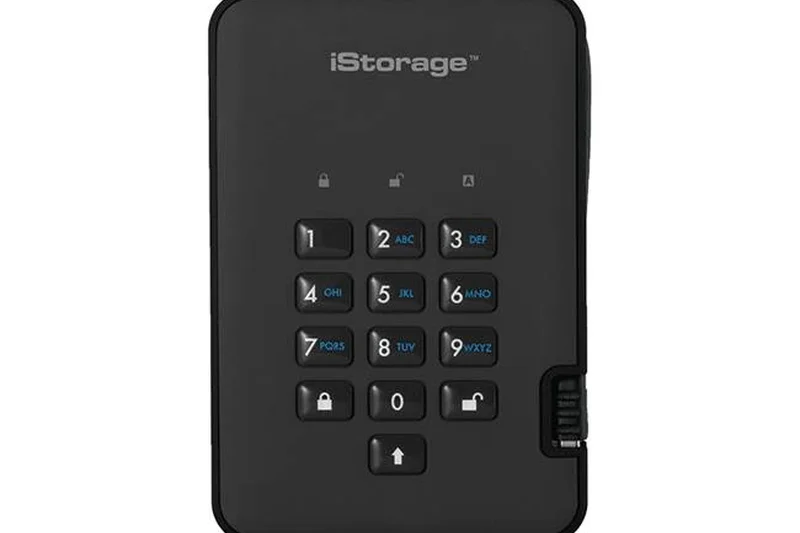
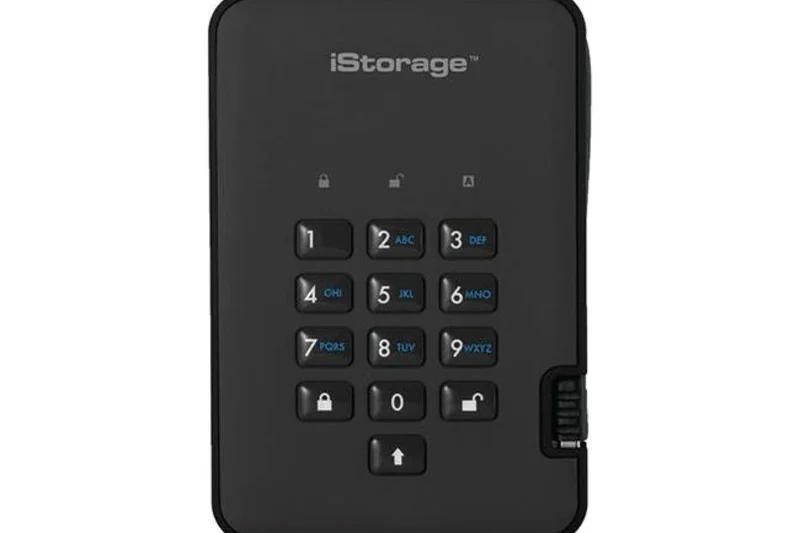
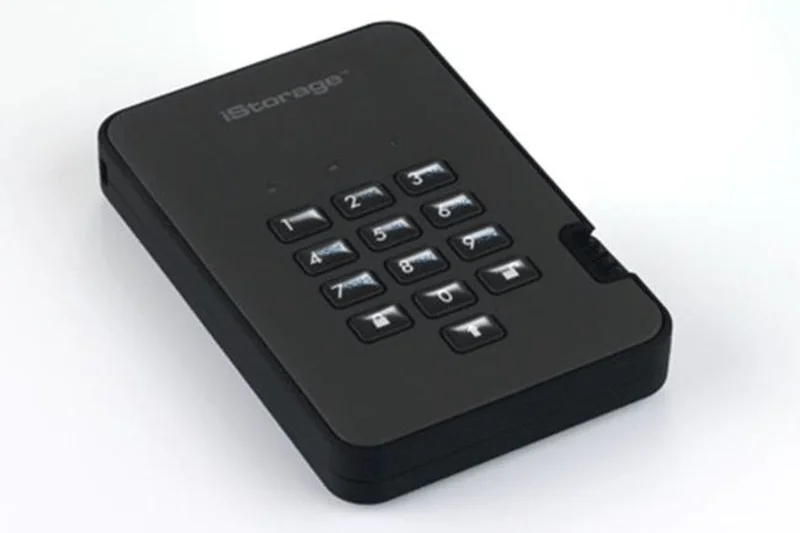
Why we picked it: The iStorage diskAshur2 is a highly specialized encrypted HDD featuring a physical PIN keypad. It scored a perfect 10/10 in Security thanks to its FIPS PUB 197 validation and AES-XTS 256-bit encryption. It physically cannot be accessed without the PIN. It ranks low overall due to its high price and slow mechanical speeds, but for ultra-secure data transport, it is unparalleled.
Key Specs
- 1TB Capacity
- PIN authenticated
- AES-XTS 256-bit hardware encryption
- FIPS PUB 197 validated
What we like
- Ultimate physical PIN security
- Military-grade FIPS validation
- Drive self-destructs data if tampered with
What we don't like
- Very expensive for 1TB HDD
- Slow mechanical speeds
Best for: Lawyers, healthcare professionals, and government workers handling highly sensitive data.
Considering the diskAshur2 vs standard hardware encryption? Software prompts can be bypassed by keyloggers; the physical keypad ensures absolute physical security.
An ultra-secure, keypad-authenticated hard drive designed for absolute data confidentiality.
Buy at iStorage official site#35 Seagate Expansion Desktop Hard Drive (14TB)
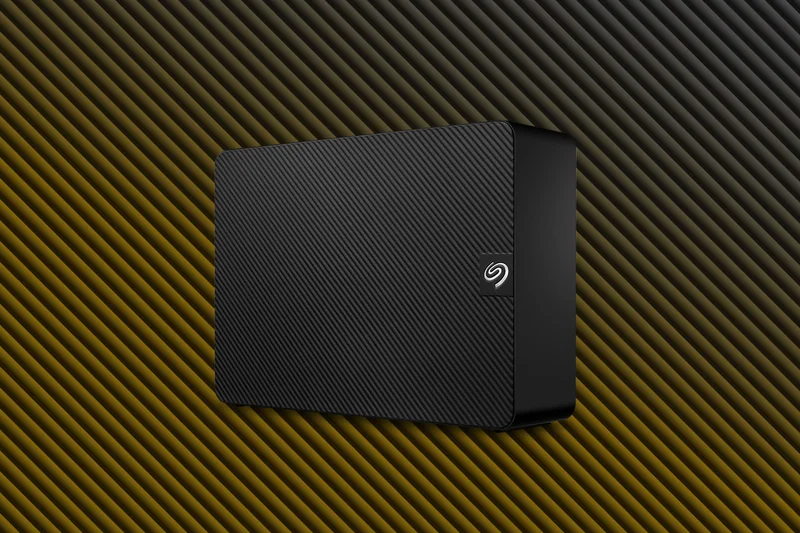
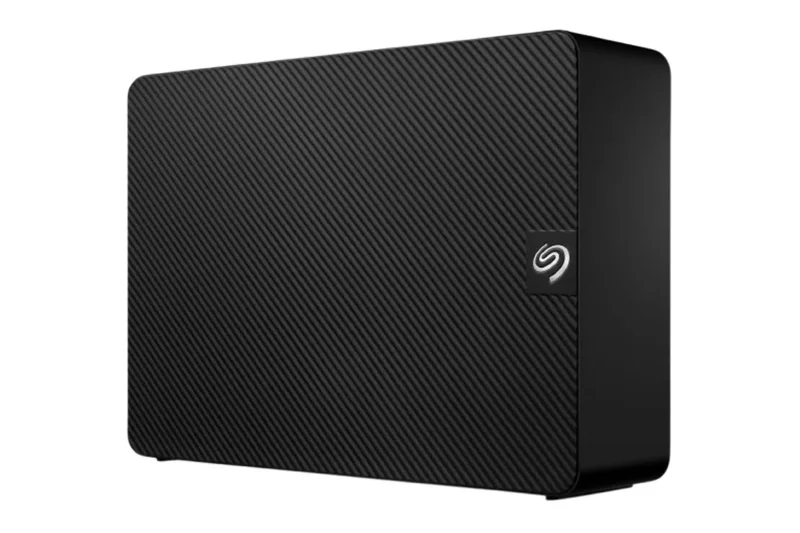
Why we picked it: The Seagate Expansion Desktop is a stationary behemoth offering an absurd 14TB of capacity. It scored a 10/10 in Value & Cost per TB, acting as the ultimate cheap data vault. Because it requires wall power and operates via spinning disks, it scored poorly in speed, portability, and durability, landing it at the bottom of a generalized overall ranking. However, for sheer localized mass storage, it is unbeatable.
Key Specs
- 14TB Massive Capacity
- USB 3.0 Interface
- Mains powered
- Rescue Data Recovery Services
What we like
- Astronomical 14TB capacity
- Unbeatable cost per terabyte
- Includes Rescue Data Recovery Services
What we don't like
- Requires AC wall power adapter
- Large, noisy, and strictly stationary
Best for: Data hoarders, server backups, and media professionals archiving massive historical projects.
Considering the Seagate Expansion vs WD My Book? The Seagate includes Data Recovery Services, which is highly valuable when storing 14TB of irreplaceable data.
The ultimate high-capacity desktop vault, offering staggering storage space at an unbeatable price.
Buy at Seagate official siteBuying Guide
Choosing the right external storage in 2026 is no longer just a question of picking the drive with the most terabytes. The shift toward ultra-fast solid-state drives (SSDs) and the ongoing relevance of traditional hard disk drives (HDDs) means you need to align your purchase with your specific workflow.
HDD vs. SSD: Making the Right Choice
The most fundamental decision is choosing between a mechanical HDD and an SSD[3]. Traditional HDDs use spinning magnetic platters and mechanical read/write heads. They are bulky, prone to damage from drops, and offer slower speeds (typically around 100–130 MB/s). However, they remain unbeatable for sheer capacity at a low price. If you need to back up a 10TB movie library and the drive will never leave your desk, a desktop HDD is the most cost-effective choice.
Conversely, portable SSDs use NAND flash memory with no moving parts[6]. They are significantly faster—often hitting 1,000 MB/s to 3,800 MB/s depending on the interface—and are highly resistant to physical shocks. For transferring 4K video, running applications directly off the drive, or traveling, an SSD is essential.
Understanding Connection Speeds
A fast SSD is useless if it's bottlenecked by a slow connection[4]. Pay close attention to the USB generation:
- USB 3.2 Gen 1 (5 Gbps): Caps out around 500 MB/s. Common on older or cheaper SSDs and standard HDDs.
- USB 3.2 Gen 2 (10 Gbps): Delivers around 1,000 MB/s. The current sweet spot for most portable SSDs.
- USB 3.2 Gen 2x2 (20 Gbps): Reaches up to 2,000 MB/s, but requires a compatible port on your PC or Mac. (Note: Many Macs do not support the 2x2 standard natively, reverting to 10 Gbps speeds).
- USB4 / Thunderbolt 4 (40 Gbps): Capable of speeds approaching 3,800 MB/s. Ideal for professional video editors using the latest hardware[14].
Durability and IP Ratings
If you plan to throw your drive into a backpack, durability matters. Look for drives with an IP (Ingress Protection) rating[2]. An IP55 rating means the drive is protected against dust and low-pressure water jets, while an IP67 or IP68 rating means it can survive being temporarily submerged in water. Drives enveloped in silicone or rubberized bumpers also provide vital drop protection, typically rated for drops of up to 2 or 3 meters.
Hardware Encryption vs. Software Passwords
For sensitive business data or personal documents, security should not be an afterthought. Many drives offer basic software-based password protection, but for true security, look for drives featuring 256-bit AES hardware encryption. Some niche drives even include physical PIN keypads, ensuring that your data remains inaccessible if the drive is lost or stolen[24].
Budgeting and Cost per Terabyte
Storage pricing fluctuates, but as a rule of thumb for 2026 pricing:
- Budget (£50–£100): You can easily secure a 2TB to 4TB portable HDD, or a 1TB entry-level portable SSD.
- Mid-Range (£100–£200): This bracket yields high-performance 2TB portable SSDs with USB 3.2 Gen 2x2 interfaces, striking the best balance of speed and capacity.
- Premium (£200+): Expect ultra-rugged enclosures, USB4 / Thunderbolt speeds, or massive desktop capacities (8TB to 14TB+).
Always calculate the cost per terabyte before purchasing. A heavily discounted drive might seem like a bargain until you realize you're paying a premium per gigabyte compared to a slightly larger capacity model.
FAQ
What is the difference between an external HDD and an SSD?
An HDD (Hard Disk Drive) uses spinning magnetic platters and mechanical arms to read/write data, making it cheaper and higher in capacity, but slower and prone to damage from drops. An SSD (Solid State Drive) uses flash memory with no moving parts, making it up to 20 times faster, much smaller, and highly resistant to physical shocks, though it costs more per terabyte.
Which external drive is best for Mac users?
Most modern external drives are compatible with Macs, but drives with Thunderbolt 3/4 or USB4 interfaces (like the OWC Envoy Pro FX or LaCie Rugged SSD4) offer the best performance. Note that some Macs do not support USB 3.2 Gen 2x2, meaning 2000 MB/s drives will operate at 1000 MB/s. Always format your drive to APFS or ExFAT for Mac compatibility.
How much storage capacity do I really need?
For general document backup and occasional photos, 1TB is plenty. If you are a photographer or gamer, 2TB to 4TB is the sweet spot. For professional videographers shooting 4K/8K or individuals backing up multiple household computers, look for desktop drives offering 8TB or more.
What does the IP55 or IP67 rating mean on an external SSD?
IP stands for Ingress Protection. The first digit represents dust protection, and the second represents water protection. IP55 means the drive is protected against dust and low-pressure water jets (rain). IP67 means the drive is completely dust-tight and can survive being submerged in 1 meter of water for 30 minutes.
Do I need USB 3.2 Gen 2x2 or Thunderbolt 4?
Only if your computer has the corresponding ports and you regularly transfer massive files (like 4K video). If your PC only has standard USB 3.0 ports, buying a 2000 MB/s Gen 2x2 drive won't give you any speed benefits over a cheaper 1000 MB/s Gen 2 drive.
How do I protect my data with hardware encryption?
Look for drives specifying '256-bit AES Hardware Encryption' (like the Samsung T9 or WD My Passport). You will set up a password using the manufacturer's software. The encryption is handled by a dedicated chip on the drive, meaning it doesn't slow down your computer and is virtually impossible to hack.
Is an external hard drive good for gaming?
For storing games, yes. For playing them, it depends. You can play older PC, PS4, or Xbox One games directly from an external HDD. However, modern PS5 and Xbox Series X/S games must be played from the internal SSD due to speed requirements; you can only use external drives for 'cold storage' of these games.
How long do external hard drives typically last?
Mechanical HDDs generally last 3 to 5 years of regular use before mechanical wear increases failure risk. SSDs can last significantly longer—often 5 to 10 years—because they have no moving parts, assuming they aren't subjected to extreme heat or massive daily write cycles.
Can I use a portable SSD for video editing?
Absolutely. Portable SSDs delivering 1000 MB/s or higher are excellent for video editing. You can comfortably edit 4K footage directly off the drive without transferring it to your internal computer storage, saving immense amounts of time.
Should I buy a desktop drive or a portable drive?
If you need more than 4TB of storage and plan to leave the drive permanently connected to your desk for automated backups, buy a desktop drive (requires a wall plug). If you travel, commute, or want to avoid cable clutter, buy a bus-powered portable drive.
What is the Selection Logic M2 Multi-Dimensional Evaluation?
It is a standardized scoring framework we use to test products. Instead of assigning an arbitrary 'best overall' title, the M2 method forces us to score each product mathematically across distinct dimensions (like speed, cost, durability) so buyers can see exactly where a product excels or fails.
Why do portable SSDs cost more per terabyte?
SSDs use complex semiconductor NAND flash memory chips, which are more expensive to manufacture than the magnetic spinning aluminum/glass platters used in HDDs. You are paying for the miniaturization, speed, and physical resilience.
How does the formatting (exFAT vs. NTFS) affect my drive?
NTFS is the default file system for Windows, but Macs can only read (not write) to NTFS. APFS is for Macs, but Windows cannot read it. Formatting your drive to exFAT allows both Windows and Mac computers to read and write to the drive seamlessly.
Is it worth paying extra for a ruggedized drive?
If you buy a mechanical HDD, ruggedization (like the LaCie Rugged Mini) adds vital protection against bumps that would otherwise destroy the fragile spinning disks. For SSDs, standard drives are already shock-resistant, but ruggedized versions add excellent water and dust resistance for field workers.
Methodology
Our scoring and ranking engine is built upon the M2 Multi-Dimensional Evaluation framework established by Selection Logic[1]. Instead of relying on gut feelings, we systematically evaluate each of the 35 external drives across seven distinct dimensions to provide a truly objective overview.
Scoring Dimensions and Weights
The baseline "Best Overall" scenario uses the following weighting system:
- Read & Write Speeds (20%): We evaluate both sequential speeds (for large video files) and random speeds (for everyday software operations). NVMe-based SSDs inherently score much higher than spinning HDDs.
- Value & Cost per Terabyte (20%): We divide the retail price by the formatted capacity. Drives offering exceptional storage volume per pound receive the highest scores here.
- Portability & Form Factor (15%): Pocket-sized, bus-powered drives are rewarded, while bulky desktop drives that require dedicated AC power adapters lose points.
- Build Quality & Durability (15%): We assess the chassis materials, drop-test certifications, and IP ratings for water and dust resistance.
- Connectivity & Compatibility (10%): Drives that include both USB-C and USB-A cables out of the box, and that support modern standards like USB 3.2 Gen 2x2 or Thunderbolt 4, score highly.
- Reliability & Warranty (10%): We favor brands offering 3-to-5 year warranties and complimentary data rescue services.
- Security & Bundled Software (10%): Hardware-based AES 256-bit encryption and intuitive backup software elevate a drive's score.
Scenario-Based Evaluation
Because no single drive is perfect for everyone, we alter the dimensional weights to create tailored rankings. For our Mass Desktop Backup scenario, Cost/TB is increased to 35% and Reliability to 20%, heavily favoring high-capacity desktop HDDs and proven, robust SSDs. Conversely, the Photographers & Travel scenario bumps Speed and Durability to 25% each, propelling rugged, high-speed SSDs with IP67 ratings to the top.
Data Collection
Our quantitative data is sourced from manufacturer spec sheets, verified retail pricing, and aggregated user review metrics (such as Amazon ratings). We cross-reference claimed transfer speeds with real-world synthetic benchmark data to ensure our evaluations reflect actual user experiences rather than inflated marketing numbers.
Sources & References
All factual claims, product specifications, prices, and images in this article are cited by number. Click any reference to jump to the list; click the link in each entry to visit the original source.
- [1]Selection Logic. "Methodology M2: Multi-Dimensional Evaluation." selectionlogic.org/en/wiki/methodology-m2-multi-dimensional-evaluation/. Accessed Mar 2026.
- [2]Selection Logic. "External Storage Buying Guide." selectionlogic.org/en/guides/external-storage/. Accessed Mar 2026.
- [3]Lenovo. "The Ultimate Guide to External Storage." lenovo.com. Accessed Mar 2026.
- [4]Scan UK. "Best External Storage Buyers Guide." scan.co.uk. Accessed Mar 2026.
- [5]PB Tech. "External Storage Drive Buying Guide." pbtech.co.nz. Accessed Mar 2026.
- [6]Dropbox. "Types of Computer Data Storage Devices Explained." dropbox.com. Accessed Mar 2026.
- [7]Lexar. "The Essential Guide to External Drives for Phones and Tablets." lexar.com. Accessed Mar 2026.
- [8]RS Components. "A Complete Guide to Hard Drives." rs-online.com. Accessed Mar 2026.
- [9]Dropbox. "What is a hard drive? HDDs, SSDs, and external storage explained." dropbox.com. Accessed Mar 2026.
- [10]Silicon Power. "2026 External Hard Drive Buying Guide." silicon-power.com. Accessed Mar 2026.
- [11]HP Tech Takes. "How To Choose The Best Hard Drive for You Buying Guide." hp.com. Accessed Mar 2026.
- [12]Backblaze. "A Beginner's Guide to External Hard Drives." backblaze.com. Accessed Mar 2026.
- [13]Lenovo. "External SSD for Laptop: Comprehensive Guide." lenovo.com. Accessed Mar 2026.
- [14]OSCOO. "External HDD vs SSD: A Practical Comparison Guide." oscoo.com. Accessed Mar 2026.
- [15]Digiera SSD. "What Is an External Solid State Drive? External SSD Guide 2025." digieraglobal.com. Accessed Mar 2026.
- [16]GEEKOM. "Best External SSD for PC: 2026 Guide & Mini PC Combos." geekompc.com. Accessed Mar 2026.
- [17]Adata. "A Comprehensive Guide to External SSD." adata.com. Accessed Mar 2026.
- [18]Samsung. "Samsung T9 Portable SSD Official Specifications." samsung.com/uk. Accessed Mar 2026.
- [19]Crucial. "Crucial X10 Pro Portable SSD Product Page." crucial.com. Accessed Mar 2026.
- [20]Western Digital. "SanDisk Extreme Pro Portable SSD V2." westerndigital.com. Accessed Mar 2026.
- [21]LaCie. "LaCie Rugged SSD Pro Details." lacie.com. Accessed Mar 2026.
- [22]Seagate. "Expansion Desktop Hard Drive (14TB)." seagate.com. Accessed Mar 2026.
- [23]Kingston. "Kingston XS2000 Portable SSD Features." kingston.com. Accessed Mar 2026.
- [24]iStorage. "diskAshur2 HDD Specifications." istorage-uk.com. Accessed Mar 2026.
- [25]OWC. "Envoy Pro FX Product Page." owc.com. Accessed Mar 2026.
- [26]Corsair. "EX400U Portable SSD Specs." corsair.com. Accessed Mar 2026.
- [27]Sabrent. "Rocket XTRM-Q 2TB Overview." sabrent.com. Accessed Mar 2026.