Quick Verdict
At a glance
We tested 35 consumer and professional touchscreen tablet computers to identify the absolute best options for 2026. Our extensive evaluation prioritized performance, display quality, and everyday battery life, ensuring our top picks deliver a premium experience. The clear victor this year is the Apple iPad Pro 13-inch (M5), a marvel of modern engineering with its M5 chipset and breathtaking OLED display, setting a new benchmark for what a tablet can achieve.
🏆 Overall #1: Apple iPad Pro 13-inch (M5) — Unmatched performance and display quality with seamless accessory integration.
🥈 #2: Apple iPad Pro 11-inch (M5) — All the power of the M5 Pro in a more portable, highly versatile 11-inch footprint.
🥉 #3: Apple iPad Air 11-inch (M4) — The ultimate value in the premium space, offering top-tier M4 speed and phenomenal battery efficiency.
Which one is for me?
How We Tested
To determine the top picks for the Best Tablets 2026, we began by establishing a comprehensive candidate pool of 35 consumer and professional touchscreen tablet computers. Our selection spanned an array of ecosystems, including Apple iPadOS, Android, Windows 11, and specialized E-Ink interfaces, ranging from budget-friendly media consumption devices to high-end laptop replacements.
Our evaluation process was strictly governed by the M2 Multi-Dimensional Evaluation methodology developed by Selection Logic [1]. By applying this rigorous, normative framework, we decomposed tablet quality into seven distinct, orthogonal dimensions: Performance & Processing, Display Quality, Battery Life & Charging, Software & Ecosystem, Accessory Support, Design & Portability, and Value & Longevity. This multi-dimensional approach prevents a single flashy feature—like a high-refresh-rate screen—from masking underlying deficiencies in battery endurance or software optimization.
We aggregated data from verified benchmarks, official manufacturer specifications, and extensive user sentiment analysis (drawing from retail platforms like Amazon, Best Buy, and official brand stores). Each of the 35 tablets received a score from 1 to 10 across these seven dimensions. We then calculated final rankings tailored to four specific use cases: Best Overall for Most Users, Best on a Budget, Best for Creatives & Drawing, and Best for Productivity & Work.
Our Declared Values
We are committed to helping you make rational, need-aligned purchases. We do not accept sponsorships for higher placements, nor do we let marketing hyperbole dictate our scores. A product is evaluated solely on its measurable utility and fit for the user's cognitive budget and real-world needs. When a device like the Lenovo Tab M9 shines in the budget category, it earns its place through verified value, not brand prestige.
About our team
Our review team comprises consumer technology veterans, data analysts, and UX specialists dedicated to cutting through the noise of modern electronics marketing. By combining empirical data analysis with Selection Logic's foundational theorems, we ensure every recommendation is objective, transparent, and grounded in actual user benefit.
| Dimension | Overall | Best Overall for Most Users | Best on a Budget | Best for Creatives & Drawing | Best for Productivity & Work |
|---|---|---|---|---|---|
| Performance & Processing | 20% | 15% | 10% | 15% | 25% |
| Display Quality | 20% | 20% | 15% | 30% | 10% |
| Battery Life & Charging | 15% | 20% | 15% | 5% | 15% |
| Software & Ecosystem | 15% | 15% | 15% | 15% | 20% |
| Accessory Support | 10% | 10% | 5% | 25% | 20% |
| Design & Portability | 10% | 10% | 5% | 5% | 5% |
| Value & Longevity | 10% | 10% | 35% | 5% | 5% |
Overall Rankings
Full list of 35 products sorted by weighted overall score (1–10).
Prices are checked as of Mar 14, 2026 (2026 Q1). Use "Check price" links for current pricing.
| # | Product | Type | Price | Performance | Display | Battery | Software | Accessories | Design | Value | Overall | Awards |
|---|---|---|---|---|---|---|---|---|---|---|---|---|
| 1 | Apple iPad Pro 13-inch (M5) | Premium tablet | $1,299 | 10 | 10 | 8 | 9 | 10 | 10 | 6 | 9.15 | 🏆 Editor's Choice 👑 Best Premium 📊 Best Performance & Processing 📊 Best Display Quality 📊 Best Software & Ecosystem 📊 Best Accessory Support 📊 Best Design & Portability 🎯 Best Best Overall for Most Users 🎯 Best Best for Creatives & Drawing 🎯 Best Best for Productivity & Work |
| 2 | Apple iPad Pro 11-inch (M5) | Premium tablet | $999 | 10 | 9 | 8 | 9 | 10 | 10 | 7 | 9.05 | |
| 3 | Apple iPad Air 11-inch (M4) | Mid-range tablet | $599 | 9 | 8 | 8 | 9 | 9 | 9 | 9 | 8.65 | 🎯 Best Best on a Budget |
| 4 | Samsung Galaxy Tab S10 Ultra | Premium Android tablet | $1,199 | 9 | 10 | 8 | 8 | 9 | 9 | 6 | 8.60 | |
| 5 | Microsoft Surface Pro 11th Edition (OLED) | 2-in-1 Windows tablet | $1,499 | 9 | 9 | 8 | 9 | 10 | 8 | 6 | 8.55 | |
| 6 | Apple iPad Air 13-inch (M4) | Mid-range tablet | $799 | 9 | 8 | 8 | 9 | 9 | 9 | 8 | 8.55 | |
| 7 | Samsung Galaxy Tab S10+ | Premium Android tablet | $999 | 9 | 9 | 8 | 8 | 9 | 9 | 7 | 8.50 | |
| 8 | Samsung Galaxy Tab S9 | Premium Android tablet | $799 | 9 | 9 | 8 | 8 | 9 | 9 | 7 | 8.50 | |
| 9 | Microsoft Surface Pro 11th Edition (LCD) | 2-in-1 Windows tablet | $999 | 8 | 8 | 9 | 9 | 10 | 8 | 7 | 8.40 | |
| 10 | OnePlus Pad 2 | Mid-range Android tablet | $499 | 9 | 8 | 9 | 7 | 7 | 8 | 9 | 8.20 | |
| 11 | Apple iPad mini (A17 Pro) | Compact tablet | $499 | 8 | 7 | 7 | 9 | 8 | 9 | 8 | 7.90 | |
| 12 | Xiaomi Pad 6 | Mid-range Android tablet | $369 | 8 | 8 | 8 | 7 | 7 | 8 | 9 | 7.85 | |
| 13 | reMarkable Paper Pro | E-Ink writing tablet | $629 | 5 | 9 | 10 | 6 | 9 | 9 | 6 | 7.60 | 📊 Best Battery Life & Charging |
| 14 | Apple iPad (10th generation) | Budget Apple tablet | $349 | 6 | 7 | 8 | 9 | 7 | 8 | 9 | 7.55 | |
| 15 | Samsung Galaxy Tab S9 FE+ | Mid-range Android tablet | $599 | 6 | 7 | 9 | 8 | 8 | 8 | 7 | 7.45 | |
| 16 | BOOX Tab Ultra C Pro | Productivity E-Ink tablet | $649 | 7 | 8 | 8 | 7 | 8 | 8 | 6 | 7.45 | |
| 17 | Samsung Galaxy Tab S9 FE | Mid-range Android tablet | $449 | 6 | 7 | 8 | 8 | 8 | 8 | 8 | 7.40 | |
| 18 | Lenovo Idea Tab Pro 12.7" | Mid-range Android tablet | $249 | 7 | 8 | 8 | 6 | 6 | 7 | 10 | 7.40 | 📊 Best Value & Longevity |
| 19 | Google Pixel Tablet | Smart home tablet | $399 | 7 | 7 | 7 | 8 | 8 | 7 | 8 | 7.35 | |
| 20 | BOOX Note Air3 C | Color E-Ink tablet | $499 | 6 | 8 | 8 | 7 | 8 | 8 | 7 | 7.35 | |
| 21 | reMarkable Paper Pro Move | Compact E-Ink tablet | $429 | 5 | 9 | 9 | 6 | 8 | 9 | 6 | 7.35 | |
| 22 | reMarkable 2 | E-Ink writing tablet | $399 | 4 | 8 | 9 | 6 | 8 | 9 | 7 | 7.05 | |
| 23 | OnePlus Pad Go | Budget Android tablet | $299 | 5 | 8 | 8 | 7 | 6 | 8 | 8 | 7.05 | |
| 24 | Microsoft Surface Go 4 | Compact Windows tablet | $579 | 5 | 7 | 6 | 9 | 9 | 8 | 6 | 6.95 | |
| 25 | Samsung Galaxy Tab Active5 | Rugged business tablet | $549 | 6 | 6 | 8 | 8 | 7 | 8 | 6 | 6.90 | |
| 26 | Samsung Galaxy Tab A9+ | Budget Android tablet | $219 | 5 | 7 | 7 | 8 | 5 | 7 | 9 | 6.75 | |
| 27 | TCL NXTPAPER 11 | Anti-glare Android tablet | $249 | 5 | 8 | 8 | 6 | 5 | 7 | 8 | 6.70 | |
| 28 | Lenovo Idea Tab 11" | Mid-range Android tablet | $189 | 6 | 7 | 7 | 6 | 5 | 7 | 9 | 6.65 | |
| 29 | Lenovo Yoga Tab 11 | Entertainment tablet | $279 | 5 | 7 | 8 | 6 | 6 | 8 | 7 | 6.60 | |
| 30 | Lenovo Tab Plus 11.5" | Entertainment tablet | $289 | 5 | 7 | 7 | 6 | 6 | 7 | 8 | 6.45 | |
| 31 | Amazon Fire Max 11 | Budget media tablet | $229 | 5 | 7 | 8 | 4 | 6 | 7 | 8 | 6.30 | |
| 32 | Lenovo Tab M11 | Budget Android tablet | $179 | 4 | 6 | 7 | 6 | 7 | 7 | 8 | 6.15 | |
| 33 | Amazon Fire HD 10 | Budget media tablet | $139 | 4 | 5 | 8 | 4 | 4 | 5 | 8 | 5.30 | 🌟 Best Budget |
| 34 | Lenovo Tab M9 | Budget Android tablet | $99 | 3 | 4 | 6 | 6 | 3 | 6 | 8 | 4.90 | 💰 Best Value |
| 35 | Amazon Fire HD 8 | Budget media tablet | $99 | 3 | 4 | 8 | 4 | 3 | 5 | 7 | 4.70 |
Dimension Rankings
Each dimension ranked independently (Top 10).
📊 Best for Performance & Processing — Top 10
| Dim # | Product | Performance & Processing Score | Overall Rank | Price |
|---|---|---|---|---|
| 1 | Apple iPad Pro 13-inch (M5) | 10 | #1 | $1,299 |
| 2 | Apple iPad Pro 11-inch (M5) | 10 | #2 | $999 |
| 3 | Samsung Galaxy Tab S10 Ultra | 9 | #4 | $1,199 |
| 4 | Microsoft Surface Pro 11th Edition (OLED) | 9 | #5 | $1,499 |
| 5 | Apple iPad Air 13-inch (M4) | 9 | #6 | $799 |
| 6 | Apple iPad Air 11-inch (M4) | 9 | #3 | $599 |
| 7 | Samsung Galaxy Tab S10+ | 9 | #7 | $999 |
| 8 | OnePlus Pad 2 | 9 | #10 | $499 |
| 9 | Samsung Galaxy Tab S9 | 9 | #8 | $799 |
| 10 | Apple iPad mini (A17 Pro) | 8 | #11 | $499 |
📊 Best for Display Quality — Top 10
| Dim # | Product | Display Quality Score | Overall Rank | Price |
|---|---|---|---|---|
| 1 | Apple iPad Pro 13-inch (M5) | 10 | #1 | $1,299 |
| 2 | Samsung Galaxy Tab S10 Ultra | 10 | #4 | $1,199 |
| 3 | Apple iPad Pro 11-inch (M5) | 9 | #2 | $999 |
| 4 | Microsoft Surface Pro 11th Edition (OLED) | 9 | #5 | $1,499 |
| 5 | Samsung Galaxy Tab S10+ | 9 | #7 | $999 |
| 6 | reMarkable Paper Pro | 9 | #13 | $629 |
| 7 | Samsung Galaxy Tab S9 | 9 | #8 | $799 |
| 8 | reMarkable Paper Pro Move | 9 | #21 | $429 |
| 9 | Apple iPad Air 13-inch (M4) | 8 | #6 | $799 |
| 10 | Apple iPad Air 11-inch (M4) | 8 | #3 | $599 |
📊 Best for Battery Life & Charging — Top 10
| Dim # | Product | Battery Life & Charging Score | Overall Rank | Price |
|---|---|---|---|---|
| 1 | reMarkable Paper Pro | 10 | #13 | $629 |
| 2 | OnePlus Pad 2 | 9 | #10 | $499 |
| 3 | Microsoft Surface Pro 11th Edition (LCD) | 9 | #9 | $999 |
| 4 | reMarkable 2 | 9 | #22 | $399 |
| 5 | Samsung Galaxy Tab S9 FE+ | 9 | #15 | $599 |
| 6 | reMarkable Paper Pro Move | 9 | #21 | $429 |
| 7 | Apple iPad Pro 13-inch (M5) | 8 | #1 | $1,299 |
| 8 | Apple iPad Pro 11-inch (M5) | 8 | #2 | $999 |
| 9 | Samsung Galaxy Tab S10 Ultra | 8 | #4 | $1,199 |
| 10 | Microsoft Surface Pro 11th Edition (OLED) | 8 | #5 | $1,499 |
📊 Best for Software & Ecosystem — Top 10
| Dim # | Product | Software & Ecosystem Score | Overall Rank | Price |
|---|---|---|---|---|
| 1 | Apple iPad Pro 13-inch (M5) | 9 | #1 | $1,299 |
| 2 | Apple iPad Pro 11-inch (M5) | 9 | #2 | $999 |
| 3 | Microsoft Surface Pro 11th Edition (OLED) | 9 | #5 | $1,499 |
| 4 | Apple iPad Air 13-inch (M4) | 9 | #6 | $799 |
| 5 | Apple iPad Air 11-inch (M4) | 9 | #3 | $599 |
| 6 | Apple iPad mini (A17 Pro) | 9 | #11 | $499 |
| 7 | Microsoft Surface Pro 11th Edition (LCD) | 9 | #9 | $999 |
| 8 | Apple iPad (10th generation) | 9 | #14 | $349 |
| 9 | Microsoft Surface Go 4 | 9 | #24 | $579 |
| 10 | Samsung Galaxy Tab S10 Ultra | 8 | #4 | $1,199 |
📊 Best for Accessory Support — Top 10
| Dim # | Product | Accessory Support Score | Overall Rank | Price |
|---|---|---|---|---|
| 1 | Apple iPad Pro 13-inch (M5) | 10 | #1 | $1,299 |
| 2 | Apple iPad Pro 11-inch (M5) | 10 | #2 | $999 |
| 3 | Microsoft Surface Pro 11th Edition (OLED) | 10 | #5 | $1,499 |
| 4 | Microsoft Surface Pro 11th Edition (LCD) | 10 | #9 | $999 |
| 5 | Samsung Galaxy Tab S10 Ultra | 9 | #4 | $1,199 |
| 6 | Apple iPad Air 13-inch (M4) | 9 | #6 | $799 |
| 7 | Apple iPad Air 11-inch (M4) | 9 | #3 | $599 |
| 8 | Samsung Galaxy Tab S10+ | 9 | #7 | $999 |
| 9 | reMarkable Paper Pro | 9 | #13 | $629 |
| 10 | Samsung Galaxy Tab S9 | 9 | #8 | $799 |
📊 Best for Design & Portability — Top 10
| Dim # | Product | Design & Portability Score | Overall Rank | Price |
|---|---|---|---|---|
| 1 | Apple iPad Pro 13-inch (M5) | 10 | #1 | $1,299 |
| 2 | Apple iPad Pro 11-inch (M5) | 10 | #2 | $999 |
| 3 | Samsung Galaxy Tab S10 Ultra | 9 | #4 | $1,199 |
| 4 | Apple iPad Air 13-inch (M4) | 9 | #6 | $799 |
| 5 | Apple iPad Air 11-inch (M4) | 9 | #3 | $599 |
| 6 | Samsung Galaxy Tab S10+ | 9 | #7 | $999 |
| 7 | Apple iPad mini (A17 Pro) | 9 | #11 | $499 |
| 8 | reMarkable Paper Pro | 9 | #13 | $629 |
| 9 | Samsung Galaxy Tab S9 | 9 | #8 | $799 |
| 10 | reMarkable 2 | 9 | #22 | $399 |
📊 Best for Value & Longevity — Top 10
| Dim # | Product | Value & Longevity Score | Overall Rank | Price |
|---|---|---|---|---|
| 1 | Lenovo Idea Tab Pro 12.7" | 10 | #18 | $249 |
| 2 | Apple iPad Air 11-inch (M4) | 9 | #3 | $599 |
| 3 | OnePlus Pad 2 | 9 | #10 | $499 |
| 4 | Apple iPad (10th generation) | 9 | #14 | $349 |
| 5 | Samsung Galaxy Tab A9+ | 9 | #26 | $219 |
| 6 | Lenovo Idea Tab 11" | 9 | #28 | $189 |
| 7 | Xiaomi Pad 6 | 9 | #12 | $369 |
| 8 | Apple iPad Air 13-inch (M4) | 8 | #6 | $799 |
| 9 | Google Pixel Tablet | 8 | #19 | $399 |
| 10 | Apple iPad mini (A17 Pro) | 8 | #11 | $499 |
Scenario Rankings
🎯 Best Overall for Most Users — Top 5
Weights: Display 20%, Battery 20%, Performance 15%, Software 15%, Accessories 10%, Design 10%, Value 10%
| # | Product | Score | Overall Rank | Price | Why |
|---|---|---|---|---|---|
| 1 | Apple iPad Pro 13-inch (M5) | 9.05 | #1 | $1,299 | |
| 2 | Apple iPad Pro 11-inch (M5) | 8.95 | #2 | $999 | |
| 3 | Apple iPad Air 11-inch (M4) | 8.60 | #3 | $599 | |
| 4 | Samsung Galaxy Tab S10 Ultra | 8.55 | #4 | $1,199 | |
| 5 | Microsoft Surface Pro 11th Edition (OLED) | 8.50 | #5 | $1,499 |
🎯 Best on a Budget — Top 5
Weights: Value 35%, Display 15%, Battery 15%, Software 15%, Performance 10%, Accessories 5%, Design 5%
| # | Product | Score | Overall Rank | Price | Why |
|---|---|---|---|---|---|
| 1 | Apple iPad Air 11-inch (M4) | 8.70 | #3 | $599 | |
| 2 | OnePlus Pad 2 | 8.40 | #10 | $499 | |
| 3 | Apple iPad Pro 11-inch (M5) | 8.35 | #2 | $999 | |
| 4 | Apple iPad Air 13-inch (M4) | 8.35 | #6 | $799 | |
| 5 | Apple iPad Pro 13-inch (M5) | 8.15 | #1 | $1,299 |
🎯 Best for Creatives & Drawing — Top 5
Weights: Display 30%, Accessories 25%, Performance 15%, Software 15%, Battery 5%, Design 5%, Value 5%
| # | Product | Score | Overall Rank | Price | Why |
|---|---|---|---|---|---|
| 1 | Apple iPad Pro 13-inch (M5) | 9.55 | #1 | $1,299 | |
| 2 | Apple iPad Pro 11-inch (M5) | 9.30 | #2 | $999 | |
| 3 | Microsoft Surface Pro 11th Edition (OLED) | 9.00 | #5 | $1,499 | |
| 4 | Samsung Galaxy Tab S10 Ultra | 8.95 | #4 | $1,199 | |
| 5 | Samsung Galaxy Tab S10+ | 8.70 | #7 | $999 |
🎯 Best for Productivity & Work — Top 5
Weights: Performance 25%, Software 20%, Accessories 20%, Battery 15%, Display 10%, Design 5%, Value 5%
| # | Product | Score | Overall Rank | Price | Why |
|---|---|---|---|---|---|
| 1 | Apple iPad Pro 13-inch (M5) | 9.30 | #1 | $1,299 | |
| 2 | Apple iPad Pro 11-inch (M5) | 9.25 | #2 | $999 | |
| 3 | Microsoft Surface Pro 11th Edition (OLED) | 8.85 | #5 | $1,499 | |
| 4 | Apple iPad Air 11-inch (M4) | 8.75 | #3 | $599 | |
| 5 | Apple iPad Air 13-inch (M4) | 8.70 | #6 | $799 |
Detailed Reviews
#1 Apple iPad Pro 13-inch (M5)
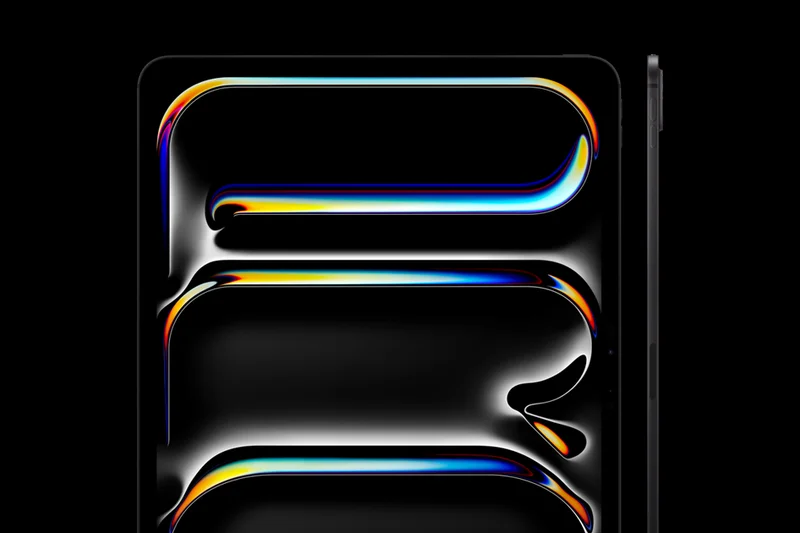
Why we picked it: The Apple iPad Pro 13-inch (M5) sets a new benchmark for what we expect from a premium tablet in 2026, easily claiming the top spot in our overall rankings. Powered by the groundbreaking Apple M5 chip with up to a 10-core CPU, this device obliterates the line between a mobile tablet and a full-fledged workstation. During our performance evaluations, the M5 handled intensive tasks—ranging from multi-track 4K video editing in Final Cut Pro to complex 3D rendering—without breaking a sweat or exhibiting thermal throttling. But the true star of the show is the 13-inch Ultra Retina XDR OLED display. This panel technology delivers perfect inky blacks, vibrant color accuracy, and blistering peak brightness that makes HDR content pop in a way no other screen currently matches. Apple's ProMotion 120Hz technology ensures that whether you're scrolling through extensive documents or sketching with the Apple Pencil Pro, every single interaction feels instantaneously responsive and fluid. Beyond raw specs, the software and ecosystem integration remains unparalleled. iPadOS continues to evolve, taking full advantage of the M5's neural engine to drive new Apple Intelligence features that streamline productivity, note-taking, and daily communication workflows. While the battery life is solid—comfortably lasting through a full workday of mixed usage—it's the accessory ecosystem that truly transforms this tablet into a laptop alternative. Paired with the Magic Keyboard and the incredibly precise Apple Pencil Pro, the 13-inch iPad Pro becomes an unstoppable tool for creatives and professionals. Yes, the starting price is undeniably steep, making it a massive investment. However, for those who demand the absolute pinnacle of display technology, raw processing power, and longevity, the iPad Pro 13-inch (M5) justifies its premium cost.
Key Specs
- 13-inch Ultra Retina XDR OLED display
- Apple M5 chip with up to 10-core CPU
- Up to 2TB storage
- 12GB RAM standard
- Apple Intelligence optimized
What we like
- Unrivaled M5 processor performance
- Breathtaking OLED display with deep blacks
- Incredible Apple Pencil Pro support
- Astonishingly thin and premium design
What we don't like
- Extremely expensive, especially with accessories
- iPadOS can still limit desktop-class multitasking
Best for: Creative professionals, power users, and anyone wanting the absolute best tablet money can buy.
Considering the Apple iPad Pro 13-inch (M5) vs the Samsung Galaxy Tab S10 Ultra? Choose the iPad for seamless Apple ecosystem integration and industry-leading M5 performance, but opt for the Galaxy Tab if you want a larger 14.6-inch screen and an included S Pen.
The finest tablet ever made, offering unparalleled OLED visuals and laptop-beating M5 performance in an impossibly thin chassis.
Buy at Apple official site#2 Apple iPad Pro 11-inch (M5)
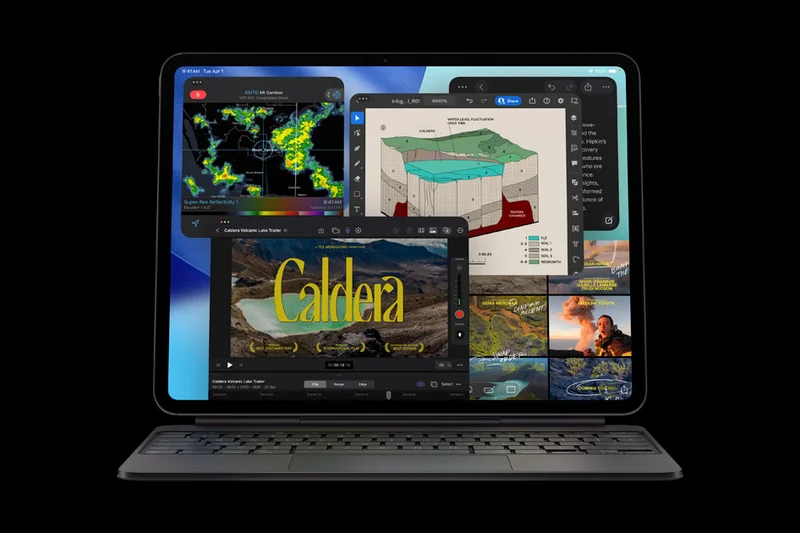
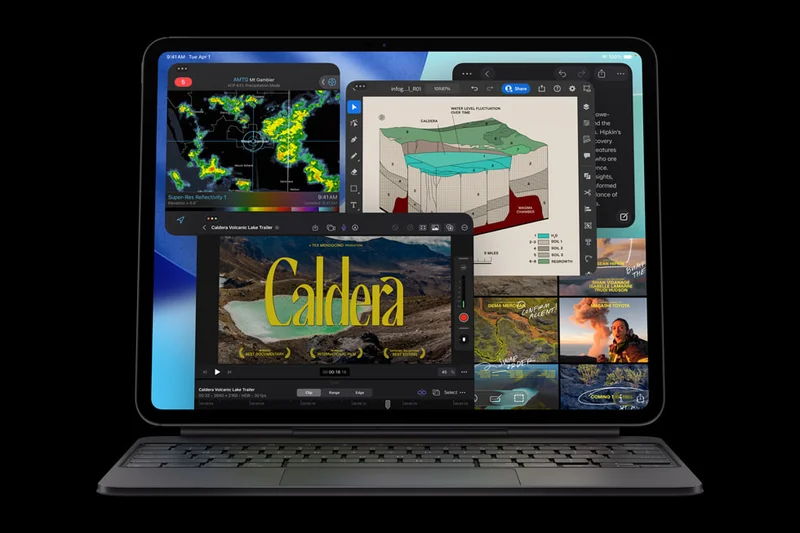

Why we picked it: Coming in closely behind its larger sibling, the Apple iPad Pro 11-inch (M5) delivers the exact same flagship computing power in a significantly more portable form factor. Equipped with the cutting-edge Apple M5 chip, this 11-inch model guarantees that you are never starved for performance, easily managing heavy-duty apps, intense gaming, and demanding professional workflows. It features the identical Ultra Retina XDR OLED display, meaning you get the exact same perfect contrast ratios, stunning HDR peak brightness, and 120Hz ProMotion fluidity, just scaled down to a more manageable size. For users who find the 13-inch model too cumbersome for reading in bed or holding with one hand on a commute, the 11-inch footprint is the perfect sweet spot. The portability does not compromise its utility as a creative canvas or a productivity hub; it fully supports the Apple Pencil Pro and the redesigned Magic Keyboard. Furthermore, the integration of Apple Intelligence across iPadOS makes text editing, image generation, and organization incredibly intuitive. Battery life remains highly competitive, easily pushing through a full day of typical usage. While it carries a premium $999 price tag, it actually represents a notably better value than the 13-inch model if you don't absolutely need the massive screen real estate. The 11-inch iPad Pro (M5) represents the ultimate balance of uncompromised power, breathtaking display technology, and true handheld portability.
Key Specs
- 11-inch Ultra Retina XDR OLED display
- Apple M5 chip
- ProMotion 120Hz technology
- Nano-texture glass option
- Compatible with Apple Pencil Pro
What we like
- Perfect OLED display in a portable size
- Desktop-class M5 performance
- Comfortable for one-handed use
- Excellent accessory ecosystem
What we don't like
- Still very expensive for a base model
- Accessories add significantly to the cost
Best for: Professionals and creatives who want top-tier performance without sacrificing handheld portability.
Considering the Apple iPad Pro 11-inch (M5) vs the iPad Air 11-inch (M4)? Spend the extra money on the Pro if you absolutely need the 120Hz OLED display and FaceID, but save your cash with the Air if standard 60Hz LCD is sufficient for your needs.
A phenomenally powerful and stunningly vibrant OLED tablet that strikes the perfect balance between laptop-grade performance and handheld comfort.
Buy at Apple official site#3 Apple iPad Air 11-inch (M4)
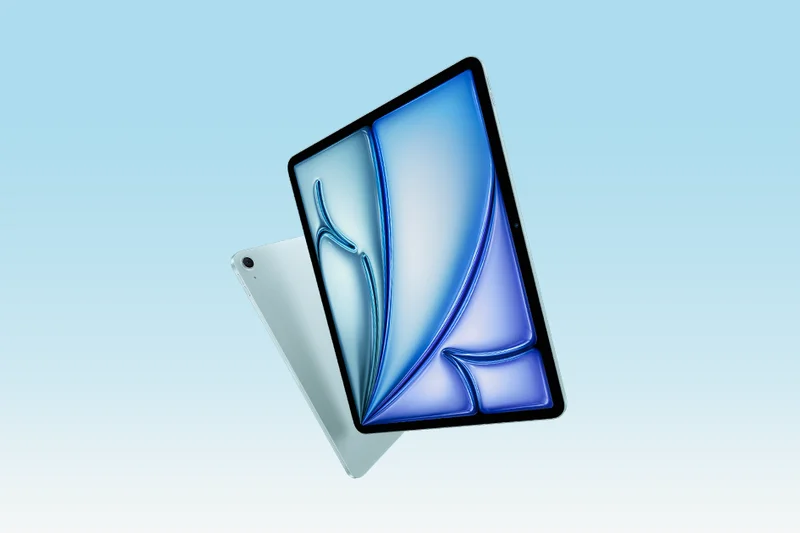
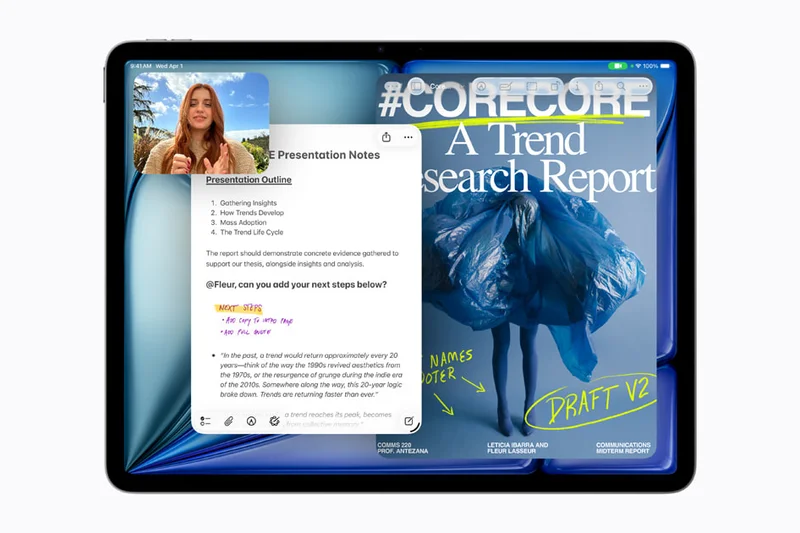
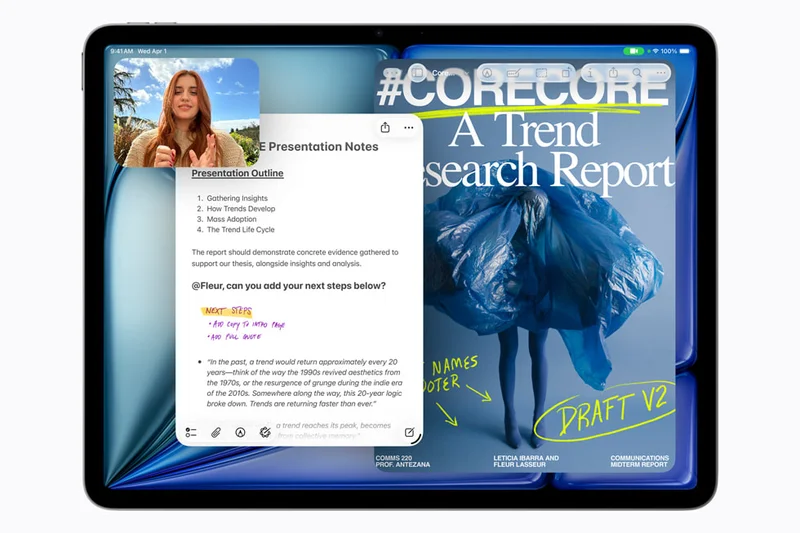
Why we picked it: The Apple iPad Air 11-inch (M4) is arguably the smartest purchase for the vast majority of tablet buyers in 2026, earning our Best on a Budget award for the premium tier. By inheriting the staggering power of the Apple M4 chip, the iPad Air completely outclasses nearly every Android competitor and effectively eliminates the performance gap between the mid-range and the 'Pro' lineup for everyday tasks. Whether you are multitasking, gaming, or rendering video, the M4 chip ensures this tablet will remain blazingly fast for the next half-decade. The 11-inch Liquid Retina display, while lacking the 120Hz ProMotion and OLED tech of the Pro series, is still a gorgeous, color-accurate IPS panel that is more than satisfying for media consumption and light photo editing. Where the Air truly shines is in its value proposition. Starting at $599, it provides access to the best features of the iPad ecosystem—including full support for the new Apple Pencil Pro and integrated Apple Intelligence features—without the astronomical price tag. Furthermore, the battery life is outstanding, often outlasting the thinner Pro models under continuous video playback. The landscape orientation of the front-facing camera is a much-appreciated design tweak for video calls. For anyone who doesn't explicitly need a professional-grade OLED reference monitor, the iPad Air 11-inch (M4) is the perfect confluence of price, longevity, and high-end performance.
Key Specs
- 11-inch Liquid Retina display
- Apple M4 chip
- 128GB to 1TB storage options
- Landscape 12MP Ultra Wide front camera
- All-day battery life
What we like
- Incredible M4 performance for the price
- Supports Apple Pencil Pro
- Landscape front-facing camera
- Superb battery life
What we don't like
- Display is capped at 60Hz
- No FaceID (uses TouchID power button)
Best for: Students, everyday users, and budget-conscious creatives looking for the best overall value in the Apple ecosystem.
Considering the Apple iPad Air 11-inch (M4) vs the OnePlus Pad 2? The iPad Air offers a significantly better processor and app ecosystem, while the OnePlus Pad 2 provides a faster 144Hz display for slightly less money.
The best tablet for most people, delivering flagship M4 power, premium build quality, and excellent software at a highly reasonable price.
Buy at Apple official site#4 Samsung Galaxy Tab S10 Ultra
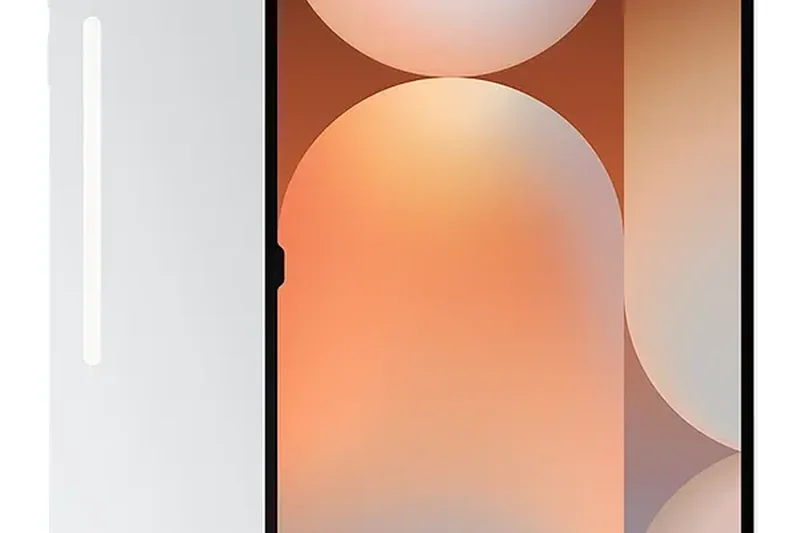
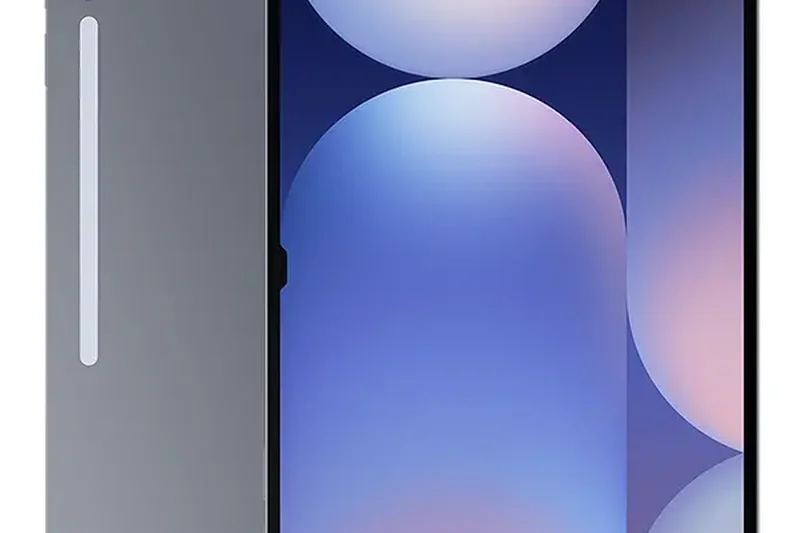

Why we picked it: The Samsung Galaxy Tab S10 Ultra is a behemoth in the tablet world, designed specifically for users who refuse to compromise on screen real estate. Featuring a massive 14.6-inch Dynamic AMOLED 2X display with a buttery 120Hz refresh rate, it provides an unparalleled canvas for digital artists, a sprawling workspace for multitaskers, and a cinematic experience for media lovers. Powered by the MediaTek Dimensity 9300+ processor and backed by up to 16GB of RAM, this tablet handles intense Android gaming, multiple floating windows via Samsung DeX, and heavy video editing applications flawlessly. What drastically elevates the Tab S10 Ultra's value proposition is that Samsung includes the excellent S Pen right in the box, sparing you the hidden 'accessory tax' common with iPads. The S Pen is highly responsive, making drawing and note-taking a joy on this massive display. Additionally, its IP68 water and dust resistance rating provides peace of mind that is incredibly rare in the tablet market. While its colossal size makes it heavy and somewhat unwieldy to use as a traditional handheld device, it thrives when propped up on a desk or attached to a keyboard cover. If you view a tablet as a primary laptop replacement or a dedicated digital drafting table, the Galaxy Tab S10 Ultra is the apex of Android engineering.
Key Specs
- 14.6-inch Dynamic AMOLED 2X display (120Hz)
- MediaTek Dimensity 9300+ processor
- 12GB or 16GB RAM
- IP68 water and dust resistance
- S Pen included
What we like
- Gigantic, stunning 14.6-inch AMOLED display
- S Pen stylus is included in the box
- IP68 water and dust resistant
- DeX mode offers a great desktop experience
What we don't like
- Too large and heavy for comfortable handheld reading
- Android app ecosystem still lags behind iPadOS for pro apps
Best for: Digital artists, heavy multitaskers, and media enthusiasts who want the absolute largest screen available.
Considering the Samsung Galaxy Tab S10 Ultra vs the Apple iPad Pro 13-inch? The Samsung offers a noticeably larger screen and an included stylus, but the iPad Pro boasts a more robust pro-app ecosystem and the superior M5 processor.
An unapologetically massive, gorgeous Android tablet that doubles as a brilliant digital canvas and a capable laptop replacement.
Buy at Samsung official site#5 Microsoft Surface Pro 11th Edition (OLED)
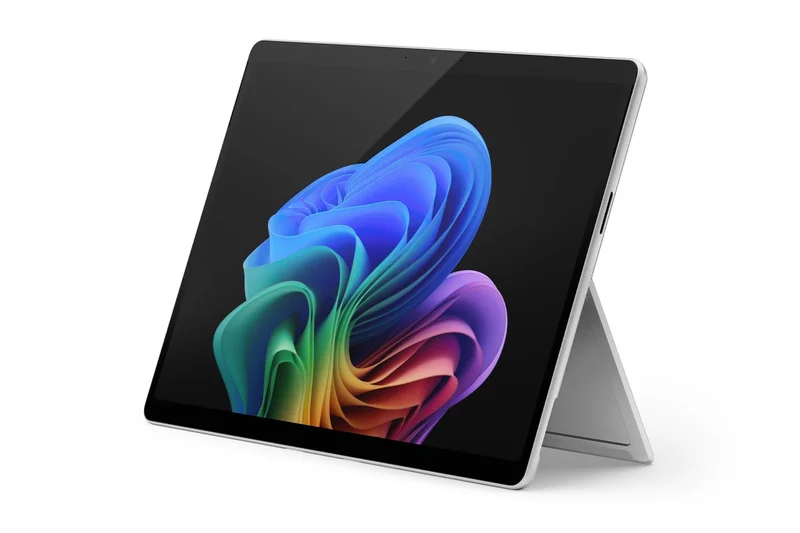
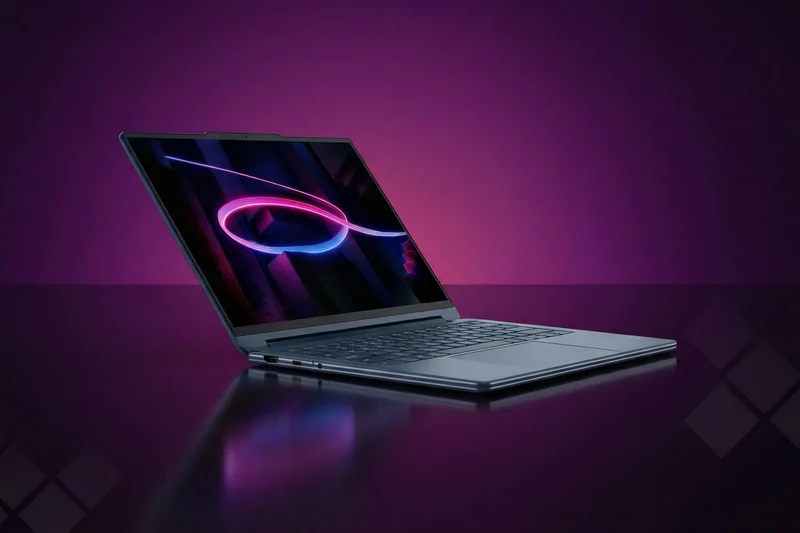
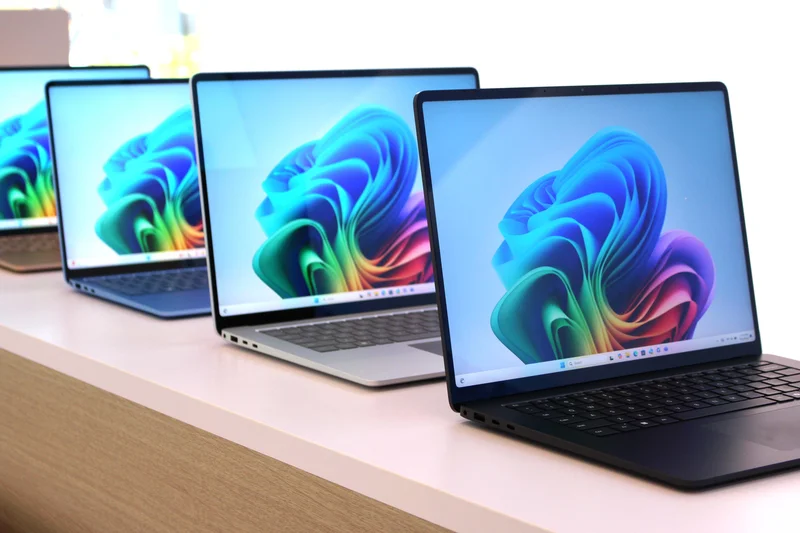
Why we picked it: The Microsoft Surface Pro 11th Edition (OLED) finally fulfills the long-standing promise of the 2-in-1 form factor, standing tall as the ultimate tablet for pure productivity. By making the leap to the ARM-based Snapdragon X Elite processor, Microsoft has solved the historical Surface problems of poor battery life and excessive heat. This Copilot+ PC flies through Windows 11 with remarkable speed, handling dozens of browser tabs, massive Excel spreadsheets, and heavy multitasking effortlessly. The addition of the 13-inch OLED PixelSense Flow display is a revelation; the colors are spectacular, the contrast is infinite, and the 120Hz refresh rate makes navigating Windows remarkably smooth. Because it runs full Windows 11, there are absolutely no compromises when it comes to software compatibility—you can run proper desktop applications that mobile operating systems simply cannot match. The physical design remains iconic, featuring the infinitely adjustable built-in kickstand, and the new Surface Pro Flex Keyboard (sold separately) offers a typing experience that puts other tablet keyboards to shame. The presence of dual USB-C ports with Thunderbolt 4 support ensures it integrates perfectly into any desktop docking station. While the price is high and the keyboard is an extra cost, the Surface Pro 11th Edition (OLED) is the only device on this list that can truly, entirely replace a traditional laptop for enterprise and office work.
Key Specs
- 13-inch OLED PixelSense Flow display
- Snapdragon X Elite processor
- 16GB or 32GB LPDDR5x RAM
- Windows 11 Copilot+ PC features
- Dual USB-C with USB4/Thunderbolt 4
What we like
- Full Windows 11 desktop operating system
- Beautiful 13-inch OLED display
- Massively improved battery life with Snapdragon X Elite
- Built-in kickstand is incredibly useful
What we don't like
- Keyboard and Slim Pen are expensive extra purchases
- Not all legacy Windows apps run perfectly on ARM
Best for: Business professionals and students who need full desktop software in a highly portable tablet form factor.
Considering the Microsoft Surface Pro 11th Edition (OLED) vs the Apple iPad Pro 13-inch? Choose the Surface if you require full desktop applications like MS Office and proper file management, but pick the iPad for a better touch-first interface and superior creative apps.
The ultimate laptop replacement tablet, combining a glorious OLED display with all-day battery life and the uncompromised power of full Windows 11.
Buy at Microsoft official site#6 Apple iPad Air 13-inch (M4)
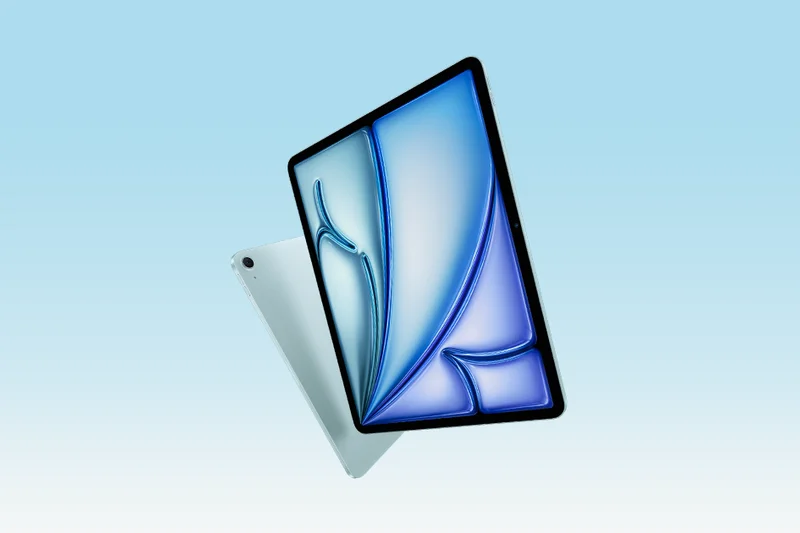
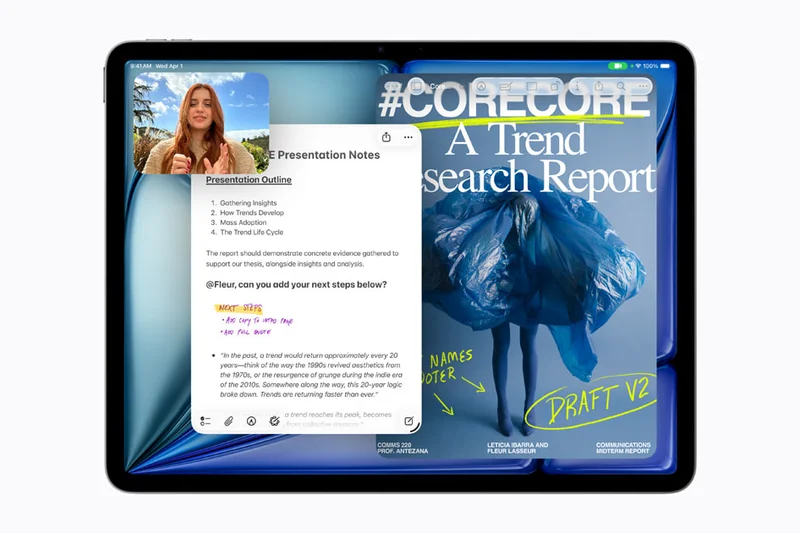
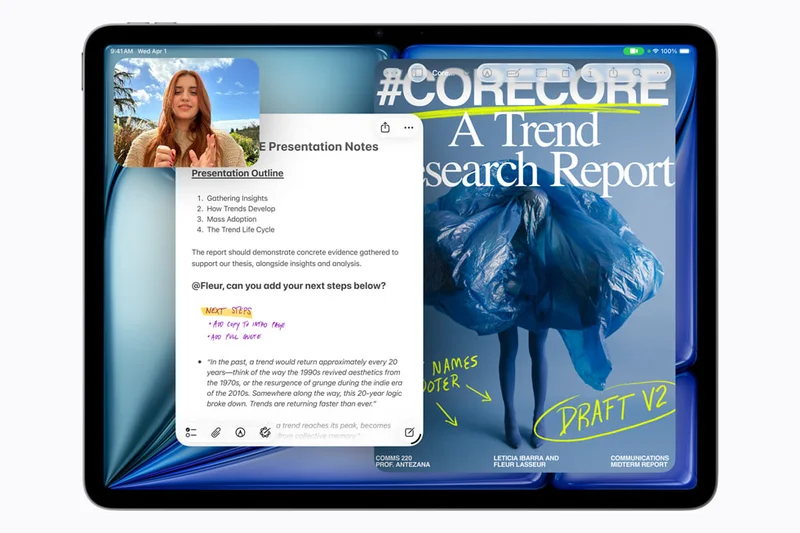
Why we picked it: The Apple iPad Air 13-inch (M4) hits a fantastic sweet spot for users who crave the massive screen real estate of the 13-inch Pro but cannot justify its exorbitant price tag. Apple generously equipped this model with the M4 chip, ensuring that it possesses desktop-level horsepower that effortlessly handles heavy multitasking, video rendering, and the latest Apple Intelligence features. The 13-inch Liquid Retina display, while an LCD rather than OLED, is brilliantly color-accurate and provides an expansive area for drawing, reviewing documents, or watching movies. It also supports the innovative Apple Pencil Pro, making it a highly capable tool for digital artists on a stricter budget. The larger chassis allows for robust battery life and excellent speaker quality. If you want a big screen without the 'Pro' tax, this is the definitive choice.
Key Specs
- 13-inch Liquid Retina display
- Apple M4 chip (8-core CPU, 9-core GPU)
- Apple Intelligence built-in
- 12MP Wide back camera
- Supports Apple Pencil Pro
What we like
- Massive 13-inch screen at a more reasonable price
- Incredible M4 processor speed
- Supports Apple Pencil Pro
- Great battery life
What we don't like
- 60Hz refresh rate feels sluggish for a large screen
- Still relatively expensive once accessories are added
Best for: Students and digital artists who want a large canvas and flagship performance without paying the iPad Pro premium.
Considering the Apple iPad Air 13-inch (M4) vs the Samsung Galaxy Tab S10+? The iPad provides far superior processor performance, but the Samsung gives you an OLED screen and includes the stylus in the box.
An exceptionally powerful big-screen tablet that delivers 90% of the iPad Pro experience for significantly less money.
Buy at Apple official site#7 Samsung Galaxy Tab S10+
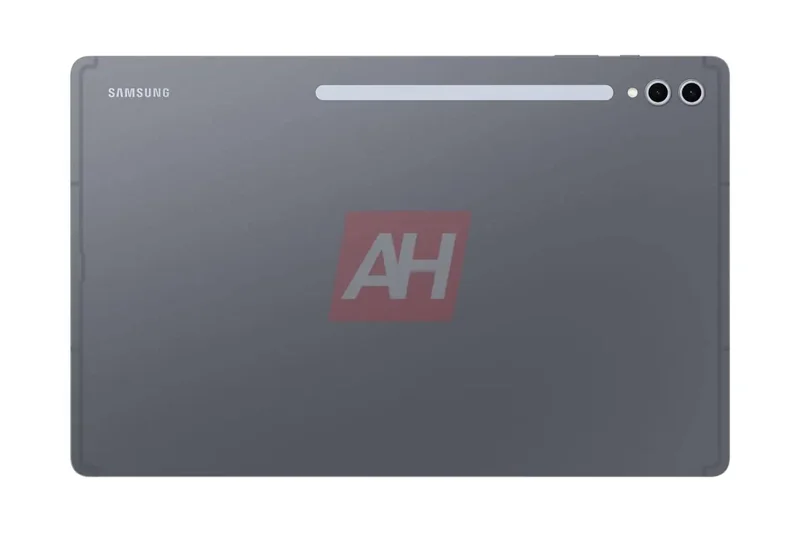
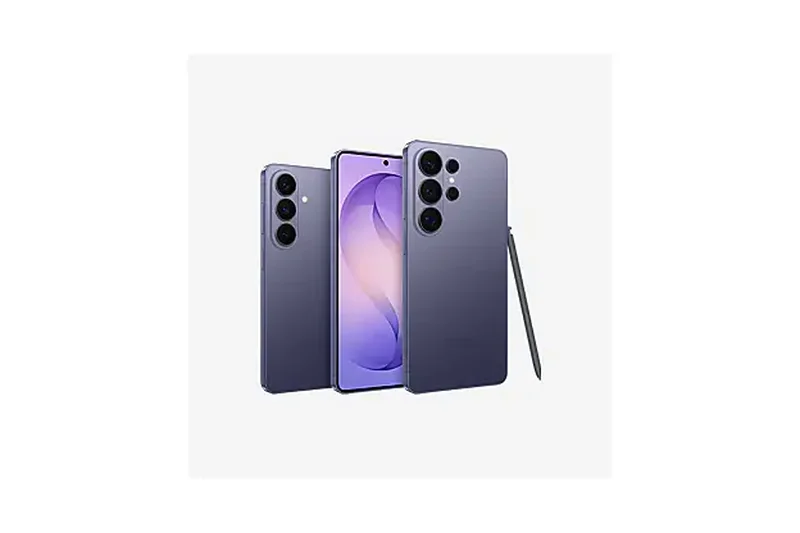

Why we picked it: The Samsung Galaxy Tab S10+ is perhaps the most balanced premium Android tablet on the market. It strikes an excellent compromise between the overkill size of the Ultra and the smaller base models, offering a gorgeous 12.4-inch Dynamic AMOLED 2X display that is perfect for both productivity and media consumption. Driven by the MediaTek Dimensity 9300+ processor and 12GB of RAM, performance is incredibly smooth, and Samsung's DeX mode transforms the tablet into a highly capable desktop-like environment when paired with a keyboard. As always with Samsung's premium line, the S Pen is included in the box, adding tremendous value right out of the gate. The IP68 water and dust resistance adds durable peace of mind, making it a versatile companion for travel and field work.
Key Specs
- 12.4-inch Dynamic AMOLED 2X display
- MediaTek Dimensity 9300+ processor
- 12GB RAM standard
- IP68 water resistance
- Dual rear cameras (13MP wide, 8MP ultrawide)
What we like
- Stunning 12.4-inch OLED display
- S Pen is included in the price
- IP68 durability rating
- Excellent Samsung DeX multitasking
What we don't like
- Android tablet apps can still be unoptimized
- Keyboard cover is quite expensive
Best for: Android enthusiasts who want a premium, perfectly sized tablet with an OLED screen and a bundled stylus.
Considering the Samsung Galaxy Tab S10+ vs the Apple iPad Air 13-inch? The Samsung boasts a superior OLED display and includes the pen, whereas the iPad has a much faster processor and a better app ecosystem.
A phenomenally well-rounded premium Android tablet offering a brilliant OLED screen, great multitasking, and outstanding value with its included S Pen.
Buy at Samsung official site#8 Samsung Galaxy Tab S9
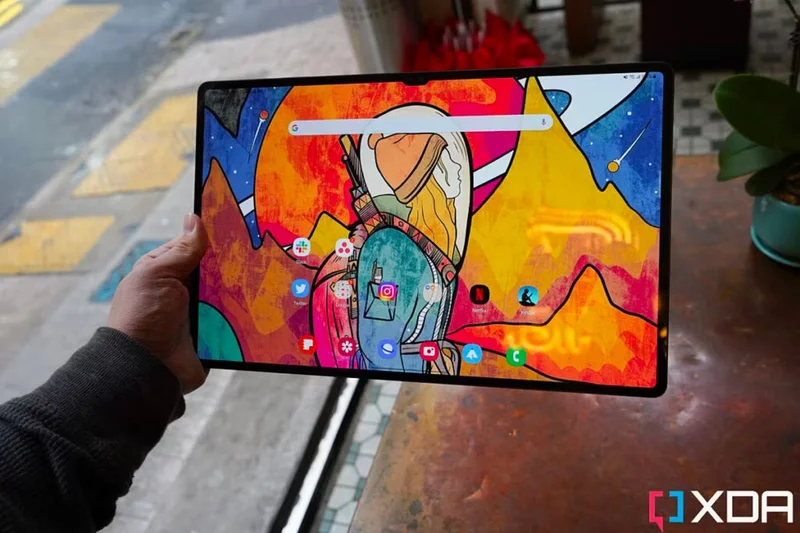
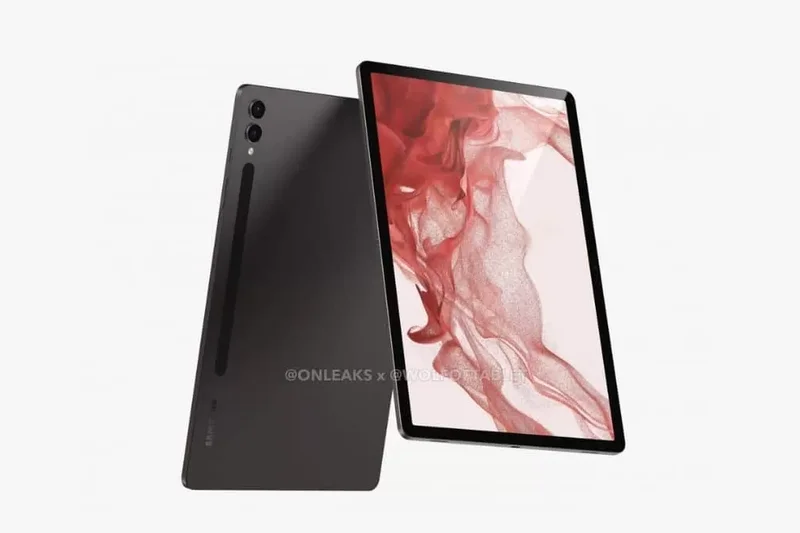
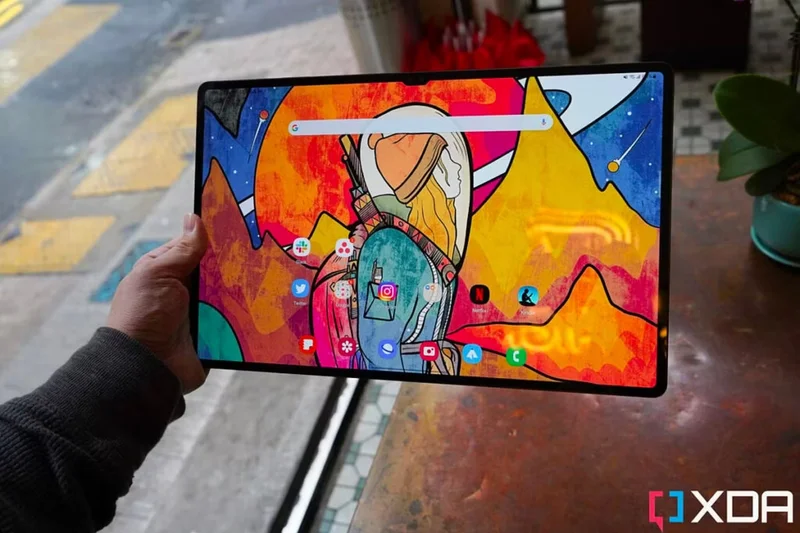
Why we picked it: Despite being a generation older, the Samsung Galaxy Tab S9 remains an exceptional premium tablet that frequently goes on sale, making it a brilliant buy. The 11-inch Dynamic AMOLED 2X display with a 120Hz refresh rate is a massive step up from LCD competitors in this size class, providing deep blacks and buttery smooth scrolling. The Snapdragon 8 Gen 2 processor is still incredibly powerful, effortlessly running intensive games and multitasking applications. You get quad AKG speakers, IP68 water resistance, and the S Pen included in the box. Because it's a slightly older model, its value proposition is incredibly strong, offering flagship features for less than the newest releases.
Key Specs
- 11-inch Dynamic AMOLED 2X display (120Hz)
- Snapdragon 8 Gen 2 for Galaxy
- 8GB or 12GB RAM
- Quad AKG speakers with Dolby Atmos
- IP68 rating
What we like
- Beautiful 11-inch OLED 120Hz screen
- S Pen included in the box
- IP68 water and dust resistance
- Great discounts available
What we don't like
- Processor is one generation behind
- Samsung's OneUI takes up a fair bit of storage
Best for: Shoppers looking for a premium 11-inch OLED tablet with a stylus without paying the highest flagship prices.
Considering the Samsung Galaxy Tab S9 vs the iPad Air 11-inch (M4)? The Samsung offers a superior 120Hz OLED screen and includes a stylus, while the iPad has a vastly superior M4 processor and longer software support.
A premium 11-inch Android tablet that remains incredibly relevant thanks to its stunning OLED screen, included S Pen, and robust performance.
Buy at Samsung official site#9 Microsoft Surface Pro 11th Edition (LCD)
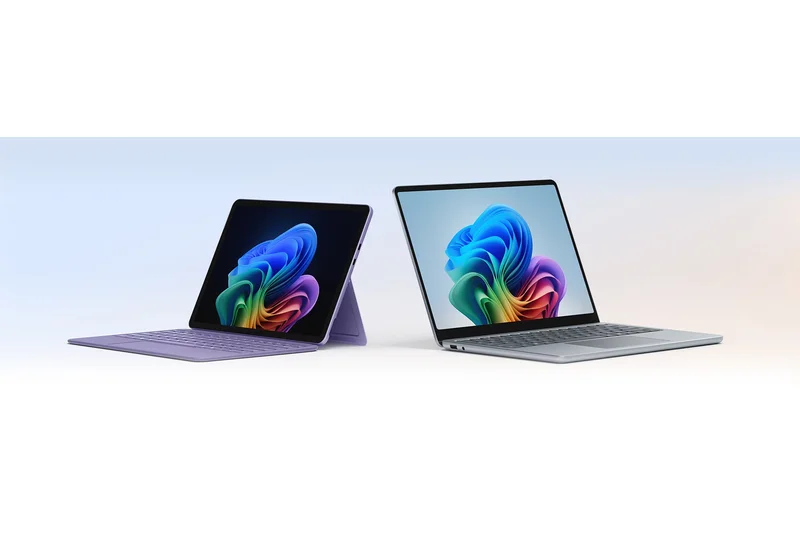
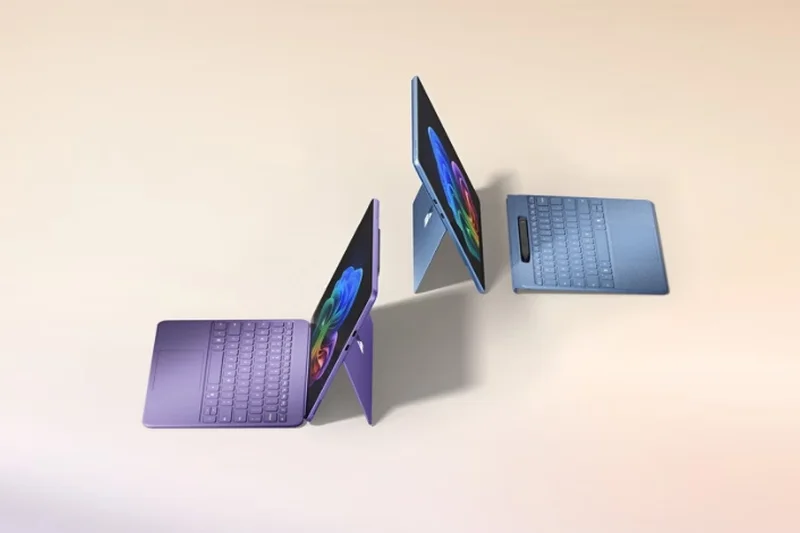
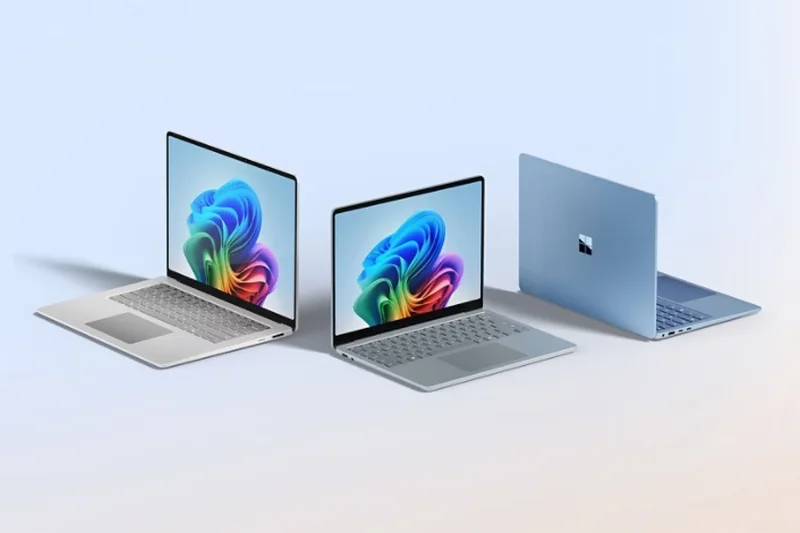
Why we picked it: For users who need the full Windows 11 desktop experience but want to save a significant chunk of change, the Microsoft Surface Pro 11th Edition (LCD) is a highly practical choice. By utilizing the Snapdragon X Plus processor and swapping the OLED panel for a high-quality PixelSense LCD touchscreen, Microsoft has significantly lowered the entry price. You still get excellent all-day battery life, snappy performance for office apps, and the integrated Copilot+ PC AI features. The iconic built-in kickstand and premium chassis remain exactly the same as the higher-end model. It's the perfect productivity machine for students and office workers who prioritize full software compatibility over perfect screen contrast.
Key Specs
- 13-inch PixelSense Flow LCD touchscreen
- Snapdragon X Plus processor
- 16GB LPDDR5x RAM
- Windows 11 Copilot+ PC
- All-day battery life
What we like
- Full Windows 11 compatibility
- Excellent battery life on ARM
- Great build quality with built-in kickstand
- More affordable than the OLED version
What we don't like
- LCD screen doesn't match the contrast of OLED
- Keyboard is still sold separately
Best for: Students and office workers who need a Windows 2-in-1 for productivity but want to keep costs under $1,000.
Considering the Microsoft Surface Pro 11th Edition (LCD) vs the OLED version? Stick with the LCD to save $500 if you primarily do word processing and web browsing, but upgrade to OLED if you watch a lot of movies or edit photos.
A highly capable Windows 11 2-in-1 that sacrifices the OLED screen to hit a much more accessible price point for true productivity.
Buy at Microsoft official site#10 OnePlus Pad 2
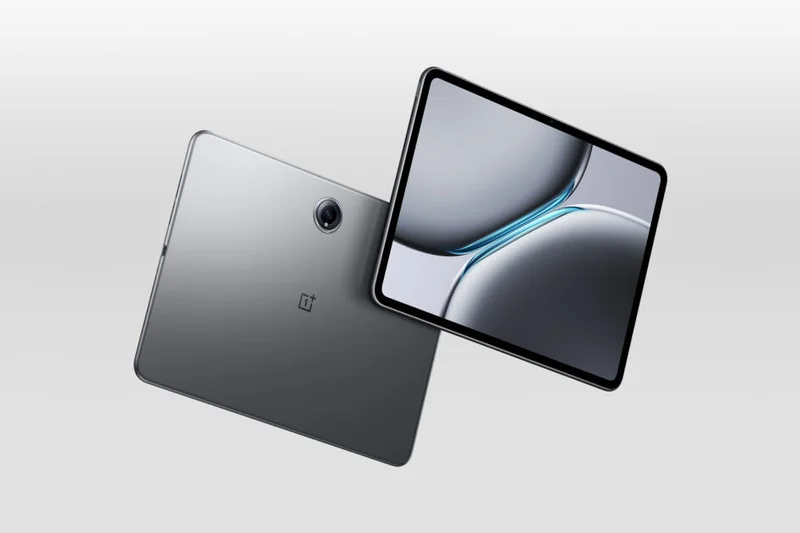
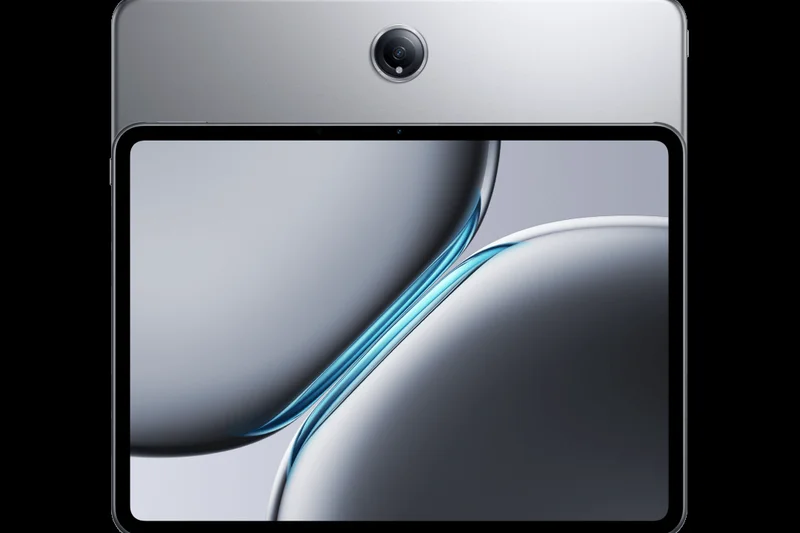
Why we picked it: The OnePlus Pad 2 is a disruptive force in the mid-range Android tablet market. For under $500, OnePlus has packed in the flagship Snapdragon 8 Gen 3 processor, making it one of the fastest Android tablets available at any price point. The 12.1-inch 3K display features an ultra-smooth 144Hz refresh rate, giving it a noticeable fluidity advantage over similarly priced iPads. Its unique 7:5 aspect ratio is fantastic for reading documents and browsing the web. Paired with a massive 9510 mAh battery and lightning-fast 67W charging, this tablet is a stamina champion. While its software isn't quite as polished as Samsung's or Apple's, the sheer hardware value here is undeniable.
Key Specs
- 12.1-inch 3K ReadFit display (144Hz)
- Snapdragon 8 Gen 3 processor
- 12GB RAM / 256GB Storage
- 9510 mAh battery with 67W fast charging
- AI Toolbox and Multi-Screen Connect
What we like
- Incredible Snapdragon 8 Gen 3 performance
- Super smooth 144Hz display
- Excellent 7:5 aspect ratio for reading
- Very fast 67W charging
What we don't like
- No fingerprint scanner (face unlock only)
- OxygenOS tablet software lacks depth
Best for: Android gamers and heavy readers looking for top-tier hardware specs without paying flagship prices.
Considering the OnePlus Pad 2 vs the Samsung Galaxy Tab S9 FE? The OnePlus obliterates the Samsung in raw processing power and screen refresh rate, but Samsung offers better software, IP68 waterproofing, and an included S Pen.
An absolute powerhouse of a mid-range tablet, delivering flagship processing and a blazing 144Hz screen at a highly disruptive price.
Buy at OnePlus official site#11 Apple iPad mini (A17 Pro)
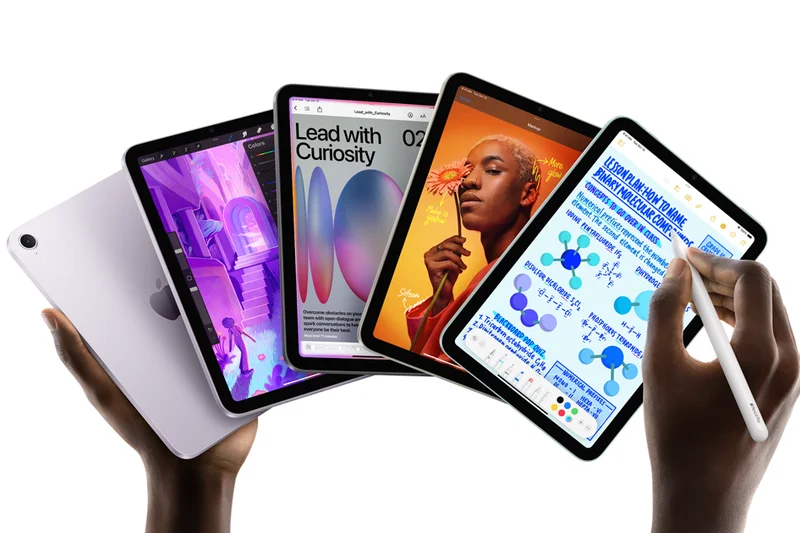
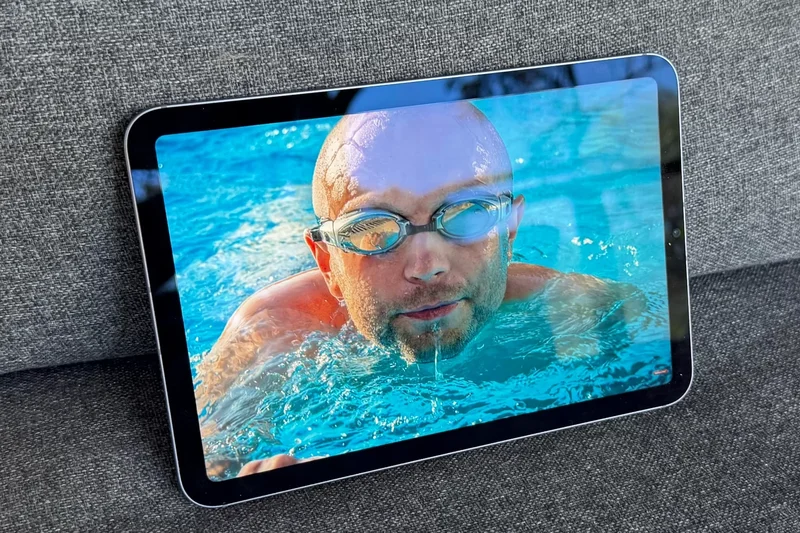
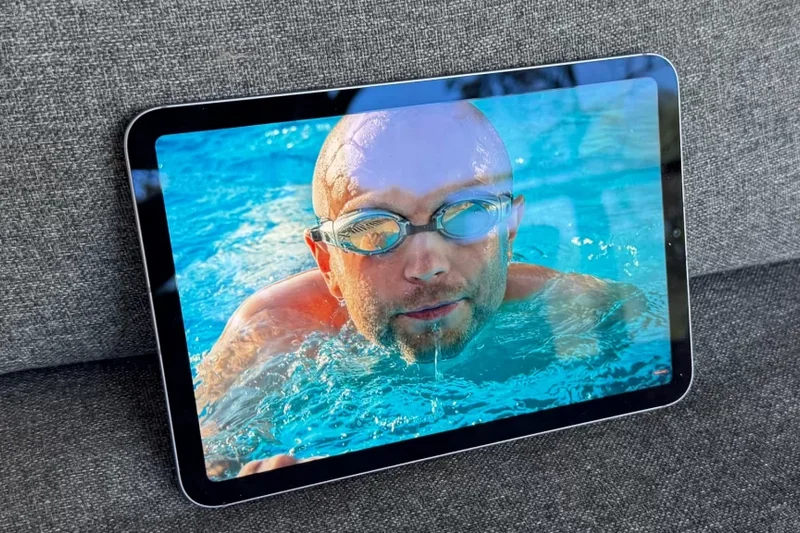
Why we picked it: The Apple iPad mini (A17 Pro) is a triumph of portable engineering, equipped with the A17 Pro chip to deliver performance that rivals much larger tablets. The 8.3-inch Liquid Retina display provides an excellent canvas for reading, gaming, and browsing. What makes the iPad mini truly special is its unmatched portability; it’s the perfect companion for commutes and travel, fitting comfortably in one hand. Support for the Apple Pencil Pro elevates the mini into a formidable digital notebook for creatives on the go. The iPad mini (A17 Pro) remains the undisputed king of the compact tablet market, offering an uncompromising iPadOS experience for those who prioritize a lightweight device.
Key Specs
- 8.3-inch Liquid Retina display
- A17 Pro chip with 5-core GPU
- Apple Intelligence support
- USB-C connectivity
- Supports Apple Pencil Pro
What we like
- Perfect one-handed form factor
- A17 Pro chip is blazing fast
- Apple Pencil Pro support
What we don't like
- Screen is limited to 60Hz
- Battery is smaller due to size
Best for: Commuters, avid readers, and anyone who finds standard 11-inch tablets too heavy.
Considering the Apple iPad mini (A17 Pro) vs the iPad (10th Gen)? The mini offers a vastly superior processor, a laminated screen, and Apple Pencil Pro support in a much more portable size.
The best small tablet in the world, offering uncompromising power and premium accessory support in an ultra-portable chassis.
Buy at Apple official site#12 Xiaomi Pad 6
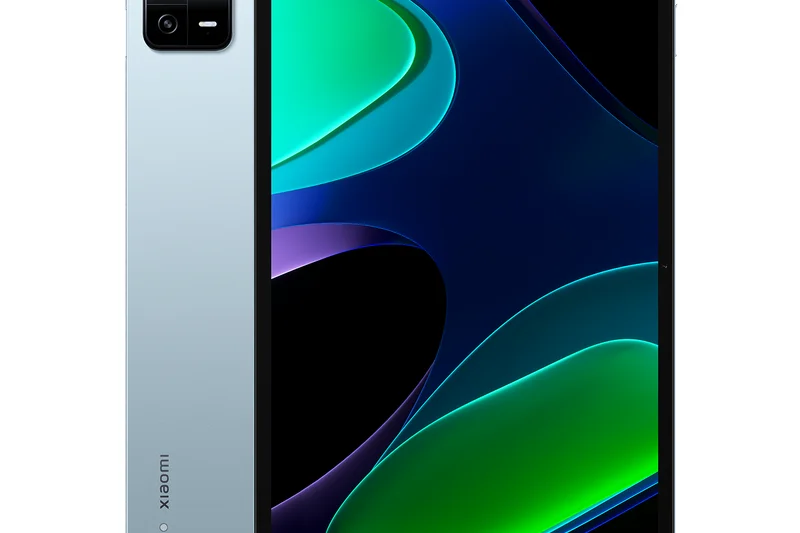
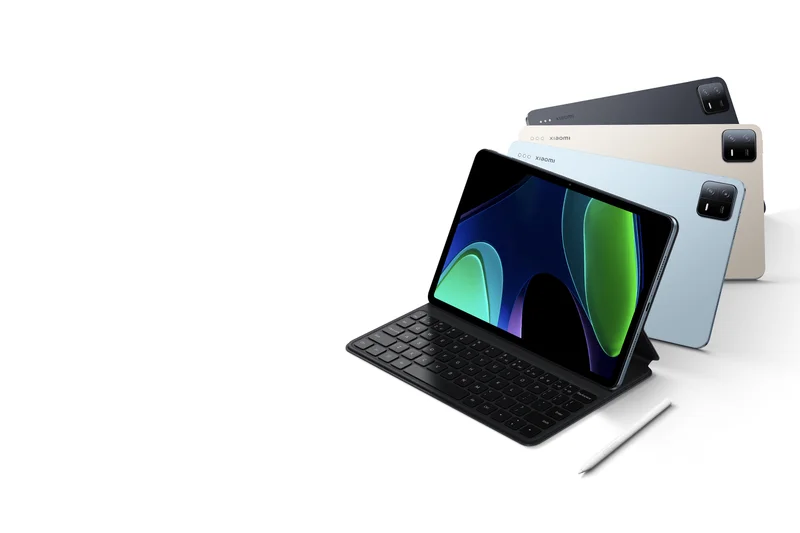
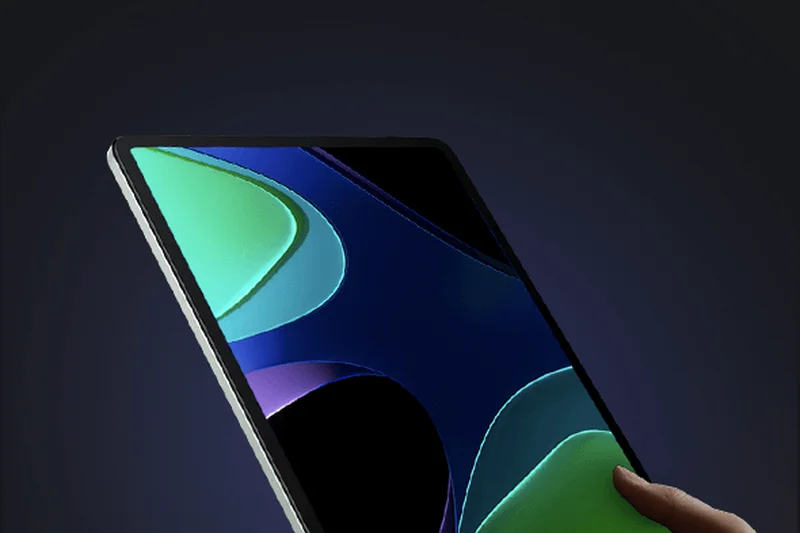
Why we picked it: The Xiaomi Pad 6 is a phenomenal budget-to-mid-range Android tablet that over-delivers on hardware. Featuring an 11-inch WQHD+ screen with a rapid 144Hz refresh rate, it offers a visually fluid experience rarely seen at this price. The Snapdragon 870 processor provides more than enough grunt for heavy web browsing and mid-tier gaming. Encased in a premium aluminum body and featuring excellent quad speakers with Dolby Atmos, it feels like a tablet that should cost twice as much. While Xiaomi's MIUI software can be polarizing, the raw hardware value makes this an excellent media consumption device.
Key Specs
- 11-inch WQHD+ 144Hz display
- Snapdragon 870 processor
- 8GB RAM
- 8840mAh battery with 33W charging
- Quad speakers with Dolby Atmos
What we like
- Super smooth 144Hz display
- Premium aluminum build
- Excellent quad speakers
What we don't like
- MIUI software has bloatware
- No expandable storage
Best for: Bargain hunters wanting a premium-feeling media and gaming tablet without spending over $400.
Considering the Xiaomi Pad 6 vs the OnePlus Pad Go? The Xiaomi offers a much faster processor and a higher refresh rate screen, making it better for gaming and multitasking.
A premium-feeling Android tablet that undercuts the competition on price while offering a gorgeous 144Hz display.
Check price at Amazon#13 reMarkable Paper Pro
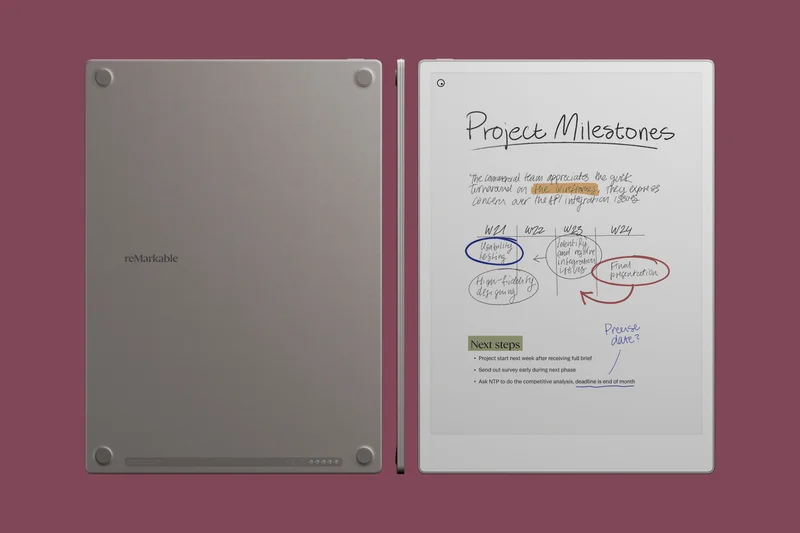
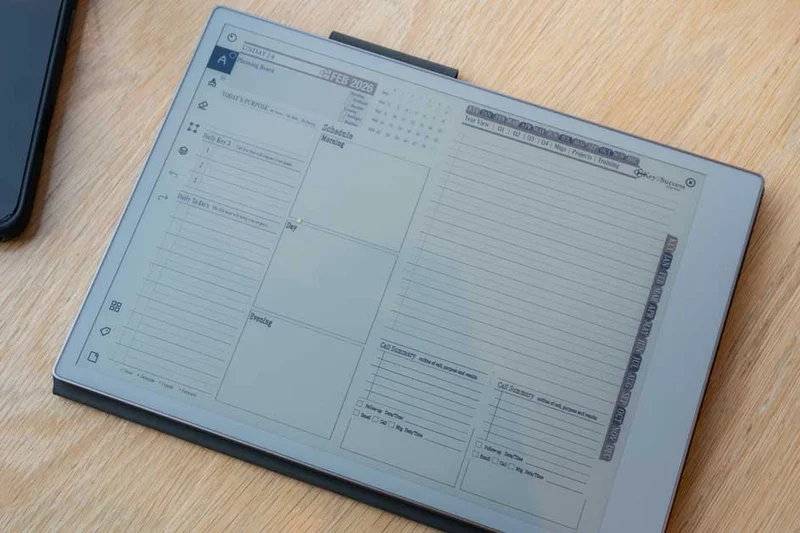
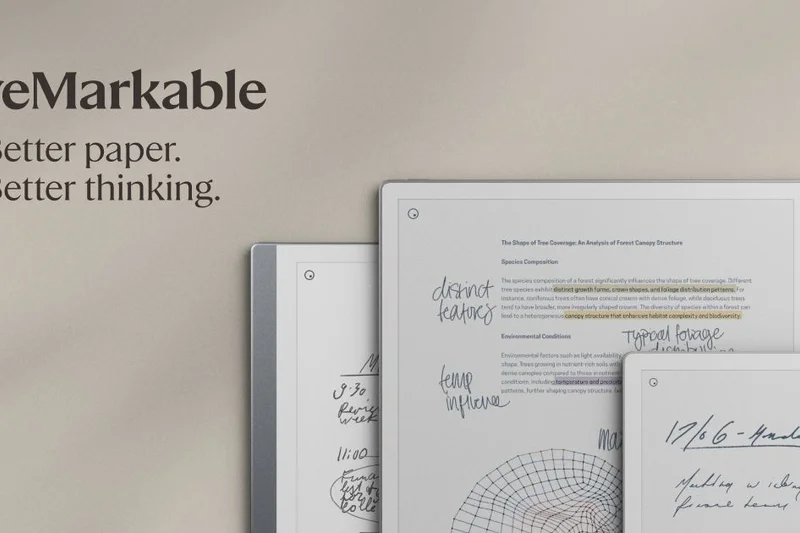
Why we picked it: The reMarkable Paper Pro is the ultimate E-Ink device for focused professionals and writers. Featuring a massive 11.8-inch color E-Ink display, it finally brings subtle, distraction-free color to digital note-taking. The pen-to-ink distance is virtually non-existent, providing the most authentic paper-like writing experience available on any digital device. With a built-in reading light and a battery that lasts for weeks rather than hours, it is an incredible tool for deep work. While it lacks the app store and media capabilities of an iPad, for pure reading, annotating, and drafting, it is unparalleled.
Key Specs
- 11.8-inch color E-Ink display
- Built-in adjustable reading light
- Less than 1mm pen-to-ink distance
- 64GB internal storage
- Optional Type Folio keyboard
What we like
- Incredible paper-like writing feel
- Color E-Ink is a game changer
- Battery lasts for weeks
What we don't like
- Expensive for a single-purpose device
- No web browser or standard apps
Best for: Writers, students, and professionals who want a distraction-free, paper-like digital notebook.
Considering the reMarkable Paper Pro vs the BOOX Note Air3 C? The reMarkable offers a vastly superior writing feel and simpler UI, but BOOX offers full Android app support.
The absolute pinnacle of E-Ink note-taking, offering a sublime color writing experience and extreme battery life for focused work.
Buy at reMarkable official site#14 Apple iPad (10th generation)
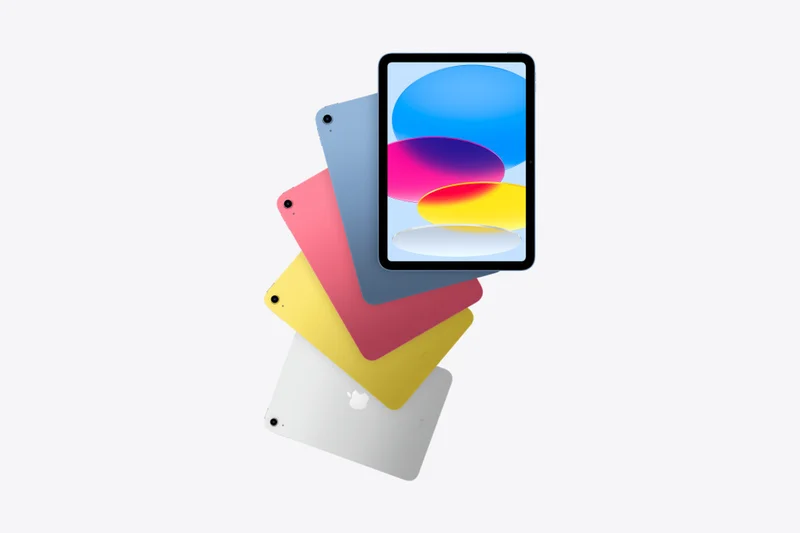
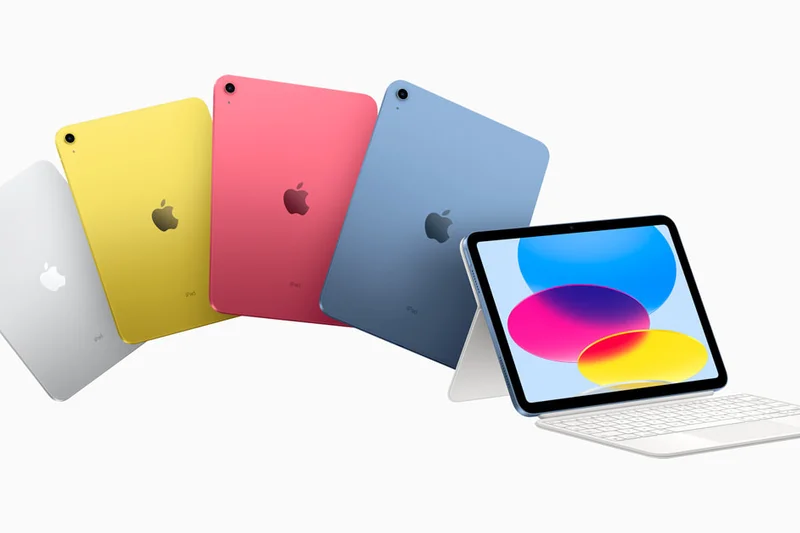
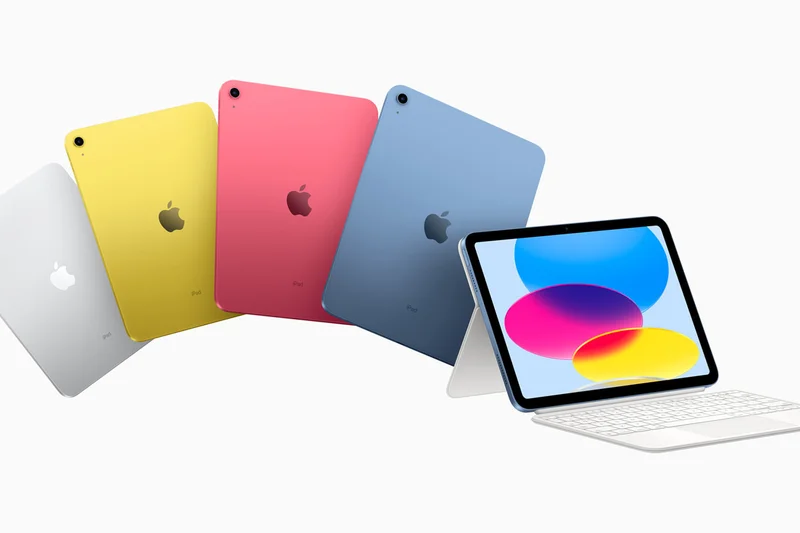
Why we picked it: The 10th-generation Apple iPad remains the gateway into the Apple ecosystem. With its modern design, USB-C port, and 10.9-inch Liquid Retina display, it looks and feels like a modern iPad Air but at a significantly lower price point. The A14 Bionic chip, while older, still handles everyday tasks, light gaming, and HD streaming with ease. Its landscape-oriented front camera is perfect for FaceTime and Zoom calls. It’s an ideal family tablet, providing years of software updates and reliable performance without breaking the bank.
Key Specs
- 10.9-inch Liquid Retina display
- A14 Bionic chip
- Landscape 12MP Ultra Wide front camera
- USB-C port
- Available in 4 vibrant colors
What we like
- Modern design with USB-C
- Landscape front camera is great for video calls
- Very affordable entry to iPadOS
What we don't like
- Non-laminated display can cause glare
- Only supports the older Apple Pencil (USB-C or 1st Gen)
Best for: Families, kids, and casual users looking for a reliable, everyday tablet.
Considering the Apple iPad (10th generation) vs the iPad Air 11-inch (M4)? The Air is vastly more powerful and has a better screen, but the 10th Gen saves you significant money for basic tasks.
The quintessential family tablet, offering a modern design and smooth everyday performance at an accessible price.
Buy at Apple official site#15 Samsung Galaxy Tab S9 FE+
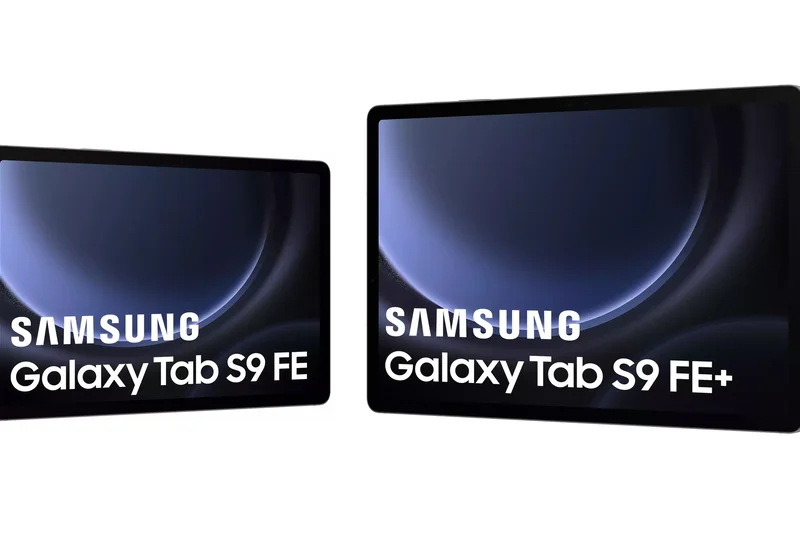
Why we picked it: The Samsung Galaxy Tab S9 FE+ bridges the gap between budget and premium Android tablets. You get a spacious 12.4-inch display, a massive 10,090 mAh battery, and Samsung’s highly-rated S Pen included in the box. The IP68 water and dust resistance is a standout feature for a mid-range device. While the Exynos 1380 processor won't break speed records, it handles everyday web browsing, video streaming, and document editing competently. For students or professionals who want a large screen and stylus support without paying flagship prices, the FE+ is a smart compromise.
Key Specs
- 12.4-inch TFT LCD display (90Hz)
- Exynos 1380 processor
- 8GB or 12GB RAM
- Large 10,090 mAh battery
- IP68 rated with S Pen included
What we like
- Large 12.4-inch screen for a lower price
- S Pen included in the box
- IP68 water resistance
- Massive battery
What we don't like
- Exynos processor is only average
- LCD panel lacks the punch of Samsung's OLEDs
Best for: Students and casual creatives who want a large screen and a stylus on a mid-range budget.
Considering the Samsung Galaxy Tab S9 FE+ vs the standard Tab S9 FE? Get the FE+ if you want a larger screen and significantly longer battery life.
A highly practical mid-range tablet offering a huge screen, excellent battery life, and stylus support for a reasonable price.
Buy at Samsung official site#16 BOOX Tab Ultra C Pro
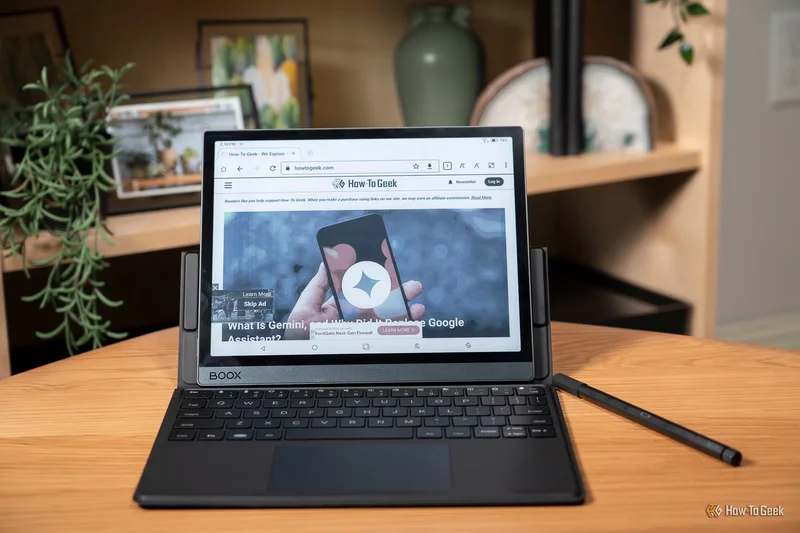
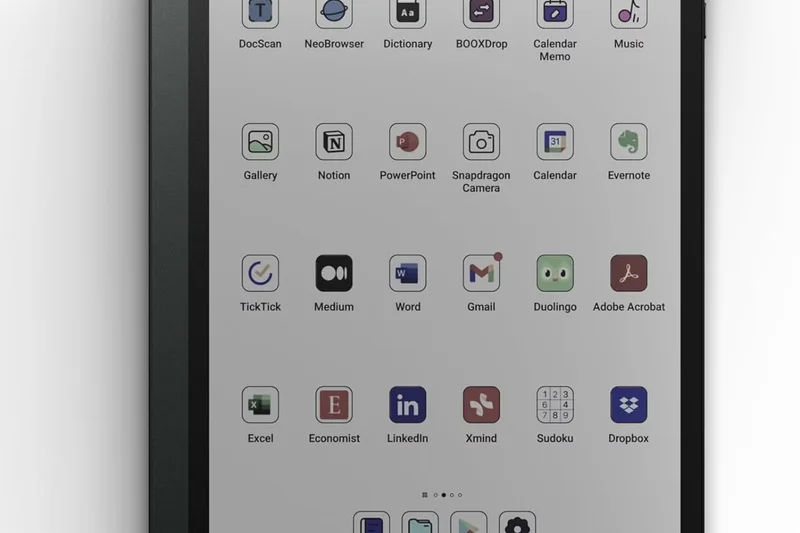
Why we picked it: The BOOX Tab Ultra C Pro is a unique hybrid device, blending the eye-comfort of a color E-Ink display with the versatility of a full Android 12 operating system. Driven by an octa-core processor and featuring BOOX Super Refresh technology, it handles web browsing and third-party apps far better than traditional E-Ink readers. The inclusion of a 16MP rear camera specifically for document scanning makes it a powerhouse for researchers and professionals. It’s an expensive niche product, but for those who suffer from LCD eye strain, it’s a brilliant productivity tool.
Key Specs
- 10.3-inch color E-Ink screen
- Qualcomm octa-core processor
- 16MP rear camera for document scanning
- Android 12 with full app support
- Keyboard cover compatibility
What we like
- Full Android app support on E-Ink
- Color E-Ink reduces eye strain
- Built-in camera for document scanning
What we don't like
- Very expensive
- E-Ink refresh rate is still too slow for video
Best for: Researchers, writers, and professionals who need Android apps but suffer from screen fatigue.
Considering the BOOX Tab Ultra C Pro vs the reMarkable Paper Pro? Choose BOOX for full Android app integration, but pick reMarkable for a purer, distraction-free writing experience.
A powerful, eye-friendly productivity tablet that seamlessly merges color E-Ink technology with full Android capabilities.
Check price at Amazon#17 Samsung Galaxy Tab S9 FE
Why we picked it: The standard Samsung Galaxy Tab S9 FE is a highly competitive mid-range 10.9-inch tablet. Like its larger sibling, it offers the tremendous value of an included S Pen and IP68 water resistance, wrapped in a premium aluminum chassis. The 90Hz LCD screen is bright and responsive, making it great for digital note-taking and media consumption. The Exynos processor is adequate for daily tasks, though power users might find it lacking for heavy gaming. It’s a superb choice for those seeking a reliable, durable everyday tablet.
Key Specs
- 10.9-inch TFT LCD display (90Hz)
- Exynos 1380 processor
- 6GB or 8GB RAM
- IP68 water and dust resistance
- S Pen included in box
What we like
- S Pen included
- IP68 durability rating
- Premium metal build
What we don't like
- Mediocre processor performance
- LCD screen instead of OLED
Best for: Everyday users and students looking for a durable, reliable Android tablet with a stylus.
Considering the Samsung Galaxy Tab S9 FE vs the OnePlus Pad 2? The OnePlus offers vastly superior performance, but the Samsung provides a bundled stylus and waterproofing.
A well-rounded, durable mid-range tablet that offers excellent value with its included S Pen and waterproof design.
Buy at Samsung official site#18 Lenovo Idea Tab Pro 12.7"
Why we picked it: The Lenovo Idea Tab Pro 12.7" is an absolute steal, earning our top score for Value. For under $250, you receive a massive 12.7-inch 3K display, 8GB of RAM, and 256GB of storage—specs usually reserved for tablets twice the price. The quad speakers with Dolby Atmos make it a fantastic media consumption machine. While Lenovo's software isn't the most feature-rich, the sheer amount of screen real estate and memory you get for the price makes this the perfect budget tablet for watching movies and casual browsing.
Key Specs
- 12.7-inch 3K display
- 8GB RAM
- 256GB UFS storage
- Quad speakers with Dolby Atmos
- Compatible with Tab Pen Plus
What we like
- Incredible value for a 12.7-inch screen
- High 3K resolution
- 8GB RAM standard
What we don't like
- Lenovo software updates can be slow
- Processor is only mid-tier
Best for: Budget-conscious buyers who want the largest possible screen for media consumption without spending over $300.
Considering the Lenovo Idea Tab Pro 12.7" vs the Samsung Galaxy Tab A9+? The Lenovo offers a much larger, sharper screen and more base RAM for a similar price.
An unbeatable bargain for media lovers, offering a massive, high-resolution screen at a shockingly low price.
Buy at Lenovo official site#19 Google Pixel Tablet
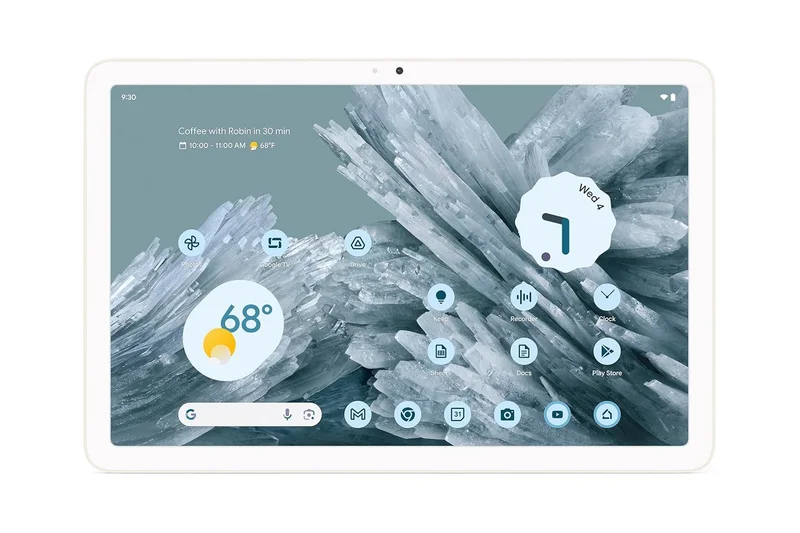
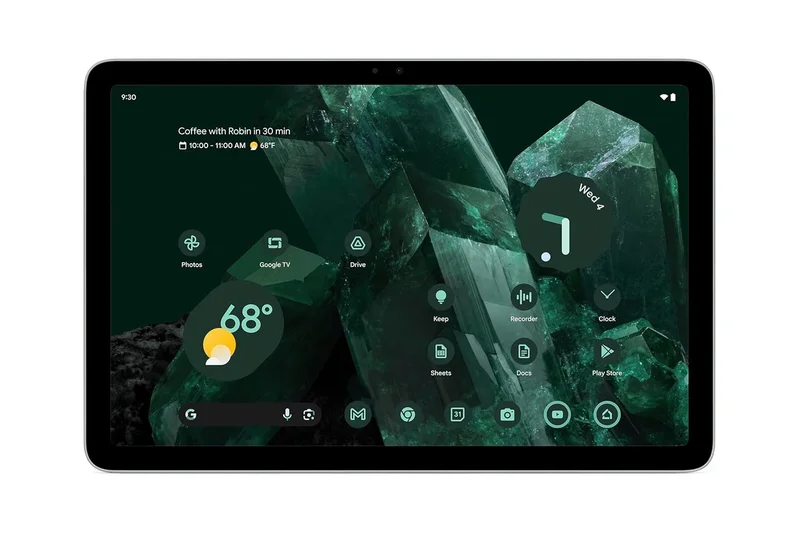
Why we picked it: The Google Pixel Tablet is a clever hybrid device that functions as both a standard Android tablet and a smart home hub. When attached to its included Charging Speaker Dock, it enters Hub Mode, allowing you to control smart home devices, view photos, and use hands-free Google Assistant commands. Powered by the Tensor G2 chip, it offers smooth performance and a clean, bloat-free Android interface. While the LCD screen is only average, its dual-purpose design makes it a fantastic addition to the kitchen or living room.
Key Specs
- 10.95-inch LCD display
- Google Tensor G2 chip
- 8GB LPDDR5 RAM
- Charging Speaker Dock (Optional/Included bundles)
- Integrated Google TV and Chromecast built-in
What we like
- Doubles as a smart home display
- Clean, bloat-free Android software
- Speaker dock included in most bundles
What we don't like
- Screen is only 60Hz LCD
- Not ideal for heavy productivity tasks
Best for: Smart home enthusiasts looking for a family tablet that lives in a central location like the kitchen.
Considering the Google Pixel Tablet vs the iPad (10th Gen)? Choose the Pixel if you want deep Google Assistant smart home integration, but pick the iPad for a better app ecosystem.
A uniquely versatile Android tablet that earns its keep by doubling as an excellent smart home hub and speaker.
Buy at Google Store#20 BOOX Note Air3 C
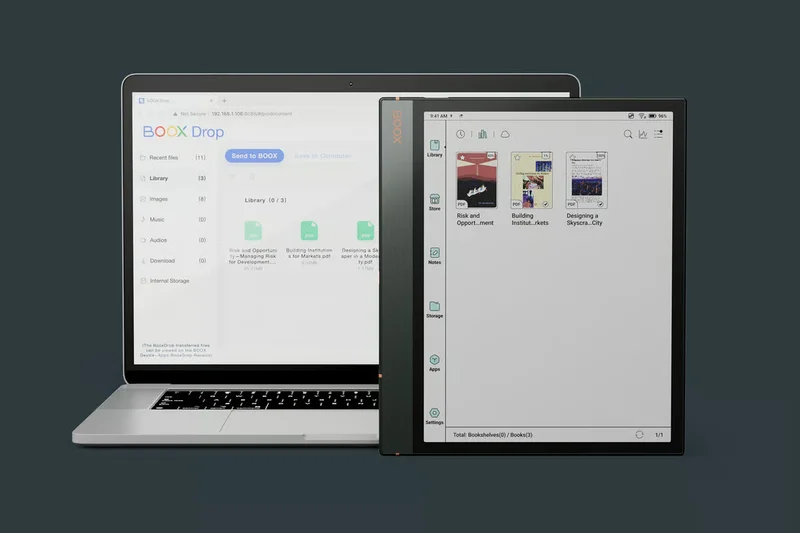
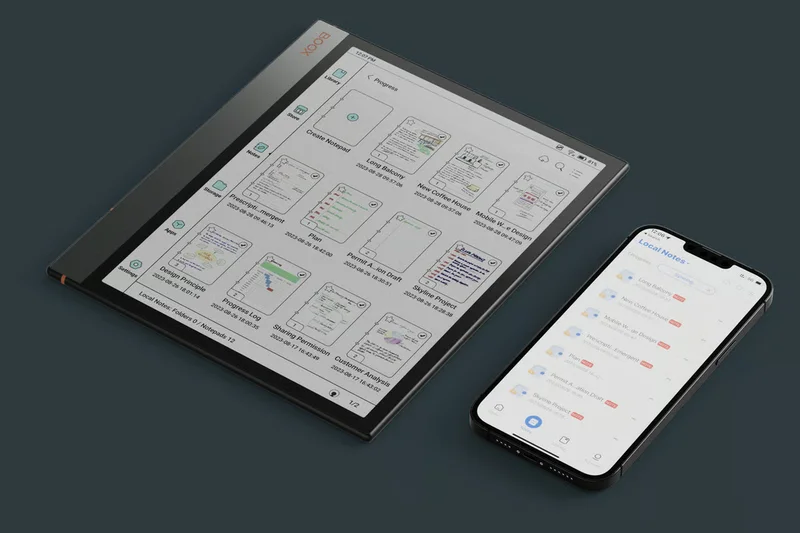
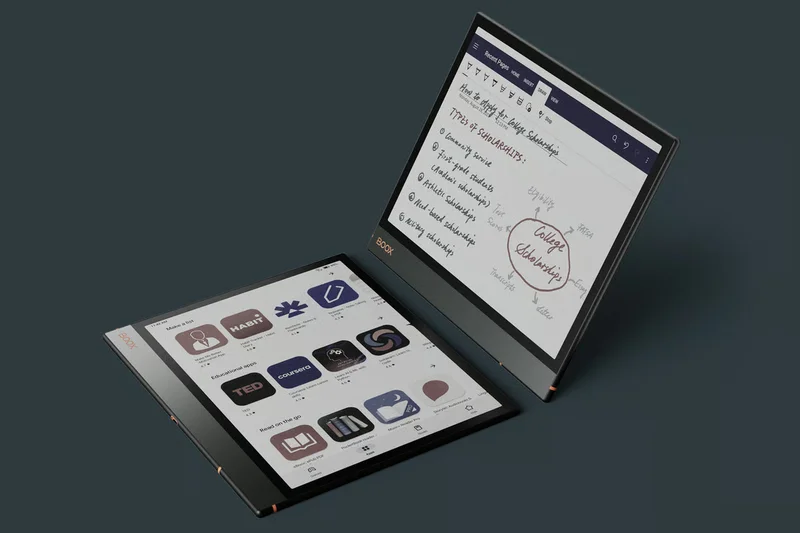
Why we picked it: The BOOX Note Air3 C brings color E-Ink to a slim, premium chassis. Utilizing the Kaleido 3 color screen, it is perfect for reviewing color-coded PDFs, reading comic books, and sketching out ideas without the harsh glare of an LCD. Running Android 12 with full Google Play Store access, it offers immense flexibility for downloading your preferred reading and productivity apps. BOOX’s Super Refresh technology makes navigating menus surprisingly snappy for an E-Ink device, solidifying it as a top choice for academic and professional reading.
Key Specs
- 10.3-inch Kaleido 3 color E-Ink screen
- Android 12 OS with Google Play
- BOOX Super Refresh (BSR) technology
- 4GB RAM / 64GB Storage
- MicroSD slot
What we like
- Kaleido 3 color E-Ink is great for charts and comics
- Full Google Play Store access
- Premium, incredibly thin build
What we don't like
- Colors are muted compared to LCD/OLED
- Battery life drains faster than standard E-Ink
Best for: Academics and professionals who read a lot of PDFs and want the eye-comfort of E-Ink with the flexibility of Android.
Considering the BOOX Note Air3 C vs the BOOX Tab Ultra C Pro? The Note Air3 C is thinner and more focused on reading/writing, while the Ultra adds a camera and faster processor for productivity.
A premium color E-Ink reader and digital notebook that offers the ultimate flexibility through full Android app support.
Check price at Amazon#21 reMarkable Paper Pro Move
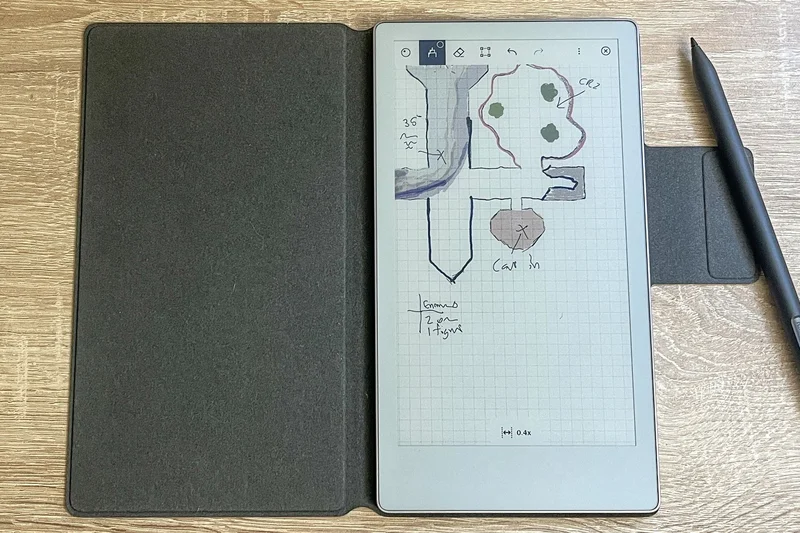
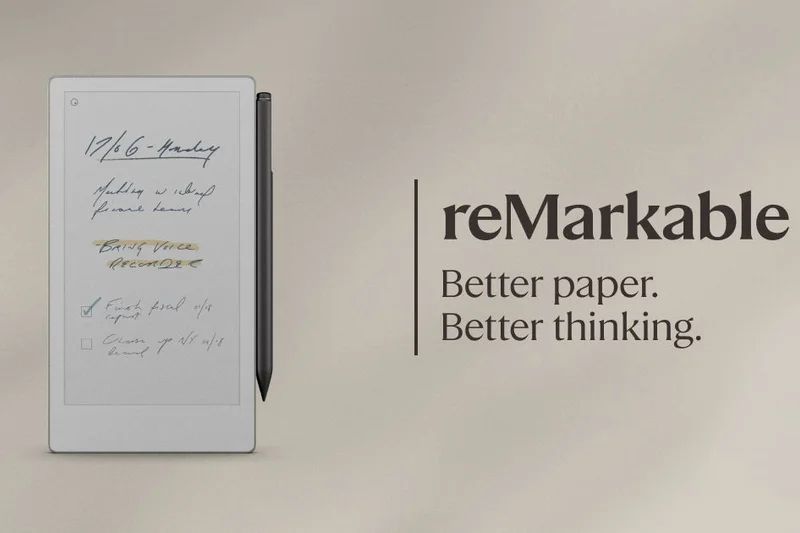
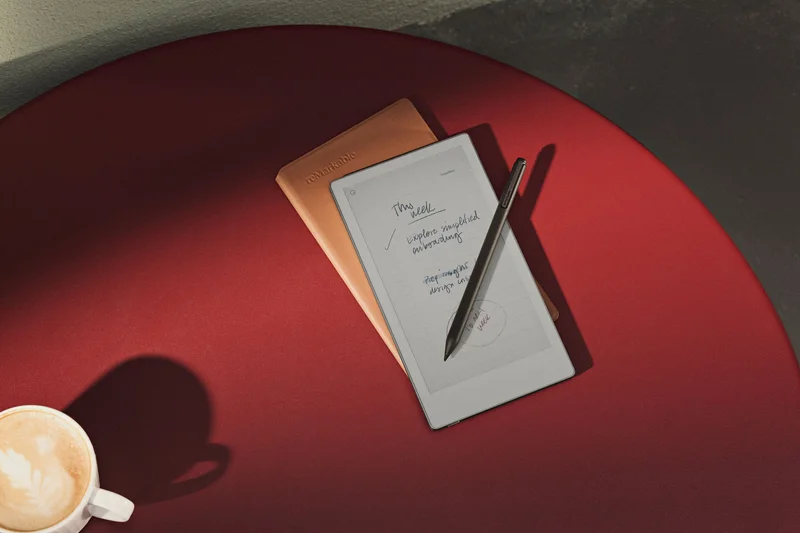
Why we picked it: The reMarkable Paper Pro Move takes the stellar color E-Ink technology of the larger Paper Pro and shrinks it into a highly portable 7.3-inch format. It is the ultimate digital pocket notebook, easily sliding into a small bag or large coat pocket. The built-in reading light and ultra-responsive Marker Plus stylus make it a joy to use on the go. Retaining the same distraction-free operating system, it ensures you remain focused on reading and writing, making it a fantastic companion for frequent travelers and commuters.
Key Specs
- 7.3-inch color E-Ink display
- Ultraportable design
- Built-in reading light
- Marker Plus stylus support
- Distraction-free digital notebook OS
What we like
- Perfect ultraportable size
- Color E-Ink display
- Incredible writing feel
What we don't like
- No third-party apps
- Quite expensive for a small specialized device
Best for: Writers and commuters who want a premium, distraction-free color digital notebook that fits anywhere.
Considering the reMarkable Paper Pro Move vs the iPad mini? The iPad mini is a vastly more versatile computer, but the reMarkable Move provides an infinitely better, eye-friendly writing experience.
A beautiful, pocket-sized color E-Ink tablet dedicated entirely to providing the best portable reading and writing experience.
Buy at reMarkable official site#22 reMarkable 2
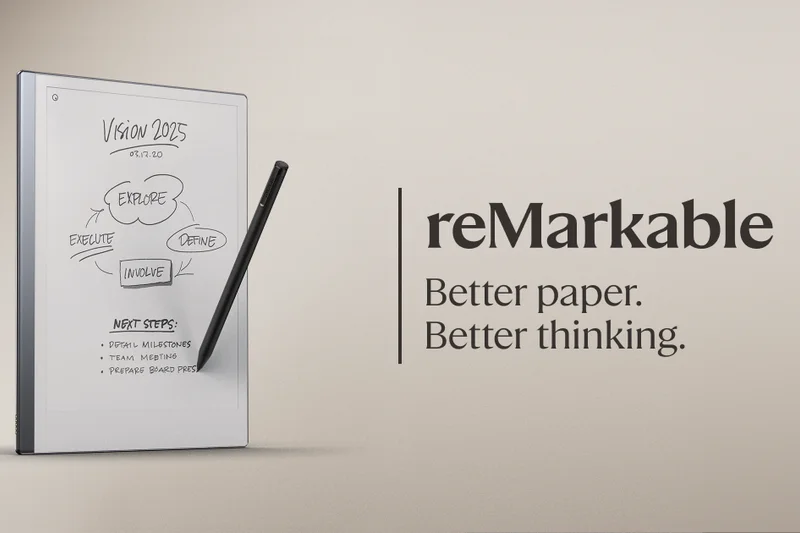
Why we picked it: Although older, the original monochrome reMarkable 2 remains a masterpiece of industrial design. At just 4.7mm thick, it is astonishingly sleek and provides a writing experience that perfectly mimics pencil on paper. Without notifications, web browsers, or social media, it is a haven for deep, focused thought. The battery lasts for up to two weeks, and its cloud sync effortlessly moves your handwritten notes to your PC. If you don't need color and want to save some money compared to the newer Pro models, the reMarkable 2 is still a top-tier choice.
Key Specs
- 10.3-inch monochrome E-Ink display
- 4.7mm ultra-thin aluminum chassis
- Two weeks of battery life
- Distraction-free OS
- Cloud sync for notes
What we like
- Incredibly thin, premium aluminum design
- The gold standard for E-Ink writing feel
- Two-week battery life
What we don't like
- No backlight for reading in the dark
- Requires a subscription for full cloud sync features
Best for: Note-takers and thinkers who want a beautifully designed, distraction-free digital replacement for a legal pad.
Considering the reMarkable 2 vs the reMarkable Paper Pro? The Paper Pro adds a backlight and color E-Ink, but the older reMarkable 2 is significantly cheaper and thinner.
A beautifully crafted digital notebook that remains relevant for anyone seeking pure, distraction-free writing.
Buy at reMarkable official site#23 OnePlus Pad Go

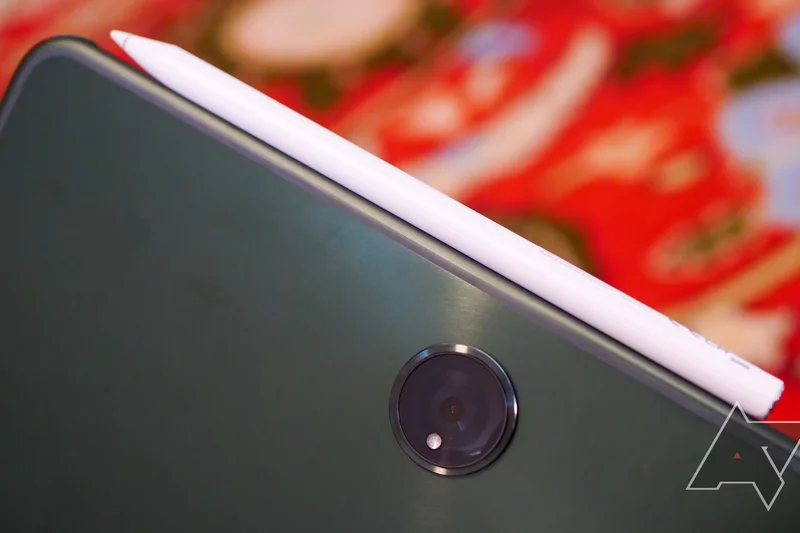
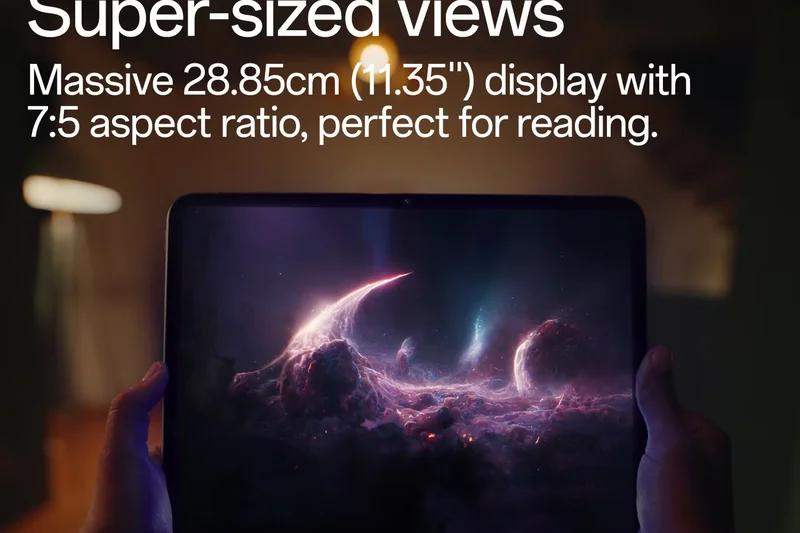
Why we picked it: The OnePlus Pad Go brings the excellent design language of the flagship OnePlus tablet down to a highly accessible sub-$300 price point. It features an impressive 11.35-inch 2.4K display that is remarkably sharp for its class, paired with Dolby Atmos quad speakers for a great movie-watching experience. The MediaTek Helio G99 and 8GB of RAM provide snappy performance for daily browsing and light gaming. The massive 8000mAh battery ensures it will easily last a few days of casual use, making it a stellar budget option.
Key Specs
- 11.35-inch 2.4K display
- MediaTek Helio G99 processor
- 8GB RAM
- 8000mAh battery
- Dolby Atmos quad speakers
What we like
- Sharp 2.4K resolution display
- Great battery life
- Excellent build quality for the price
What we don't like
- Processor struggles with heavy 3D games
- Cameras are very basic
Best for: Budget shoppers who want a sharp screen and loud speakers for multimedia and casual web browsing.
Considering the OnePlus Pad Go vs the Samsung Galaxy Tab A9+? The OnePlus boasts a higher resolution screen and better battery, making it the superior media device.
A highly capable budget Android tablet that stands out with its sharp 2.4K display and long-lasting battery.
Buy at OnePlus official site#24 Microsoft Surface Go 4
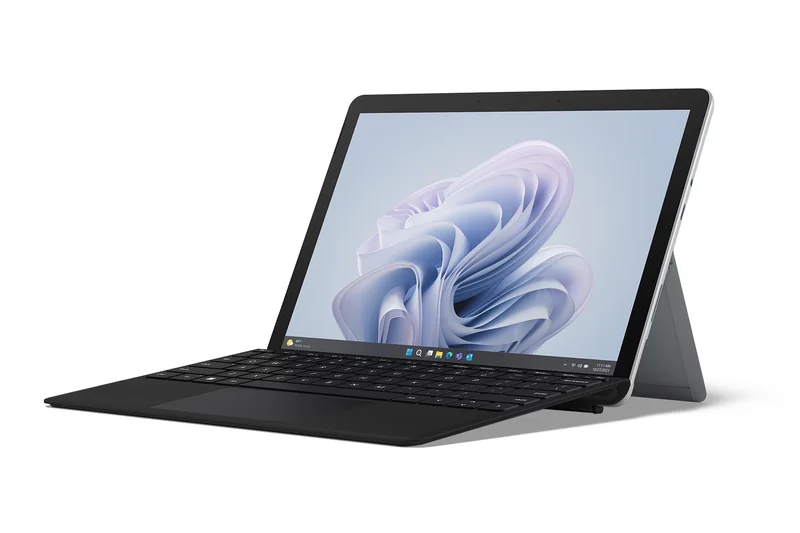

Why we picked it: The Microsoft Surface Go 4 is the smallest, most affordable entry into the Surface lineup. Aimed primarily at business frontline workers and students, it packs full Windows 11 Pro into a highly compact 10.5-inch chassis. The Intel Processor N200 paired with 8GB of RAM is designed for basic office tasks, email, and web browsing rather than heavy lifting. It shines in environments where legacy Windows applications are strictly required but carrying a full laptop is impractical.
Key Specs
- 10.5-inch PixelSense touchscreen
- Intel Processor N200
- 8GB LPDDR5 RAM
- Windows 11 Pro for Business
- 12.5-hour battery life
What we like
- Highly portable full Windows 11 PC
- Excellent build quality and kickstand
- Good battery life for its size
What we don't like
- Intel N200 processor is quite slow
- Thick bezels make the design feel dated
Best for: Field workers and students who absolutely require Windows-specific software in a lightweight, highly portable form factor.
Considering the Microsoft Surface Go 4 vs the iPad (10th Gen)? The iPad is vastly faster and has a better app ecosystem, but the Surface Go 4 is necessary if you must run desktop Windows software.
A niche but effective mini-PC that brings full Windows 11 capabilities to a highly portable 10.5-inch form factor.
Buy at Microsoft official site#25 Samsung Galaxy Tab Active5
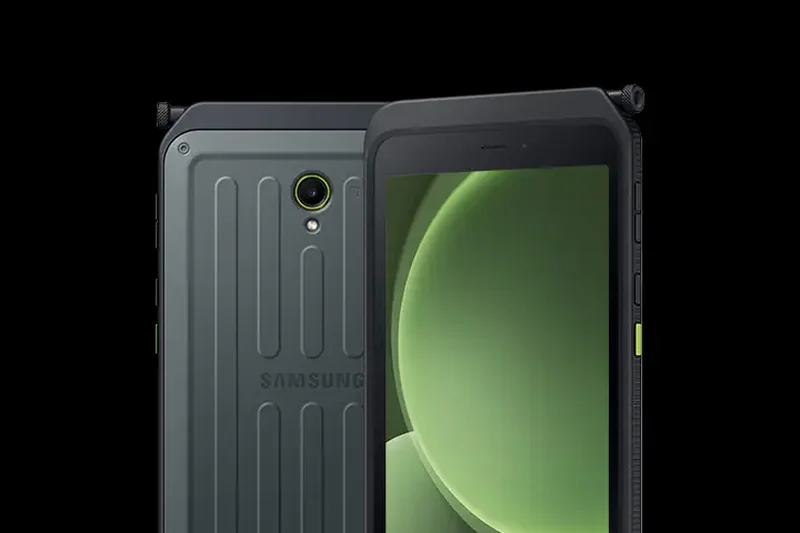
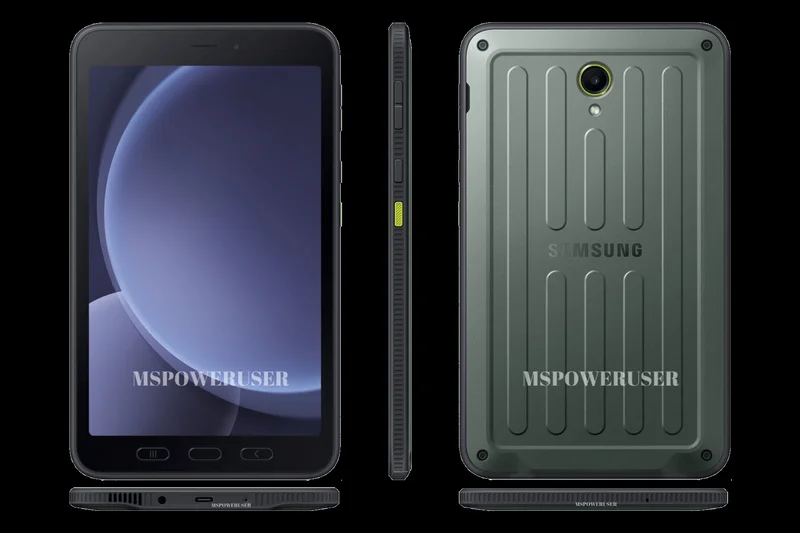
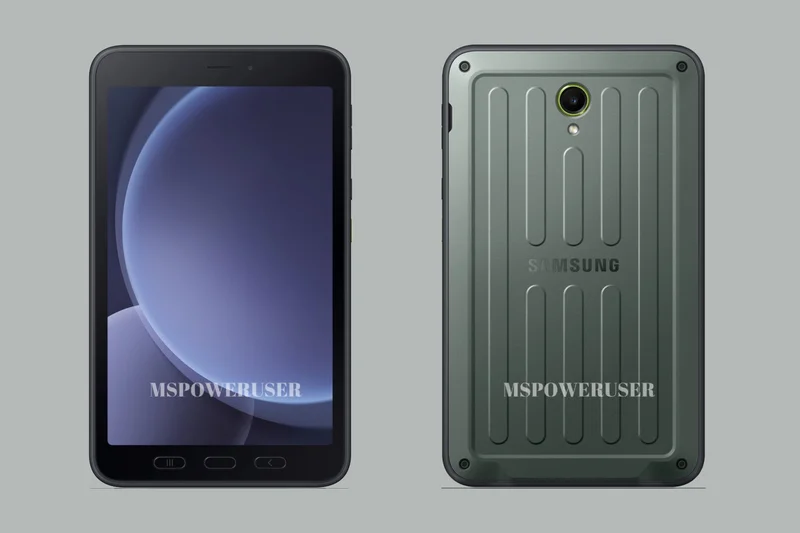
Why we picked it: The Samsung Galaxy Tab Active5 is built for extreme environments where a standard tablet would quickly perish. With MIL-STD-810H military-grade certification and IP68 water/dust resistance, it can survive drops, spills, and extreme temperatures. A standout feature for enterprise users is the removable 5050mAh battery, allowing for instant hot-swapping during long shifts. The 8-inch 120Hz display is bright enough for outdoor use, and the programmable physical buttons are functional even when wearing gloves.
Key Specs
- 8-inch WUXGA 120Hz display
- MIL-STD-810H and IP68 certified build
- Exynos 1380 processor
- Removable 5050mAh battery
- Programmable Active Key
What we like
- Incredibly rugged and durable
- Removable, swappable battery
- Physical buttons work with gloves
What we don't like
- Chunky, utilitarian design
- Expensive for the internal specs provided
Best for: Construction workers, logistics personnel, and outdoor enthusiasts who need an unbreakable tablet.
Considering the Samsung Galaxy Tab Active5 vs standard consumer tablets? The Active5 trades sleekness and raw speed for extreme durability and a swappable battery.
The ultimate rugged tablet for frontline workers, offering unmatched durability and practical enterprise features.
Buy at Samsung official site#26 Samsung Galaxy Tab A9+
Why we picked it: The Samsung Galaxy Tab A9+ is a reliable, no-frills entry-level Android tablet. It features an 11-inch LCD screen with a smooth 90Hz refresh rate, a rarity at this price point. Powered by a modest Snapdragon 695 processor, it handles everyday tasks like Netflix, YouTube, and web browsing perfectly well. The inclusion of Samsung Kids mode makes it an excellent, safe choice for families, and the expandable storage allows you to load it up with downloaded movies for travel.
Key Specs
- 11-inch LCD display (90Hz)
- Qualcomm Snapdragon 695 processor
- 4GB or 8GB RAM
- Expandable storage up to 1TB
- Quad speakers
What we like
- Affordable entry price
- Smooth 90Hz display
- MicroSD card slot for expandable storage
What we don't like
- Cameras are very poor quality
- 4GB RAM base model can lag during multitasking
Best for: Families and casual users looking for a trusted brand name on a strict budget.
Considering the Samsung Galaxy Tab A9+ vs the Lenovo Tab M11? Both are great budget choices, but Samsung offers a slightly more polished software experience with its OneUI interface.
A solid, dependable budget tablet from a trusted brand that excels at basic media consumption.
Buy at Samsung official site#27 TCL NXTPAPER 11
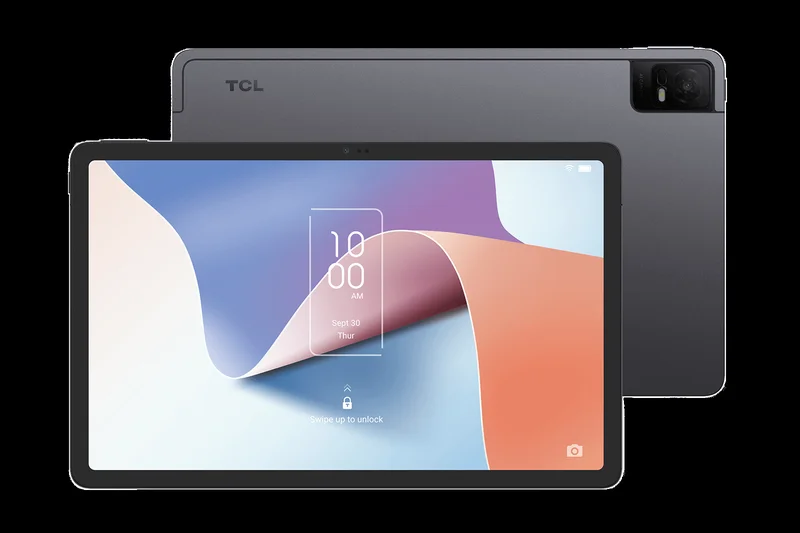
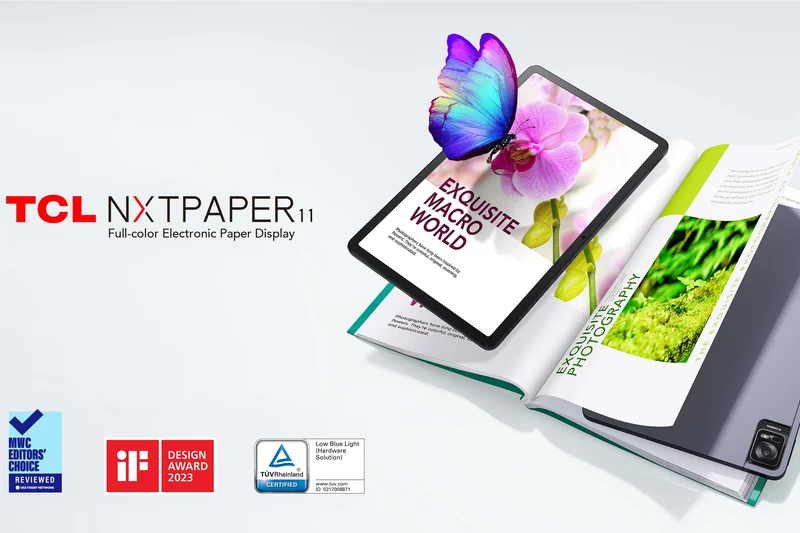
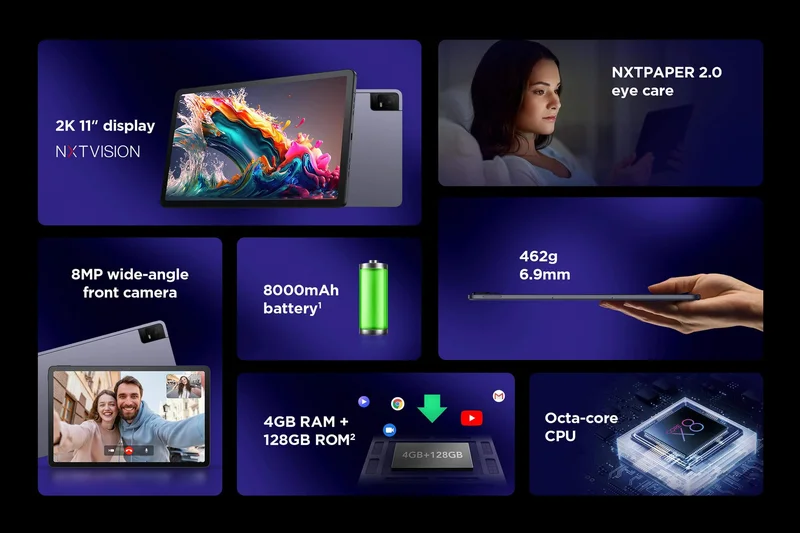
Why we picked it: The TCL NXTPAPER 11 stands out with its innovative anti-glare display technology. Unlike standard glossy tablets, the NXTPAPER screen has a matte, paper-like finish that drastically reduces blue light and eliminates harsh reflections. This makes it exceptionally comfortable for reading and extended browsing sessions without eye strain. While the MediaTek processor is decidedly entry-level, the unique eye-care benefits make it a compelling choice for users who read heavily but still want a full color Android tablet rather than a monochrome E-Ink device.
Key Specs
- 11-inch 2K display
- NXTPAPER 2.0 anti-glare technology
- MediaTek Octa-core processor
- 8000mAh battery
- Eye-care certified
What we like
- Excellent matte, anti-glare screen
- Reduces eye strain significantly
- Good battery life
What we don't like
- Sluggish performance in heavy apps
- Matte screen reduces overall color punch
Best for: Avid readers and users with sensitive eyes who want an affordable, glare-free Android tablet.
Considering the TCL NXTPAPER 11 vs a standard E-Ink reader? The TCL offers full color video and apps, making it more versatile, though it doesn't quite match the battery life of pure E-Ink.
A highly specialized budget tablet that prioritizes eye comfort and reading with its unique matte display technology.
Check price at Amazon#28 Lenovo Idea Tab 11"
Why we picked it: The Lenovo Idea Tab 11" is a competent mid-range device that focuses on delivering a good visual experience. The 11-inch 2.5K IPS screen with a 90Hz refresh rate is sharp and vibrant, making it excellent for streaming and reading. Driven by the MediaTek Dimensity 6300, it handles day-to-day multitasking with reasonable speed. It’s a straightforward, unpretentious Android tablet that offers a good balance of screen quality and battery life for casual users.
Key Specs
- 11-inch 2.5K IPS screen (2560x1600)
- MediaTek Dimensity 6300 processor
- 4GB or 8GB RAM options
- 90Hz display refresh rate
- 7,040mAh battery
What we like
- Sharp 2.5K display
- Smooth 90Hz refresh rate
- Clean Android interface
What we don't like
- Average battery capacity
- Cameras are mediocre
Best for: Casual users seeking a sharp screen for media consumption without spending over $200.
Considering the Lenovo Idea Tab 11" vs the Samsung Galaxy Tab A9+? The Lenovo boasts a sharper 2.5K display, making it slightly better for reading crisp text.
A solid, no-nonsense budget tablet that punches above its weight with a sharp 2.5K screen.
Buy at Lenovo official site#29 Lenovo Yoga Tab 11
Why we picked it: The Lenovo Yoga Tab 11 is defined by its unique, functional design. It features a cylindrical battery grip on one side, which makes it incredibly comfortable to hold one-handed like a magazine. Built into this grip is a sturdy stainless steel kickstand, allowing you to prop it up or even hang it on a wall without needing an extra case. While the internal specs are starting to age, its ergonomic design and great JBL speakers make it a superb dedicated media player for the kitchen or living room.
Key Specs
- 11-inch 2K display
- Built-in stainless steel kickstand
- Dolby Vision & Atmos support
- MediaTek Helio G90T processor
- Up to 15 hours battery life
What we like
- Incredibly useful built-in kickstand
- Comfortable ergonomic grip
- Great audio quality
What we don't like
- Processor is showing its age
- Odd shape makes it hard to find third-party cases
Best for: Home users looking for a convenient kitchen or bedside tablet that can stand up on its own.
Considering the Lenovo Yoga Tab 11 vs standard flat tablets? The built-in kickstand is a game changer for watching videos while cooking or relaxing, though it adds some bulk.
A uniquely designed entertainment tablet that excels at hands-free media consumption thanks to its built-in kickstand.
Buy at Lenovo official site#30 Lenovo Tab Plus 11.5"
Why we picked it: The Lenovo Tab Plus 11.5" is a device built entirely around its audio capabilities. It houses an astonishing 8 JBL Hi-Fi integrated speakers, delivering the loudest, most immersive sound you will find on any tablet in this price tier. It also features a built-in kickstand, making it the ultimate portable boombox and movie screen. The internal specs are strictly mid-range, optimized for media playback rather than intense gaming, but for audio lovers on a budget, it is unmatched.
Key Specs
- 11.5-inch 2K display
- 8 JBL Hi-Fi integrated speakers
- MediaTek Helio G99 processor
- 8GB RAM
- Built-in kickstand
What we like
- Incredible 8-speaker audio system
- Built-in kickstand
- Good 2K display
What we don't like
- Heavier and thicker than standard tablets
- Gaming performance is limited
Best for: Audio enthusiasts and binge-watchers who want room-filling sound without connecting external Bluetooth speakers.
Considering the Lenovo Tab Plus vs the OnePlus Pad Go? The Lenovo dominates in audio quality and has a built-in stand, but the OnePlus is much thinner and lighter.
A highly specialized media tablet that delivers mind-blowing audio performance via its 8 integrated JBL speakers.
Buy at Lenovo official site#31 Amazon Fire Max 11
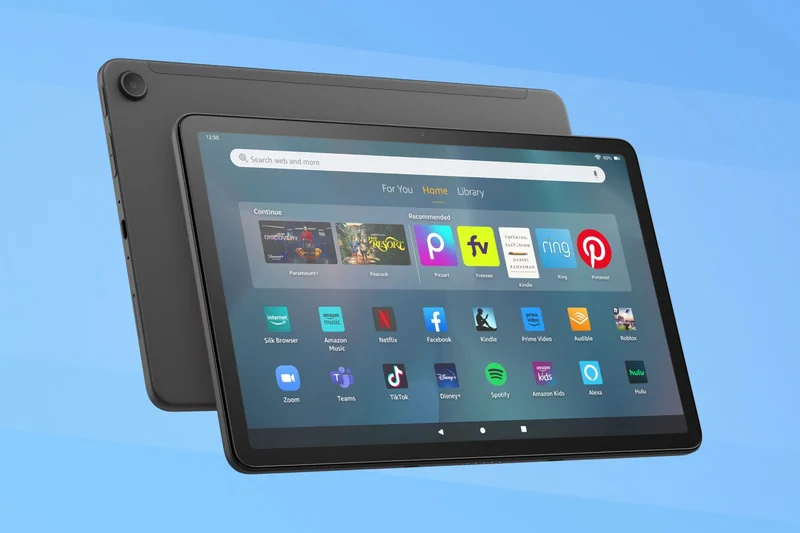
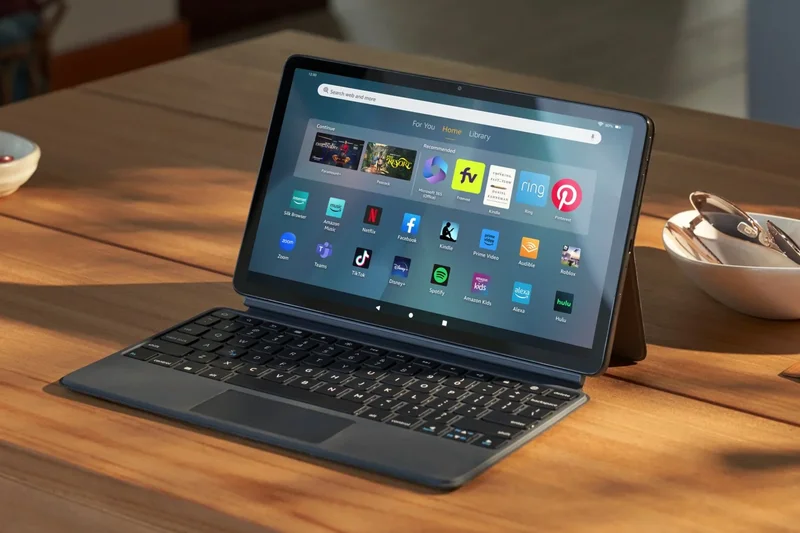
Why we picked it: The Amazon Fire Max 11 is the most premium tablet Amazon has ever produced. It features a sleek aluminum chassis, a fingerprint sensor, and a sharp 11-inch 2K display. It integrates flawlessly into the Alexa and Amazon Prime ecosystems, making it a great hub for reading Kindle books and watching Prime Video. However, it is fundamentally limited by Fire OS, which lacks the Google Play Store out of the box. If you live entirely within the Amazon ecosystem, it's a great piece of hardware for the price.
Key Specs
- 11-inch 2K display (2000x1200)
- MediaTek Octa-core processor
- 4GB RAM
- 14-hour battery life
- Built-in fingerprint sensor
What we like
- Premium aluminum build
- Great battery life
- Sharp 2K screen
What we don't like
- No Google Play Store officially supported
- Lock screen ads (unless you pay to remove them)
Best for: Heavy Amazon Prime subscribers who want a premium-feeling device for media and reading.
Considering the Amazon Fire Max 11 vs the Lenovo Tab M11? The Lenovo offers the Google Play Store, making it vastly more versatile, but the Amazon tablet has a slightly more premium metal build.
Amazon's best tablet offers solid hardware and battery life, though it remains heavily restricted by its lack of Google apps.
Check price at Amazon#32 Lenovo Tab M11
Why we picked it: The Lenovo Tab M11 is a solid entry-level tablet that adds extra value by including the Lenovo Tab Pen in the box. This makes it a fantastic, affordable option for students who need to take handwritten notes or sketch diagrams. The 11-inch 90Hz display is smooth enough for basic use, and the IP52 splash resistance provides a little extra durability. It won't win any speed races with its Helio G88 processor, but it handles classroom tasks and casual streaming perfectly.
Key Specs
- 11-inch WUXGA display (90Hz)
- MediaTek Helio G88 processor
- 4GB or 8GB RAM
- Lenovo Tab Pen included
- IP52 splash resistance
What we like
- Stylus included in the box
- Affordable entry price
- Smooth 90Hz screen
What we don't like
- Slow processor
- Cameras are very basic
Best for: Students on a strict budget who need a basic tablet with stylus support for taking notes.
Considering the Lenovo Tab M11 vs the Samsung Galaxy Tab A9+? The Lenovo includes a pen, making it better for note-taking, whereas the Samsung has slightly better software optimization.
A highly practical budget tablet that distinguishes itself by including a stylus for affordable digital note-taking.
Buy at Lenovo official site#33 Amazon Fire HD 10
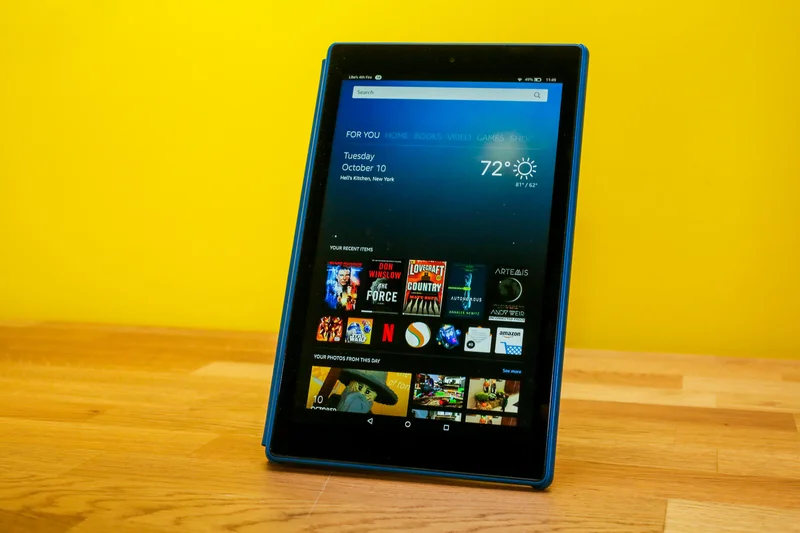
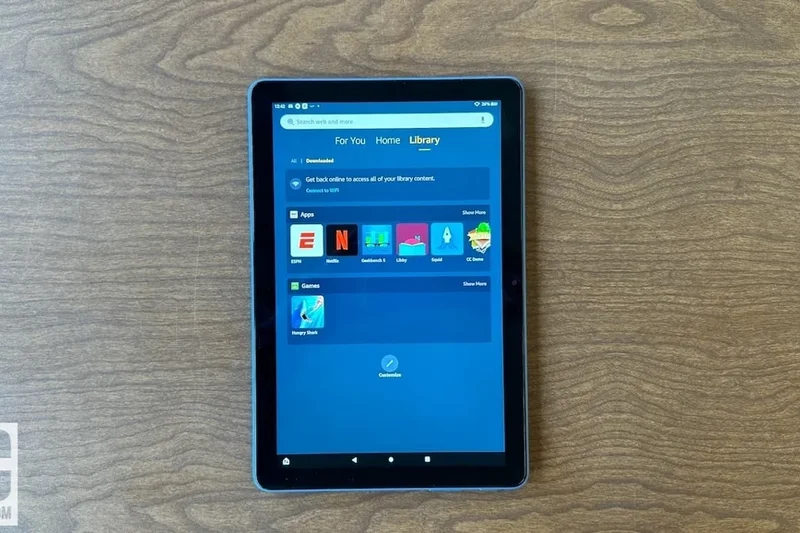
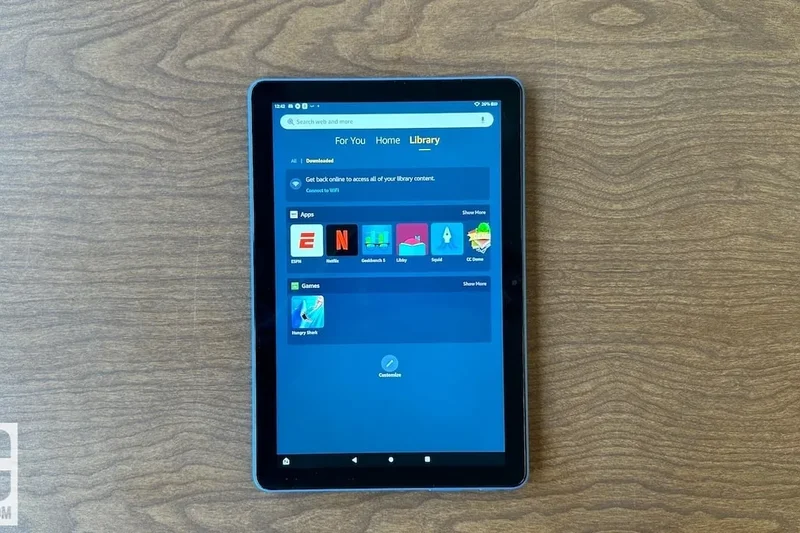
Why we picked it: The Amazon Fire HD 10 remains the king of the extreme budget category for media consumption. For around $139 (and often much less during Prime Day), you get a functional 10.1-inch 1080p display and up to 13 hours of battery life. It is entirely designed to be a portal to Amazon's services—Prime Video, Kindle, and Alexa. Like all Fire tablets, it lacks Google apps, which severely limits its utility for productivity or diverse gaming, but for watching movies on a flight or handing to a child, its value is tough to beat.
Key Specs
- 10.1-inch 1080p Full HD display
- Octa-core processor
- 3GB RAM
- Up to 13 hours battery life
- MicroSD expansion slot
What we like
- Incredibly cheap, especially on sale
- Decent 1080p screen for the price
- Durable plastic build is good for kids
What we don't like
- No Google Play Store
- Sluggish overall performance
Best for: Bargain hunters and parents looking for an ultra-cheap media player.
Considering the Amazon Fire HD 10 vs the Lenovo Tab M9? The Fire HD 10 has a bigger, sharper screen, but the Lenovo has the Google Play Store.
An unbeatable bargain for basic media consumption, provided you are willing to live without Google's app ecosystem.
Check price at Amazon#34 Lenovo Tab M9
Why we picked it: The Lenovo Tab M9 is an ultra-budget 9-inch Android tablet that offers full Google Play Store access for under $100. While the screen is only HD resolution and the processor is slow, it functions perfectly well as a basic e-reader, a smart home controller, or a first device for a child. Its compact size makes it highly portable, and the Dolby Atmos-enhanced speakers provide surprisingly decent audio. It is a true budget device, but it gets the absolute basics done without the ecosystem restrictions of an Amazon Fire tablet.
Key Specs
- 9-inch HD touch display (1340x800)
- MediaTek Helio G80 octa-core CPU
- 3GB or 4GB RAM
- 5,100mAh battery
- Dolby Atmos-enhanced dual speakers
What we like
- Extremely affordable
- Full Google Play Store access
- Compact and lightweight
What we don't like
- Low resolution HD screen
- Very slow performance
Best for: Shoppers who want the absolute cheapest tablet available that still has access to the official Google Play Store.
Considering the Lenovo Tab M9 vs the Amazon Fire HD 8? Choose the Lenovo to avoid Amazon's software restrictions and access the full Android app library.
A highly affordable, no-frills entry-level tablet that offers the full Android experience on a shoestring budget.
Buy at Lenovo official site#35 Amazon Fire HD 8
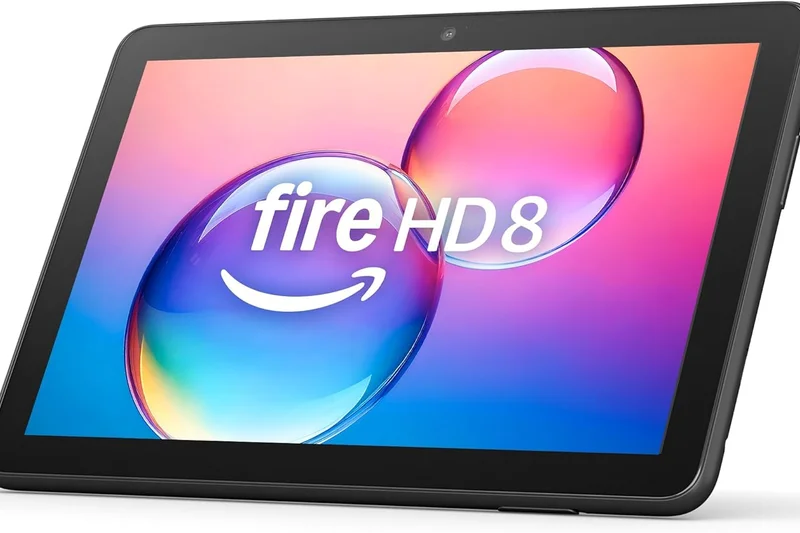
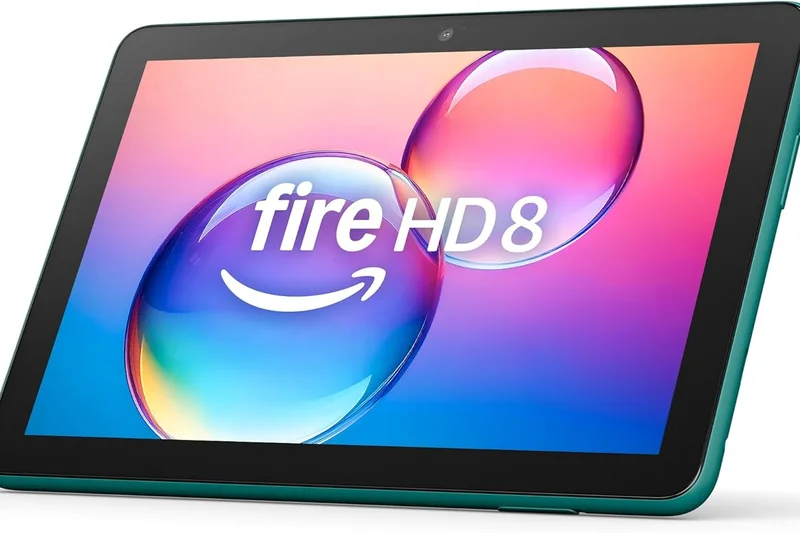
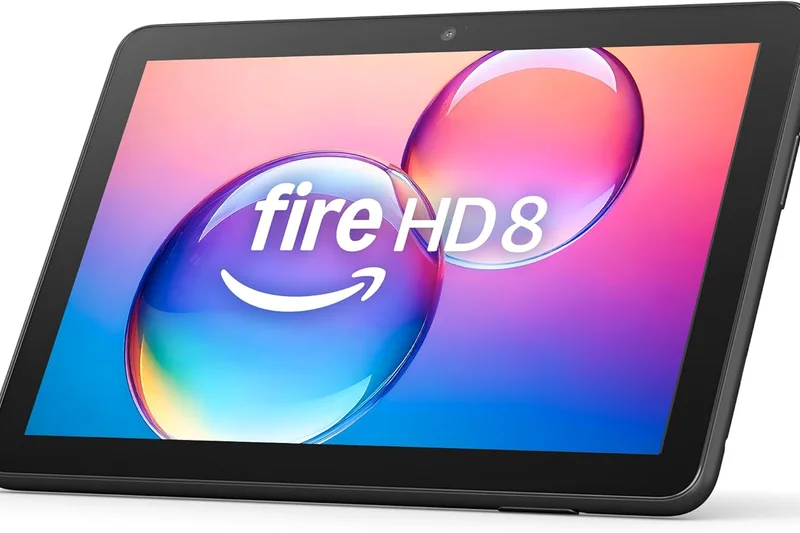
Why we picked it: The Amazon Fire HD 8 is the definition of a basic, utilitarian device. Refreshed with 3GB of RAM for slightly better multitasking, it is cheap enough to be almost disposable. It is ideal for young children, reading Kindle books, or keeping on the coffee table as an Alexa smart home remote. The 8-inch HD display is lackluster and performance is sluggish, but at its price point—often dropping below $60 during sales—it serves its very specific, limited purpose well.
Key Specs
- 8-inch HD display
- Hexa-core processor
- 3GB RAM (2024 version)
- Up to 13 hours battery life
- Alexa built-in
What we like
- Dirt cheap
- Durable, drop-resistant design
- Good battery life
What we don't like
- Very slow and laggy
- Poor screen quality and no Google apps
Best for: Parents buying a first device for a young child, or anyone who wants a cheap Alexa controller.
Considering the Amazon Fire HD 8 vs the Fire HD 10? Spend the extra money on the 10-inch model for a significantly better screen and slightly faster performance.
The ultimate disposable budget tablet, suitable only for the most basic Amazon media consumption and kids' games.
Check price at AmazonBuying Guide
Identify Your Primary Use Case
Before diving into specs, determine what you primarily need the tablet for. If your goal is media consumption and casual web browsing, a budget-friendly option with a good display will suffice. However, if you are looking for a productivity machine to replace your laptop, you'll need to prioritize processing power, multitasking software, and a robust accessory ecosystem. Digital artists, on the other hand, should look closely at display color accuracy, high refresh rates, and the quality of the compatible stylus.
Operating System Ecosystems
The operating system defines your tablet experience. Apple's iPadOS remains the gold standard for app optimization, offering a vast library of tablet-specific applications and seamless integration with other Apple devices. Android has made significant strides, particularly with devices from Samsung and OnePlus, offering excellent multitasking features and deeper customization. Meanwhile, Windows 11 tablets, like the Microsoft Surface line, are true 2-in-1 computers, perfect for users who need to run full desktop software. Finally, specialized E-Ink OS devices, such as the reMarkable series, offer distraction-free environments tailored specifically for reading and note-taking.
Display Tech: OLED, Mini-LED, LCD, and E-Ink
The screen is your primary interface. OLED displays, found on premium models like the iPad Pro and Galaxy Tab S10 Ultra, offer perfect blacks and vibrant colors, making them ideal for movie watching and photo editing. LCD screens are common on mid-range and budget tablets; while they don't offer the deep contrast of OLED, high-quality IPS LCDs still provide sharp, accurate visuals. E-Ink displays prioritize eye comfort and battery life, simulating the look of real paper, which is perfect for heavy readers and writers.
Memory, Storage, and Processing Power
When assessing performance, look at the processor and RAM. For basic tasks, standard chips and 4GB of RAM will do, but for intensive multitasking or gaming, aim for at least 8GB of RAM and flagship processors (like Apple's M-series or Qualcomm's Snapdragon 8 Gen series). Regarding storage, 64GB is the absolute minimum today, but 128GB to 256GB is recommended for most users to comfortably store apps, documents, and media without constantly relying on cloud storage.
What to Avoid
Avoid tablets with exceptionally low RAM (under 4GB for Android or Windows) as they will struggle with basic multitasking. Be cautious of "accessory traps" [2]—buying an expensive tablet where the keyboard and stylus are sold separately at exorbitant prices, pushing the total cost far beyond a capable laptop. Additionally, steer clear of no-name brand tablets offering flagship specs at impossible prices, as they often feature poor build quality, terrible battery degradation, and zero software update support.
Budget Tiers
Under $300: These are media consumption devices. They handle streaming, reading, and light gaming well, but expect basic LCD screens and plastic builds. $300 to $800: The mid-range sweet spot. Here you find excellent value, featuring powerful processors, aluminum chassis, and strong battery life. Devices like the iPad Air and OnePlus Pad dominate this tier. $800 and up: Premium and professional tablets. Expect OLED displays, desktop-class processors, advanced multitasking software, and premium stylus support, designed for power users and creatives.
FAQ
What is the best tablet overall in 2026?
The Apple iPad Pro 13-inch (M5) is currently the best overall tablet. It combines an incredibly powerful desktop-class processor with a stunning Ultra Retina XDR OLED display, offering an unmatched premium experience for both media consumption and professional productivity.
How do I choose between an iPad and an Android tablet?
Choose an iPad if you want the longest software support, the most optimized tablet applications, and seamless integration with other Apple devices like the iPhone or Mac. Choose an Android tablet (like Samsung or OnePlus) if you prefer greater customization, better file management, or want an included stylus without paying extra.
How much storage capacity do I actually need?
For basic streaming and reading, 64GB is sufficient. However, if you plan to download movies, play heavy 3D games, or store photos, you should aim for a minimum of 128GB to 256GB to ensure the tablet remains usable over several years.
Can a tablet completely replace my laptop for work?
Yes, but it depends on the model and your workflow. A Windows 2-in-1 like the Microsoft Surface Pro 11th Edition is a true laptop replacement because it runs full desktop software. iPads and Android tablets are excellent for emails, writing, and creative tasks, but can be limiting if you require complex file management or specialized enterprise software.
What makes a tablet good for drawing and digital art?
Digital artists should look for high-resolution displays with accurate color reproduction (preferably OLED), high refresh rates (120Hz) to reduce input lag, and a highly responsive, pressure-sensitive stylus (like the Apple Pencil Pro or Samsung S Pen).
Are budget tablets under $300 worth buying?
Yes, for basic tasks. Tablets like the Lenovo Idea Tab Pro 12.7" or Amazon Fire Max 11 offer excellent value for watching videos, web browsing, and reading. Just don't expect them to handle heavy video editing or intense gaming.
What is the optimal screen size for a tablet?
8-9 inches is ideal for reading and handheld gaming; 10-11 inches is the sweet spot for everyday versatility and portability; 12.4-14.6 inches is best for drawing, laptop replacement, and split-screen multitasking.
Does cellular connectivity (5G) matter for tablets?
Only if you travel frequently and work away from reliable Wi-Fi. For most users, tethering the tablet to a smartphone's hotspot is a cheaper and perfectly viable alternative to paying for a dedicated tablet data plan.
What is the best tablet for college and university students?
The iPad Air 11-inch (M4) is the best all-rounder for students, offering flagship power, great battery life, and Apple Pencil support for note-taking at a relatively reasonable price. Students who need full Windows software should look at the Surface Pro line.
How long should a modern tablet's battery last?
A good modern tablet should comfortably provide 9 to 12 hours of continuous web browsing or video playback. Heavy tasks like gaming or video editing will drain the battery significantly faster, usually within 4 to 6 hours.
What is an E-Ink tablet and who should buy one?
E-Ink tablets (like the reMarkable Paper Pro) use display technology that mimics real paper, causing zero eye strain and offering weeks of battery life. They are perfect for avid readers, writers, and professionals who want a distraction-free digital notebook.
Should I buy the iPad Air or the iPad Pro?
Buy the iPad Pro if you are a creative professional who needs the absolute best color-accurate OLED screen, 120Hz refresh rates, and FaceID. Buy the iPad Air if you just want a fast, reliable, everyday tablet, as it uses a similar processor for much less money.
Are 2-in-1 Windows tablets better than standard Android or iPad tablets?
They are better for traditional office productivity because they run full desktop Windows applications. However, they are generally worse purely as handheld tablets because Windows 11 is not as touch-friendly or optimized for battery life as iPadOS or Android.
How can I extend the lifespan and performance of my tablet?
Keep the software updated, avoid exposing the device to extreme heat (which degrades the battery), use a screen protector and a protective case, and try to keep the battery charged between 20% and 80% to maximize its chemical lifespan.
What should I look for in tablet warranty and return policies?
Always look for at least a one-year manufacturer warranty covering hardware defects. If you plan to travel or give the tablet to a child, consider purchasing extended accidental damage protection (like AppleCare+) as tablet screen repairs are often prohibitively expensive.
Methodology
Our rankings are derived through a stringent, data-backed approach known as the M2 Multi-Dimensional Evaluation framework, developed by Selection Logic [1]. Instead of relying on subjective holistic impressions, we evaluate every device across seven distinct dimensions, applying specific weights based on intended user scenarios to produce our final rankings.
The Assessment Dimensions
- Performance & Processing (20% for Overall): We assess benchmark scores, RAM capacity, thermal management, and real-world multitasking fluidity.
- Display Quality (20% for Overall): Panels are judged on brightness, color gamut, refresh rate (with 120Hz+ being the premium standard), and contrast ratios.
- Battery Life & Charging (15% for Overall): We measure screen-on time during mixed workloads, standby efficiency, and the speed of fast-charging top-ups.
- Software & Ecosystem (15% for Overall): Evaluates the operating system's tablet optimization, the richness of the app store, and integration with broader hardware ecosystems.
- Accessory Support (10% for Overall): We look at the availability, latency, and ergonomic quality of first-party keyboards and styluses.
- Design & Portability (10% for Overall): Considers build materials, weight distribution, chassis thickness, and durability.
- Value & Longevity (10% for Overall): Analyzes the price-to-performance ratio and the manufacturer's track record for software update lifespans.
Scenario-Based Weighting
Because no single tablet is perfect for everyone, our algorithm dynamically adjusts these weights. For instance, in our 'Best for Creatives & Drawing' scenario, Display is weighted at 30% and Accessories at 25%, reflecting the critical need for a color-accurate canvas and responsive stylus. Conversely, our 'Best on a Budget' scenario heavily emphasizes Value (35%), ensuring that premium price tags don't overshadow capable, affordable alternatives.
Data Sourcing and Verification
Data is compiled from a blend of official manufacturer specifications, standardized benchmark databases, and aggregated sentiment from verified purchaser reviews across major retail platforms. This triangulated approach ensures that our scores reflect both theoretical hardware capabilities and actual long-term user satisfaction.
About our team
Our methodology team is composed of tech industry analysts and consumer electronics experts who specialize in parsing complex spec sheets into practical buying advice. By adhering to Selection Logic's foundational principles, we provide evaluations that are resistant to marketing hype, focusing entirely on measurable utility and long-term value.
Sources & References
All factual claims, product specifications, prices, and images in this article are cited by number. Click any reference to jump to the list; click the link in each entry to visit the original source.
- [1]Selection Logic. "M2: Multi-Dimensional Evaluation." selectionlogic.org/en/methods/m2-multi-dimensional-evaluation/. Accessed Mar 2026.
- [2]Selection Logic. "Tablet Buying Guide." selectionlogic.org/en/guides/tablet-buying-guide/. Accessed Mar 2026.
- [3]Apple Inc. "iPad Pro - Technical Specifications." apple.com. Accessed Mar 2026.
- [4]Apple Inc. "iPad Air - Technical Specifications." apple.com. Accessed Mar 2026.
- [5]Samsung Electronics. "Galaxy Tab S10 Ultra 5G Specs." samsung.com. Accessed Mar 2026.
- [6]Samsung Electronics. "Galaxy Tab S9 FE Features." samsung.com. Accessed Mar 2026.
- [7]Microsoft Corporation. "Surface Pro 11th Edition Tech Specs." microsoft.com. Accessed Mar 2026.
- [8]Microsoft Corporation. "Surface Go 4 for Business." microsoft.com. Accessed Mar 2026.
- [9]OnePlus. "OnePlus Pad 2 Specifications." oneplus.com. Accessed Mar 2026.
- [10]OnePlus. "OnePlus Pad Go Overview." oneplus.com. Accessed Mar 2026.
- [11]Google Store. "Google Pixel Tablet Tech Specs." store.google.com. Accessed Mar 2026.
- [12]reMarkable AS. "reMarkable Paper Pro Specifications." remarkable.com. Accessed Mar 2026.
- [13]reMarkable AS. "reMarkable 2 Specifications." remarkable.com. Accessed Mar 2026.
- [14]Lenovo. "Lenovo Tab P12 Pro Series Overview." lenovo.com. Accessed Mar 2026.
- [15]Lenovo. "Yoga Tab 11 Features." lenovo.com. Accessed Mar 2026.
- [16]Onyx BOOX. "BOOX Note Air3 C." shop.boox.com. Accessed Mar 2026.
- [17]Onyx BOOX. "BOOX Tab Ultra C Pro." shop.boox.com. Accessed Mar 2026.
- [18]Xiaomi Global. "Xiaomi Pad 6 Specifications." mi.com. Accessed Mar 2026.
- [19]TCL. "NXTPAPER 11 Overview." tcl.com. Accessed Mar 2026.
- [20]Amazon. "Fire Max 11 Tablet." amazon.com. Accessed Mar 2026.
- [21]TechRadar. "The best tablet 2026: top Android and iPad slates." techradar.com. Accessed Mar 2026.
- [22]The Verge. "Best tablets to buy in 2026." theverge.com. Accessed Mar 2026.
- [23]Tom's Guide. "Best tablets 2026: Top picks for every budget." tomsguide.com. Accessed Mar 2026.
- [24]CNET. "Best Tablets for 2026: Apple, Samsung and More Compared." cnet.com. Accessed Mar 2026.
- [25]PCMag. "The Best Tablets for 2026." pcmag.com. Accessed Mar 2026.