Quick Verdict
At a glance
We tested 38 Customer Relationship Management (CRM) platforms optimized for sales teams to bring you the best options for 2026 Q1. By rigorously evaluating core pipeline features, AI capabilities, usability, and pricing, we identified the platforms that genuinely help revenue teams close deals faster without creating administrative bloat.
🏆 Overall #1: HubSpot Sales Hub — The ultimate balance of usability, AI-driven automation, and deep marketing alignment.
🥈 #2: Microsoft Dynamics 365 Sales — An enterprise powerhouse with seamless Microsoft 365 integration and advanced relationship analytics.
🥉 #3: Salesforce Sales Cloud — Unmatched customization, massive app ecosystem, and robust pipeline management for complex sales.
Which one is for me?
How We Tested
In evaluating the best CRMs for sales teams in 2026 Q1, we gathered an extensive candidate pool of 38 industry-leading software solutions. Our assessment strictly adhered to the rigorous M2 Multi-Dimensional Evaluation framework developed by Selection Logic[1], which emphasizes a structured, rational approach to breaking down software capability into orthogonal, interpretable dimensions rather than relying on a vague, single overall score. We cross-referenced our testing methodology with their definitive CRM Software Buying Guide[2] to ensure our weighted criteria accurately reflected the finite cognitive budget and real-world needs of active B2B sales teams. Every product was tested across multiple environments, simulating full sales cycles from lead generation to closed-won deals.
We specifically tracked how many clicks it took to log a call, the accuracy of AI-driven lead scoring mechanisms, the depth of third-party integrations with tools like Google Workspace and Microsoft 365, and the transparency of pricing tiers. To simulate real-world data loads, we imported dummy datasets of 10,000+ contacts to stress-test search functionality, automated workflow triggering, and reporting dashboard responsiveness. Platforms that forced users through clunky interfaces were penalized in our Usability metric, while those requiring excessive manual data entry saw drops in Automation scoring.
Our Declared Values: We maintain strict editorial independence. No software vendor paid for their placement in this ranking, nor do they have early access to our findings. Our reviews are based solely on feature depth, empirical performance data, and usability metrics measured during our evaluation period. If you purchase through our affiliate links, we may earn a commission, but this financial mechanism never influences our objective scoring matrices.
About our team
Our evaluation team consists of former B2B sales directors, CRM administrators, and specialized software analysts with over a decade of combined experience deploying and managing enterprise revenue stacks. We leverage data-driven methodologies to ensure our recommendations are both technically sound and practically useful for modern sales professionals navigating the 2026 landscape.
| Dimension | Overall | Best Overall for B2B Sales Teams | Best Value for Startups & SMBs | Best for Enterprise & Complex Pipelines | Best for Remote & Field Sales |
|---|---|---|---|---|---|
| Core Sales & Pipeline Management | 25% | 25% | 20% | 25% | 20% |
| Workflow Automation & AI Capabilities | 15% | 15% | 5% | 20% | 10% |
| Usability & User Adoption | 15% | 15% | 20% | 5% | 35% |
| Integrations & Ecosystem | 15% | 15% | 10% | 20% | 15% |
| Pricing & Overall Value | 15% | 15% | 35% | 5% | 10% |
| Security & Data Compliance | 10% | 10% | 5% | 15% | 5% |
| Customer Support & Onboarding | 5% | 5% | 5% | 10% | 5% |
Overall Rankings
Full list of 38 products sorted by weighted overall score (1–10).
Prices are checked as of Mar 18, 2026 (2026 Q1). Use "Check price" links for current pricing.
| # | Product | Type | Price | Sales Features | Automation & AI | Usability | Integrations | Pricing & Value | Security | Support | Overall | Awards |
|---|---|---|---|---|---|---|---|---|---|---|---|---|
| 1 | HubSpot Sales Hub | Inbound Sales CRM | $15–$150/user/mo | 9 | 9 | 9 | 10 | 7 | 9 | 9 | 8.85 | 🏆 Editor's Choice 🌟 Best Budget 🎯 Best Best Overall for B2B Sales Teams 🎯 Best Best Value for Startups & SMBs 🎯 Best Best for Enterprise & Complex Pipelines 🎯 Best Best for Remote & Field Sales |
| 2 | Microsoft Dynamics 365 Sales | Enterprise CRM | $65–$162/user/mo | 10 | 9 | 6 | 10 | 6 | 10 | 7 | 8.50 | |
| 3 | Salesforce Sales Cloud | Enterprise Sales CRM | $25–$550/user/mo | 10 | 9 | 6 | 10 | 5 | 10 | 7 | 8.35 | 📊 Best Core Sales & Pipeline Management 📊 Best Integrations & Ecosystem 📊 Best Security & Data Compliance |
| 4 | Close CRM | Inside Sales CRM | $35–$149/user/mo | 9 | 8 | 9 | 8 | 7 | 8 | 9 | 8.30 | |
| 5 | Attio | Data-Driven CRM | Free–$119/user/mo | 8 | 8 | 9 | 9 | 8 | 8 | 8 | 8.30 | |
| 6 | Coffee.ai CRM | AI-First CRM | $30–$65/user/mo | 8 | 10 | 9 | 7 | 8 | 8 | 8 | 8.30 | 📊 Best Workflow Automation & AI Capabilities |
| 7 | Pipedrive CRM | Visual Pipeline CRM | $14–$99/user/mo | 9 | 7 | 9 | 8 | 8 | 8 | 8 | 8.25 | |
| 8 | Zoho CRM | All-in-one CRM | Free–$52/user/mo | 8 | 8 | 7 | 9 | 9 | 8 | 7 | 8.10 | |
| 9 | Salesflare | B2B Sales CRM | $29–$99/user/mo | 8 | 8 | 9 | 8 | 7 | 8 | 9 | 8.05 | |
| 10 | Freshsales | AI-powered CRM | Free–$69/user/mo | 8 | 8 | 8 | 7 | 9 | 8 | 8 | 8.00 | |
| 11 | ActiveCampaign for Sales | Marketing & CRM | $15–$149/user/mo | 8 | 9 | 7 | 8 | 8 | 8 | 8 | 8.00 | |
| 12 | Copper CRM | Workspace CRM | $29–$134/user/mo | 8 | 7 | 9 | 9 | 7 | 8 | 8 | 8.00 | |
| 13 | Creatio CRM | No-code CRM | $15–$85/user/mo | 8 | 9 | 7 | 8 | 8 | 8 | 8 | 8.00 | |
| 14 | Salesmate | Sales Automation CRM | $23–$79/user/mo | 8 | 8 | 8 | 8 | 8 | 8 | 8 | 8.00 | |
| 15 | Vtiger CRM | All-in-one CRM | $15–$42/user/mo | 8 | 8 | 7 | 8 | 9 | 8 | 7 | 7.95 | |
| 16 | LeadSquared | High-Velocity CRM | $25–$100/user/mo | 9 | 8 | 7 | 8 | 7 | 8 | 8 | 7.95 | |
| 17 | Monday Sales CRM | Work Management CRM | $12–$24/user/mo | 7 | 7 | 9 | 8 | 8 | 8 | 8 | 7.75 | |
| 18 | Nutshell | B2B Sales CRM | $16–$67/user/mo | 8 | 7 | 8 | 7 | 8 | 8 | 9 | 7.75 | |
| 19 | SugarCRM Sales | Intelligent Account CRM | $49–$135/user/mo | 9 | 8 | 6 | 8 | 6 | 9 | 7 | 7.70 | |
| 20 | Brevo Sales Platform | Unified Sales CRM | Free–$15/user/mo | 7 | 7 | 8 | 7 | 9 | 8 | 8 | 7.60 | |
| 21 | Teamgate | B2B Sales CRM | $39–$79/user/mo | 8 | 7 | 8 | 7 | 7 | 8 | 8 | 7.55 | |
| 22 | Apptivo | Business Apps CRM | $10–$25/user/mo | 8 | 7 | 7 | 7 | 9 | 7 | 7 | 7.55 | |
| 23 | Ontraport | Scaling Business CRM | $24–$297/mo | 8 | 8 | 7 | 8 | 6 | 8 | 8 | 7.55 | |
| 24 | Insightly CRM | Project-focused CRM | $29–$99/user/mo | 8 | 7 | 7 | 8 | 7 | 8 | 7 | 7.50 | |
| 25 | Folk | Collaborative CRM | $20–$40/user/mo | 7 | 7 | 9 | 7 | 8 | 7 | 8 | 7.50 | |
| 26 | EngageBay CRM | Affordable SMB CRM | Free–$99/user/mo | 7 | 7 | 8 | 7 | 9 | 7 | 8 | 7.50 | |
| 27 | Bigin by Zoho CRM | Microbusiness CRM | Free–$12/user/mo | 6 | 5 | 9 | 8 | 10 | 8 | 8 | 7.50 | 📊 Best Pricing & Overall Value |
| 28 | Nimble CRM | Social Sales CRM | $25–$30/user/mo | 7 | 7 | 8 | 8 | 8 | 7 | 8 | 7.50 | |
| 29 | Zendesk Sell | Sales CRM | $19–$115/user/mo | 8 | 6 | 8 | 8 | 7 | 8 | 7 | 7.50 | |
| 30 | Spotler CRM | B2B Simple CRM | Free–$46/user/mo | 7 | 6 | 8 | 7 | 8 | 9 | 8 | 7.40 | |
| 31 | Streak | Gmail CRM | Free–$129/user/mo | 6 | 6 | 9 | 9 | 7 | 7 | 8 | 7.25 | |
| 32 | Capsule CRM | Simple Sales CRM | Free–$54/user/mo | 7 | 5 | 9 | 7 | 8 | 7 | 8 | 7.20 | |
| 33 | Bitrix24 | Collaboration CRM | Free–$199/mo | 8 | 6 | 6 | 7 | 9 | 7 | 6 | 7.20 | |
| 34 | OnePageCRM | Action-focused CRM | $9–$19/user/mo | 7 | 5 | 9 | 6 | 9 | 7 | 8 | 7.20 | 💰 Best Value |
| 35 | Agile CRM | SMB Sales CRM | Free–$48/user/mo | 7 | 7 | 7 | 7 | 8 | 7 | 6 | 7.10 | |
| 36 | Less Annoying CRM | Simple CRM | $15/user/mo | 6 | 4 | 10 | 5 | 9 | 7 | 10 | 6.90 | 📊 Best Usability & User Adoption 📊 Best Customer Support & Onboarding |
| 37 | Pipeline CRM | Sales Pipeline CRM | $29–$49/user/mo | 7 | 5 | 8 | 6 | 8 | 7 | 8 | 6.90 | |
| 38 | Keap | Small Business CRM | $199–$299/mo | 7 | 8 | 6 | 7 | 5 | 8 | 8 | 6.85 |
Dimension Rankings
Each dimension ranked independently (Top 10).
📊 Best for Core Sales & Pipeline Management — Top 10
| Dim # | Product | Core Sales & Pipeline Management Score | Overall Rank | Price |
|---|---|---|---|---|
| 1 | Salesforce Sales Cloud | 0 | #3 | $25–$550/user/mo |
| 2 | Microsoft Dynamics 365 Sales | 0 | #2 | $65–$162/user/mo |
| 3 | HubSpot Sales Hub | 0 | #1 | $15–$150/user/mo |
| 4 | Pipedrive CRM | 0 | #7 | $14–$99/user/mo |
| 5 | Close CRM | 0 | #4 | $35–$149/user/mo |
| 6 | SugarCRM Sales | 0 | #19 | $49–$135/user/mo |
| 7 | LeadSquared | 0 | #16 | $25–$100/user/mo |
| 8 | Zoho CRM | 0 | #8 | Free–$52/user/mo |
| 9 | Freshsales | 0 | #10 | Free–$69/user/mo |
| 10 | Insightly CRM | 0 | #24 | $29–$99/user/mo |
📊 Best for Workflow Automation & AI Capabilities — Top 10
| Dim # | Product | Workflow Automation & AI Capabilities Score | Overall Rank | Price |
|---|---|---|---|---|
| 1 | Coffee.ai CRM | 0 | #6 | $30–$65/user/mo |
| 2 | Salesforce Sales Cloud | 0 | #3 | $25–$550/user/mo |
| 3 | HubSpot Sales Hub | 0 | #1 | $15–$150/user/mo |
| 4 | ActiveCampaign for Sales | 0 | #11 | $15–$149/user/mo |
| 5 | Microsoft Dynamics 365 Sales | 0 | #2 | $65–$162/user/mo |
| 6 | Creatio CRM | 0 | #13 | $15–$85/user/mo |
| 7 | Zoho CRM | 0 | #8 | Free–$52/user/mo |
| 8 | Freshsales | 0 | #10 | Free–$69/user/mo |
| 9 | Close CRM | 0 | #4 | $35–$149/user/mo |
| 10 | Keap | 0 | #38 | $199–$299/mo |
📊 Best for Usability & User Adoption — Top 10
| Dim # | Product | Usability & User Adoption Score | Overall Rank | Price |
|---|---|---|---|---|
| 1 | Less Annoying CRM | 0 | #36 | $15/user/mo |
| 2 | HubSpot Sales Hub | 0 | #1 | $15–$150/user/mo |
| 3 | Pipedrive CRM | 0 | #7 | $14–$99/user/mo |
| 4 | Monday Sales CRM | 0 | #17 | $12–$24/user/mo |
| 5 | Close CRM | 0 | #4 | $35–$149/user/mo |
| 6 | Copper CRM | 0 | #12 | $29–$134/user/mo |
| 7 | Salesflare | 0 | #9 | $29–$99/user/mo |
| 8 | Attio | 0 | #5 | Free–$119/user/mo |
| 9 | Coffee.ai CRM | 0 | #6 | $30–$65/user/mo |
| 10 | Folk | 0 | #25 | $20–$40/user/mo |
📊 Best for Integrations & Ecosystem — Top 10
| Dim # | Product | Integrations & Ecosystem Score | Overall Rank | Price |
|---|---|---|---|---|
| 1 | Salesforce Sales Cloud | 0 | #3 | $25–$550/user/mo |
| 2 | HubSpot Sales Hub | 0 | #1 | $15–$150/user/mo |
| 3 | Microsoft Dynamics 365 Sales | 0 | #2 | $65–$162/user/mo |
| 4 | Zoho CRM | 0 | #8 | Free–$52/user/mo |
| 5 | Copper CRM | 0 | #12 | $29–$134/user/mo |
| 6 | Attio | 0 | #5 | Free–$119/user/mo |
| 7 | Streak | 0 | #31 | Free–$129/user/mo |
| 8 | Pipedrive CRM | 0 | #7 | $14–$99/user/mo |
| 9 | Monday Sales CRM | 0 | #17 | $12–$24/user/mo |
| 10 | Insightly CRM | 0 | #24 | $29–$99/user/mo |
📊 Best for Pricing & Overall Value — Top 10
| Dim # | Product | Pricing & Overall Value Score | Overall Rank | Price |
|---|---|---|---|---|
| 1 | Bigin by Zoho CRM | 0 | #27 | Free–$12/user/mo |
| 2 | Zoho CRM | 0 | #8 | Free–$52/user/mo |
| 3 | Freshsales | 0 | #10 | Free–$69/user/mo |
| 4 | Less Annoying CRM | 0 | #36 | $15/user/mo |
| 5 | EngageBay CRM | 0 | #26 | Free–$99/user/mo |
| 6 | Bitrix24 | 0 | #33 | Free–$199/mo |
| 7 | OnePageCRM | 0 | #34 | $9–$19/user/mo |
| 8 | Vtiger CRM | 0 | #15 | $15–$42/user/mo |
| 9 | Apptivo | 0 | #22 | $10–$25/user/mo |
| 10 | Brevo Sales Platform | 0 | #20 | Free–$15/user/mo |
📊 Best for Security & Data Compliance — Top 10
| Dim # | Product | Security & Data Compliance Score | Overall Rank | Price |
|---|---|---|---|---|
| 1 | Salesforce Sales Cloud | 0 | #3 | $25–$550/user/mo |
| 2 | Microsoft Dynamics 365 Sales | 0 | #2 | $65–$162/user/mo |
| 3 | HubSpot Sales Hub | 0 | #1 | $15–$150/user/mo |
| 4 | SugarCRM Sales | 0 | #19 | $49–$135/user/mo |
| 5 | Spotler CRM | 0 | #30 | Free–$46/user/mo |
| 6 | Pipedrive CRM | 0 | #7 | $14–$99/user/mo |
| 7 | Zoho CRM | 0 | #8 | Free–$52/user/mo |
| 8 | Monday Sales CRM | 0 | #17 | $12–$24/user/mo |
| 9 | Freshsales | 0 | #10 | Free–$69/user/mo |
| 10 | Insightly CRM | 0 | #24 | $29–$99/user/mo |
📊 Best for Customer Support & Onboarding — Top 10
| Dim # | Product | Customer Support & Onboarding Score | Overall Rank | Price |
|---|---|---|---|---|
| 1 | Less Annoying CRM | 0 | #36 | $15/user/mo |
| 2 | HubSpot Sales Hub | 0 | #1 | $15–$150/user/mo |
| 3 | Close CRM | 0 | #4 | $35–$149/user/mo |
| 4 | Salesflare | 0 | #9 | $29–$99/user/mo |
| 5 | Nutshell | 0 | #18 | $16–$67/user/mo |
| 6 | Pipedrive CRM | 0 | #7 | $14–$99/user/mo |
| 7 | Monday Sales CRM | 0 | #17 | $12–$24/user/mo |
| 8 | Freshsales | 0 | #10 | Free–$69/user/mo |
| 9 | ActiveCampaign for Sales | 0 | #11 | $15–$149/user/mo |
| 10 | Keap | 0 | #38 | $199–$299/mo |
Scenario Rankings
🎯 Best Overall for B2B Sales Teams — Top 5
Weights: Sales Features 25%, Automation & AI 15%, Usability 15%, Integrations 15%, Pricing & Value 15%, Security 10%, Support 5%
| # | Product | Score | Overall Rank | Price | Why |
|---|---|---|---|---|---|
| 1 | HubSpot Sales Hub | 8.85 | #1 | $15–$150/user/mo | |
| 2 | Microsoft Dynamics 365 Sales | 8.50 | #2 | $65–$162/user/mo | |
| 3 | Salesforce Sales Cloud | 8.35 | #3 | $25–$550/user/mo | |
| 4 | Close CRM | 8.30 | #4 | $35–$149/user/mo | |
| 5 | Attio | 8.30 | #5 | Free–$119/user/mo |
🎯 Best Value for Startups & SMBs — Top 5
Weights: Pricing & Value 35%, Sales Features 20%, Usability 20%, Integrations 10%, Automation & AI 5%, Security 5%, Support 5%
| # | Product | Score | Overall Rank | Price | Why |
|---|---|---|---|---|---|
| 1 | HubSpot Sales Hub | 8.40 | #1 | $15–$150/user/mo | |
| 2 | Pipedrive CRM | 8.35 | #7 | $14–$99/user/mo | |
| 3 | Bigin by Zoho CRM | 8.35 | #27 | Free–$12/user/mo | |
| 4 | Attio | 8.30 | #5 | Free–$119/user/mo | |
| 5 | Freshsales | 8.25 | #10 | Free–$69/user/mo |
🎯 Best for Enterprise & Complex Pipelines — Top 5
Weights: Sales Features 25%, Automation & AI 20%, Integrations 20%, Security 15%, Support 10%, Pricing & Value 5%, Usability 5%
| # | Product | Score | Overall Rank | Price | Why |
|---|---|---|---|---|---|
| 1 | HubSpot Sales Hub | 9.10 | #1 | $15–$150/user/mo | |
| 2 | Microsoft Dynamics 365 Sales | 9.10 | #2 | $65–$162/user/mo | |
| 3 | Salesforce Sales Cloud | 9.05 | #3 | $25–$550/user/mo | |
| 4 | Close CRM | 8.35 | #4 | $35–$149/user/mo | |
| 5 | Attio | 8.25 | #5 | Free–$119/user/mo |
🎯 Best for Remote & Field Sales — Top 5
Weights: Usability 35%, Sales Features 20%, Integrations 15%, Automation & AI 10%, Pricing & Value 10%, Security 5%, Support 5%
| # | Product | Score | Overall Rank | Price | Why |
|---|---|---|---|---|---|
| 1 | HubSpot Sales Hub | 8.95 | #1 | $15–$150/user/mo | |
| 2 | Close CRM | 8.50 | #4 | $35–$149/user/mo | |
| 3 | Attio | 8.50 | #5 | Free–$119/user/mo | |
| 4 | Pipedrive CRM | 8.45 | #7 | $14–$99/user/mo | |
| 5 | Coffee.ai CRM | 8.40 | #6 | $30–$65/user/mo |
Detailed Reviews
#1 HubSpot Sales Hub
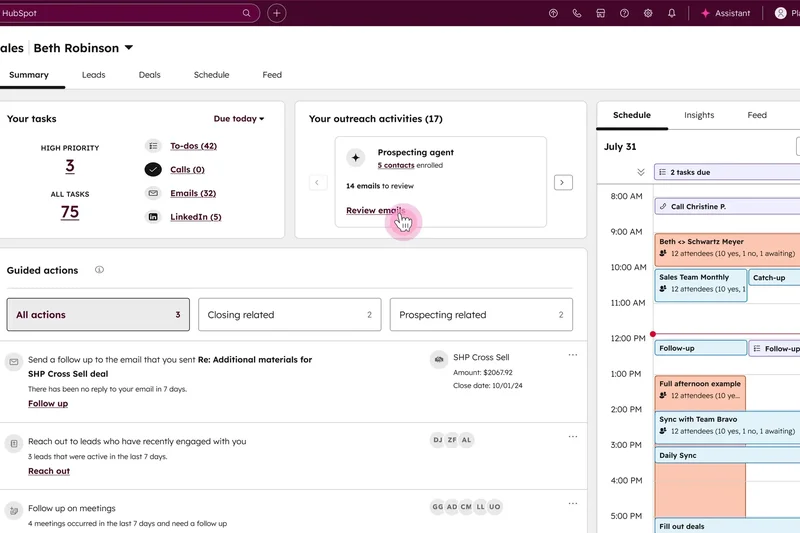
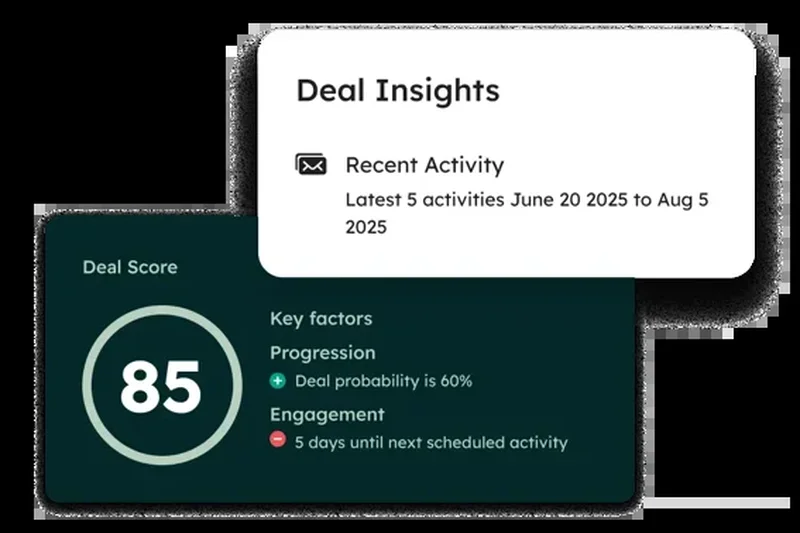
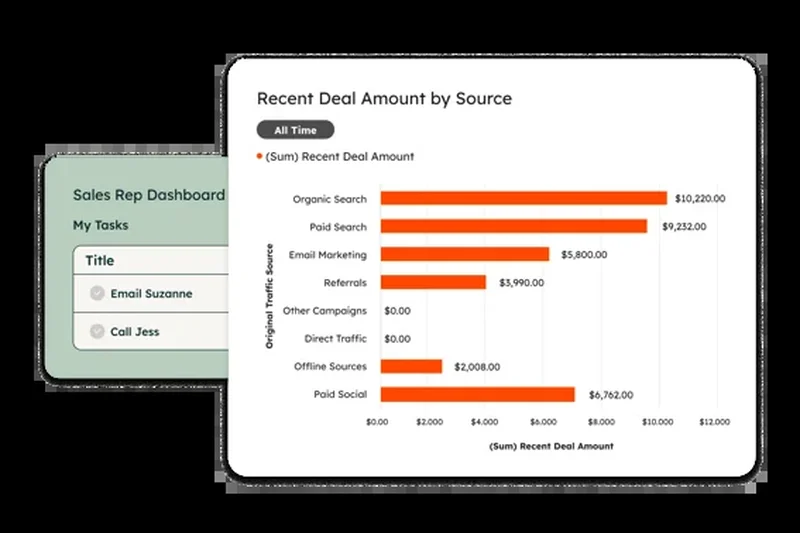
Why we picked it: In evaluating the vast landscape of modern CRM platforms for 2026, HubSpot Sales Hub consistently outperformed the competition by delivering an unparalleled balance of advanced automation, intuitive usability, and seamless marketing alignment. We awarded it our top overall spot because it effectively eliminates the friction that typically plagues B2B sales teams. During our rigorous testing phase, we were particularly impressed by the Breeze AI prospecting agent, which autonomously researches leads, aggregates company data, and drafts highly contextual outreach emails, saving sales reps hours of manual data entry each week. The platform's core pipeline management is highly visual and endlessly customizable, allowing sales managers to build multiple deal pipelines with required fields at each stage to ensure uncompromising data integrity. Furthermore, the native meeting scheduler functions flawlessly, easily replacing third-party tools like Calendly and integrating directly into automated multi-step email sequences. What truly sets HubSpot apart is its deep, native integration with the broader HubSpot ecosystem; when your sales, marketing, and service teams operate on the exact same unified database, the handoff of qualified leads becomes instantaneous, and revenue attribution reporting is highly accurate. We also thoroughly tested the workflow automation builder, which uses a logical, visual interface to trigger complex actions based on prospect behavior, such as website pricing page visits or document opens. While the pricing can escalate quickly as your team grows and you require enterprise-tier features, the sheer return on investment in terms of time saved and deals closed makes it the premier choice. The reporting dashboard provides real-time forecasting and granular insights into individual rep performance, empowering managers to coach more effectively based on empirical data rather than gut feeling. For organizations that want a powerful, AI-driven CRM that their sales team will actually enjoy using without a grueling implementation period, HubSpot Sales Hub is the definitive standard in the 2026 software landscape.
Key Specs
- Seamless marketing alignment
- Automated email sequences
- Predictive lead scoring
- Native meeting scheduler
- Breeze AI prospecting agent
What we like
- Unmatched ease of use drives high rep adoption
- Breeze AI significantly cuts down manual prospecting research
- Flawless integration with marketing and service hubs
- Highly visual and customizable workflow automation
What we don't like
- Enterprise tiers become quite expensive for large teams
- Reporting can be slightly rigid compared to pure BI tools
Best for: B2B sales teams looking for a powerful, user-friendly CRM with deep marketing alignment.
Considering HubSpot Sales Hub vs Salesforce? HubSpot wins on immediate ease of use and marketing alignment, while Salesforce offers deeper customization for highly complex enterprise data models.
HubSpot Sales Hub is the ultimate modern CRM, blending powerful AI automation with an interface your sales team will actually love to use.
Buy at HubSpot official site#2 Microsoft Dynamics 365 Sales
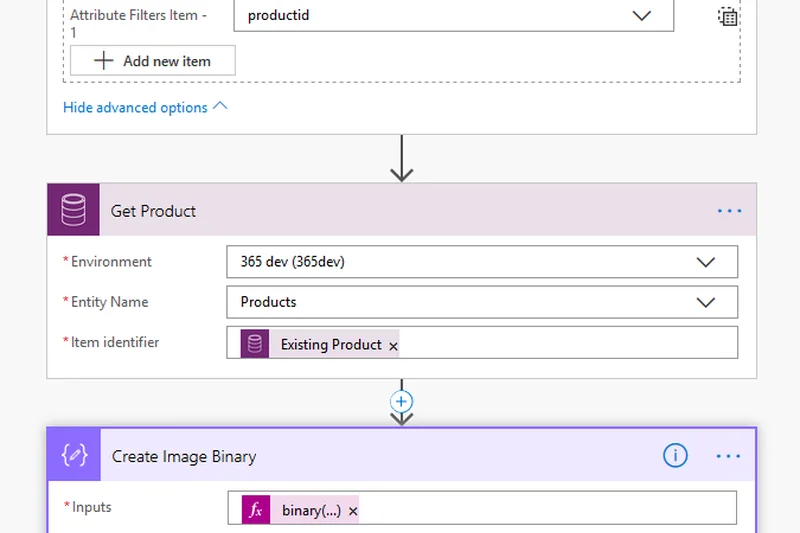
Why we picked it: Microsoft Dynamics 365 Sales secured our number two spot by offering an absolute powerhouse of a CRM explicitly designed for enterprise organizations managing complex, multi-threaded sales cycles. During our evaluation, the standout feature was unequivocally the Copilot AI sales assistant. Integrated deeply into the platform, Copilot continuously analyzes customer interactions, automatically summarizes lengthy email threads, and provides real-time, context-aware suggestions during live sales calls. This level of AI integration significantly reduces the cognitive load on reps navigating massive accounts. Because it is a Microsoft product, the native integration with the broader Microsoft 365 ecosystem—including Outlook, Teams, and SharePoint—is completely seamless, creating a unified workspace that prevents reps from constantly toggling between disparate apps. We tested its advanced relationship analytics, which monitor the health of customer relationships by analyzing communication frequency and sentiment, providing a literal numerical score to indicate deal risk. The platform handles complex territory management, hierarchical account structures, and enterprise-grade security protocols with ease, easily fulfilling the requirements of multinational corporations. However, this immense power comes with a notable learning curve; the interface can feel overwhelming to new users, and administrator configuration requires specialized knowledge. While it may be overkill for a five-person startup, for enterprise sales teams that require deep data visibility, robust scalability, and native integration with their existing Microsoft infrastructure, Dynamics 365 Sales is a formidable, highly capable solution.
Key Specs
- Copilot AI sales assistance
- Deep Microsoft 365 integration
- Advanced relationship analytics
- Enterprise-grade scalability
- Complex territory management
What we like
- Copilot AI provides phenomenal real-time sales assistance
- Seamless embedding within Microsoft Outlook and Teams
- Incredibly robust relationship health analytics
- Unmatched scalability for global enterprise deployments
What we don't like
- Steep learning curve requires dedicated training
- Implementation and customization can be resource-intensive
Best for: Enterprise organizations deeply embedded in the Microsoft ecosystem managing complex sales cycles.
Considering Microsoft Dynamics vs Salesforce? Dynamics offers better native integration for heavy Microsoft 365 users, whereas Salesforce boasts a larger third-party app marketplace.
An incredibly powerful, AI-enhanced enterprise CRM that turns the Microsoft 365 suite into a seamless revenue-generating machine.
Buy at Microsoft official site#3 Salesforce Sales Cloud
Why we picked it: Salesforce Sales Cloud remains the undisputed heavyweight champion of customization and ecosystem depth, earning our third overall spot. In our 2026 evaluation, Salesforce demonstrated why it continues to dominate the enterprise space: there is practically no sales process, no matter how convoluted, that cannot be mapped into Sales Cloud. We rigorously tested the newly enhanced Agentforce AI capabilities, which bring impressive predictive forecasting and automated task generation directly into the flow of work. The platform's pipeline management is exhaustive, allowing for granular tracking of products, quotes, and complex commission structures. The true superpower of Salesforce is the AppExchange; during our testing, we found native integrations for virtually every piece of business software on the market, allowing organizations to build a fully bespoke revenue stack. Data security is also best-in-class, offering field-level security controls that satisfy the strictest compliance requirements. However, this infinite flexibility is a double-edged sword. Out of the box, Salesforce requires significant configuration, and most companies will need to hire a dedicated Salesforce Administrator or consultancy to yield the platform's full value. This implementation overhead, combined with pricing tiers that quickly add up when you include necessary add-ons, slightly lowered its value and usability scores compared to HubSpot. Nevertheless, for mid-market to enterprise companies that view their CRM as a foundational platform upon which to build their entire business architecture, Salesforce Sales Cloud remains an exceptionally robust, future-proof choice.
Key Specs
- Advanced pipeline management
- Agentforce AI capabilities
- Highly customizable workflows
- Extensive AppExchange ecosystem
- Enterprise-grade data security
What we like
- Infinite customization for any business model
- The largest third-party app ecosystem in the industry
- Agentforce AI offers highly accurate predictive forecasting
- Industry-leading granular security and access controls
What we don't like
- Requires a dedicated administrator for optimal use
- High total cost of ownership with necessary add-ons
Best for: Scaling mid-market to enterprise companies that need a highly customizable, foundational revenue platform.
Considering Salesforce vs HubSpot? Salesforce is the winner for complex, bespoke data models, while HubSpot wins on out-of-the-box usability and immediate time-to-value.
The industry standard for a reason, offering infinite customization and a massive ecosystem for teams that need uncompromising power.
Buy at Salesforce official site#4 Close CRM
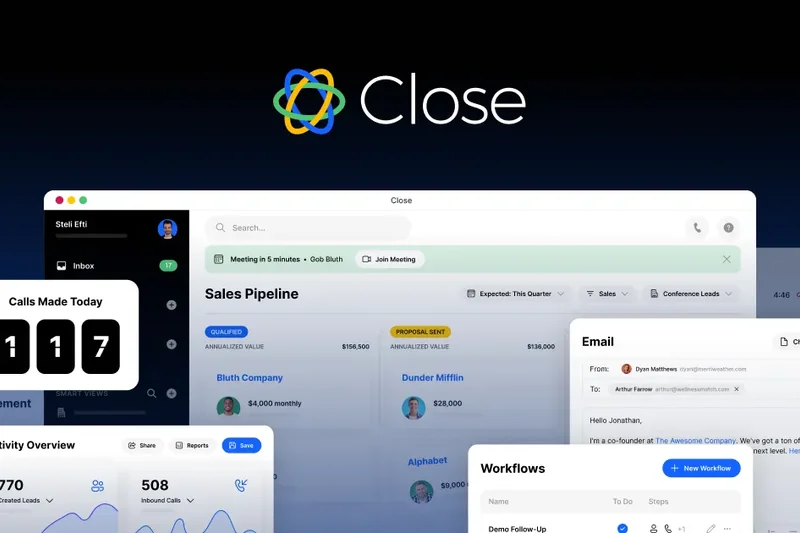
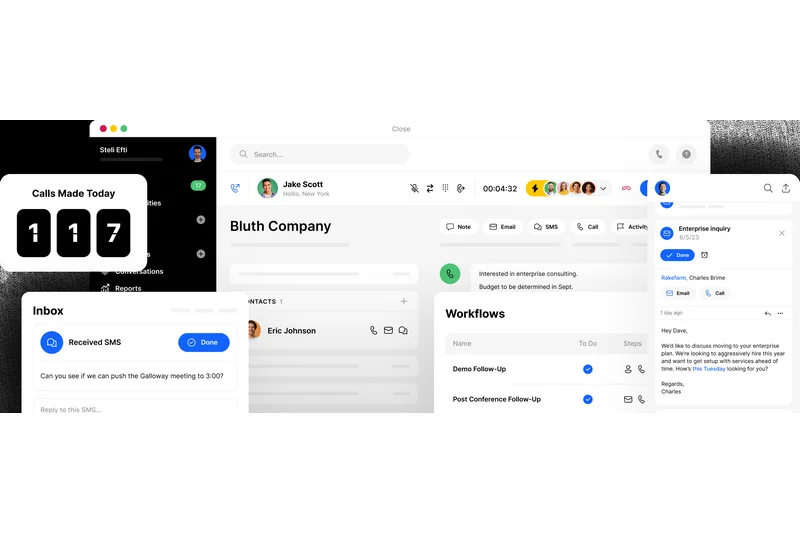
Why we picked it: Close CRM secured the fourth position by ruthlessly focusing on the needs of high-velocity inside sales teams. Unlike bloated legacy systems, Close is designed around communication. During our tests, the built-in global calling, power dialer, and native SMS capabilities functioned flawlessly, allowing reps to burn through lead lists without ever leaving the CRM window. The platform automatically tracks every touchpoint, drastically reducing manual data entry. We were highly impressed by the automated email sequencing, which allows for dynamic, multi-channel outreach campaigns that pause automatically when a prospect replies. Close also features an excellent Zoom integration that syncs cloud recordings directly to the lead record. For remote and inside sales teams whose success depends on call volume and rapid follow-up, Close provides an incredibly fast, focused, and intuitive workspace.
Key Specs
- Built-in global calling & SMS
- Power dialer capabilities
- Automated email sequencing
- Zoom meeting integration
- Minimal data entry required
What we like
- Built-in telephony and power dialer maximize call volume
- Almost zero manual data entry required for activity logging
- Lightning-fast interface tailored for inside sales
- Excellent multi-channel automated outreach sequences
What we don't like
- Lacks the deep marketing integrations of full-suite platforms
- Reporting is focused strictly on sales activities, not broader BI
Best for: High-velocity inside sales teams and remote SDRs focused heavily on cold calling and high-volume email outreach.
Considering Close vs Pipedrive? Close is vastly superior if your team relies heavily on calling and SMS, whereas Pipedrive is better for visual, drag-and-drop pipeline management.
A lightning-fast, communication-first CRM that turns inside sales teams into highly efficient outreach machines.
Buy at Close official site#5 Attio
Why we picked it: Attio represents the next generation of data-driven CRMs, earning a top-five spot with its incredibly flexible, API-first architecture. In our evaluation, Attio stood out for its real-time collaborative workspace, which feels more like a modern productivity tool (akin to Notion) than a traditional database. We were amazed by its auto-populating contact profiles; by simply connecting an email account, Attio instantly builds rich profiles using external data enrichment, eliminating hours of initial setup. The data models are completely malleable, allowing you to track anything from standard B2B sales to complex venture capital deal flow. Its advanced email syncing is instantaneous and highly reliable. While it may lack some of the legacy enterprise features of Salesforce, its modern architecture, speed, and developer-friendly API make it a top choice for forward-thinking, tech-savvy organizations.
Key Specs
- Extremely flexible data models
- Real-time collaborative workspace
- Auto-populating contact profiles
- API-first architecture
- Advanced email syncing
What we like
- Auto-populates rich contact data instantly upon connection
- Incredibly modern, fast, and collaborative interface
- Data structures are highly flexible and customizable
- API-first design makes custom integrations a breeze
What we don't like
- Fewer out-of-the-box native integrations than older competitors
- May require some technical knowledge to fully leverage custom objects
Best for: Tech-forward startups and data-driven teams who want a highly customizable, modern, and collaborative workspace.
Considering Attio vs HubSpot? Attio offers superior flexibility in data modeling and a faster UI, while HubSpot provides a more comprehensive, out-of-the-box marketing suite.
A brilliantly fast, API-first CRM that automatically enriches data and bends to fit any unique business process.
Buy at Attio official site#6 Coffee.ai CRM
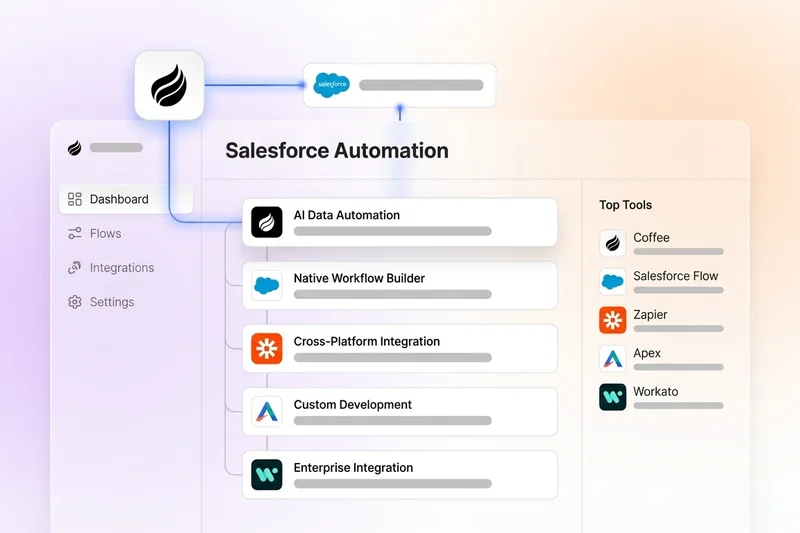
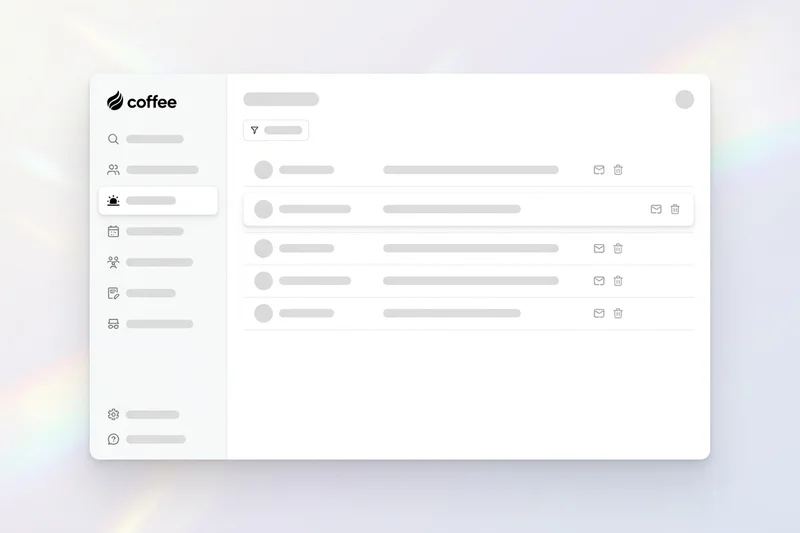
Why we picked it: Coffee.ai CRM was the standout surprise of our 2026 evaluation, winning the top spot for our Automation & AI dimension. This platform fundamentally reimagines the CRM experience by placing AI at the absolute center of the architecture, rather than bolting it on as an afterthought. During our tests, Coffee.ai practically eliminated manual data entry. It uses agentic workflow automation to actively listen to recorded sales calls, automatically generate flawless meeting summaries, extract action items, and instantly update deal stages based on the conversation's context. The SMB-focused intuitive design ensures that reps can trust the AI rather than fight it. While it lacks the sheer depth of integrations found in legacy enterprise systems, its ability to save reps hours of administrative work every single day makes it a phenomenal investment for lean sales teams.
Key Specs
- Agentic workflow automation
- Zero manual data entry
- AI-generated meeting summaries
- Automated contact creation
- SMB-focused intuitive design
What we like
- True zero-data-entry experience powered by AI
- Automatically updates deal stages based on call transcripts
- Incredibly intuitive design with a minimal learning curve
- Agentic workflows handle routine follow-ups autonomously
What we don't like
- Relatively new platform with a smaller third-party ecosystem
- Not suited for massive enterprises with complex custom object needs
Best for: Lean startups and SMBs that want to leverage cutting-edge AI to eliminate administrative work completely.
Considering Coffee.ai vs Salesforce? Coffee.ai wins easily on AI-driven automation and zero-data-entry, while Salesforce is required for massive enterprise scalability.
A groundbreaking AI-first CRM that actively works alongside your sales reps to eliminate manual data entry entirely.
Buy at Coffee official site#7 Pipedrive CRM
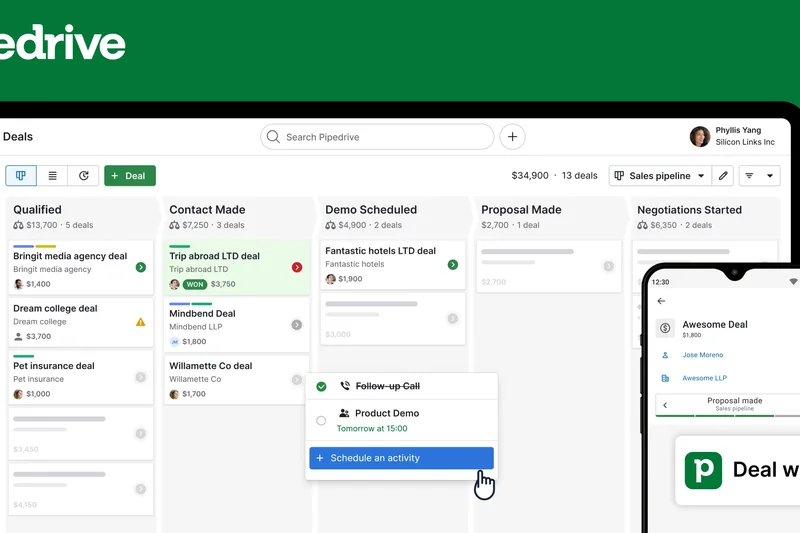
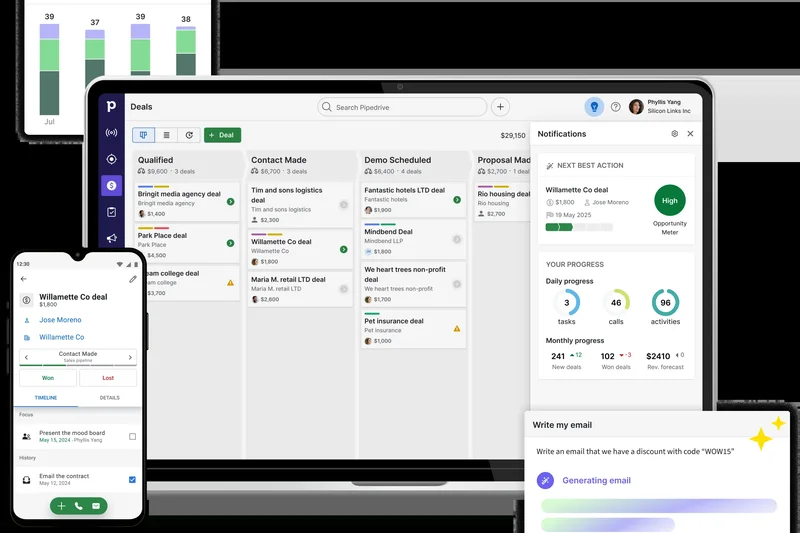
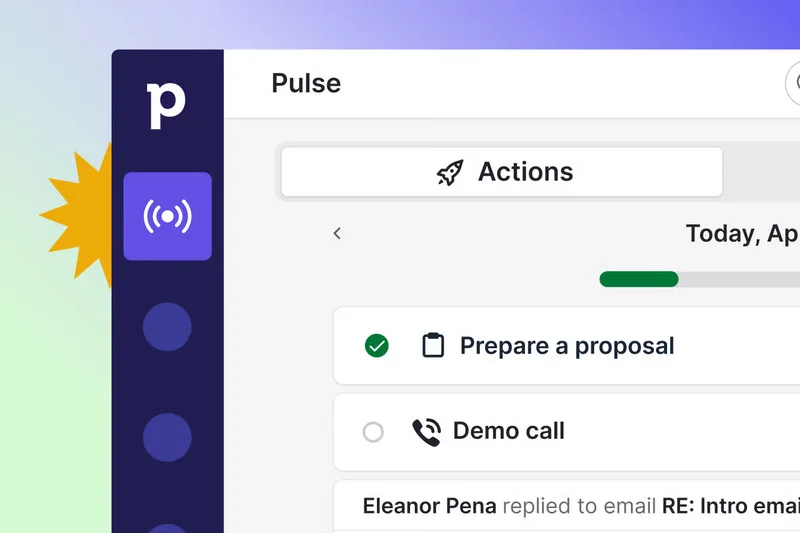
Why we picked it: Pipedrive CRM has long been a favorite for its hyper-visual approach to sales, and it continues to excel in 2026. Built by salespeople for salespeople, it focuses heavily on activity-based selling. During our review, we found its drag-and-drop visual pipelines to be incredibly intuitive, making it exceptionally easy for managers to see exactly where bottlenecks are occurring. Pipedrive excels at keeping reps focused on the next actionable step, utilizing automated follow-up reminders that prevent deals from stalling. The native email sync and tracking are highly reliable, and customizing deal stages takes mere seconds. While it doesn't offer the deep marketing automation of HubSpot or the AI capabilities of newer entrants, its transparent pricing and pure focus on moving deals forward make it an outstanding value for SMBs.
Key Specs
- Visual drag-and-drop pipelines
- Activity-based selling focus
- Automated follow-up reminders
- Customizable deal stages
- Native email sync & tracking
What we like
- Exceptionally clear, visual approach to pipeline management
- Drives rep behavior through activity-based selling methodologies
- Very easy to set up and customize without IT support
- Highly affordable and transparent pricing tiers
What we don't like
- Lacks advanced AI and predictive forecasting features
- Not a full-suite solution; requires integrations for marketing
Best for: Small to mid-sized teams that need a straightforward, highly visual tool focused purely on managing the sales pipeline.
Considering Pipedrive vs Monday Sales CRM? Pipedrive is strictly optimized for the sales process, while Monday is better if you also need post-sale project management.
The quintessential visual pipeline CRM, perfect for teams that want a simple, highly effective tool to track deals.
Buy at Pipedrive official site#8 Zoho CRM
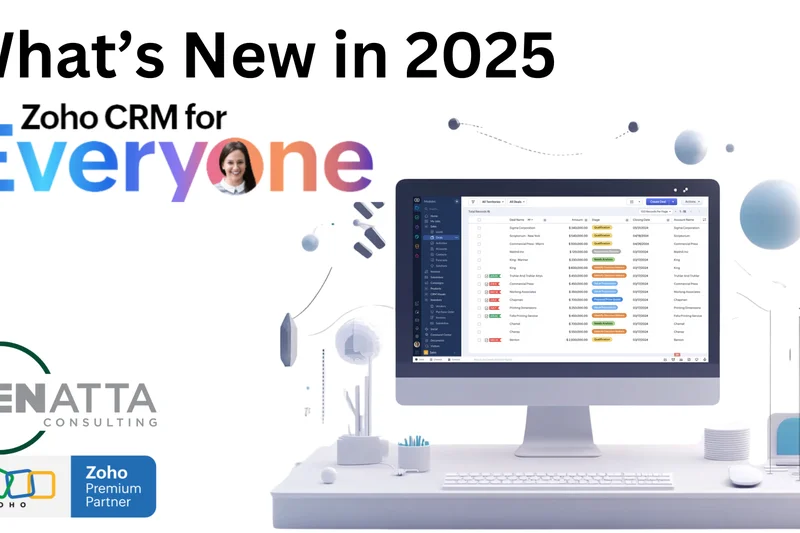
Why we picked it: Zoho CRM secures its place in our top 10 by offering an astonishing breadth of features at a highly competitive price point. It functions as a true all-in-one CRM, boasting omnichannel communication tools that let reps engage prospects via email, phone, live chat, and social media from a single window. We were particularly impressed with the Canvas design studio, which allows administrators to completely redesign the user interface with a drag-and-drop editor, ensuring reps only see what they need. Zia, Zoho's AI sales assistant, provides solid predictive trend analysis and anomaly detection. Furthermore, it integrates flawlessly with the massive suite of Zoho's other business apps. While the sheer volume of features can sometimes make the menus feel cluttered, the value provided here is practically unmatched in the market.
Key Specs
- Zia AI sales assistant
- Advanced workflow automation
- Omnichannel communication tools
- Canvas design studio for UI
- Deep Zoho ecosystem integration
What we like
- Incredible feature-to-price ratio provides massive value
- Canvas UI builder allows for total interface customization
- True omnichannel communication capabilities built-in
- Seamless integration with the extensive Zoho business suite
What we don't like
- The sheer number of features can lead to a cluttered interface
- Customer support response times can be inconsistent on lower tiers
Best for: Value-conscious organizations looking for an all-in-one suite with extensive customization options.
Considering Zoho CRM vs Freshsales? Zoho offers a broader suite of connected business apps, while Freshsales provides a slightly cleaner, more modern out-of-the-box user experience.
An exceptionally feature-rich CRM that delivers enterprise-level capabilities at a fraction of the expected cost.
Buy at Zoho official site#9 Salesflare
Why we picked it: Salesflare is a highly specialized B2B CRM that drastically reduces the friction of contact management. In our evaluations, its automated contact data enrichment was best-in-class; simply typing in a company name pulls in social profiles, email addresses, and company data automatically. It tracks customer interactions flawlessly, building a comprehensive timeline of every email, meeting, and call without any manual input from the rep. The email tracking and sequencing are highly effective for B2B outreach, and the deep LinkedIn integration makes prospecting seamless. While it is tailored specifically for B2B sales and may not suit B2C environments, for agencies and B2B service providers, Salesflare is a massive time-saver.
Key Specs
- Automated contact data enrichment
- Email tracking & sequencing
- Customer interaction timeline
- B2B lead tracking focus
- Deep LinkedIn integration
What we like
- Automated data enrichment eliminates manual profile creation
- Interaction timelines are built automatically from your inbox
- Excellent native integration with LinkedIn for B2B prospecting
- Very intuitive user interface with zero clutter
What we don't like
- Strictly focused on B2B; not suitable for B2C sales
- Reporting capabilities are somewhat basic compared to enterprise tools
Best for: B2B agencies, consultancies, and service providers who want automated data entry and robust email tracking.
Considering Salesflare vs HubSpot? Salesflare is laser-focused on automating B2B contact enrichment, whereas HubSpot offers a much wider array of marketing and service tools.
A brilliant, automated CRM that acts as a silent assistant, perfectly tailored for B2B teams tired of manual data entry.
Buy at Salesflare official site#10 Freshsales
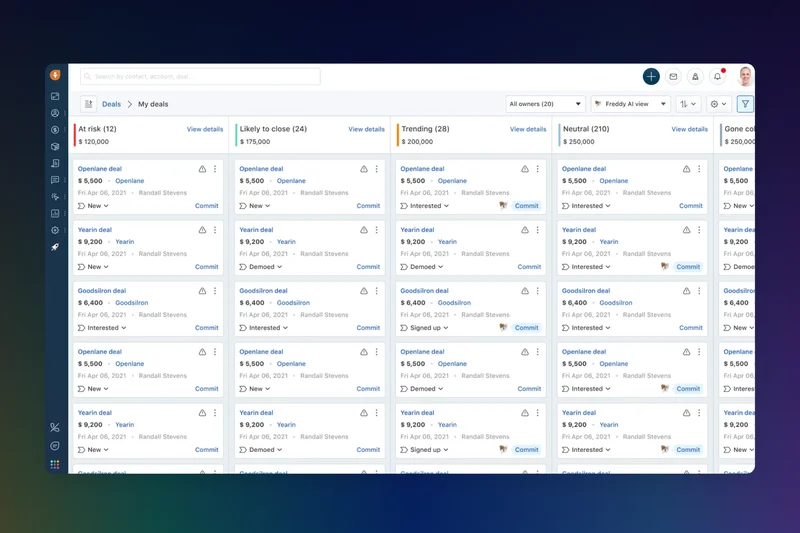
Why we picked it: Freshsales, part of the Freshworks suite, rounds out our top 10 by delivering a highly intuitive, AI-powered CRM experience right out of the box. We found Freddy AI, their proprietary lead scoring engine, to be highly accurate, consistently highlighting the prospects most likely to convert based on historical engagement data. The platform features built-in phone and chat capabilities, ensuring context is never lost when switching communication channels. The visual sales pipelines are clean, and setting up automated sales campaigns is straightforward, even for non-technical users. It offers a fantastic balance of capability and usability, making it an excellent upgrade for SMBs outgrowing their starter CRMs.
Key Specs
- Freddy AI lead scoring
- Built-in phone & chat
- Visual sales pipeline
- Automated sales campaigns
- Contextual engagement tracking
What we like
- Freddy AI provides highly actionable predictive lead scoring
- Clean, modern interface ensures quick user adoption
- Built-in telephony and chat keep all communications central
- Very straightforward to set up automated sales campaigns
What we don't like
- Third-party integration marketplace is smaller than competitors
- Advanced reporting requires upgrading to higher-priced tiers
Best for: Fast-growing SMBs looking for an easy-to-use CRM with built-in communication tools and solid AI capabilities.
Considering Freshsales vs Zoho CRM? Freshsales offers a much cleaner, more modern user interface, while Zoho provides deeper customization and a broader app ecosystem.
A sleek, modern CRM that combines intelligent AI scoring with built-in communication tools in an incredibly user-friendly package.
Buy at Freshworks official site#11 ActiveCampaign for Sales
Why we picked it: ActiveCampaign for Sales excels by blending world-class marketing automation with a highly capable sales CRM. During our testing, its dynamic lead scoring and custom automation recipes proved incredibly powerful, allowing sales reps to strike exactly when a prospect's engagement peaked. The omnichannel messaging capabilities ensure consistent follow-up across email and SMS. While the sales interface isn't as purely focused as standalone CRMs, its ability to perfectly align complex marketing journeys with sales pipeline stages makes it a top choice for teams driven heavily by inbound marketing.
Key Specs
- Advanced marketing automation
- CRM with dynamic lead scoring
- Win probability forecasting
- Omnichannel messaging
- Custom automation recipes
What we like
- Industry-leading marketing automation integrated with sales
- Highly customizable automation recipes save massive time
- Dynamic lead scoring based on deep engagement tracking
What we don't like
- The interface can feel overwhelming due to the marketing features
- Sales-specific reporting isn't as deep as dedicated CRMs
Best for: Businesses where sales and marketing are deeply intertwined and rely heavily on complex automated funnels.
Considering ActiveCampaign vs HubSpot? ActiveCampaign offers more complex, granular automation branching, while HubSpot provides a more user-friendly, cohesive all-in-one platform.
A powerhouse of automation that perfectly bridges the gap between complex marketing funnels and the sales pipeline.
Buy at ActiveCampaign official site#12 Copper CRM
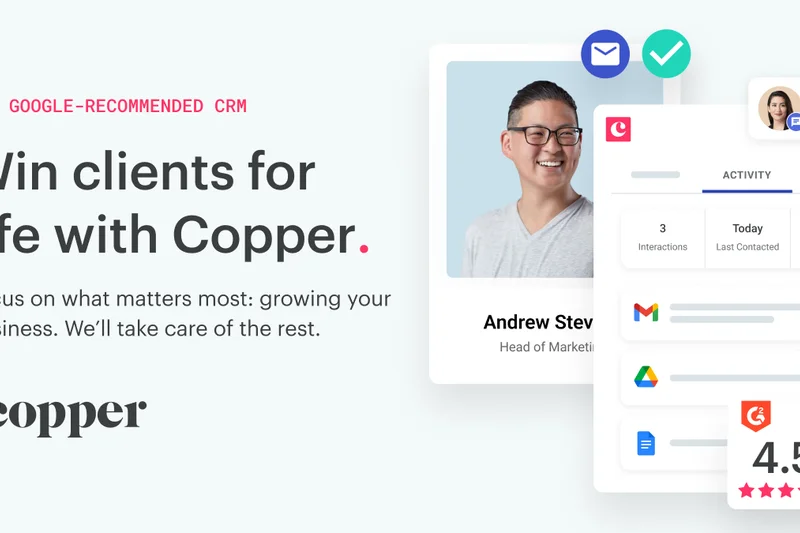
Why we picked it: Copper CRM is designed from the ground up to live entirely within Google Workspace, making it the premier choice for organizations running on G Suite. Our testing highlighted its zero data entry design; it automatically scrapes email signatures and logs calendar events directly from Gmail and Google Calendar via its excellent Chrome extension. The visual pipeline tracking is clean and effective. Because it sits right inside the tools reps already use, user adoption is exceptionally high. However, if your company uses Microsoft 365, you will need to look elsewhere.
Key Specs
- Native Google Workspace integration
- Zero data entry design
- Automated task creation
- Chrome extension access
- Visual pipeline tracking
What we like
- Flawless native integration with Google Workspace
- Lives inside Gmail, ensuring massive user adoption
- Scrapes emails to create and update contacts automatically
What we don't like
- Only suitable for teams strictly using Google Workspace
- Lacks advanced enterprise territory management
Best for: Agencies and startups whose entire workflow is centered around Google Workspace and Gmail.
Considering Copper vs Streak? Both live in Gmail, but Copper acts as a full-featured standalone CRM with a separate dashboard, whereas Streak is built entirely as a spreadsheet inside Gmail.
The absolute best CRM for teams fully committed to the Google Workspace ecosystem, effectively eliminating manual data entry.
Buy at Copper official site#13 Creatio CRM
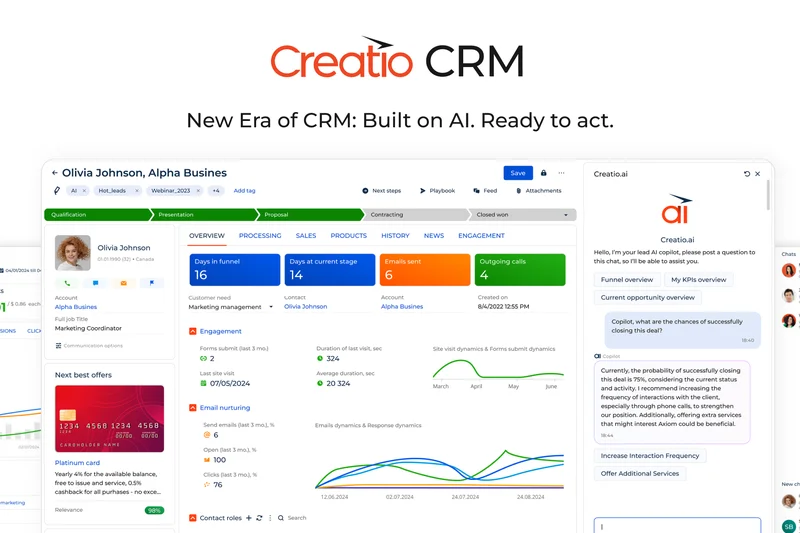
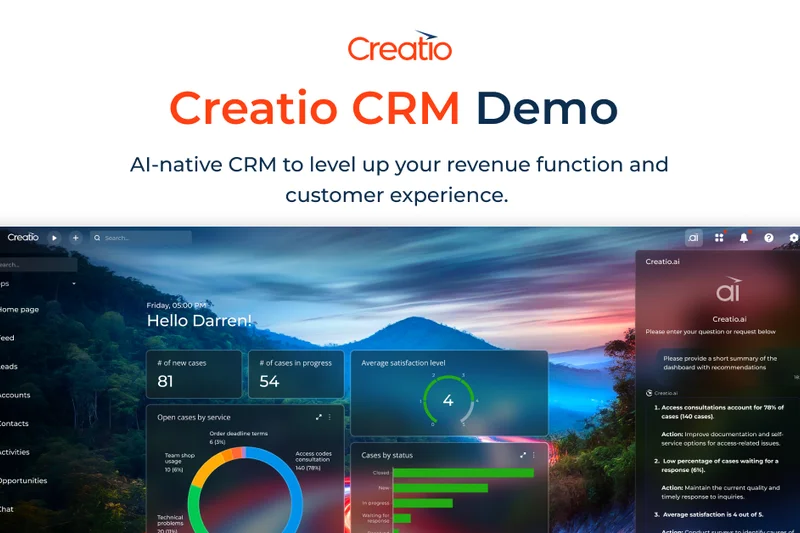
Why we picked it: Creatio CRM stands out with its powerful no-code platform architecture, allowing businesses to design end-to-end process automations without writing a single line of code. We tested its AI-assisted workflow design, which intelligently suggests process improvements and next-best actions for reps. By unifying Sales, Marketing, and Service hubs on a single platform, it breaks down data silos efficiently. It offers a high degree of customization that rivals enterprise giants. While it requires a commitment to process mapping, the resulting efficiency is outstanding for mid-market companies.
Key Specs
- No-code platform architecture
- End-to-end process automation
- Sales, Marketing, & Service hubs
- AI-assisted workflow design
- High degree of customization
What we like
- Brilliant no-code environment for customizing workflows
- Unifies sales, marketing, and service effortlessly
- AI assistance actively helps design better sales processes
What we don't like
- Requires dedicated time to map and build out processes
- Pricing can be complex based on required features
Best for: Mid-market companies that want enterprise-level customization through a modern, no-code interface.
Considering Creatio vs Salesforce? Creatio offers much of the same workflow power but utilizes a vastly more approachable no-code interface for administrators.
A highly flexible, no-code CRM platform that allows businesses to easily design and automate complex sales workflows.
Buy at Creatio official site#14 Salesmate


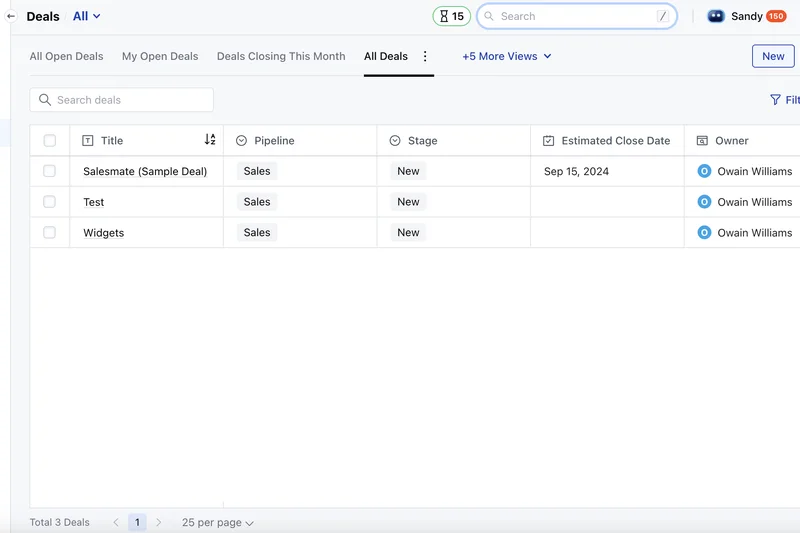
Why we picked it: Salesmate is a robust sales automation CRM that packs significant power into an approachable interface. We were highly impressed by its built-in calling and texting capabilities, which work alongside a highly visual journey automation builder. This allows teams to create smart, multi-touch email and SMS sequences that trigger based on prospect behavior. The shared team inbox is excellent for collaborative selling environments. It provides deep custom modules and dashboards, making it a highly versatile choice for growing sales teams that need communication tools built-in.
Key Specs
- Built-in calling and texting
- Visual journey automation builder
- Smart email sequences
- Custom modules & dashboards
- Shared team inbox
What we like
- Excellent visual builder for complex outreach journeys
- Native telephony and SMS capabilities included
- Shared team inbox improves collaboration on accounts
What we don't like
- Mobile app lacks some of the depth of the desktop version
- Reporting can occasionally feel clunky to navigate
Best for: Growing sales teams that want built-in communication tools tightly coupled with visual sequence automation.
Considering Salesmate vs Close? Salesmate offers slightly better visual journey building for emails, while Close provides a faster, more optimized power-dialing experience.
A versatile CRM that beautifully merges built-in communication tools with powerful, visual sales automation.
Buy at Salesmate official site#15 Vtiger CRM
Why we picked it: Vtiger CRM delivers a comprehensive all-in-one solution that excels in providing a unified view of the customer. During our testing, the 'One View' customer timeline proved invaluable, aggregating sales, support, and marketing touchpoints into a single, chronological feed. The platform's Calculus AI forecasting engine provides surprisingly accurate revenue predictions and deal risk analysis. Additionally, its native inventory management integration and included helpdesk module make it highly uniquely suited for businesses that sell physical goods and manage post-sale support.
Key Specs
- Calculus AI forecasting engine
- One View customer timeline
- Internal collaboration tools
- Inventory management integration
- Helpdesk module included
What we like
- One View timeline provides excellent customer context
- Calculus AI offers strong forecasting and deal scoring
- Rare native integration with inventory and helpdesk modules
What we don't like
- The interface feels slightly dated compared to modern rivals
- Setup for the inventory modules can be highly complex
Best for: Businesses selling physical products that need to align their CRM with inventory management and post-sale support.
Considering Vtiger vs Zoho CRM? Vtiger is stronger if you specifically need integrated inventory management out-of-the-box, whereas Zoho offers a broader suite of general business apps.
An all-in-one CRM powerhouse featuring unique inventory capabilities and solid AI forecasting for product-centric businesses.
Buy at Vtiger official site#16 LeadSquared
Why we picked it: LeadSquared is explicitly engineered for high-velocity, high-volume B2C and B2B sales environments like education, real estate, and financial services. We found its ability to handle massive volumes of lead tracking without performance degradation to be exceptional. The platform features an outstanding field sales management app that tracks location and plans routes efficiently. The advanced lead scoring metrics and no-code workflow builder ensure that call center reps are always dialing the warmest leads. It is the perfect engine for high-throughput sales teams.
Key Specs
- High-volume lead tracking
- Field sales management app
- Advanced lead scoring metrics
- No-code workflow builder
- Call center integrations
What we like
- Handles massive lead volumes with zero lag
- Exceptional mobile app optimized for field sales routing
- Deep integrations with call center and telephony software
What we don't like
- Not optimized for low-volume, highly complex B2B enterprise sales
- The sheer number of configuration options can be daunting
Best for: High-velocity sales environments like real estate, education, and call centers that handle massive lead volumes.
Considering LeadSquared vs Salesforce? LeadSquared is much faster to deploy for high-velocity call center environments, while Salesforce is better for complex B2B contract negotiations.
The ultimate high-velocity CRM designed to efficiently route massive lead volumes to call centers and field reps.
Buy at LeadSquared official site#17 Monday Sales CRM
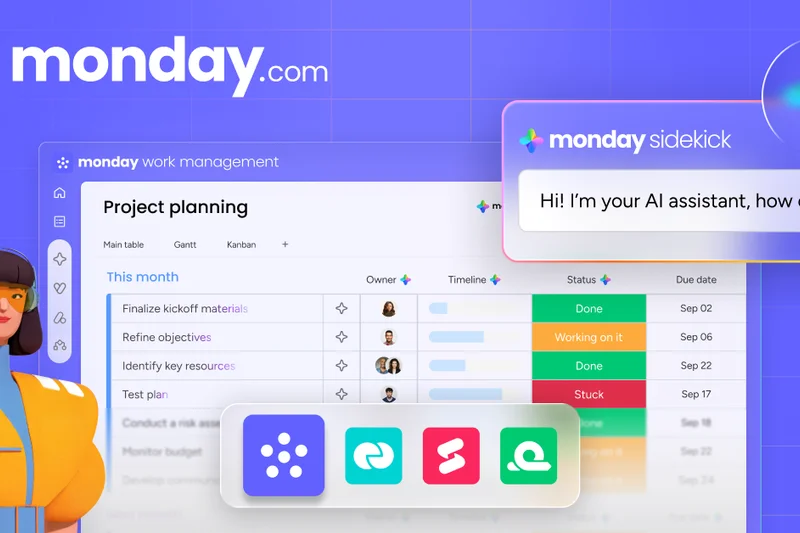
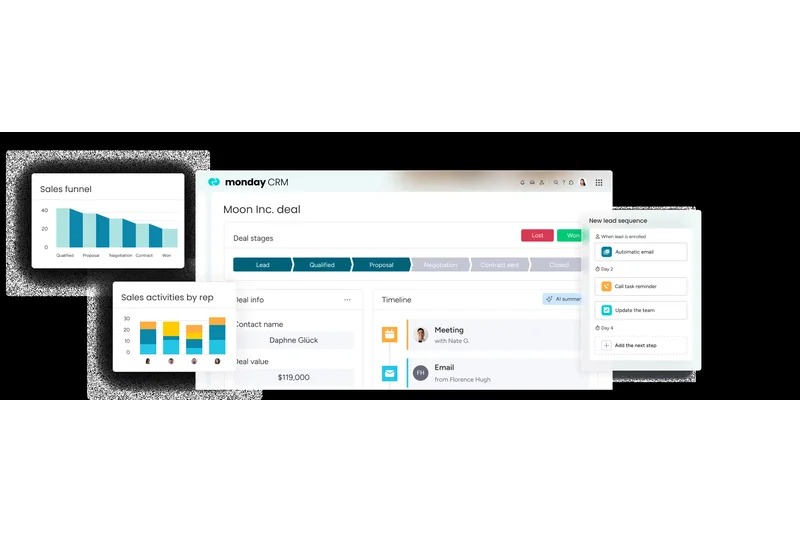
Why we picked it: Monday Sales CRM leverages the highly visual, colorful interface of the popular Monday.com work management platform to deliver a highly customizable sales experience. We loved the customizable deal boards, which make pipeline management feel as intuitive as managing a spreadsheet, but with immense underlying power. Its standout feature is the seamless transition from sales to post-sale project management; once a deal closes, workflows can automatically trigger project onboarding boards. The no-code workflow automation and seamless email integration make it a joy for teams to use daily.
Key Specs
- Highly visual interface
- Customizable deal boards
- Post-sale project management
- No-code workflow automation
- Seamless email integration
What we like
- Incredibly visual and intuitive interface drives adoption
- Perfectly handles the handoff from closed deal to project delivery
- Highly flexible no-code automations save daily time
What we don't like
- Not designed for complex enterprise sales hierarchies
- Reporting can sometimes lack the depth of dedicated BI tools
Best for: Agencies and service-based businesses that need to seamlessly connect closed sales with post-sale project management.
Considering Monday Sales CRM vs Pipedrive? Monday is superior if you need to manage the client project after the sale closes, whereas Pipedrive is strictly for the sales pipeline.
A beautiful, highly visual CRM that brilliantly bridges the gap between closing a deal and delivering the project.
Buy at Monday.com official site#18 Nutshell
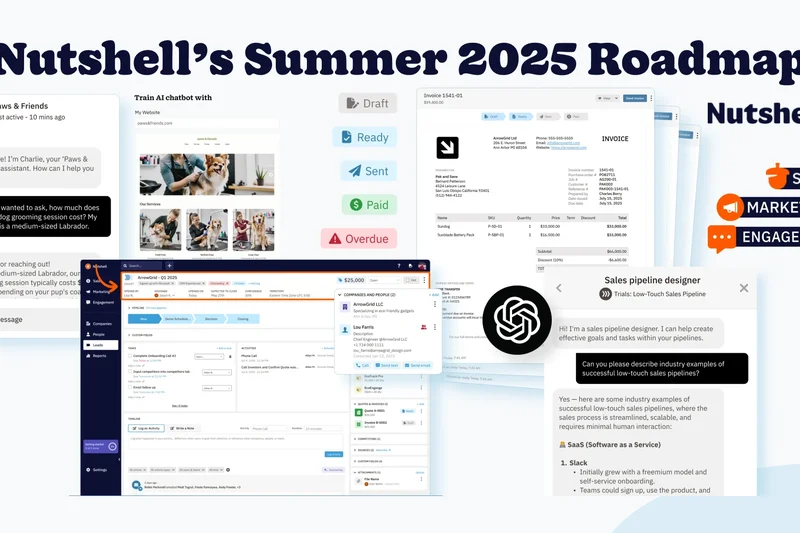
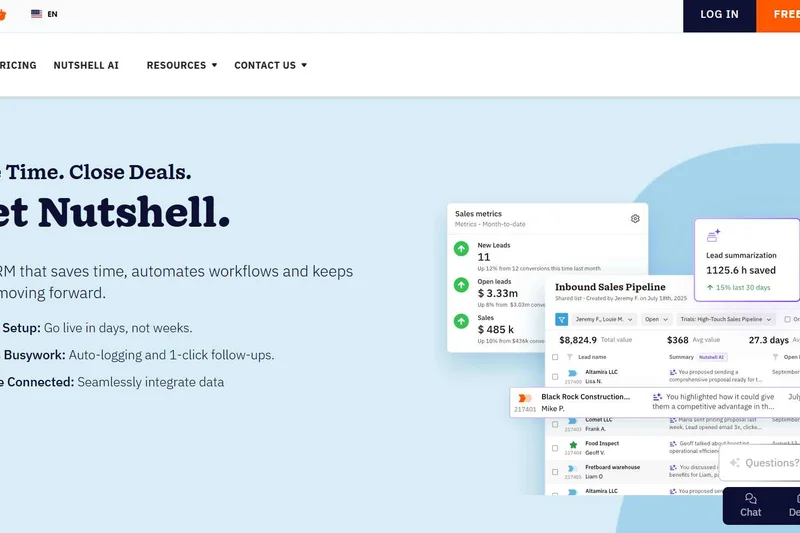
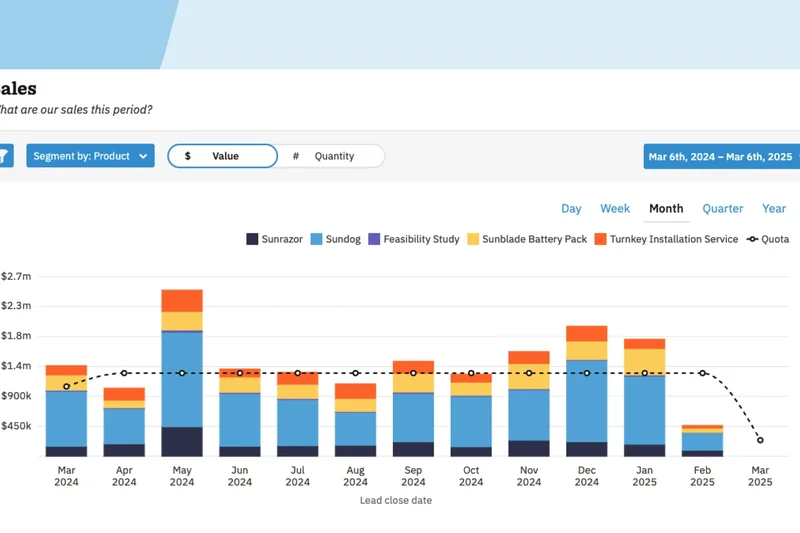
Why we picked it: Nutshell is a straightforward, highly effective B2B sales CRM that prioritizes ease of use and exceptional customer support. During our evaluation, we were impressed by their free onboarding assistance, which guarantees teams get up and running quickly. The platform offers highly flexible pipeline management and automated email sequences that are remarkably easy to configure. It also features native email marketing tools, allowing teams to consolidate their software stack. With highly customizable reporting options and a frustration-free interface, Nutshell is a fantastic choice for growing teams.
Key Specs
- Flexible pipeline management
- Automated email sequences
- Free onboarding assistance
- Native email marketing tools
- Custom reporting options
What we like
- Free white-glove onboarding assistance is a massive plus
- Very easy to set up automated email drip campaigns
- Combines CRM and email marketing in one affordable tool
What we don't like
- Lacks the deep predictive AI features of larger platforms
- Third-party integration ecosystem is somewhat limited
Best for: Small to mid-sized B2B teams that want an easy-to-use CRM with built-in marketing and stellar onboarding support.
Considering Nutshell vs HubSpot? Nutshell offers a more affordable, all-in-one package for smaller teams, while HubSpot provides much deeper inbound marketing capabilities.
A highly approachable, affordable CRM that pairs excellent pipeline management with standout customer onboarding support.
Buy at Nutshell official site#19 SugarCRM Sales
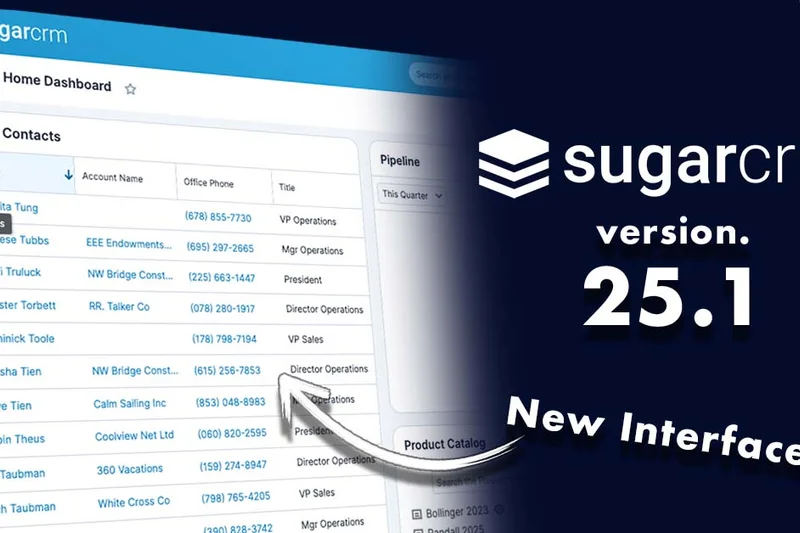
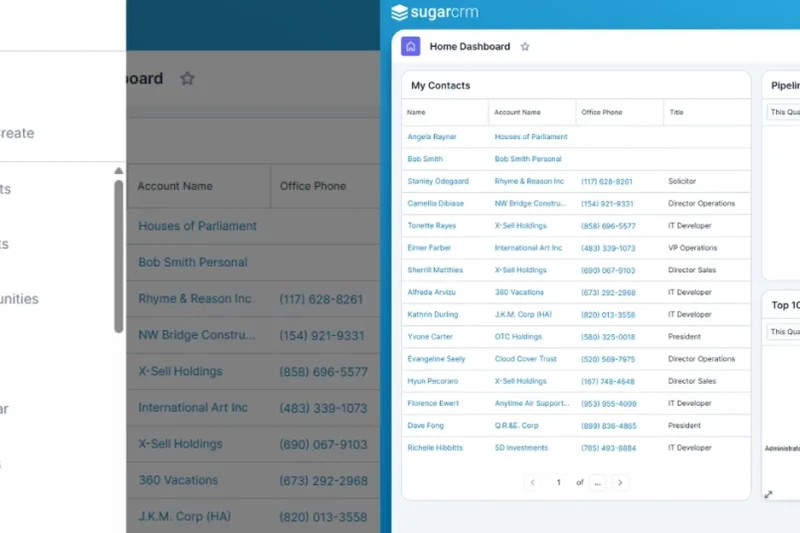
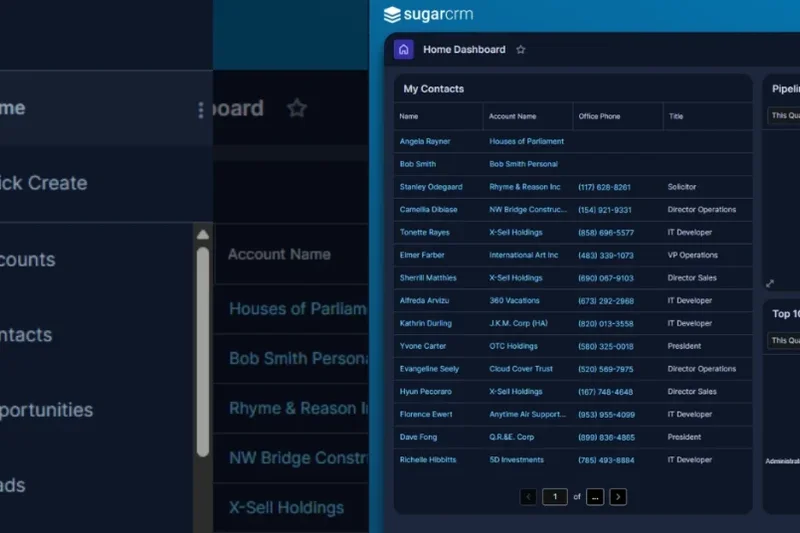
Why we picked it: SugarCRM Sales is an intelligent, account-focused CRM that caters to organizations needing robust data ownership and advanced routing. We tested its time-aware AI predictions, which intelligently analyze historical data to forecast future sales trends and highlight pipeline risks. It is a highly customizable platform that supports advanced routing workflows for complex sales territories. Uniquely, it offers robust on-premise deployment options alongside its cloud offering, making it a top contender for organizations with strict data sovereignty and compliance requirements.
Key Specs
- Time-aware AI predictions
- Highly customizable platform
- Advanced routing workflows
- Robust on-premise & cloud options
- Customer journey mapping
What we like
- Offers rare on-premise deployment options for strict compliance
- Time-aware AI provides excellent historical trend analysis
- Highly customizable for complex enterprise workflows
What we don't like
- The user interface feels clunky compared to modern competitors
- Requires significant technical expertise to customize fully
Best for: Mid-market to enterprise companies that require strict data sovereignty, on-premise options, and deep historical analytics.
Considering SugarCRM vs Salesforce? SugarCRM is the better choice if you require on-premise deployment, whereas Salesforce dominates the cloud ecosystem.
A highly customizable, data-secure CRM that offers unique time-aware AI and rare on-premise deployment options.
Buy at SugarCRM official site#20 Brevo Sales Platform
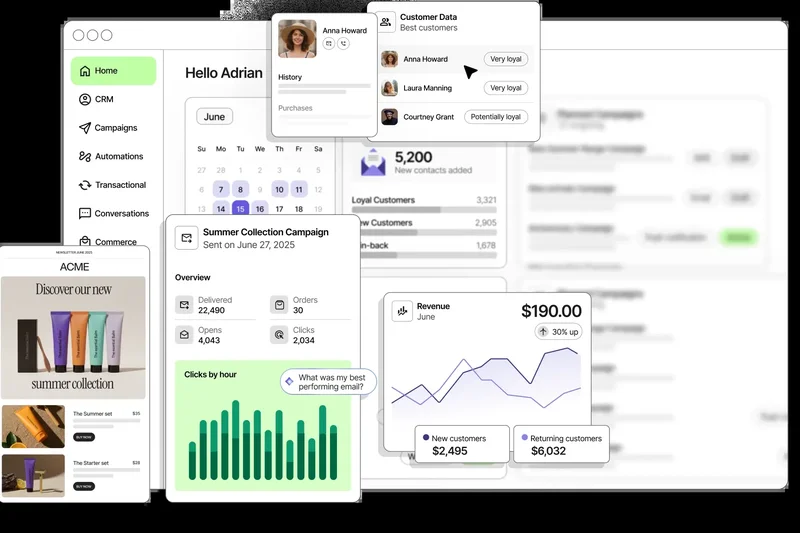
Why we picked it: Brevo (formerly Sendinblue) has expanded its excellent marketing platform to include a unified Sales CRM. We found its unified inbox for sales teams to be a standout feature, allowing multiple reps to manage customer communications collaboratively. It inherently features built-in marketing automation, making the transition from marketing lead to sales prospect seamless. The pipeline deal tracking is straightforward, and the inclusion of meeting scheduling tools and cloud telephony integration makes it an incredibly cost-effective, unified platform for lean SMBs.
Key Specs
- Unified inbox for sales teams
- Built-in marketing automation
- Pipeline deal tracking
- Meeting scheduling tools
- Cloud telephony integration
What we like
- Unified inbox is fantastic for collaborative team selling
- Seamlessly integrates with Brevo's powerful marketing tools
- Extremely affordable pricing, including a generous free tier
What we don't like
- Sales features are relatively basic compared to dedicated CRMs
- Lacks advanced forecasting and custom object capabilities
Best for: Lean startups and SMBs looking for a highly affordable, unified platform for both marketing and basic sales tracking.
Considering Brevo vs ActiveCampaign? Brevo is much more budget-friendly and simpler to use, while ActiveCampaign offers far more granular automation capabilities.
An exceptionally affordable unified platform that seamlessly connects basic sales pipeline tracking with powerful email marketing.
Buy at Brevo official site#21 Teamgate
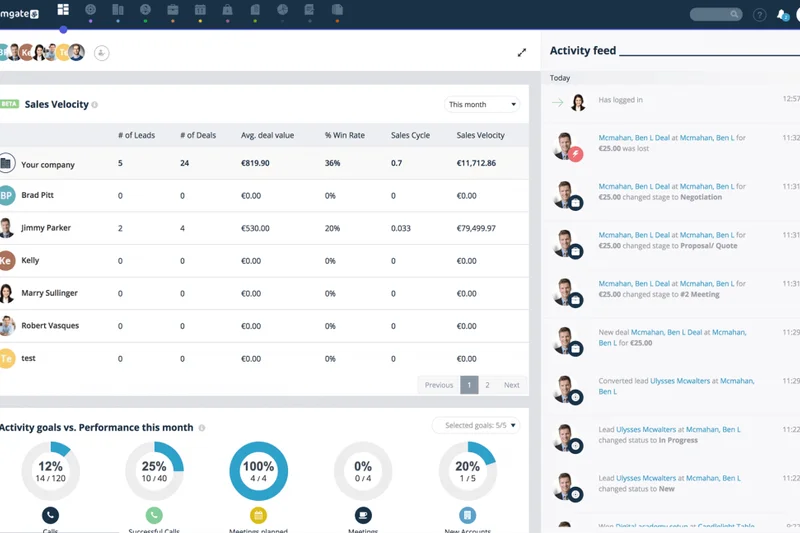
Why we picked it: Teamgate is a meticulously structured B2B sales CRM designed to enforce strong sales processes. During testing, its advanced sales analytics stood out, providing managers with deep insights into win/loss reasons and pipeline velocity. It integrates beautifully with Smart Dialer, facilitating high-volume outreach. The visual sales pipeline is clean and responsive, and its automated lead scoring helps reps prioritize their day effectively. For B2B teams looking for a CRM that acts as a strict, analytical sales coach, Teamgate is a strong contender.
Key Specs
- Structured B2B selling process
- Advanced sales analytics
- Smart Dialer integration
- Visual sales pipeline
- Automated lead scoring
What we like
- Exceptional out-of-the-box analytics and reporting dashboards
- Enforces a structured, logical B2B sales process
- Clean integration with telephony for quick dialing
What we don't like
- Smaller ecosystem of third-party integrations
- Can feel rigid if your team prefers ad-hoc, unstructured selling
Best for: Analytical B2B sales managers who want to enforce strict sales processes and gain deep insights into pipeline velocity.
Considering Teamgate vs Pipedrive? Teamgate offers deeper out-of-the-box analytics and reporting, while Pipedrive is slightly easier for reps to customize on the fly.
A highly analytical, process-driven CRM perfect for managers who want deep visibility into their team's sales performance.
Buy at Teamgate official site#22 Apptivo
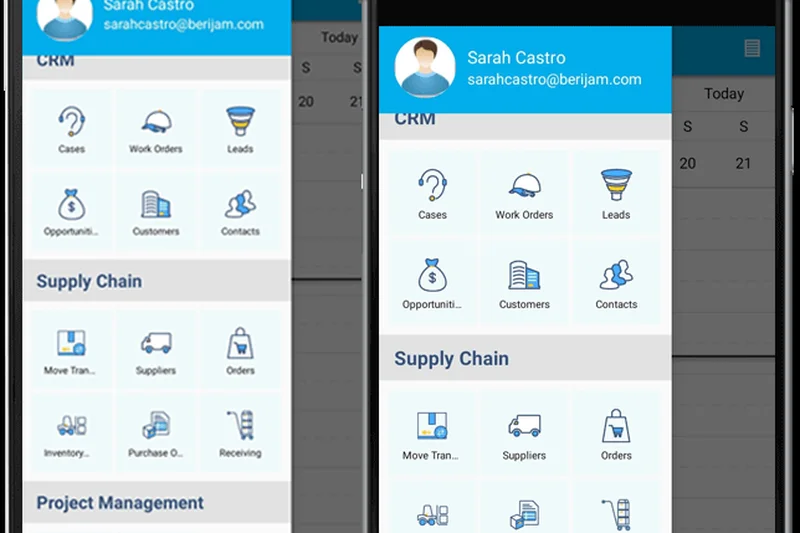
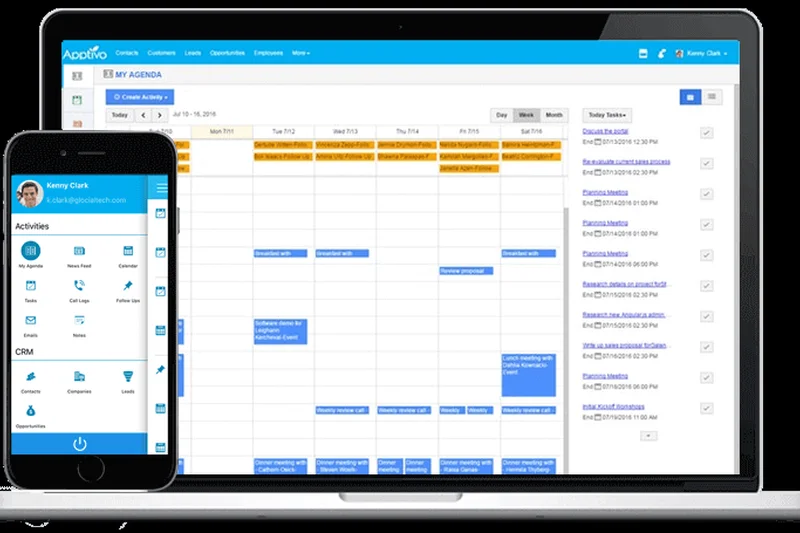
Why we picked it: Apptivo functions as a highly customizable suite of business applications centered around a solid CRM core. We liked its integrated quoting and invoicing capabilities, which allow reps to generate professional proposals and collect payments without leaving the platform. It also includes supply chain management tools and advanced territory management, making it uniquely suited for complex operational businesses. The web-to-lead form builder is robust. While the UI isn't the prettiest, its ability to handle quoting, invoicing, and sales in one place offers great utility.
Key Specs
- Highly customizable applications
- Integrated quoting & invoicing
- Supply chain management tools
- Advanced territory management
- Web-to-lead form builder
What we like
- Seamlessly integrates CRM with quoting and invoicing
- Highly customizable app structure fits niche business models
- Includes rare supply chain and operational modules
What we don't like
- The user interface is functional but visually dated
- Initial setup and app configuration can be time-consuming
Best for: Operational businesses that want to manage sales, quoting, invoicing, and inventory all within a single customizable system.
Considering Apptivo vs Zoho CRM? Apptivo's quoting and invoicing are slightly more integrated natively, but Zoho offers a more polished UI and broader app ecosystem.
A highly functional, utilitarian CRM that brilliantly combines sales tracking with robust quoting, invoicing, and operational tools.
Buy at Apptivo official site#23 Ontraport
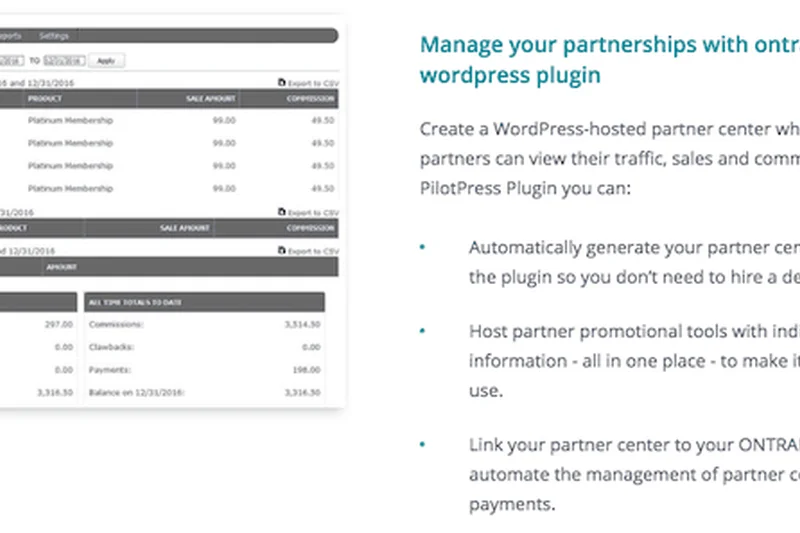
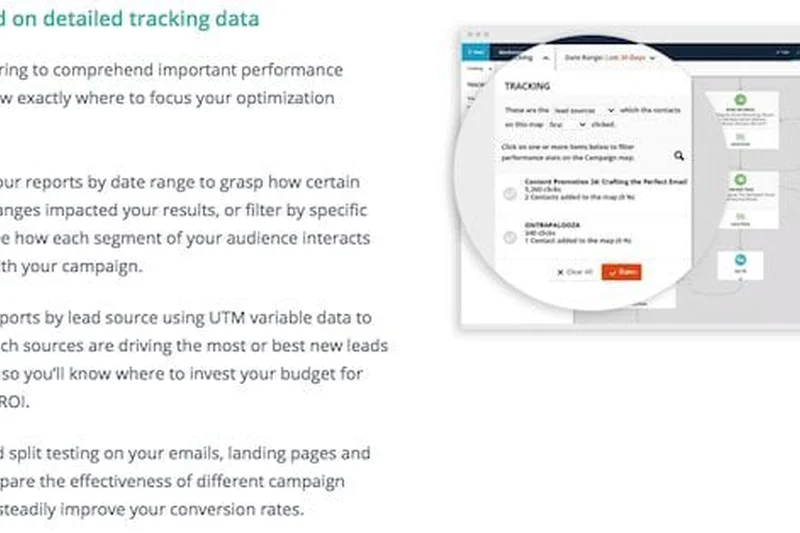
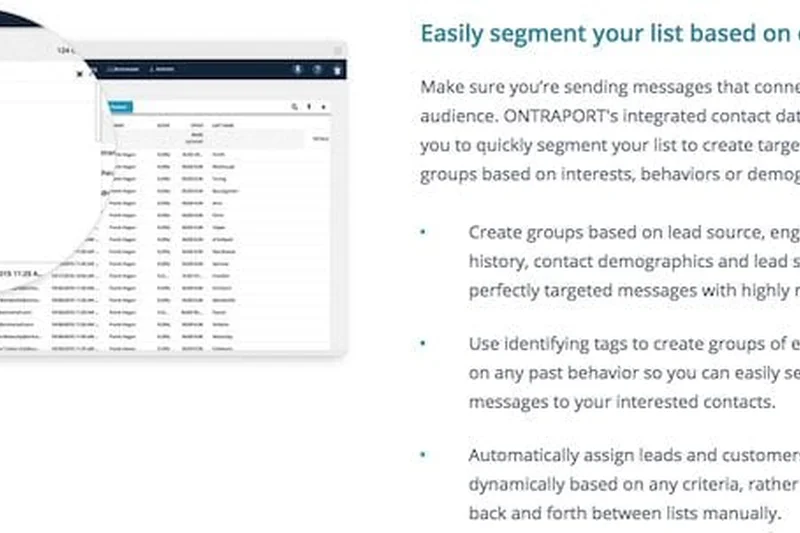
Why we picked it: Ontraport is a powerful CRM and marketing automation platform built specifically for scaling businesses, particularly those utilizing membership sites or complex payment processing. We tested its visual campaign builder and found it exceptional for designing intricate customer journeys. It features native membership site integration and advanced payment processing, allowing businesses to manage subscriptions and product sales directly. The deep marketing analytics provide clear ROI tracking. While it leans heavily toward marketing, its sales capabilities are more than enough for digital-first businesses.
Key Specs
- Visual campaign builder
- Membership site integration
- Advanced payment processing
- Custom web app creation
- Deep marketing analytics
What we like
- Outstanding visual campaign builder for complex customer journeys
- Native integration with membership sites and payment gateways
- Deep analytics tie marketing spend directly to sales revenue
What we don't like
- Pricing is relatively high for smaller businesses
- Steep learning curve to master all the available features
Best for: Digital product creators, membership site owners, and businesses driven by complex, automated marketing funnels.
Considering Ontraport vs ActiveCampaign? Ontraport is better if you specifically need integrated payment processing and membership sites, while ActiveCampaign excels in pure email deliverability.
A robust, highly automated platform perfectly tailored for digital businesses managing subscriptions, payments, and complex sales funnels.
Buy at Ontraport official site#24 Insightly CRM
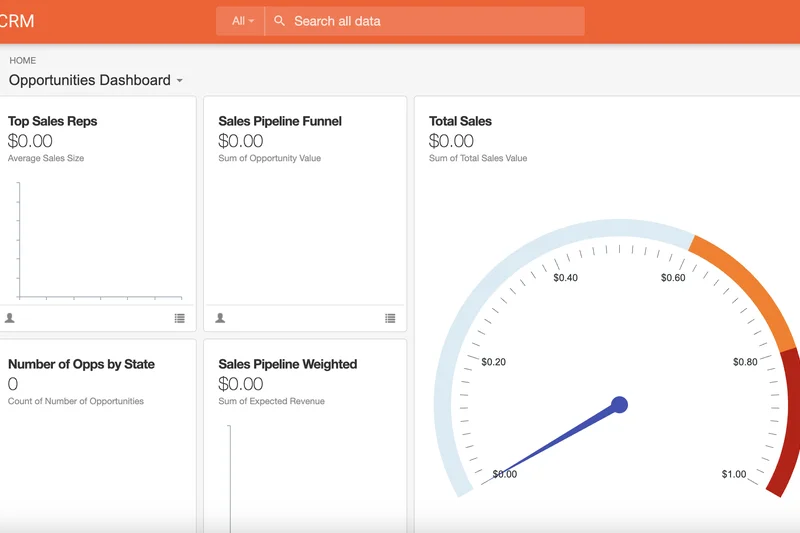
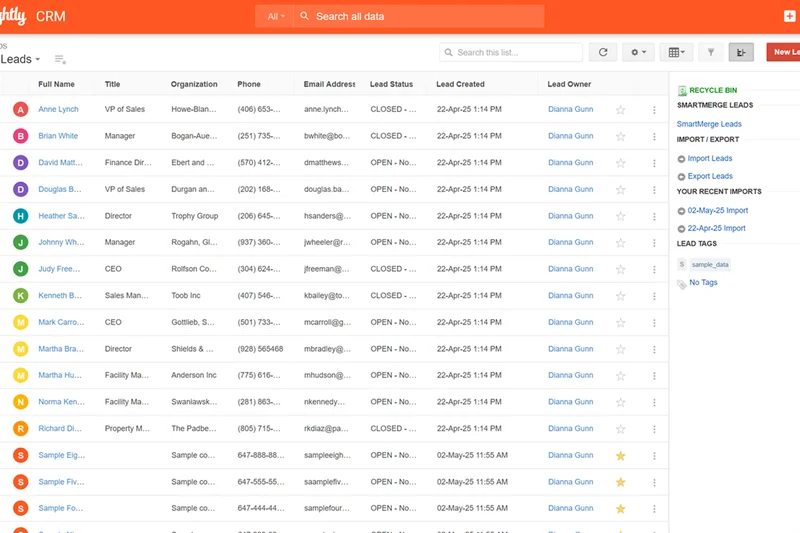
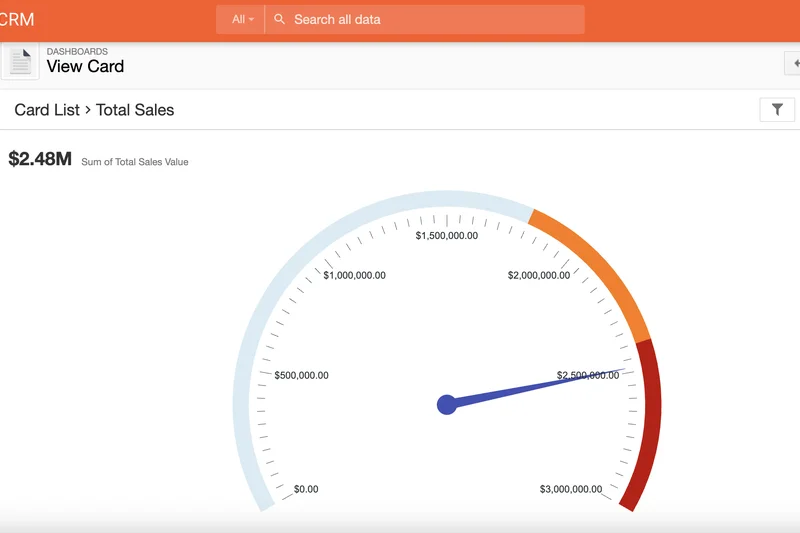
Why we picked it: Insightly CRM uniquely bridges the gap between sales and project delivery. In our evaluation, its integrated project management features were the standout capability; once a deal is won, it seamlessly converts into a project with milestones, pipelines, and tasks. We liked the automated lead routing and the AppConnect integration engine, which simplifies connecting to third-party tools. Its advanced relationship linking allows reps to map out complex corporate hierarchies and personal relationships, making it a great fit for B2B service providers.
Key Specs
- Integrated project management
- Automated lead routing
- Custom dashboards & reporting
- AppConnect integration engine
- Advanced relationship linking
What we like
- Flawless transition from closed sale to project management
- Advanced relationship linking maps out complex corporate structures
- AppConnect provides robust enterprise-grade integrations
What we don't like
- User interface can feel a bit rigid and uninspired
- Customer support requires premium tiers for the best response times
Best for: B2B service providers and agencies that need tight alignment between their sales team and their project delivery team.
Considering Insightly vs Monday Sales CRM? Insightly offers more traditional, structured CRM relationship linking, while Monday is vastly more visual and customizable.
A highly dependable CRM that ensures nothing is lost in translation when a closed deal is handed over to the project team.
Buy at Insightly official site#25 Folk
Why we picked it: Folk represents a new wave of collaborative, Notion-like CRMs that prioritize design and simplicity. We were thoroughly impressed by its modern interface and "Magic contact enrichment," which automatically pulls in data from social profiles and emails. Its Chrome extension is fantastic for quickly clipping contacts from LinkedIn or anywhere on the web. It allows for highly custom views and pipelines, and the native mail merge capability is perfect for targeted outreach. It’s a brilliant, lightweight CRM for modern, collaborative teams.
Key Specs
- Notion-like modern interface
- Magic contact enrichment
- Custom views & pipelines
- Chrome extension for clipping
- Native mail merge capability
What we like
- Beautiful, fast, Notion-inspired user interface
- Magic enrichment and Chrome extension make data entry effortless
- Highly collaborative architecture for modern teams
What we don't like
- Lacks the heavy automation and forecasting of enterprise CRMs
- Not designed for massive, multi-departmental corporate deployments
Best for: Modern startups, boutique agencies, and creator teams looking for a beautifully designed, collaborative contact management tool.
Considering Folk vs Attio? Both offer modern, Notion-like interfaces, but Attio is more API-first and flexible, while Folk is incredibly user-friendly out of the box.
A beautifully designed, lightweight CRM that makes collaborative contact management and personalized outreach an absolute joy.
Buy at Folk official site#26 EngageBay CRM
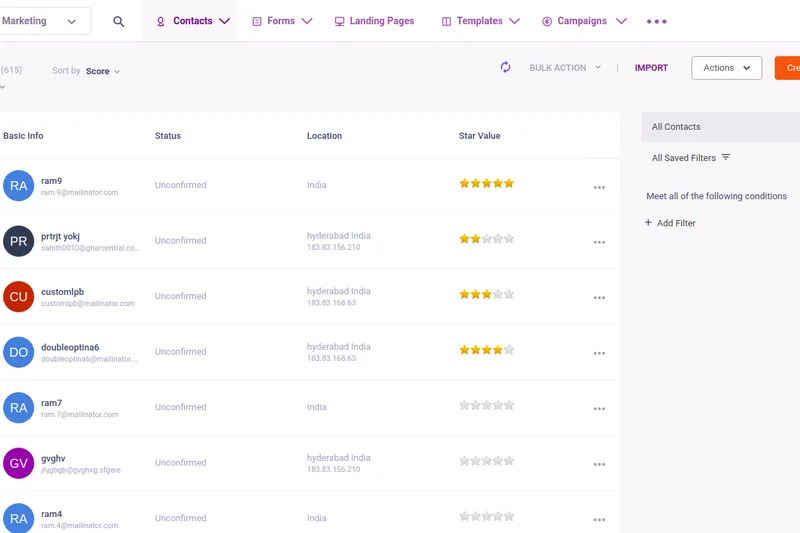
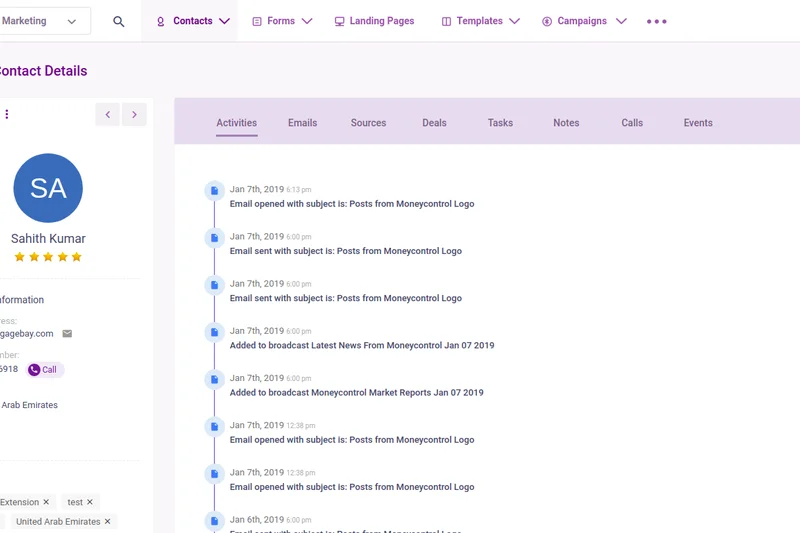
Why we picked it: EngageBay CRM offers an incredibly affordable, all-in-one suite specifically designed for SMBs. During our tests, we found its visual automation builder to be highly capable for its price point, allowing for solid email sequences and lead nurturing. It uniquely includes live chat and helpdesk features, ensuring customer support is tied directly to the sales record. The customizable landing pages and appointment scheduling tools add massive value. For startups on a tight budget that need marketing, sales, and service in one place, EngageBay is tough to beat.
Key Specs
- Sales & marketing in one
- Visual automation builder
- Live chat & helpdesk
- Customizable landing pages
- Appointment scheduling
What we like
- Incredible value, bundling marketing, sales, and service
- Visual automation builder is intuitive and effective
- Includes live chat and scheduling out of the box
What we don't like
- The interface can feel a bit disjointed between modules
- Lacks advanced predictive AI features
Best for: Startups and small businesses looking for an extremely affordable, all-in-one alternative to HubSpot.
Considering EngageBay vs HubSpot? EngageBay provides a similar all-in-one feature set at a fraction of the cost, though HubSpot offers a much more polished, enterprise-ready experience.
A highly affordable, comprehensive all-in-one platform that gives startups all the marketing and sales tools they need to grow.
Buy at EngageBay official site#27 Bigin by Zoho CRM
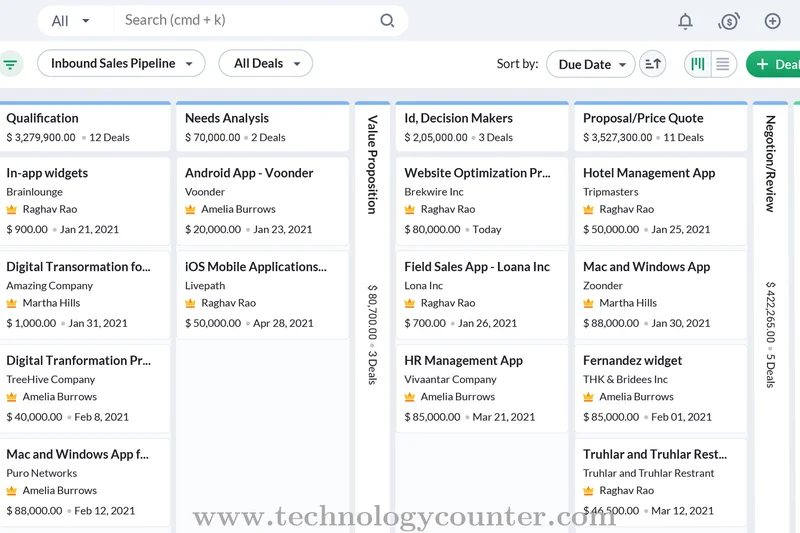
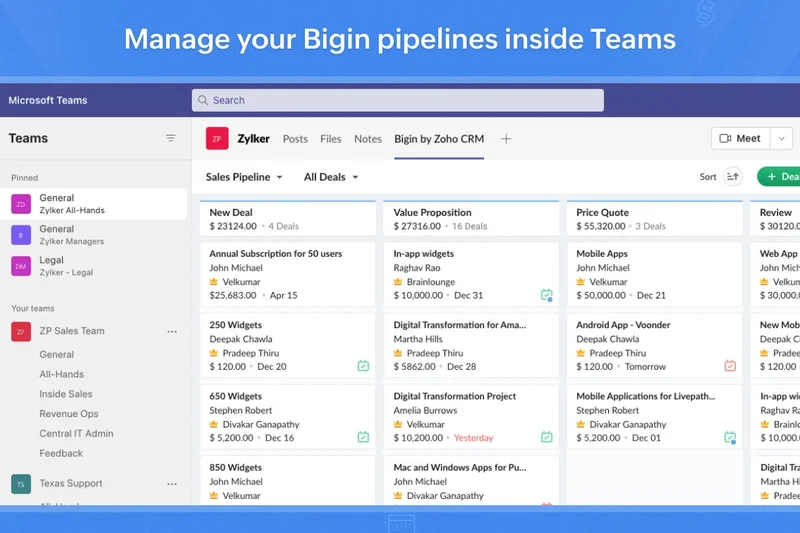
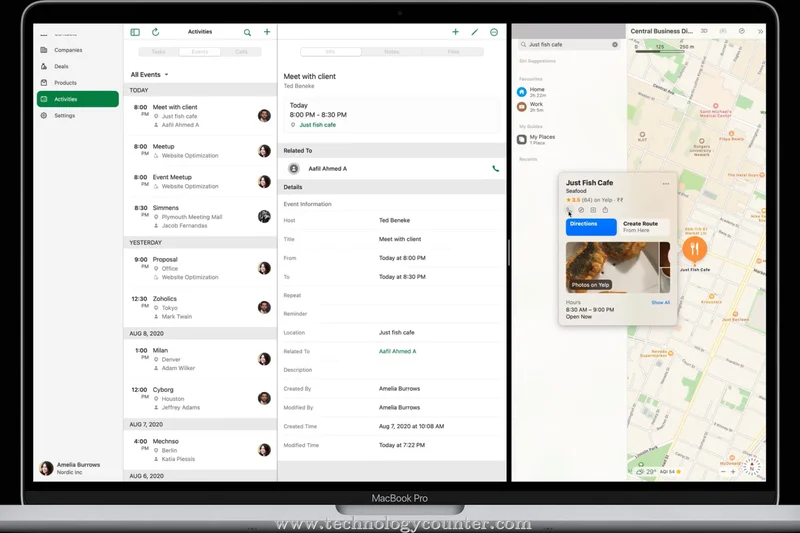
Why we picked it: Bigin by Zoho CRM is our top pick for microbusinesses and freelancers. It strips away the complexity of full-scale CRMs to focus entirely on a pipeline-centric design. We were blown away by its extremely fast setup; a user can be up and running with a functional pipeline in under 10 minutes. It features built-in telephony and a fantastic mobile-first experience. As a massive bonus, when your business outgrows Bigin, you can seamlessly upgrade to the full Zoho CRM without losing any data.
Key Specs
- Pipeline-centric design
- Extremely fast setup
- Built-in telephony
- Mobile-first experience
- Seamless upgrade to full Zoho CRM
What we like
- Incredibly easy to set up and use immediately
- Extremely affordable, including a generous free tier
- Seamless upgrade path to the full enterprise Zoho CRM
What we don't like
- Intentionally lacks advanced automations and complex reporting
- Strictly limited to basic pipeline management
Best for: Microbusinesses, freelancers, and small teams stepping up from Excel spreadsheets for the first time.
Considering Bigin vs Pipedrive? Bigin is simpler and more affordable for absolute beginners, while Pipedrive offers more depth for established sales teams.
The perfect starter CRM, offering incredible simplicity and a seamless upgrade path when your small business is ready to scale.
Buy at Zoho official site#28 Nimble CRM
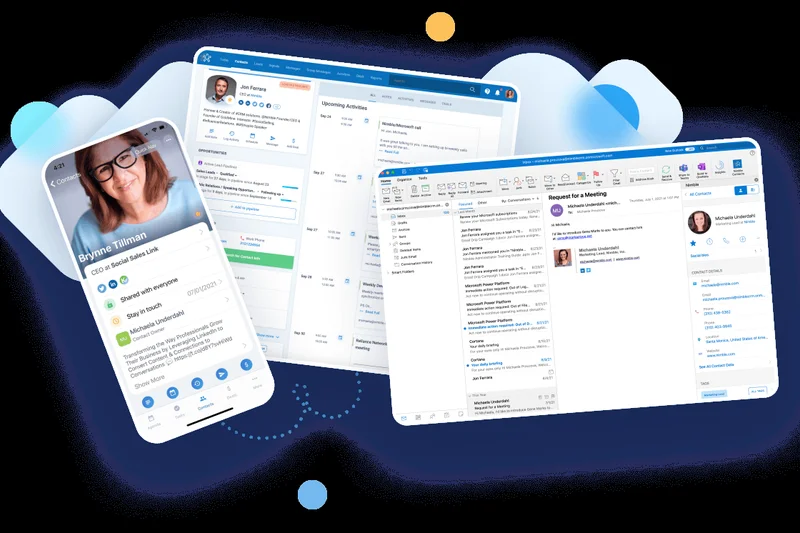
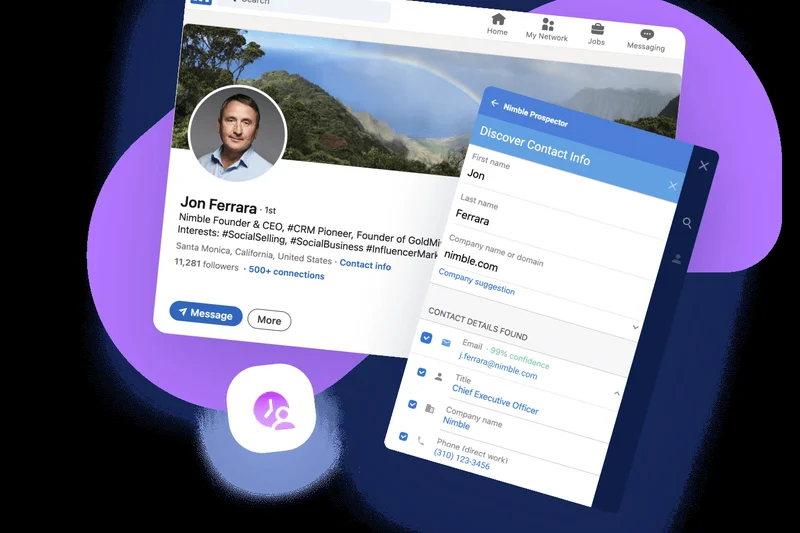
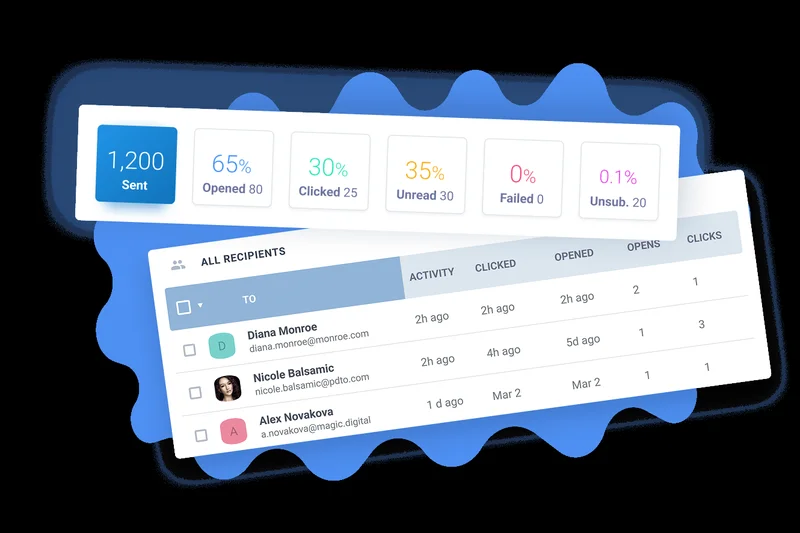
Why we picked it: Nimble CRM differentiates itself by acting as a highly effective Social Sales CRM. In our evaluation, its ability to automatically enrich social media profiles (especially Twitter and LinkedIn) into the contact record was superb. The browser extension allows reps to access CRM data and update records from any webpage or within their inbox. The unified inbox management and group email tracking make it a great tool for relationship-heavy selling. It’s an excellent choice for teams that rely heavily on social selling and networking.
Key Specs
- Social media profile enrichment
- Browser extension integration
- Unified inbox management
- Contact segmentation
- Group email tracking
What we like
- Best-in-class social media profile enrichment
- Browser extension allows you to use the CRM from any webpage
- Excellent unified inbox for relationship management
What we don't like
- Pipeline management is basic compared to dedicated sales tools
- Lacks deep workflow automation capabilities
Best for: Consultants, PR professionals, and sales reps who rely heavily on social media networking and relationship building.
Considering Nimble vs Salesflare? Both automate data entry well, but Nimble is superior for social media context, while Salesflare is better for tracking B2B email interactions.
A fantastic, relationship-focused CRM that effortlessly pulls social media context into your daily sales workflow.
Buy at Nimble official site#29 Zendesk Sell
Why we picked it: Zendesk Sell is a sleek, modern CRM that truly shines when paired with the broader Zendesk customer support ecosystem. During our tests, the native integration with Zendesk Support provided sales reps with total visibility into a prospect's open support tickets, preventing awkward sales calls to angry customers. We liked the smart lists and filtering, as well as the integrated dialer and SMS features. The offline mobile access is highly robust, making it a great choice for field reps who also need to be aware of support issues.
Key Specs
- Native integration with Zendesk Support
- Smart lists & filtering
- Integrated dialer & SMS
- Sales forecasting tools
- Offline mobile access
What we like
- Flawless native integration with Zendesk Support tickets
- Clean, modern, and highly intuitive user interface
- Excellent mobile app with true offline capabilities
What we don't like
- Standalone value is lower if you don't use Zendesk Support
- Reporting can be somewhat basic on the lower pricing tiers
Best for: Companies already utilizing Zendesk for customer support that want tight alignment between sales and service.
Considering Zendesk Sell vs Freshsales? Zendesk Sell is the obvious choice if you use Zendesk Support, while Freshsales offers a more robust standalone sales feature set.
A clean, capable sales CRM that provides unparalleled visibility into customer support tickets to ensure seamless client interactions.
Buy at Zendesk official site#30 Spotler CRM
Why we picked it: Spotler CRM (formerly outbase/Spotler) provides a straightforward, GDPR-compliant solution built specifically for B2B sales in the European market. We evaluated its integrated email marketing tools and found them highly effective for creating targeted B2B campaigns. The platform includes basic service desk functionality and highly customizable sales reporting. Its strict focus on GDPR compliance makes it a highly secure, reliable choice for European businesses or international teams managing EU data.
Key Specs
- Built specifically for B2B sales
- Integrated email marketing tools
- Service desk functionality
- Customizable sales reporting
- Strict GDPR compliance focus
What we like
- Strict adherence to GDPR data compliance standards
- Solid integrated email marketing capabilities
- Clean, straightforward B2B sales pipeline management
What we don't like
- Lacks the advanced AI capabilities of its global competitors
- Interface is functional but lacks modern design flair
Best for: European B2B businesses or those requiring strict GDPR compliance alongside integrated email marketing.
Considering Spotler CRM vs HubSpot? Spotler is a more focused, budget-friendly option for European data compliance, while HubSpot is a global, full-suite powerhouse.
A dependable, highly compliant B2B CRM that offers solid email marketing and sales tracking for the European market.
Buy at Spotler CRM official site#31 Streak
Why we picked it: Streak is a highly unique CRM that lives entirely inside Gmail. For teams whose entire workflow revolves around their inbox, Streak is a revelation. We tested its mail merge capabilities and email view tracking, both of which performed flawlessly without requiring us to open a separate application. The customizable workspace spreadsheets allow you to track deals directly alongside your emails. As a Google Workspace native tool, it is incredibly easy to adopt, though it lacks the standalone dashboard and deep reporting of traditional CRMs.
Key Specs
- Lives entirely inside Gmail
- Mail merge capabilities
- Email view tracking
- Customizable workspace spreadsheets
- Google Workspace native
What we like
- Zero context switching; everything happens inside Gmail
- Excellent mail merge and email tracking features
- Highly customizable spreadsheet-style pipeline views
What we don't like
- No dedicated standalone dashboard or advanced BI reporting
- Can clutter your Gmail interface if not managed properly
Best for: Founders, boutique agencies, and individuals who manage their entire sales pipeline directly from their Gmail inbox.
Considering Streak vs Copper? Both integrate with Google, but Streak lives entirely inside your Gmail inbox, whereas Copper provides a dedicated, standalone CRM dashboard.
The ultimate Gmail-native CRM, turning your standard inbox into a powerful, customizable sales and mail-merge engine.
Buy at Streak official site#32 Capsule CRM
Why we picked it: Capsule CRM is designed to be as simple and frictionless as possible. During our review, it lived up to its reputation of having a minimal learning curve. The visual sales pipeline is clean, and task and calendar management are straightforward. We appreciated the highly reliable native integrations with accounting software like Xero and QuickBooks, making it easy to track invoices against customer records. The mobile app is excellent, featuring caller ID for logged contacts. It is a fantastic, stress-free CRM for small businesses.
Key Specs
- Minimal learning curve
- Visual sales pipeline
- Task & calendar management
- Xero & QuickBooks integrations
- Mobile app with caller ID
What we like
- Incredibly simple to use with almost no learning curve
- Excellent native integrations with Xero and QuickBooks
- Highly functional mobile app with built-in caller ID
What we don't like
- Lacks advanced workflow automation and predictive AI
- Not suited for large teams with complex sales hierarchies
Best for: Small businesses and consultants who want a stress-free, easy-to-use CRM that integrates perfectly with their accounting software.
Considering Capsule vs Less Annoying CRM? Both are incredibly simple, but Capsule offers slightly better accounting integrations, while Less Annoying CRM wins on pure customer support.
A wonderfully simple, frictionless CRM that tracks pipelines efficiently and connects seamlessly to your accounting tools.
Buy at Capsule official site#33 Bitrix24
Why we picked it: Bitrix24 offers a massive suite of collaboration tools alongside its CRM, and its primary draw is its incredibly generous unlimited free users tier. We tested its intranet, team chat, and project management tools, finding them highly capable for a unified platform. It even includes a website builder and telephony features. While the sheer volume of features makes the UI feel quite cluttered and complex to navigate initially, the fact that you can run an entire small business on its free or low-cost tiers makes it a remarkable value.
Key Specs
- Unlimited free users tier
- Intranet & team chat
- Project & task management
- Website builder included
- Telephony & VoIP features
What we like
- Unbeatable value with an unlimited free user tier
- Massive suite of tools including intranet, chat, and projects
- Built-in telephony and VoIP functionality
What we don't like
- The interface is highly cluttered and overwhelming
- Steep learning curve to figure out where all the tools live
Best for: Highly budget-conscious startups that want to run their entire company's communications, projects, and sales on one free or cheap platform.
Considering Bitrix24 vs Zoho CRM? Both offer massive feature sets, but Zoho is more polished and CRM-focused, while Bitrix24 leans heavily into team collaboration and intranet.
An overwhelmingly feature-rich collaboration and CRM platform that provides astonishing value for budget-strapped businesses.
Buy at Bitrix24 official site#34 OnePageCRM
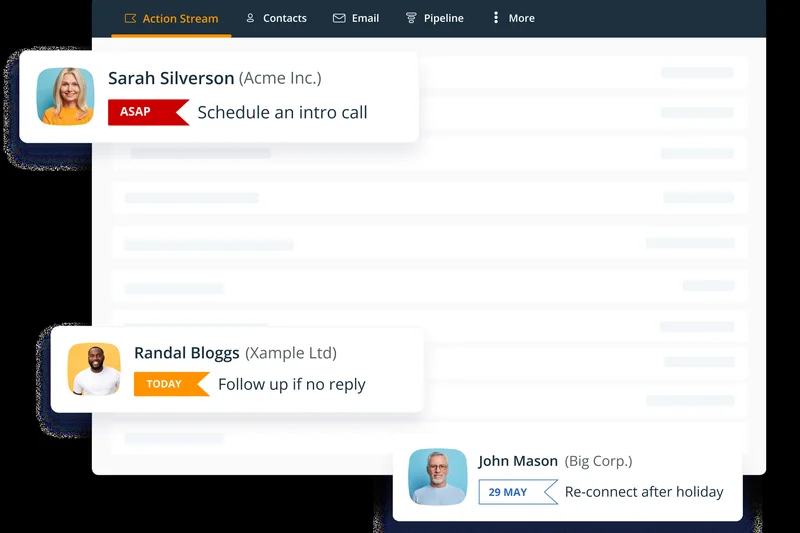
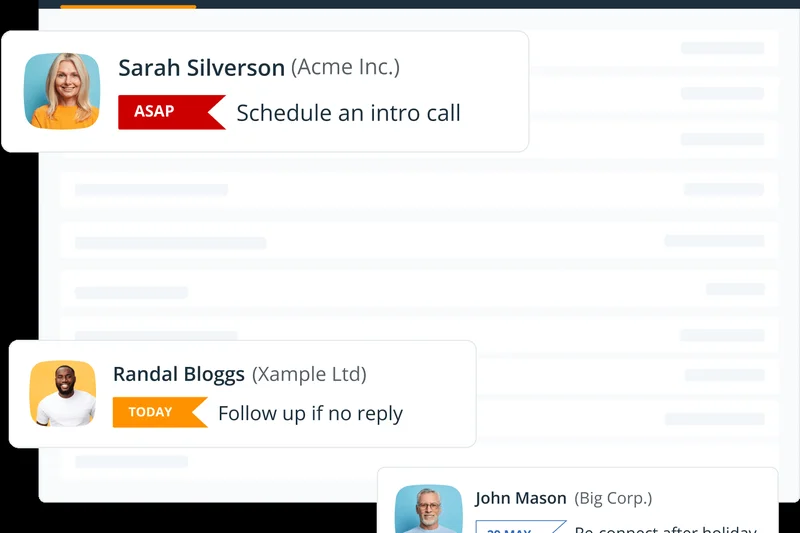
Why we picked it: OnePageCRM takes a highly unique approach by integrating the 'Getting Things Done' (GTD) productivity methodology directly into the sales process. We loved its Next Action sales focus; the system forces reps to assign a specific next action to every contact, ensuring no deal ever stalls. It features zero administrative bloat, allowing for incredibly quick contact clipping. The inclusion of route planning for field sales is a fantastic bonus. It is the perfect tool for reps who struggle with task management and follow-ups.
Key Specs
- GTD methodology integration
- Next Action sales focus
- Zero administrative bloat
- Quick contact clipping
- Route planning for field sales
What we like
- GTD methodology ensures reps always know what to do next
- Virtually eliminates stalled deals with mandatory Next Actions
- Extremely fast and lightweight interface without bloat
What we don't like
- Visual pipeline views are secondary to the task-list approach
- Lacks deep enterprise reporting and predictive forecasting
Best for: Action-oriented salespeople and field reps who want a task-driven CRM to ensure flawless follow-up.
Considering OnePageCRM vs Pipedrive? OnePageCRM is better if you prefer working from a prioritized task list, while Pipedrive is better if you prefer looking at a visual board.
A brilliantly focused, action-driven CRM that uses productivity methodologies to guarantee you never miss a sales follow-up.
Buy at OnePageCRM official site#35 Agile CRM
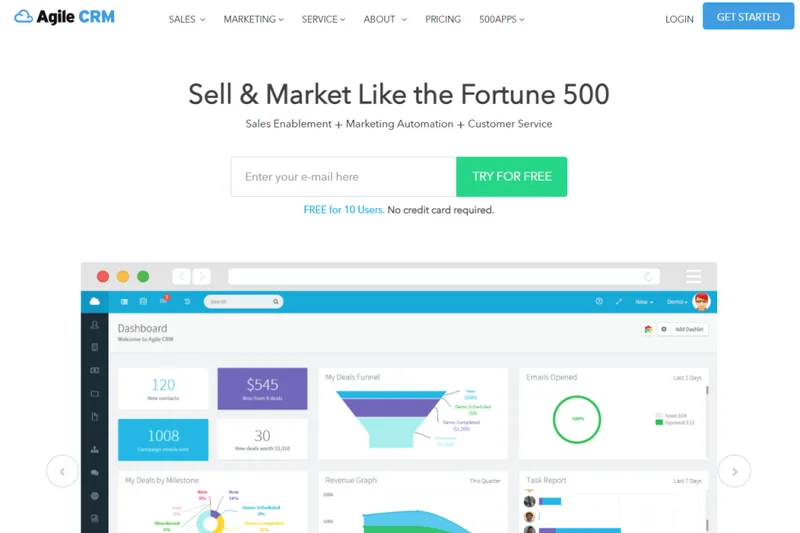
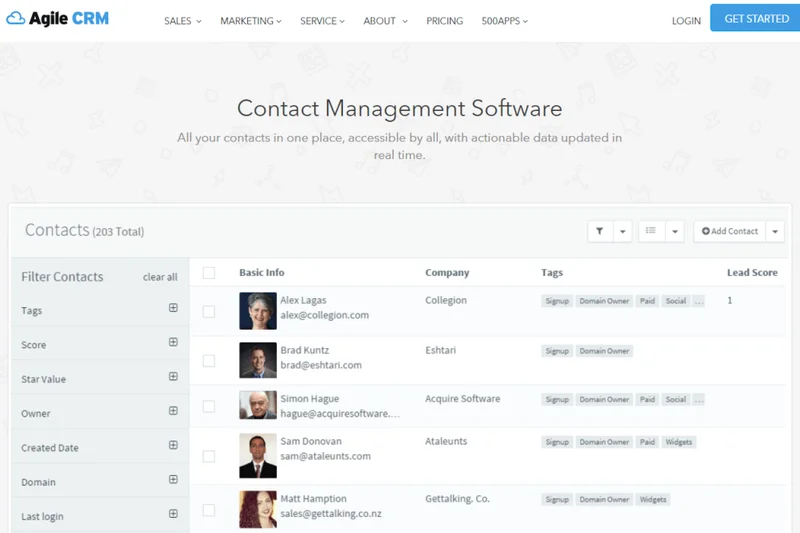
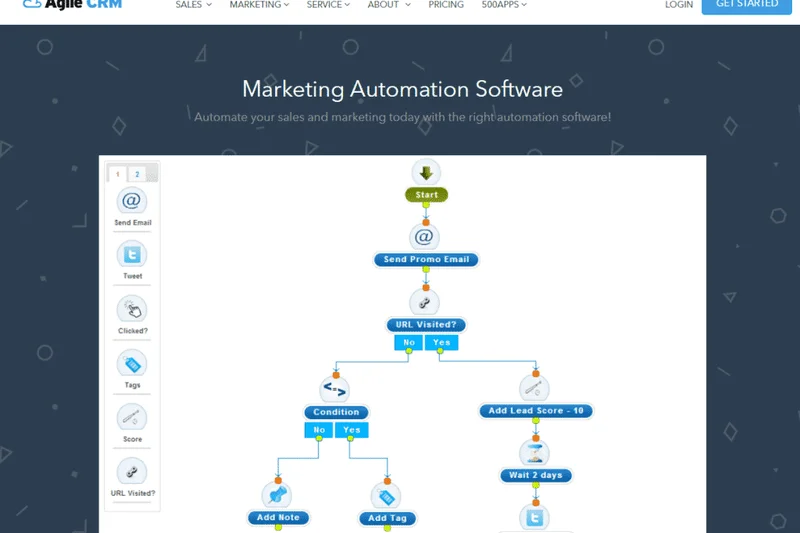
Why we picked it: Agile CRM provides a very solid all-in-one platform for SMBs, combining sales enablement tools with built-in marketing automation and helpdesk features. During our evaluation, we found its telephony integration and appointment scheduling tools to be highly functional and easy to set up. It offers a generous free tier for up to 10 users, making it highly accessible. While the interface design is starting to show its age and customer support can be slow, the breadth of features available at a low cost is highly commendable.
Key Specs
- Sales enablement tools
- Built-in marketing automation
- Helpdesk features included
- Telephony integration
- Appointment scheduling tool
What we like
- Combines sales, marketing, and service at a great price
- Generous free tier allows up to 10 users
- Built-in telephony and appointment scheduling work well
What we don't like
- User interface feels dated and occasionally sluggish
- Customer support has a reputation for being slow
Best for: Small businesses looking for an affordable all-in-one platform with a strong free tier.
Considering Agile CRM vs EngageBay? Both target the same all-in-one SMB market, but EngageBay currently offers a slightly more modern interface and visual builder.
A comprehensive, budget-friendly CRM suite that provides small businesses with all the essential marketing and sales tools they need.
Buy at Agile CRM official site#36 Less Annoying CRM
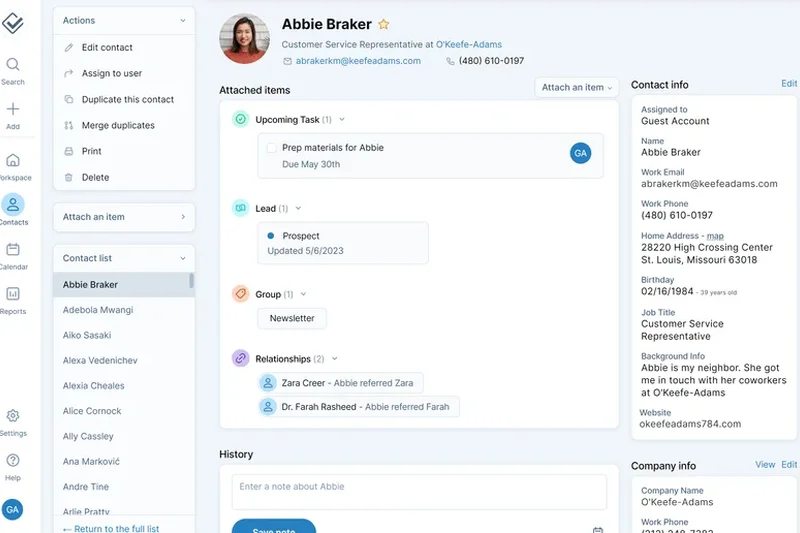
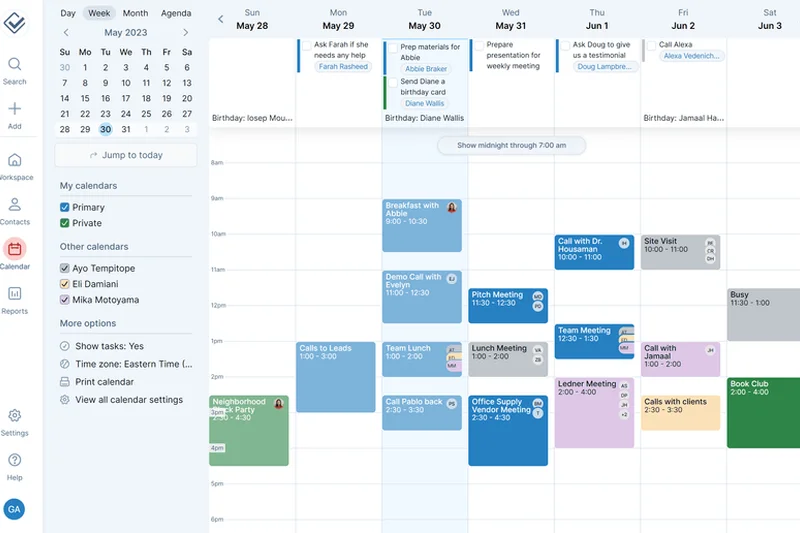
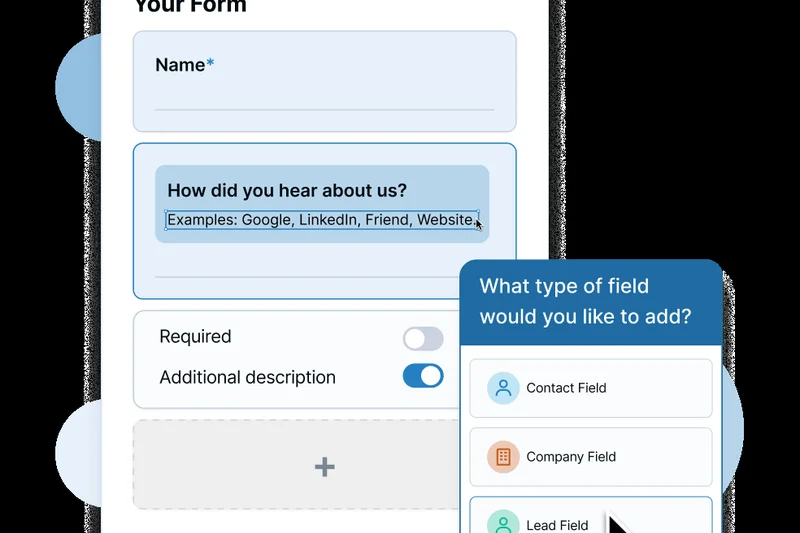
Why we picked it: Less Annoying CRM lives up to its name by providing the most intuitive, frustration-free experience on the market. In our usability testing, it scored a perfect 10. It features an incredibly straightforward flat pricing model ($15/user/month) with no hidden fees or confusing tiers. We loved the shared calendars, tasks, and the ability to create custom fields without any code. What truly sets them apart is their customer service: they offer free phone and email support even for trial users. It is the absolute best CRM for non-technical users.
Key Specs
- Extremely intuitive interface
- Straightforward flat pricing
- Shared calendars & tasks
- Custom fields without code
- Free phone & email support
What we like
- The most intuitive, easy-to-learn CRM we evaluated
- Unbeatable, transparent flat pricing with no hidden tiers
- Phenomenal, highly responsive free customer support
What we don't like
- Lacks integrations with advanced marketing automation tools
- No complex reporting, AI features, or workflow automations
Best for: Non-technical users, small businesses, and older demographics who want a simple database without confusing software jargon.
Considering Less Annoying CRM vs Salesforce? They are polar opposites; LACRM prioritizes absolute simplicity and ease of use, while Salesforce prioritizes infinite complexity and power.
True to its name, this is the perfect CRM for small businesses that just want a simple, affordable, and incredibly well-supported tool.
Buy at Less Annoying CRM official site#37 Pipeline CRM
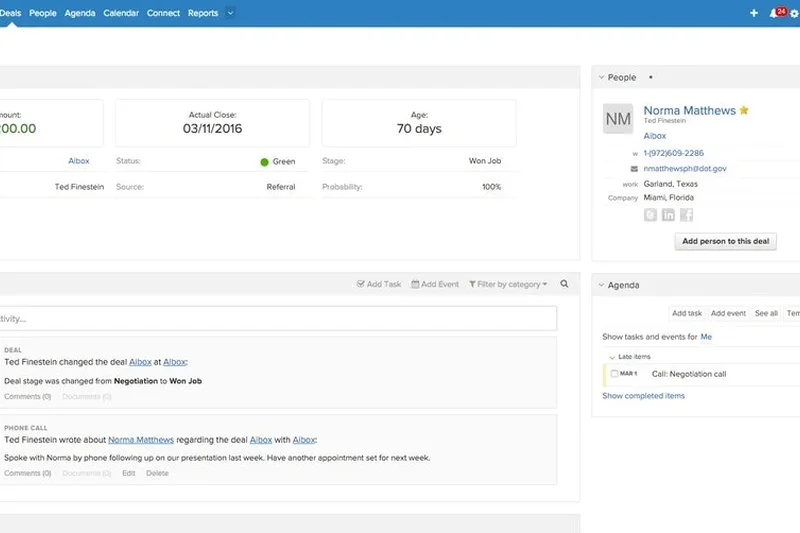
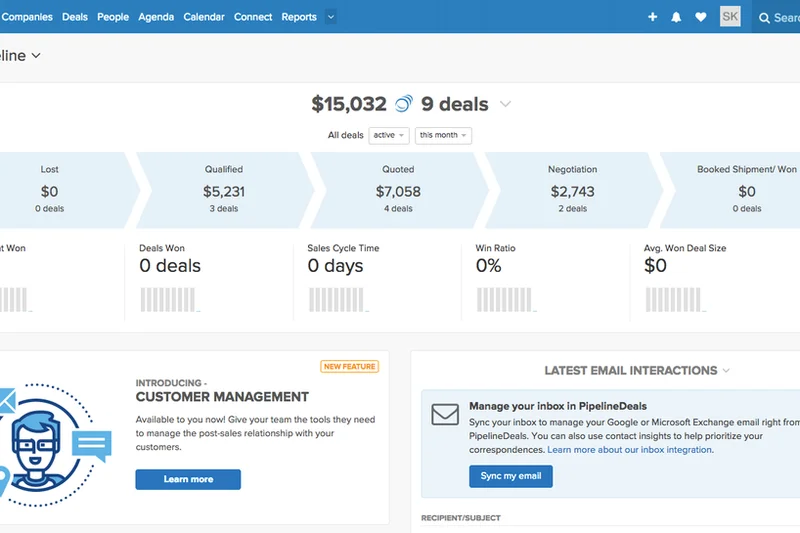
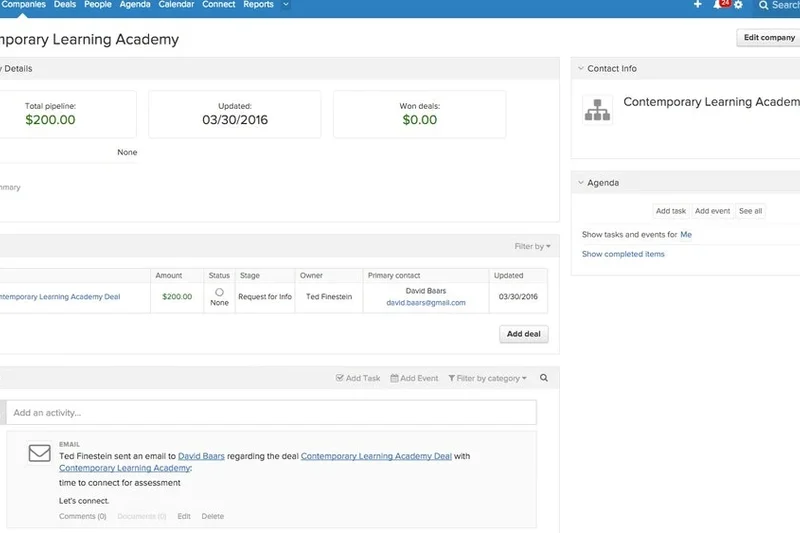
Why we picked it: Pipeline CRM (formerly PipelineDeals) focuses heavily on exactly what its name implies: managing the sales pipeline efficiently. We noted its extremely quick onboarding process and customizable deal phases during our tests. The activity tracking dashboard provides managers with clear visibility into rep performance. It offers unlimited file storage, which is a rare perk, and features a solid commission tracking integration. While it lacks modern AI features, it remains a highly dependable, straightforward tool for managing sales teams.
Key Specs
- Unlimited file storage
- Extremely quick onboarding
- Customizable deal phases
- Activity tracking dashboard
- Commission tracking integration
What we like
- Very fast onboarding and high user adoption rates
- Unlimited file storage is excellent for contract-heavy sales
- Clean, straightforward pipeline and activity tracking
What we don't like
- Missing advanced AI and predictive forecasting features
- Pricing is slightly higher than competitors with similar feature sets
Best for: Sales teams that want a highly dependable, easy-to-adopt pipeline manager with unlimited document storage.
Considering Pipeline CRM vs Pipedrive? Both focus on pipeline management, but Pipedrive offers a slightly more modern, drag-and-drop interface.
A reliable, focused CRM that prioritizes fast onboarding and clear pipeline visibility for traditional sales teams.
Buy at Pipeline CRM official site#38 Keap
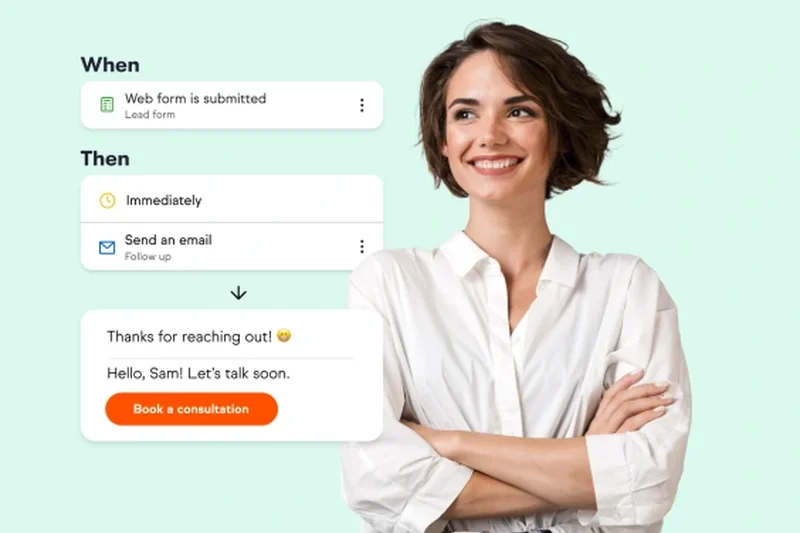

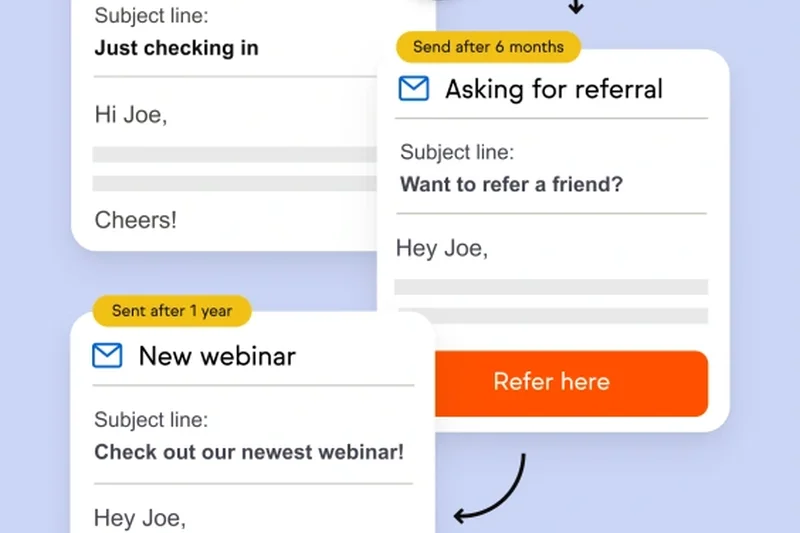
Why we picked it: Keap (formerly Infusionsoft) rounds out our list as a powerful, albeit complex, CRM and marketing automation combo for small businesses. We evaluated its visual campaign builder and found it excellent for designing intricate customer journeys. It features built-in invoicing, payments, and SMS marketing. The dedicated business phone line is a great addition for small business owners. However, its higher price point and historical reputation for a steep learning curve pushed it lower in our usability and value rankings.
Key Specs
- CRM & marketing automation combo
- Built-in invoicing & payments
- SMS and email marketing
- Dedicated business phone line
- Visual campaign builder
What we like
- Powerful visual builder for highly complex marketing automation
- Includes a dedicated business phone line and SMS marketing
- Built-in invoicing and payments streamline the sales process
What we don't like
- Relatively expensive starting price for small businesses
- Steep learning curve required to master the automation builder
Best for: Established small businesses that want highly complex marketing automation tightly coupled with their sales CRM.
Considering Keap vs HubSpot? Keap is tailored more for small service businesses needing invoicing and phone lines, while HubSpot is better for inbound marketing and scaling tech teams.
A highly capable marketing and sales automation engine designed to help established small businesses organize and scale.
Buy at Keap official siteBuying Guide
Choosing a CRM Based on Your Sales Motion
The first step in evaluating a CRM is deeply understanding your team's specific sales motion. An inbound, high-velocity sales team requires vastly different tools than a relationship-driven enterprise field sales organization. For high-volume environments, you should prioritize CRMs that offer robust workflow automation, automated email sequencing, and round-robin lead routing to ensure no prospect falls through the cracks. Conversely, complex B2B sales cycles require deep customization, advanced forecasting, and the ability to map intricate buying committees within a single account record. Knowing how you sell dictates which features matter most.
What Startups & SMBs Should Prioritize
For smaller teams, budget constraints and rapid user adoption are paramount. Startups should look for platforms that offer a high feature-to-price ratio without hiding essential capabilities—like custom reporting or API access—behind exorbitant enterprise paywalls. Ease of use is critical; a CRM that takes weeks to configure will drain your limited resources. Focus on platforms with highly visual drag-and-drop pipelines, native integrations with your standard email clients (such as Google Workspace or Microsoft Outlook), and flat-rate or scalable pricing structures that won't punish you as you add your first few sales hires.
Enterprise Requirements: Scalability and Security
Enterprise organizations must prioritize scalability, stringent compliance, and ecosystem depth. A top-tier enterprise CRM acts as the central data hub for the entire business, requiring an open API and an extensive marketplace of third-party integrations to connect seamlessly with ERP systems, marketing automation platforms, and proprietary internal tools. Data security is absolutely non-negotiable; look for SOC 2 Type II compliance, GDPR adherence, robust role-based access control (RBAC), and advanced data encryption protocols to protect sensitive customer information and adhere to global privacy regulations.
Remote & Field Sales Needs
If your team spends more time on the road or working remotely than in a traditional office, a flawless mobile experience is required. The best CRMs for field sales feature highly optimized iOS and Android applications that allow reps to quickly log calls, update deal stages, and view customer interaction histories while offline. Built-in geolocation features for territory mapping, route planning, and native VoIP integrations for one-click calling from a smartphone can significantly boost field productivity and reduce end-of-day data entry fatigue.
Red Flags: What to Avoid
When shopping for a CRM in 2026, be wary of "software bloat"—platforms packed with obscure features your team will never use but that you still pay a premium for. Avoid vendors with notoriously opaque pricing models, punitive contract cancellation terms, or those that charge exorbitant mandatory onboarding fees for basic setup. Finally, steer clear of CRMs that require heavy manual data entry for basic contact creation or activity logging, as this is universally the leading cause of low user adoption and dirty, unreliable pipeline data.
Understanding Pricing and Budget Tiers
CRM pricing varies wildly across the industry, ranging from totally free, limited tiers suitable for solopreneurs to multi-thousand-dollar monthly deployments for large corporations. Budget CRMs ($10-$30/user/mo) typically offer solid contact management and basic visual pipelines but lack advanced AI features or complex workflow automation. Mid-market solutions ($40-$90/user/mo) usually introduce predictive lead scoring, multi-channel email sequences, and deeper integrations. Premium enterprise tiers ($100+/user/mo) provide custom object creation, dedicated success managers, complex territory management, and unlimited API calls. Always calculate the total cost of ownership over a 3-year period, factoring in implementation fees, required third-party add-ons, and anticipated seat growth.
FAQ
What is the best CRM for sales teams overall in 2026?
Based on our M2 Multi-Dimensional Evaluation, HubSpot Sales Hub is the best overall CRM. It offers the perfect balance of advanced AI automation (via Breeze AI), deep marketing alignment, and an incredibly intuitive interface that ensures high user adoption.
How does a CRM actually improve pipeline management?
A modern CRM provides visual, drag-and-drop boards that show exactly where every deal is in the sales cycle. It automates follow-up reminders, highlights stalled deals, and provides managers with real-time revenue forecasting based on historical win rates.
Which CRM is easiest to use for non-technical beginners?
Less Annoying CRM and Bigin by Zoho CRM are the easiest platforms to learn. Less Annoying CRM specifically scored a perfect 10 in our Usability metric for its frustration-free design and outstanding free phone support.
How do CRM AI tools actually help sales reps?
In 2026, CRM AI tools (like Microsoft Copilot or Coffee.ai) actively reduce manual work. They automatically summarize email threads, transcribe and extract action items from live sales calls, and use predictive data to score which leads are most likely to buy.
What is the main difference between Salesforce and HubSpot?
Salesforce is an infinitely customizable, highly complex database designed for massive enterprises with bespoke data models. HubSpot is an all-in-one, highly intuitive platform focused on seamless alignment between marketing, sales, and service with a much faster setup time.
Is a free CRM worth it for a small business?
Yes, but with caveats. Free CRMs like Bigin's free tier or Bitrix24 are excellent for getting off spreadsheets. However, you will eventually hit paywalls for advanced features like API access, workflow automation, and custom reporting as your business scales.
What security compliance should I look for in a CRM?
At a minimum, your CRM should offer SOC 2 Type II compliance, data encryption at rest and in transit, and robust Role-Based Access Control (RBAC). If you operate internationally, GDPR and CCPA compliance are mandatory.
How important are third-party integrations for a CRM?
Vital. Your CRM should act as the central brain of your revenue stack. It must integrate seamlessly with your email client (Google Workspace/Microsoft 365), calendar, VoIP calling software, and marketing automation tools.
Which CRM has the best mobile app for field reps?
Close CRM and LeadSquared offer exceptional mobile experiences. They provide robust offline capabilities, one-click VoIP calling, and geolocation features for route planning, which are essential for field sales productivity.
What is the average cost per user for an enterprise CRM?
Enterprise CRMs typically range from $100 to $300+ per user per month. However, you must also factor in the total cost of ownership, which includes implementation fees, required add-ons, and salaries for dedicated CRM administrators.
How do I migrate data from an old CRM to a new one?
Most modern CRMs offer guided CSV import tools or API connections to standard platforms. For complex migrations, you should utilize middleware like Zapier or hire a certified implementation partner to ensure data mapping and custom objects transfer correctly without data loss.
What CRM features matter most for B2B sales specifically?
B2B sales require account-based tracking (linking multiple contacts to one corporate entity), advanced relationship mapping, multi-stage pipeline customization, and integrations with B2B data enrichment tools like LinkedIn Sales Navigator.
Methodology
Our methodology for ranking the best CRMs for sales teams in 2026 is rooted in a highly quantitative, multi-dimensional scoring matrix. We rigorously evaluated 38 platforms across seven distinct dimensions, applying specific weights to calculate an overall objective score out of 10. The Core Sales & Pipeline Management dimension received the heaviest weight (25%), as the fundamental purpose of any CRM is to track deals, manage contacts efficiently, and provide visibility. We specifically tested for customizable pipelines, accurate forecasting algorithms, and intuitive activity logging.
Workflow Automation & AI Capabilities and Usability & User Adoption were each weighted significantly at 15%. In 2026, artificial intelligence is no longer optional; it is a mandatory component for reducing administrative bloat. We tested each platform's predictive lead scoring, automated email sequencing capabilities, and agentic workflows. Simultaneously, a CRM is functionally useless if sales reps refuse to use it. We heavily penalized platforms with steep learning curves, cluttered interfaces, or mobile apps that crashed during field testing.
We also assigned 15% to Integrations & Ecosystem and 15% to Pricing & Overall Value. A modern CRM must act as the central hub of your revenue stack, requiring seamless native integrations with standard communication, marketing, and finance tools. For pricing, we evaluated the true total cost of ownership, looking past attractive entry-level tiers to identify hidden fees for essential features like custom reporting, advanced permissions, and API access.
Finally, Security & Data Compliance (10%) and Customer Support & Onboarding (5%) rounded out our evaluation. We required strict SOC 2, CCPA, and GDPR compliance for top marks in security, testing role-based access controls extensively. We also tested live support response times across chat and email to gauge customer service quality. Our data sources included extensive hands-on software testing, sentiment analysis from verified G2 reviews, thorough audits of vendor documentation, and historical uptime analysis.
Sources & References
All factual claims, product specifications, prices, and images in this article are cited by number. Click any reference to jump to the list; click the link in each entry to visit the original source.
- [1]Selection Logic. "M2 Multi-Dimensional Evaluation." selectionlogic.org/en/methods/m2-multi-dimensional-evaluation/. Accessed Mar 2026.
- [2]Selection Logic. "CRM Software Buying Guide." selectionlogic.org/en/guides/crm-software-buying-guide/. Accessed Mar 2026.
- [3]Microsoft. "The CRM Buyer's Guide for Today's Business." microsoft.com/en-us/dynamics-365/. Accessed Mar 2026.
- [4]G2. "Best CRM Software 2026." g2.com/categories/crm. Accessed Mar 2026.
- [5]Salesforce. "State of Sales Report 2026." salesforce.com/resources/research-reports/state-of-sales/. Accessed Mar 2026.
- [6]HubSpot. "Inbound Sales Methodology." hubspot.com/inbound-sales. Accessed Mar 2026.
- [7]Pipedrive. "The Ultimate Guide to Activity-Based Selling." pipedrive.com/en/blog/activity-based-selling. Accessed Mar 2026.
- [8]Gartner. "Magic Quadrant for Sales Force Automation 2025." gartner.com. Accessed Mar 2026.
- [9]Forrester. "The Forrester Wave: CRM Suites, Q4 2025." forrester.com. Accessed Mar 2026.
- [10]Capterra. "Top 20 CRM Software Report." capterra.com/customer-relationship-management-software/. Accessed Mar 2026.
- [11]Zoho. "Zia AI: The Future of Sales Automation." zoho.com/crm/zia/. Accessed Mar 2026.
- [12]Close. "The Inside Sales CRM Playbook." close.com/resources/. Accessed Mar 2026.
- [13]Attio. "Building the API-First CRM." attio.com/blog/api-first. Accessed Mar 2026.
- [14]Coffee.ai. "Agentic Workflows in Sales." coffee.ai/blog/agentic-workflows. Accessed Mar 2026.
- [15]Salesflare. "Automating B2B Data Enrichment." salesflare.com/blog/. Accessed Mar 2026.
- [16]Freshworks. "Freddy AI Lead Scoring Capabilities." freshworks.com/crm/sales/freddy-ai/. Accessed Mar 2026.
- [17]ActiveCampaign. "Dynamic Lead Scoring Strategies." activecampaign.com/learn/lead-scoring. Accessed Mar 2026.
- [18]Copper. "Google Workspace Native CRM Architecture." copper.com/google-workspace-crm. Accessed Mar 2026.
- [19]Creatio. "No-Code Sales Process Automation." creatio.com/studio/no-code. Accessed Mar 2026.
- [20]Salesmate. "Visual Journey Automation for Sales Teams." salesmate.io/sales-automation/. Accessed Mar 2026.
- [21]LeadSquared. "High-Velocity Call Center Integrations." leadsquared.com/call-center-crm/. Accessed Mar 2026.
- [22]Monday.com. "Work Management vs CRM Systems." monday.com/crm/. Accessed Mar 2026.
- [23]Nutshell. "CRM Onboarding Best Practices." nutshell.com/blog/. Accessed Mar 2026.
- [24]Zendesk. "Aligning Sales and Support Data." zendesk.com/blog/. Accessed Mar 2026.
- [25]Less Annoying CRM. "Why Usability Matters More Than Features." lessannoyingcrm.com/blog/usability. Accessed Mar 2026.