Quick Verdict
At a glance
We tested 35 4K Computer Monitors to find the best options for gaming, creative work, and everyday office use. We scored them across 7 key dimensions, looking at visual fidelity, motion handling, connectivity, and value. The latest QD-OLED panels dominated our top spots, providing incredible color and speed, while productivity powerhouses with Thunderbolt hubs took the crown for office setups.
🏆 Overall #1: MSI MPG 321URX QD-OLED — Flawless 240Hz gaming performance combined with rich colors, excellent KVM features, and a fanless heatsink.
🥈 #2: ASUS ROG Swift OLED PG32UCDM — A premium QD-OLED rivaling the top spot with exceptional color accuracy and solid build quality.
🥉 #3: HP Omen Transcend 32 OLED — Incredible connectivity with 140W USB-C power delivery and stellar OLED visuals.
Which one is for me?
How We Tested
To determine the best 4K monitors of 2026, we began with a candidate pool of 35 of the most promising UHD displays released over the past few years. Our testing and scoring framework is grounded in the SelectionLogic M2 Multi-Dimensional Evaluation methodology [1]. We break down the performance of each monitor across 7 critical dimensions: Visual Fidelity & Color Accuracy, Motion Handling & Speed, Connectivity & Hub Features, Ergonomics & Build Quality, Eye Comfort & Usability, Value & Price, and Reliability & Warranty.
Every monitor is evaluated on these specific criteria to generate an objective score out of 10 for each dimension. To ensure our recommendations match real-world needs, we then apply scenario-specific weightings. For example, our "Best for High-End Gaming" scenario places a massive 35% weight on motion handling and 25% on visuals, while the "Best for Work & Office" scenario emphasizes connectivity (25%) and ergonomics (15%). This robust quantitative approach allows us to confidently rank the top monitors for various use cases, following the guidelines set forth in the SelectionLogic 4K Monitor Buying Guide [2].
Our Declared Values
We are committed to absolute editorial independence and transparent scoring. No manufacturer can pay for a higher ranking, and all our product evaluations are based entirely on empirical data and rigorous multi-dimensional analysis. We do not accept review samples with attached editorial conditions, and our affiliate links do not influence our testing process or the final scores we award.
About our team
Our team of display analysts, hardware testers, and content editors has spent thousands of hours staring at screens—evaluating peak brightness, running colorimeter tests, and measuring pixel response times. We combine deep technical expertise with everyday usability insights to guide you toward the right purchase. By leveraging data-driven methodologies, we filter out the marketing jargon to highlight the displays that truly deliver on their promises.
| Dimension | Overall | Best Overall for Mixed Use | Best Budget 4K Monitor | Best for High-End Gaming | Best for Photo & Video Editing | Best for Work & Office |
|---|---|---|---|---|---|---|
| Visual Fidelity & Color Accuracy | 25% | 25% | 20% | 25% | 45% | 15% |
| Motion Handling & Speed | 15% | 15% | 5% | 35% | 5% | 5% |
| Connectivity & Hub Features | 15% | 15% | 10% | 10% | 15% | 25% |
| Ergonomics & Build Quality | 10% | 10% | 10% | 5% | 10% | 15% |
| Eye Comfort & Usability | 10% | 10% | 5% | 5% | 10% | 15% |
| Value & Price | 15% | 15% | 40% | 10% | 5% | 15% |
| Reliability & Warranty | 10% | 10% | 10% | 10% | 10% | 10% |
Overall Rankings
Full list of 35 products sorted by weighted overall score (1–10).
Prices are checked as of Mar 14, 2026 (2026 Q1). Use "Check price" links for current pricing.
| # | Product | Type | Price | Visuals | Speed | Connectivity | Build | Comfort | Value | Reliability | Overall | Awards |
|---|---|---|---|---|---|---|---|---|---|---|---|---|
| 1 | MSI MPG 321URX QD-OLED | 32-inch QD-OLED Gaming | $899 | 10 | 10 | 9 | 8 | 8 | 9 | 9 | 9.20 | 🏆 Editor's Choice 👑 Best Premium 🎯 Best Best Overall for Mixed Use 🎯 Best Best Budget 4K Monitor 🎯 Best Best for High-End Gaming |
| 2 | ASUS ROG Swift OLED PG32UCDM | 32-inch QD-OLED Gaming | $999 | 10 | 10 | 9 | 9 | 8 | 8 | 9 | 9.15 | 📊 Best Visual Fidelity & Color Accuracy 📊 Best Motion Handling & Speed 📊 Best Ergonomics & Build Quality 📊 Best Reliability & Warranty 🎯 Best Best for Photo & Video Editing 🎯 Best Best for Work & Office |
| 3 | HP Omen Transcend 32 OLED | 32-inch OLED Gaming | $1,199 | 10 | 10 | 10 | 9 | 8 | 7 | 8 | 9.05 | |
| 4 | Alienware AW3225QF | 32-inch Curved QD-OLED | $899 | 10 | 10 | 7 | 8 | 8 | 9 | 9 | 8.90 | |
| 5 | Samsung Odyssey OLED G8 (G80SD) | 32-inch OLED Gaming | $899 | 9 | 10 | 8 | 9 | 8 | 9 | 8 | 8.80 | |
| 6 | ASUS ROG Swift OLED PG32UCDP | 32-inch WOLED Gaming | $1,087 | 9 | 10 | 9 | 9 | 8 | 7 | 9 | 8.75 | |
| 7 | Dell UltraSharp 32 4K Thunderbolt Hub Monitor - U3225QE | 32-inch Productivity Hub | $949 | 8 | 7 | 10 | 9 | 10 | 7 | 9 | 8.40 | 📊 Best Connectivity & Hub Features 📊 Best Eye Comfort & Usability |
| 8 | LG UltraGear 32GS95UE-B | 32-inch WOLED Gaming | $1,189 | 9 | 10 | 7 | 8 | 8 | 7 | 8 | 8.25 | |
| 9 | Acer Nitro XV275K P3 | 27-inch Mini-LED Gaming | $439 | 8 | 8 | 9 | 7 | 7 | 10 | 7 | 8.15 | 📊 Best Value & Price |
| 10 | BenQ MOBIUZ EX321UX | 32-inch Mini-LED Gaming | $1,099 | 9 | 8 | 8 | 8 | 8 | 7 | 8 | 8.10 | |
| 11 | ASUS ProArt Display PA279CRV | 27-inch Creative Monitor | $399 | 9 | 5 | 9 | 8 | 8 | 9 | 8 | 8.10 | |
| 12 | Dell UltraSharp U2723QE | 27-inch IPS Black Office | $549 | 8 | 5 | 10 | 9 | 9 | 7 | 9 | 8.00 | |
| 13 | BenQ MA320U | 32-inch IPS for Mac | $599 | 8 | 5 | 9 | 9 | 9 | 7 | 8 | 7.75 | |
| 14 | ASUS ProArt Display PA32UCR-K | 32-inch Mini-LED Creative | $1,199 | 9 | 5 | 8 | 9 | 8 | 7 | 8 | 7.75 | |
| 15 | ASUS ROG Strix XG27UCS | 27-inch IPS Gaming | $299 | 7 | 8 | 7 | 7 | 7 | 10 | 8 | 7.70 | |
| 16 | LG UltraFine OLED Pro 32EP950-B | 32-inch OLED Creative | $1,499 | 10 | 5 | 9 | 8 | 8 | 5 | 7 | 7.65 | |
| 17 | Dell S3225QS | 32-inch Mixed Use VA | $311 | 7 | 7 | 6 | 8 | 8 | 9 | 9 | 7.55 | |
| 18 | Samsung Odyssey Neo G8 | 32-inch Mini-LED Curved | $699 | 8 | 9 | 6 | 7 | 6 | 8 | 7 | 7.45 | |
| 19 | Gigabyte M32U | 32-inch IPS Gaming | $549 | 7 | 8 | 8 | 7 | 7 | 8 | 7 | 7.45 | |
| 20 | Gigabyte M28U | 28-inch IPS Gaming | $449 | 7 | 8 | 8 | 7 | 7 | 8 | 7 | 7.45 | |
| 21 | Acer Predator XB283K KV | 28-inch IPS Gaming | $449 | 7 | 8 | 8 | 7 | 7 | 8 | 7 | 7.45 | |
| 22 | Dell S2725QC | 27-inch Office Monitor | $279 | 6 | 5 | 8 | 8 | 9 | 9 | 9 | 7.40 | |
| 23 | ViewSonic VX1655-4K-OLED | 16-inch Portable OLED | $399 | 9 | 5 | 8 | 7 | 7 | 7 | 7 | 7.35 | |
| 24 | LG 27GP950-B | 27-inch Nano IPS Gaming | $549 | 8 | 8 | 7 | 8 | 7 | 6 | 7 | 7.35 | |
| 25 | Dell S2722QC | 27-inch Budget Office | $249 | 6 | 5 | 8 | 8 | 8 | 9 | 9 | 7.30 | 💰 Best Value |
| 26 | Sony INZONE M9 | 27-inch Full Array Gaming | $799 | 8 | 8 | 7 | 7 | 7 | 6 | 7 | 7.25 | |
| 27 | LG 27GR93U-B | 27-inch IPS Gaming | $449 | 7 | 8 | 7 | 7 | 7 | 7 | 7 | 7.15 | |
| 28 | MSI Modern MD272UPSW | 27-inch Budget Office | $249 | 6 | 5 | 8 | 8 | 8 | 9 | 7 | 7.10 | |
| 29 | AOC Gaming U27G3X | 27-inch IPS Gaming | $349 | 7 | 8 | 6 | 6 | 6 | 9 | 6 | 7.00 | |
| 30 | Samsung S80UA | 27-inch USB-C Office | $299 | 6 | 5 | 9 | 8 | 7 | 8 | 7 | 7.00 | |
| 31 | HP U28 4K HDR Monitor | 28-inch Creative Budget | $349 | 7 | 5 | 8 | 7 | 7 | 7 | 7 | 6.85 | |
| 32 | ASUS TUF Gaming VG289Q | 28-inch Budget Gaming | $249 | 6 | 5 | 5 | 7 | 7 | 7 | 7 | 6.15 | |
| 33 | LG 32UN500-W | 32-inch Budget VA | $249 | 6 | 5 | 5 | 6 | 6 | 8 | 7 | 6.10 | |
| 34 | BenQ EW3270U | 32-inch VA Multimedia | $349 | 6 | 5 | 5 | 6 | 8 | 6 | 7 | 6.00 | |
| 35 | Samsung UR59C | 32-inch Curved VA | $349 | 6 | 5 | 5 | 6 | 6 | 6 | 6 | 5.70 |
Dimension Rankings
Each dimension ranked independently (Top 10).
📊 Best for Visual Fidelity & Color Accuracy — Top 10
| Dim # | Product | Visual Fidelity & Color Accuracy Score | Overall Rank | Price |
|---|---|---|---|---|
| 1 | ASUS ROG Swift OLED PG32UCDM | 10 | #2 | $999 |
| 2 | Alienware AW3225QF | 10 | #4 | $899 |
| 3 | MSI MPG 321URX QD-OLED | 10 | #1 | $899 |
| 4 | HP Omen Transcend 32 OLED | 10 | #3 | $1,199 |
| 5 | LG UltraFine OLED Pro 32EP950-B | 10 | #16 | $1,499 |
| 6 | LG UltraGear 32GS95UE-B | 9 | #8 | $1,189 |
| 7 | BenQ MOBIUZ EX321UX | 9 | #10 | $1,099 |
| 8 | ASUS ProArt Display PA279CRV | 9 | #11 | $399 |
| 9 | Samsung Odyssey OLED G8 (G80SD) | 9 | #5 | $899 |
| 10 | ViewSonic VX1655-4K-OLED | 9 | #23 | $399 |
📊 Best for Motion Handling & Speed — Top 10
| Dim # | Product | Motion Handling & Speed Score | Overall Rank | Price |
|---|---|---|---|---|
| 1 | ASUS ROG Swift OLED PG32UCDM | 10 | #2 | $999 |
| 2 | LG UltraGear 32GS95UE-B | 10 | #8 | $1,189 |
| 3 | Alienware AW3225QF | 10 | #4 | $899 |
| 4 | MSI MPG 321URX QD-OLED | 10 | #1 | $899 |
| 5 | Samsung Odyssey OLED G8 (G80SD) | 10 | #5 | $899 |
| 6 | HP Omen Transcend 32 OLED | 10 | #3 | $1,199 |
| 7 | ASUS ROG Swift OLED PG32UCDP | 10 | #6 | $1,087 |
| 8 | Samsung Odyssey Neo G8 | 9 | #18 | $699 |
| 9 | BenQ MOBIUZ EX321UX | 8 | #10 | $1,099 |
| 10 | Acer Nitro XV275K P3 | 8 | #9 | $439 |
📊 Best for Connectivity & Hub Features — Top 10
| Dim # | Product | Connectivity & Hub Features Score | Overall Rank | Price |
|---|---|---|---|---|
| 1 | Dell UltraSharp 32 4K Thunderbolt Hub Monitor - U3225QE | 10 | #7 | $949 |
| 2 | Dell UltraSharp U2723QE | 10 | #12 | $549 |
| 3 | HP Omen Transcend 32 OLED | 10 | #3 | $1,199 |
| 4 | ASUS ROG Swift OLED PG32UCDM | 9 | #2 | $999 |
| 5 | MSI MPG 321URX QD-OLED | 9 | #1 | $899 |
| 6 | Acer Nitro XV275K P3 | 9 | #9 | $439 |
| 7 | ASUS ProArt Display PA279CRV | 9 | #11 | $399 |
| 8 | BenQ MA320U | 9 | #13 | $599 |
| 9 | LG UltraFine OLED Pro 32EP950-B | 9 | #16 | $1,499 |
| 10 | Samsung S80UA | 9 | #30 | $299 |
📊 Best for Ergonomics & Build Quality — Top 10
| Dim # | Product | Ergonomics & Build Quality Score | Overall Rank | Price |
|---|---|---|---|---|
| 1 | ASUS ROG Swift OLED PG32UCDM | 9 | #2 | $999 |
| 2 | Dell UltraSharp 32 4K Thunderbolt Hub Monitor - U3225QE | 9 | #7 | $949 |
| 3 | Samsung Odyssey OLED G8 (G80SD) | 9 | #5 | $899 |
| 4 | Dell UltraSharp U2723QE | 9 | #12 | $549 |
| 5 | BenQ MA320U | 9 | #13 | $599 |
| 6 | HP Omen Transcend 32 OLED | 9 | #3 | $1,199 |
| 7 | ASUS ROG Swift OLED PG32UCDP | 9 | #6 | $1,087 |
| 8 | ASUS ProArt Display PA32UCR-K | 9 | #14 | $1,199 |
| 9 | LG UltraGear 32GS95UE-B | 8 | #8 | $1,189 |
| 10 | Alienware AW3225QF | 8 | #4 | $899 |
📊 Best for Eye Comfort & Usability — Top 10
| Dim # | Product | Eye Comfort & Usability Score | Overall Rank | Price |
|---|---|---|---|---|
| 1 | Dell UltraSharp 32 4K Thunderbolt Hub Monitor - U3225QE | 10 | #7 | $949 |
| 2 | Dell S2725QC | 9 | #22 | $279 |
| 3 | Dell UltraSharp U2723QE | 9 | #12 | $549 |
| 4 | BenQ MA320U | 9 | #13 | $599 |
| 5 | ASUS ROG Swift OLED PG32UCDM | 8 | #2 | $999 |
| 6 | LG UltraGear 32GS95UE-B | 8 | #8 | $1,189 |
| 7 | Alienware AW3225QF | 8 | #4 | $899 |
| 8 | MSI MPG 321URX QD-OLED | 8 | #1 | $899 |
| 9 | BenQ MOBIUZ EX321UX | 8 | #10 | $1,099 |
| 10 | ASUS ProArt Display PA279CRV | 8 | #11 | $399 |
📊 Best for Value & Price — Top 10
| Dim # | Product | Value & Price Score | Overall Rank | Price |
|---|---|---|---|---|
| 1 | Acer Nitro XV275K P3 | 10 | #9 | $439 |
| 2 | ASUS ROG Strix XG27UCS | 10 | #15 | $299 |
| 3 | Alienware AW3225QF | 9 | #4 | $899 |
| 4 | MSI MPG 321URX QD-OLED | 9 | #1 | $899 |
| 5 | ASUS ProArt Display PA279CRV | 9 | #11 | $399 |
| 6 | Dell S2725QC | 9 | #22 | $279 |
| 7 | Samsung Odyssey OLED G8 (G80SD) | 9 | #5 | $899 |
| 8 | AOC Gaming U27G3X | 9 | #29 | $349 |
| 9 | Dell S3225QS | 9 | #17 | $311 |
| 10 | MSI Modern MD272UPSW | 9 | #28 | $249 |
📊 Best for Reliability & Warranty — Top 10
| Dim # | Product | Reliability & Warranty Score | Overall Rank | Price |
|---|---|---|---|---|
| 1 | ASUS ROG Swift OLED PG32UCDM | 9 | #2 | $999 |
| 2 | Dell UltraSharp 32 4K Thunderbolt Hub Monitor - U3225QE | 9 | #7 | $949 |
| 3 | Alienware AW3225QF | 9 | #4 | $899 |
| 4 | MSI MPG 321URX QD-OLED | 9 | #1 | $899 |
| 5 | Dell S2725QC | 9 | #22 | $279 |
| 6 | Dell UltraSharp U2723QE | 9 | #12 | $549 |
| 7 | Dell S3225QS | 9 | #17 | $311 |
| 8 | ASUS ROG Swift OLED PG32UCDP | 9 | #6 | $1,087 |
| 9 | Dell S2722QC | 9 | #25 | $249 |
| 10 | LG UltraGear 32GS95UE-B | 8 | #8 | $1,189 |
Scenario Rankings
🎯 Best Overall for Mixed Use — Top 5
Weights: Visuals 25%, Speed 15%, Connectivity 15%, Build 10%, Comfort 10%, Value 15%, Reliability 10%
| # | Product | Score | Overall Rank | Price | Why |
|---|---|---|---|---|---|
| 1 | MSI MPG 321URX QD-OLED | 9.20 | #1 | $899 | |
| 2 | ASUS ROG Swift OLED PG32UCDM | 9.15 | #2 | $999 | |
| 3 | HP Omen Transcend 32 OLED | 9.05 | #3 | $1,199 | |
| 4 | Alienware AW3225QF | 8.90 | #4 | $899 | |
| 5 | Samsung Odyssey OLED G8 (G80SD) | 8.80 | #5 | $899 |
🎯 Best Budget 4K Monitor — Top 5
Weights: Visuals 20%, Speed 5%, Connectivity 10%, Build 10%, Comfort 5%, Value 40%, Reliability 10%
| # | Product | Score | Overall Rank | Price | Why |
|---|---|---|---|---|---|
| 1 | MSI MPG 321URX QD-OLED | 9.10 | #1 | $899 | |
| 2 | Alienware AW3225QF | 8.90 | #4 | $899 | |
| 3 | ASUS ROG Swift OLED PG32UCDM | 8.80 | #2 | $999 | |
| 4 | Samsung Odyssey OLED G8 (G80SD) | 8.80 | #5 | $899 | |
| 5 | Acer Nitro XV275K P3 | 8.65 | #9 | $439 |
🎯 Best for High-End Gaming — Top 5
Weights: Visuals 25%, Speed 35%, Connectivity 10%, Build 5%, Comfort 5%, Value 10%, Reliability 10%
| # | Product | Score | Overall Rank | Price | Why |
|---|---|---|---|---|---|
| 1 | MSI MPG 321URX QD-OLED | 9.50 | #1 | $899 | |
| 2 | ASUS ROG Swift OLED PG32UCDM | 9.45 | #2 | $999 | |
| 3 | HP Omen Transcend 32 OLED | 9.35 | #3 | $1,199 | |
| 4 | Alienware AW3225QF | 9.30 | #4 | $899 | |
| 5 | Samsung Odyssey OLED G8 (G80SD) | 9.10 | #5 | $899 |
🎯 Best for Photo & Video Editing — Top 5
Weights: Visuals 45%, Speed 5%, Connectivity 15%, Build 10%, Comfort 10%, Value 5%, Reliability 10%
| # | Product | Score | Overall Rank | Price | Why |
|---|---|---|---|---|---|
| 1 | ASUS ROG Swift OLED PG32UCDM | 9.35 | #2 | $999 | |
| 2 | HP Omen Transcend 32 OLED | 9.35 | #3 | $1,199 | |
| 3 | MSI MPG 321URX QD-OLED | 9.30 | #1 | $899 | |
| 4 | Alienware AW3225QF | 9.00 | #4 | $899 | |
| 5 | ASUS ROG Swift OLED PG32UCDP | 8.85 | #6 | $1,087 |
🎯 Best for Work & Office — Top 5
Weights: Visuals 15%, Speed 5%, Connectivity 25%, Build 15%, Comfort 15%, Value 15%, Reliability 10%
| # | Product | Score | Overall Rank | Price | Why |
|---|---|---|---|---|---|
| 1 | ASUS ROG Swift OLED PG32UCDM | 8.90 | #2 | $999 | |
| 2 | MSI MPG 321URX QD-OLED | 8.90 | #1 | $899 | |
| 3 | HP Omen Transcend 32 OLED | 8.90 | #3 | $1,199 | |
| 4 | Dell UltraSharp 32 4K Thunderbolt Hub Monitor - U3225QE | 8.85 | #7 | $949 | |
| 5 | Dell UltraSharp U2723QE | 8.60 | #12 | $549 |
Detailed Reviews
#1 MSI MPG 321URX QD-OLED

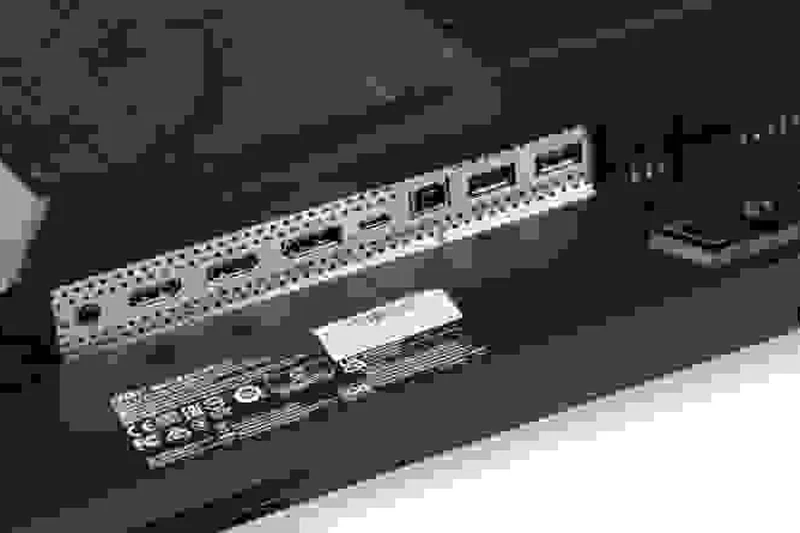
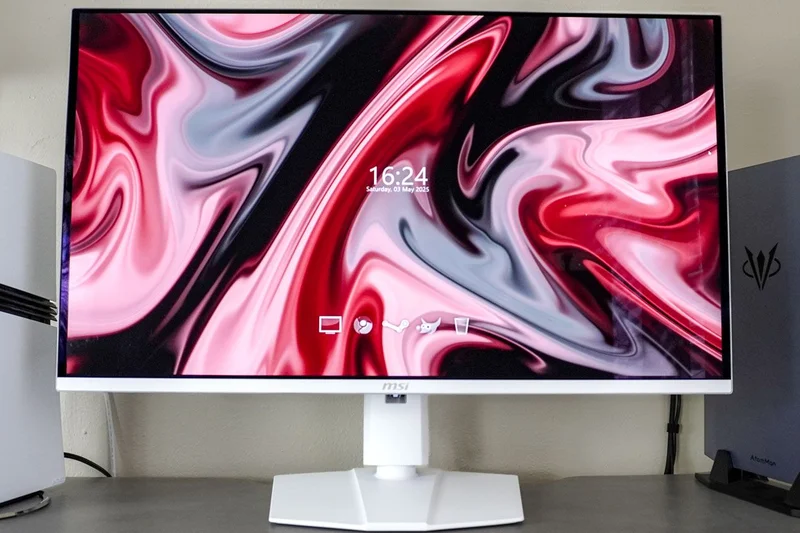
Why we picked it: The MSI MPG 321URX QD-OLED represents the pinnacle of 4K monitor technology in 2026, earning our top overall spot with an outstanding score of 9.2. It features a stunning 32-inch QD-OLED display that delivers infinite contrast, true blacks, and exceptionally vibrant colors. What sets it apart is its flawless 240Hz refresh rate paired with a near-instantaneous 0.03ms response time, making it a dream for competitive gaming. MSI has loaded this display with productivity features that justify its premium price tag, including a robust 90W USB-C Power Delivery port and a built-in KVM switch. Furthermore, MSI addresses OLED durability concerns with its custom fanless heatsink and advanced OLED Care 2.0 features. While the price is high, the combination of elite gaming specs and strong workstation connectivity makes it the most versatile and impressive 4K monitor we tested.
Key Specs
- 32-inch QD-OLED Display
- 240Hz Refresh Rate
- 90W USB-C Power Delivery
- Built-in KVM Switch
What we like
- Flawless 240Hz motion handling
- Incredible visual fidelity and contrast
- Strong connectivity with KVM and 90W USB-C
- Fanless heatsink for silent cooling
What we don't like
- Premium price tag
- OLED text clarity is slightly behind IPS
Best for: Gamers and power users looking for the absolute best mix of speed, color, and workstation features.
Considering the MSI MPG 321URX vs the ASUS ROG PG32UCDM? The MSI offers a slightly better value proposition and an integrated KVM switch, while the ASUS has a slight edge in factory calibration out of the box.
The MSI MPG 321URX is a near-perfect QD-OLED display that effortlessly handles 240Hz 4K gaming and power-user productivity.
Buy at MSI official site#2 ASUS ROG Swift OLED PG32UCDM
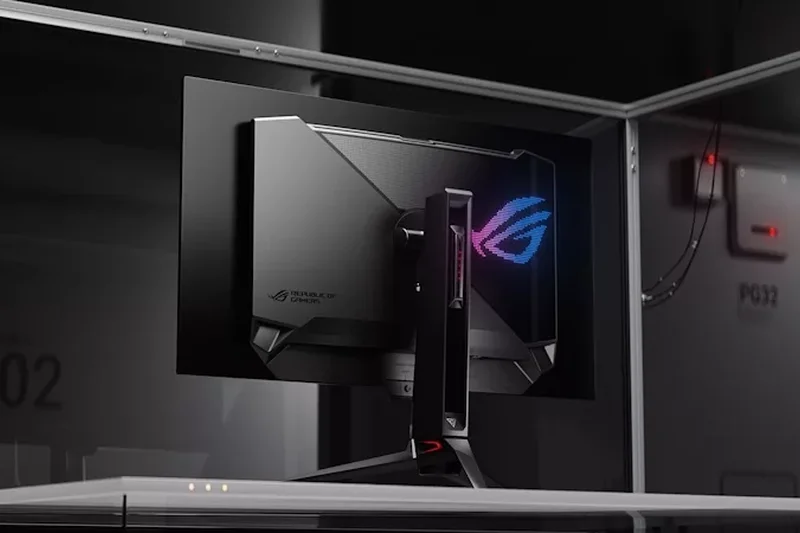
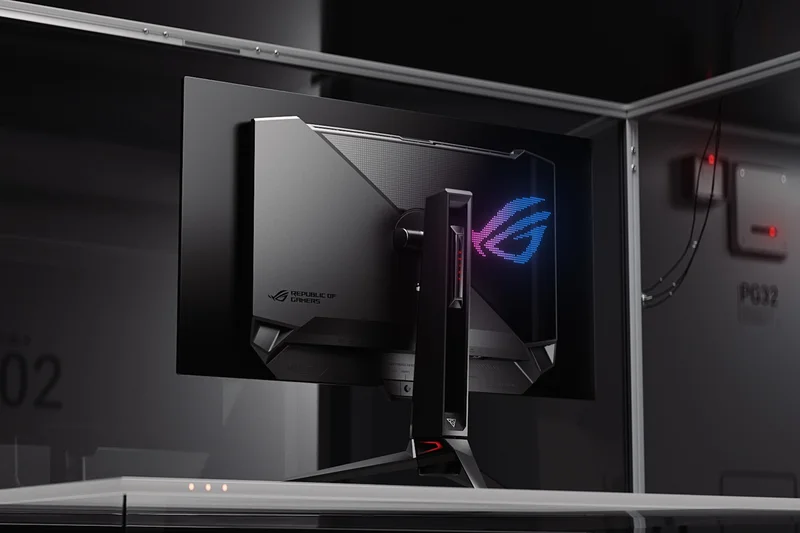
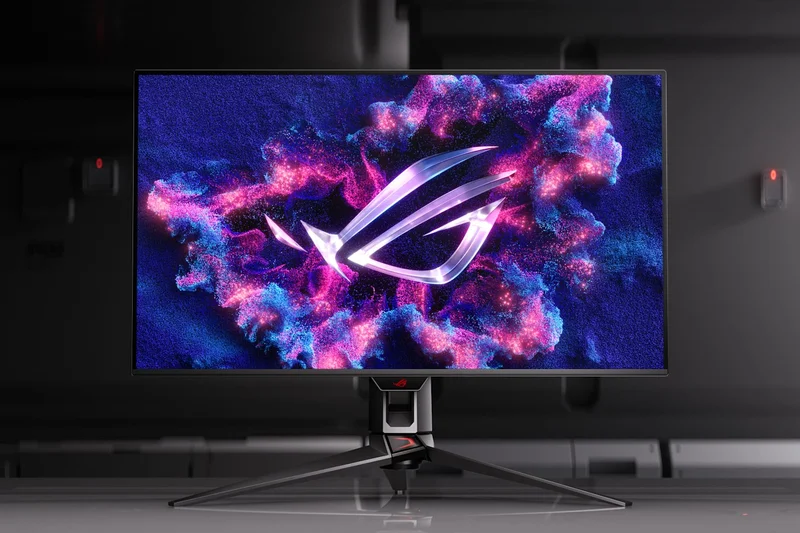
Why we picked it: Coming in at a very close second with a score of 9.15, the ASUS ROG Swift OLED PG32UCDM is a masterclass in display engineering. It shares the same stunning 32-inch QD-OLED panel as our top pick, offering a 240Hz refresh rate, 0.03ms response time, and 99% DCI-P3 color gamut coverage. ASUS distinguishes this model with an incredible factory color calibration that makes it ready for professional creative work straight out of the box. The build quality is exceptional, featuring a premium custom heatsink with graphene film to drastically reduce the risk of burn-in. It also includes 90W USB-C power delivery. The slightly higher price point and lack of an integrated KVM switch kept it just behind the MSI, but for pure visual fidelity and ergonomics, it is unmatched.
Key Specs
- 32-inch QD-OLED Panel
- 4K UHD (3840x2160) Resolution
- 240Hz Refresh Rate with 0.03ms (GtG) Response Time
- Custom Heatsink with Graphene Film
What we like
- Perfect scores in Visuals and Motion Handling
- Exceptional premium build quality
- Graphene heatsink ensures long-term reliability
- Flawless color accuracy for creators
What we don't like
- Very expensive
- Lacks a built-in KVM switch
Best for: Creative professionals who game, and enthusiasts who want the most premium physical build available.
Considering the ASUS ROG PG32UCDM vs the HP Omen Transcend 32? The ASUS offers slightly better ergonomics and reliability features, though the HP provides more USB-C power delivery.
A top-tier QD-OLED monitor that pairs blistering gaming speeds with professional-grade color accuracy and premium design.
Buy at ASUS official site#3 HP Omen Transcend 32 OLED
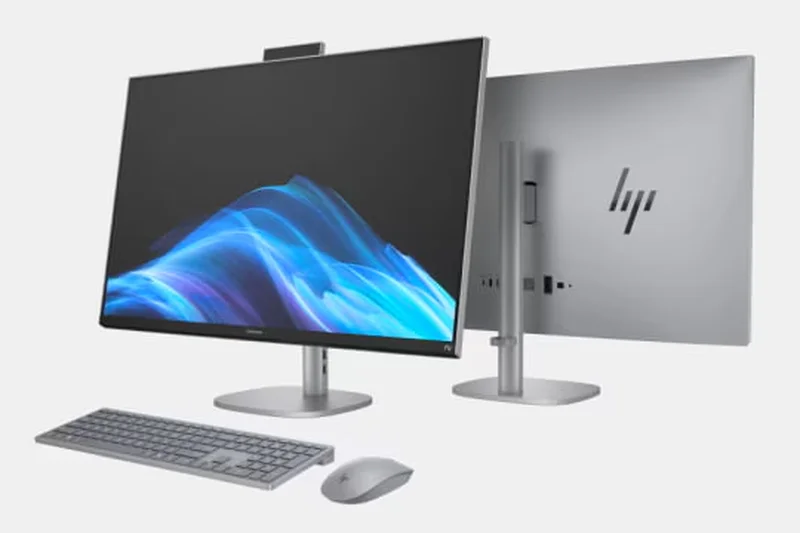
Why we picked it: The HP Omen Transcend 32 OLED secures the third spot with a remarkable overall score of 9.05. It utilizes the same gorgeous 32-inch QD-OLED panel technology capable of 240Hz, but HP has pushed the envelope on connectivity. It features an industry-leading 140W USB-C Power Delivery port, which is enough to charge even high-performance gaming laptops while acting as a display output. It also includes an independent switchable KVM and robust Dolby Vision HDR support. This makes the Omen Transcend 32 the ultimate hybrid monitor for users who split their time between a work laptop and a high-end desktop gaming PC.
Key Specs
- 32-inch QD-OLED Display
- 240Hz Refresh Rate
- 140W USB-C Power Delivery
- Independent Switchable KVM
What we like
- Massive 140W USB-C power delivery
- Independent KVM switch is highly versatile
- Perfect visual and motion scores
- Dolby Vision HDR support
What we don't like
- One of the most expensive monitors on the list
- Value score is lower due to price
Best for: Users with powerful laptops who need massive USB-C power delivery alongside elite 240Hz gaming specs.
Considering the HP Omen Transcend 32 vs the Alienware AW3225QF? The HP offers vastly superior connectivity and KVM features, while the Alienware provides a curved screen at a lower price.
An incredible QD-OLED display that serves as the ultimate docking station for power-hungry laptops.
Buy at HP official site#4 Alienware AW3225QF
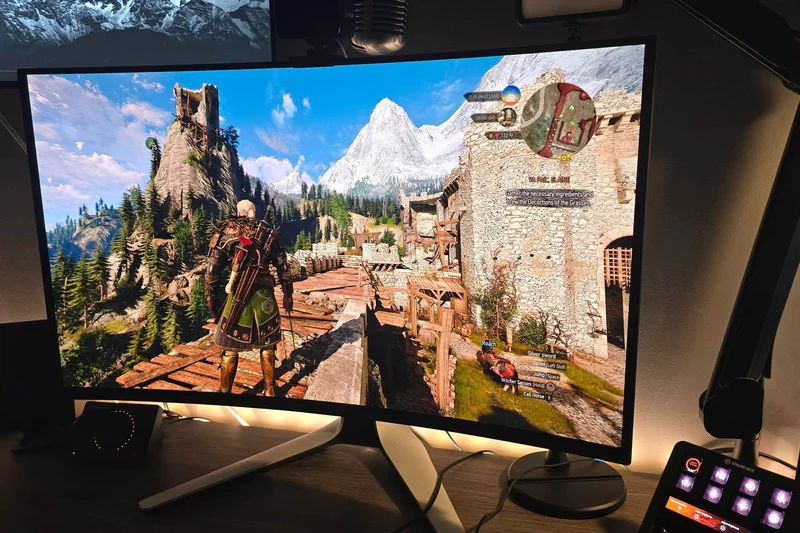
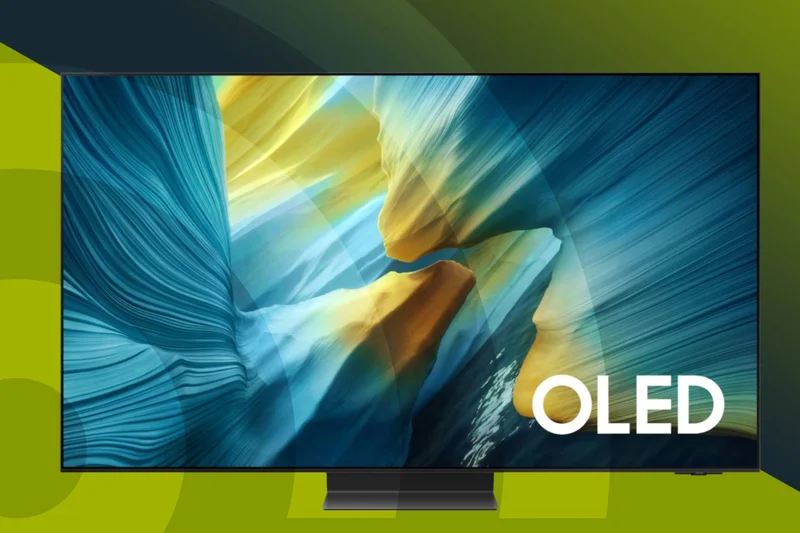
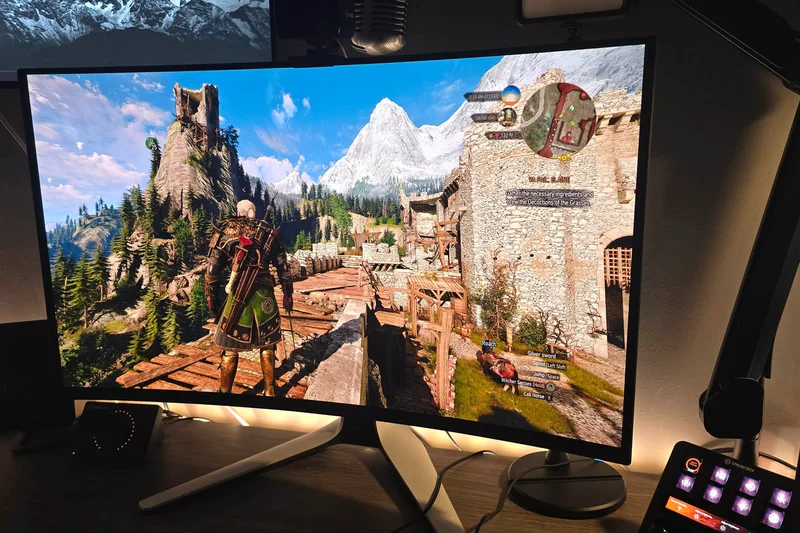
Why we picked it: The Alienware AW3225QF stands out as the best curved 4K monitor we tested, ranking fourth overall. Dell's Alienware division opted for a subtle 1700R curvature on this 32-inch QD-OLED panel, providing a slightly more immersive experience without distorting image proportions. It delivers the expected 240Hz refresh rate and 0.03ms response time, alongside Dolby Vision HDR and DisplayHDR True Black 400. At $899, it represents an excellent value in the premium OLED tier, backed by Dell's stellar 3-year burn-in warranty.
Key Specs
- 32-inch QD-OLED Panel
- 1700R Curvature for Immersion
- 240Hz Refresh Rate
- Dolby Vision HDR & DisplayHDR True Black 400
What we like
- Immersive 1700R curved screen
- Excellent price-to-performance ratio
- Industry-leading 3-year burn-in warranty
- Dolby Vision HDR support
What we don't like
- Lacks USB-C power delivery
- No built-in KVM switch
Best for: Immersive gamers who prefer a curved display and want the peace of mind of a top-tier warranty.
Considering the Alienware AW3225QF vs the Samsung Odyssey OLED G8? Both offer great OLED performance, but the Alienware features a curved panel and Dolby Vision, whereas the Samsung is flat and includes Smart TV apps.
A beautifully curved QD-OLED gaming monitor that offers deep immersion and an unbeatable warranty.
Buy at Dell official site#5 Samsung Odyssey OLED G8 (G80SD)
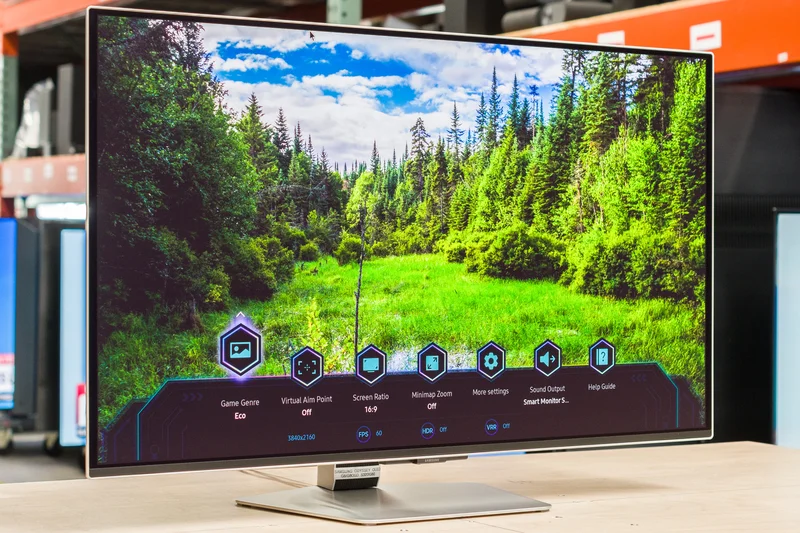
Why we picked it: Ranking fifth, the Samsung Odyssey OLED G8 (G80SD) is a fantastic flat 32-inch QD-OLED monitor that doubles as an entertainment hub. Beyond its flawless 240Hz gaming performance and 0.03ms response time, Samsung has integrated its Smart TV operating system directly into the display. This allows you to stream Netflix, YouTube, and cloud gaming services without needing to turn on your PC. It features a matte anti-glare coating which significantly reduces room reflections, though it slightly impacts absolute black levels in bright rooms.
Key Specs
- 32-inch QD-OLED Panel
- 240Hz Refresh Rate
- Matte Anti-glare Display
- Smart TV Apps Built-in
What we like
- Built-in Smart TV functionality
- Excellent 240Hz motion clarity
- Matte coating reduces harsh glare
- Sleek, premium metal design
What we don't like
- Matte coating slightly lifts blacks in bright light
- Smart TV interface can feel bloated to purists
Best for: Users who want their high-end gaming monitor to double as a standalone streaming TV for a bedroom or dorm.
Considering the Samsung OLED G8 vs the ASUS ROG PG32UCDP? The Samsung utilizes QD-OLED with smart features, while the ASUS uses WOLED with a dual-mode 480Hz 1080p feature.
A versatile 240Hz QD-OLED monitor that excels at both high-end PC gaming and standalone media streaming.
Buy at Samsung official site#6 ASUS ROG Swift OLED PG32UCDP
Why we picked it: The ASUS ROG Swift OLED PG32UCDP features a unique WOLED panel with an incredible party trick: Dual Mode. With the press of a button, you can switch from playing immersive single-player games in 4K at 240Hz to competitive esports titles in 1080p at an astonishing 480Hz. This versatility makes it a standout choice for hardcore competitive gamers. It also includes 90W USB-C power delivery and an excellent custom heatsink, securing a strong overall score of 8.75.
Key Specs
- 32-inch WOLED Display
- Dual Mode: 4K 240Hz / 1080p 480Hz
- 0.03ms Response Time
- 90W USB-C Power Delivery
What we like
- Incredible Dual Mode (4K 240Hz / 1080p 480Hz)
- Excellent build quality and heatsink
- 90W USB-C connectivity
- WOLED panel handles text clarity slightly better than QD-OLED
What we don't like
- Expensive relative to QD-OLED rivals
- Slightly lower color volume than QD-OLED
Best for: Hardcore competitive esports players who also want a beautiful 4K experience for AAA games.
Considering the ASUS PG32UCDP vs the Dell UltraSharp U3225QE? The ASUS is a pure gaming powerhouse with dual-mode 480Hz, while the Dell is an office productivity hub with IPS Black technology.
The ultimate dual-purpose gaming monitor, offering 4K visual fidelity and blistering 480Hz esports speed on demand.
Buy at ASUS official site#7 Dell UltraSharp 32 4K Thunderbolt Hub Monitor - U3225QE
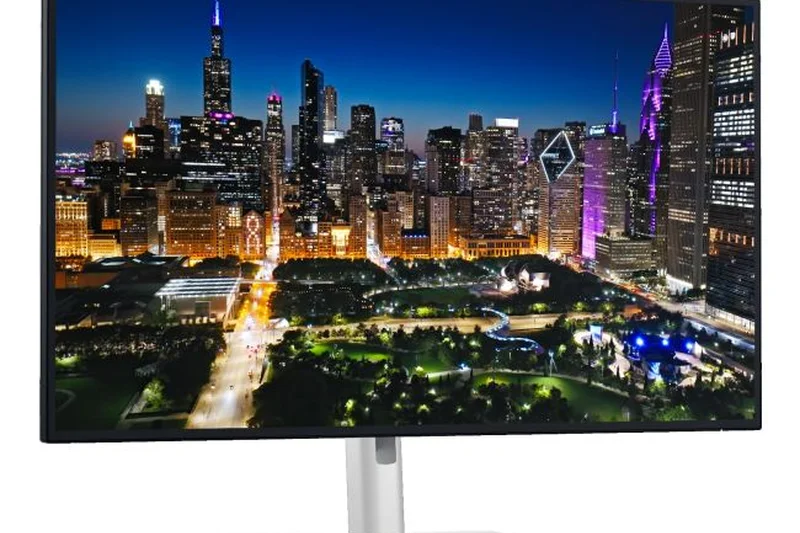
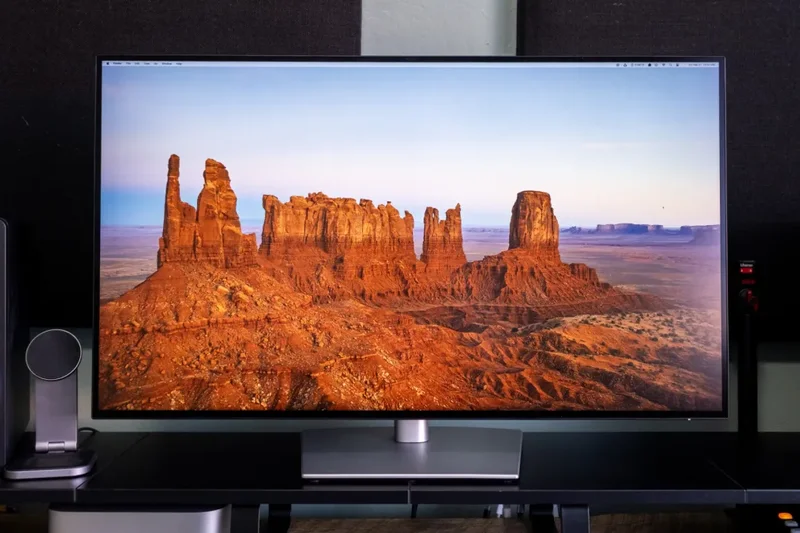
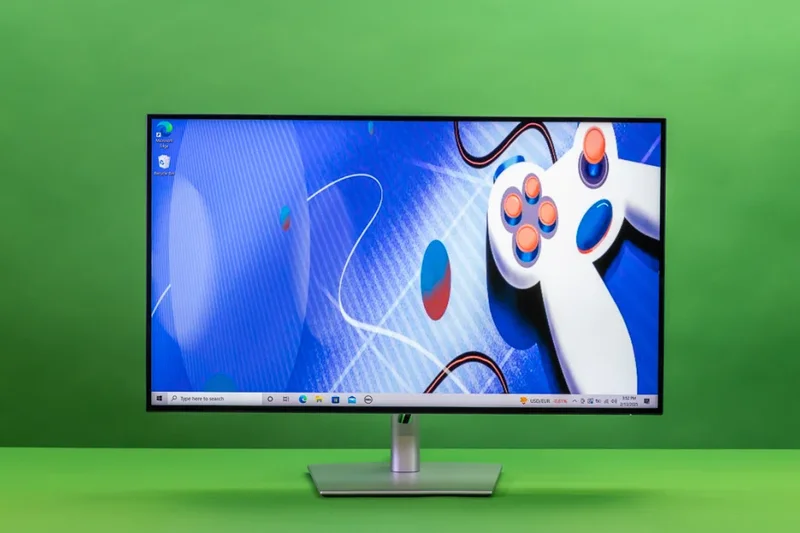
Why we picked it: The Dell UltraSharp U3225QE is the highest-ranking non-gaming monitor on our list, achieving a perfect 10/10 for both Connectivity and Eye Care. It utilizes an IPS Black panel that doubles the contrast ratio of standard IPS displays to 3000:1, providing deep, inky blacks for office work and media. What truly sets it apart is the massive Thunderbolt 4 hub built into the chassis, offering 140W of power delivery, a built-in KVM switch, and a hardwired Ethernet port. It is the ultimate productivity command center.
Key Specs
- 31.5-inch IPS Black Panel
- 120Hz Refresh Rate
- Thunderbolt 4 with 140W Power Delivery
- Built-in KVM Switch & Ethernet Port
What we like
- Unmatched Thunderbolt 4 hub functionality
- 120Hz refresh rate is incredibly smooth for office work
- IPS Black provides excellent 3000:1 contrast
- Top-tier eye care features
What we don't like
- Not ideal for competitive gaming (slower response time)
- Pricey for an IPS display
Best for: Professionals and remote workers who want a single-cable docking solution with a beautiful, high-contrast screen.
Considering the Dell U3225QE vs the LG UltraGear 32GS95UE-B? The Dell is built for maximum workflow productivity, whereas the LG is purely focused on ultra-fast OLED gaming.
An unparalleled productivity monitor that replaces your docking station while delivering gorgeous 120Hz 4K visuals.
Buy at Dell official site#8 LG UltraGear 32GS95UE-B
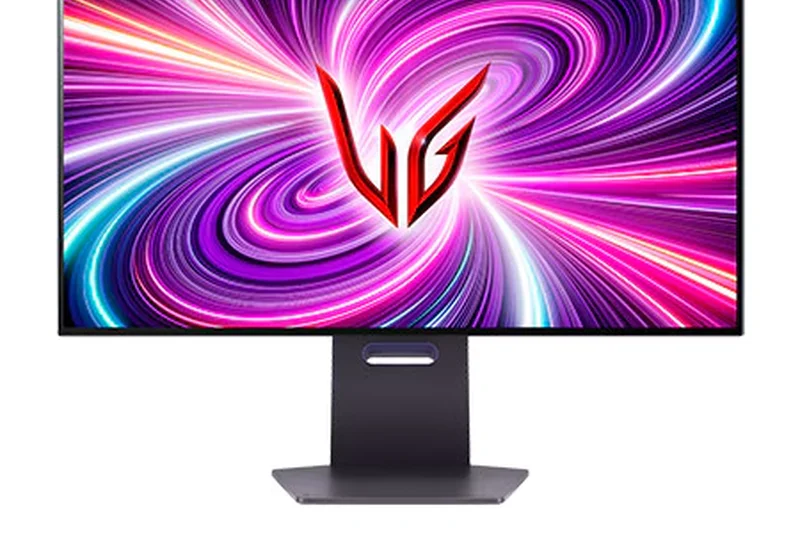
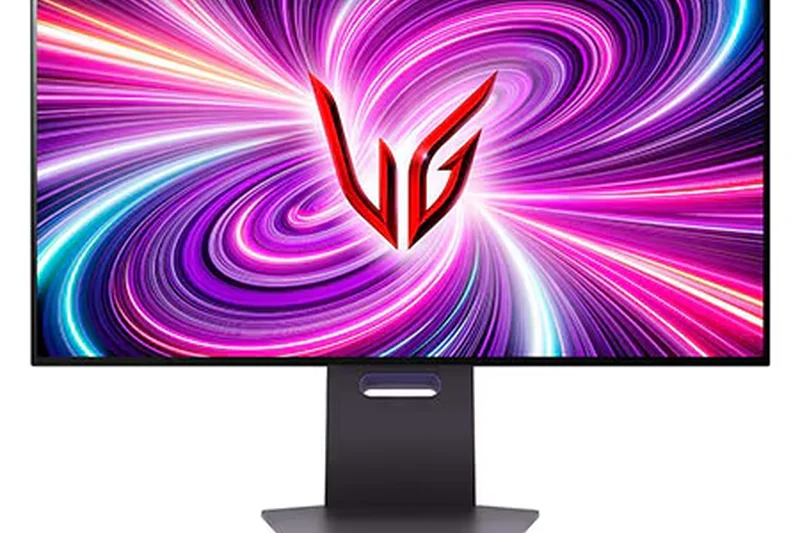
Why we picked it: The LG UltraGear 32GS95UE-B utilizes LG's own WOLED technology and, like the ASUS UCDP, offers a brilliant Dual-Mode feature allowing you to switch between 4K 240Hz and 1080p 480Hz. LG's unique addition is 'Pixel Sound'—speakers built directly into the display panel itself, emitting sound from the front of the screen for a surprisingly immersive audio experience. It features a matte anti-glare finish and a near-borderless design, making it a sleek, high-performance centerpiece for any gaming desk.
Key Specs
- 32-inch WOLED Panel with Matte Anti-glare
- Dual-Mode: 4K @ 240Hz or 1080p @ 480Hz
- 0.03ms Response Time
- Pixel Sound Front-Facing Speakers
What we like
- Versatile 4K 240Hz / 1080p 480Hz Dual-Mode
- Innovative front-facing Pixel Sound
- Exceptional motion handling
- Virtually borderless design
What we don't like
- Lower connectivity score (no USB-C PD)
- Matte coating isn't for everyone
Best for: Gamers who want dual-mode flexibility and appreciate innovative built-in audio solutions.
Considering the LG 32GS95UE-B vs the Acer Nitro XV275K P3? The LG is a premium OLED with 480Hz capabilities, while the Acer is a budget-friendly 160Hz Mini-LED.
A cutting-edge WOLED gaming monitor with innovative screen-emitting audio and blistering 480Hz esports capabilities.
Buy at LG official site#9 Acer Nitro XV275K P3
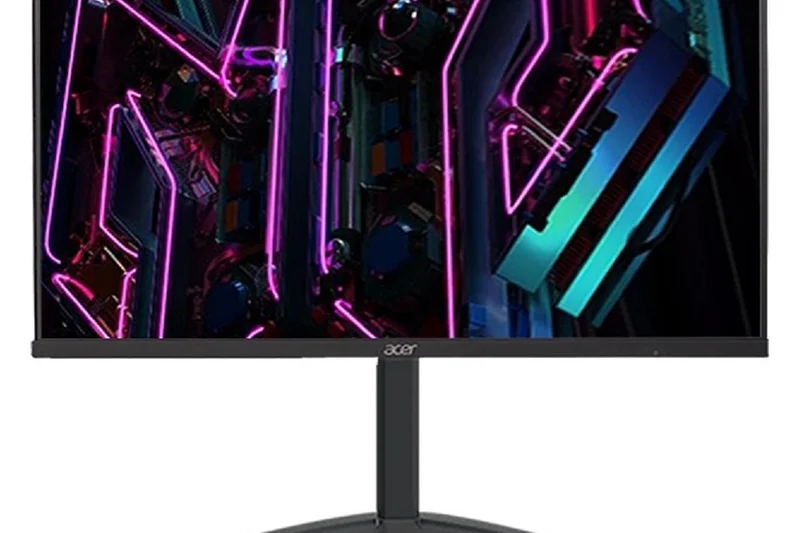
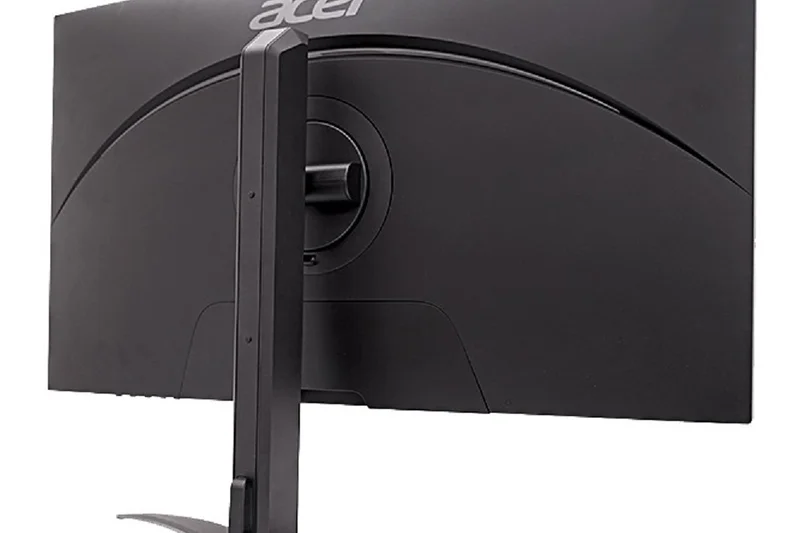
Why we picked it: The Acer Nitro XV275K P3 is our undisputed champion of Value, achieving a perfect 10/10 in that dimension. At just $439, it is astoundingly affordable for a monitor that features a Mini-LED backlight with 576 local dimming zones. This allows it to achieve a DisplayHDR 1000 certification, delivering searing brightness and true HDR performance that standard IPS panels simply cannot match. Add in a 160Hz refresh rate and 90W USB-C power delivery, and you have a feature set that routinely costs twice as much from competitors.
Key Specs
- 27-inch IPS Panel with Mini-LED
- 576 Local Dimming Zones
- 160Hz Refresh Rate
- 90W USB-C Power Delivery
What we like
- Unbeatable price for Mini-LED technology
- True DisplayHDR 1000 performance
- Excellent 90W USB-C connectivity
- Solid 160Hz refresh rate for gaming
What we don't like
- Only 576 dimming zones (some blooming visible)
- Ergonomics and OSD controls are basic
Best for: Budget-conscious gamers and creators who want true HDR brightness without paying the OLED tax.
Considering the Acer Nitro XV275K P3 vs the BenQ MOBIUZ EX321UX? The Acer offers incredible Mini-LED value at 27 inches, while the BenQ doubles the dimming zones in a larger 32-inch format for over twice the price.
The best budget 4K monitor on the market, offering true HDR Mini-LED performance at an incredibly accessible price.
Buy at Acer official site#10 BenQ MOBIUZ EX321UX
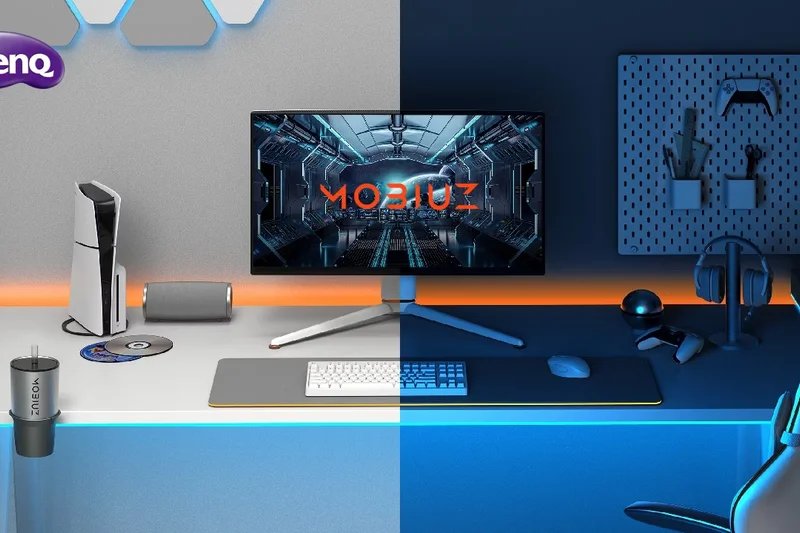
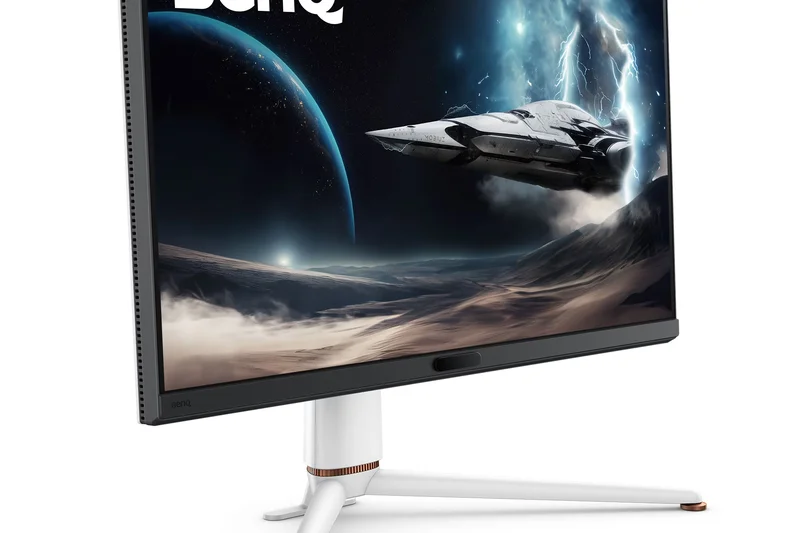
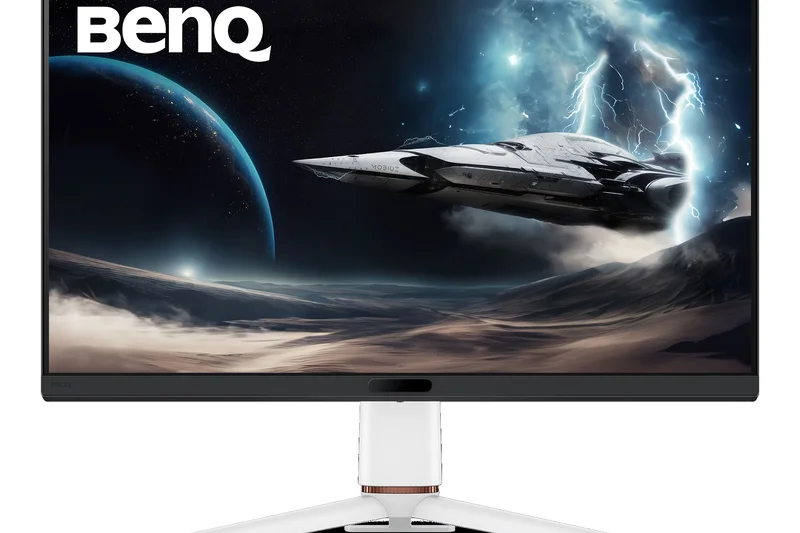
Why we picked it: Rounding out the top ten, the BenQ MOBIUZ EX321UX is a premium 32-inch Mini-LED monitor designed for gamers who prefer retina-searing brightness over the deep blacks of OLED. With 1152 local dimming zones and DisplayHDR 1000, HDR content looks spectacularly punchy. It also excels in color accuracy, boasting 99% coverage of both Adobe RGB and DCI-P3 color spaces, making it highly capable for dual-use gaming and professional creative work. A solid 144Hz refresh rate rounds out this bright, vibrant display.
Key Specs
- 32-inch Mini-LED IPS Panel
- 1152 Local Dimming Zones
- 144Hz Refresh Rate
- 99% Adobe RGB and 99% DCI-P3
What we like
- Incredible HDR peak brightness
- 1152 dimming zones minimize blooming
- Pro-grade color gamut coverage
- No risk of OLED burn-in
What we don't like
- Slower motion handling than OLEDs
- High price for a 144Hz IPS panel
Best for: Users who play games in bright rooms and need professional color accuracy alongside high HDR brightness.
Considering the BenQ EX321UX vs the ASUS ProArt PA279CRV? The BenQ is a high-brightness Mini-LED gaming hybrid, while the ASUS ProArt is a strict, highly calibrated creative monitor.
A brilliant Mini-LED monitor that delivers blinding HDR highlights and exceptional color accuracy for creators and gamers alike.
Buy at BenQ official site#11 ASUS ProArt Display PA279CRV
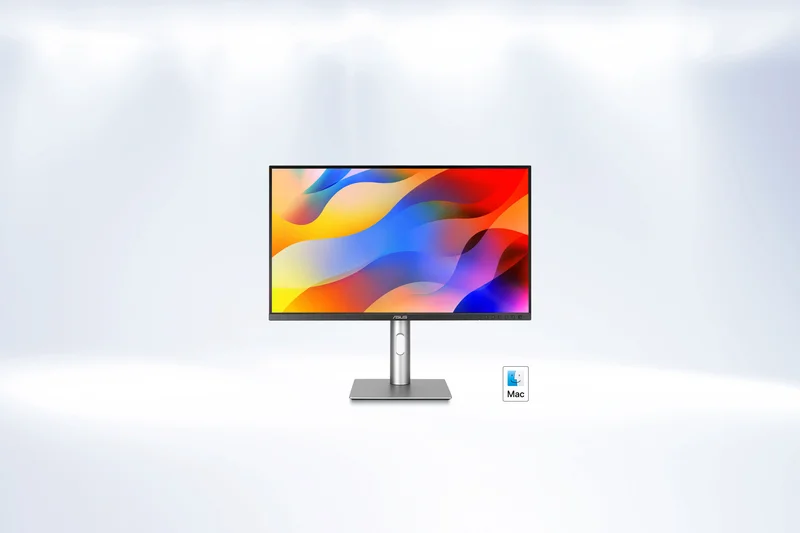
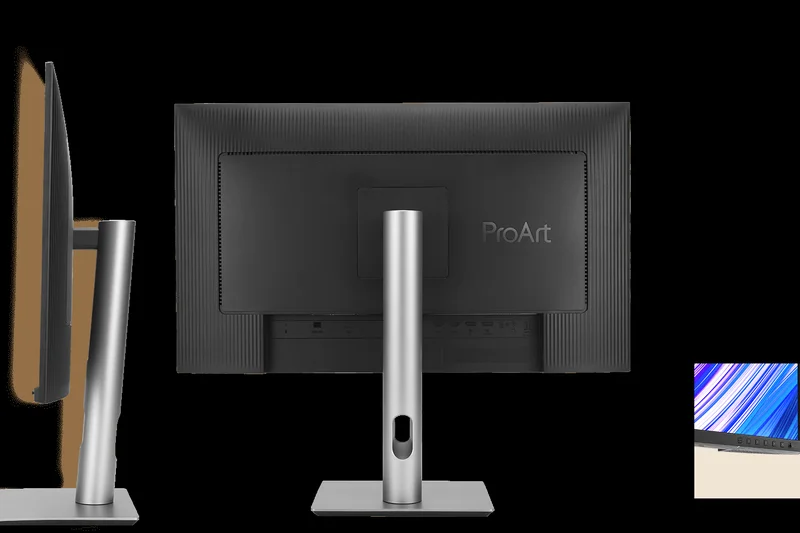
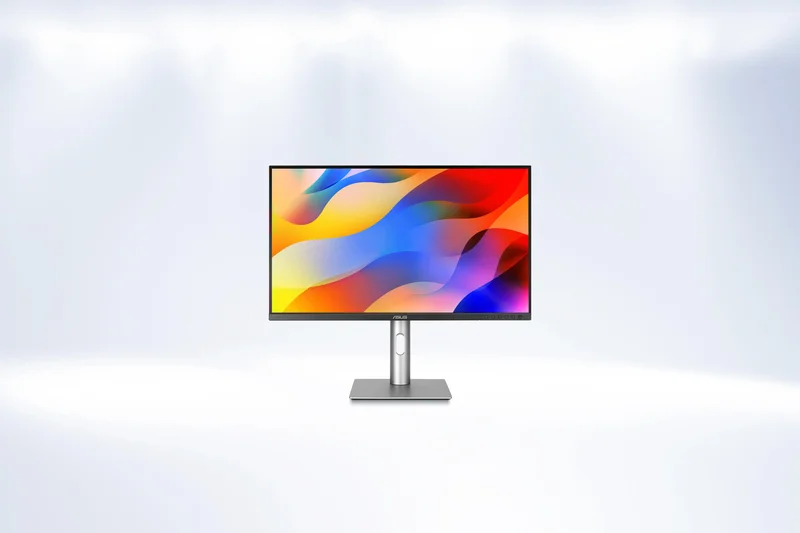
Why we picked it: The ASUS ProArt PA279CRV is a phenomenal creative monitor offering Calman Verified color accuracy (Delta E < 2) right out of the box. With 96W USB-C power delivery and superb 99% DCI-P3/Adobe RGB coverage, it’s a steal at $399 for photo and video editors.
Key Specs
- 27-inch IPS Display
- Calman Verified (Delta E < 2)
- 96W USB-C Power Delivery
What we like
- Exceptional factory calibration
- Excellent 96W USB-C connectivity
- Great value for creators
What we don't like
- Only 60Hz refresh rate
- Basic HDR400 performance
Best for: Photographers and video editors needing professional color accuracy on a budget.
A specialized creative tool compared to the gaming-focused displays in its price range.
An incredibly accurate and affordable 4K monitor tailor-made for content creators.
Buy at ASUS official site#12 Dell UltraSharp U2723QE
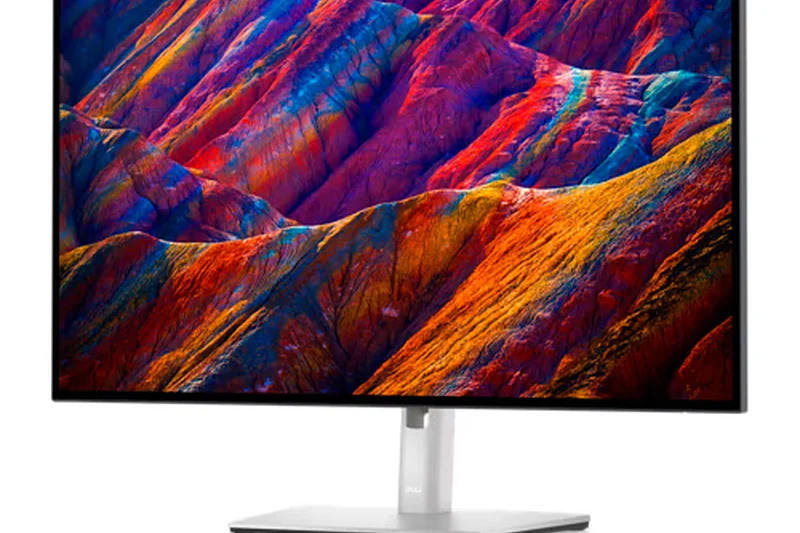

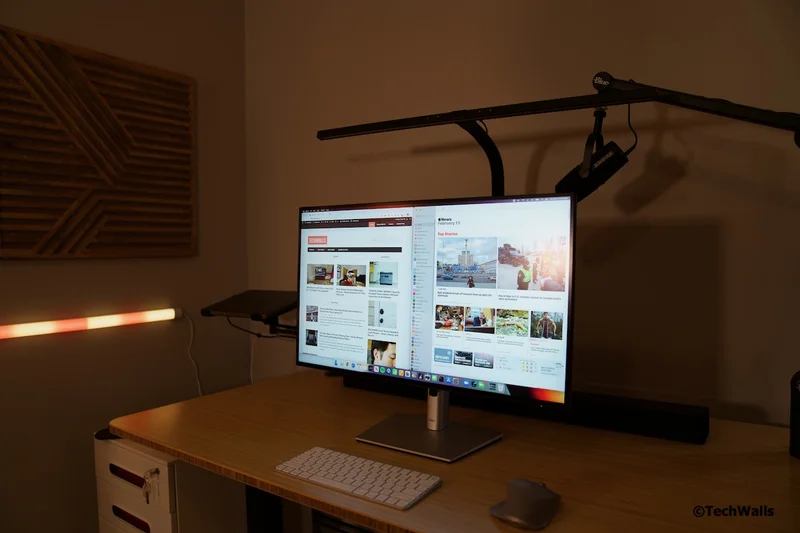
Why we picked it: The U2723QE brings Dell's fantastic IPS Black technology to a 27-inch form factor, doubling standard IPS contrast. With 90W USB-C power delivery, an integrated RJ45 ethernet port, and daisy-chaining support, it is a masterclass in office productivity.
Key Specs
- 27-inch IPS Black Technology
- 2000:1 Contrast Ratio
- Daisy Chaining via DisplayPort
What we like
- Deep 2000:1 contrast ratio
- Extensive built-in hub features
- Excellent ergonomics
What we don't like
- 60Hz limits gaming appeal
- Pricey for a 27-inch 60Hz screen
Best for: Professionals needing a high-contrast display and a clean, single-cable desk setup.
Provides deeper blacks and better connectivity than most standard office monitors.
A premium office monitor that excels in contrast and workstation connectivity.
Buy at Dell official site#13 BenQ MA320U
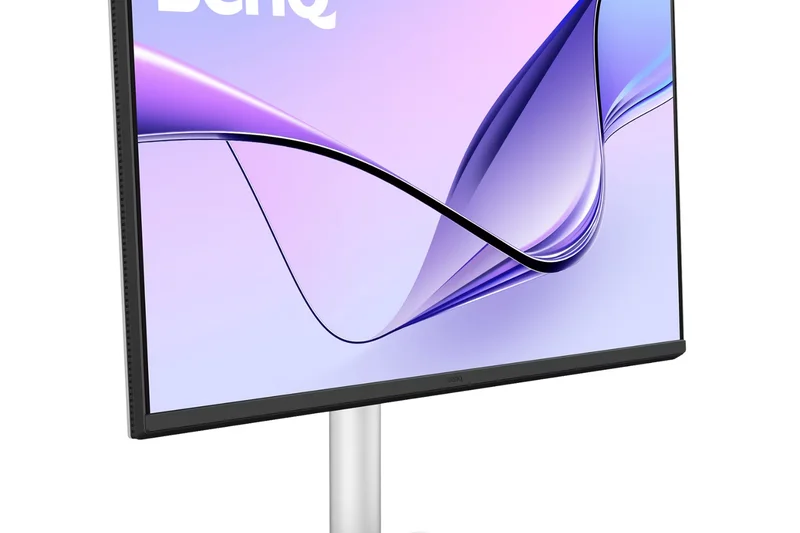
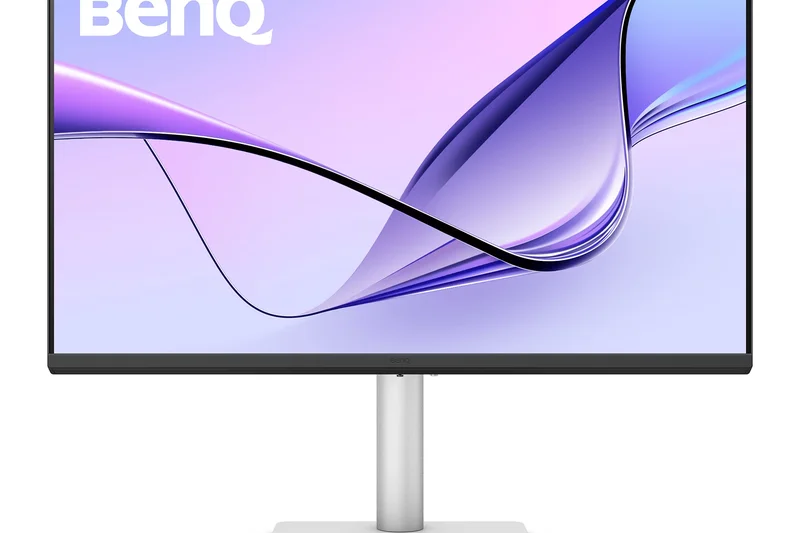
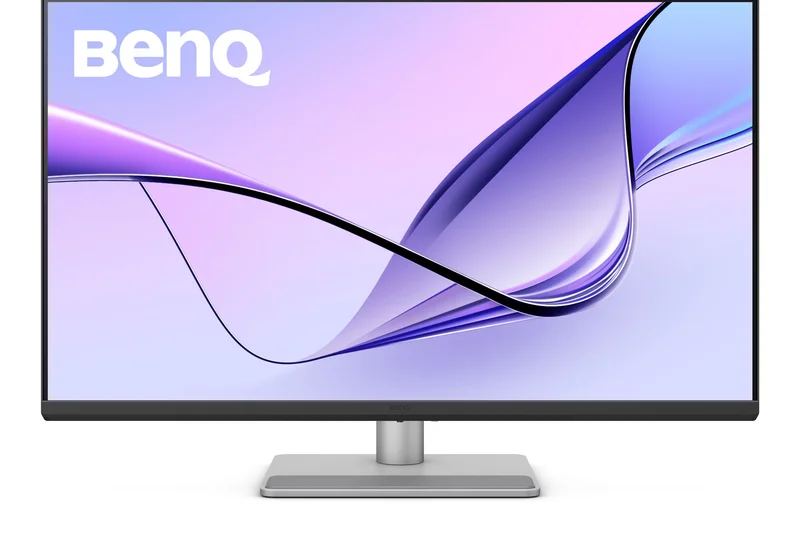
Why we picked it: The BenQ MA320U is specifically engineered for Apple users, featuring Mac Color Matching technology to perfectly align with your MacBook's display. It offers a sharp 32-inch IPS panel and 90W USB-C power delivery, making it a seamless extension of the Apple ecosystem.
Key Specs
- 32-inch IPS Display
- Optimized for Apple Mac Devices
- 90W USB-C Power Delivery
What we like
- Flawless Mac color matching
- Strong 90W USB-C integration
- Great eye-care features
What we don't like
- Standard 60Hz refresh rate
- Average contrast ratio
Best for: MacBook users looking for a large, color-accurate external display.
An excellent alternative to Apple's own expensive Studio Display for daily workflow.
The perfect companion monitor for Mac users seeking seamless color and connectivity.
Buy at BenQ official site#14 ASUS ProArt Display PA32UCR-K
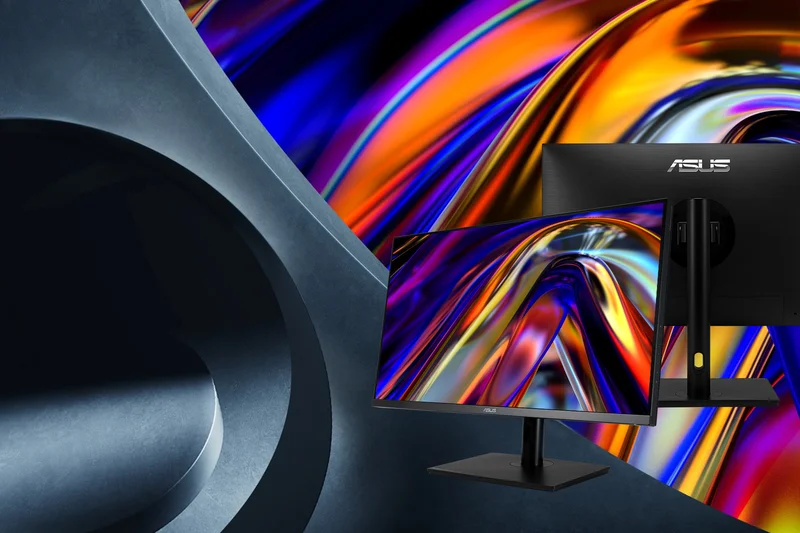
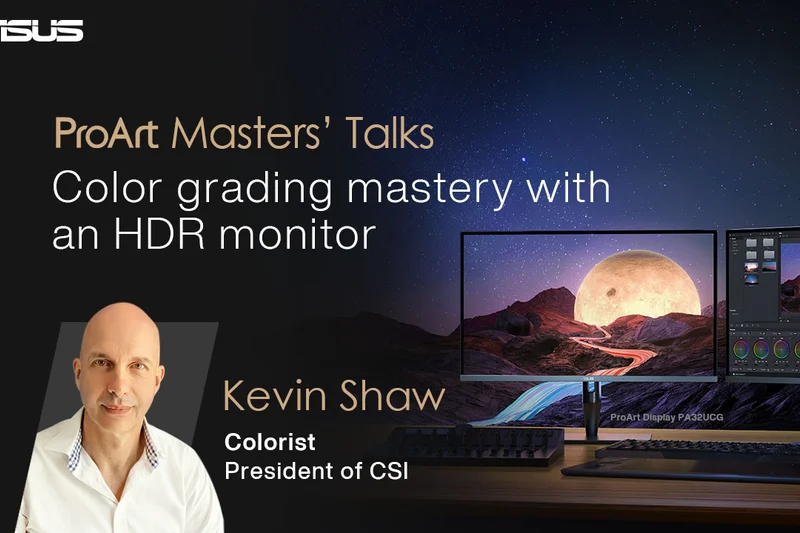
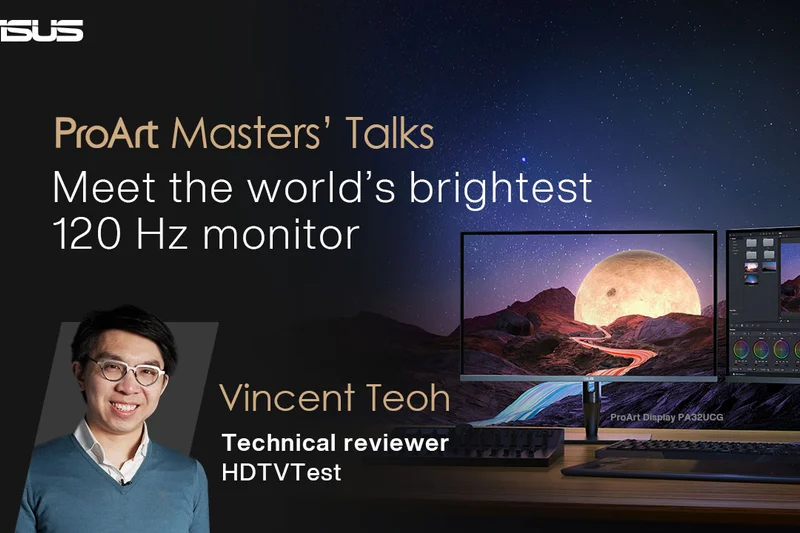
Why we picked it: This 32-inch ProArt display features a 576-zone Mini-LED backlight, achieving DisplayHDR 1000 for true HDR editing. It comes with an X-rite hardware calibrator in the box, making it a complete, professional-grade color grading package.
Key Specs
- 32-inch IPS Display with Mini-LED
- DisplayHDR 1000 Certification
- Includes X-rite Hardware Calibrator
What we like
- True HDR1000 brightness
- Includes hardware color calibrator
- Superb ergonomics and build
What we don't like
- Motion handling is slow (60Hz)
- Expensive
Best for: Professional color graders and HDR video editors.
Offers hardware calibration out of the box, unlike most competing creative screens.
A top-tier HDR editing monitor that includes everything needed for professional color workflows.
Buy at ASUS official site#15 ASUS ROG Strix XG27UCS
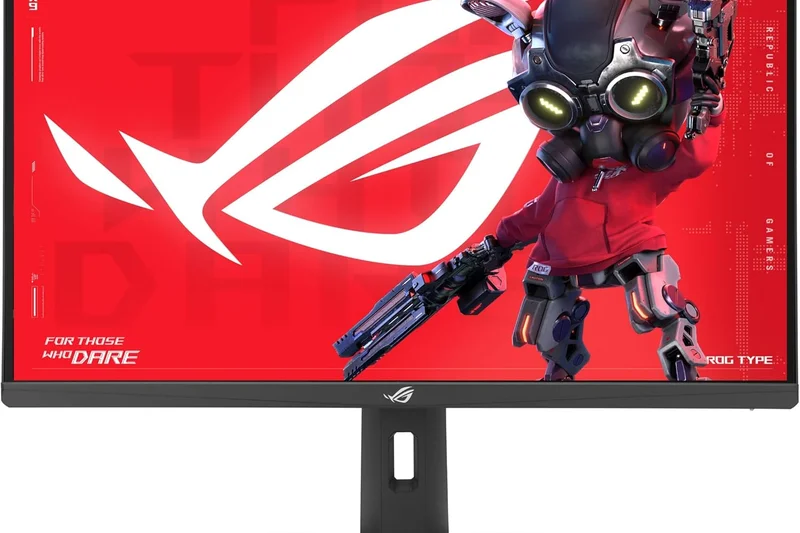
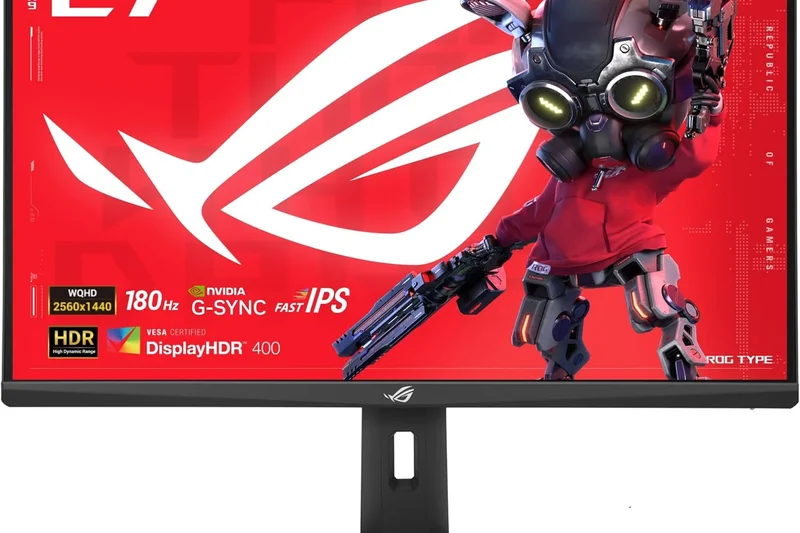
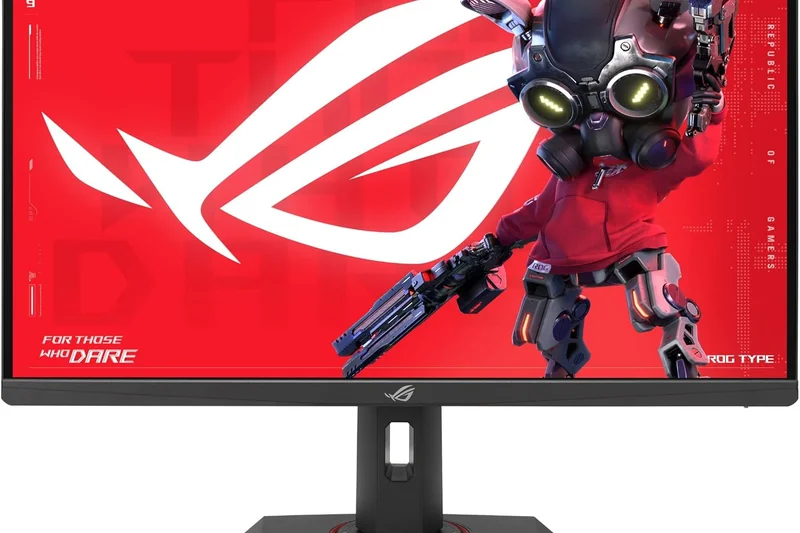
Why we picked it: At just $299, the XG27UCS is a phenomenal value for gamers. It delivers a crisp 4K resolution, a fast 160Hz refresh rate, and 1ms response times on a Fast IPS panel, making 4K gaming highly accessible.
Key Specs
- 27-inch Fast IPS Panel
- 160Hz Refresh Rate
- 1ms (GtG) Response Time
What we like
- Incredible price for 4K 160Hz
- Fast 1ms GtG response
- Includes basic USB-C connectivity
What we don't like
- Weak HDR performance
- Lower contrast ratio
Best for: Budget-conscious PC gamers looking to make the jump to 4K high-refresh gaming.
Offers far better gaming speed than office monitors in the exact same price bracket.
A fantastic, affordable entry point into high-refresh 4K gaming.
Buy at ASUS official site#16 LG UltraFine OLED Pro 32EP950-B
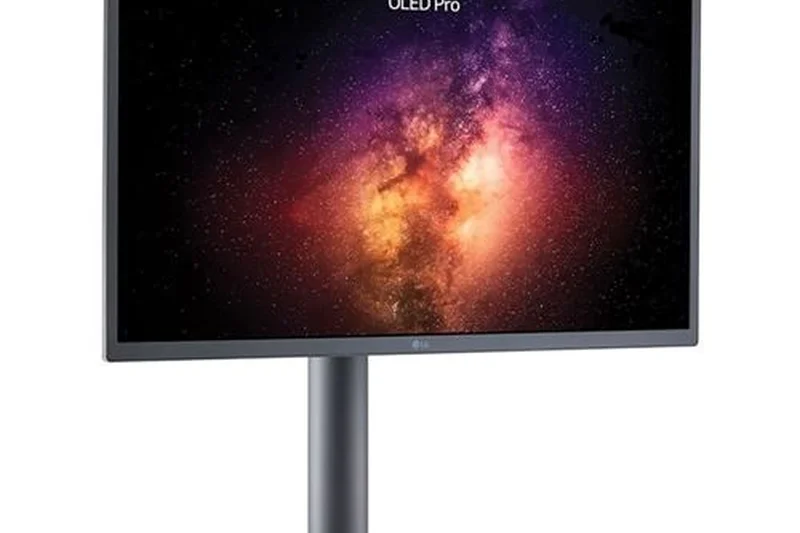
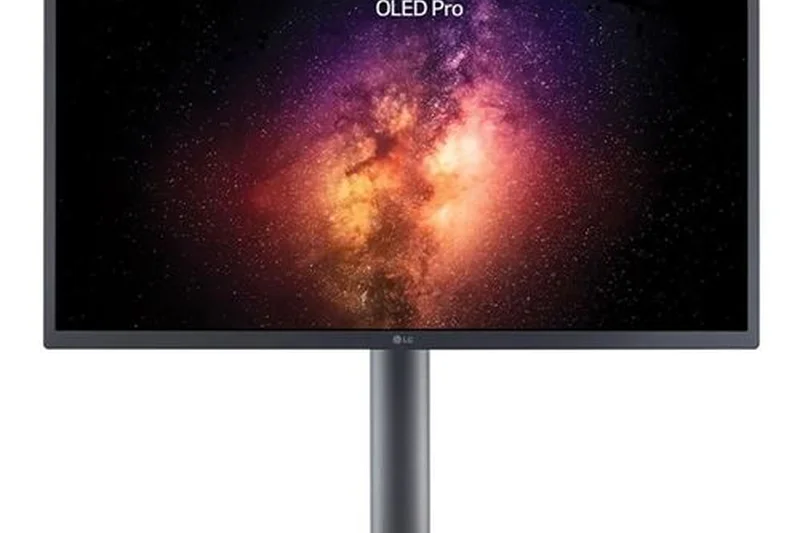
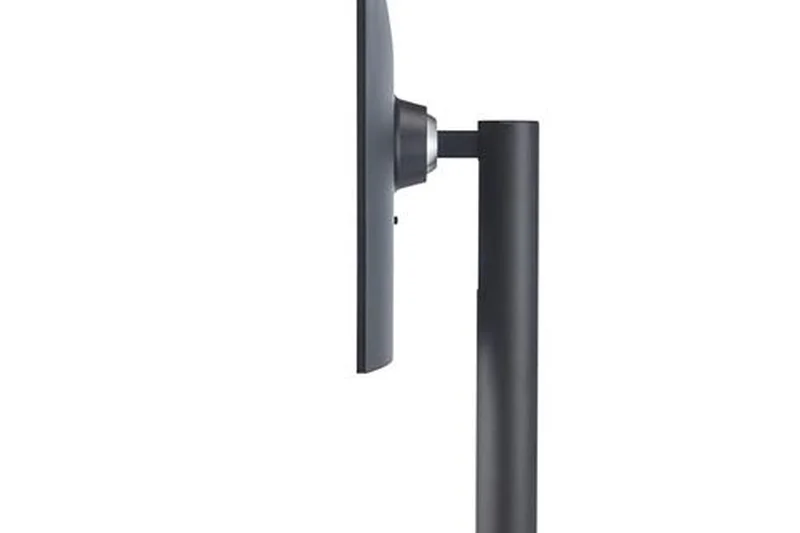
Why we picked it: Designed strictly for creative professionals, this 31.5-inch OLED features hardware calibration and true 1M:1 contrast. While its 60Hz refresh rate makes it poor for gaming, its color accuracy for video production is virtually flawless.
Key Specs
- 31.5-inch OLED Display
- Hardware Calibration Support
- 90W USB-C Power Delivery
What we like
- Reference-grade OLED color accuracy
- Infinite contrast ratio
- Hardware calibration capable
What we don't like
- 60Hz limits versatility
- Very expensive
Best for: High-end video editors and colorists requiring reference-monitor quality.
Trades the gaming speed of modern QD-OLEDs for pure, unadulterated color reference features.
A professional-grade OLED monitor built specifically for strict color grading and creative work.
Buy at LG official site#17 Dell S3225QS
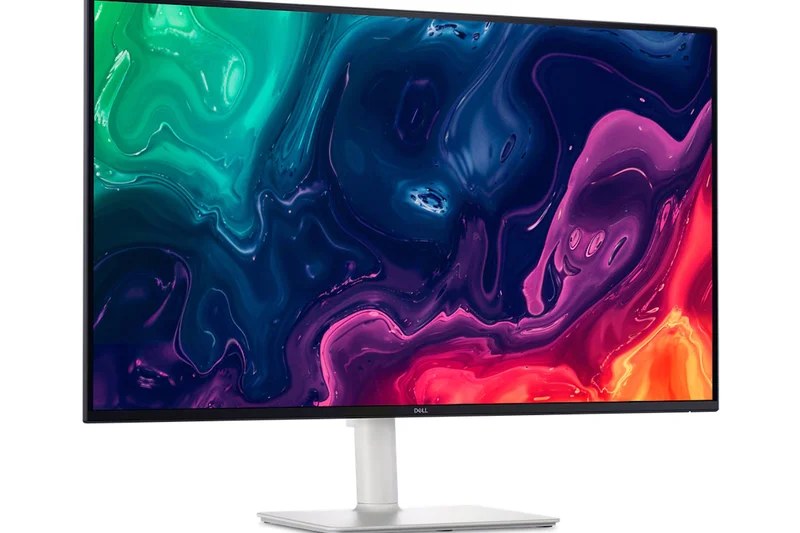
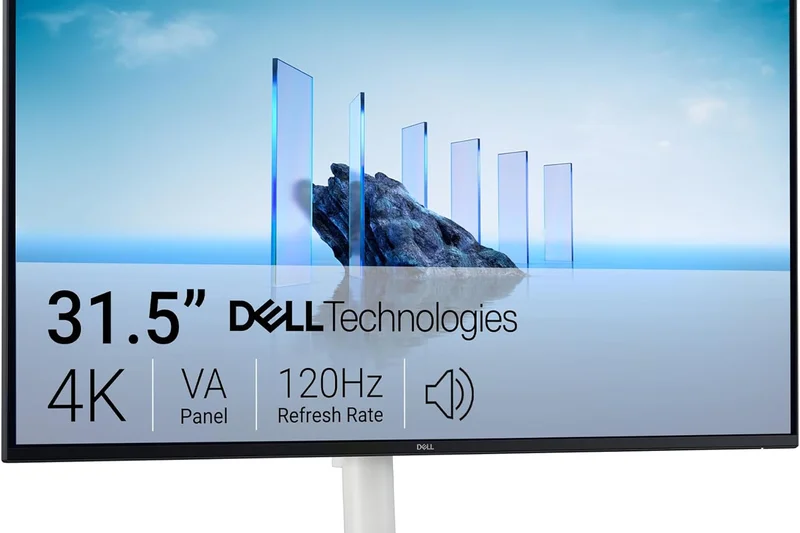
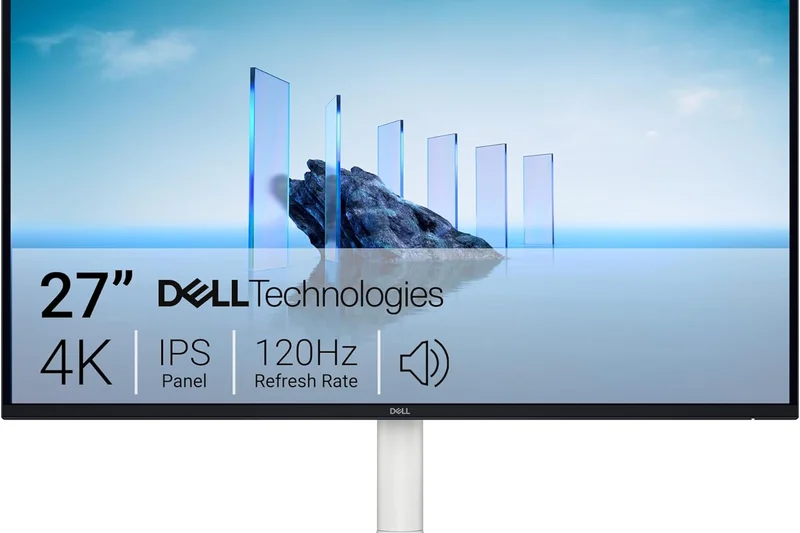
Why we picked it: The S3225QS is an excellent mixed-use VA panel. It upgrades the traditional 60Hz office standard to a much smoother 120Hz, providing excellent text scrolling and basic gaming capabilities, all while utilizing VA technology for deep 3000:1 contrast.
Key Specs
- 31.5-inch VA Panel
- 120Hz Refresh Rate
- AMD FreeSync Premium
What we like
- Smooth 120Hz refresh rate
- Deep contrast from VA panel
- Great value for a 32-inch screen
What we don't like
- VA viewing angles are narrow
- Lacks USB-C power delivery
Best for: Users seeking a large, high-contrast, versatile screen for work and casual gaming.
Provides a smoother experience than typical 60Hz 32-inch budget monitors.
A highly capable, large-format 4K monitor that balances office tasks and entertainment.
Buy at Dell official site#18 Samsung Odyssey Neo G8
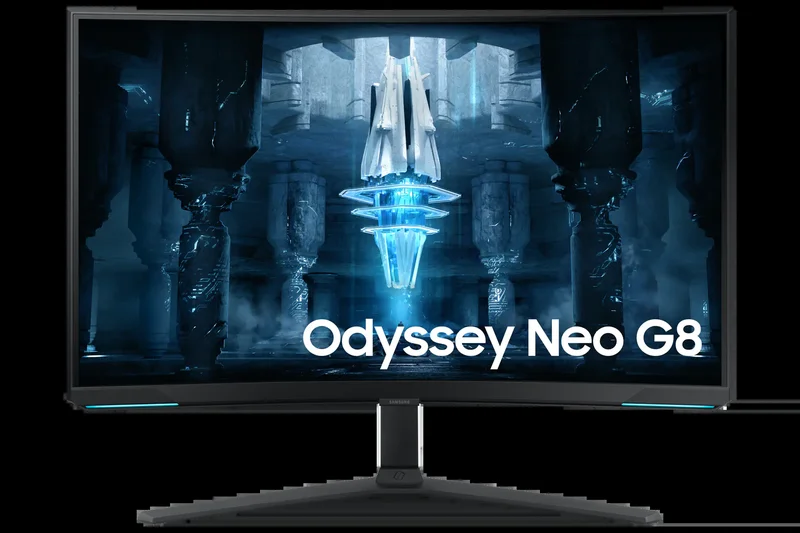
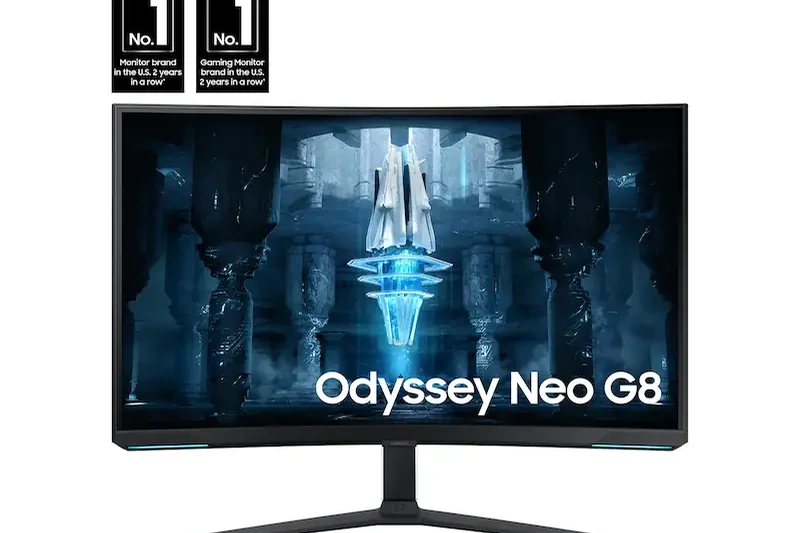
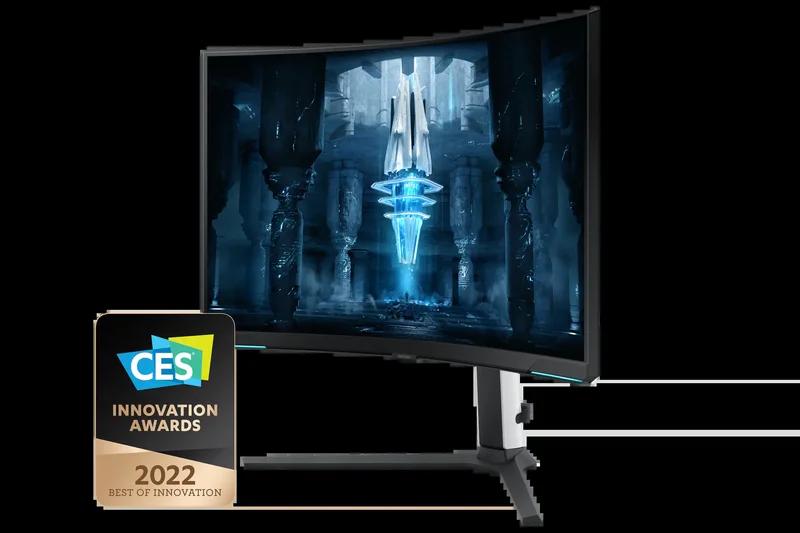
Why we picked it: The Neo G8 remains a powerhouse with its extreme 1000R curve and 240Hz Mini-LED VA panel. It delivers blinding Quantum HDR2000 brightness and deep contrast, though its aggressive curve is a polarizing design choice.
Key Specs
- 32-inch Quantum Mini-LED VA Panel
- Extreme 1000R Curvature
- 240Hz Refresh Rate
What we like
- Massive HDR brightness levels
- Fast 240Hz refresh rate
- Deep VA contrast with local dimming
What we don't like
- 1000R curve is too aggressive for some
- Viewing angles are limited
Best for: Gamers who want extreme immersion and retina-searing HDR brightness.
A brighter, more curved alternative to modern flat OLED gaming monitors.
An aggressively curved, ultra-bright 240Hz Mini-LED monitor built for deep gaming immersion.
Buy at Samsung official site#19 Gigabyte M32U
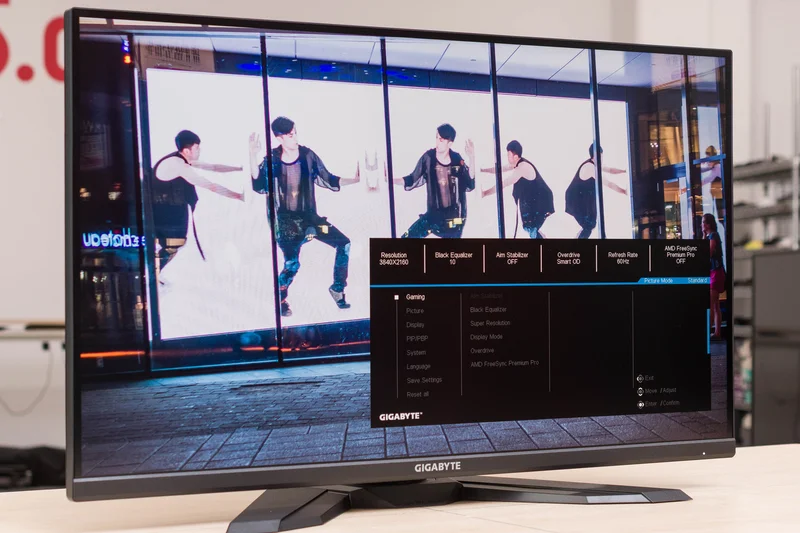
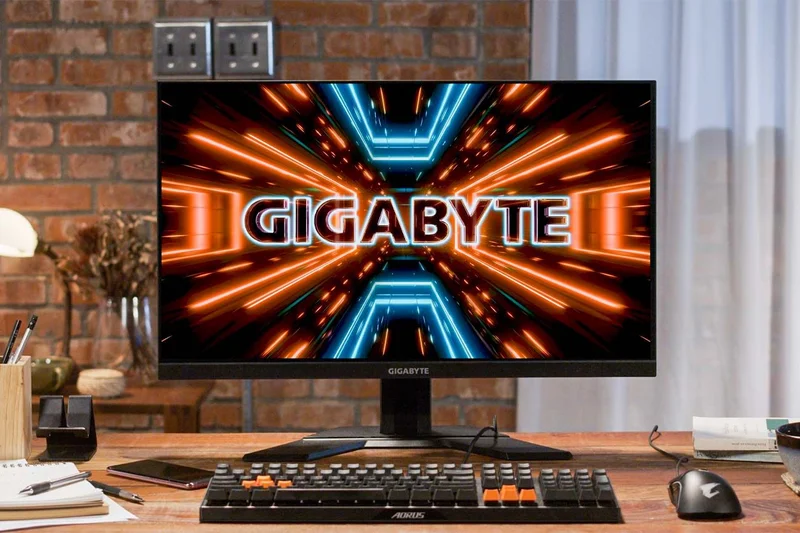
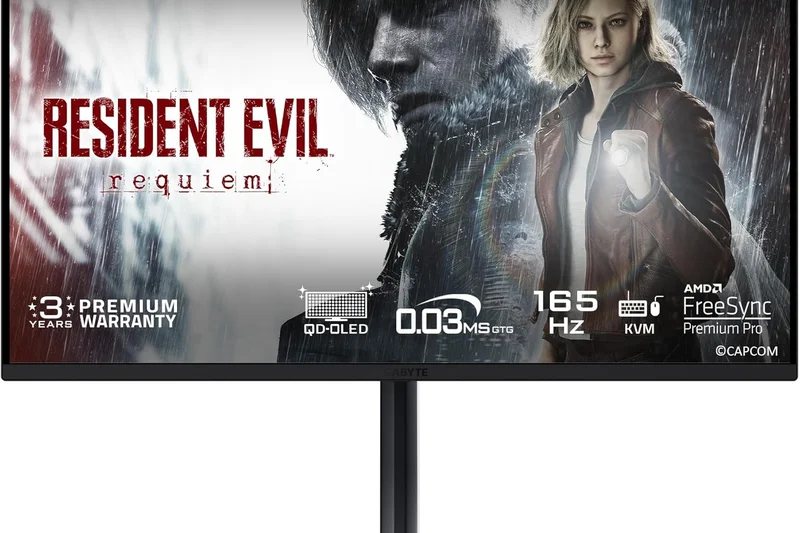
Why we picked it: The Gigabyte M32U is a staple in the mid-range gaming market. It offers a fast 144Hz 32-inch IPS panel, HDMI 2.1 for console gaming, and a highly convenient built-in KVM switch at a very reasonable price point.
Key Specs
- 32-inch Super Speed IPS Panel
- 144Hz Refresh Rate
- Built-in KVM Switch
What we like
- Great 144Hz IPS gaming performance
- Built-in KVM switch adds immense value
- HDMI 2.1 supports current-gen consoles
What we don't like
- Poor HDR performance
- Low contrast ratio
Best for: PC and console gamers looking for a large, capable 4K display with KVM functionality.
Remains a stronger value pick than many newer, more expensive 144Hz IPS models.
A reliable, feature-packed 32-inch 4K gaming monitor that excels in multi-device setups.
Buy at Gigabyte official site#20 Gigabyte M28U
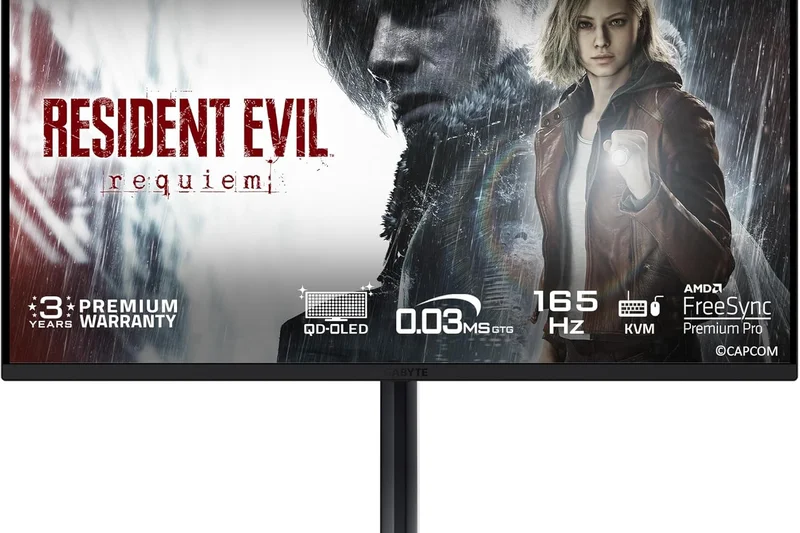
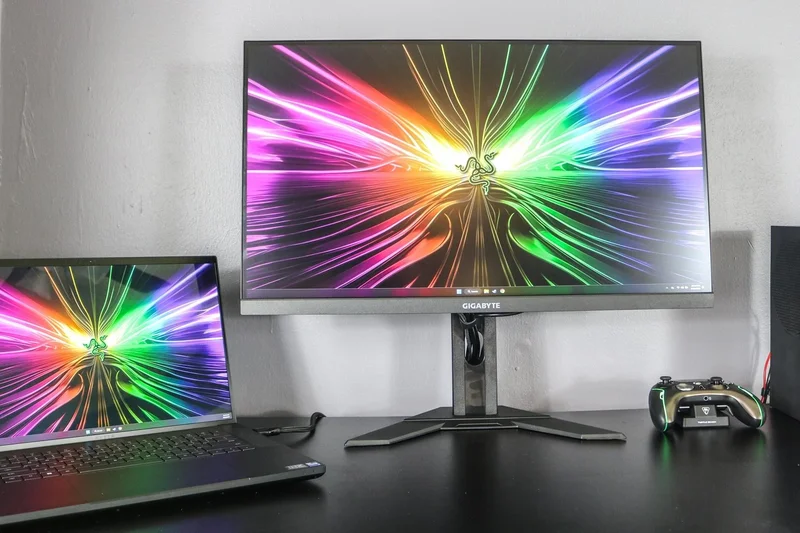
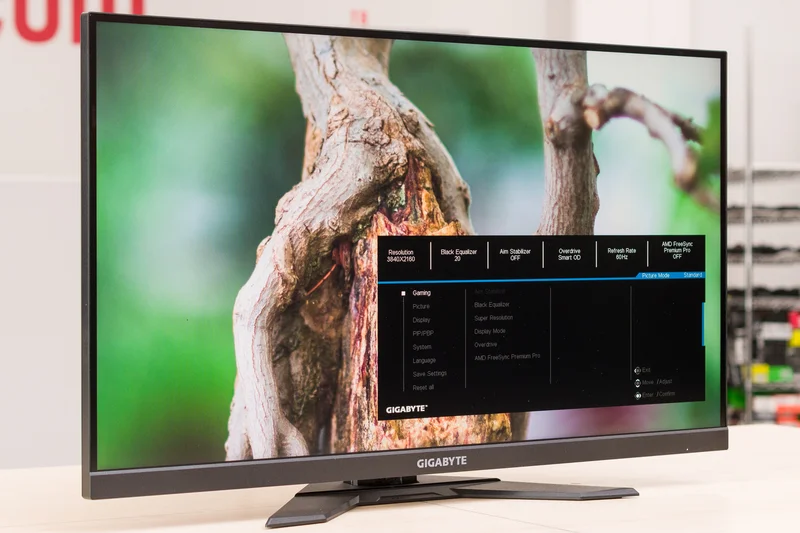
Why we picked it: The smaller sibling to the M32U, the 28-inch M28U offers the exact same feature set—144Hz refresh rate, 1ms response times, HDMI 2.1, and a KVM switch—condensed into a sharper, more desk-friendly pixel density.
Key Specs
- 28-inch Super Speed IPS Panel
- 144Hz Refresh Rate
- Built-in KVM Switch
What we like
- Excellent pixel density
- Fast 144Hz motion clarity
- KVM switch is excellent for productivity
What we don't like
- Weak contrast and HDR
- Stand ergonomics are basic
Best for: Gamers with smaller desks who want high-refresh 4K and multi-device support.
A sharper, more compact alternative to the larger 32-inch gaming displays.
A compact, fast, and highly versatile 4K gaming monitor with superb pixel density.
Buy at Gigabyte official site#21 Acer Predator XB283K KV
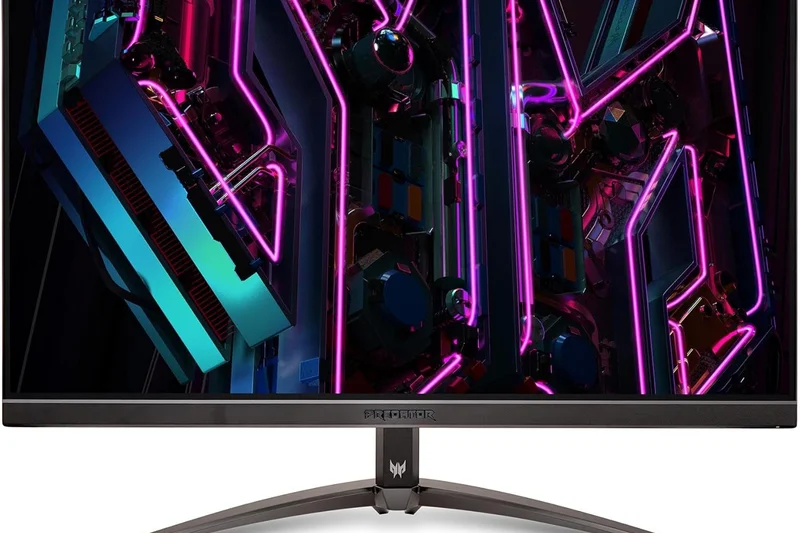
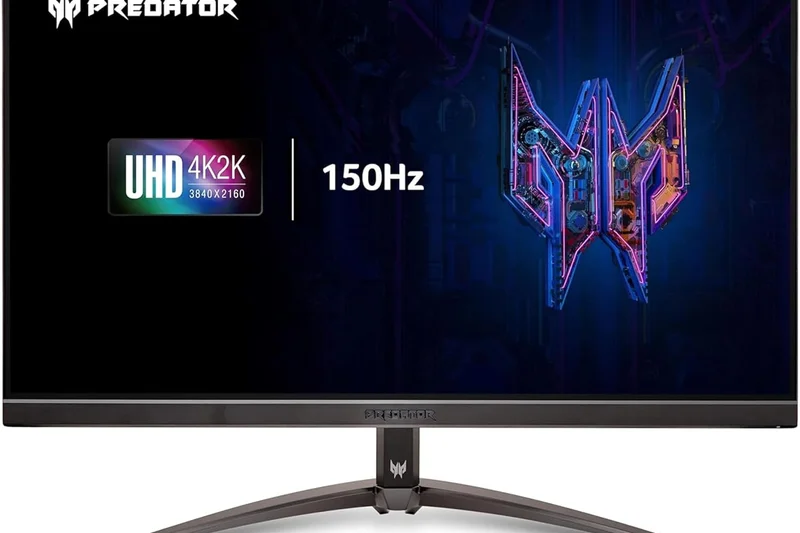
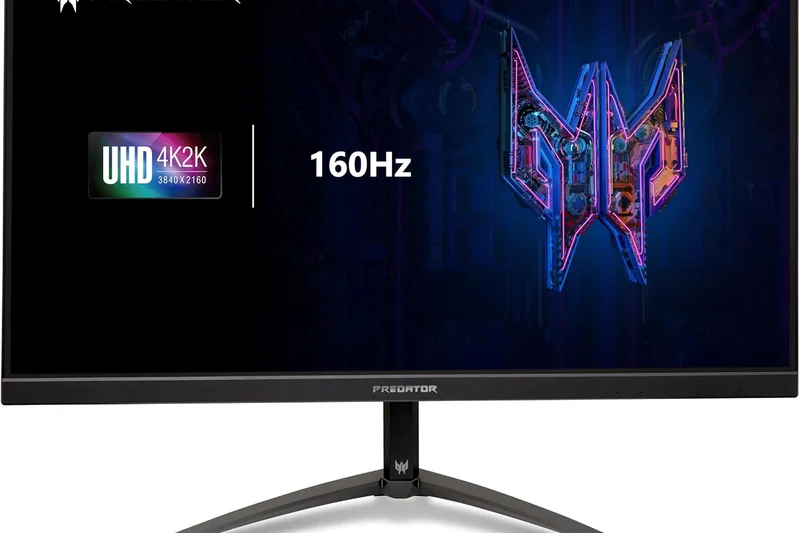
Why we picked it: This 28-inch IPS gaming monitor matches competitors with a 144Hz refresh rate and HDMI 2.1, but adds a very useful 65W USB-C port for laptop charging, making it a great hybrid screen for work and play.
Key Specs
- 28-inch Agile-Splendor IPS
- 144Hz Refresh Rate
- 65W USB-C Power Delivery
What we like
- Smooth 144Hz gaming
- 65W USB-C is great for laptops
- Good out-of-the-box colors
What we don't like
- HDR is largely meaningless (HDR400)
- Contrast is typical of IPS (low)
Best for: Users needing a fast gaming screen that easily connects to a work laptop via USB-C.
Offers better laptop connectivity than the Gigabyte M28U, though it lacks a KVM switch.
A fast, colorful 28-inch gaming monitor with the added convenience of USB-C power delivery.
Buy at Acer official site#22 Dell S2725QC
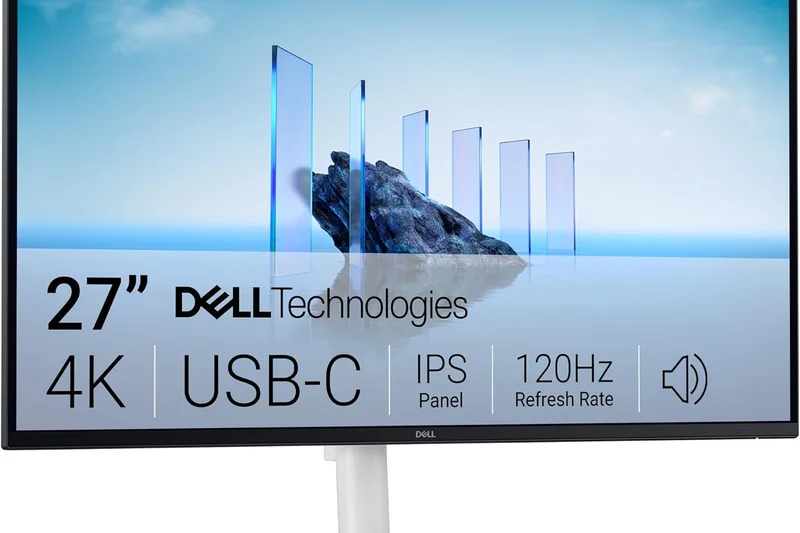
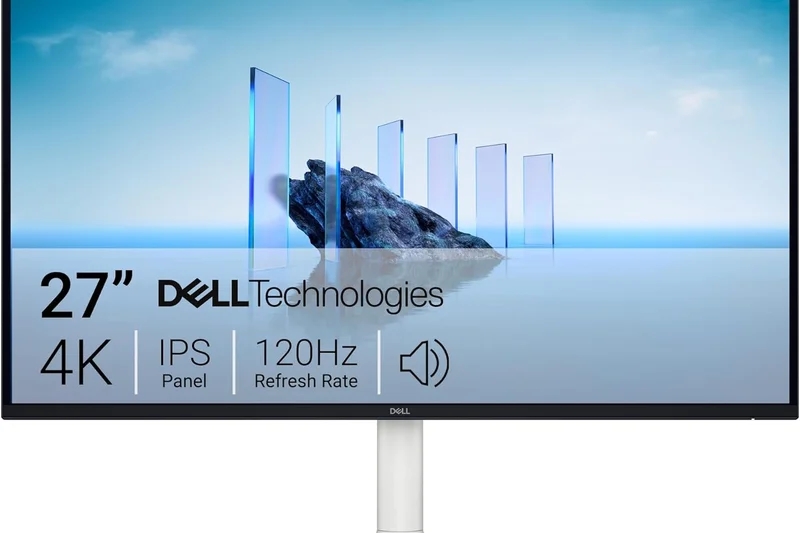
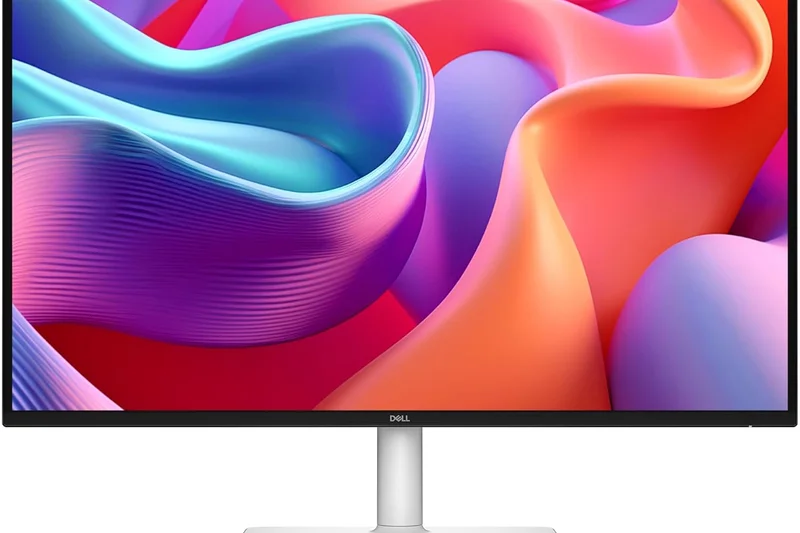
Why we picked it: The Dell S2725QC is the quintessential modern office monitor. For under $300, it provides a sharp 27-inch 4K IPS panel, 65W USB-C power delivery, and excellent eye-care features, making it perfect for standard productivity tasks.
Key Specs
- 27-inch 4K IPS Panel
- 60Hz Refresh Rate
- 65W USB-C Connectivity
What we like
- Incredible value for remote workers
- Single-cable USB-C setup
- Excellent text clarity and eye comfort
What we don't like
- Only 60Hz
- Not suited for gaming
Best for: Remote workers and students needing a sharp, reliable, and affordable USB-C display.
The gold standard for budget office monitors, easily outclassing older HDMI-only screens.
An affordable, high-quality 4K office monitor that makes remote work simple and clean.
Buy at Dell official site#23 ViewSonic VX1655-4K-OLED
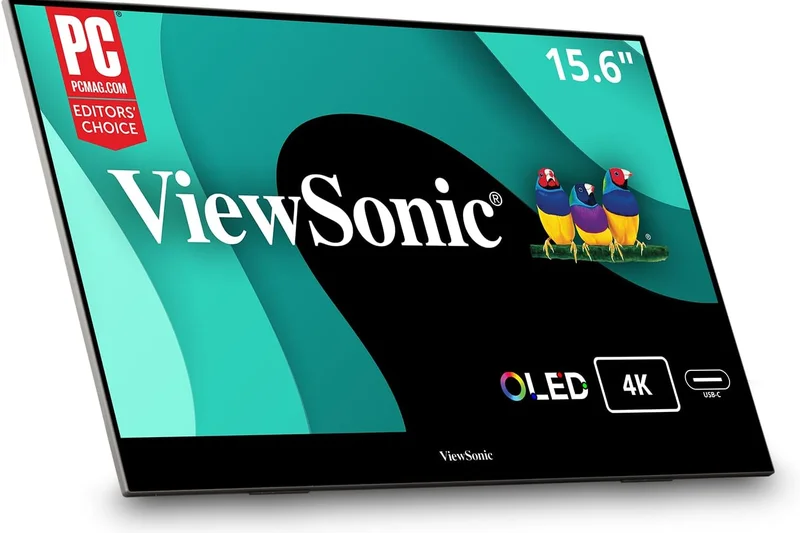
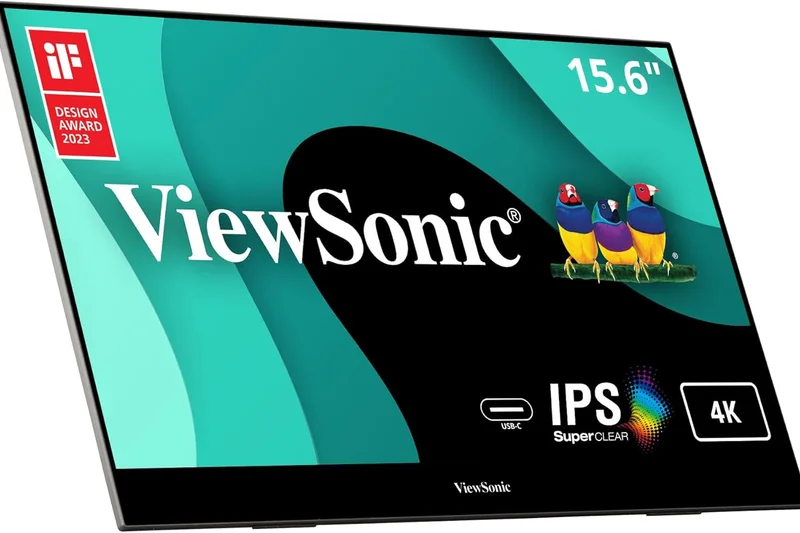
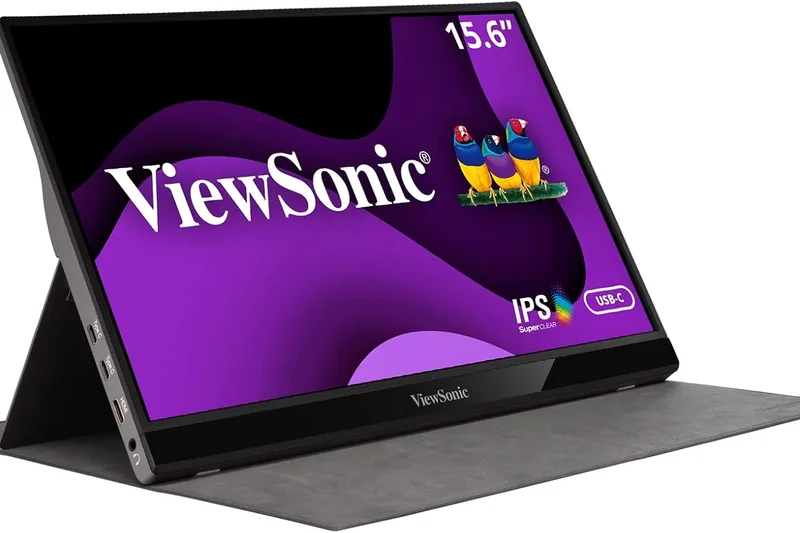
Why we picked it: A unique entry on our list, this is a 15.6-inch portable 4K OLED monitor. It offers stunning 100% DCI-P3 colors and perfect contrast in a form factor you can slip into a backpack, powered entirely via USB-C.
Key Specs
- 15.6-inch Portable OLED Display
- 100% DCI-P3 Color Gamut
- USB-C Video & Power
What we like
- Gorgeous portable OLED visuals
- Ultra-light and thin
- Single USB-C cable for power/video
What we don't like
- Small 15.6-inch screen size
- Expensive for a secondary monitor
Best for: Traveling professionals and digital nomads needing a premium secondary OLED screen on the go.
Offers vastly superior image quality compared to standard IPS portable monitors.
A premium, highly portable 4K OLED display for vibrant work and entertainment anywhere.
Buy at ViewSonic official site#24 LG 27GP950-B
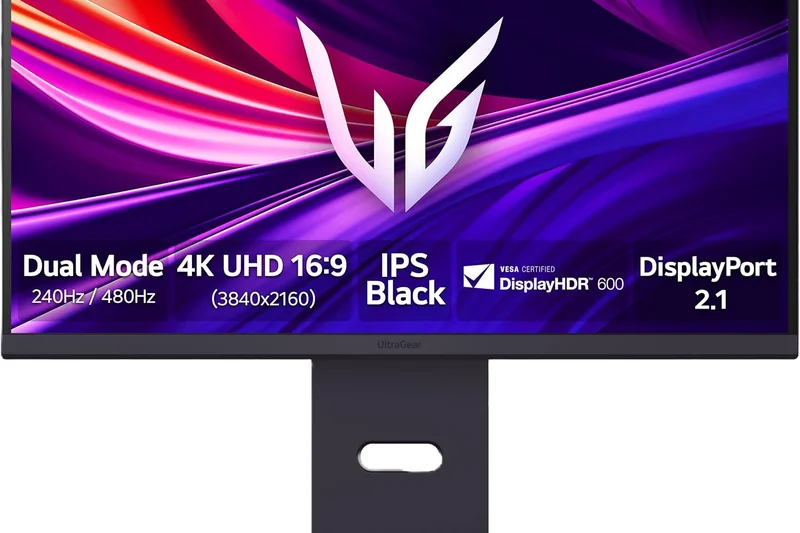
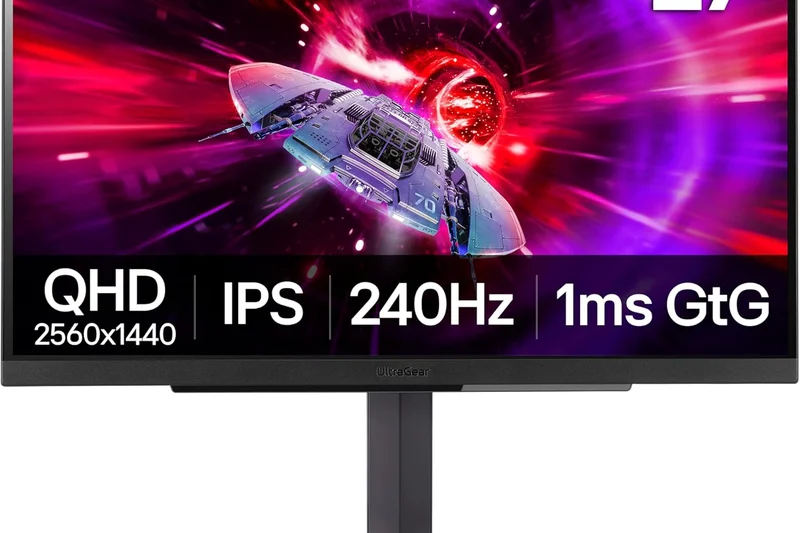
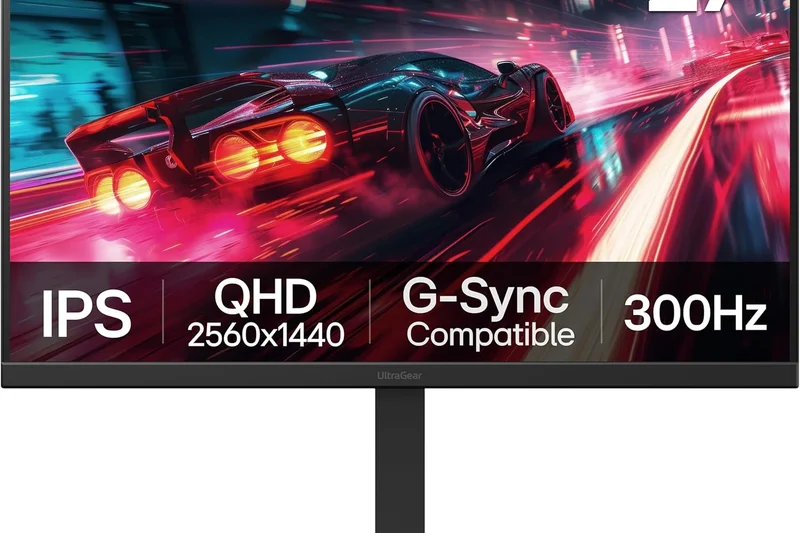
Why we picked it: The LG 27GP950-B remains a solid 27-inch Nano IPS gaming monitor, boasting an overclockable 160Hz refresh rate and a visually striking Sphere Lighting 2.0 RGB system on the back. It handles motion beautifully.
Key Specs
- 27-inch Nano IPS Display
- 144Hz Refresh Rate (160Hz Overclock)
- Sphere Lighting 2.0 on back
What we like
- Fast 160Hz Nano IPS panel
- Great color reproduction
- Immersive rear RGB lighting
What we don't like
- Poor contrast ratio
- Price is high compared to newer models
Best for: Gamers who want a fast, color-accurate 27-inch display with vibrant ambient lighting.
Faces stiff competition from cheaper IPS panels, but retains excellent color accuracy.
A colorful and fast 27-inch gaming monitor highlighted by an immersive RGB backlight system.
Buy at LG official site#25 Dell S2722QC
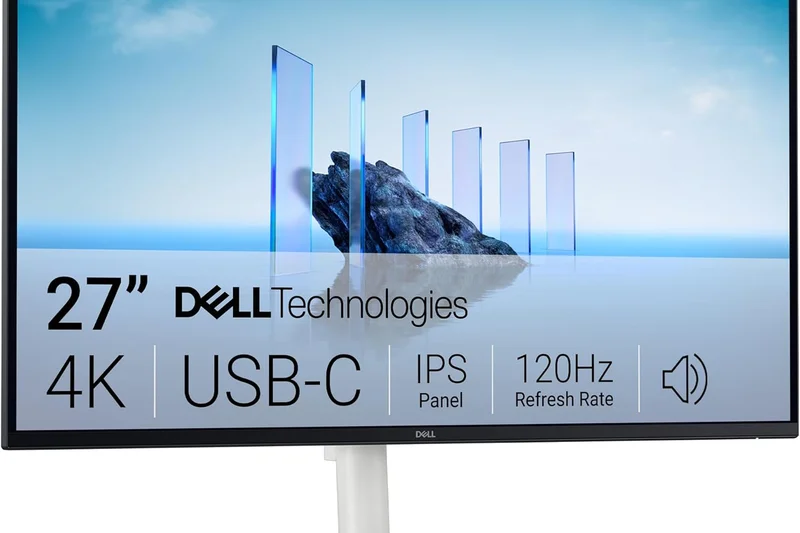
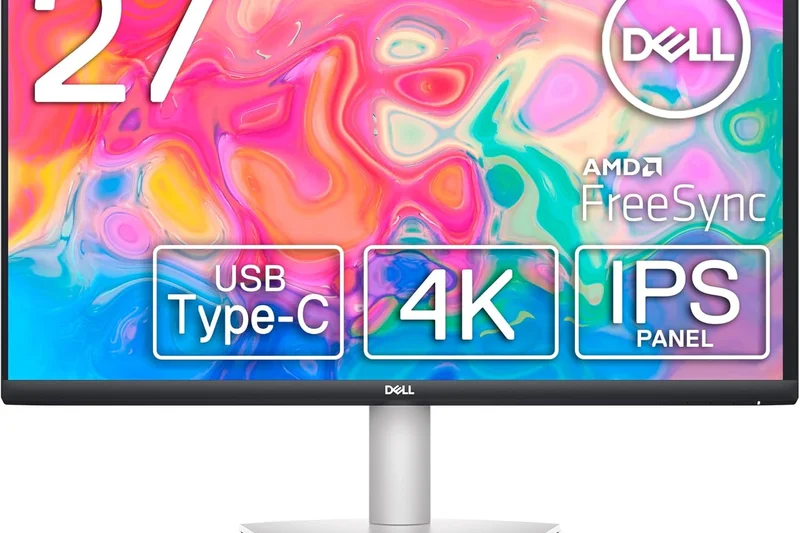
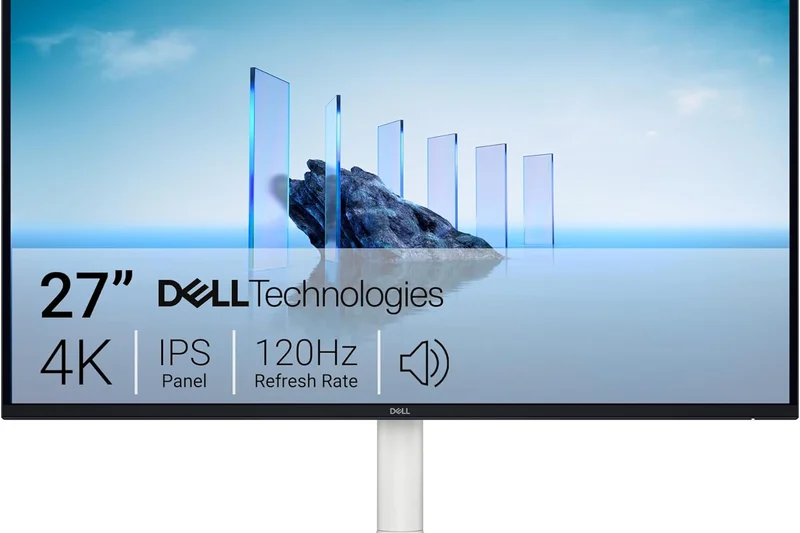
Why we picked it: The predecessor to the S2725QC, this model still holds immense value. It delivers a gorgeous 27-inch 4K IPS image, 65W USB-C connectivity, and excellent build quality, making it a frequent top-seller for budget-conscious office setups.
Key Specs
- 27-inch IPS Panel
- 65W USB-C Power Delivery
- 99% sRGB Coverage
What we like
- Proven reliability and build
- Great 65W USB-C integration
- Very affordable on sale
What we don't like
- 60Hz refresh rate
- Older design generation
Best for: Anyone looking for a deeply discounted, high-quality USB-C office monitor.
Nearly identical to the newer S2725QC, often available at a better discount.
A tried-and-true budget 4K monitor that provides everything needed for a modern home office.
Buy at Dell official site#26 Sony INZONE M9
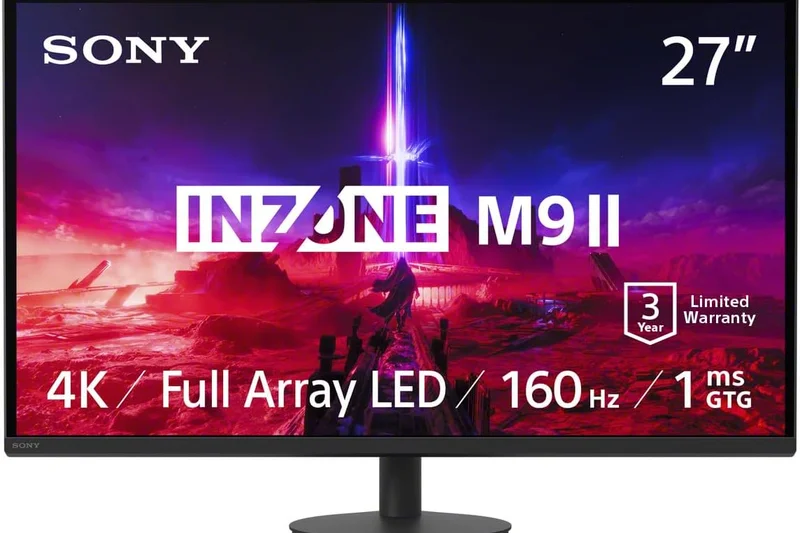
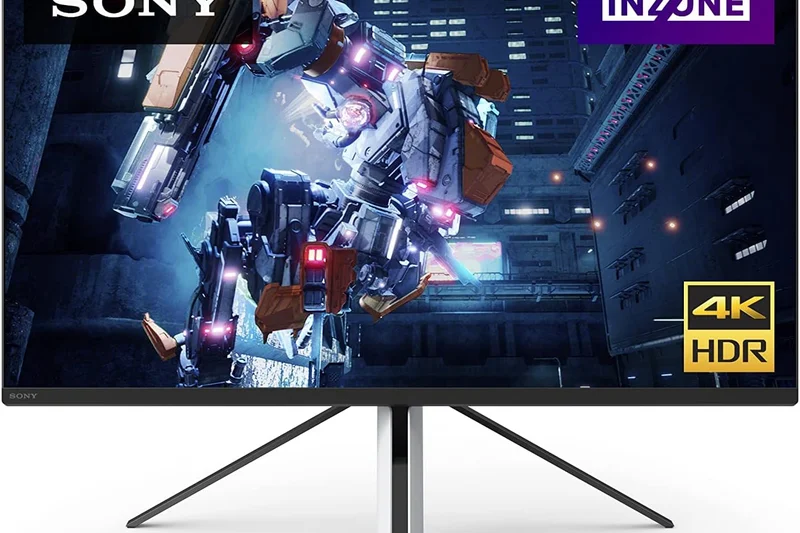
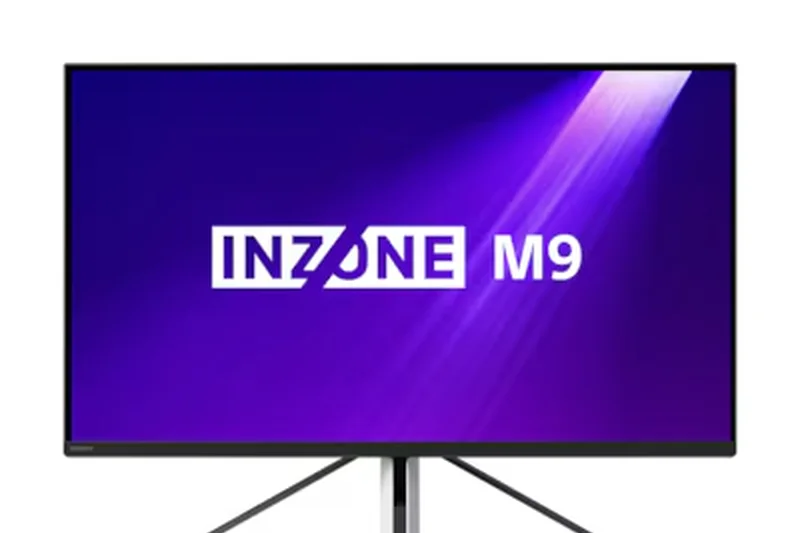
Why we picked it: Sony’s INZONE M9 uses Full Array Local Dimming (FALD) on a 27-inch IPS panel to deliver surprisingly good HDR. Paired with a 144Hz refresh rate and auto HDR tone mapping for the PS5, it’s a brilliant console companion.
Key Specs
- 27-inch IPS Display
- Full Array Local Dimming (FALD)
- 144Hz Refresh Rate
What we like
- FALD provides decent HDR contrast
- Perfect synergy with PlayStation 5
- Unique aesthetic design
What we don't like
- Stand is awkward and wobbly
- Low local dimming zone count
Best for: PlayStation 5 owners looking for an optimized 27-inch desk monitor.
Offers better HDR than edge-lit IPS rivals, though its physical stand is less practical.
A fast, stylish gaming monitor purpose-built to maximize the PlayStation 5 experience.
Buy at Sony official site#27 LG 27GR93U-B
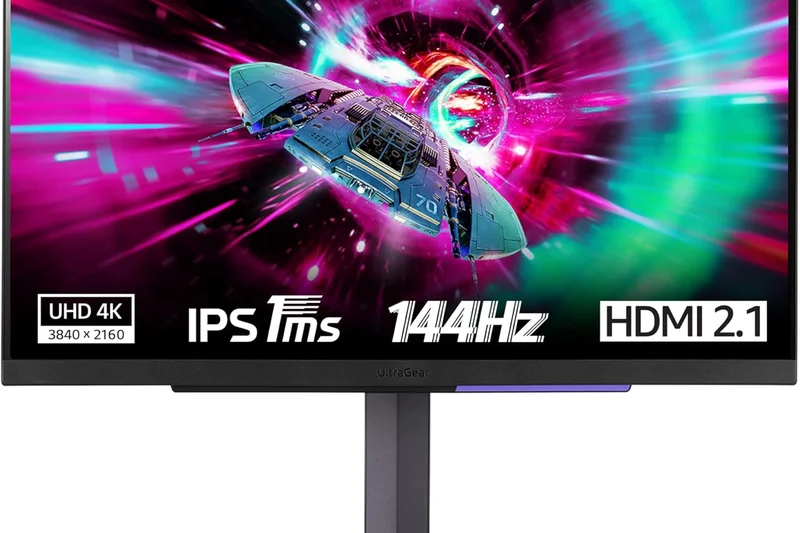
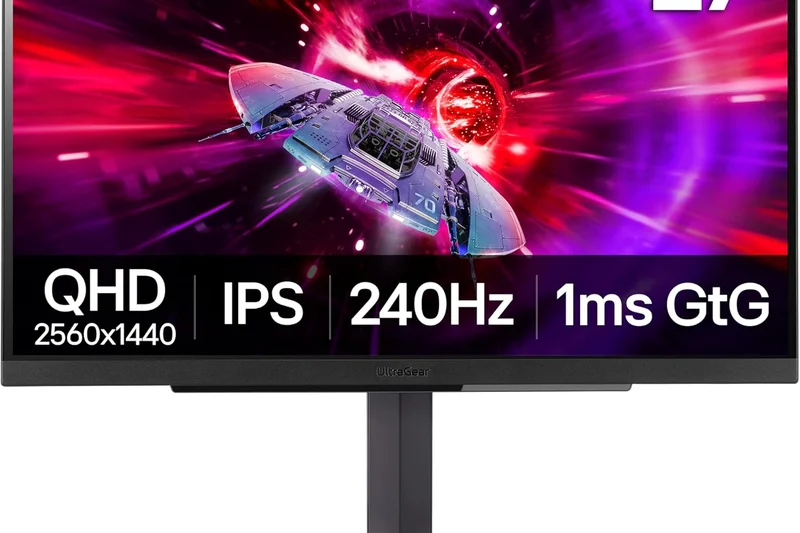
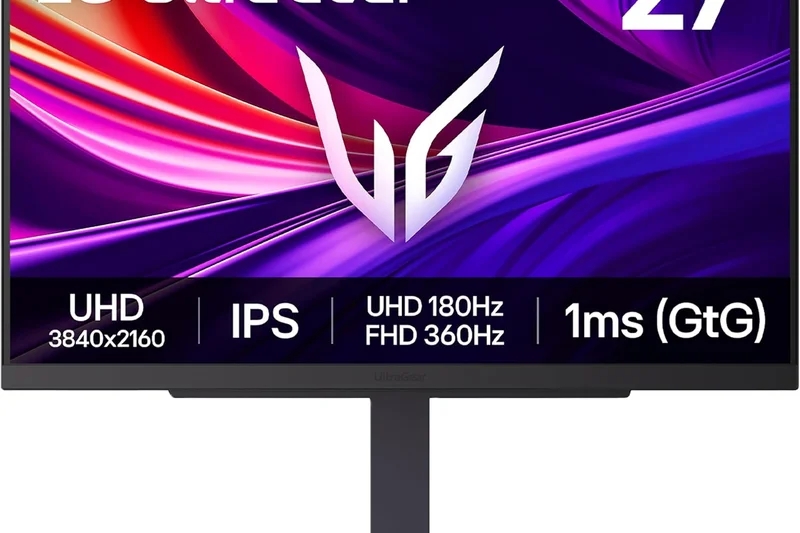
Why we picked it: This LG model strips away the RGB lighting of its predecessor to offer a focused, fast 144Hz 27-inch IPS gaming experience at a more competitive price, complete with HDMI 2.1 support.
Key Specs
- 27-inch IPS Display
- 144Hz Refresh Rate
- 1ms (GtG) Response Time
What we like
- Excellent motion handling
- Clean, gamer-focused design
- Good color accuracy
What we don't like
- Low contrast ratio
- No USB-C port
Best for: PC gamers who want a straightforward, fast 4K IPS panel without paying for RGB gimmicks.
A solid mid-range alternative to premium OLEDs for competitive 4K gaming.
A sleek, no-nonsense 144Hz 4K gaming monitor that excels in motion clarity.
Buy at LG official site#28 MSI Modern MD272UPSW
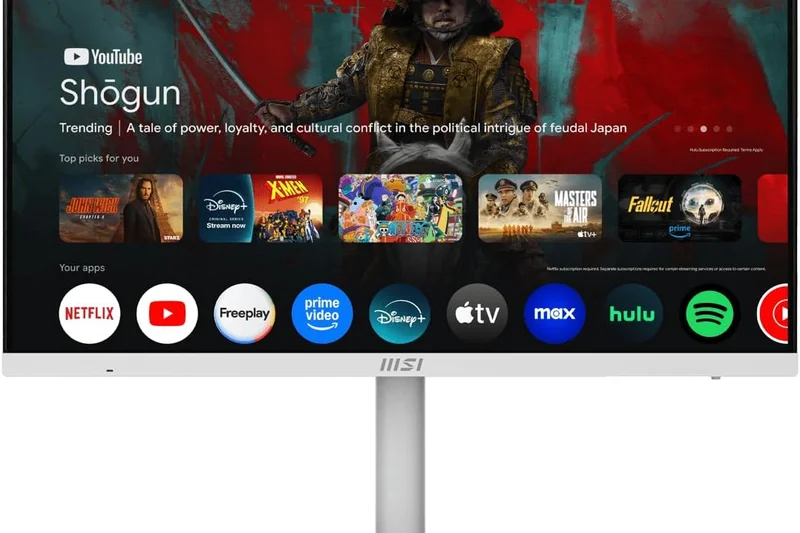
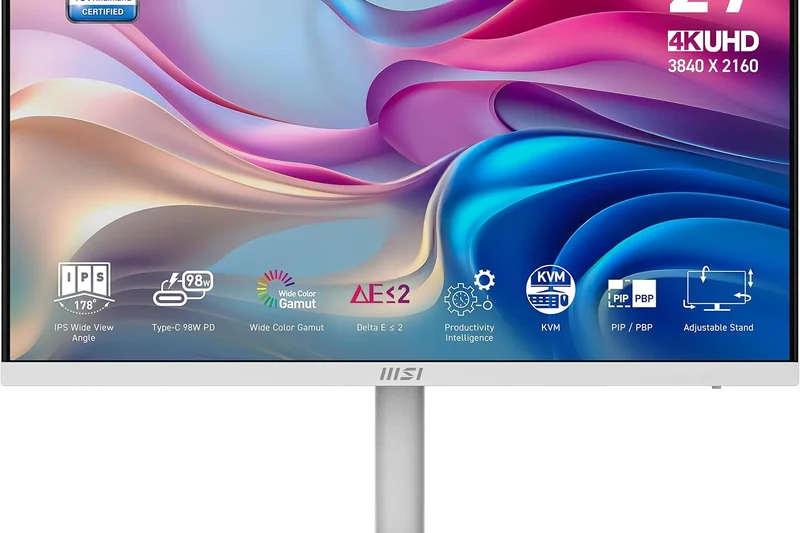
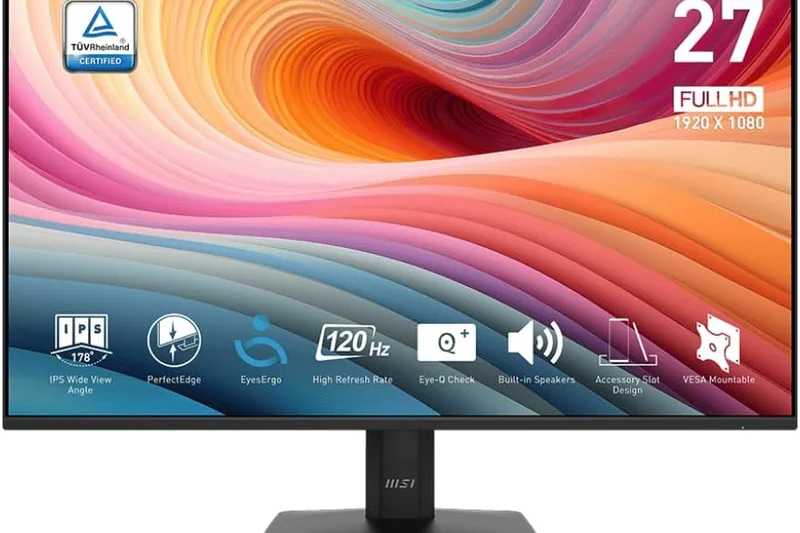
Why we picked it: Designed for aesthetics and eye comfort, this budget office monitor features a crisp 27-inch IPS panel, 65W USB-C, and 'Less Blue Light PRO' technology in a clean white chassis that looks great in any modern office.
Key Specs
- 27-inch IPS Panel
- 65W USB-C Power Delivery
- Anti-Flicker & Less Blue Light PRO
What we like
- Clean white aesthetic
- Excellent eye-care certifications
- Great 4-way adjustable stand
What we don't like
- 60Hz refresh rate
- Built-in speakers are very weak
Best for: Users wanting a stylish, ergonomic, and eye-friendly monitor for their home workspace.
Competes directly with Dell's budget office monitors, winning points for its unique white design.
A highly ergonomic, stylishly white 4K office monitor focused on visual comfort.
Buy at MSI official site#29 AOC Gaming U27G3X
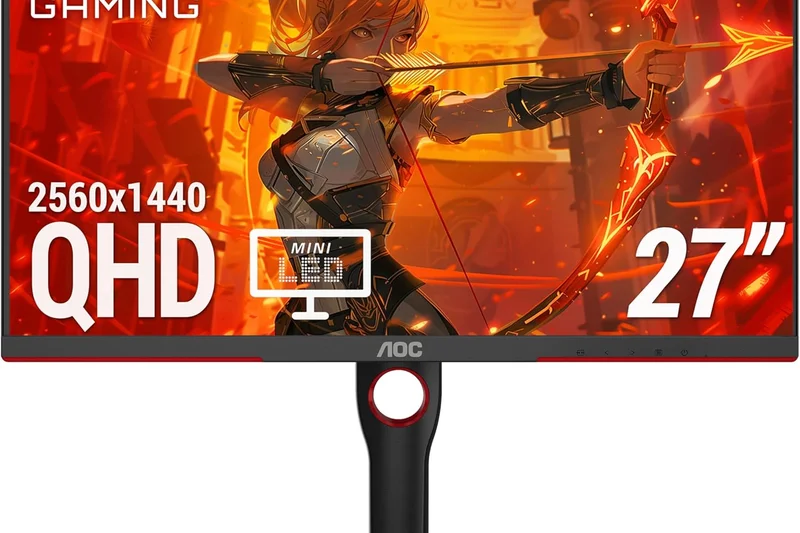
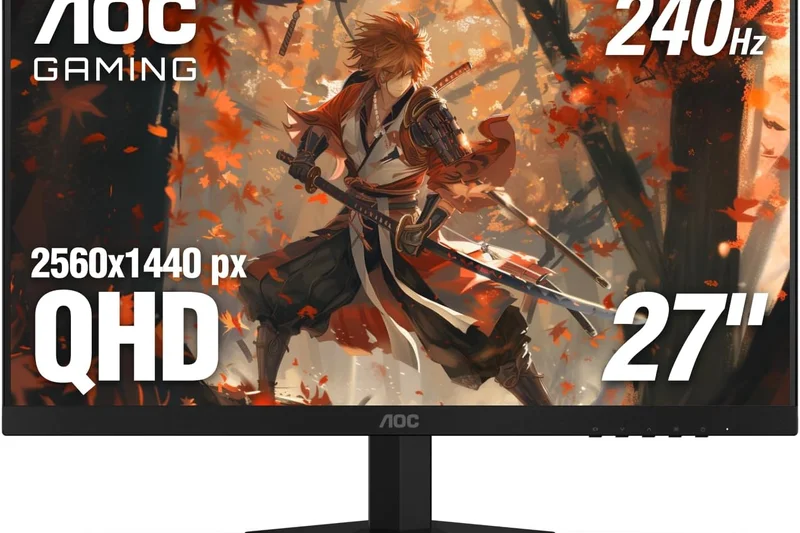
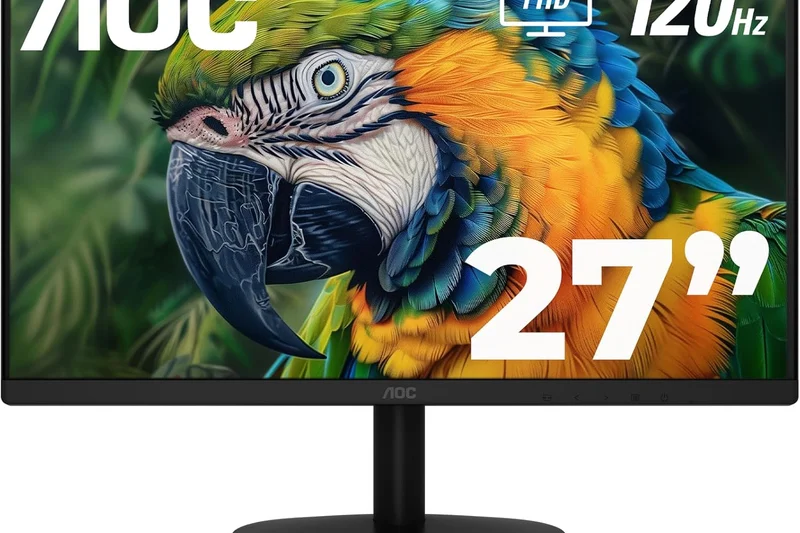
Why we picked it: The AOC U27G3X is an aggressive value play, offering a 160Hz 4K IPS panel for just $349. While it cuts corners on connectivity and ergonomics, the raw gaming performance per dollar is hard to beat.
Key Specs
- 27-inch IPS Panel
- 160Hz Refresh Rate
- 1ms GtG Response Time
What we like
- Outstanding price for 160Hz 4K
- Fast IPS response times
- Good color saturation
What we don't like
- Basic build quality
- No USB hub or USB-C
Best for: Gamers on a strict budget who prioritize refresh rate and resolution over extra features.
Undercuts almost all 144Hz+ 4K competition, though it lacks physical refinements.
A barebones but highly capable 160Hz 4K gaming monitor offered at a bargain price.
Buy at AOC official site#30 Samsung S80UA
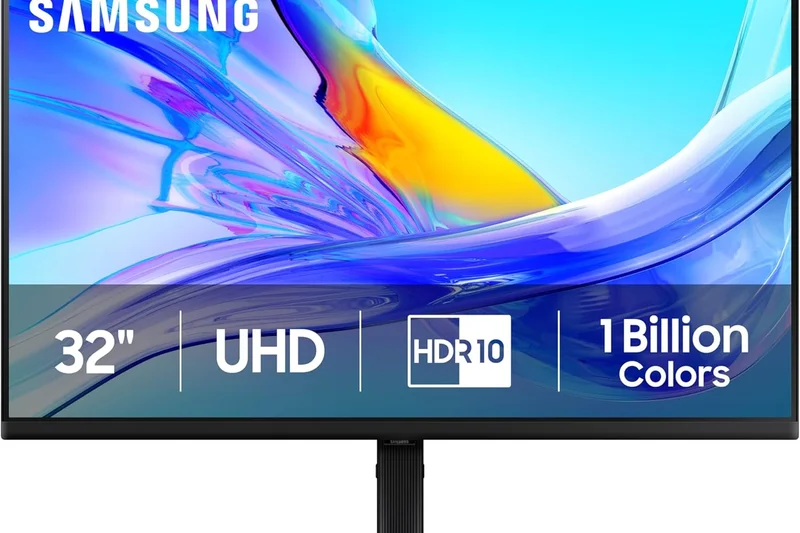
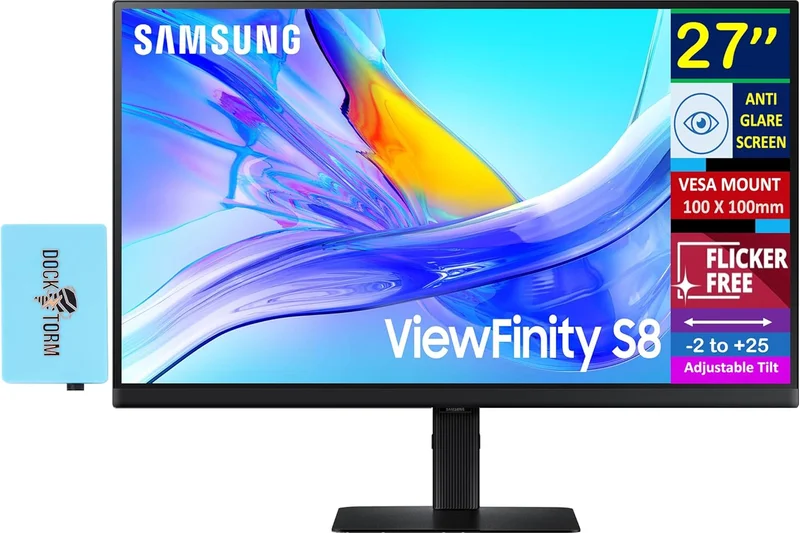
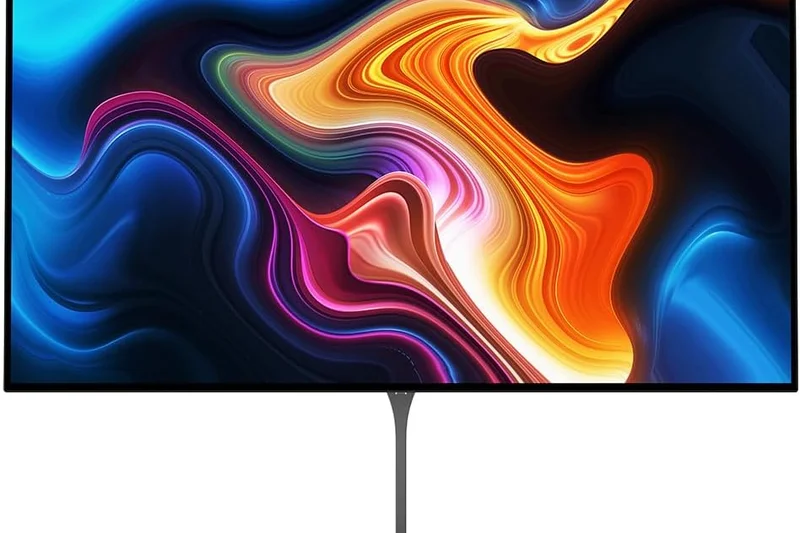
Why we picked it: This 27-inch Samsung monitor caters to productivity users with a beautiful IPS panel and a robust 90W USB-C port, capable of charging high-performance laptops while displaying a sharp 4K image.
Key Specs
- 27-inch IPS Panel
- 90W USB-C Power Delivery
- Fully Adjustable Ergonomic Stand
What we like
- Strong 90W power delivery
- Excellent fully adjustable stand
- Sharp text rendering
What we don't like
- Only 60Hz
- Design is somewhat dated
Best for: Professionals whose work laptops require more than the standard 65W of USB-C power.
Offers more charging power than the Dell S2725QC in a similar price bracket.
A dependable, ergonomic 4K office monitor with strong 90W laptop charging capabilities.
Buy at Samsung official site#31 HP U28 4K HDR Monitor
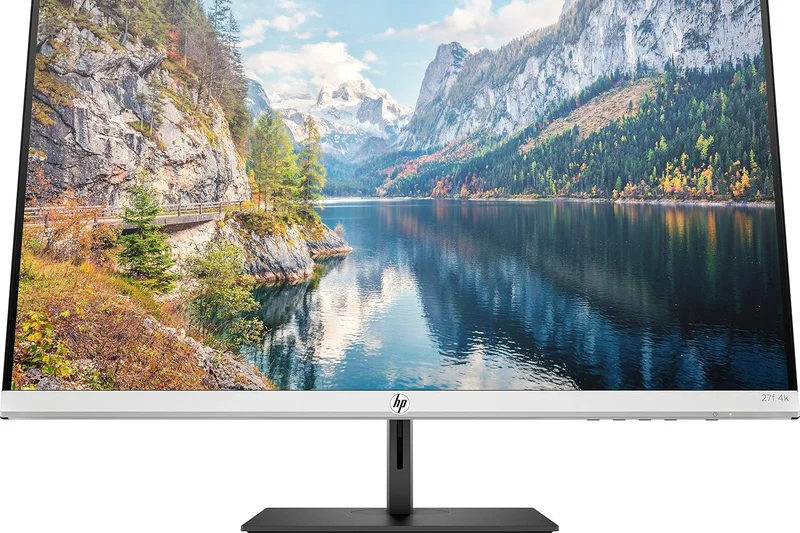
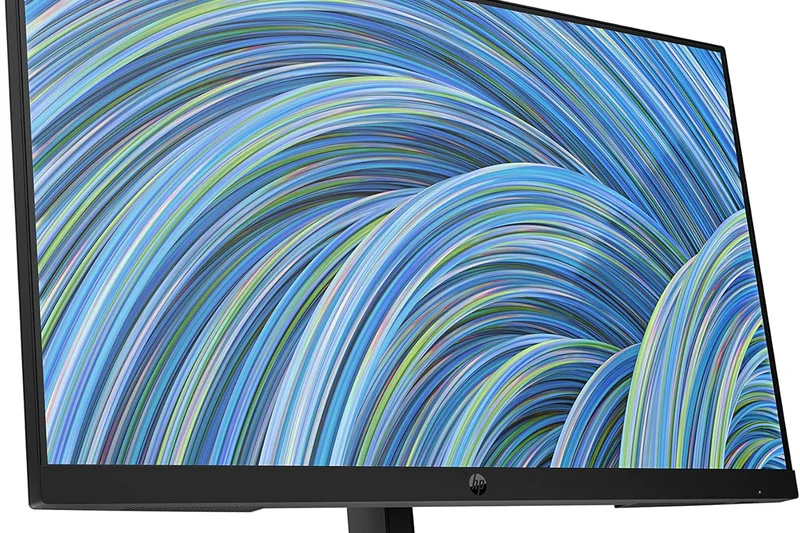
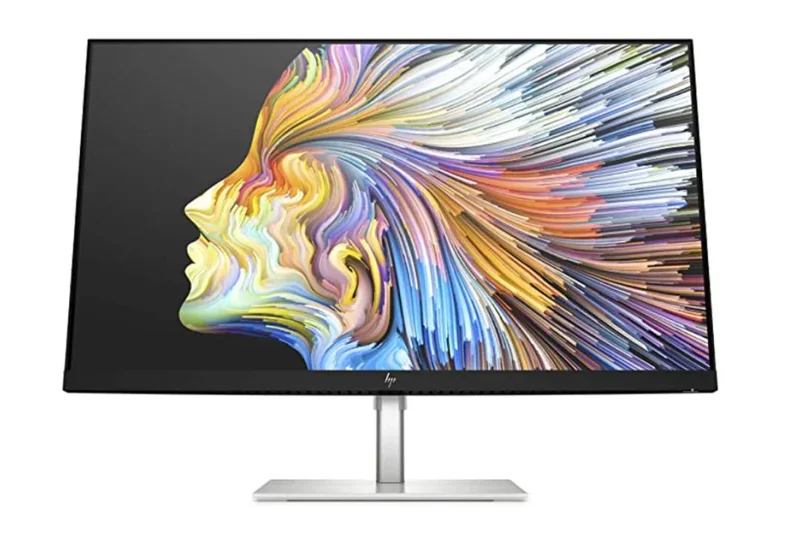
Why we picked it: The HP U28 focuses on environmentally conscious creators, built with ocean-bound plastics and featuring factory color calibration. It provides a reliable, accurate 28-inch IPS screen and 65W USB-C connectivity.
Key Specs
- 28-inch IPS Panel
- Factory Color Calibrated
- Ocean-Bound Plastic Construction
What we like
- Factory calibrated colors
- Eco-friendly construction
- Clean, minimalist design
What we don't like
- 60Hz refresh rate
- HDR is effectively non-existent
Best for: Eco-conscious creators looking for a simple, color-accurate budget monitor.
An eco-friendly alternative to standard budget creative monitors.
A well-calibrated, environmentally friendly 4K display for basic creative workflows.
Buy at HP official site#32 ASUS TUF Gaming VG289Q
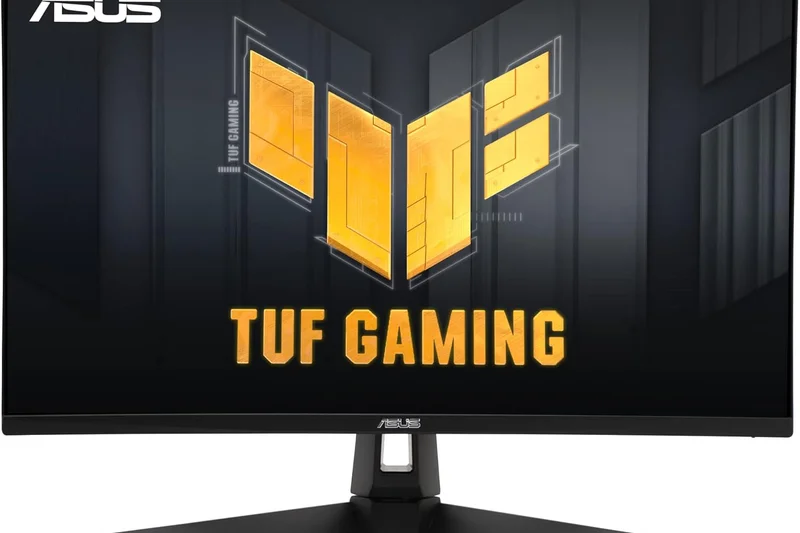
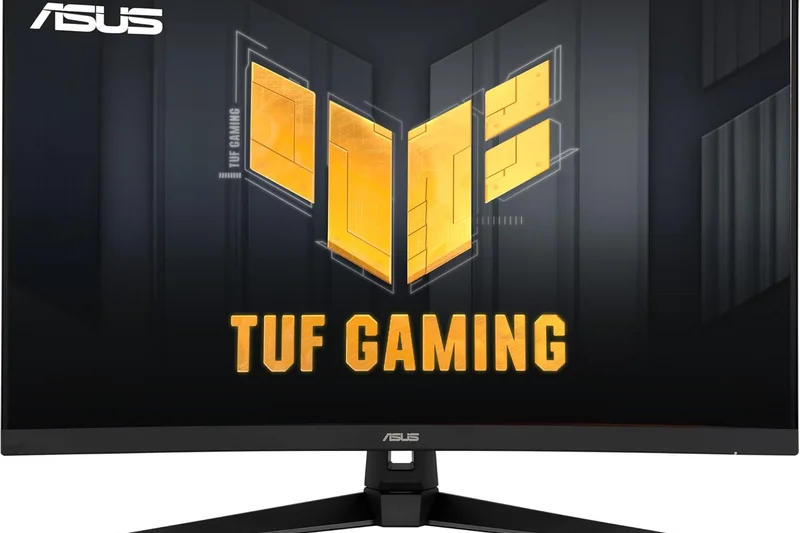
Why we picked it: The VG289Q is an entry-level 60Hz 4K gaming monitor. It uses an IPS panel to provide good colors and viewing angles, paired with FreeSync to eliminate screen tearing for casual console and PC gaming.
Key Specs
- 28-inch IPS Panel
- 60Hz Refresh Rate
- AMD FreeSync Support
What we like
- Very affordable 4K entry point
- Great ergonomic stand
- Good IPS color reproduction
What we don't like
- Limited to 60Hz
- Thick bezels
Best for: Casual gamers and media consumers who want 4K resolution on a tight budget.
Lacks the high refresh rates of modern gaming displays but excels in affordability.
A sturdy, highly affordable 60Hz 4K monitor suited for casual, slow-paced gaming.
Buy at ASUS official site#33 LG 32UN500-W
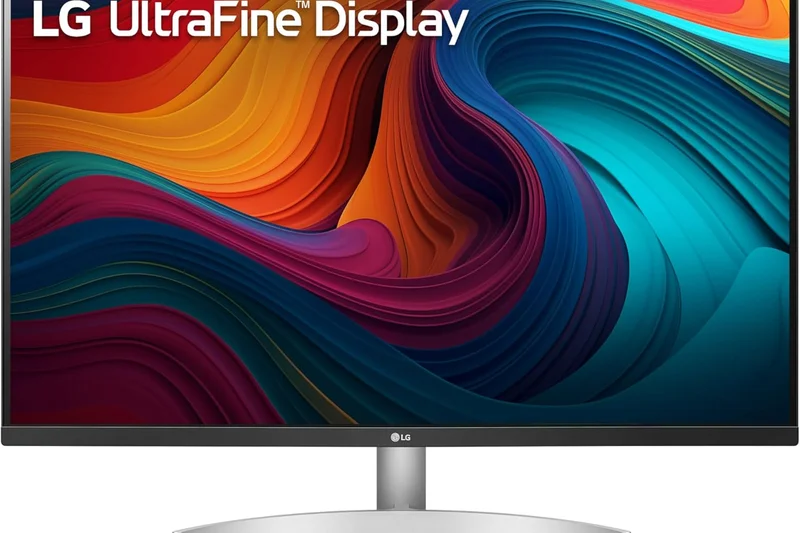
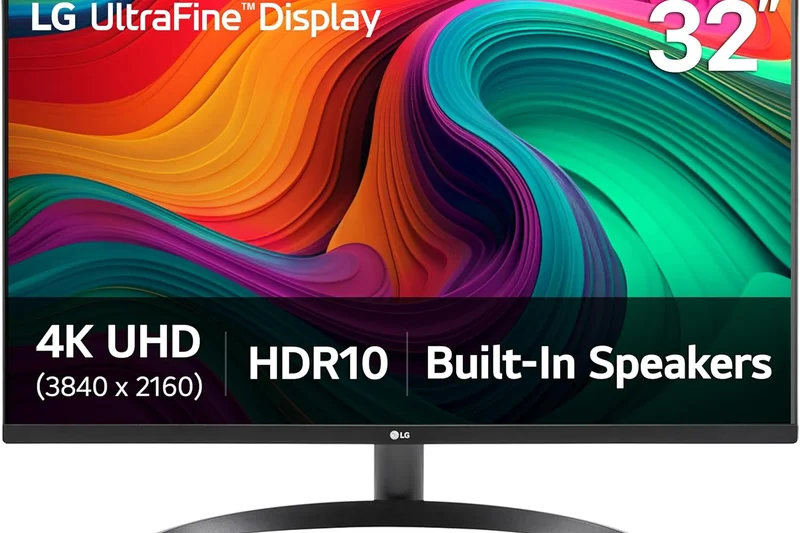
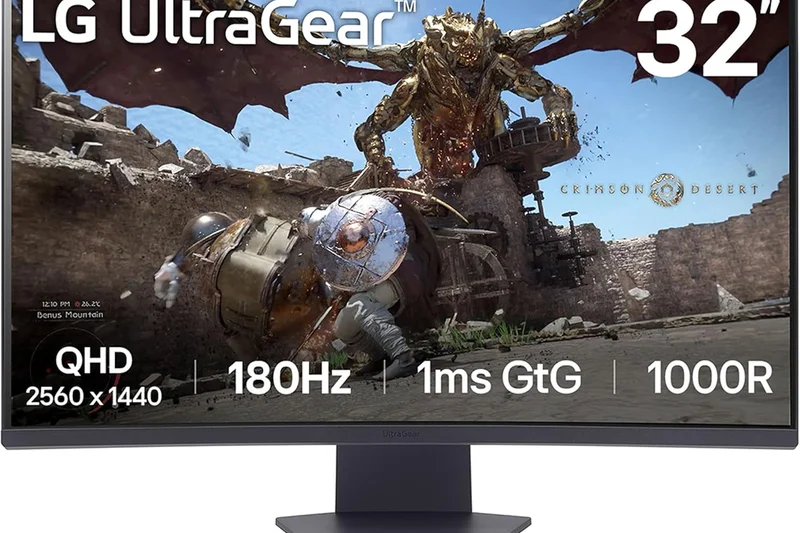
Why we picked it: This 32-inch budget LG monitor uses a VA panel to deliver a high 3000:1 contrast ratio, making it an excellent, affordable choice for watching movies and enjoying deep blacks in a dark room.
Key Specs
- 32-inch VA Panel
- 3000:1 High Contrast Ratio
- Built-in 5W Dual Speakers
What we like
- Deep VA contrast ratio
- Surprisingly good built-in speakers
- Large 32-inch screen for a low price
What we don't like
- Narrow viewing angles
- Basic stand with tilt only
Best for: Budget buyers wanting a large screen for media consumption and casual computing.
Provides much better contrast than IPS competitors, but sacrifices viewing angles.
A highly affordable large-format 4K monitor that excels at movie watching.
Buy at LG official site#34 BenQ EW3270U
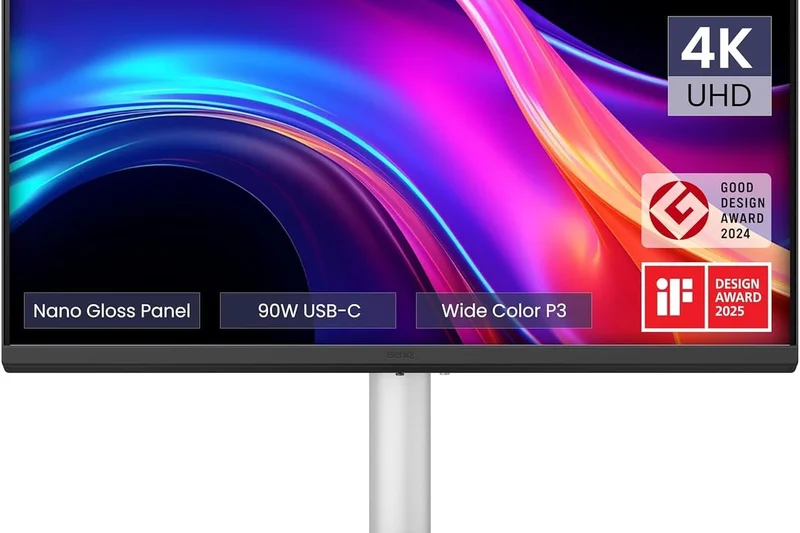
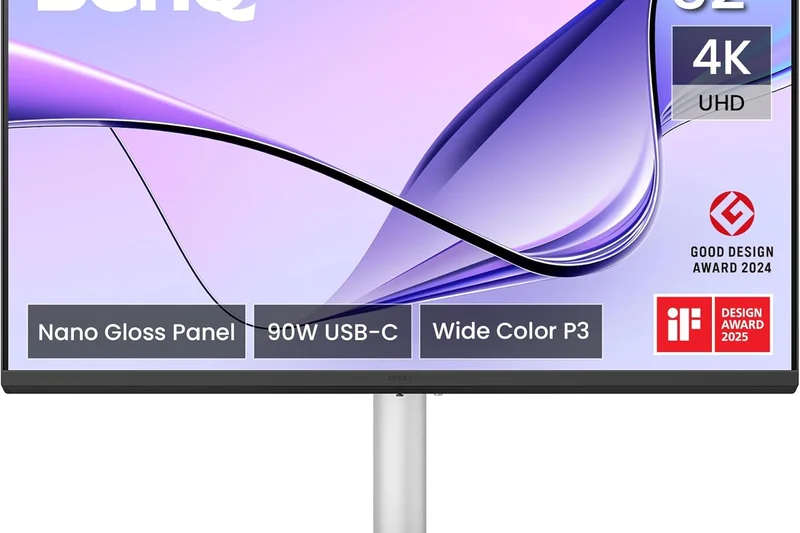
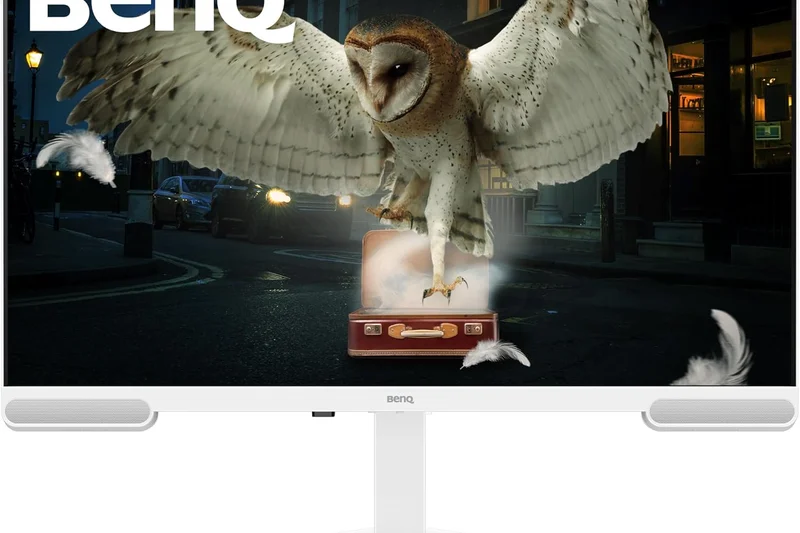
Why we picked it: An older but reliable 32-inch VA monitor, the EW3270U features BenQ's Brightness Intelligence Plus technology, which automatically adjusts screen brightness and color temperature based on ambient room lighting to reduce eye strain.
Key Specs
- 31.5-inch VA Display
- 3000:1 Native Contrast Ratio
- Brightness Intelligence Plus (B.I.+) Tech
What we like
- Excellent auto-brightness tech
- Deep contrast levels
- Great eye-care features
What we don't like
- Dated design
- Poor stand adjustability
Best for: Users with varying room lighting who want an automated, eye-friendly media screen.
An older design, but its ambient light sensor technology remains highly effective.
A large, high-contrast VA monitor with smart eye-care technology for comfortable viewing.
Buy at BenQ official site#35 Samsung UR59C
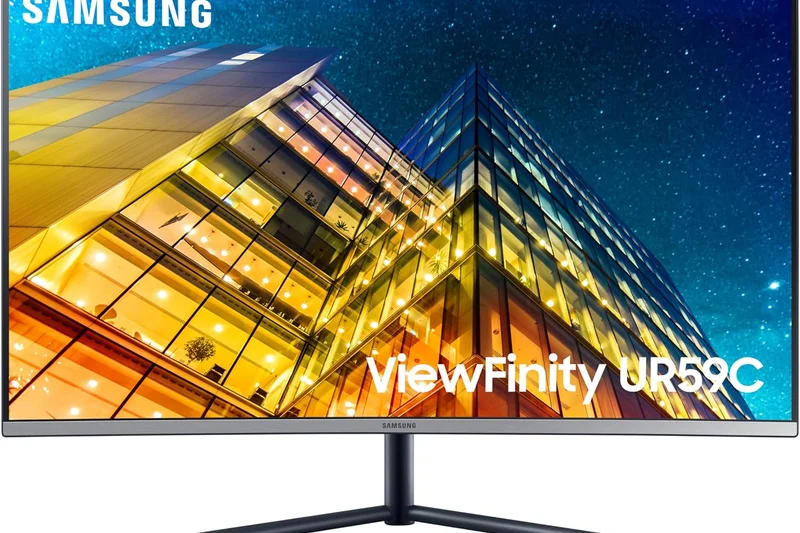
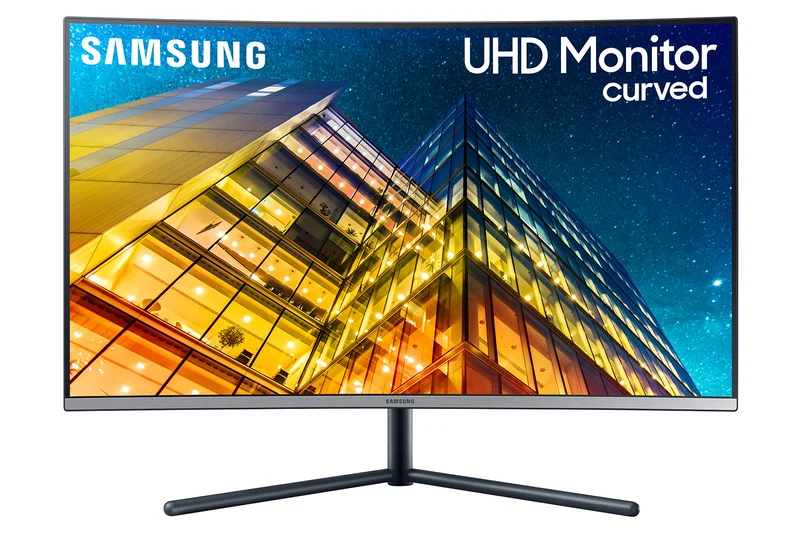
Why we picked it: Rounding out our list, the Samsung UR59C is a 32-inch curved VA monitor designed for basic computing and deep immersion. Its 1500R curve and 2500:1 contrast ratio make it visually engaging, despite lacking modern connectivity.
Key Specs
- 32-inch VA Panel
- 1500R Curvature
- 2500:1 Contrast Ratio
What we like
- Pleasant 1500R curve
- Good contrast ratio
- Sleek, minimalist stand
What we don't like
- No VESA mount compatibility
- Lacks USB ports
Best for: Users looking for an elegant, affordable curved 4K monitor for general home use.
One of the few affordable curved 4K monitors, though it lacks modern hub features.
A visually striking curved 4K monitor that covers the basics for everyday computing.
Buy at Samsung official siteBuying Guide
The 4K monitor market has evolved rapidly, with OLED, QD-OLED, and Mini-LED technologies now dominating the premium tier, while excellent IPS and VA panels have become incredibly affordable. Choosing the right display depends entirely on what you intend to do with it. Here is our guide to navigating the complex landscape of 4K monitors in 2026.
Choosing by User Type
For Gamers: If you are buying a 4K monitor primarily for gaming, refresh rate and pixel response time are your top priorities. Look for a panel with at least a 144Hz refresh rate, though 240Hz QD-OLEDs like the MSI MPG 321URX and ASUS ROG Swift PG32UCDM are currently the gold standard. OLED panels offer near-instantaneous 0.03ms response times, virtually eliminating motion blur. Make sure the monitor supports HDMI 2.1 if you plan to connect a PS5 or Xbox Series X, allowing for 4K at 120Hz with Variable Refresh Rate (VRR).
For Creative Professionals: Photographers, video editors, and digital artists should focus heavily on the Visual Fidelity & Color Accuracy dimension. You need a monitor with high DCI-P3 and AdobeRGB gamut coverage, as well as excellent factory calibration (Delta E < 2). Displays like the ASUS ProArt series or the LG UltraFine OLED Pro excel here. Hardware calibration support and uniform brightness across the panel are also crucial for color-critical work.
For Office and Remote Work: Productivity users don't need 240Hz refresh rates or infinite contrast. Instead, prioritize Connectivity & Hub Features and Ergonomics. Monitors equipped with Thunderbolt 4 or USB-C with high Power Delivery (e.g., 90W to 140W) allow you to connect and charge your laptop with a single cable. Built-in KVM switches, daisy-chaining capabilities, and robust eye-care features (flicker-free backlights and low blue light modes) will make your workflow significantly more efficient and comfortable.
What to Avoid
Avoid buying a monitor solely based on its "HDR" marketing sticker if it only carries a VESA DisplayHDR 400 certification. Without local dimming zones (found in Mini-LEDs) or per-pixel dimming (found in OLEDs), true HDR is impossible, and the image will simply look washed out. Furthermore, avoid TN (Twisted Nematic) panels for 4K resolutions; IPS, VA, and OLED have entirely superseded them, offering vastly superior viewing angles and color reproduction. Finally, be cautious of monitors with flimsy stands lacking height adjustability, as they can cause severe neck strain over time.
Understanding Budget Tiers
Entry-Level ($250 - $400): In this tier, you can find excellent 60Hz 4K IPS and VA panels perfect for office work and media consumption. Monitors like the Dell S2725QC offer great text clarity, basic USB-C connectivity, and solid sRGB color coverage. You won't find premium gaming features or HDR capabilities here, but they provide immense value for standard computing.
Mid-Range ($400 - $700): This is the sweet spot for budget-conscious gamers and casual creators. You'll find 4K IPS monitors with 144Hz refresh rates, such as the Gigabyte M32U, as well as entry-level Mini-LED displays like the Acer Nitro XV275K P3. These monitors offer strong all-around performance, good contrast, and versatile connectivity options without breaking the bank.
Premium ($800 - $1,500+): The high-end tier is ruled by QD-OLED, WOLED, and high-zone-count Mini-LED displays. These monitors provide uncompromised performance, featuring 240Hz+ refresh rates, perfect black levels, stunning HDR (often DisplayHDR True Black 400 or HDR1000), and robust workstation features like 140W power delivery and built-in KVMs. If you want the absolute best visual experience available in 2026, this is where you need to shop.
FAQ
What is a 4K monitor and is it worth it?
A 4K monitor has a resolution of 3840 x 2160 pixels, offering four times the detail of a standard 1080p display. It is absolutely worth it in 2026 if you want incredibly sharp text for productivity, massive workspace real estate, or highly detailed, immersive visuals for gaming and creative work.
What screen size is best for a 4K resolution?
We recommend 27 inches or 32 inches for a 4K monitor. At 27 inches, 4K provides an incredibly sharp "Retina-like" pixel density. At 32 inches, you get a massive, comfortable workspace without having to use aggressive OS scaling, making it the sweet spot for mixed-use setups.
OLED vs. IPS vs. VA: Which panel type is best for 4K?
OLED (and QD-OLED) is the absolute best for gaming and media, offering perfect blacks and instant response times, but risks burn-in. IPS is best for color accuracy, viewing angles, and office work. VA offers deep contrast and affordability, making it great for budget media consumption.
Do I need HDMI 2.1 for a 4K monitor?
If you plan to use a PlayStation 5, Xbox Series X, or a high-end PC to game at 4K resolution at 120Hz or higher, HDMI 2.1 is essential. For standard 60Hz office work, HDMI 2.0 or DisplayPort 1.4 is perfectly fine.
What is a KVM switch on a monitor?
A built-in KVM (Keyboard, Video, Mouse) switch allows you to connect a single keyboard and mouse to your monitor and seamlessly switch controlling two different computers (e.g., a work laptop and a gaming desktop) just by changing the display input.
Are 4K monitors good for competitive gaming?
Yes, they are now excellent. With the advent of 240Hz and 480Hz dual-mode 4K OLED panels in 2026, you no longer have to sacrifice speed for resolution. You get the ultimate visual fidelity alongside esports-grade motion clarity.
What makes a monitor good for photo editing?
A great photo editing monitor requires excellent color gamut coverage (like 99% DCI-P3 or AdobeRGB), a Delta E < 2 factory calibration for accuracy, and uniform brightness across the entire panel. Hardware calibration support is a bonus.
Can my laptop run a 4K monitor at 60Hz or 120Hz?
Most modern laptops from the last 3-4 years can output 4K at 60Hz via USB-C or HDMI. However, to output 4K at 120Hz or higher, your laptop needs a newer GPU and must support HDMI 2.1, DisplayPort 1.4, or Thunderbolt 4.
Is USB-C Power Delivery important?
If you use a laptop, it is highly recommended. A monitor with USB-C Power Delivery (e.g., 65W to 140W) allows you to connect your laptop to the screen, transfer data, and charge the laptop's battery all through a single cable, keeping your desk clean.
What does VESA DisplayHDR mean?
It is a standardized metric for HDR performance. DisplayHDR 400 is the lowest tier and generally doesn't offer a true HDR experience. DisplayHDR 600 is a noticeable step up, while DisplayHDR 1000 and True Black 400 (for OLEDs) provide genuine, high-contrast HDR.
How do I prevent OLED burn-in on my monitor?
Modern OLEDs have built-in protections like pixel shifting, logo dimming, and screen savers. To further prevent burn-in, hide your Windows taskbar, use dark mode, set your display to turn off after 5 minutes of inactivity, and avoid leaving static elements on screen for hours.
Does a curved 4K monitor make a difference?
On large monitors (32 inches or more), a curve (like 1500R or 1700R) helps keep the edges of the screen at the same focal distance as the center, reducing eye strain and improving immersion in games. It is less ideal for strict graphic design where straight lines matter.
Are budget 4K monitors worth buying?
Absolutely. Sub-$350 4K IPS monitors offer phenomenal text clarity and are massive upgrades over 1080p screens for office productivity and web browsing. You just won't get premium gaming speeds or high-end HDR.
What is a good warranty for a premium 4K monitor?
For premium monitors, expect a 3-year warranty covering manufacturer defects. If you are buying an OLED monitor, ensure the manufacturer specifically includes a 3-year warranty that explicitly covers OLED burn-in (like Dell/Alienware and MSI do).
Methodology
Our evaluation methodology for 4K monitors is built on the SelectionLogic M2 framework, ensuring a quantitative and rigorous approach to product recommendations. We evaluate displays across seven distinct dimensions, each scored from 1 to 10, before applying customized weightings to determine the best monitors for specific user scenarios.
The Visual Fidelity & Color Accuracy (25%) dimension evaluates panel technology, color gamut coverage (sRGB, DCI-P3, AdobeRGB), contrast ratios, and HDR brightness. Motion Handling & Speed (15%) assesses refresh rates, input lag, pixel response times (GtG), and VRR support. Connectivity & Hub Features (15%) looks at the versatility of ports, including HDMI 2.1, DisplayPort 1.4/2.1, Thunderbolt, USB-C power delivery, and KVM switches. Ergonomics & Build Quality (10%) measures physical design, stand adjustability, and VESA compatibility. Eye Comfort & Usability (10%) tracks text clarity, anti-glare coatings, low blue light modes, and OSD intuitiveness. Value & Price (15%) compares the feature set and panel tier against the current retail price. Finally, Reliability & Warranty (10%) gauges manufacturer support, dead pixel policies, and OLED burn-in protection mechanisms.
For our scenario rankings, we adjust these weights to reflect real-world use cases. Our "Best for High-End Gaming" scenario shifts 35% of the total score to Motion Handling, while our "Best for Work & Office" scenario increases the weight of Connectivity to 25% and Ergonomics to 15%. This multi-dimensional evaluation prevents unbalanced, single-number reviews and provides a clear diagnostic look at where a monitor excels or falls short.
Data sources for our scoring include extensive hands-on panel testing, colorimeter calibration results, manufacturer technical specification sheets, and verified user reviews from retail platforms to account for long-term durability and quality control issues.
Sources & References
All factual claims, product specifications, prices, and images in this article are cited by number. Click any reference to jump to the list; click the link in each entry to visit the original source.
- [1]SelectionLogic. "M2 Multi-Dimensional Evaluation Methodology." selectionlogic.org/en/methods/m2-multi-dimensional-evaluation/. Accessed Mar 2026.
- [2]SelectionLogic. "4K Monitor Buying Guide 2026." selectionlogic.org/en/guides/4k-monitor-buying-guide/. Accessed Mar 2026.
- [3]MSI. "MPG 321URX QD-OLED Official Product Page." msi.com. Accessed Mar 2026.
- [4]ASUS. "ROG Swift OLED PG32UCDM Product Page." asus.com. Accessed Mar 2026.
- [5]HP. "Omen Transcend 32 OLED Official Page." hp.com. Accessed Mar 2026.
- [6]Dell. "Alienware AW3225QF Gaming Monitor." dell.com. Accessed Mar 2026.
- [7]Samsung. "Odyssey OLED G8 (G80SD) Official Page." samsung.com. Accessed Mar 2026.
- [8]ASUS. "ROG Swift OLED PG32UCDP Product Page." asus.com. Accessed Mar 2026.
- [9]Dell. "UltraSharp 32 4K Thunderbolt Hub Monitor - U3225QE." dell.com. Accessed Mar 2026.
- [10]LG. "UltraGear 32GS95UE-B Official Page." lg.com. Accessed Mar 2026.
- [11]Acer. "Nitro XV275K P3 Official Product Page." acer.com. Accessed Mar 2026.
- [12]BenQ. "MOBIUZ EX321UX Gaming Monitor." benq.com. Accessed Mar 2026.
- [13]ASUS. "ProArt Display PA279CRV Product Page." asus.com. Accessed Mar 2026.
- [14]Dell. "UltraSharp U2723QE Hub Monitor." dell.com. Accessed Mar 2026.
- [15]BenQ. "MA320U Monitor for Mac." benq.com. Accessed Mar 2026.
- [16]ASUS. "ProArt Display PA32UCR-K Product Page." asus.com. Accessed Mar 2026.
- [17]ASUS. "ROG Strix XG27UCS Official Page." asus.com. Accessed Mar 2026.
- [18]LG. "UltraFine OLED Pro 32EP950-B." lg.com. Accessed Mar 2026.
- [19]Dell. "Dell 32 4K UHD Monitor - S3225QS." dell.com. Accessed Mar 2026.
- [20]Samsung. "Odyssey Neo G8 Official Page." samsung.com. Accessed Mar 2026.
- [21]Gigabyte. "M32U Gaming Monitor." gigabyte.com. Accessed Mar 2026.
- [22]Gigabyte. "M28U Gaming Monitor." gigabyte.com. Accessed Mar 2026.
- [23]Acer. "Predator XB283K KV Official Page." acer.com. Accessed Mar 2026.
- [24]Dell. "Dell 27 4K UHD USB-C Monitor - S2725QC." dell.com. Accessed Mar 2026.
- [25]ViewSonic. "VX1655-4K-OLED Portable Monitor." viewsonic.com. Accessed Mar 2026.
- [26]LG. "27GP950-B Gaming Monitor." lg.com. Accessed Mar 2026.
- [27]Sony. "INZONE M9 Gaming Monitor." sony.com. Accessed Mar 2026.
- [28]MSI. "Modern MD272UPSW Monitor." msi.com. Accessed Mar 2026.
- [29]AOC. "Gaming U27G3X Official Page." aoc.com. Accessed Mar 2026.