Quick Verdict
How We Tested
| Dimension | Overall | Best Overall for Productivity | Best for Competitive Gaming | Best Budget Wireless Mouse | Best for Travel & Portability | Best Ergonomic Mouse for Joint Pain |
|---|---|---|---|---|---|---|
| Sensor & Tracking Performance | 20% | 15% | 35% | 10% | 10% | 5% |
| Ergonomics & Comfort | 20% | 25% | 15% | 15% | 15% | 50% |
| Battery Life & Charging | 15% | 20% | 10% | 15% | 20% | 10% |
| Build Quality & Materials | 15% | 15% | 15% | 10% | 20% | 15% |
| Connectivity & Range | 10% | 10% | 15% | 10% | 15% | 5% |
| Software & Customization | 10% | 5% | 5% | 5% | 5% | 5% |
| Value for Money | 10% | 10% | 5% | 35% | 15% | 10% |
Overall Rankings
Full list of 36 products sorted by weighted overall score (1–10).
Prices are checked as of Mar 14, 2026 (2026 Q1). Use "Check price" links for current pricing.
| # | Product | Type | Price | Sensor | Ergonomics | Battery | Build | Connectivity | Software | Value | Overall | Awards |
|---|---|---|---|---|---|---|---|---|---|---|---|---|
| 1 | Logitech MX Master 3S | Ergonomic Productivity Mouse | $99.99 | 7 | 10 | 10 | 9 | 9 | 9 | 8 | 8.80 | |
| 2 | Razer Viper V3 Pro | Symmetrical Esports Mouse | $159.99 | 10 | 8 | 8 | 9 | 10 | 7 | 6 | 8.70 | |
| 3 | Logitech G Pro X Superlight 2 Dex | Asymmetrical Esports Mouse | $159.99 | 10 | 9 | 8 | 9 | 10 | 7 | 6 | 8.60 | |
| 4 | Razer DeathAdder V3 Pro | Ergonomic Esports Mouse | $149.99 | 10 | 9 | 8 | 9 | 9 | 7 | 7 | 8.50 | |
| 5 | BenQ Zowie EC2-CW Wireless | Ergonomic Esports Mouse | $149.99 | 8 | 10 | 7 | 9 | 9 | 9 | 6 | 8.40 | |
| 6 | Ninjutso Sora V2 | Ultra-Light Esports Mouse | $99.99 | 9 | 9 | 7 | 8 | 8 | 9 | 8 | 8.35 | |
| 7 | BenQ Zowie U2 Wireless | Symmetrical Esports Mouse | $129.99 | 9 | 9 | 7 | 8 | 9 | 9 | 7 | 8.35 | |
| 8 | Endgame Gear OP1we | Symmetrical Gaming Mouse | $79.99 | 8 | 9 | 7 | 9 | 8 | 8 | 9 | 8.30 | |
| 9 | ASUS ROG Keris II Ace | Ergonomic Esports Mouse | $159.99 | 10 | 9 | 7 | 9 | 9 | 6 | 6 | 8.30 | |
| 10 | Pulsar Xlite V3 eS | Ergonomic Gaming Mouse | $99.95 | 9 | 8 | 7 | 9 | 8 | 9 | 8 | 8.25 | |
| 11 | Logitech MX Anywhere 3S | Compact Travel Mouse | $79.99 | 7 | 7 | 10 | 9 | 9 | 9 | 8 | 8.25 | |
| 12 | Logitech Lift Vertical Ergonomic Mouse | Vertical Ergonomic Mouse | $69.99 | 6 | 10 | 9 | 8 | 8 | 8 | 9 | 8.25 | |
| 13 | Logitech G309 Lightspeed | Mid-Range Gaming Mouse | $79.99 | 9 | 7 | 9 | 8 | 9 | 7 | 8 | 8.15 | |
| 14 | Lamzu Atlantis OG V2 Pro | Symmetrical Gaming Mouse | $99.99 | 9 | 9 | 7 | 8 | 8 | 7 | 8 | 8.15 | |
| 15 | ASUS ROG Harpe Ace Extreme | Premium Esports Mouse | $249.99 | 10 | 8 | 7 | 10 | 9 | 6 | 4 | 8.05 | |
| 16 | Pulsar X2V2 Wireless | Symmetrical Gaming Mouse | $99.95 | 9 | 8 | 7 | 8 | 8 | 7 | 8 | 7.95 | |
| 17 | Lamzu Thorn 4K | Ergonomic Gaming Mouse | $91.99 | 9 | 8 | 7 | 8 | 8 | 7 | 8 | 7.95 | |
| 18 | Logitech G502 X Plus | Feature-Rich Gaming Mouse | $159.99 | 9 | 7 | 7 | 9 | 9 | 8 | 6 | 7.90 | |
| 19 | Razer Orochi V2 | Budget Travel Mouse | $69.99 | 7 | 8 | 10 | 7 | 8 | 7 | 8 | 7.85 | |
| 20 | Cherry Xtrfy M64 Wireless | Ergonomic Gaming Mouse | $119.99 | 9 | 8 | 7 | 7 | 8 | 8 | 7 | 7.80 | |
| 21 | Razer Basilisk V3 Pro | Feature-Rich Gaming Mouse | $159.99 | 9 | 7 | 6 | 9 | 9 | 8 | 6 | 7.75 | |
| 22 | Glorious Model D 2 Wireless | Ergonomic Gaming Mouse | $99.99 | 8 | 8 | 8 | 8 | 8 | 6 | 7 | 7.70 | |
| 23 | Logitech Signature M650 | Budget Productivity Mouse | $39.99 | 6 | 8 | 9 | 7 | 8 | 8 | 9 | 7.70 | |
| 24 | Keychron M6 | Ergonomic Productivity Mouse | $69.99 | 8 | 8 | 7 | 7 | 8 | 6 | 9 | 7.60 | |
| 25 | Corsair M75 Air Wireless | Symmetrical Esports Mouse | $149.99 | 8 | 8 | 8 | 8 | 8 | 6 | 6 | 7.60 | |
| 26 | Turtle Beach Burst II Air | Lightweight Gaming Mouse | $99.99 | 8 | 8 | 7 | 8 | 8 | 6 | 7 | 7.55 | |
| 27 | Razer Cobra Pro | Compact Gaming Mouse | $129.99 | 9 | 7 | 7 | 8 | 8 | 7 | 6 | 7.55 | |
| 28 | Razer Pro Click Mini | Compact Productivity Mouse | $79.99 | 6 | 7 | 9 | 8 | 9 | 7 | 8 | 7.55 | |
| 29 | SteelSeries Prime Wireless | Ergonomic Gaming Mouse | $79.99 | 7 | 8 | 8 | 8 | 7 | 7 | 7 | 7.50 | |
| 30 | SteelSeries Aerox 9 Wireless | MMO/MOBA Gaming Mouse | $149.99 | 7 | 7 | 8 | 8 | 8 | 8 | 6 | 7.40 | |
| 31 | Glorious Model O 2 Wireless | Ambidextrous Gaming Mouse | $99.99 | 8 | 7 | 8 | 7 | 8 | 6 | 7 | 7.35 | |
| 32 | SteelSeries Aerox 5 Wireless | Multi-Genre Gaming Mouse | $139.99 | 7 | 7 | 8 | 8 | 8 | 7 | 6 | 7.30 | |
| 33 | Logitech G305 Lightspeed | Budget Gaming Mouse | $49.99 | 7 | 6 | 9 | 7 | 8 | 7 | 8 | 7.30 | |
| 34 | Keychron M4 | Fingertip Grip Gaming Mouse | $49.99 | 9 | 6 | 6 | 7 | 8 | 6 | 9 | 7.25 | |
| 35 | Microsoft Bluetooth Ergonomic Mouse | Budget Ergonomic Mouse | $49.99 | 5 | 8 | 8 | 7 | 6 | 5 | 7 | 6.65 | |
| 36 | Logitech Pebble Mouse 2 M350s | Budget Travel Mouse | $29.99 | 5 | 5 | 9 | 6 | 8 | 6 | 8 | 6.45 |
Dimension Rankings
Each dimension ranked independently (Top 10).
📊 Best for Sensor & Tracking Performance — Top 10
| Dim # | Product | Sensor & Tracking Performance Score | Overall Rank | Price |
|---|---|---|---|---|
| 1 | Razer Viper V3 Pro | 0 | #2 | |
| 2 | Logitech G Pro X Superlight 2 Dex | 0 | #3 | |
| 3 | ASUS ROG Harpe Ace Extreme | 0 | #15 |
📊 Best for Ergonomics & Comfort — Top 10
| Dim # | Product | Ergonomics & Comfort Score | Overall Rank | Price |
|---|---|---|---|---|
| 1 | Logitech MX Master 3S | 0 | #1 | |
| 2 | Logitech Lift Vertical Ergonomic Mouse | 0 | #12 | |
| 3 | BenQ Zowie EC2-CW Wireless | 0 | #5 |
📊 Best for Battery Life & Charging — Top 10
| Dim # | Product | Battery Life & Charging Score | Overall Rank | Price |
|---|---|---|---|---|
| 1 | Logitech MX Anywhere 3S | 0 | #11 | |
| 2 | Razer Orochi V2 | 0 | #19 | |
| 3 | Logitech MX Master 3S | 0 | #1 |
📊 Best for Build Quality & Materials — Top 10
| Dim # | Product | Build Quality & Materials Score | Overall Rank | Price |
|---|---|---|---|---|
| 1 | ASUS ROG Harpe Ace Extreme | 0 | #15 | |
| 2 | Logitech MX Master 3S | 0 | #1 | |
| 3 | Razer Viper V3 Pro | 0 | #2 |
📊 Best for Connectivity & Range — Top 10
| Dim # | Product | Connectivity & Range Score | Overall Rank | Price |
|---|---|---|---|---|
| 1 | Razer Viper V3 Pro | 0 | #2 | |
| 2 | Logitech G Pro X Superlight 2 Dex | 0 | #3 | |
| 3 | Logitech MX Master 3S | 0 | #1 |
📊 Best for Software & Customization — Top 10
| Dim # | Product | Software & Customization Score | Overall Rank | Price |
|---|---|---|---|---|
| 1 | Ninjutso Sora V2 | 0 | #6 | |
| 2 | Logitech MX Master 3S | 0 | #1 | |
| 3 | Pulsar Xlite V3 eS | 0 | #10 |
📊 Best for Value for Money — Top 10
| Dim # | Product | Value for Money Score | Overall Rank | Price |
|---|---|---|---|---|
| 1 | Keychron M6 | 0 | #24 | |
| 2 | Logitech Lift Vertical Ergonomic Mouse | 0 | #12 | |
| 3 | Keychron M4 | 0 | #34 |
Scenario Rankings
🎯 Best Overall for Productivity — Top 5
Weights: Ergonomics 25%, Battery 20%, Sensor 15%, Build 15%, Connectivity 10%, Value 10%, Software 5%
| # | Product | Score | Overall Rank | Price | Why |
|---|---|---|---|---|---|
| 1 | Logitech MX Master 3S | 0.00 | #1 | ||
| 2 | Logitech Lift Vertical Ergonomic Mouse | 0.00 | #12 | ||
| 3 | Logitech MX Anywhere 3S | 0.00 | #11 |
🎯 Best for Competitive Gaming — Top 5
Weights: Sensor 35%, Ergonomics 15%, Build 15%, Connectivity 15%, Battery 10%, Software 5%, Value 5%
| # | Product | Score | Overall Rank | Price | Why |
|---|---|---|---|---|---|
| 1 | Razer Viper V3 Pro | 0.00 | #2 | ||
| 2 | Logitech G Pro X Superlight 2 Dex | 0.00 | #3 | ||
| 3 | ASUS ROG Harpe Ace Extreme | 0.00 | #15 |
🎯 Best Budget Wireless Mouse — Top 5
Weights: Value 35%, Ergonomics 15%, Battery 15%, Sensor 10%, Build 10%, Connectivity 10%, Software 5%
| # | Product | Score | Overall Rank | Price | Why |
|---|---|---|---|---|---|
| 1 | Keychron M6 | 0.00 | #24 | ||
| 2 | Logitech Signature M650 | 0.00 | #23 | ||
| 3 | Keychron M4 | 0.00 | #34 |
🎯 Best for Travel & Portability — Top 5
Weights: Build 20%, Battery 20%, Ergonomics 15%, Connectivity 15%, Value 15%, Sensor 10%, Software 5%
| # | Product | Score | Overall Rank | Price | Why |
|---|---|---|---|---|---|
| 1 | Logitech MX Anywhere 3S | 0.00 | #11 | ||
| 2 | Razer Orochi V2 | 0.00 | #19 | ||
| 3 | Razer Pro Click Mini | 0.00 | #28 |
🎯 Best Ergonomic Mouse for Joint Pain — Top 5
Weights: Ergonomics 50%, Build 15%, Battery 10%, Value 10%, Sensor 5%, Connectivity 5%, Software 5%
| # | Product | Score | Overall Rank | Price | Why |
|---|---|---|---|---|---|
| 1 | Logitech Lift Vertical Ergonomic Mouse | 0.00 | #12 | ||
| 2 | Logitech MX Master 3S | 0.00 | #1 | ||
| 3 | BenQ Zowie EC2-CW Wireless | 0.00 | #5 |
Detailed Reviews
#1 Logitech MX Master 3S
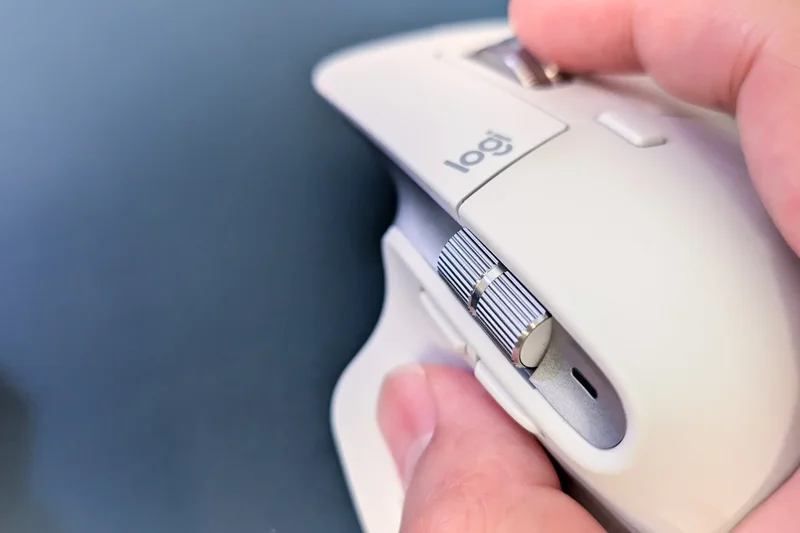
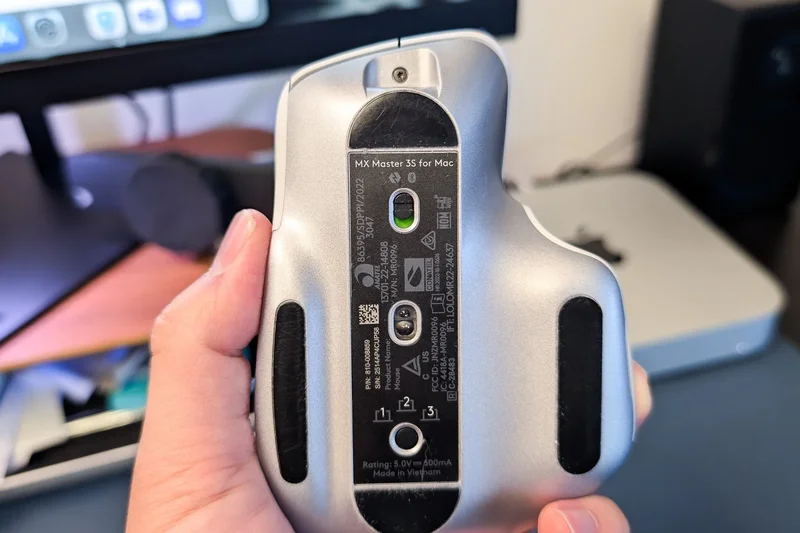
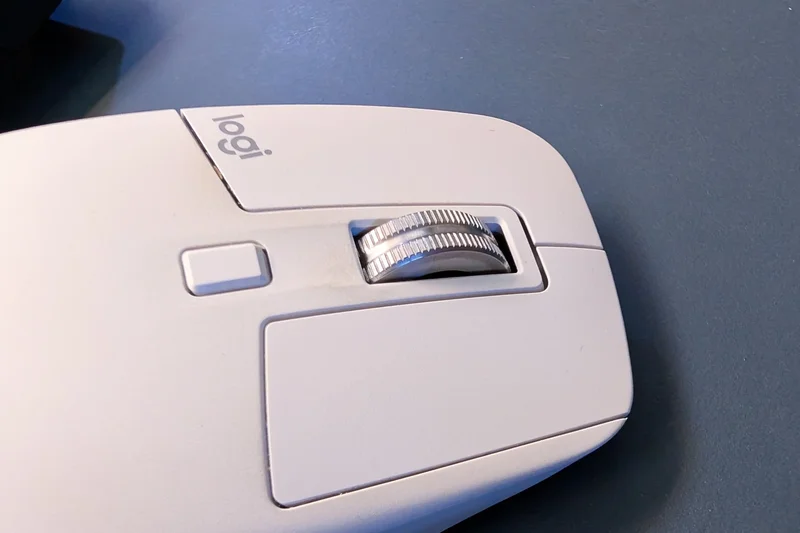
Why we picked it: The Logitech MX Master 3S continues its reign as the undisputed king of productivity mice. In our testing, its ergonomic contours provided unmatched support during exhaustive eight-hour workdays, earning a perfect 10 in our Ergonomics & Comfort dimension. The 8,000 DPI Darkfield sensor is a game-changer for those who work across varying environments, effortlessly tracking on high-gloss surfaces and thick glass tables where traditional optical sensors fail. We were particularly impressed by the MagSpeed electromagnetic scroll wheel, which can toggle between ratchet and hyper-fast free-spin modes silently, allowing you to fly through massive spreadsheets or long documents with a single flick. The integration of Logitech Flow software enables seamless crossover control between multiple computers, including cross-platform text and file copy-pasting. While it is on the heavier side and not suitable for fast-twitch gaming, its 70-day battery life, Type-C quick charging, and whisper-quiet click switches make it the ultimate tool for office professionals and creatives seeking an uncompromising workflow upgrade.
Key Specs
- 8,000 DPI Darkfield sensor (tracks on glass)
- MagSpeed electromagnetic scroll wheel
- Quiet Clicks (90% less noise)
- 70-day battery life per charge
What we like
- Incredible ergonomic support for palm grips
- Tracks flawlessly on transparent glass
- MagSpeed wheel is an absolute joy to use
- Multi-device control via Logi Flow
What we don't like
- Too heavy for gaming at 141g
- Right-handed design only
Best for: Office professionals, coders, and creatives looking for the best productivity workflow.
Considering the MX Master 3S vs the Razer Pro Click Mini? The Master 3S offers a much more supportive palm-grip shape and a superior scroll wheel, while the Pro Click Mini is better for travel and smaller hands.
The ultimate productivity mouse featuring unrivaled scrolling, flawless ergonomics, and glass-tracking capabilities.
Buy at Logitech official site#2 Razer Viper V3 Pro

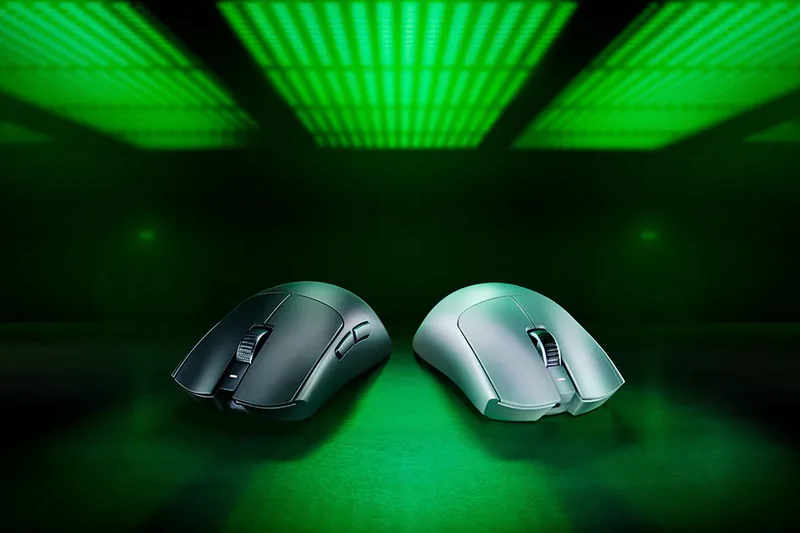
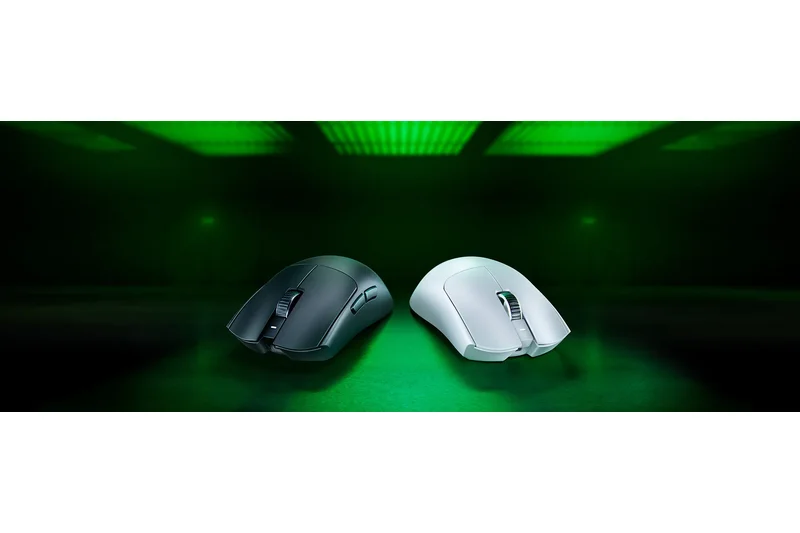
Why we picked it: Scoring a flawless 10 out of 10 in both Sensor and Connectivity dimensions, the Razer Viper V3 Pro is a masterclass in esports peripheral design. Weighing an astonishingly light 54g without resorting to honeycomb holes, it feels practically weightless during intense gaming sessions. The Focus Pro 35K Gen-2 Optical Sensor tracks pixel-perfect movement, while the true 8000Hz wireless polling rate ensures absolutely zero input latency, giving competitive gamers a tangible advantage. Razer's Optical Switches Gen-3 are rated for 90 million clicks and completely eliminate the risk of double-clicking. Despite the high performance, Razer managed to squeeze up to 95 hours of battery life out of this device. The symmetrical shape accommodates fingertip and claw grips perfectly. While the price is premium, the performance is uncompromising.
Key Specs
- 54g ultra-lightweight design
- Focus Pro 35K Gen-2 Optical Sensor
- True 8000Hz wireless polling rate
- Razer Optical Switches Gen-3
What we like
- Flawless 8000Hz wireless latency
- Incredibly lightweight solid shell
- Top-tier optical click switches
- Excellent battery life for the weight
What we don't like
- Expensive price point
- Lacks Bluetooth connectivity
Best for: Competitive FPS and MOBA gamers who demand the absolute lowest latency and precise tracking.
Considering the Viper V3 Pro vs the Logitech G Pro X Superlight 2? The Viper offers a more refined symmetrical shape and slightly crisper optical switches, though the Superlight 2's battery life is equally impressive.
A phenomenally lightweight, ultra-low latency wireless mouse built explicitly for esports dominance.
Buy at Razer official site#3 Logitech G Pro X Superlight 2 Dex
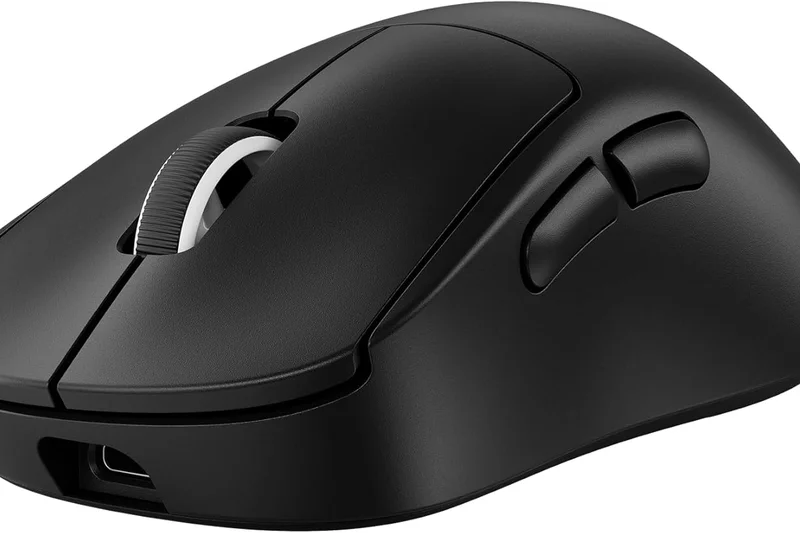
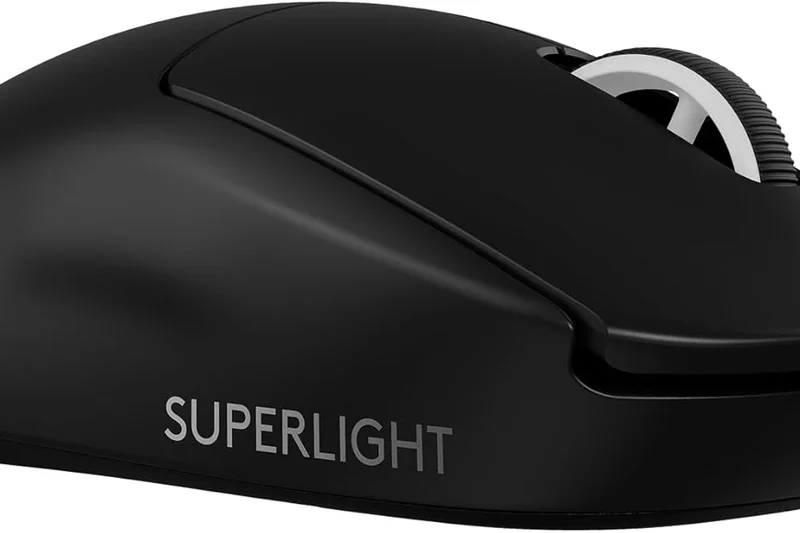
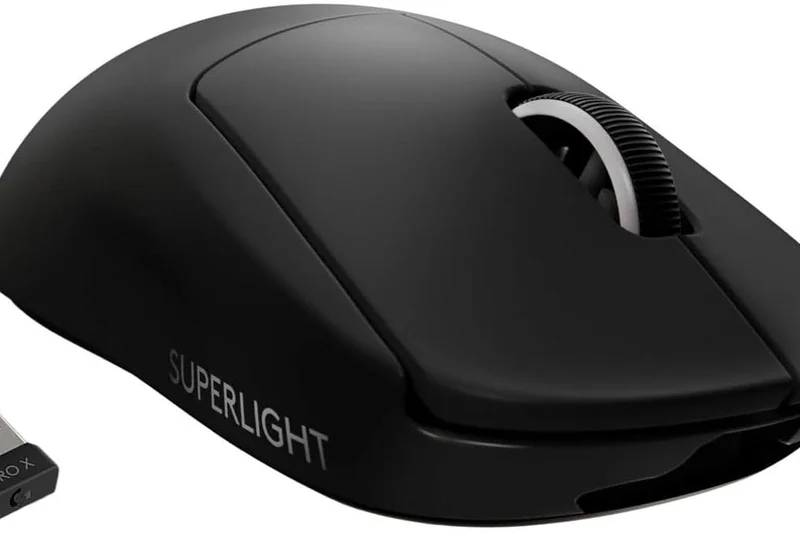
Why we picked it: Logitech took everything beloved about the original Superlight and refined it into an asymmetrical, ergonomic powerhouse. The Superlight 2 Dex utilizes the HERO 2 sensor pushing 44,000 DPI, combined with an 8000Hz LIGHTSPEED polling rate, securing perfect scores in our tracking and connectivity tests. At just 60 grams, it glides effortlessly on virgin PTFE feet. The inclusion of LIGHTFORCE hybrid optical-mechanical switches provides the reliability of optical actuation while retaining the satisfying, tactile click feel of a traditional mechanical switch. The new asymmetrical shape provides far better palm support for right-handed users than the standard Superlight, reducing fatigue during long gaming tournaments.
Key Specs
- 60g ultra-lightweight asymmetrical shape
- HERO 2 sensor (44,000 DPI, 888 IPS)
- 8000Hz LIGHTSPEED wireless polling rate
- LIGHTFORCE hybrid optical-mechanical switches
What we like
- Fantastic new ergonomic asymmetrical shape
- Flawless HERO 2 sensor performance
- Hybrid switches feel amazing
- 95-hour battery life
What we don't like
- High price tag
- No dedicated DPI button
Best for: Right-handed gamers who want the performance of a Superlight with improved ergonomic support.
Considering the Superlight 2 Dex vs the Razer DeathAdder V3 Pro? Both are incredible ergonomic esports mice, but the Dex's hybrid switches provide a uniquely satisfying click feel.
An ergonomic evolution of Logitech's legendary esports mouse, delivering flawless wireless performance.
Buy at Logitech official site#4 Razer DeathAdder V3 Pro
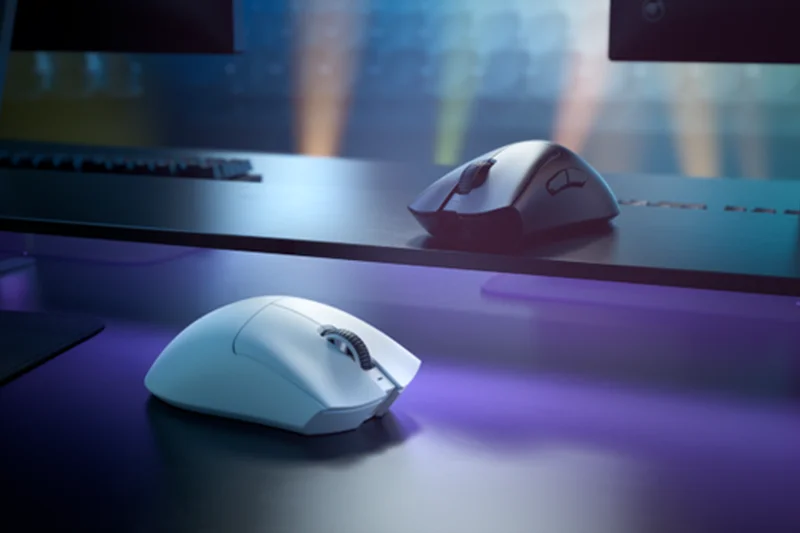
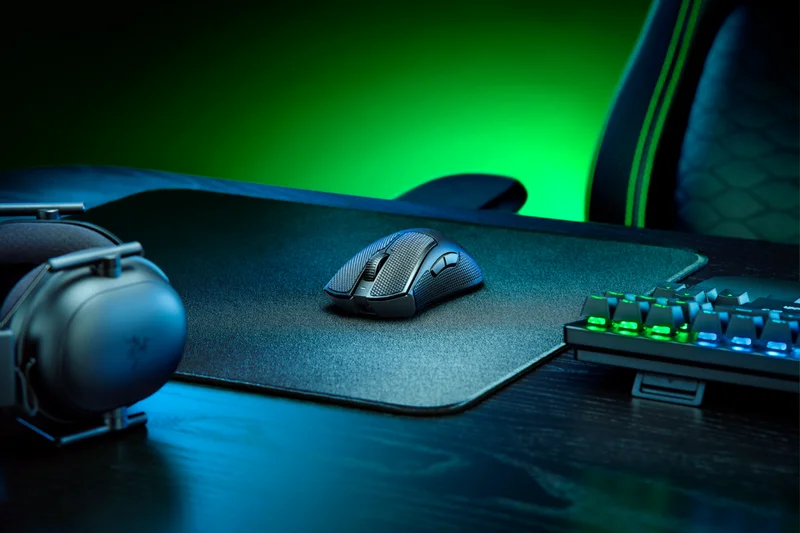
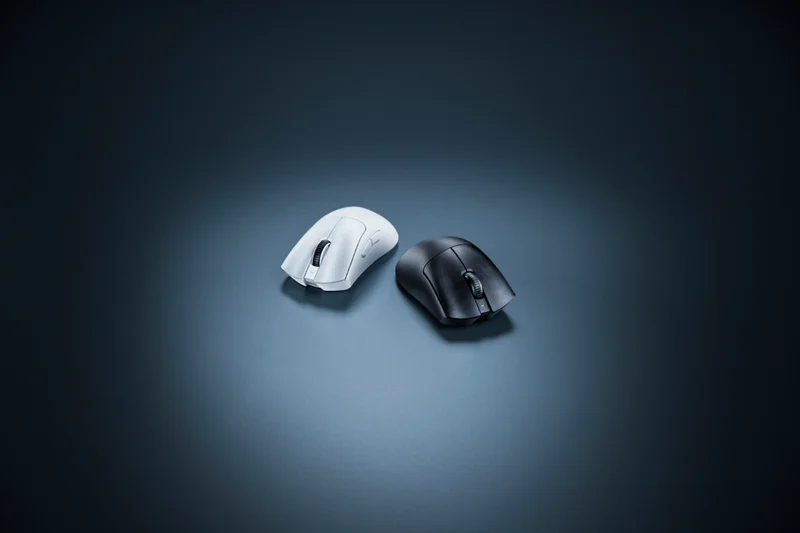
Why we picked it: The DeathAdder V3 Pro reimagines an iconic shape, cutting the weight down to 63g while housing the phenomenal Focus Pro 30K optical sensor. It is one of the most comfortable ergonomic gaming mice on the market, accommodating medium to large hands with ease. The Gen-3 optical switches are fast and reliable, and battery life is stellar at up to 90 hours. While it faces stiff competition from newer releases, its flawless tracking and universally loved shape make it a staple recommendation for any gamer who finds symmetrical mice uncomfortable.
Key Specs
- 63g ultra-lightweight ergonomic shape
- Focus Pro 30K Optical Sensor
- Up to 90 hours of battery life
- HyperPolling Wireless compatible
What we like
- Incredibly comfortable ergonomic shape
- Top-tier sensor performance
- Crisp optical switches
- Great battery life
What we don't like
- Smooth coating can get slippery
- HyperPolling dongle sold separately
Best for: Gamers with medium to large hands looking for a lightweight, high-performance ergonomic mouse.
Considering the DeathAdder V3 Pro vs the Logitech G502 X Plus? The DeathAdder is significantly lighter for competitive gaming, while the G502 offers more buttons for MMOs.
A lightweight ergonomic triumph that provides exceptional comfort and flawless tracking.
Buy at Razer official site#5 BenQ Zowie EC2-CW Wireless
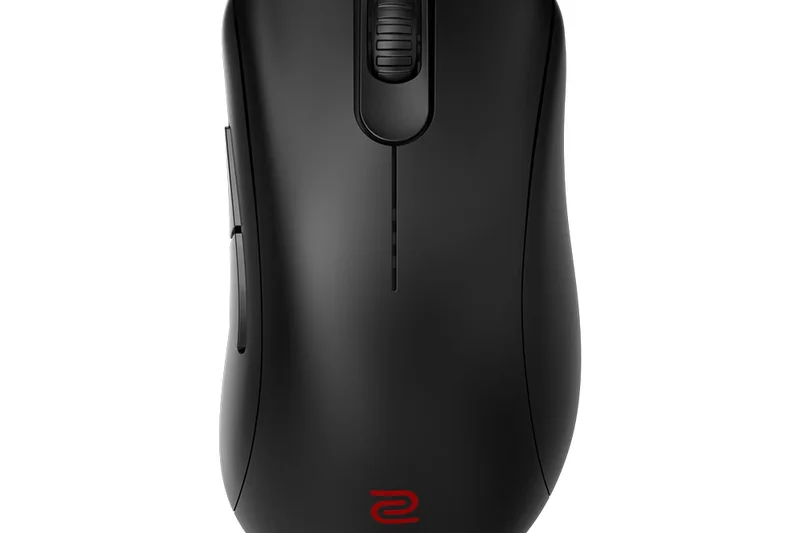
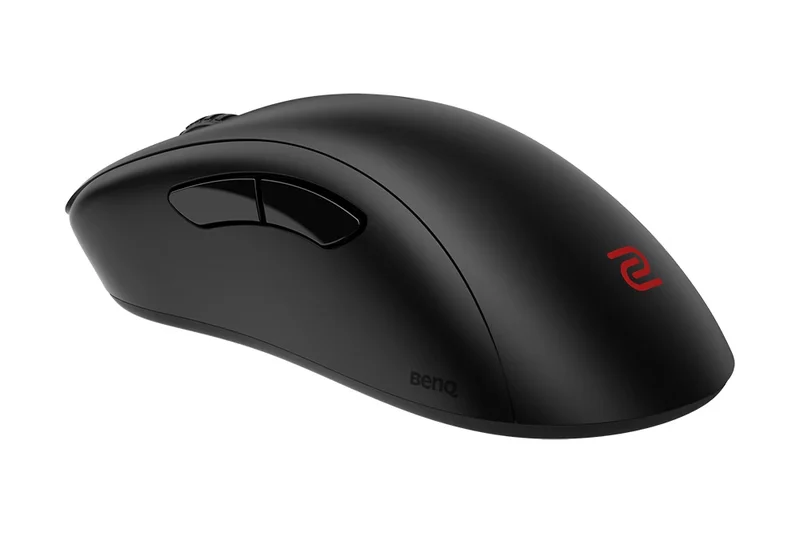
Why we picked it: The EC2 shape is arguably the most cloned ergonomic mouse design in history, and the EC2-CW is Zowie's official wireless version. At 77g, it's slightly heavier than modern competitors, but the comfort and natural aim feel of the EC2 shape are unparalleled. It features the same enhanced wireless receiver dock and driverless design as the U2, making it a trusted staple for professional CS2 and Valorant players who refuse to compromise on shape.
Key Specs
- 77g classic asymmetrical ergonomic shape
- Enhanced wireless receiver dock
- 3370 sensor optimized for esports
- Plug-and-play (no software needed)
What we like
- The gold standard ergonomic shape for shooters
- Extremely reliable wireless connection
- No software bloat
What we don't like
- Heavy by 2026 standards
- Uses older 3370 sensor and mechanical switches
Best for: Professional and hardcore tactical FPS players who swear by the classic EC2 shape.
Considering the EC2-CW vs the DeathAdder V3 Pro? The DeathAdder is significantly lighter with much better tech, but many pros still prefer the exact curvature of the EC2.
The legendary ergonomic shape goes wireless, offering unmatched comfort and tournament reliability.
Buy at Zowie official site#6 Ninjutso Sora V2
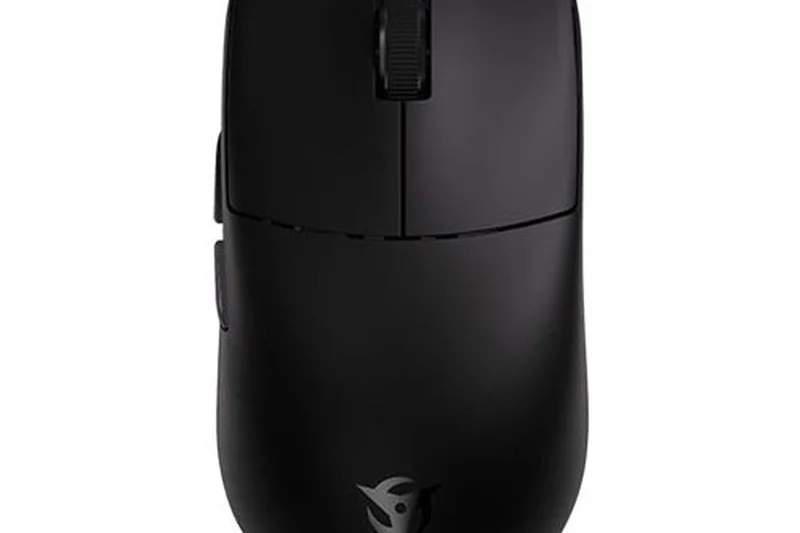
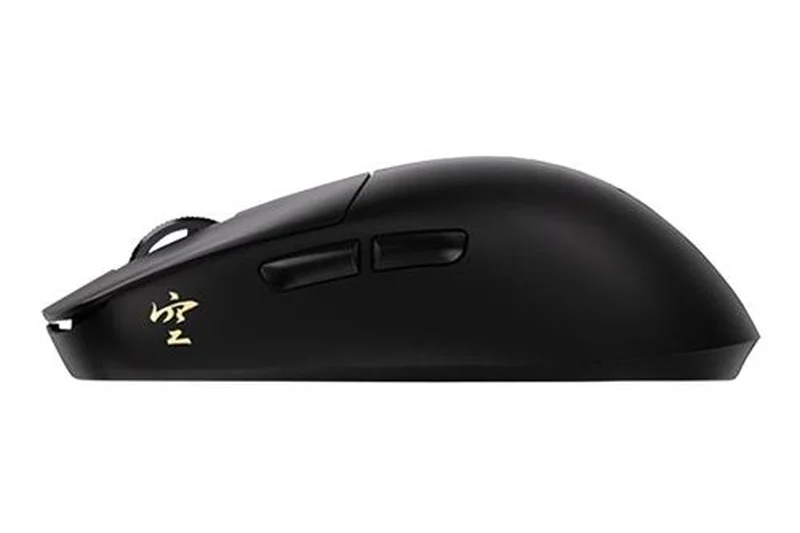
Why we picked it: The Ninjutso Sora V2 is an engineering marvel, achieving an astonishing 39g weight without a single honeycomb hole. Utilizing a special polycarbonate shell construction, it remains rigid while feeling lighter than air. Equipped with the PAW3395 sensor and Omron optical switches, it tracks beautifully and eliminates double-clicking. It also utilizes a fantastic web-based configuration tool, meaning you never have to install bloated software on your PC. It's a pure enthusiast dream.
Key Specs
- 39g hyper-lightweight (no holes)
- Polycarbonate shell construction
- PAW3395 optical sensor
- Web-based software configuration
What we like
- Mind-blowing 39g weight with a solid shell
- Web-based software is incredibly convenient
- Great optical switches
- Excellent claw grip shape
What we don't like
- May feel too light for some users
- Battery life is relatively short due to small battery
Best for: Enthusiasts who want the absolute lightest solid-shell mouse available for fast-twitch aiming.
Considering the Sora V2 vs the Viper V3 Pro? The Sora is much lighter and cheaper, but the Viper has superior 8KHz performance and better battery life.
An ultra-lightweight masterpiece featuring a 39g solid shell and convenient web-based software.
Buy at Ninjutso official site#7 BenQ Zowie U2 Wireless
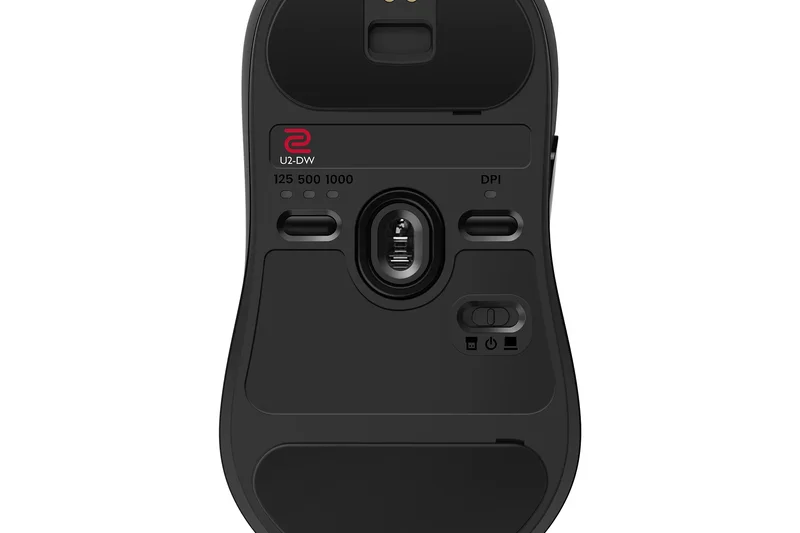
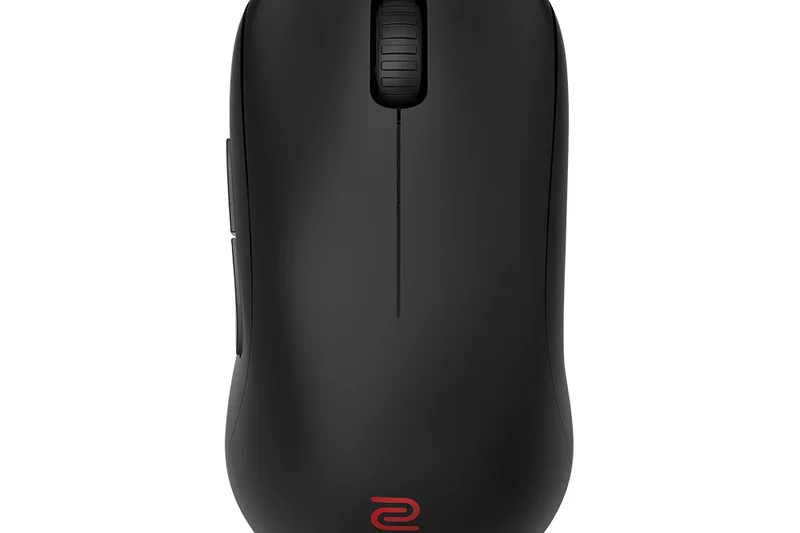
Why we picked it: Zowie mice are legendary in the Counter-Strike community, and the U2 Wireless brings a new inward-curved symmetrical shape designed specifically for claw grip stability. Weighing 60g, it uses a 3395 sensor and requires absolutely zero software to configure. The inclusion of an enhanced wireless receiver dock ensures an interference-free connection in tournament environments. It focuses entirely on shape, stability, and reliability over flashy features.
Key Specs
- 60g weight with inward-curved symmetrical shape
- Enhanced wireless receiver for stable connection
- 3395 sensor
- Driverless plug-and-play setup
What we like
- Incredible shape design for claw grips
- Zero software required
- Enhanced receiver guarantees stable connection
What we don't like
- Lacks modern features like optical switches or 4KHz
- High price for raw specs
Best for: Tactical FPS players who prioritize shape, stability, and plug-and-play tournament reliability.
Considering the Zowie U2 vs the Logitech Superlight 2? The Superlight offers better raw specs and switches, but Zowie's shape and enhanced receiver offer unique stability.
A purely competitive, shape-focused esports mouse designed for ultimate reliability.
Buy at Zowie official site#8 Endgame Gear OP1we
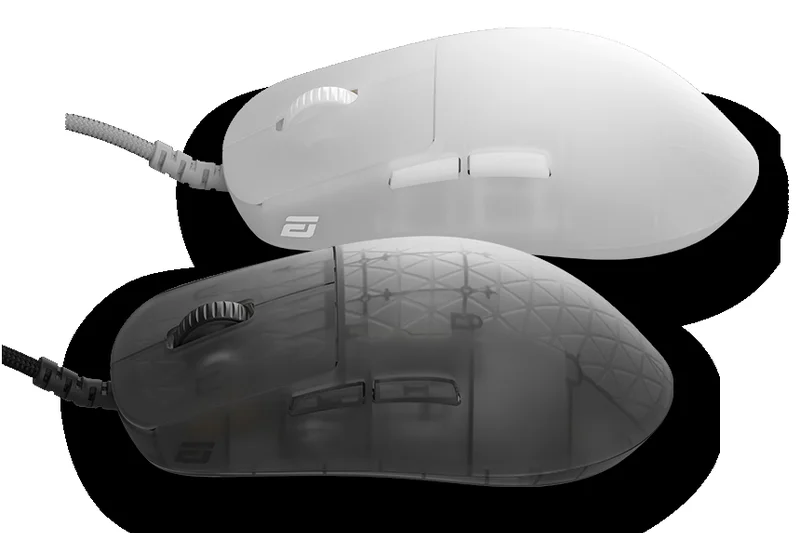
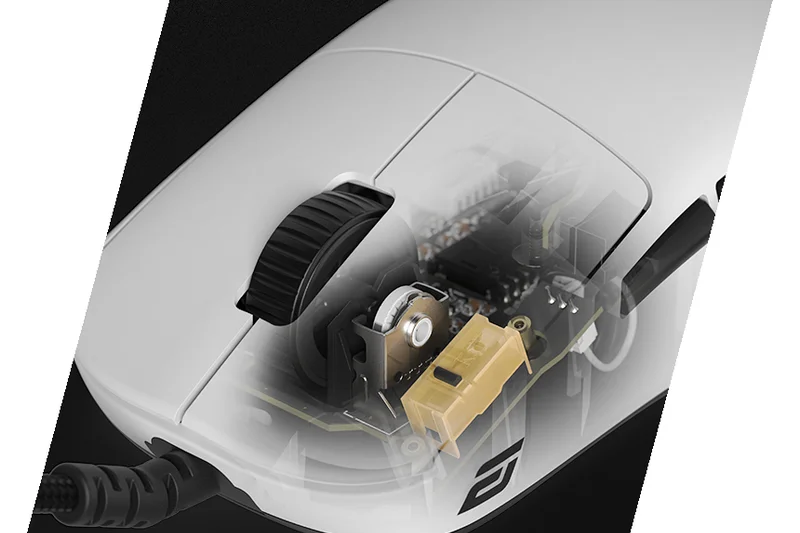
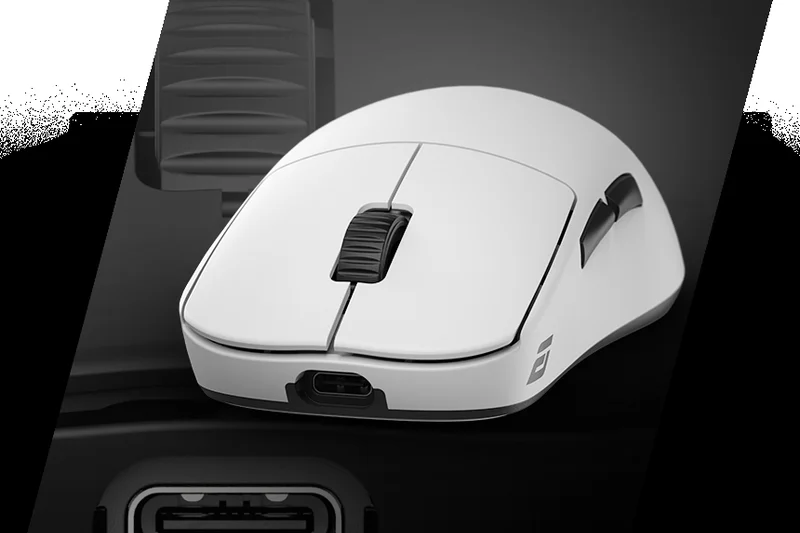
Why we picked it: Endgame Gear is legendary for build quality, and the OP1we is no exception. At 58.5g, it feels like an absolute tank, with zero flex or creak. It utilizes Kailh GO optical switches that provide a heavier, highly tactile click favored by precision aimers. The PAW3370 sensor is flawlessly implemented, and the narrower symmetrical shape is perfect for aggressive claw and fingertip grips. At $79.99, it offers premium enthusiast build quality at a mid-range price.
Key Specs
- 58.5g lightweight design
- Kailh GO optical switches
- PixArt PAW3370 sensor
- Flawless premium build quality
What we like
- Unbeatable build quality for the price
- Crisp, tactile optical switches
- Great shape for claw grips
- Excellent value
What we don't like
- Switches may feel too heavy for some
- Uses an older 3370 sensor (though implemented perfectly)
Best for: Claw-grip aimers who prioritize rock-solid build quality and heavy, tactile clicks.
Considering the OP1we vs the Pulsar X2V2? The OP1we has slightly superior build quality and heavier clicks, while the X2V2 offers a newer sensor and flatter sides.
An incredibly well-built, affordable symmetrical mouse optimized for claw-grip precision.
Buy at Endgame Gear official site#9 ASUS ROG Keris II Ace
Why we picked it: The ROG Keris II Ace is a phenomenal ergonomic esports mouse that weighs just 54g. It features the ROG AimPoint Pro 42,000 DPI sensor and supports an 8000Hz polling rate via the included booster. The shape is a very safe, comfortable ergonomic slope that accommodates palm and relaxed claw grips nicely. Tri-mode connectivity and crisp ROG Optical Micro Switches round out a nearly flawless, ultra-lightweight ergonomic package.
Key Specs
- 54g ultra-lightweight design
- ROG AimPoint Pro 42,000 DPI sensor
- ROG Polling Rate Booster (up to 8000Hz)
- Tri-mode connectivity (Wired, 2.4GHz, BT)
What we like
- Excellent lightweight ergonomic shape
- Top-tier 8KHz polling performance
- Crisp optical switches
- Includes Bluetooth connectivity
What we don't like
- Expensive
- Armoury Crate software is bloated
Best for: Gamers looking for a top-tier lightweight ergonomic mouse with Bluetooth versatility.
Considering the Keris II Ace vs the DeathAdder V3 Pro? The Keris is lighter and includes Bluetooth, but Razer's software is generally preferred over Asus's Armoury Crate.
A blazing fast, ultra-lightweight ergonomic mouse that delivers elite performance across the board.
Buy at ASUS official site#10 Pulsar Xlite V3 eS
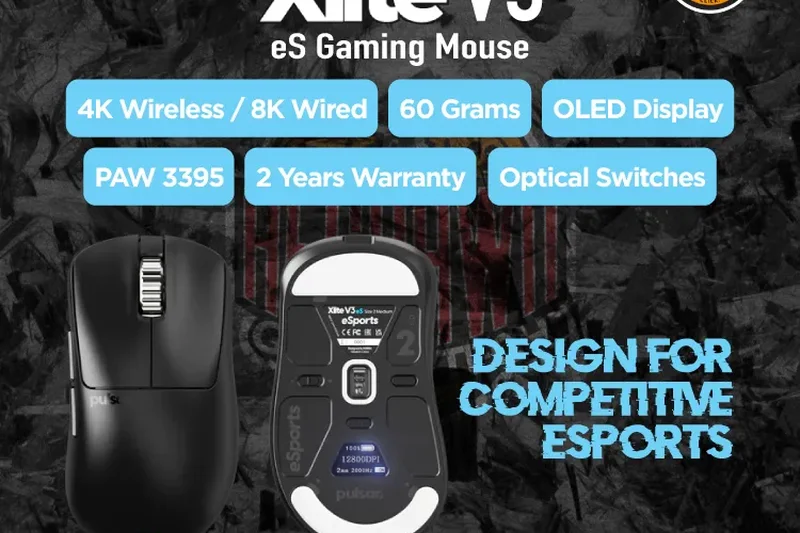
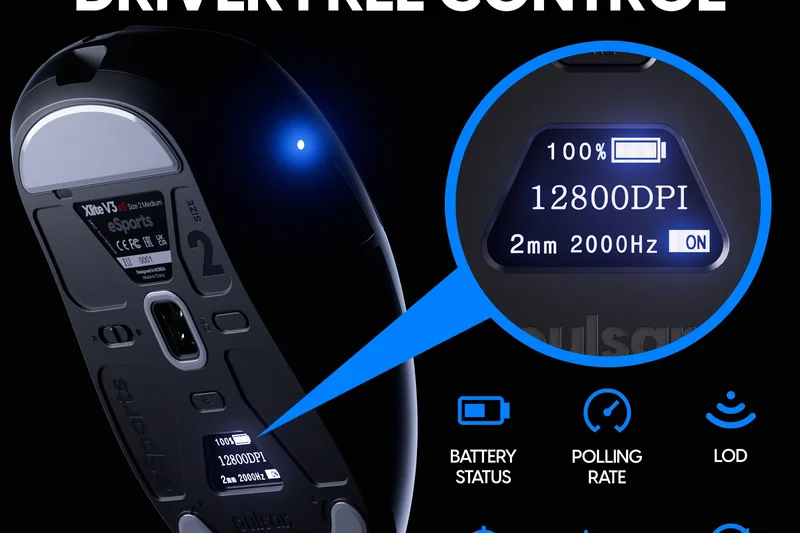
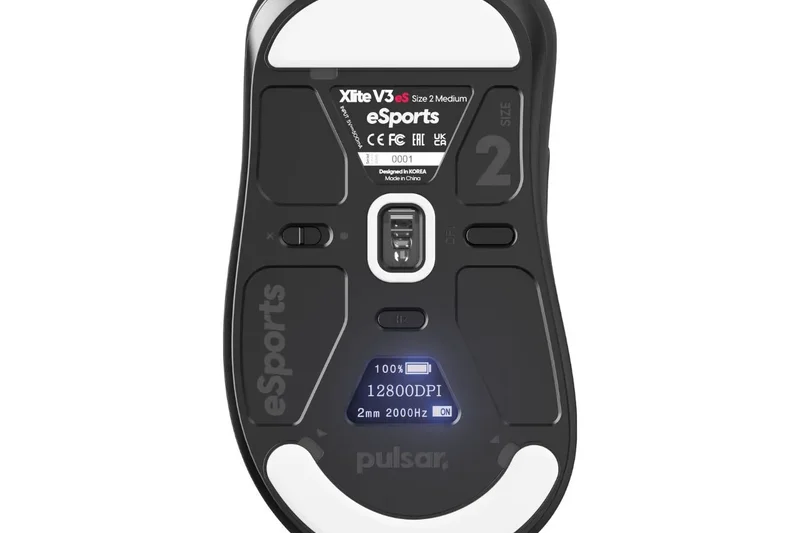
Why we picked it: The Pulsar Xlite V3 eS (Esports Edition) takes the excellent standard Xlite V3 and supercharges it. Scoring a 9 in Build Quality and Software, its standout feature is the integrated OLED display on the bottom, allowing you to change polling rates, lift-off distance, and DPI directly on the mouse without needing any software installed. Weighing 65g, it features an optimized center of gravity and a premium aluminum scroll wheel. With an 8K wired and 4K wireless polling rate driven by the PAW3395 sensor, it is a tournament-ready beast that respects system resources by ditching bloatware.
Key Specs
- Integrated OLED display for driver-free settings
- 4K wireless / 8K wired polling rates
- High-quality aluminum scroll wheel
- PAW3395 sensor (26,000 DPI)
What we like
- OLED screen allows driverless customization
- Premium aluminum scroll wheel
- Exceptional build quality
- Top-tier sensor performance
What we don't like
- Heavier than the standard Xlite V3
- More expensive than base models
Best for: Tournament players who need to change settings on the fly without installing software on foreign PCs.
Considering the Xlite V3 eS vs the Zowie EC2-CW? The Pulsar offers vastly superior sensor specs and lower weight, while Zowie offers a slightly more classic shape.
An innovative, driverless esports mouse with an OLED screen and impeccable build quality.
Buy at Pulsar official site#11 Logitech MX Anywhere 3S
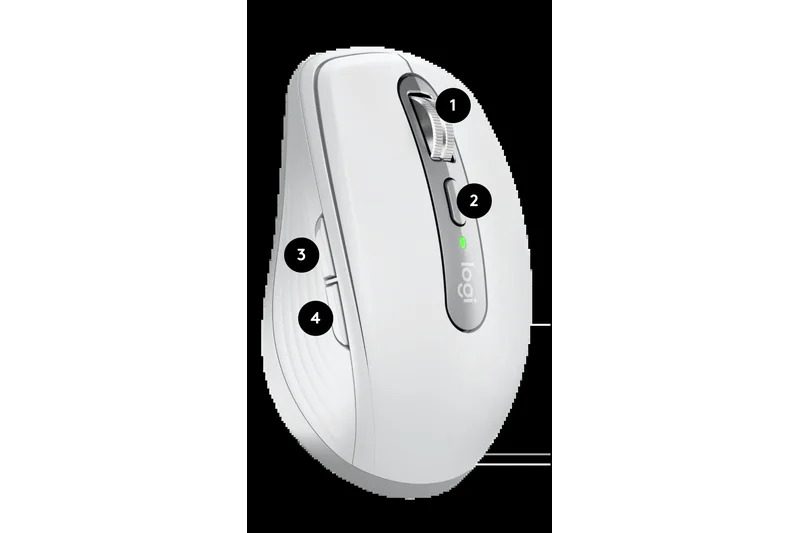
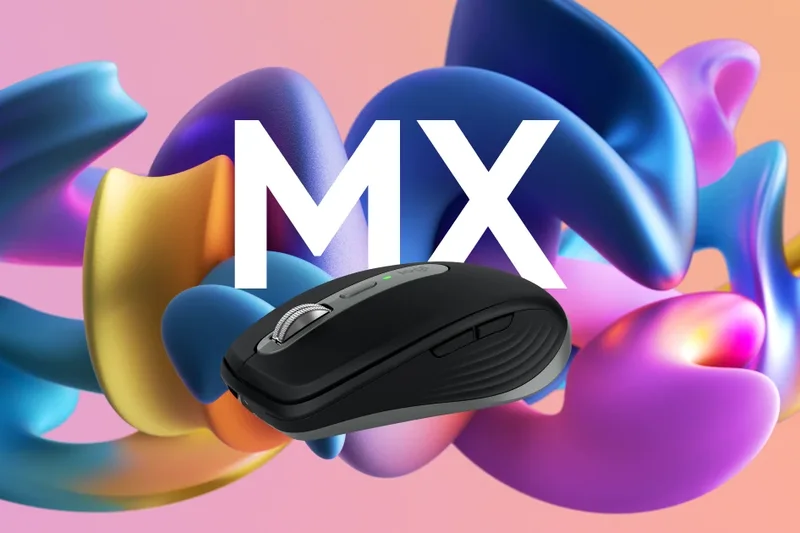
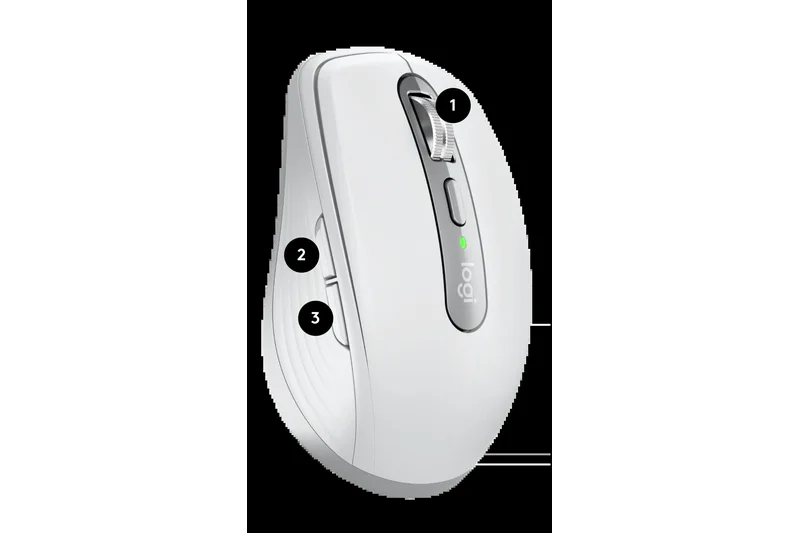
Why we picked it: Winning our 'Best for Travel & Portability' scenario, the MX Anywhere 3S packs the power of the flagship Master 3S into a compact 99g frame. It features the same 8,000 DPI Darkfield sensor that tracks flawlessly on glass, ensuring you can work on hotel coffee tables or airplane trays without a mousepad. The MagSpeed scroll wheel remains a standout, and the Quiet Click technology ensures you won't annoy your neighbors in quiet cafes. With a 70-day battery life and seamless Bluetooth switching across three devices, it is the ultimate companion for digital nomads.
Key Specs
- 8,000 DPI Darkfield sensor (tracks on glass)
- MagSpeed electromagnetic scroll wheel
- 99g travel-friendly weight
- Quiet Click technology
What we like
- Tracks flawlessly on transparent glass
- Incredibly compact and portable
- MagSpeed wheel is fantastic
- Silent clicks are great for public spaces
What we don't like
- Too small for long-term palm grip use
- No dedicated middle click (wheel toggle instead)
Best for: Frequent travelers and remote workers who need a high-performance mouse that tracks anywhere.
Considering the MX Anywhere 3S vs the Razer Orochi V2? The MX Anywhere tracks on glass and has a better scroll wheel, while the Orochi is lighter and better for gaming.
The undisputed king of travel mice, featuring glass-tracking technology and premium scrolling.
Buy at Logitech official site#12 Logitech Lift Vertical Ergonomic Mouse
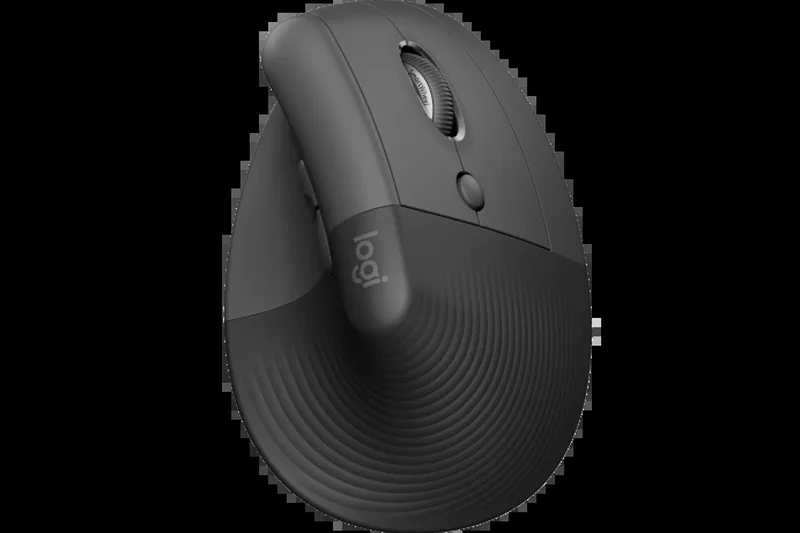

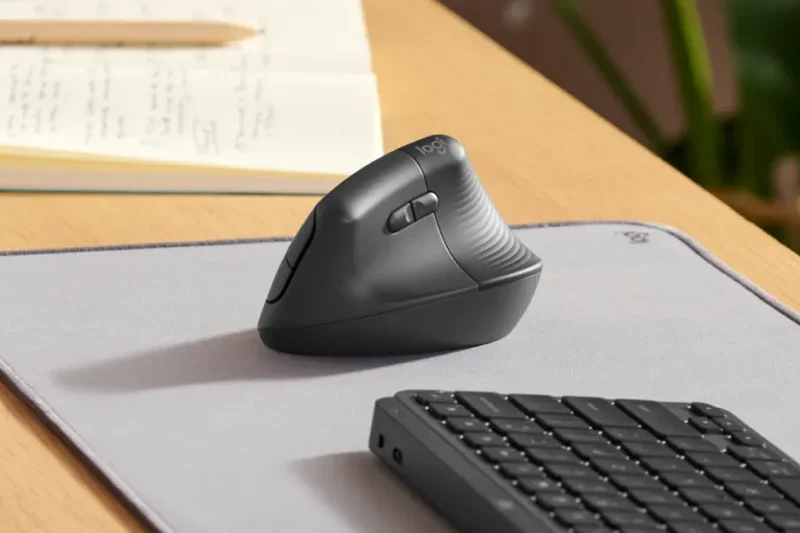
Why we picked it: Winning our 'Best Ergonomic Mouse for Joint Pain' category, the Logitech Lift scores a perfect 10 in Ergonomics. Its 57-degree vertical angle places your hand in a natural handshake position, drastically reducing forearm pronation and wrist pressure. Designed specifically for small to medium hands, it features quiet clicks and a smooth SmartWheel. Operating on a single AA battery, it delivers up to 24 months of lifespan. If you suffer from RSI or carpal tunnel, this mouse is a medical-grade relief tool that still offers excellent daily productivity performance.
Key Specs
- Optimal 57-degree vertical angle
- Quiet clicks & SmartWheel
- Up to 24 months battery life (1x AA)
- Designed for small to medium hands
What we like
- Drastically reduces wrist and forearm pain
- Whisper-quiet clicks
- Incredible 2-year battery life
- Excellent build quality
What we don't like
- Takes a few days to get used to the angle
- Not suited for large hands (get the MX Vertical instead)
Best for: Users with small-to-medium hands experiencing wrist pain, RSI, or carpal tunnel syndrome.
Considering the Lift vs the Microsoft Bluetooth Ergonomic? The Lift's vertical angle provides significantly more medical relief for joint pain than Microsoft's traditional horizontal slope.
The best vertical mouse on the market for smaller hands, offering immediate relief from wrist strain.
Buy at Logitech official site#13 Logitech G309 Lightspeed
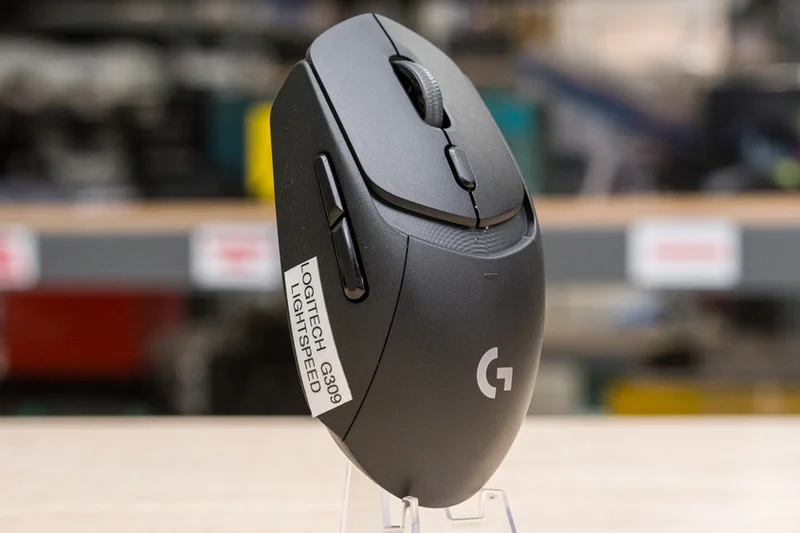
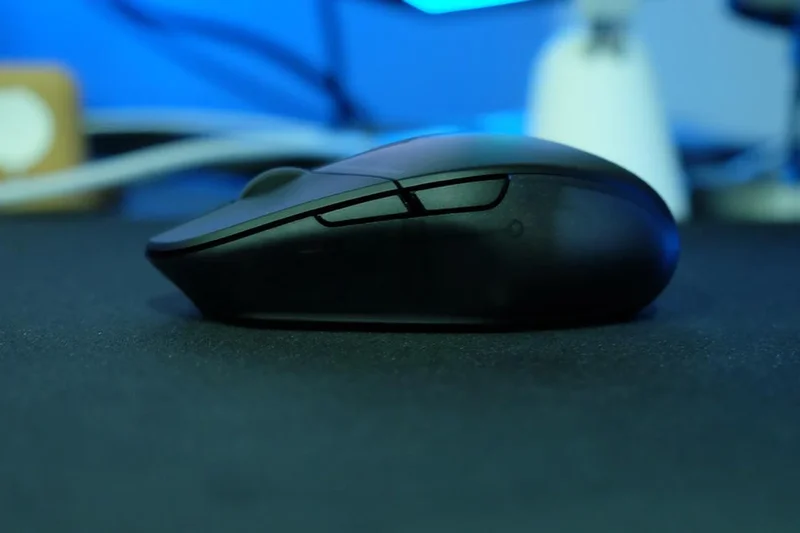
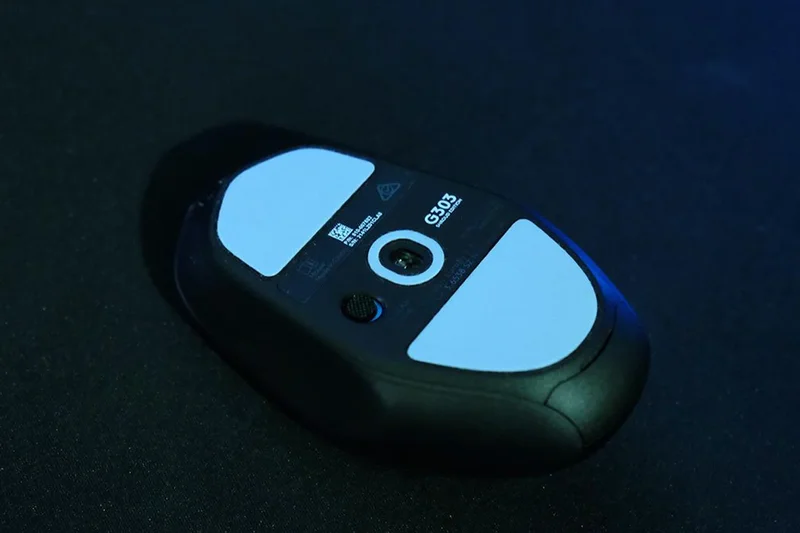
Why we picked it: The G309 Lightspeed is a mid-range champion, featuring the HERO 25K sensor and LIGHTFORCE hybrid switches. It offers incredible versatility: use it with a single AA battery for 300+ hours of life (weighing 86g), or use it entirely batteryless if you own a Logitech Powerplay mat. It features dual LIGHTSPEED and Bluetooth connectivity, making it a great hybrid option for users who game at night and work on a laptop during the day.
Key Specs
- 86g weight (with AA battery)
- HERO 25K sensor
- LIGHTFORCE hybrid optical-mechanical switches
- Dual connectivity (LIGHTSPEED & Bluetooth)
What we like
- Massive 300+ hour battery life
- Excellent hybrid switches
- Can be used batteryless with Powerplay
What we don't like
- 86g is slightly heavy for competitive use
- Back-heavy weight distribution with AA battery
Best for: Casual gamers and hybrid workers who want premium switches and extreme battery life.
Considering the G309 vs the G305? The G309 offers vastly superior switches, dual connectivity, and a better sensor, justifying the higher price.
A highly versatile mid-range mouse with great switches and exceptional battery endurance.
Buy at Logitech official site#14 Lamzu Atlantis OG V2 Pro
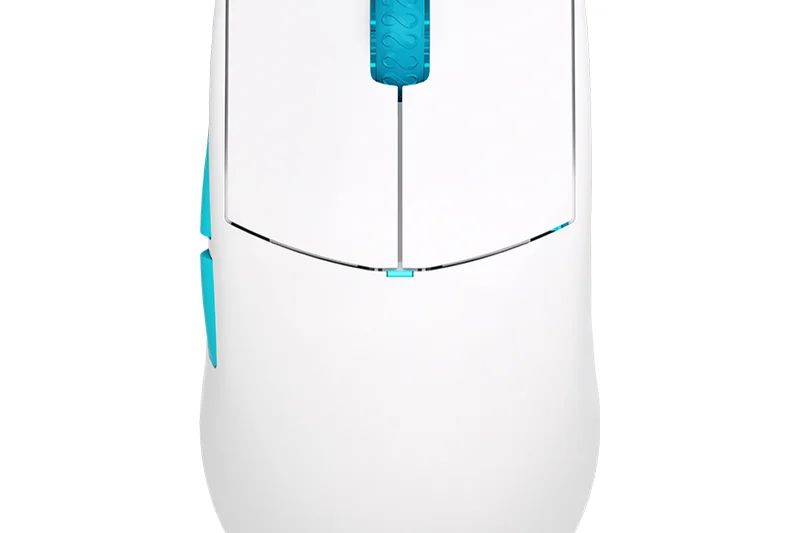
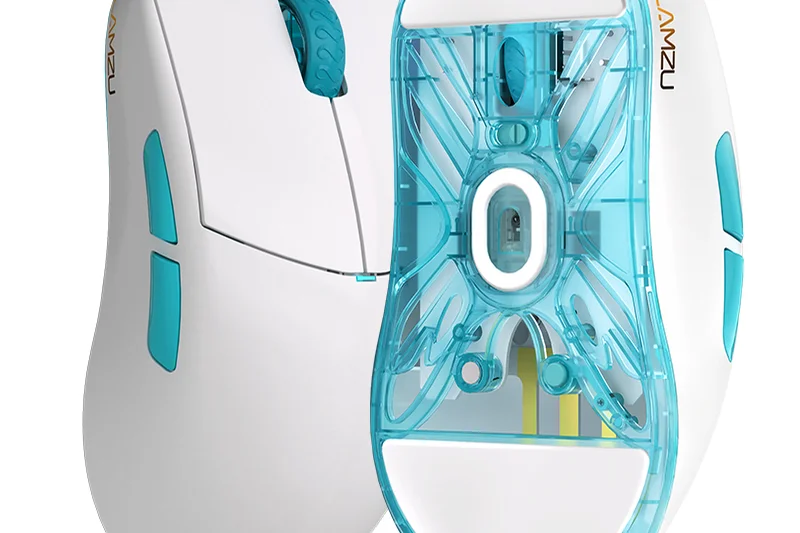
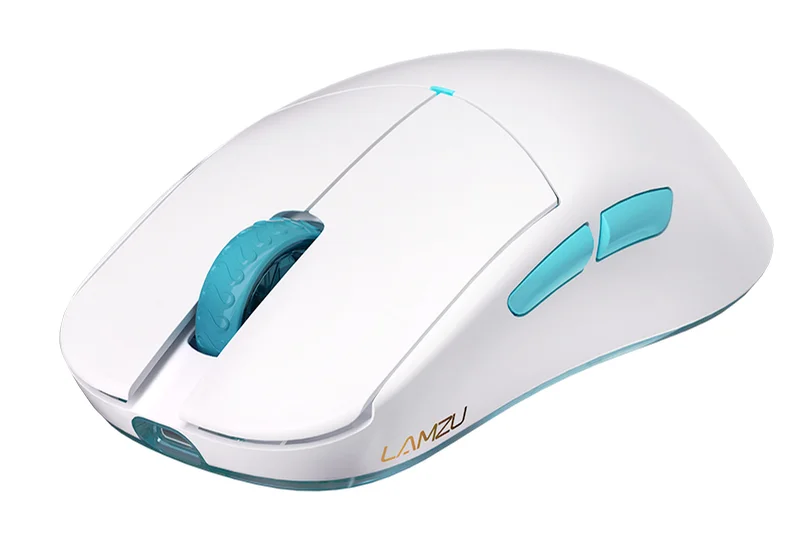
Why we picked it: The Atlantis OG V2 Pro is a fan-favorite among claw-grip aimers. At 57g, it features distinctive curved sides that lock your fingers into place, and a wide back hump that fills the rear of the palm. Equipped with a Pixart 3395 sensor, 4KHz compatibility, and custom Huano switches, it delivers incredibly tactile clicks and flawless tracking. The transparent bottom shell adds a unique aesthetic touch to an already premium feeling device.
Key Specs
- 57g lightweight design
- Pixart 3395 sensor
- 4KHz polling rate compatible
- Custom Huano switches
What we like
- Exceptional shape for aggressive claw grips
- Crisp, satisfying Huano switches
- Lightweight and well-balanced
- Great aesthetics
What we don't like
- Curved sides are polarizing and not for everyone
- 4K dongle sold separately
Best for: Aggressive claw grip players looking for a locked-in feel and highly tactile clicks.
Considering the Atlantis OG V2 vs the Sora V2? The Atlantis is wider with curved sides for a locked-in grip, while the Sora is significantly lighter and narrower.
A premium claw-grip mouse with uniquely curved sides and fantastic tactile switches.
Buy at Lamzu official site#15 ASUS ROG Harpe Ace Extreme
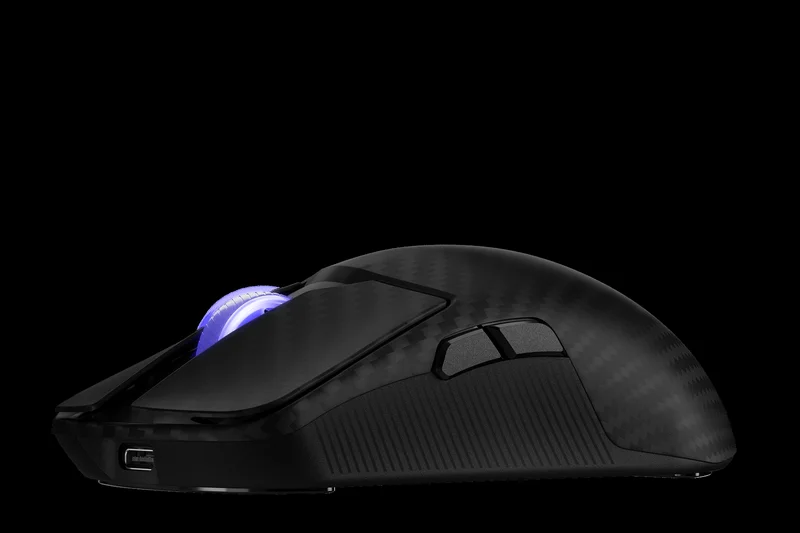
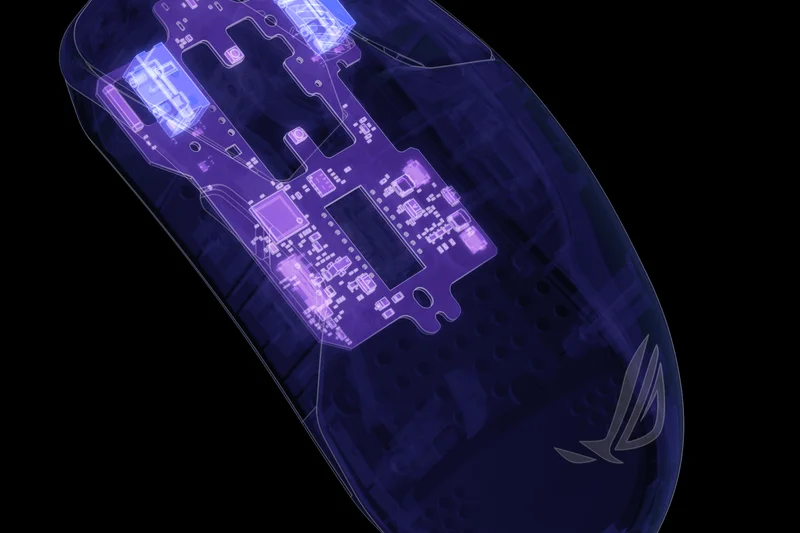
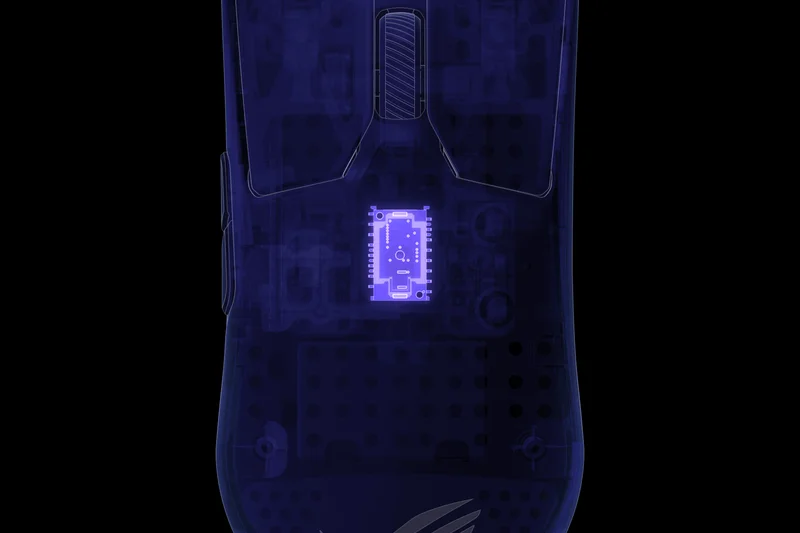
Why we picked it: The ROG Harpe Ace Extreme is an absolute flex of engineering, earning a perfect 10 in Build Quality. Featuring a top shell crafted from pure carbon fiber, this mouse weighs a gravity-defying 47 grams while maintaining rock-solid structural integrity. The ROG AimPoint Pro 42,000 DPI sensor boasts glass-tracking technology, a rarity in dedicated gaming mice. Paired with the ROG Polling Rate Booster for 8000Hz wireless speeds and ROG Optical Micro Switches rated for 100 million clicks, it leaves no stone unturned in the pursuit of performance. At $249.99, its Value score takes a hit, but if you want the most premium materials available in 2026, this is it.
Key Specs
- 47g pure carbon fiber top shell
- ROG AimPoint Pro 42,000 DPI sensor
- ROG Polling Rate Booster (8000Hz)
- Glass tracking technology
What we like
- Exotic carbon fiber construction
- Incredibly light and rigid at 47g
- Tracks flawlessly on glass
- Crisp optical micro-switches
What we don't like
- Astronomical price tag
- Carbon fiber texture might not appeal to everyone
Best for: Enthusiasts and professionals with unlimited budgets who want the pinnacle of mouse engineering.
Considering the ROG Harpe Ace Extreme vs the Viper V3 Pro? The Harpe offers exotic materials and glass tracking, but the Viper provides similar raw gaming performance for $90 less.
A pure luxury esports mouse offering carbon fiber construction and flawless performance for a premium price.
Buy at ASUS official site#16 Pulsar X2V2 Wireless
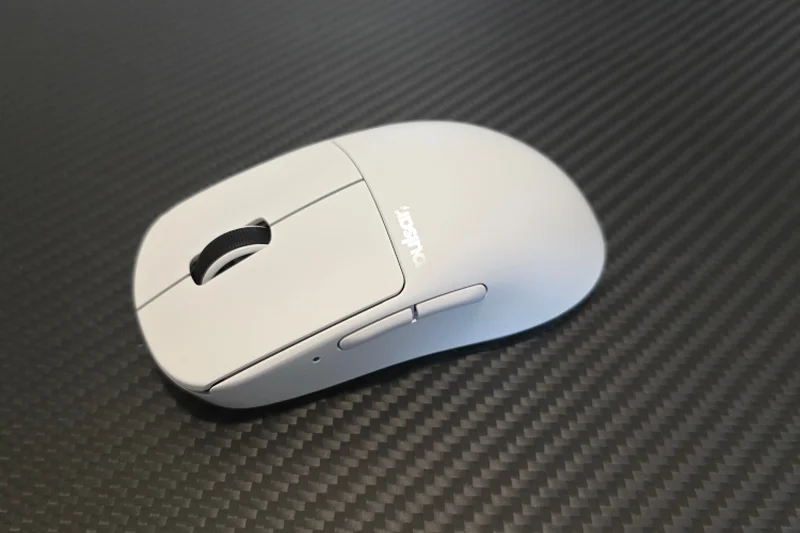
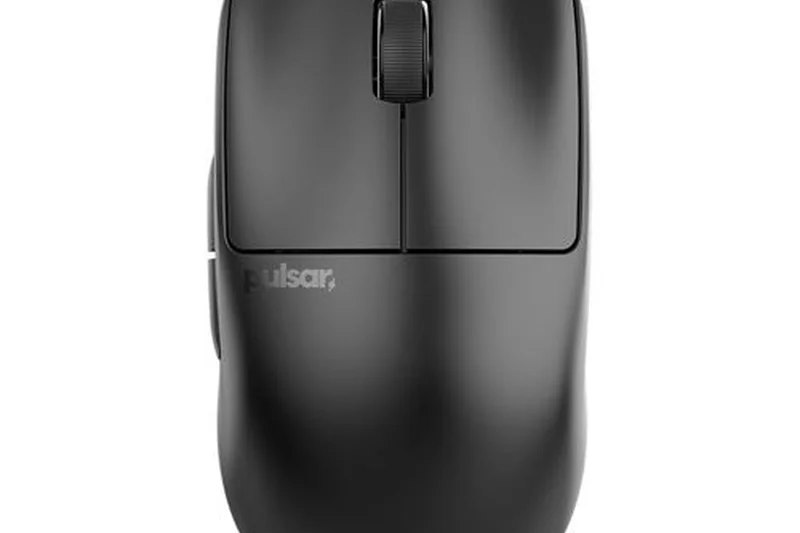
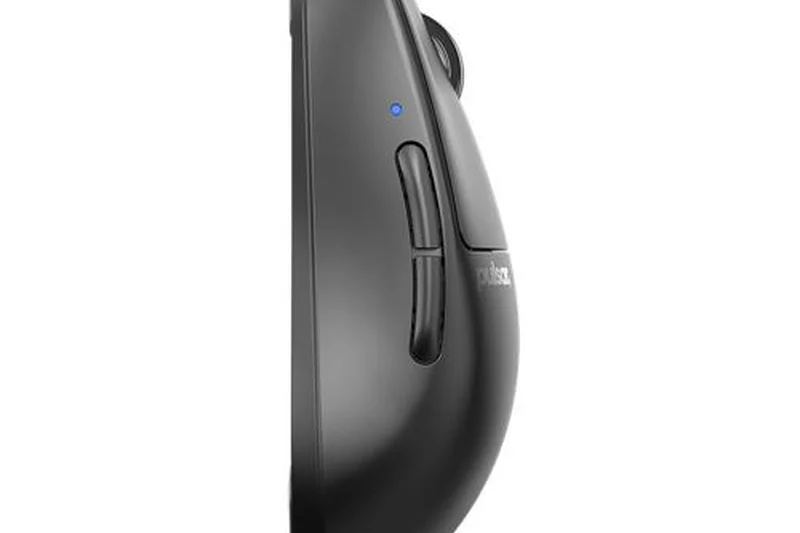
Why we picked it: The Pulsar X2V2 improves on the original with optical switches that completely prevent double-clicking and a new dust-proof encoder for the scroll wheel. The 53g symmetrical shape is fantastic for claw grips, providing a flat side profile and a supportive back hump. Combined with the PAW3395 sensor and 4K polling rate compatibility, it is one of the most mechanically sound boutique esports mice on the market.
Key Specs
- 53g symmetrical design
- PAW3395 sensor
- Optical switches for double-click prevention
- Pulsar Blue dust-proof encoder
What we like
- Fantastic claw-grip shape
- Optical switches are crisp and reliable
- Very lightweight solid shell
What we don't like
- 4K dongle sold separately
- Coating attracts fingerprints
Best for: Claw-grip gamers looking for a lightweight, premium symmetrical mouse with optical switches.
Considering the X2V2 vs the Lamzu Atlantis OG V2? Both are incredible claw-grip mice, but the X2V2 has flatter sides compared to the Atlantis's curved sides.
A premium symmetrical gaming mouse with an excellent shape and highly reliable internals.
Buy at Pulsar official site#17 Lamzu Thorn 4K
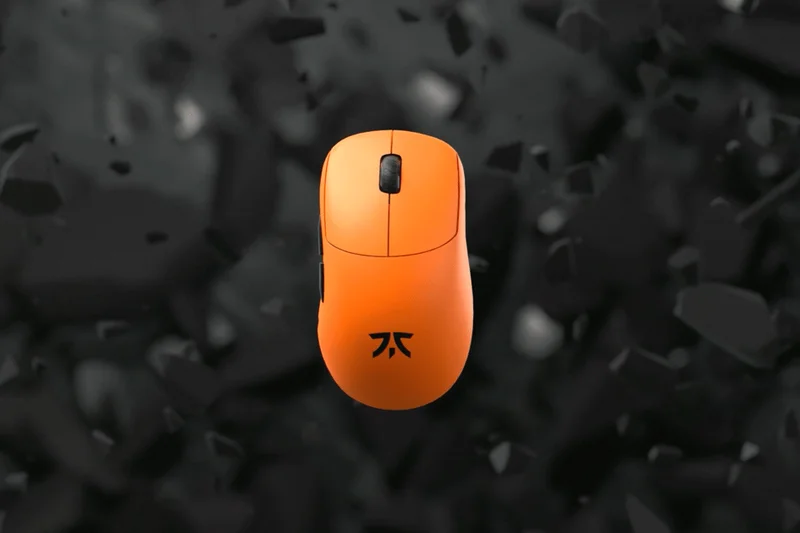
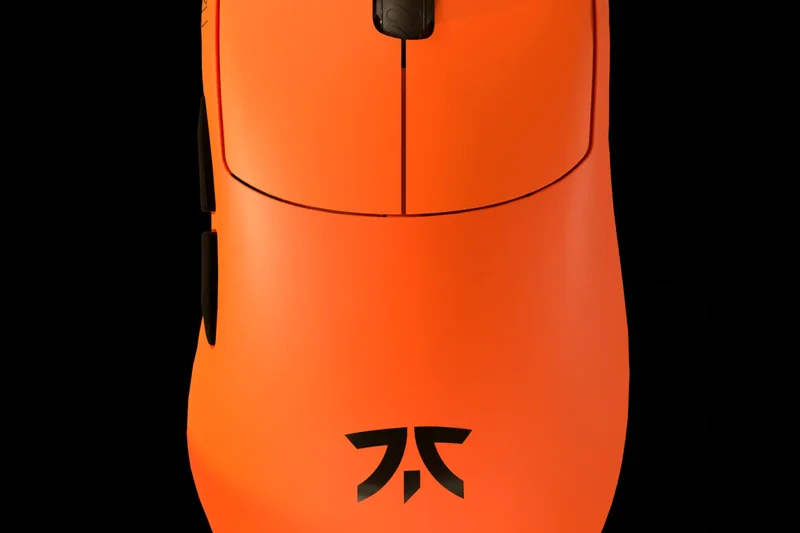
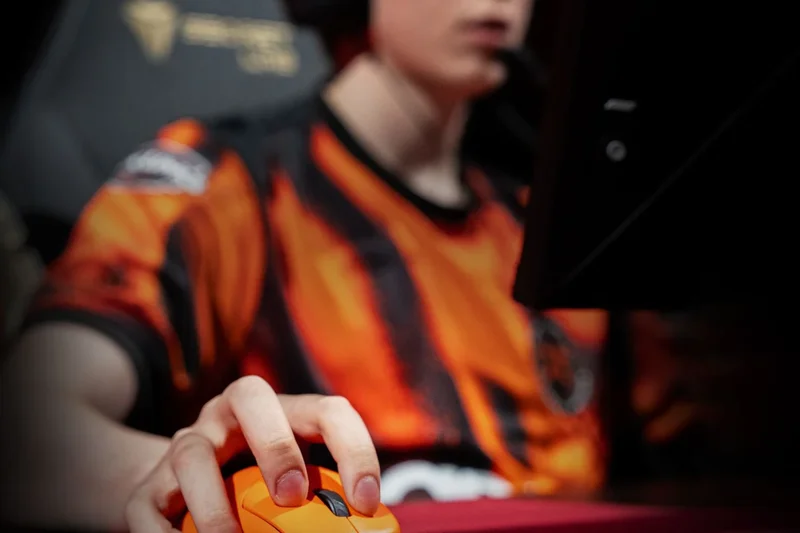
Why we picked it: The Lamzu Thorn 4K is a revelation for ergonomic gaming, packing a Pixart 3395 sensor and 4KHz polling rate capabilities into a solid shell that weighs just 52g. It offers a unique, slightly shorter ergonomic shape that fills the palm perfectly for relaxed claw grips. The optical switches are light and spammable, and the build quality is remarkably rigid for such a lightweight frame. With up to 70 hours of battery life and smooth PTFE skates out of the box, it provides a boutique enthusiast experience at a mainstream price point.
Key Specs
- 52g ultra-lightweight solid shell
- Pixart 3395 optical sensor (26,000 DPI)
- 4KHz polling rate compatible
- Optical M1 & M2 switches
What we like
- Fantastic unique ergonomic shape
- Ultra-light 52g without holes
- Excellent 4K wireless performance
- Great value for enthusiast specs
What we don't like
- 4K dongle may be sold separately
- Battery life drops significantly at 4KHz
Best for: Gamers who prefer ergonomic shapes but want ultra-lightweight performance for fast-paced shooters.
Considering the Lamzu Thorn vs the Pulsar Xlite V3? Both are top-tier lightweight ergos, but the Thorn has a slightly fuller back hump that fills the palm more securely.
A boutique ergonomic gaming mouse that delivers flagship performance and comfort at a reasonable price.
Buy at Lamzu official site#18 Logitech G502 X Plus
Why we picked it: For gamers who prefer feature-rich functionality over ultra-lightweight minimalism, the G502 X Plus remains the benchmark. Featuring 13 programmable controls, it is a multitasking beast perfect for MMOs, MOBAs, and productivity. The LIGHTFORCE hybrid switches provide excellent tactile feedback, while the HERO 25K sensor guarantees pinpoint accuracy. It features beautiful LIGHTSYNC RGB lighting, though this does drain the battery faster. At 106g, it's heavy for modern shooters, but the comfort and utility of having so many accessible macros make it indispensable for its target audience.
Key Specs
- 13 programmable controls
- LIGHTFORCE hybrid optical-mechanical switches
- HERO 25K gaming sensor
- LIGHTSYNC RGB lighting
What we like
- Incredible amount of programmable buttons
- Excellent hybrid switch feel
- Iconic, highly comfortable shape
- Infinite scroll wheel included
What we don't like
- Heavy at 106g
- RGB heavily impacts battery life
Best for: MMO/MOBA players and power users who want a hybrid gaming/productivity mouse with lots of macros.
Considering the G502 X Plus vs the Razer Basilisk V3 Pro? Both are feature-rich, but Logitech's hybrid switches offer a slightly more mechanical feel compared to Razer's pure opticals.
The ultimate multi-genre gaming mouse, offering a wealth of buttons and fantastic hybrid switches.
Buy at Logitech official site#19 Razer Orochi V2
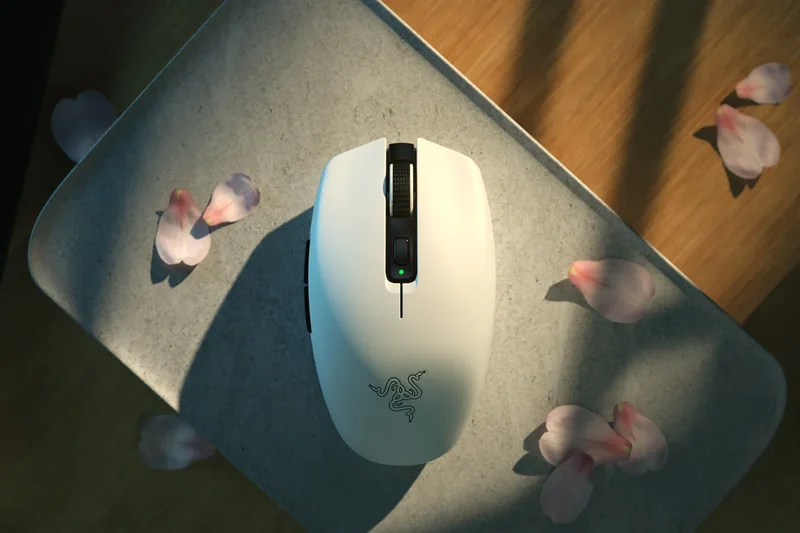
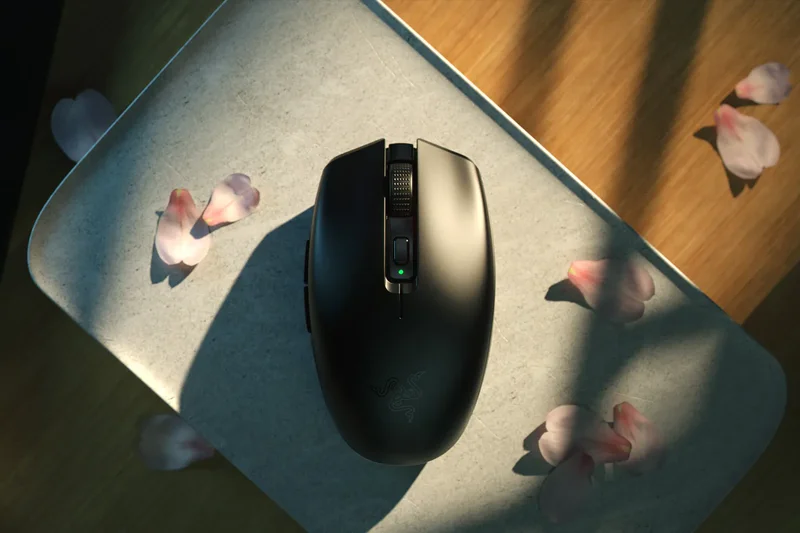
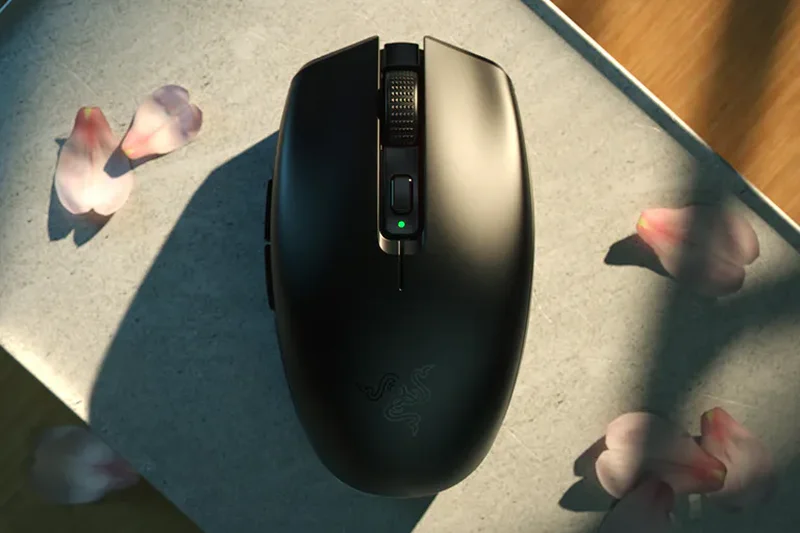
Why we picked it: The Orochi V2 is a phenomenal budget travel gaming mouse. Weighing around 60g (excluding the battery), it uses a clever universal design that accommodates various grip styles. With up to 950 hours of battery life on Bluetooth (using a Lithium AA), it rarely needs attention. The 5G Advanced 18K DPI sensor tracks flawlessly for gaming on the go. Its egg-like shape is surprisingly comfortable, making it a favorite for laptop gamers and frequent travelers.
Key Specs
- 60g ultra-lightweight (excluding battery)
- Up to 950 hours battery life (Bluetooth)
- 5G Advanced 18K DPI Optical Sensor
- Universal design for multiple grip styles
What we like
- Incredible battery life
- Very lightweight and portable
- Great universal shape for small/medium hands
- Excellent price-to-performance ratio
What we don't like
- Requires AA/AAA batteries
- Mechanical switches can double-click over time
Best for: Laptop gamers and travelers needing a reliable, lightweight mouse with massive battery life.
Considering the Orochi V2 vs the Pebble 2? The Orochi is vastly superior for gaming thanks to its sensor and shape, though the Pebble is slimmer.
A superb, lightweight travel gaming mouse with unmatched battery endurance.
Buy at Razer official site#20 Cherry Xtrfy M64 Wireless
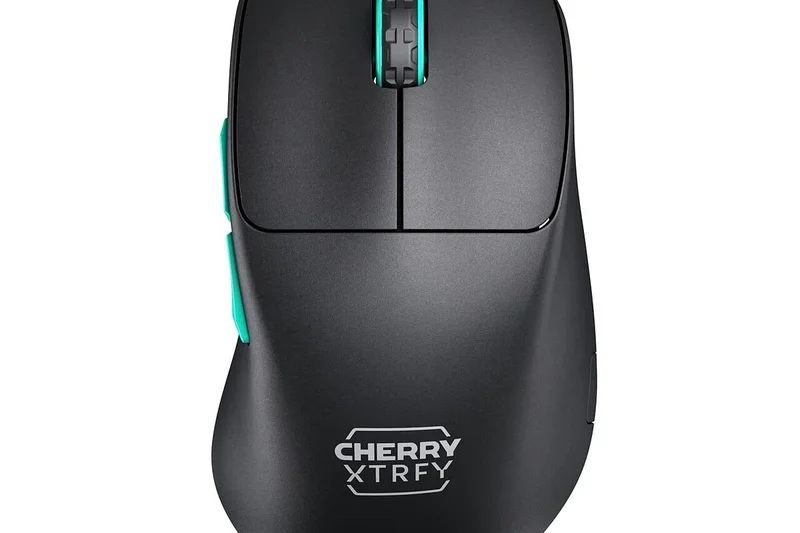
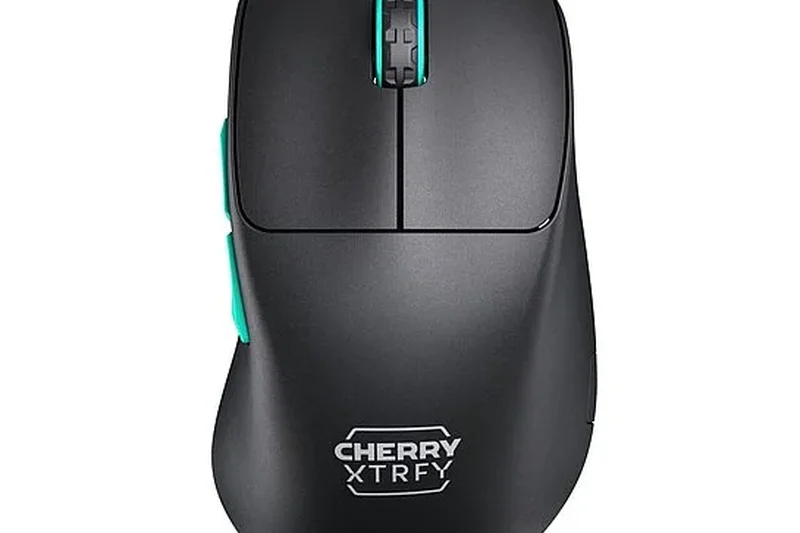
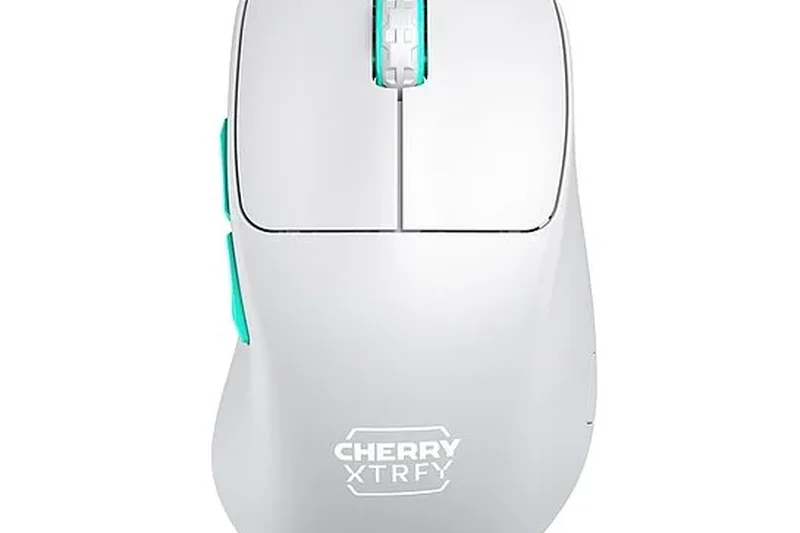
Why we picked it: The Cherry Xtrfy M64 Wireless offers a highly unique ergonomic shape with a very low front, allowing your fingers to sit closer to the mousepad for enhanced control. At 53g, it is incredibly light with a solid shell. It features the PAW3395 sensor and snappy Kailh GM 8.0 switches. If traditional ergonomic mice feel too bulky or tall at the front, the M64 provides a fantastic, low-profile alternative.
Key Specs
- 53g ultra-lightweight solid shell
- Unique low-front ergonomic shape
- PAW3395 sensor
- Kailh GM 8.0 switches
What we like
- Unique low-front shape improves aim control
- Very lightweight at 53g
- Solid build quality
- Crisp Kailh switches
What we don't like
- Shape takes time to get used to
- Software is basic
Best for: Gamers who find traditional ergonomic mice too tall and want their fingers closer to the pad.
Considering the M64 vs the Lamzu Thorn? The M64 has a much lower front profile, whereas the Thorn fills the palm more completely.
An innovative ultra-lightweight ergonomic mouse with a low front for enhanced aiming precision.
Buy at Cherry Xtrfy official site#21 Razer Basilisk V3 Pro
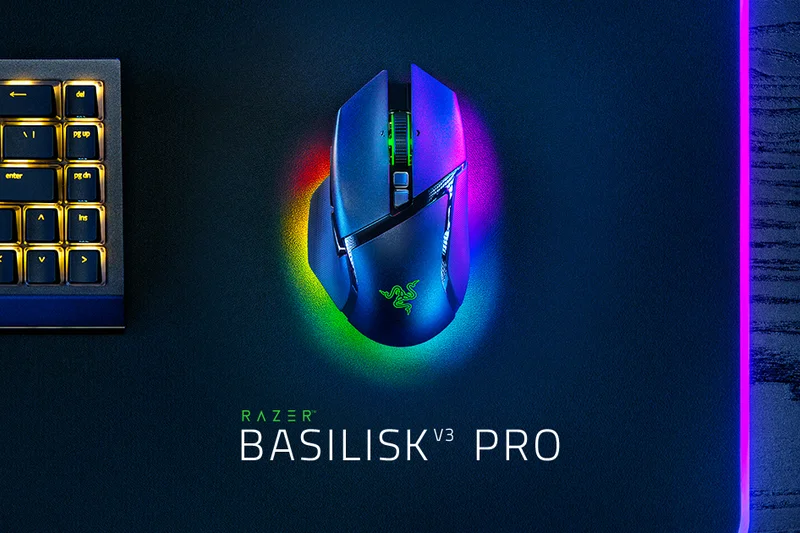
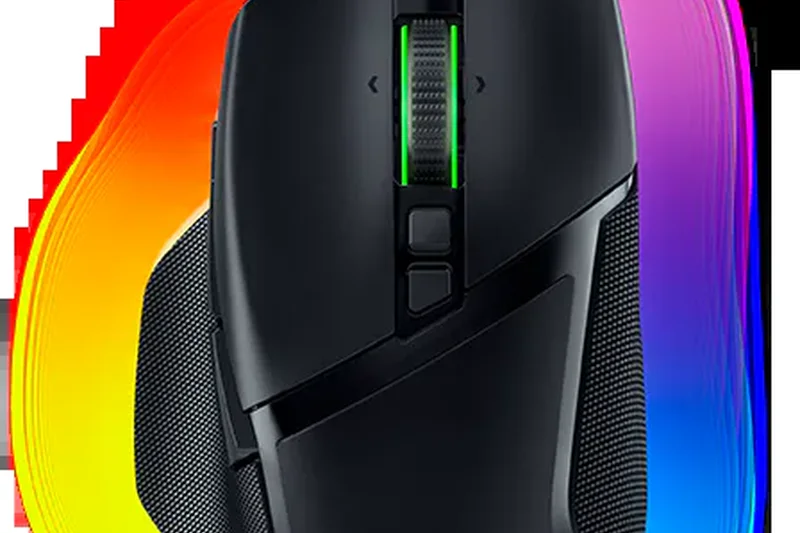
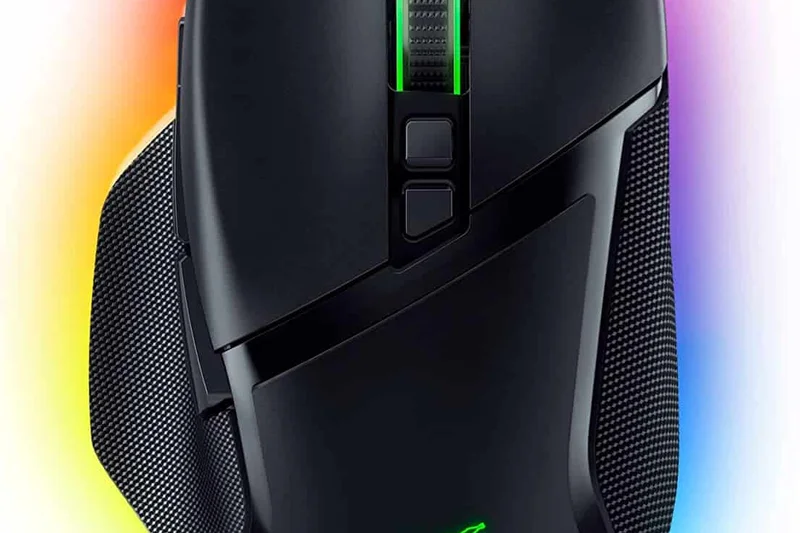
Why we picked it: Directly competing with the G502, the Basilisk V3 Pro is Razer's ultimate feature-rich mouse. It boasts 13 programmable buttons, the flawless Focus Pro 30K sensor, and a brilliant 13-zone Chroma RGB underglow. The standout feature is the HyperScroll Tilt Wheel, which can automatically switch between tactile and free-spin modes depending on how fast you flick it. It is heavy and battery life isn't top-tier with RGB enabled, but its ergonomics are superb, and it supports Razer's next-gen wireless charging dock. It's a luxurious, do-it-all device.
Key Specs
- 13 programmable buttons
- HyperScroll Tilt Wheel (tactile & free-spin)
- 13-zone Chroma RGB lighting
- Next-gen wireless charging compatible
What we like
- Smart HyperScroll wheel is excellent
- Beautiful RGB underglow
- Very comfortable thumb rest
- Top-tier Focus Pro sensor
What we don't like
- Quite heavy for fast-paced games
- Battery life is mediocre with RGB on
Best for: Gamers wanting a highly customizable, RGB-heavy mouse with an incredibly smart scroll wheel.
Considering the Basilisk V3 Pro vs the MX Master 3S? The Basilisk is better for gaming, while the MX Master provides superior battery life and multi-device productivity features.
A premium, feature-packed gaming mouse highlighted by its smart scroll wheel and vibrant RGB.
Buy at Razer official site#22 Glorious Model D 2 Wireless
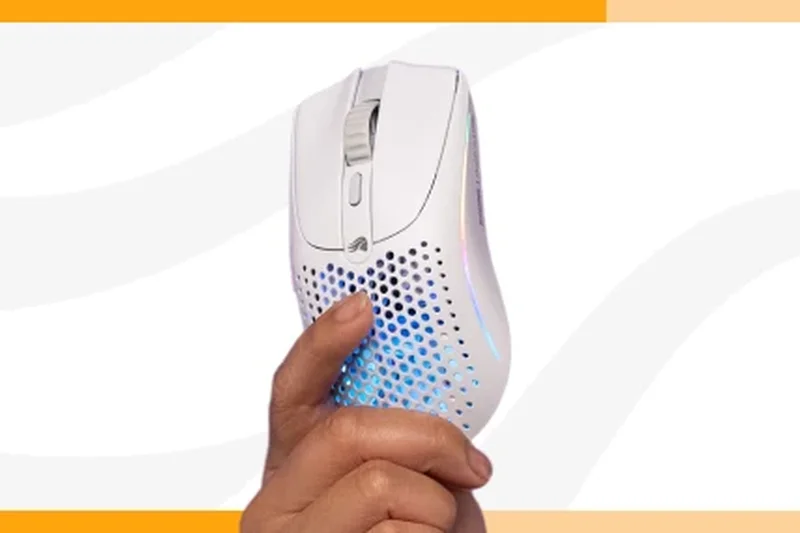
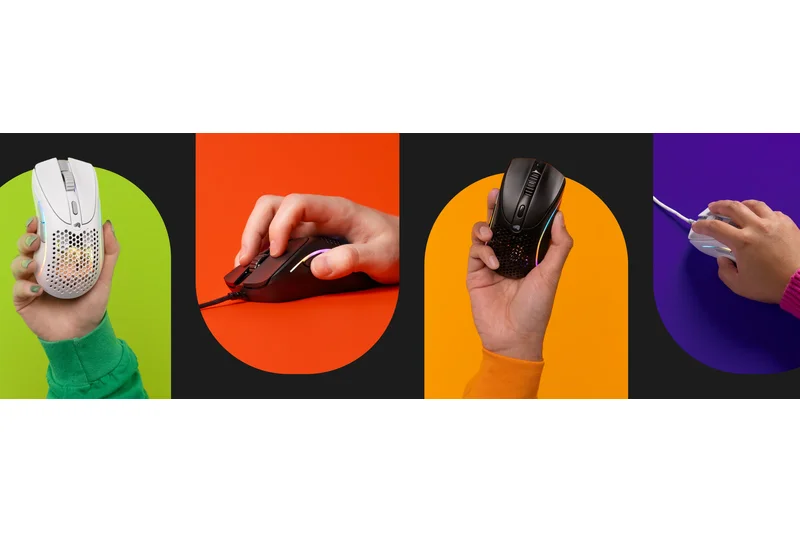
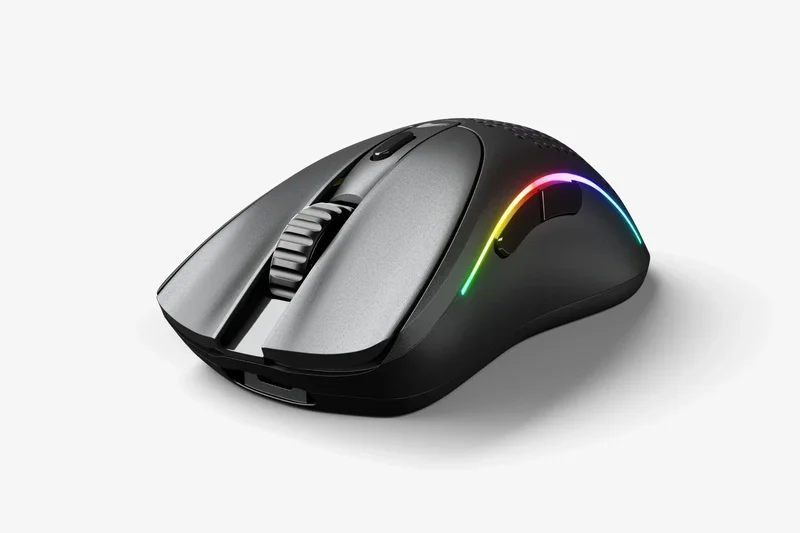
Why we picked it: The ergonomic sibling to the Model O 2, the Model D 2 Wireless weighs 66g and features a comfortable sloping shape for right-handed palm grips. It utilizes the same BAMF 2.0 sensor and boasts up to 210 hours of battery life via Bluetooth. Equipped with Glorious Optical Switches, it prevents double-clicking issues. It's a highly capable ergonomic option for those who want RGB and a lightweight frame without breaking the bank.
Key Specs
- 66g ultra-lightweight ergonomic shape
- BAMF 2.0 26K Sensor
- Glorious Optical Switches
- Hybrid 2.4GHz & Bluetooth 5.2 connectivity
What we like
- Very comfortable ergonomic slope
- Optical switches prevent double-clicks
- Excellent battery life
What we don't like
- Holey design isn't for everyone
- Software can be clunky
Best for: Right-handed gamers seeking a lightweight ergonomic mouse with optical switches and RGB.
Considering the Model D 2 vs the Lamzu Thorn? The Thorn is lighter with a solid shell and better 4K performance, but the Model D 2 offers Bluetooth and RGB.
A comfortable, lightweight ergonomic gaming mouse with reliable optical switches and great endurance.
Buy at Glorious official site#23 Logitech Signature M650
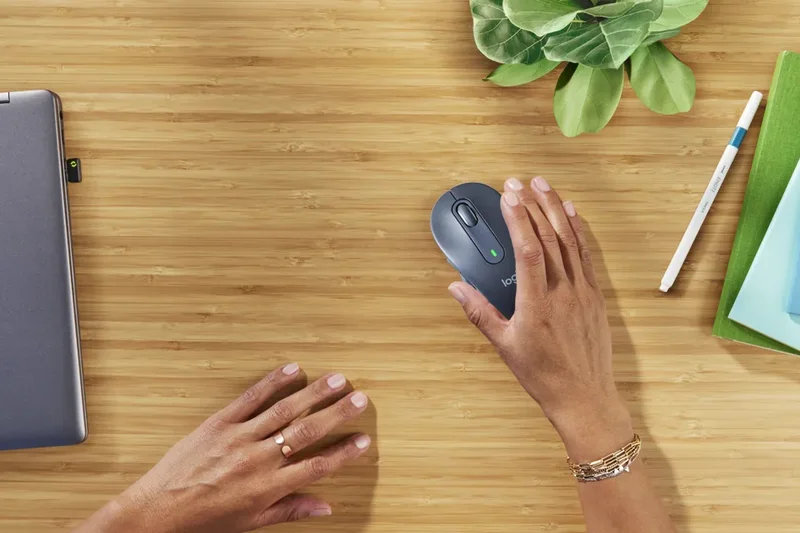
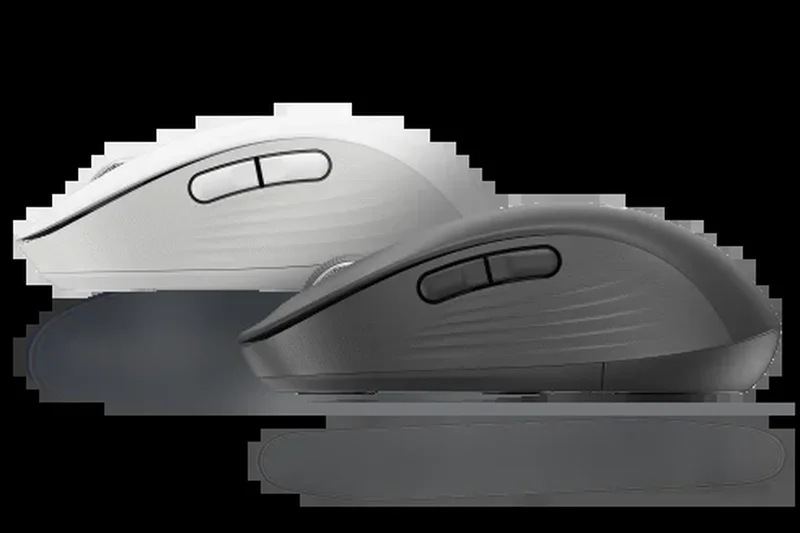

Why we picked it: The Signature M650 is a brilliant budget productivity mouse that brings Logitech's SmartWheel scrolling and SilentTouch clicks to a $39.99 price point. Uniquely, it is available in multiple sizes (Regular and Large) to accommodate different hands. Running for up to 2 years on a single AA battery, it features textured rubber side grips and reliable Bluetooth/Logi Bolt connectivity. It is the perfect everyday office mouse for those on a budget.
Key Specs
- SmartWheel scrolling
- SilentTouch technology (90% quieter clicks)
- Available in multiple sizes (Regular/Large)
- Up to 24 months battery life (1x AA)
What we like
- Comes in multiple sizes for perfect fit
- Silent clicks are great for the office
- SmartWheel allows fast scrolling
- Great value
What we don't like
- Cannot track on glass
- No multi-device fast switching
Best for: Office workers and students who want a quiet, comfortable, and affordable daily driver.
Considering the M650 vs the MX Master 3S? The MX Master offers a rechargeable battery, glass tracking, and better ergonomics, but the M650 is far cheaper.
An outstanding budget office mouse that offers silent clicks and long battery life in multiple sizes.
Buy at Logitech official site#24 Keychron M6
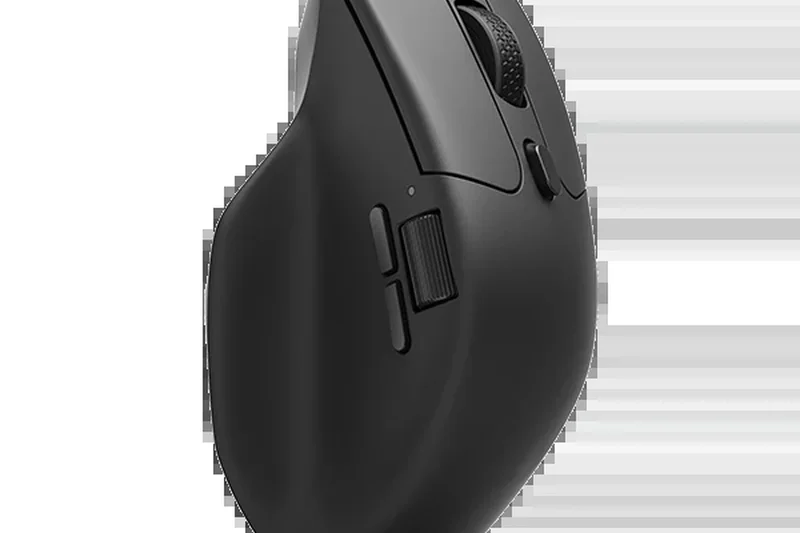
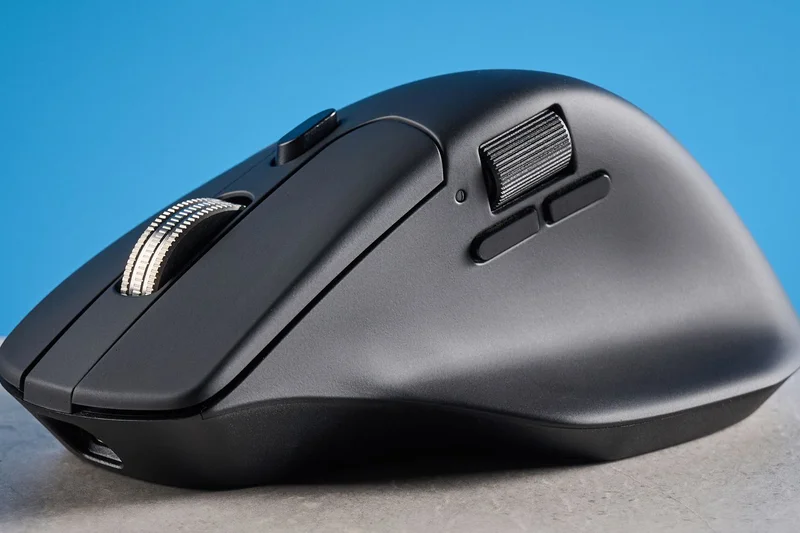
Why we picked it: Winning our 'Best Budget Wireless Mouse' scenario with a Value score of 9, the Keychron M6 brings premium productivity features to an affordable $69.99 price point. Mimicking the ergonomic profile of much more expensive mice, it includes a dual-mode magnetic scroll wheel and a dedicated side scroll thumb wheel. Remarkably, it weighs only 86g and offers tri-mode connectivity (Bluetooth, 2.4GHz, Wired), alongside top-tier PixArt sensor options. While the build materials aren't quite as luxurious as a $100+ Logitech mouse, the sheer amount of functionality packed into the M6 makes it an unbeatable bargain for office workers and creatives.
Key Specs
- Dual-mode magnetic scroll wheel
- Tri-mode: Bluetooth 5.1, 2.4GHz, Wired
- Side scroll thumb wheel
- 86g lightweight ergonomic design
What we like
- Incredible value for money
- Dual-mode and side scroll wheels included
- Lightweight for a productivity mouse
- Excellent tri-mode connectivity
What we don't like
- Plastic feels slightly hollow
- Software is less refined than competitors
Best for: Budget-conscious professionals and creatives who want flagship features without the flagship price.
Considering the Keychron M6 vs the Logitech MX Master 3S? The M6 offers 90% of the Master's functionality at a much lighter weight and lower price, though Logitech's build is sturdier.
An absolute steal of a productivity mouse that punches far above its weight class.
Buy at Keychron official site#25 Corsair M75 Air Wireless
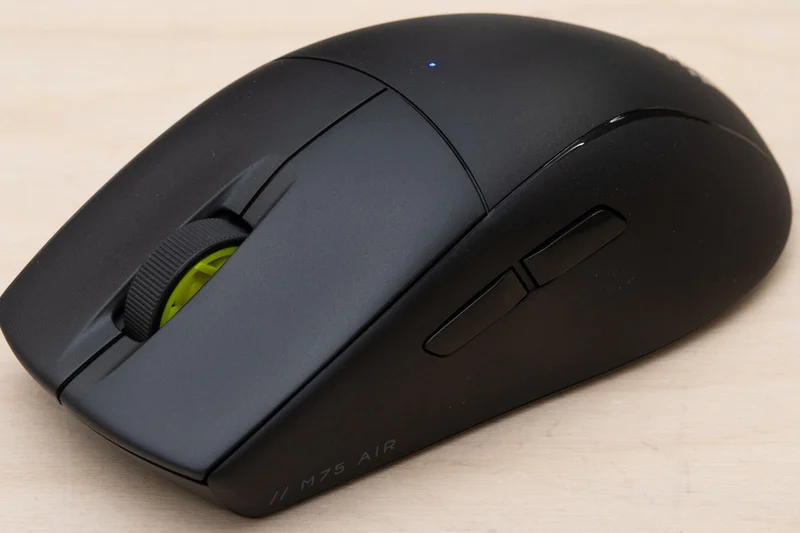
Why we picked it: The Corsair M75 Air Wireless strips away all unnecessary features to deliver a pure 60g symmetrical esports mouse. It utilizes the excellent MARKSMAN 26K optical sensor and Corsair's Quickstrike buttons with optical switches for zero-delay clicks. The shape is quite long and flat, favoring larger hands and fingertip grips. Slipstream wireless ensures a rock-solid connection, making it a very reliable tool for competitive play.
Key Specs
- 60g ultra-lightweight symmetrical design
- MARKSMAN 26K DPI optical sensor
- Corsair Quickstrike optical switches
- Up to 100 hours battery life
What we like
- Very solid 60g construction
- Excellent optical switch tensioning
- Clean, minimalist aesthetic
What we don't like
- Shape is somewhat polarizing (long and flat)
- Slippery coating
Best for: Esports players with larger hands looking for a streamlined, symmetrical 60g mouse.
Considering the M75 Air vs the G Pro X Superlight 2 Dex? The M75 is strictly symmetrical and flat, whereas the Dex offers an asymmetrical ergonomic hump.
A no-nonsense, high-performance symmetrical mouse aimed squarely at competitive gamers.
Buy at Corsair official site#26 Turtle Beach Burst II Air
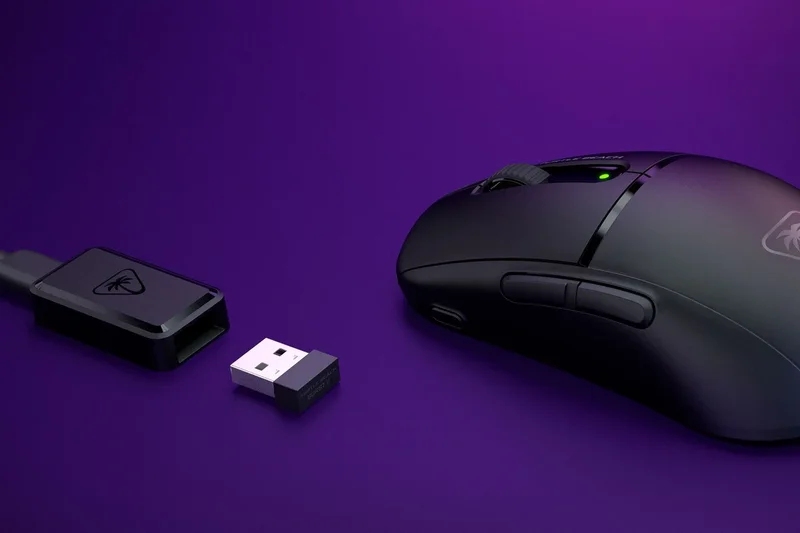
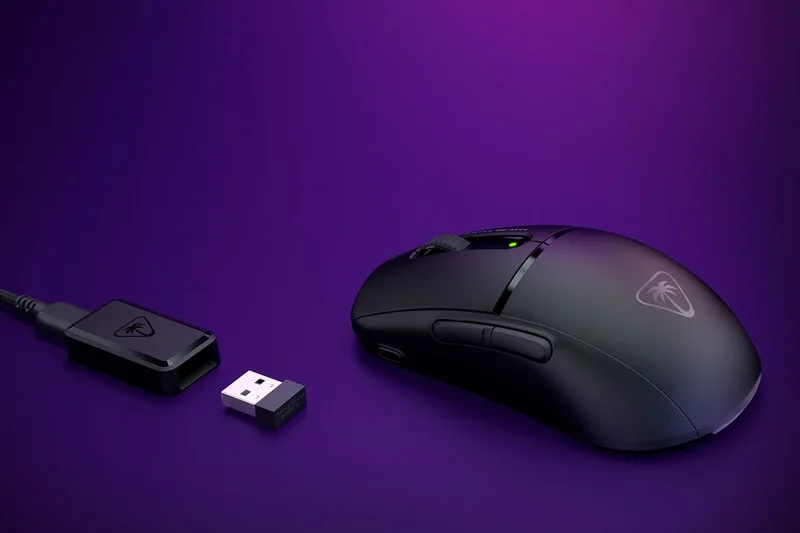
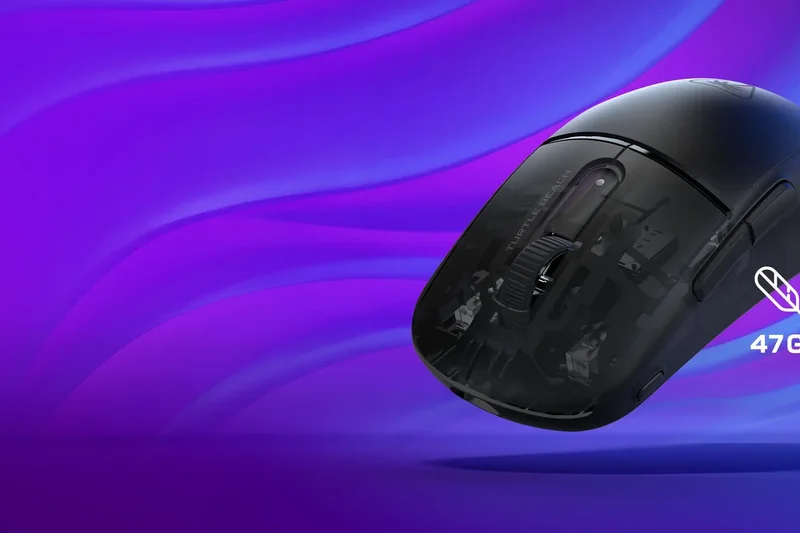
Why we picked it: The Burst II Air is a surprisingly excellent entry from Turtle Beach, offering an ultra-lightweight 47g solid shell design. It uses the Owl-Eye 26K DPI optical sensor and TITAN Optical Switches, making it highly competitive in the lightweight market. With dual wireless connectivity and NVIDIA Reflex compatibility, it punches above its weight class in performance and offers a very safe, comfortable symmetrical shape.
Key Specs
- 47g ultra-lightweight solid shell
- Owl-Eye 26K DPI optical sensor
- TITAN Optical Switches
- Dual wireless (2.4GHz + Bluetooth)
What we like
- Extremely light 47g solid shell
- Optical switches are fast and durable
- Includes Bluetooth for versatility
What we don't like
- Software can be intrusive
- Shape may feel a bit flat for palm grips
Best for: Gamers looking for an ultra-lightweight symmetrical mouse that also includes Bluetooth functionality.
Considering the Burst II Air vs the Viper V3 Pro? The Viper offers better 8KHz performance and build quality, but the Burst II Air is much cheaper and includes Bluetooth.
An impressive 47g ultra-lightweight gaming mouse featuring fast optical switches and dual connectivity.
Buy at Turtle Beach official site#27 Razer Cobra Pro
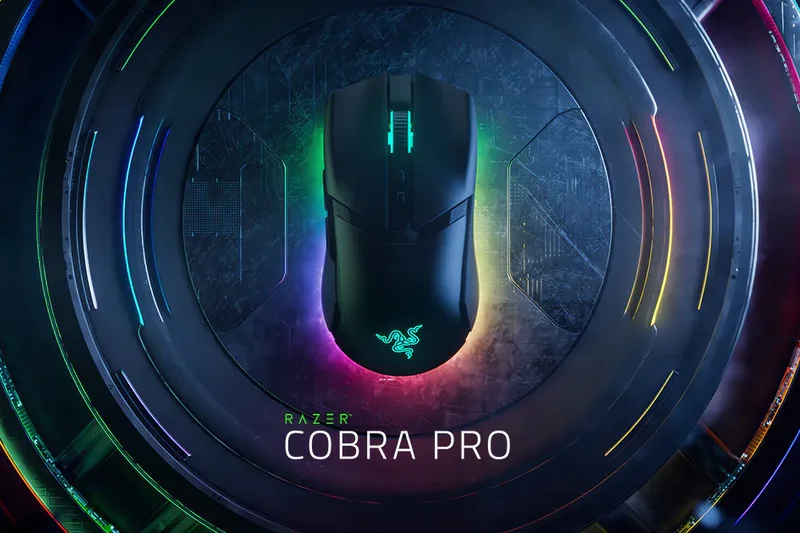
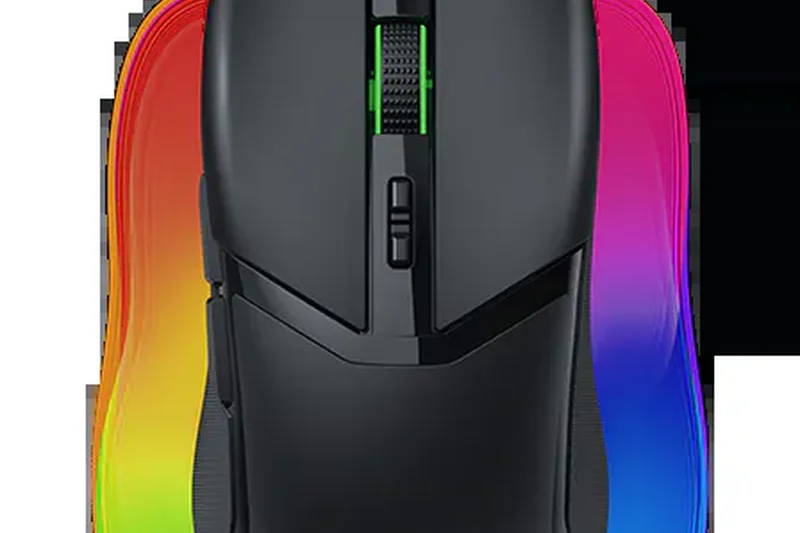
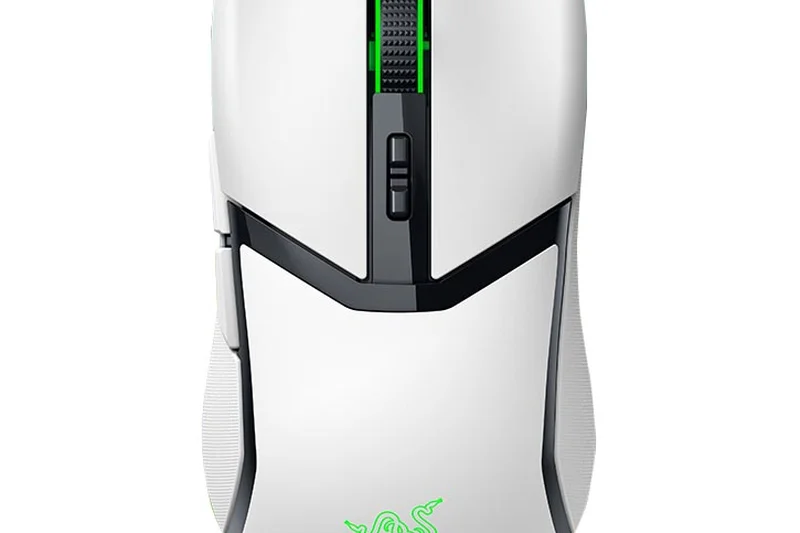
Why we picked it: The Cobra Pro is Razer's premium compact gaming mouse, acting as the spiritual successor to the Viper Mini. Weighing 77g, it packs high-end tech like the Focus Pro 30K sensor, Optical Gen-3 switches, and stunning 11-zone Chroma RGB underglow into a small frame. While 77g isn't ultra-light by 2026 standards, the inclusion of Bluetooth, 2.4GHz, and wireless charging compatibility makes it a highly versatile, feature-dense option for smaller hands.
Key Specs
- 77g lightweight design
- 10 customizable controls
- 11-zone Chroma RGB lighting
- Focus Pro 30K Optical Sensor
What we like
- Excellent shape for small hands
- Beautiful RGB underglow
- Top-tier sensor and optical switches
What we don't like
- Heavy for its small size (77g)
- Expensive for a compact mouse
Best for: Gamers with small hands who want a premium, feature-rich mouse with heavy RGB.
Considering the Cobra Pro vs the Orochi V2? The Cobra Pro offers premium optical switches, RGB, and a rechargeable battery, while the Orochi is cheaper and lighter.
A premium, feature-packed compact gaming mouse with brilliant RGB lighting.
Buy at Razer official site#28 Razer Pro Click Mini
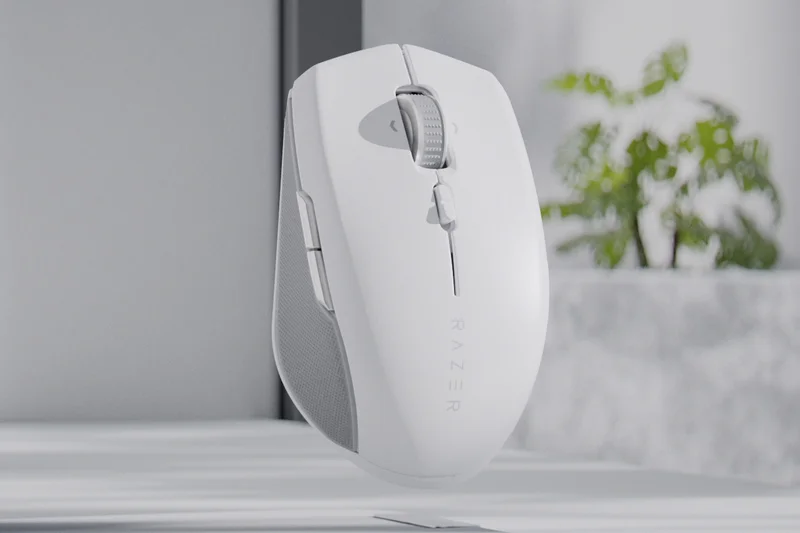
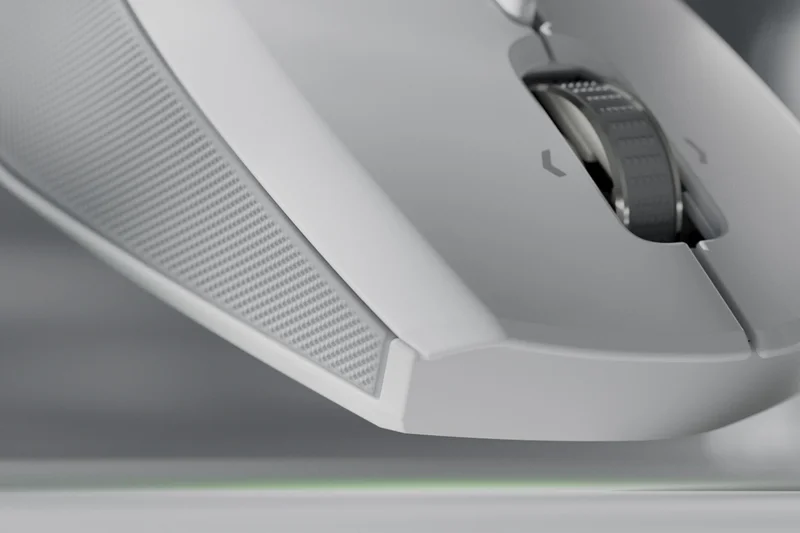
Why we picked it: The Pro Click Mini is Razer's answer to the MX Anywhere 3S. It features silent, tactile mouse clicks that feel incredibly premium without making a sound. The HyperScroll wheel offers both tactile and free-spin modes, crucial for productivity. Able to connect to up to 4 devices and offering 725 hours of battery life via AA batteries, its sleek, white minimalist aesthetic fits perfectly into modern office environments or travel bags.
Key Specs
- Silent tactile mouse clicks
- HyperScroll wheel (Tactile/Free-spin)
- Up to 725 hours battery life
- Connect to up to 4 devices
What we like
- Best feeling silent clicks on the market
- Excellent free-spin scroll wheel
- Connects to 4 devices easily
What we don't like
- Uses AA batteries instead of rechargeable
- Quite small for long work sessions
Best for: Professionals who want silent clicks, a free-spin scroll wheel, and a sleek aesthetic for travel.
Considering the Pro Click Mini vs the MX Anywhere 3S? The Pro Click has better feeling silent clicks, but the MX Anywhere has a rechargeable battery and tracks on glass.
A premium compact productivity mouse with exceptionally satisfying silent switches.
Buy at Razer official site#29 SteelSeries Prime Wireless
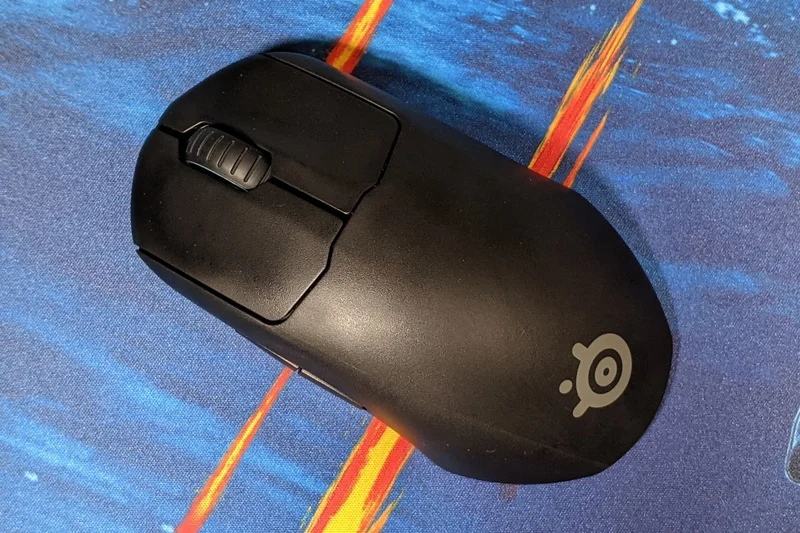
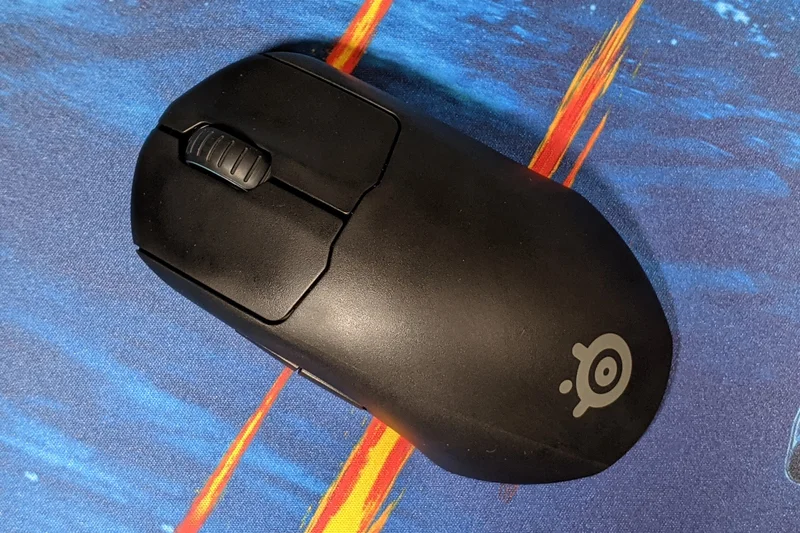
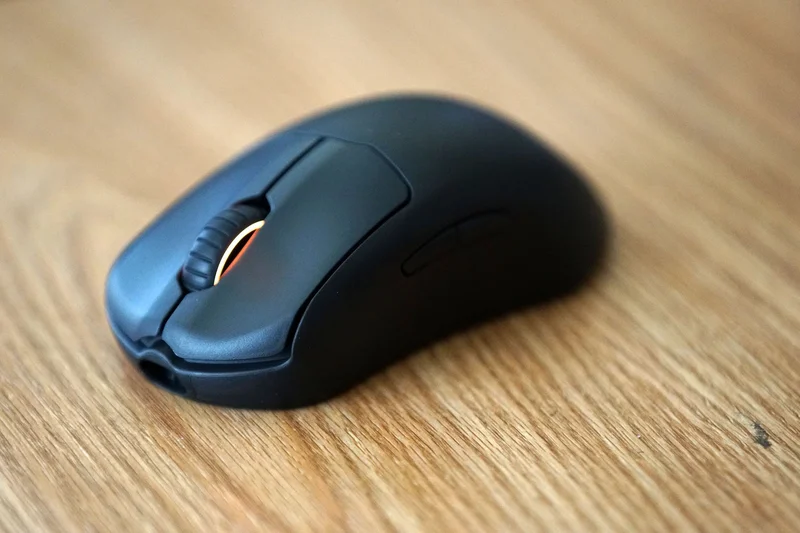
Why we picked it: The SteelSeries Prime Wireless is built around its unique Prestige OM magnetic optical switches, which use a neodymium magnet and an infrared beam to deliver incredibly crispy, consistent clicks that will never double-click. The ergonomic shape is highly supportive, and the TrueMove Pro sensor tracks reliably. With 100 hours of battery life and fast charging, it's a workhorse of a mouse, even if it is slightly heavier at 80g.
Key Specs
- Prestige OM magnetic optical switches
- TrueMove Pro gaming sensor
- 100-hour battery life with fast charging
- 80g weight
What we like
- Magnetic optical switches feel incredibly crisp
- Very comfortable ergonomic shape
- Excellent textured matte finish
What we don't like
- Heavy compared to newer lightweight options
- Sensor lift-off distance cannot be adjusted
Best for: Gamers who prioritize click feel, switch durability, and ergonomic comfort over ultra-low weight.
Considering the Prime Wireless vs the DeathAdder V3 Pro? The DeathAdder is significantly lighter and has a better sensor, but the Prime's magnetic switches offer a heavier, satisfying click.
A comfortable ergonomic mouse featuring uniquely satisfying magnetic optical switches.
Buy at SteelSeries official site#30 SteelSeries Aerox 9 Wireless
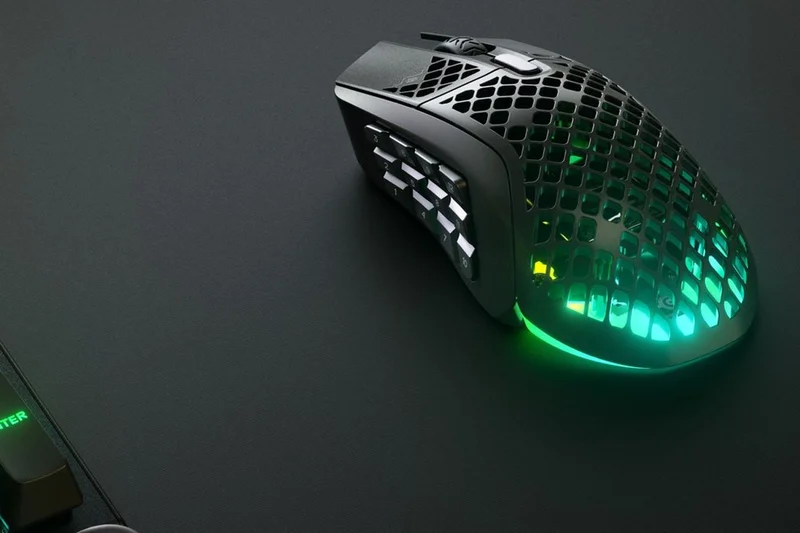
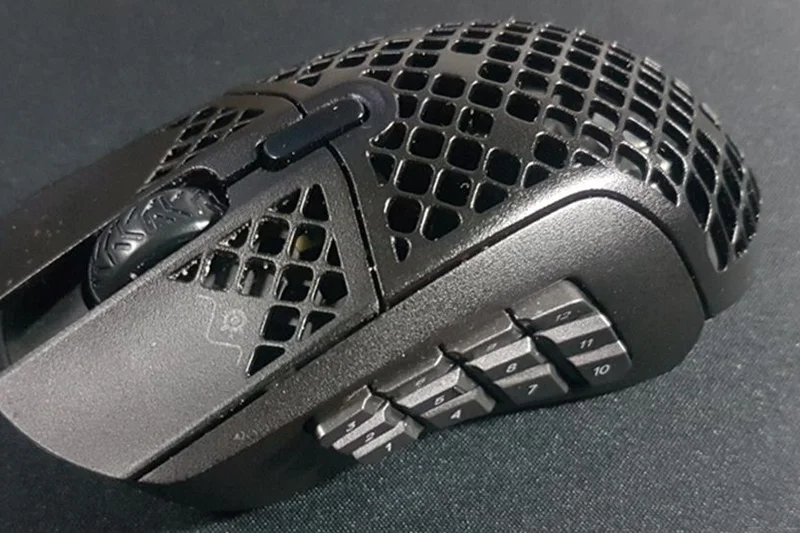
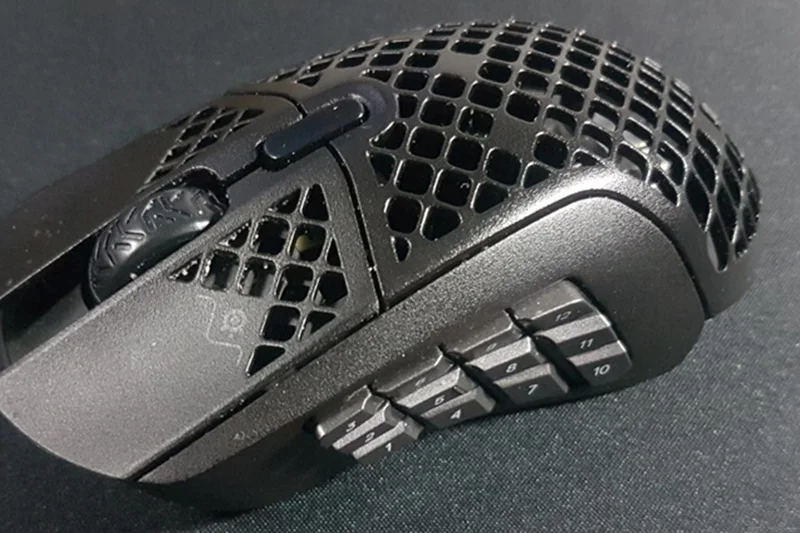
Why we picked it: The Aerox 9 Wireless is a rare breed: an ultra-lightweight MMO mouse. Weighing just 89g, it features a full 12-button side panel. Like the Aerox 5, it includes IP54 water and dust resistance to protect the exposed PCB. While the side buttons can feel a bit stiff and the shape is long, it is one of the only ways to get MOBA/MMO functionality without swinging a 120g brick around your desk.
Key Specs
- 89g lightweight design for MMOs
- 18 programmable buttons (12-button side panel)
- AquaBarrier IP54 protection
- Quantum 2.0 Dual Wireless (2.4GHz + BT)
What we like
- Incredibly light for a 12-button MMO mouse
- IP54 protection
- Dual wireless connectivity
What we don't like
- Side buttons require high actuation force
- Shape is quite long, bad for small hands
Best for: MMO and MOBA players who want a lightweight mouse to reduce wrist fatigue.
Considering the Aerox 9 vs the Razer Naga Pro? The Aerox is much lighter, but the Naga offers swappable side plates and better button tactility.
A unique, lightweight approach to the traditional heavy MMO mouse.
Buy at SteelSeries official site#31 Glorious Model O 2 Wireless
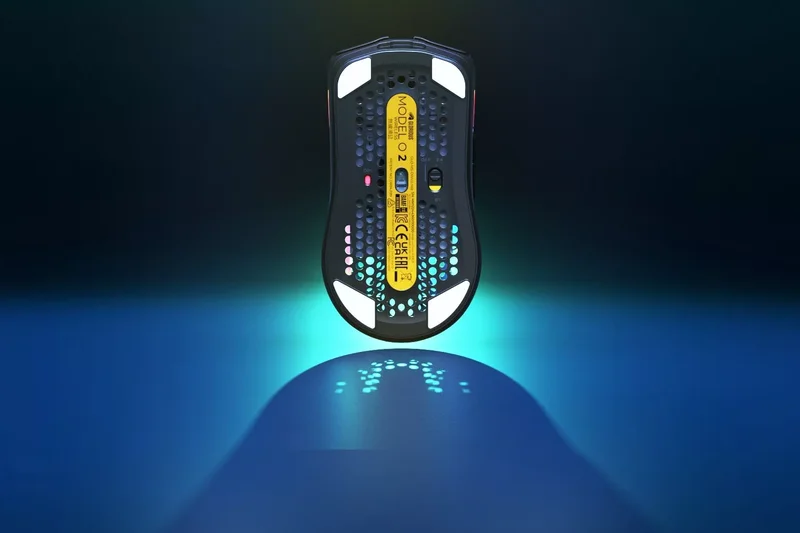
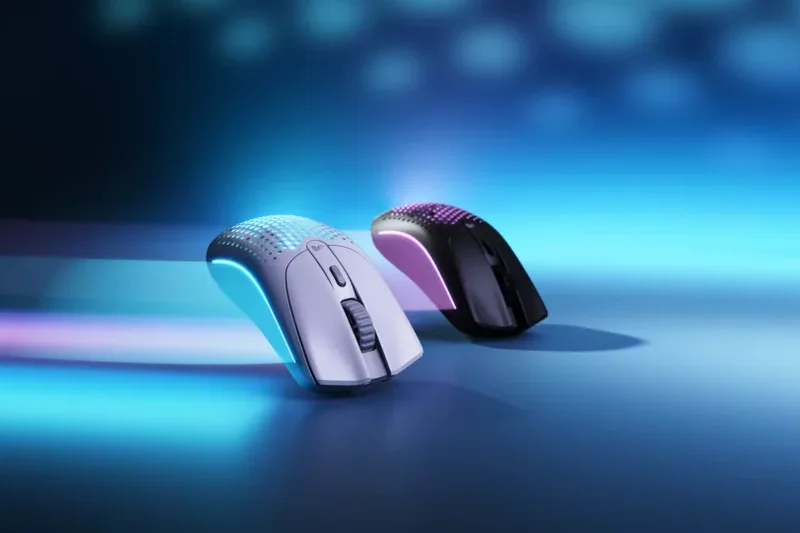
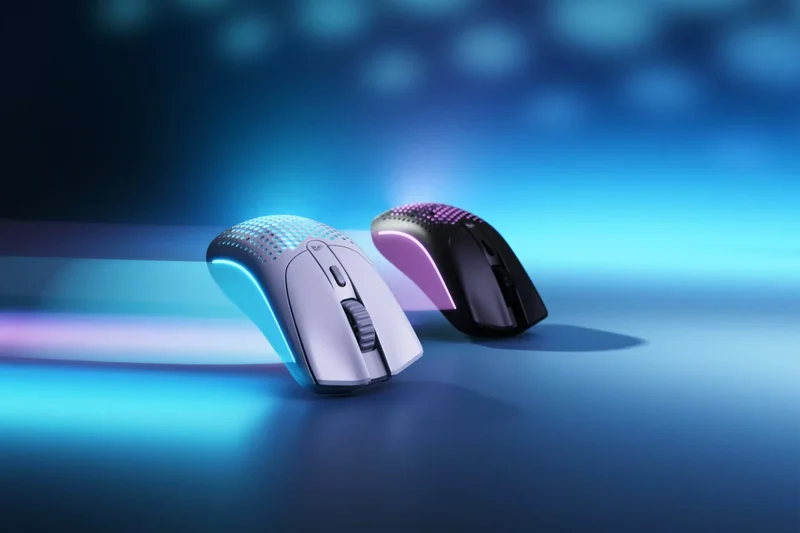
Why we picked it: The Model O 2 Wireless updates a classic ambidextrous shape with modern internals. At 68g, it utilizes a dual-layer honeycomb shell to keep weight down. The BAMF 2.0 26K sensor provides excellent tracking, and the battery life is stellar, reaching up to 210 hours on Bluetooth. It offers a safe, low-profile shape that works well for fingertip and relaxed claw grips, backed by vibrant RGB lighting.
Key Specs
- 68g lightweight design
- BAMF 2.0 26K Sensor
- Up to 210 hours battery life
- Dual-layer honeycomb shell
What we like
- Safe, universally loved ambidextrous shape
- Huge battery life on Bluetooth
- Good sensor performance
What we don't like
- Honeycomb holes attract dust
- Build quality can feel slightly plasticky
Best for: Gamers who want a lightweight ambidextrous shape with RGB and long battery life.
Considering the Model O 2 vs the Pulsar X2V2? The Pulsar has a solid shell and better optical switches, while Glorious offers more RGB and Bluetooth.
A solid update to a popular lightweight mouse, offering versatile connectivity and great battery life.
Buy at Glorious official site#32 SteelSeries Aerox 5 Wireless
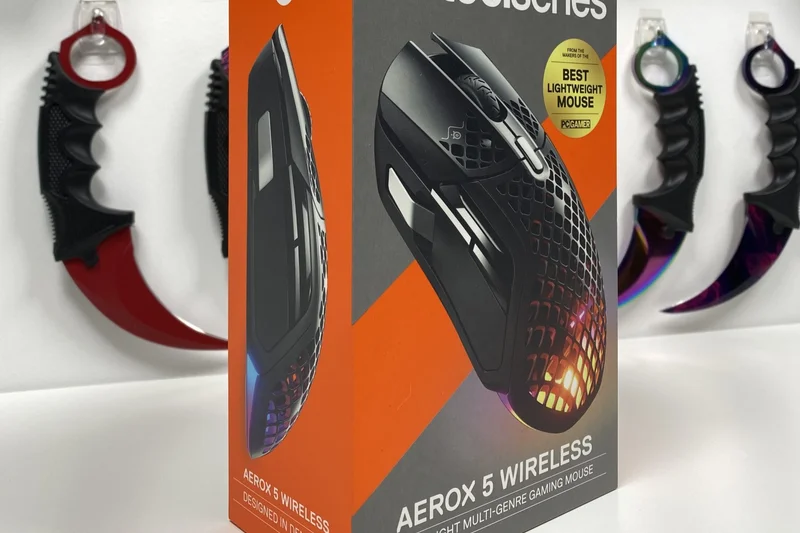
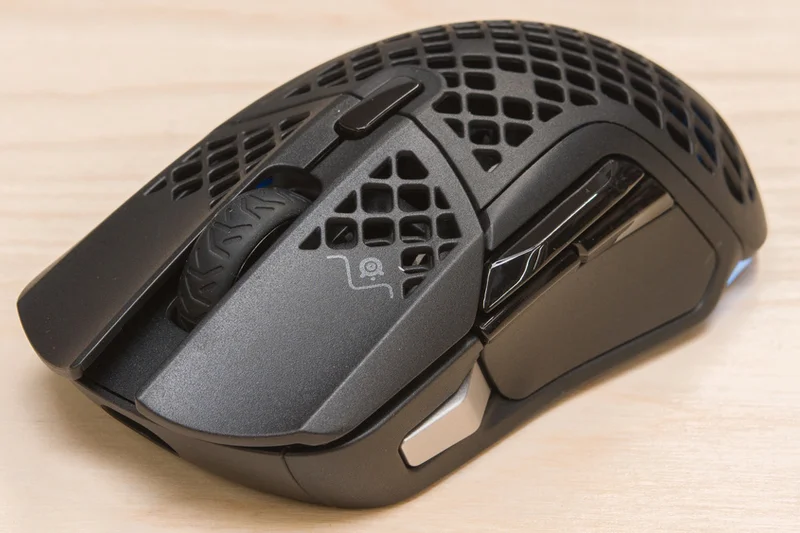
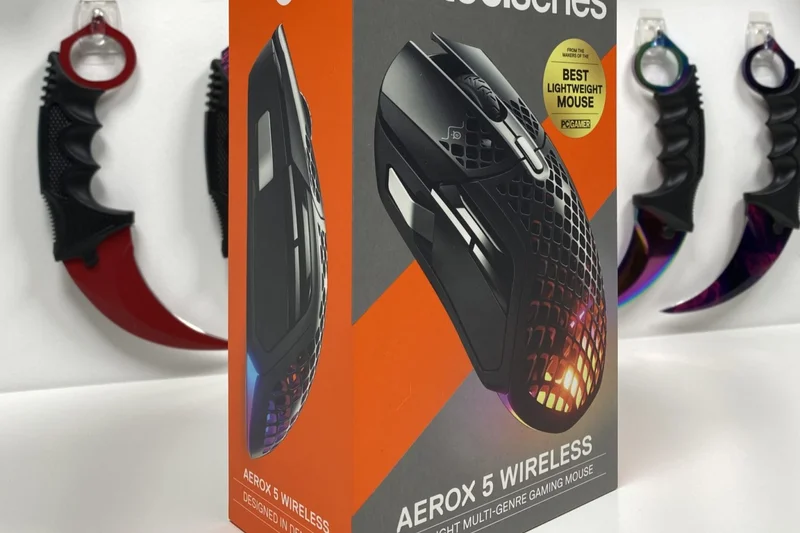
Why we picked it: The Aerox 5 Wireless is a unique multi-genre mouse, offering 9 programmable buttons (including an up/down action switch) in a 74g honeycomb shell. It features AquaBarrier IP54 protection, making it resistant to dust and spills despite the exposed internals. The TrueMove Air sensor tracks well, and the 180-hour battery life with fast charging ensures you're rarely tethered. It's a great middle-ground for gamers who play both shooters and MMOs.
Key Specs
- 74g ultra-lightweight design
- 9 programmable buttons including action switch
- AquaBarrier IP54 water & dust resistance
- 180-hour battery life
What we like
- IP54 water resistance is great peace of mind
- Good button layout for multi-genre gaming
- Lightweight for having 9 buttons
What we don't like
- Silver action switch can be hard to reach
- Sensor lift-off distance is slightly high
Best for: Gamers who bounce between FPS, Battle Royales, and MMOs and want a single, lightweight mouse.
Considering the Aerox 5 vs the G502 X Plus? The Aerox is significantly lighter, but the G502 has more buttons and a superior scroll wheel.
A versatile, water-resistant lightweight mouse with enough buttons for complex game genres.
Buy at SteelSeries official site#33 Logitech G305 Lightspeed
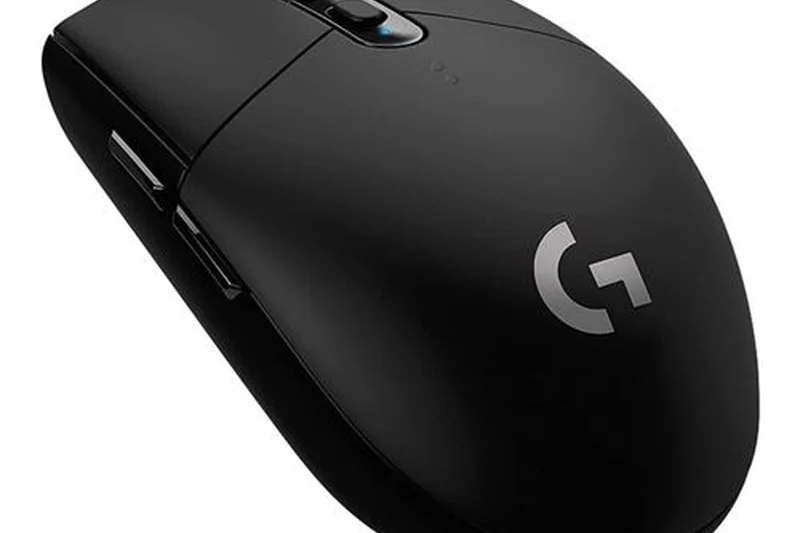
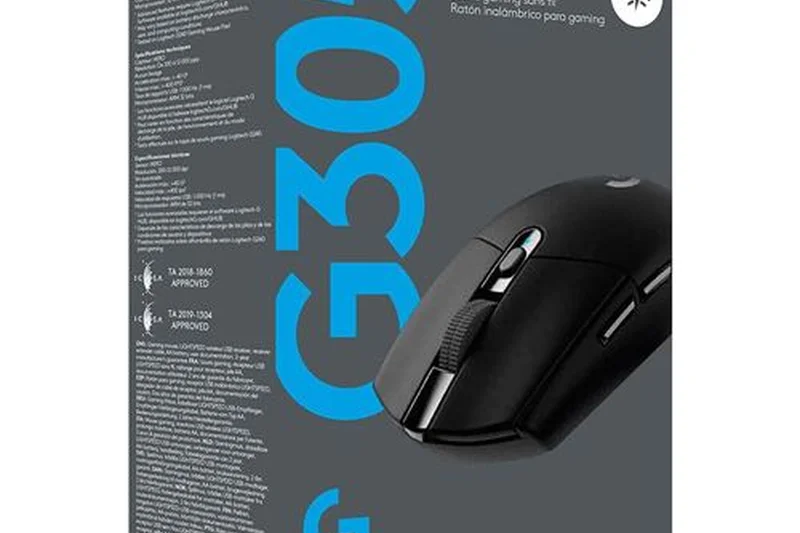
Why we picked it: The G305 Lightspeed is one of the oldest mice on this list, yet it remains relevant due to its incredible value. For under $50, you get Logitech's flawless LIGHTSPEED wireless tech and a highly accurate HERO 12K sensor. Weighing 99g with an AA battery, it's heavier than modern competitors, but its small egg-like shape is universally loved. It is the perfect entry-level wireless gaming mouse.
Key Specs
- HERO 12K optical sensor
- LIGHTSPEED wireless technology
- 250-hour battery life on 1x AA
- 99g weight
What we like
- Flawless wireless connection for cheap
- Great battery life
- Classic, comfortable shape
- Very affordable
What we don't like
- Heavy by today's standards
- Mechanical switches prone to double-clicking over time
Best for: Budget gamers who want reliable, zero-latency wireless performance without spending over $50.
Considering the G305 vs the Orochi V2? The Orochi is significantly lighter and includes Bluetooth, making it better for modern gaming and travel.
The classic entry-level wireless gaming mouse that still offers great performance for the price.
Buy at Logitech official site#34 Keychron M4

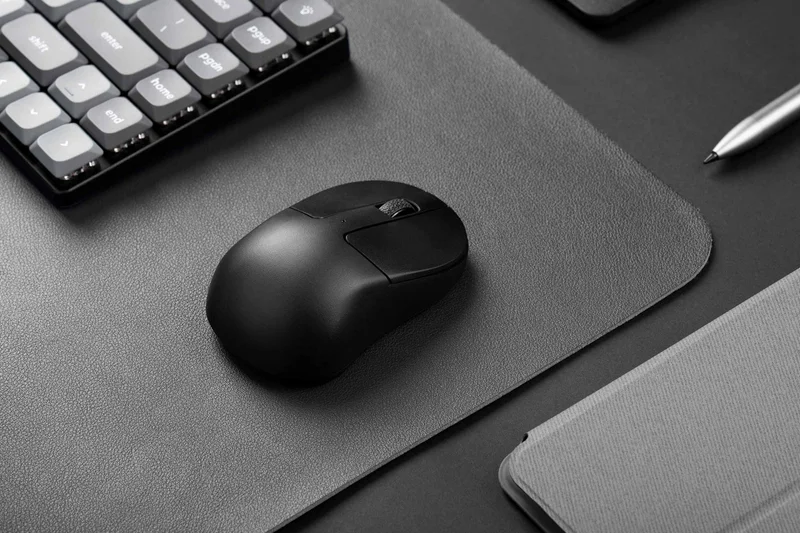
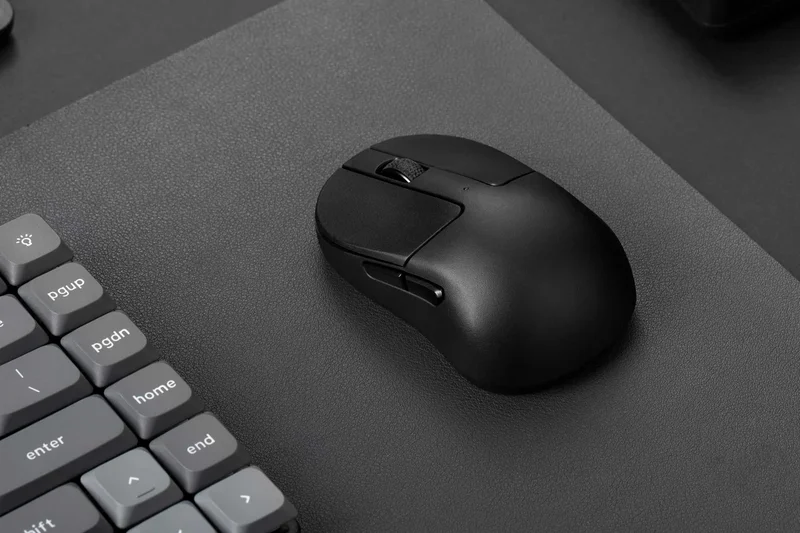
Why we picked it: The Keychron M4 is a fascinating micro form-factor mouse designed specifically for pure fingertip grip. Weighing an absurdly light 35g, it is basically just a sensor, battery, and clicks. Powered by the top-tier PixArt 3395 sensor and offering Bluetooth alongside 2.4GHz, it is a specialized tool. If you hold your mouse purely with your fingertips and want zero palm contact, the M4 offers unparalleled freedom of movement and aim potential.
Key Specs
- 35g ultra-lightweight micro form factor
- PixArt 3395 sensor (26,000 DPI)
- Bluetooth 5.1 & 2.4GHz wireless
- Fingertip grip specific design
What we like
- Insanely light at 35g
- Top-tier sensor performance
- Incredible value at $49.99
What we don't like
- Unusable for palm or claw grips
- Extremely small size takes getting used to
Best for: Pure fingertip grip aimers looking for the lowest weight possible.
Considering the Keychron M4 vs the Ninjutso Sora V2? The M4 is exclusively for fingertip grips, while the Sora V2 is a full-sized mouse that weighs only 39g.
A highly specialized, ultra-lightweight micro-mouse built strictly for fingertip aimers.
Buy at Keychron official site#35 Microsoft Bluetooth Ergonomic Mouse
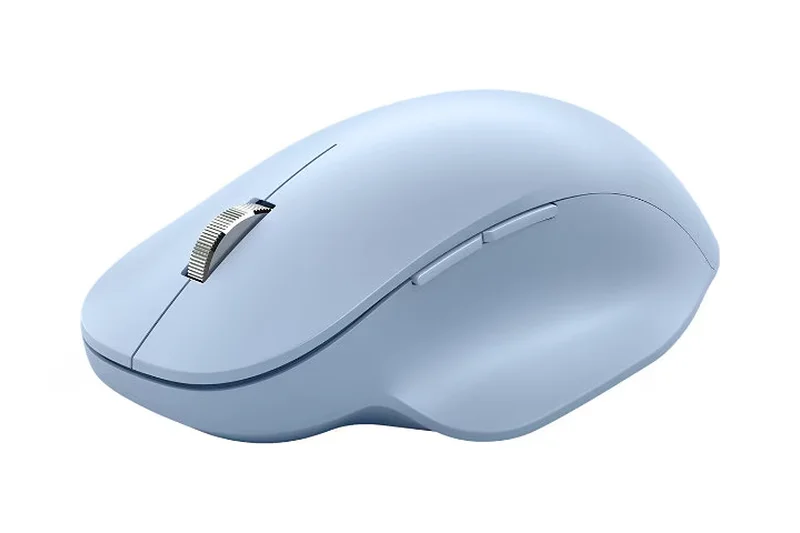
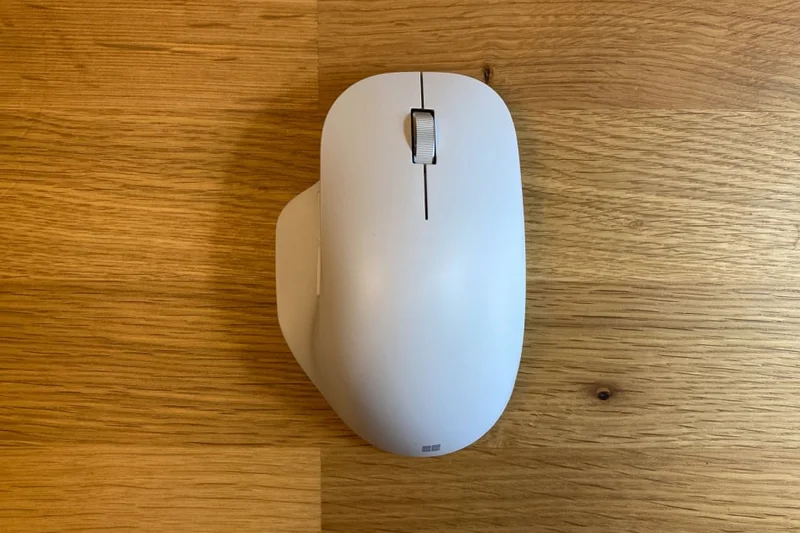
Why we picked it: This budget-friendly ergonomic mouse from Microsoft provides a comfortable, natural thumb rest and a sleek aesthetic for just $49.99. Utilizing Bluetooth 5.0 LE, it connects seamlessly to modern laptops without a dongle. Running on two AAA batteries, it offers up to 15 months of battery life. While its sensor is basic and not suited for gaming, its machined aluminum scroll wheel and comfortable slope make it a great office addition.
Key Specs
- Ergonomic design with natural thumb rest
- Machined aluminum scroll wheel
- Bluetooth 5.0 LE connectivity
- Up to 15 months battery life (2x AAA)
What we like
- Very comfortable thumb rest
- Premium feeling aluminum scroll wheel
- Long battery life
- Affordable
What we don't like
- Uses AAA batteries instead of rechargeable
- Only connects via Bluetooth (no 2.4GHz)
Best for: Office workers seeking a comfortable, budget-friendly ergonomic mouse with premium scrolling.
Considering the Microsoft Ergonomic vs the Logitech Lift? The Lift's vertical angle provides much better relief for joint pain, while Microsoft's mouse is more traditional.
A solid, affordable ergonomic office mouse with a premium scroll wheel and long battery life.
Buy at Microsoft official site#36 Logitech Pebble Mouse 2 M350s
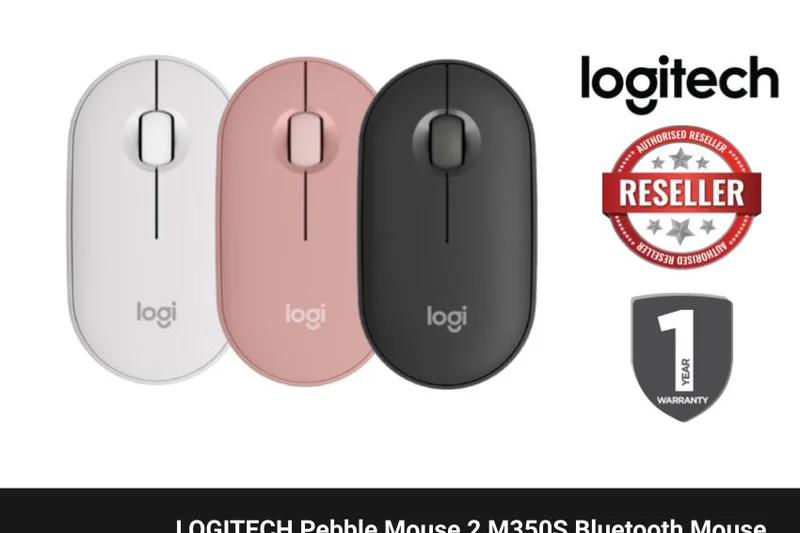
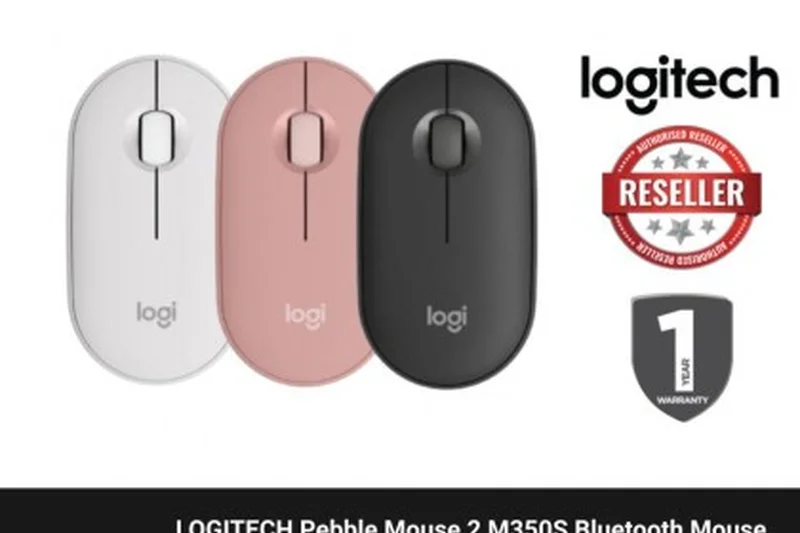
Why we picked it: The Pebble Mouse 2 M350s is the ultimate budget minimalist mouse. Scoring a 9 in Battery Life, it runs for up to 2 years on a single AA battery. Its ultra-slim profile slips into any laptop bag effortlessly, and the SilentTouch technology ensures your clicks won't disrupt a library or quiet office. While its flat ergonomics aren't suitable for all-day primary usage, its multi-device Easy-Switch capability and extremely low $29.99 price make it an essential backup or travel companion.
Key Specs
- Ultra-slim portable design
- SilentTouch technology (90% less noise)
- Up to 24 months battery life
- Easy-Switch for 3 devices
What we like
- Extremely affordable
- Fits anywhere due to slim profile
- Silent clicks
- Massive battery life
What we don't like
- Flat shape is unergonomic for long sessions
- Basic sensor not meant for gaming
Best for: Students, budget travelers, and iPad users needing a cheap, reliable, slim mouse.
Considering the Pebble 2 vs the MX Anywhere 3S? The Pebble is much cheaper and slimmer, but the MX Anywhere is vastly superior in comfort, tracking, and scrolling.
A highly portable, budget-friendly mouse perfect for tossing into a backpack.
Buy at Logitech official siteBuying Guide
FAQ
Methodology
Sources & References
All factual claims, product specifications, prices, and images in this article are cited by number. Click any reference to jump to the list; click the link in each entry to visit the original source.