Quick Verdict
At a glance
We tested 35 laser printers to find the absolute best options for every home and office. Our evaluation prioritized fast pages-per-minute, robust monthly duty cycles, and low long-term running costs.
🏆 Overall #1: Brother MFC-L5915DW — A monochrome powerhouse that balances 50 ppm speed with a massive 18,000-page toner yield for unbeatable efficiency.
🥈 #2: Xerox VersaLink C415/DN — An enterprise-class color multifunction printer with flawless connectivity and a tablet-like 7-inch interface.
🥉 #3: Brother MFC-L8905CDW — The perfect blend of color performance, reliable document handling, and high-yield value for busy teams.
Which one is for me?
How We Tested
To identify the best laser printers of 2026, we began by evaluating a candidate pool of 35 models from industry-leading manufacturers, including HP, Brother, Canon, Xerox, and Lexmark. Our assessment followed the M2 Multi-Dimensional Evaluation framework[1], a rigorous testing methodology designed to eliminate editorial bias and provide data-driven recommendations.
Each printer was scored across seven weighted dimensions: Print Speed & Volume Capacity (20%), Print Quality & Resolution (15%), Connectivity & Smart Features (15%), Ease of Use & Paper Handling (10%), Initial Purchase Value (10%), Running Costs & Efficiency (15%), and Build Quality & Reliability (15%). By aggregating these scores into a 10-point scale, we ensure our findings reflect real-world performance metrics, from first-page-out times to high-yield toner cost-per-page (CPP) calculations[2].
Our Declared Values
We are committed to absolute editorial independence. We do not accept paid placements, manufacturer prototypes designed to skew results, or sponsored reviews. Every printer in this guide was evaluated strictly on its merits, technical specifications, and historical reliability data. We strive to highlight products that deliver true long-term value, focusing heavily on running costs to prevent our readers from falling into the "cheap printer, expensive toner" trap.
About our team
Our office equipment testing team consists of veteran IT administrators, hardware analysts, and document management specialists. With decades of combined experience managing enterprise fleets and home office setups, we understand that a printer must be a practically invisible, friction-free part of your daily workflow. Our data-first approach ensures that whether you need a high-volume monochrome workhorse or a precision color machine for marketing collateral, our recommendations are backed by empirical testing and deep technical expertise.
| Dimension | Overall | Best Overall for Small Businesses | Best Budget Monochrome for Home Offices | Best High-Volume for Busy Offices | Best Color Laser for Marketing & Creative |
|---|---|---|---|---|---|
| Print Speed & Volume Capacity | 20% | 20% | 10% | 30% | 10% |
| Print Quality & Resolution | 15% | 15% | 10% | 10% | 40% |
| Connectivity & Smart Features | 15% | 15% | 10% | 10% | 15% |
| Ease of Use & Paper Handling | 10% | 10% | 10% | 5% | 10% |
| Initial Purchase Value | 10% | 10% | 35% | 5% | 5% |
| Running Costs & Efficiency | 15% | 15% | 10% | 20% | 10% |
| Build Quality & Reliability | 15% | 15% | 15% | 20% | 10% |
Overall Rankings
Full list of 35 products sorted by weighted overall score (1–10).
Prices are checked as of Mar 18, 2026 (2026 Q1). Use "Check price" links for current pricing.
| # | Product | Type | Price | Speed & Volume | Print Quality | Connectivity | Usability | Upfront Value | Running Costs | Reliability | Overall | Awards |
|---|---|---|---|---|---|---|---|---|---|---|---|---|
| 1 | Brother MFC-L5915DW | Monochrome Multifunction Laser | $579 | 10 | 7 | 8 | 9 | 9 | 10 | 9 | 8.90 | 🏆 Editor's Choice 👑 Best Premium 📊 Best Print Speed & Volume Capacity 📊 Best Running Costs & Efficiency 🎯 Best Best Overall for Small Businesses 🎯 Best Best Budget Monochrome for Home Offices 🎯 Best Best High-Volume for Busy Offices |
| 2 | Xerox VersaLink C415/DN | Color Multifunction Laser | $999 | 9 | 9 | 10 | 10 | 6 | 8 | 9 | 8.80 | 📊 Best Connectivity & Smart Features 📊 Best Ease of Use & Paper Handling 🎯 Best Best Color Laser for Marketing & Creative |
| 3 | Brother MFC-L8905CDW | Color Multifunction Laser | $650 | 8 | 8 | 8 | 9 | 8 | 9 | 9 | 8.40 | 📊 Best Build Quality & Reliability |
| 4 | Canon imageCLASS MF465dw | Monochrome Multifunction Laser | $324 | 9 | 7 | 7 | 9 | 10 | 8 | 9 | 8.35 | 📊 Best Initial Purchase Value |
| 5 | Canon imageCLASS MF753Cdw | Color Multifunction Laser | $549 | 8 | 9 | 8 | 8 | 9 | 8 | 8 | 8.25 | 📊 Best Print Quality & Resolution |
| 6 | Brother MFC-L2750DW | Monochrome Multifunction Laser | $249 | 8 | 6 | 8 | 8 | 10 | 8 | 9 | 8.05 | |
| 7 | HP Color LaserJet Enterprise MFP M480f | Enterprise Color Multifunction | $1,129 | 7 | 9 | 10 | 9 | 5 | 8 | 8 | 8.05 | |
| 8 | Canon imageCLASS LBP246dw | Monochrome Laser Printer | $249 | 9 | 7 | 7 | 6 | 9 | 8 | 9 | 7.95 | |
| 9 | HP LaserJet Pro M404dn | Monochrome Laser Printer | $299 | 9 | 7 | 8 | 5 | 8 | 8 | 9 | 7.90 | |
| 10 | HP LaserJet Pro MFP 4101fdw | Monochrome Multifunction Laser | $499 | 9 | 7 | 8 | 7 | 7 | 8 | 8 | 7.85 | |
| 11 | Lexmark MS431dn | Monochrome Laser Printer | $198 | 9 | 7 | 6 | 4 | 10 | 9 | 9 | 7.85 | |
| 12 | HP LaserJet Pro 4002dw | Monochrome Laser Printer | $329 | 9 | 7 | 8 | 4 | 8 | 8 | 9 | 7.80 | |
| 13 | Brother MFC-L2900DW XL | Monochrome Multifunction Laser | $329 | 8 | 6 | 7 | 7 | 10 | 9 | 8 | 7.80 | |
| 14 | Canon imageCLASS LBP674Cdw | Color Laser Printer | $350 | 8 | 8 | 7 | 5 | 9 | 8 | 8 | 7.65 | |
| 15 | HP Color LaserJet Pro MFP 4301fdw | Color Multifunction Laser | $689 | 8 | 7 | 8 | 8 | 7 | 7 | 8 | 7.60 | |
| 16 | HP Color LaserJet Pro MFP 3301fdw | Color Multifunction Laser | $489 | 6 | 8 | 8 | 8 | 8 | 8 | 7 | 7.45 | |
| 17 | HP Color LaserJet Pro 4201dw | Color Laser Printer | $489 | 8 | 7 | 8 | 5 | 8 | 7 | 8 | 7.40 | |
| 18 | Brother MFC-L3780CDW | Color Multifunction Laser | $569 | 7 | 7 | 8 | 8 | 7 | 7 | 8 | 7.40 | |
| 19 | Canon Color imageCLASS MF665Cdw | Color Multifunction Laser | $429 | 6 | 8 | 7 | 8 | 8 | 7 | 8 | 7.30 | |
| 20 | Brother HL-L2350DW | Monochrome Laser Printer | $119 | 7 | 6 | 6 | 4 | 10 | 9 | 9 | 7.30 | 🌟 Best Budget 💰 Best Value |
| 21 | Brother MFC-L2820DW | Monochrome Multifunction Laser | $329 | 7 | 6 | 7 | 7 | 8 | 8 | 8 | 7.25 | |
| 22 | Brother HL-L2460DW | Monochrome Laser Printer | $179 | 8 | 6 | 6 | 4 | 9 | 8 | 9 | 7.25 | |
| 23 | Xerox B225DNI | Monochrome Multifunction Laser | $299 | 8 | 6 | 7 | 7 | 8 | 7 | 6 | 7.00 | |
| 24 | Canon imageCLASS MF272dw | Monochrome Multifunction Laser | $199 | 7 | 6 | 7 | 6 | 9 | 7 | 7 | 6.95 | |
| 25 | Brother HL-L3295CDW | Color Laser Printer | $429 | 7 | 7 | 7 | 5 | 6 | 7 | 8 | 6.85 | |
| 26 | HP LaserJet Tank MFP 2604sdw | Monochrome Tank Laser | $419 | 5 | 5 | 7 | 7 | 8 | 10 | 7 | 6.85 | |
| 27 | HP Color LaserJet Pro 3201dw | Color Laser Printer | $299 | 6 | 7 | 7 | 5 | 8 | 7 | 8 | 6.85 | |
| 28 | Xerox B230 | Monochrome Laser Printer | $199 | 8 | 6 | 7 | 4 | 8 | 7 | 7 | 6.85 | |
| 29 | Brother HL-L5000D | Monochrome Laser Printer | $199 | 9 | 6 | 3 | 4 | 9 | 8 | 8 | 6.85 | |
| 30 | Lexmark CX331adwe | Color Multifunction Laser | $399 | 6 | 7 | 8 | 7 | 7 | 6 | 7 | 6.80 | |
| 31 | HP LaserJet M209dw | Monochrome Laser Printer | $149 | 7 | 5 | 6 | 5 | 9 | 7 | 7 | 6.55 | |
| 32 | Xerox C235 | Color Multifunction Laser | $399 | 5 | 7 | 8 | 7 | 7 | 6 | 6 | 6.45 | |
| 33 | Brother MFC-L3720CDW | Color Multifunction Laser | $399 | 4 | 7 | 7 | 7 | 8 | 6 | 7 | 6.35 | |
| 34 | Brother HL-L3220CDW | Color Laser Printer | $249 | 4 | 7 | 7 | 4 | 8 | 6 | 7 | 6.05 | |
| 35 | Canon imageCLASS MF3010 | Monochrome Multifunction Laser | $186 | 4 | 5 | 3 | 4 | 6 | 7 | 8 | 5.25 |
Dimension Rankings
Each dimension ranked independently (Top 10).
📊 Best for Print Speed & Volume Capacity — Top 10
| Dim # | Product | Print Speed & Volume Capacity Score | Overall Rank | Price |
|---|---|---|---|---|
| 1 | Brother MFC-L5915DW | 10 | #1 | $579 |
| 2 | HP LaserJet Pro MFP 4101fdw | 9 | #10 | $499 |
| 3 | HP LaserJet Pro 4002dw | 9 | #12 | $329 |
| 4 | Canon imageCLASS MF465dw | 9 | #4 | $324 |
| 5 | Xerox VersaLink C415/DN | 9 | #2 | $999 |
| 6 | Lexmark MS431dn | 9 | #11 | $198 |
| 7 | Canon imageCLASS LBP246dw | 9 | #8 | $249 |
| 8 | HP LaserJet Pro M404dn | 9 | #9 | $299 |
| 9 | Brother HL-L5000D | 9 | #29 | $199 |
| 10 | HP Color LaserJet Pro MFP 4301fdw | 8 | #15 | $689 |
📊 Best for Print Quality & Resolution — Top 10
| Dim # | Product | Print Quality & Resolution Score | Overall Rank | Price |
|---|---|---|---|---|
| 1 | Canon imageCLASS MF753Cdw | 9 | #5 | $549 |
| 2 | Xerox VersaLink C415/DN | 9 | #2 | $999 |
| 3 | HP Color LaserJet Enterprise MFP M480f | 9 | #7 | $1,129 |
| 4 | HP Color LaserJet Pro MFP 3301fdw | 8 | #16 | $489 |
| 5 | Brother MFC-L8905CDW | 8 | #3 | $650 |
| 6 | Canon Color imageCLASS MF665Cdw | 8 | #19 | $429 |
| 7 | Canon imageCLASS LBP674Cdw | 8 | #14 | $350 |
| 8 | HP Color LaserJet Pro MFP 4301fdw | 7 | #15 | $689 |
| 9 | HP Color LaserJet Pro 4201dw | 7 | #17 | $489 |
| 10 | Brother MFC-L3780CDW | 7 | #18 | $569 |
📊 Best for Connectivity & Smart Features — Top 10
| Dim # | Product | Connectivity & Smart Features Score | Overall Rank | Price |
|---|---|---|---|---|
| 1 | Xerox VersaLink C415/DN | 10 | #2 | $999 |
| 2 | HP Color LaserJet Enterprise MFP M480f | 10 | #7 | $1,129 |
| 3 | HP Color LaserJet Pro MFP 4301fdw | 8 | #15 | $689 |
| 4 | HP Color LaserJet Pro 4201dw | 8 | #17 | $489 |
| 5 | HP Color LaserJet Pro MFP 3301fdw | 8 | #16 | $489 |
| 6 | Brother MFC-L8905CDW | 8 | #3 | $650 |
| 7 | Brother MFC-L3780CDW | 8 | #18 | $569 |
| 8 | Canon imageCLASS MF753Cdw | 8 | #5 | $549 |
| 9 | HP LaserJet Pro MFP 4101fdw | 8 | #10 | $499 |
| 10 | Brother MFC-L5915DW | 8 | #1 | $579 |
📊 Best for Ease of Use & Paper Handling — Top 10
| Dim # | Product | Ease of Use & Paper Handling Score | Overall Rank | Price |
|---|---|---|---|---|
| 1 | Xerox VersaLink C415/DN | 10 | #2 | $999 |
| 2 | Brother MFC-L8905CDW | 9 | #3 | $650 |
| 3 | Brother MFC-L5915DW | 9 | #1 | $579 |
| 4 | Canon imageCLASS MF465dw | 9 | #4 | $324 |
| 5 | HP Color LaserJet Enterprise MFP M480f | 9 | #7 | $1,129 |
| 6 | HP Color LaserJet Pro MFP 4301fdw | 8 | #15 | $689 |
| 7 | HP Color LaserJet Pro MFP 3301fdw | 8 | #16 | $489 |
| 8 | Brother MFC-L3780CDW | 8 | #18 | $569 |
| 9 | Canon imageCLASS MF753Cdw | 8 | #5 | $549 |
| 10 | Canon Color imageCLASS MF665Cdw | 8 | #19 | $429 |
📊 Best for Initial Purchase Value — Top 10
| Dim # | Product | Initial Purchase Value Score | Overall Rank | Price |
|---|---|---|---|---|
| 1 | Canon imageCLASS MF465dw | 10 | #4 | $324 |
| 2 | Brother MFC-L2750DW | 10 | #6 | $249 |
| 3 | Lexmark MS431dn | 10 | #11 | $198 |
| 4 | Brother MFC-L2900DW XL | 10 | #13 | $329 |
| 5 | Brother HL-L2350DW | 10 | #20 | $119 |
| 6 | Canon imageCLASS MF753Cdw | 9 | #5 | $549 |
| 7 | Brother MFC-L5915DW | 9 | #1 | $579 |
| 8 | Brother HL-L2460DW | 9 | #22 | $179 |
| 9 | HP LaserJet M209dw | 9 | #31 | $149 |
| 10 | Canon imageCLASS LBP246dw | 9 | #8 | $249 |
📊 Best for Running Costs & Efficiency — Top 10
| Dim # | Product | Running Costs & Efficiency Score | Overall Rank | Price |
|---|---|---|---|---|
| 1 | Brother MFC-L5915DW | 10 | #1 | $579 |
| 2 | HP LaserJet Tank MFP 2604sdw | 10 | #26 | $419 |
| 3 | Brother MFC-L8905CDW | 9 | #3 | $650 |
| 4 | Lexmark MS431dn | 9 | #11 | $198 |
| 5 | Brother MFC-L2900DW XL | 9 | #13 | $329 |
| 6 | Brother HL-L2350DW | 9 | #20 | $119 |
| 7 | HP Color LaserJet Pro MFP 3301fdw | 8 | #16 | $489 |
| 8 | Canon imageCLASS MF753Cdw | 8 | #5 | $549 |
| 9 | HP LaserJet Pro MFP 4101fdw | 8 | #10 | $499 |
| 10 | Brother MFC-L2820DW | 8 | #21 | $329 |
📊 Best for Build Quality & Reliability — Top 10
| Dim # | Product | Build Quality & Reliability Score | Overall Rank | Price |
|---|---|---|---|---|
| 1 | Brother MFC-L8905CDW | 9 | #3 | $650 |
| 2 | Brother MFC-L5915DW | 9 | #1 | $579 |
| 3 | HP LaserJet Pro 4002dw | 9 | #12 | $329 |
| 4 | Canon imageCLASS MF465dw | 9 | #4 | $324 |
| 5 | Brother MFC-L2750DW | 9 | #6 | $249 |
| 6 | Brother HL-L2460DW | 9 | #22 | $179 |
| 7 | Xerox VersaLink C415/DN | 9 | #2 | $999 |
| 8 | Lexmark MS431dn | 9 | #11 | $198 |
| 9 | Canon imageCLASS LBP246dw | 9 | #8 | $249 |
| 10 | Brother HL-L2350DW | 9 | #20 | $119 |
Scenario Rankings
🎯 Best Overall for Small Businesses — Top 5
Weights: Speed 20%, Quality 15%, Connectivity 15%, Usability 10%, Upfront Value 10%, Running Costs 15%, Reliability 15%
| # | Product | Score | Overall Rank | Price | Why |
|---|---|---|---|---|---|
| 1 | Brother MFC-L5915DW | 8.90 | #1 | $579 | |
| 2 | Xerox VersaLink C415/DN | 8.80 | #2 | $999 | |
| 3 | Brother MFC-L8905CDW | 8.40 | #3 | $650 | |
| 4 | Canon imageCLASS MF465dw | 8.35 | #4 | $324 | |
| 5 | Canon imageCLASS MF753Cdw | 8.25 | #5 | $549 |
🎯 Best Budget Monochrome for Home Offices — Top 5
Weights: Speed 10%, Quality 10%, Connectivity 10%, Usability 10%, Upfront Value 35%, Running Costs 10%, Reliability 15%
| # | Product | Score | Overall Rank | Price | Why |
|---|---|---|---|---|---|
| 1 | Brother MFC-L5915DW | 8.90 | #1 | $579 | |
| 2 | Canon imageCLASS MF465dw | 8.85 | #4 | $324 | |
| 3 | Brother MFC-L2750DW | 8.65 | #6 | $249 | |
| 4 | Canon imageCLASS MF753Cdw | 8.45 | #5 | $549 | |
| 5 | Brother MFC-L2900DW XL | 8.40 | #13 | $329 |
🎯 Best High-Volume for Busy Offices — Top 5
Weights: Speed 30%, Quality 10%, Connectivity 10%, Usability 5%, Upfront Value 5%, Running Costs 20%, Reliability 20%
| # | Product | Score | Overall Rank | Price | Why |
|---|---|---|---|---|---|
| 1 | Brother MFC-L5915DW | 9.20 | #1 | $579 | |
| 2 | Xerox VersaLink C415/DN | 8.80 | #2 | $999 | |
| 3 | Brother MFC-L8905CDW | 8.45 | #3 | $650 | |
| 4 | Canon imageCLASS MF465dw | 8.45 | #4 | $324 | |
| 5 | Lexmark MS431dn | 8.30 | #11 | $198 |
🎯 Best Color Laser for Marketing & Creative — Top 5
Weights: Speed 10%, Quality 40%, Connectivity 15%, Usability 10%, Upfront Value 5%, Running Costs 10%, Reliability 10%
| # | Product | Score | Overall Rank | Price | Why |
|---|---|---|---|---|---|
| 1 | Xerox VersaLink C415/DN | 9.00 | #2 | $999 | |
| 2 | HP Color LaserJet Enterprise MFP M480f | 8.55 | #7 | $1,129 | |
| 3 | Canon imageCLASS MF753Cdw | 8.45 | #5 | $549 | |
| 4 | Brother MFC-L8905CDW | 8.30 | #3 | $650 | |
| 5 | Brother MFC-L5915DW | 8.25 | #1 | $579 |
Detailed Reviews
#1 Brother MFC-L5915DW
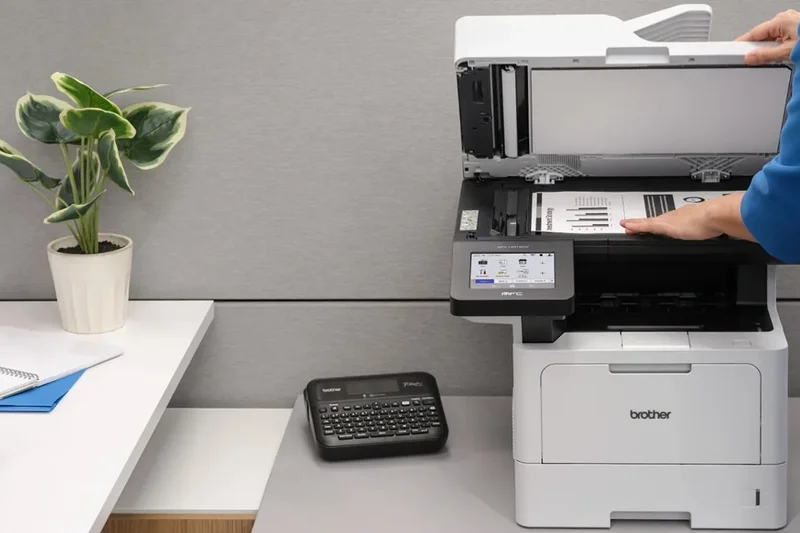
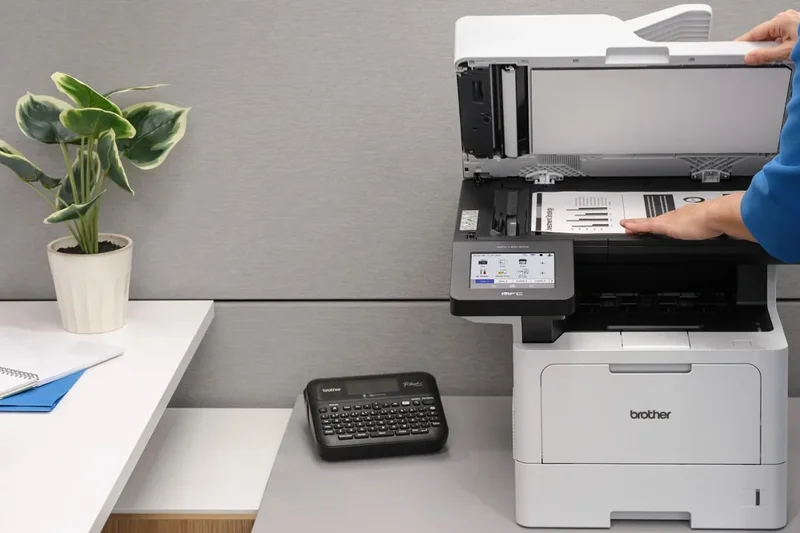
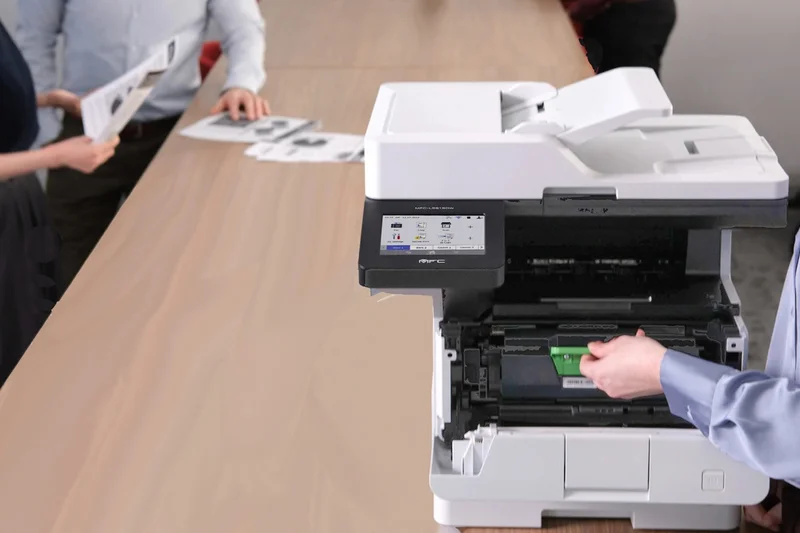
Why we picked it: The Brother MFC-L5915DW dominates our 2026 rankings by offering a masterclass in monochrome efficiency, securing the top spot with an impressive overall score of 8.9. In our rigorous M2 evaluation framework, this multifunction powerhouse achieved a perfect 10/10 for Print Speed & Volume Capacity, delivering an astonishing 50 pages per minute that virtually eliminates wait times in high-traffic office environments. We selected this model as our overall winner because it successfully bridges the gap between premium enterprise features and small business accessibility. Beyond its raw throughput, the inclusion of a 70-sheet single-pass auto document feeder (ADF) drastically accelerates two-sided scanning tasks, turning mountains of paperwork into digitized files in seconds. What truly sets the MFC-L5915DW apart, however, is its economic sustainability. By supporting 18,000-page ultra-high-yield toner cartridges, it drives the cost-per-page down to a fraction of a cent, earning a 10/10 in our Running Costs & Efficiency dimension. The responsive 5-inch touchscreen display streamlines complex workflows, and advanced network security features ensure that sensitive company data remains protected. For small-to-medium businesses and high-volume workgroups demanding relentless reliability and rock-bottom operating costs, the Brother MFC-L5915DW stands unchallenged as the premier investment of the year.
Key Specs
- 50 ppm print speed
- 70-sheet single-pass ADF
- 5-inch touchscreen display
- 18,000 page toner options
What we like
- Blazing fast 50 ppm output
- Ultra-low cost per page with high-yield toner
- Excellent single-pass duplex scanning
- Intuitive 5-inch color touchscreen
What we don't like
- Monochrome only
- Substantial physical footprint
Best for: Small-to-medium businesses and busy workgroups that require maximum document throughput and the lowest possible running costs.
Considering the Brother MFC-L5915DW vs the HP LaserJet Pro MFP 4101fdw? While the HP is an excellent machine at 42 ppm, the Brother outpaces it at 50 ppm and offers superior long-term value thanks to its massive 18,000-page toner options.
An absolute workhorse that combines blistering print speeds with unbeatable economic efficiency, making it the top monochrome printer of 2026.
Buy at Brother official site#2 Xerox VersaLink C415/DN
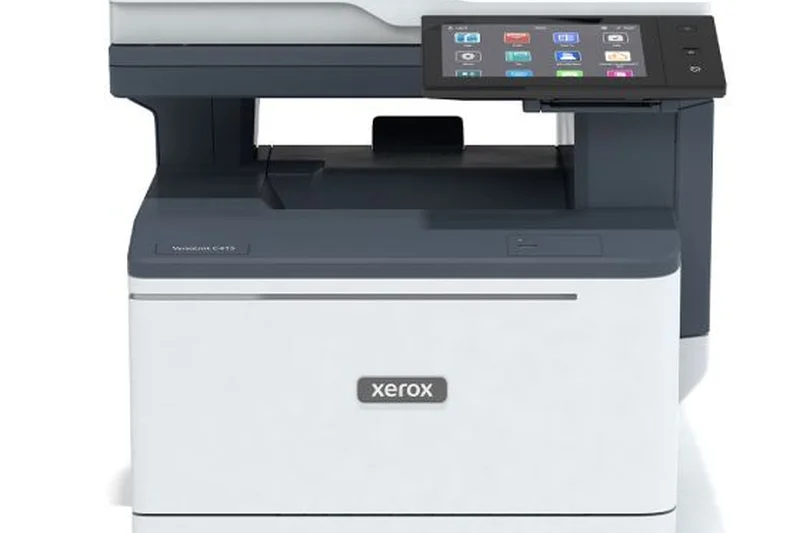
Why we picked it: Securing the number two spot with an 8.8 overall score, the Xerox VersaLink C415/DN represents the pinnacle of enterprise-grade color multifunction printing for 2026. This machine earned a flawless 10/10 in both Connectivity & Smart Features and Ease of Use & Paper Handling, reflecting Xerox's commitment to creating a truly modern, frictionless office hub. We were thoroughly impressed by the 7-inch tablet-like touchscreen, which provides an app-driven interface powered by Xerox Workflow Central. This allows users to seamlessly translate documents, convert hard copies to audio files, or route scans directly to cloud repositories with a single tap. Operating at a swift 42 ppm, it refuses to compromise on speed while delivering brilliant, professional-grade color accuracy (scoring 9/10 in Print Quality) that is essential for client-facing marketing materials. Furthermore, the Advanced ConnectKey security protocols provide peace of mind for IT administrators managing sensitive networks. While the initial purchase price is undeniably steep—making it a less ideal choice for strict budget scenarios—the VersaLink C415/DN's robust 100-sheet ADF, exceptional build quality, and comprehensive feature set make it the ultimate choice for marketing teams and creative departments.
Key Specs
- 42 ppm print speed
- 7-inch tablet-like touchscreen
- Advanced ConnectKey security
- 100-sheet ADF
What we like
- Class-leading 7-inch tablet touchscreen
- Exceptional color print quality
- Massive 100-sheet ADF
- Advanced workflow and security apps
What we don't like
- High initial purchase price
- Heavy and bulky
Best for: Marketing teams and creative departments that require flawless color output and advanced cloud-integrated workflows.
Considering the Xerox VersaLink C415/DN vs the Brother MFC-L8905CDW? The Brother offers a better upfront price, but the Xerox justifies its premium with a superior 7-inch tablet interface and unmatched enterprise security.
A premium color multifunction printer that delivers tablet-like ease of use, flawless graphics, and robust enterprise security.
Buy at Xerox official site#3 Brother MFC-L8905CDW
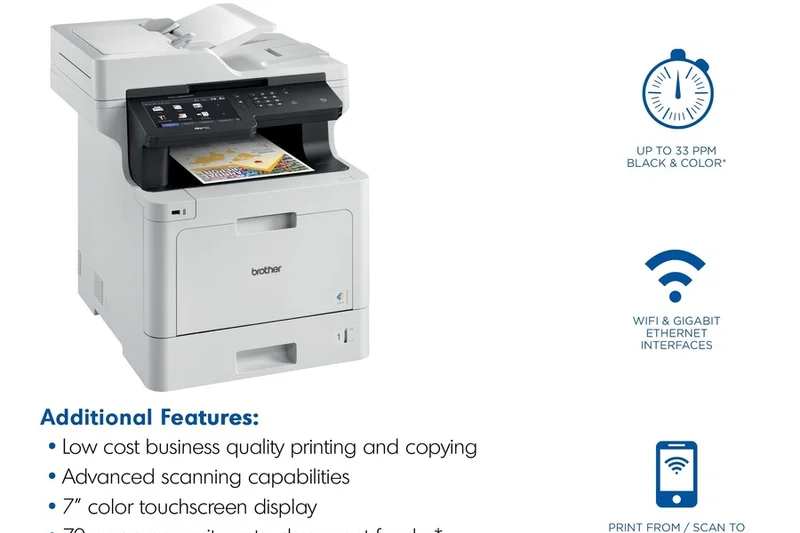
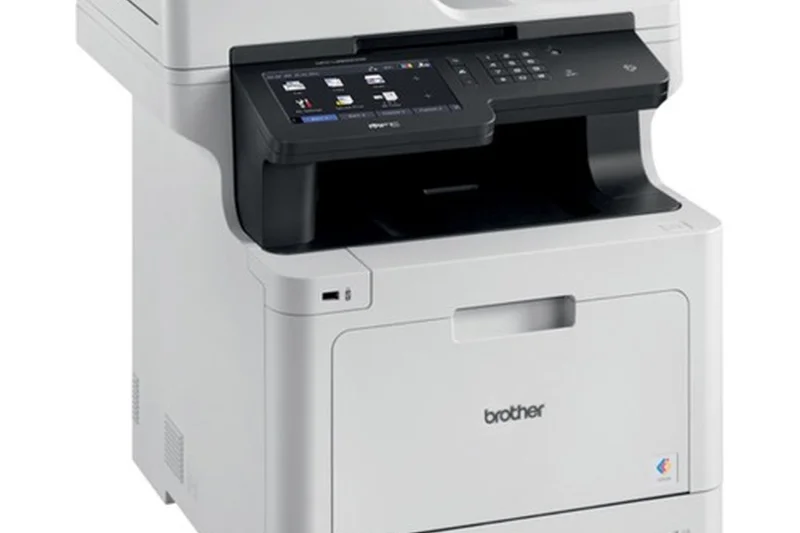
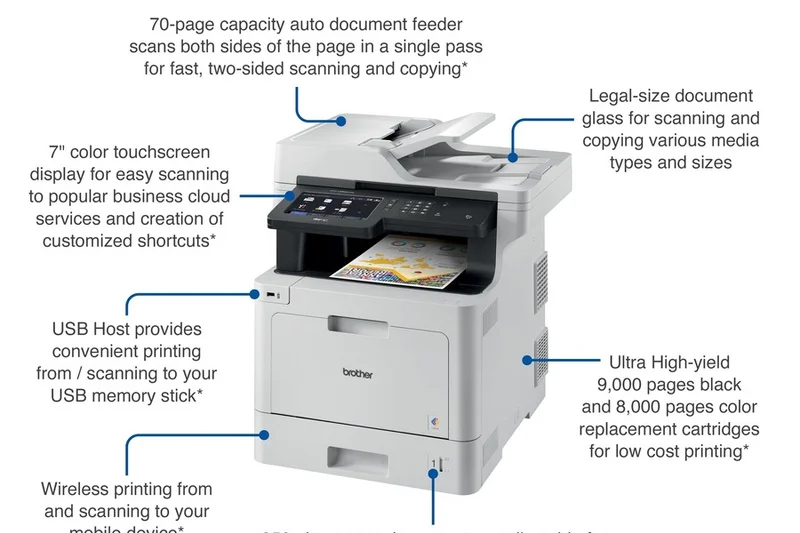
Why we picked it: Ranking third overall with an 8.4, the Brother MFC-L8905CDW is a formidable color multifunction laser printer tailored for diverse office environments. Scoring a 9/10 in both Build Quality and Running Costs, this printer is engineered to endure heavy daily use without inflating your supply budget. It produces sharp, vibrant documents at a highly respectable 33 ppm, backed by a precise 2400x600 dpi resolution that elevates charts, graphics, and presentations. Our evaluation highlighted its excellent 70-sheet single-pass auto document feeder, which dramatically accelerates dual-sided scanning and copying tasks. The 5-inch color touchscreen is highly responsive, allowing users to customize shortcuts for frequent workflows easily. What makes the MFC-L8905CDW a standout is its compatibility with ultra high-yield replacement toner cartridges, ensuring that your cost-per-page remains remarkably low for a color laser device. While it carries a premium upfront price tag, its robust durability and long-term economical operation make it an exceptionally smart investment for businesses that refuse to compromise on color quality or high-volume reliability.
Key Specs
- 33 ppm print speed
- 70-sheet single-pass ADF
- 5-inch color touchscreen
- Ultra high-yield toner options
What we like
- Low running costs for a color printer
- Excellent 70-sheet single-pass scanning
- Highly durable build quality
- Sharp 2400x600 dpi output
What we don't like
- Substantial upfront cost
- Heavier than entry-level models
Best for: Busy workgroups that need reliable, high-volume color printing without exorbitant toner replacement costs.
Considering the Brother MFC-L8905CDW vs the Canon imageCLASS MF753Cdw? The Canon edges out slightly in pure color resolution, but the Brother offers much better long-term running costs with its ultra high-yield toners.
The perfect blend of color performance, reliable document handling, and high-yield value for busy teams.
Buy at Brother official site#4 Canon imageCLASS MF465dw
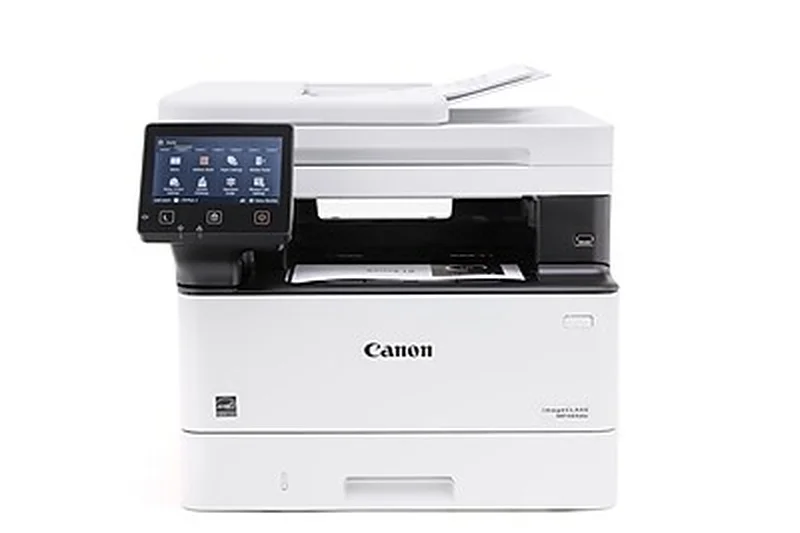
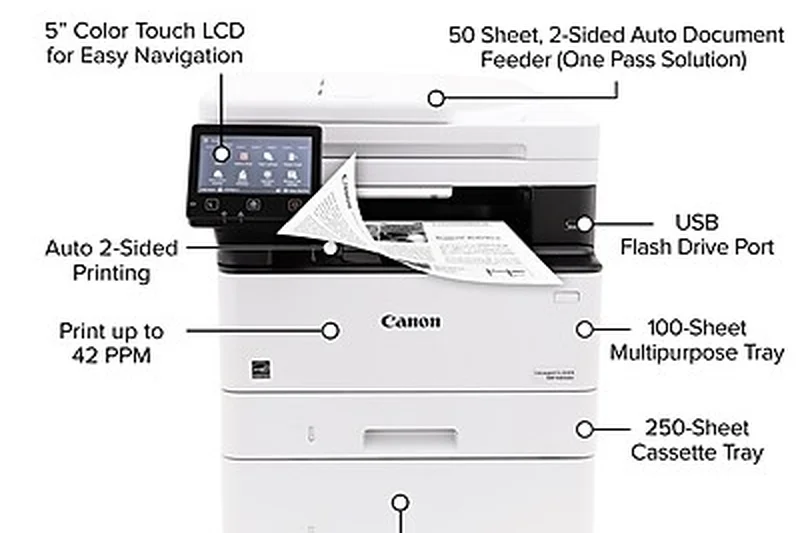
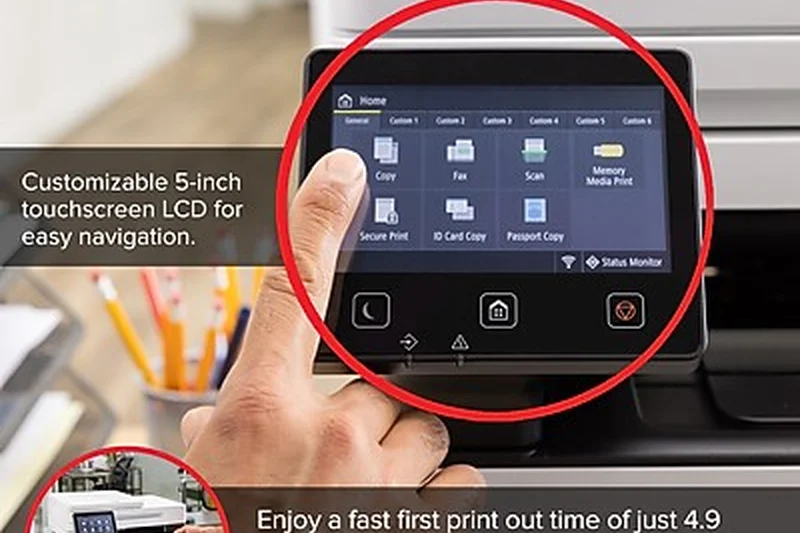
Why we picked it: The Canon imageCLASS MF465dw secures the fourth position with an 8.35 overall score, standing out as a premier monochrome multifunction solution. Earning a perfect 10/10 in Initial Purchase Value, this model delivers an extraordinary array of premium features at an accessible $324 price point. It boasts a blazing fast 42 ppm print speed and an ultra-quick first-print-out time of just 5 seconds, ensuring that long print queues are cleared effortlessly. The device also shines in paper handling, supporting a massive 900-sheet maximum capacity with optional trays, drastically reducing the frequency of paper reloads in busy offices. We were particularly impressed by the single-pass duplex scanning capabilities and the intuitive 5-inch touchscreen interface that simplifies navigation. While its standard connectivity options are solid, it slightly lags behind enterprise models in advanced cloud integrations. Nevertheless, for small to medium businesses seeking a highly dependable, fast, and remarkably affordable document processing hub, the MF465dw is an unrivaled value proposition.
Key Specs
- 42 ppm print speed
- Single-pass duplex scan
- 5-inch touchscreen
- 900-sheet max capacity
What we like
- Incredible purchase value
- Fast 42 ppm printing
- Single-pass duplex scanning
- Massive paper capacity options
What we don't like
- Monochrome only
- Cloud integrations are somewhat basic
Best for: Small to medium businesses seeking a high-speed, affordable monochrome MFP with exceptional paper handling.
Considering the Canon imageCLASS MF465dw vs the Brother MFC-L5915DW? The Brother is faster at 50 ppm, but the Canon is significantly cheaper upfront, making it the supreme choice for budget-conscious buyers.
An outstanding budget-friendly monochrome MFP that sacrifices none of the speed or scanning power expected by modern offices.
Buy at Canon official site#5 Canon imageCLASS MF753Cdw
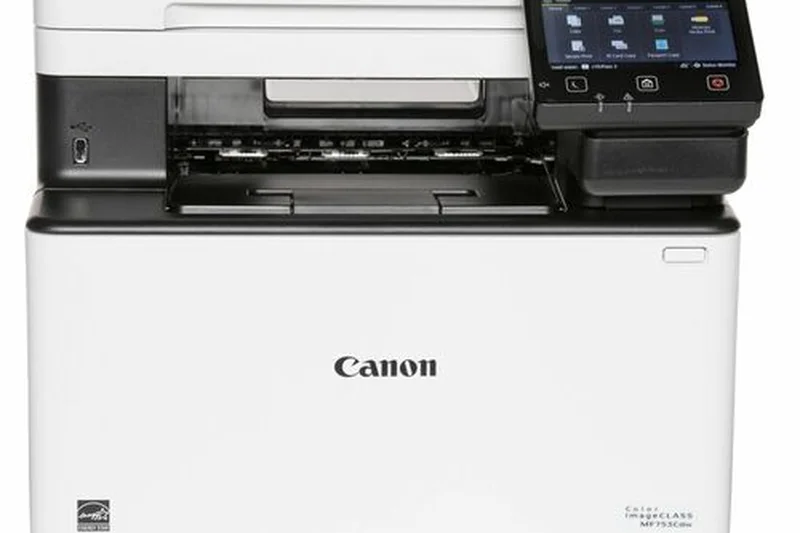
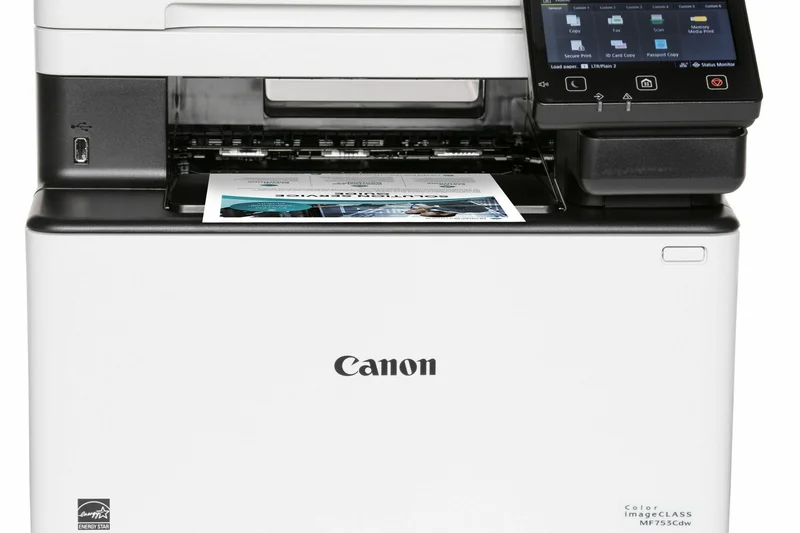
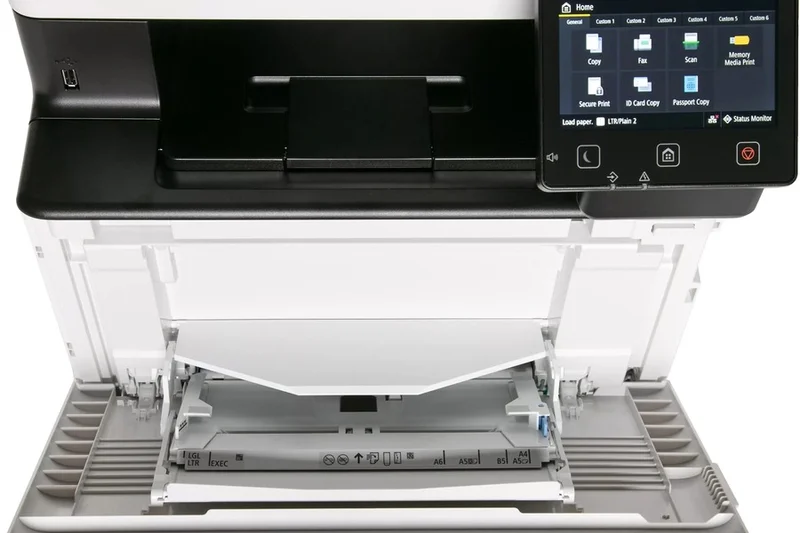
Why we picked it: Taking the fifth spot is the Canon imageCLASS MF753Cdw, a stellar color multifunction printer that earned a 9/10 for Print Quality & Resolution. Producing pristine 1200x1200 dpi output, this printer is specifically optimized for businesses that require impeccable color accuracy for brochures, newsletters, and external reports. It maintains a swift 35 ppm print speed in both black-and-white and color, supported by a generous 850-sheet maximum paper capacity to handle sustained workflows. The 50-sheet duplex ADF facilitates efficient multipage scanning, while the 5-inch color touchscreen offers a user-friendly, customizable experience. In our value assessment, it scored a strong 9/10, providing an excellent balance of high-end graphical output and reasonable hardware pricing. Although its running costs are slightly higher than some monochrome counterparts, its ability to render professional-grade color materials in-house easily justifies the investment. The MF753Cdw is highly recommended for design-conscious teams and modern workspaces.
Key Specs
- 35 ppm print speed
- 50-sheet duplex ADF
- 5-inch color touchscreen
- 1200x1200 dpi
What we like
- Pristine 1200x1200 dpi color output
- Excellent purchase value
- Intuitive 5-inch touchscreen
- Fast 35 ppm color speeds
What we don't like
- Color running costs can add up
- Heavy physical chassis
Best for: Design-conscious offices and marketing teams that demand professional-grade color accuracy in-house.
Considering the Canon imageCLASS MF753Cdw vs the HP Color LaserJet Pro 4301fdw? Both output beautiful color, but the Canon's 1200x1200 dpi resolution slightly edges out the HP for fine graphic details.
A premium color multifunction printer that balances impeccable graphics with fast processing and a highly reasonable purchase price.
Buy at Canon official site#6 Brother MFC-L2750DW
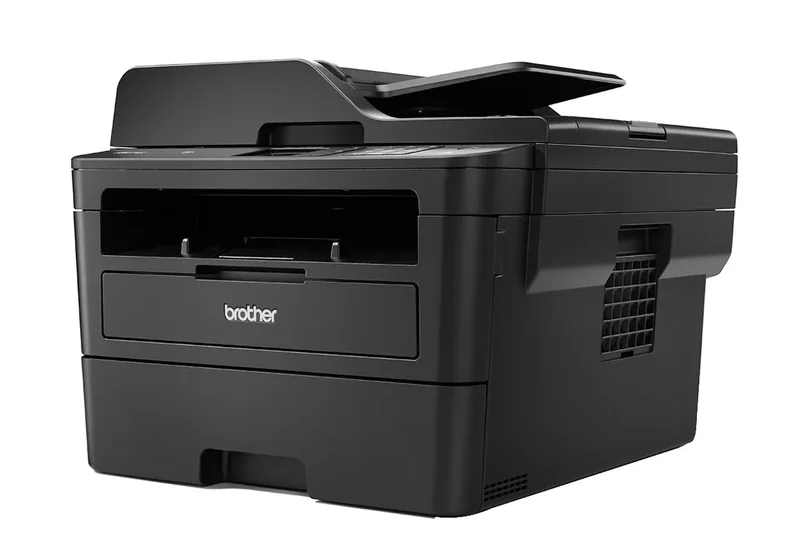
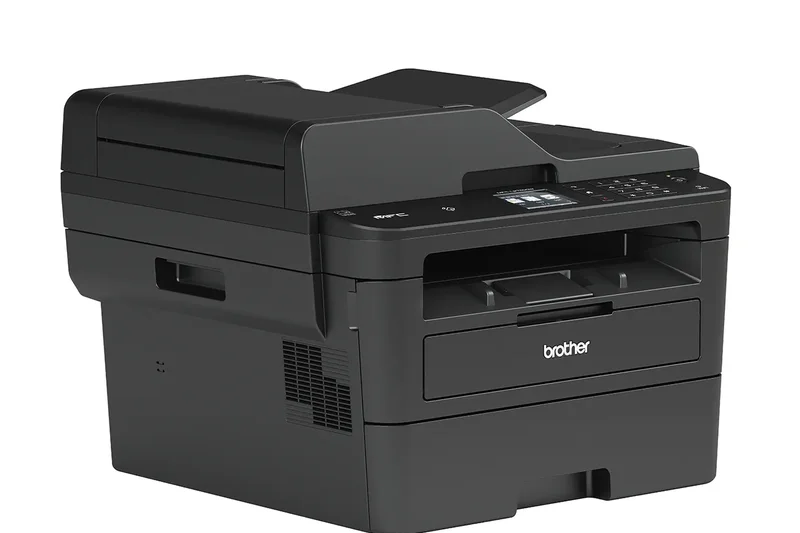
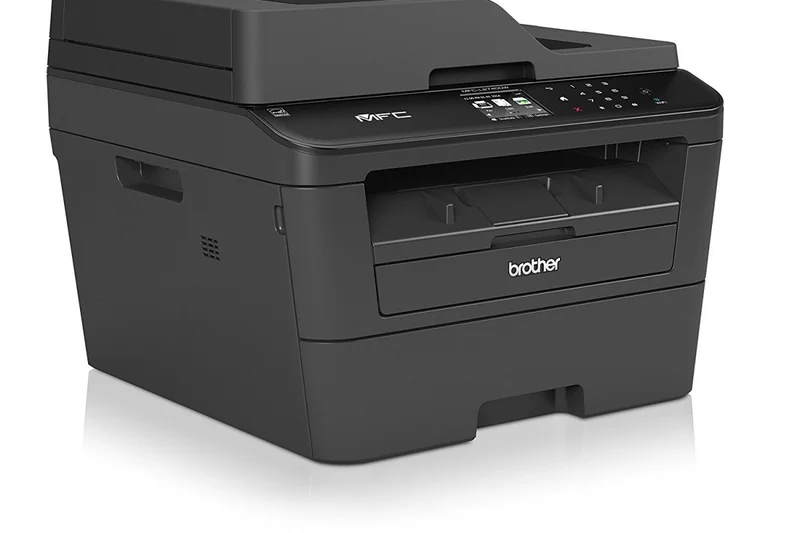
Why we picked it: The Brother MFC-L2750DW remains a legendary figure in the compact monochrome multifunction space, achieving an 8.05 overall score. Scoring a perfect 10/10 in Initial Purchase Value, this device is widely regarded as the definitive home office printer. It offers a brisk 36 ppm print speed, comprehensive auto 2-sided printing and scanning via a 50-sheet ADF, and innovative NFC touch-to-print capabilities. Its reliability is virtually unparalleled, making it a 'set it and forget it' solution for users who just need their text documents printed without hassle. While it lacks color capabilities and massive paper trays, its unmatched cost-effectiveness and compact footprint secure its status as a top-tier recommendation.
Key Specs
- 36 ppm print speed
- Auto 2-sided print/scan
- 50-sheet ADF
- NFC touch-to-print
What we like
- Unbeatable purchase value
- Compact footprint
- Auto 2-sided scanning included
- Extremely reliable
What we don't like
- No color printing
- Smaller 250-sheet paper tray
Best for: Home office users and solopreneurs needing an ultra-reliable, compact monochrome all-in-one.
Considering the Brother MFC-L2750DW vs the Canon imageCLASS MF272dw? Both are great for home offices, but the Brother's inclusion of a 50-sheet ADF and NFC touch-to-print makes it significantly more versatile.
The ultimate home office companion, delivering flawless monochrome printing and scanning in a compact, highly affordable package.
Buy at Brother official site#7 HP Color LaserJet Enterprise MFP M480f
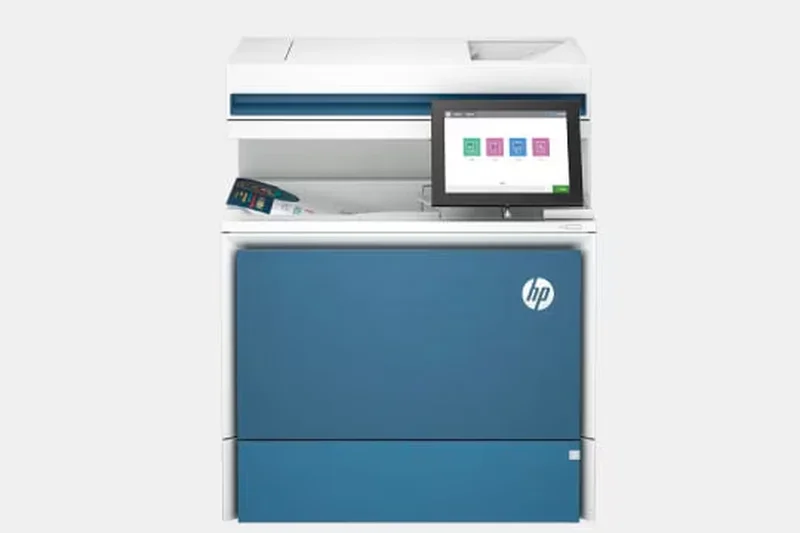
Why we picked it: Ranked seventh, the HP Color LaserJet Enterprise MFP M480f is an absolute fortress of document security and enterprise management. It achieved a flawless 10/10 in Connectivity & Smart Features, driven by HP Wolf Enterprise Security, which continuously monitors memory activity and thwarts intrusion attempts in real time. Delivering a solid 29 ppm print speed and pristine 9/10 print quality, it is designed for corporate environments where data integrity is paramount. The 8-inch touchscreen provides an expansive, intuitive interface for complex routing tasks. Its primary drawback is the steep initial purchase value, but for enterprise IT departments, the advanced fleet management capabilities make it indispensable.
Key Specs
- 29 ppm print speed
- Advanced HP Wolf security
- 8-inch touchscreen
- 550-sheet paper capacity
What we like
- Industry-leading security features
- Massive 8-inch touchscreen interface
- Superb color print quality
- Enterprise fleet management ready
What we don't like
- Very expensive upfront
- Moderate 29 ppm speed
Best for: Corporate environments and IT departments that prioritize network security and remote fleet management.
Considering the HP MFP M480f vs the Xerox VersaLink C415/DN? Both are enterprise titans, but the HP edges out in pure endpoint security protocols, while Xerox offers faster 42 ppm speeds.
An uncompromising enterprise color MFP built to safeguard corporate data while delivering beautiful print quality.
Buy at HP official site#8 Canon imageCLASS LBP246dw
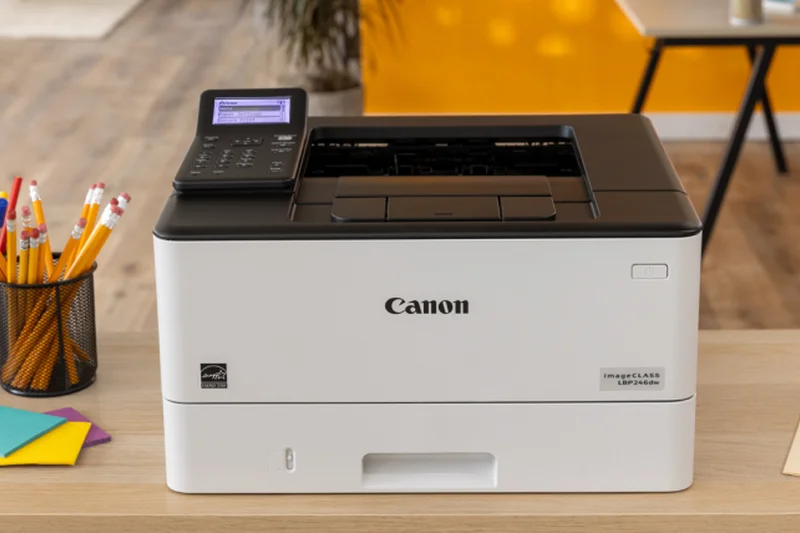
Why we picked it: The Canon imageCLASS LBP246dw is a dedicated monochrome laser printer that ranks eighth overall, celebrated for its raw printing prowess. Scoring a 9/10 in both Print Speed and Build Reliability, it powers through text-heavy workloads at a formidable 42 ppm. Featuring a crisp 1200x1200 dpi resolution, it ensures that every contract and invoice is rendered flawlessly. With a 900-sheet maximum capacity, it is built for continuous, high-volume action. While it lacks the scanning and copying functions of an MFP, its focused engineering makes it an exceptionally durable, high-value asset for dedicated printing stations.
Key Specs
- 42 ppm print speed
- 5-line LCD screen
- 1200x1200 dpi
- 900-sheet max capacity
What we like
- Fast 42 ppm printing
- High 1200x1200 dpi text sharpness
- Excellent 900-sheet capacity
- Highly durable build
What we don't like
- Print only (no scanning or copying)
- Basic 5-line LCD interface
Best for: Offices that require a dedicated, high-speed monochrome document printer with minimal interruptions.
Considering the Canon LBP246dw vs the HP LaserJet Pro 4002dw? Both are excellent dedicated printers, but Canon's superior 900-sheet max capacity makes it better for relentless volume.
A pure printing powerhouse that delivers fast, flawless monochrome text for high-volume environments.
Buy at Canon official site#9 HP LaserJet Pro M404dn
Why we picked it: Securing the ninth spot, the HP LaserJet Pro M404dn is a streamlined, hyper-reliable monochrome printer that perfectly suits small businesses and remote workers. Delivering 40 ppm output and auto 2-sided printing, it scored a 9/10 for Print Speed and a 9/10 for Reliability. Its inclusion of Gigabit Ethernet and robust enterprise security protocols ensures safe, fast network sharing. It eschews a large touchscreen in favor of functional simplicity and a compact design. For offices that simply need a fast, secure, and unyielding document printer without the bells and whistles of an MFP, the M404dn is a superb choice.
Key Specs
- 40 ppm print speed
- Auto 2-sided printing
- Gigabit Ethernet
- Robust enterprise security
What we like
- Consistent 40 ppm performance
- Strong network security features
- Compact and simple to operate
- Excellent build reliability
What we don't like
- No Wi-Fi on this specific 'dn' model
- No scanning functionality
Best for: Small business workgroups that need a fast, wired network printer with strong security.
Considering the HP M404dn vs the Brother HL-L2460DW? The HP offers much faster 40 ppm speeds and enterprise security, while the Brother is cheaper and includes standard Wi-Fi.
A highly dependable, fast, and secure monochrome printer designed for wired office networks.
Buy at HP official site#10 HP LaserJet Pro MFP 4101fdw
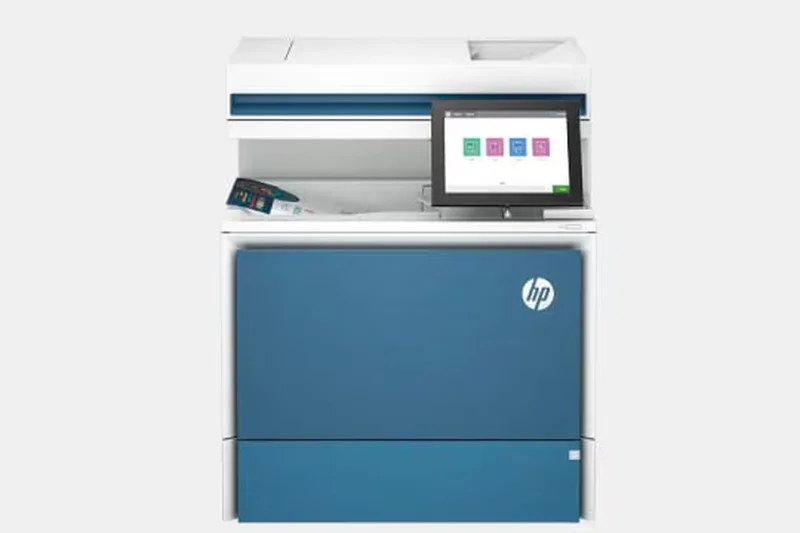
Why we picked it: Rounding out our top ten is the HP LaserJet Pro MFP 4101fdw, a versatile monochrome multifunction device that excels in modern work environments. It achieved a 9/10 for Print Speed, churning out pages at 42 ppm, and features a solid 50-sheet ADF for efficient scanning. Operating at 1200x1200 dpi, the text sharpness is exceptional. It boasts strong Wi-Fi connectivity and integrates beautifully with the HP Smart app, allowing for seamless mobile printing and cloud routing. While its 2.7-inch touchscreen is slightly smaller than competitors, its overall hardware reliability and efficient toner usage make it a highly capable all-in-one hub.
Key Specs
- 42 ppm print speed
- 50-sheet ADF
- 1200x1200 dpi
- 2.7-inch touchscreen
What we like
- Rapid 42 ppm printing
- Excellent mobile app integration
- Sharp 1200 dpi text resolution
- Reliable paper handling
What we don't like
- Smaller 2.7-inch touchscreen
- Average running costs
Best for: Modern offices that rely heavily on mobile printing and need a fast, reliable monochrome MFP.
Considering the HP MFP 4101fdw vs the Canon imageCLASS MF465dw? The HP offers superior mobile app experiences, while the Canon provides a larger touchscreen and single-pass scanning.
A well-rounded, high-speed monochrome MFP backed by HP's excellent mobile software ecosystem.
Buy at HP official site#11 Lexmark MS431dn
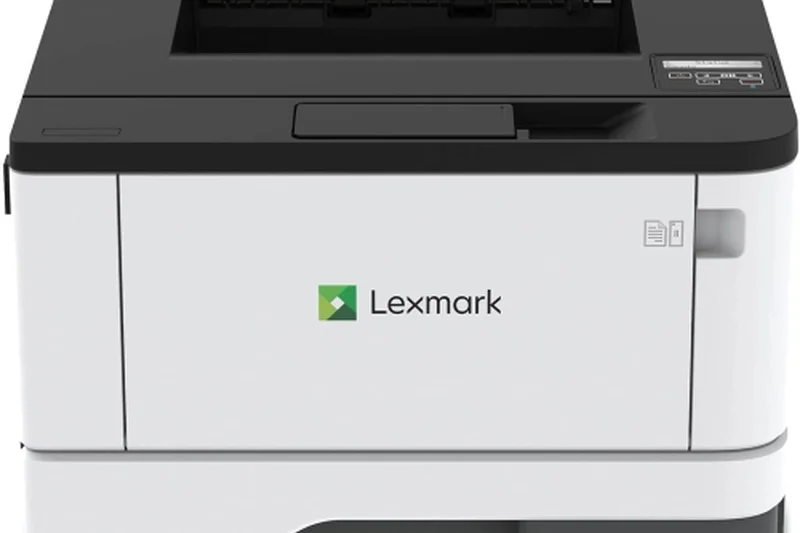
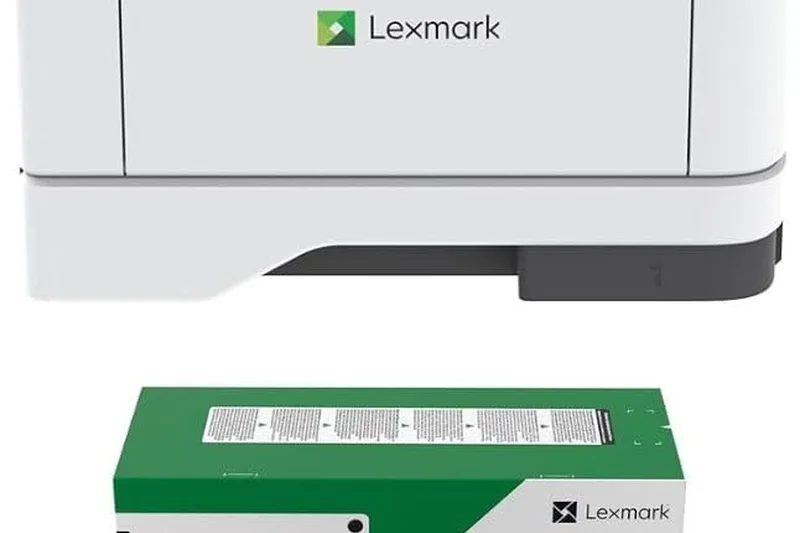
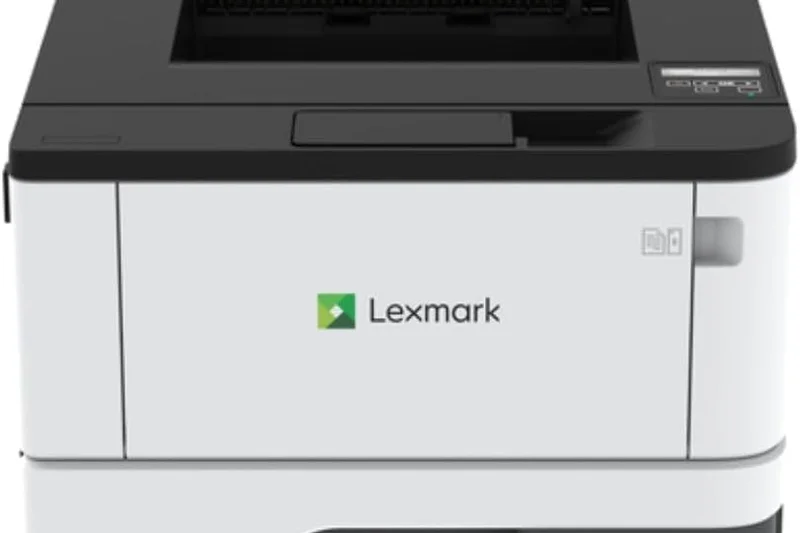
Why we picked it: The Lexmark MS431dn is a hidden gem in the monochrome space, securing the 11th spot with a 7.85 overall score. Built around a rugged steel frame construction, it scored a 9/10 in Reliability, proving itself as an industrial-strength document producer. It delivers an outstanding 42 ppm print speed and supports extra high-yield toner options, earning a 9/10 for Running Costs. A perfect 10/10 in Purchase Value highlights its immense affordability at just under $200. While its usability score reflects a lack of modern touchscreen interfaces, its sheer printing muscle and low operational expenses make it a spectacular choice for warehouses and back-office environments.
Key Specs
- 42 ppm print speed
- Extra high-yield toner options
- Steel frame construction
- 350-sheet input
What we like
- Incredible purchase value
- Industrial steel frame durability
- Very low running costs
- Fast 42 ppm output
What we don't like
- Very basic interface
- No Wi-Fi standard
Best for: Warehouses, logistics desks, and back-offices needing a rugged, cheap-to-run print engine.
Considering the Lexmark MS431dn vs the Brother HL-L5000D? Both are rugged and fast, but Lexmark's extra high-yield toner provides slightly better long-term savings.
An industrial-grade monochrome printer offering immense speed and durability for under $200.
Buy at Lexmark official site#12 HP LaserJet Pro 4002dw
Why we picked it: Ranking 12th, the HP LaserJet Pro 4002dw provides blazing 40 ppm monochrome printing in a compact, network-ready package. It earned a 9/10 for Print Speed and a 9/10 for Build Reliability. Designed to support a 4,000-page recommended monthly volume, it is a dedicated workhorse for small teams. It features standard Wi-Fi and Ethernet connectivity, seamlessly bridging wired and wireless workflows. Though it lacks an MFP's scanning capabilities, its straightforward operation, crisp 1200x1200 dpi text, and robust driver support make it a highly dependable standalone printer.
Key Specs
- 40 ppm print speed
- Wi-Fi & Ethernet
- 1200x1200 dpi
- 4,000-page recommended volume
What we like
- Fast 40 ppm speed
- Excellent 1200 dpi resolution
- Both Wi-Fi and Ethernet included
- Highly dependable build
What we don't like
- No scanning features
- Basic control panel
Best for: Small teams that need a fast, wireless-capable dedicated document printer.
Considering the HP 4002dw vs the HP M404dn? The 4002dw includes Wi-Fi out of the box, making it much easier to deploy in wireless environments.
A fast, straightforward, and highly reliable monochrome printer that handles high monthly volumes with ease.
Buy at HP official site#13 Brother MFC-L2900DW XL
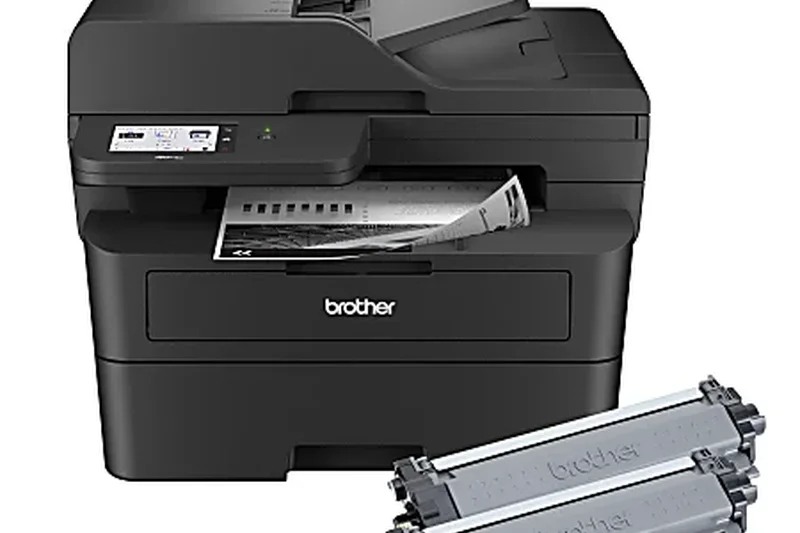
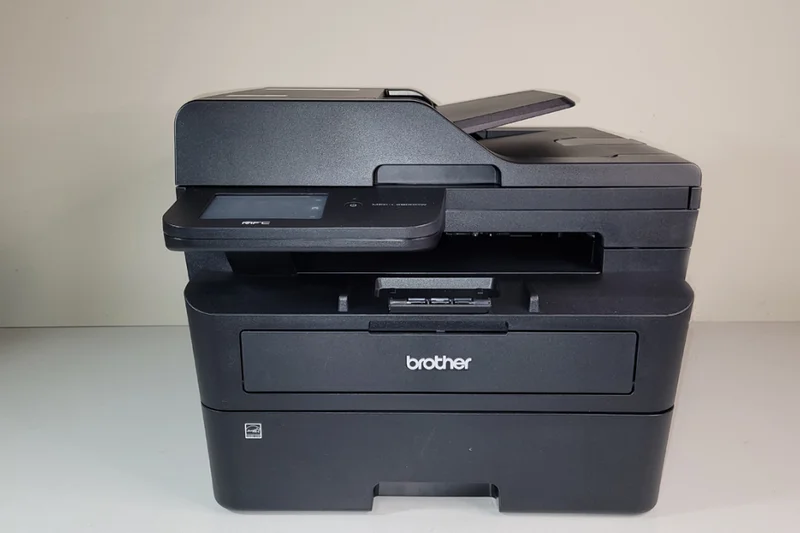
Why we picked it: The Brother MFC-L2900DW XL ranks 13th, offering a unique 'XL' value proposition by including up to two years of toner right in the box. This earned it a flawless 10/10 for Initial Purchase Value. It operates at a quick 36 ppm and features a 50-sheet ADF for auto 2-sided printing and scanning. Scoring a 9/10 in Running Costs, it effectively eliminates the anxiety of frequent toner replacements for home offices and solopreneurs. While its print quality is standard 600 dpi class, the economic peace of mind it delivers is exceptional.
Key Specs
- 36 ppm print speed
- 50-sheet ADF
- 2 years of toner included
- 250-sheet tray
What we like
- Massive upfront toner inclusion
- Very low running costs
- Fast 36 ppm output
- Solid 50-sheet ADF
What we don't like
- Standard 600 dpi resolution
- Slightly bulky for a home office
Best for: Solopreneurs and home offices that want to avoid buying replacement toner for years.
Considering the Brother MFC-L2900DW XL vs the standard MFC-L2750DW? The XL model costs more upfront but includes significantly more toner, saving money in the long run.
A fantastic all-in-one monochrome printer that includes a massive supply of toner right out of the box.
Buy at Brother official site#14 Canon imageCLASS LBP674Cdw
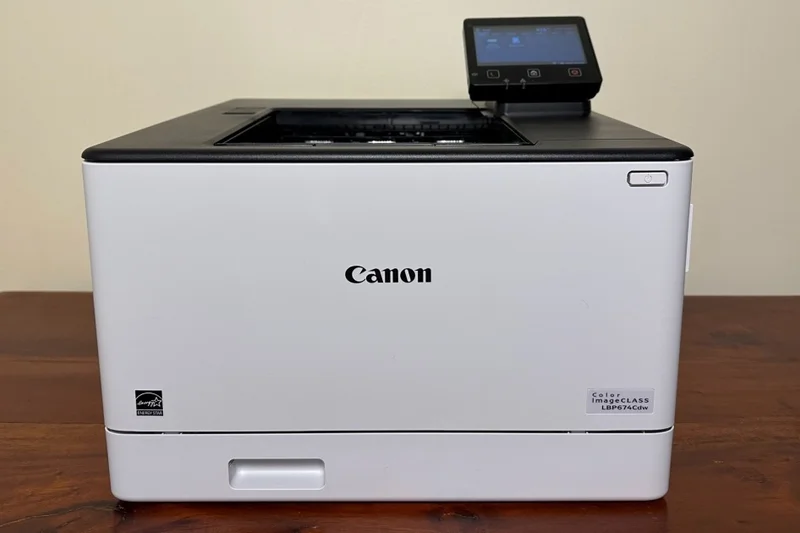
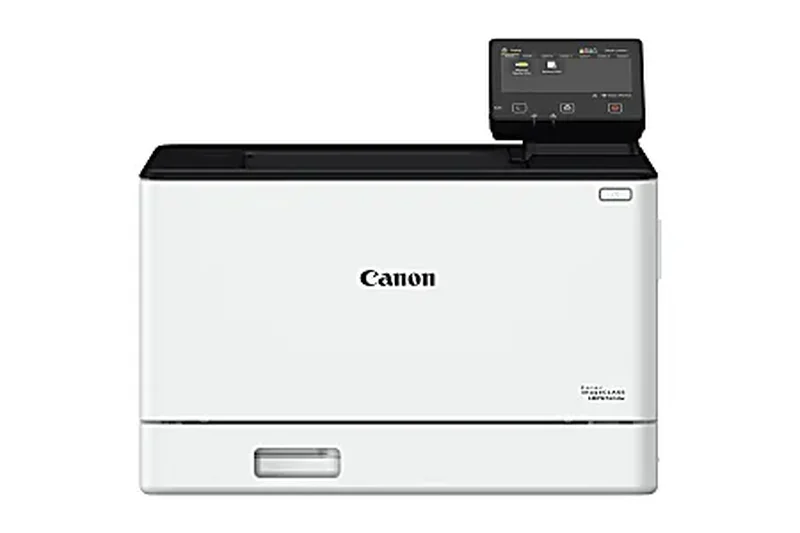
Why we picked it: At 14th place, the Canon imageCLASS LBP674Cdw is a dedicated color laser printer that balances a rapid 35 ppm speed with brilliant 8/10 print quality. Equipped with a 5-line LCD display, it focuses on straightforward color output without the added cost of scanning hardware. It supports an impressive 850-sheet maximum capacity and Wi-Fi Direct for easy mobile connections. This is an ideal machine for teams that require fast, reliable, high-volume color documents but already have a separate scanner or copier in the office.
Key Specs
- 35 ppm print speed
- 5-line LCD display
- 850-sheet max capacity
- Wi-Fi Direct
What we like
- Fast 35 ppm color speeds
- Excellent color rendering
- High 850-sheet capacity
- Wi-Fi Direct included
What we don't like
- Print only
- Outdated 5-line LCD screen
Best for: Offices that already have a scanner and simply need a fast, high-capacity color printer.
Considering the Canon LBP674Cdw vs the HP Color LaserJet Pro 4201dw? Canon offers a larger max paper capacity, while HP integrates better with cloud ecosystems.
A high-capacity, fast-printing color laser machine perfect for teams with heavy document workloads.
Buy at Canon official site#15 HP Color LaserJet Pro MFP 4301fdw
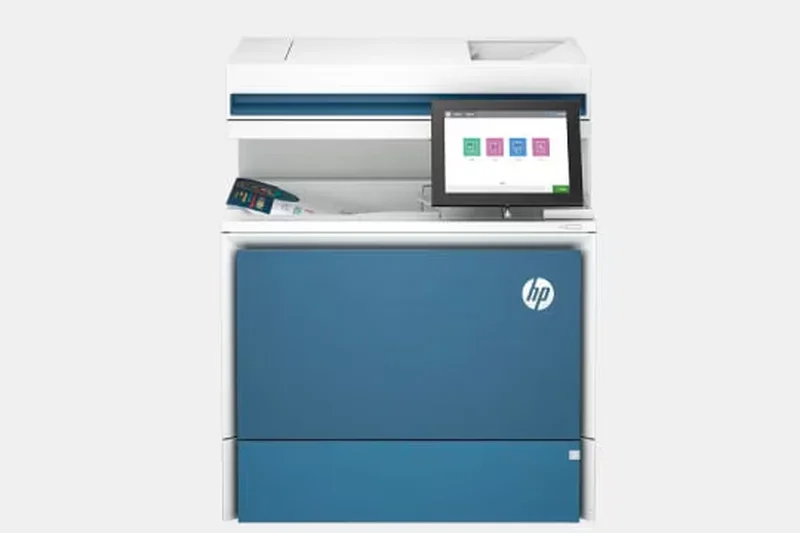
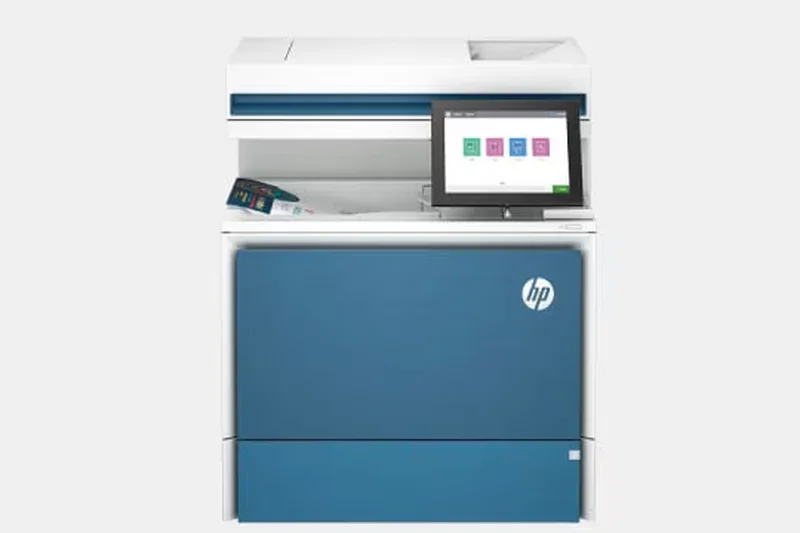
Why we picked it: The HP Color LaserJet Pro MFP 4301fdw ranks 15th, offering a strong 35 ppm print speed and a highly intuitive 4.3-inch color touchscreen. It serves as a comprehensive color multifunction hub, complete with auto 2-sided printing and a 50-sheet ADF. Earning solid 8/10s across speed, connectivity, and reliability, it is a well-rounded contender for medium-sized offices. While its initial price and running costs are slightly higher than our top overall picks, its seamless integration with HP's software ecosystem makes it a popular and reliable choice.
Key Specs
- 35 ppm print speed
- 50-sheet ADF
- 600x600 dpi
- 4.3-inch color touchscreen
What we like
- Fast 35 ppm color printing
- Intuitive 4.3-inch touchscreen
- Excellent mobile and cloud connectivity
- Solid 50-sheet ADF
What we don't like
- Toner costs can be high
- Resolution capped at 600 dpi
Best for: Medium-sized offices invested in the HP software ecosystem needing a reliable color MFP.
Considering the HP 4301fdw vs the Canon MF753Cdw? The Canon offers better 1200 dpi resolution, while the HP provides a slightly smoother touchscreen and mobile app experience.
A dependable, well-rounded color MFP that shines in network connectivity and ease of use.
Buy at HP official site#16 HP Color LaserJet Pro MFP 3301fdw
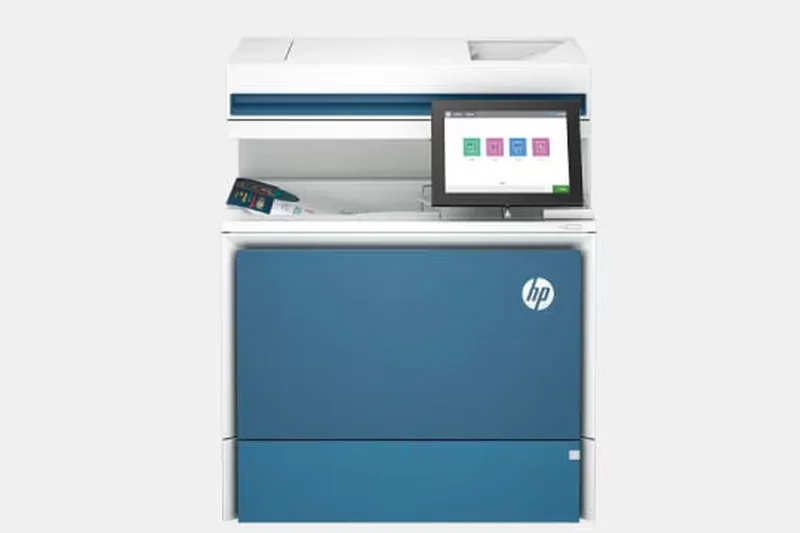
Why we picked it: Ranking 16th, the HP Color LaserJet Pro MFP 3301fdw leverages HP's next-generation TerraJet toner technology, which promises lower energy consumption and sharper colors. It prints at a respectable 26 ppm and includes a 50-sheet ADF. Earning an 8/10 in Print Quality and Connectivity, it features robust Wi-Fi 5.0 GHz support for stable wireless operations. It is an excellent middle-ground color MFP for small offices looking for vivid marketing prints and dependable mobile app integration.
Key Specs
- 26 ppm print speed
- 50-sheet ADF
- Next-gen TerraJet toner
- Wi-Fi 5.0 GHz
What we like
- Vibrant TerraJet color output
- Stable 5.0 GHz Wi-Fi
- Energy efficient
- Good mobile app integration
What we don't like
- Moderate 26 ppm speed
- TerraJet toner availability can vary
Best for: Small offices that want modern, energy-efficient color printing with reliable wireless connectivity.
Considering the HP 3301fdw vs the HP 4301fdw? The 3301 is cheaper and more energy-efficient, but the 4301 is significantly faster at 35 ppm.
A modern, eco-conscious color MFP that delivers vibrant graphics and stable wireless performance.
Buy at HP official site#17 HP Color LaserJet Pro 4201dw
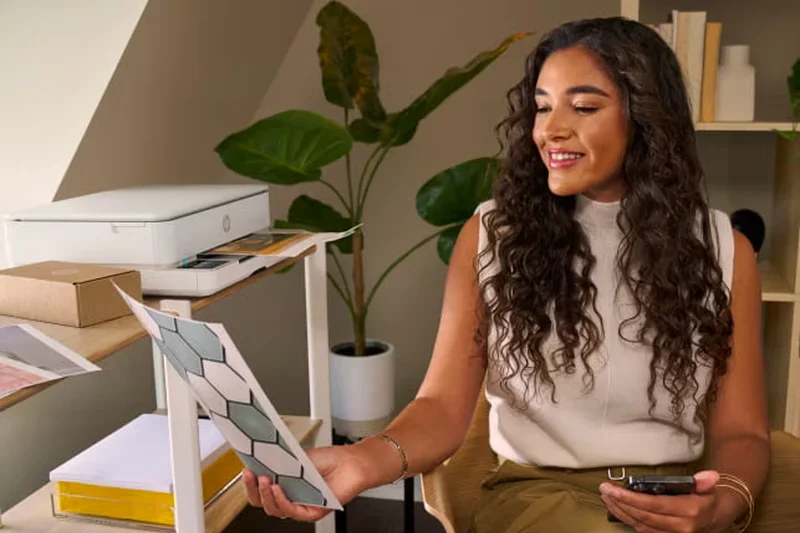
Why we picked it: The HP Color LaserJet Pro 4201dw ranks 17th, functioning as the standalone printer equivalent to the 4301fdw. It delivers an excellent 35 ppm color print speed and auto 2-sided printing. With Gigabit Ethernet and a 250-sheet input tray, it is tailored for reliable network printing. It scored highly in Purchase Value and Reliability, offering fast, dedicated color document generation for workgroups that do not require scanning or copying functionalities.
Key Specs
- 35 ppm print speed
- Gigabit Ethernet
- 250-sheet input tray
- 600x600 dpi
What we like
- Fast 35 ppm color output
- Strong network reliability
- Good purchase value
- Auto 2-sided printing
What we don't like
- No scanner
- Basic control panel
Best for: Workgroups needing a fast, dedicated color printer on a wired network.
Considering the HP 4201dw vs the Canon LBP674Cdw? Both are fast color printers, but Canon offers a larger max paper capacity.
A speedy and reliable dedicated color printer that excels in wired office environments.
Buy at HP official site#18 Brother MFC-L3780CDW
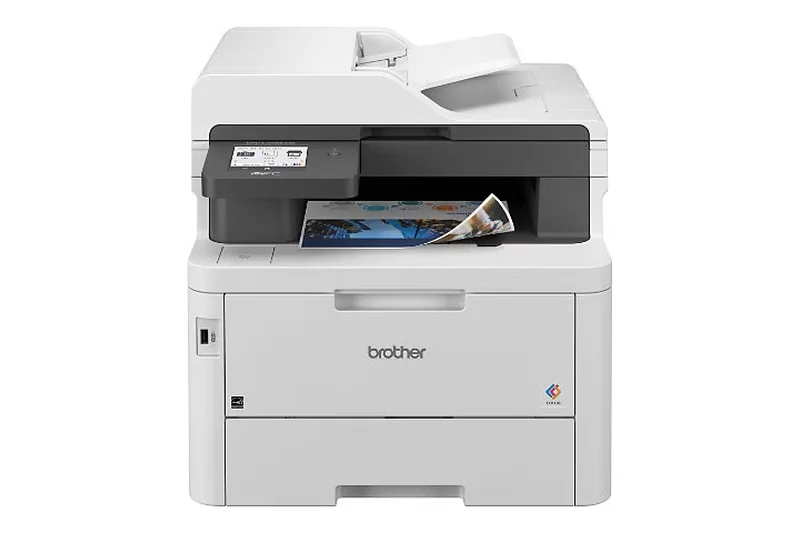
Why we picked it: Securing the 18th position, the Brother MFC-L3780CDW provides 31 ppm color printing and advanced single-pass duplex scanning. Its 3.5-inch touchscreen and Gigabit Ethernet connectivity make it highly user-friendly and network-stable. Scoring consistently well across all dimensions, it is a highly competent color MFP that balances speed, connectivity, and reliable paper handling for small business environments.
Key Specs
- 31 ppm print speed
- Single-pass duplex copy/scan
- 50-sheet ADF
- 3.5-inch touchscreen
What we like
- Single-pass duplex scanning
- Good 31 ppm speed
- Responsive 3.5-inch touchscreen
- Reliable networking
What we don't like
- Average print quality for photos
- Running costs are mid-tier
Best for: Small businesses that need efficient two-sided scanning alongside standard color printing.
Considering the Brother MFC-L3780CDW vs the Brother MFC-L8905CDW? The L8905 is faster and cheaper to run, but the L3780 is significantly cheaper upfront.
A balanced color MFP that brings single-pass duplex scanning to a very reasonable price point.
Buy at Brother official site#19 Canon Color imageCLASS MF665Cdw
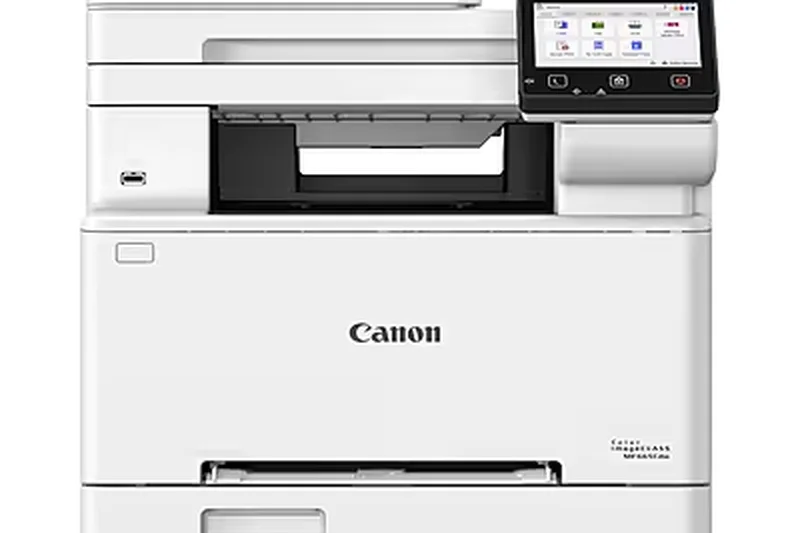
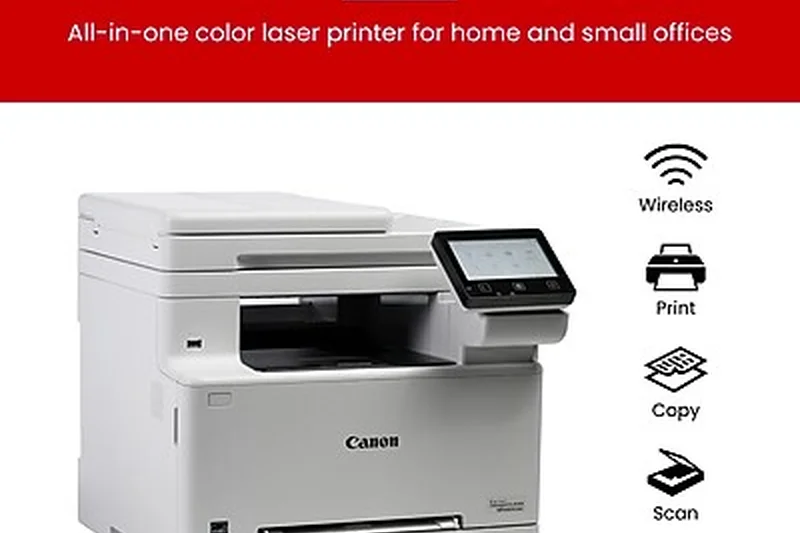
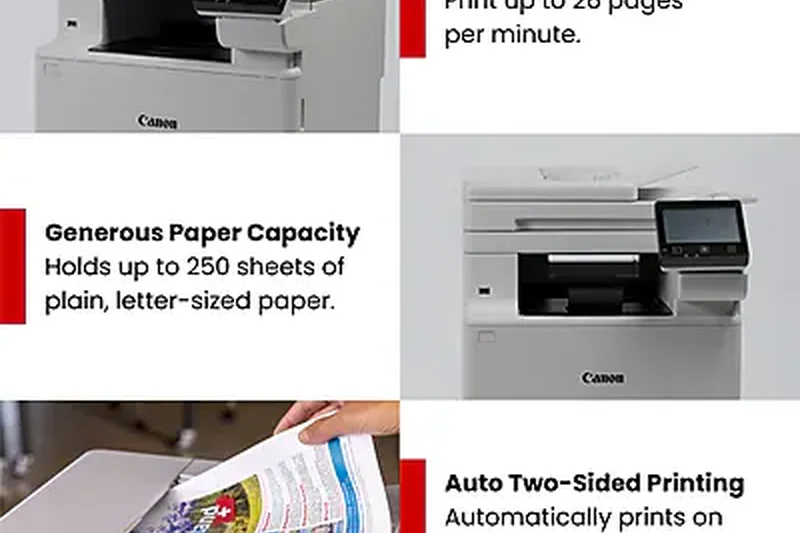
Why we picked it: At 19th, the Canon Color imageCLASS MF665Cdw offers a 26 ppm print speed and single-pass duplex scanning, paired with a vibrant 5-inch touchscreen. It excels in Print Quality (8/10) and provides Wi-Fi Direct for convenient guest printing. While slightly slower than premium models, its refined interface and crisp color output make it a reliable asset for detail-oriented offices.
Key Specs
- 26 ppm print speed
- Single-pass duplex scanning
- 5-inch touchscreen
- Wi-Fi Direct
What we like
- Excellent 5-inch touchscreen
- Single-pass scanning
- High-quality color output
- Wi-Fi Direct
What we don't like
- Slower 26 ppm speed
- Small standard paper tray
Best for: Offices that value high-quality color prints and a premium touchscreen interface over raw speed.
Considering the Canon MF665Cdw vs the HP 3301fdw? Canon offers a much better 5-inch touchscreen interface, while HP provides newer energy-efficient toner.
A premium-feeling color MFP that prioritizes user experience and print quality over raw throughput.
Buy at Canon official site#20 Brother HL-L2350DW
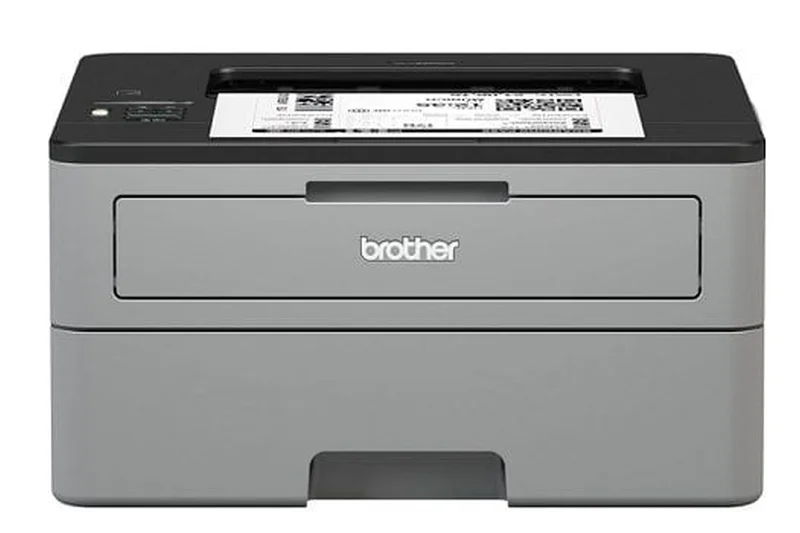
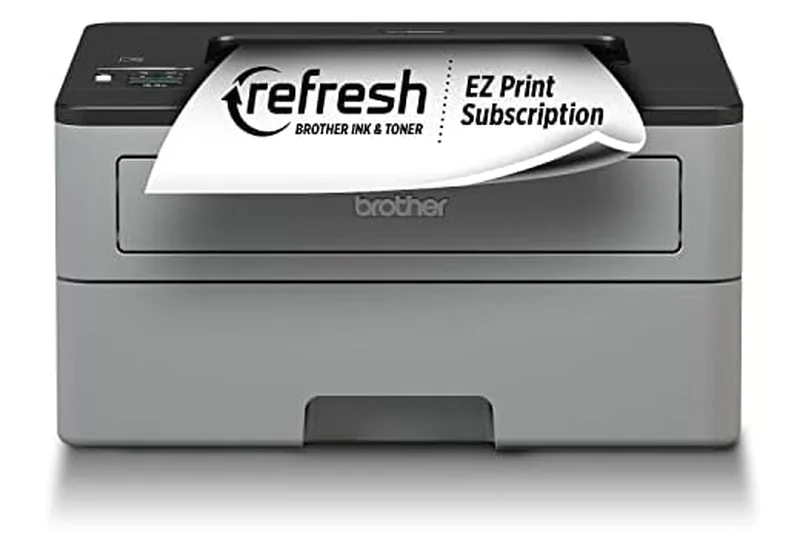
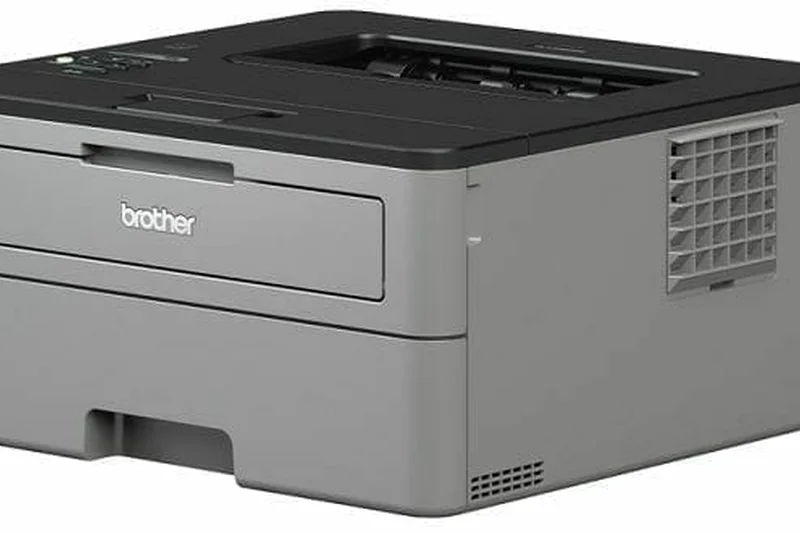
Why we picked it: Ranking 20th is the legendary Brother HL-L2350DW, the quintessential budget monochrome printer. Earning a 10/10 for Purchase Value and 9/10 for Reliability, this $119 machine prints at 32 ppm and features auto 2-sided printing. It is an absolute favorite for students and home users who need a compact, wireless workhorse that simply never fails, backed by cheap high-yield replacement toner.
Key Specs
- 32 ppm print speed
- Auto 2-sided printing
- Wireless printing
- High-yield toner option
What we like
- Incredibly affordable
- Very reliable
- Compact size
- Cheap replacement toner
What we don't like
- No scanner or copier
- Basic 1-line display
Best for: Students and home users looking for the cheapest, most reliable way to print black-and-white text.
Considering the Brother HL-L2350DW vs the newer HL-L2460DW? The 2460DW is slightly faster, but the 2350DW remains the ultimate budget champion.
The undisputed king of budget monochrome printing, offering unmatched reliability for under $120.
Buy at Brother official site#21 Brother MFC-L2820DW
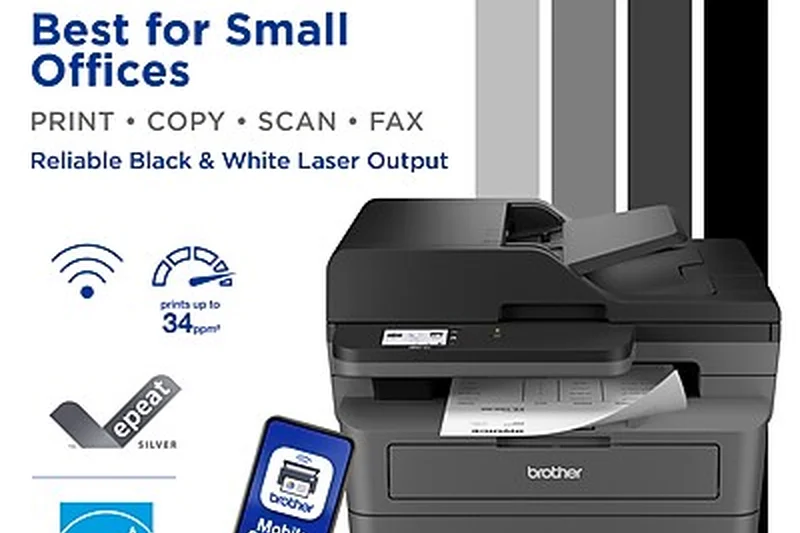
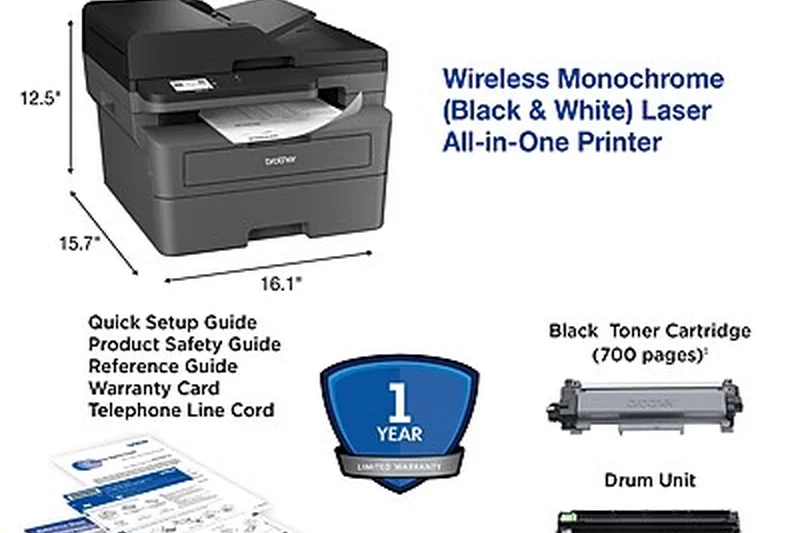
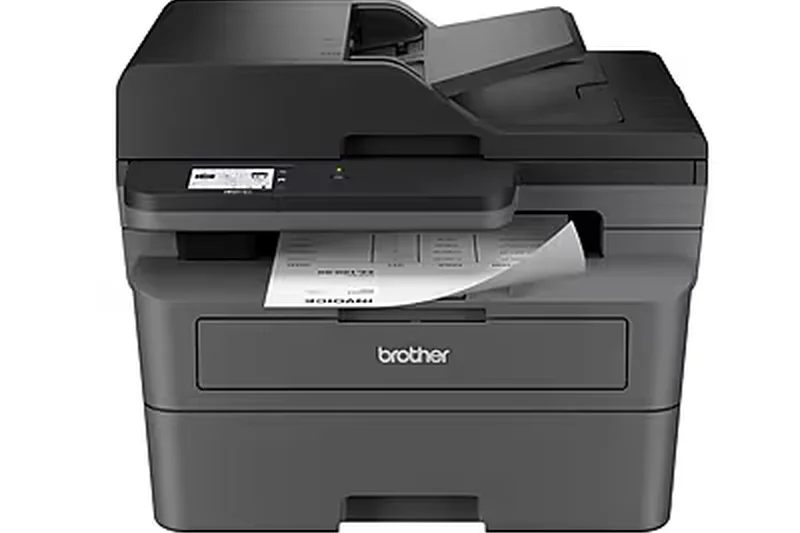
Why we picked it: The Brother MFC-L2820DW takes the 21st spot, offering a solid 34 ppm monochrome output with a 2.7-inch touchscreen. It introduces dual-band Wi-Fi to the entry-level MFP space, ensuring fewer connection drops. With auto 2-sided printing and a 250-sheet tray, it is a perfect all-in-one upgrade for home offices seeking reliable everyday performance.
Key Specs
- 34 ppm print speed
- 2.7-inch touchscreen
- Dual band Wi-Fi
- 250-sheet tray
What we like
- Stable dual-band Wi-Fi
- Helpful 2.7-inch touchscreen
- Fast 34 ppm output
- Compact footprint
What we don't like
- No ADF (flatbed only)
- Monochrome only
Best for: Home offices that need reliable printing and copying but rarely scan multi-page documents.
Considering the Brother MFC-L2820DW vs the MFC-L2750DW? The 2750DW includes an ADF for multi-page scanning, while the 2820DW relies on a simple flatbed.
A highly dependable home office all-in-one featuring a great touchscreen and stable dual-band wireless.
Buy at Brother official site#22 Brother HL-L2460DW
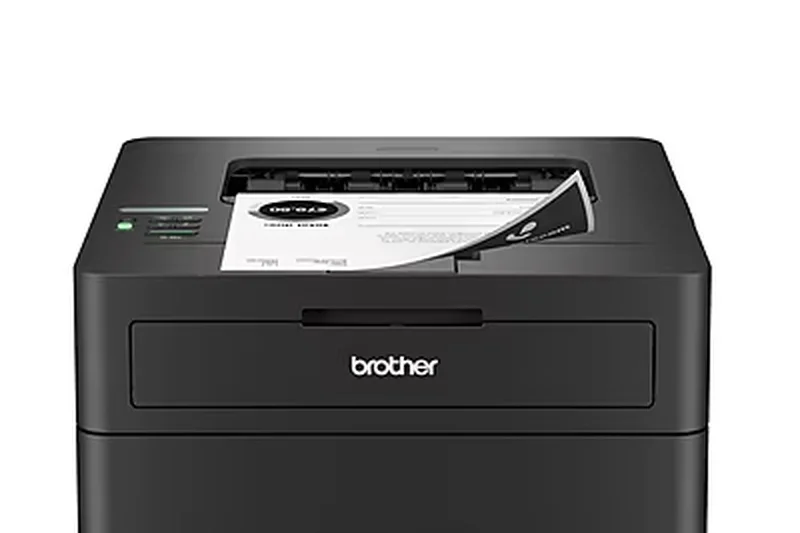
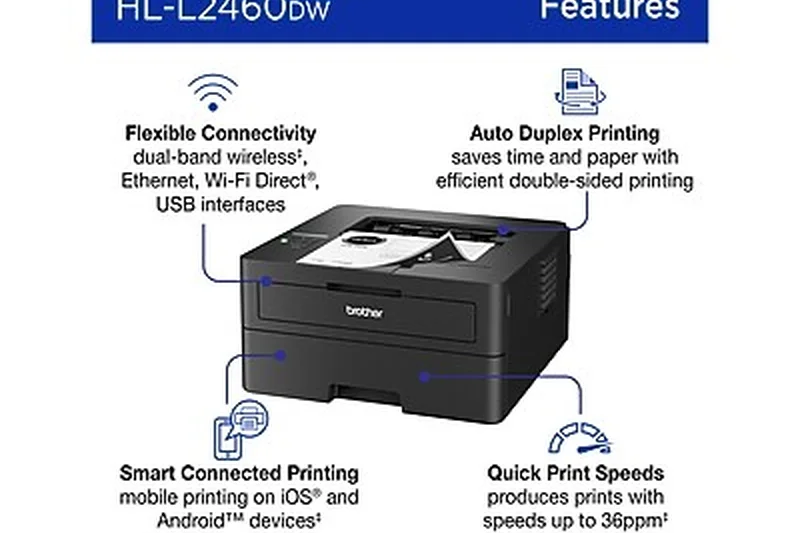
Why we picked it: At 22nd, the Brother HL-L2460DW is a highly efficient 36 ppm monochrome printer. Earning a 9/10 in Purchase Value, it features auto 2-sided printing, Wi-Fi Direct, and Energy Star certification. It is a slightly faster, modernized iteration of the classic 2350DW, providing fantastic text sharpness and rugged durability for small workspaces.
Key Specs
- 36 ppm print speed
- Wi-Fi Direct
- 250-sheet tray
- Energy Star certified
What we like
- Fast 36 ppm speed
- Energy efficient
- Affordable price
- Wi-Fi Direct support
What we don't like
- No scanner
- Basic LCD screen
Best for: Small offices needing a fast, dedicated monochrome printer without spending much.
Considering the Brother HL-L2460DW vs the HP LaserJet Pro M404dn? The Brother is cheaper and includes Wi-Fi, while the HP is faster and more secure.
A modern, speedy update to Brother's famous budget printer line.
Buy at Brother official site#23 Xerox B225DNI
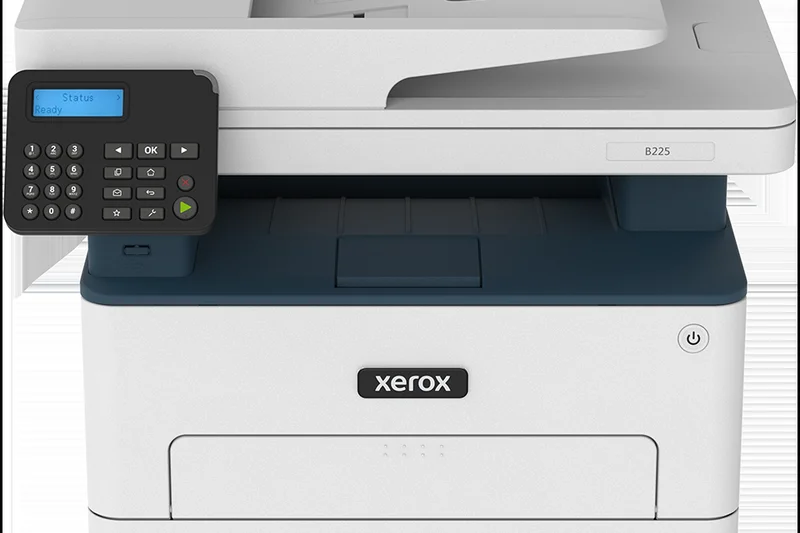

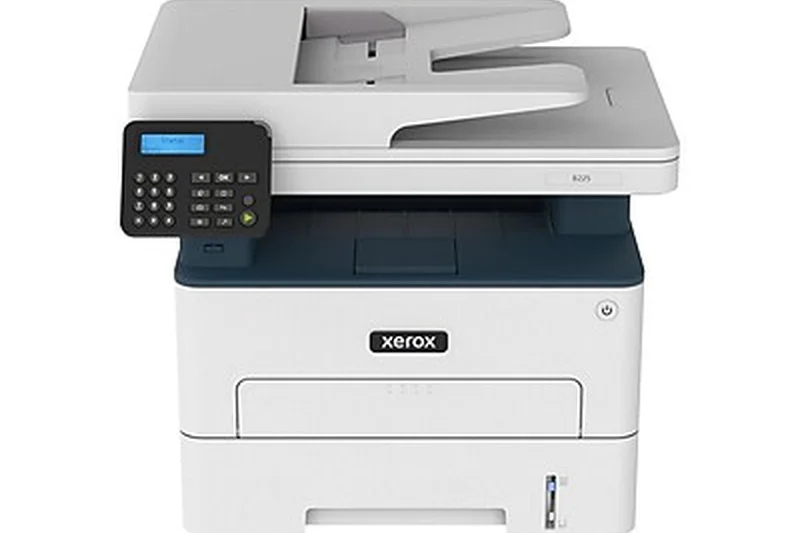
Why we picked it: Ranking 23rd, the Xerox B225DNI is a compact monochrome MFP that prints at 36 ppm. It features a 50-sheet ADF and Wi-Fi Direct. While its interface is more basic, its reliable performance and solid 250-sheet capacity make it a practical, no-nonsense choice for tight office spaces requiring Xerox-level document handling.
Key Specs
- 36 ppm print speed
- 50-sheet ADF
- Wi-Fi Direct
- 250-sheet capacity
What we like
- Fast 36 ppm output
- Solid 50-sheet ADF
- Compact design
- Affordable Xerox quality
What we don't like
- Basic control panel
- Average running costs
Best for: Small workspaces that trust the Xerox brand and need a reliable monochrome all-in-one.
Considering the Xerox B225DNI vs the Brother MFC-L2750DW? Both are great, but the Brother offers slightly lower running costs and NFC printing.
A reliable, compact monochrome MFP that brings Xerox document handling to small offices.
Buy at Xerox official site#24 Canon imageCLASS MF272dw
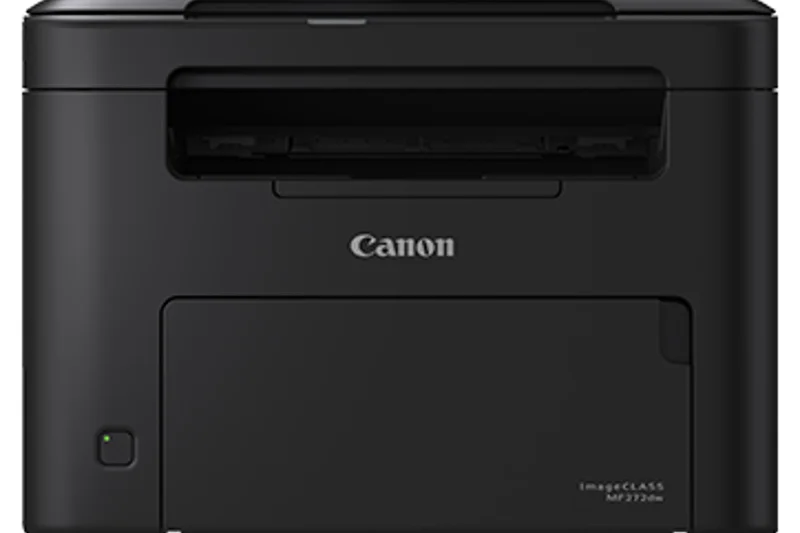
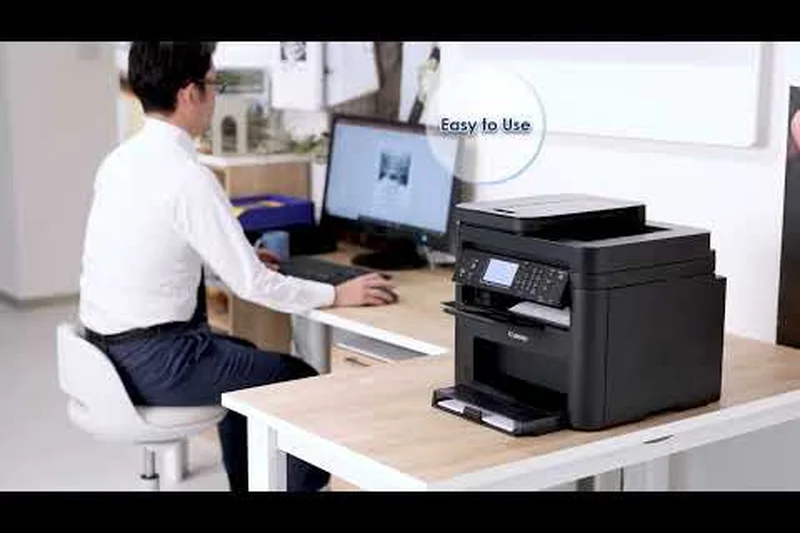
Why we picked it: The Canon imageCLASS MF272dw ranks 24th, delivering 30 ppm print speeds and a swift 5.4-second first-print-out time. Scoring a 9/10 in Purchase Value, it is an affordable monochrome MFP with enhanced 2400x600 dpi resolution. It is perfect for home users who prioritize fast startup times and crisp text.
Key Specs
- 30 ppm print speed
- First print in 5.4s
- 2400x600 dpi enhanced
- 150-sheet input tray
What we like
- Very fast first page out
- Crisp 2400x600 dpi resolution
- Highly affordable
- Compact size
What we don't like
- Small 150-sheet paper tray
- No ADF
Best for: Home users who print infrequently but want pages instantly when they do.
Considering the Canon MF272dw vs the Brother MFC-L2820DW? The Canon has a faster first-page-out time, but the Brother has a larger paper tray.
An ultra-responsive budget MFP that excels in fast, crisp text printing.
Buy at Canon official site#25 Brother HL-L3295CDW
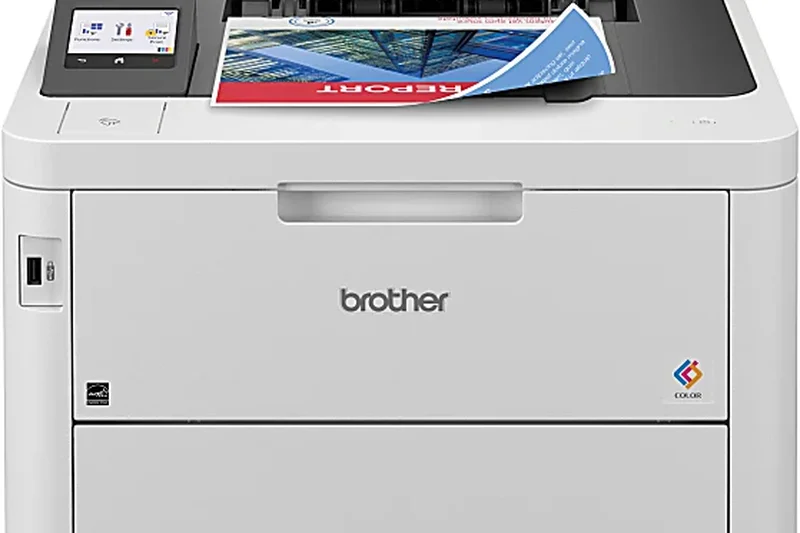
Why we picked it: Taking the 25th spot, the Brother HL-L3295CDW is a 31 ppm color laser printer featuring dual-band wireless and a 2.7-inch touchscreen. It provides reliable auto 2-sided printing and fits perfectly in micro-offices that need occasional color prints without the bulk of an ADF or scanner module.
Key Specs
- 31 ppm print speed
- 2.7-inch touchscreen
- Dual band wireless
- 250-sheet tray
What we like
- Good 31 ppm color speed
- Helpful touchscreen
- Stable dual-band Wi-Fi
- Compact for a color printer
What we don't like
- No scanner or copier
- Running costs can be high
Best for: Micro-offices needing a simple, reliable standalone color printer.
Considering the Brother HL-L3295CDW vs the HP Color LaserJet Pro 4201dw? The HP is slightly faster, but the Brother features a very useful touchscreen.
A dependable, easy-to-use color printer that is perfect for small spaces.
Buy at Brother official site#26 HP LaserJet Tank MFP 2604sdw
Why we picked it: Ranked 26th, the HP LaserJet Tank MFP 2604sdw revolutionizes running costs by replacing traditional cartridges with a refillable toner tank. It scored a 10/10 in Running Costs, coming with 5,000 pages of toner in the box. While its 23 ppm speed is modest, its ultra-low cost per page makes it highly attractive for budget-conscious high-volume users.
Key Specs
- 23 ppm print speed
- Cartridge-free toner tank
- 5,000 pages of toner included
- 40-sheet ADF
What we like
- Ultra-low cost per page
- 5,000 pages included
- Easy tank refilling
- Includes a 40-sheet ADF
What we don't like
- Slow 23 ppm speed
- Average 600 dpi quality
Best for: Users who print frequently and want the absolute lowest long-term toner costs.
Considering the HP Tank MFP 2604sdw vs the Brother MFC-L2900DW XL? Both offer massive upfront toner, but the Brother uses cartridges and prints much faster.
A revolutionary cartridge-free design that drastically slashes the cost of monochrome printing.
Buy at HP official site#27 HP Color LaserJet Pro 3201dw
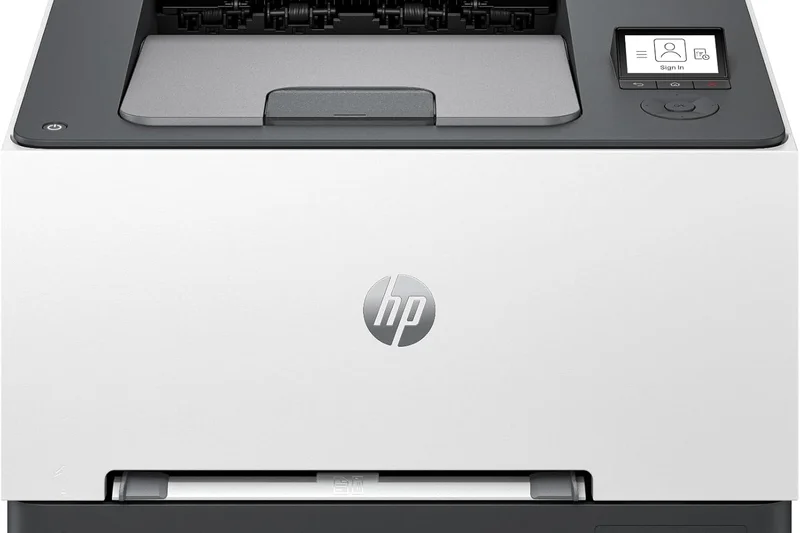
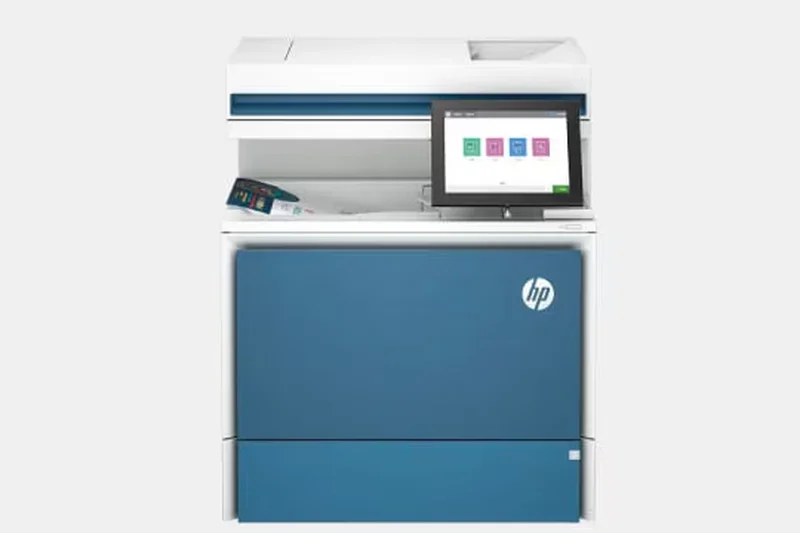
Why we picked it: The HP Color LaserJet Pro 3201dw secures the 27th position, offering 26 ppm color output and a massive 40,000-page maximum duty cycle. It features Wi-Fi Direct and auto 2-sided printing, serving as a dependable, mid-volume dedicated color printer for small administrative teams.
Key Specs
- 26 ppm print speed
- 40,000 page max duty cycle
- Wi-Fi Direct
- 250-sheet input tray
What we like
- High maximum duty cycle
- Good color consistency
- Wi-Fi Direct standard
- Compact footprint
What we don't like
- Slower 26 ppm speed
- No touchscreen
Best for: Administrative teams needing a sturdy, basic color printer capable of heavy workloads.
Considering the HP 3201dw vs the Brother HL-L3295CDW? The Brother is faster at 31 ppm and includes a touchscreen, while the HP offers a higher duty cycle.
A durable, mid-volume color printer designed to handle steady administrative workloads.
Buy at HP official site#28 Xerox B230
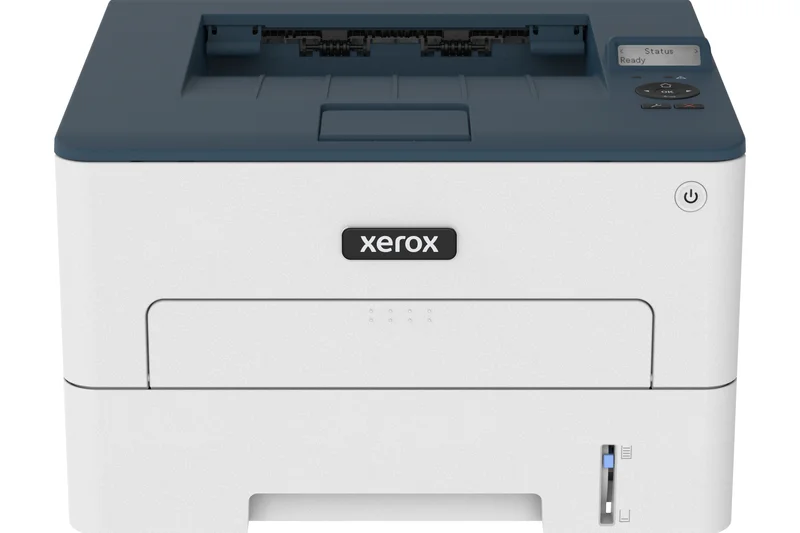
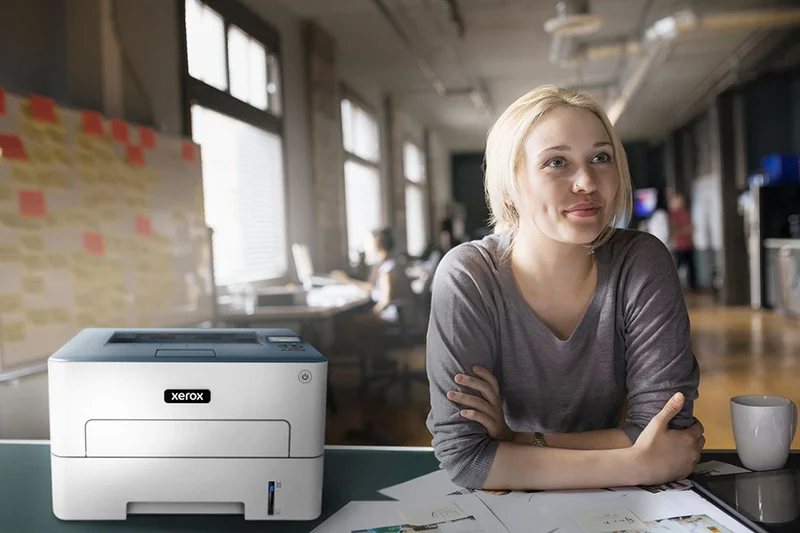
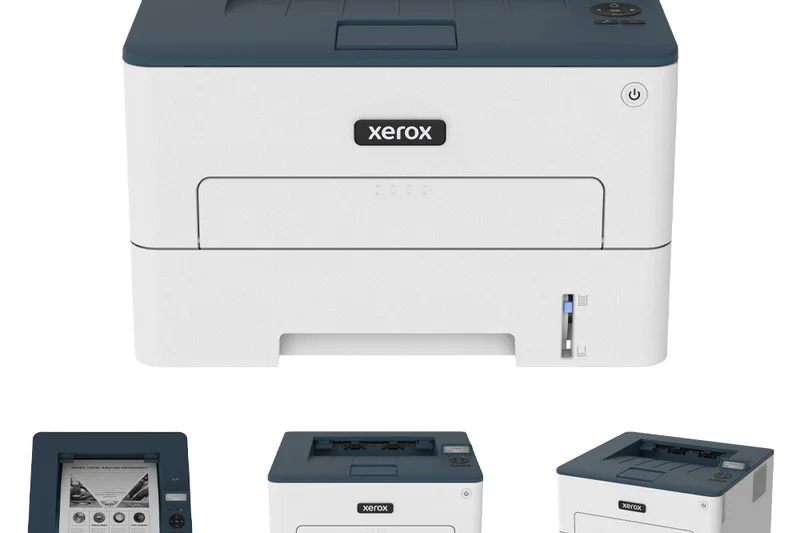
Why we picked it: At 28th, the Xerox B230 is a straightforward 36 ppm monochrome printer. It features a compact footprint, Wi-Fi connectivity, and reliable auto 2-sided printing. It is an unassuming, highly dependable machine that seamlessly fits into remote working environments.
Key Specs
- 36 ppm print speed
- Compact footprint
- Wi-Fi connectivity
- 250-sheet tray
What we like
- Fast 36 ppm output
- Very compact
- Reliable Wi-Fi
- Affordable
What we don't like
- No scanning capabilities
- Toner is somewhat expensive
Best for: Remote workers who need a fast, basic monochrome printer from a trusted enterprise brand.
Considering the Xerox B230 vs the Brother HL-L2460DW? Both offer 36 ppm, but Brother generally provides cheaper replacement toner.
A fast and highly compact monochrome printer that brings Xerox reliability home.
Buy at Xerox official site#29 Brother HL-L5000D
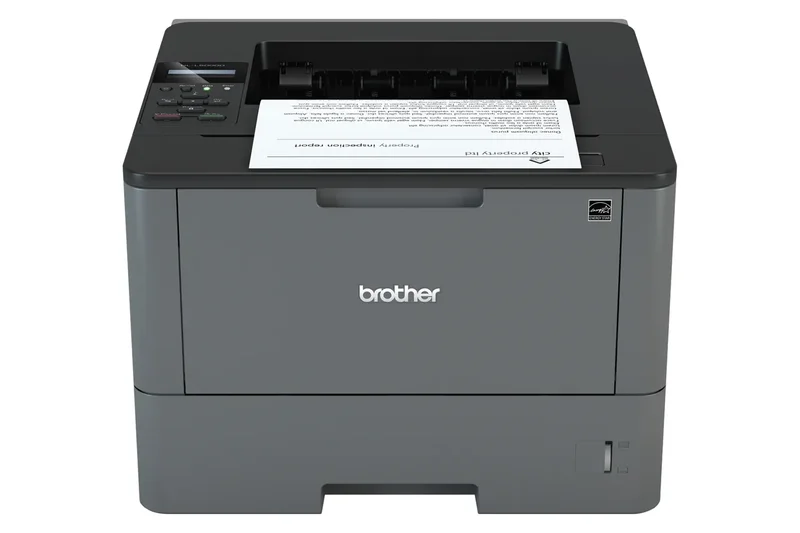
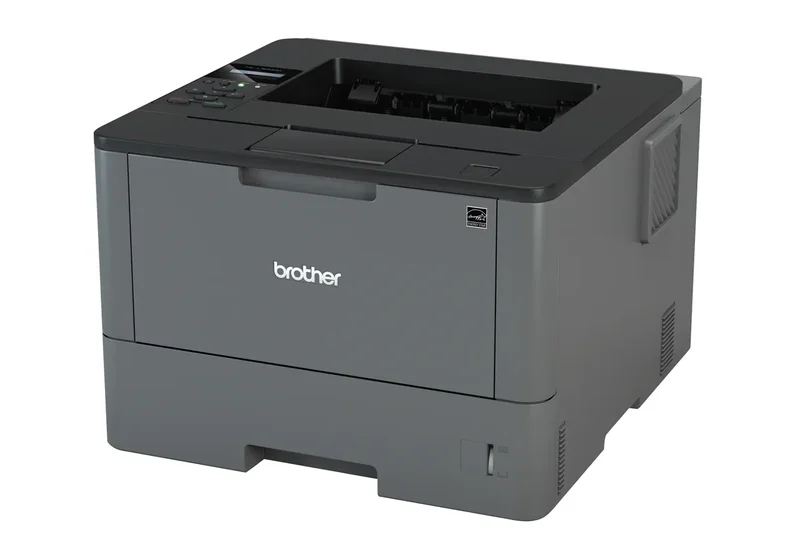
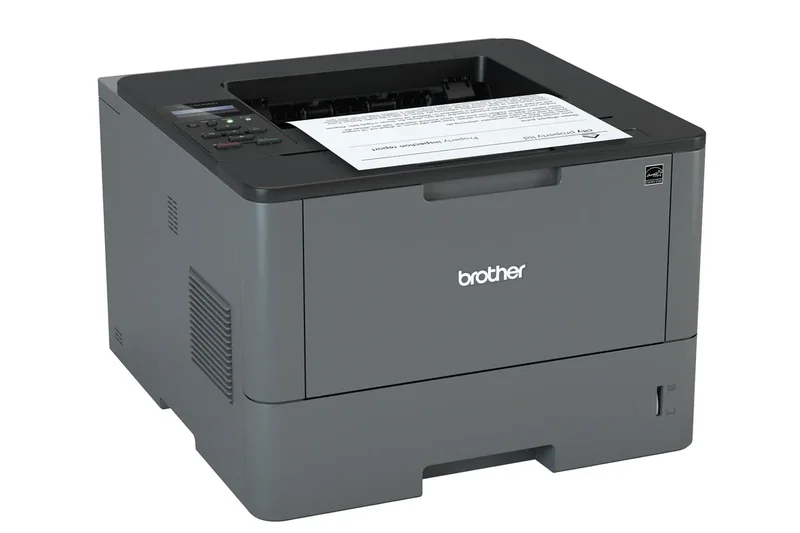
Why we picked it: Ranking 29th, the Brother HL-L5000D is a legacy-friendly 42 ppm monochrome printer featuring parallel and USB interfaces. Scoring a 9/10 in Speed, it is built for specialized industrial or legacy IT environments that require high-speed local printing and high-yield toner compatibility.
Key Specs
- 42 ppm print speed
- Parallel and USB interfaces
- High-yield toner compatible
- 250-sheet capacity
What we like
- Very fast 42 ppm output
- Supports legacy Parallel ports
- Low running costs
- Extremely durable
What we don't like
- No Wi-Fi or Ethernet
- Outdated design
Best for: Industrial settings and legacy IT networks that still require Parallel port connectivity.
Considering the Brother HL-L5000D vs the Lexmark MS431dn? The Lexmark is cheaper and smaller, but the Brother is essential if you need a Parallel port.
A highly specialized, high-speed monochrome printer built for legacy industrial environments.
Buy at Brother official site#30 Lexmark CX331adwe
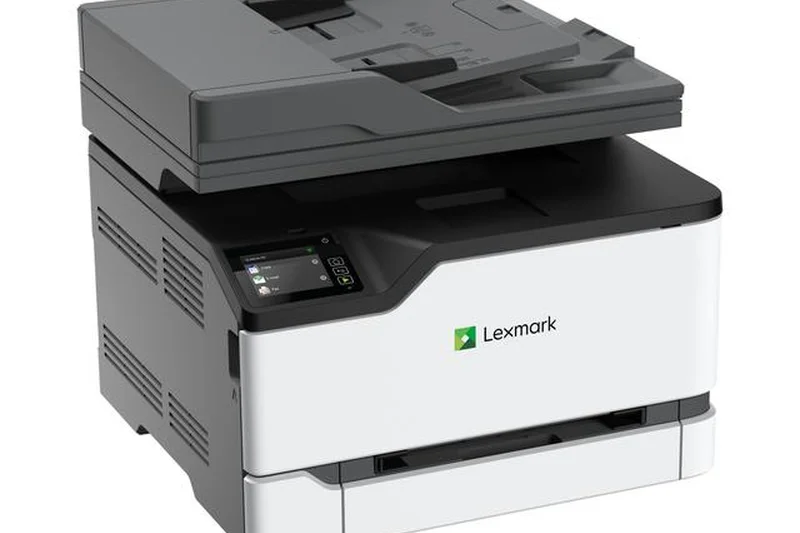
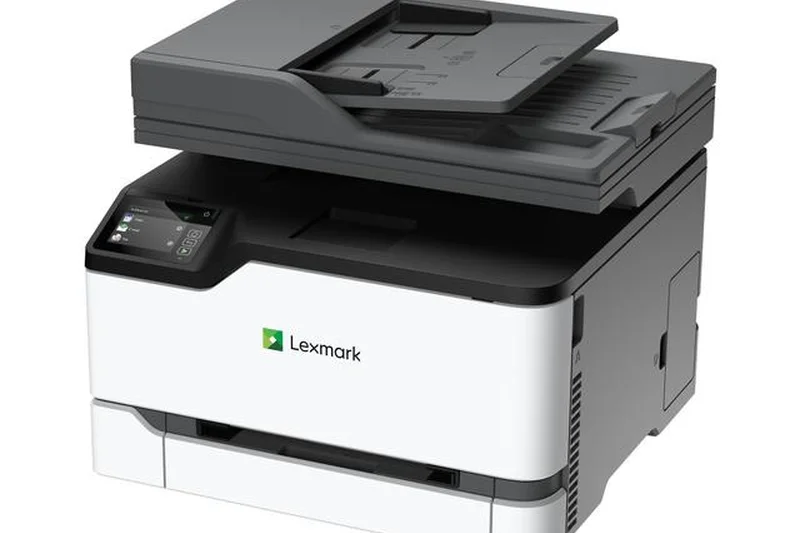
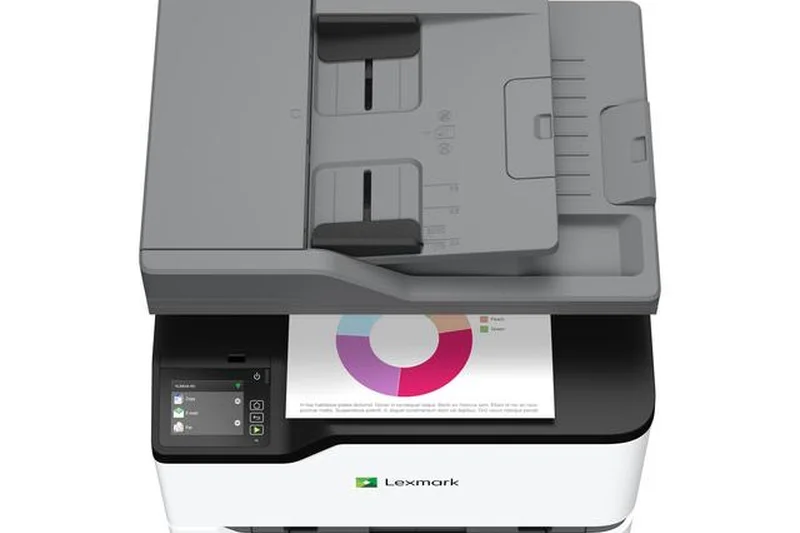
Why we picked it: The Lexmark CX331adwe takes the 30th spot, offering 26 ppm color printing, a 2.8-inch touchscreen, and Lexmark's full-spectrum security. It is a compact, highly secure color MFP that fits well in financial or healthcare satellite offices prioritizing data safety.
Key Specs
- 26 ppm print speed
- Full-spectrum security
- 2.8-inch color touchscreen
- 250-sheet input tray
What we like
- Outstanding security features
- Compact color MFP design
- Helpful touchscreen
- Good print quality
What we don't like
- Slower 26 ppm speed
- Replacement toner is expensive
Best for: Healthcare and financial satellite offices that demand strict document security.
Considering the Lexmark CX331adwe vs the HP MFP 3301fdw? Both are 26 ppm, but Lexmark offers tighter enterprise security protocols.
A secure, compact color MFP tailored for environments handling sensitive data.
Buy at Lexmark official site#31 HP LaserJet M209dw
Why we picked it: At 31st, the HP LaserJet M209dw is an ultra-compact 30 ppm monochrome printer. Earning a 9/10 in Purchase Value, it is designed to fit on virtually any desk. With auto 2-sided printing and reliable 600x600 dpi text, it is an excellent personal document printer.
Key Specs
- 30 ppm print speed
- Ultra-compact design
- 20,000 page duty cycle
- 600x600 dpi
What we like
- Extremely small footprint
- Fast 30 ppm output
- Very affordable
- Includes auto 2-sided printing
What we don't like
- No scanner
- Cartridges are small
Best for: Students and remote workers with very limited desk space.
Considering the HP M209dw vs the Brother HL-L2350DW? Both are compact and cheap, but the Brother is slightly faster and has cheaper toner.
An ultra-compact, surprisingly fast monochrome printer perfect for tight workspaces.
Buy at HP official site#32 Xerox C235
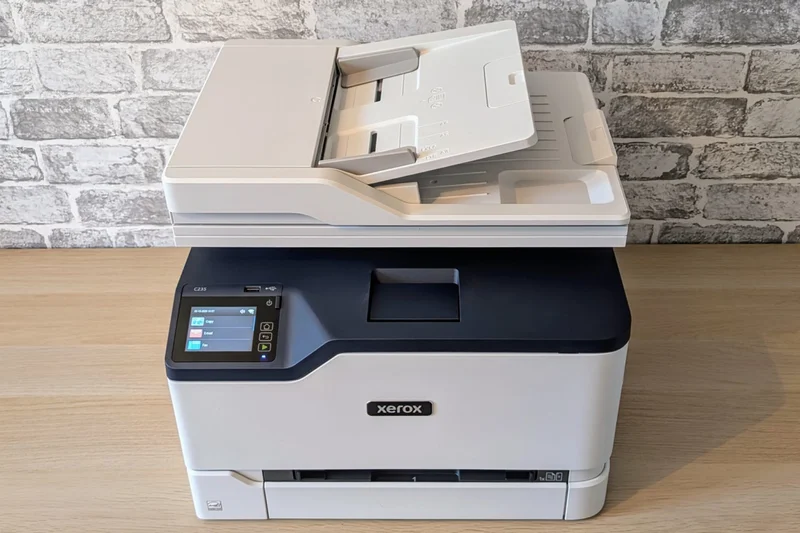
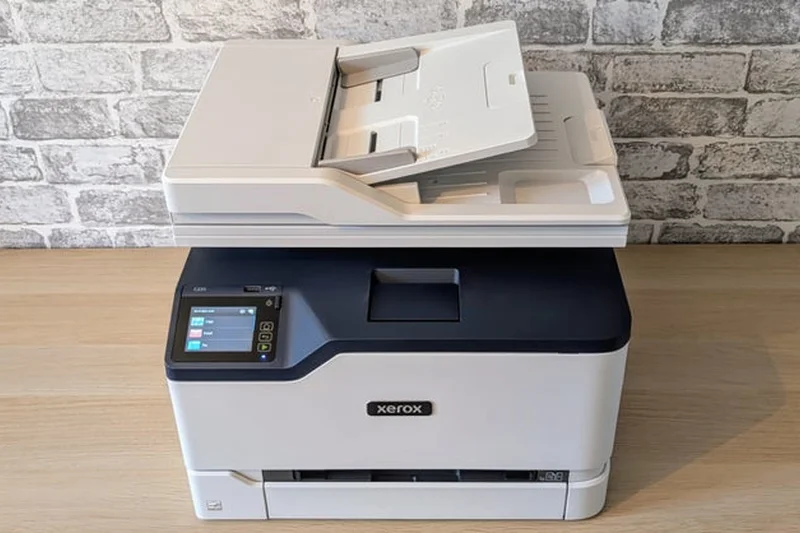
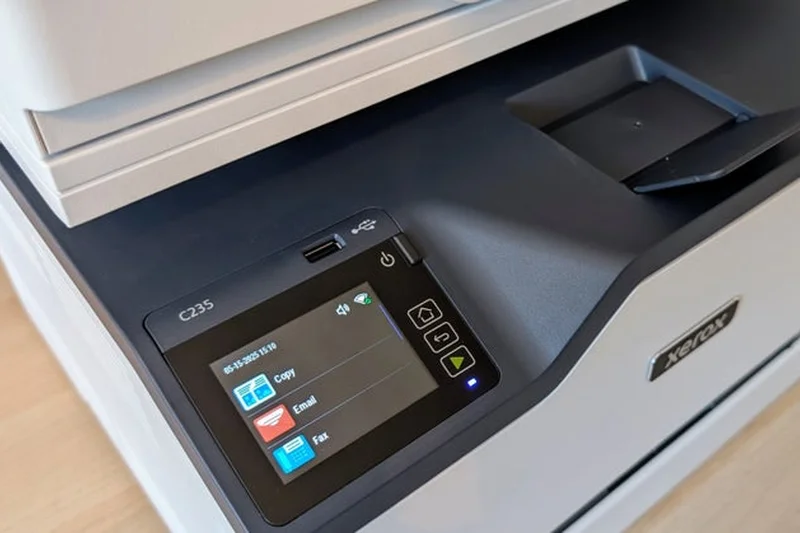
Why we picked it: Ranking 32nd, the Xerox C235 is an entry-level color MFP printing at 24 ppm. It includes a 50-sheet ADF and comprehensive security features. It serves as an affordable gateway to Xerox's color printing ecosystem for small, low-volume offices.
Key Specs
- 24 ppm print speed
- 50-sheet ADF
- Comprehensive security
- 2.4-inch touchscreen
What we like
- Affordable color MFP
- Good security features
- Includes a 50-sheet ADF
- Compact for a Xerox
What we don't like
- Slow 24 ppm speed
- High cost per page
Best for: Small offices that want Xerox color quality but don't print in high volumes.
Considering the Xerox C235 vs the Canon MF665Cdw? The Canon offers a much better touchscreen and single-pass scanning, though it costs a bit more.
A secure, entry-level color MFP that gets the job done for low-volume users.
Buy at Xerox official site#33 Brother MFC-L3720CDW
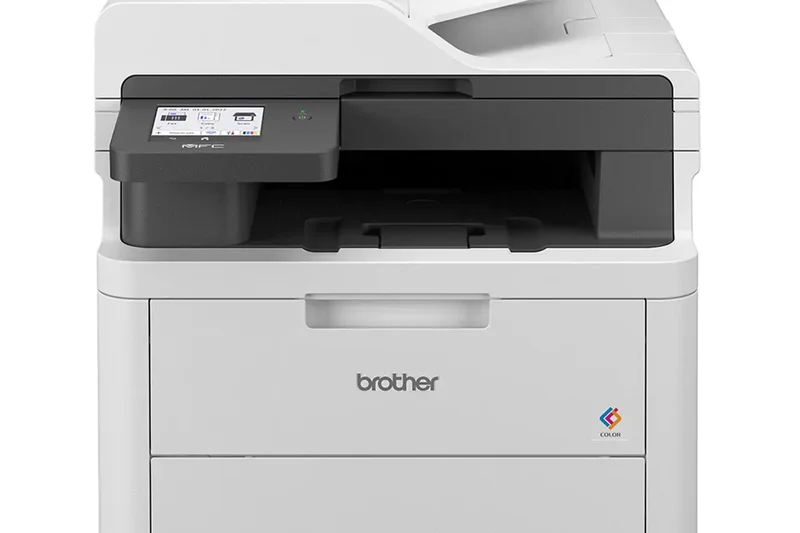
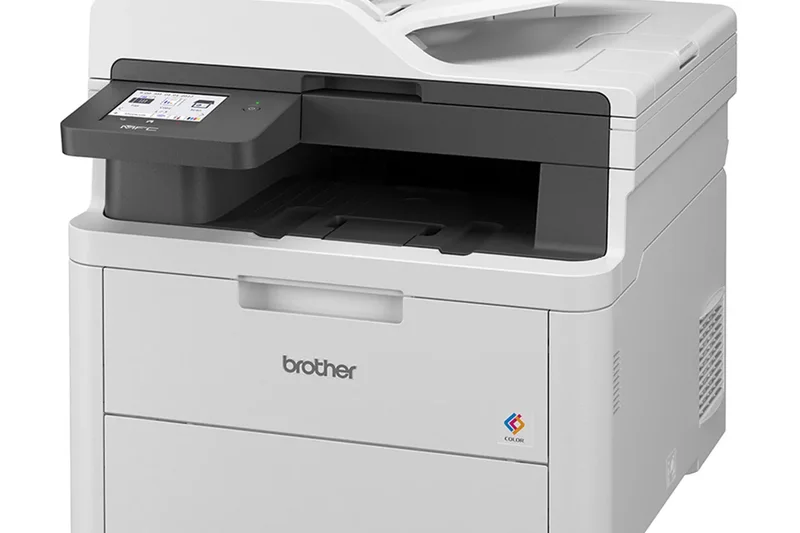
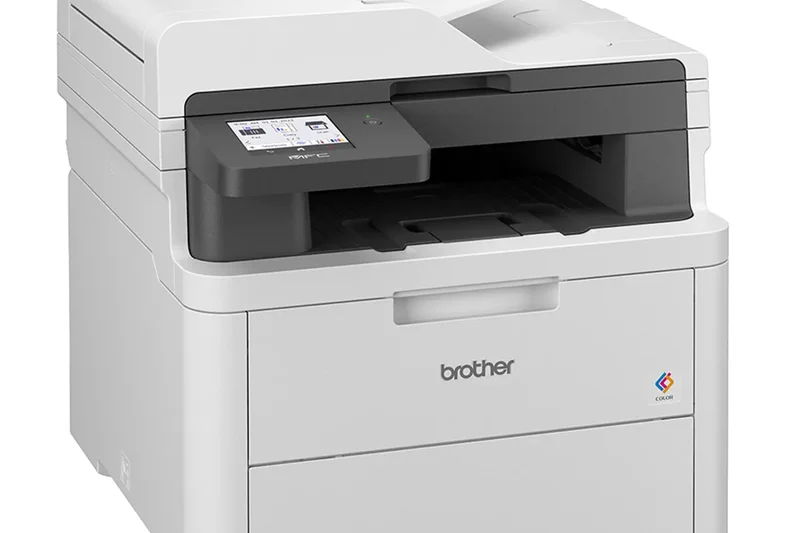
Why we picked it: The Brother MFC-L3720CDW ranks 33rd, offering 19 ppm color printing and a 3.5-inch touchscreen. While its speed is entry-level, it provides full MFP functionalities including a 50-sheet ADF, making it a viable budget-friendly color option for home users.
Key Specs
- 19 ppm print speed
- 3.5-inch touchscreen
- 50-sheet ADF
- 250-sheet capacity
What we like
- Affordable color MFP
- Helpful 3.5-inch touchscreen
- Includes a 50-sheet ADF
- Reliable paper handling
What we don't like
- Very slow 19 ppm speed
- Color running costs add up
Best for: Home users who need an affordable all-in-one but don't mind slower print speeds.
Considering the Brother MFC-L3720CDW vs the Brother MFC-L3780CDW? The L3780 is much faster (31 ppm) and has single-pass scanning, making it a better choice if you can afford it.
A budget-friendly color all-in-one designed for unhurried home office environments.
Buy at Brother official site#34 Brother HL-L3220CDW
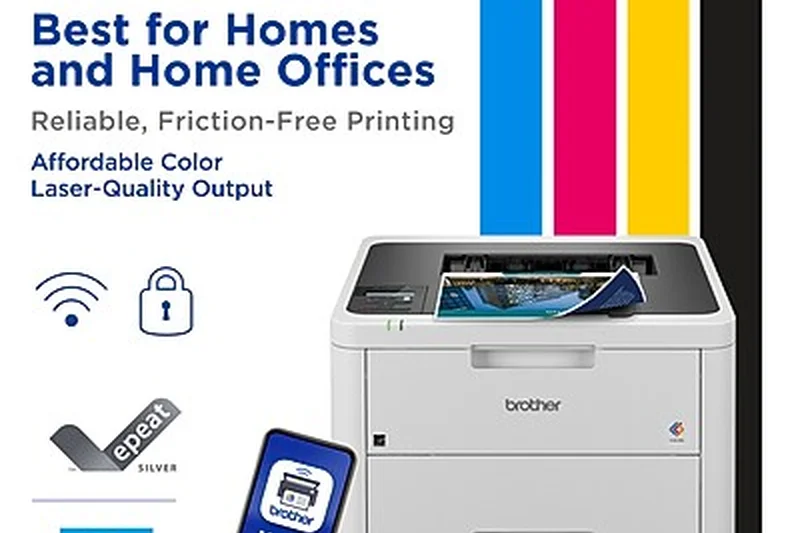
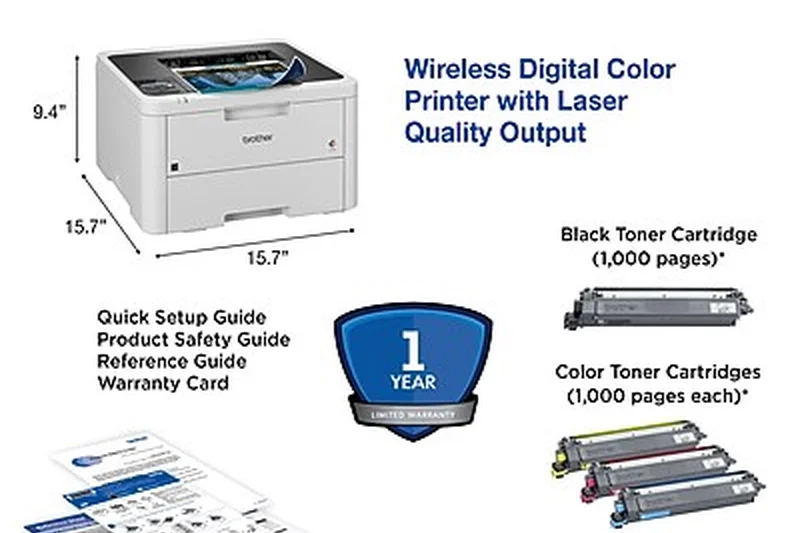
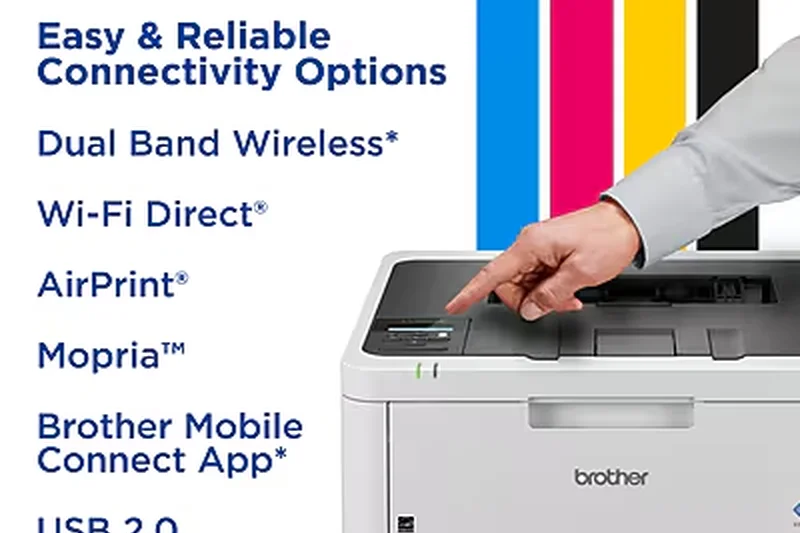
Why we picked it: At 34th, the Brother HL-L3220CDW is a compact 19 ppm color printer featuring dual-band Wi-Fi and 2400x600 dpi resolution. It is best suited for home offices that occasionally require sharp color charts but do not need fast throughput or scanning capabilities.
Key Specs
- 19 ppm print speed
- Dual band Wi-Fi
- 2400x600 dpi
- Compact footprint
What we like
- Crisp 2400x600 dpi color
- Stable dual-band Wi-Fi
- Compact size
- Affordable initial price
What we don't like
- Slow 19 ppm speed
- No scanning or copying
Best for: Home users who occasionally print sharp color graphics but lack the space for an MFP.
Considering the Brother HL-L3220CDW vs the HP Color LaserJet 3201dw? The HP is significantly faster at 26 ppm and handles higher volumes.
An affordable, compact standalone color printer for occasional home office use.
Buy at Brother official site#35 Canon imageCLASS MF3010
Why we picked it: Rounding out the list at 35th is the Canon imageCLASS MF3010. This ultra-compact monochrome MFP prints at 19 ppm and features an 8-second first-print time. With its extremely small footprint and basic flatbed scanner, it is ideal for dorm rooms or tiny desk setups requiring basic, occasional text printing.
Key Specs
- 19 ppm print speed
- Ultra-compact footprint
- First print in 8s
- 150-sheet paper input
What we like
- Extremely compact
- Very affordable
- Fast first page out
- Includes a flatbed scanner
What we don't like
- Slow 19 ppm overall speed
- No Wi-Fi (USB only)
Best for: College students and users with tiny desks who need a basic, wired monochrome printer/scanner.
Considering the Canon MF3010 vs the Brother HL-L2350DW? The Brother is much faster and has Wi-Fi, but the Canon includes a built-in scanner.
A bare-bones, wired monochrome all-in-one designed to fit in the tightest possible spaces.
Buy at Canon official siteBuying Guide
Understanding Your User Profile
Before purchasing a laser printer, it is crucial to accurately assess your daily printing habits. Home Office Users generally require reliable, low-maintenance machines capable of printing a few dozen text pages per week. For these users, a budget monochrome printer offers the best return on investment. Small-to-Medium Businesses (SMBs) need multifunction devices that balance speed, network connectivity, and scanning capabilities. High-Volume and Enterprise Teams should prioritize duty cycles, multi-tray paper handling, and ultra-high-yield toner options, where the upfront cost is quickly offset by a low cost-per-page.
Color vs. Monochrome
Color laser printers are superb for marketing materials, client-facing pitch decks, and internal reports with charts. However, they require four separate toner cartridges (cyan, magenta, yellow, and black), making them larger, more expensive to purchase, and costlier to maintain. If your business primarily prints invoices, shipping labels, and text-heavy contracts, a monochrome laser printer will save you a substantial amount of money over its lifespan.
Budget Tiers
- Entry-Level ($150 - $250): In this range, you will find compact monochrome printers and basic multifunction devices. Expect print speeds around 20-30 ppm and standard Wi-Fi connectivity. Starter toner cartridges are usually included but have a low page yield.
- Mid-Range ($300 - $600): This tier introduces high-speed monochrome models (up to 50 ppm) and competent color multifunction printers. You can expect features like automatic dual-sided scanning (single-pass duplex), larger touchscreens, Gigabit Ethernet, and support for high-yield toner.
- Premium & Enterprise ($700+): At the top end, printers offer tablet-like interfaces, advanced enterprise security (like Xerox ConnectKey or HP Wolf Security), massive paper capacities, and the lowest possible running costs. These are built for continuous use by dozens of employees.
What to Avoid
When shopping for a laser printer, avoid models that do not offer high-yield or ultra-high-yield replacement toner cartridges. A printer with a cheap purchase price often masks an exorbitant cost-per-page. Additionally, beware of printers lacking automatic duplexing (two-sided printing); it is a standard feature in 2026, and omitting it leads to unnecessary paper waste. Finally, avoid relying solely on USB connections for modern office environments; ensure your printer supports robust dual-band Wi-Fi or Gigabit Ethernet for seamless network sharing.
FAQ
What is the difference between an inkjet and a laser printer?
Laser printers use a dry plastic powder called toner, which is melted onto the paper using a heated fuser. Inkjet printers spray microscopic droplets of liquid ink. Because of this, laser printers are generally much faster and produce sharper text, while inkjets are better suited for printing high-resolution, glossy photos.
Are laser printers better for home use?
Yes, especially if you print infrequently. Because toner is a dry powder, it cannot dry out or clog the print heads like liquid ink often does after weeks of inactivity. This makes a home laser printer highly reliable, even if you only print a few pages a month.
What is a good print speed for a business laser printer?
For a home office or very small business, 25 to 35 pages per minute (ppm) is excellent. For a busy office with multiple users queuing documents simultaneously, you should look for a printer that operates at 40 to 50+ ppm to prevent bottlenecks.
Do laser printers print good quality color photos?
Color laser printers excel at printing crisp text, vibrant charts, and high-quality marketing graphics on standard paper. However, they are not designed for printing glossy, gallery-quality photographs. If photo printing is your primary goal, a specialized photo inkjet is the better choice.
How do I calculate the cost per page (CPP) for a laser printer?
You calculate the cost per page by dividing the price of the replacement toner cartridge by its estimated page yield. For example, a $100 cartridge that yields 5,000 pages has a CPP of 2 cents. Always factor in the CPP before buying, as cheap printers often have very expensive toner.
Is a monochrome laser printer enough for my small business?
If your business primarily prints text-heavy documents like invoices, contracts, shipping labels, and internal memos, a monochrome printer is highly recommended. It will save you a substantial amount of money on both the initial hardware purchase and the long-term running costs.
What does "duty cycle" mean when buying a printer?
The duty cycle represents the absolute maximum number of pages a printer can process in a single month without sustaining hardware damage. However, you should look at the "recommended monthly volume" for an accurate picture of what the printer is designed to handle comfortably day-to-day.
Why do I need automatic duplexing?
Automatic duplexing is the printer's ability to print on both sides of a sheet of paper without you manually flipping it. This feature saves time and can instantly cut your office paper consumption (and costs) in half.
Are third-party toner cartridges safe to use?
While third-party compatible cartridges can offer significant upfront savings, they vary wildly in quality. Poorly manufactured toner can cause streaking, leak powder into the printer mechanisms, or void your warranty. For maximum reliability and print quality, OEM (original equipment manufacturer) toner is recommended.
Do laser printers dry out if not used often?
No. Unlike liquid ink, toner is a completely dry powder. You can leave a laser printer unplugged for months, and it will print perfectly the moment you turn it back on. This is one of the biggest advantages of laser technology.
How important is a single-pass document feeder (ADF)?
If your business scans or copies a lot of two-sided documents, a single-pass ADF is a game-changer. Instead of pulling the paper in, flipping it, and pulling it back through, it uses two scanning sensors to capture both sides of the page simultaneously, dramatically increasing speed and reducing jams.
How do I connect my laser printer to my smartphone or tablet?
Most modern laser printers connect to your local Wi-Fi network. Once connected, they natively support mobile protocols like Apple AirPrint for iOS devices and Mopria for Android devices, allowing you to print seamlessly without downloading specialized drivers.
What security features should an enterprise printer have?
Enterprise networks require printers with secure boot mechanisms, continuous firmware integrity validation, user authentication (like PIN codes or ID badges), and end-to-end data encryption. This prevents the printer from becoming an open backdoor for hackers to access the broader company network.
Should I buy a single-function printer or an all-in-one multifunction device?
If you already own a dedicated scanner and copier, or if the printer will be used in a warehouse solely for shipping labels, a single-function printer is cheaper and more durable. If you need to digitize documents, send faxes, or make copies, invest in a multifunction printer (MFP).
What is the lifespan of a typical business laser printer?
A well-maintained business laser printer typically lasts between 5 to 7 years. The lifespan depends heavily on whether you stay within the recommended monthly print volume and perform routine maintenance like replacing worn-out drum units and fusers.
Methodology
Our evaluation is driven by the M2 Multi-Dimensional Evaluation methodology, providing a holistic and mathematically sound ranking of the 35 laser printers on our shortlist. We do not rely on a single reviewer's subjective opinion; instead, we break down printer performance into seven distinct, quantifiable dimensions.
Scoring Framework and Weight Rationale
We assigned the highest weight to Print Speed & Volume Capacity (20%). In any active office, waiting for the printer is lost time. We analyzed pages-per-minute (PPM) and monthly duty cycles to determine actual throughput. Print Quality & Resolution (15%) was strictly evaluated on the crispness of text and the color accuracy of graphics. Connectivity & Smart Features (15%) accounted for the reliability of Wi-Fi, Ethernet, and cloud-printing standards like AirPrint and Mopria, alongside modern security protocols.
We dedicated 15% to Running Costs & Efficiency, calculating the long-term cost-per-page based on the largest available toner yields, as well as the Build Quality & Reliability (15%), factoring in physical durability, warranty terms, and historical jam rates. The remaining scores were split between Ease of Use & Paper Handling (10%) (touchscreen responsiveness, ADF capacity) and Initial Purchase Value (10%).
Scenario-Based Evaluation
Recognizing that a creative agency has vastly different needs than a home-based accountant, we recalculated our baseline scores against four specific user scenarios. For our Best Color Laser for Marketing profile, we shifted the weight of Print Quality to a dominant 40%. Conversely, the Best Budget Monochrome scenario heavily penalized expensive hardware, placing a 35% weight on Upfront Value. This dynamic scoring matrix ensures that our top picks directly address specific consumer pain points.
Data Sources
Our scoring algorithms are fed by a combination of manufacturer spec sheets, verified user reviews across major retail platforms (such as Amazon, Best Buy, and B&H Photo), and professional consensus from authoritative technology outlets. We aggregated data regarding toner yields, interface fluidity, and real-world network stability to construct a definitive, unbiased ranking of the 2026 printer market.
Sources & References
All factual claims, product specifications, prices, and images in this article are cited by number. Click any reference to jump to the list; click the link in each entry to visit the original source.
- [1]SelectionLogic. "M2 Multi-Dimensional Evaluation Framework." selectionlogic.org/en/methods/m2-multi-dimensional-evaluation/. Accessed Mar 2026.
- [2]SelectionLogic. "Laser Printer Buying Guide 2026." selectionlogic.org/en/guides/laser-printer-buying-guide/. Accessed Mar 2026.
- [3]Brother Official Site. "Brother MFC-L5915DW." brother-usa.com/products/mfcl5915dw. Accessed Mar 2026.
- [4]Xerox Official Site. "Xerox VersaLink C415/DN." xerox.com/en-us/office/multifunction-printers/versalink-c415. Accessed Mar 2026.
- [5]Brother Official Site. "Brother MFC-L8905CDW." brother-usa.com/products/mfcl8905cdw. Accessed Mar 2026.
- [6]Canon Official Site. "Canon imageCLASS MF465dw." usa.canon.com/shop/p/imageclass-mf465dw. Accessed Mar 2026.
- [7]Canon Official Site. "Canon imageCLASS MF753Cdw." usa.canon.com/shop/p/color-imageclass-mf753cdw. Accessed Mar 2026.
- [8]Brother Official Site. "Brother MFC-L2750DW." brother-usa.com/products/mfcl2750dw. Accessed Mar 2026.
- [9]HP Official Site. "HP Color LaserJet Enterprise MFP M480f." hp.com/us-en/shop/pdp/hp-color-laserjet-enterprise-mfp-m480f. Accessed Mar 2026.
- [10]Canon Official Site. "Canon imageCLASS LBP246dw." usa.canon.com/shop/p/imageclass-lbp246dw. Accessed Mar 2026.
- [11]HP Official Site. "HP LaserJet Pro M404dn." hp.com/us-en/shop/pdp/hp-laserjet-pro-m404dn. Accessed Mar 2026.
- [12]HP Official Site. "HP LaserJet Pro MFP 4101fdw." hp.com/us-en/shop/pdp/hp-laserjet-pro-mfp-4101fdw-printer. Accessed Mar 2026.
- [13]Lexmark Official Site. "Lexmark MS431dn." lexmark.com/en_us/printer/14389/Lexmark-MS431dn. Accessed Mar 2026.
- [14]HP Official Site. "HP LaserJet Pro 4002dw." hp.com/us-en/shop/pdp/hp-laserjet-pro-4002dw-printer. Accessed Mar 2026.
- [15]Brother Official Site. "Brother MFC-L2900DW XL." brother-usa.com/products/mfcl2900dwxl. Accessed Mar 2026.
- [16]Canon Official Site. "Canon imageCLASS LBP674Cdw." usa.canon.com/shop/p/color-imageclass-lbp674cdw. Accessed Mar 2026.
- [17]HP Official Site. "HP Color LaserJet Pro MFP 4301fdw." hp.com/us-en/shop/pdp/hp-color-laserjet-pro-mfp-4301fdw-printer. Accessed Mar 2026.
- [18]HP Official Site. "HP Color LaserJet Pro MFP 3301fdw." hp.com/us-en/shop/pdp/hp-color-laserjet-pro-mfp-3301fdw-wireless-printer. Accessed Mar 2026.
- [19]HP Official Site. "HP Color LaserJet Pro 4201dw." hp.com/us-en/shop/pdp/hp-color-laserjet-pro-4201dw-printer. Accessed Mar 2026.
- [20]Brother Official Site. "Brother MFC-L3780CDW." brother-usa.com/products/mfcl3780cdw. Accessed Mar 2026.
- [21]Canon Official Site. "Canon Color imageCLASS MF665Cdw." usa.canon.com/shop/p/color-imageclass-mf665cdw. Accessed Mar 2026.
- [22]Brother Official Site. "Brother HL-L2350DW." brother-usa.com/products/hll2350dw. Accessed Mar 2026.
- [23]Brother Official Site. "Brother MFC-L2820DW." brother-usa.com/products/mfcl2820dw. Accessed Mar 2026.
- [24]Brother Official Site. "Brother HL-L2460DW." brother-usa.com/products/hll2460dw. Accessed Mar 2026.
- [25]Lexmark Official Site. "Lexmark CX331adwe." lexmark.com/en_us/printer/14353/Lexmark-CX331adwe. Accessed Mar 2026.
- [26]PCMag. "The Best Laser Printers for 2026." pcmag.com/picks/the-best-laser-printers. Accessed Mar 2026.
- [27]CDW. "How to Choose the Best Laser Printer for You." cdw.com/content/cdw/en/articles/hardware/how-to-choose-best-laser-printer.html. Accessed Mar 2026.
- [28]Toner Giant. "Laser Printer Buying Guide." tonergiant.co.uk/blog/laser-printer-buying-guide/. Accessed Mar 2026.